Customer Ratings & Reviews
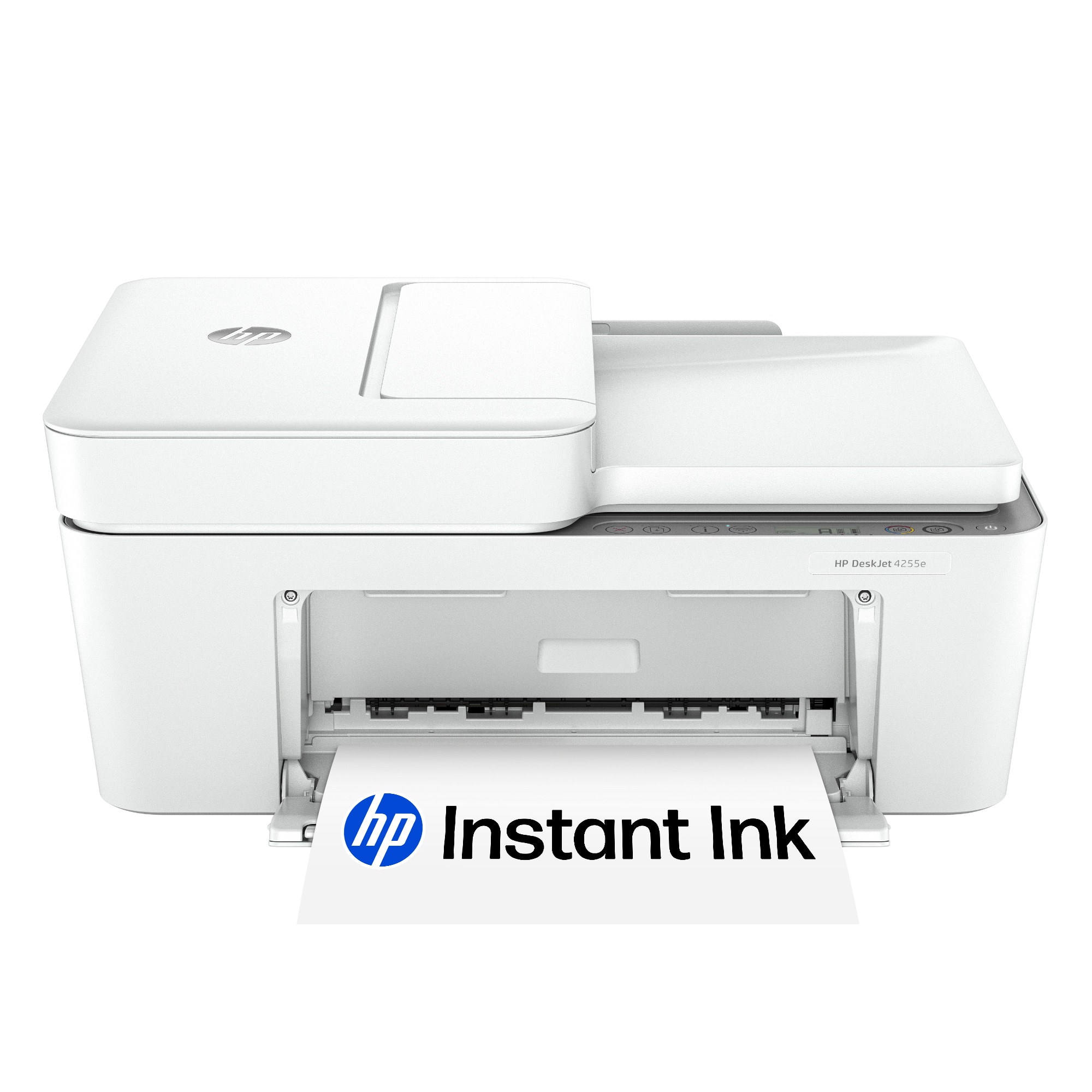

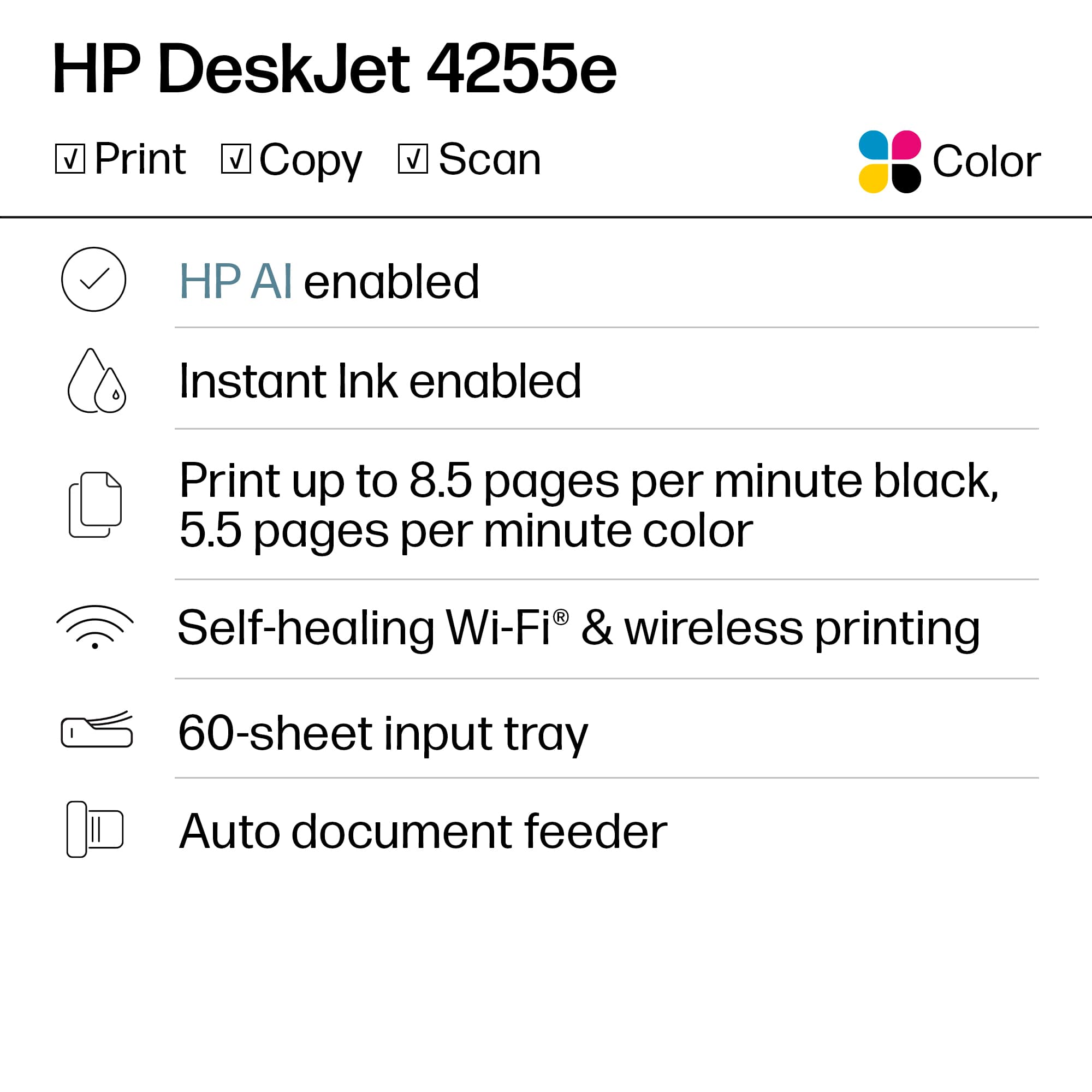
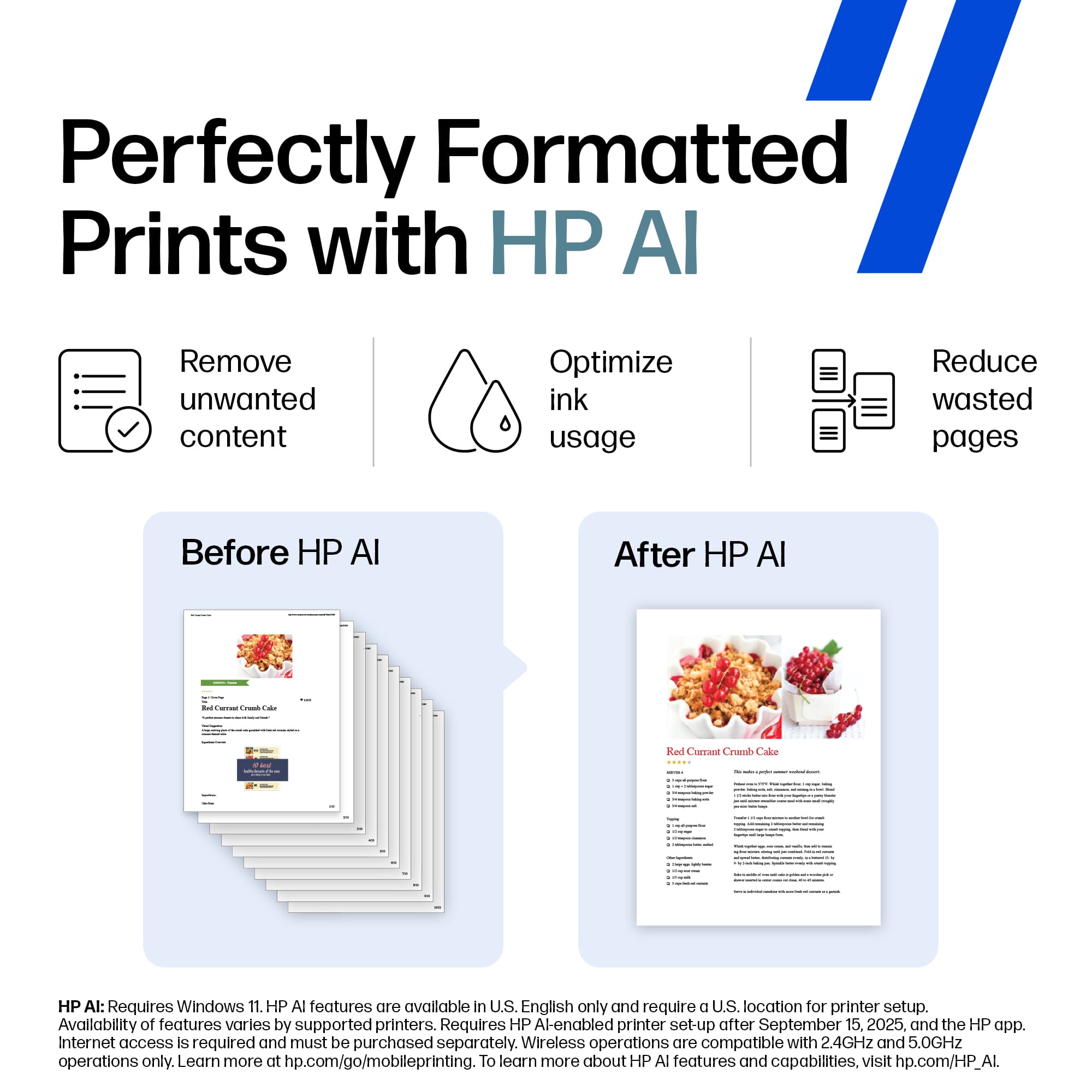
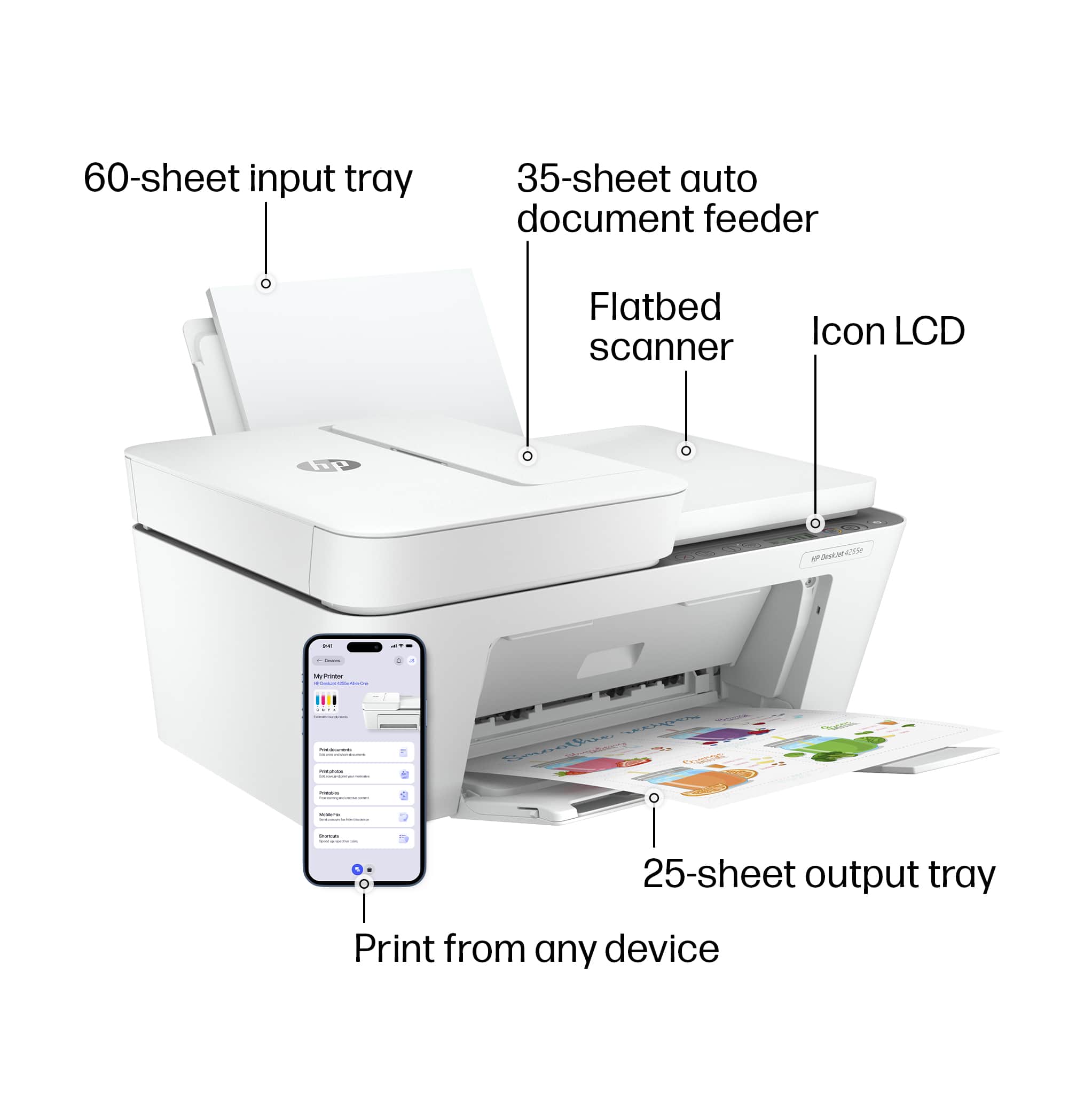
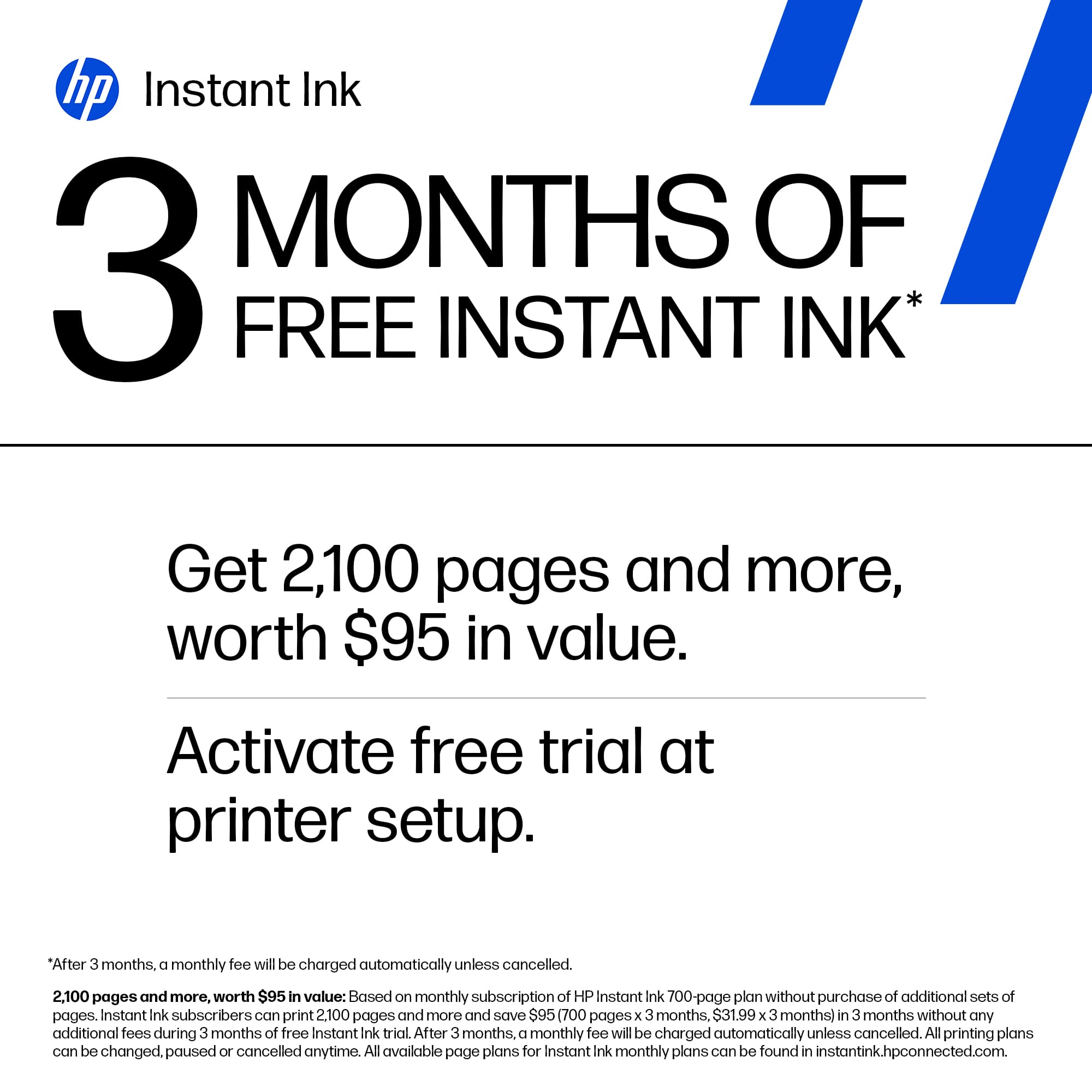
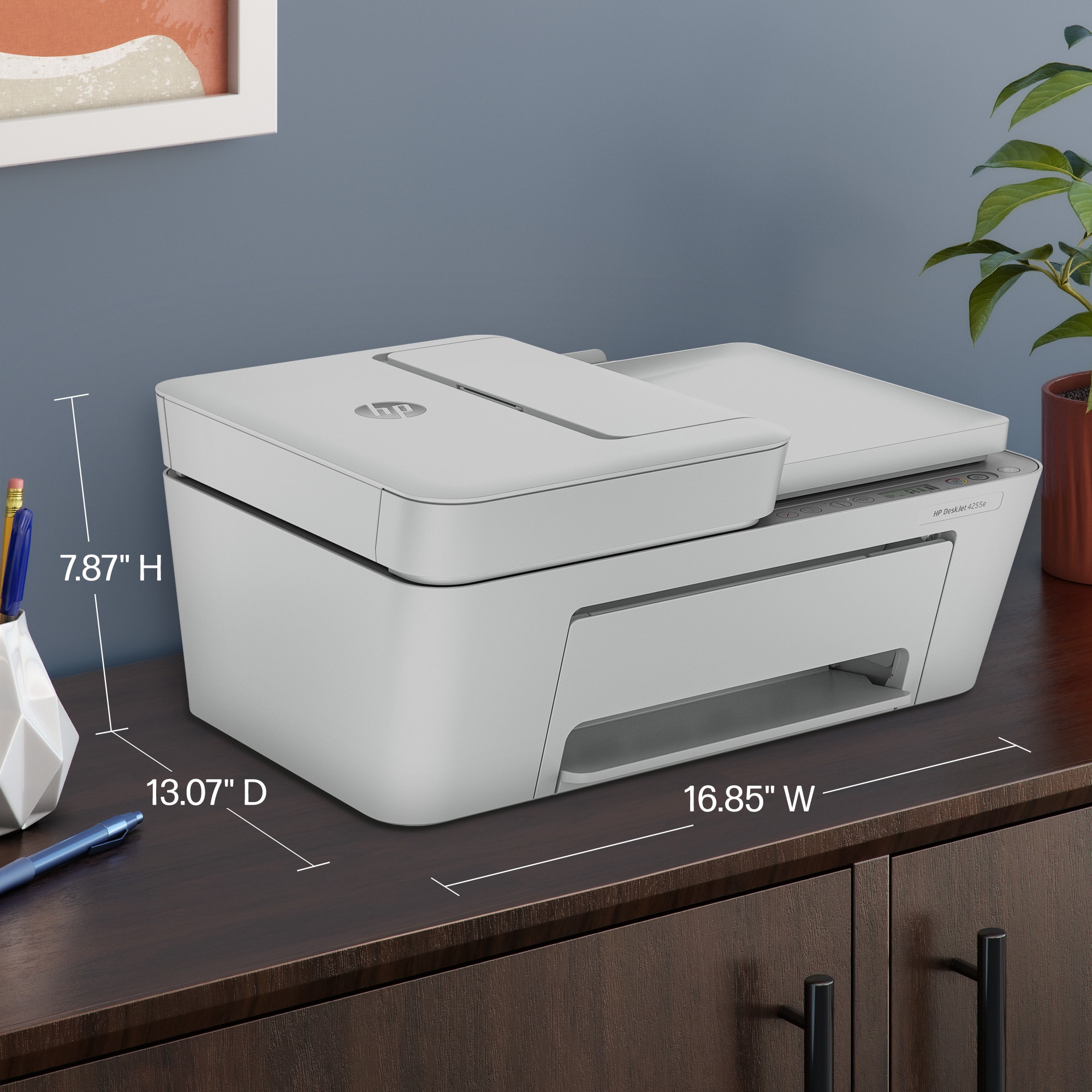
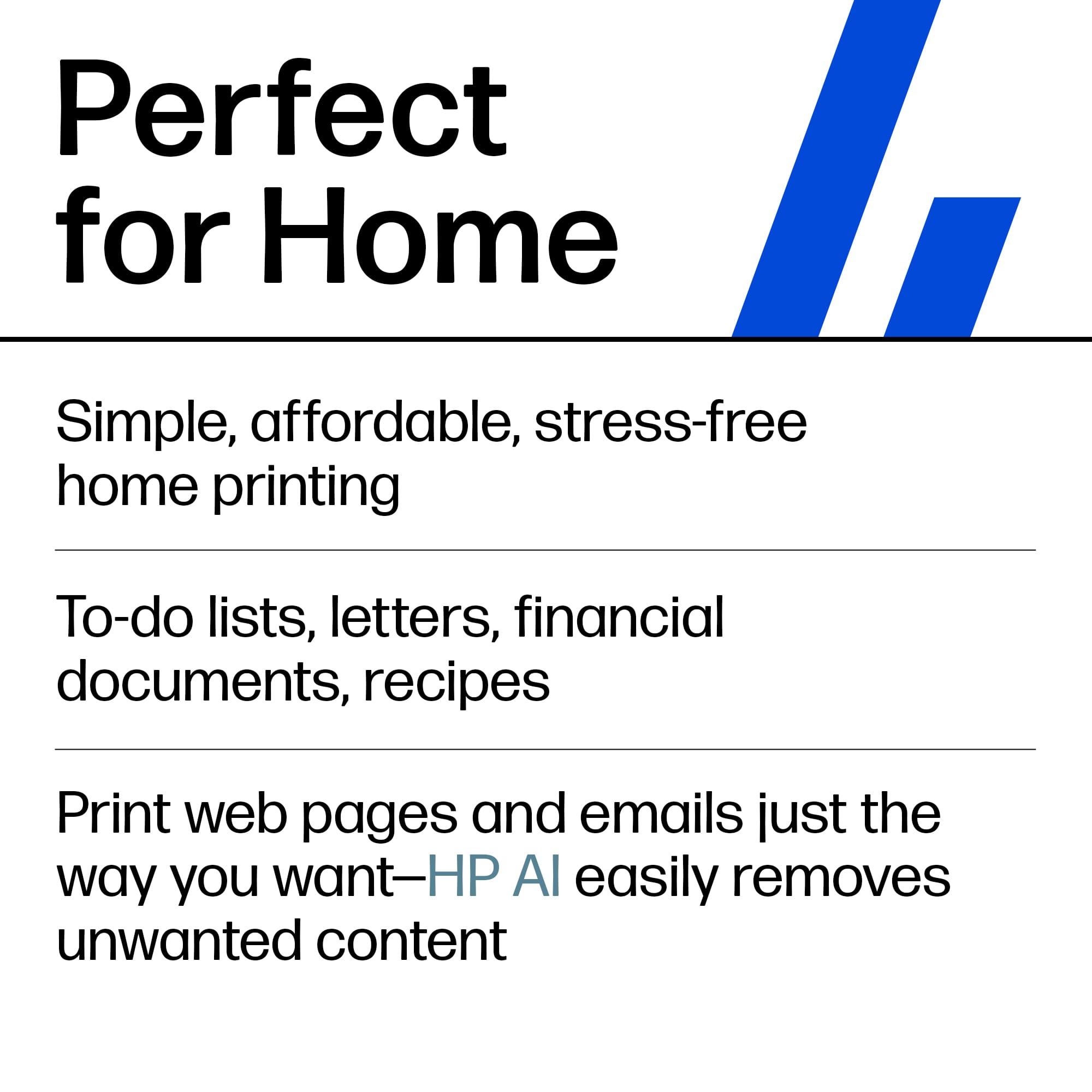
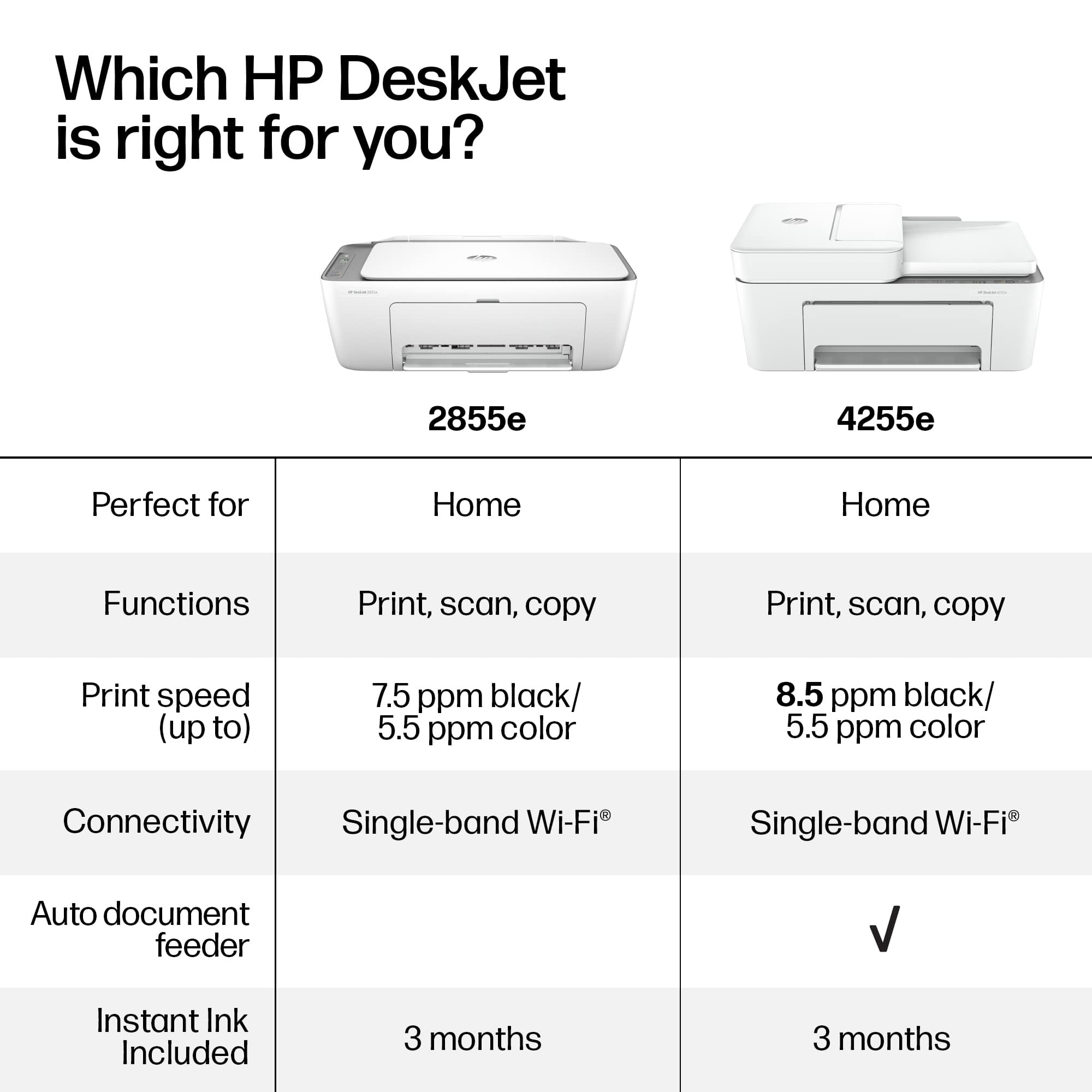
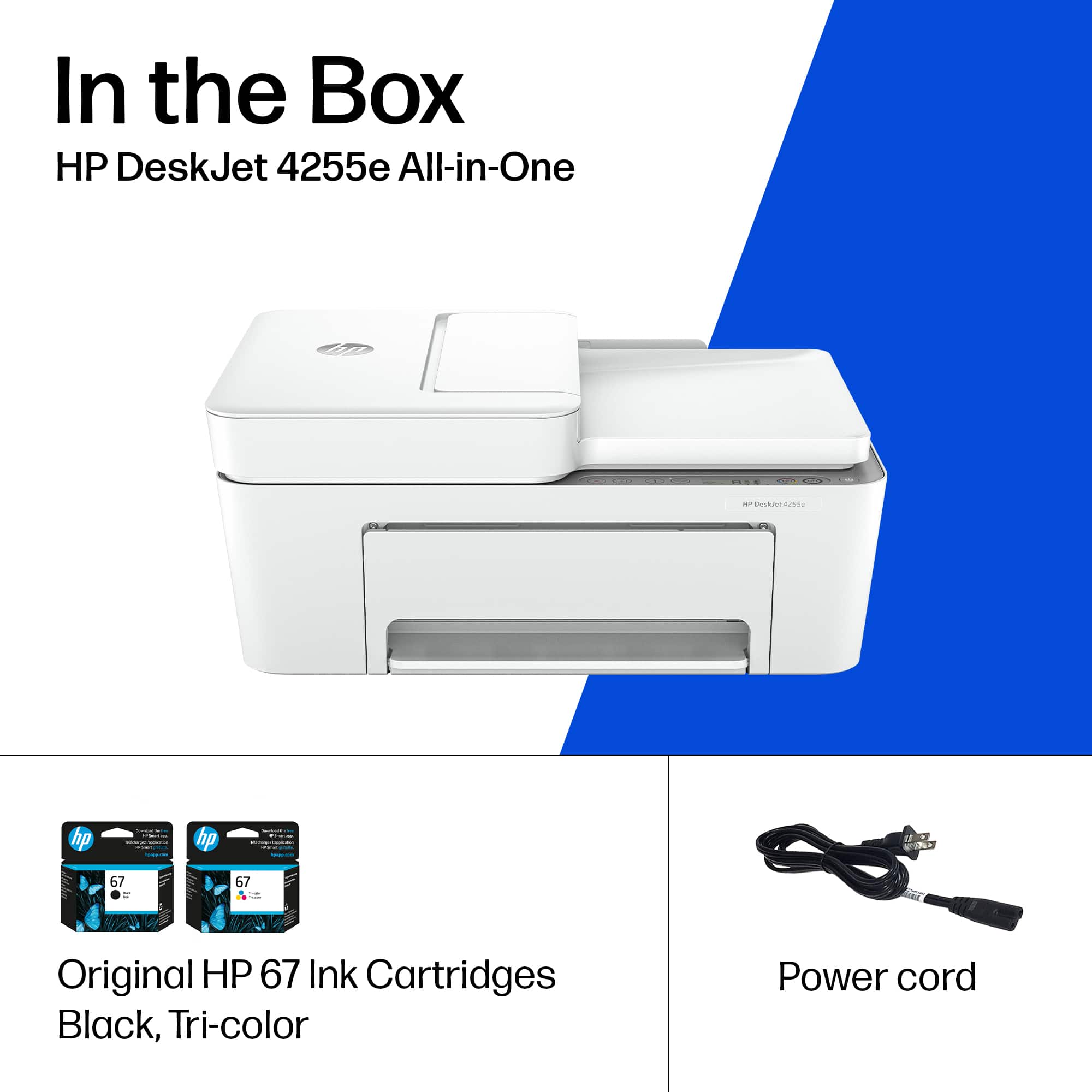

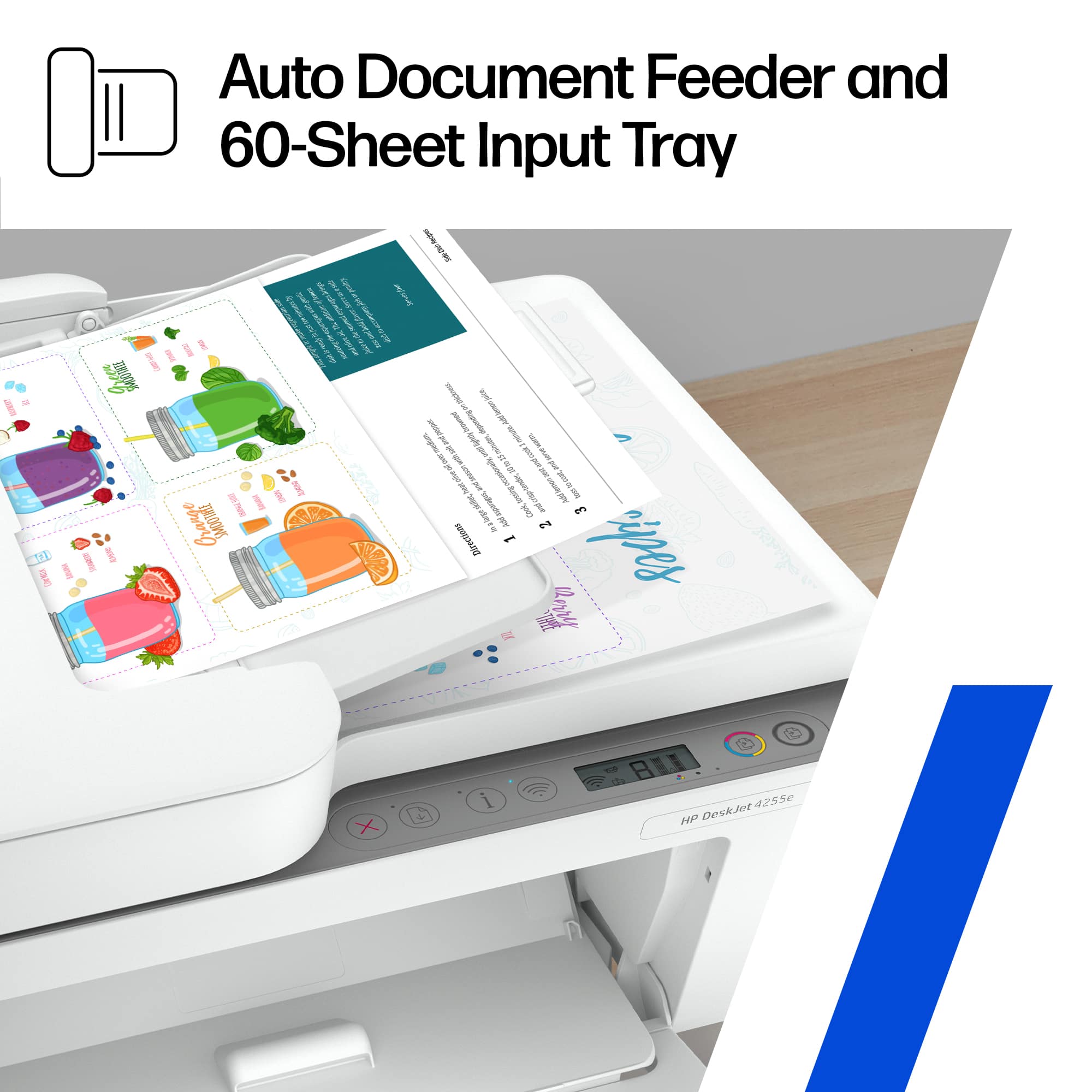
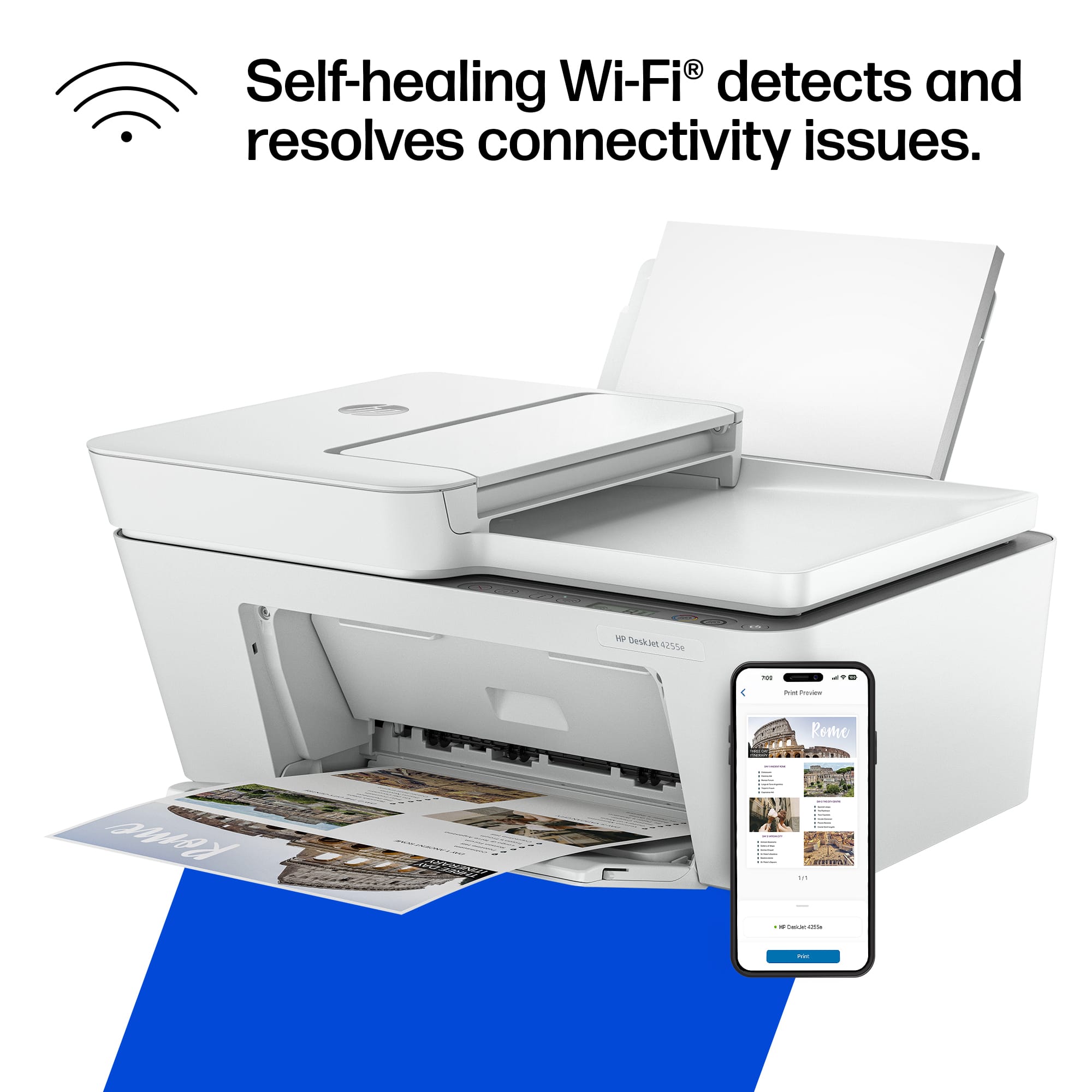




- Model:
- DJ 4255E/588S6A#B1H
- |
- SKU:
- 6575024
Customer reviews
Rating 4.3 out of 5 stars with 500 reviews
(500 customer reviews)Rating by feature
- Value4.4
Rating 4.4 out of 5 stars
- Quality4.3
Rating 4.3 out of 5 stars
- Ease of Use4.2
Rating 4.2 out of 5 stars
Customers are saying
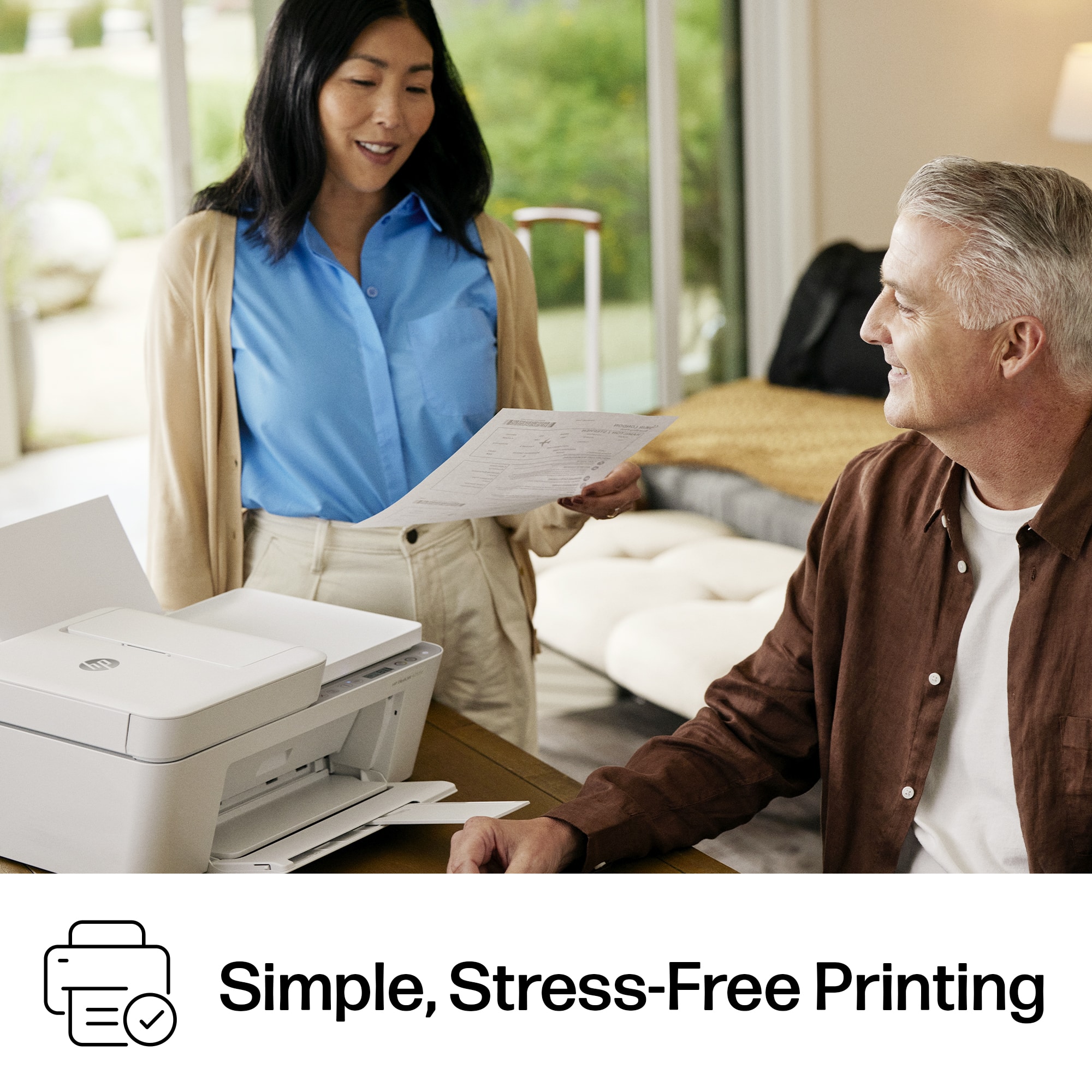
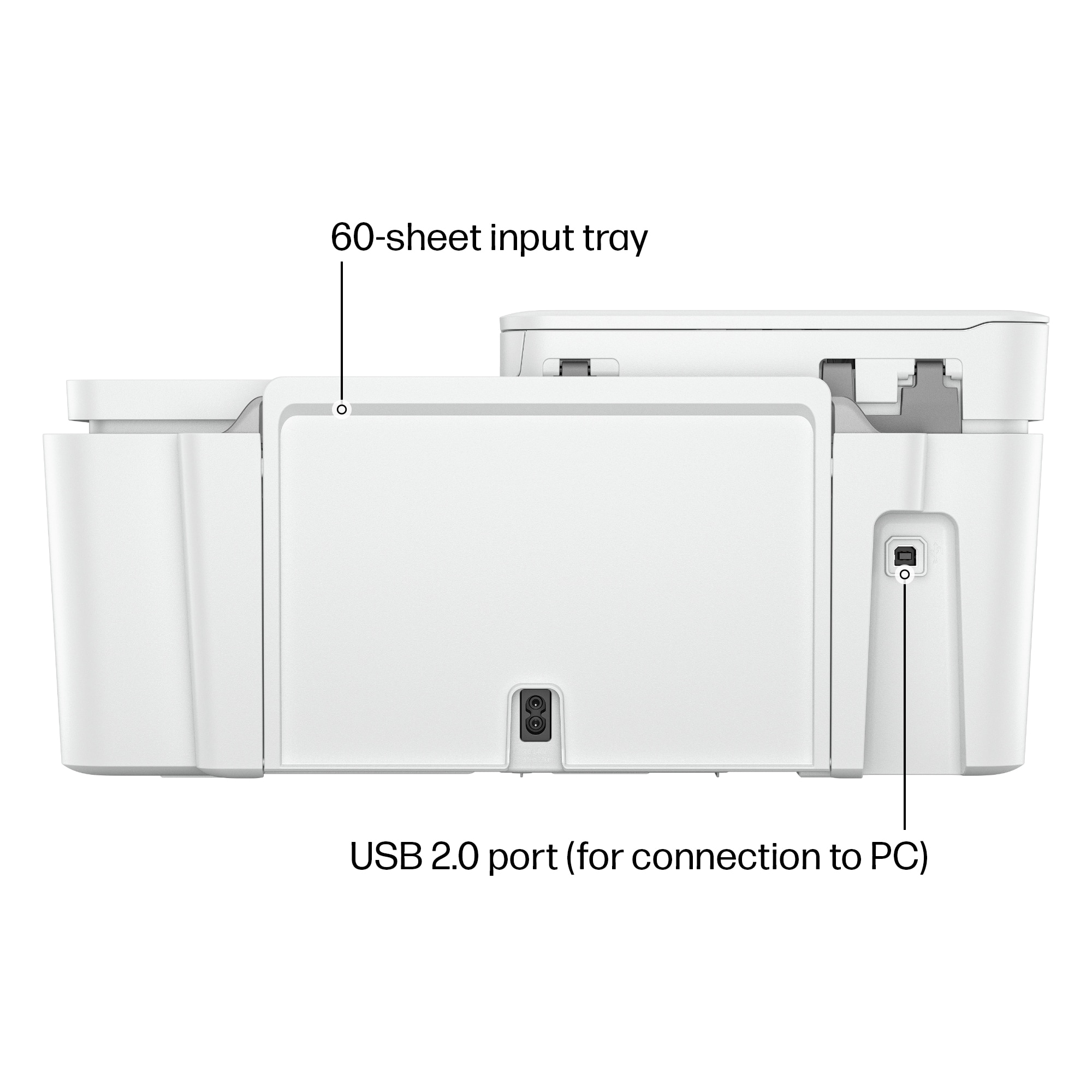
Customers find value in the DeskJet 4255e printer's overall performance and print quality, noting its ease of use and simple setup. The printer's connectivity and compact size are also appreciated. Its design and quiet operation are additional benefits for users.
This summary was generated by AI based on customer reviews.
Rated 5 out of 5 stars
none
||Posted . Owned for 3 weeks when reviewed.This reviewer received promo considerations or sweepstakes entry for writing a review.GREAT SERVICE What else do you people want I have stated your product and seervices aare wwonderful
I would recommend this to a friendRated 1 out of 5 stars
Don’t waste your money
||Posted . Owned for 1 year when reviewed.This reviewer received promo considerations or sweepstakes entry for writing a review.Not worth the trouble. Hp will control whatever ink you have in the printer and if you don’t buy the ink from them. They can shut your printer down!
No, I would not recommend this to a friendRated 5 out of 5 stars
Good
||Posted . Owned for 1 month when reviewed.This reviewer received promo considerations or sweepstakes entry for writing a review.It's a good buy, it's a good brand and it's not expensive.
I would recommend this to a friendRated 5 out of 5 stars
Excellent
||Posted . Owned for 1 month when reviewed.This reviewer received promo considerations or sweepstakes entry for writing a review.Excellent machine and easy to work. The clarity of the copies, I loved it
I would recommend this to a friendRated 4 out of 5 stars
Office
||Posted . Owned for 1 month when reviewed.This reviewer received promo considerations or sweepstakes entry for writing a review.Great buy I needed something quick, because the other one played out.
I would recommend this to a friendRated 5 out of 5 stars
Secretary
||Posted . Owned for 1 month when reviewed.This reviewer received promo considerations or sweepstakes entry for writing a review.Really like it. It’s easy to use. Good quality print
I would recommend this to a friendRated 5 out of 5 stars
Hp 4255 printer
||Posted .This reviewer received promo considerations or sweepstakes entry for writing a review.Product is made of super efficiency highly recommended to anyone
I would recommend this to a friendRated 5 out of 5 stars
Vivacious
||Posted . Owned for 3 weeks when reviewed.This reviewer received promo considerations or sweepstakes entry for writing a review.Fantastic copier and scanner. Excellent Choice and purchase.
I would recommend this to a friendRated 5 out of 5 stars
HP Printer
||Posted . Owned for 3 weeks when reviewed.This reviewer received promo considerations or sweepstakes entry for writing a review.The printer is all I had hoped for. It works great!!!
I would recommend this to a friendRated 5 out of 5 stars
Great printer!
||Posted . Owned for 3 months when reviewed.This reviewer received promo considerations or sweepstakes entry for writing a review.I absolutely love this printer. Never had a problem with jamming that I've had with past printers.
I would recommend this to a friendRated 5 out of 5 stars
Best WiFi printer on the market!
||Posted . Owned for 3 weeks when reviewed.This reviewer received promo considerations or sweepstakes entry for writing a review.Got this for a military event and it worked wonders for us! We were able to print everything using my iPad WiFi connection to it!!!
I would recommend this to a friendRated 1 out of 5 stars
Terrible printer
||Posted . Owned for 2 months when reviewed.This reviewer received promo considerations or sweepstakes entry for writing a review.So I bought this a couple of months ago and just pulled it out of the box a few weeks ago. The printer prints ink with no problem, but when I need to print a 1040 form off of the IRS website it takes about 5-10 minutes. This is ridiculous! I thought that getting something on sale was going to be a good buy, but nope I was wrong. Don't buy this printer. Also, the paper has to be put back into the printer when you need double-sided printing. Whyyyy???
No, I would not recommend this to a friendRated 1 out of 5 stars
It sucks
||Posted . Owned for 3 weeks when reviewed.This reviewer received promo considerations or sweepstakes entry for writing a review.I hate it. Doesn’t print anything from my phone. Have to sit for at least 30 minutes trying over and over for it to print. Prints super slow and misses pages. Worst printer I’ve ever had
No, I would not recommend this to a friendRated 3 out of 5 stars
Printer
||Posted . Owned for 1 month when reviewed.This reviewer received promo considerations or sweepstakes entry for writing a review.Don't use a printer often, but old one no longer worked. At this point, haven't tried to use this one.
I would recommend this to a friendRated 2 out of 5 stars
Not as expected
||Posted . Owned for 1 month when reviewed.This reviewer received promo considerations or sweepstakes entry for writing a review.This printer is disappointing. It is very slow and does not automatically print double-sided as previous printer.
No, I would not recommend this to a friendRated 1 out of 5 stars
Its a hassle
||Posted . Owned for 1 week when reviewed.This reviewer received promo considerations or sweepstakes entry for writing a review.It runs out of ink to quickly. And you cant use it without being in the hp app which is just inconvenient
No, I would not recommend this to a friendRated 5 out of 5 stars
Gifted
||Posted . Owned for 2 months when reviewed.This reviewer received promo considerations or sweepstakes entry for writing a review.Bought as gift for someone else. They had no issues with it since having it.
I would recommend this to a friendRated 5 out of 5 stars
Deskjet
||Posted . Owned for 1 month when reviewed.This reviewer received promo considerations or sweepstakes entry for writing a review.I use the printer and no problem. I had online some help with my 5 year old laptop.
I would recommend this to a friendRated 3 out of 5 stars
Printer
||Posted . Owned for 1 month when reviewed.This reviewer received promo considerations or sweepstakes entry for writing a review.Instructions were not great. I came close to returning it.
No, I would not recommend this to a friendRated 5 out of 5 stars
Affordable printer
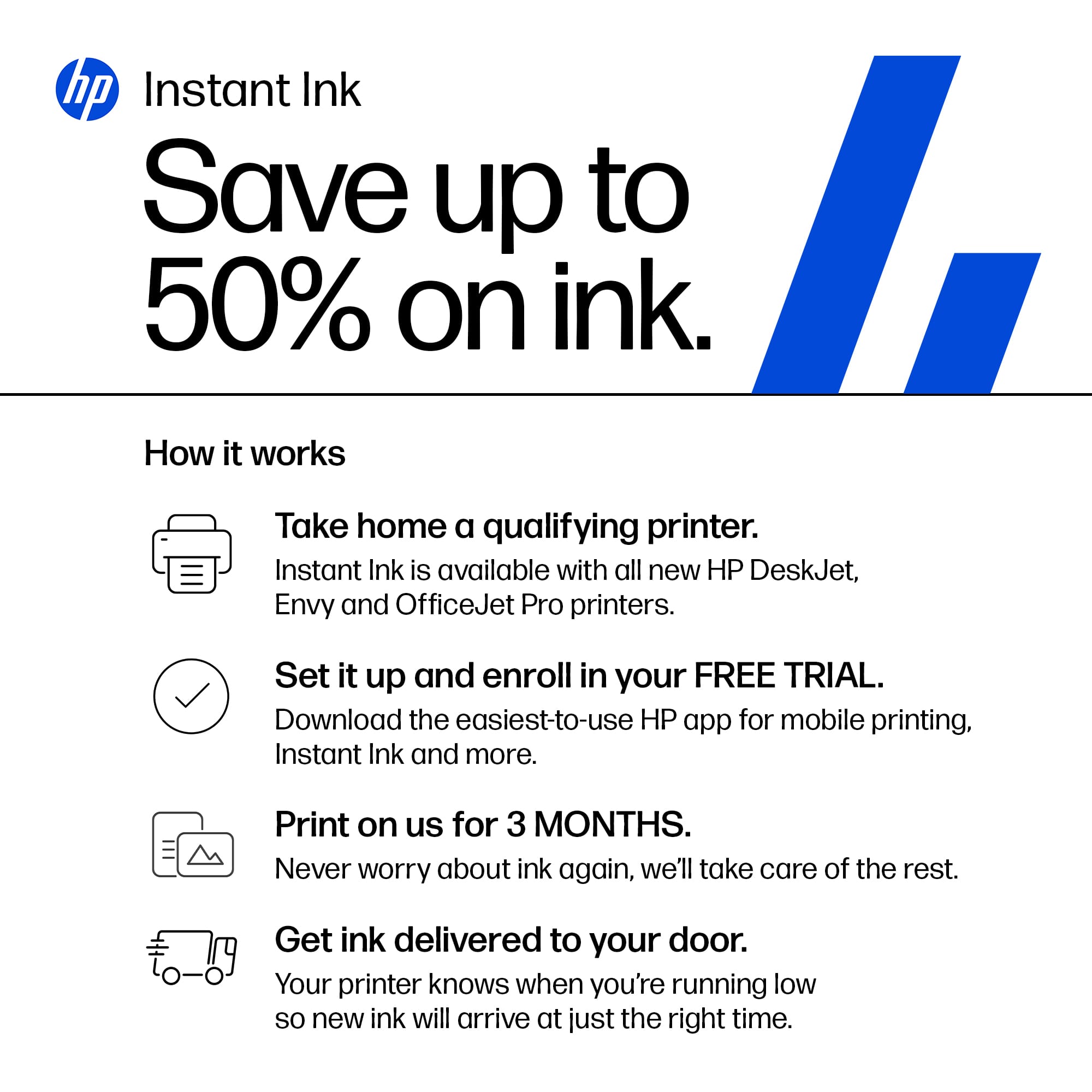
||Posted . Owned for 2 weeks when reviewed.This reviewer received promo considerations or sweepstakes entry for writing a review.Great price!! Has all the capabilities I need. I also like the ink delivery it offers.
I would recommend this to a friend
People also viewed
- $49.89Your price for this item is $49.89$89.89The comparable value for this item is $89.89
- $99.89Your price for this item is $99.89$159.89The comparable value for this item is $159.89
- $79.89Your price for this item is $79.89$149.89The comparable value for this item is $149.89
- $129.89Your price for this item is $129.89$179.89The comparable value for this item is $179.89
- $59.99Your price for this item is $59.99$62.99The comparable value for this item is $62.99
- $94.00Your price for this item is $94.00
- $99.99Your price for this item is $99.99
- $79.00Your price for this item is $79.00$140.00The comparable value for this item is $140.00
- $59.00Your price for this item is $59.00$107.00The comparable value for this item is $107.00
- $189.89Your price for this item is $189.89$259.89The comparable value for this item is $259.89
- $129.89Your price for this item is $129.89$219.89The comparable value for this item is $219.89
- $107.13Your price for this item is $107.13
- $159.89Your price for this item is $159.89$239.89The comparable value for this item is $239.89
- $99.99Your price for this item is $99.99$199.99The comparable value for this item is $199.99
- $119.00Your price for this item is $119.00$161.00The comparable value for this item is $161.00