Customer Ratings & Reviews
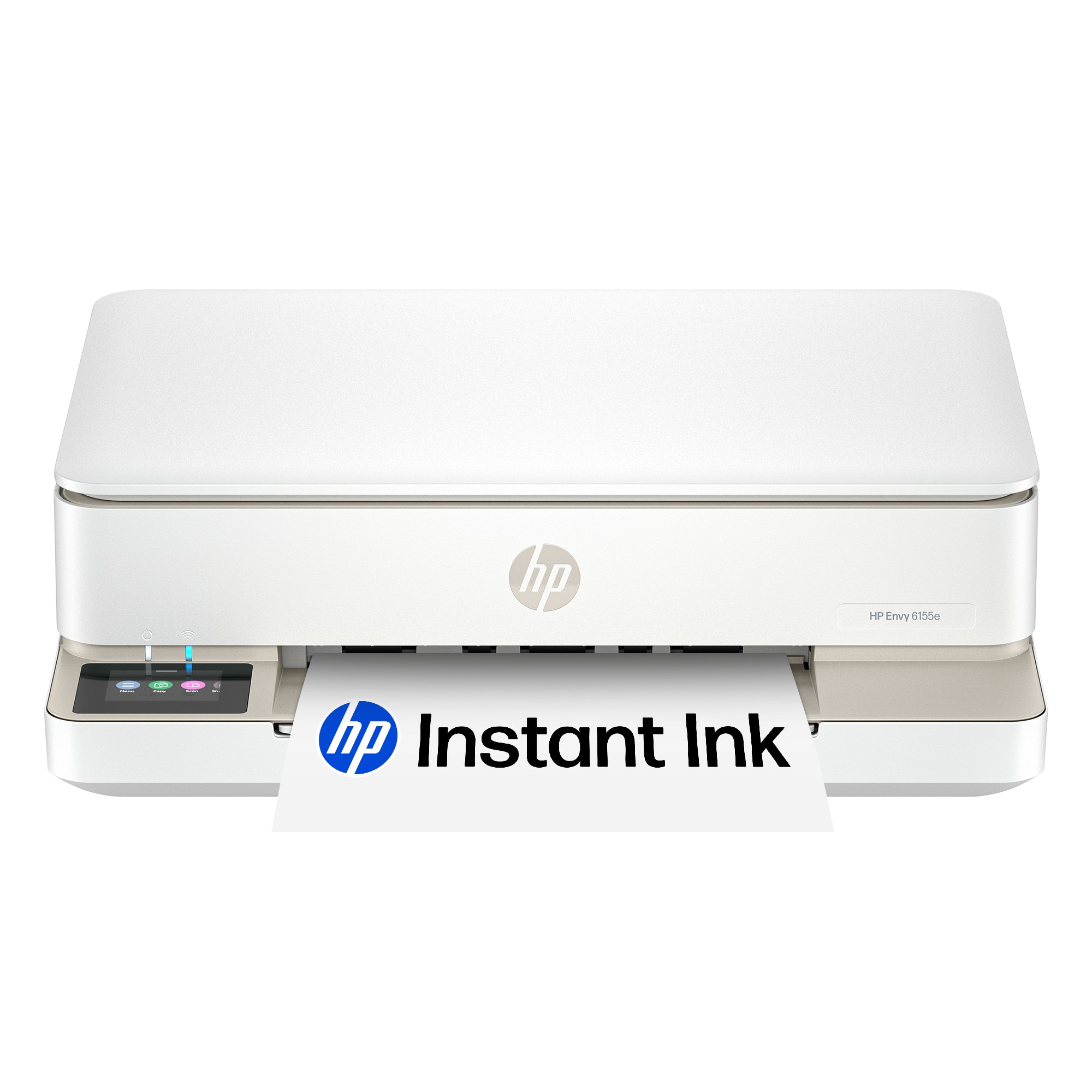








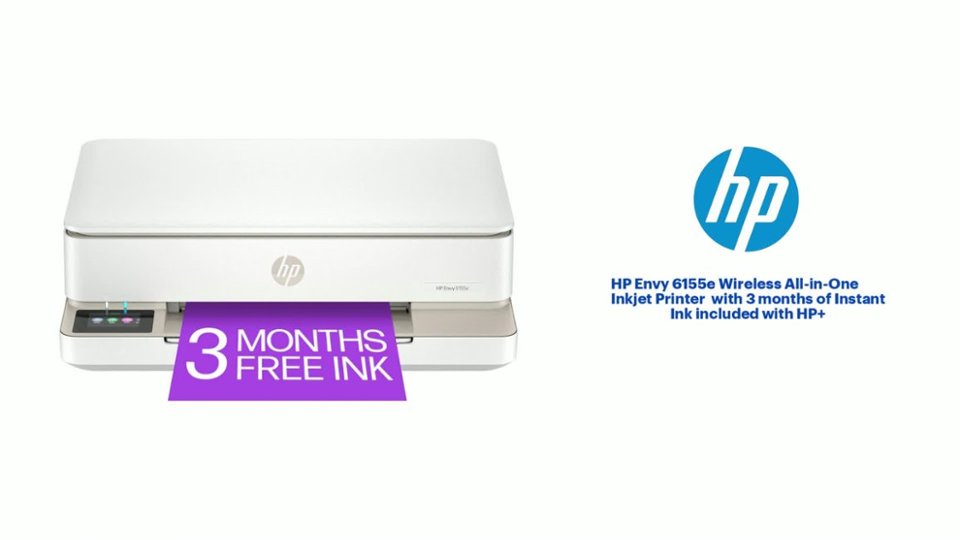
- Model:
- ENVY 6155E/714L5A#B1H
- SKU:
- 6590093
Rating by feature
- Value
Rating 4.6 out of 5 stars
- Quality
Rating 4.5 out of 5 stars
- Ease of Use
Rating 4.4 out of 5 stars
Customers are saying
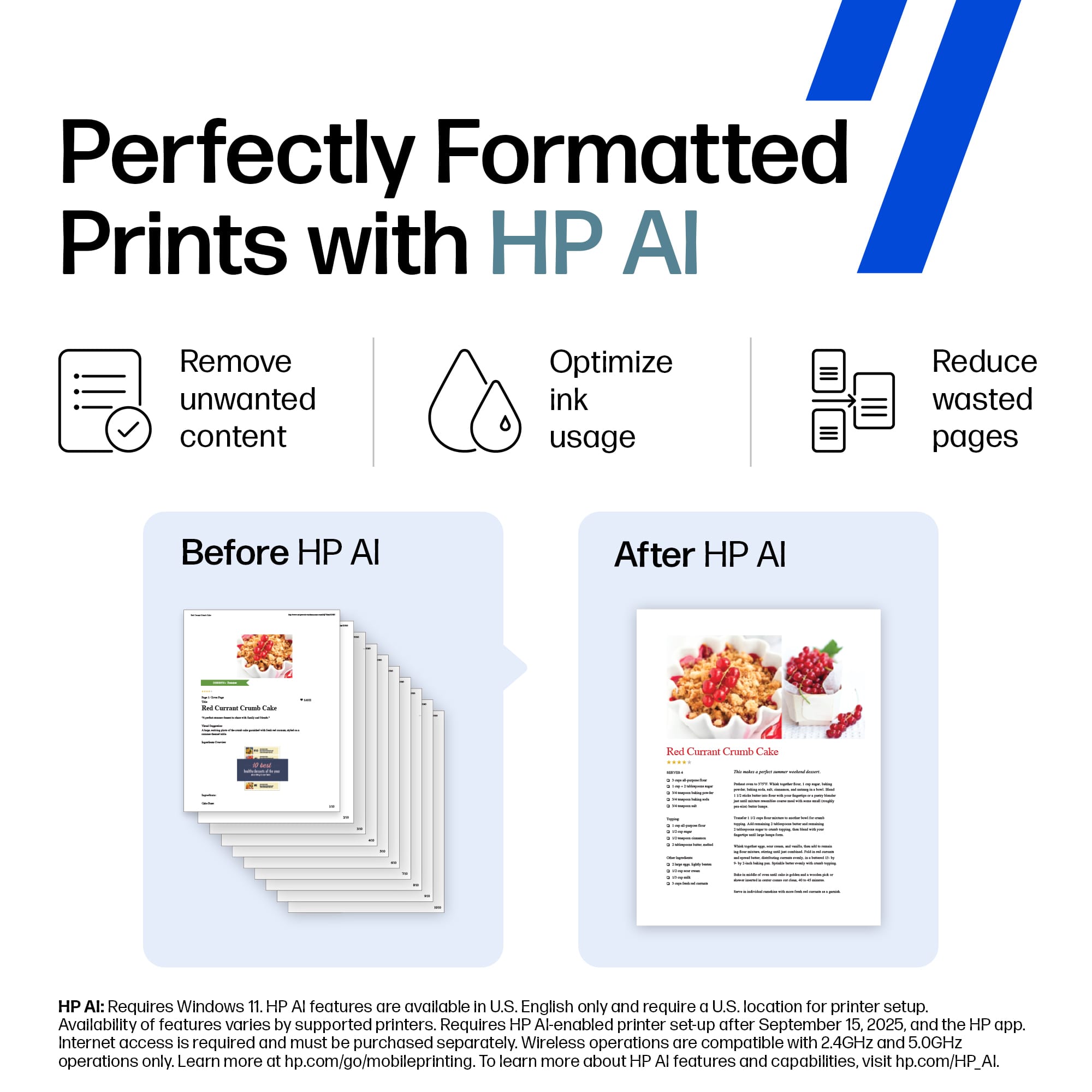
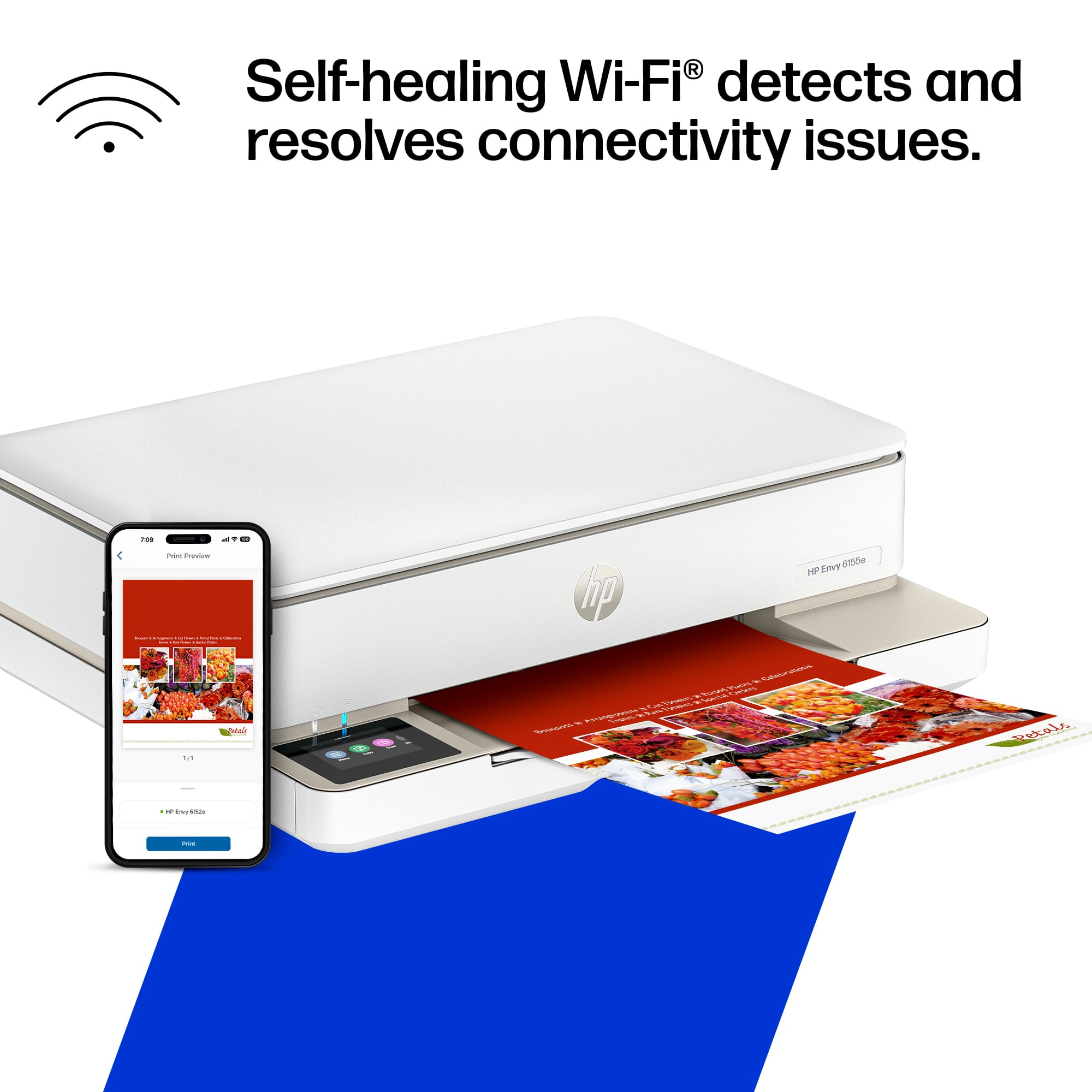
Customers admire the Envy 6155e Wireless Printer for its good print quality, overall performance, and ease of use. Many find the setup process simple and appreciate its size, while others enjoy its connectivity and sleek design. The printer is also noted for its quiet operation.
This summary was generated by AI based on customer reviews.
HP6615e
||Posted . Owned for 1 month when reviewed.This reviewer received promo considerations or sweepstakes entry for writing a review.I think it should be more straightforward rather than downloading the HP app for the use. It’s very annoying.
I would recommend this to a friendHP Envy Printer 6155e
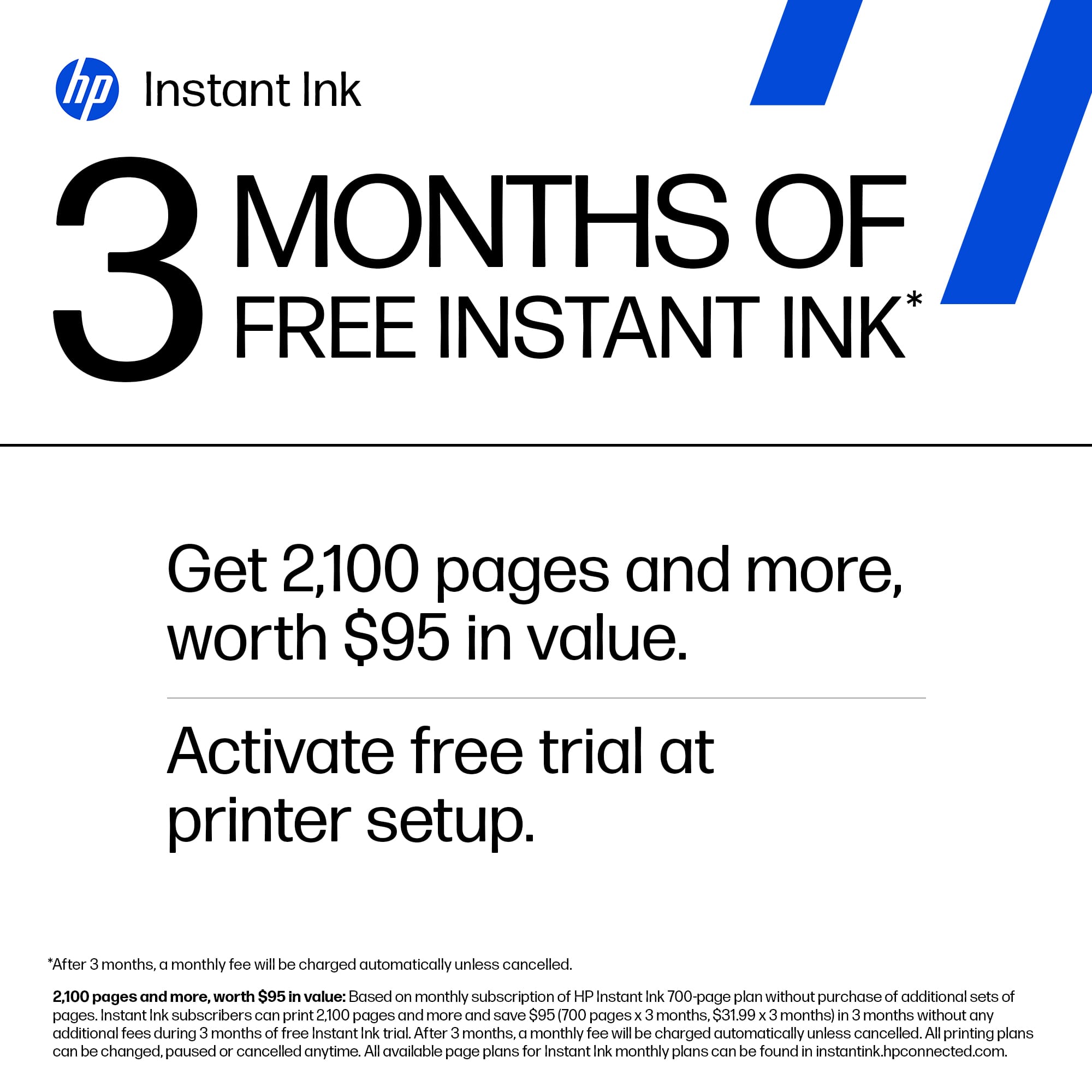
||Posted . Owned for 2 weeks when reviewed.This reviewer received promo considerations or sweepstakes entry for writing a review.Easy to set up. Easy to use. Free paper and ink for. 3 months. Read the disclosure. I had extra ink but and as ream of paper sent to me in about 1 week after enrolling.
I would recommend this to a friendHp envy 6155e
||Posted . Owned for 1 month when reviewed.This reviewer received promo considerations or sweepstakes entry for writing a review.Justo lo que necesitaba parali casa, recomendada 100%
I would recommend this to a friend- Pros mentioned:Overall performance
Manhattan Best Buy
||Posted .This reviewer received promo considerations or sweepstakes entry for writing a review.Really great little home printer for the money. I’d definitely shop at this store again. The staff was friendly and helpful. No issues at all!
I would recommend this to a friend Print Quality Outweighs the Dislikes
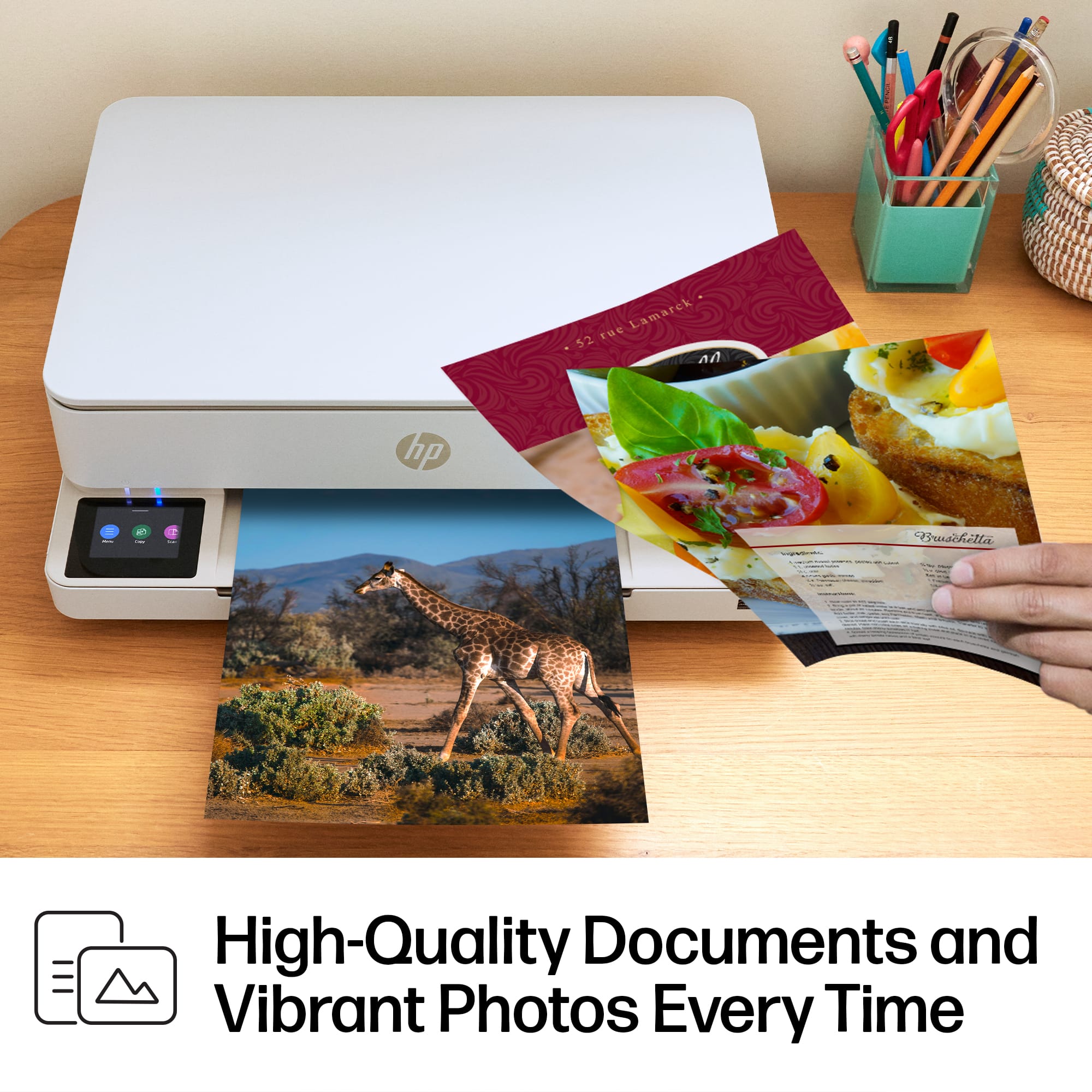
||Posted . Owned for 3 weeks when reviewed.This reviewer received promo considerations or sweepstakes entry for writing a review.The big plus on this printer is the crisp, sharp printed pages it produces.The negatives are several. I had a lot of difficulty getting the printer installed. Even with the help of two Geek Squad agents, we couldn’t do it. I had to talk to two HP Agents to get the printer installed properly. The on/off button is on the back of the printer beside the cable which will not stay in the slot. It had to be reinforced with tape. The insert paper tray is difficult to grasp on both sides of the printer to pull it out.
No, I would not recommend this to a friendQueen is the Best Best Buy Employee Ever
||Posted . Owned for 1 month when reviewed.This reviewer received promo considerations or sweepstakes entry for writing a review.Queen is the ABSOLUTE BEST!!! I go to Homewood Best Buy often and Queen is always 3 steps ahead. She is very knowledgeable and knows the computer system so well she is able to check out guests quickly and efficiently. Anytime I see Queen I know im going to have another great experience at Best Buy. Thank you Queen for always going above and beyond. You are appreciated and deserve a raise and more. Thank you
I would recommend this to a friend- Pros mentioned:Setup
HP printer
||Posted . Owned for 1 month when reviewed.This reviewer received promo considerations or sweepstakes entry for writing a review.Perfect update to previous printer. Easy set up and love the free ink and paper trial.
I would recommend this to a friend - Pros mentioned:Overall performance
Printer
||Posted . Owned for 1 month when reviewed.This reviewer received promo considerations or sweepstakes entry for writing a review.Perfect printer for my needs Ease of changing color cartridges
I would recommend this to a friend Envy HP
||Posted . Owned for 2 weeks when reviewed.This reviewer received promo considerations or sweepstakes entry for writing a review.So far the printer has been working great. I have to use my 2.6 GHz network to get it to print though. Haven't been able to use the 5 one.
I would recommend this to a friendPrinting Emergencies
||Posted . Owned for 5 months when reviewed.This reviewer received promo considerations or sweepstakes entry for writing a review.Life saver, I needed a printer pronto and ASAP back in April, I looked online this simple HP was the best choice for me.
I would recommend this to a friendGreat Printer at a Bargain Price!
||Posted .This reviewer received promo considerations or sweepstakes entry for writing a review.Easy to set up - very quiet when printing - easy to read display. Solved my printing needs.
I would recommend this to a friendPerfect for home use!
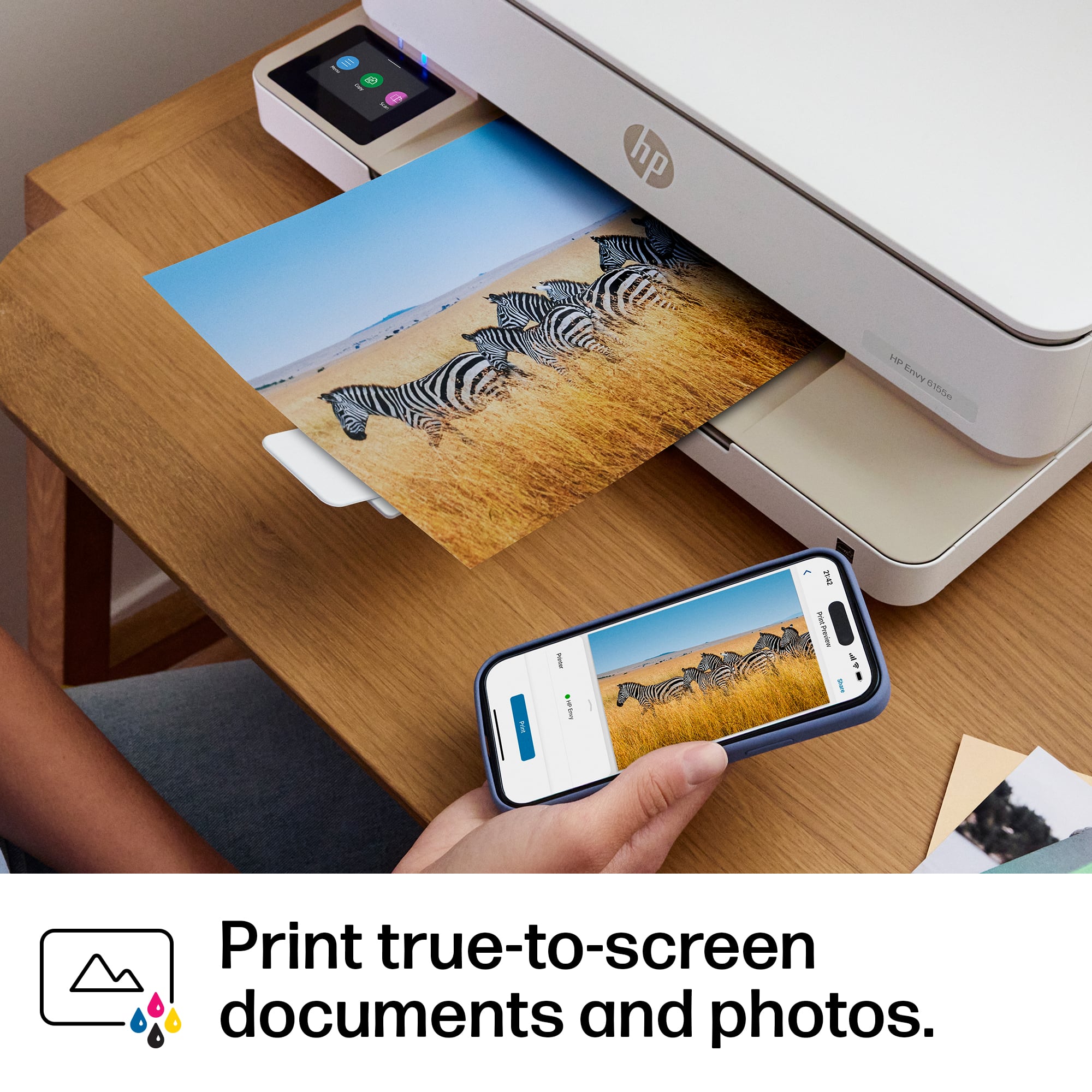
||Posted .This reviewer received promo considerations or sweepstakes entry for writing a review.I would buy this printer again. It’s perfect for home use. It was so easy to set up and pair my devices with it. I’ve printed several things so far and the quality was great. And it was a great price!!! I love it!
I would recommend this to a friendPrinter like!
||Posted .This reviewer received promo considerations or sweepstakes entry for writing a review.So far seems like a great printer. No problems so far.
I would recommend this to a friendGood ,reliable and easy to use printer
||Posted . Owned for 1 month when reviewed.This reviewer received promo considerations or sweepstakes entry for writing a review.I wanted and simple to use, reasonably priced, and reliable printer that used ink jet cartridges. This is perfect for me. Plus I got 3 months of free ink!
I would recommend this to a friendINKJET PRINTER
||Posted . Owned for 7 months when reviewed.This reviewer received promo considerations or sweepstakes entry for writing a review.This is the Excellent Printer I buy and I Recommend for Everybody’s
I would recommend this to a friendPrinter
||Posted . Owned for 1 month when reviewed.This reviewer received promo considerations or sweepstakes entry for writing a review.Awesome printer/copier. Easy to use and very good print quality
I would recommend this to a friendHp for life
||Posted . Owned for 3 weeks when reviewed.This reviewer received promo considerations or sweepstakes entry for writing a review.The best HP inkjet Printer and free 3 months free of ink .. wow im happy ….
I would recommend this to a friend- Pros mentioned:Print quality, Size

Made For iPhone and iPad Apple AirPrint
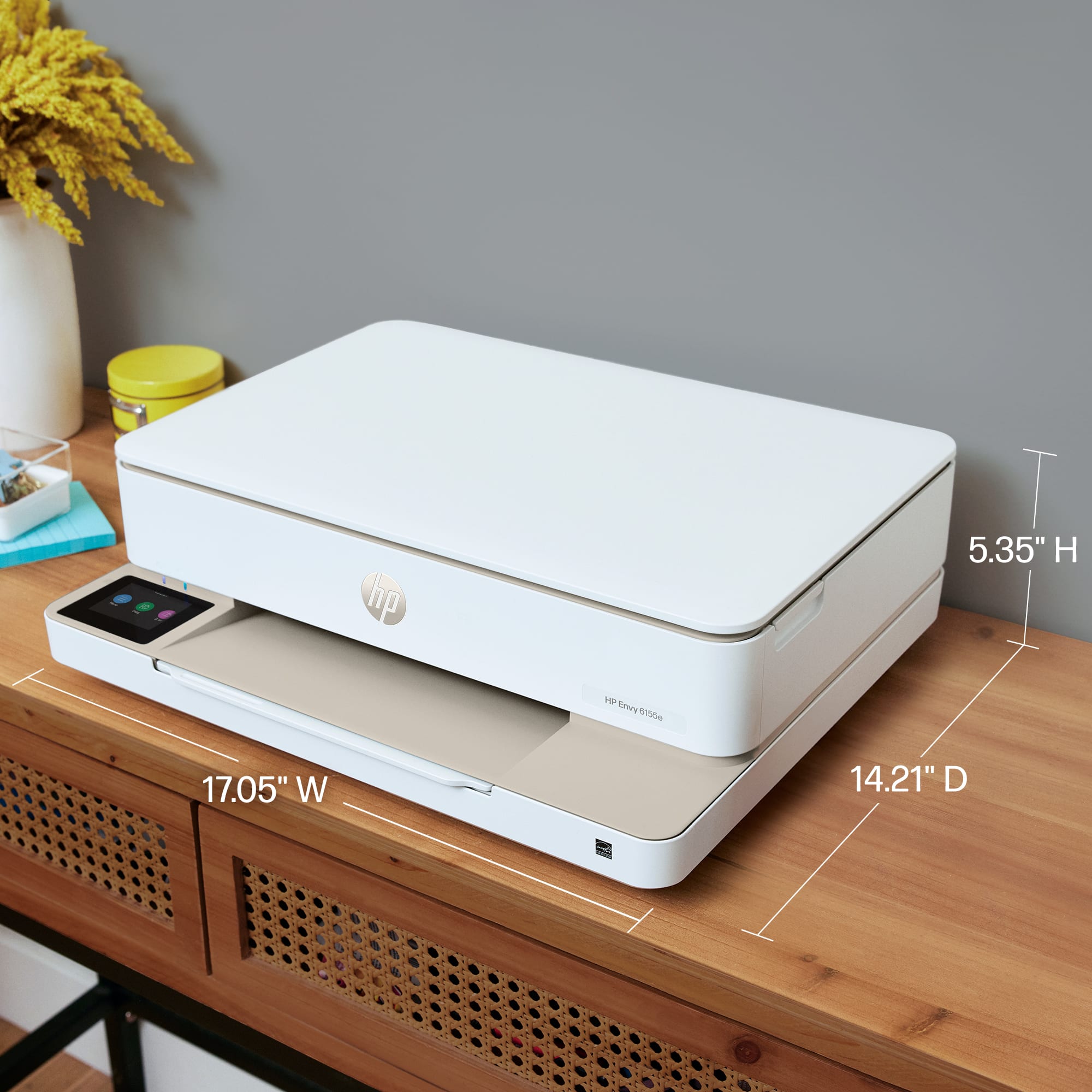
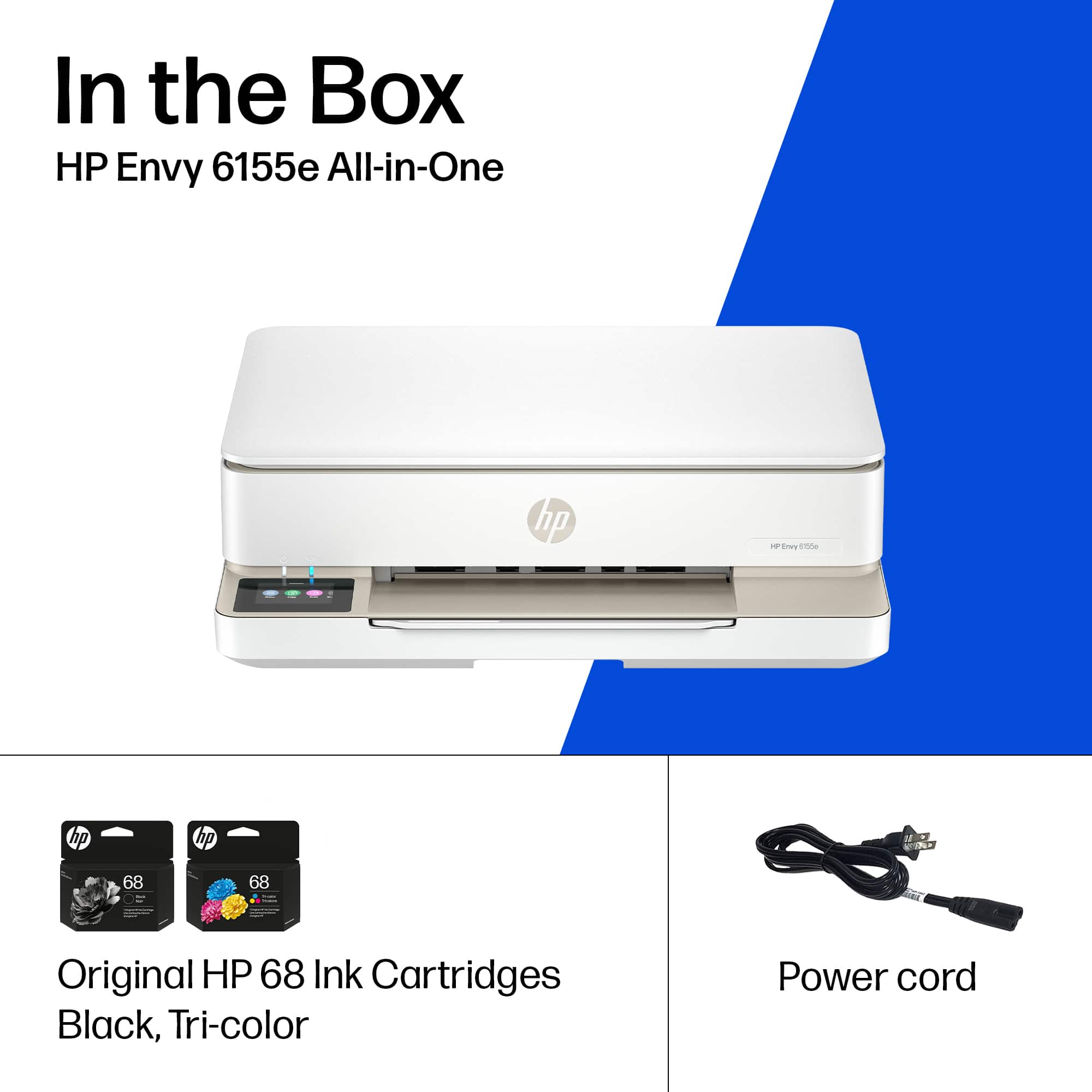
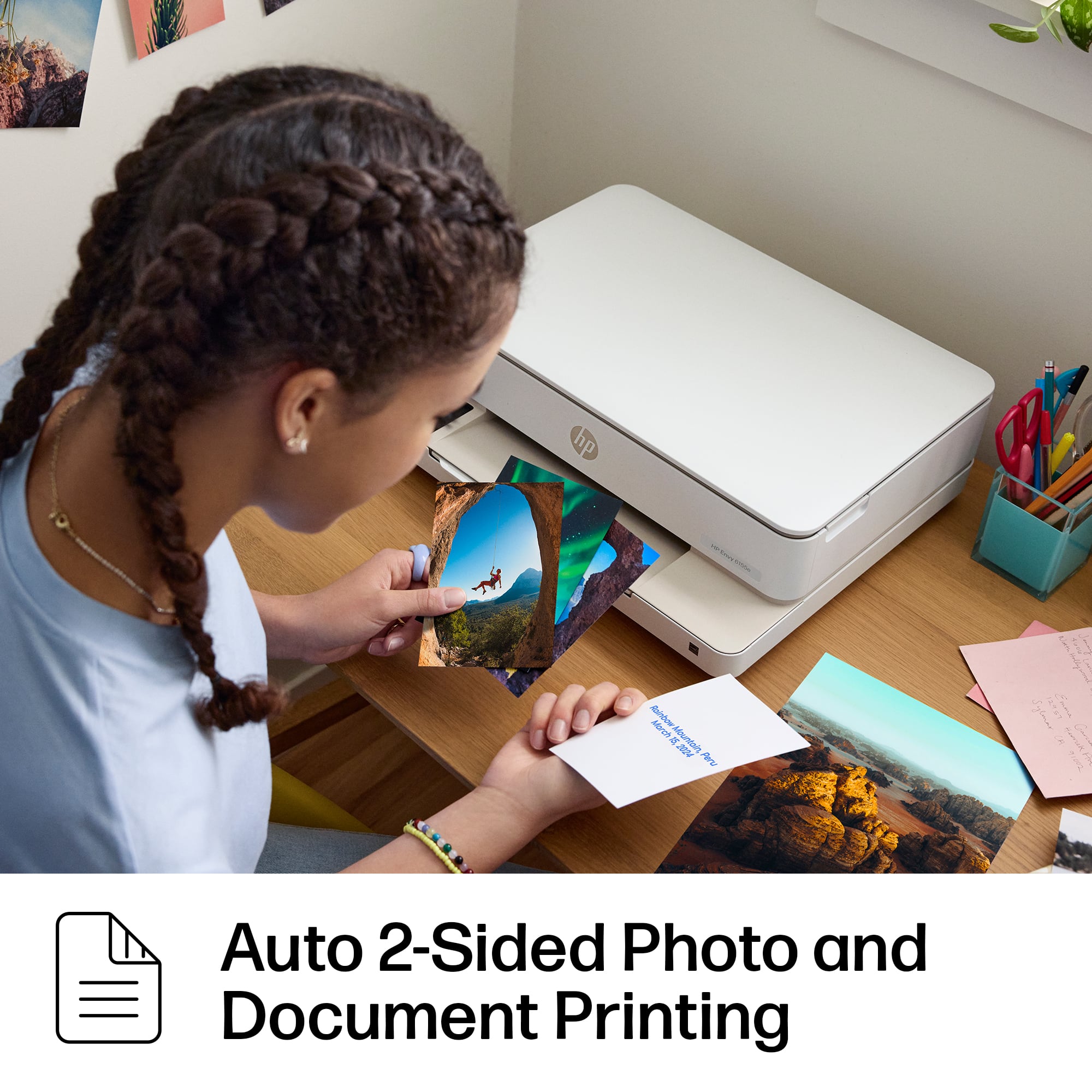
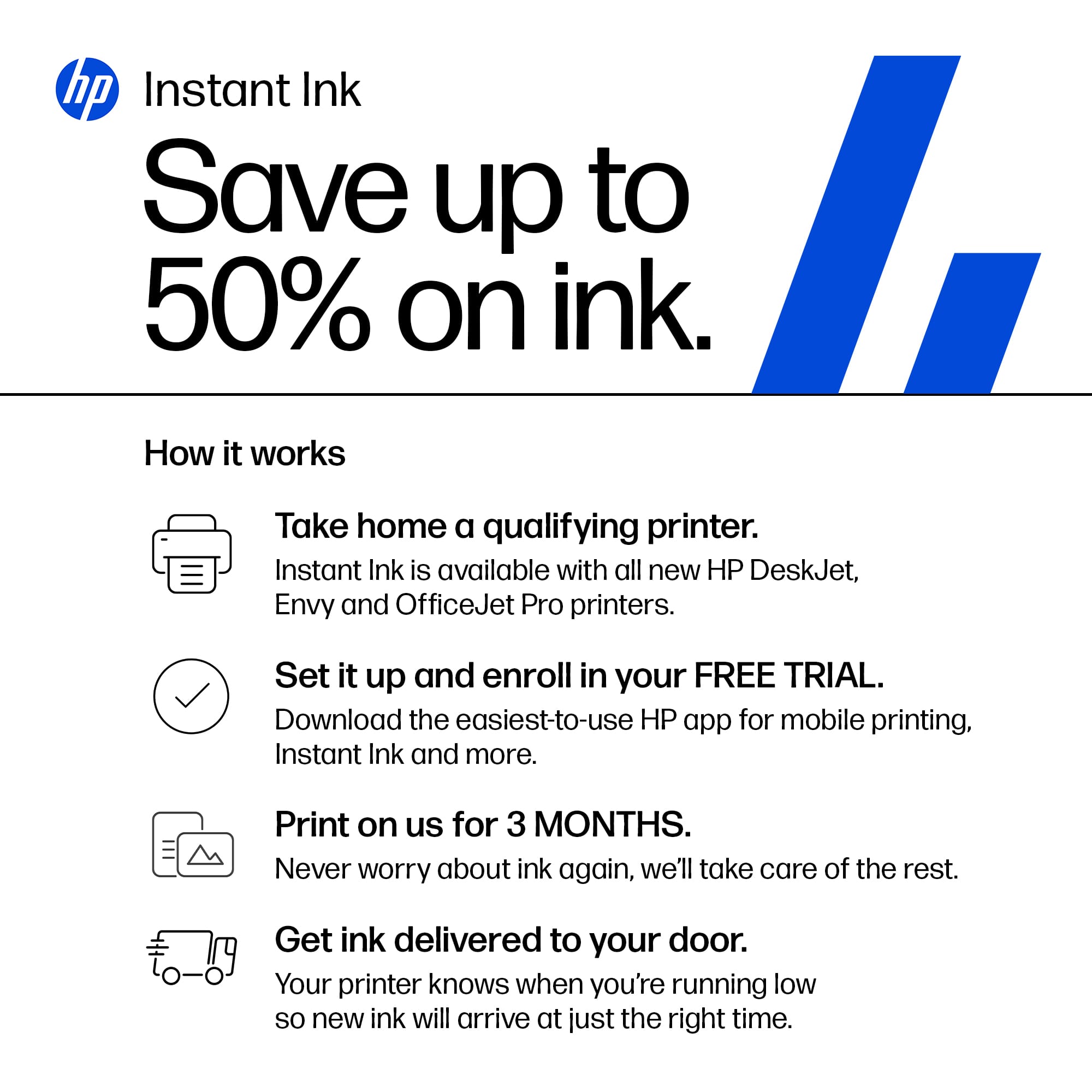
|Posted .This reviewer received promo considerations or sweepstakes entry for writing a review.I have not been a big fan of HP printers in the past. However this printer HP Envy 6155e has changed my mind. I use Apple products, iPhones, iPad and MAC. I love them and they made setting up this printer and using it so easy. Sometimes it is difficult to use Apple products and AirPrint easily. As I unboxed this printer I saw the announcement on the side of the box. I was excited so I quickly set it up and tried printing from my iPad. It was perfect so I tried my iPhone and it was perfect too. A Win Win in my book. Also I can print from anywhere and it will come to my printer. That is so smart! I love the colors of this printer. It is not just white or black. It has white and cream colored. It makes them look nicer in my home. I have to set my printer out in my living room and I have always hated those plain white or black printers. They do not look inviting. it is thinner than other printers. Taking up less room my table. It comes with a short plug in which is why I gave this a 4 star. I wish it had about double the size of cord. I do not have an outlet close to where I set my printer so I need to use an extension cord. If they just make the cord longer I would be happy. This printer comes with two ink cartridges. They are so easy to install by just lifting up the lids. The printing is nice and sharp. I did not print any photos so I cannot say how those look. It is instant ink ready so I can get ink sent from HP when I need it as long as I keep the printer online. So far it is staying online.
I would recommend this to a friend - Pros mentioned:Print quality
Good overall printer hampered by subscriptions
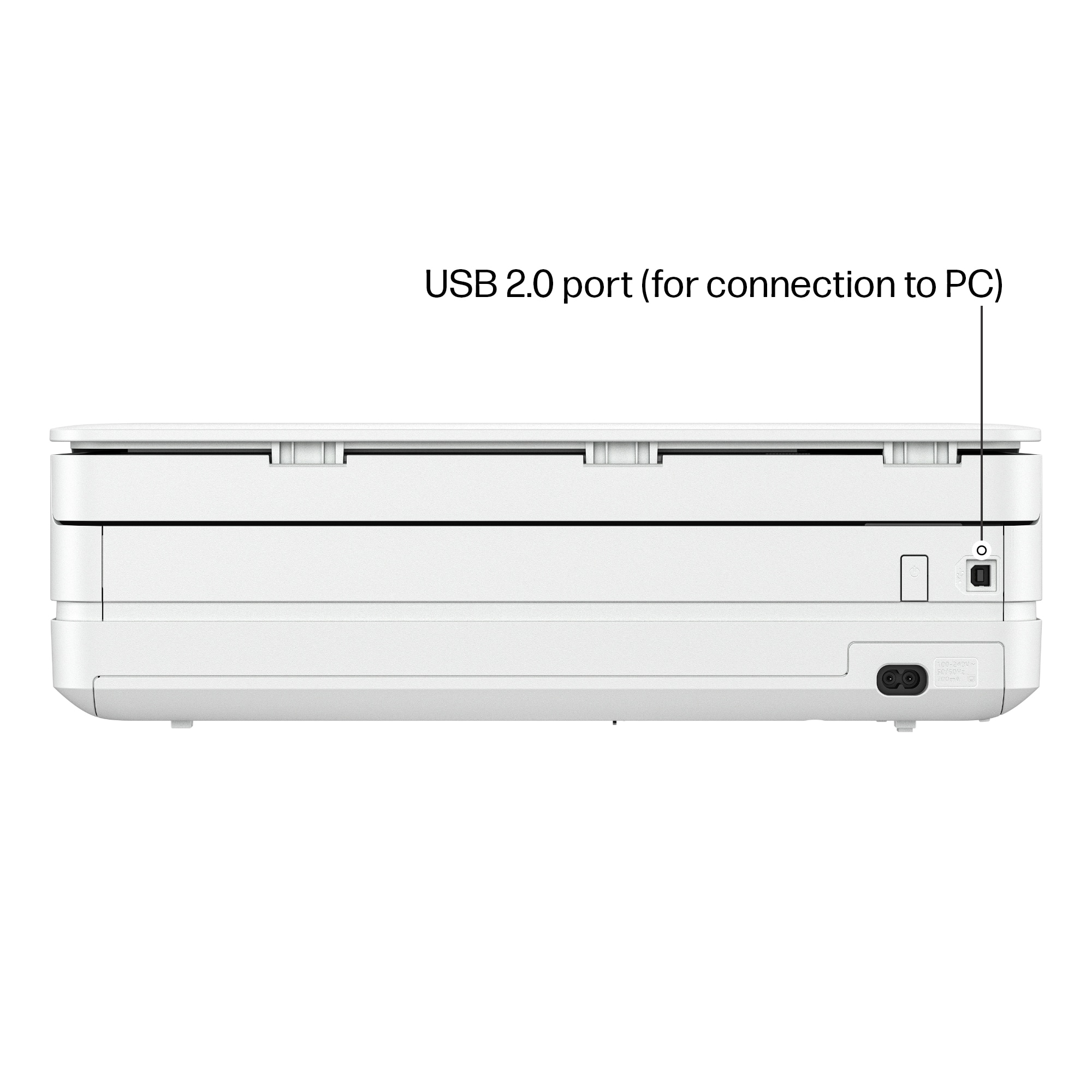
|Posted .This reviewer received promo considerations or sweepstakes entry for writing a review.This is a great replacement for my aging printer. The design is wonderful and adds to the room’s decor while being highly functional as a printer or a scanner. My only complaint is the pretty much mandatory use of the HP Ink cartridges, or required use of HP Ink subscription if you enroll in the HP+ service which is free for extra benefits, but locks you in. Pros: -Great print quality -Ease of use -Remote printing software -Stylish Cons: -HP Ink cartridge requirement -HP+ subscription lock in if you want extra security and warranty -Limited connectivity Setup: Installation was fairly easy for me. After setting up with the app to connect it to my network and doing a few test pages to align the print heads, all was good to go. I highly suggest installing the HP Smart app on all your devices so you can obtain extra control and monitoring of items like ink and to easily scan or print from your computer or mobile device. DRM: I am not a fan of how HP manages their printers. If you do not accept any special features such as HP+ (more later), you will be required to use HP ink or HP refurbished ink. It has special circuitry installed in the ink cartridges which is essentially DRM to ensure you have to use only HP ink. HP+ is offered at setup. It is free and is not a bad thing by itself as it enables extra security options, ensures updates, delayed printing options, an extra year of warranty and more. Unfortunately, this “free” option requires that you subscribe to the HP Ink service which costs a few dollars a month depending on your plan to ensure you always have ink. HP will send more ink when it is running low and it is convenient, but it locks you in to forever being tied to HP as the HP+ extras require HP Ink for the life of the device. Ugh. I don’t print a lot so I did the $4.99 plan which allows for 50 pages to be printed per month which is fine for me, but it can be a rip off depending on your usage. You can also subscribe to a paper service. Use: The printer works well for me. Printing at a decent speed and quality is good for my needs, which are mainly black and white documents with the occasional 4” x 6” or 5” x 7” photo. I wouldn’t rely on this printer for printing any professional photos as at high quality you can see some dithering, but for a random photo around the house it isn’t bad. It is nice that this printer has a duplexer for anyone printing double sided. Connectivity: This device is not designed to be a heavy duty printer so it is smaller than some and limits the connection options. You will find 1 USB 2.0 (USB type B connection) port and Wi-Fi AC. That is pretty much it. There is no ethernet port, no USB-A or C port for thumb drives.
I would recommend this to a friend - Pros mentioned:Print quality
Great Little AIO Printer - Nice Quality Photos
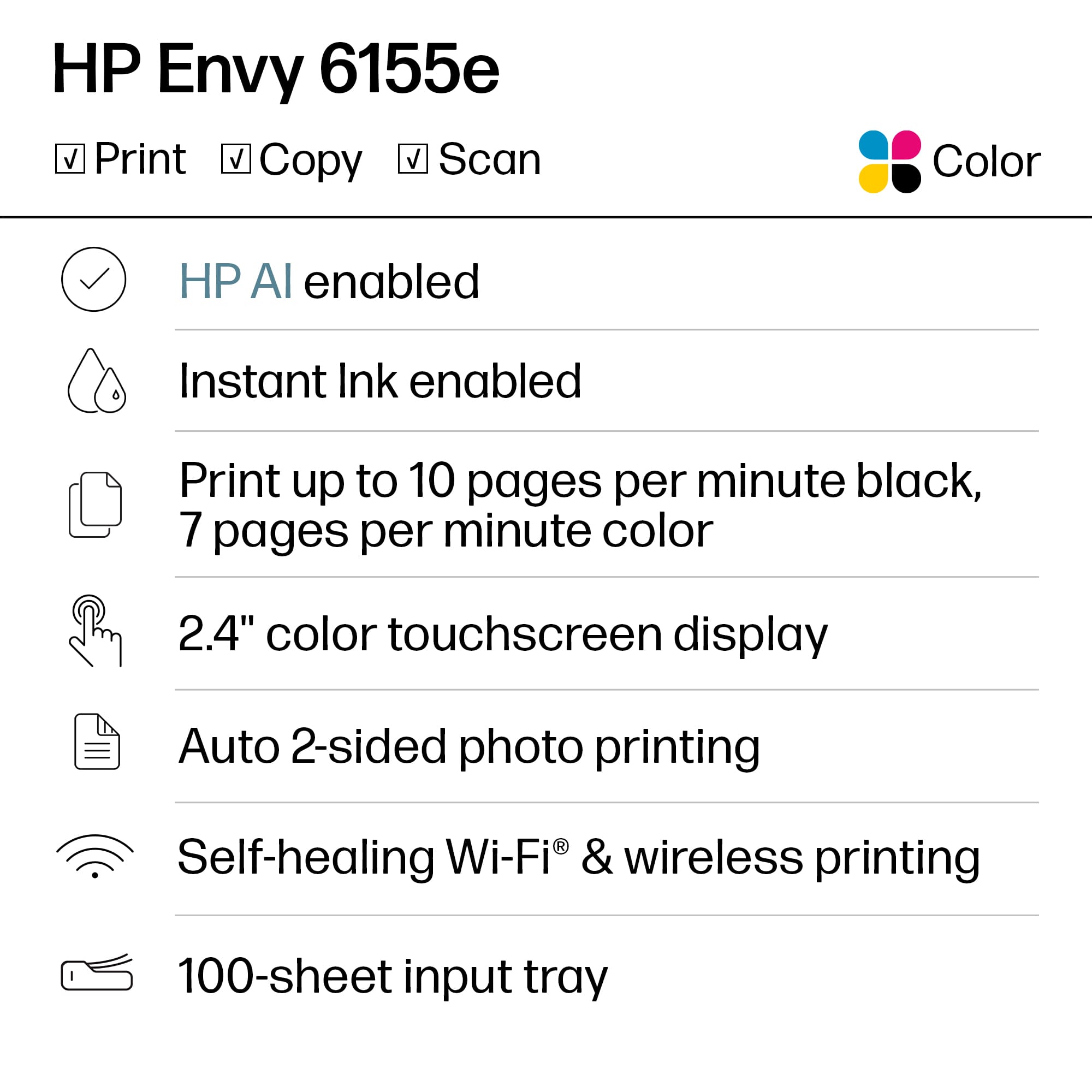
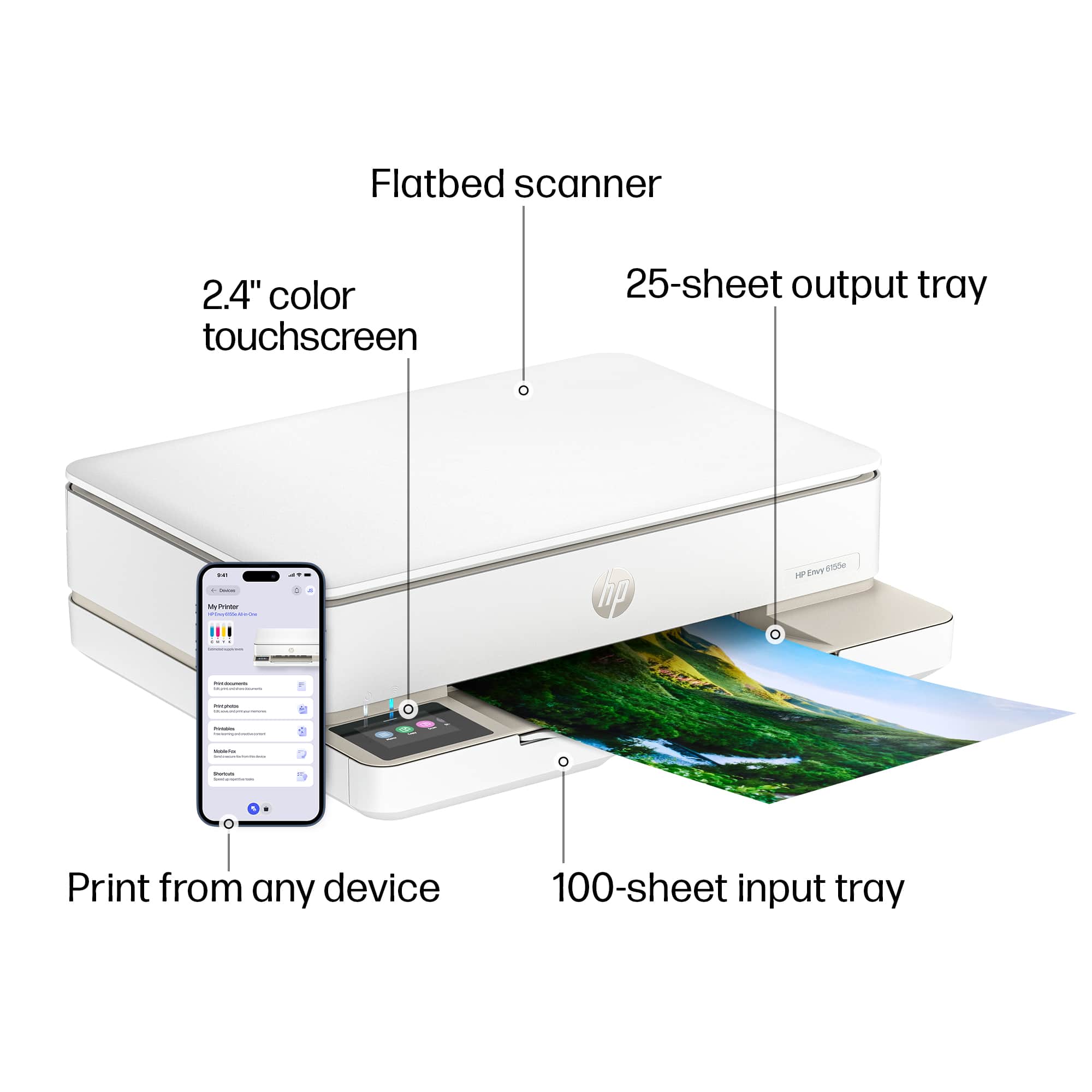
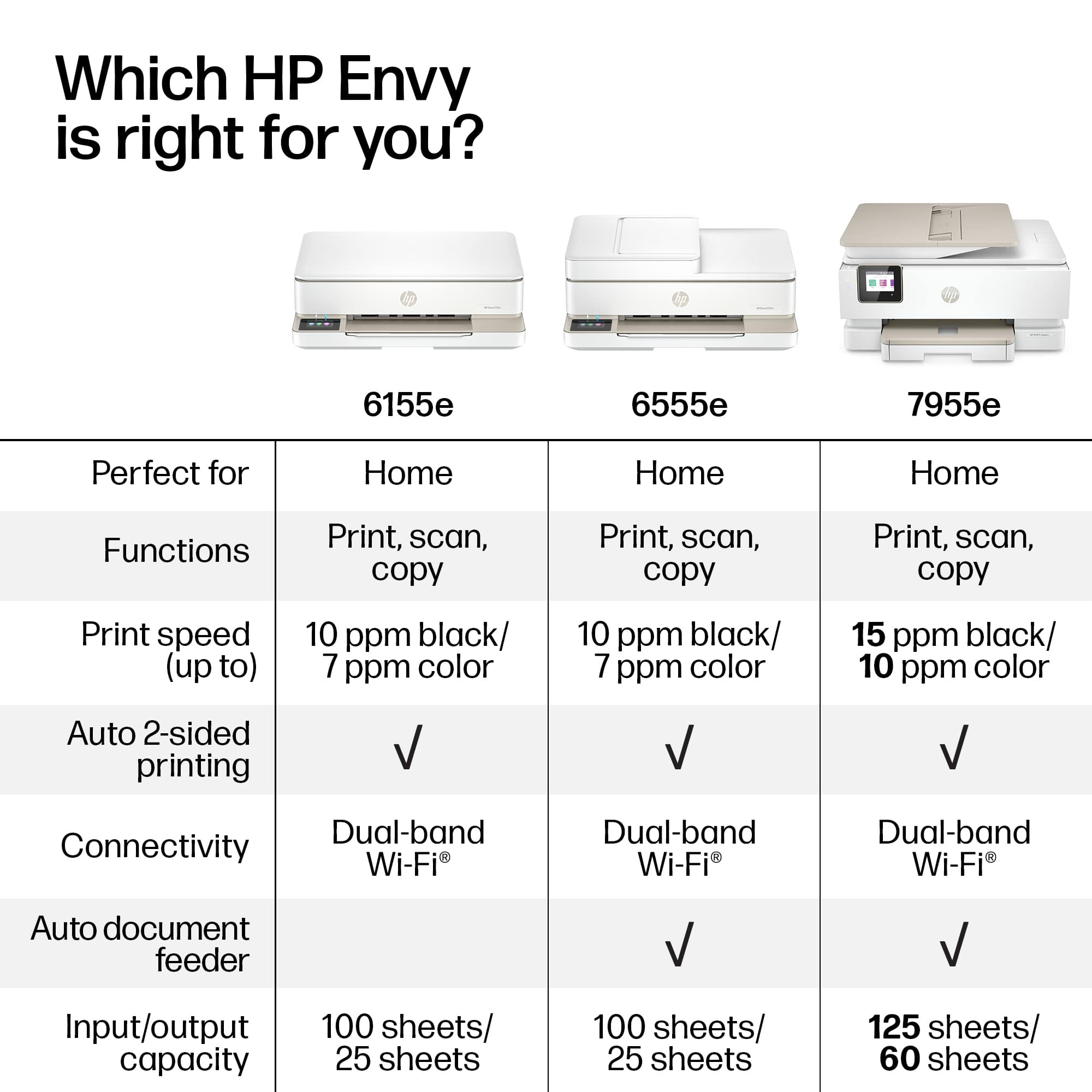
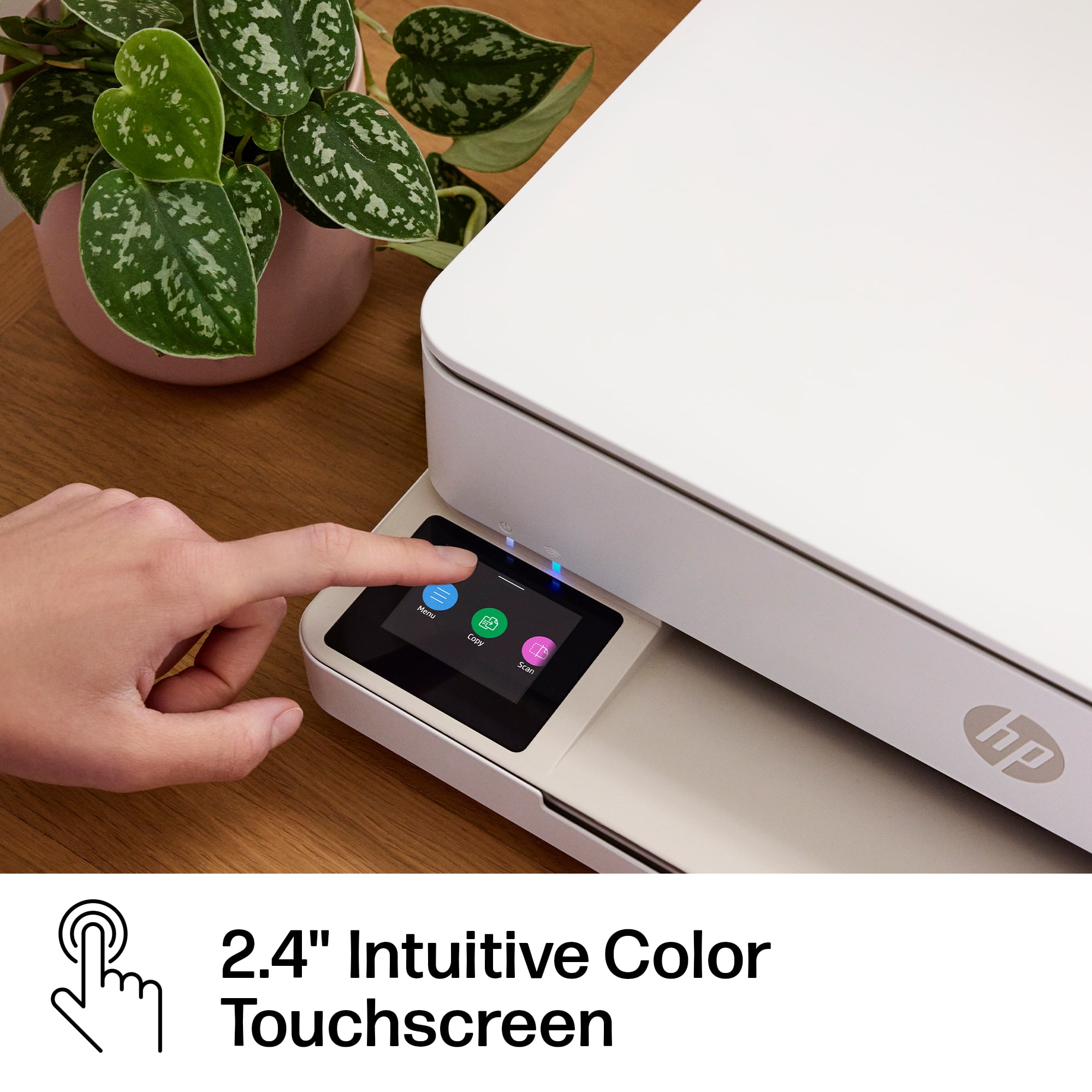
|Posted .This reviewer received promo considerations or sweepstakes entry for writing a review.The HP Envy 6155E printer is the latest iteration to the 6000 series lineup of all-in-one (AIO) wireless printers. It has the features you’d expect from an AIO – copying, scanning, and printing. The 6155E, like all recent HP printers, utilizes HP’s Instant Ink Program. The box contains the ink needed, a power cord, a getting started sheet, and the printer. I have been using an HP 6055 for right around 4 years now, and it has worked well for me. Switching over to the 6155e I can say there are a lot of similarities, but a few nice improvements. The 6155e shares the same compact AIO profile of its predecessor. Most specs largely remain the same – 100 sheet capacity tray, adjustable from 8.5” wide down to 3.125”, and print speed (10ppm for Black, 7ppm for color). The biggest change comes in the form of the display. The 6055 has a simple touch button interface, but no screen to display information. The 2.4” touchscreen displays information about current printer status, as well as manual selections for the different modes (print, scan, copy). The 6155e also uses the HP Smart app on the PC, which is where you will sign in and link your account for the Instant Ink program. The output tray is a little swing arm the pops out, which can handle 25 sheets. The swing arm sits off center, which becomes an issue when making smaller prints as they can fall off to the side when more than a few have stacked up. The scanner/copier bed has a simple cover that hinges up to let you put the page on the glass – there is no feeder mechanism, so it’s one page at a time. The only other outward features on the printer are the main power switch in the rear (next to the plug), and a USB Type B cable port (cable not included). Setup for the printer was straightforward. You can use a phone with the HP Smart app or via PC with HP Smart installed there. Either way you will need the HP software to get it up and running. I hooked it up to my Wi-Fi and followed the steps. I later connected it with a USB cable to see how it worked that way, and my computer recognized the printer without any issue. Part way through the setup process you are prompted with the HP Instant Ink Program. You can select from several tiers depending on how much you print. I started out at the lowest tier, which is 10 pages a month. This is more than enough for me as I typically just print photos, and use my laser printer for other jobs. You could also opt to not join the program and just buy the ink outright, like traditional inkjet printers. I setup my parent’s HP 6055e this way a year ago, and it’s worked out well for them. It really comes down to your use case. I don’t mind the ink plans. Over 4 years I have spent less money on the plans than I would have spent replacing dried up ink cartridges. The did mention I connected the printer via USB, and it worked fine. However, this printer is made to sit on a network. The wireless connectivity allows the printer to sit on your home network and be connected to from multiple devices. This connection flexibility allows you to print from your PC, through the HP Smart app on your phone, and through its own dedicated email address. I did several different print/scan jobs – the print for the most part behaved just like the 6055 that I have been using. Printing a text document was straightforward – the black text even down to size 6 font was legible. I scanned the document and emailed it to myself – the scan was nice and clear. In order to “scan to file” you need to initiate the scan from your PC through the HP Smart software. Scanning from the on-printer controls only gives you the option to scan to email or to the cloud. Scanning a picture and having it sent to my phone still works well. The scanning resolution remains at 1200 DPI, while copy resolution drops to 300 DPI. The trick I have learned is if you want a higher quality copy (like a picture), you have to break the process up into a scan job and then a print job. The 300dpi setting works just fine for copying text or other medium quality docs. Regular printing resolution is up to 1200 DPI. However, if you are using HP Photo Papers then the resolution goes higher to 4800 x 1200 DPI. I did a few school photo prints on 4x6 and 5x7 glossy HP Everyday Photo Paper. They came out fantastic – image quality was bright and clear – definitely as good if not better than having them printed in store. I am waiting on some more 8x10 paper to arrive to print full size, but I am sure they will look great as well. A little side note if you are using Instant Ink – your page count for a month is for any print. A 4x6 print dings you just as much as an 8x10. So in the past when I ran up to my limit I could make a collage on an 8x10 (or 8.5x11) and then print out several pictures on one sheet. You just have to have a steady hand while cutting them out. While printing pictures you can opt for borderless printing, which this printer supports. I don’t miss the days of trimming the little edge off of pictures. Print speed on pictures is obviously slower than a text document, but it really isn’t too bad. It takes about 30s for one 4x6 to print, which is on par with the 6055. I would assume this take about 1.5min to print an 8x10 if the speed of my 6055 is any indicator. Also, the printer is not overly loud and it can print a job while sitting right next to my desk without any complaints. The only thing that I noticed was different as far as operation goes was when I was printing jobs on different sizes of paper. I noticed when I opened the paper tray a dialog box pops up on the printer screen asking if I changed the paper size. I went from 8.5x11 to 5x7, which I selected in the list. I then went about printing a couple of 5x7’s. When I switched to 4x6 I neglected to answer the dialog box query. I tried to start my next print, and my computer popped a notification say the “Printer Door is Open” or something to that effect. I thought that was weird, but I figured it was a delayed response since I closed the tray and hit print about 15s apart. When nothing started to print I redid the job – still nothing. I decided to check the tray and open/close it again to see if that corrected the issue. When I closed the tray I saw the paper size query pop up, which was my “Aha” moment. I answered the question, and it immediately started to process my first print job. I cancelled this job, but let the second one process. So, long story short, make sure you answer that question box whenever you open the tray. I still have a color laser printer that handles most of my daily print needs, and my 6055 will be heading to college soon. The 6155e is a worthy replacement to my 6055. I would definitely figure out your print needs prior to signing up for Instant Ink to see if it’s a good fit for you. I think it’s a great deal if you are wanting to print a lot of pictures, which is my current use case. You will want to get the correct HP Photo Papers for good quality photo prints. Other than that this is a good little printer. I have had good luck with my 6055 and my parents have had the same with their 6055e.
I would recommend this to a friend