Customer Ratings & Reviews
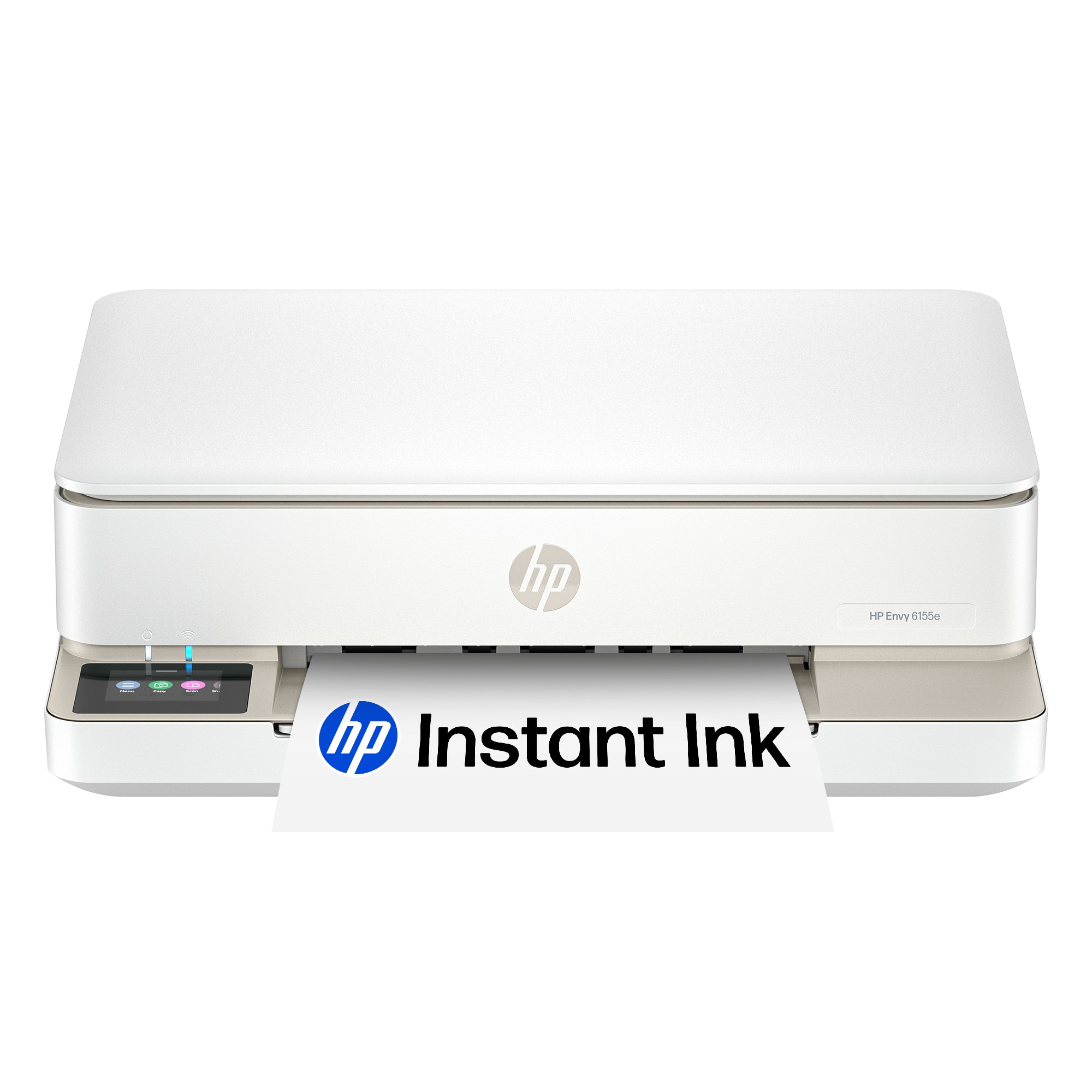








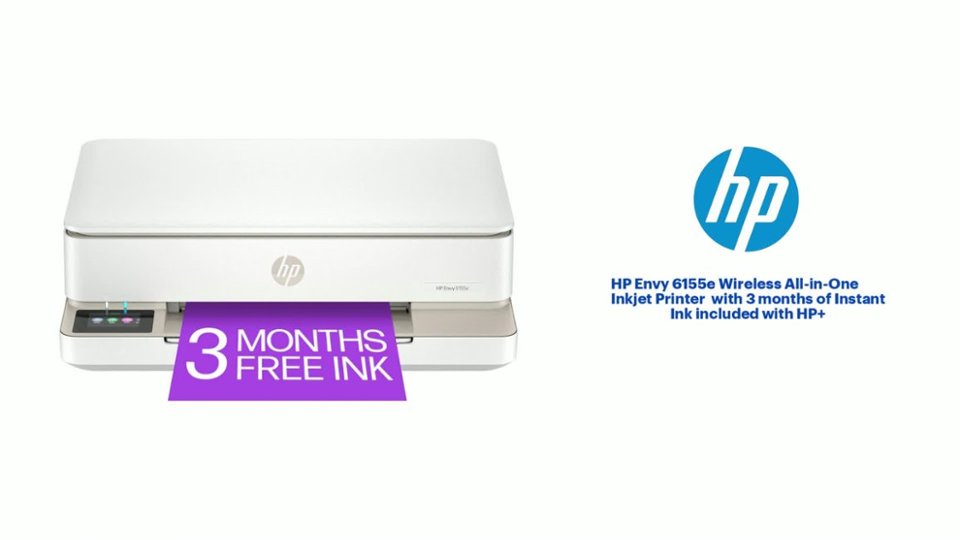
- Model:
- ENVY 6155E/714L5A#B1H
- SKU:
- 6590093
Rating by feature
- Value
Rating 4.6 out of 5 stars
- Quality
Rating 4.5 out of 5 stars
- Ease of Use
Rating 4.4 out of 5 stars
Customers are saying
Customers admire the Envy 6155e Wireless Printer for its good print quality, overall performance, and ease of use. Many find the setup process simple and appreciate its size, while others enjoy its connectivity and sleek design. The printer is also noted for its quiet operation.
This summary was generated by AI based on customer reviews.
- Pros mentioned:Print quality, Setup
I’m glad I decided to get this one
||Posted .This reviewer received promo considerations or sweepstakes entry for writing a review.Succeeds my expectations. I was lucky they had this in stock. Quick setup. AirPrint friendly and no disconnect issues at all. Fast printing. Clear scanning. I’d buy another if it was available in all black. Installing the ink was a little feisty, they do ‘snap’ in and ink listed decently fair. Was able to print many documents with ease. The minimalist sleek design was a fair selling point. No bulk, just business.
I would recommend this to a friend - Pros mentioned:Print quality

Great compact inexpensive all in 1
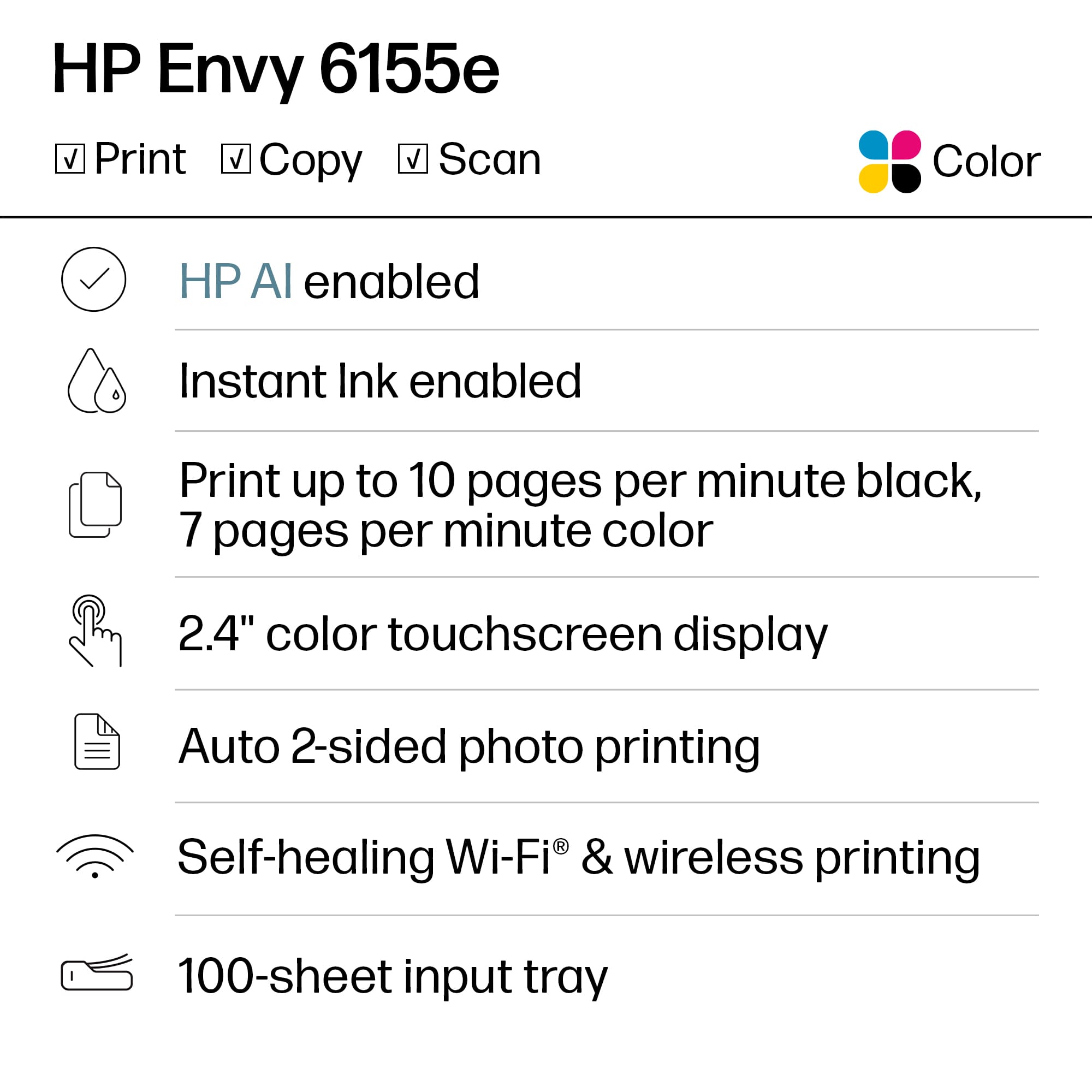
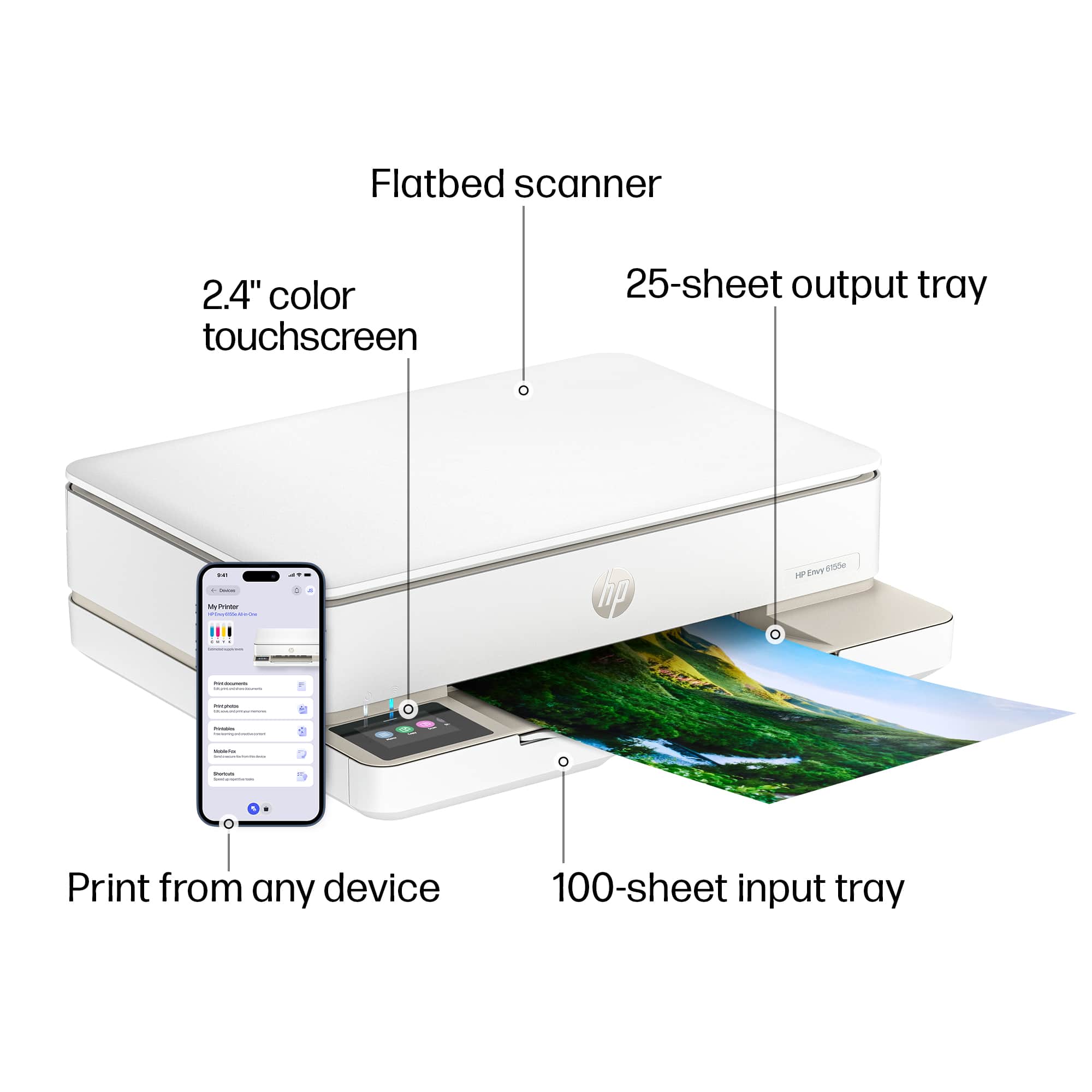
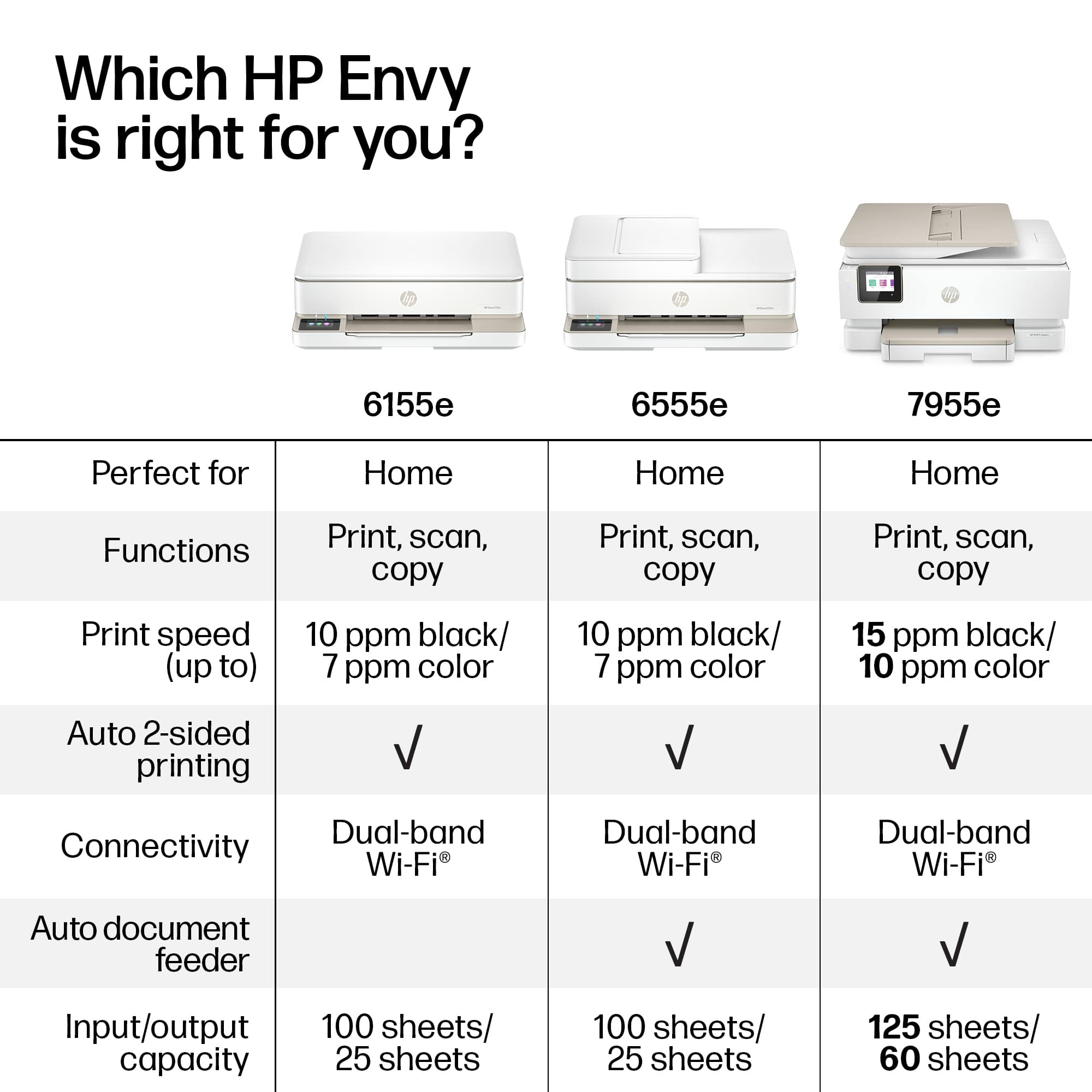
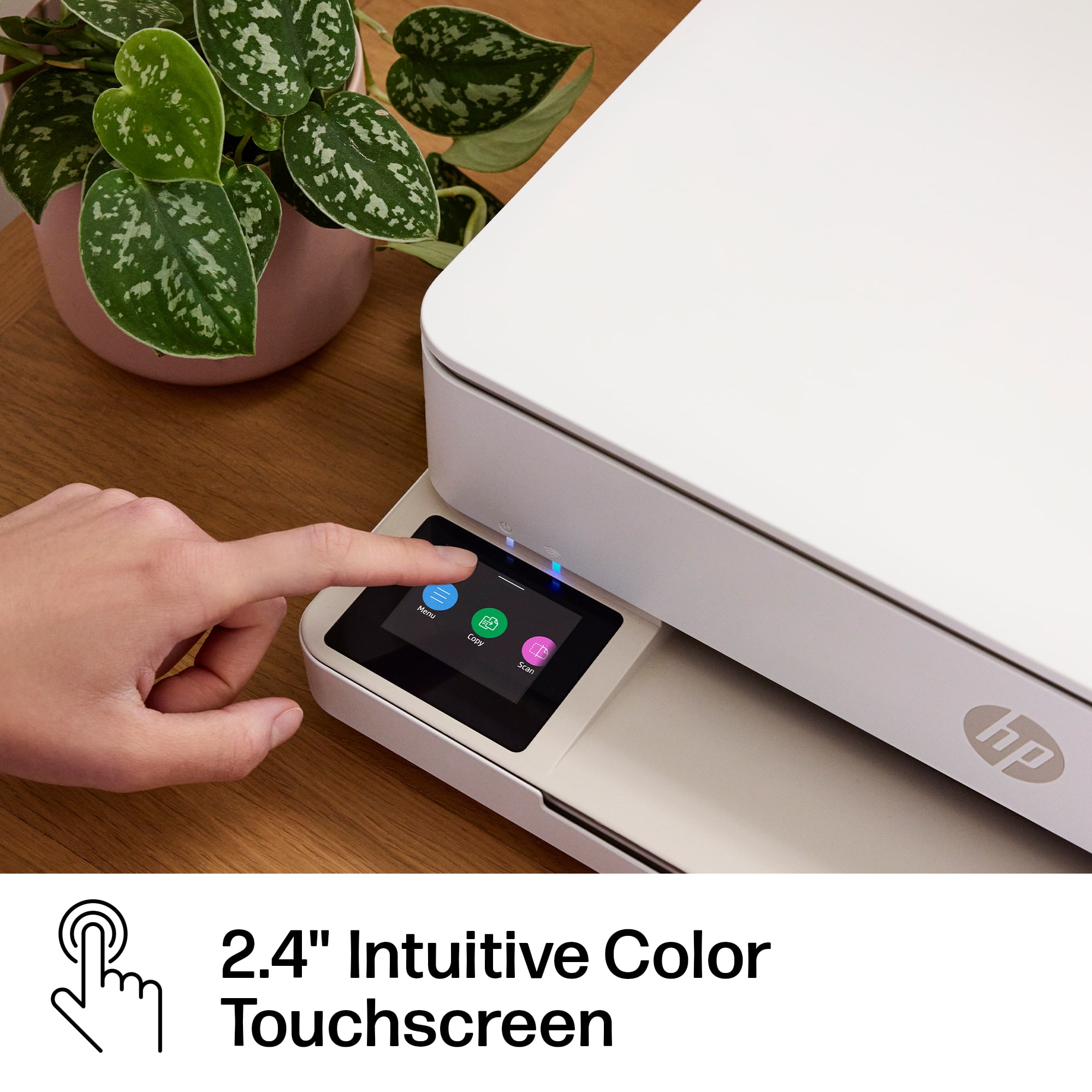
|Posted .This reviewer received promo considerations or sweepstakes entry for writing a review.This is an all in one printer copy scanner. It does black and white as well as color. It prints up to 12” paper and as small as 3”x5” (photo)and No 10 envelopes . Primarily it’s made for letter size 8.5”x11”. It has a glass top scanner copier that is letter size and a 2.4” touch display. The printer works wireless or wired for network connection and printing from devices. This does not support fax. Standard specs, holds 100 pg prints 7 ppm color and 10 ppm bw. Uses one bw HP cartridge and one tri color cartridge. You must use original HP ink to use the HP ink service and maintain warranty. There are inexpensive print plans available if you choose that cover ink replacement. The print came in the box ready to use. It includes the printer assembled, power cord, quick start guide. In order to set it up you must install the HP Smart app or go to the website to connect to the printer. If your device is connected to your WiFi the printer will connect automatically. If not you can plug it into your router or enter the pw for your WiFi. The setup took about 30 minutes or less. After powering on you complete the steps on the app. There will likely be a required update when you first setup. After you setup the printer you can print from any device using the HP app or installing the driver (my laptop recognized it so I just added it). The copies and prints come out clean sharp and the color is good for paper copies and prints. I would not use it for photo quality prints. The scans and copies come out almost as good as the original. I would definitely recommend for an easy to use home printer for simple bw or color prints. It’s very easy to setup and use.
I would recommend this to a friend - Pros mentioned:Print quality, Setup, Size
Envy 6155e Printer
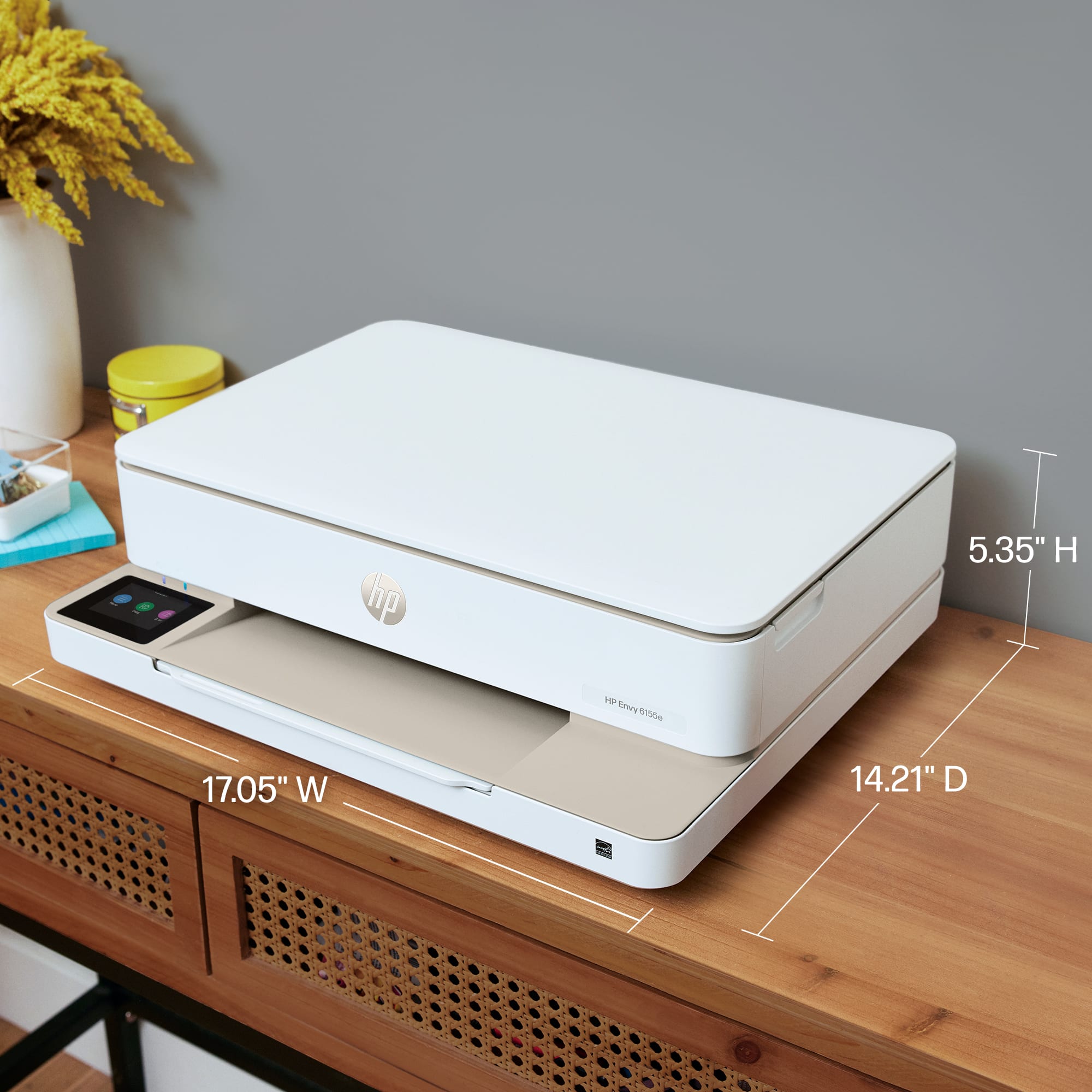
||Posted . Owned for 1 month when reviewed.This reviewer received promo considerations or sweepstakes entry for writing a review.Easy setup, quiet, fits in small space. Beautiful clear prints. Reasonable price.
I would recommend this to a friend - Pros mentioned:Ease of use, Print quality, Setup
Excellent printer
||Posted . Owned for 1 month when reviewed.This reviewer received promo considerations or sweepstakes entry for writing a review.Excellent copies, easy to install, and nice and compact for my office
I would recommend this to a friend - Pros mentioned:Print quality
Not This Time
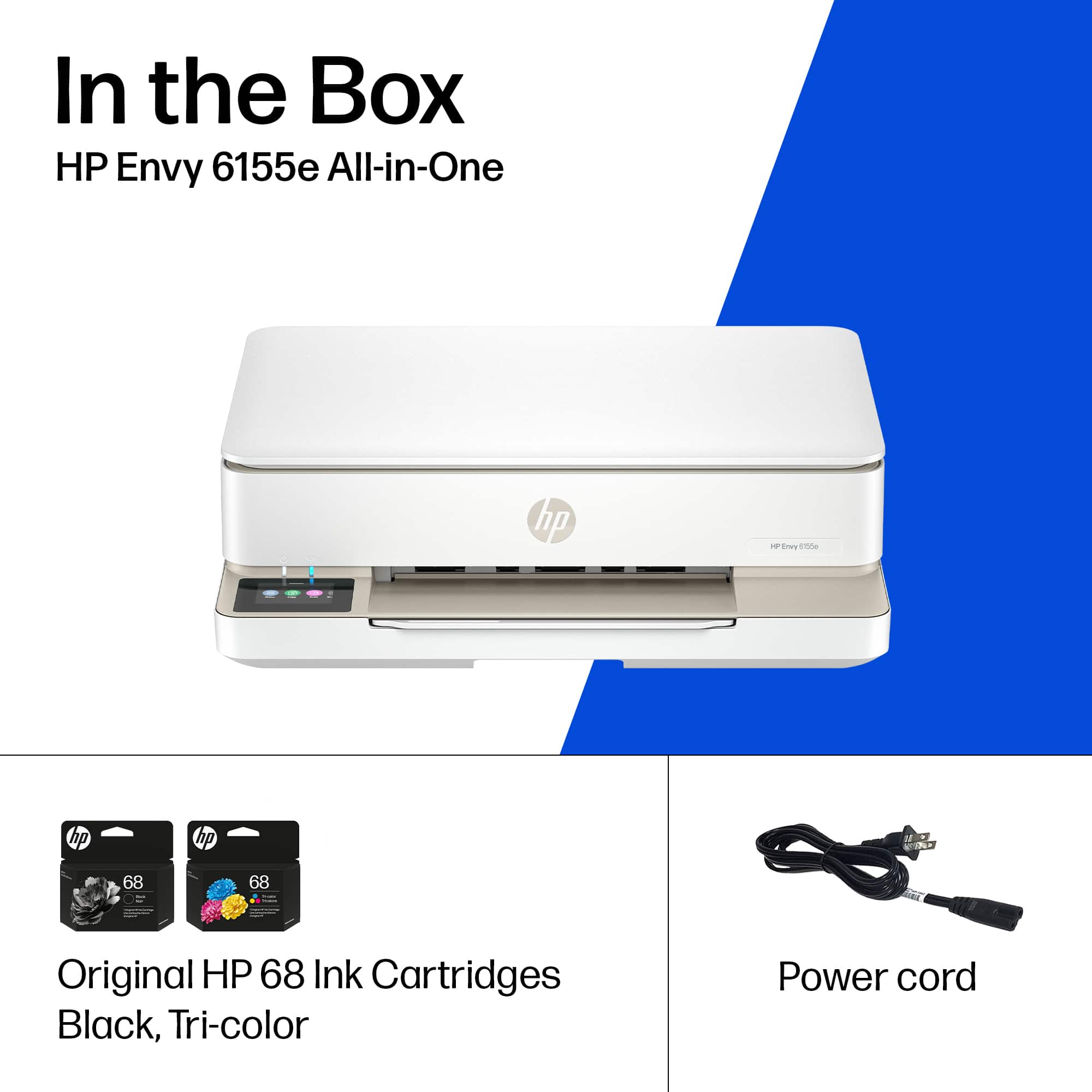
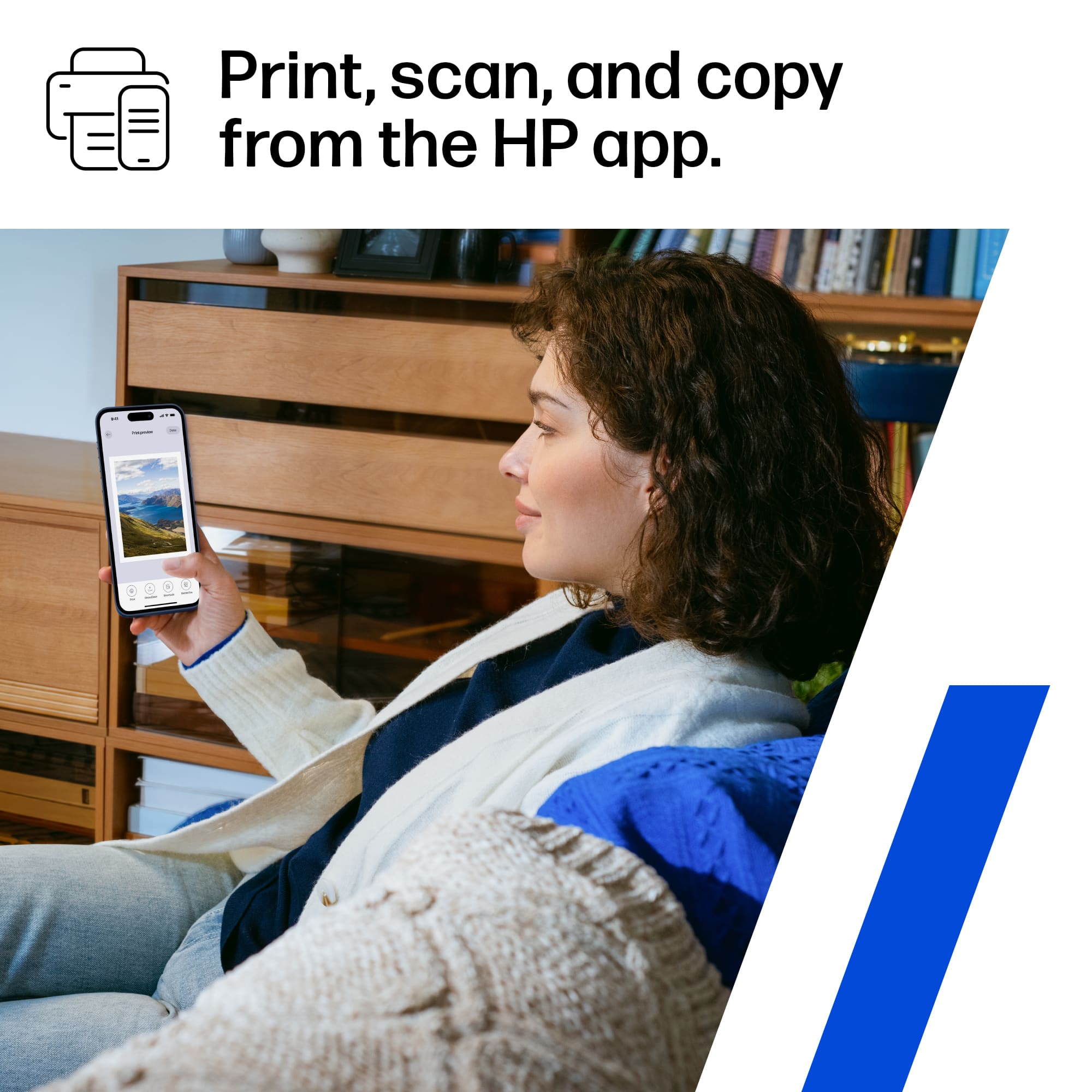
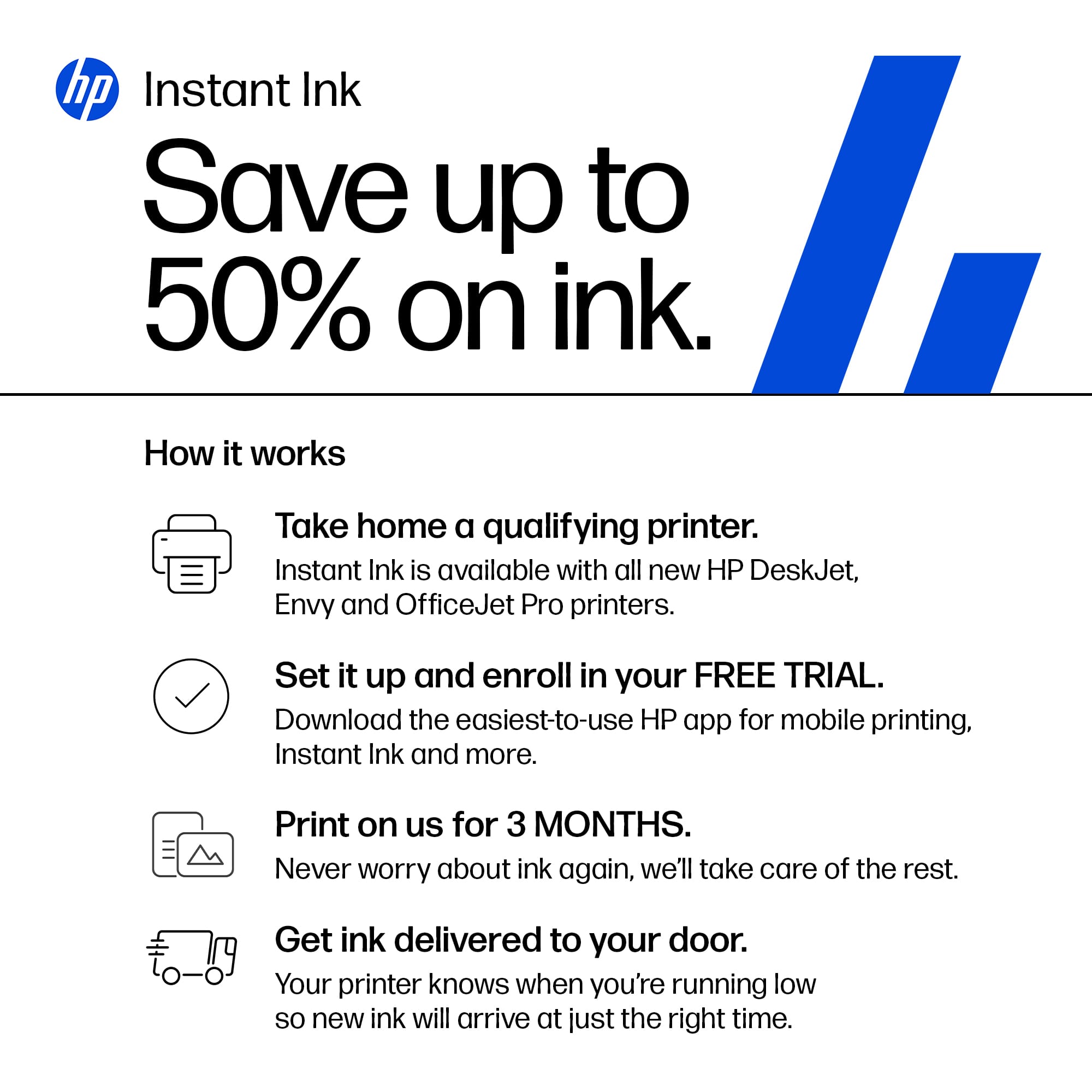
|Posted .This reviewer received promo considerations or sweepstakes entry for writing a review.HP Envy 6155e All-In-One Printer I am writing this review for the HP Envy 6155e All-In-One Printer. I have owned countless HP products since my entry into the world of computing over 40 years ago. My first HP printer was a LaserJet 1100c. Believe it or not, that is still one of my favorite printers, although I have to admit, it is sitting on a shelf right now. I say all this to simply point out that HP, in my opinion, has always been one of the top providers of exceptional printers. And with that being said, let me get into the meat of this review. Unpacking the 6155e was extraordinarily ordinary. It was packed well, came out easily, all the components readily accessible. I will say I am impressed with the steps HP has taken to lessen its impact on the environment. Virtually everything is recyclable, and as well, the majority of the components are manufactured from recycled materials. Big atta-boy to HP for this. Included in the box is the printer, power cord, black and color ink cartridges, and the typical assortment of printer materials, including a concise Quick Start Guide. HP has slowly, over the past few years, began pushing its HP Smart app onto its consumers. It is almost a requirement now, seeing as if you aren’t above average in your tech savviness you will be unable to connect the printer to wi-fi or use it if you don’t download the app. In order to evaluate the 6155e properly, I followed the directions in the Quick Start Guide and used the HP Smart app which I already had downloaded on my phone. This turned out to be only a bit short of a nightmare. Once I got to a certain point during the setup, I received an error message via the app that stated, “An unexpected error occurred. Try again.” Ok…so I tried again. This time I got an error message stating, “Exit Setup We can’t set up your printer from your mobile device right now. To set up your printer from a laptop of desktop, go to 123.hp.com….” Long story short, I finally managed to get the printer connected to wi-fi and accessible through the app. The HP Smart app has been a source of major headaches for me since it was introduced. I truly thought that after the voluminous numbers of complaints they have received that they would have actually fixed the app. They have not. It is my opinion that it is perhaps the worst printer app available. But again, that is my opinion. Getting past the app issue, I tested out all the all-in-one functionalities of the 6155e, beginning with printing. One thing I do like is that you can print directly from the mobile app, whether it be a photo, screen shot, or document. It is as simple as pressing a couple of icons, and off you go. Now, in normal printing, it defaults to color printing, and normal quality, which is basically okay quality. Text printing is gray and not black, and photo printing is so-so quality as well. Don’t get me wrong, its still pretty good even in normal mode, and another good thing about printing from the app is that you can change print settings directly from the app. For this aspect of the app, HP has done quite well. But one thing that really surprised me was that there is no option (that I could find) that allows you to choose any type of photo paper for printing photos. I can’t even begin to figure out a good reason for this, and even using photo paper, it only produces mediocre quality prints. As for scanning, this too can be done from the app, and allows for several options: Batch, Photo, Document, Test Extract, Multi-Item, Book and ID Card. In addition, you can choose from where you want to scan, either phone or the 6155e scanner itself. Text scanning was okay, but depending on what you scan, the accuracy is marginal at best. The formatting was lost in the process, and there seemed to be a LOT of alien characters. In all honesty, I have seen and used third-party scanning apps that do a much better job. Copying is completely uneventful, which is good. Place whatever you want to copy on the scanner, and that is that. There is one other issue I would like to elaborate upon, and that is the Instant Ink program offered by HP. From the very beginning of the setup process, I was saturated with adverts coercing me to sign up for the Instant Ink program, from the included literature through the many screens of the set up process. They (HP) even goes so far as to flat out state that they monitor the printer, to make sure that you use ONLY HP chip cartridges, and that they will prevent non-HP cartridges from working. So, you are basically left with either choosing to buy HP cartridges only via the Instant Ink program, or by buying them from a retailer. Instant Ink prices vary from $1.49 per month (10 pages or less per month) all the way up to $27.99 per month (700 pages or less). During the process of testing out this printer, I printed 5 photos, mostly in Normal mode (One in Best mode). The color ink cartridge now stands at 50% ink left. With fewer thank 20 pages of text prints, there is roughly 75% left in the black ink cartridge. If I print five or six more photos, I will presumably have to buy another color ink cartridge at $22.99. And if I print roughly 80 more pages of text, I will need to purchase a black ink cartridge, at the same $22.99 price. One thing HP doesn’t make explicitly clear is what happens if you should run out of both cartridges in a month’s time. Will they replace both, or just one? In any case, you will have to do the math to see what the best choice for you would be. Taken by itself as an all-in-one, and whether it prints, scans and copies, it does all three, and it does them fairly well. But taken as an entire package including HP Smart app with its issues, HP’s strong suggestions for signing on to Instant Ink, and its dynamic monitoring of the printer to make sure you don’t use non-HP cartridges, I find this is a printer to stay away from, and I can’t hardly bring myself to recommend it anyone, let alone my friends and family. Perhaps if they invest more R&D time into actually improving their app, and if they improve the quality of some of the scanner’s accuracy, I could bring myself to recommend it. But not until then.
No, I would not recommend this to a friend - Pros mentioned:Ease of use, Size
Great printer, great investment
||Posted . Owned for 9 months when reviewed.This reviewer received promo considerations or sweepstakes entry for writing a review.Perfect for what I needed it for, doesn't take up much space on my desk, easy to use, connect to and doesn't give me any issues. Great upgrade from my old printer
I would recommend this to a friend - Pros mentioned:Print quality, Size
A machine which for the money if hard to beat
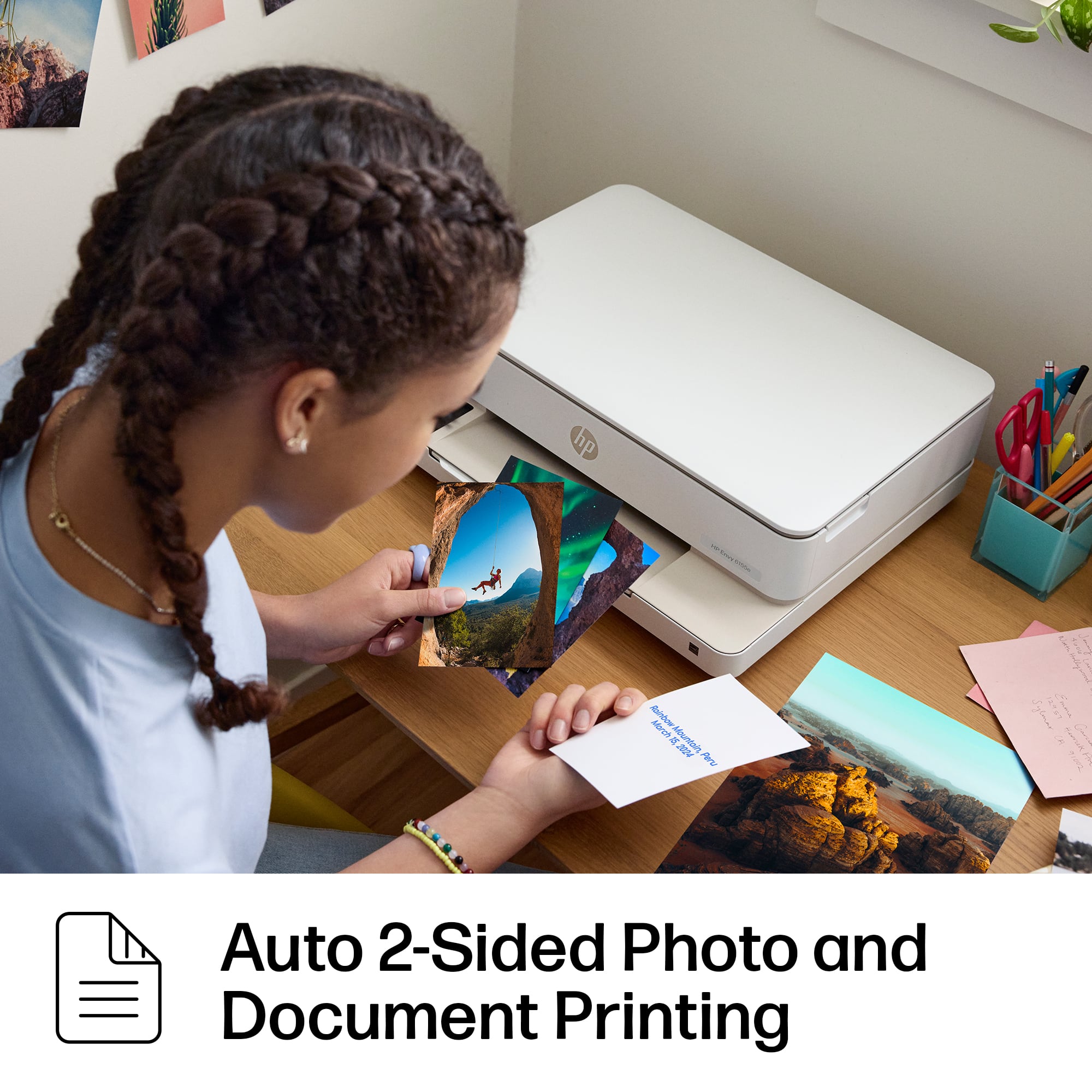
||Posted . Owned for 1 month when reviewed.This reviewer received promo considerations or sweepstakes entry for writing a review.The printer does a fine job- it is quiet as well. I like the ability to print both sides of the paper. It is easy to use and works quickly.The size is also advantageous.It fits on a smaller shelf and still function great.
I would recommend this to a friend - Pros mentioned:Ease of use, Print quality, Setup
Would Recommend
||Posted . Owned for 2 weeks when reviewed.This reviewer received promo considerations or sweepstakes entry for writing a review.I've been happy with my printer so far! It was easy to set up and it has been printing well! If you're looking for a basic printer for a good price I would recommend this one!
I would recommend this to a friend - Pros mentioned:Overall performance, Setup
Great bang for your buck
||Posted .This reviewer received promo considerations or sweepstakes entry for writing a review.I needed ink for my printer and this printer was on sale for the same price as new ink so I upgraded. Great printer! easy to setup and works great, Able to easily print from both my computer and phone.
I would recommend this to a friend - Pros mentioned:Overall performance, Setup
Nice, Less Expensive Home Computer
||Posted . Owned for 2 weeks when reviewed.This reviewer received promo considerations or sweepstakes entry for writing a review.For a less expensive printer, I think this little machine works well. Setting it up was straight forward, though it constantly wanted to connect to my internet, which I didn't want. It's a little slower than my old, more expensive one. But, for my home usage it prints fine and works well. Plus, the ink cartridges are cheaper than my old one - by a lot. I like it.
I would recommend this to a friend - Pros mentioned:Print quality
Best Printer I FOUND for a decade now!
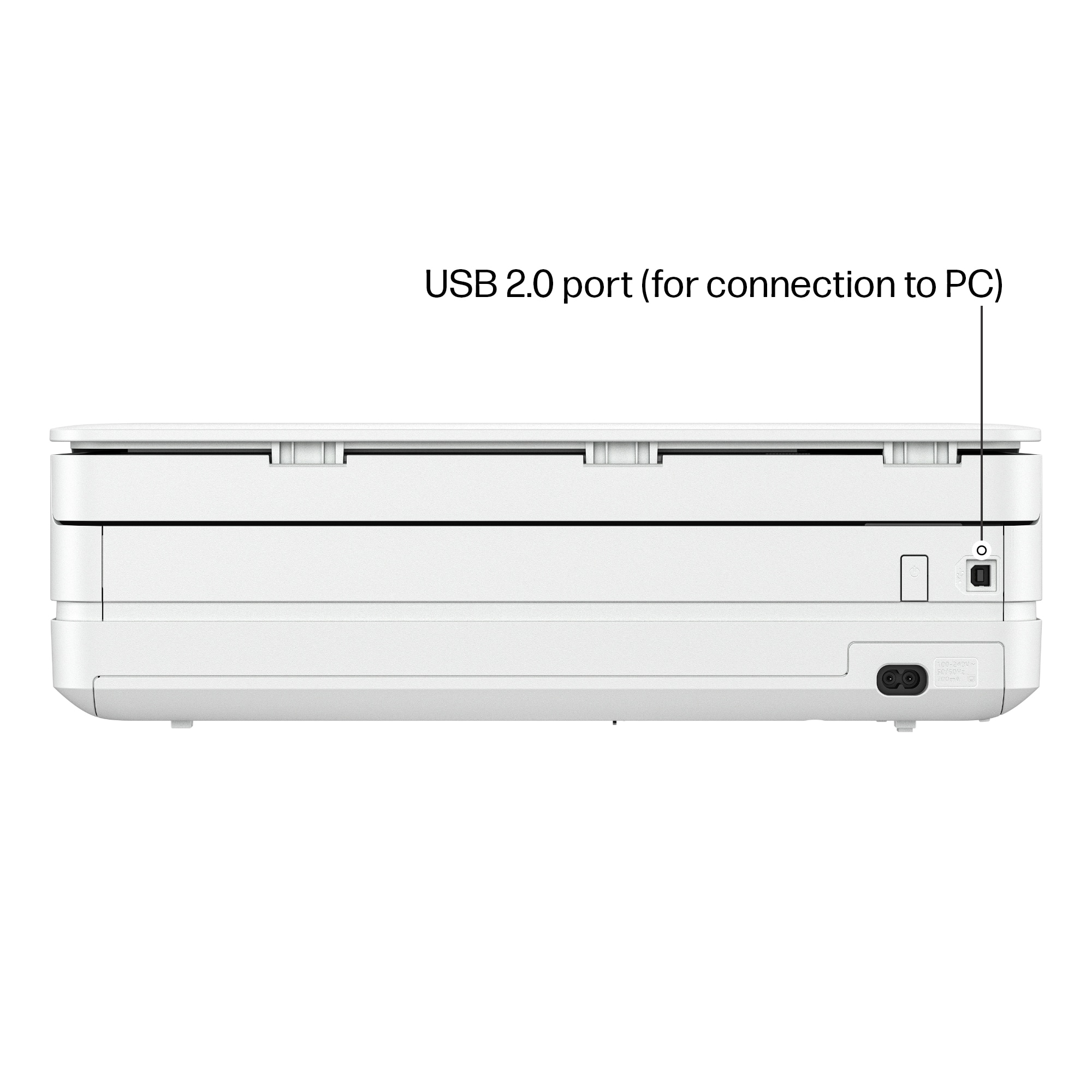
|Posted .This reviewer received promo considerations or sweepstakes entry for writing a review.The greatest HP printer replacement for my hardware-based, 1990s printer boasted features like 3D scanning, faxing, emailing, and printing at a resolution of over 1200 DPI. several formats. size as well as banners. This printer is only 1/3 the size of my giant 1990s printer and functions just as quickly and almost as diversely. It covers 95% of that with cloud Internet and wireless service without the need for a dongle or trailing wires. It also has only one USB connection. The real heart of the newest HP printers is a program called HPsmart, which is a superb cloud-based Internet solution for all the capabilities that in the past required hardware alternatives in order to replicate these services. This adds significantly to the value of a printer beyond just being a tool for printing. My HPsmart app was already loaded, thus installation was a breeze. This app is accessible on phones, laptops, desktops, and, I assume, Macs. Since it is web-based, I'm pretty sure that it can be used on Linux systems as well as Amigas. This is far better than the required drivers to interface with all the unique hardware components that my old printer had, which are not readily available today. I used that 1990s printer for decades while running a five-person private business, and it was fantastic for personal usage. This printer, which comes from HP, an engineering company, claims to last me another 25 to 30 years. Black and white printouts show the same speed and quality, so it's good enough for a small business Most of my grievances are so little and pointless in the modern world. While the Envy's scanning is enough for most online auctions, it is not 3D capable. Additionally, the old printer's seven color cartridges ran out slower than the HP color cartridge, and HP appears to be less decisive of negative and positive scans. Color uses more ink than older printer, 40–50 pages of high-resolution vs using 1/4 of the color ink cartridge for three HP prints. However it’s the best I’ve seen in over a decade that fits into most people's budget.
I would recommend this to a friend - Pros mentioned:Ease of use, Print quality
Great printer.
||Posted . Owned for 1 month when reviewed.This reviewer received promo considerations or sweepstakes entry for writing a review.I really like this printer. Both sides printing is so efficient and I use it quite often as it saves on paper. Printer is very quiet and I like that it shuts down if I forget to turn it off. Very easy to use once it is setup.
I would recommend this to a friend - Pros mentioned:Ease of use, Setup
Nice printer
||Posted . Owned for 3 weeks when reviewed.This reviewer received promo considerations or sweepstakes entry for writing a review.Easy setup, works with my phone and laptop wireless
I would recommend this to a friend - Pros mentioned:Print quality
Very good all-in-one printer with great features
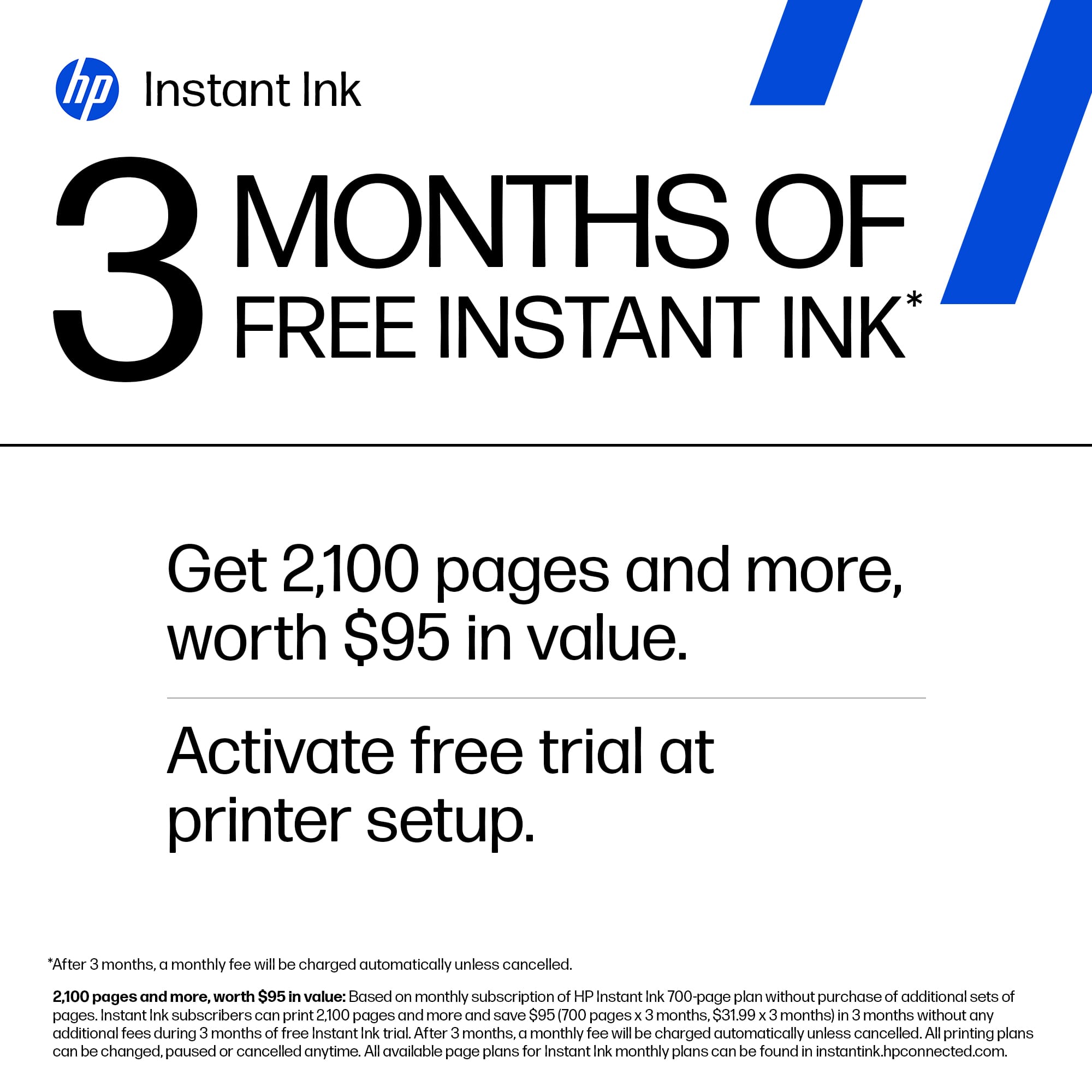
|Posted .This reviewer received promo considerations or sweepstakes entry for writing a review.This HP Envy 6155e Wireless All-in-one printer, scanner, copier, and mobile fax, is an essential piece of equipment to have for any household or dorm room. This would even be good for a small home business, too. What’s included? All in one printer, scanner, copier, and mobile fax, power cord, quick start guide, HP Instant Ink information card with offer for 3 months of free HP Instant Ink, 2 setup cartridges Set up: set up was easy and took no more than 15 minutes start to finish out of box Ink cartridges: comes with 2 setup cartridges, is HP Instant Ink ready and comes with offer Scanner: Flat bed scanner Printer: prints color, black and white, and greyscale Speed: Prints 10 pages per minute in black, 7 pages per minute in color. Scan speed depends on content of page scanned Resolution: Best is 1200 x 1200 black Features: duplex printing, borderless printing, scan to different apps like email, file, print Software: downloadable software from HP gives you Printables that includes cards, crafts for adults and children, productivity, and more. Summary: this is a great all in one printer to have for any family or individual. It does a lot of different things in a very affordable way without sacrificing quality of any form. I’d highly recommend it.
I would recommend this to a friend - Pros mentioned:Overall performance, Print quality, Setup
Easy and affordable
||Posted .This reviewer received promo considerations or sweepstakes entry for writing a review.Easy setup, connects well with HP laptop, prints clearly and works exactly as its supposed to. Great affordable printer option.
I would recommend this to a friend - Pros mentioned:Ease of use, Print quality, Setup
HP Printer
||Posted .This reviewer received promo considerations or sweepstakes entry for writing a review.I needed a printer but don't print often. The sales rep suggested this one. Set up was easy! Only printed a few things but happy with the quality of how it looks!
I would recommend this to a friend - Pros mentioned:Overall performance, Print quality
Printer
||Posted . Owned for 1 month when reviewed.This reviewer received promo considerations or sweepstakes entry for writing a review.Working great. Very quiet. Prints very well. Great product.
I would recommend this to a friend - Pros mentioned:Overall performance, Setup
HP printer
||Posted . Owned for 2 weeks when reviewed.This reviewer received promo considerations or sweepstakes entry for writing a review.Easy set up. Wireless printing from my laptop or phone. Does a great job.
I would recommend this to a friend - Pros mentioned:Setup
Great all in one printer & an app
|Posted .This reviewer received promo considerations or sweepstakes entry for writing a review.The HP envy 6155e is a great all in one printer and the biggest reason is the HP printer app that you can use to setup and control the printer. Unboxing and setup is simple and straightforward, which is something I haven’t been able to always say with some printers. Once you plug it in, the app will walk you thru the whole setup process and even automatically adds your WiFi password to the printer so you don’t have to enter it in. This seems like something trivial, but from my past experience with some printers including previous HP printers, it was an absolute pain getting them online or even using the software. Because of this I used to never use the app or online experience, as it wasn’t worth the headache. You have the option to use the HP instant ink and can set it up thru the app, but I like that HP doesn’t force it down your throat. When using the printer I like the fact it has a quite mode you can enable , which make a substantial difference in the sound the printer makes. If you don’t wish to use the app for printing and control the touch panel is very responsive and has a clean UI. All in all this printer isn’t much different than other ink jet printers I’ve used, the big difference is HP has finally brought the app and online experience into the 21st century!
I would recommend this to a friend - Pros mentioned:Overall performance, Print quality
HP Printer
||Posted . Owned for 2 weeks when reviewed.This reviewer received promo considerations or sweepstakes entry for writing a review.I like HP printers. I had one that lasted for several years until it finally gave up. The one I just bought, is perfectly priced, very budget friendly and prints beautifully. It does everything that I need a printer for. I highly recommend this model.
I would recommend this to a friend