Customer Ratings & Reviews








- Model:
- 714L6A#B1H
- SKU:
- 6625922
Rating by feature
- Value
Rating 4.7 out of 5 stars
- Quality
Rating 4.6 out of 5 stars
- Ease of Use
Rating 4.6 out of 5 stars
Customers are saying
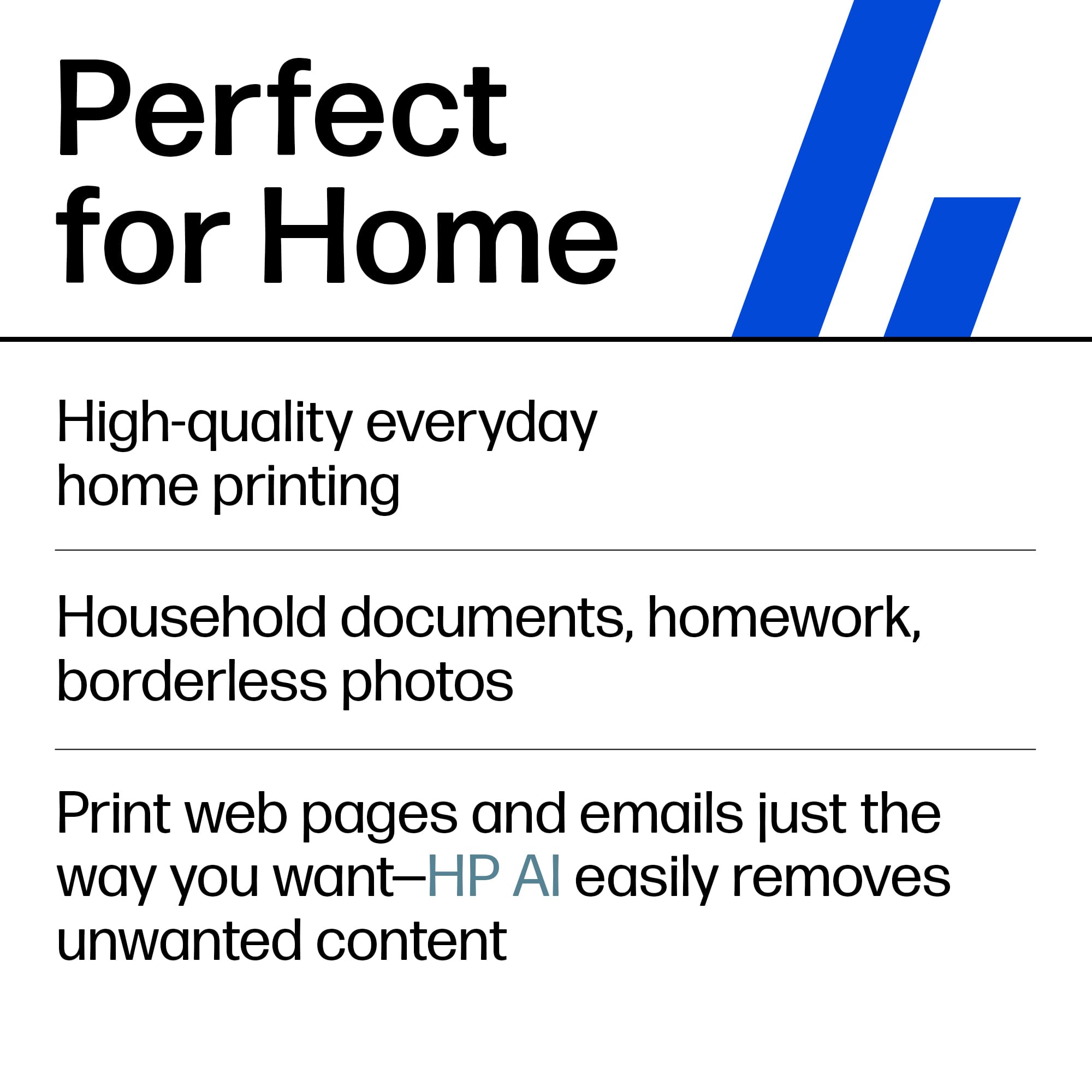
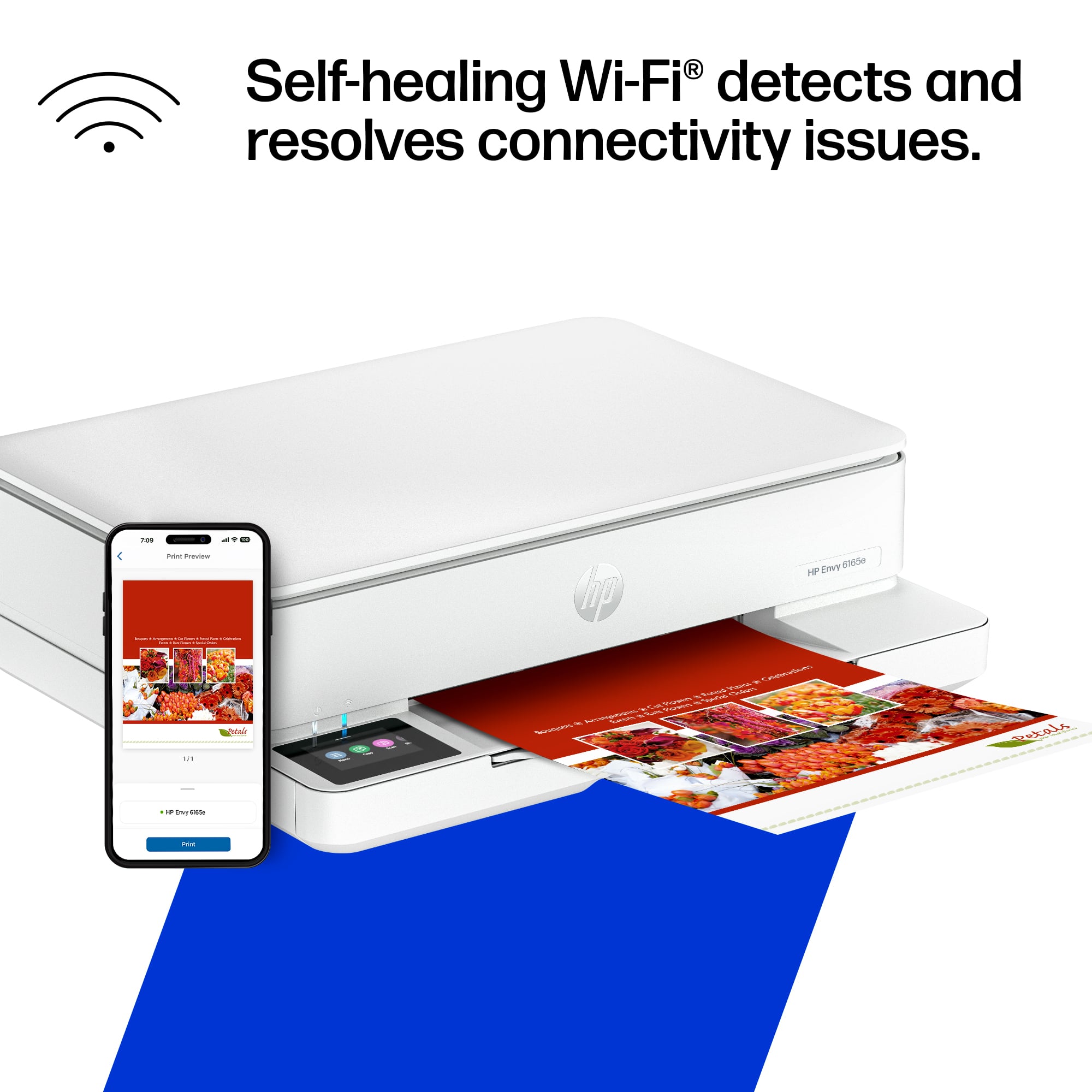
Customers frequently mention the Envy 6165e printer's excellent overall performance and very good print quality. Many appreciate its ease of use and simple setup, along with its better connectivity and compact size. Some find the paper tray capacity to be small and the on/off button placement inconvenient.
This summary was generated by AI based on customer reviews.
Dumbest printer in the history of man!
||Posted . Owned for 1 month when reviewed.This reviewer received promo considerations or sweepstakes entry for writing a review.This thing is just sitting in my office, all the lights flashing, because there is no way to reset the wifi. No button, no app. I hate this printer.
No, I would not recommend this to a friendRIP OFF
||Posted .This reviewer received promo considerations or sweepstakes entry for writing a review.DID NOT RECIEVE THE PRINTER. THEY SENT A STUPID MONITOR WHICH IS STILL UNOPENED. , BEST BUY WOULD NOT RESPOND TO THEIR ERROR.
No, I would not recommend this to a friend- Pros mentioned:Connectivity, Setup easeCons mentioned:Paper tray capacity
Nice printer..like my envy 7640 was
||Posted . Owned for 1 month when reviewed.This reviewer received promo considerations or sweepstakes entry for writing a review.This is a very nice printer...a little slow on multiple copies but not horribly so..a good home needs printer..easy to set up..easy to link to bluetooth on my samsung galaxy phone..does exactly what it claims to do..does all that my old hp envy 7640 did so far..haven't tried all the features yet..will try photo prints and scanning this month..but so far really pleased with it...paper tray is a bit dmaller capacity than my 7640 was and i did have one complaint so far..the paper support tray thst pops out of the front to keep copies from falling on the we floor is manual..do if you are across the room and forget to put it out you have to get up that before printing..my 7640 did it automatically..it was a very convenient feature..of course..i don't use thr hp app much so maybe it is in there to set up.but i don't think so..i bought this because it had modt of the same features as my 7640 and the on/off control is on the actual physical printer as opposed to the ones thst i found had to be unplugged or accessed in the app to turn off..as i don't use my printer often.....hope this review helps..j.m.riley
I would recommend this to a friend - Pros mentioned:Print quality

Great Printer for Light Print Requirements
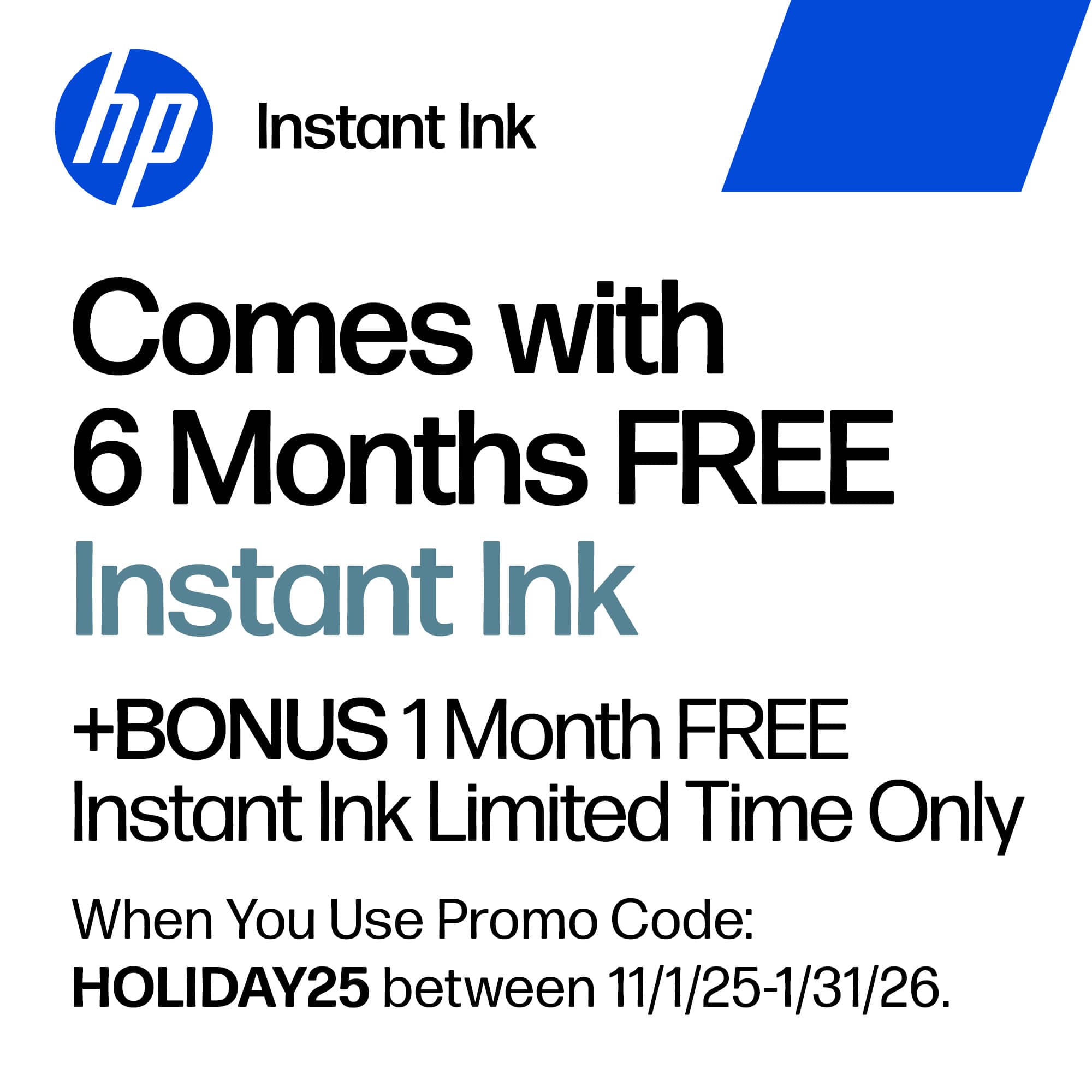
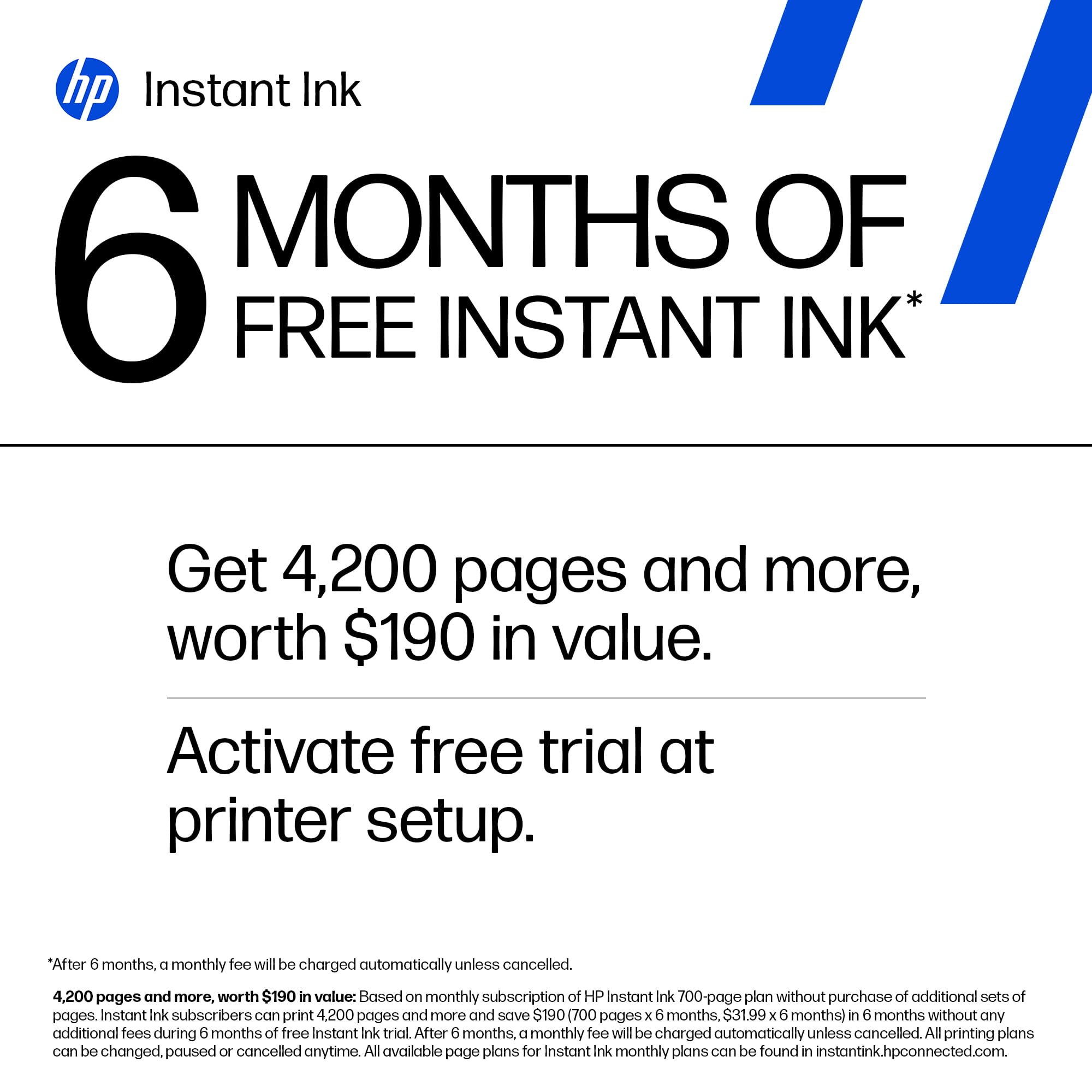
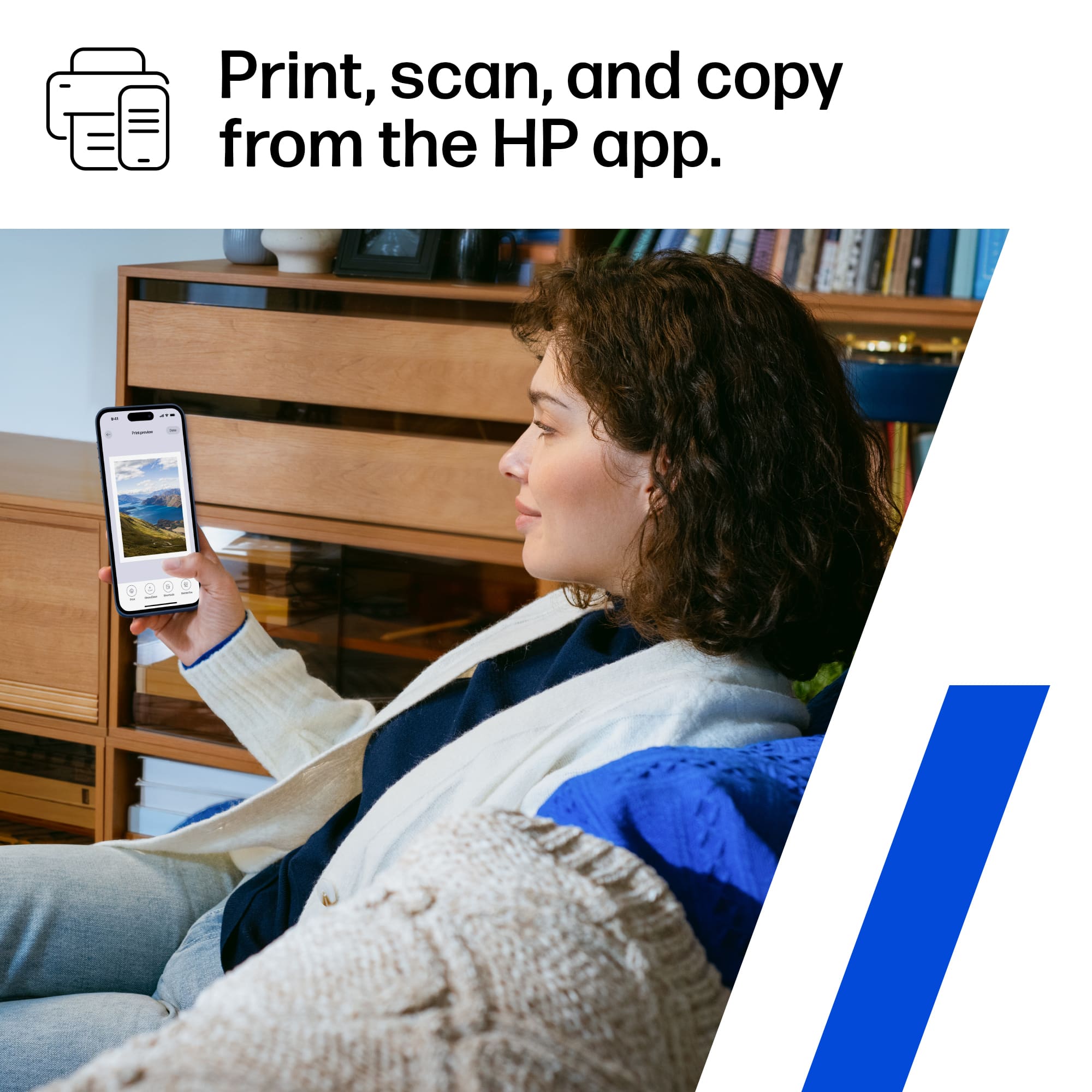
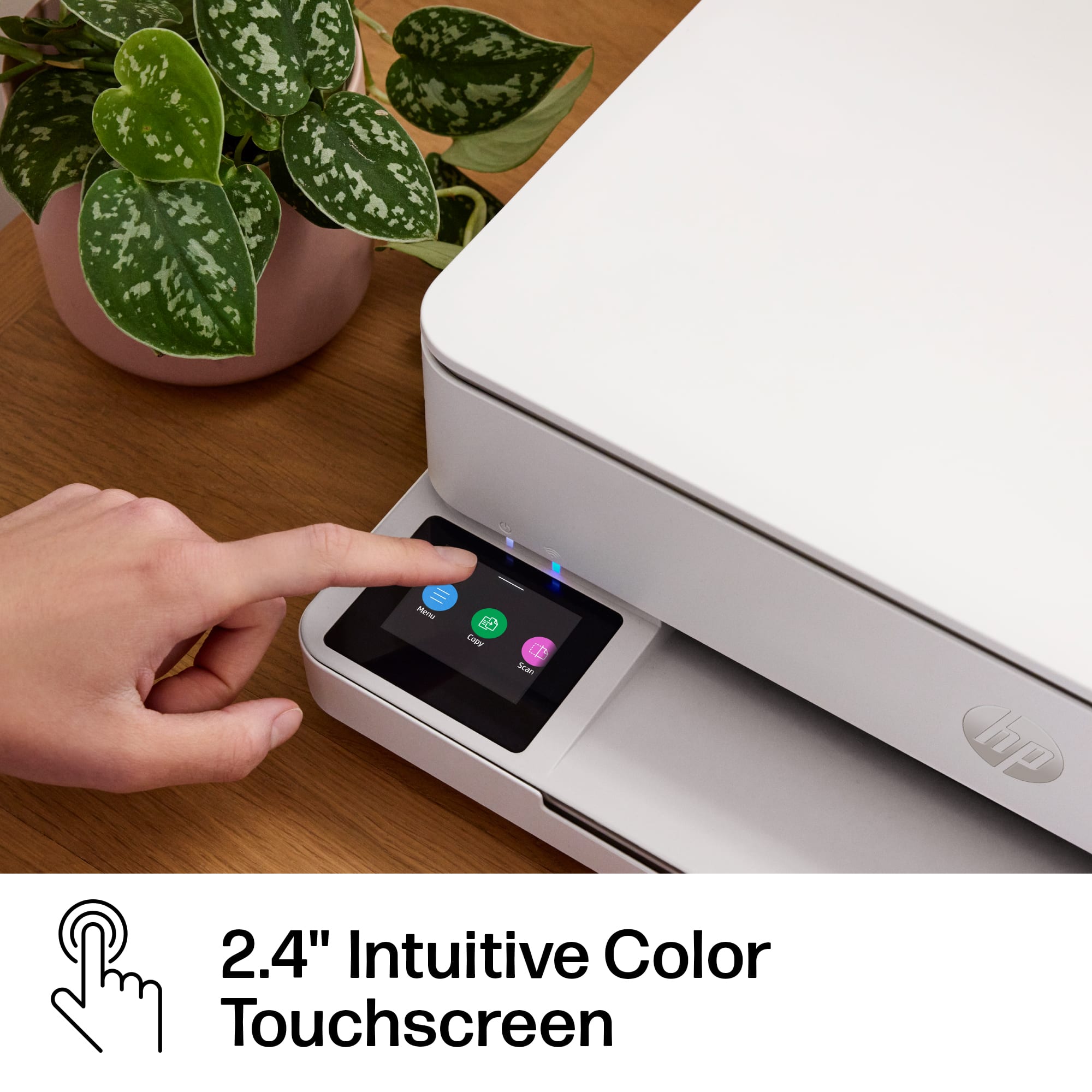
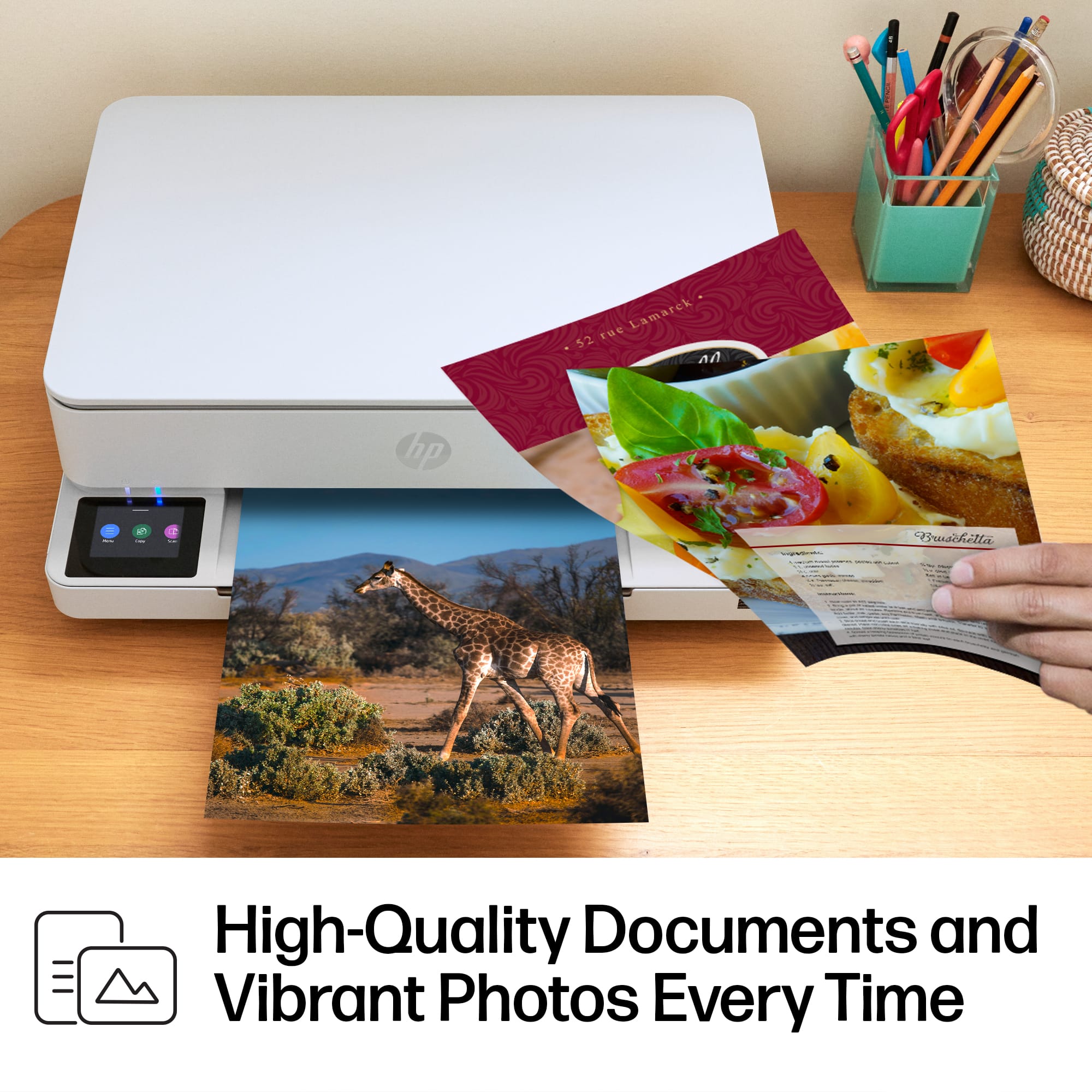
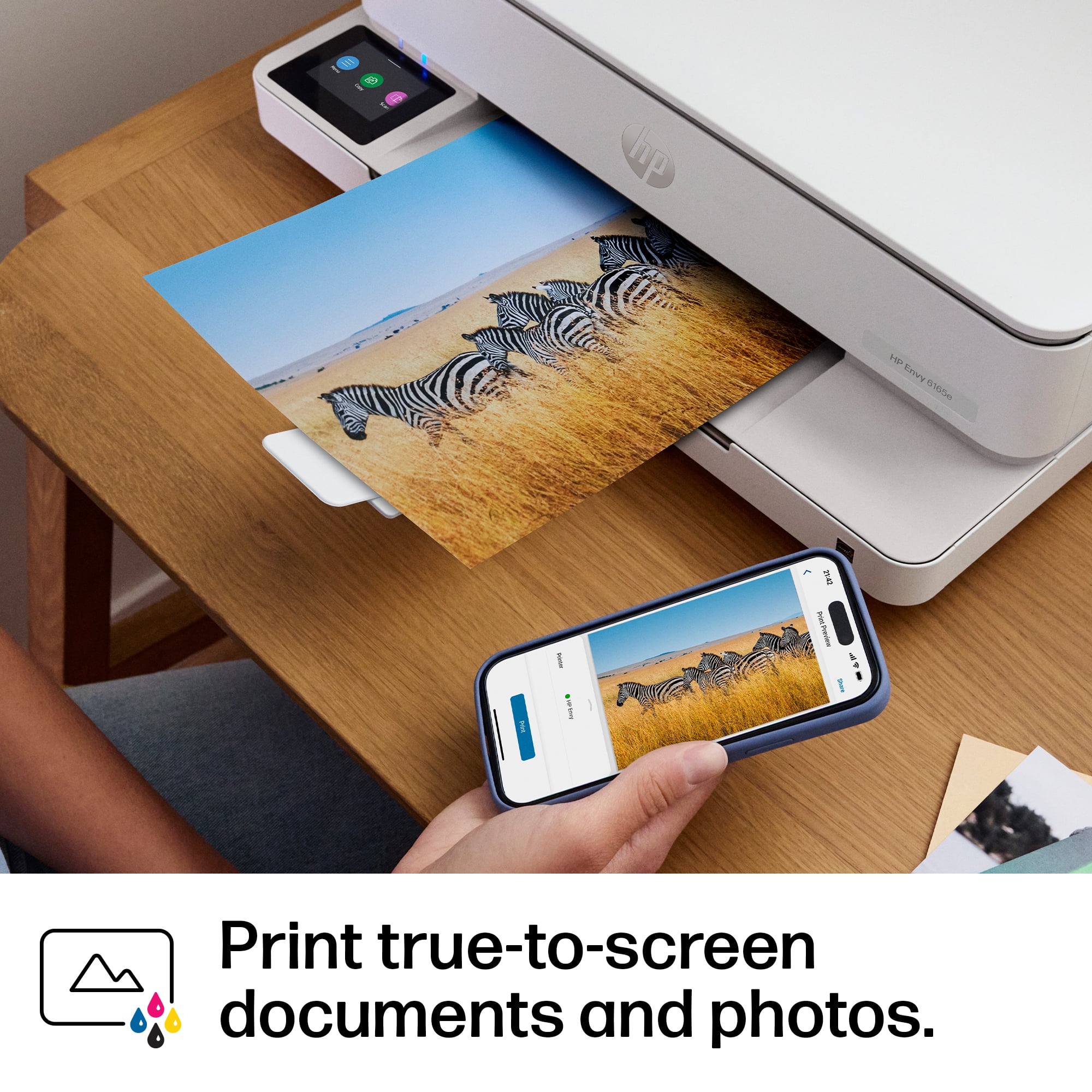
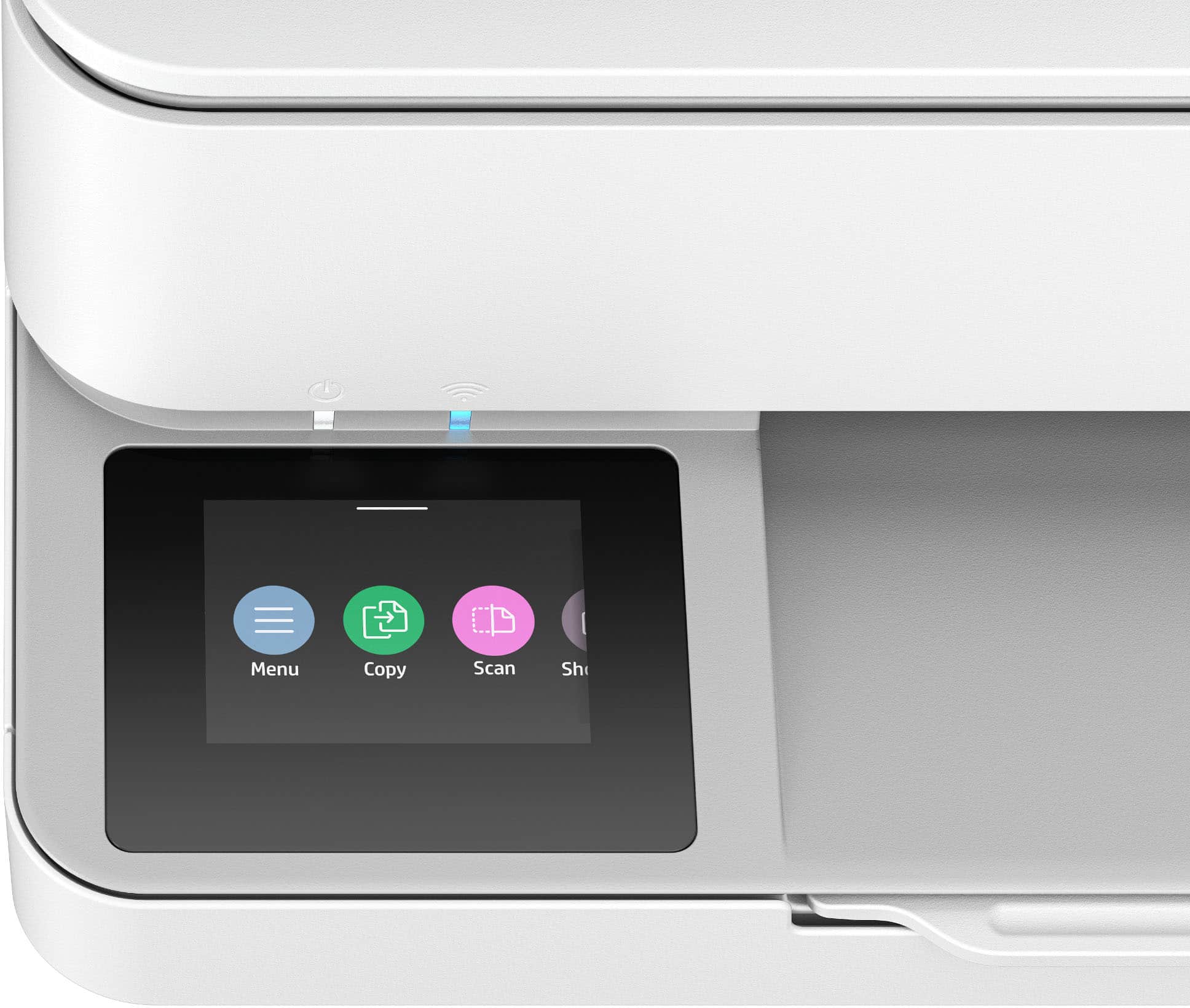
|Posted .This reviewer received promo considerations or sweepstakes entry for writing a review.This HP Envy wireless printer is an excellent choice if you are looking for a nice budget printer and you do not need it to do a lot of heavy duty printing. As long as your printing requirements are light, you can't go wrong with this model. Like most people I do not have to do a lot of priming anymore since most things can be done digitally now instead of printing. I do need a printer for occasional use so getting this model was an easy choice for me. The first step is to download the HP App and use it to configure the printer. Once this is done everything else is quite intuitive. One thing I appreciated is the color touch display. The screen doubles as a control panel and it is very easy to see and use. One thing I don’t like about some other printer displays is that they have monochrome displays that are difficult to see in low light. Not this model which is a huge plus. The App walks you through the setup process which mostly consists of installing the ink cartridges and connecting to Wi-Fi. I was able to easily print both from my PC and my iPhone. Just remember that the device you are printing from must be connected to the same Wi-Fi network. It is possible to print from home using the App and HP cloud printing. The print quality is excellent, especially in this price range. Colors are vibrant and the blacks are deep. Most people shopping in this price range will be satisfied by the print quality. HP offers a subscription service for ink. It is very affordable and 6 months of ink is included. This is especially helpful because in my experience after several months, inkjet printer ink tends to dry out. HP has always offered quality printing options in all price ranges. The Envy 6165e is no exception and is in my opinion, among the best in its class for printers at this price range. I am looking forward to using it over its lifespan.
I would recommend this to a friend - Pros mentioned:Print quality
Decent Basic All-in-One Printer
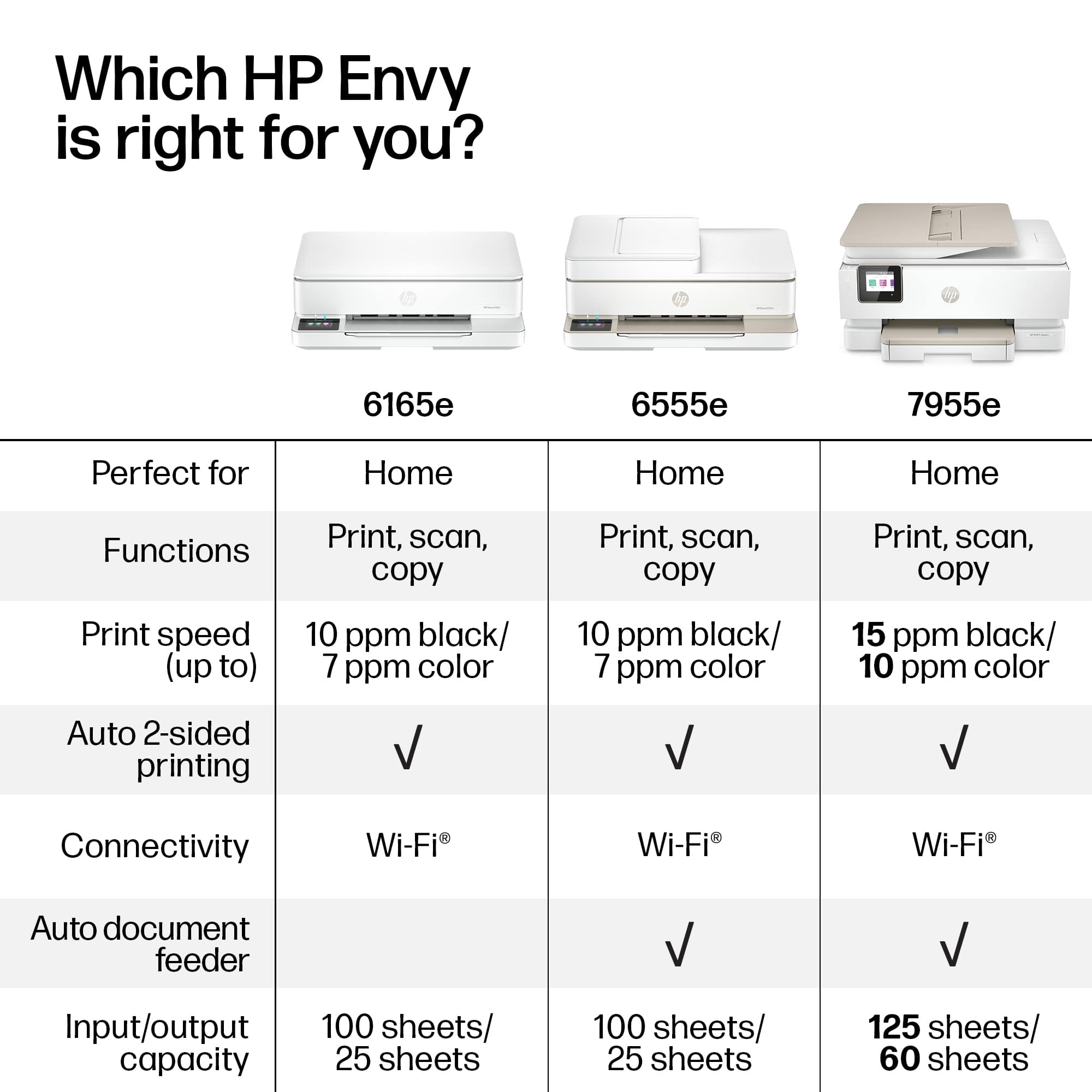
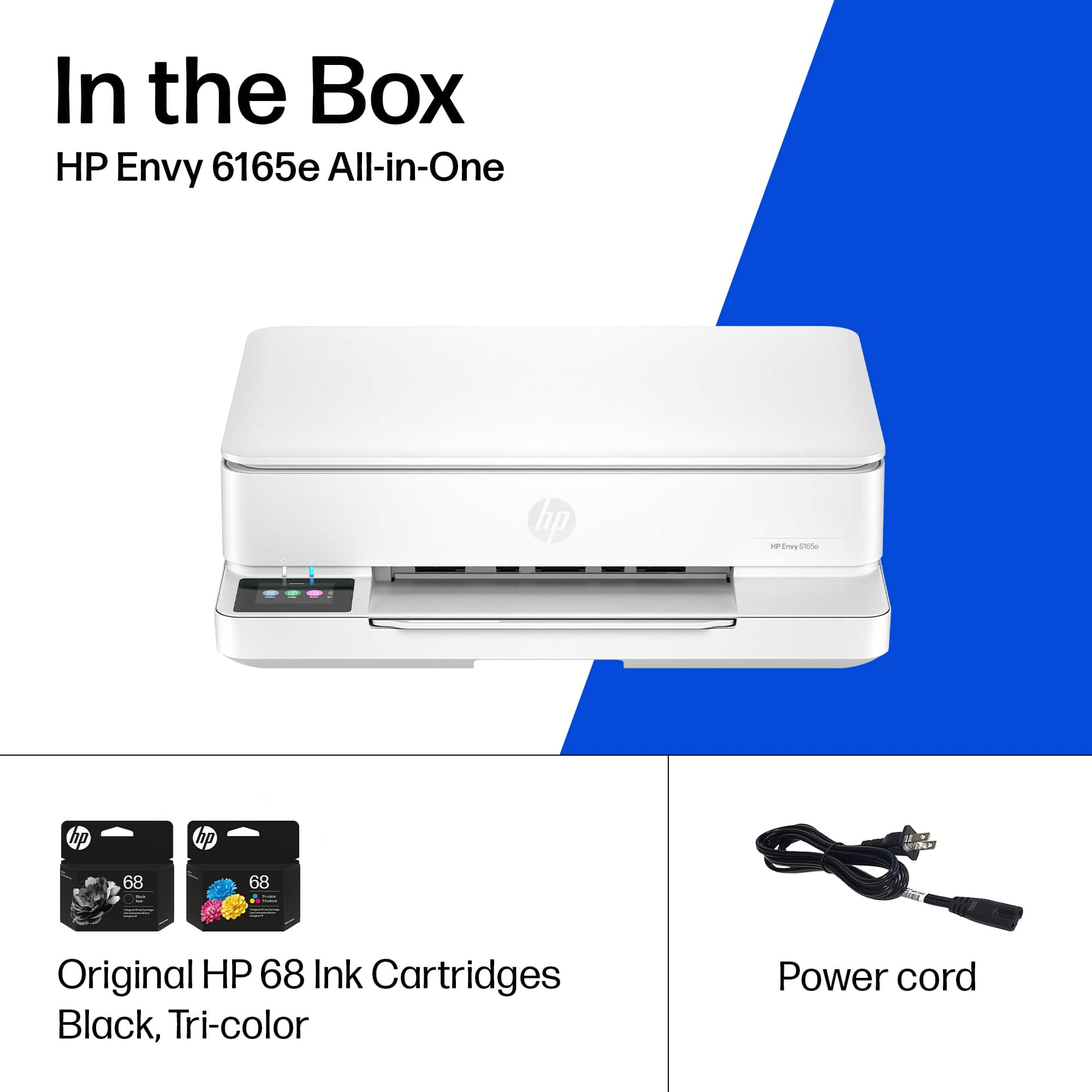
|Posted .This reviewer received promo considerations or sweepstakes entry for writing a review.When I received the HP Envy 6165e Printer, I was not thrilled to find that there was only two ink cartridges with it. That means that there is one black ink cartridge and one cartridge that contained all the colors - magenta, cyan and yellow. That also means that if any one of those three colors run out, then the cartridge needs to be replaced regardless of how much ink is left of the other two colors. This is wasteful. And considering how expensive it is to replace that three color cartridge, it is a sad ploy to get you to sign up for the HP Instant Ink promotion. The Ink promotion isn't too bad, if you print a ton of pictures or large colorful reports or color brochures, but if you are like me, then you will only need to use this basic level of printer on an occasional basis. The promotion does include sending you prepaid mailers for you to send your used cartridges back to HP for recycling. Other than the ink disappointment, the setup of the printer requires Internet connection and can be setup for your phone and / or your computer. I found the download and setup for both simple enough, but I found that the print driver functionality for both devices seems to differ and it is more complex printing a borderless 4"x 6" color photo on gloss photo paper off the phone than it is off of the computer. I kept getting errors saying that there is a mismatch in paper types, even though I had set the paper type up both on the printer and in the application. I finally got a photo printed off the phone, but it did not come out borderless. I may need to play some more with the print dialog settings to get it to print borderless off the phone, but I had no issues printing the same photo borderless off of the computer. The print quality and color is good on photos, but with just 3 color inks it lacks the definition of a multi-ink printer made specifically for photo printing. Regular word documents print out nicely and crisply on plain paper. The scanning function and software works well for both the phone and computer. The copy function at the machine is simple and works well, though I miss having a document feeder for those multiple page scans and copies. All-in-all this HP Envy 6165e does all the basics well. I would suggest it for a user such as someone with a small home office, small business office or a student that may need a printer for their school work.
I would recommend this to a friend - Pros mentioned:Connectivity, Print quality, Setup ease
Perfect Printer for a Home Office
||Posted . Owned for 2 months when reviewed.This reviewer received promo considerations or sweepstakes entry for writing a review.This printer has been a great addition to my home office. Setup was quick and easy, and it connects to Wi-Fi without any problems. Print quality is sharp and professional for documents, and it handles everyday printing smoothly. The Instant Ink service is extremely convenient—I don’t have to think about ink anymore, and replacements arrive before I run out. It’s reliable, efficient, and saves time and money, which is exactly what I need for working from home. Highly recommend.
I would recommend this to a friend - Pros mentioned:Print quality, Setup ease, Size
Good for small spaces
||Posted .This reviewer received promo considerations or sweepstakes entry for writing a review.It works well! The setup guide was very easy to follow, and the first couple of pieces I've printed came out perfectly well. Most importantly, it's compact enough for my tiny one-bedroom NYC apartment. I'm not in love with the UI of the HP app I was instructed to download to print documents — but, it's usable enough. Deducting one star, because the PDP advertised getting additional free ink with a promo code — but, when I copied & pasted that code at checkout, it said it was invalid.
I would recommend this to a friend - Pros mentioned:Print quality, Setup easeCons mentioned:Paper tray capacity
HP Envy 6165e
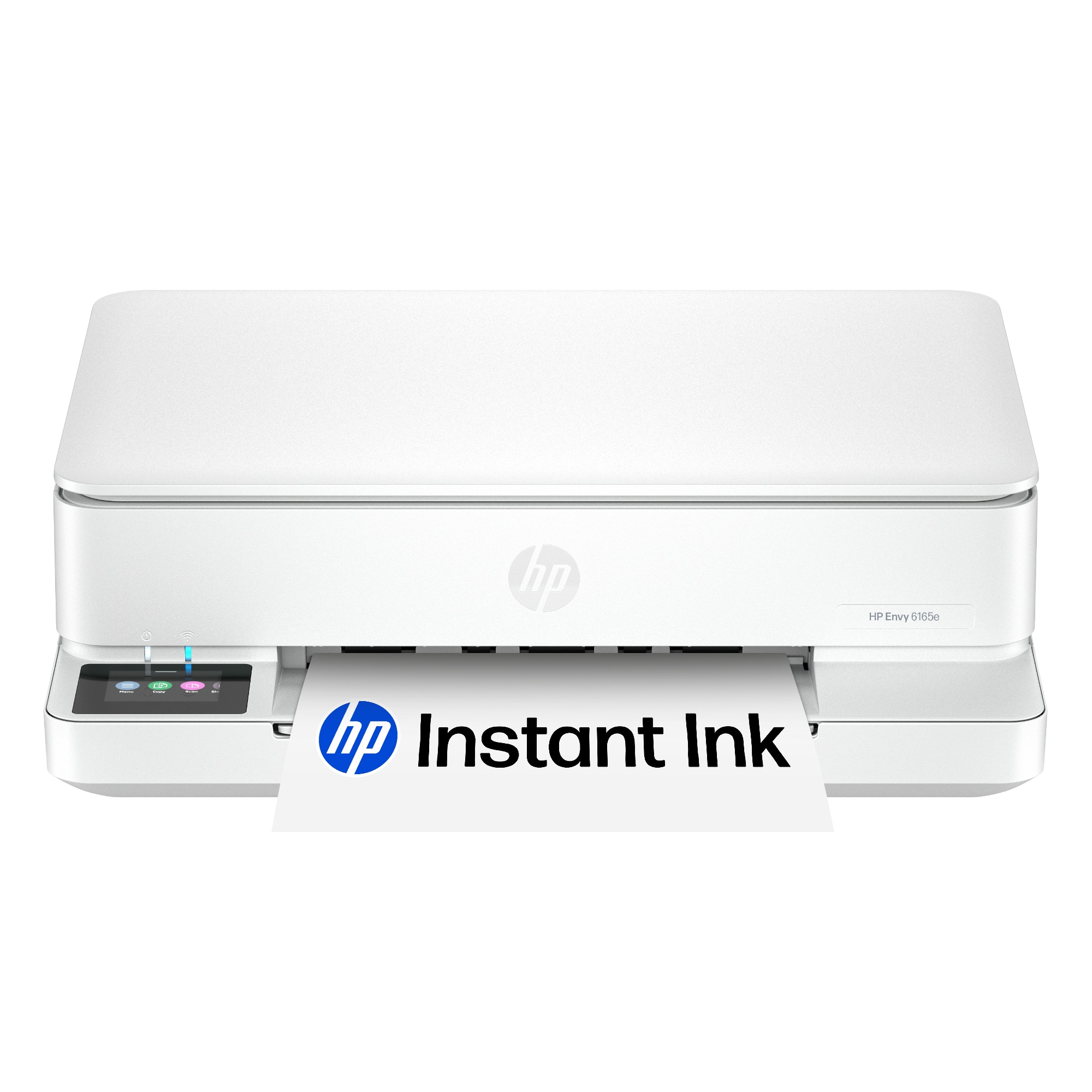
||Posted .This reviewer received promo considerations or sweepstakes entry for writing a review.This printer was easy to set up and get going. It connected wirelessly with ease and the print quality is nice. The paper tray is somewhat small, but fits my needs just fine. It is a nice looking printer and the touchscreen is a nice touch.
I would recommend this to a friend - Pros mentioned:Print quality
sleek low profile all-in-one from HP
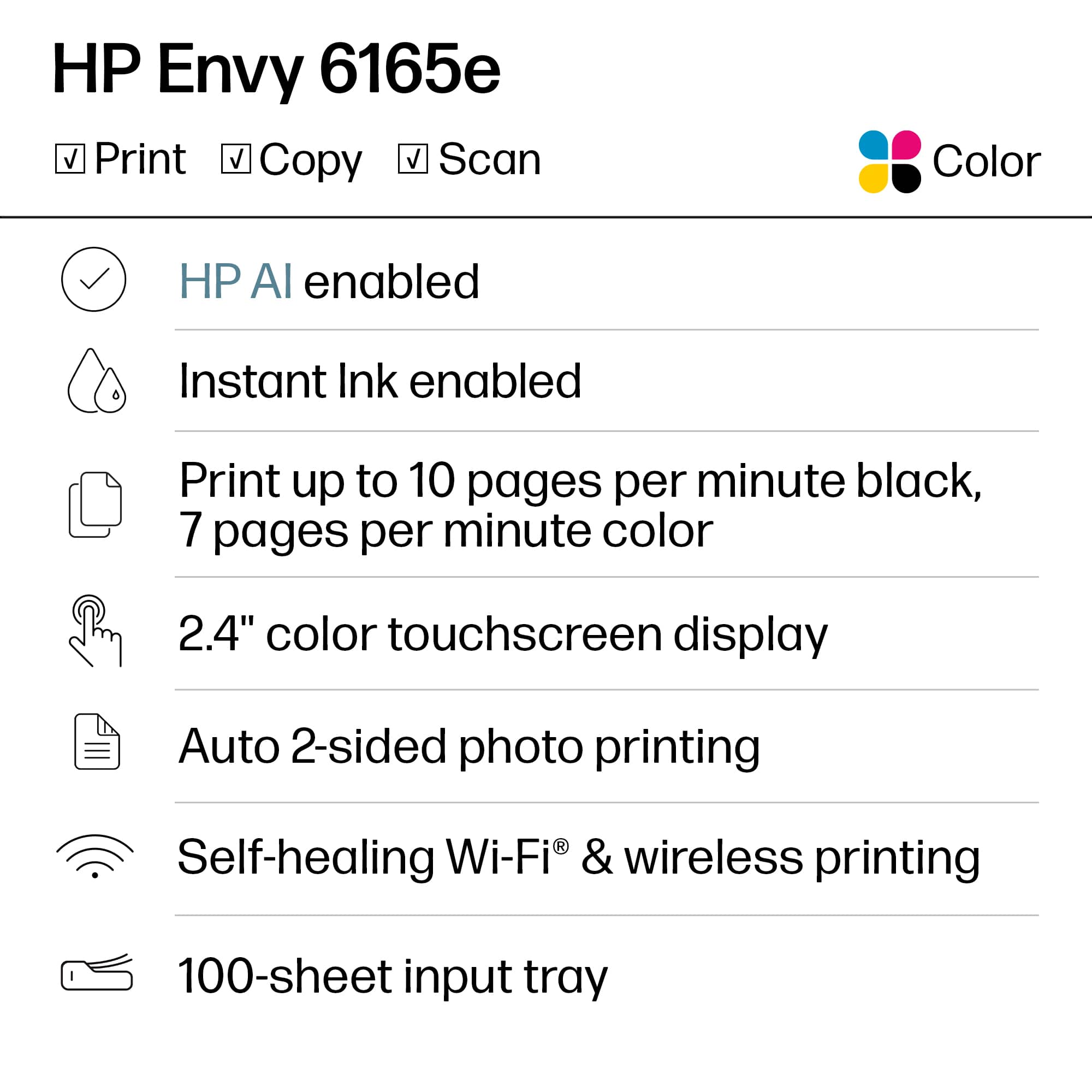
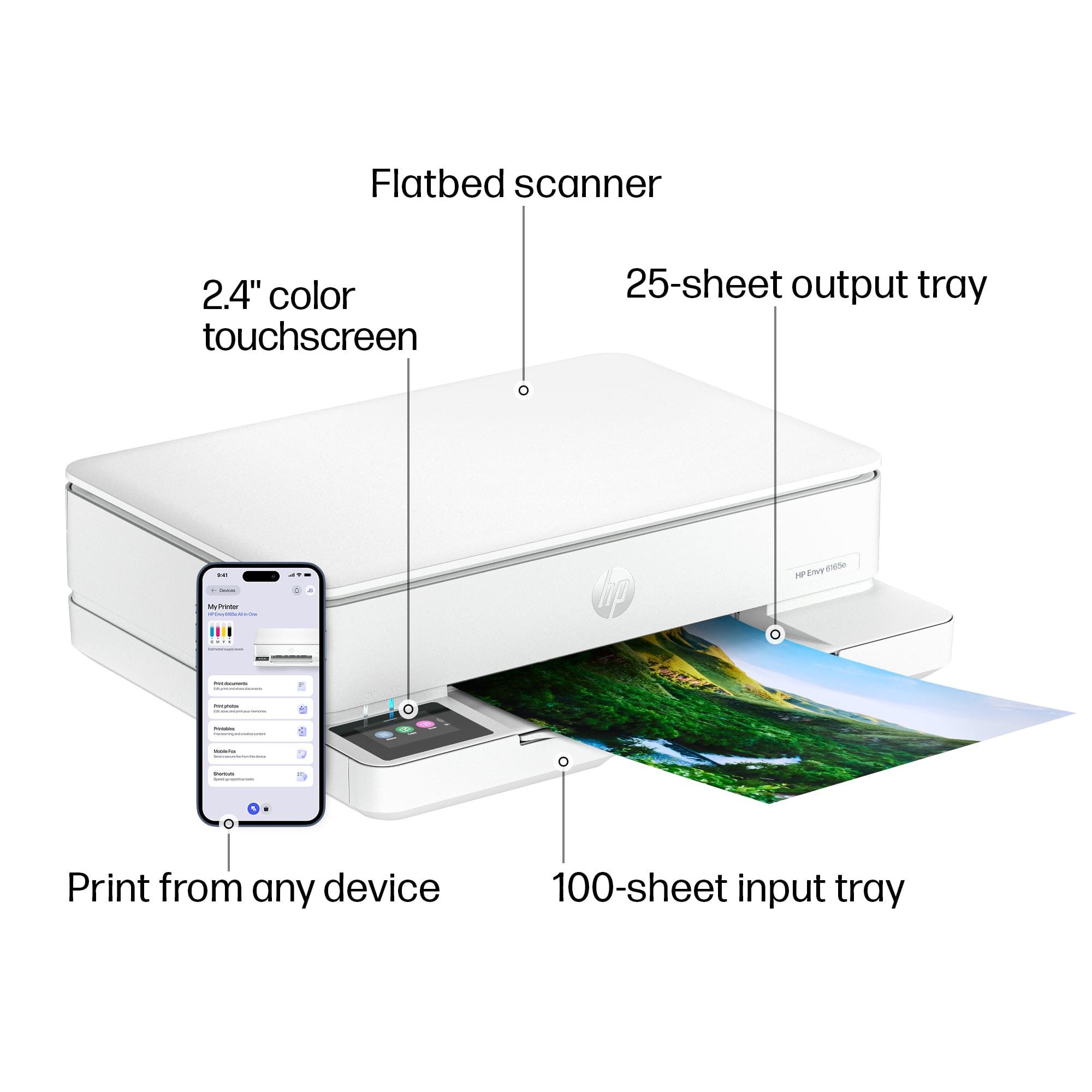
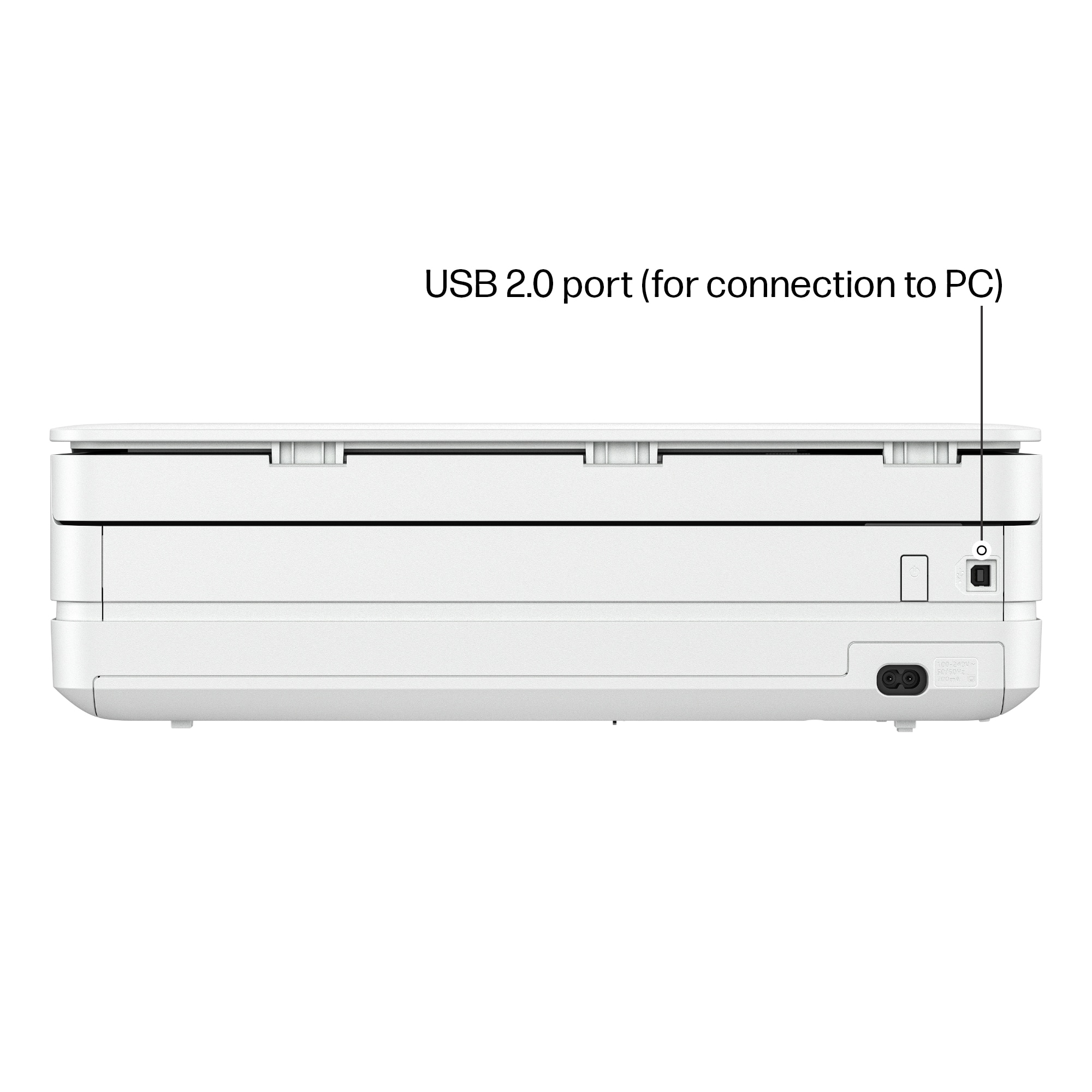
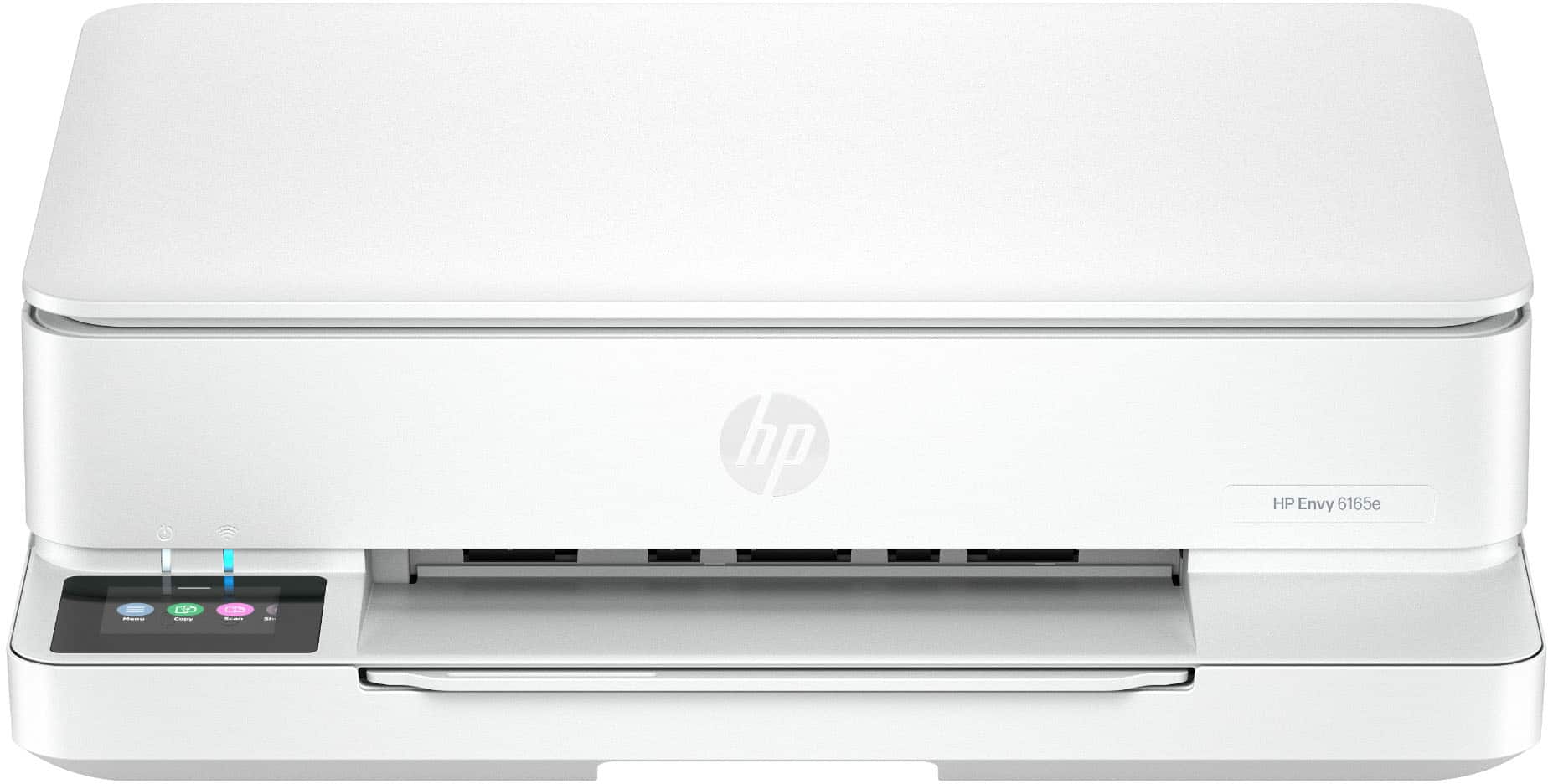
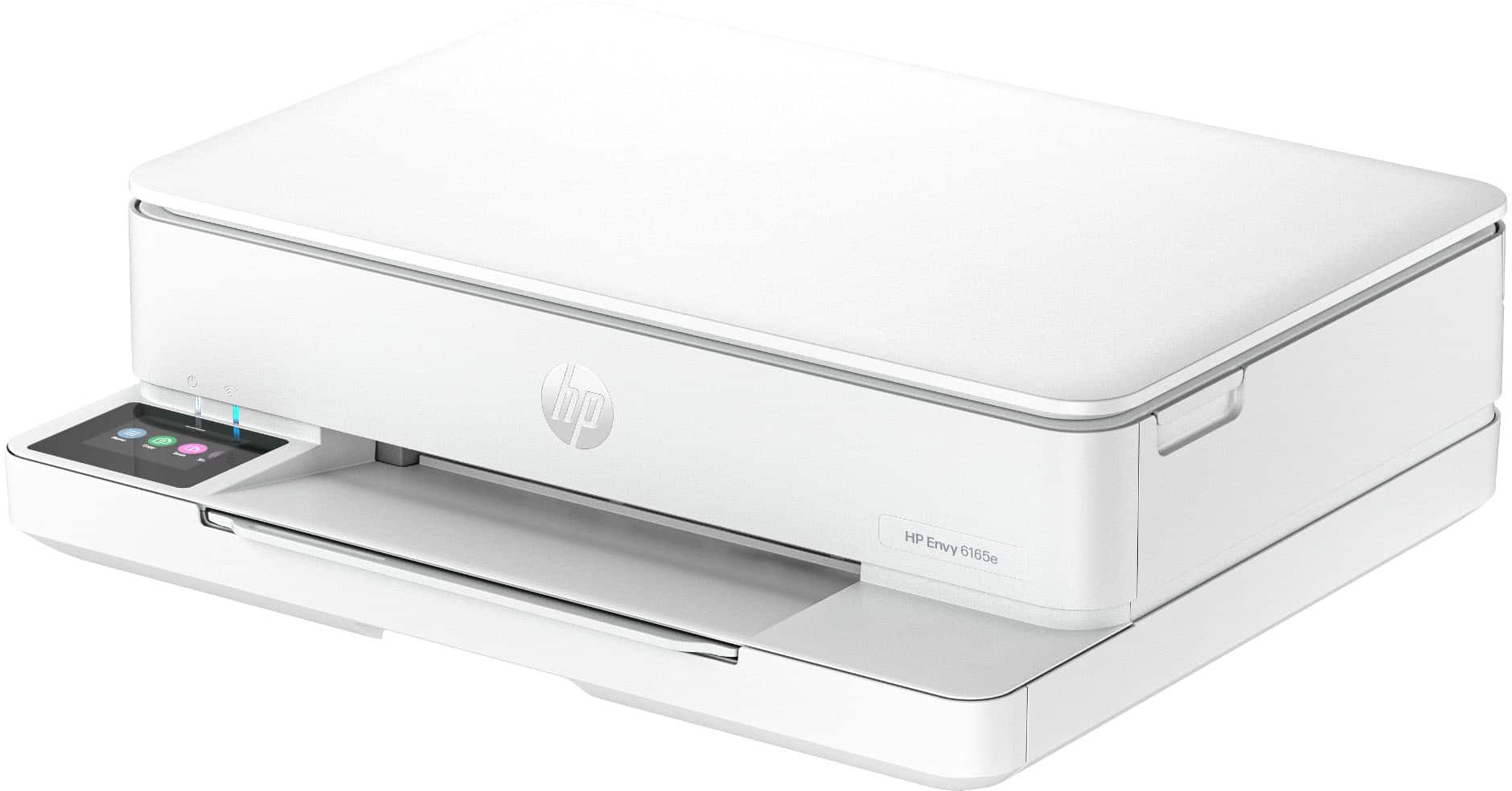
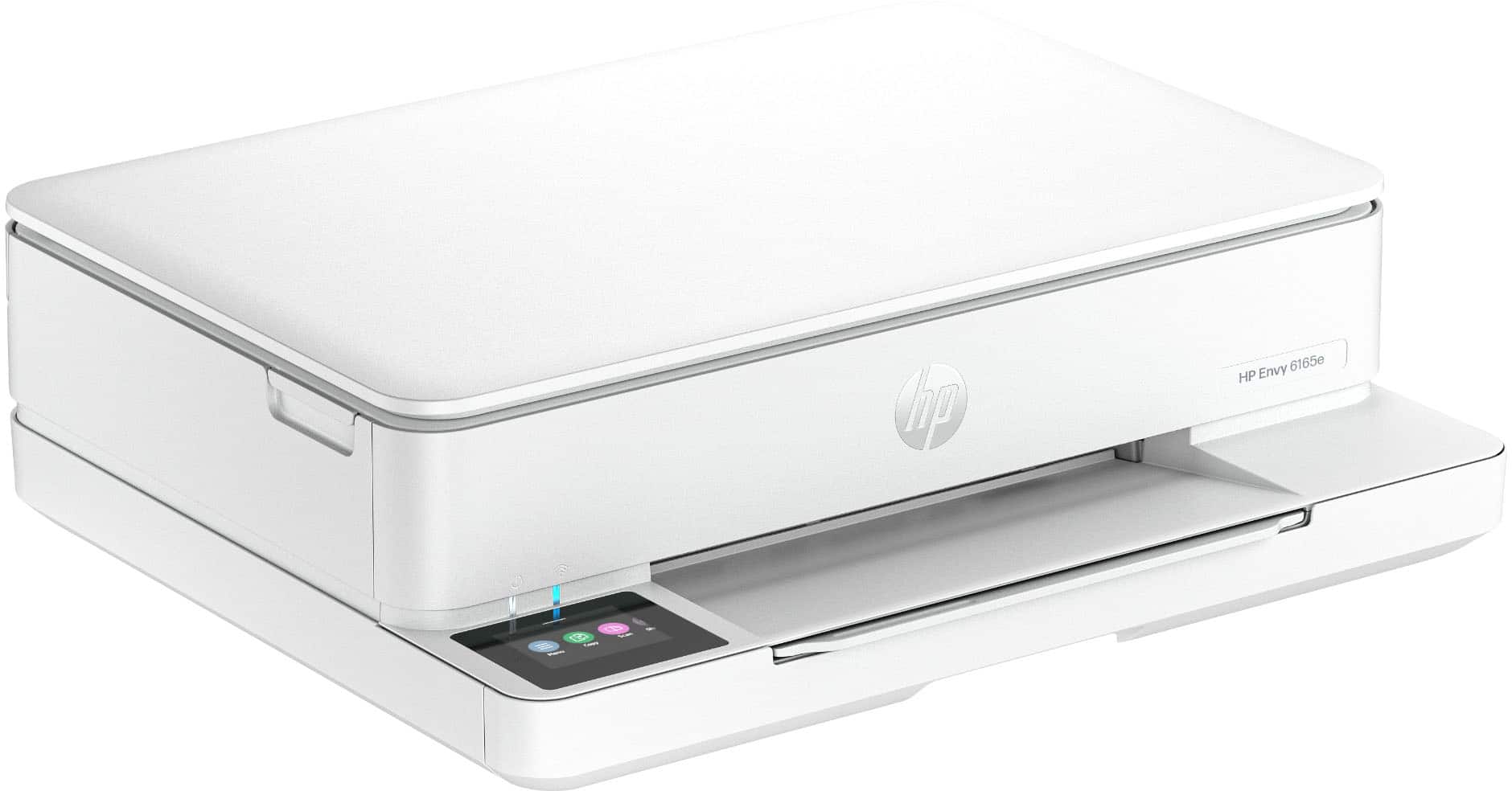
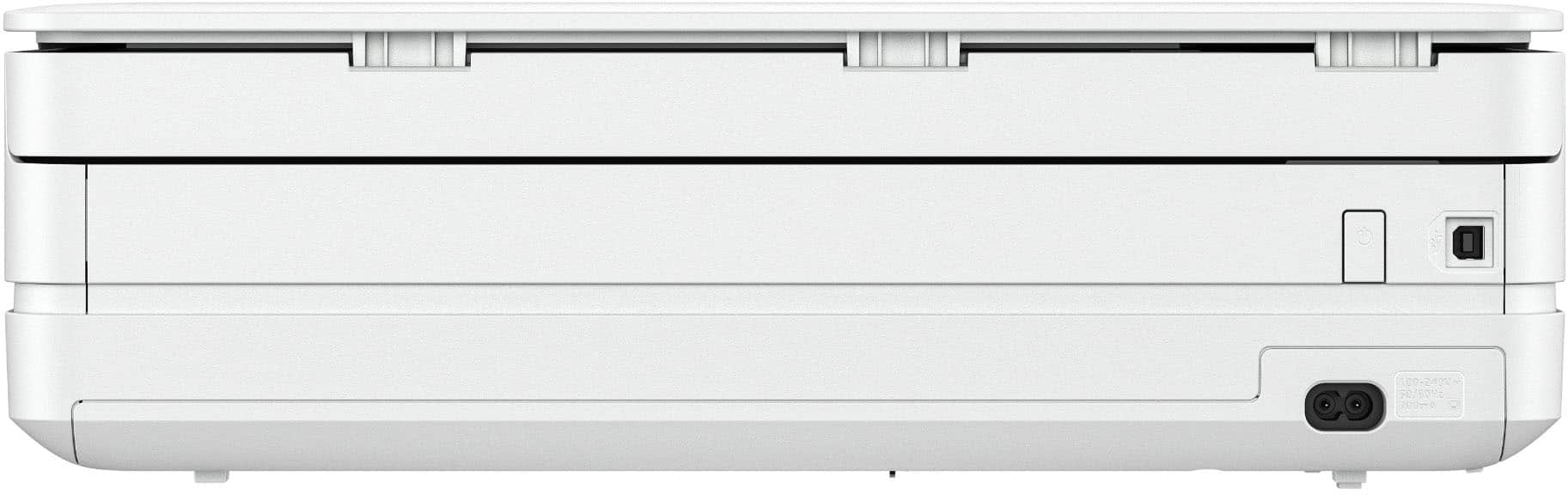
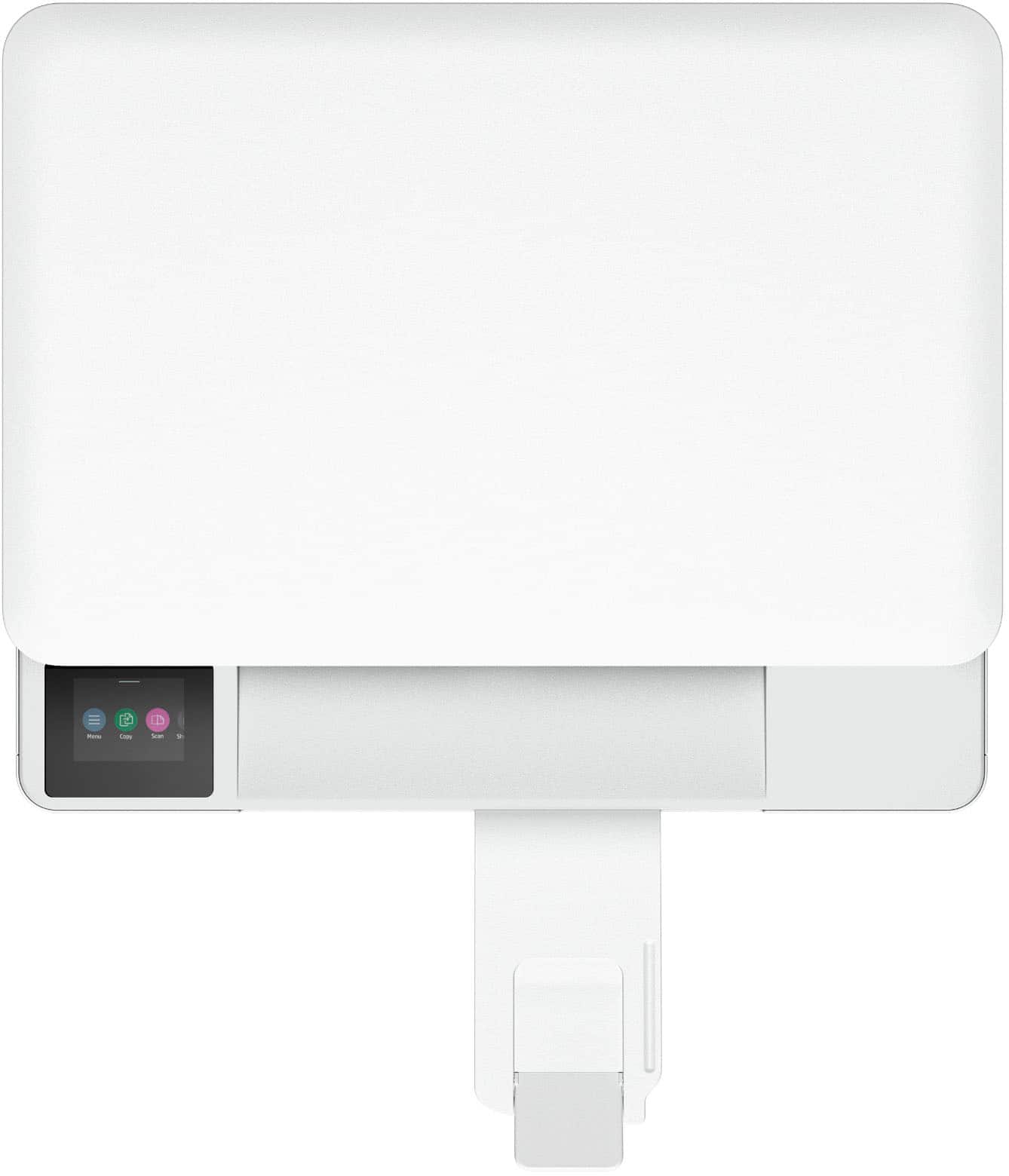
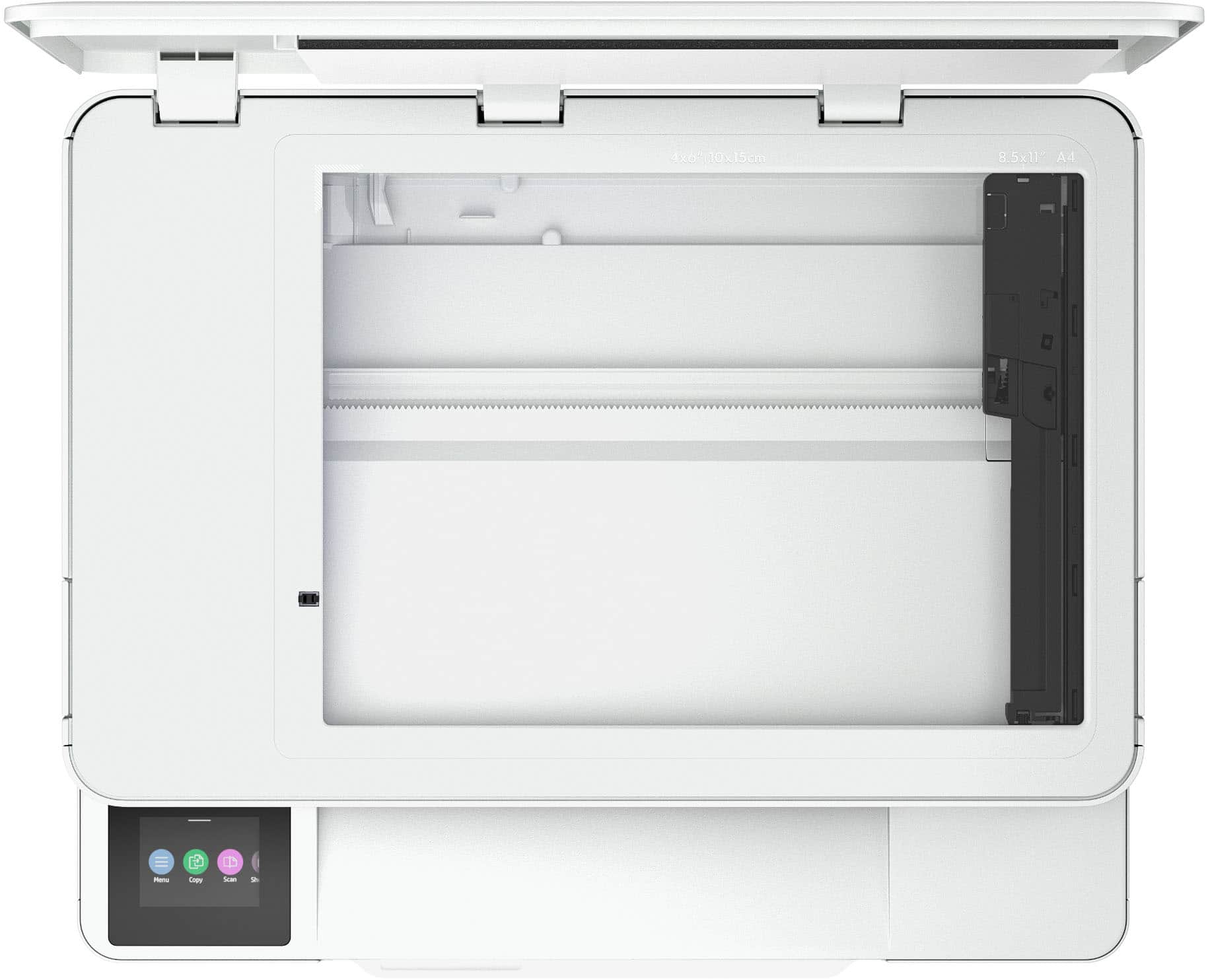
|Posted .This reviewer received promo considerations or sweepstakes entry for writing a review.The HP Envy 6165e All-in-One Printer is a sleek model which handles mainly letter size printing and scanning. It offers a mobile fax feature (send) but there are no connections for the old-style analog phone lines for a true fax machine functionality, so you can’t receive faxes with this unit. Scanning is accomplished via a flatbed scanner, the HP Envy 6165e All-in-One Printer does not have an Automatic Document Feeder (ADF), so it is single, manual per page affair on the flatbed/scanning surface. If you plan on doing multiple page scanning this may not be the unit for you. Setup was simple; however, it really requires use of the HP smart mobile app – I did not try to set up the printer manually. Network connectivity is via Wi-Fi; you can connect the printer directly via a USB connector to a PC or Mac. Speaking of Macs, this printer has Air Print capabilities, allowing you to print from iPhones, iPads, Macs and anything else from the Apple ecosystem. My Windows 11 PC required that I go into the Settings menu and add a device, it found the HP Envy 6165e All-in-One Printer easily and configured it printing and scanning. Print ink is contained in two separate cartridges, a tricolor and a black cartridge. You can only use HP cartridges in this printer and their Instant Ink service comes free for six months at the time of this review. Printing large quantities is neither cost effective nor practical, the paper tray holds 100 sheets of letter size or A4 paper, the output tray has a 25-page capacity. The device uses HP 68 Black or 68e Black (extra output) and 68 Tri-color ink cartridges. The printer has a 2.4-inch color touch screen to access functions directly. I used the touchscreen to search for and install a new firmware update. Printing overall plain letter paper yielded good results and was close to the advertised speed of 7 color or 10 black pages per minute. As with most printers or all-in-ones, at this price point two ink replacement cartridges can cost almost as much as this printer. The printer manufacturers really make their profit on consumables. Not much else to mention here, this is a decent basic All-in-One printer that is for light to medium use. Pros: - Sleek, with a low height footprint - Small touch screen - Value priced. Cons: - Does not handle legal size paper - No hardwired ethernet connection - May be difficult or impossible to use non HP ink cartridges - Scanning makes more noise than it should.
I would recommend this to a friend - Pros mentioned:Print quality, Setup ease
Good upater printer
||Posted .This reviewer received promo considerations or sweepstakes entry for writing a review.The 6165e seems to be a good "updater printer" for those, in particular, who have older printers (I had an Envy 5660) and light printing/scanning needs. It does everything you need for occasional printing and has the HP ink option that I personally find quite convenient. Users with heavy demands probably won't like its printing speed and its lack of automatic two sided printing. But, I didn’t find these to be limiting factors. Set-up was fairly simple, a vast improvement over earlier versions, but did take about an hour. I found the scanner fine but not the online Smart software. I experienced major difficulties trying to scan using this online interface. Another hour or more. For PCs, you can download from HP the older software (HP Scan?) which is the exact same interface previous Envy users may be familiar with and all is fine. The guidance for this is poor. For some reason, they moved the scanner orientation point (for pictures for example) from the lower right to the upper left and there was, again, no clear guidance for this. It took four tries, guesses to figure this out. Printing from a phone app I've found to be easy using the HP app so kudos there. But the scanner feature on the app is limited in some of its options (i.e., setting DPI clarity for photo scanning, which tells you to go to your computer to adjust these settings). Would I buy this again? Definitely. And recommend it to not only friends, but those of you out there in cyberspace that have similar printing and scanning needs.
I would recommend this to a friend - Pros mentioned:Print quality
Strong, home use, smart printer
|Posted .This reviewer received promo considerations or sweepstakes entry for writing a review.The HP Envy 6165E Inkjet All-in-One printer was a pleasant surprise for me. I almost exclusively use laser printers but thought I would give this handy, smart inkjet printer a try. Features & Pros: - This printer is smart - if you choose to enroll in the HP Instant Ink program, you don't have to worry about monitoring your ink levels. The printer will automatically ping HP to ship you ink in a just-in-time manor. I did not sign up for this program initially ... I wanted to get to know the printer first. But, it is worth noting the first 6 months of ink are included! - This printer is faster than I expected. Fast and easy wifi setup, fast installation, and fast printing. Even printing a full-size image/picture, this printer exceeded my expectations for speed. - The scanner yielded excellent image quality both for documents and pictures. The scanning function is reasonably fast though I wouldn't call it speedy. - The copy function is also reasonably fast and very easy to use. - Print quality is reasonable given the technology this printer uses. It has two cartridges - one for black, and the other for colors rather than separate black, cyan, magenta, and yellow cartridges. I see this as both a pro and con (see below). Cons & Final Thoughts: - Looking on HP's website, the smart auto-order of the ink could potentially be expensive, especially if you have multiple people in your household using this printer. - The "combined" colors cartridge doesn't yield a print quality I would call great - at best, decent. - As a predominantly laser printer user, when printing a full size photo with this printer, the paper (and resulting image) came out feeling dry, but the paper had ripples in it as if it had gotten wet. - The touch panel can lag a little bit - When opening the flatbed scanner, the scanner light blinks rapidly. I tried to capture that in a picture. It's not really a con, but very weird and kind of disturbing when you're trying to place photos or documents on the scanner glass. Overall, for the price point, I would say this is a strong contender in the overly crowded printer world. Not the best printer I've ever used, but I would recommend it for light, home use. Just keep an eye on ink spending... it can add up quickly!
I would recommend this to a friend - Pros mentioned:Connectivity, Noise level, Print quality
Nice little workhorse printer
||Posted .This reviewer received promo considerations or sweepstakes entry for writing a review.Great printer. Easy to set up; great features - including WiFi printing from phone. Small footprint ideal for tight workspace. Fantastic colors and relatively quiet. Great price.
I would recommend this to a friend - Pros mentioned:Print quality, SizeCons mentioned:Paper tray capacity
Good for light printing needs
||Posted .This reviewer received promo considerations or sweepstakes entry for writing a review.Overall I am pleased with this printer. I purchased it to replace a much larger and older HP printer. I like the smaller more compact size of it, and it prints well. The instant ink function is also great since I don't have to stop in store to buy more ink. If you print alot of documents I would not recommend this, since the ink will run out fast and the paper tray is small. I went through the first round of ink fast because I had a lot to print at the time. But if you need a compact printer and only print occasionally small amounts, this is a great choice. The setup with the HP was a little confusing and took some time for the printer to show up in the app but eventually got it to work.
I would recommend this to a friend - Pros mentioned:Print quality, Setup ease, Size
Speedy Pickup & Easy Setup!
||Posted .This reviewer received promo considerations or sweepstakes entry for writing a review.I bought this HP printer online and it was ready for pickup at Best Buy in under an hour. The in-store pickup service was incredibly smooth—I was in and out in minutes. As for the printer, the setup via the HP Smart app was straightforward. It prints clean, crisp documents and fits perfectly in my home office. Great value for the price and much faster than waiting for shipping.
I would recommend this to a friend - Pros mentioned:Connectivity, Print qualityCons mentioned:Paper tray capacity
Great for home life
||Posted . Owned for 2 months when reviewed.This reviewer received promo considerations or sweepstakes entry for writing a review.Love this printer! Prints so nicely and have printed so many coloring pages for my kids. Yes, the tray doesn't hold as much as one could want but it does hold a decent amount. Never have a connection issue with it
I would recommend this to a friend - Pros mentioned:Connectivity, Print quality, Setup ease
great printer for a very reasonable price
||Posted .This reviewer received promo considerations or sweepstakes entry for writing a review.Easy to set up. Consistent quality. Connection never wavers (unlike my previous printer). Love the idea of the paper in a tray. Much better than it sticking up in the back. The feed is cleaner.
I would recommend this to a friend - Pros mentioned:Print quality, Setup ease
Love this printer
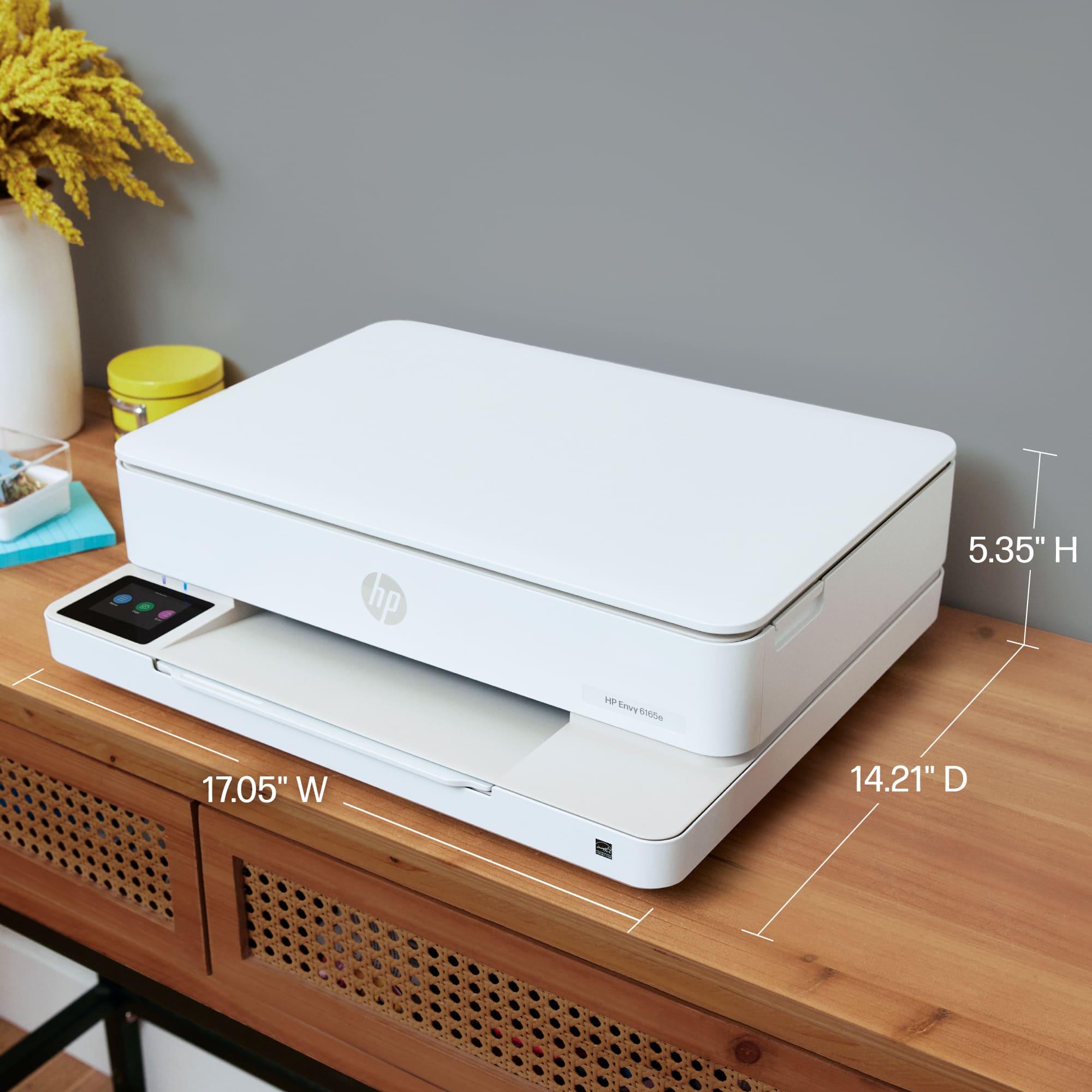
||Posted .This reviewer received promo considerations or sweepstakes entry for writing a review.The HP printer is a reliable and user-friendly device suitable for home and small office use. It offers good print quality for both documents and images, with clear text and vibrant colors. The setup process is straightforward, and wireless printing makes it convenient to print from phones, tablets, and laptops. One of the main advantages is its compatibility with HP’s ink system, which is easy to replace and widely available. However, ink costs can add up over time, especially for frequent printing. Print speed is decent for everyday tasks, though it may be slower when printing high-quality images. Overall, the HP printer is a solid choice for users who want dependable performance, ease of use, and good print quality, but it’s best suited for light to moderate printing needs.
I would recommend this to a friend - Pros mentioned:Connectivity, Setup ease
Extremely Happy with my Purchase
||Posted . Owned for 1 month when reviewed.This reviewer received promo considerations or sweepstakes entry for writing a review.I have had a separate printer and scanner for more than 20 years, so old that the printer was not even bluetooth enabled so I had to go plug in with USB cables every time I needed to use them. When I realized that I could purchase this brand new combo device for less than the cost of replacing the full set of toner cartridges for my old printer, I decided to update. I am extremely happy with my purchase. It is very easy to learn and use and works much more seamlessly with my Apple MacBook Pro.
I would recommend this to a friend - Pros mentioned:Connectivity, Print quality, Setup ease
HP Delivers
||Posted .This reviewer received promo considerations or sweepstakes entry for writing a review.Not a tech wizard? Well I am not & I set this printer up without any issues. Printer aligned properly and my first letter came out clean with no problem. Wireless was the way to go at my house. Thanks HP.
I would recommend this to a friend - Pros mentioned:Print quality, Setup ease, Size
Great computer that doesnt go le up space.
||Posted . Owned for 1 month when reviewed.This reviewer received promo considerations or sweepstakes entry for writing a review.Great printer…easy setup and the print quality is excellent. Not bulky like most printers.
I would recommend this to a friend