Customer Ratings & Reviews
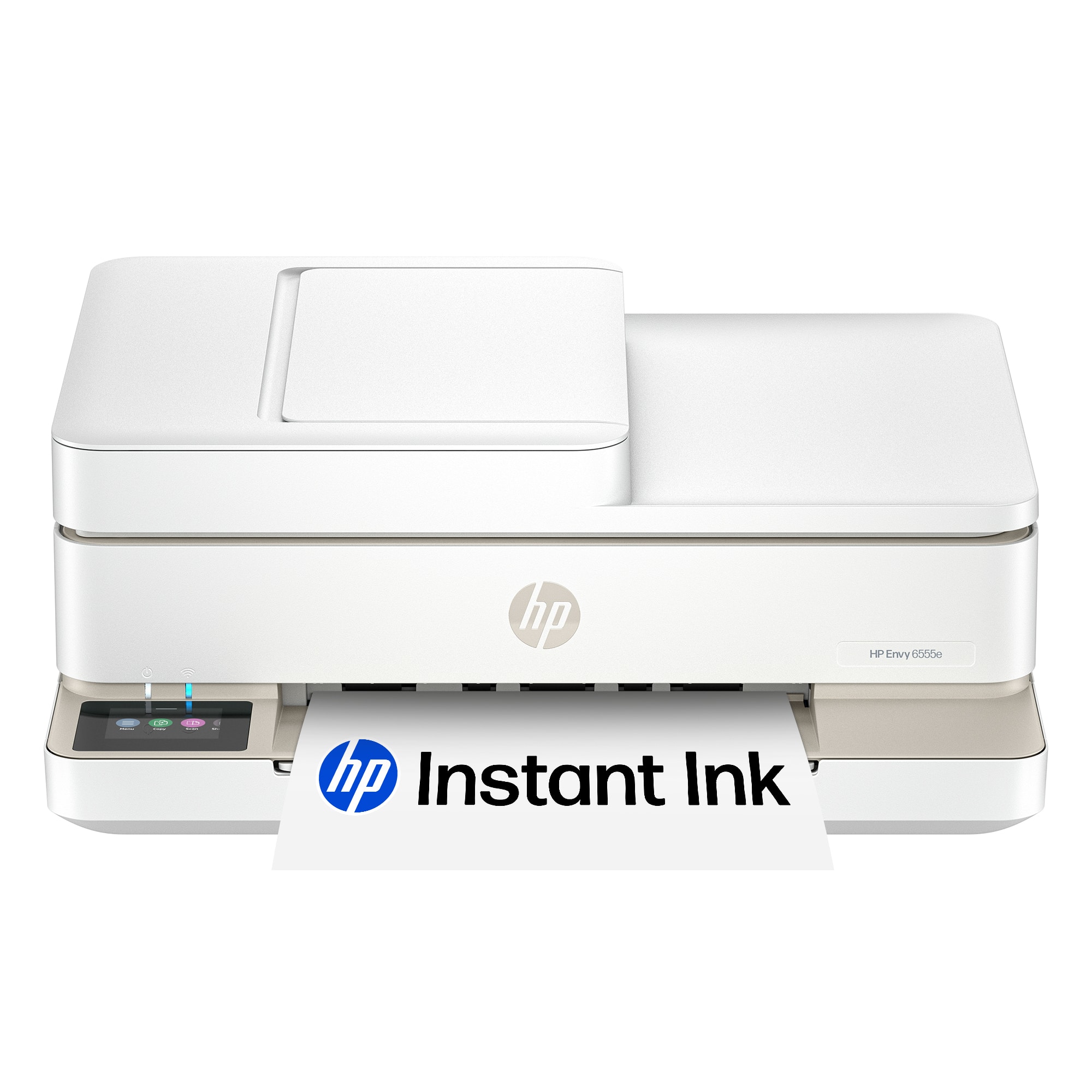

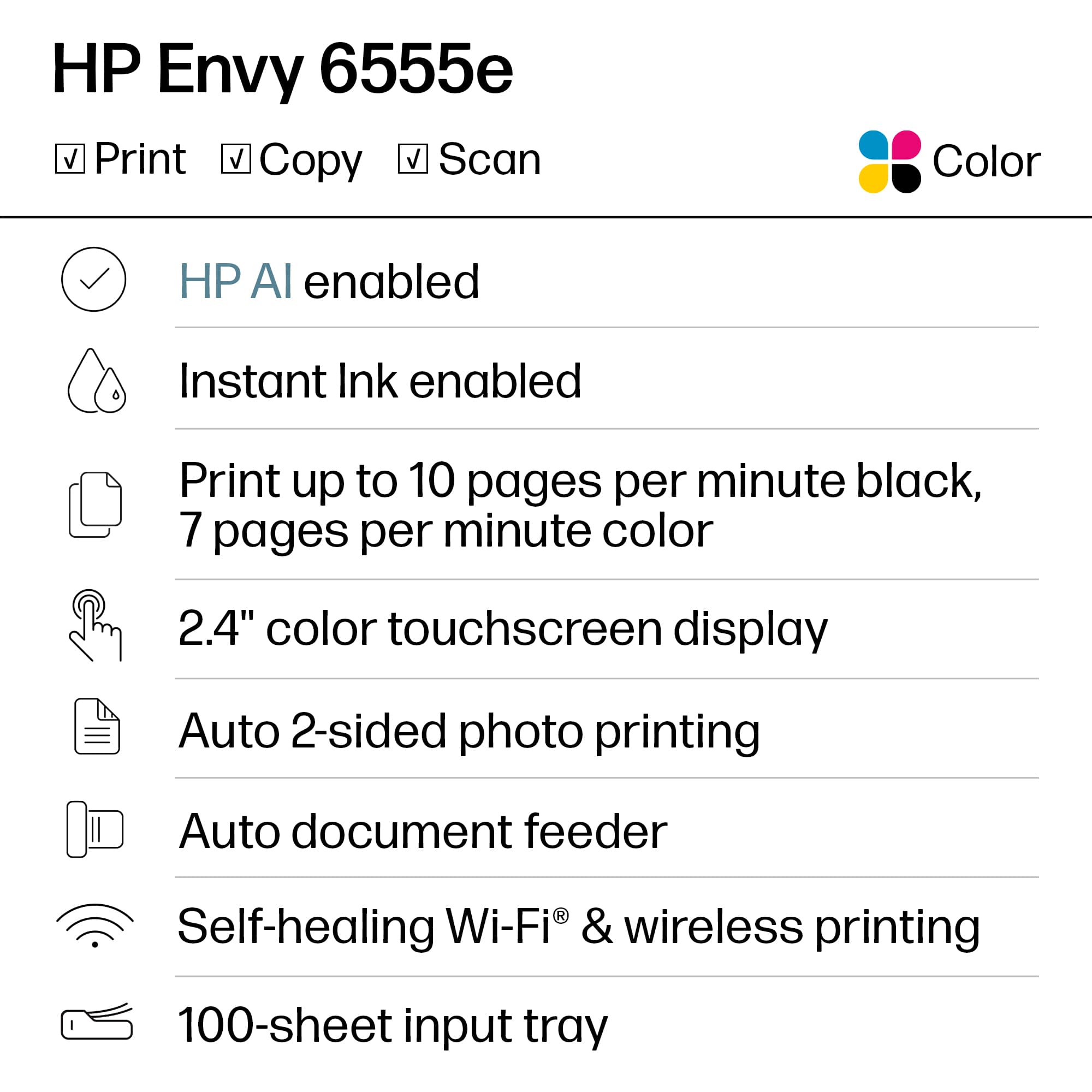

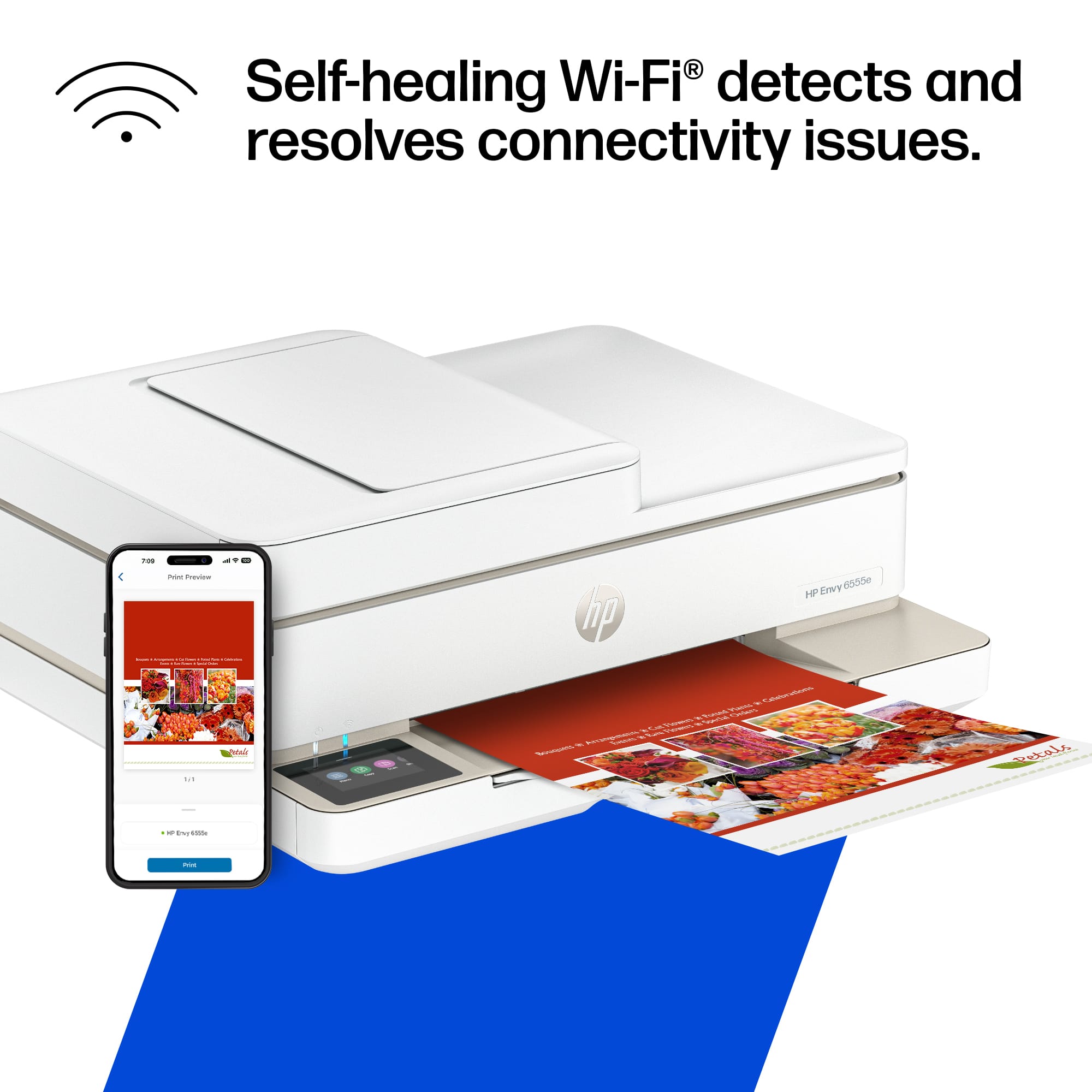

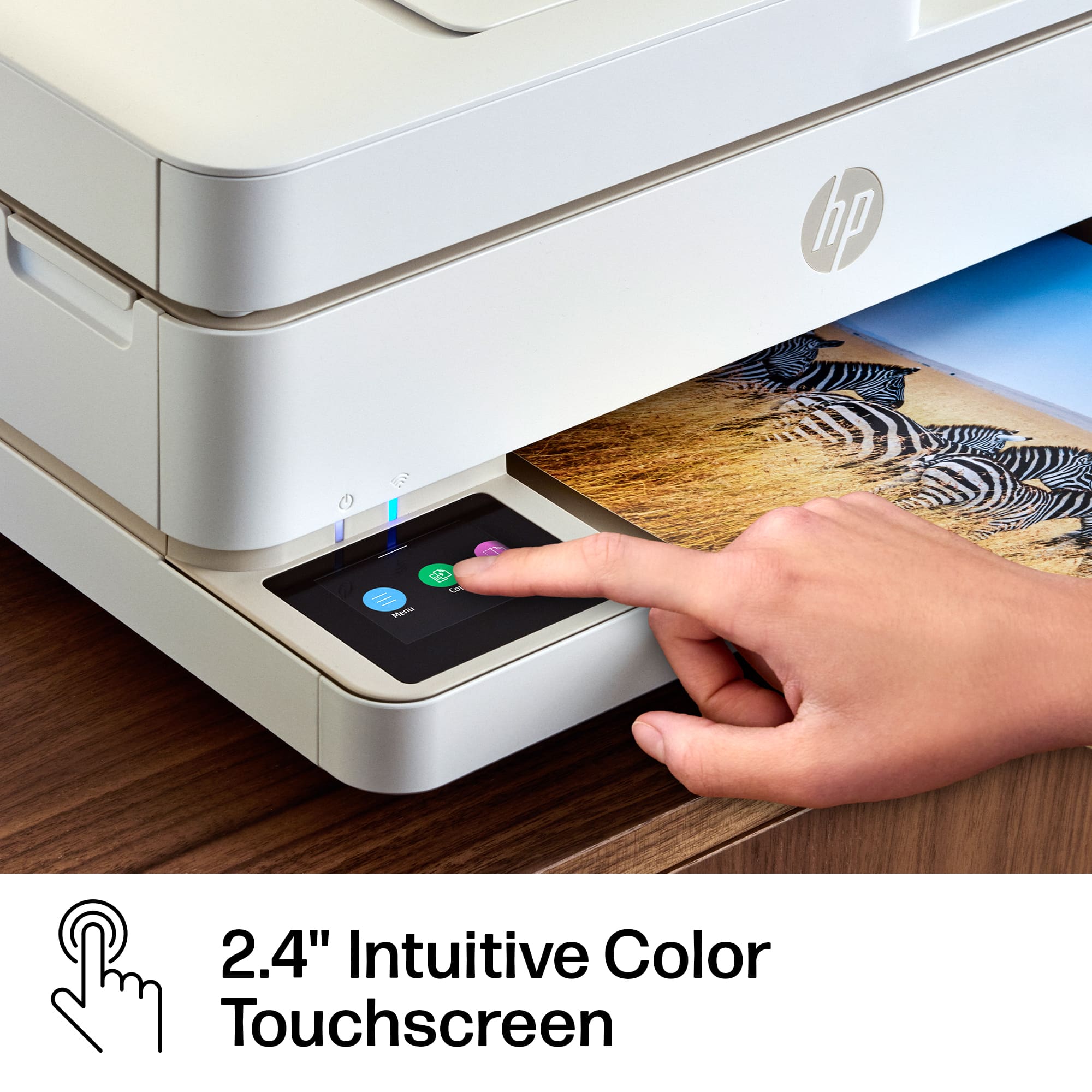
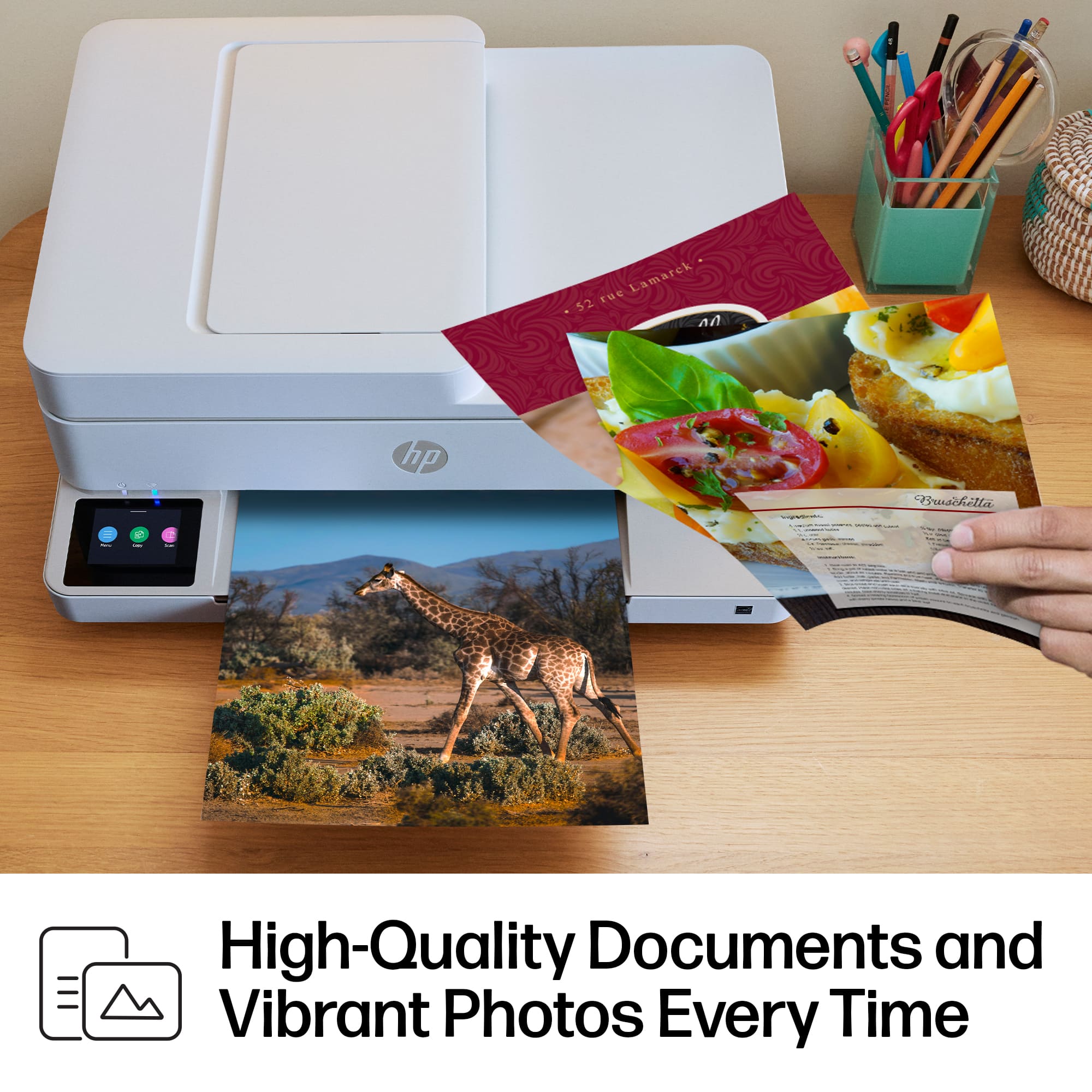
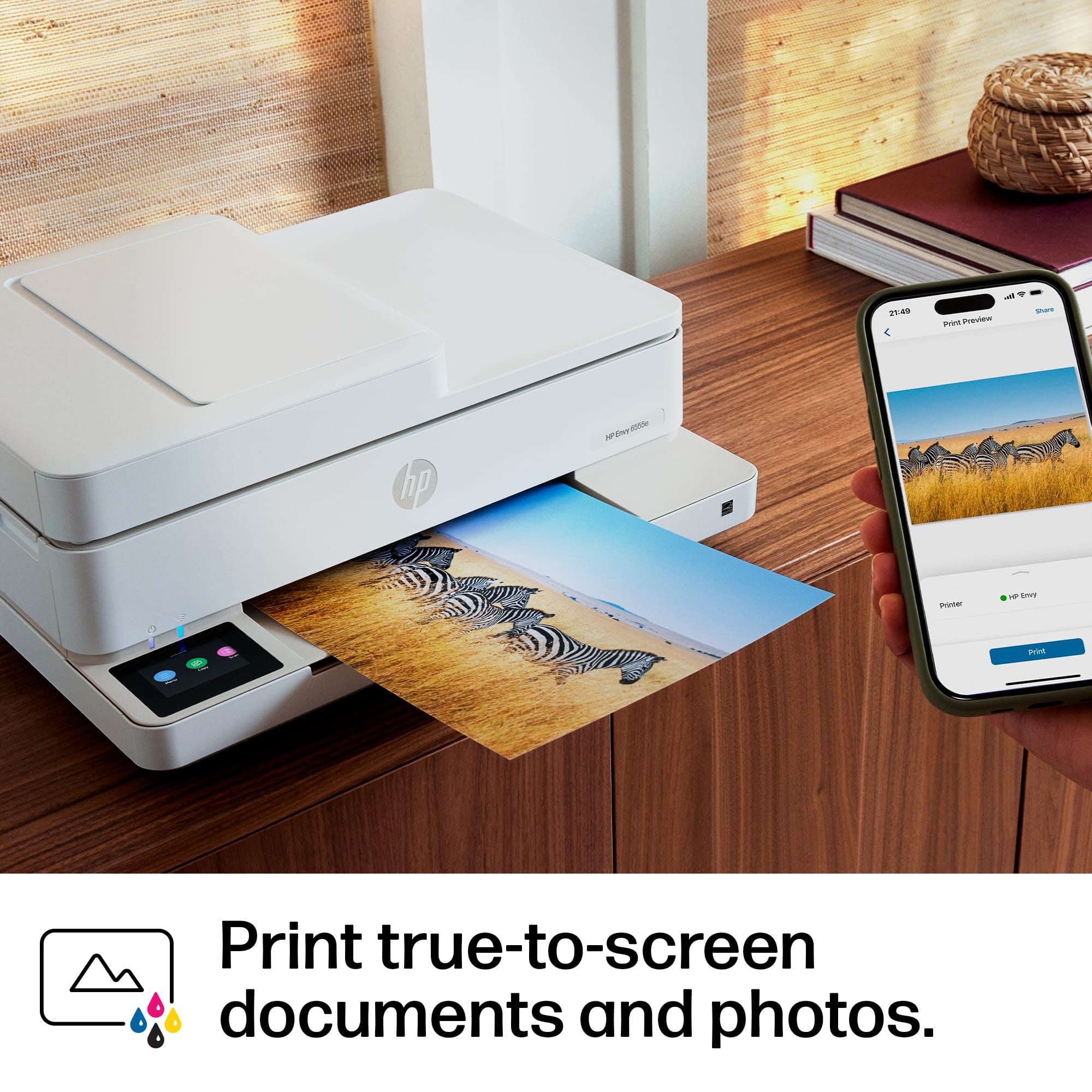








- Model:
- ENVY 6555E/714N5A#B1H
- |
- SKU:
- 10213515
Customer reviews
Rating 4.4 out of 5 stars with 858 reviews
(858 customer reviews)Rating by feature
- Value4.5
Rating 4.5 out of 5 stars
- Quality4.4
Rating 4.4 out of 5 stars
- Ease of Use4.3
Rating 4.3 out of 5 stars
Rated 5 out of 5 stars
Outstanding Performance and Reliability
||Posted . Owned for 3 weeks when reviewed.This reviewer received promo considerations or sweepstakes entry for writing a review.This printer delivers exceptional performance and produces high-quality prints with remarkable consistency. Its user-friendly interface, reliable functionality, and sleek design make it an excellent choice for both home and office environments.
This review is from HP - Envy 6555e Wireless AI-Enabled All-in-One Inkjet Printer with 3 Months of Instant Ink (+1 Bonus Month of Ink w/ Code) - White
I would recommend this to a friendRated 5 out of 5 stars
great printer
||Posted . Owned for 1 week when reviewed.This reviewer received promo considerations or sweepstakes entry for writing a review.Excellent printing, easy to set up, great WIFI reception. Nice looking too.
This review is from HP - Envy 6555e Wireless AI-Enabled All-in-One Inkjet Printer with 3 Months of Instant Ink (+1 Bonus Month of Ink w/ Code) - White
I would recommend this to a friendRated 5 out of 5 stars
HP Envy 6555e printer
||Posted . Owned for 3 weeks when reviewed.This reviewer received promo considerations or sweepstakes entry for writing a review.My printer was so simple to set up & connect to my Wifi. The print is clean & bold & prints in a reasonable time frame. Is fairly quiet when printing. Placing ink cartridges & paper is a simple task. I opted not to get free ink & join program, so have no comment about it.
This review is from HP - Envy 6555e Wireless AI-Enabled All-in-One Inkjet Printer with 3 Months of Instant Ink (+1 Bonus Month of Ink w/ Code) - White
I would recommend this to a friendRated 5 out of 5 stars
Updated Printer Needed
||Posted . Owned for 3 weeks when reviewed.This reviewer received promo considerations or sweepstakes entry for writing a review.Easy to set up and use quickly. The Best Buy rep asked questions to help find the best solution for my needs.
This review is from HP - Envy 6555e Wireless AI-Enabled All-in-One Inkjet Printer with 3 Months of Instant Ink (+1 Bonus Month of Ink w/ Code) - White
I would recommend this to a friendRated 5 out of 5 stars
Great Printer
||Posted .This reviewer received promo considerations or sweepstakes entry for writing a review.I really like it so easy to install. One con is the printer eject hand (i cant think of the exact word for it) does not extend when printing. Other than that a great purchase.
This review is from HP - Envy 6555e Wireless AI-Enabled All-in-One Inkjet Printer with 3 Months of Instant Ink (+1 Bonus Month of Ink w/ Code) - White
I would recommend this to a friendRated 5 out of 5 stars
Printer bought
||Posted . Owned for 1 month when reviewed.This reviewer received promo considerations or sweepstakes entry for writing a review.I bought the HP-Envy 6555e printer for my insurance agency and has worked perfect. The initial set up is very easy and user friendly, would definitely recommend it to anyone. Great printer with a great price.
This review is from HP - Envy 6555e Wireless AI-Enabled All-in-One Inkjet Printer with 3 Months of Instant Ink (+1 Bonus Month of Ink w/ Code) - White
I would recommend this to a friendRated 5 out of 5 stars
Simple but works well
||Posted . Owned for 2 weeks when reviewed.This reviewer received promo considerations or sweepstakes entry for writing a review.So far i love it. Its simple and easy to install printer. Doesnt take any space.
This review is from HP - Envy 6555e Wireless AI-Enabled All-in-One Inkjet Printer with 3 Months of Instant Ink (+1 Bonus Month of Ink w/ Code) - White
I would recommend this to a friendRated 3 out of 5 stars
Disappointing, but usable
||Posted . Owned for 1 month when reviewed.This reviewer received promo considerations or sweepstakes entry for writing a review.I bought this to take with me when I'm on the road for court proceedings, and to have a printer near my desk at the office. The printer output is great, and scanning produces quality .pdf's. The problem is connecting it to my computers, a desktop PC running Windows 11 Pro, and Lenovo ThinkPad X1, also running WIndows 11 Pro. Using WiFi, I can get it to print documents from both computers, although the desktop PC always pops up a message stating that the printer is offline. Scanning is difficult. The HP Smart App does not connect from either computer to the HP Envy. I have to use the scan function on the HP Envy itself, and then have it save to the HP cloud, and send it to my email address.
This review is from HP - Envy 6555e Wireless AI-Enabled All-in-One Inkjet Printer with 3 Months of Instant Ink (+1 Bonus Month of Ink w/ Code) - White
No, I would not recommend this to a friendRated 5 out of 5 stars
Hpprinter
||Posted . Owned for 1 month when reviewed.This reviewer received promo considerations or sweepstakes entry for writing a review.Very nice printer prints fast and compact and quiet
This review is from HP - Envy 6555e Wireless AI-Enabled All-in-One Inkjet Printer with 3 Months of Instant Ink (+1 Bonus Month of Ink w/ Code) - White
I would recommend this to a friendRated 5 out of 5 stars
HP printers, reliable and user friendly.
||Posted . Owned for 1 month when reviewed.This reviewer received promo considerations or sweepstakes entry for writing a review.This HP printer is very quiet when printing, emailing and scanning. We haven't tried faxing yet. Setting up instructions was very easy to do. My daughter set it up for me.
This review is from HP - Envy 6555e Wireless AI-Enabled All-in-One Inkjet Printer with 3 Months of Instant Ink (+1 Bonus Month of Ink w/ Code) - White
I would recommend this to a friendRated 5 out of 5 stars
Easy set up!
||Posted . Owned for 3 weeks when reviewed.This reviewer received promo considerations or sweepstakes entry for writing a review.So far it's been a good experience. Easy to set up and I don't have to order a bunch of different ink cartridges like my old printer.
This review is from HP - Envy 6555e Wireless AI-Enabled All-in-One Inkjet Printer with 3 Months of Instant Ink (+1 Bonus Month of Ink w/ Code) - White
I would recommend this to a friendRated 5 out of 5 stars
Hp Envy 6500e
||Posted . Owned for 3 weeks when reviewed.This reviewer received promo considerations or sweepstakes entry for writing a review.Easy to install and printing is awesome !! Easy to print multi pages and double sided was a plus !!
This review is from HP - Envy 6555e Wireless AI-Enabled All-in-One Inkjet Printer with 3 Months of Instant Ink (+1 Bonus Month of Ink w/ Code) - White
I would recommend this to a friendRated 5 out of 5 stars
Home Printer
||Posted . Owned for 1 month when reviewed.This reviewer received promo considerations or sweepstakes entry for writing a review.Very easy printer to set up, prints great, copies great. Does two sided which I like. Ink cartridges not super expensive. Overall very happy with my purchase.
This review is from HP - Envy 6555e Wireless AI-Enabled All-in-One Inkjet Printer with 3 Months of Instant Ink (+1 Bonus Month of Ink w/ Code) - White
I would recommend this to a friendRated 5 out of 5 stars
Good quality price
||Posted . Owned for 1 week when reviewed.This reviewer received promo considerations or sweepstakes entry for writing a review.We wanted something for home and it works perfectly good quality so far so good.it does the work scan perfectly print front and back. Easy to install
This review is from HP - Envy 6555e Wireless AI-Enabled All-in-One Inkjet Printer with 3 Months of Instant Ink (+1 Bonus Month of Ink w/ Code) - White
I would recommend this to a friendRated 5 out of 5 stars
Great printer
||Posted . Owned for 2 weeks when reviewed.This reviewer received promo considerations or sweepstakes entry for writing a review.Perfect home use printer. Exactly what I wanted. Easy to set up.
This review is from HP - Envy 6555e Wireless AI-Enabled All-in-One Inkjet Printer with 3 Months of Instant Ink (+1 Bonus Month of Ink w/ Code) - White
I would recommend this to a friendRated 5 out of 5 stars
Great White
||Posted . Owned for 1 month when reviewed.This reviewer received promo considerations or sweepstakes entry for writing a review.Really good printer. Quiet. Love the glass screen. Easy to install. Bonus with 3 months of Instant Ink
This review is from HP - Envy 6555e Wireless AI-Enabled All-in-One Inkjet Printer with 3 Months of Instant Ink (+1 Bonus Month of Ink w/ Code) - White
I would recommend this to a friendRated 5 out of 5 stars
Very good
||Posted . Owned for 1 month when reviewed.This reviewer received promo considerations or sweepstakes entry for writing a review.Good, It works well… I bought it for my small office. I love how easy it is to use.
This review is from HP - Envy 6555e Wireless AI-Enabled All-in-One Inkjet Printer with 3 Months of Instant Ink (+1 Bonus Month of Ink w/ Code) - White
I would recommend this to a friendRated 5 out of 5 stars
Prabjot printer review
||Posted . Owned for 3 weeks when reviewed.This reviewer received promo considerations or sweepstakes entry for writing a review.The printer worked very good. Its easy to use as well.
This review is from HP - Envy 6555e Wireless AI-Enabled All-in-One Inkjet Printer with 3 Months of Instant Ink (+1 Bonus Month of Ink w/ Code) - White
I would recommend this to a friendRated 5 out of 5 stars
Simple and Fast
||Posted . Owned for 3 weeks when reviewed.This reviewer received promo considerations or sweepstakes entry for writing a review.It was rated overral the best printer for home use for being comact, fast and qood quality.
This review is from HP - Envy 6555e Wireless AI-Enabled All-in-One Inkjet Printer with 3 Months of Instant Ink (+1 Bonus Month of Ink w/ Code) - White
I would recommend this to a friendRated 5 out of 5 stars
Communication Is Key!
||Posted . Owned for 2 weeks when reviewed.This reviewer received promo considerations or sweepstakes entry for writing a review.After a few hiccups. It's working great now. My new laptop is a Chromebook and the printer weren't communicating. Returned printer and exchanged for the same type. It worked and after tweaking the laptop, both are doing great! Thank you Geek Squad!
This review is from HP - Envy 6555e Wireless AI-Enabled All-in-One Inkjet Printer with 3 Months of Instant Ink (+1 Bonus Month of Ink w/ Code) - White
I would recommend this to a friend