Customer Ratings & Reviews






- Model:
- B63K3A#B1H
- SKU:
- 6638827
Rating by feature
- Value
Rating 4.7 out of 5 stars
- Quality
Rating 4.7 out of 5 stars
- Ease of Use
Rating 4.6 out of 5 stars
Customers are saying
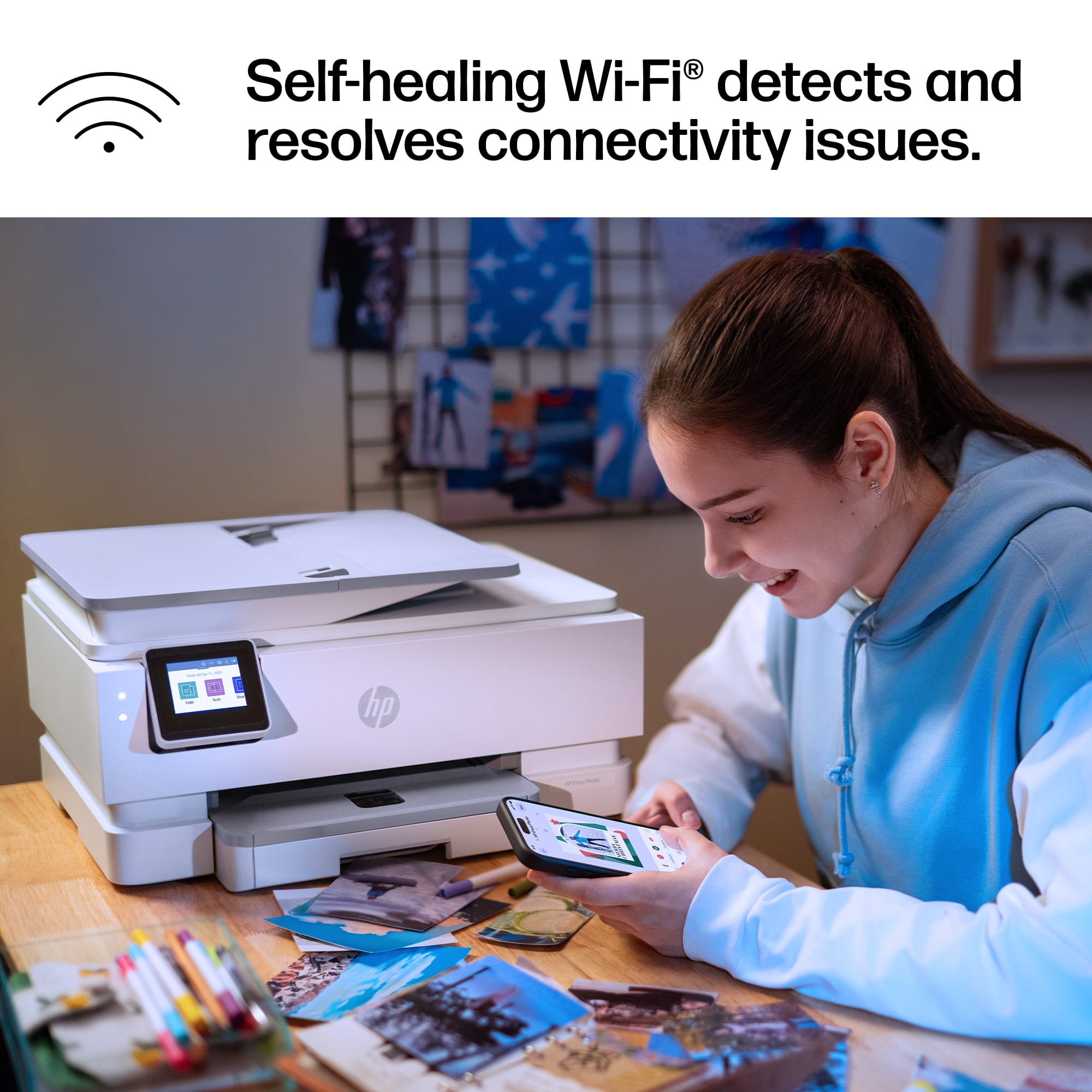
Customers are enthusiastic about the Envy Photo 7975 printer's excellent print quality and easy setup process. Users also appreciate the reliable wireless connectivity and quiet operation during normal use. Some find it to be a good-sized printer.
This summary was generated by AI based on customer reviews.
- Pros mentioned:Connectivity, Setup ease
HP printer
||Posted . Owned for 2 weeks when reviewed.This reviewer received promo considerations or sweepstakes entry for writing a review.Easy to follow instructions for set up. Printing from your cell phone or laptop is easy. I'm having trouble setting up the scan and send function. I like this printer but last yrs model is probably better value. The ink was tricky to put in, kept popping out until I figured it out. The difference between price is amt of paper you need to print. This was a black Friday special and newest model.
I would recommend this to a friend - Pros mentioned:Setup ease
HP printer review
||Posted .This reviewer received promo considerations or sweepstakes entry for writing a review.Love this printer, easy to print pictures and they look great I highly recommend this printer.
I would recommend this to a friend - Pros mentioned:Setup ease
Great printer
||Posted . Owned for 1 week when reviewed.This reviewer received promo considerations or sweepstakes entry for writing a review.Nice printer very reliable easy to set up it’s nice to print when you are away from the printer
I would recommend this to a friend Printer
||Posted . Owned for 2 months when reviewed.This reviewer received promo considerations or sweepstakes entry for writing a review.I really like the printer , i use it for daily projects , and if your looking for a reliable printer this one will be good
I would recommend this to a friendPrinter
||Posted . Owned for 1 week when reviewed.This reviewer received promo considerations or sweepstakes entry for writing a review.Nice item I Very like to do far , it seems to be more efficient
I would recommend this to a friend- Pros mentioned:Connectivity, Print quality, Setup ease

Great photos
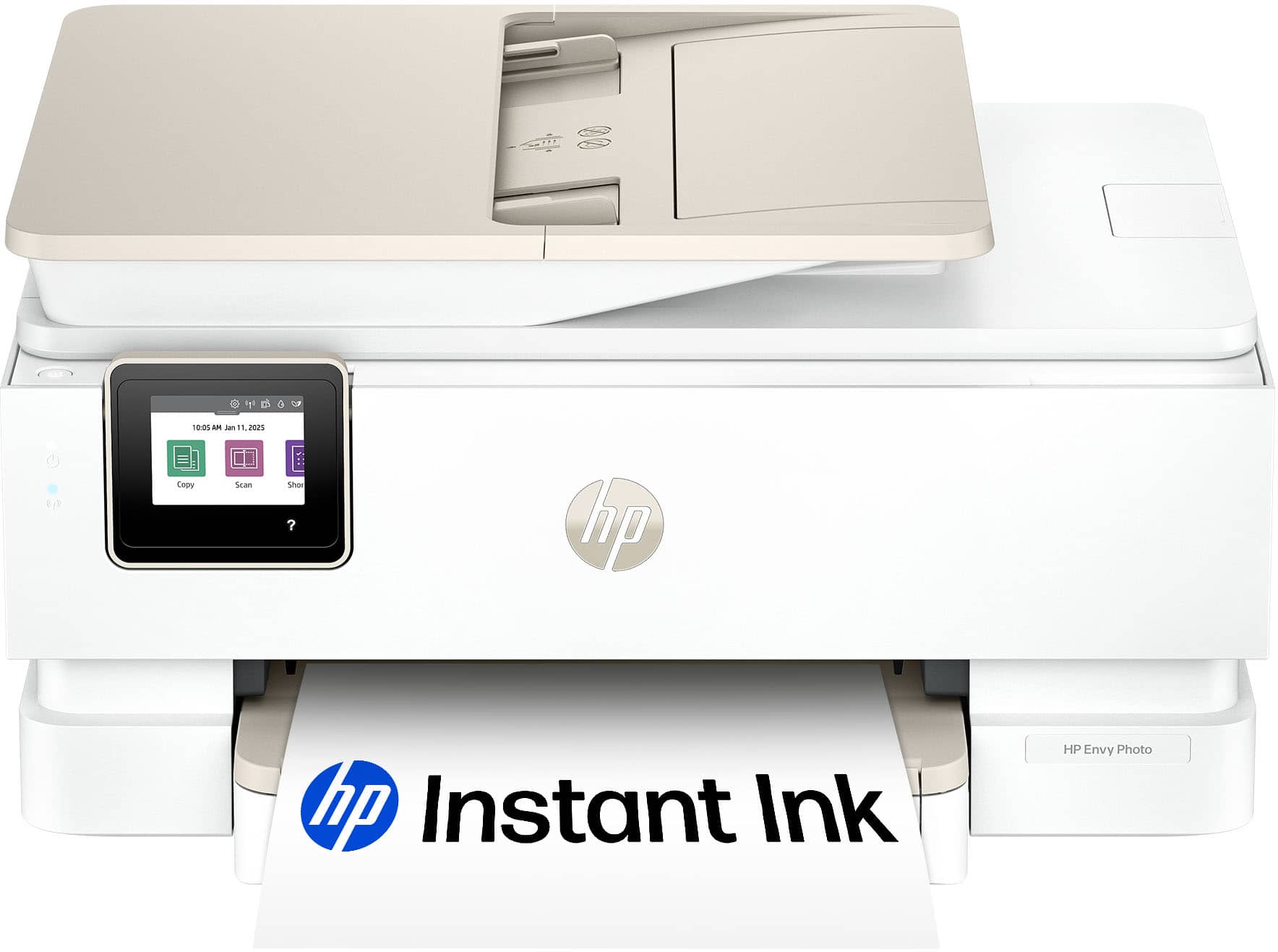
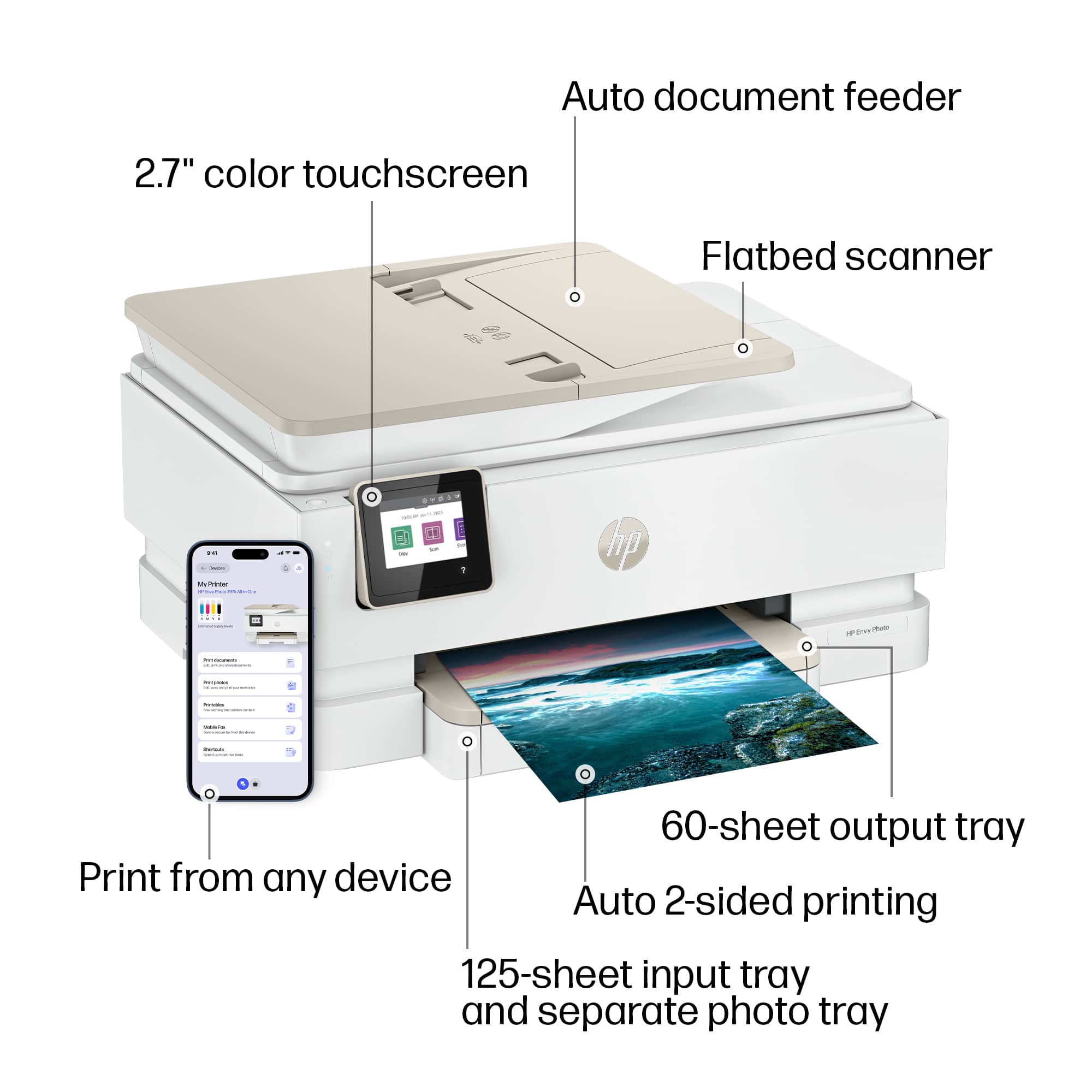
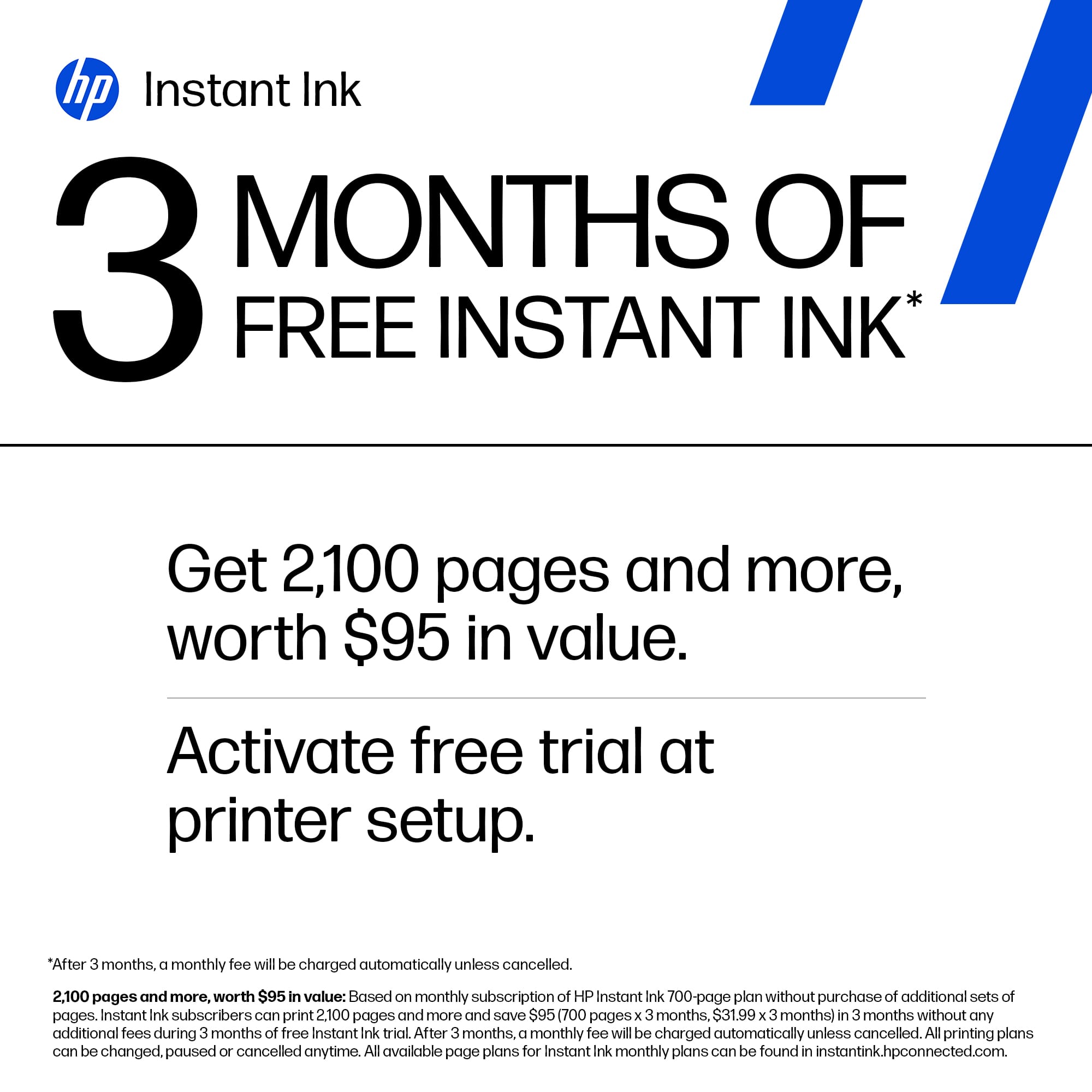
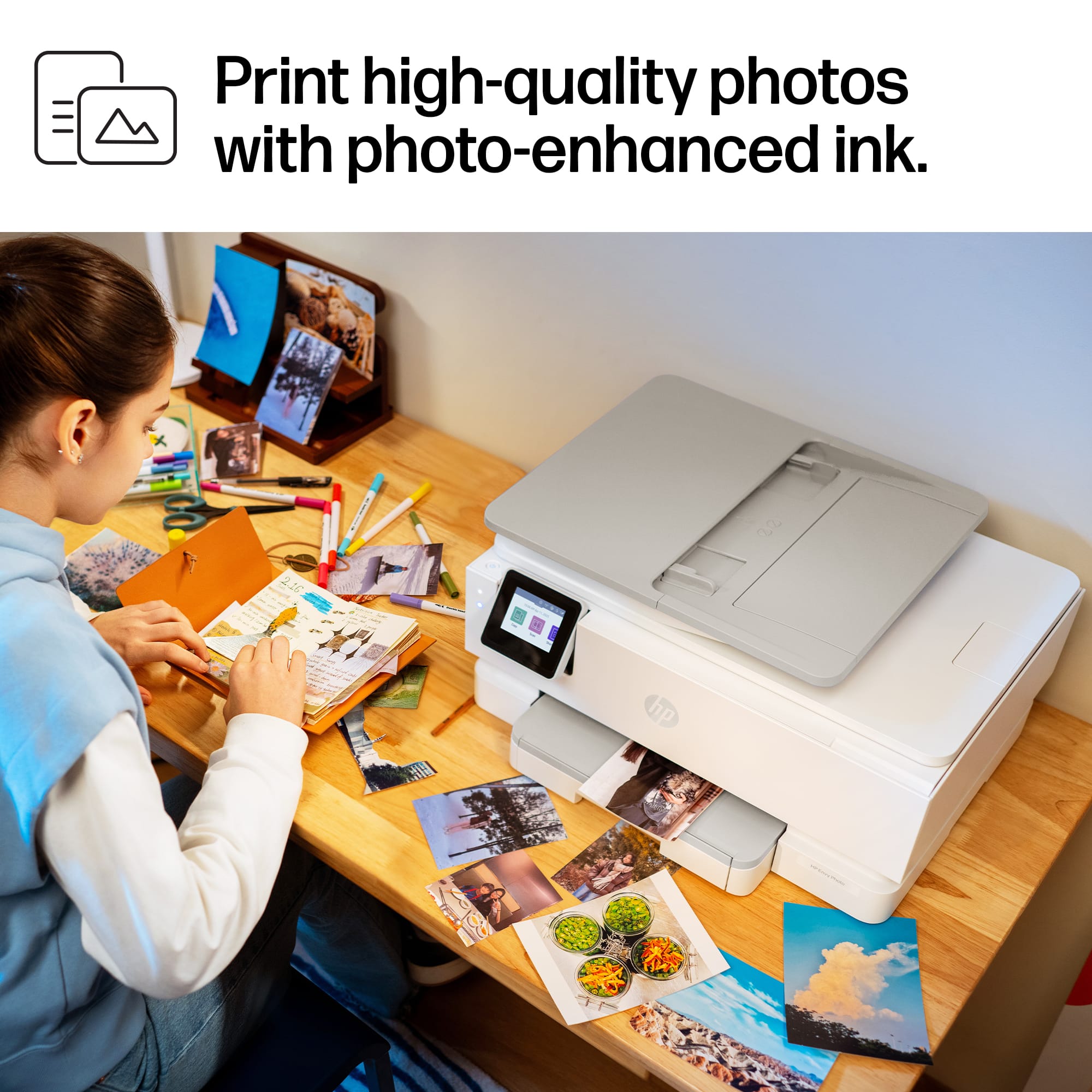
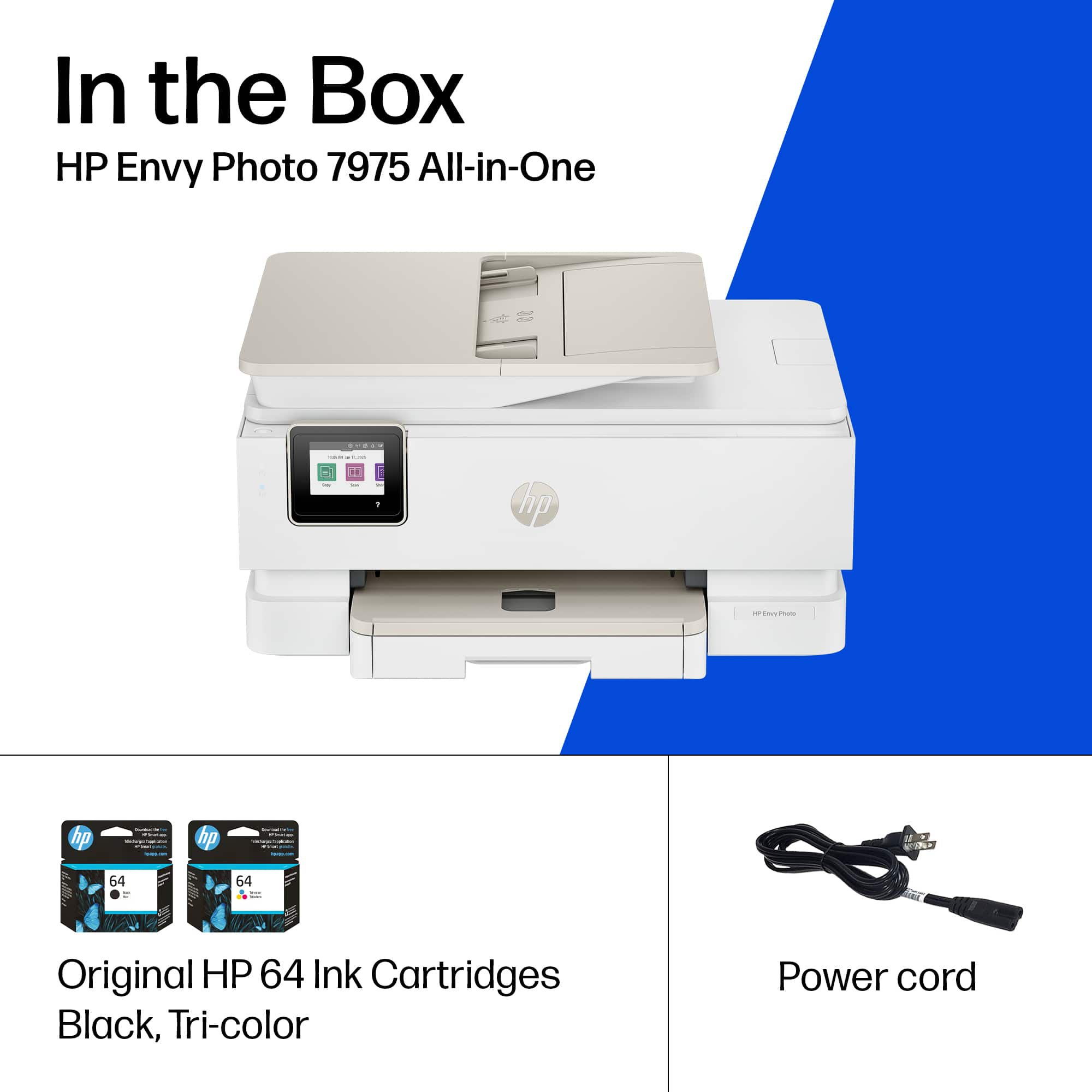
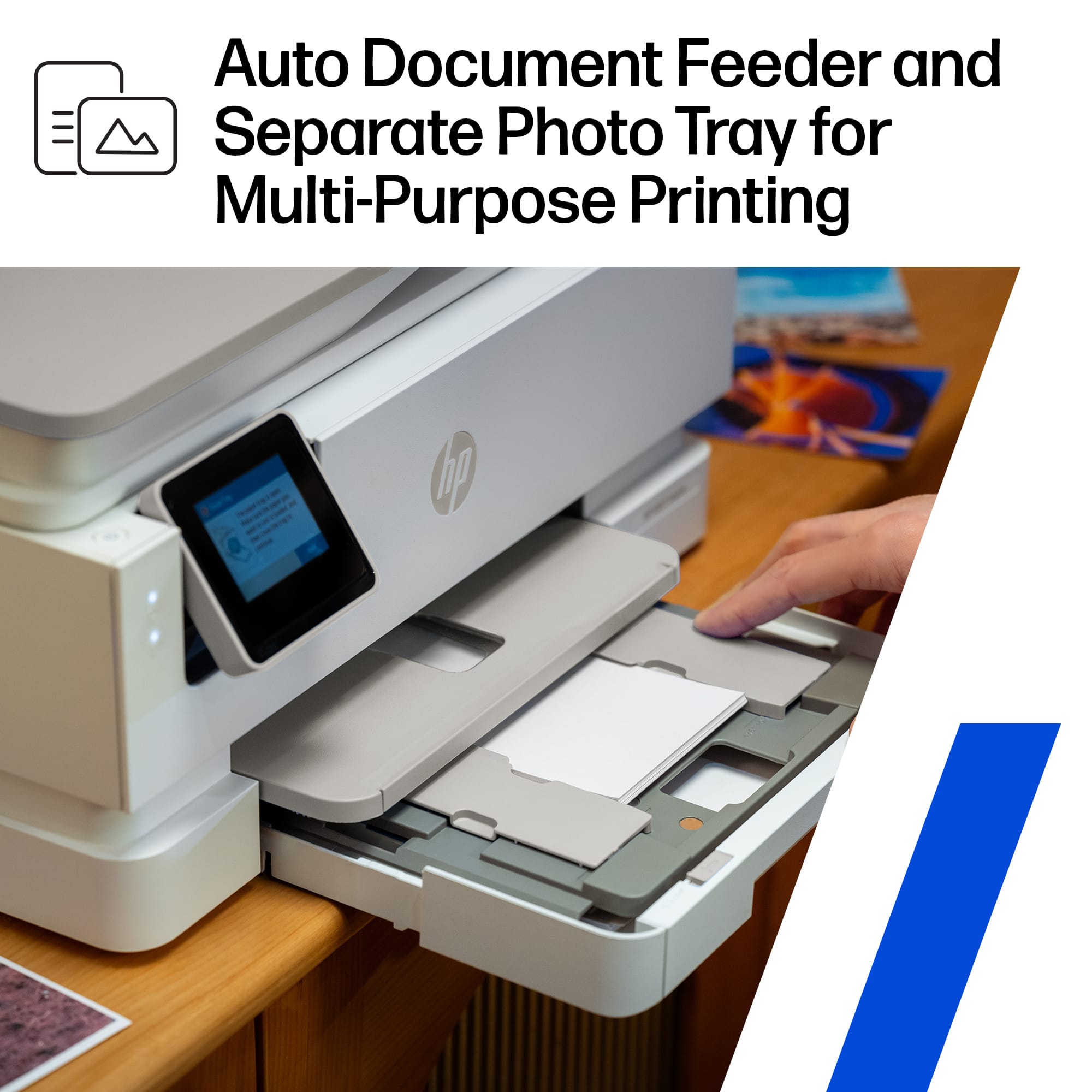
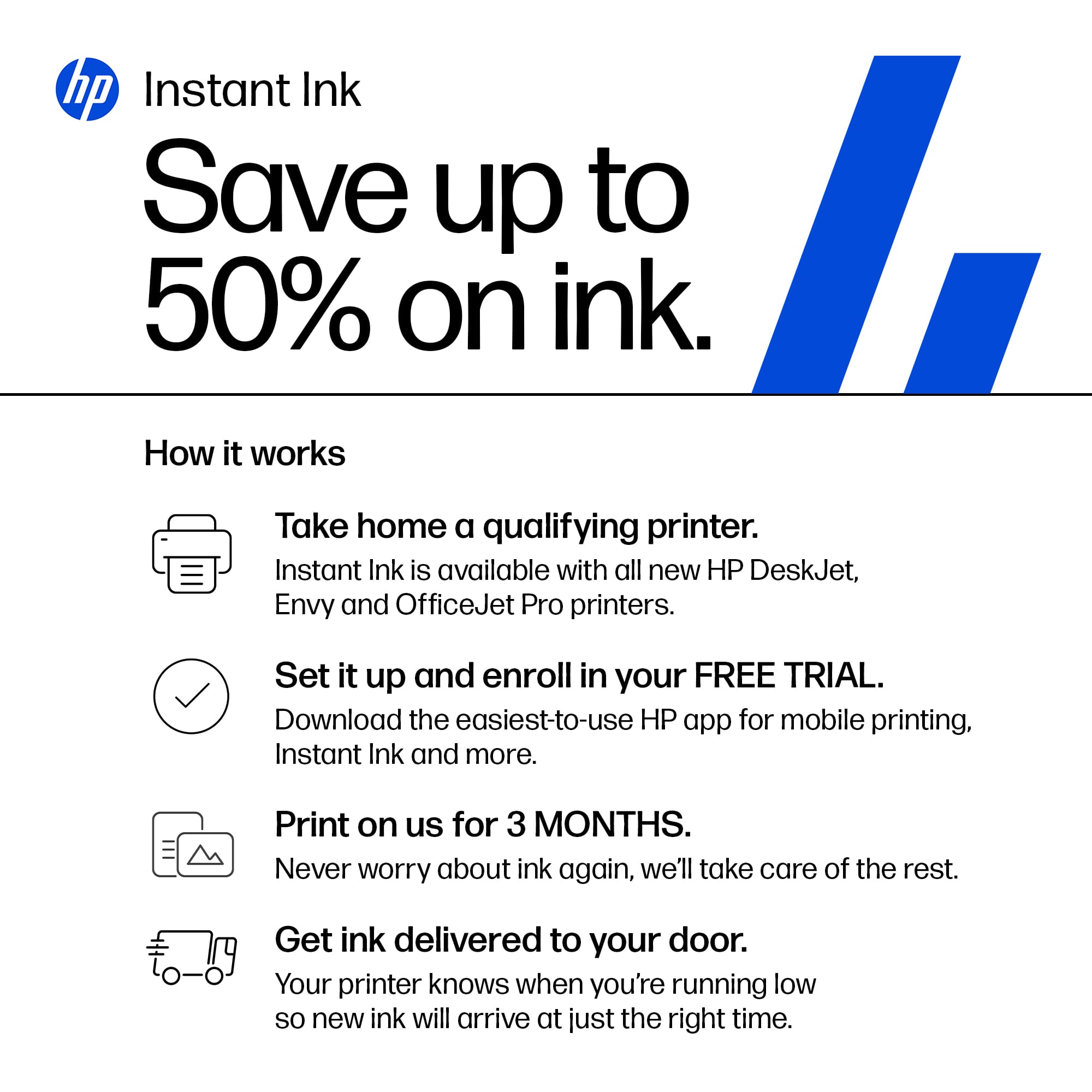
|Posted .This reviewer received promo considerations or sweepstakes entry for writing a review.The printer arrived solidly packed. I was impressed that they packed it with a handle to easily lift it out of the box. It comes with a black ink cartridge and a tri-color cartridge. There should be 3 color cartridges as color is never used evenly. You will have to change the cartridge whenever one color runs out. I am a fan of the Instant Ink program and have been using it for years. It saves money and they ship direct to you. This printer comes with 3 free months of Instant Ink. Just a warning – you MUST use HP ink in this printer. The tray capacities are small; 125 pages of paper in the large tray and 15 photo. The ADF capacity is 35 sheets. Envelope capacity is 5. Supported sizes: Main Tray: Letter, Executive, Statement (8.5 x 5.5 in), Legal, 4 x 6 in, 5 x 7 in, 8 x 10 in, 4 x 12 in, Envelope (#10, A2); Photo Tray: 5 x 5 in, 4 x 6 in, 5 x 7 in. Print, scan and copy are included features. Print speed is up to 10 ppm color and 15 ppm black. Scanning and copying were fine and pretty quick. It connected easily to the network (dual band Wi-Fi 802.11a/b/g/n/ac) and was easy to add to computers. Easy printing from your phone too. I have an old Canon all-in-one that I use just to print photos. It may die at any time. So I wanted a printer that could handle photo printing in addition to regular use. A previous HP excelled at everything but photos. The HP Envy Photo really delivers. I took some photos at Mardi Gras that are very colorful and vivid. The Envy printed the vivid colors beautifully. Bright reds, blues and greens. My new go to photo printer. Print resolution up to 4800 x 1200 (color). I really like this printer. Photo printing is amazing but it handles documents well too.
I would recommend this to a friend - Pros mentioned:Setup ease, Size
Versatile, Powerful, Efficient
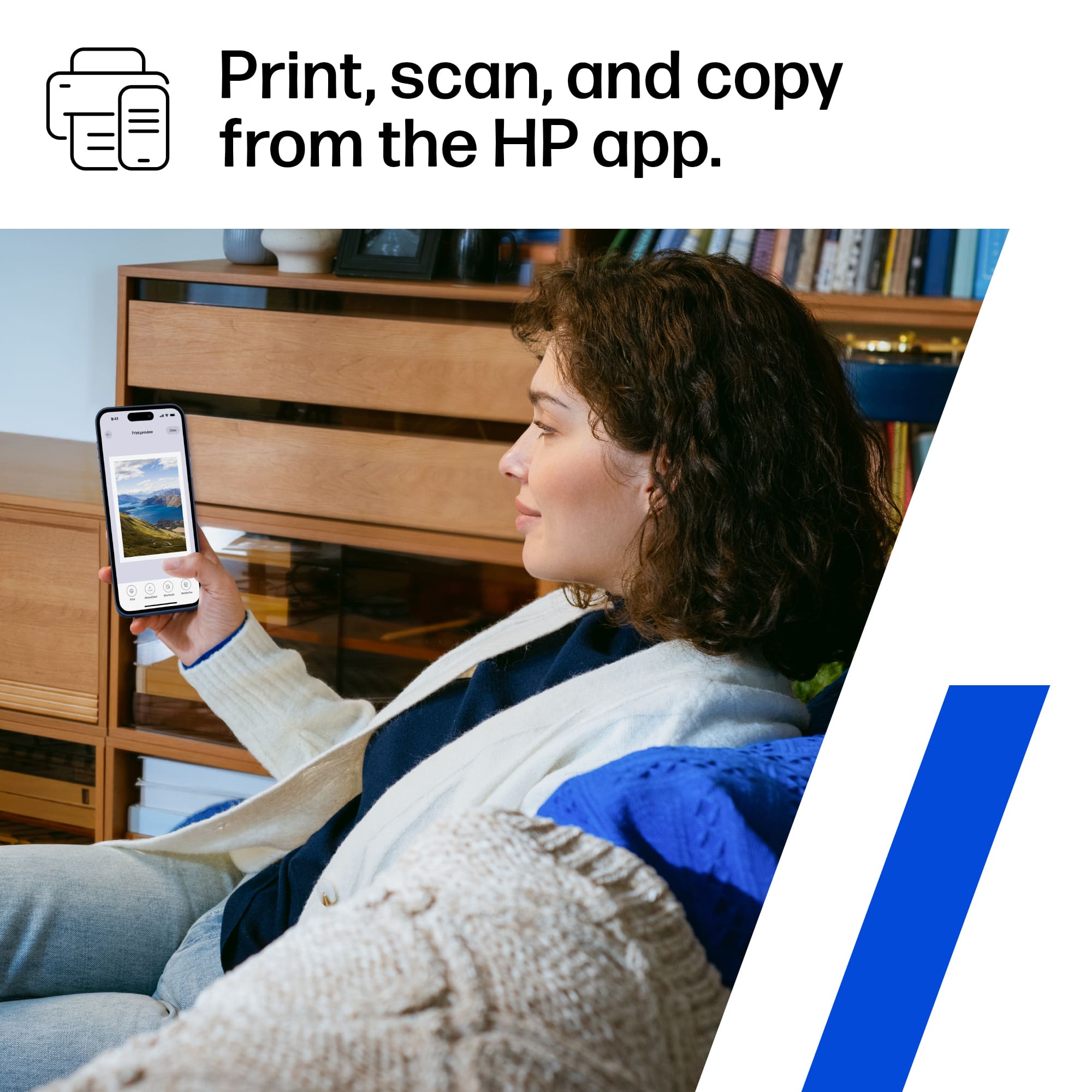
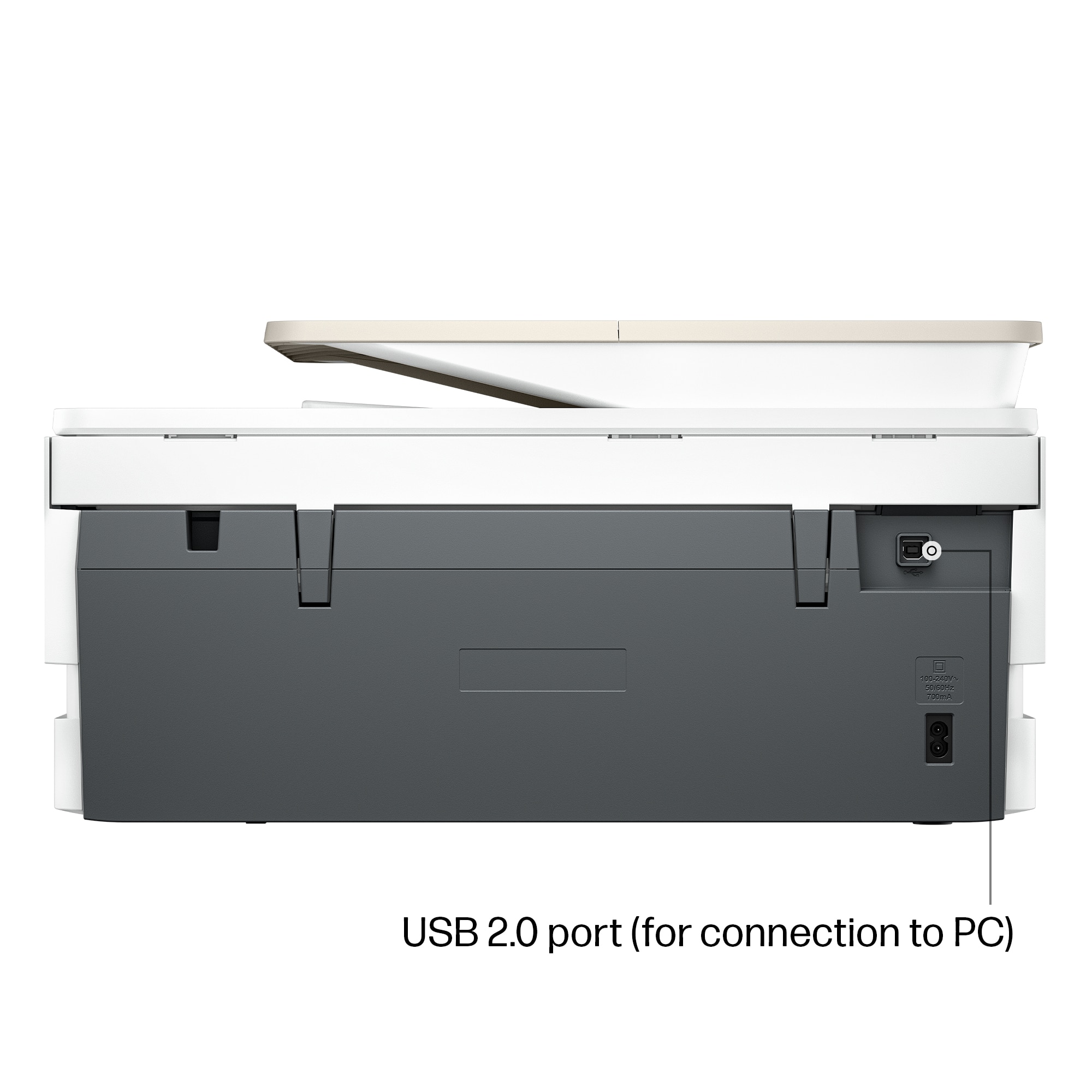
|Posted .This reviewer received promo considerations or sweepstakes entry for writing a review.--- SETUP --- The setup of this printer was quick and simple. The box says it weighs 25lbs, but I was able to set it up by myself. There is one power cord to connect. The option to connect via cable exists, but the cable is not included. I instead, used the HP app to connect it to my wireless network. The whole process took about 10 minutes. --- PERFORMANCE AND EXPECTATIONS --- The printer has many printing options with multiple trays and tray adjustments. You can adjust the trays to print on envelopes, regular 8 ½ by 11 paper, index cards, and even labels. The colorful display allows you to make the right choice before printing. This printer comes with 3 free months of HP Instant Ink program. I have been a subscriber to this ink program since I found out about it. For a monthly fee, you get unlimited ink. As the ink runs out, the printer will send a message to HP and you automatically get shipped replacement ink so that when you do run out, you have new ink ready to install. The caveat is that your plan will determine how many pages you can print monthly. That sounds limiting, but I’ve always found that I spend less on ink using this method, and I’ve only ever ran out of pages once. When that happens, you can choose to add a few pages for a few cents, as needed. This being my second printer, I added it as an additional printer to my existing account. This is how I was able to get 3 free months and not just continue on my existing plan. This particular printer only has 2 cartridges, a tri-color cartridge and a black cartridge. When installing the ink, I struggled to figure out which one went where (left or right). There is a subtle straight line that matches the color of the lid of the ink cartridge, and it was difficult for me to see at first. Once you see it, though, installing ink in the future will not be an issue. Print alignment went smoothly, as well as general printing. Printing in color on cardstock and photo paper is also great. I use these printouts for my side-business, where I teach dance. Being able to print fliers in full color with a flat monthly fee of the color ink I use is wonderful. Though I don’t use it often, this printer can print double sided from the top tray. You can also use the phone app or your PC to scan documents. Having the app also allows you to print straight from your phone. --- APPROVAL --- This printer is versatile and small, considering what it can do. I would strongly recommend this printer for college students or for printer-happy people at your home.
I would recommend this to a friend - Pros mentioned:Noise level, Print quality
Quick, quiet, and efficient photo and doc printer
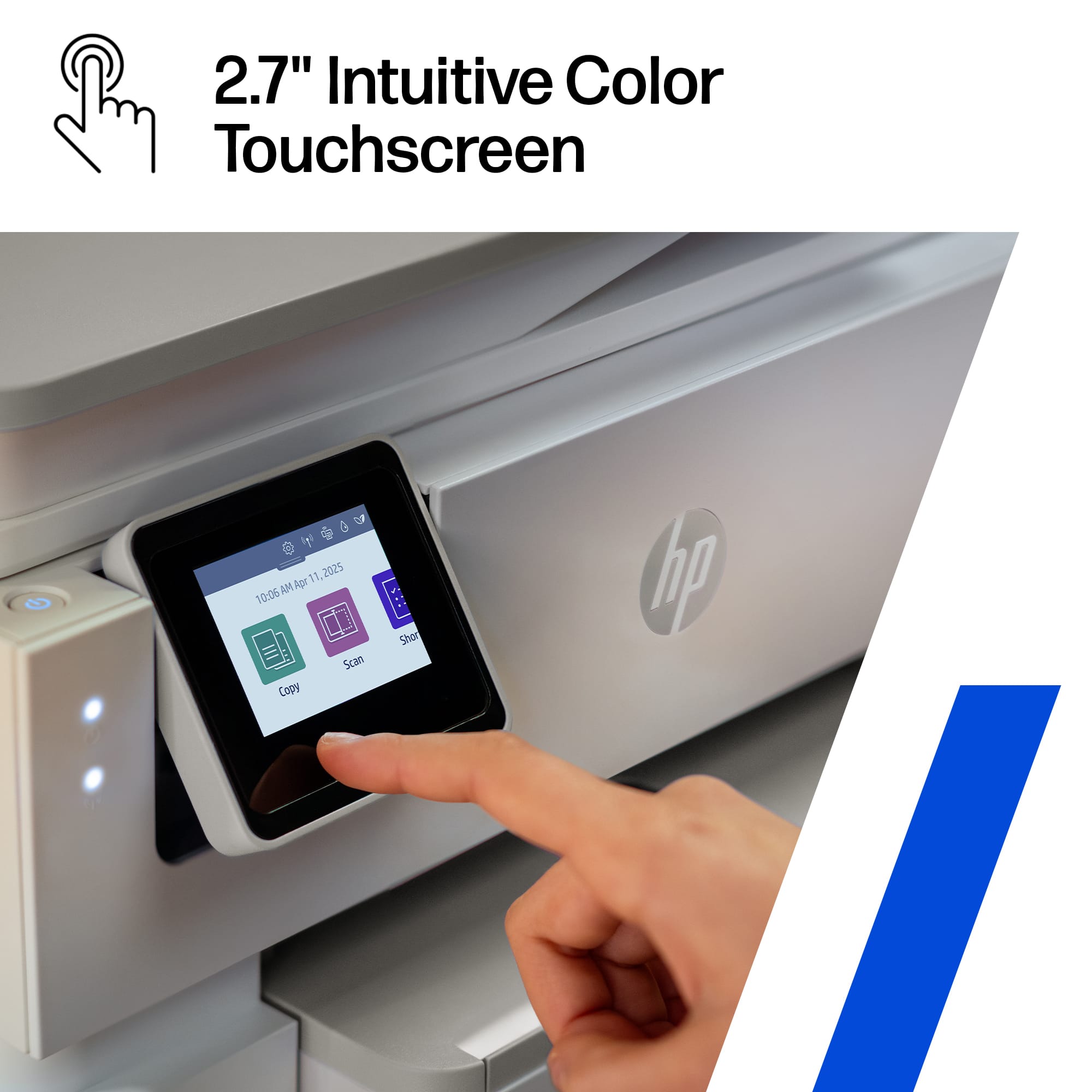
|Posted .This reviewer received promo considerations or sweepstakes entry for writing a review.My daughter is a senior and asked for a photo printer, however I think she really needed a document printer more, so we compromised and picked up the HP Envy Photo 7975 All in One Inkjet printer. This review is based on the first three days of use, where I'm fairly certain my daughter went through no less than 2 boxes of photo paper and begrudgingly printed at least two of her senior projects so I could see them prior to her turning them in. TL:DR - The printer is great for a dorm room, it's quiet, fast, and the prints are crisp. Pros: Fast, quiet, and efficient printing of documents, probably won't wake up a roommate when printing last minute essays. Photo print quality is good, and will allow her to print her memories from anywhere. Wifi setup is quick and easy, allowing you to print from any device on the same network Cons: The app limits bulk prints to no more than 5 copies. The app has a lot of HP ad content to navigate to get to the functions you want to use. In the box is a black ink cartridge, color cartridge, power cable, printer, and instructions. Setup is straight forward, plug in the printer, a QR code shows up on the printer touchscreen to install the app, once that is installed the app will walk you through installing the ink cartridges and connecting to wifi. If you do not already have a HP account, you'll need to create one. While the app isn't required to use the printer, functionality is limited if you do not use it. You can also use it as a direct wired printer via USB 2.0 port, however the cable to connect to a computer is not included. Using the printer is straightforward, once you are connected to wifi you can print from any other device that is on the same wifi network, phones, tablets, printers, etc. From the app you can also start a print, scan, enhance scanned photos, create copies, check printer ink levels, check paper levels, and run diagnostics. Printing is easy, there is a large paper tray divided into two sections, a top section for smaller photo paper, and a larger bottom tray for normal 8x11 printer paper as well as photo paper up to 8.5" x 14". Additional features I appreciate are the double sided printing, photo editing functionality, and 3 months free ink if you enroll in the Instant Ink service, which will help me ensure the teenager has ink when she goes off to college in a few months. Overall the printer is fast and relatively quiet, lightweight at 18 lbs, and relatively small footprint all of which make this a great dorm room printer. My teen loves the photo option so she can print her own photos and projects, and scale her prints beyond the standard 4"x6" photo tray. It isn't quite as efficient as a document printer, and the app only allows the option to print up to 5 copies at once, so there are limitations with the software that slow down bulk printing functionality. I'm satisfied with the performance and trade offs between photo and document printing, and happy to have found something that my daughter and I can agree upon for her to use while she's away at school.
I would recommend this to a friend - Pros mentioned:Noise level, Setup ease
Decent mid-level AIO, costly ink
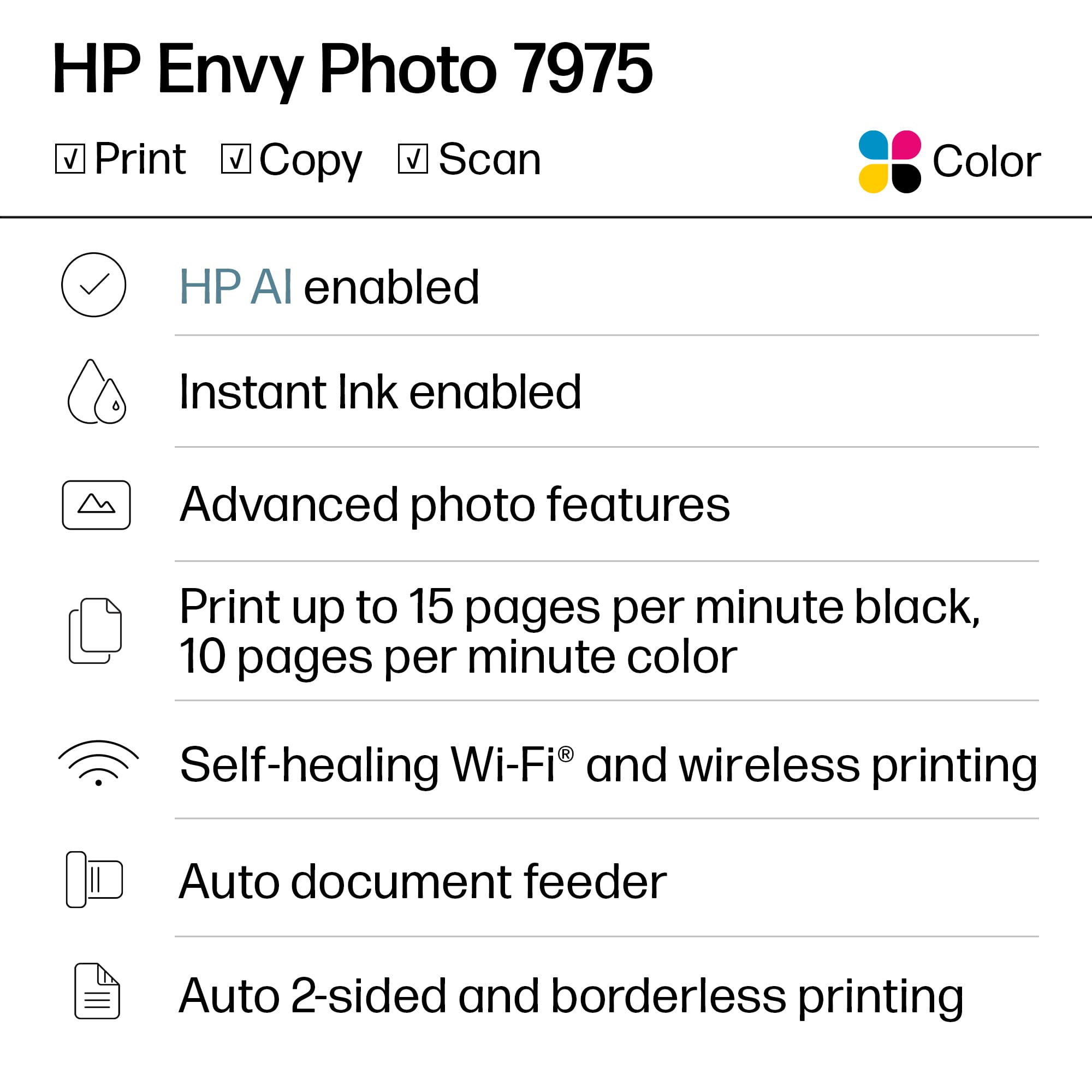
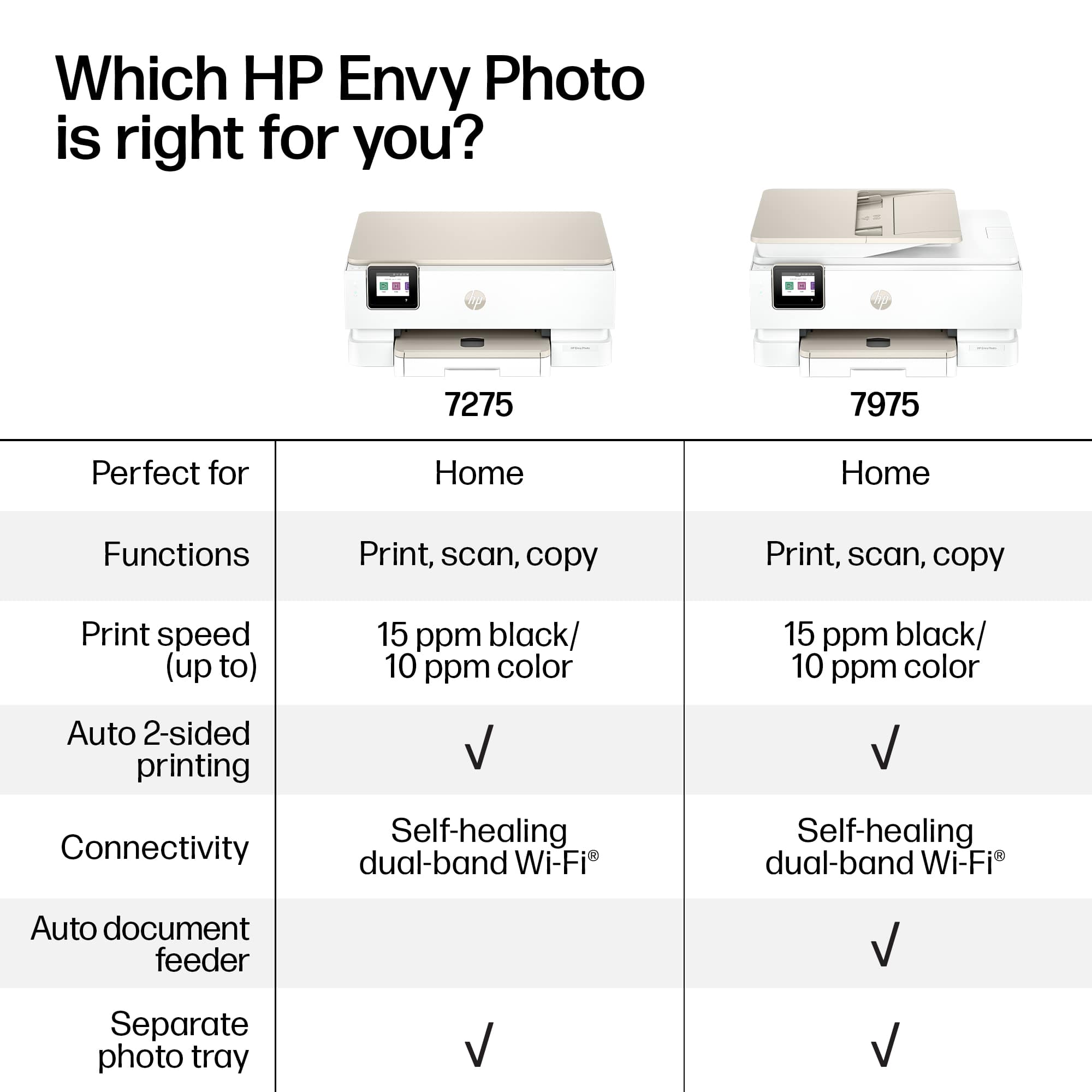
|Posted .This reviewer received promo considerations or sweepstakes entry for writing a review.HP Envy Photo 7975 All-in-one printer Never have we had such a plethora of reasonably priced printer options, with more and more options and feature sets to select from than we do now. But the more things change, the more they seem to stay the same. HP offers a full line-up of printers, from entry level basic DeskJet, home personal Envy Photo Printers, step-up Office Jet, and culminating in high-volume professional Laser Jet series. This Envy 79765 is a solid unit, with the ability to effortlessly and easily print, scan, and copy, without headache nor complicated setup. My main drawback with this unit is the same as previous models, namely the Instant ain’t program, following the Gillette razor blade model, I.e. sell the razor cheaply and milk consumers on the on-going consumables. Print quality is as you’d expect, blocks are not nearly as dark as laser jet quality (therefore cannot be used reliably for submitting tax returns). I had not received dedicated photo paper in time for this review, so the muted colors on plain paper may not be truly indicative of the optimal quality the unit is capable of. I’ve owned a previous dye-sublimation 4x6 that was the pinnacle, with quality far exceeding this unit glossy or matte. Specs: *2.7 inch LCD touchscreen *1200x1200 resolution black *4800x1200 resolution color *ink: HP 64, 64XL cartridges *pages per minutes black 15 *pages per minute color 10 Pros : +quick setup +touch screen +quiet operation +solid build quality +dual-band networking +two-sided photo printing +photo printing priority +self-healing Wi-Fi networking Cons: -clunky paper loading mechanism (push photo tray out of the way) -speed is slow compared to business grade units -limited paper capacity , 125 sheets or 15 photo -lack of ethernet port , WiFi or USB-B only -single tri-color cartridge HP 64/64XL -Instant ink subscription drawback -third party cartridges not allowed -HP ads and marketing bloat Conclusion: The HP ENVY Photo 7975 is a decent sub $200 AIO all-in-one printer. It handles photos admirably, and general printing tasks capably, however alternate branded photo printers I’ve owned with individual color cartridges seem to have more color vibrancy and visual pop from my perspective. Recommended: while the Envy 7975 is fine for general purpose usage, high-volume or quality output suggest upgrade from DeskKet technology to LasetJet.
No, I would not recommend this to a friend - Pros mentioned:Connectivity, Print quality, Setup ease
Great Print Quality, Wifi, & Easy Set Up
||Posted .This reviewer received promo considerations or sweepstakes entry for writing a review.Great Print Quality, Easy Set Up, Ink Cartridge 2 (1 Black and 1 TriColor) . Space Saver, above all reliable and dependable. Wi-Fi capability a plus. Definitely recommend.
I would recommend this to a friend - Pros mentioned:Size
Compact AIO, sharp text, decent color, pretty slow
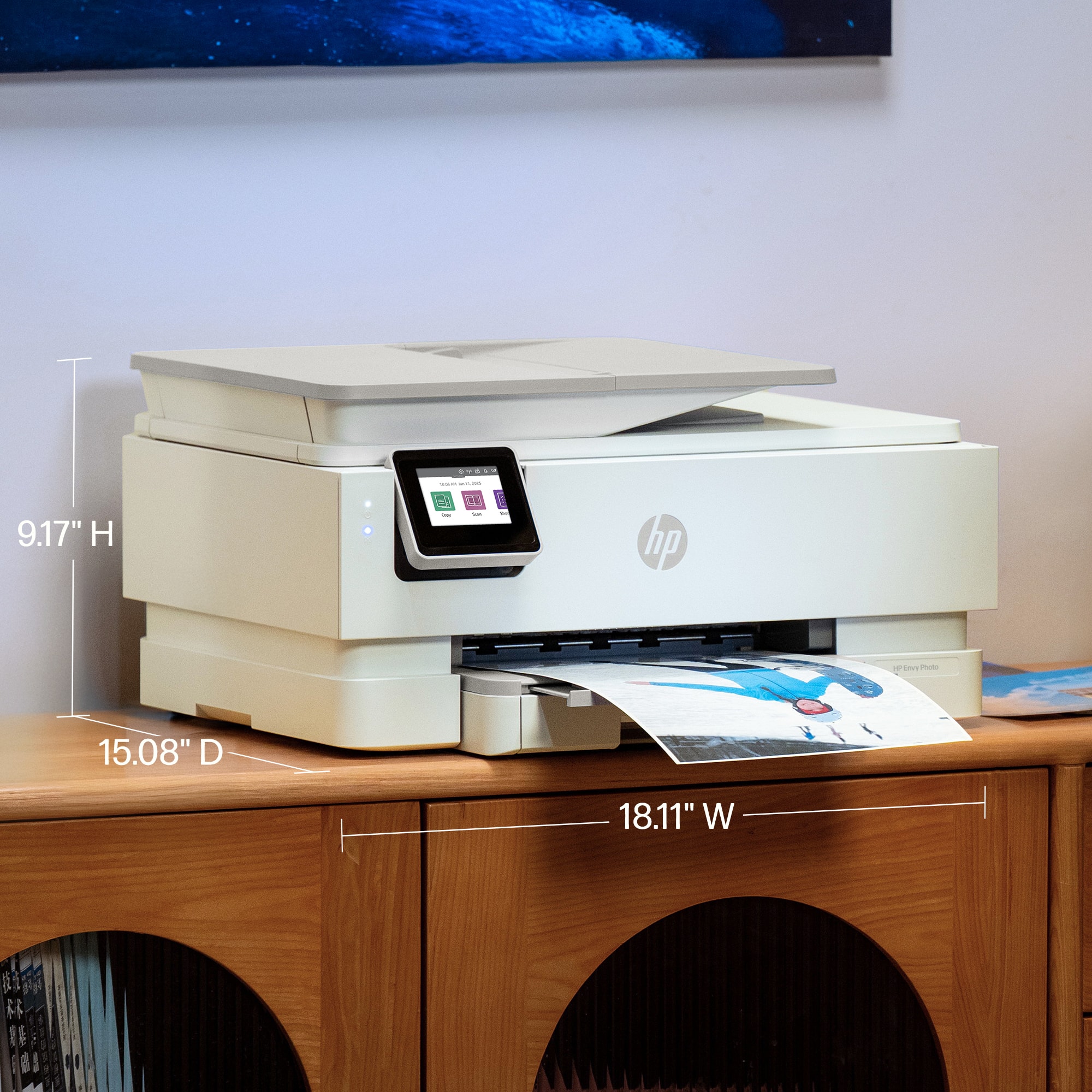
|Posted .This reviewer received promo considerations or sweepstakes entry for writing a review.The new HP Envy Photo 7975 all-in-one printer is a decent choice for color imagery and the small footprint is a welcome departure from so many all-in-ones that unfurl like a transformer with additional slots, feed trays, paper guides, and flaps consuming another 6-8 inches or more of tabletop real estate in all directions. It’s quiet, with crisp, sharp text and finely detailed image reproduction capabilities. But the printer itself is more than a bit on the slow side and source images with a lot of dynamic pop came out a bit muted. I can’t necessarily see this as being a solid choice for a high-capacity small office environment, but for a home/school user with somewhat sporadic printing needs, the 7975 is a decent choice. Setup was a breeze—about 15 minutes total from opening the box until the first page was dribbling out of the printer’s paper tray. HP’s packaging is quite ingenious as they include a disposable handle to lift the unit neatly out of the box without shredding the packing foam. The old HP Smart app has been replaced by the HP app to assist with setup and configuration. Compared to the old HP Smart, the new HP app interface is even more…I want to say user-friendly, but that’s not entirely it. Instead of small tiles that put everything on a single page so you can see what options are immediately available, you have HUGE images of the printer(s) on your account with a quick overview of ink supply levels. Once you tap the image of the printer you want to configure or control, you get a LOOOONNNNGGGGG sub-screen with oodles of links and small function graphics and headings covering supply ordering, scanning, printing, copying, fax, dashboard setup, help tools, diagnostics, virtual assistants, and a host of other printer settings. It’s laid out well, but the padding between menu items makes the page look intimidatingly long…I’m guessing someone who isn’t comfortable with technology might feel a bit overwhelmed. Fortunately, initial setup really is quite idiot-proof with clear, animated setup pages that show you exactly what needs to happen next, even so far as to indicate when to remove some of the cardboard shipping braces. Once the printer is online, you only have two ink cartridges to worry about: black, and tri-color. Both go in easily and then you’re off to the races. The AIOs’ other hardware specs are pretty robust: 1200x1200 dpi scan resolution (hardware) and max 4800x1200 dpi color output; copies are reproduced at 600x600 dpi. The auto-document feeder will handle about 35 sheets of paper; sadly, the ADF is not duplex-capable. The main paper tray is relatively shallow at only 125 sheets; the output tray (the area just above the paper tray—no fold-out guides required!) will give you about 60 sheets before you’ll need to claim your paper from the output. The photo tray is integrated into the main body of the printer; just open the top of the main paper tray and the photo paper tray comes sliding out to greet you—no additional doors to open or removable guides to keep track of! So, what does all that hardware get you in the end? Well…output is…pretty okay. Digital imagery was reproduced very well, but high-resolution photos containing brilliant or highly saturated colors came out a bit dull and muted, even at the highest quality. Print speed was also…just okay. Full-page edge-to-edge photos took about 1:40 per print. Single-sided text printing was much faster (unsurprisingly), with four pages spitting out in under 25 seconds. Dual-sided printing surprised me because the HP does something I’ve never seen before…it holds the page in the output tray for a moment with an accompanying message on the screen reading “The page is drying. Please wait…” That’s actually a pretty neat feature because it reduces the likelihood that your printing will be smudged or runny as two-sided pages are produced. However, it nearly doubles the printing time with two pages of two-sided text taking nearly 45 seconds to complete. In the end, the HP Envy Photo 7975 all-in-one is…fine. Other than the physical design, which keeps the footprint small and compact, there wasn’t much here that really wowed me. Colors—okay; print speed—meh. And no matter what settings I adjusted for power management or sleep functions, the only way I could find to turn off the white and blue power and activity LEDs was to physically turn the unit off at the main power button—so if you happen to keep your printer close to where someone sleeps, be aware that this little fella does produce enough bright light that some may find it intrusive in a darkened room. However, I’m not really sure who this printer is for. The recommended page volume is only 300-400 pages per month…more than twice the capacity of the main paper tray. Ink capacity seems pretty low as well—regular black and color cartridges are good for about 200/165 pages respectively, while the XL-sized cartridges are rated for 600/415 black and color pages. So, if you are a moderately prolific user and run at about monthly operating capacity, you’ll be buying ink cartridges about every month to month and a half. Now, HP does offer their Instant Ink program (you even get 3 months free), and a 300-sheet per month plan is available for $16/month while a 700-page plan is $32 per month. With the Instant ink program, you never have to remember to order ink because HP is keeping an eye on usage for you and will mail out new ink cartridges when you are running low, but you definitely need to consider those ongoing ink costs into the price of this all-in-one because it seems designed to burn through supplies fairly quickly when comparing its recommended duty cycle to the number of pages you are likely get from each ink cartridge. I would only consider this for VERY light-duty, like sporadic/occasional low-capacity print jobs. Anything more and you’ll likely start to resent either the sluggish print times or the copious amount of ink consumed to fulfill higher capacity jobs.
No, I would not recommend this to a friend - Pros mentioned:Connectivity, Print quality, Setup ease
Fantastic printer
||Posted . Owned for 2 weeks when reviewed.This reviewer received promo considerations or sweepstakes entry for writing a review.I needed a new printer immediately and went to Bestbuy. In less than 45 minutes my purchase was complete. It was so easy to setup this printer. It's very user friendly and the entire family can connect as well. The quality is amazing. The color is fantastic. There's ink included and 3 month supply for free. After the 3 months the subscription is very inexpensive. I'm very satisfied with this printer and recommend it to other's. The price is right too.
I would recommend this to a friend - Pros mentioned:Print quality
Solid printer, setup was meh
|Posted .This reviewer received promo considerations or sweepstakes entry for writing a review.I’ve used quite a few printers. Rarely am I shocked by what a printer provides in terms of service. The HP Envy Photo 7975 largely delivered on expectations…sans some issues during setup. Setup the HP Envy Photo 7975 was kind of a headache. While I don’t know if this was an issue strictly based off my specific printer, what I do know is after setting up everything and downloading the app, I repeatedly got messages telling me “The printer carriage can’t move,” even though I could see and hear the carriage moving. After several restarts, power cycles, removing and readding the cartridges (getting ink on my hands), I was able to print. Again, not sure if this was a glitch with my specific printer, or something common with the line. I do know I’ve never experienced this before, even with other HP printers. For that I have to deduct point. Once the printer was up and running? It met all expectations! The colors it produced matched everything I sent it. The app was easy to navigate…once it was ready to roll everything was on point. The printer prints relatively fast, and it’s 3 in 1 feature set (print, scan, copy) make sure all your needs are satisfied The HP Envy Photo 7975 is a super solid printer, and maybe you won’t experience the issue I experienced on set up. With that said. I have to knock off a point for issues during set up making this a 3/5 printer I’d still recommend to most.
I would recommend this to a friend - Pros mentioned:Print quality, Setup ease
HP - Envy Photo 7975 so far, so good.
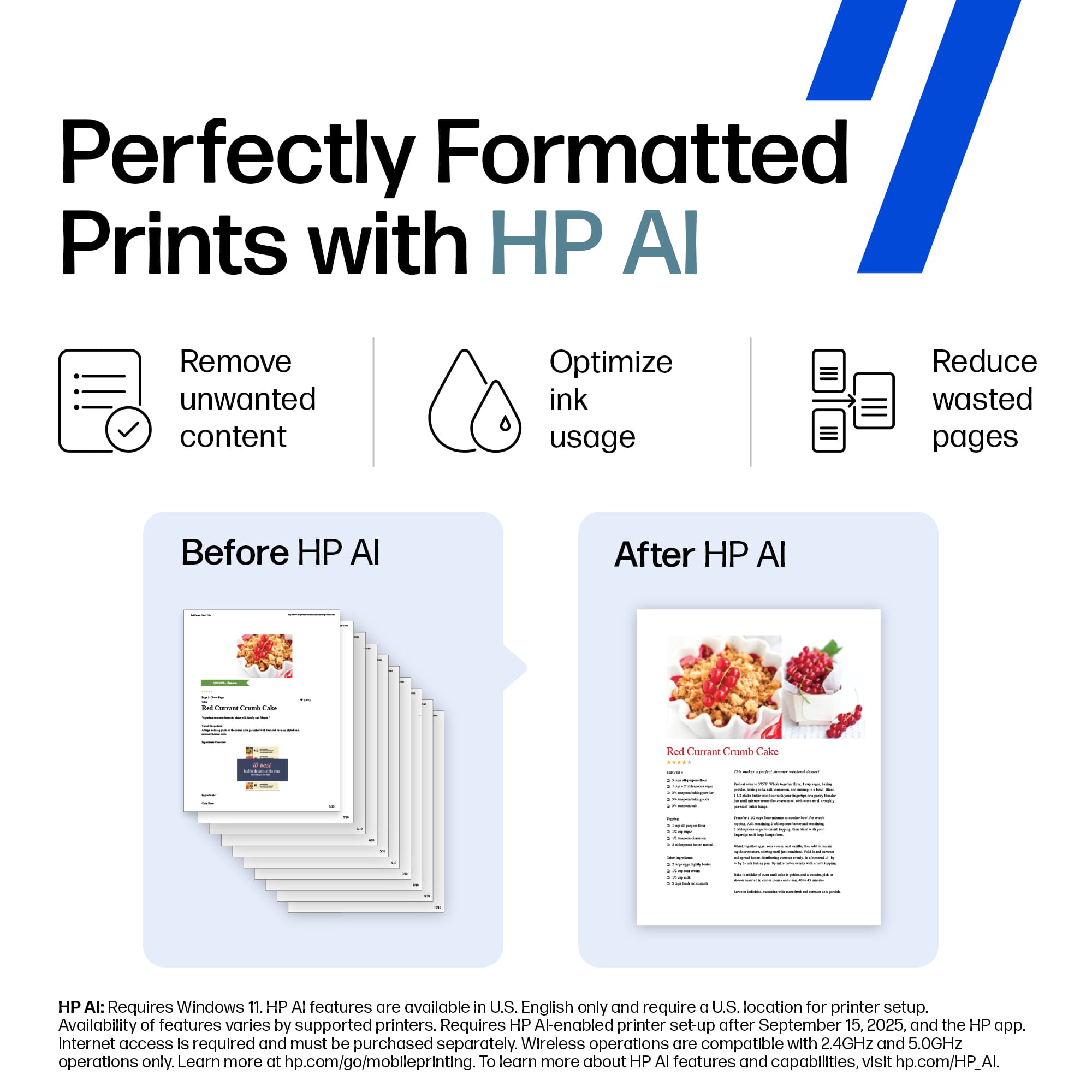
||Posted . Owned for 1 week when reviewed.This reviewer received promo considerations or sweepstakes entry for writing a review.I finally had to replace my 7 year old HP printer which until the end gave me great service. After investigating several possible replacement, I decided on the HP Envy 7975. The price was right and it appeared to have just the right features I needed. I was not disappointed. It's a nice printer that was easy to set up and the quality of print is better than most. Crisp text and quite good photo prints. Set up was quick with no issues. Although slower than my previous printer, it is fine for my use. So far the only cons I can say is it is a bit noisy and there is little documentation on how to take advantage of the AI feature. Time will tell, but so far, it seems to be another HP quality printer.
I would recommend this to a friend - Pros mentioned:Setup ease, Size
Quick Set-up
||Posted . Owned for 3 weeks when reviewed.This reviewer received promo considerations or sweepstakes entry for writing a review.I like it so far. It's only a few weeks since I purchased this. I like the compact size. Set up was fairly easy. Sometimes it pushes out extra paper before printing which is odd. Have not tackled that yet. It only uses two cartridges compared to 6 from last printer! Overall positive thoughts about it.
I would recommend this to a friend - Pros mentioned:Noise level, Print quality, Setup ease
Great home printer
||Posted .This reviewer received promo considerations or sweepstakes entry for writing a review.Easy set up. Great photo quality. Quiet operation.
I would recommend this to a friend - Pros mentioned:Print quality, Setup ease
HP 7975 Wireless Printer
||Posted . Owned for 2 weeks when reviewed.This reviewer received promo considerations or sweepstakes entry for writing a review.Good quality and very good value. This is a super fast printer. I was amazed at the print speed. The set up is easy and very quick. I should have replaced my old printer with this HP 7975 long ago.
I would recommend this to a friend - Pros mentioned:Print quality, Setup ease
Best Buy and HP once again!
||Posted . Owned for 1 month when reviewed.This reviewer received promo considerations or sweepstakes entry for writing a review.Easy to set up, prints perfectly, versatile. Have owned several HP printers before and they are pretty much bullet proof. The technical help in the store helped us to the right decision on which printer to buy
I would recommend this to a friend - Pros mentioned:Print quality, Setup ease
Photo HP printer
||Posted . Owned for 1 week when reviewed.This reviewer received promo considerations or sweepstakes entry for writing a review.Product is easy to set up, especially if you currently have a HP account and or using the app. Print quality is excellent and fast. Copying can be accomplished through the flatbed or multi page feeder and the qualities excellent. Photo or card stock can be used in the unit and the paper tray is larger than normal. Delivers excellent quality in photos and brochures. All in all a very good unit.
I would recommend this to a friend - Pros mentioned:Print quality, Setup ease, Size
Envy photo 7975
||Posted . Owned for 1 week when reviewed.This reviewer received promo considerations or sweepstakes entry for writing a review.The envy photo 7975 was easy to set up. Prints well and is compact.
I would recommend this to a friend
















