Customer Ratings & Reviews
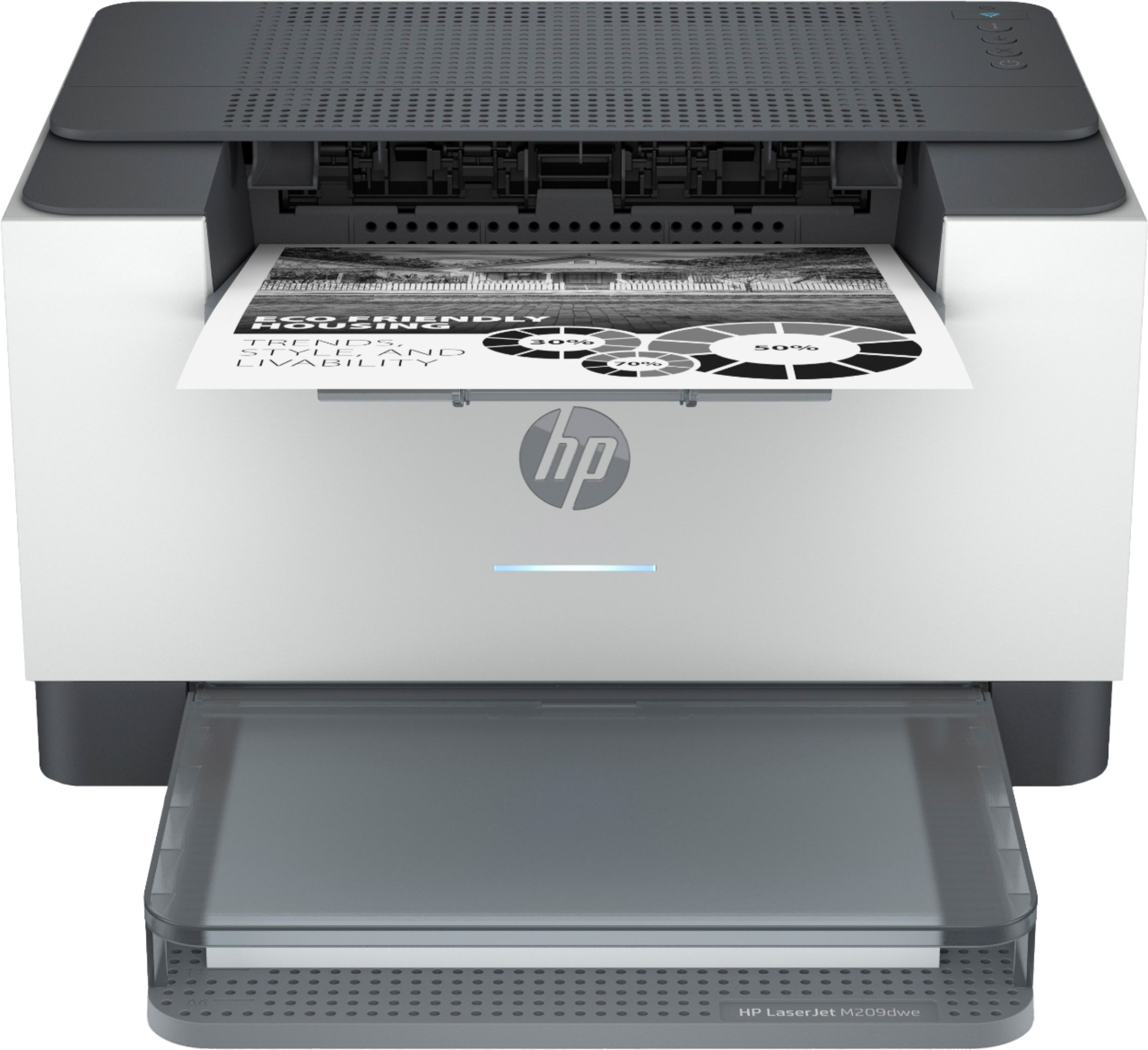
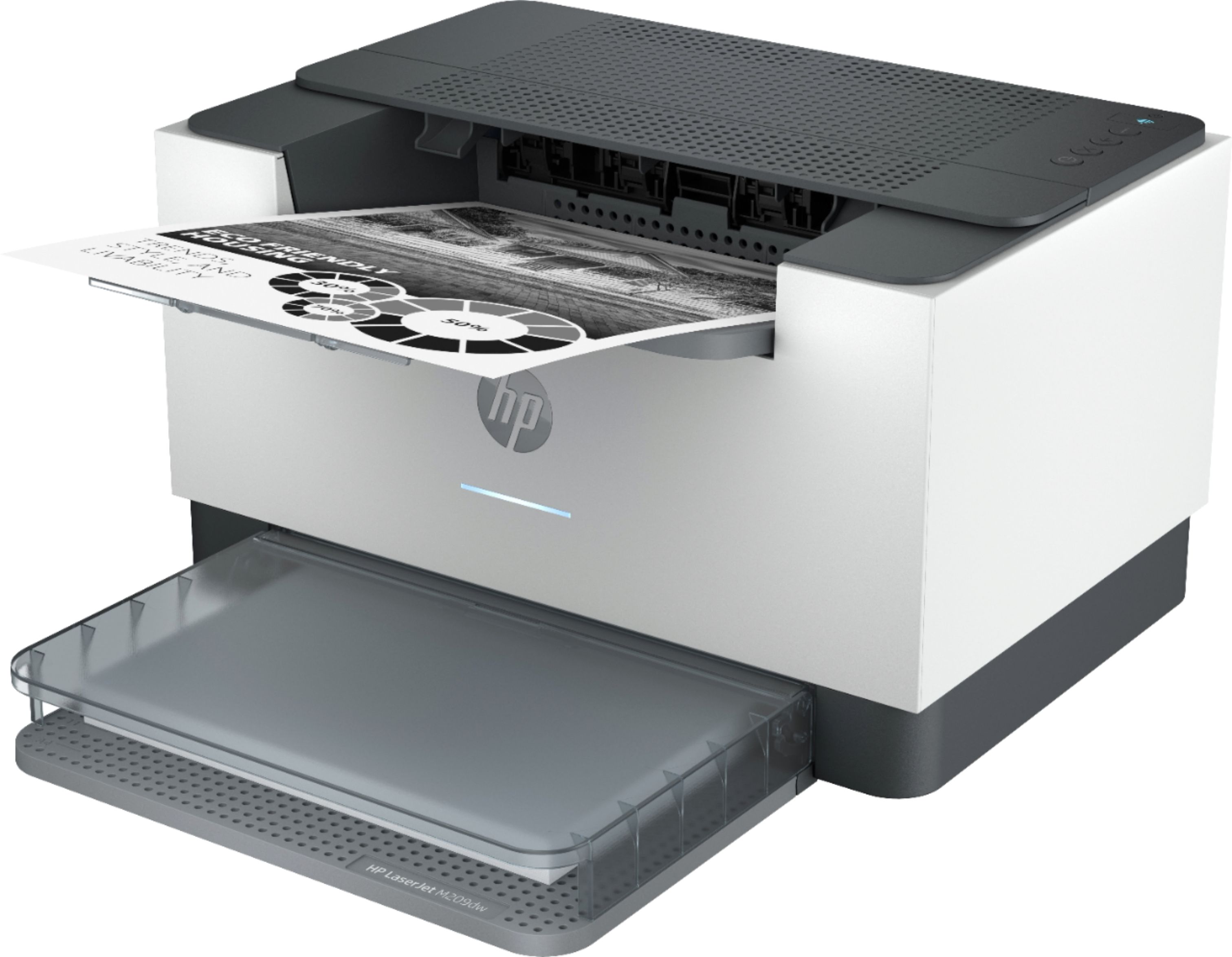
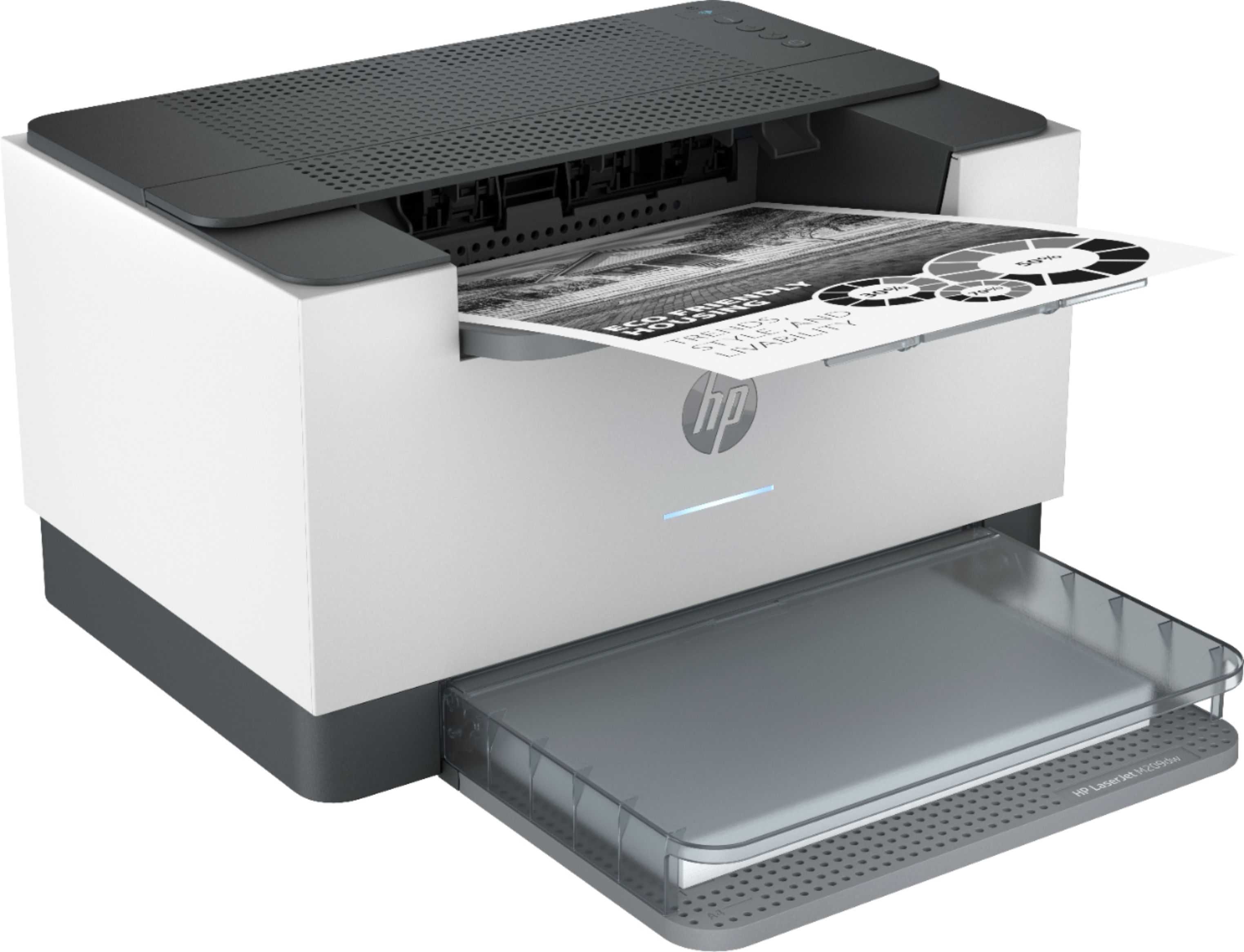
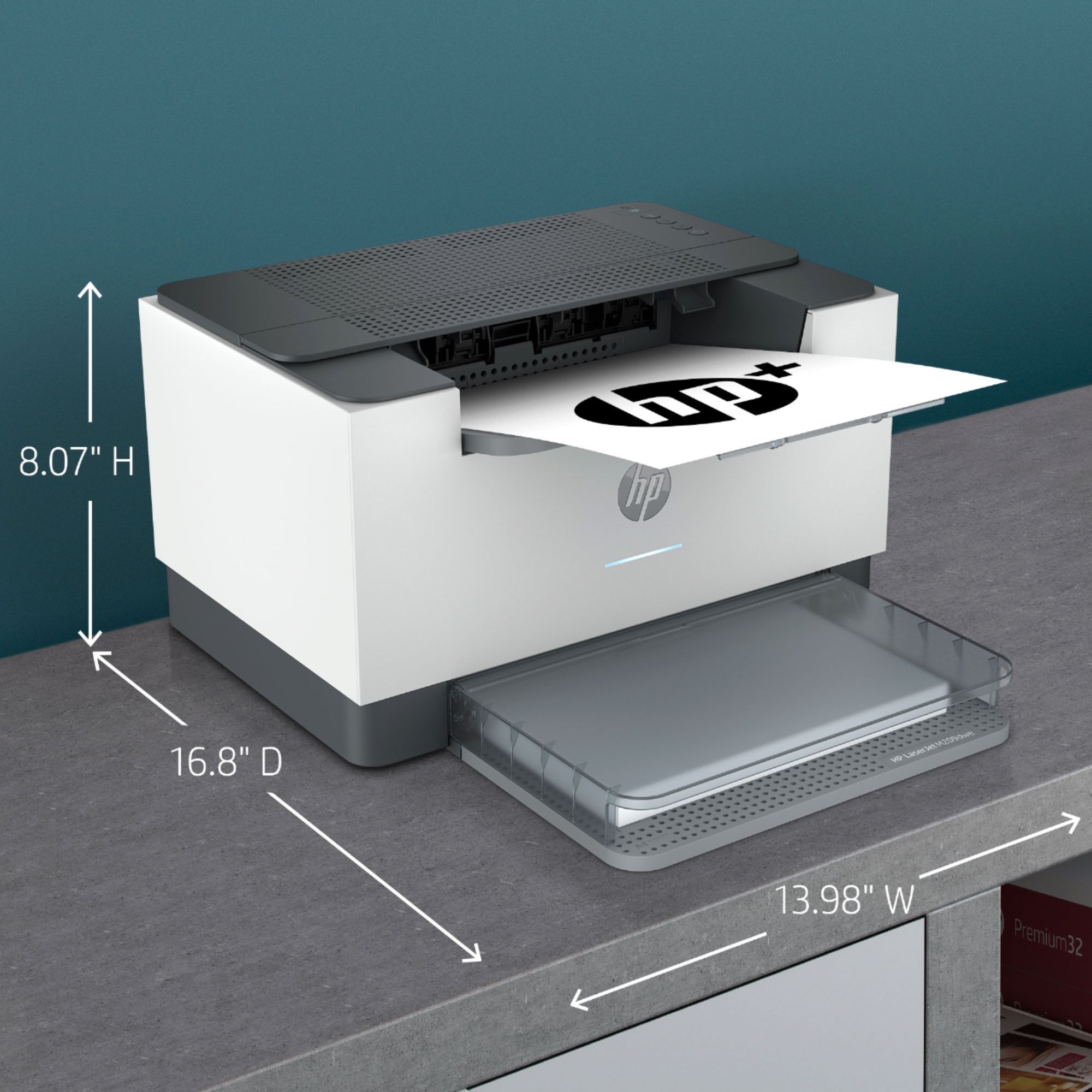



- Model:
- M209dwe
- SKU:
- 6452950
Rating by feature
- Value
Rating 4.4 out of 5 stars
- Quality
Rating 4.4 out of 5 stars
- Ease of Use
Rating 4.2 out of 5 stars
Customers are saying
Customers frequently mention the excellent print quality and ease of use of the HP LaserJet M209dwe printer. Many also appreciate its compact size and convenient wireless functionality, making setup and printing straightforward. While some users find replacement toner cartridges costly, the overall experience is largely positive. The printer's reliability and quiet operation are additional benefits frequently highlighted by users.
This summary was generated by AI based on customer reviews.
- Pros mentioned:Ease of use, Print quality, Size
Happy Customer
||Posted . Owned for 1 week when reviewed.This reviewer received promo considerations or sweepstakes entry for writing a review.Very easy to use. setup was fast and simple. Good size, it doesn't take up a lot of space. also, very quiet and clear printing.
I would recommend this to a friend - Pros mentioned:Ease of use, Setup
SO quick and easy to use!
||Posted . Owned for 1 month when reviewed.This reviewer received promo considerations or sweepstakes entry for writing a review.Very happy with the HP-Laser Jet M209dwe, So easy to use. quickly and easily set up all devices for printing. Very good deal as well!
I would recommend this to a friend - Cons mentioned:Paper tray
Subscription Scam by HP!
||Posted .This reviewer received promo considerations or sweepstakes entry for writing a review.It holds very little paper and doesn't always print clear. The paper tray doesn't always keep the paper straight, and there is no way to adjust it. Worst of all is that it requires a toner subscription, or it automatically stops. To me, this is a scam! I did not know this before I bought this printer. In 2 weeks I will have owned this printer exactly 2 years, and I was still on my first toner cartridge that was included with the printer when I bought it. HP's renewal quote to get new toner was $17.99/month based on my usage. What? I also now understand that if you don't use all of the toner they send to you on your subscription and then you subsequently try to cancel it. Then you throw filled toner cartridges into the trash. So although my printer is still functionally working if it were not for HP "turning it off" though their network, it will go into the trash.
No, I would not recommend this to a friend It will not work without HP+ account
||Posted . Owned for 3 weeks when reviewed.This reviewer received promo considerations or sweepstakes entry for writing a review.This printer is the biggest disappointment I have had in a long time. The HP support said you did not need to create an HP+ account or be connected to the internet to use it. I set it up following the instructions of just not creating the HP+ account and it seemed to work fine for a few about a month. Now it stopped working with an error message that setup was not completed. It seems I cannot use it without setting up the HP+ account and keeping it connected to the internet. The HP Smart applet (see attached screenshot) says you must agree to buy only HP supplies and connect to the internet and create an HP+ account otherwise the printer will not work. Now it is too late to return it. I got a month's worth of printer - what a ripoff!!!!!
No, I would not recommend this to a friendGreat buy for the average student
||Posted . Owned for 1 month when reviewed.This reviewer received promo considerations or sweepstakes entry for writing a review.Works pretty good, setup was really simple. Would recommend for printing.
I would recommend this to a friend- Pros mentioned:Print quality, Size

Simple yet Amazing Laser Printer!
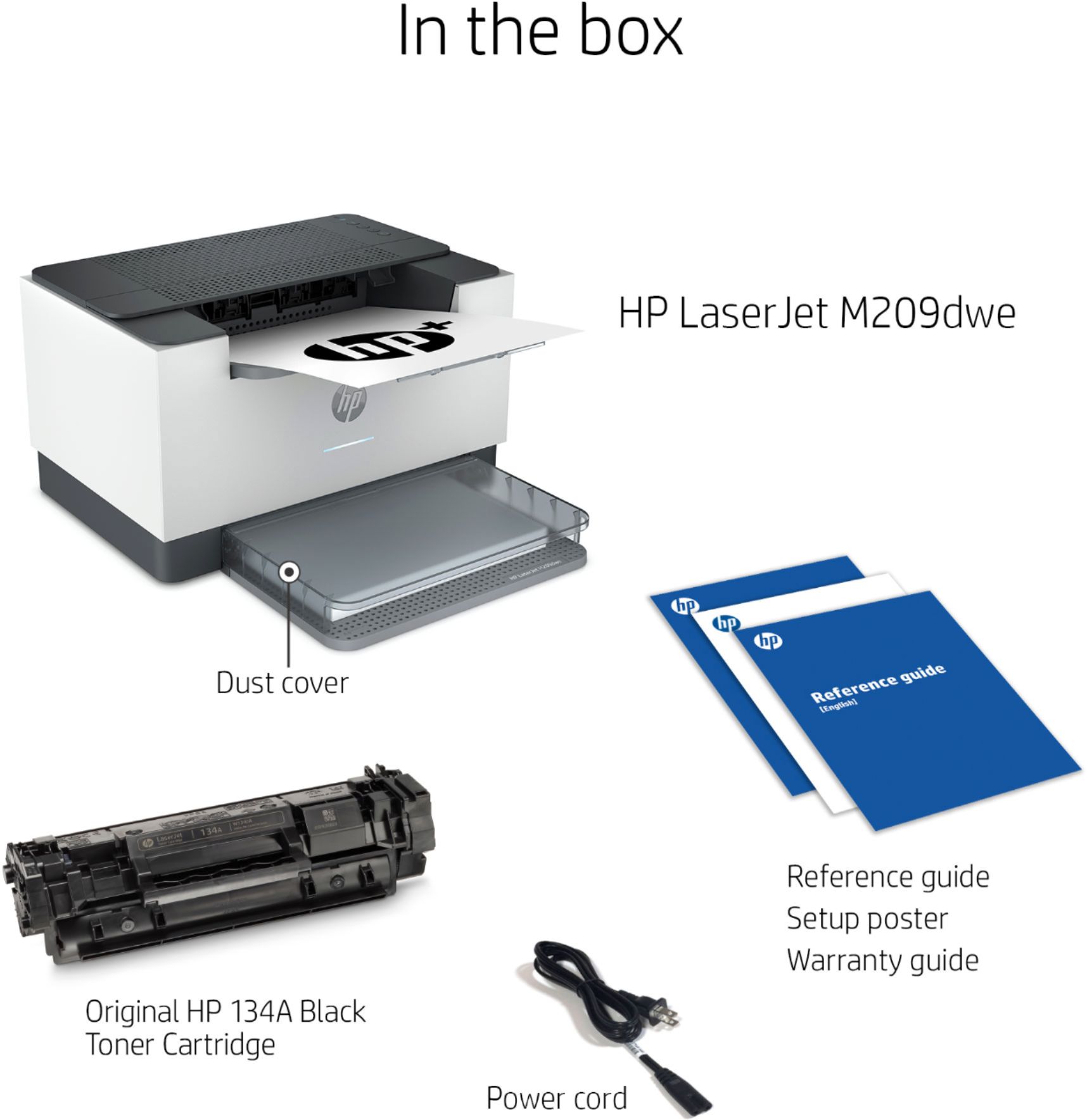
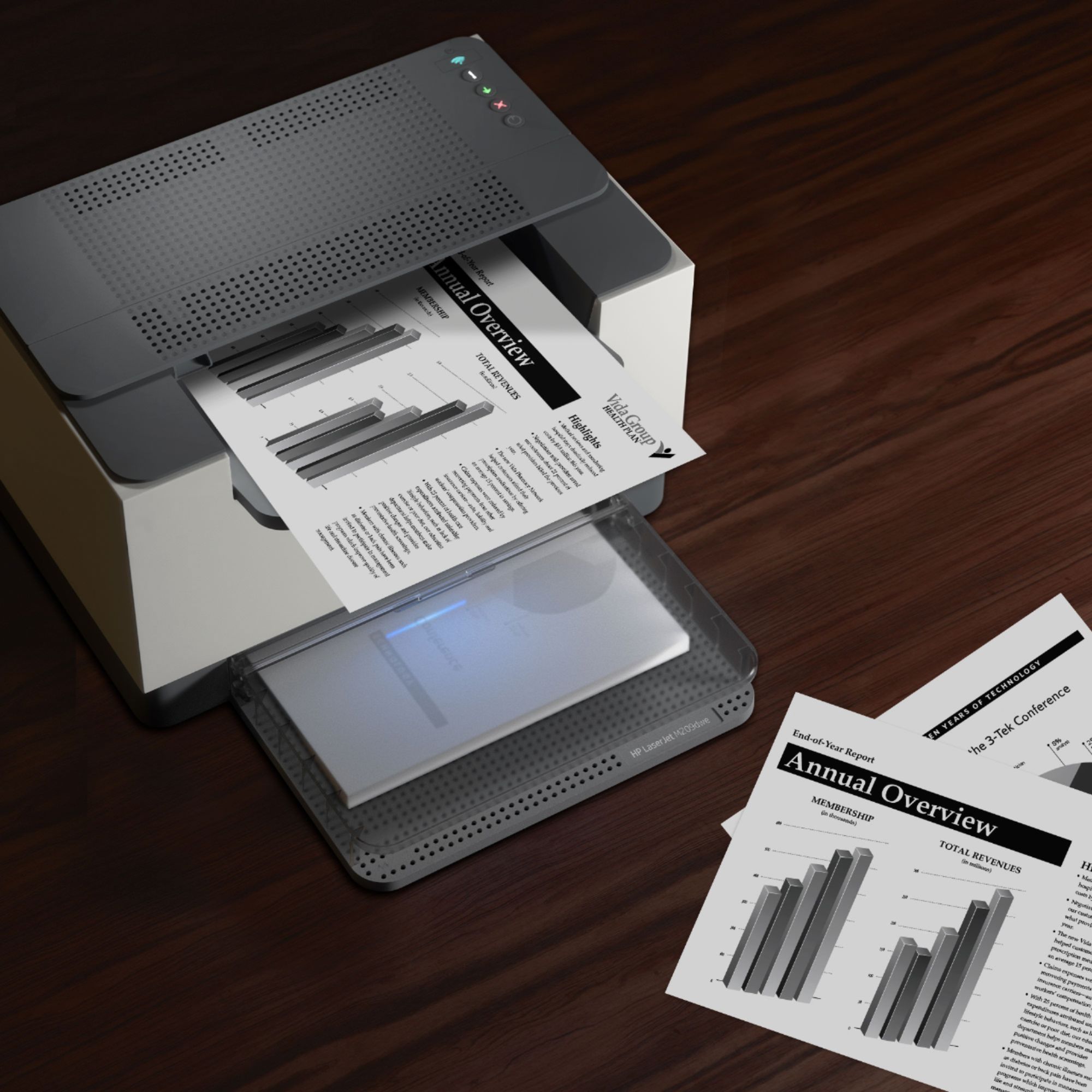
|Posted .This reviewer received promo considerations or sweepstakes entry for writing a review.I own an HP InkJet printer and have always heard great things about laser printers. Not only do you get more prints out of them, but laser printers also print faster, produce sharper text, and you will not have to worry about ink drying out. As someone who usually only prints documents with text, this printer has been so far an excellent addition to my office. In the box, you get the printer, the cover tray, reference guide, and warranty information. The printer is surprisingly small and light which is excellent to move around for areas with limited space. Set-up can be done by downloading the HP Smart app on your phone or computer. Then all you would need to do is follow the on-screen instructions to complete your set-up. I had everything set-up in less than 15 minutes! Both phone and PC applications had an easy-to-follow UI and seemed to integrate well with the printer. Note that this printer only prints black and white. As someone who only prints documents with text, this printer was perfect for me. Laser printers tend to print sharper text, and I can first hand say this is true. All the documents I printed out had sharp and clear text which made them stand out much more. The printer also prints vastly quicker compared to my InkJet which is perfect when printing multiple documents. This printer prints up to 29 pages per minute! This printer is also eligible for HP+. HP+ provides many benefits if you are printing daily. You get to enjoy an extra one year of extra warranty and 6 months of free toner. You can also save up to 50% off Instant Ink. Instant Ink delivers ink or toner to your door if your printer’s ink or toner is running low. You also get access to premium features in the HP smart app. In conclusion, this printer has been an exceptional addition to my office. I print mostly text documents and my documents have never looked better. The printer doesn’t take up much space which is great for smaller areas! The only thing I would’ve liked included on this printer is a digital screen but at this price point, I don’t mind the buttons. If you are looking for a new black and white printer that prints at amazing speeds and prints clearer text, this HP printer may be for you.
I would recommend this to a friend Holy cow, this is awful.
||Posted . Owned for 3 months when reviewed.This reviewer received promo considerations or sweepstakes entry for writing a review.Absolute garbage. We purchased this as an offline printer for a jobsite and turns out HP literally won't let you use this printer that way. It says to use it you must have an HP+ account and the printer must always be connected to the internet. I'm not kidding, I know most reading this will think this is a mistake. But nope, you are not allowed to use this printer unless you agree to HP's terms which specifically say the printer will always be online. And I didn't find this out until my printer return period was over. This is disgusting. I'm attaching screenshot of where it says you must agree to this. Best part is if you don't you literally can't use the printer, it won't print after a certain amount of pages. How is this even legal?
No, I would not recommend this to a friend- Pros mentioned:Print quality, Wireless
Compact, powerful, high quality and secured
|Posted .This reviewer received promo considerations or sweepstakes entry for writing a review.This is a compact, beautiful, high print quality, fast, wireless, duplex home and office laser printer. Supports 2.4Ghz and 5Ghz wifi. HP+ is very convenient because toner will be shipped to you on demand automatically and the cost depends on your printing volume. HP+ is not mandatory but with HP+, you get 2 years warranty and 6 months free printing up to 1500 pages per month during the 6 months. Every device printing to this printer must have HP Smart app installed, signed in and online. The app maybe occasionally slow however printing has no delay. It has the Require Private Pickup option where files will only be printed when the user confirms their proximity to the printer, very secured.
I would recommend this to a friend - Pros mentioned:Print qualityCons mentioned:Paper tray
Beautiful Laser Printer w/ 6mo HP+
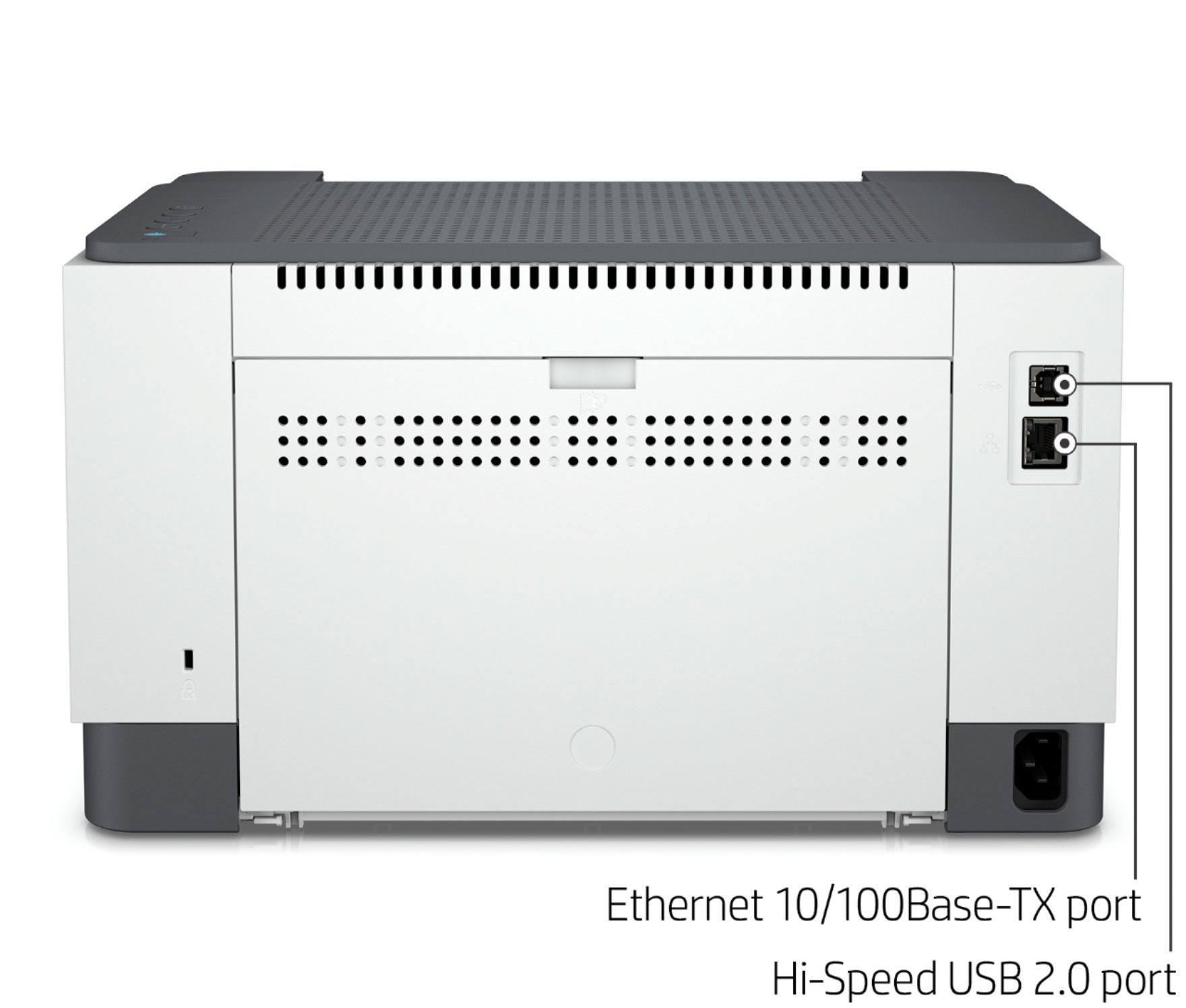
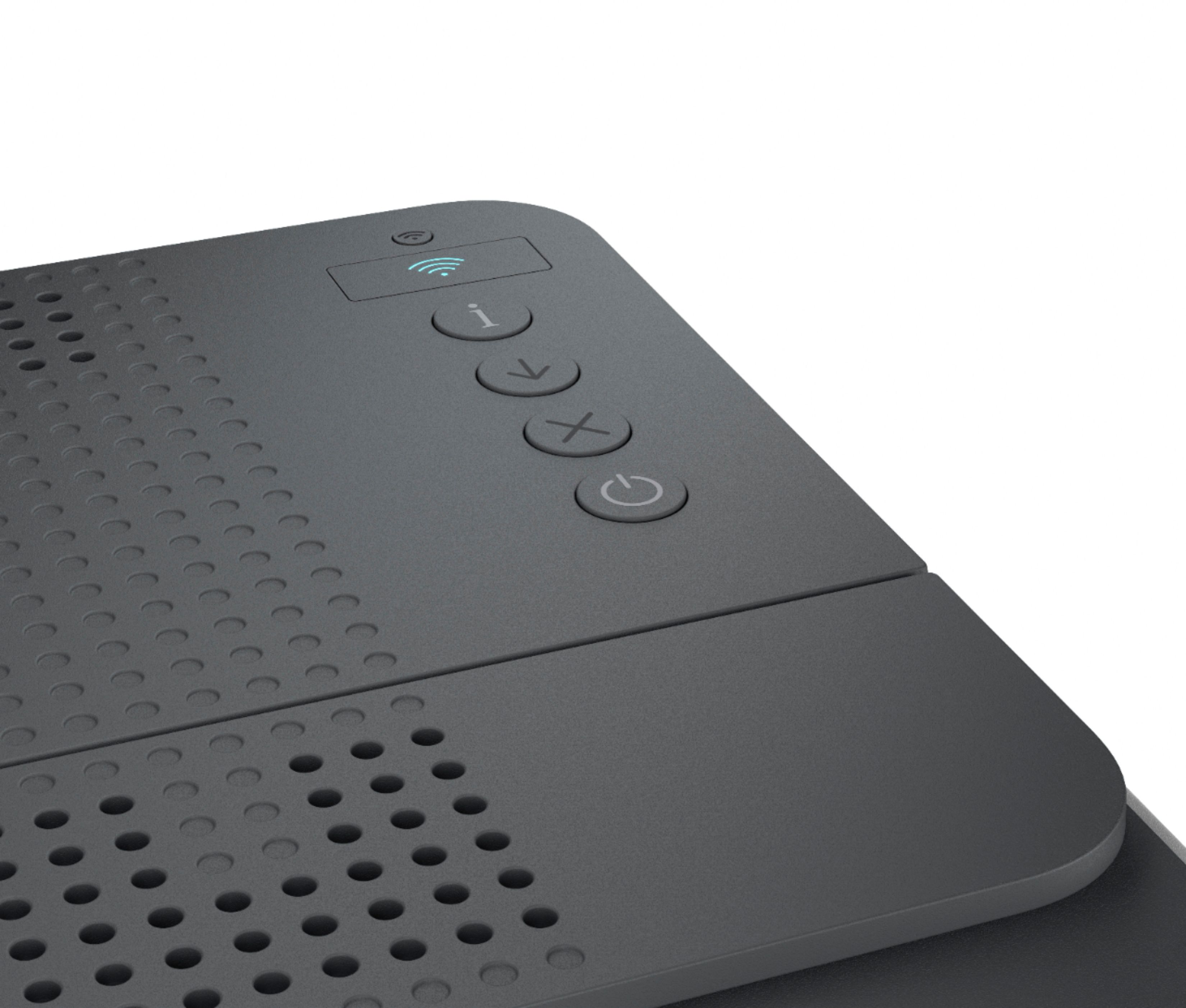
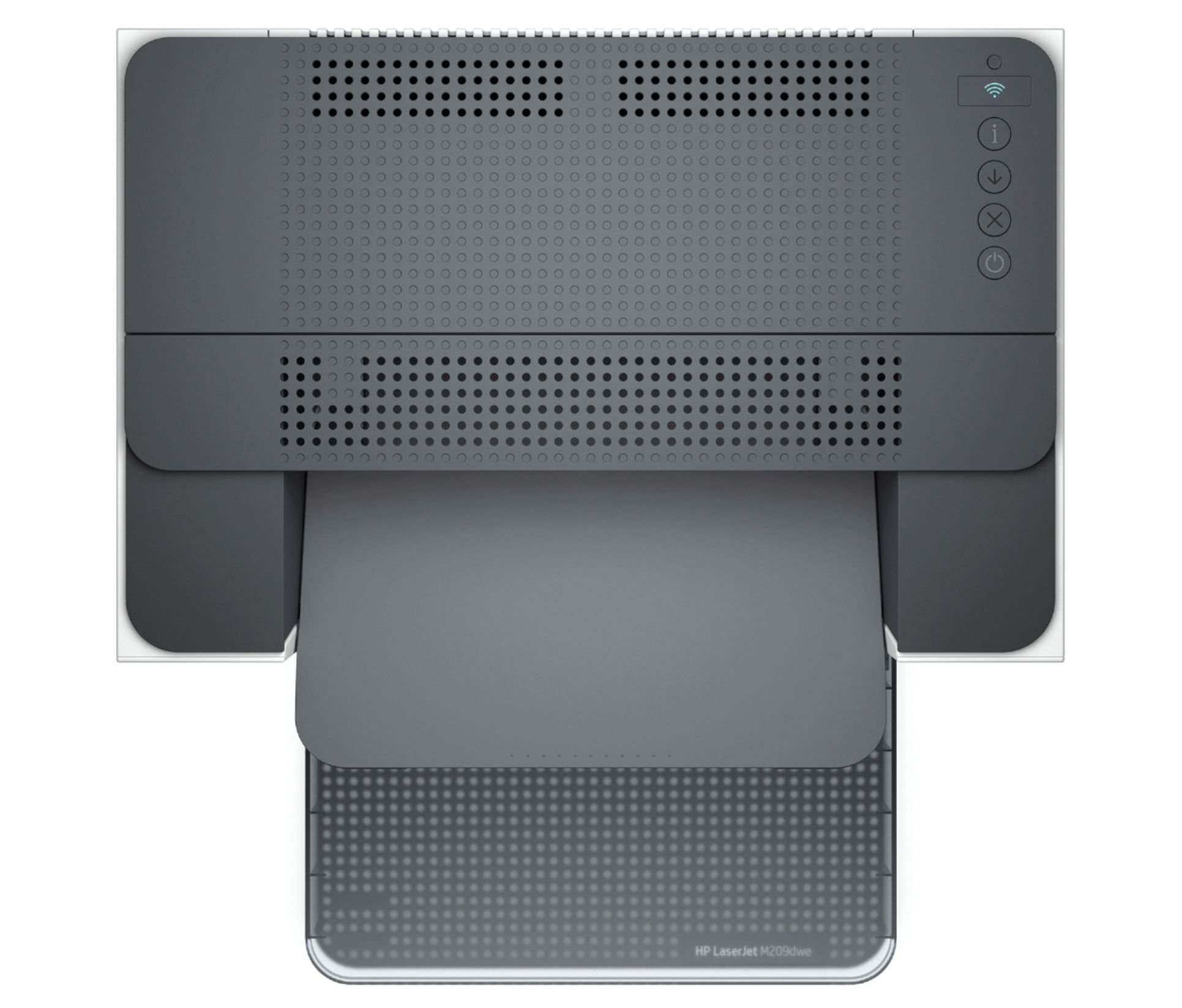
|Posted .This reviewer received promo considerations or sweepstakes entry for writing a review.Overall Amazing printer/copy machine—an excellent basic small (home) office product. Like all other wireless capable smart featured HP printers, the HP Smart app is a requirement. Not only for connecting the printer the first time but also for its mobile features, especially with a printer like this that doesn’t offer a scanner. But once set up it seems to pop up as an active network printer on all my Windows computers. That said, the HP Smart app adds several camera scanning options such as mobile fax and camera scan. Not much on the actual unit in terms of user interface. There’s 4 buttons, power, X (cancel), Feed (downward arrow), and ! (Information) On the back you have your typical Ethernet jack and USB Type B interface. The paper jam removal points are a bit oddly placed. On the bottom just before the feed rollers there's a small notch, press and release the tray. The second is along the back, shift a slider and drop the door. But after sending a print to the scanner with the door open I noticed the paper path is not along this door. The internal cover, which is not removable, conceals that path. Pressing the ! button reveals that the printer is connected to internet while it throws a message at the very top saying it isn’t. Pros: Relatively easy setup. Pairing to a mobile phone/tablet Android or iOS is extremely straightforward and just works as long as you’re on the same network. WiFi direct makes things far simpler as long as you are within the printers range. Just connect to its SSID using the pin it prints when you press the “!” button. Solid construction. High quality speedy prints for every type of file. Document, web page, and pictures. Cons: The paper tray comes with an odd 2 piece design. The top piece clips in and covers the top and sides while the back is left completely open. I thought enclosed trays were meant to keep dust out.
I would recommend this to a friend - Pros mentioned:Print quality
HP M-209dw A truly wonderful Laser Printer
|Posted .This reviewer received promo considerations or sweepstakes entry for writing a review.Hewlett-Packard M-209e I have been using Laser printers since the HP 2P, so I am guessing that's around 20 years. This printer is not my only Laser Printer. I also have a multi-function color laser that prints, copies and scans. The M-209dw basically performs one function very well - it prints black and white documents. PROS Light - Small Footprint -Surprisingly Fast - Duplexes - Has an Ethernet Port CONS The documentation is almost non-existent. I have not found a USB port. My final statement is about the 6 months free printing that HP states comes with this printer. It comes with an apparently special toner cartridge only works if you sign up for a toner plan. If you use this printer to print many pagers on a regular basis, it may pay off. When you register the printer, HP guides you to select a laser toner renewal subscription. You can opt out but the cartridge that comes with the printer stops working. For me, this is new and I wouldn't let this stop me from buying the printer. If it was my only printer, I would be extremely satisfied with it and would have to evaluate the toner subscription plan,. Seeing that is a secondary printer, to belong to a toner subscription plan would not pay off for me. In either case, to use the printer you have to have an account with HP.
I would recommend this to a friend - Pros mentioned:Setup, Size
Perfect size
|Posted .This reviewer received promo considerations or sweepstakes entry for writing a review.The size of the printer is a winner. Small enough to store and use in tiny offices. Set up is really simple. Mostly plug and play Wifi connection. App usage is strongly suggested. Black and white printers are great for simple prints and the printing is quick. The paper try hold a large amount of blank paper, so refills are far & few between. The ink cartridge is the only large thing about the printer but easy to remove & replace. Over all great compact printer with good printer quality.
I would recommend this to a friend - Pros mentioned:Print quality
Workhorse HP B&W Laser Printer At A Mini Price
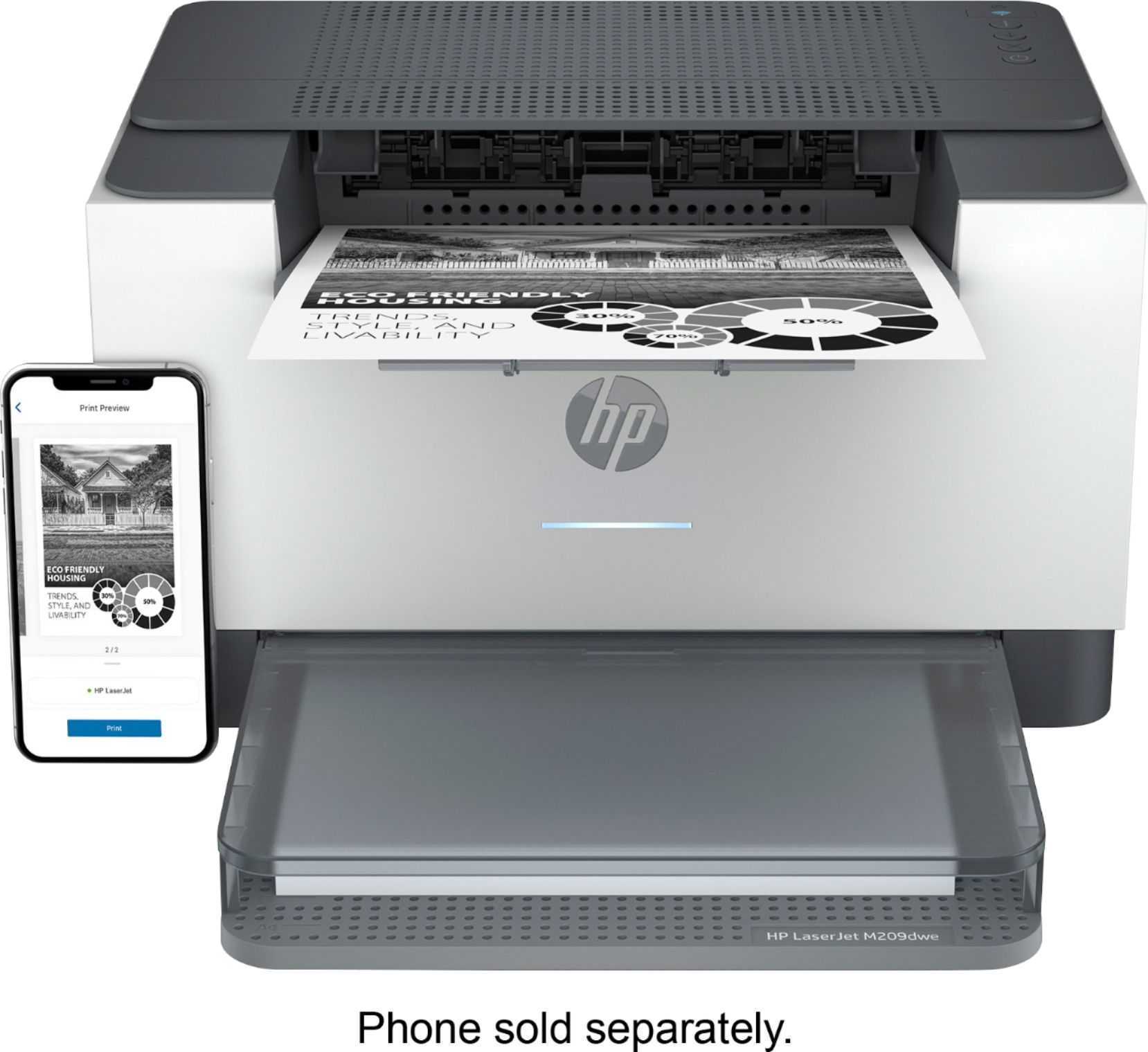
|Posted .This reviewer received promo considerations or sweepstakes entry for writing a review.HP LaserJet M209dwe is a wireless black-and-white laser printer that includes six months of toner through subscription with HP, and is priced at $150 from Best Buy. Features include a small footprint, up to 30 ppm, 600 dpi output, dual-band Wi-Fi, built-in duplexer, a monthly duty cycle of up to 20,000 pages and up to 150-sheet input tray. **WHAT’S IN THE BOX** • Printer, power cord, starter toner cartridge for up to about 700 pages • Quick start guide, warranty **THE SETUP** Like all modern name-brand printers, setup is simple and seamless across computers and mobile devices. NOTE – This model does not include an ADF (Automatic Document Feeder). If needed, opt for the higher-level HP Printer with a 40-page ADF and the same 20,000 monthly duty cycle, LaserJet M234sdwe, $200. Setup is through a smartphone (with downloaded HP Smart app). Printer sharing across the network and high-quality scanning is though the HP Smart app. Share to email, Google Drive, Dropbox or the cloud from anywhere where your device has signal. Absent are a display and a glass platen on which to place documents for scanning and the ability to act as a copier. This is a PRINTER, not a copier, scanner or fax. More on this later. Following the quick start, I added it to my Wi-Fi. Software found the printer, asked if I wanted to add it in my existing HP app and so on. To those new to HP, it will be just as simple. All devices are now set up to access this new printer, allowing its placement in the most convenient location. Adding users is easy. Amazon Alexa compatibility is also built in by launching the Alexa mobile app and linking the mobile HP app account. For those without an existing HP account, the final step is to create one, including a credit card with billing information. Without it, the printer will not operate through the HP app nor will the owner be able to set up HP+ ink program. Six months of free toner is available with activation of HP+. This requires a credit card and can be cancelled at any time. When the printer’s supplies monitor senses toner running low to about 20%, the user is automatically sent a free replacement cartridge based on printing up to 1500 pages per month. After the trial period, users are eligible to purchase genuine HP toner cartridges at up to 50% off retail cost, or cancel and find replacement toner without this program. Activation also includes a 2-year extended warranty. **PUT TO THE TEST** Once set up, and as expected, using this printer with its small footprint was a pleasure for everyone. From the time the print command was executed, the first sheet was produced in about 7 seconds from a cold start in sleep mode. Impressive. And it continued to crank out a series of double-sided 215-page tech manuals time after time. Now, THAT is impressive to watch. I continued to print in an effort to deplete the starter toner cartridge, triggering automatic replacement. After almost nonstop printing a total of 878 pages, of which 437 were duplex sheets (found in the Web-based printer page), the printer triggered a replacement cartridge to be sent, for which we were notified by email. Even without setting up the app, I was able to print from all our computers by adding this printer as any other would be added in settings. There was nothing to consciously download as both MacOS and Windows 10 had what was needed. The same was true when printing directly from mobile phones and iPad. From the pages I wanted to print, I did as always, sending selected pages to the printer and choosing one-sided or duplex. I printed documents from Windows and Mac computers, Android and Apple iPhones, using the standard protocols as well as through the Alexa app on mobile devices. For Android phones, this printer is also compatible with the Mopria protocols and app. Look up “Mopria Print Service” for more information. Need to copy, then print documents? Use the HP mobile app or built-in scanning options on your phone, then print to the HP. As a workaround, it works! If you need to do a lot of scanning, get a dedicated document scanner, many of which do a better, faster job than any consumer or small business targeted all-in-one printer. The HP Smart app is beautifully designed. From the main page, click Copy to use your smartphone camera to smart scan documents, auto-figuring borders, and then print. The Print Documents button pulls from the cloud or the phone, then prints. After setup, Mobile Fax provides in-app e-faxing right from your phone IF you have a phone line from which the document can show as the sender’s fax as I do. Camera Scan uses the smart phone camera to scan documents, or electronically scan existing files. And SO MUCH MORE. We have placed it next to our larger HP All-In-One color inkjet printer where it is now the default household printer. The cost to print each black and white page compared with the cost of color printing on our other HP is relatively small. **CONCLUSION** Incredibly reasonably priced, HP LaserJet M209dwe is as easy to set up and use as any I have encountered and its speedy, crisp 600 dpi black and white output is as good as any I have seen at even twice the price. While it lacks some features as detailed above, most notably a display and ADF, these omissions are forgiven due to the low cost. Besides, the missing display is not needed because everything required for printing is in the app. From desktop computers, printing is by the same method as any other printer. Send the document to the printer and print. This little workhorse is small enough to fit where others will not. If you want a little printer that will exceed your expectations at its price, buy this HP. **WARRANTY** HP two-year warranty.
I would recommend this to a friend - Pros mentioned:Print quality
An Absolutely Fine Laser Printer
|Posted .This reviewer received promo considerations or sweepstakes entry for writing a review.HP - LaserJet M209dwe Wireless Black-and-White Laser Printer I received this printer not sure whether I would like it or not. Well, if all needed to print was black and white documents I would give it ten stars. I do have a Multi Purpose Laser Printer that copies, scans and prints in color so the M209dwe is second string. I have been using Laser Printers since the HP 2P or for approximately 20 years. The M209dwe is really a great printer and an exceptional value. Positives Very light weight - easy to move if needed Very small footprint - doesn't need a lot space Wireless - connects easily to the network Fast Printer even when duplex printing Negatives Not really anything A side note HP offers this printer with 6 months of printer toner. In doing so you have to have a HP account and HP seems to track pages printed. At the end of 6 months, HP begins its subscription service for toner which you select a plan when you install the printer. You can opt out of the prescription service before the 6 months, but once you do that the toner cartridge will discontinue working and you would have to purchase your own toner cartridge. Kind of quirky but depending on how much printing you do might dictate whether you would want to continue with the subscription. For myself, I doubt if my printing volume would be enough to justify the prescription. This subscription package should not stop anyone from buying this printer.
I would recommend this to a friend - Pros mentioned:Print qualityCons mentioned:Toner
Set it up with mobile device for sanity's sake
||Posted . Owned for less than 1 week when reviewed.This reviewer received promo considerations or sweepstakes entry for writing a review.HP has been around for a good long time. I've used tons of their products mostly at work this is the first new home laser I've had in many years. Had to replace my last laser when the mice decided to get inside it and destroy things. Never bought one with this requirement to connect to the internet but for the price it was worth a try. For the sake of your own sanity don't set it up with your desktop, set it up with your cell phone or tablet. I messed with this for two days on my windows 11 pc could not get anyplace getting it setup. Either win 11 is still having issues which would not be surprising or the mobile app is just that much better. Put your cell phone on the same wifi you plan to use the printer on in your office/home. My first hassle I had was that the email I used for my old hp account is no longer available to me and the pc setup did not have an option for no longer accessible email address. Not sure exactly why but when I setup on my cell phone I got past this problem, shouldn't complain I guess I thought for sure I was going to have to find a human to get this going. After I was finally able to get through setup using my android device then it finally became online via the pc. You have to run the hp app on each device you wish to print from. The fastest way to get the printer into setup mode is to unplug it for a few minutes then plug it back in. You may need to press the infinitesimally tiny button on top of the wifi light to get it to connect to wifi. My computer has built in wifi but it is connected by cable to my router, you may or may not have to disable your onboard wifi chip when setting up this printer. When printing from your desktop pc you will likely need to select hp smart as the printer and not the printer itself. The instructions they have in the box are next to worthless. Print quality is decent, I really don't print but I do it enough that I need a printer in the house. You get six months of free toner service after that you're given a choice of how much you print which determines the price, toner is expensive I don't think 1.99 a month is excessive when they'll auto ship a fresh cartridge when you get low and setup recycling as well apparently. I really hated to take two stars off them for the setup hassles but it was quite annoying and the next to zero documentation in their book just made it more annoying.
I would recommend this to a friend - Pros mentioned:Setup
Great printer
||Posted . Owned for 1.5 years when reviewed.This reviewer received promo considerations or sweepstakes entry for writing a review.Great printer. Easy setup and use. Good double sided printing. I do object to the need to only use new HP cartridge.
I would recommend this to a friend - Pros mentioned:Print quality
Awesome printer!
||Posted .This reviewer received promo considerations or sweepstakes entry for writing a review.I haven't owned a home printer in two decades. I was a bit hesitant to buy one given how many people's complaints I hear about them. I bought this printer with a bit of trepidation, then, but was pleasantly surprised to find out that the whole process has been a breeze! My suggestion: when you get to step 3 of the set-up and it asks you to go to 123.hp.com, I did this on my laptop, which gave me a QR code I had to scan, and then the website opened in my iPhone's browser. At some point I decided to download the HP Smart App, and within a few minutes, I'd connected my printer to my wifi. The only that remained was to connect the printer to my laptop (no ethernet for me, just wireless connection). I did sign up for the free toner 6-month trial, in the app. I then printed out several hundred pages of materials I needed, and they printed quickly and well! NB - I read a review on Amazon in which someone said they fiddled around for a long time with the set-up of this printer and they were unable to print anything....until they had signed up for the free 6-month toner trial through HP. You can see their review on Amazon for yourself. I wanted the trail anyways, so it worked out, but it would be interesting to see if others are unable to print if they don't sign up for the free trial. I can't believe that HP would require you to sign up for the toner trial in order for you to print, but the review on Amazon says what it says. Caveat emptor!
I would recommend this to a friend - Pros mentioned:Ease of use, Print quality
HP Printer Fanatic- 40 years and counting
||Posted . Owned for 2 weeks when reviewed.This reviewer received promo considerations or sweepstakes entry for writing a review.I have been an HP printer fan for over 4 decades because they are dependable and last for years. I needed another home office workhorse printer, so after researching, I chose the HP LJM209dwe wireless. Easy to set up, quiet and prints both sides.
I would recommend this to a friend - Pros mentioned:Print quality
Does what it says it will
||Posted . Owned for 1 month when reviewed.This reviewer received promo considerations or sweepstakes entry for writing a review.Upgraded from a Brother printer. When booting up, to muck power draw, lights dim/flicker. Not with this HP. Does duplex, wifi and fast print.
I would recommend this to a friend - Pros mentioned:Ease of use, Print quality
Great Printer
||Posted . Owned for 2 weeks when reviewed.This reviewer received promo considerations or sweepstakes entry for writing a review.This printer is exactly what i needed. A black and white laserjet that you dont have to worry about your color cartridges going out and disabling your printer. It works fast and efficiently. Setup was easy with no issues so far.
I would recommend this to a friend - Pros mentioned:Ease of use, Size
Good printer n recommend
||Posted . Owned for 3 weeks when reviewed.This reviewer received promo considerations or sweepstakes entry for writing a review.Easy to install n operating well n compact l like the subscription plan for ink n how printer measures levels and sends command to order ink!
I would recommend this to a friend



















