Customer Ratings & Reviews

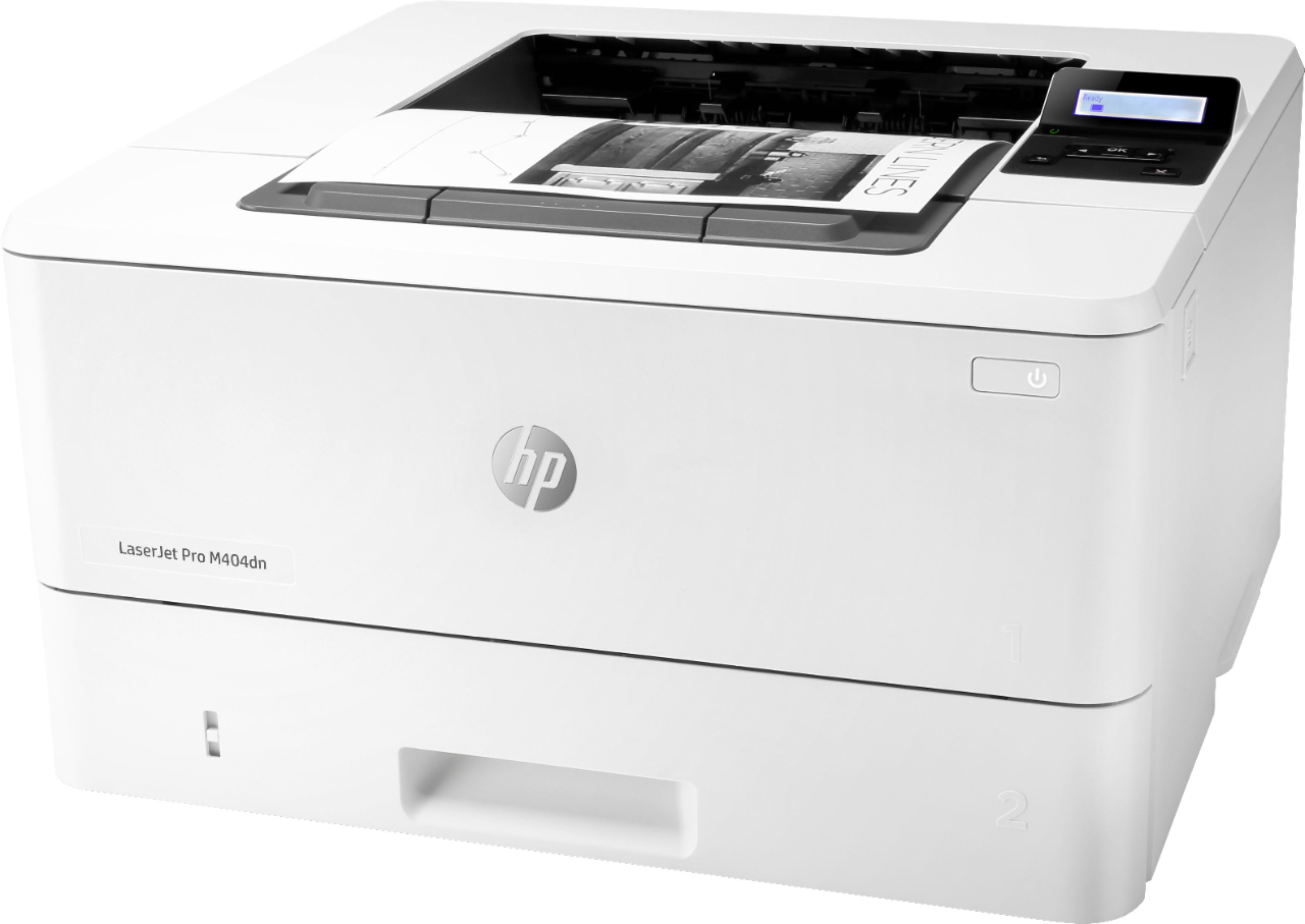


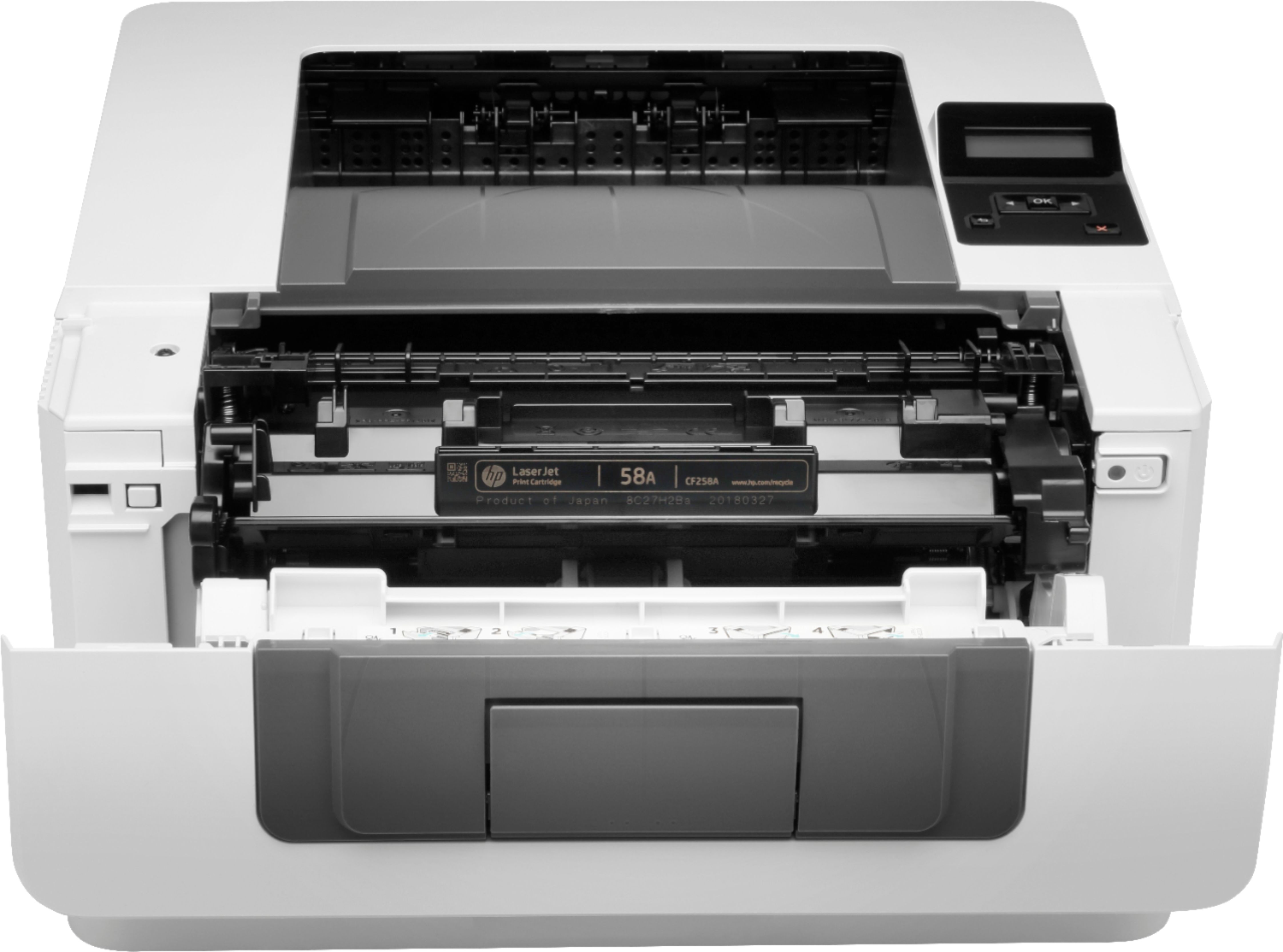
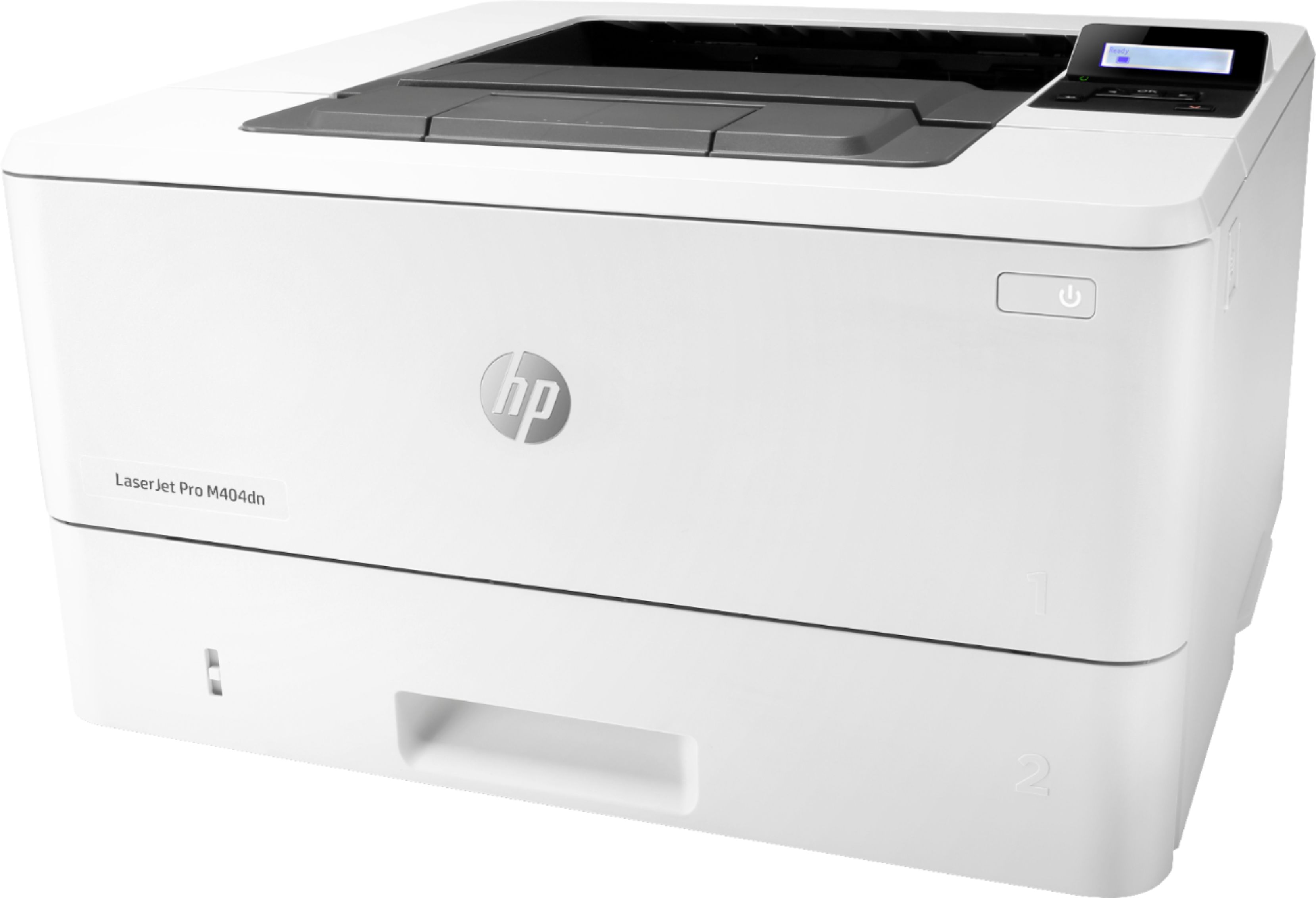


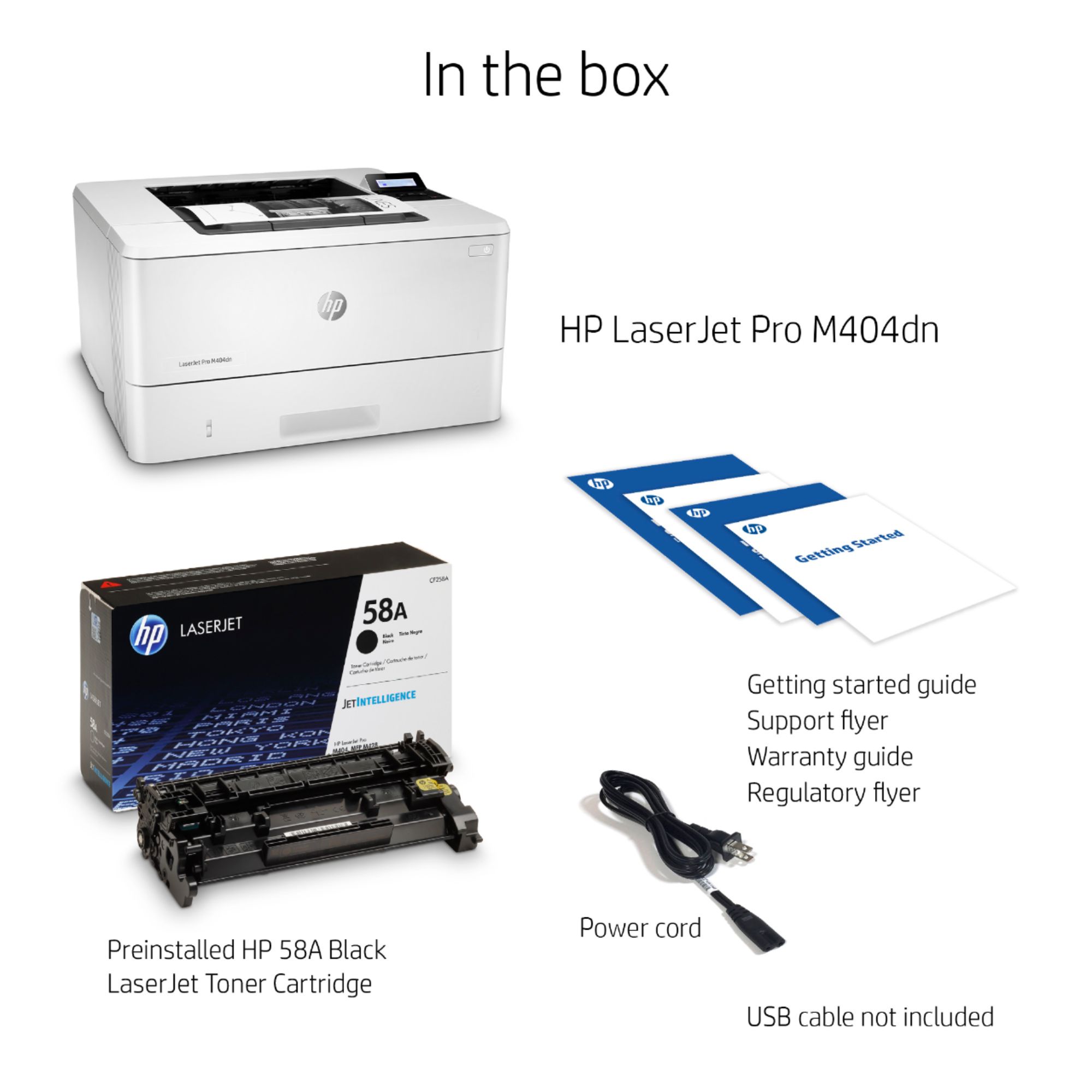
- Model:
- W1A53A#BGJ
- SKU:
- 6348960
Rating by feature
- Value
Rating 4.5 out of 5 stars
- Quality
Rating 4.5 out of 5 stars
- Ease of Use
Rating 4.5 out of 5 stars
Customers are saying
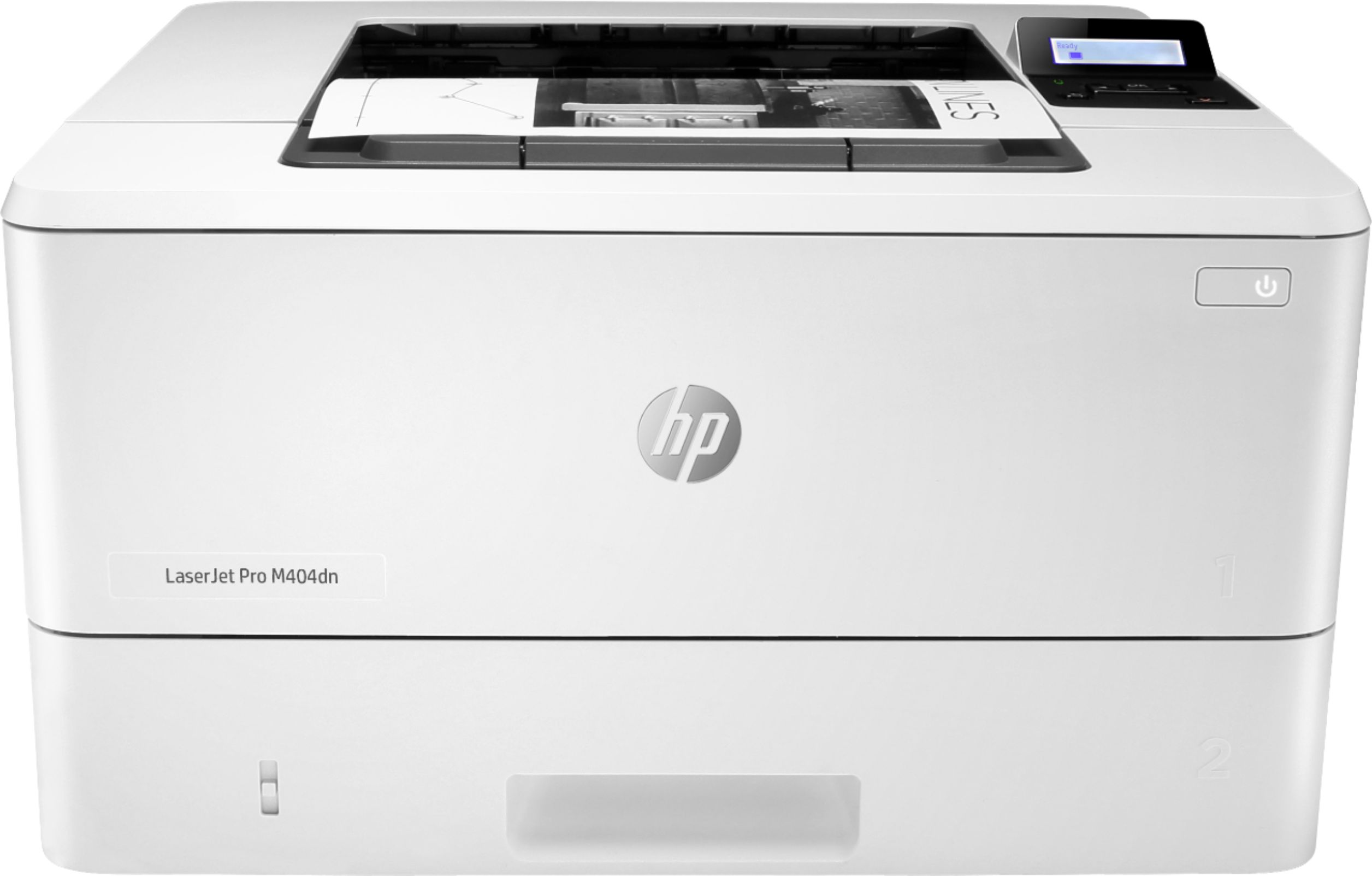
Customers are impressed with the LaserJet Pro M404dn's fast print speed and ease of setup. Many appreciate its reliable performance and consider it a good value for the price. Positive feedback also highlights the printer's quiet operation. Overall, the product receives high praise for its combination of speed, usability, and affordability.
This summary was generated by AI based on customer reviews.
Don't like this printer
||Posted . Owned for 1.5 years when reviewed.This reviewer received promo considerations or sweepstakes entry for writing a review.This printer has trouble connecting to the wireless at times and when it runs out of paper it is stubborn to restart. I guess it could be user error but I do not like this printer. Wish I had purchased something else!
No, I would not recommend this to a friendBrand response from HP Team
Posted .Hello there,
I want to sincerely apologize for all the problems the printer has been causing. We certainly build our printers with the intent of providing a reliable experience for our customers, so I can imagine how frustrating and disappointing a situation like yours can be.
Due to the vague nature of the issue, please reach out to us for support. We'd be more than happy to work through any troubleshooting or initiate a replacement under your printer's warranty. You can reach us at: hp.com/contactHP
On a related note, I'd like to mention the fact that HP printers do also have the warranty from their purchase date, so if you find you need to use it, I hope you will. To verify the warranty, you can use the following link: support.hp.com/us-en/checkwarranty
Kacper
HP Care
hp.com/support
Perfect Printer
||Posted .This reviewer received promo considerations or sweepstakes entry for writing a review.It's the perfect personal or small workgroup printer.
I would recommend this to a friendHP M404dn
||Posted . Owned for 3 weeks when reviewed.This reviewer received promo considerations or sweepstakes entry for writing a review.Perfect for home office..............................
I would recommend this to a friendOK for home use, but not good for lots of printing
||Posted . Owned for 3 weeks when reviewed.This reviewer received promo considerations or sweepstakes entry for writing a review.OK for home, but not good for lots of printing due to a very small paper tray. I would buy a larger one for an office with multiple users or heavy printing use.
I would recommend this to a friendBrand response from HP Team
Posted .Hello Farrell,
Thank you for your review. We are always grateful for any feedback received regarding our products and user experience with our software. Your reviews allow us to adjust our future product design, so please feel free to contact us anytime.
Furthermore, I just want to remind you that we are always here for you so in case of any trouble with our products please do not hesitate to contact us. We will be more than happy to help. You can find us here: hp.com/contactHP
Kacper
HP Care
hp.com/support
Network Connectivity Issues.
||Posted . Owned for 1 month when reviewed.This reviewer received promo considerations or sweepstakes entry for writing a review.Had to return it as this would not connect with the ethernet connection, which is the only possible method here. I double checked the ethernet cord itself was live using a computer. Not much else I could do here beyond return it.
No, I would not recommend this to a friendBrand response from HP Team
Posted .Hello there,
This is very disappointing to hear that you were very unsatisfied with this printer due to the connectivity issues. We are always grateful for our customers' feedback, as we can continuously care for their experience. This also allows us to adjust our Products' design to suit our customers' needs the best.
I do hope that in the future you'll allow us an opportunity to make things right with the experience we intended on providing from the start.
If you decide to give us another chance, please remember that we are always there to assist with troubleshooting and help to choose the product that suits your needs the best at: support.hp.com/us-en/contact-hp
Kacper
HP Care
hp.com/support
Poor print quality!
Posted .This reviewer received promo considerations or sweepstakes entry for writing a review.I am not happy with the print quality. The images are not sharp and the pages have splotches and spots. A sharp image is necessary when you print sheet music. The quality is so poor it's difficult to read the music. The printer is less than six months and I just installed a brand new HP toner cartridge that cost $225. My old HP 2200D was GREAT and served me well for over a decade. This one was a complete waste of money. Why is HP producing inferior products today? It's doubtful I will ever purchase an HP Printer ever again.
No, I would not recommend this to a friendBrand response from HP Team
Posted .Hello there,
I'm so sorry to hear that you've had a disappointing experience with the printer's print quality. It's always our intention to provide the best possible quality, so I regret you feel that we didn't deliver here. I can fully understand your disappointment and I'd really like to see how I can help resolve this.
To resolve the poor print quality issue I would recommend making sure that you go through every step in the document listed below before the next time you try to print:
- Poor Print Quality Fix: support.hp.com/us-en/product/hp-color-laserjet-pro-m453-m454-series/19202530/model/19202531/document/c05404100
Afterwards, I would recommend trying our "Print and Scan Doctor". This is a free tool that is able to diagnose what kind of issue you are dealing with and provide a solution for it. To access this tool use the link below:
- HP Print and Scan Doctor: support.hp.com/us-en/topic/printscandoctor
If the issue persists, please contact us for support. We'd be more than happy to troubleshoot this further with you. You can get in touch anytime via your preferred method here: support.hp.com/us-en/contact-hp
Hope this helps!
Kacper
HP Care
hp.com/support