Customer Ratings & Reviews
- Model:
- 2R7F4A#BGJ
- SKU:
- 6508029
Rating by feature
- Value
Rating 4.4 out of 5 stars
- Quality
Rating 4.3 out of 5 stars
- Ease of Use
Rating 4.3 out of 5 stars
Customers are saying
Customers find value in the LaserJet Tank 2504dw's excellent print quality, ease of use, and compact size, frequently praising its quiet operation and straightforward setup. The wireless functionality is also a highlight, enabling convenient printing from various devices. Overall, users describe a positive experience with this printer.
This summary was generated by AI based on customer reviews.
Great printer!!!
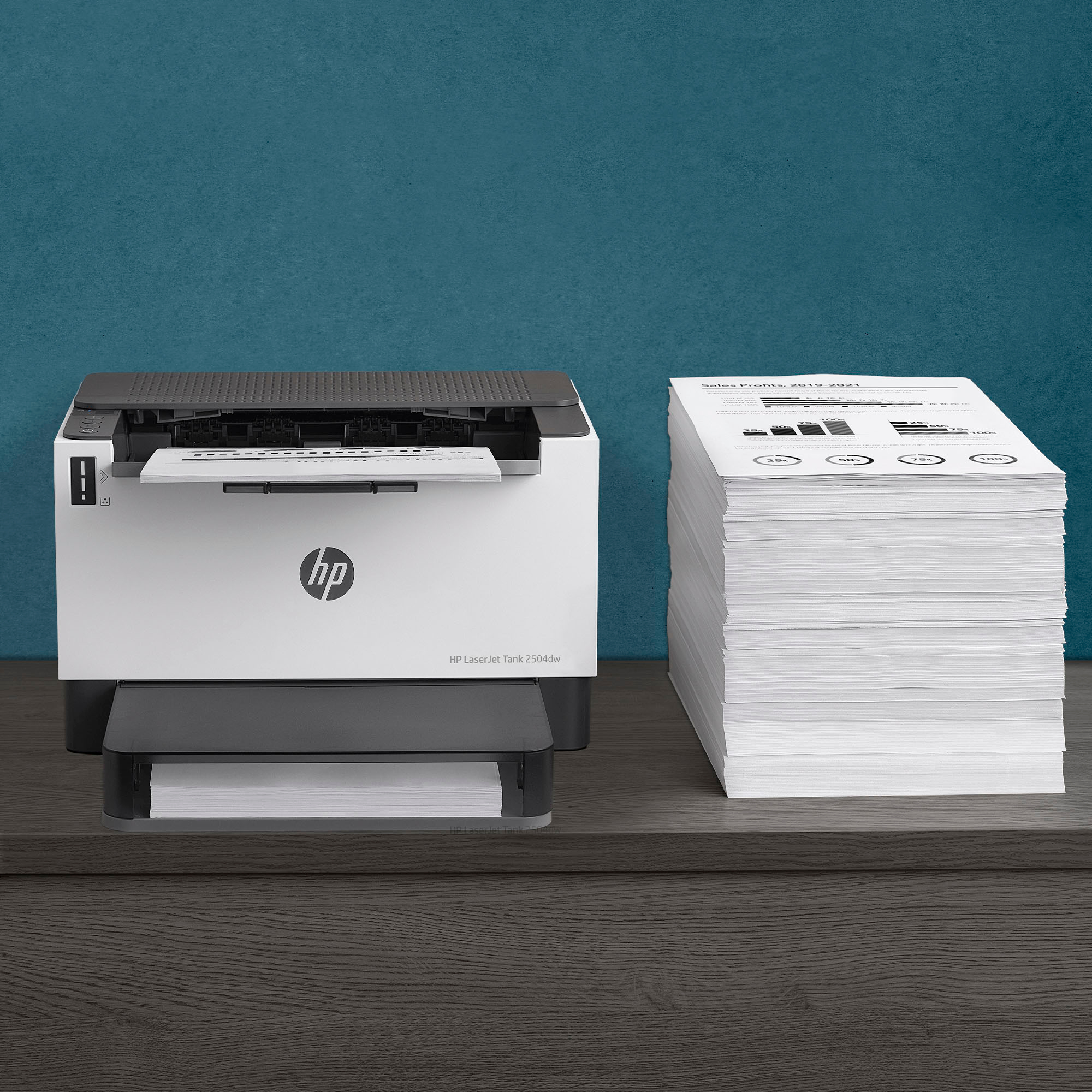
||Posted . Owned for 1 month when reviewed.This reviewer received promo considerations or sweepstakes entry for writing a review.Great printer not to mention I don’t have worry about ink for 2 years!
I would recommend this to a friendLooks Great.
||Posted . Owned for 1 month when reviewed.This reviewer received promo considerations or sweepstakes entry for writing a review.It looks great but I am waiting for my Grandson to hook it up.
I would recommend this to a friendvery small laser printer with 2 side printing
||Posted . Owned for 1 month when reviewed.This reviewer received promo considerations or sweepstakes entry for writing a review.very small laser printer with 2 side printing, 5G network
I would recommend this to a friendPrinter
||Posted .This reviewer received promo considerations or sweepstakes entry for writing a review.Best buy has a good selection of printers and easy to pick based on details
I would recommend this to a friendGood printer
||Posted . Owned for 2 weeks when reviewed.This reviewer received promo considerations or sweepstakes entry for writing a review.Fast startup and print. Quality has been good so far.
I would recommend this to a friendQuality
||Posted . Owned for 1 week when reviewed.This reviewer received promo considerations or sweepstakes entry for writing a review.It works very fine. I would refer it to my friends.
I would recommend this to a friendGood Luck
||Posted . Owned for 2 weeks when reviewed.This reviewer received promo considerations or sweepstakes entry for writing a review.Couldn't tell you how good the actual printer is because you need to download the HP Smart Print app and that is a piece of crap that couldn't communicate with the printer to get all of the printer information for configuration. As a result the printer was useless.
No, I would not recommend this to a friendFinance Manager
||Posted . Owned for 1 week when reviewed.This reviewer received promo considerations or sweepstakes entry for writing a review.Works great in our office setting. Extremely pleased!
I would recommend this to a friendJunk!
||Posted .This reviewer received promo considerations or sweepstakes entry for writing a review.Owned less than two years. Hardly print anything. Use less than once a month. Got a paper jam. Fixed it and it jammed again. Did this 3 times before I was unable to remove it. Took in for repairs and can't be repaired. No way to take apart to replace sensor. JUNK! So ticked!
No, I would not recommend this to a friendGood printer
||Posted . Owned for less than 1 week when reviewed.This reviewer received promo considerations or sweepstakes entry for writing a review.Amazing printer. It just give you a hard time the first time u connect it to wifi but since u connect it, works great
I would recommend this to a friend- Pros mentioned:Ease of use, Print quality, Size

Outstanding Laser Printer for your Home & Office
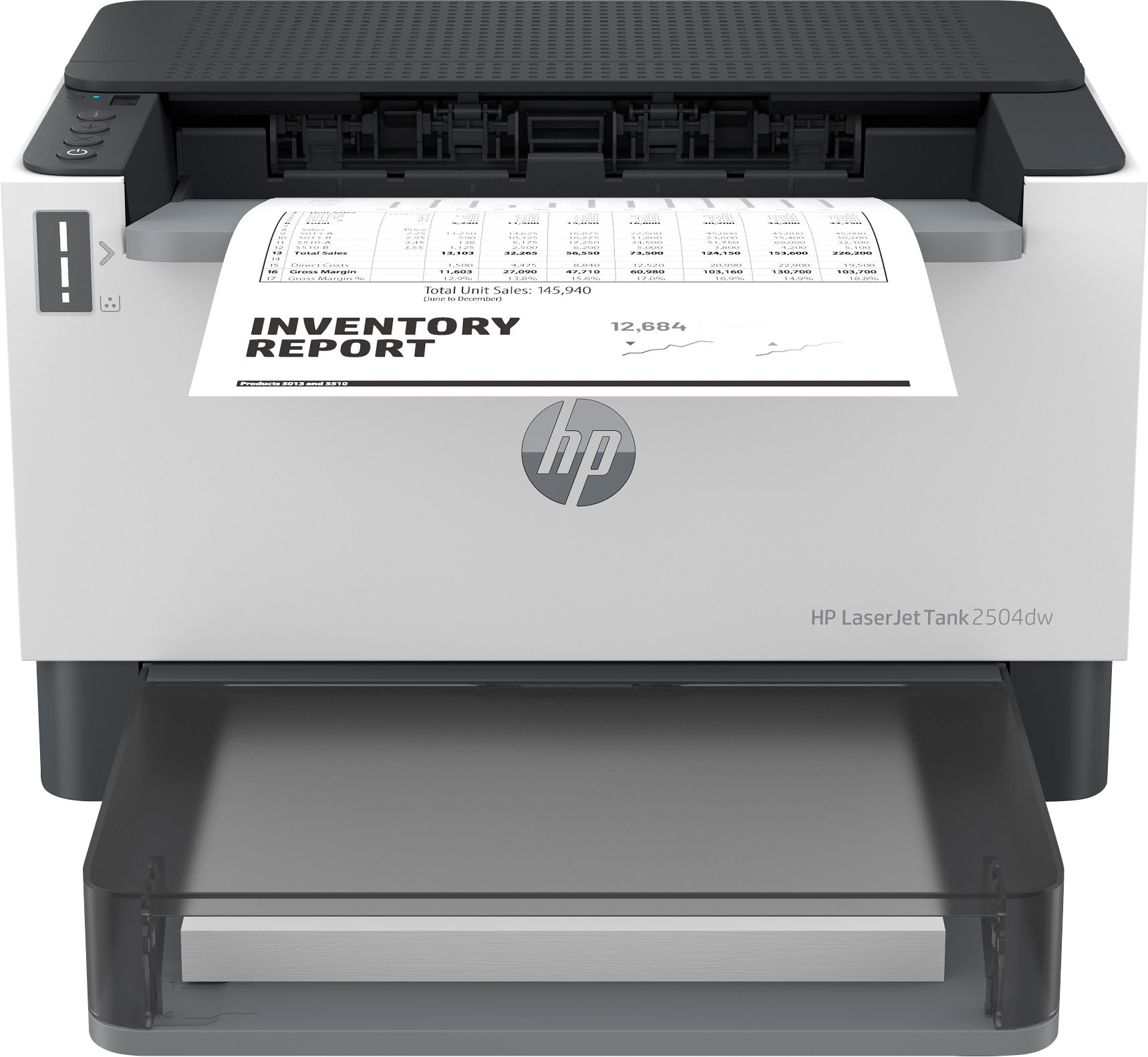
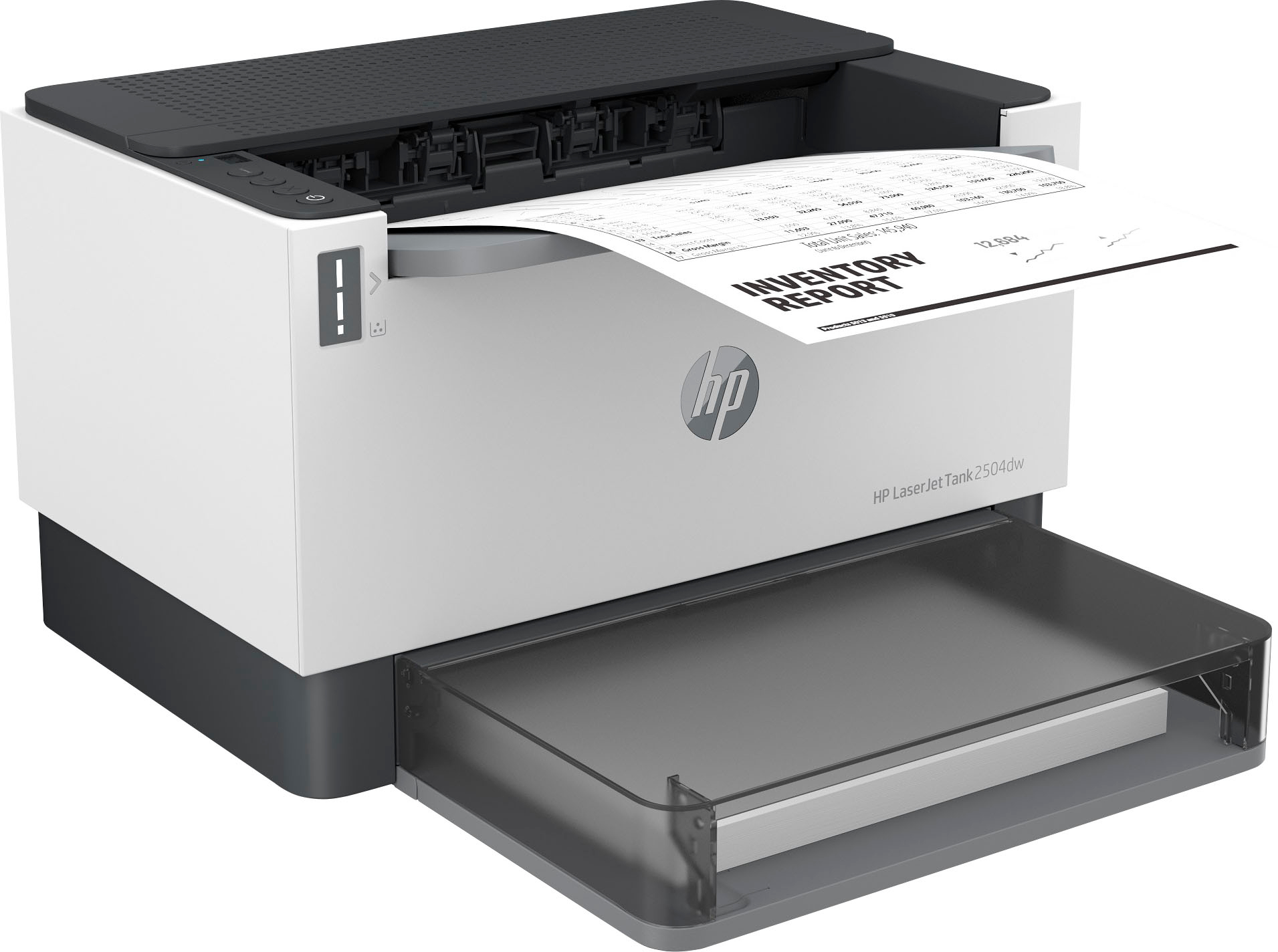
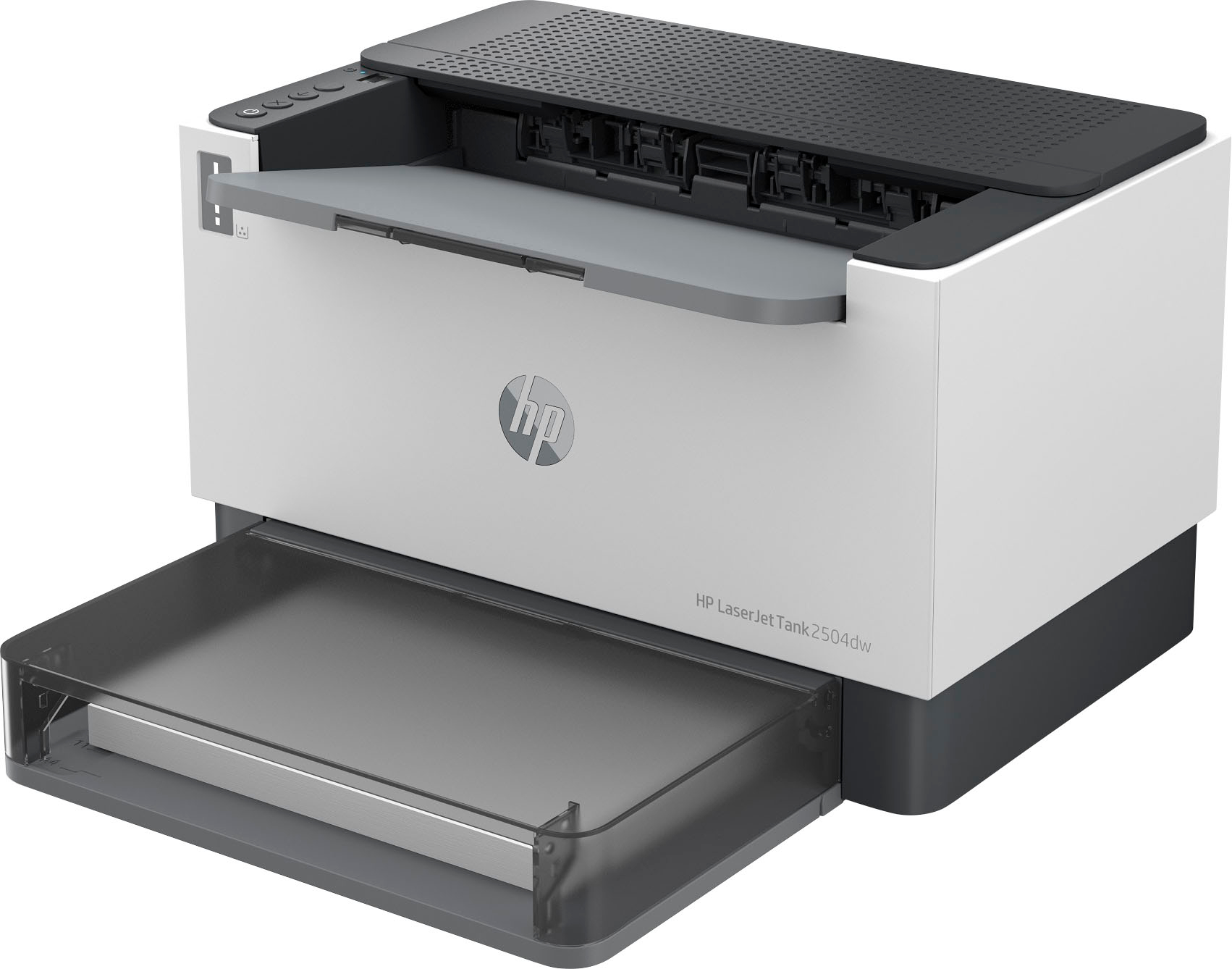
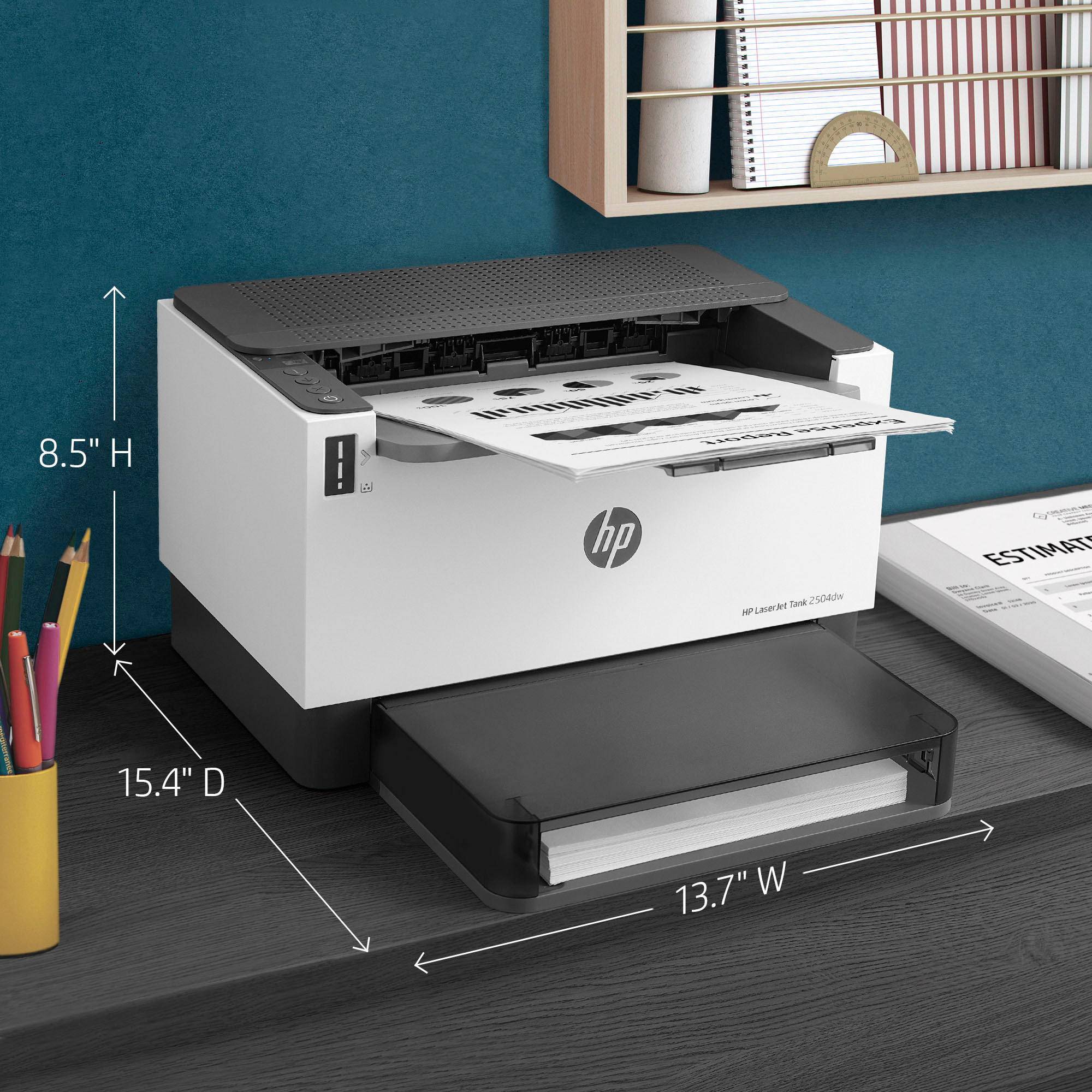
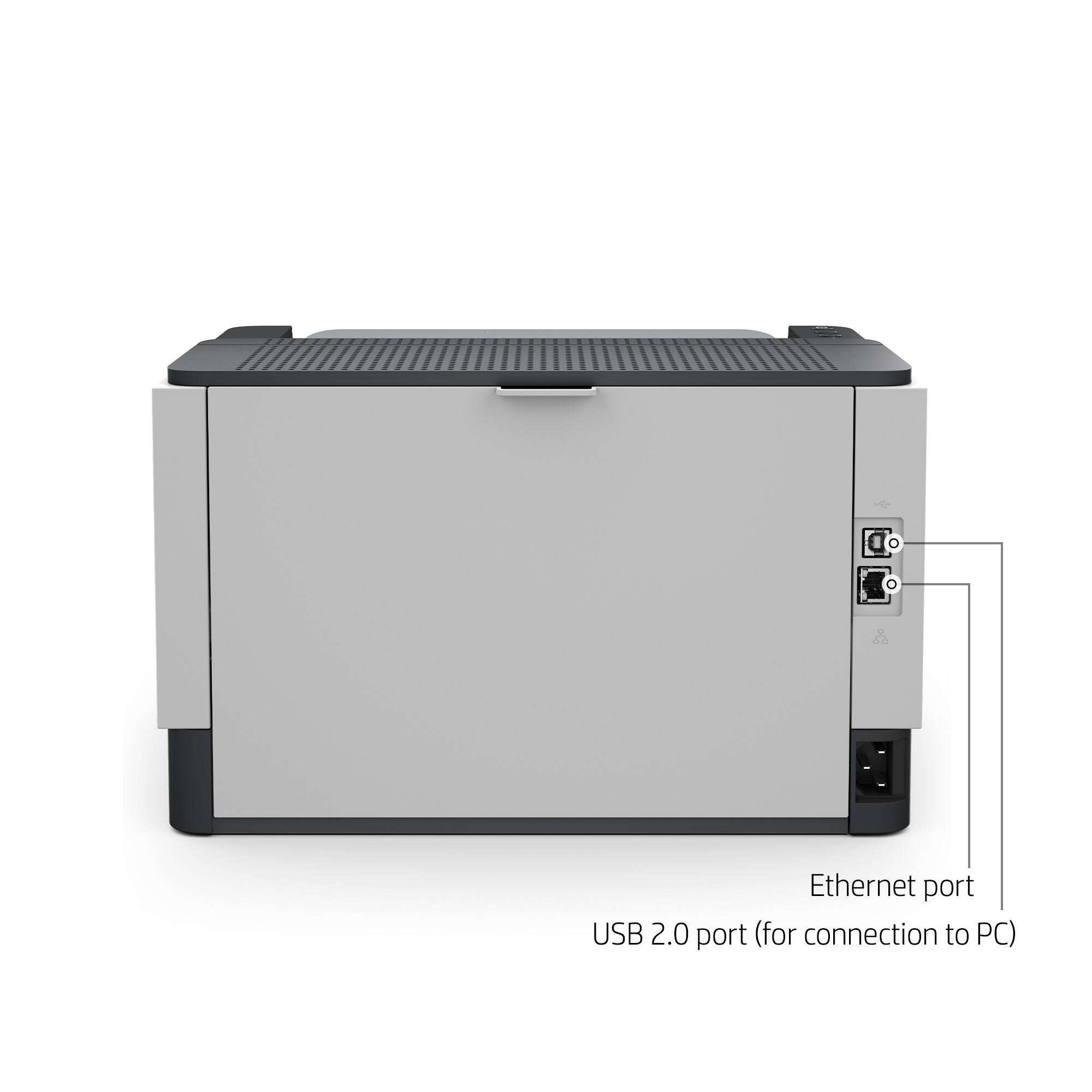
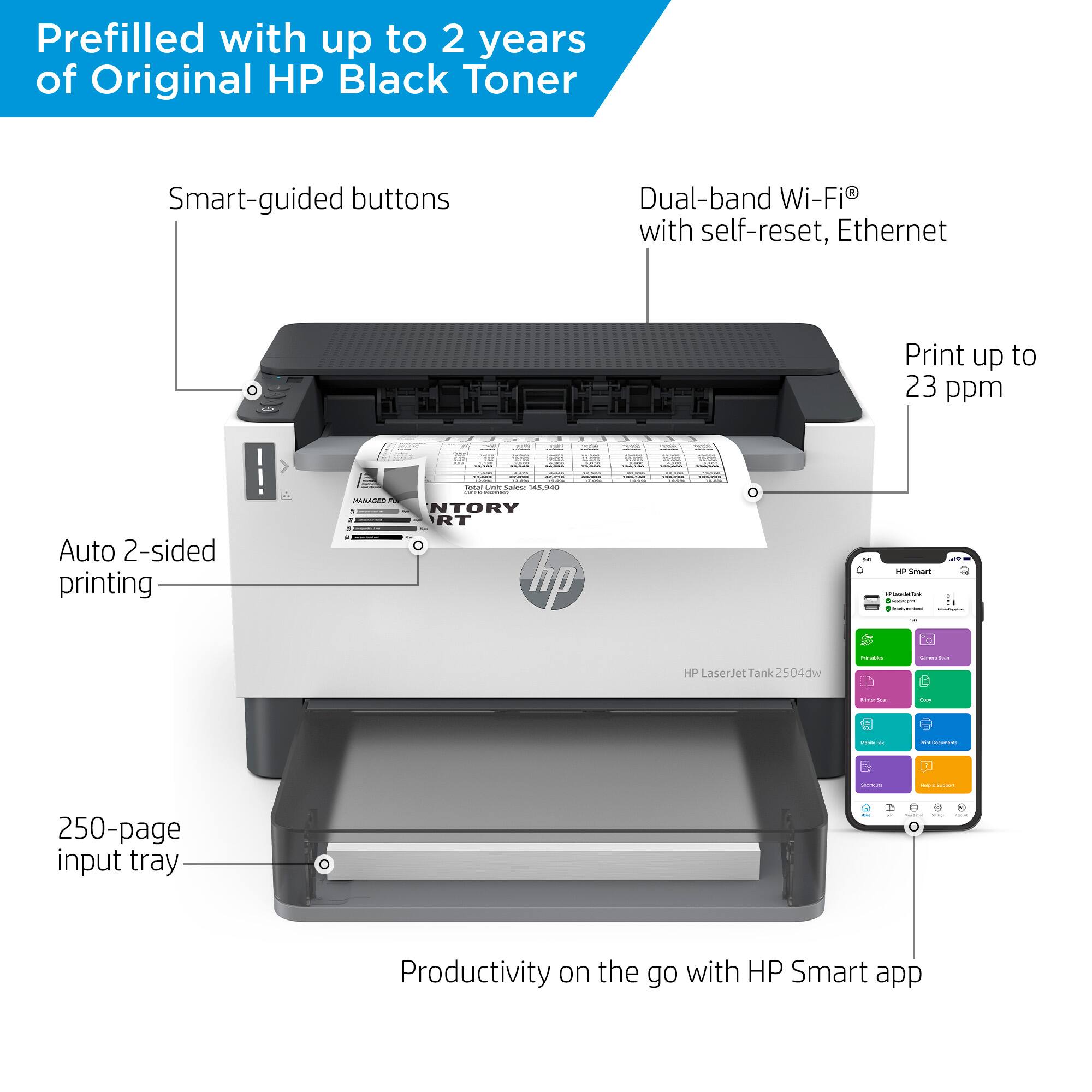
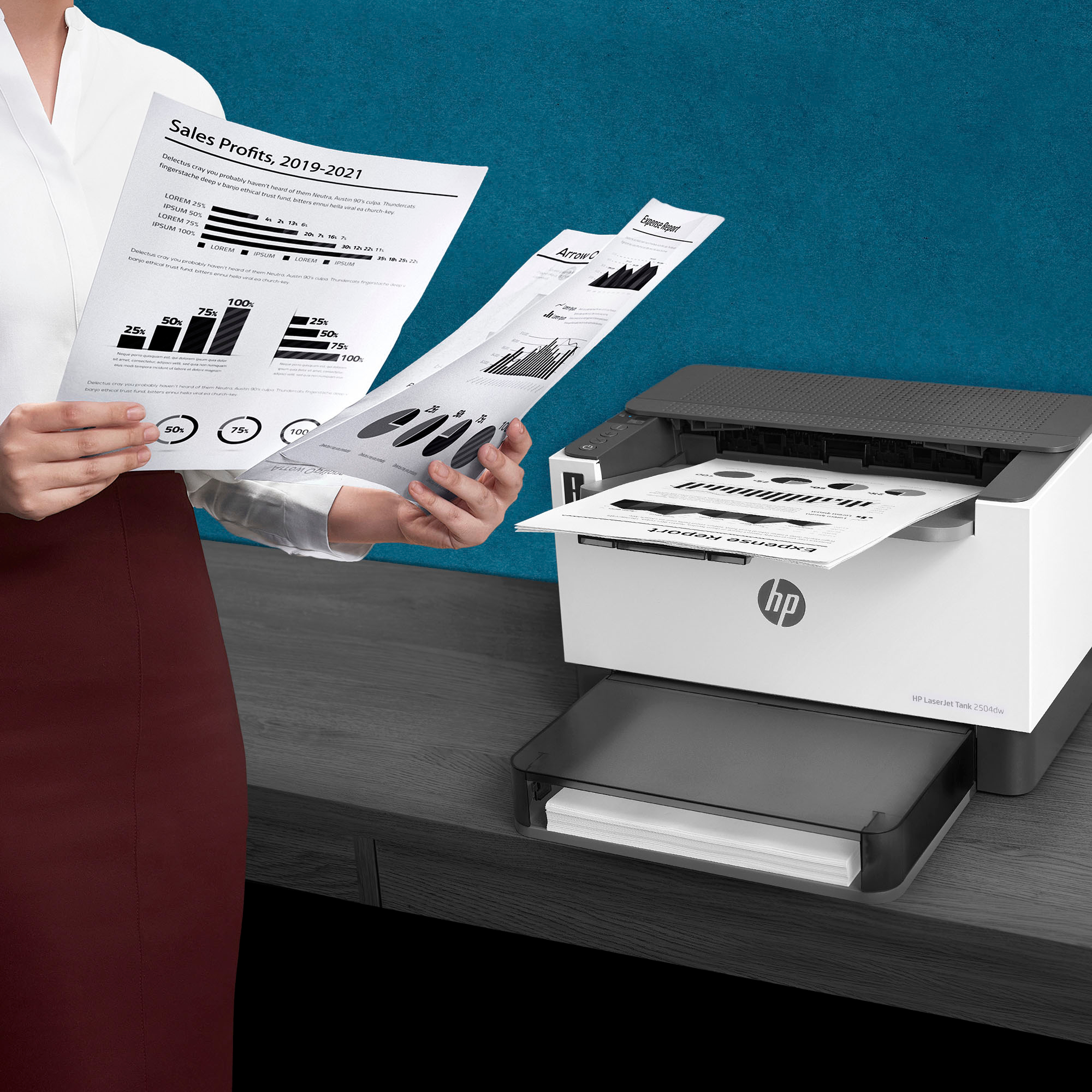
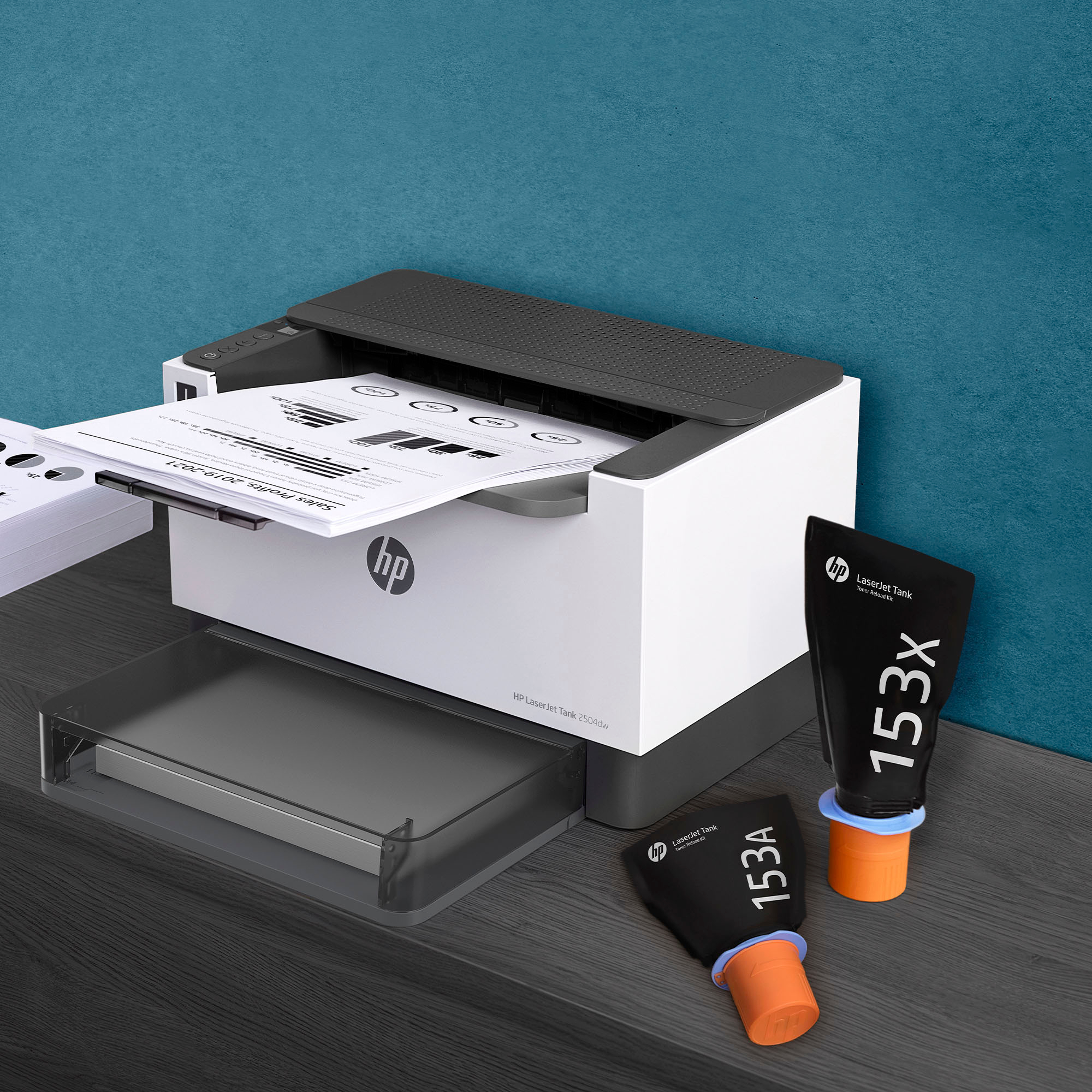
|Posted .This reviewer received promo considerations or sweepstakes entry for writing a review.The HP - LaserJet Tank 2504dw Wireless Black-and-White Laser Printer is perfect for your home office or office. This printer produces quality print jobs with efficiency that makes it easy to create presentations for clients, or training material for employees, etc. I have not experienced any smudging, or distorted images which is excellent, as I don't have to waste printer materials, paper, or time. The system is very versatile, as you can send print jobs from your computer or mobile device and control the detail of the print job on-demand to fit your specific needs. The printer is easy to setup and it comes with everything you need to get started. The printer includes a USB cable if you prefer to use it in lieu of the wireless function. It also has enough toner (as per the guide) to print several thousand pages before needing to be replaced. The printer supports several mobile control options; the HP Smart App; Apple AirPrint and more. The wireless capability gives you versatility in where you place the printer in your home/office. The dimensions of the printer allow you to place it on a stand, table, or desk without consuming an excessive amount of space. No need to run a bunch of wires from the printer to your computer. Simply plug in the power cord and set it up using the HP app or your operating system once the printer is discovered on your network. The printer offers high quality prints, with DPI of up to 600 dots per inch. You have a variety of media options: Plain paper, Heavy paper, Bond paper, Label, Light paper, Envelope which the printer handles exceptionally. Printer speeds are pretty fast. You are able to print approximately 23 pages per minute, with standard print configuration and auto duplexing enabled. I love the duplexing feature. All pages come out looking professional with crisp-clear-precision. Perfect for submitting physical reports, manuscripts, and documentation. I have even used the printer for black & white images and they come out looking spectacular. I highly recommend the HP - LaserJet Tank 2504dw Wireless Black-and-White Laser Printer. It will handle your printing jobs with ease, delivering professional grade creations and ensure you have a hassle free experience.
I would recommend this to a friend - Pros mentioned:Print quality
Good Product
||Posted . Owned for 1 week when reviewed.This reviewer received promo considerations or sweepstakes entry for writing a review.Good Product, Good Price, and quick delivery. This a good business machine.
I would recommend this to a friend it works ok
||Posted . Owned for 11 months when reviewed.This reviewer received promo considerations or sweepstakes entry for writing a review.it works ok. Bought it for my uncle and he likes it.
I would recommend this to a friendHp printer
||Posted . Owned for 3 weeks when reviewed.This reviewer received promo considerations or sweepstakes entry for writing a review.the Hp smart software has major problems . this printer supposed to be installed in 5 minutes. it took me 6 hours to troubleshoot it . i am software engineer and i had a hard time installing it . i can’t imagine what others going through with it . if you search online you will see how many people are struggling with these .please give yourself a favor and buy something else . i am sorry HP.
No, I would not recommend this to a friendLooks nice, if it would work
||Posted . Owned for 1 week when reviewed.This reviewer received promo considerations or sweepstakes entry for writing a review.The printer looks like a quality product. I unboxed it and followed the manual for setup with my wireless nextwork. I even printed a test page from my cell phone. I went to use it two days later and my phone can't find it, neither can any of my laptops or tablets. I went through the troubleshooting process multiple times and have not been able to print from the printer since. I can remove it from my network and add it back in but nothing sees it. Even the device I am using to remove and add it. HP Support was not helpful. I spent more than three hours over a week trying to just get this thing to work. I am returning it today for somehting less complicated.
No, I would not recommend this to a friend- Pros mentioned:Print quality, Size, Wireless
A nice compact easy to use black and white printer
|Posted .This reviewer received promo considerations or sweepstakes entry for writing a review.I have a color printer that is great but the ink just costs so much, I looked at the cost of ink replacements and how little it uses relatively speaking and realized I needed both. This has been the i need to print something quick and color doesn't matter at all printer. Which is 99% of my printing. I love that I can print easily from my phones, It said that I needed to download the HP app but air printing and printing from my Samsung worked with it ( I set it up using the HP on a separate android device). Air print working was extremely nice as now my wife finds that quite a bit easier to use. I like how small (relatively) the printer is as well. Setup was quick and easy from my android device. There isn't a touch screen to setup if you're used to that but I would definitely recommend using a phone as an easy way to set up the printer. I don’t have a real down side to this printer, as if your looking for a color printer you should sort this out immediately and if you are looking for black and white then you are already aware that it isn’t color, but just in case this isn’t a color printer. A definite pro is that is wired or wireless, there are still plenty of people that love to wire their printer in and it is awesome this has that capability.
I would recommend this to a friend - Pros mentioned:Ease of use, Print quality, Size
Great little B&W Laser Printer
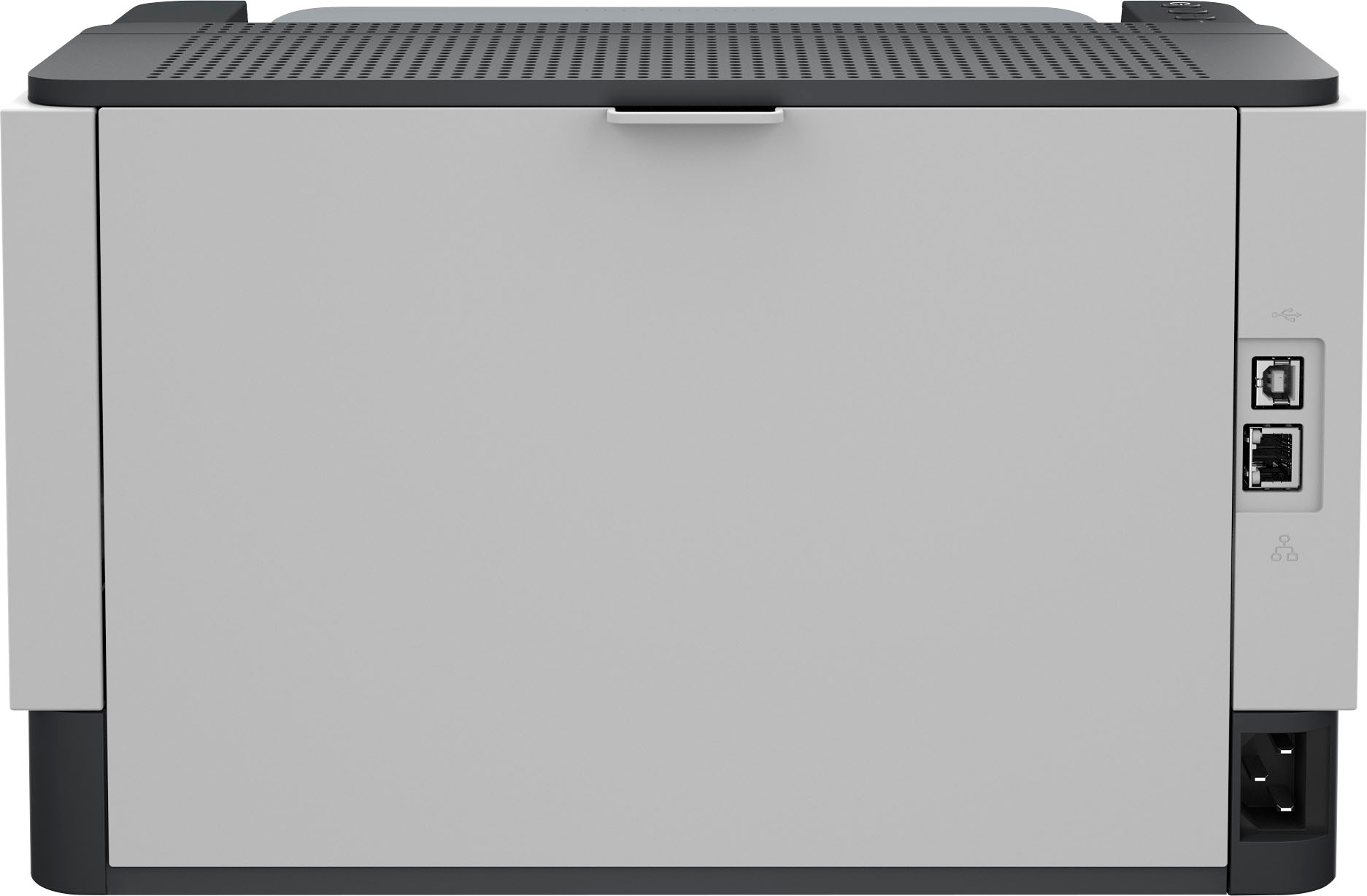
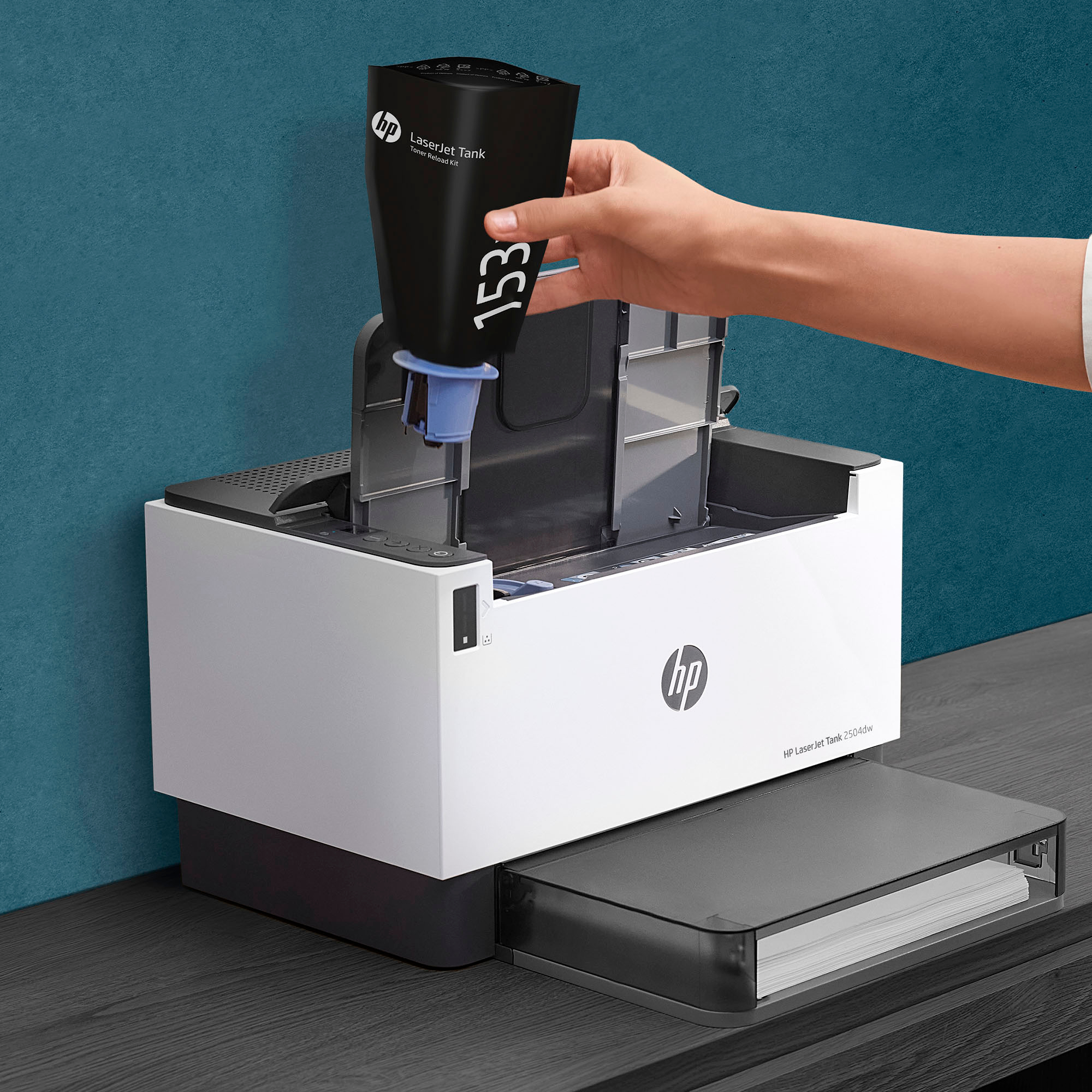
|Posted .This reviewer received promo considerations or sweepstakes entry for writing a review.HP comes up with a small, versatile Laser Printer. Nothing special here other that good quality laser printing. Coming from a long history of ink-jet printers for home use, I finally figured it was time to get a relatively low cost Laser Printer, who better than HP ? This has a two capacity toner refill regular and ultra-high-yield HP Toner Reload Kit which can yield about 5000 crisp laser printed black and white pages. The small foot printer can easily be place on a bookshelf of the corner of your desk. The setup was straightforward and easy with the HP Mobile App which detected the printer. The printer can connect a few different ways: USB 2.0, Ethernet 10/100, Bluetooth; 802.11a/b/g/n (2.4/5 GHz) Wi-Fi radio, Bluetooth Low Energy. The printer also showed up as an AirPrint printer on my Apple devices. Pros: - small and compact footprint - crisp laser printed Black and White pages - seamless duplex printing - easy setup - HP core technology - laser printing - relatively low per page cost, reasonable cost for a printer. Cons: - none so far
I would recommend this to a friend Good luck
||Posted . Owned for 1 month when reviewed.This reviewer received promo considerations or sweepstakes entry for writing a review.Setup was horrible. Never got control of printing settings to adjust print density, which is faint in the default.
No, I would not recommend this to a friend- Pros mentioned:Print quality, Size
Nice compact laserjet printer
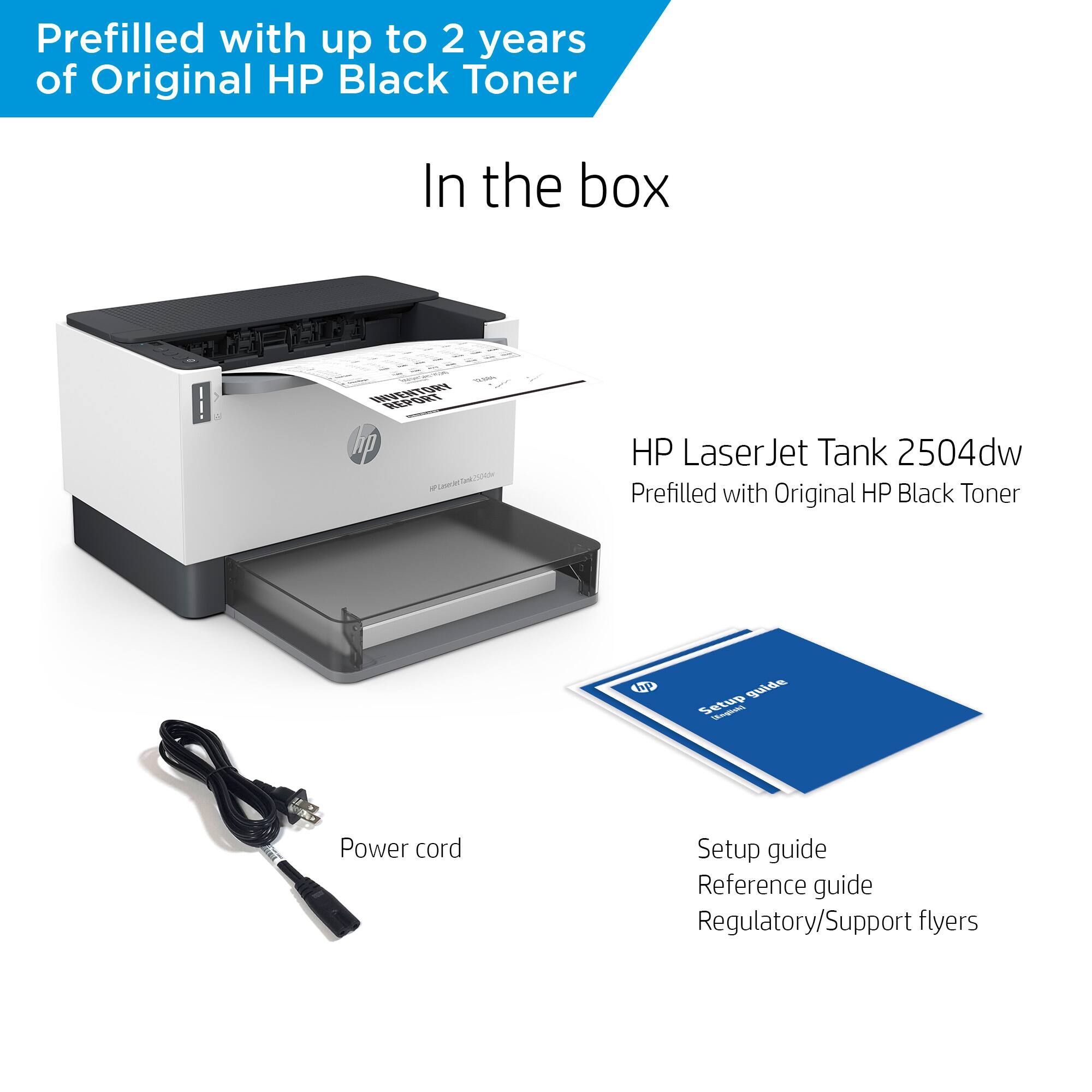
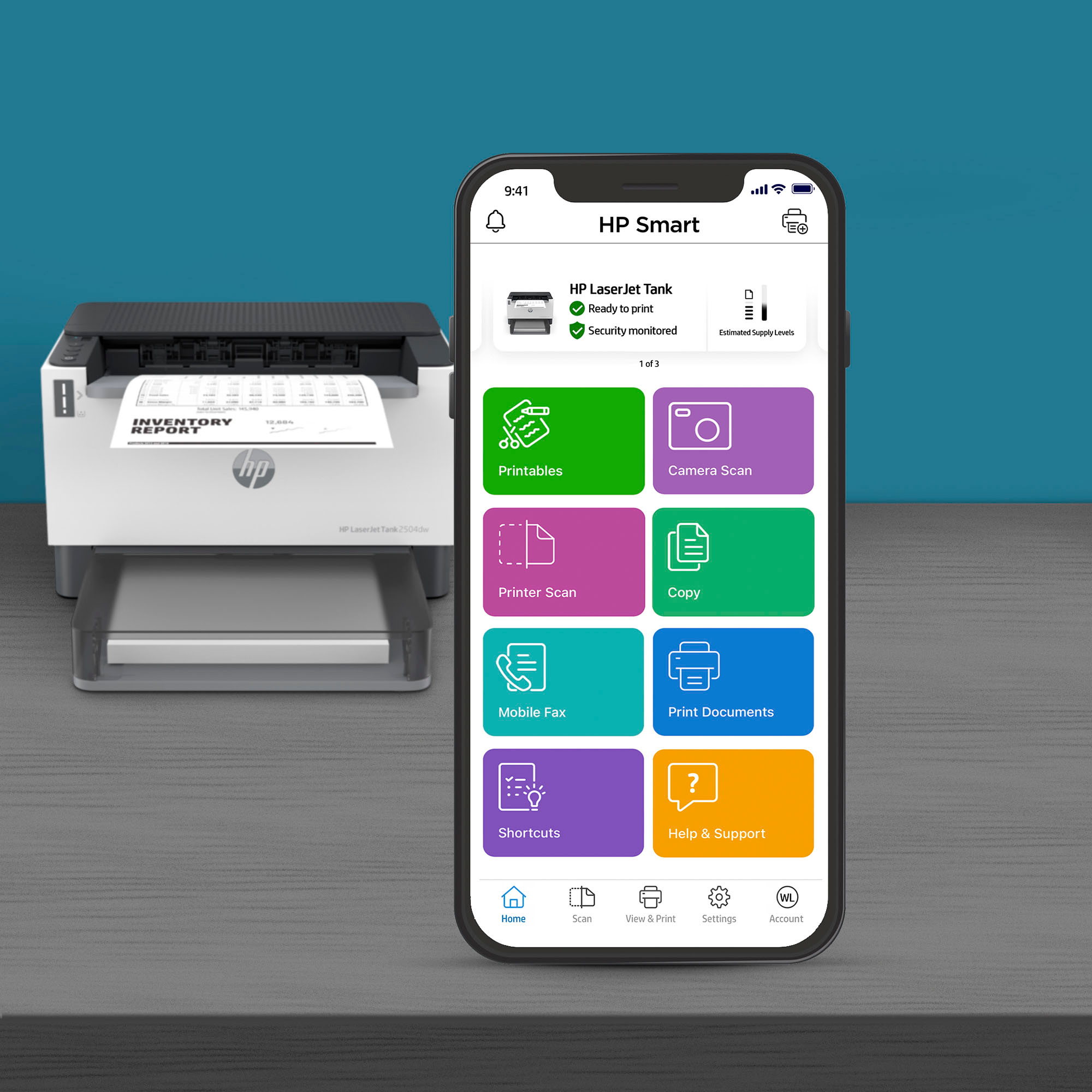
|Posted .This reviewer received promo considerations or sweepstakes entry for writing a review.I just unboxed and installed the HP LaserJet Tank 2504dw wireless black and white laser printer. It took just a few minutes to have the printer up and running. The box contains the printer, power cord, and installation instructions. There are just five steps to get it installed and printing. After placing the printer on the desk, I connected the power cord and turned on the unit. I was going to install it via network cable, but I didn’t have a cable handy, so Wi-Fi it is. I already have several HP printers and have HP Smart installed on my PC. I fired up the app, clicked the three horizontal bar icon, and clicked add a printer. It wasn’t seeing the printer and duh, I need to press the Wi-Fi or ‘I’ button on the printer. As soon as I do, the printer shows up on the app and I just follow the instructions on the screen. There is a choice to allow HP to receive information from the printer. I chose to say no to those options, but you can decide for yourselves. You either click accept or choose which of the four you turn on or off. Then you connect to your Wi-Fi and enter the password. That’s it. It takes a few minutes to finish, and the printer is ready to go to work. I printed a couple of copies and I tried printing double-sided. If you choose to print and turn from the short side, it will print double-sided, but the back will be upside down to the front. If you choose to flip it on the long side, the back will be the same as the front, which is what I like. It prints nice and clear as a LaserJet should and the printer itself takes up very little real estate. Looking online, I see that the toner reload kit is very reasonable. The printer has a tank rather than a cartridge and from what I see, it’s a large, capped hole under the outfeed tray. Lastly, I thought this was just a printer and it is, but it can scan via your smartphone. Using the HP Smart app on your phone, you can snap a picture of the document and print it. I will say, it comes out as good as the photo, so take the best shot you can. There are a couple of screens that you go through that let you crop the edges and try and square up the photo, then the app tries to crop it up some more, but the both of you can only do so much. Best to let the camera do the heavy lifting. I probably won’t use it much, but if I’m on the go and take a pic to print later, that might be handy. Overall, it’s a great laser printer. It only prints in black ink, but I knew that going in. The cost of toner using genuine HP ink looks doable, at least based on the cost I saw. I’d recommend this printer to anyone that prints a lot of black ink documents and doesn’t really need an all-in-one.
I would recommend this to a friend Sales Clerk was not knowledgeable
||Posted . Owned for 2 weeks when reviewed.This reviewer received promo considerations or sweepstakes entry for writing a review.I went to the store to buy a printer. I discussed my wants with the sales clerk and unfortunately the printer he recommended was not in stock so I had to pay for it and have it shipped to my house. When the printer arrived, I opened the box and was EXTREMELY disappointed. I specifically asked for a printer with toner/cartridge, so I had to return it to the store.
No, I would not recommend this to a friend


















