Customer Ratings & Reviews

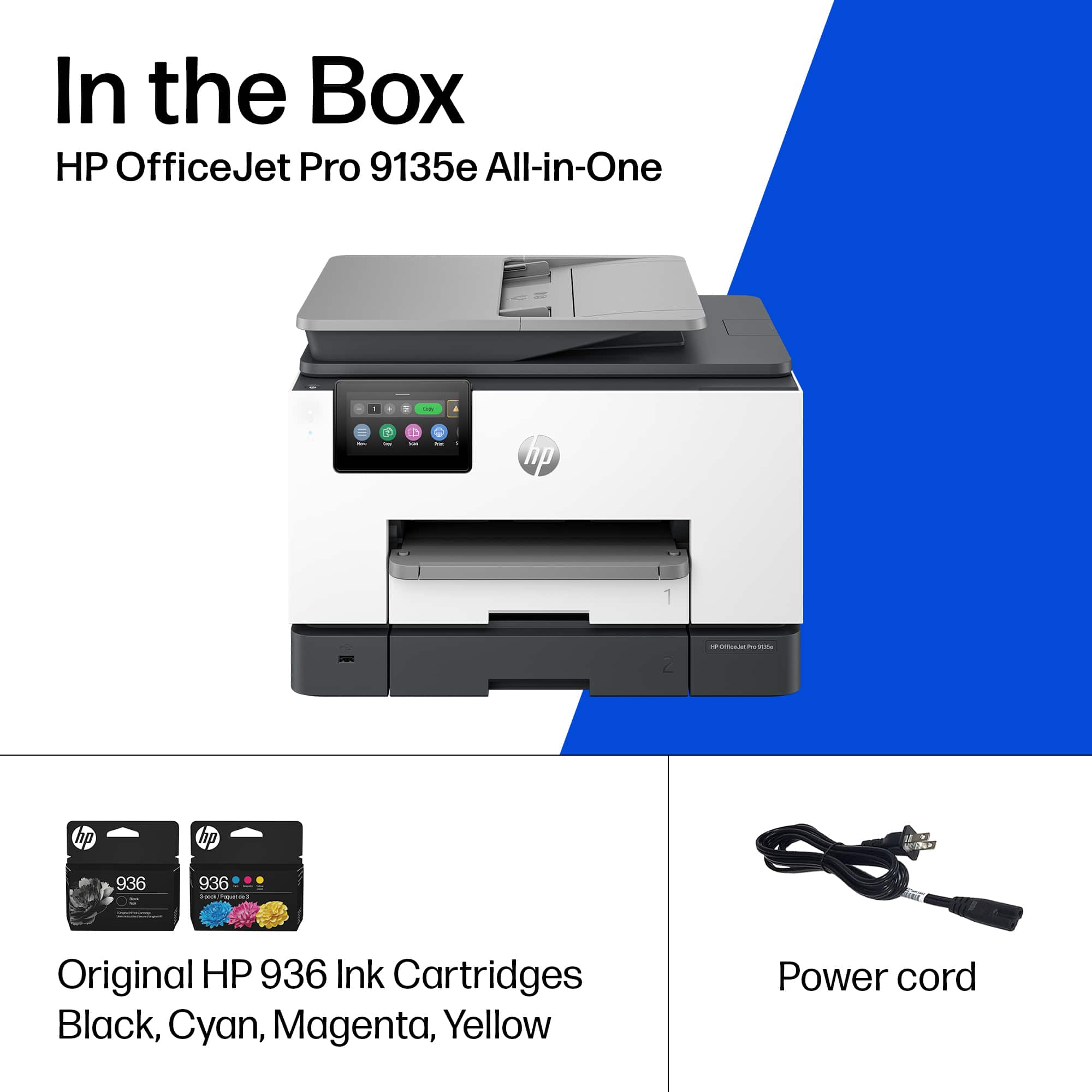







- Model:
- OFFICEJET PRO 9135E/404M0A#B1H
- |
- SKU:
- 10757528
Customer reviews
Rating 4.3 out of 5 stars with 438 reviews
(438 customer reviews)Rating by feature
- Value4.3
Rating 4.3 out of 5 stars
- Quality4.3
Rating 4.3 out of 5 stars
- Ease of Use4.2
Rating 4.2 out of 5 stars
Customers are saying
Customers are pleased with the OfficeJet Pro 9135e's print quality, ease of use, and overall performance, making it a great printer for various needs. The printer is also praised for its easy setup, suitable size for small offices, and impressive speed. However, some customers have noted concerns about the printer's noise level and connectivity issues. Additionally, a few customers reported issues with the printer's software.
This summary was generated by AI based on customer reviews.
- Pros mentioned:Print quality
Rated 4 out of 5 stars
Works well...
||Posted . Owned for 1 month when reviewed.This reviewer received promo considerations or sweepstakes entry for writing a review.Use for dmall office setting...holding up well so far..have used every aspect eithout sny glitched
This review is from HP - OfficeJet Pro 9135e Wireless AI-Enabled AiO Inkjet Printer w/ 3 Months of Instant Ink - White
I would recommend this to a friend - Cons mentioned:Software
Rated 1 out of 5 stars
Device Software Issues during setup
||Posted . Owned for less than 1 week when reviewed.This reviewer received promo considerations or sweepstakes entry for writing a review.I recently purchased the HP OfficeJet Pro 9135e, and was greatly disappointed in HP. I researched almost every printer brand and settled on an HP brand and model based on HP’s reputation (I previously had the HP OfficeJet Pro 8600 which worked flawlessly for several years) and the 9135e model was on the higher end of the inkjet models. Unfortunately, this was both of these assumptions were incorrect. First, the first model I purchased both had a paper jam during the setup and could not complete the setup due to an error within the devices software. Frustrated but not dissuaded, I allow for a little grace for HP and returned the unit and exchanged it for another unit of the same model. However, encountered the same sofware error on the second device. This is disappointing in that I have to assume feom having the same issue occur on two different HP devices of the same model, that HP knowingly sold devices they knew had software issues, and assume they expect the customer to spend hours of their time ( instead of HP fixing the issue) to call the customer service to figure out how to solve. Appalling!
This review is from HP - OfficeJet Pro 9135e Wireless AI-Enabled AiO Inkjet Printer w/ 3 Months of Instant Ink - White
No, I would not recommend this to a friend - Pros mentioned:Overall performance
Rated 5 out of 5 stars
HP printer
||Posted . Owned for 1 month when reviewed.This reviewer received promo considerations or sweepstakes entry for writing a review.Works great & easy set up. Perfect size and fits well on my desk.
This review is from HP - OfficeJet Pro 9135e Wireless AI-Enabled AiO Inkjet Printer w/ 3 Months of Instant Ink - White
I would recommend this to a friend - Pros mentioned:Overall performance
Rated 5 out of 5 stars
HP - OfficeJet Pro 9135e
||Posted .This reviewer received promo considerations or sweepstakes entry for writing a review.Great product at a reasonable price. Used in my home business daily.
This review is from HP - OfficeJet Pro 9135e Wireless AI-Enabled AiO Inkjet Printer w/ 3 Months of Instant Ink - White
I would recommend this to a friend - Pros mentioned:Setup
Rated 5 out of 5 stars
Perfect small office and home All-In-One
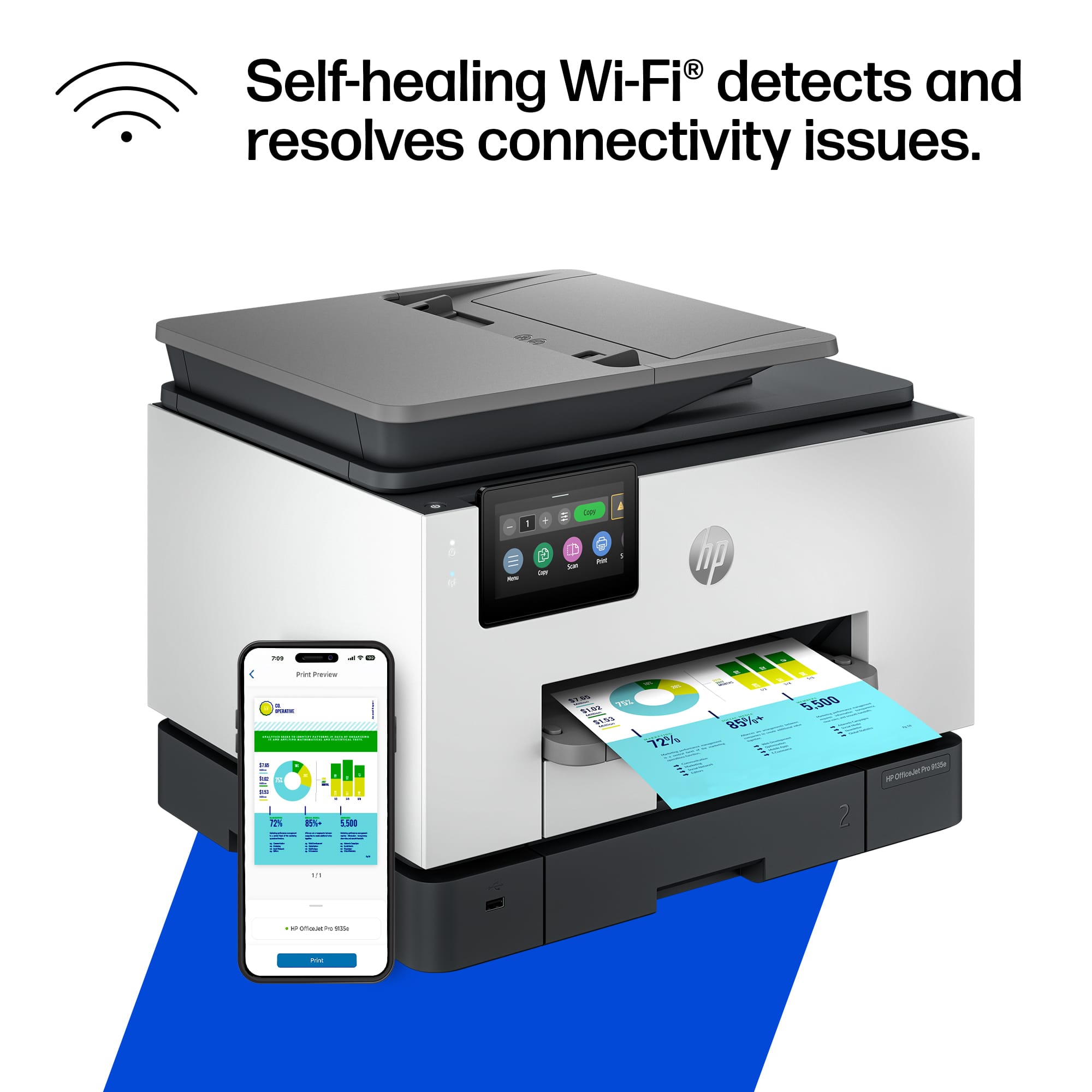
||Posted . Owned for 3 weeks when reviewed.This reviewer received promo considerations or sweepstakes entry for writing a review.great software, great scanning capability, easy setup and controls with hpsmart app, highly recommend for home and small office use.
This review is from HP - OfficeJet Pro 9135e Wireless AI-Enabled AiO Inkjet Printer w/ 3 Months of Instant Ink - White
I would recommend this to a friend Rated 5 out of 5 stars
printer trays
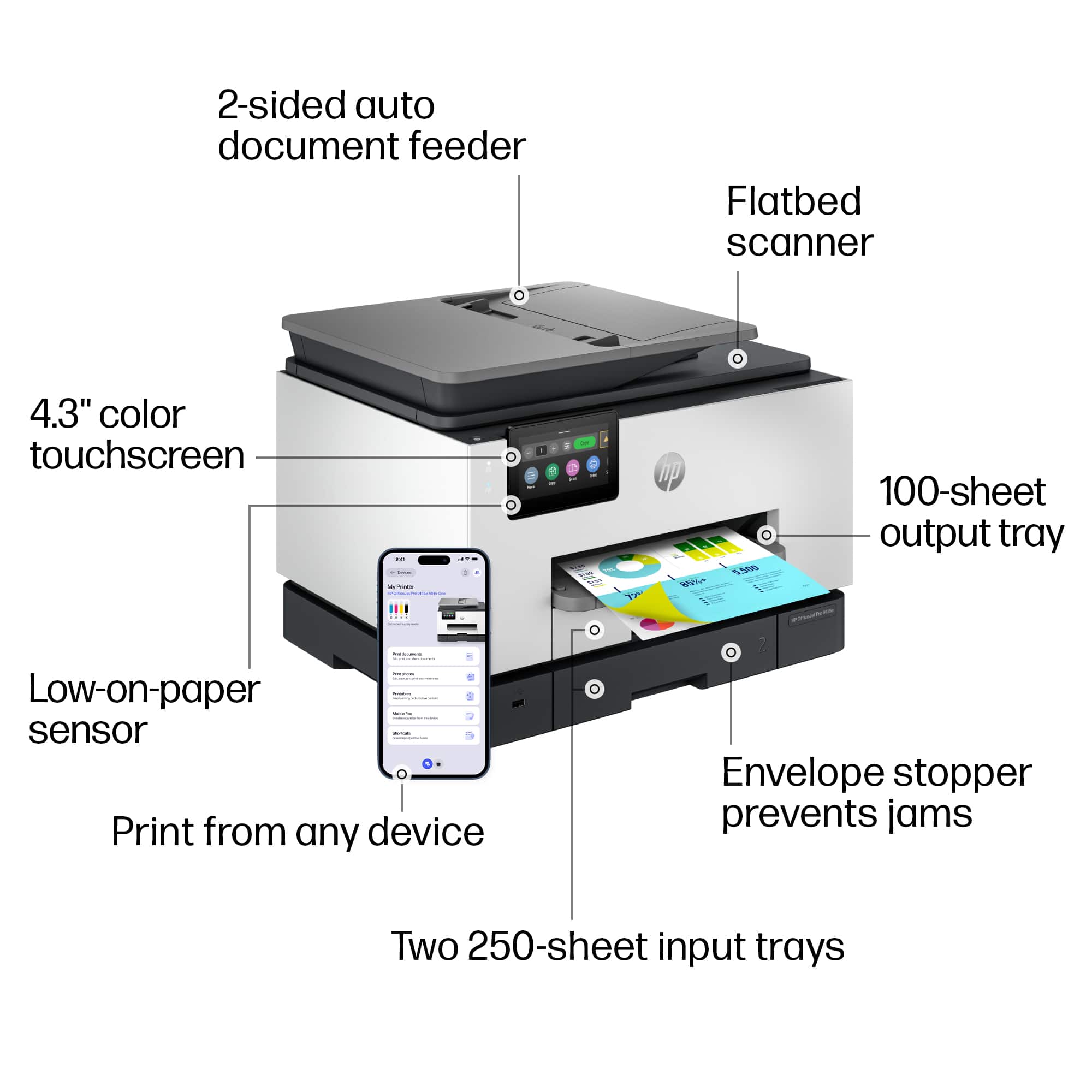
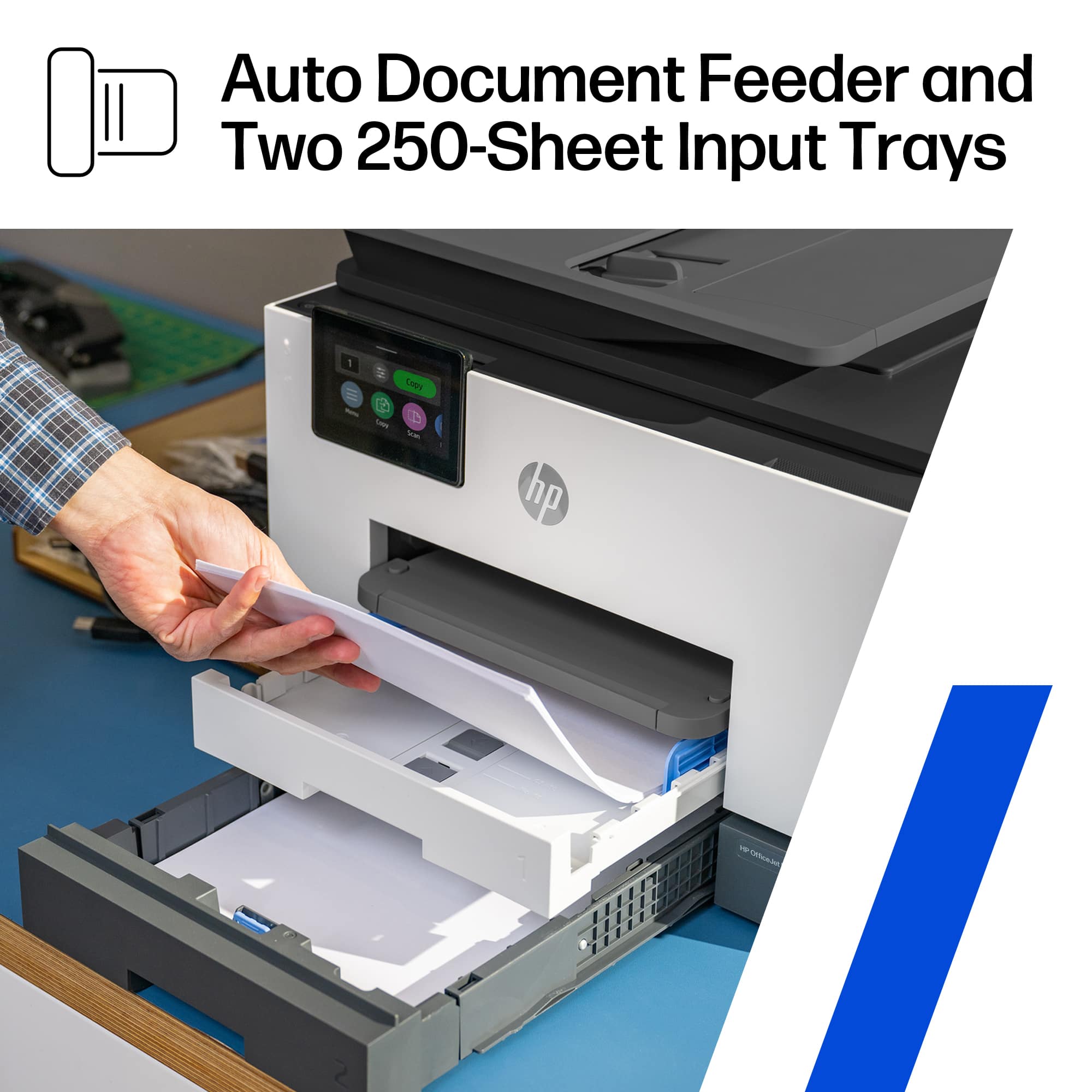
||Posted . Owned for 3 weeks when reviewed.This reviewer received promo considerations or sweepstakes entry for writing a review.the paper trays are large enough to hold adequate paper one tray for letter size and the other for legal
This review is from HP - OfficeJet Pro 9135e Wireless AI-Enabled AiO Inkjet Printer w/ 3 Months of Instant Ink - White
I would recommend this to a friend- Pros mentioned:Print quality
Rated 5 out of 5 stars
Excellent HP Printer
||Posted . Owned for 3 weeks when reviewed.This reviewer received promo considerations or sweepstakes entry for writing a review.Excellent printer, fast, clear print, vibrant colors. Excellent scanning and copy feature capabilities. Will recommend this printer anytime.
This review is from HP - OfficeJet Pro 9135e Wireless AI-Enabled AiO Inkjet Printer w/ 3 Months of Instant Ink - White
I would recommend this to a friend Rated 1 out of 5 stars
Never Again hp
||Posted .This reviewer received promo considerations or sweepstakes entry for writing a review.I purchased an HP printer that failed to operate properly within the first month. I contacted HP Support and spoke with several agents, each offering troubleshooting steps. I followed all instructions, but the issue remained unresolved. HP approved a replacement, but required me to return the faulty printer before sending the new one—leaving me without a printer for over two weeks. When the replacement arrived, the enclosed instructions stated I needed to transfer the printhead from the original printer, which was no longer in my possession. After multiple calls, HP agreed to send a new printhead. Unfortunately, the printhead arrived with setup ink cartridges that were incompatible with my printer model. I contacted HP again and was transferred to another agent who required visual confirmation via my phone camera before approving shipment of the correct cartridges. I complied, and was told the proper cartridges would arrive in approximately one week. From initial purchase to first support contact: ~1 month From receiving the replacement to awaiting correct cartridges: ~1 month+ To maintain printing capability, I purchased a lower-cost HP printer independently. Summary: The warranty and support process was lengthy, disjointed, and unsatisfactory. I encountered delays, contradictory instructions, and repeated escalations. I was unable to get the replacement to function. It sits in a box, and I now use a competitor's printer which works wonderfully.
This review is from HP - OfficeJet Pro 9135e Wireless AI-Enabled AiO Inkjet Printer w/ 3 Months of Instant Ink - White
No, I would not recommend this to a friendRated 5 out of 5 stars
Great printer
||Posted .This reviewer received promo considerations or sweepstakes entry for writing a review.Have been using HP instant ink for many years. You must use HP printers. The drawback is when HP discontinues a printer model, they take it offline, and you must buy a new model. Having said that, it is still cheaper than buying ink for a non instant ink printer, and the new ink comes in the mail.
This review is from HP - OfficeJet Pro 9135e Wireless AI-Enabled AiO Inkjet Printer w/ 3 Months of Instant Ink - White
I would recommend this to a friend- Pros mentioned:Overall performance
Rated 5 out of 5 stars
Printer
||Posted . Owned for 9 months when reviewed.This reviewer received promo considerations or sweepstakes entry for writing a review.works great and easy to install for home use with a Mac
This review is from HP - OfficeJet Pro 9135e Wireless AI-Enabled AiO Inkjet Printer w/ 3 Months of Instant Ink - White
I would recommend this to a friend - Pros mentioned:Print quality
Rated 5 out of 5 stars
Great inexpensive office printer
||Posted . Owned for 3 weeks when reviewed.This reviewer received promo considerations or sweepstakes entry for writing a review.Great printer - fast, clean copies, easy to set up and scan.
This review is from HP - OfficeJet Pro 9135e Wireless AI-Enabled AiO Inkjet Printer w/ 3 Months of Instant Ink - White
I would recommend this to a friend - Pros mentioned:Print quality
Rated 5 out of 5 stars
Good upgrade on quality and speed
||Posted . Owned for 1 month when reviewed.This reviewer received promo considerations or sweepstakes entry for writing a review.Replaced prior HO model and it was worth it. Easy install great printing quality - faster and crisper.
This review is from HP - OfficeJet Pro 9135e Wireless AI-Enabled AiO Inkjet Printer w/ 3 Months of Instant Ink - White
I would recommend this to a friend - Pros mentioned:Print quality
Rated 5 out of 5 stars
Awesome Printer
||Posted . Owned for 1 month when reviewed.This reviewer received promo considerations or sweepstakes entry for writing a review.As my HP printer was over 9 years old…still printing and scanning, I decided to upgrade and not sorry, Love the chrisp, sharp printing.
This review is from HP - OfficeJet Pro 9135e Wireless AI-Enabled AiO Inkjet Printer w/ 3 Months of Instant Ink - White
I would recommend this to a friend - Cons mentioned:Noise level
Rated 4 out of 5 stars
HP printer 9135 e
||Posted . Owned for 1 week when reviewed.This reviewer received promo considerations or sweepstakes entry for writing a review.very satisfied so far. But, the printer is noisy.
This review is from HP - OfficeJet Pro 9135e Wireless AI-Enabled AiO Inkjet Printer w/ 3 Months of Instant Ink - White
I would recommend this to a friend - Pros mentioned:Print quality
Rated 5 out of 5 stars
Printer
||Posted . Owned for 1 week when reviewed.This reviewer received promo considerations or sweepstakes entry for writing a review.It’s not easy to link it to my email in order to scan documents directly but that may be because I’m not tech savy. The print quality is excellent
This review is from HP - OfficeJet Pro 9135e Wireless AI-Enabled AiO Inkjet Printer w/ 3 Months of Instant Ink - White
I would recommend this to a friend Rated 5 out of 5 stars
It prints things
||Posted . Owned for 9 months when reviewed.This reviewer received promo considerations or sweepstakes entry for writing a review.My husband left me in the history before having our daughter to buy this printer. Why? Idk everyone handles stress differently. It’s a print out probs things that being said use your work printer and save money on ink. Scans things well.
This review is from HP - OfficeJet Pro 9135e Wireless AI-Enabled AiO Inkjet Printer w/ 3 Months of Instant Ink - White
I would recommend this to a friendRated 2 out of 5 stars
Not as good as my 10 year old printer
||Posted .This reviewer received promo considerations or sweepstakes entry for writing a review.Had a Brother MFC9330 CDW for 10 years. Worked great for 8, then not as good for last two. Always wanted to clean drums and other error messages. Scanning worked great. Purchased this HP to replace. Printing is fine, slower than the Brother by far. Scanning documents, especially multipage documents from the HP feeder doesn't even come close to the Brother printer. Brother is superior by far. The feed to the HP always takes documents in crooked. Brother was always straight. The only reason I didn't continue using the Brother is that the replacement part/parts to maintain the unit (after 10 years of use) was nearly the price to purchase this HP. Anyway, HP is just ok. Brother was way better.
This review is from HP - OfficeJet Pro 9135e Wireless AI-Enabled AiO Inkjet Printer w/ 3 Months of Instant Ink - White
No, I would not recommend this to a friend- Pros mentioned:Ease of use
Rated 5 out of 5 stars
Printer
||Posted . Owned for 1 month when reviewed.This reviewer received promo considerations or sweepstakes entry for writing a review.Outstanding printer. Very easy to use and love the scanning feature.
This review is from HP - OfficeJet Pro 9135e Wireless AI-Enabled AiO Inkjet Printer w/ 3 Months of Instant Ink - White
I would recommend this to a friend - Pros mentioned:Print quality
Rated 5 out of 5 stars
Love it
||Posted . Owned for 1 month when reviewed.This reviewer received promo considerations or sweepstakes entry for writing a review.In love with my new printer. HP always surprise me Easy installation, the best quality.
This review is from HP - OfficeJet Pro 9135e Wireless AI-Enabled AiO Inkjet Printer w/ 3 Months of Instant Ink - White
I would recommend this to a friend Rated 4 out of 5 stars
Need help
||Posted . Owned for 3 weeks when reviewed.This reviewer received promo considerations or sweepstakes entry for writing a review.Not easy to setup. I can print but that’s all. Can’t scan.
This review is from HP - OfficeJet Pro 9135e Wireless AI-Enabled AiO Inkjet Printer w/ 3 Months of Instant Ink - White
No, I would not recommend this to a friend















