Customer Ratings & Reviews








- Model:
- OFFICEJET PRO 9135E/404M0A#B1H
- |
- SKU:
- 10757528
Customer reviews
Rating 4.3 out of 5 stars with 438 reviews
(438 customer reviews)Rating by feature
- Value4.3
Rating 4.3 out of 5 stars
- Quality4.3
Rating 4.3 out of 5 stars
- Ease of Use4.2
Rating 4.2 out of 5 stars
Customers are saying
Customers are pleased with the OfficeJet Pro 9135e's print quality, ease of use, and overall performance, making it a great printer for various needs. The printer is also praised for its easy setup, suitable size for small offices, and impressive speed. However, some customers have noted concerns about the printer's noise level and connectivity issues. Additionally, a few customers reported issues with the printer's software.
This summary was generated by AI based on customer reviews.
- Pros mentioned:Ease of use
Rated 5 out of 5 stars
Love my HP printer
||Posted . Owned for 2 weeks when reviewed.This reviewer received promo considerations or sweepstakes entry for writing a review.I keep up grading my HP printers with an HP printer cause once they are set up, I don't have any issues.
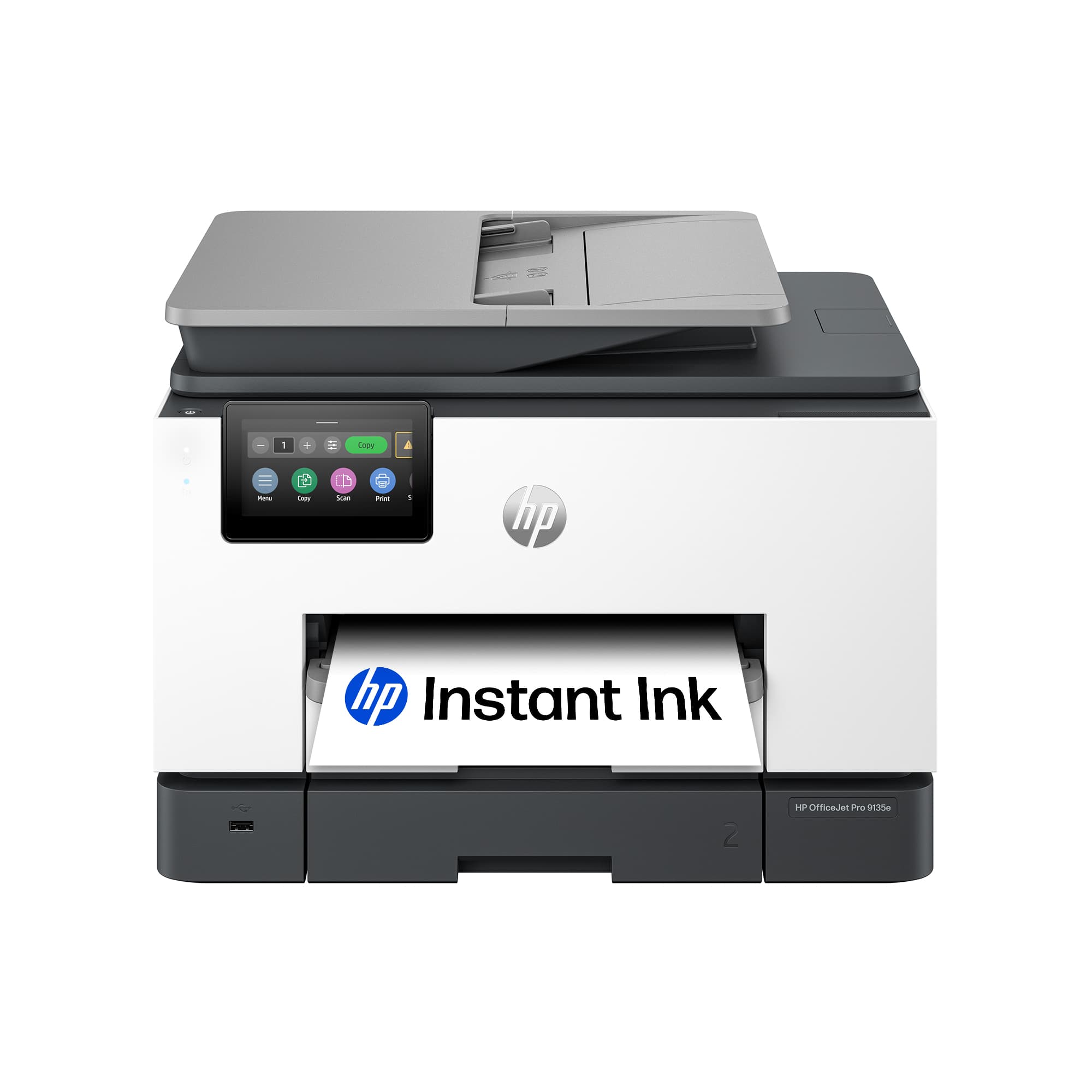
This review is from HP - OfficeJet Pro 9135e Wireless AI-Enabled AiO Inkjet Printer w/ 3 Months of Instant Ink - White
I would recommend this to a friend Rated 5 out of 5 stars
Good printer with many features
||Posted . Owned for 3 weeks when reviewed.This reviewer received promo considerations or sweepstakes entry for writing a review.Easy set up and easy to use. So far no issues. Has cool features to print/scan wireless or directly from a computer.
This review is from HP - OfficeJet Pro 9135e Wireless AI-Enabled AiO Inkjet Printer w/ 3 Months of Instant Ink - White
I would recommend this to a friendRated 5 out of 5 stars
Complete All-in-One
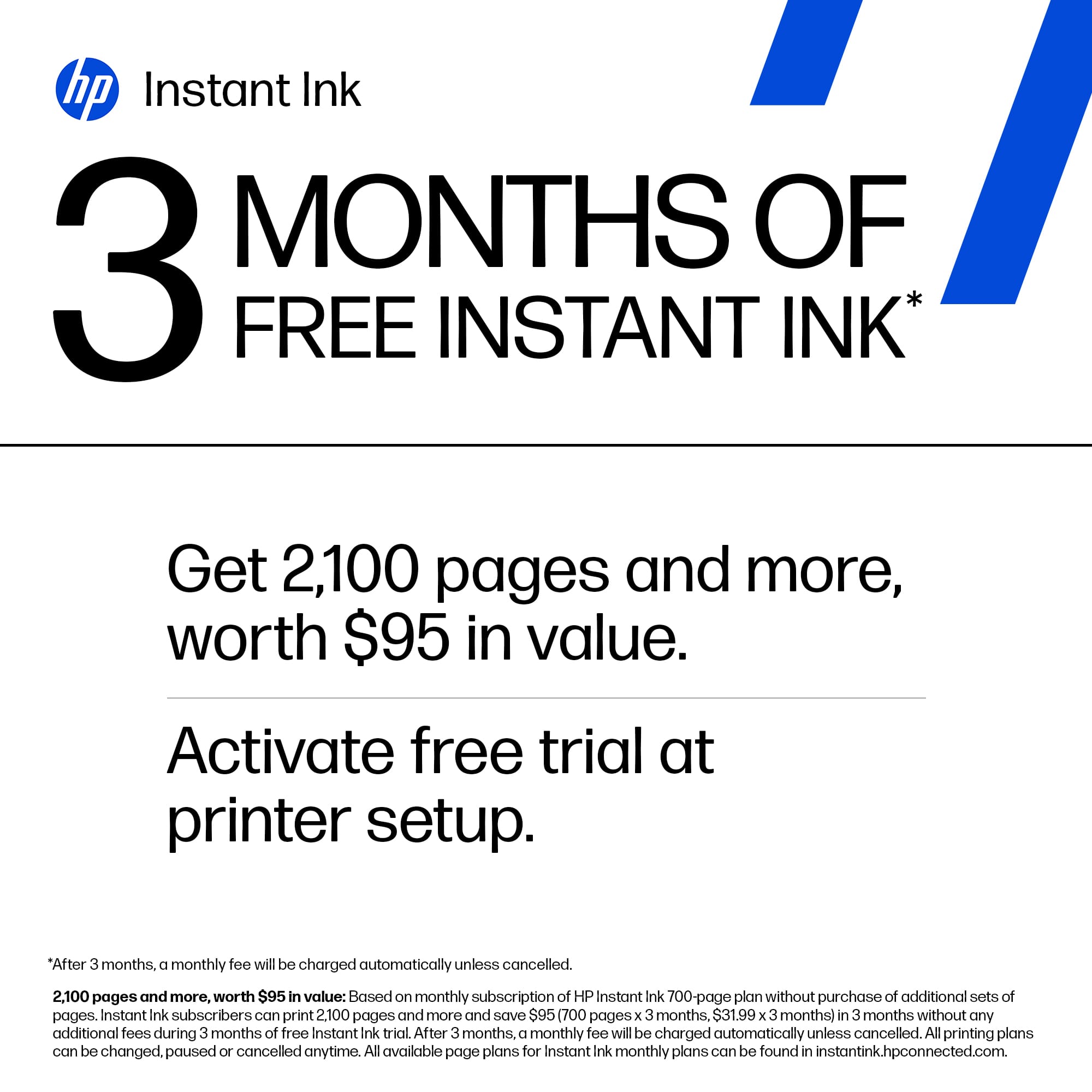
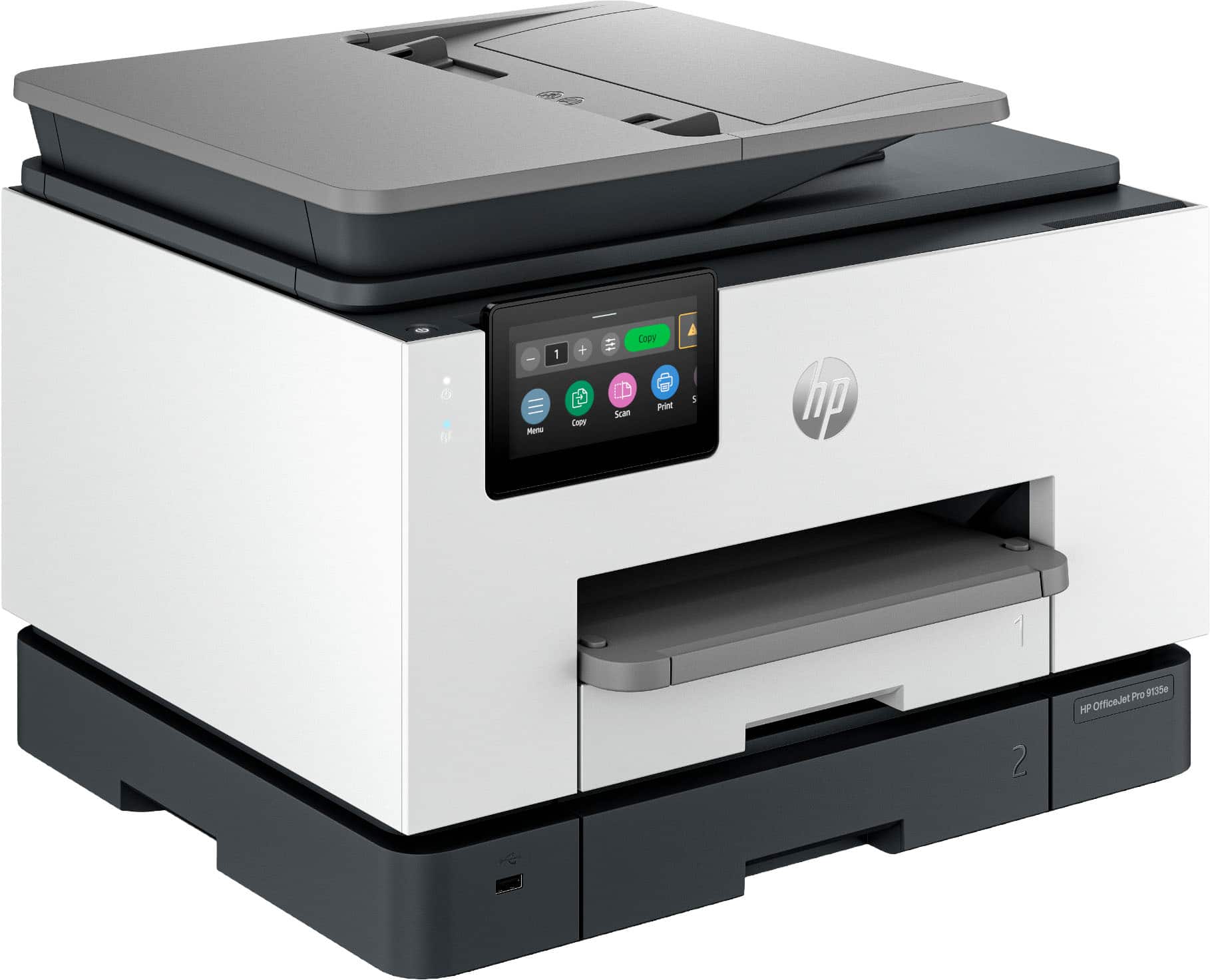
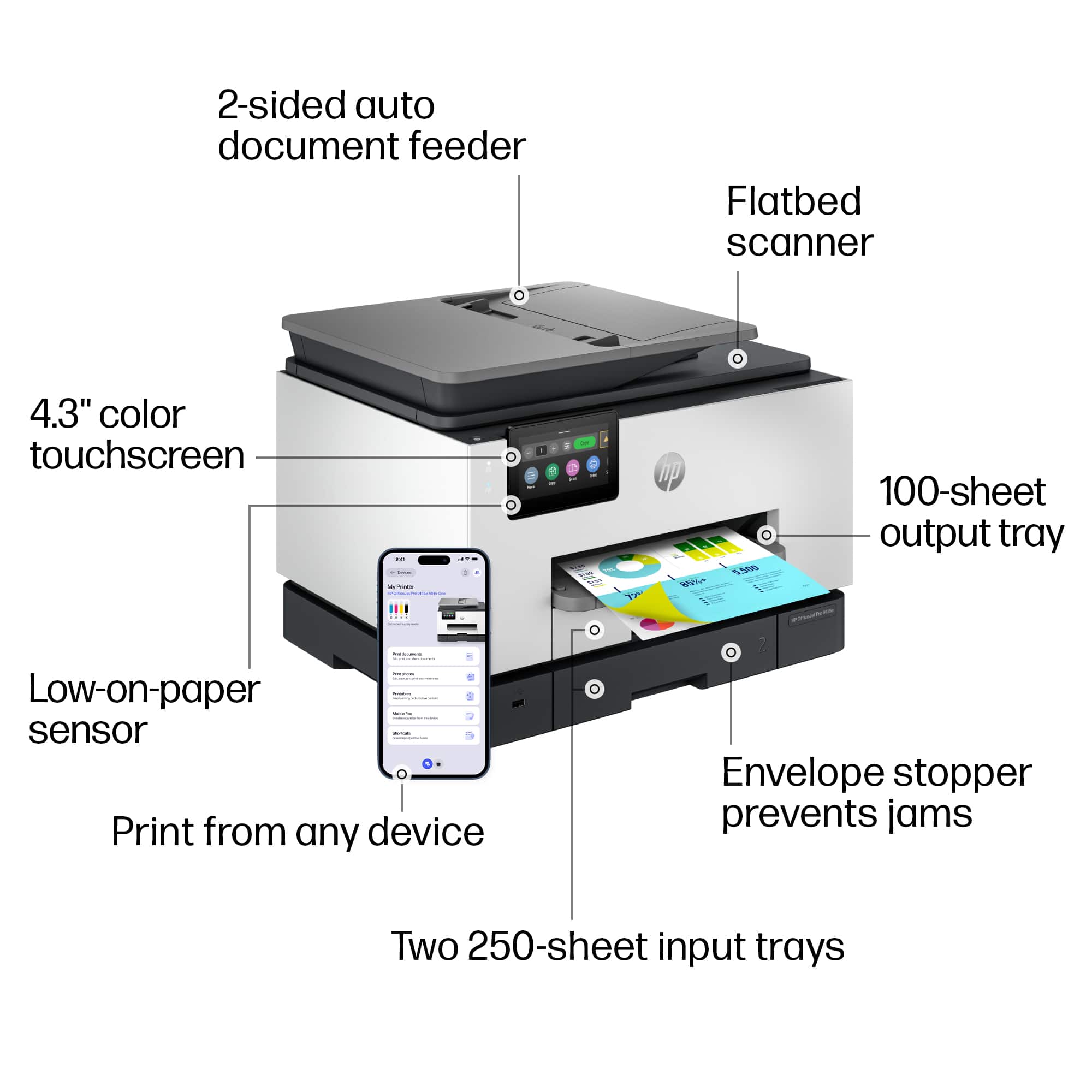
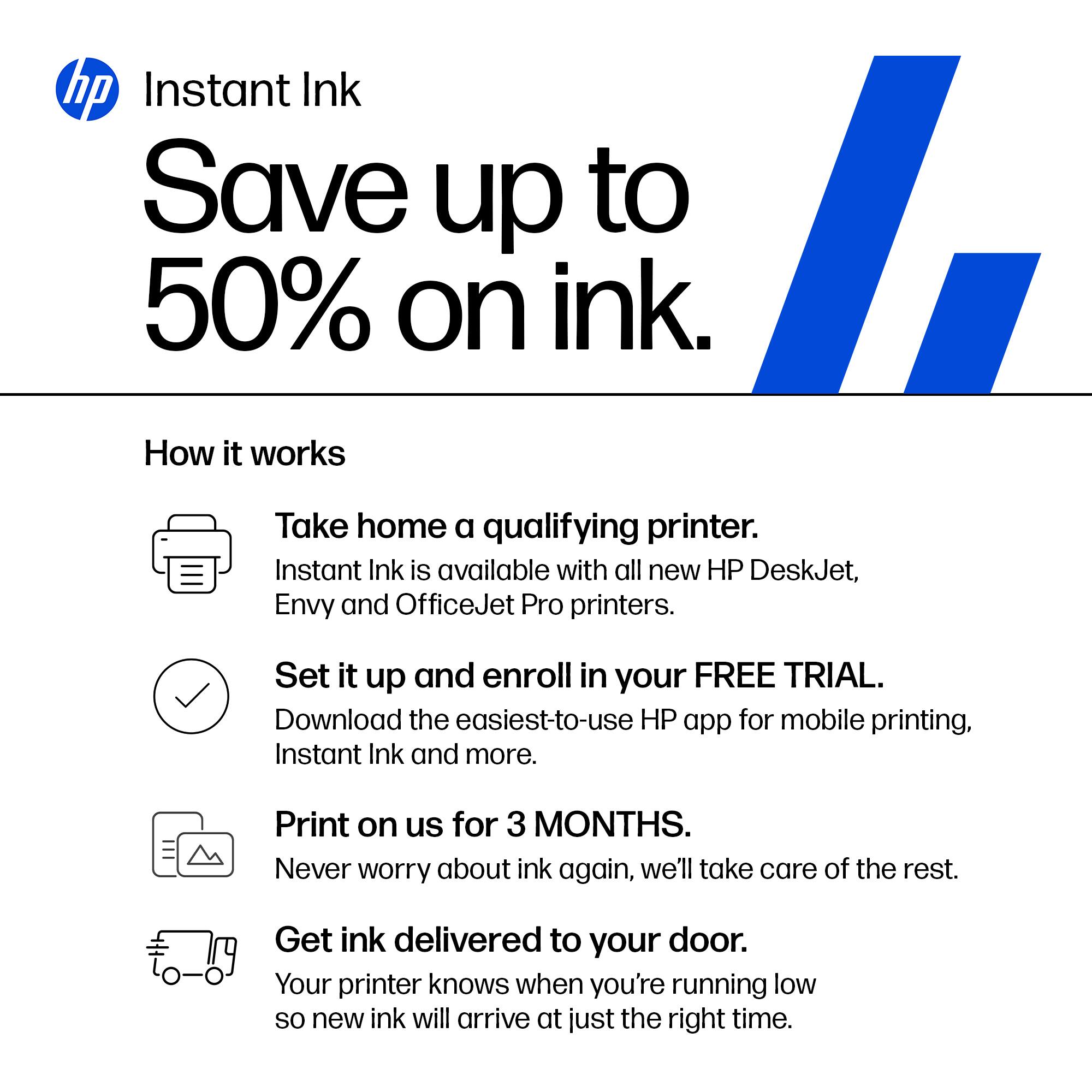
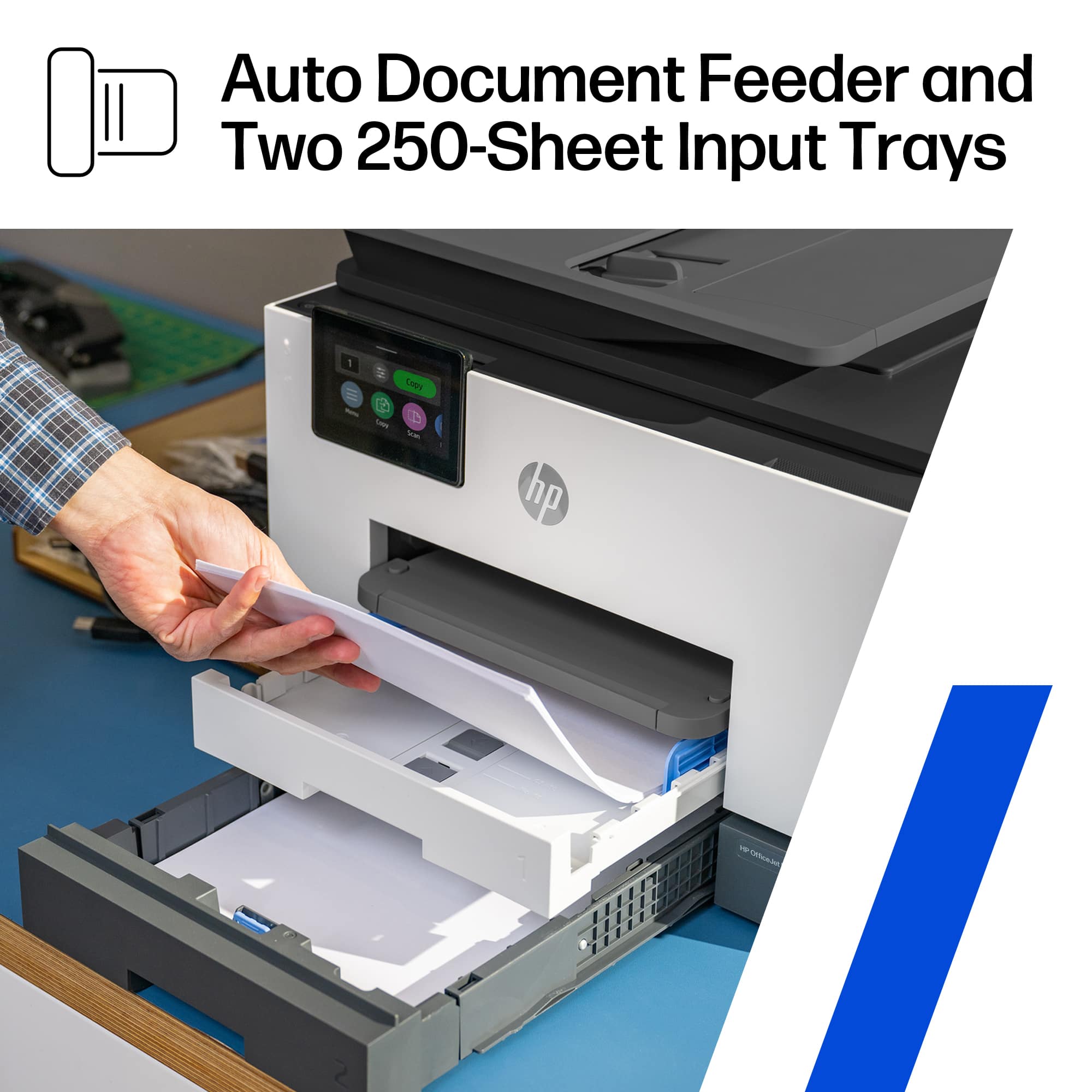
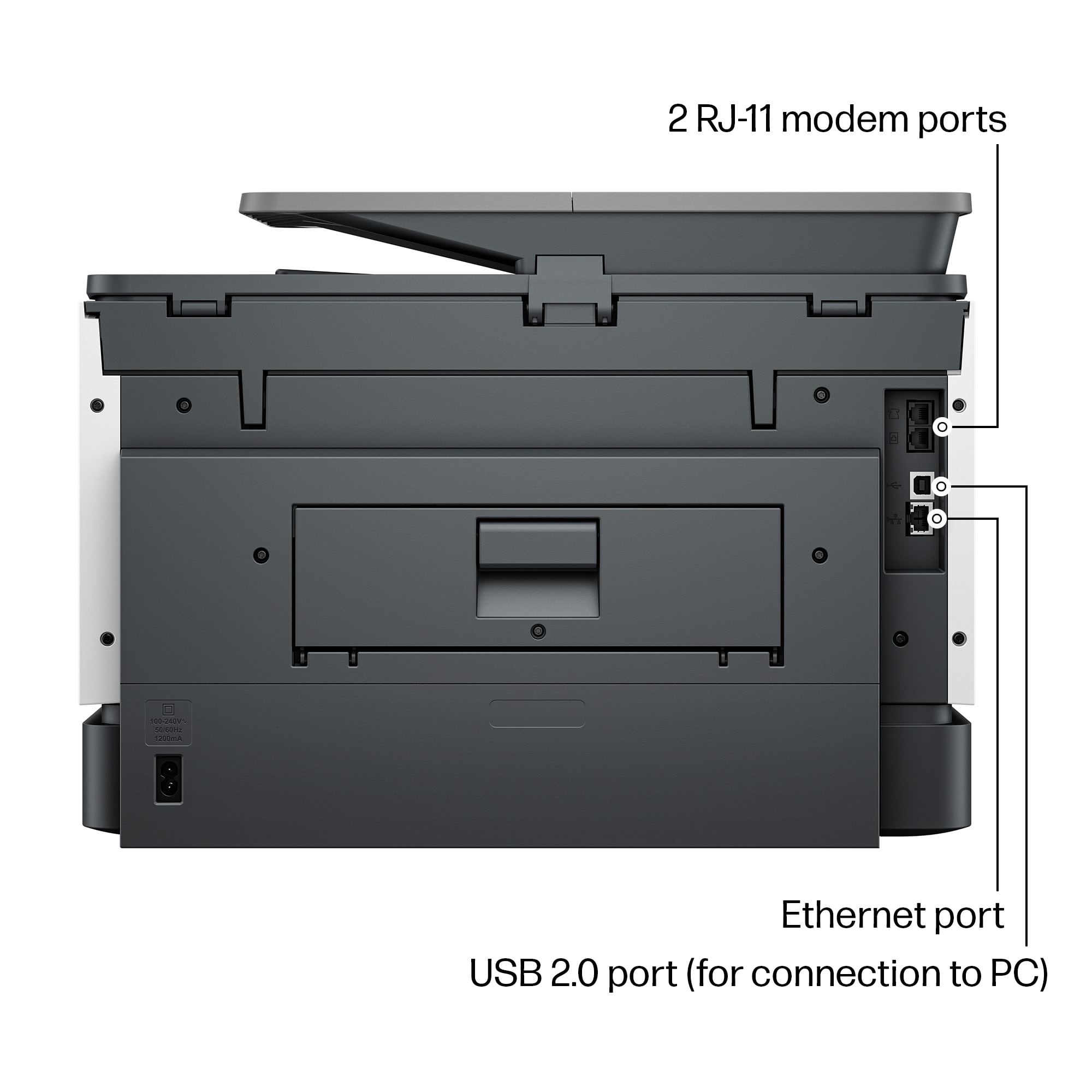
||Posted . Owned for 3 weeks when reviewed.This reviewer received promo considerations or sweepstakes entry for writing a review.Best All-in-One HP B/W/Color Printer, has all desirable features such as USB, Ethernet and Wireless Communication, Dual paper Trays for Plain and Photo Paper as well as Fax Capable. This Unit includes 3 Months of free HP Ink.
This review is from HP - OfficeJet Pro 9135e Wireless AI-Enabled AiO Inkjet Printer w/ 3 Months of Instant Ink - White
I would recommend this to a friend- Pros mentioned:Print quality
Rated 5 out of 5 stars
Great multipurpose printer
||Posted . Owned for 3 weeks when reviewed.This reviewer received promo considerations or sweepstakes entry for writing a review.Prints great photos; nice having 2 trays and dont have to switch between photo and regular paper
This review is from HP - OfficeJet Pro 9135e Wireless AI-Enabled AiO Inkjet Printer w/ 3 Months of Instant Ink - White
I would recommend this to a friend - Pros mentioned:Print quality
Rated 5 out of 5 stars
Nice printer
||Posted . Owned for 2 weeks when reviewed.This reviewer received promo considerations or sweepstakes entry for writing a review.Very nice printer I like that it has 2 paper trays. Seems to be very good quality and fast
This review is from HP - OfficeJet Pro 9135e Wireless AI-Enabled AiO Inkjet Printer w/ 3 Months of Instant Ink - White
I would recommend this to a friend Rated 1 out of 5 stars
Nightmare on HP Street
||Posted . Owned for 2 weeks when reviewed.This reviewer received promo considerations or sweepstakes entry for writing a review.What a nightmare. I purchased the 9135e on April 14. Got it home and set it up. I purchased it because I liked the 2-sided printing options and the 2-sided scanning function. Of course I couldn't get them to work. When I tried 2-sided printing a prompt would come on my screen that I needed to wait until the 1 side was printed then reinsert the pages and select the 2nd side button. This printer should not have to have that happen. In any case that wouldn't work either. The page would print the first page and have it in the position to flip to print the other side and just freeze. I could not pull the paper out to flip it or anything. After a few minutes, the printer would just spit out the paper and I could not figure out how to get it to do what I wanted. I went online and found a suggestion on something I might do through the app I needed to download to set the computer up. When I followed the instructions and selected the correct menu item, the page that I wanted would display for and instant and then disappear. I decided to contact HP for help. Every way to contact HP for help requires you to enter the serial number of your product. When I did that, the message back was that my serial number DID NOT EXIST! I checked it over and over. Took a picture of it and checked again. Nope. I finally found a phone number and called it. The auto attendant required a serial number. Again they said it DID NOT EXIST! I finally found some selections through the auto attendant that got me to a live body. I thought my nightmare was over, but alas no. Now I have to send an email with my proof of purchase and serial number. When they get it, they will make sure my serial number is in the system so I can start over again and be recognized. I was a little hesitant when I purchased this, so I became a Best Buy member. That allows me 60 days to return something instead of the usual 15. If this doesn't get A LOT easier, I am going to return it and purchase something else.
This review is from HP - OfficeJet Pro 9135e Wireless AI-Enabled AiO Inkjet Printer w/ 3 Months of Instant Ink - White
No, I would not recommend this to a friend- Pros mentioned:Print quality
Rated 5 out of 5 stars
Printer
||Posted . Owned for 1 week when reviewed.This reviewer received promo considerations or sweepstakes entry for writing a review.Nice printer, works very well. Using it for home and Church work.
This review is from HP - OfficeJet Pro 9135e Wireless AI-Enabled AiO Inkjet Printer w/ 3 Months of Instant Ink - White
I would recommend this to a friend - Pros mentioned:Ease of use
Rated 5 out of 5 stars
HP Printer
||Posted . Owned for 1 week when reviewed.This reviewer received promo considerations or sweepstakes entry for writing a review.Great printer. Fast and very easy set up. I recommend it to anyone
This review is from HP - OfficeJet Pro 9135e Wireless AI-Enabled AiO Inkjet Printer w/ 3 Months of Instant Ink - White
I would recommend this to a friend - Pros mentioned:Print quality
Rated 3 out of 5 stars
Disappointingly average
||Posted . Owned for 1 month when reviewed.This reviewer received promo considerations or sweepstakes entry for writing a review.Does a good job producing black and white or color documents. It is very noisy when printing. Also, so far I apparently won't print envelopes.
This review is from HP - OfficeJet Pro 9135e Wireless AI-Enabled AiO Inkjet Printer w/ 3 Months of Instant Ink - White
No, I would not recommend this to a friend - Pros mentioned:Print quality
Rated 5 out of 5 stars
Printer
||Posted . Owned for 1 month when reviewed.This reviewer received promo considerations or sweepstakes entry for writing a review.Was delivered as expected. Works like described,the print comes out clear
This review is from HP - OfficeJet Pro 9135e Wireless AI-Enabled AiO Inkjet Printer w/ 3 Months of Instant Ink - White
I would recommend this to a friend Rated 5 out of 5 stars
HP - OfficeJet
||Posted .This reviewer received promo considerations or sweepstakes entry for writing a review.HP - OfficeJet Pro 9135e Wireless All-In-One Inkjet Printer w/ 3 Months of Instant Ink w/ HP+ (+ 1 Bonus Months Ink w/ Code) - White . heavy duty
This review is from HP - OfficeJet Pro 9135e Wireless AI-Enabled AiO Inkjet Printer w/ 3 Months of Instant Ink - White
I would recommend this to a friendRated 5 out of 5 stars
HP OfficeJet Pro 9135e a winner
||Posted . Owned for 9 months when reviewed.This reviewer received promo considerations or sweepstakes entry for writing a review.This is a fantastic printer. Prints on multiple paper sizes, front and back, and in color. Works well with HP Smart app especially internet fax.
This review is from HP - OfficeJet Pro 9135e Wireless AI-Enabled AiO Inkjet Printer w/ 3 Months of Instant Ink - White
I would recommend this to a friend- Pros mentioned:Print quality
Rated 5 out of 5 stars
Great Product at an Affordable Price
||Posted . Owned for 1 week when reviewed.This reviewer received promo considerations or sweepstakes entry for writing a review.This is a quality product at an affordable price; has all the bells and whistles!
This review is from HP - OfficeJet Pro 9135e Wireless AI-Enabled AiO Inkjet Printer w/ 3 Months of Instant Ink - White
I would recommend this to a friend - Pros mentioned:Ease of use
Rated 5 out of 5 stars
Replacement Printer
||Posted . Owned for 1 week when reviewed.This reviewer received promo considerations or sweepstakes entry for writing a review.Easy to setup and maintain, It was just what we needed
This review is from HP - OfficeJet Pro 9135e Wireless AI-Enabled AiO Inkjet Printer w/ 3 Months of Instant Ink - White
I would recommend this to a friend - Pros mentioned:Print quality
Rated 3 out of 5 stars
Hard to Scan
||Posted . Owned for 1 week when reviewed.This reviewer received promo considerations or sweepstakes entry for writing a review.While to print capability and quality are good, the scan function too many steps when using an apple product. I would not buy this printer again unless using a windows device
This review is from HP - OfficeJet Pro 9135e Wireless AI-Enabled AiO Inkjet Printer w/ 3 Months of Instant Ink - White
No, I would not recommend this to a friend Rated 4 out of 5 stars
HP 9135
||Posted . Owned for 3 weeks when reviewed.This reviewer received promo considerations or sweepstakes entry for writing a review.seemed more complicated to set up than previous other brand computer
This review is from HP - OfficeJet Pro 9135e Wireless AI-Enabled AiO Inkjet Printer w/ 3 Months of Instant Ink - White
I would recommend this to a friend- Pros mentioned:Size
Rated 5 out of 5 stars
HP Printer
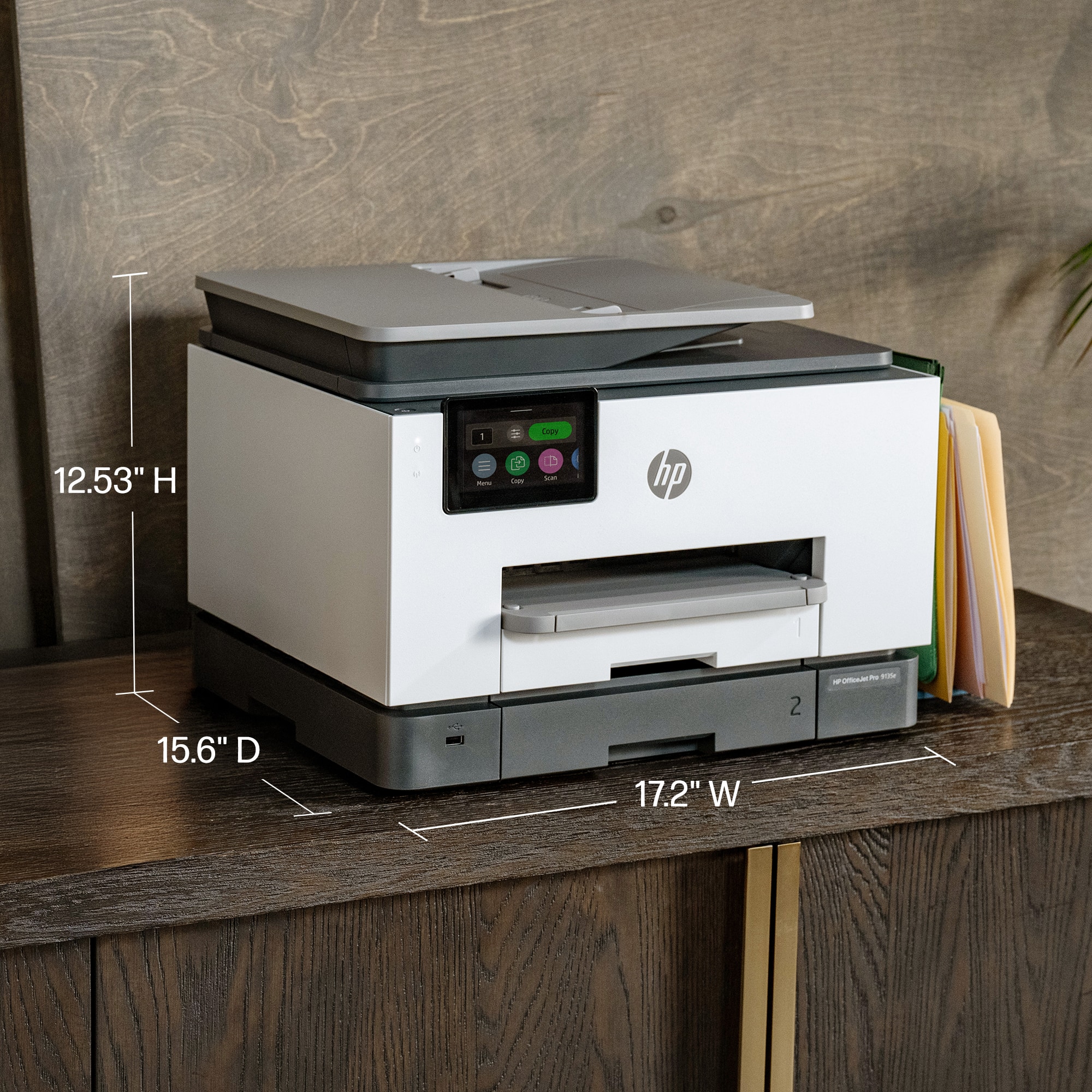
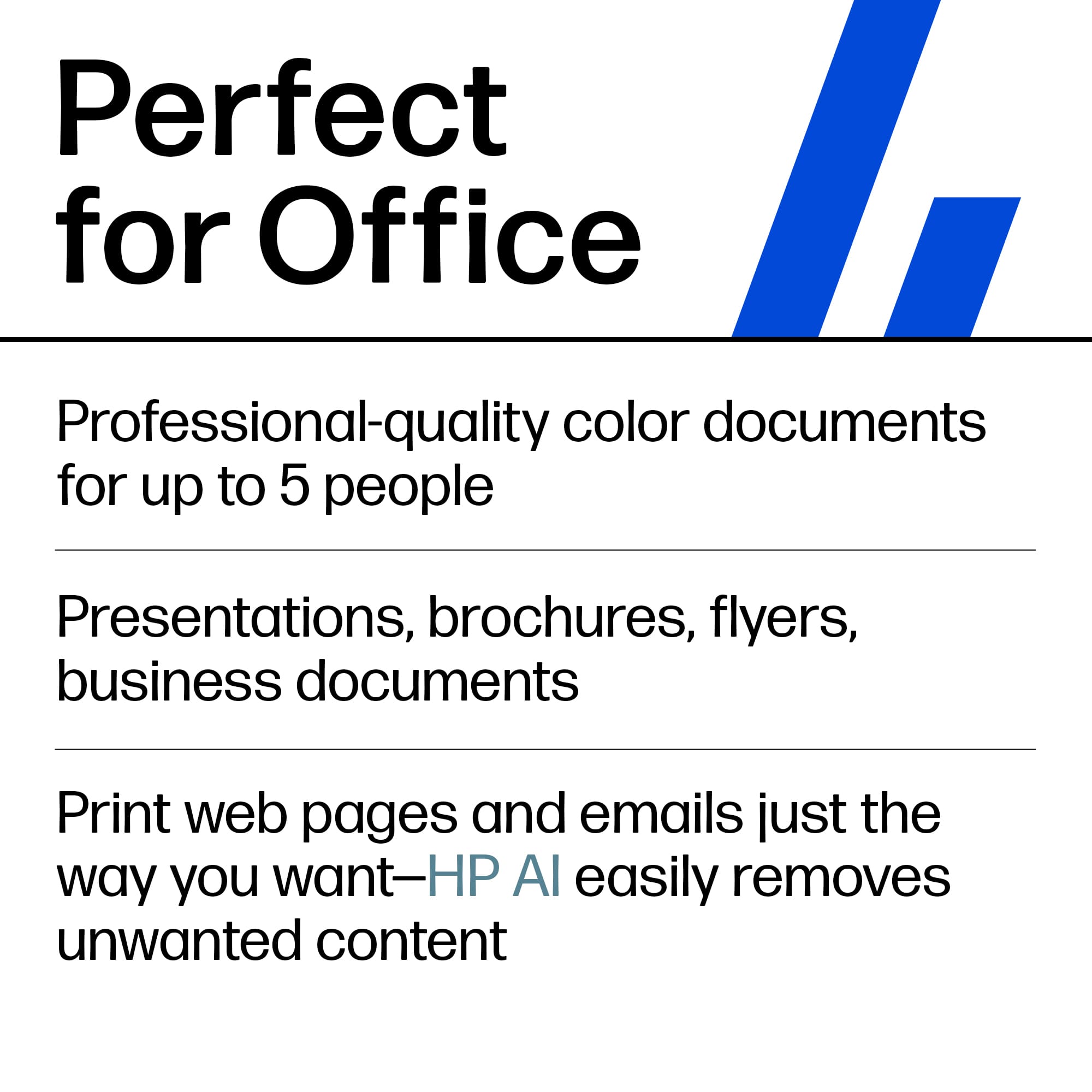
||Posted . Owned for 3 weeks when reviewed.This reviewer received promo considerations or sweepstakes entry for writing a review.Great for a small office or busy home office. Best Buy best price and in stock.
This review is from HP - OfficeJet Pro 9135e Wireless AI-Enabled AiO Inkjet Printer w/ 3 Months of Instant Ink - White
I would recommend this to a friend - Pros mentioned:Ease of use
Rated 5 out of 5 stars
Easy Setup
||Posted . Owned for 1 week when reviewed.This reviewer received promo considerations or sweepstakes entry for writing a review.So far so good. Easy setup. HP printers are always dependable, support is great.
This review is from HP - OfficeJet Pro 9135e Wireless AI-Enabled AiO Inkjet Printer w/ 3 Months of Instant Ink - White
I would recommend this to a friend - Pros mentioned:Ease of use
Rated 5 out of 5 stars
Great Printer
||Posted . Owned for 1 week when reviewed.This reviewer received promo considerations or sweepstakes entry for writing a review.Easy set up. Great printing quality. Simply a great printer overall.
This review is from HP - OfficeJet Pro 9135e Wireless AI-Enabled AiO Inkjet Printer w/ 3 Months of Instant Ink - White
I would recommend this to a friend - Pros mentioned:Overall performance
Rated 5 out of 5 stars
Buy this
||Posted . Owned for 1 month when reviewed.This reviewer received promo considerations or sweepstakes entry for writing a review.Great!!!!!!!!!!!!!!!!!!!!!!!!!!!!!!!!!!!!!!!!!!!!!!
This review is from HP - OfficeJet Pro 9135e Wireless AI-Enabled AiO Inkjet Printer w/ 3 Months of Instant Ink - White
I would recommend this to a friend















