Customer Ratings & Reviews


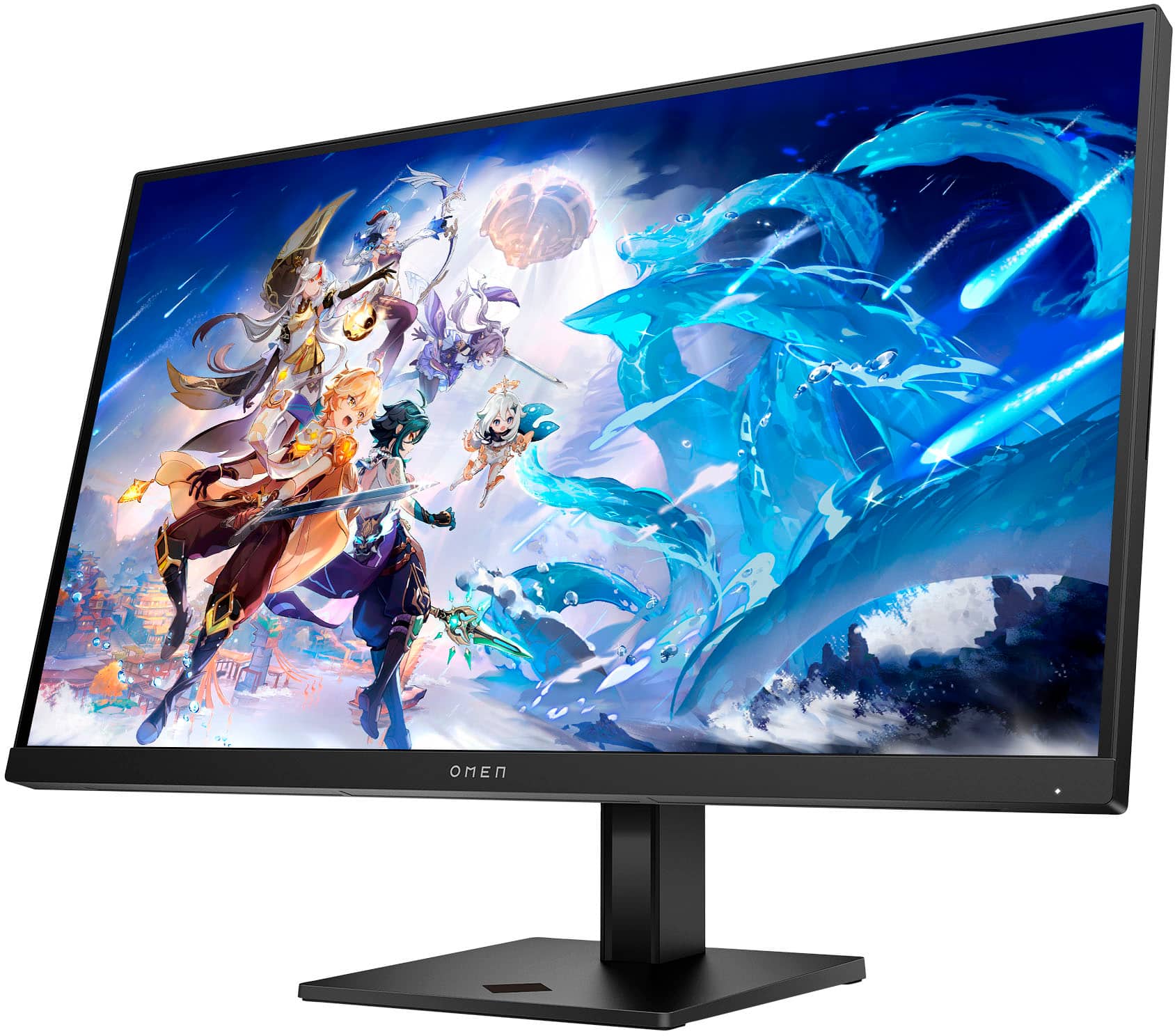



- Model:
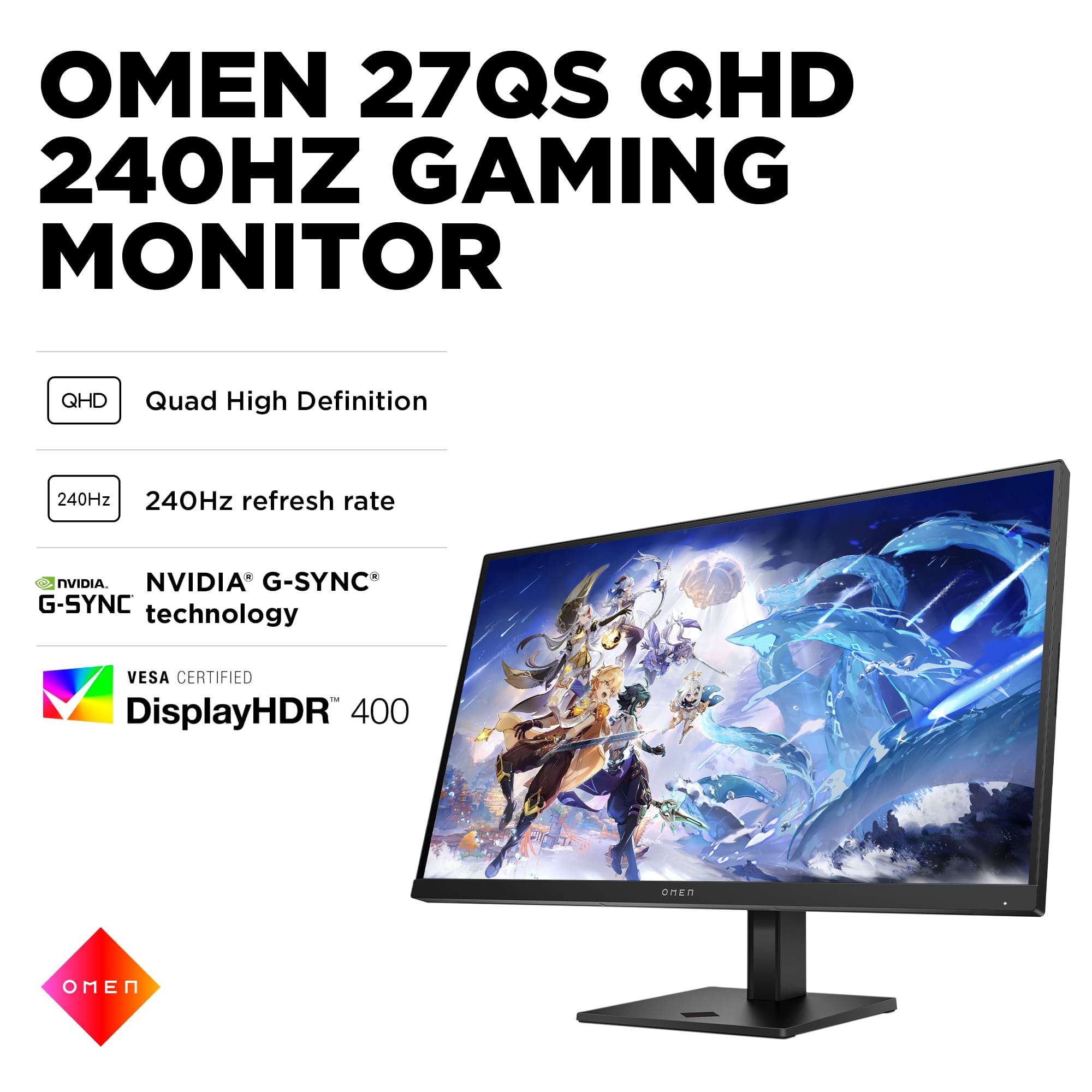
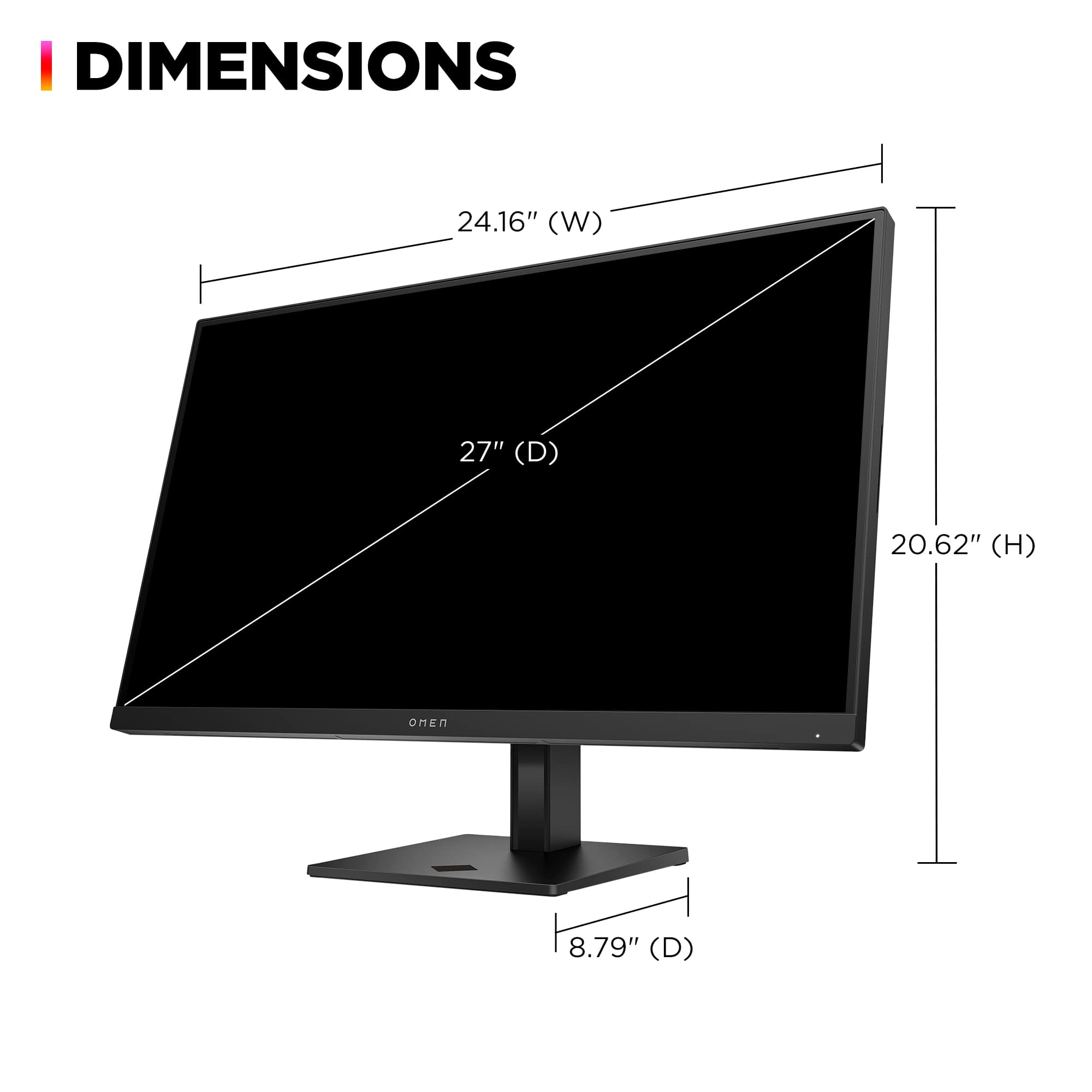
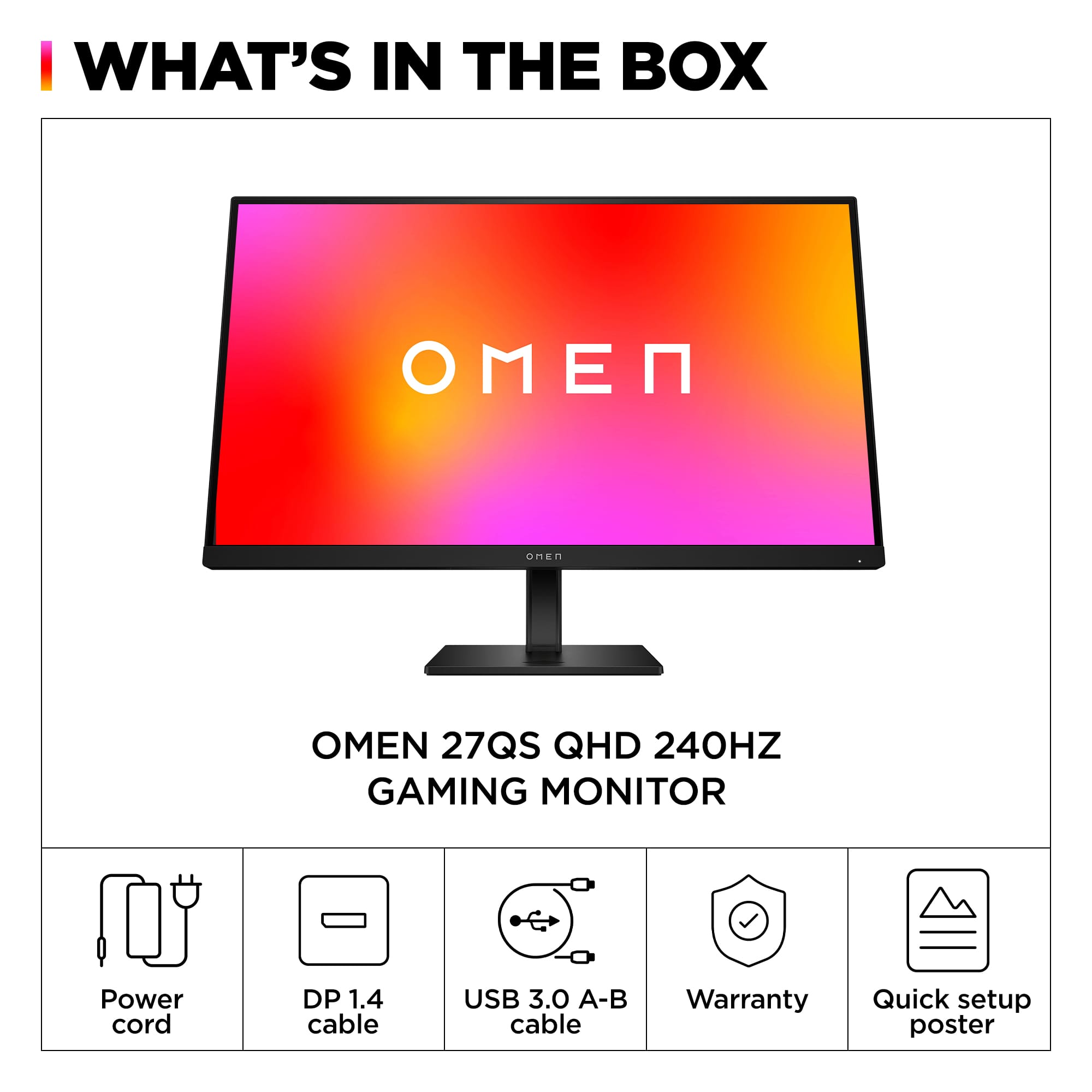
- Omen 27qs
- SKU:
- 6536814
Rating by feature
- Display Quality
Rating 4.8 out of 5 stars
- Ease of Use
Rating 4.8 out of 5 stars
- Features
Rating 4.7 out of 5 stars
Customers are saying
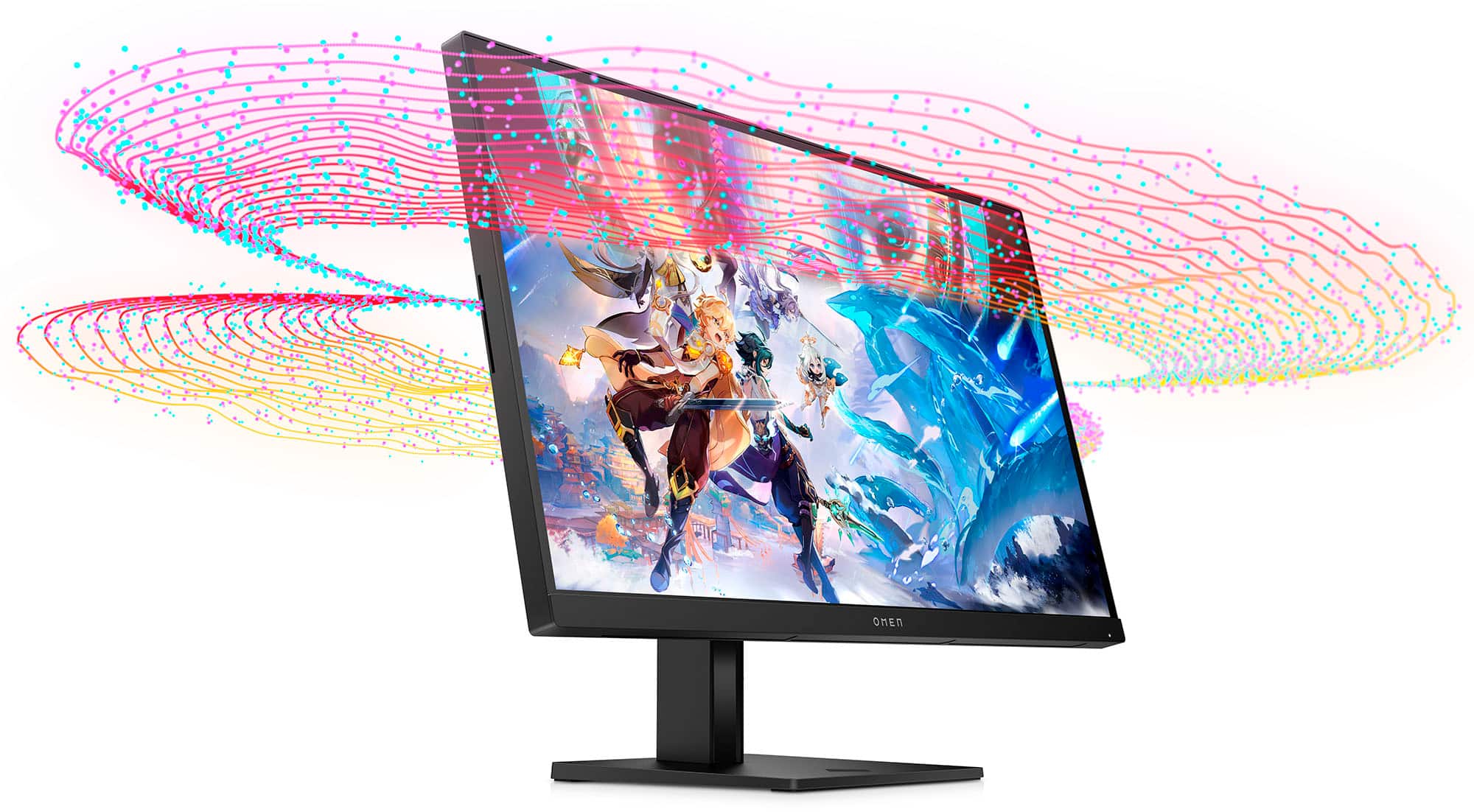
Customers commend the 27" IPS LED QHD Gaming Monitor for its top-notch picture quality, fast refresh rate, vibrant colors, good performance, and HDR, especially considering its price. However, some customers have expressed concerns about the quality of the internal speakers and the design of the stand. While a few users mentioned ghosting, the majority did not observe this issue. Overall, the monitor seems to be well-received for its visual performance and value.
This summary was generated by AI based on customer reviews.
Dead pixels
||Posted . Owned for 1 month when reviewed.This reviewer received promo considerations or sweepstakes entry for writing a review.Not even a month into owning this and the display already has 3 or so dead pixels. Not very happy about this product
No, I would not recommend this to a friendGood but better options
||Posted . Owned for 5 months when reviewed.This reviewer received promo considerations or sweepstakes entry for writing a review.No HDMI 2.1 and the picture quality is very poor for a 1440p monitor
No, I would not recommend this to a friendI wish there was minus stars
||Posted . Owned for 1 week when reviewed.This reviewer received promo considerations or sweepstakes entry for writing a review.What a pathetic services. Ordered an open box monitor during the sale at $250ish after tax but they never delivered. Never reached out to me with updated date of delivery. When I contacted them they offered me just to cancel because they knew its expensive now. The agent told me he is going to replace my order to get another one delivered to me (which was a lie) and i received an email for the cancellation of the order few minutes after. I called them after cancellation and asked them to match the price that they already committed to provide me the monitor at and they just refused that they cannot. Save your time and money by staying away from best buy. The most pathetic customer service and a scammer like behaviour
No, I would not recommend this to a friend- Pros mentioned:Refresh rateCons mentioned:Speakers

A versatile monitor not only for gaming
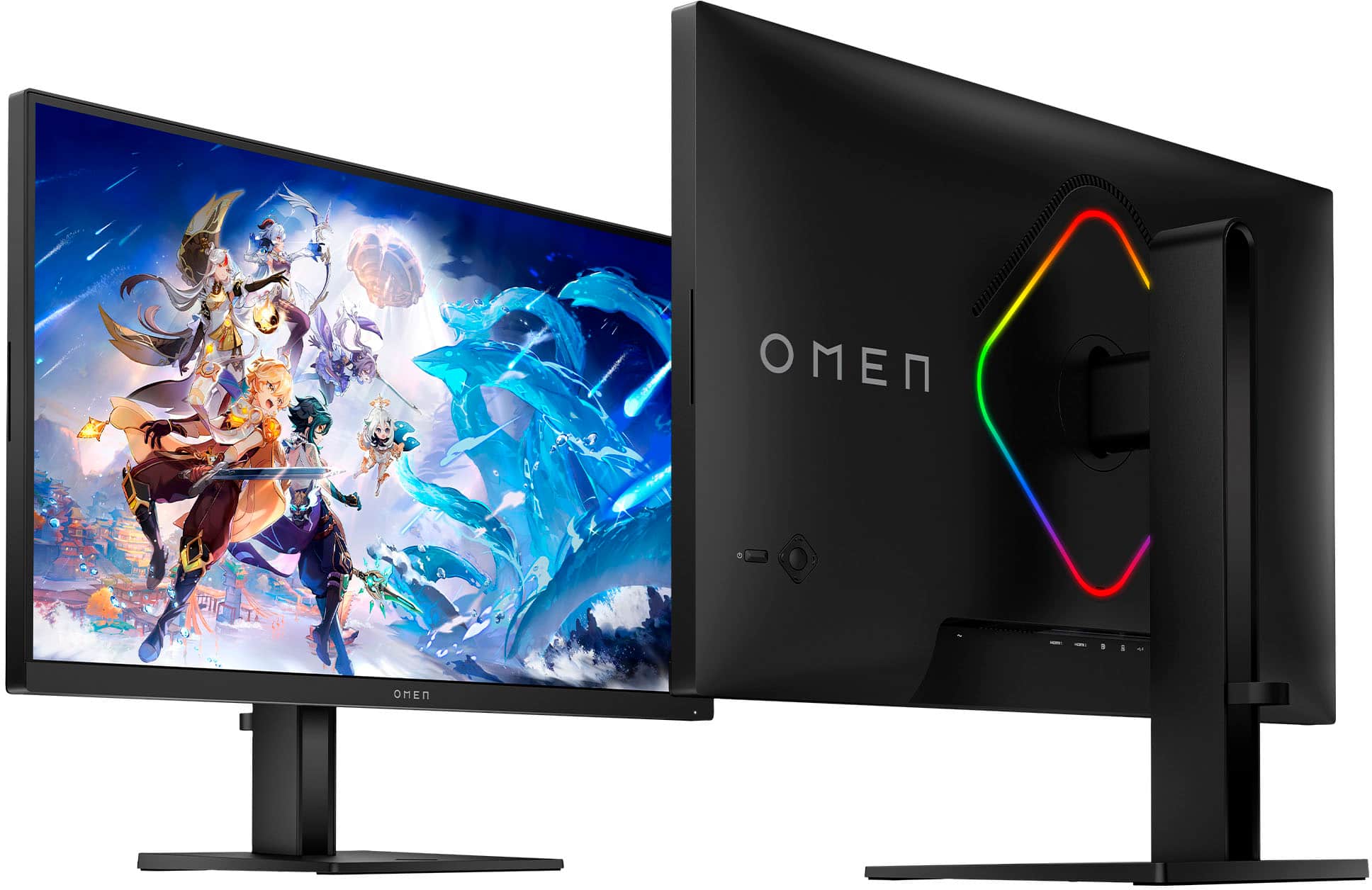
|Posted .This reviewer received promo considerations or sweepstakes entry for writing a review.The monitor boasts impressive specs: QHD resolution with HDR support, 240 fps, 1ms response time, plenty of ports and supports both Gsync and Freesync. Bottom line here, this is a future proof monitor. You can play games with 100 fps and as you upgrade your GPU to next generation you know it’s worth it to have a monitor that supports 240 fps. Right now, getting 240 fps on games like Valorant is easy especially at FHD resolution and it does not require you to use latest gen GPU. Because this monitor supports both Gsync and Freesync, your monitor will work pretty much the same when you switch camp in the future as this monitor should work just fine for both AMD and Nvidia GPU. So, who is this monitor for? Serious gamer who needs that 240fps and 1ms, but it will also definitely appeal to wider audience such as casual gamer. This monitor got the specs that matter for most gamers. At 27 inch and QHD resolution, games look and feel so immersive. If you play RTS and Triple-A FPS (first person shooter) games, the pixel density at QHD resolution and normal viewing distance is good to go. In RTS games, the denser the pixel is, the more beautiful the graphics when exploring the map. In FPS games pixel density is not as important as frame per second (fps). However, if you like to snipe a lot in FPS games, the pixel will still look good enough at QHD resolution when sniping so you can aim more accurately. If you play the same game at FHD resolution, the pixel is noticeable at normal viewing distance. Then again you would be trading pixel density and FPS, which will make sense to go for FPS in battle royal games. IPS panel these days has gone a long way that the image quality is getting better. Granted it is not an OLED panel, which has perfect black, but IPS panel these days are good enough not to yield overly disturbing light blooms in very dark scenes. The monitor is Versa ClearMR 5000 certified so less motion blur is expected in high FPS gaming. I like the fact that the monitor sports two integrated speakers, they are not the best quality but will get the job done unless you’re a very competitive gamer that relies on high quality and spatial audio technology. I also like it that the monitor comes with LED illumination on the back, which you can control from the Omen Gaming Hub app. Overall, this is a nice monitor that is ready for both computer games and console games. It has enough ports to connect both your computer and your console at the same time and I find it handy if my kids want to play Xbox while I’m using the TV in the living room. You can also connect media player to watch sports or play movies from computer to get the most from the monitor’s HDR support and motion blur certification. At 400 nits of brightness, however, it’s not the best for HDR content, and you can’t go beyond 60 fps when using HDMI in case you want to replay a clip from your high fps action cameras. Small tip: play it from the computer connected to DP port. Nevertheless, this is a monitor that is useful not only for playing computer games, but also for consoles, media players, etc.
I would recommend this to a friend Gaming Monitor
||Posted . Owned for 6 months when reviewed.This reviewer received promo considerations or sweepstakes entry for writing a review.Didn't like how the image look, too dark for my taste
No, I would not recommend this to a friend- Pros mentioned:Picture quality, Refresh rateCons mentioned:Speakers
Very Nice monitor-not just for gaming w great spec
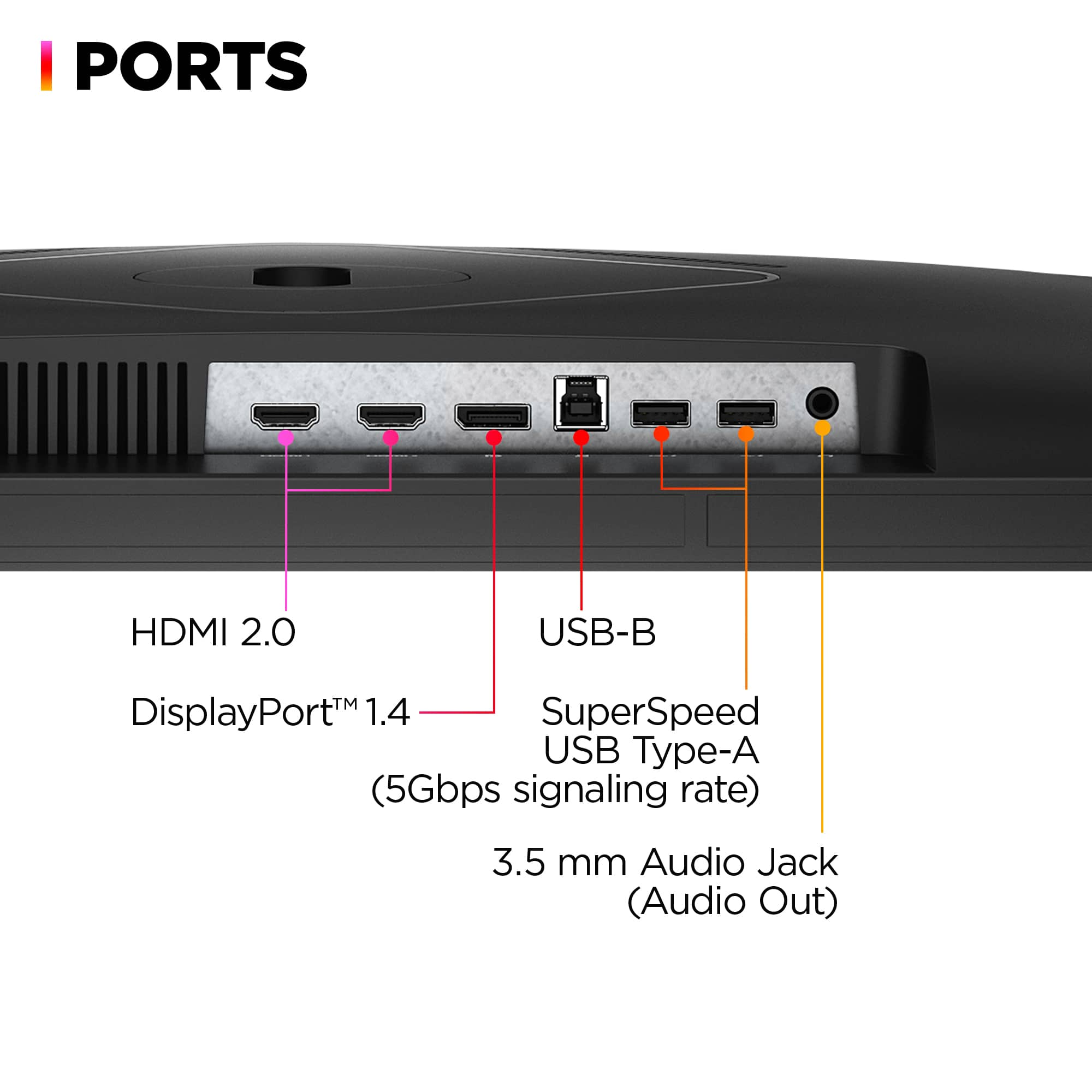
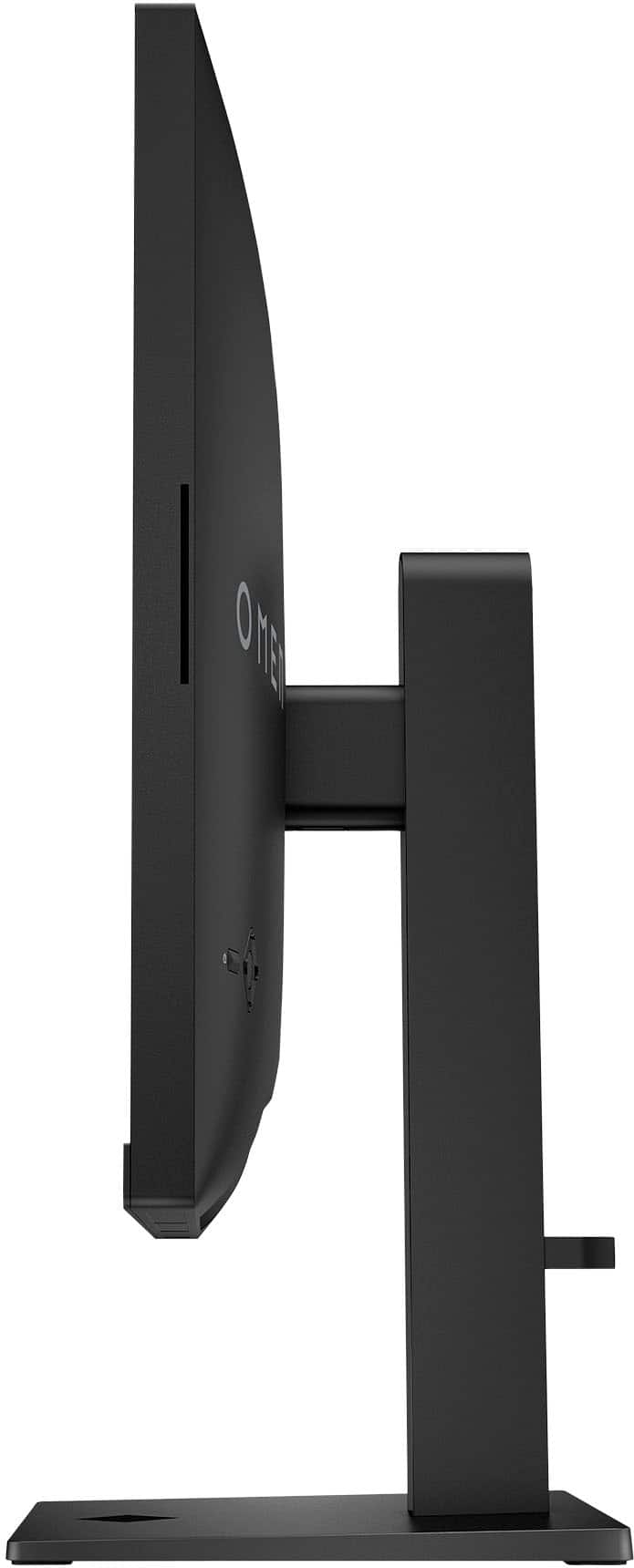
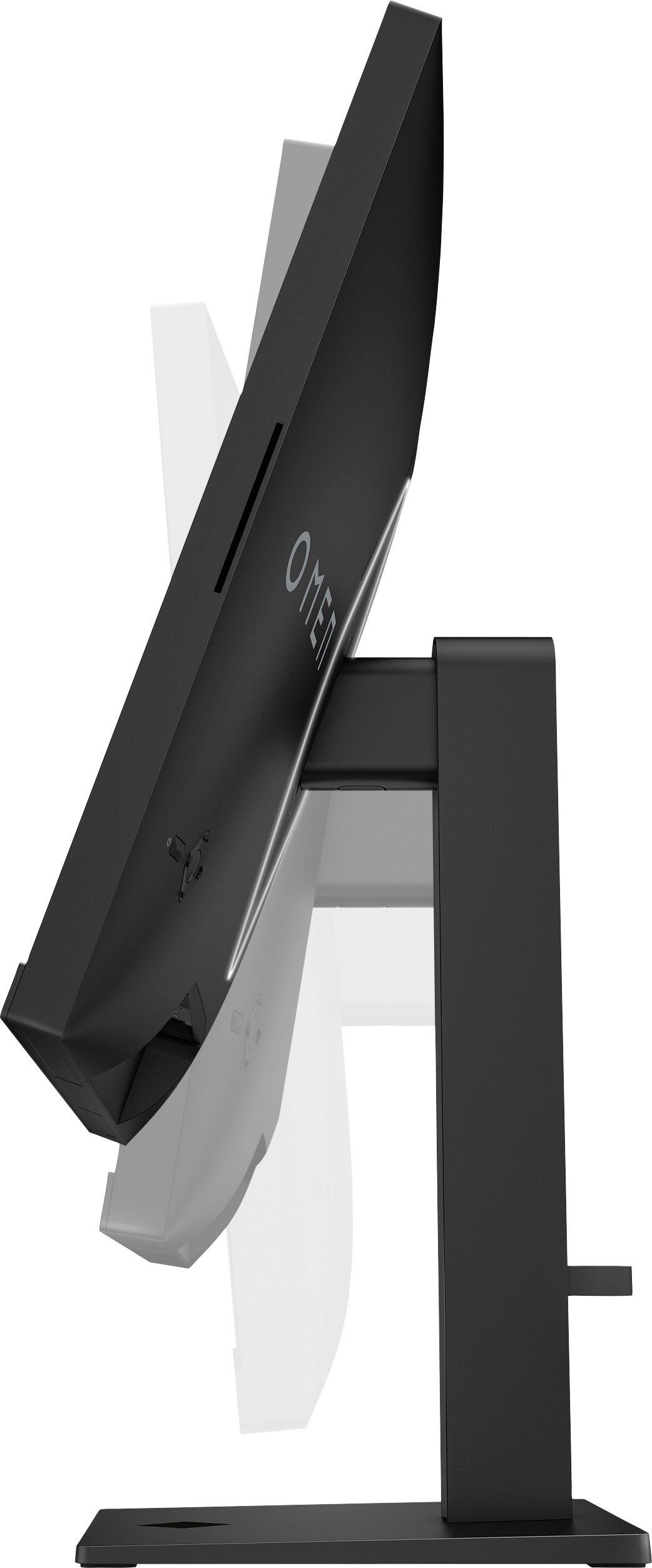
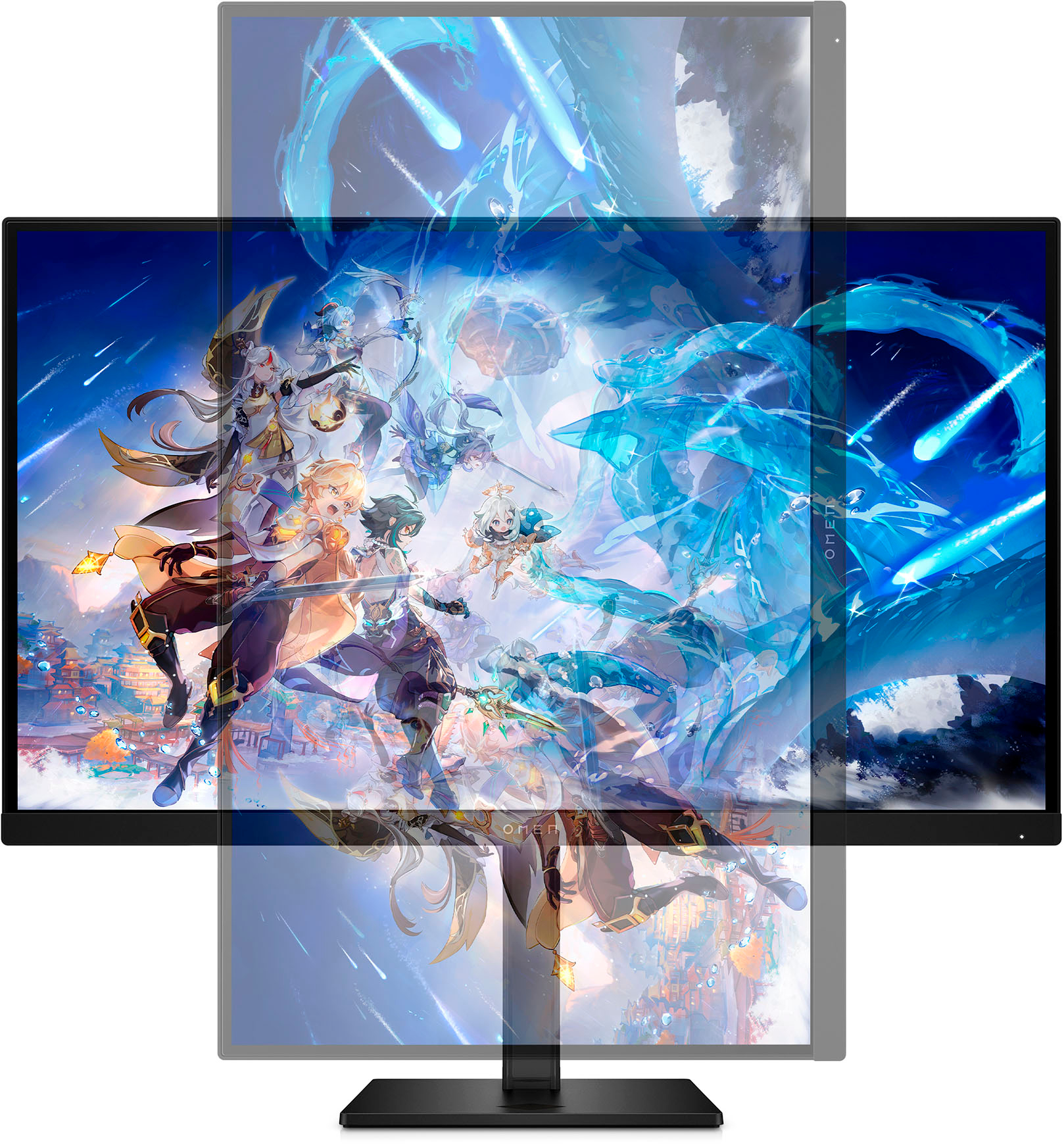
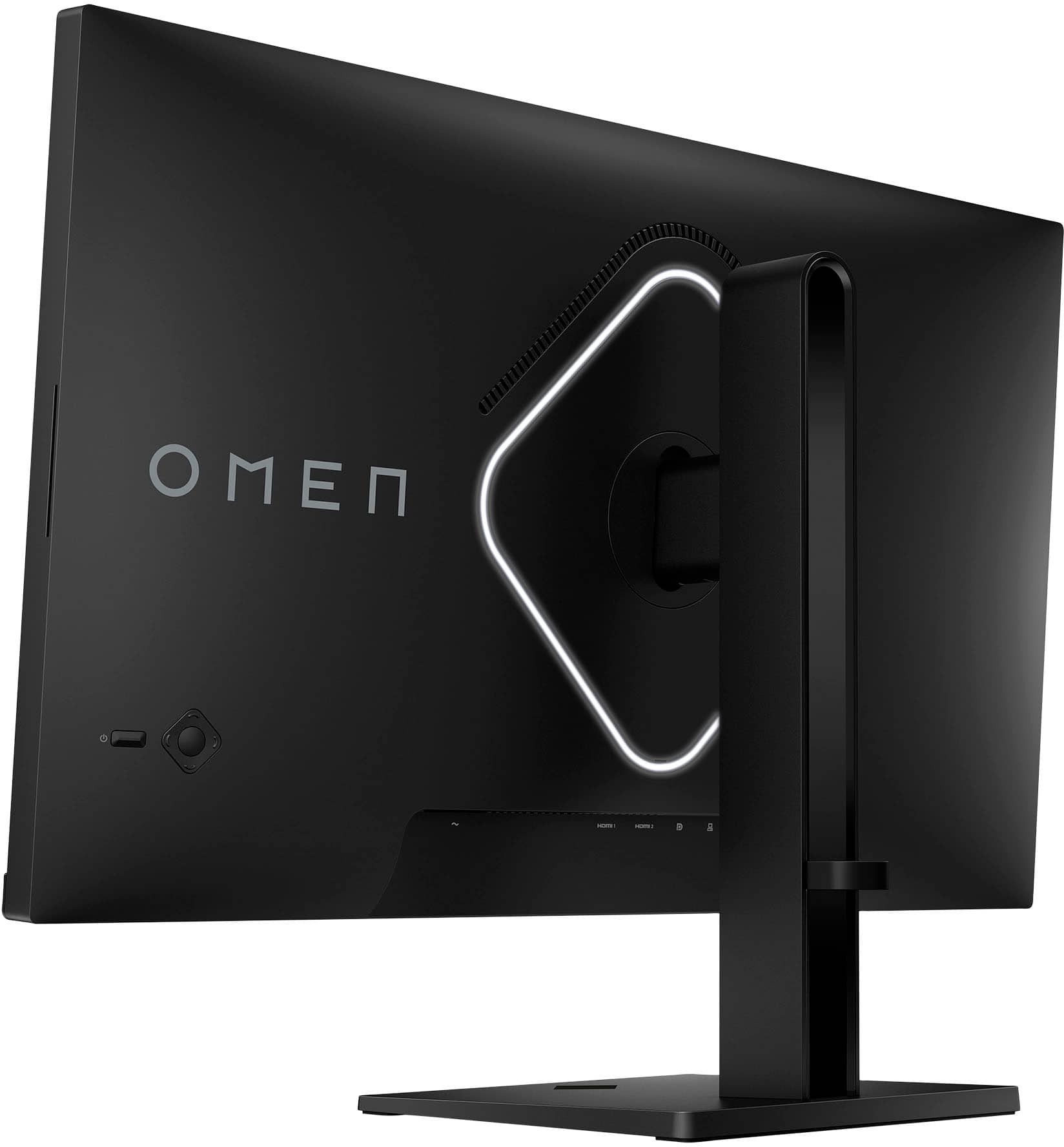
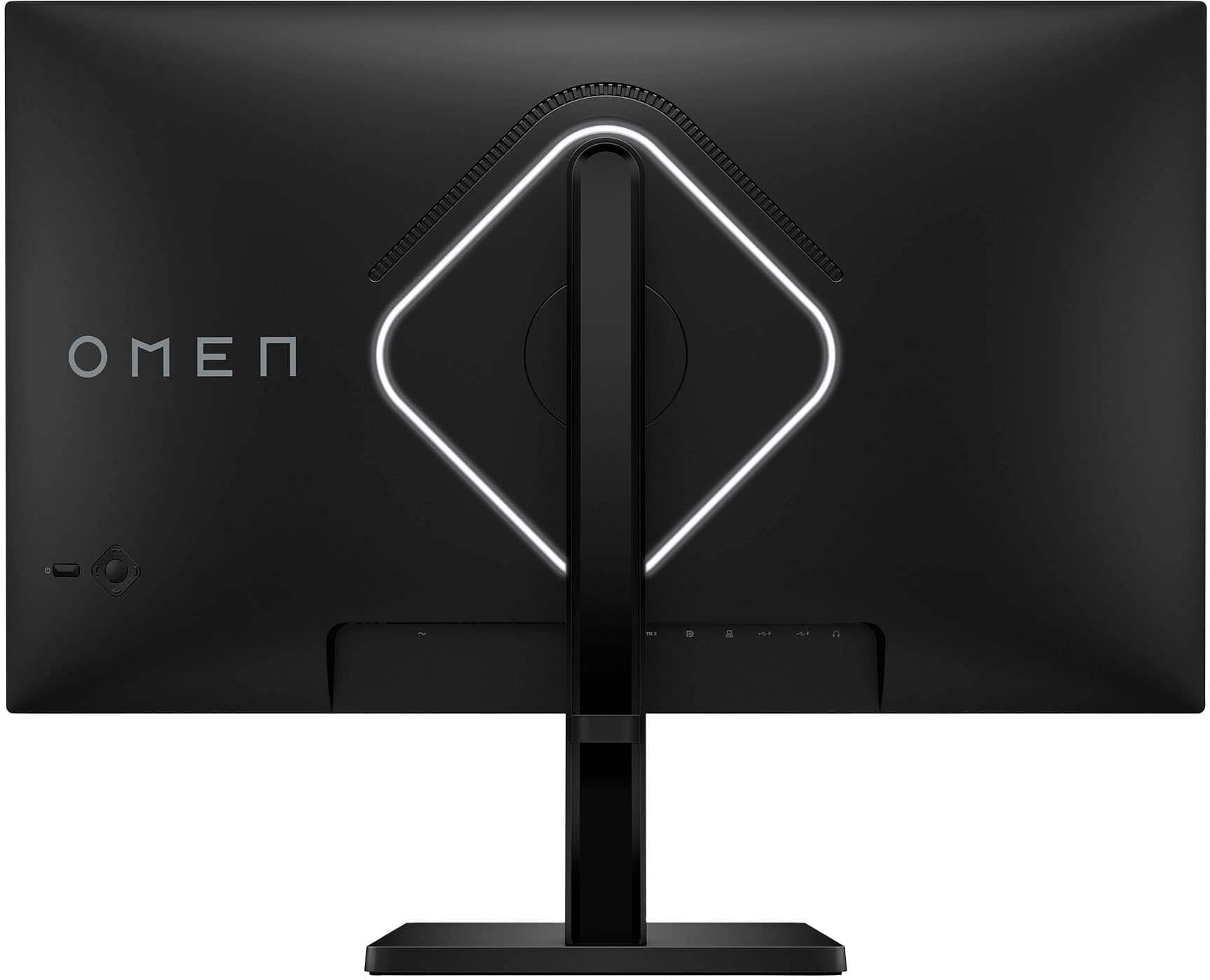
|Posted .This reviewer received promo considerations or sweepstakes entry for writing a review.HP OMEN - 27" IPS QHD 240Hz FreeSync and G-SYNC Compatible Gaming Monitor with VESA DisplayHDR 400 certification Very Nice monitor – not just for gaming The design of the monitor is minimal and well-constructed. The stand is stable, and the construction is sturdy since it is metal and easily assembled. The monitor stand has good adjustability with tilt, side to side adjustments and height adjustments. It can also be rotated to portrait or landscape mode. The Bezel is thin and clean. It uses a standard PC power cable instead of a power brick and even after playing hard on it for hours it has a good venting and only gets warm never hot. There is a little bulge in the back with the monitor power supply built in and a hefty mounting plate so don’t expect it to be wafer thin. The monitor has a power button and a joystick for settings and an on-screen display. The monitor has a 100mm x 100mm VESA wall mount where the stand is normally mounted to the rear of the display and it is concealed under a plastic panel. There is a LED lighting panel surrounding the mounting point, that is also controlled by the on-screen display panel. It has 2 HDMI 2.0 connectors, a DisplayPort 1.4 connector, headset jack, 1 upstream USB-B 2.0 port (for connecting to computer) and 2 downstream USB-A 2.0 port (for connecting to peripherals). It also has a loop on the upright to help with cable management. You can download HP’s Game Hub and Lighting studio software to control the LED panel and give more adaptability for the screen setup. The monitor has a power button and a joystick for settings and an on-screen display. Lots of presets and the ability to adjust everything manually if they don’t work out for you. The monitor has a 100mm x 100mm VESA wall mount where the stand is normally mounted to the rear of the display and it is concealed under a plastic panel. There is a LED lighting panel surrounding the mounting point, that is also controlled by the on-screen display panel. It has 2 HDMI 2.0 connectors, a DisplayPort 1.4 connector, headset jack, 1 upstream USB-B 2.0 port (for connecting to computer) and 2 downstream USB-A 2.0 port (for connecting to peripherals). It also has a loop on the upright to help with cable management. Though it has 3 watt speakers since they are small and rear firing I prefer a headset or my external speakers. But these work well if you don’t have an alternative. I can see in a productivity environment without other speakers they would be adequate. The monitor exhibits decent black, vibrant colors, decent white and good gray uniformity. I did not detect any smearing, flash-lighting or color bleeding and is flicker-free. No Dead pixels! Due to the monitor being an IPS panel it has good viewing angles, consistent accurate colors and clear images. It has good reflection handling qualities. Because of the specs one would expect sharp text and you will not be disappointed. It has an impressive response time and refresh rate of 240Hz up from a more standard 165Hz and this gives it a clean picture - watching videos or playing games. I played several online PVP style games and the picture maintained its clean features. One thing to note is that to get 240Hz refresh rate you have to use a DisplayPort connection but this from what I have seen and read is common on monitors. Optimum resolution is 2560x1440(QHD). It has a wide variety of preset colors and a manual RGB selection if you need something different.
I would recommend this to a friend Eghh
||Posted . Owned for 1 week when reviewed.This reviewer received promo considerations or sweepstakes entry for writing a review.Was expecting more tbh overall pretty decent just not enough gaming setting adjustments in my opinion for price
No, I would not recommend this to a friendTerrible
||Posted . Owned for 3 weeks when reviewed.This reviewer received promo considerations or sweepstakes entry for writing a review.Terrible monitor. Returned it cause day one out of the box the screen was flashing. Didn’t work for even a day. And half of my screen had dead pixels. Ggs. Terrible
No, I would not recommend this to a friendOn and Off Again
||Posted . Owned for 1 month when reviewed.This reviewer received promo considerations or sweepstakes entry for writing a review.Quality seems decent enough but the screen refuses to stay on. Goes black and then comes back about 10-20x per day....
No, I would not recommend this to a friendDecent
||Posted . Owned for 3 weeks when reviewed.This reviewer received promo considerations or sweepstakes entry for writing a review.Got It On Sale , Its Decent My 1080p ASUS Monitor Is Better.
I would recommend this to a friendmonitor line
||Posted . Owned for 1 month when reviewed.This reviewer received promo considerations or sweepstakes entry for writing a review.Barely a month and got a line on the monitor that doesn't go away.
No, I would not recommend this to a friendDoesn't Support HDMI 2.1
||Posted .This reviewer received promo considerations or sweepstakes entry for writing a review.Monitor is advertised as 240hz WHD, but doesn't support HDMI 2.1, making the required data transfer impossible when using HDMI. This makes it impossible to run the monitor at the advertised specs
No, I would not recommend this to a friend- Cons mentioned:Speakers
Waste of money
||Posted . Owned for 1 week when reviewed.This reviewer received promo considerations or sweepstakes entry for writing a review.Rear facing speakers... total junk. Not worth the money
No, I would not recommend this to a friend Fraudulent Purchase - Still Awaiting Refund
||Posted .This reviewer received promo considerations or sweepstakes entry for writing a review.Some random person used my Bestbuy account to purchase this item fraudulently. Bestbuy has NOT refunded me. It's been 8 weeks, I've called several times, no refund.
No, I would not recommend this to a friendToo expensive to be good
||Posted . Owned for 3 weeks when reviewed.This reviewer received promo considerations or sweepstakes entry for writing a review.Display isn’t bright enough. When mounted on a monitor arm feels loose. Backlight overheats. Didn’t like it overall
No, I would not recommend this to a friendMeh.
||Posted . Owned for 5 months when reviewed.This reviewer received promo considerations or sweepstakes entry for writing a review.Lots of screen tearing, tried to fix the problem using various methods with no success, I assume the panel is faulty. Going to return.
No, I would not recommend this to a friendInstall Update Bricked My Whole PC
||Posted . Owned for 1 year when reviewed.This reviewer received promo considerations or sweepstakes entry for writing a review.HP Omen Install Monitor exe program used up 99% of my system memory, and had to be stopped from the CMD, it essentially made my computer so laggy and crashy that i was unable to use it. Until this install program issue is fixed, do not buy this brand monitor. If it is ever fixed, it's a perfectly fine monitor for gaming, but i won't trust this brand again personally.
No, I would not recommend this to a friendEhhhhhh
||Posted .This reviewer received promo considerations or sweepstakes entry for writing a review.I would give this monitor 4-5 stars if the Display Port worked properly. This monitor is nice and works good with the two hdmi ports. But the display port does not work. From what ive read this seems to be a common problem with this monitor. And updating drivers does not fix the issue.
No, I would not recommend this to a friendBad customer care experience
||Posted . Owned for less than 1 week when reviewed.This reviewer received promo considerations or sweepstakes entry for writing a review.Screen was broken in package, and color lines crossed the, the representative was trying to charge me a extra 20$ upon return and exchange, after another was mailed or the box from Fed Ex was also damaged and dirty, I hope this one works.
No, I would not recommend this to a friendGood, but Software Issues
||Posted . Owned for 9 months when reviewed.This reviewer received promo considerations or sweepstakes entry for writing a review.The monitor itself is fantastic with clear imagery and good response. However after purchasing over a year ago HP has pushed out some broken updates to their software causing all resources of your computer to be used (100% on everything; RAM, CPU) and the only way is to terminate it running CMD. I'll change my review when this gets fixed ASAP
I would recommend this to a friend