Customer Ratings & Reviews





- Model:
- Omen 27qs
- SKU:
- 6536814
Rating by feature
- Display Quality
Rating 4.8 out of 5 stars
- Ease of Use
Rating 4.8 out of 5 stars
- Features
Rating 4.7 out of 5 stars
Customers are saying
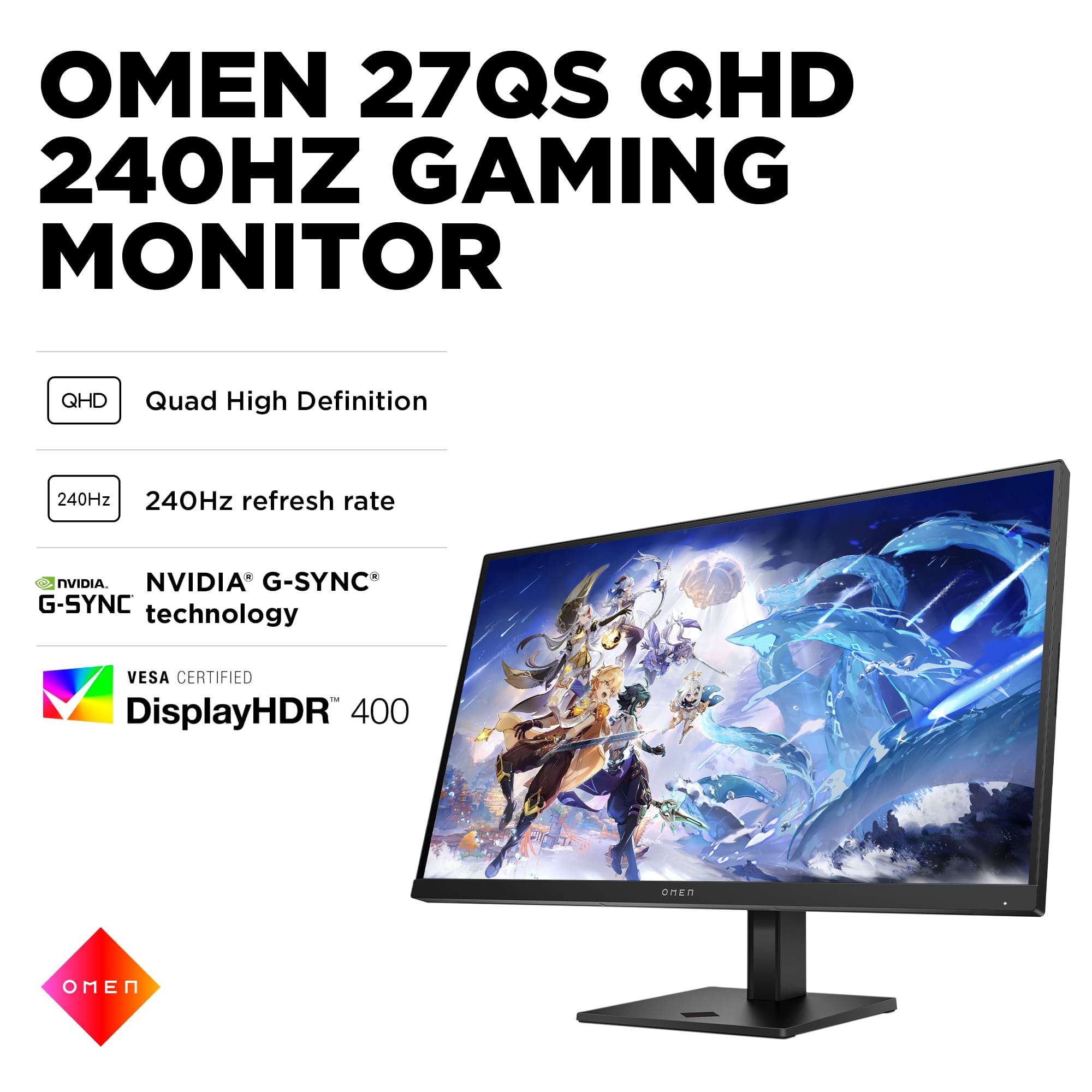
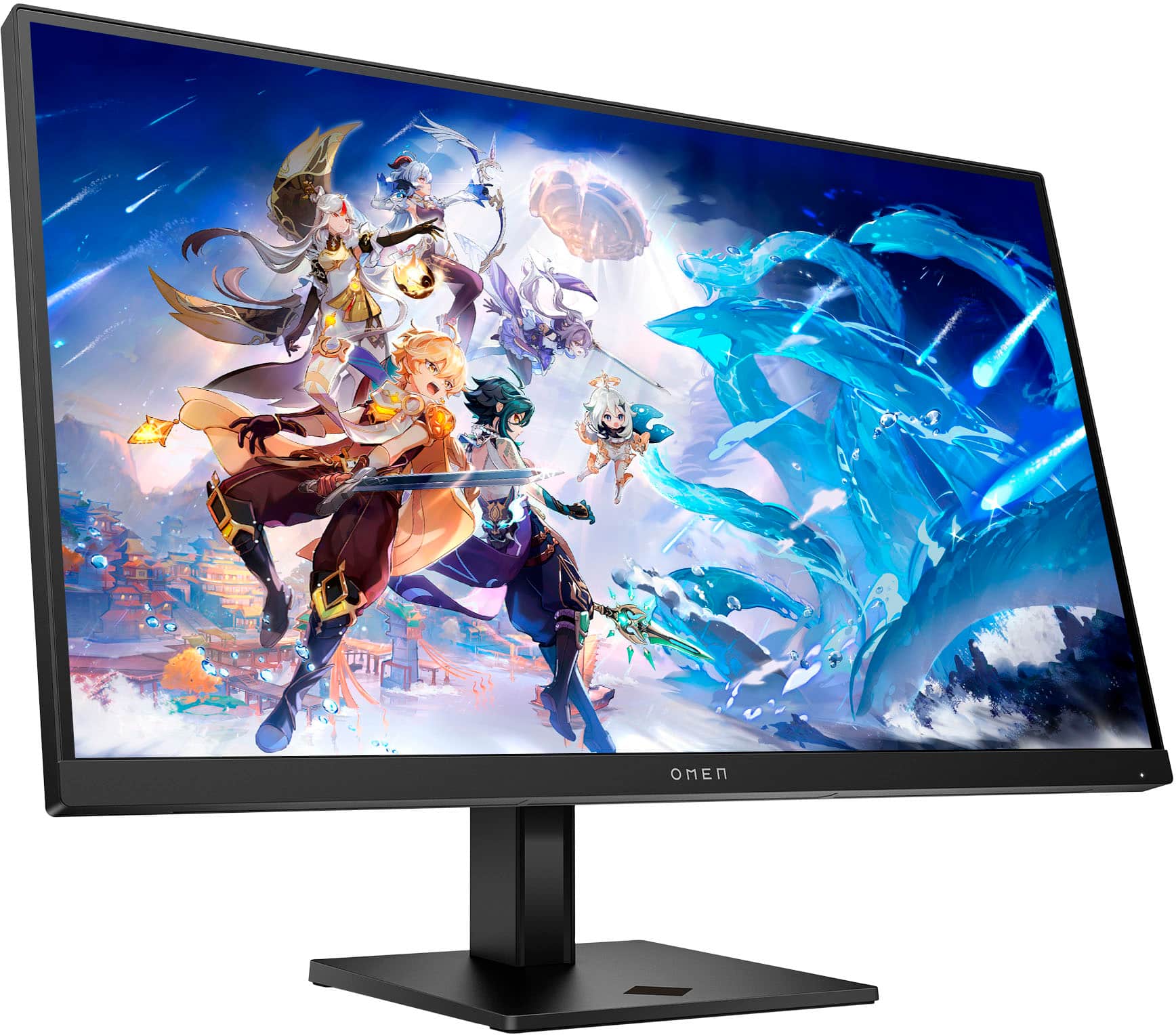
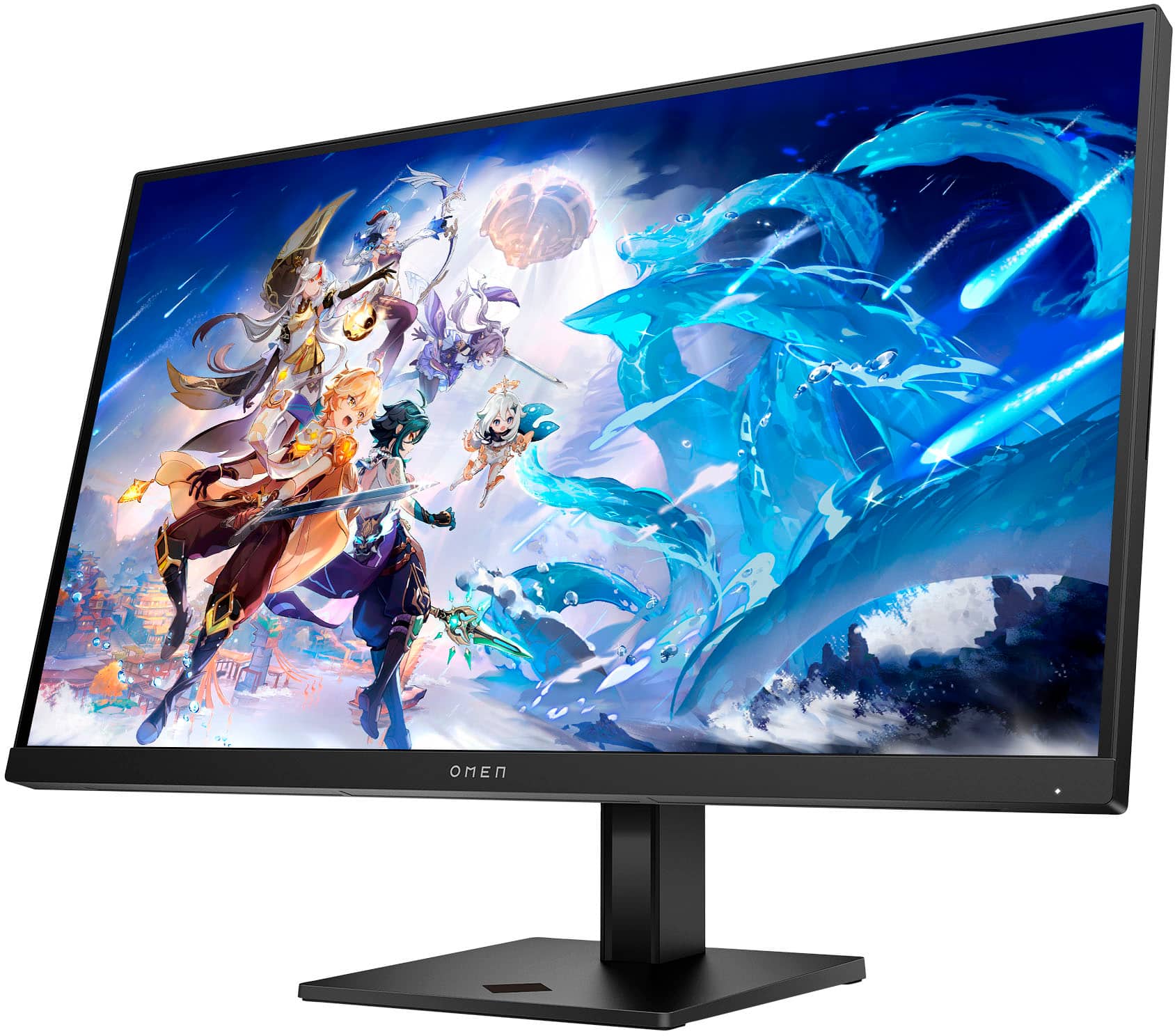
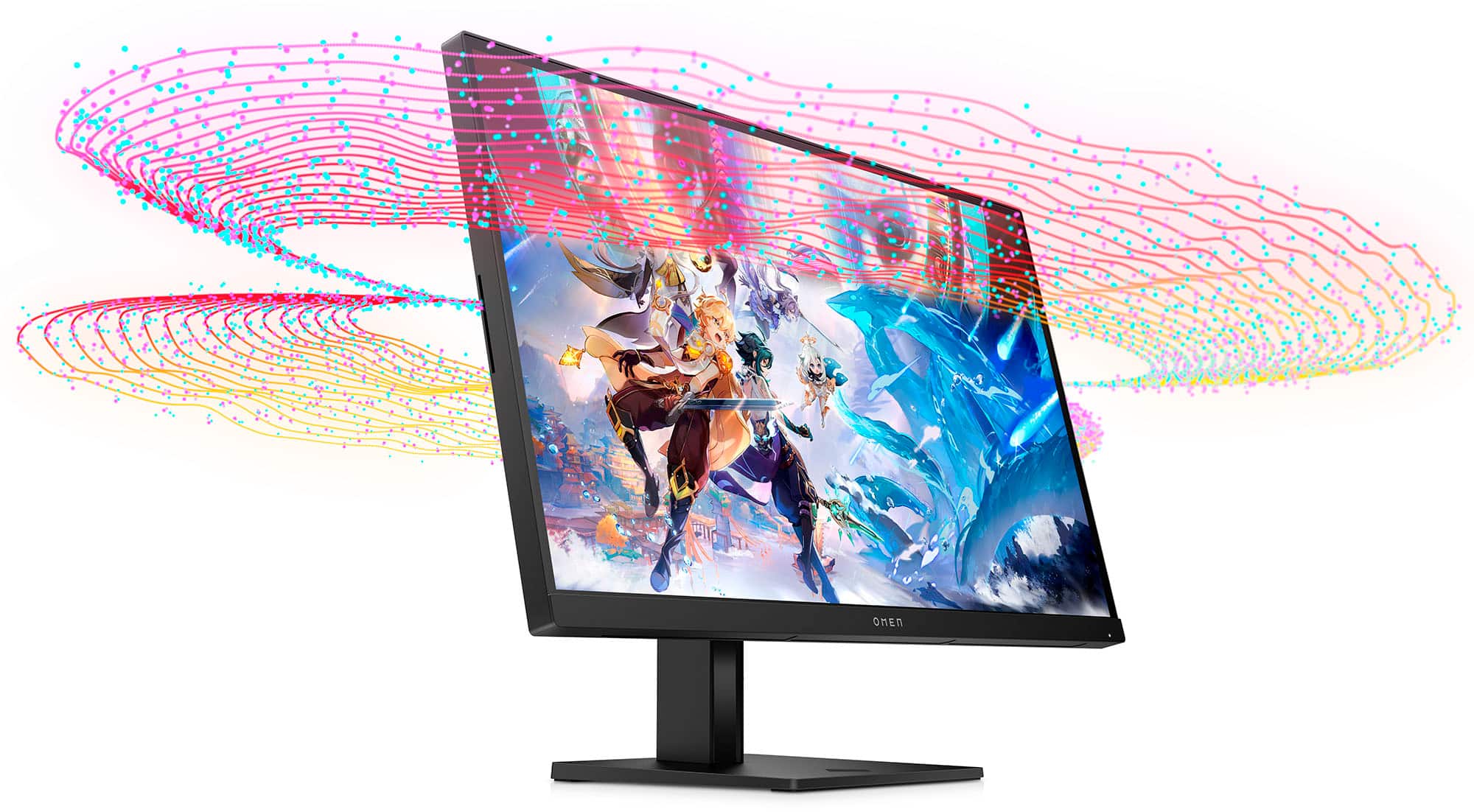
Customers commend the 27" IPS LED QHD Gaming Monitor for its top-notch picture quality, fast refresh rate, vibrant colors, good performance, and HDR, especially considering its price. However, some customers have expressed concerns about the quality of the internal speakers and the design of the stand. While a few users mentioned ghosting, the majority did not observe this issue. Overall, the monitor seems to be well-received for its visual performance and value.
This summary was generated by AI based on customer reviews.
pass on this monitor
||Posted . Owned for 1 month when reviewed.This reviewer received promo considerations or sweepstakes entry for writing a review.monitor isnt worth it, even when its on sale at $200, the colors are just abysmal.
No, I would not recommend this to a friendBetter monitors out there
||Posted . Owned for 1 year when reviewed.This reviewer received promo considerations or sweepstakes entry for writing a review.Dead pixel developed after the factory warranty expired.
No, I would not recommend this to a friendDon't recommend
||Posted . Owned for 1 month when reviewed.This reviewer received promo considerations or sweepstakes entry for writing a review.I highly would not recommend this monitor, it's very glitchy. It also went in and out on me even after trying different types of video cables, I do not recommend.
No, I would not recommend this to a friend- Pros mentioned:Picture quality, Refresh rate

HP 27qs is a winner for me
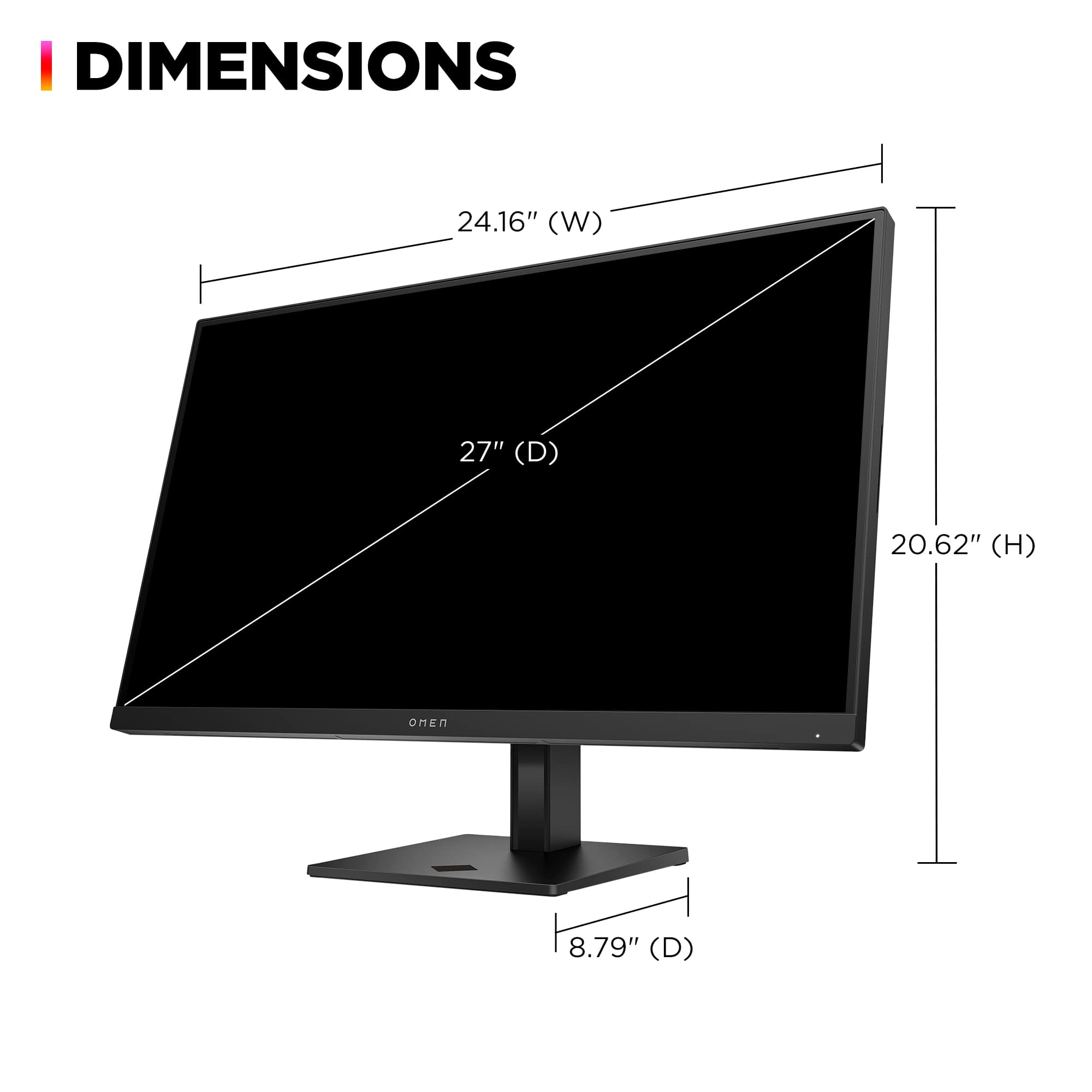
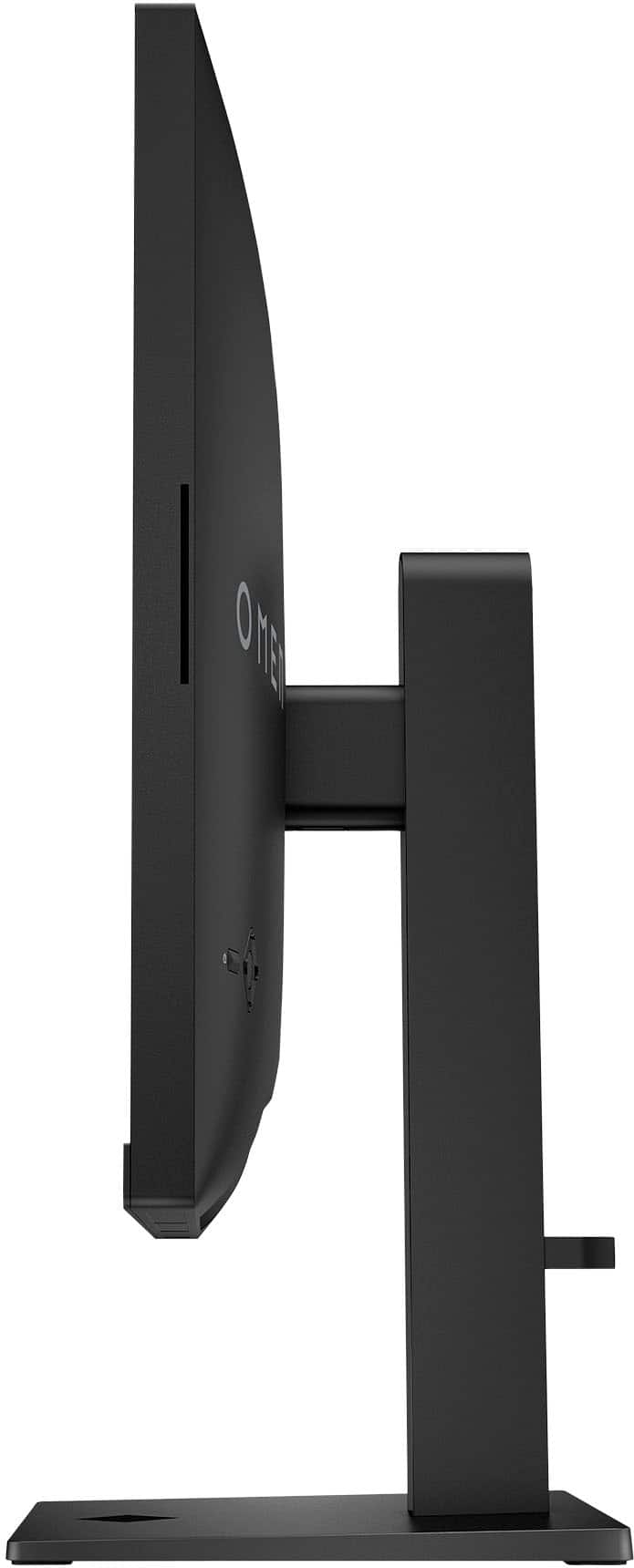
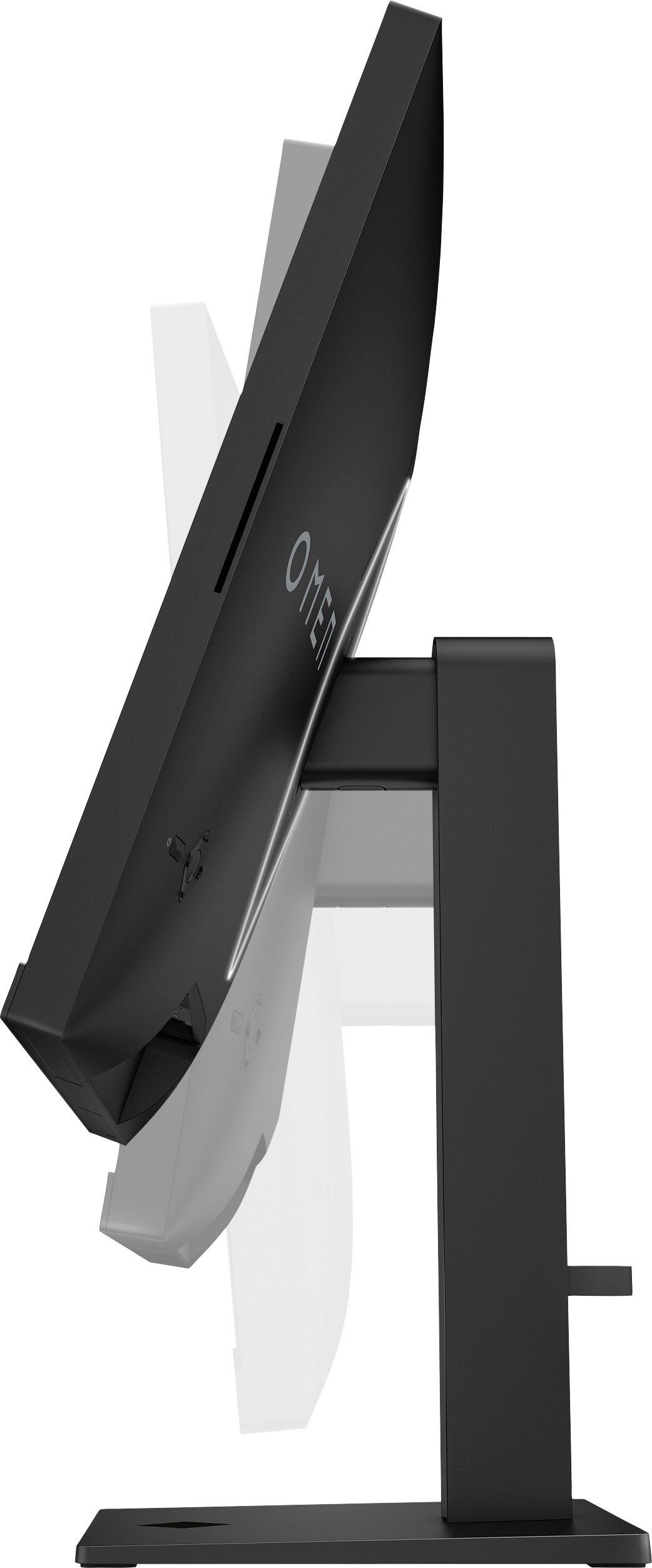
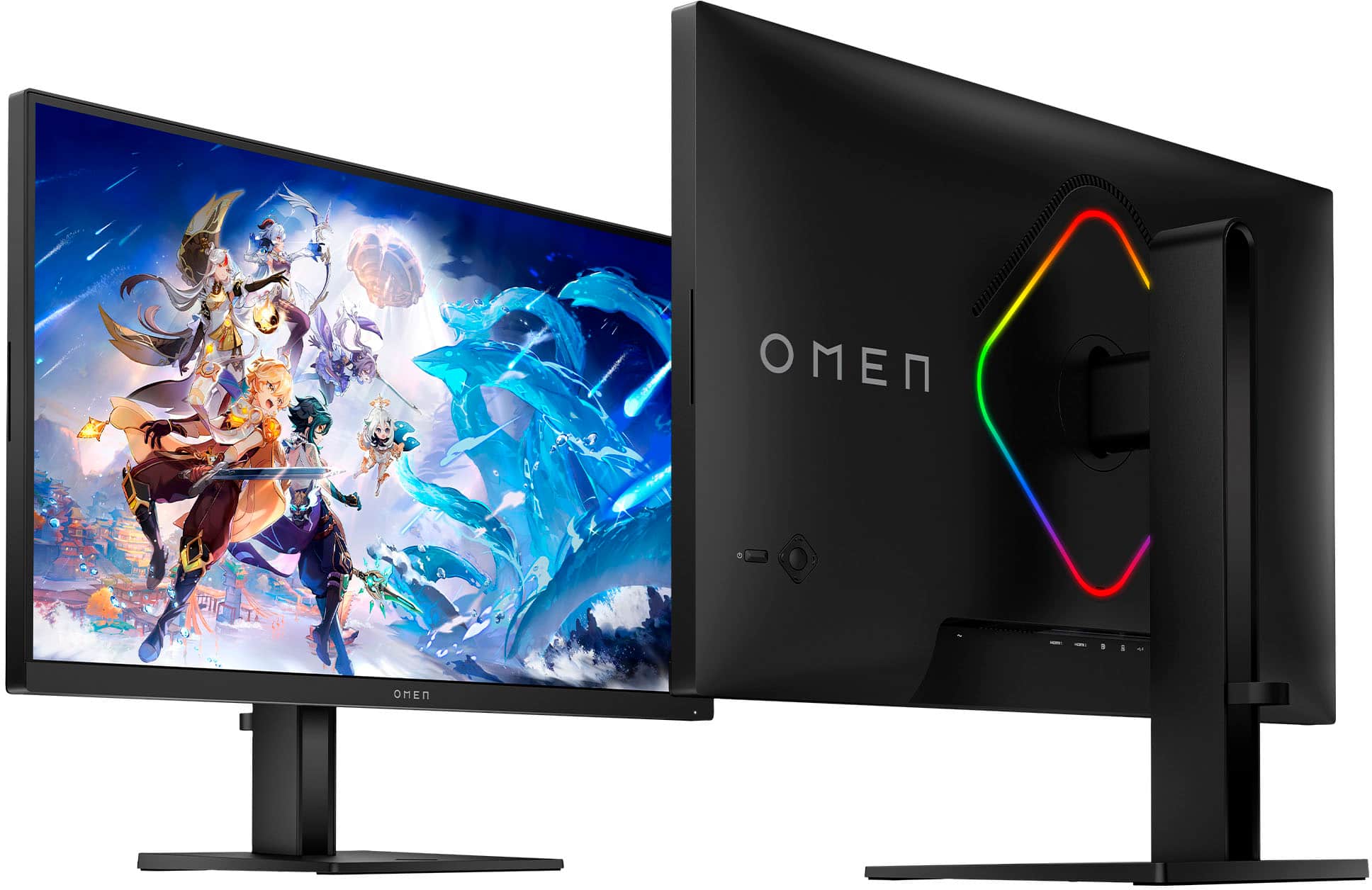
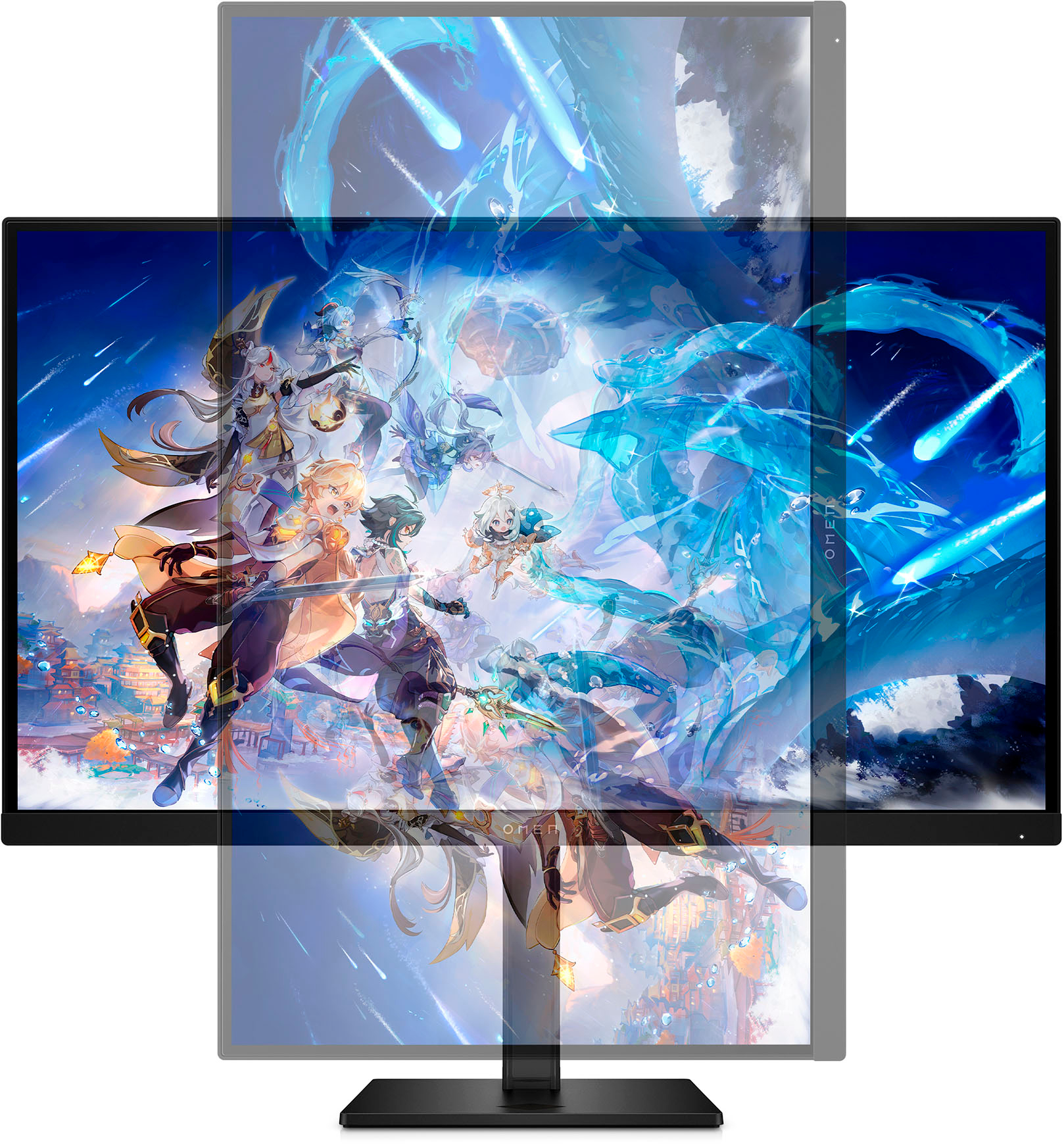
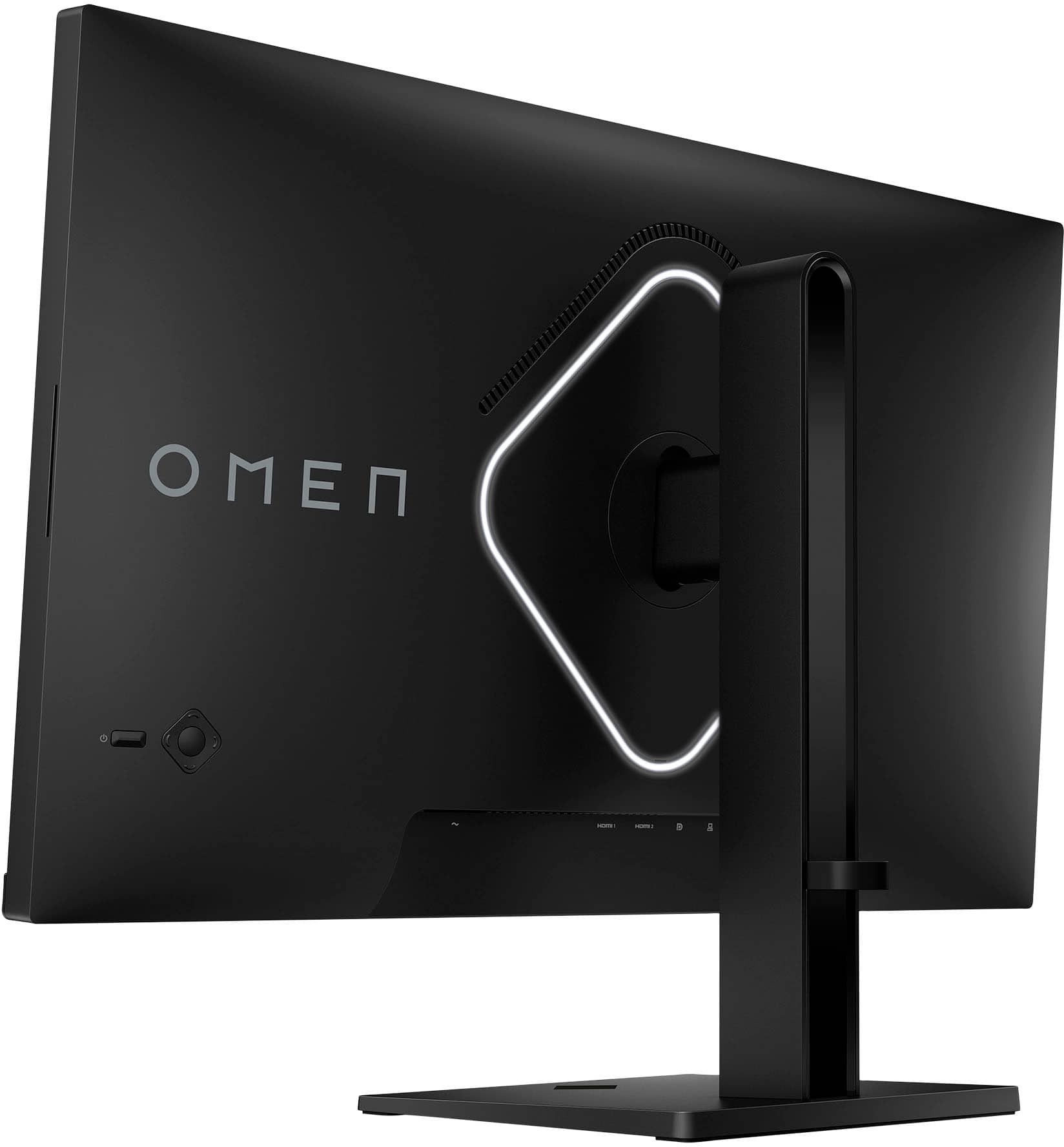
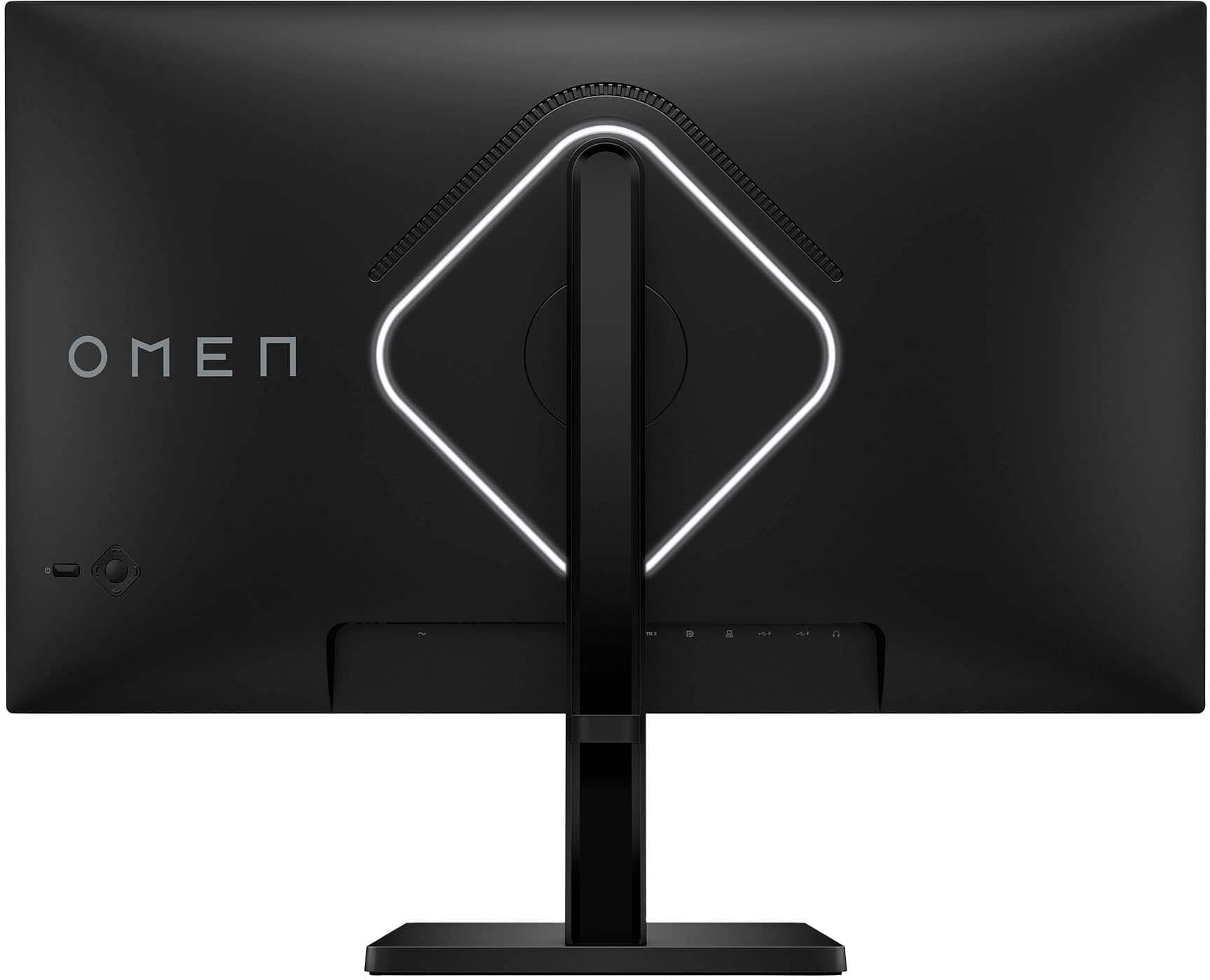
|Posted .This reviewer received promo considerations or sweepstakes entry for writing a review.I had been using a Dell 144hz 1440P G-sync monitor for about 5 years now, so while high refresh rate gaming wasn't new to me the leap in quality was more than I expected. My old monitor was a traditional TN panel so one of the main things I was excited about on this HP was the IPS panel. This tech has become a lot more common and affordable over the years but all my experience has been with TN and VA panels so I was looking forward to seeing what an IPS panel had to offer. First things first, I unboxed the panel and began to get it set-up on my desk. The packaging was nice and protective and mostly cardboard that could be recycled. Setting the monitor up on the stand was extremely easy requiring you to only install one plastic cover and then the monitor clips right onto the stand with a pre-installed mount. It is also compatible with 100x100 VESA mounts for additional flexibility. The stand is nice, doesn't provide any real game changing levels of adjustment but it does everything it needs to and feels sturdy once set-up. The stand offers heigh adjustment, tilt adjustment, and can be rotated into portrait orientation. The monitor has some RGB LED's on the back that you can change, or turn off completely, out of the box they glow white and overall everything else has a low key black aesthetic which I like I a lot. Performance wise this monitor is so much better than my old Dell it exceeded all expectations. My PC is a 12700K and a RTX 4080 with custom water cooling on both the CPU and GPU so its able to push high frame rates in most games to take advantage of the refresh rate. Not that im overly competitive in my old age but ultimately higher refresh rates and frame rates will reduce the input latency you experience from your PC in addition to make the overall experience smoother. While going from 60hz monitor/TV to a 144hz monitor initially was extremely noticeable and a huge upgrade the jump to 240hz from 144hz hasn't been quite as life changing but still something I can notice in certain games. Since we are talking about milliseconds here I suppose there is a point of diminishing returns. The colors are amazing in my opinion on this monitor, again comparing to my experience with TN and VA panels. I do not notice much "IPS glow" with this panel and the colors are just so much more vibrant than my previous monitor. Unfortunately only offers HDR400 performance so honestly better off leaving it in SDR mode for majority of content unless you are in an extremely dark room, even then it doesn't have the peak brightness to provide a stellar HDR experience. Pixel response seems great, visually has much less ghosting than the unit it replaced. I am not using the fastest pixel response time mode in the OSD however, I tend to avoid that since it leads to "overshoot". Really liking the change to IPS style panel from the previous TN I had been using for so long. Overall I am really happy with this monitor and would absolutely recommend it. It shows up as a gsync compatible monitor in the geforce control panel and is pretty much ready to go right out of the box with a few tweaks to settings both in windows and the OSD of the monitor. Have really been enjoying the improved color accuracy this monitor has provided me, everything looks much more vibrant in game and even just in windows apps. Give this model some consideration if you have an older 60-144hz TN or VA panel, it seems to be a solid option all around to me.
I would recommend this to a friend NEVER BUY OPEN BOX - “Excellent” means nothing
||Posted . Owned for less than 1 week when reviewed.This reviewer received promo considerations or sweepstakes entry for writing a review.Open box “excellent condition” means nothing. Showed up with a scratch on the screen and when I went to get it exchanged at a store they said they could only refund me the purchase. Terrible customer service. Never buy open box items from BestBuy.
No, I would not recommend this to a friendProduct failed 11 months later terrible monitor
||Posted . Owned for 1 year when reviewed.This reviewer received promo considerations or sweepstakes entry for writing a review.Monitor started flickering 11 months later and out of warranty. I will not purchse and HP products in the future.
No, I would not recommend this to a friend- Pros mentioned:Refresh rateCons mentioned:Stand
Good but you really need to go into the settings
Posted .This reviewer received promo considerations or sweepstakes entry for writing a review.Good but you have to search and go through the settings to get its full potential to unlock the 245 HZ in the settings menu, along with the HDR and need to go into the HP omen hud it comes with and installs to get the best out of it but once you do its fantastic, and its backlit and you can choose the colors, and its white by default and can be from what I can see turned off, but if you dont do all this its stuck at 60 frames, HZ and you dont even know it, also another plus about this not listed is the stand its fully height adjustable, that angles left right and up, with it stopping at a flat angle if you try to angle it down, but it will angle up granted sadly they put the center bit gloss black where the thing rides so if you sit it high enough, you get the reflection in your eyes given that bit is pointing right at you abit of an oversight that really needs to be made matt black, so maybe look at getting some modeling paint to paint that bit matt black, cover it with some electrical tape, or put a washcloth over it as everything else is matt save for that, as the electronics world really needs to get away from the JJ abrams everything's glossy asthetic and be realistic, matt whenever possible as all you do is blind everyone to death with that and overbright led's which thankfully the backlight aint
I would recommend this to a friend Horrible customer service.
||Posted . Owned for 2 weeks when reviewed.This reviewer received promo considerations or sweepstakes entry for writing a review.Monitor is fine. Customer service is not, price changed 15 window saw it the next day asked for match told no because it was the 16 day when I asked. Another customer gone wouldn't buy fron them again because treat people who have been members for over 25 years. Holidays coming worst decision ever.
I would recommend this to a friendScreen burn
||Posted .This reviewer received promo considerations or sweepstakes entry for writing a review.This monitor has terrible burn-in. Best Buy nor HP seems to care.
No, I would not recommend this to a friend- Pros mentioned:Refresh rate
Rich Colors, Smooth 240hz Refresh Rate
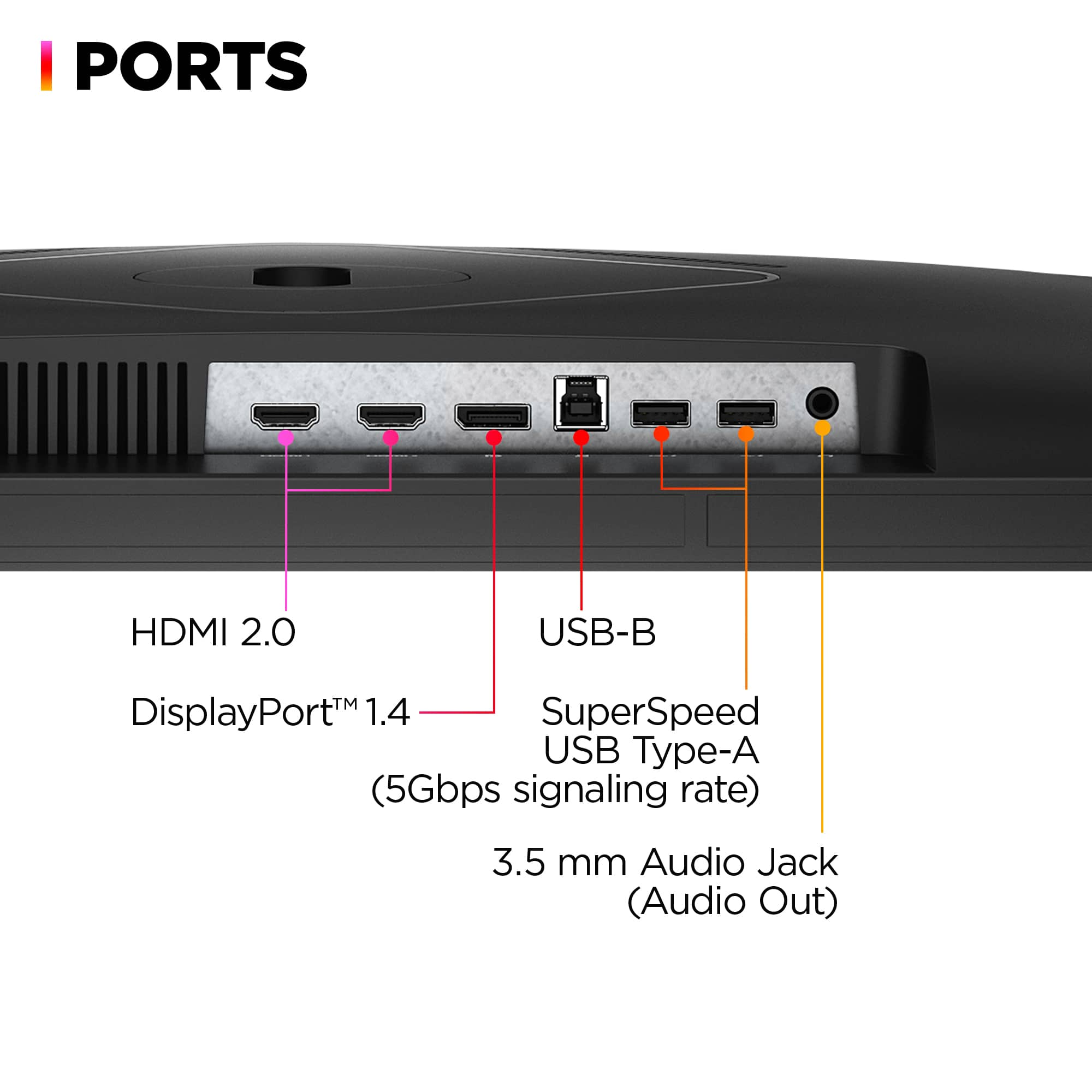
|Posted .This reviewer received promo considerations or sweepstakes entry for writing a review.This monitor is great for 2k gaming with very fast refresh rate. With the OMEN gaming hub you can adjust monitor settings without fighting with buttons on the back, and I love the color depth and smooth performance. Features I like: For me, HDR is one of the best innovations to display technology. While I enjoy color accuracy and getting bright colors to pop, they stun the eyes when it’s against a pitch-black background. This isn’t the best HDR you can get, as it’s HDR 400 specification and on the lowest end of the spectrum, it’s still hard for me to recommend a modern monitor without at least that. This is especially true for any game that supports HDR or watching movies or videos. The 2k IPS panel supports 99% sRGB and 95% DCI-P3. When you’re talking about a 2k monitor that also does 240hz, you get a buttery smooth, rich color view. I’ve tinkered with two different settings which I feel like you get the most out of. The first is windows native HDR setting which is supposed to use system settings to control the picture quality of the monitor. The other is the native picture setting, which I feel like gives a richer color profile. Personally, I’ve turned off the windows HDR setting for most use cases as it can sometimes mess with games. For example, I was getting very high contrast out of Destiny 2 while games such as New World, looked just fine. The sound is a bit different than what you’re probably used to in a monitor. It’s actually loud and gets uncomfortably loud before it begins to get distorted. Probably not what most are used to in a monitor. I don’t think it replaces a good set of desk speakers or headphones, but if you’re looking for a sound solution without taking up any extra space or spending any more money, these will work. You get to choose from a few sound profiles (Music, Voice, Video) but I would have liked to see a bit more customization on this feature. Plenty of I/O including a USB hub. This is a nice to have, but being VESA mount compatible is nice. I use a desk mounting system to free up desk space so it’s a must for me. Two HDMI 2.0 and a 1.4 Display port makes sure you get throughput whether you’re using one or the other. I use both a gaming desktop and a thunderbolt dock for a work PC so having multiple inputs is a must. Using the HP OMEN gaming hub allows you to go in control all the customizations. Volume customizations, picture mode, settings including response time, adaptive sync and brightness, FPS and crosshair overlay, and finally some basic control over the monitor backlight are all included. Unfortunately, you also get all the other features of the gaming hub, which I wont use and just becomes bloat. I usually start up the software, make my changes, then close it out when I’m done. This isn’t a stab at HP as theirs is cleaner than most with a decent “System Vitals” system monitor which I did like, but I didn’t need it with the monitor. Needs Improvement: Just being a picky, but I would have liked for it to be a little bit brighter. It does well in a dark room, but I usually game in the afternoons when it’s still light out, so the extra bit helps. USB C would have been a nice additional to the hub or as an additional input. More and more peripherals are moving to USB C and it’s an easier input to find and plug in the bottom of a monitor. Additional control over the sound profile (proper Equalizer) would have been a plus. On the topic of sound, I did use the recommended way to play audio (through the USB cable) and while you could notice a small improvement, it wasn’t vastly different in my opinion.
I would recommend this to a friend Poor service
||Posted . Owned for 3 weeks when reviewed.This reviewer received promo considerations or sweepstakes entry for writing a review.It arrived with lines on the screen and when I went for a replacement, they refused to repair it. They sold me this damaged product.
No, I would not recommend this to a friendnot worth it
||Posted . Owned for 3 weeks when reviewed.This reviewer received promo considerations or sweepstakes entry for writing a review.white static screen when running on 240 hz every so often in which it had to be unplugged, solution is downloading the firmware update however for me at least it wouldn't let me download it.
No, I would not recommend this to a friend- Pros mentioned:Color, Refresh rateCons mentioned:Stand
Gamer Approved
|Posted .This reviewer received promo considerations or sweepstakes entry for writing a review.My son has been using the HP Omen 27" 240hz monitor for about a week now as a replacement for his 25" Alienware 240hz G-Sync monitor. He has it coupled to a 3090ti and plays Valorant extensively. Long story short is that he has decided to keep the monitor over the Alienware it replaced. He noted the size and resolution coupled to the 240hz G-Sync compatible refresh rate sold it. The IPS panel offers great color and good off-axis performance at the cost of contrast. This is not a local dimming monitor so black levels aren't going to blow anyones mind. Color reproduction is very good at 95% DCI-P3 and it is VESA DisplayHDR 400 certified. Unfortunately, the HDR10 output really doesn't give a real sense of proper HDR unless in a dark room. Ghosting and overshoot is minimal which is great and makes this a monitor competitive. The only real con is the flimsy stand. The monitor easily wobbles, but it also has a standard VESA 100 x 100 mounting compatibility for third party stands. For the cost though I would have expected something a little sturdier. Overall, a solid monitor that has at least one fan! Take a look if you need a 27" 1440p 240Hz display!
I would recommend this to a friend - Pros mentioned:Picture quality, Refresh rateCons mentioned:Speakers
Solid Gaming Monitor
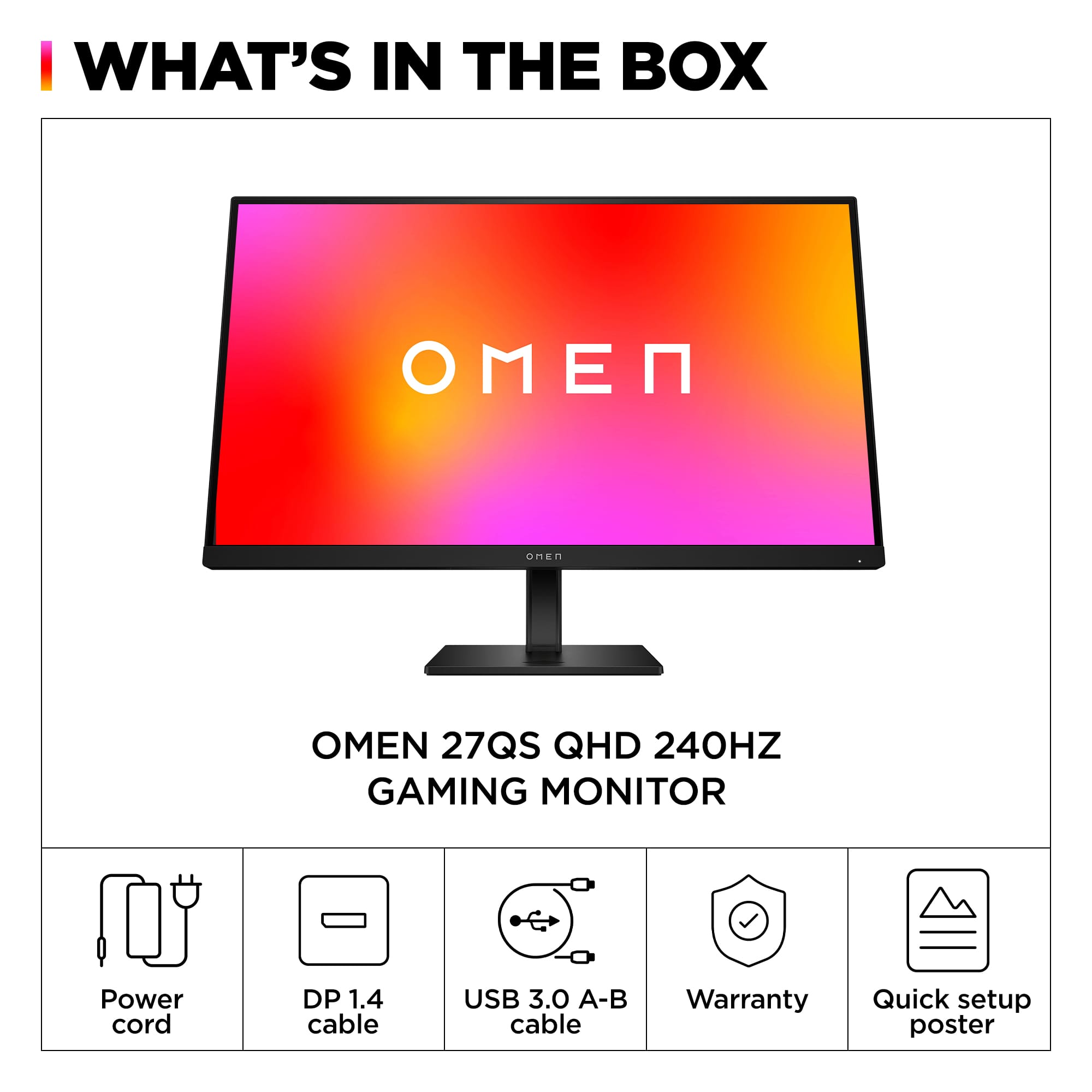
|Posted .This reviewer received promo considerations or sweepstakes entry for writing a review.I have to say, I'm impressed with the HP OMEN - 27" QHD Gaming Monitor. Excellent picture quality even with fast-paced games. Not once did I experience any sort of choppiness or blurring. It has a built-in USB hub to help with cable management and the adjustable stand is very sturdy and allows for precise positioning of the display. The setup was straightforward, everything basically snaps into place, and no tools were required. Make sure you hear a distinctive "Click" when attaching the screen to the base as it's a snug fit. The base is quite heavy, so you may find an extra set of hands helpful. This monitor offers both HDMI and Display port options and ships with an included display port cable. Overall, I'm pretty happy with this monitor and would happily recommend it. Pros: Stunning picture quality with vivid colors and sharp details -240Hz refresh rate provides smooth, fluid motion without any blur or stutter -FreeSync and G-SYNC Compatible -Supports both DisplayPort and HDMI connections -Slim bezel and adjustable stand -Built-in USB hub Cons: -Built-in speakers are ok, not great.
I would recommend this to a friend Bad monitor
||Posted .This reviewer received promo considerations or sweepstakes entry for writing a review.This monitor is terrible. The colors are horrible, and games look like washed-out posters. Do not buy this monitor. Instead, go with LG or Samsung. You will thank me later.
No, I would not recommend this to a friend- Pros mentioned:Color, Refresh rate
Premium and adjustable 27" Gaming Monitor
|Posted .This reviewer received promo considerations or sweepstakes entry for writing a review.The Omen 27qas HP monitor is sleek and stylish out of the box. The bezels are about as slim as any modern-day monitor, and the back side has a light that you can customize based on your preferences. It really adds a nice look to my desk when facing it. The monitor comes with a USB and Display port cables and was very easy to setup, no tools required. There are controls in the back of the monitor that you can control the settings through the OSD (On-screen display) which is pretty intuitive. I’ve had other monitors in the past that had a learning curve to using the OSD menu which made no sense to me, but this one was simple. I also downloaded the HP Omen Gaming Hub software that lets you control the monitor settings from your computer, including rear light customizations and different picture modes to choose from…user interface was easy to use. One of the first things I did was test the screen for any defects such as bad pixels or unusual glow or light bleeding. There is some mild IPS bleeding which is expected for most IPS monitors, and a light glow from the edges, but considerably dark still. I’m happy with the condition of the monitor after running these checks and it’s a much bigger upgrade from what I had before. The two games I’ve played so far are Diablo 3 and Modern Warfare 2 (the new one), but mostly played Modern Warfare. For reference I do have another gaming monitor to compare to, one with the same resolution, so I got a side by side comparison. I’m also running an RTX 3080 graphics card on my desktop. With Diablo, the colors looked rich and beautiful, even for an older game. For MW, the HP Omen seemed to have some unusual side effects, such as screen tearing and strange jagged edges on objects within the game. What I did to fix these was switch from an HDMI to Display port cable and enabled the V Sync option in MW and it ran the game super smooth (big difference). I normally don’t enable V-sync because nvidia cards have G-sync, which was enabled for this monitor in the Nvidia Control Panel, but somehow still showed screen tearing. Not the first time I’ve experienced G-sync issues with a monitor. Another thing I noticed is when I have Response Time set to “Fastest” I get a strange side effect in MW2, when I enter new rooms or areas, the graphics look slightly unprocessed or rough, but after about half a second, it smooths out. Changing the setting to the middle option fixed that issue. Games looked very comparable between the 2 gaming monitors, and since I haven’t tinkered with the color settings of the monitor yet, I have to say its impressive with the default settings, I only adjusted the response time, active-sync, and the brightness. This monitor also touts a 240Hz refresh rate which surpasses my other gaming monitor. Another feature I really like about this monitor is how adjustable it is. You can tilt upwards, raise the monitor up and down, and even turn the screen sideways. It’s the only monitor I’ve owned with this much flexibility. All that plus the quality specs that are packed into this monitor makes me happy to own this.
I would recommend this to a friend - Pros mentioned:Refresh rate
Amazing Monitor
|Posted .This reviewer received promo considerations or sweepstakes entry for writing a review.I won't lie, I've had my fair share of monitors of the years, everything from the bottom of the barrel basic ones to fairly decent higher end monitors. I've used TVs as monitors, I've basically run the gambit on all things monitor. It's rare that one impresses me. Enter the Omen 27qs... And Wow. Unboxing is like most monitors so I won't go into much here. Includes power and a DP cable, some literature and that's about it. But that's not what we're here for. Setup is easy, as any monitor should be, plug it in and go. I connected it via DisplayPort to my RTX 3090 and fired up the NVidia control panel to ramp that refresh rate and turn on GSYNC. Zero issues, everything is recognized and synchronized without problems. Loading up Overwatch I maxed out the refresh rate because why not, everything runs buttery smooth, I would say this is easily the smoothest image I've experienced in a monitor and that's saying quite a lot. Next up was Apex Legends, again, silky smooth, nary a blip or anything to be concerned about. The specs of the monitor are great, boasting VESA HDR400, 99% sRGB color gamut, and 240Hz refresh rate sporting both GSYNC and AMD Freesync. There's basically nothing to complain about. All in all it's a great gaming monitor, and I mean that. If you're in the market for one, this is a strong contender.
I would recommend this to a friend - Pros mentioned:Picture quality, Refresh rate
Fast QHD Monitor With FreeSync and G-Sync
|Posted .This reviewer received promo considerations or sweepstakes entry for writing a review.The HP Omen is a 27 inch IPS gaming monitor with QHD resolution. It operates up to 240Hz and is both FreeSync and G-Sync compatible. In addition to HDMI, it includes a DisplayPort and a USB hub. Speakers are also internally included. The monitor is easily tilted and can be used in a portrait mode. I used the monitor with a desktop Nvidia RTX3080 and a laptop RTX3070. I also had intended to test it with a laptop with an AMD 6800 GPU to further test FreeSync compatibility, but the laptop became unavailable at the last minute. In all cases the monitor perform well with the Nvidia GPUs showing high framerates and very fast response times. Game action was smooth and there was no screen tearing. The screen was bright and contrast very good. The QHD resolution also was much better that 1920x1080 and more suitable for my computers than a 4K monitor.. Speakers were also surprisingly good when not using headphones or external speakers. I also found the portrait mode surprisingly useful and easy to use. I would recommend the HP Omen 27 inch IPS gaming monitor to anyone looking for a quality gaming monitor with greater resolution and both FreeSync and G-Sync compatibility.
I would recommend this to a friend - Pros mentioned:Color, Picture quality
Amazing picture quality!
|Posted .This reviewer received promo considerations or sweepstakes entry for writing a review.The HP OMEN - 27" IPS QHD 240 Hz FreeSync and G-SYNC Compatible Gaming Monitor is a great monitor in my opinion. The price is a little high compared to others monitors of this size, but the features and quality make up for that. First of all I really love the monitor stand. It's a super simple design, but it works well, was quick and easy to set up and assemble, and the tiny base is perfect for sitting on the desk top without taking up much real estate. The pivot to portrait mode feature is really slick and I like the little cover that snaps in place if you use the stand instead of the Vesa mounts on the back. Spinning the monitor to portrait mode made connecting my cables to the monitor super easy too. The IPS display made viewing from angles not a problem. I can get way off to either side without the picture fading out, and it looks good above or below the screen as well. The included speakers sounded really decent even though they don't go very loud. The actual picture quality is really good also, the colors are rich and vibrant, it has enough brightness to look good in a well lighted room, and the edge lit back-lighting doesn't bloom or bleed through in dark scenes. The anti glare coating on the screen does a great job of reducing reflections, but it does show finger prints when dirty. Overall this monitor is a great product, very well built, with great features and performance. The only gripe I have is with the included instruction manual that unfolds like an old pirates map, and the website I had to go to to get the drivers and users manual.
I would recommend this to a friend stuck pixel
||Posted . Owned for 3 weeks when reviewed.This reviewer received promo considerations or sweepstakes entry for writing a review.Stuck pixel after a week Stuck pixel after a week Stuck pixel after a week
No, I would not recommend this to a friend