The vast majority of our reviews come from verified purchases. Reviews from customers may include My Best Buy members, employees, and Tech Insider Network members (as tagged). Select reviewers may receive discounted products, promotional considerations or entries into drawings for honest, helpful reviews.
Page 19 Showing 361-380 of 391 reviews
Rated 5 out of 5 stars
Manager
|
|
Posted . Owned for 2 weeks when reviewed.
This reviewer received promo considerations or sweepstakes entry for writing a review.
So far so good no complaints looking to purchase another
This reviewer received promo considerations or sweepstakes entry for writing a review.
It is coming for someone who has used Apple their whole life. I think the computer is good, but I need to get used to it. I wish it could have a similar future as sharing documents over wifi.
This reviewer received promo considerations or sweepstakes entry for writing a review.
Very difficult to get it set up in running there's so much software in there that you have to go through that doesn't need to be there. Very confusing doesn't need to be there.
This reviewer received promo considerations or sweepstakes entry for writing a review.
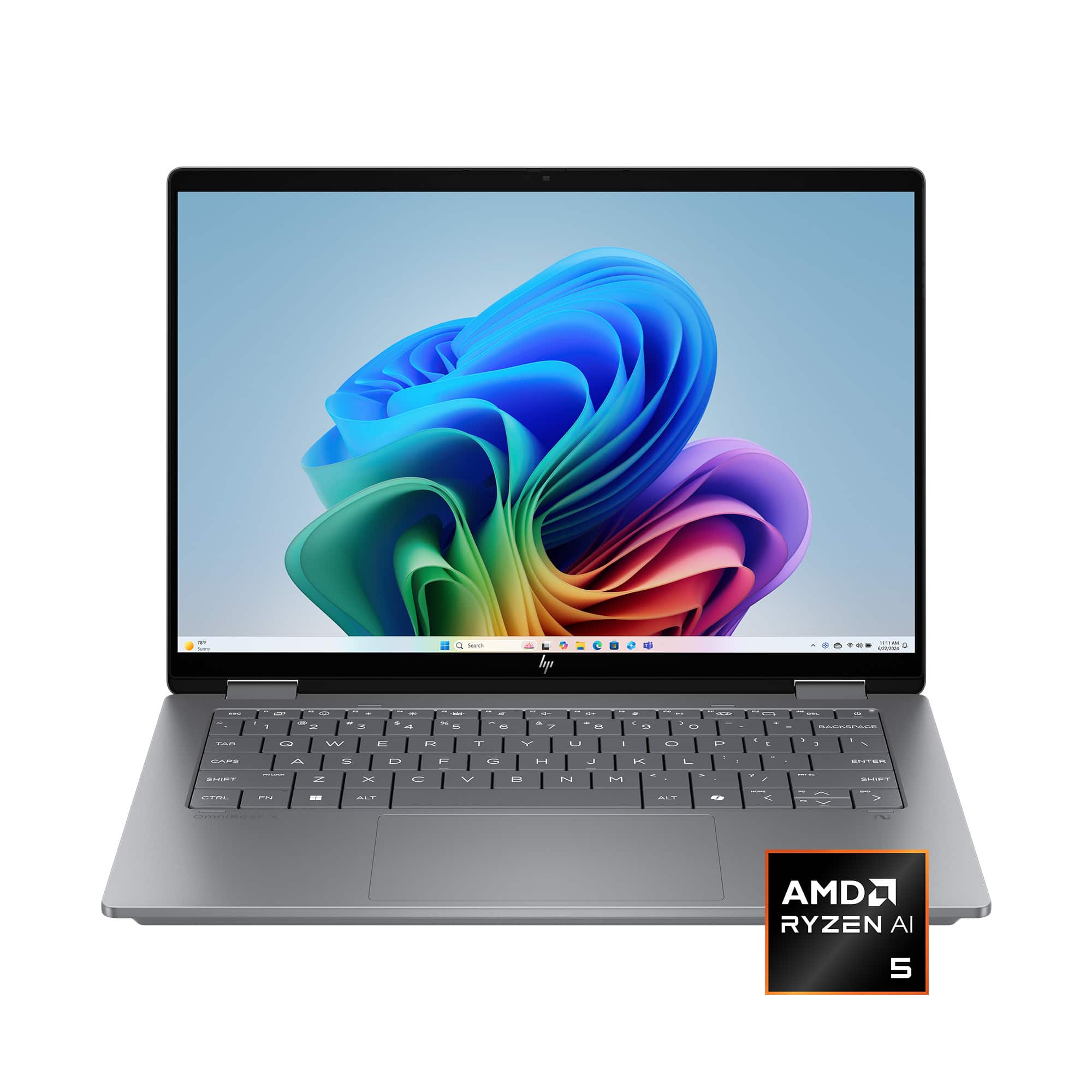
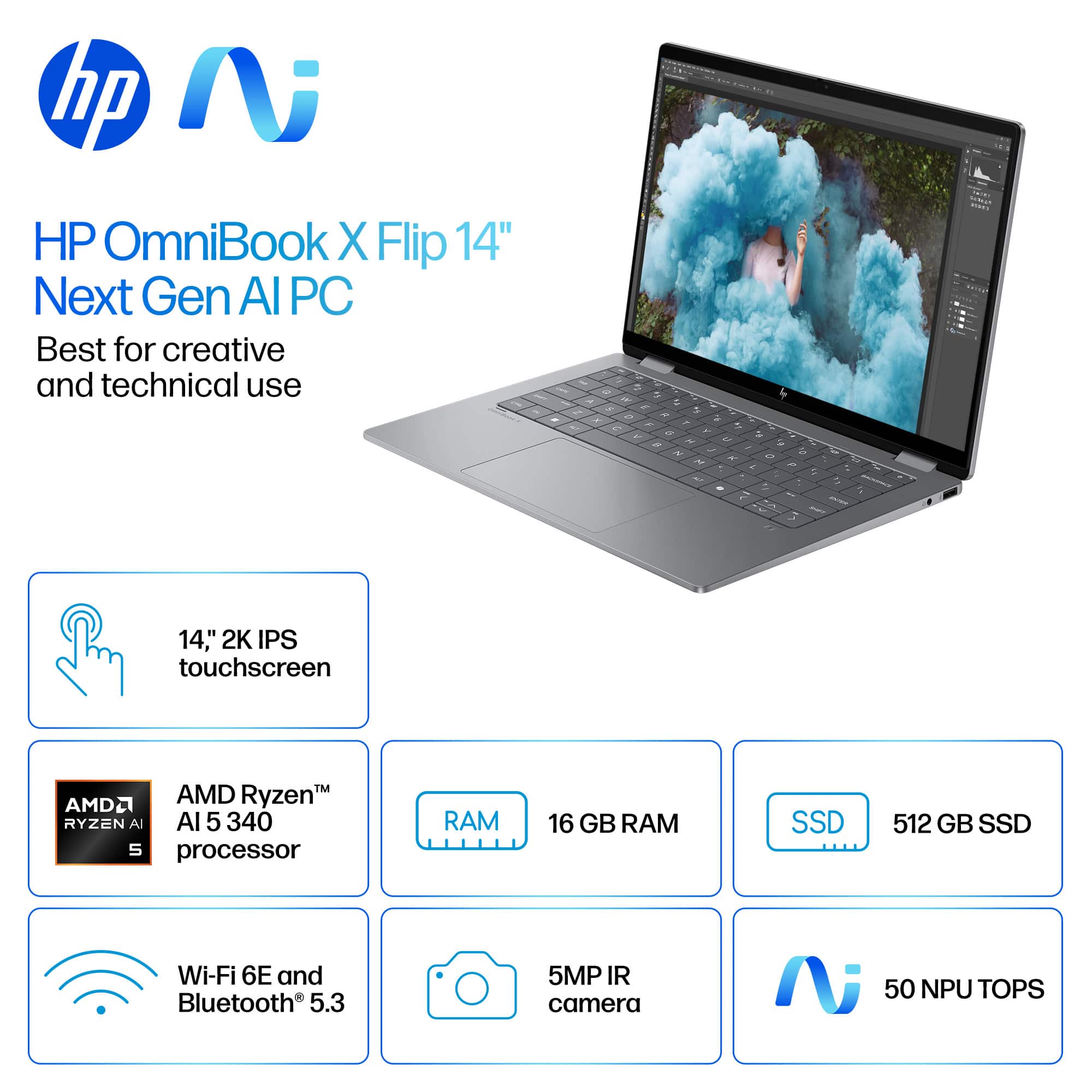
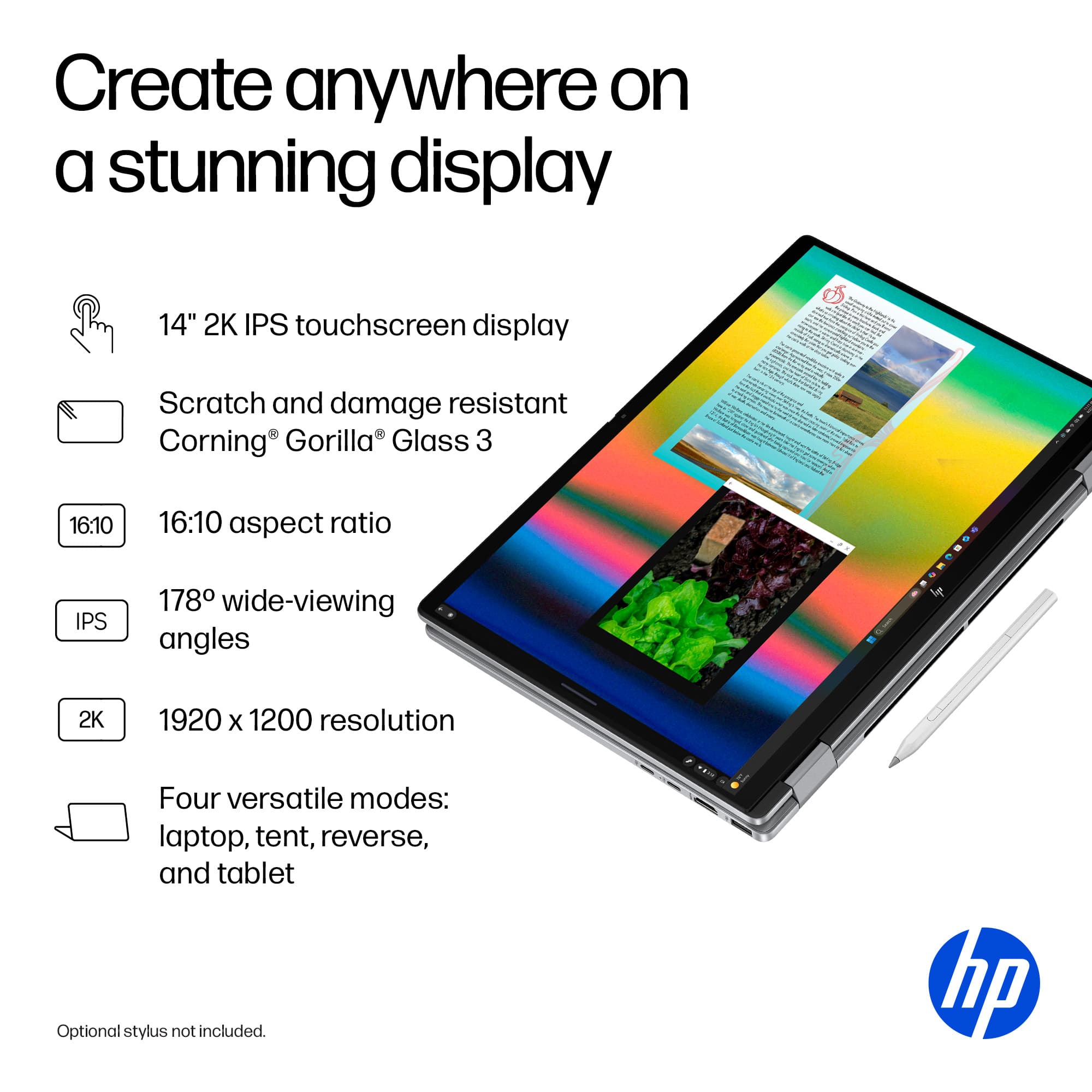
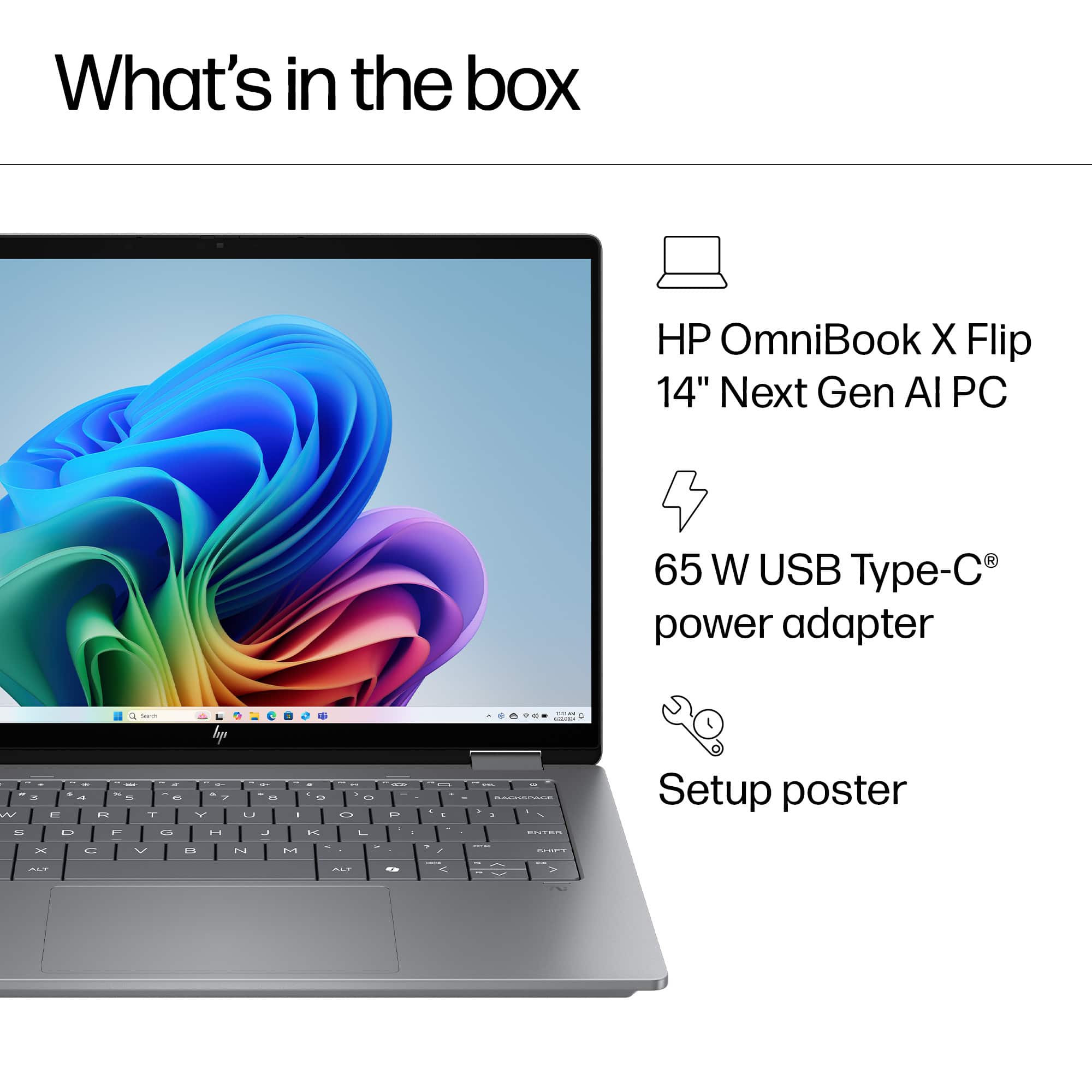
This is my second OmniBook, I got one for my wife last year and after she had a good experience with it, decided to get one for me. This laptop comes with AMD's Ryzen AI 5 340 processor, with 6 cores, 12 threads, and typical speeds of 2.0 Ghz. The screen is a 2K IPS LED with a brightness rating up to 400 nits. I was impressed that HP included Corning Gorilla Glass 3 with the OmniBook, resulting in a scratch resistant screen. Graphics duties are handled by the Radeon 840M, which is integrated into the 340 series processor. I know when I hear integrated graphics, I kind of lose interest, but the AI 5 340 chip with the Radeon 840 integrated graphics has gotten some good reviews from the different websites out there.
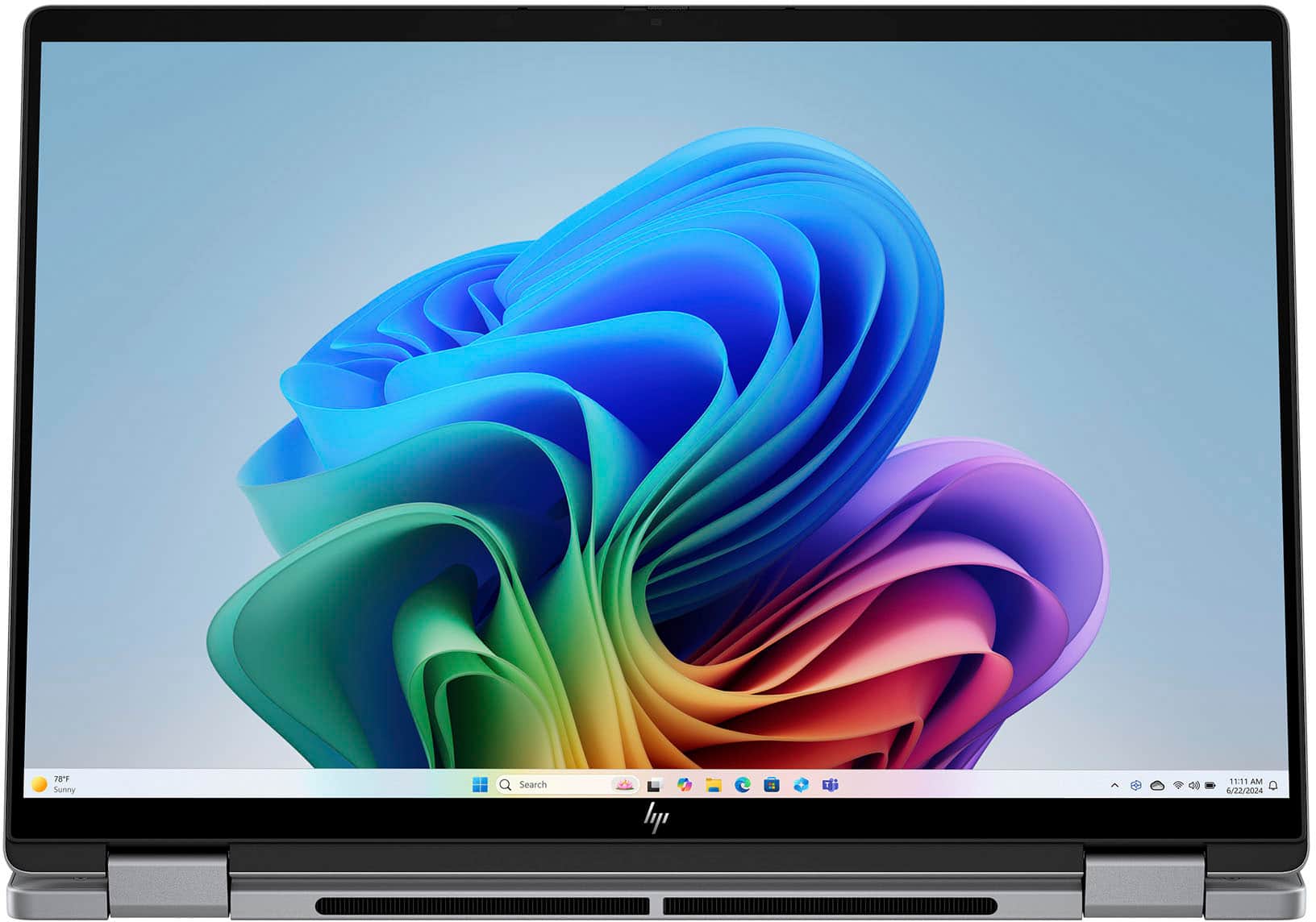
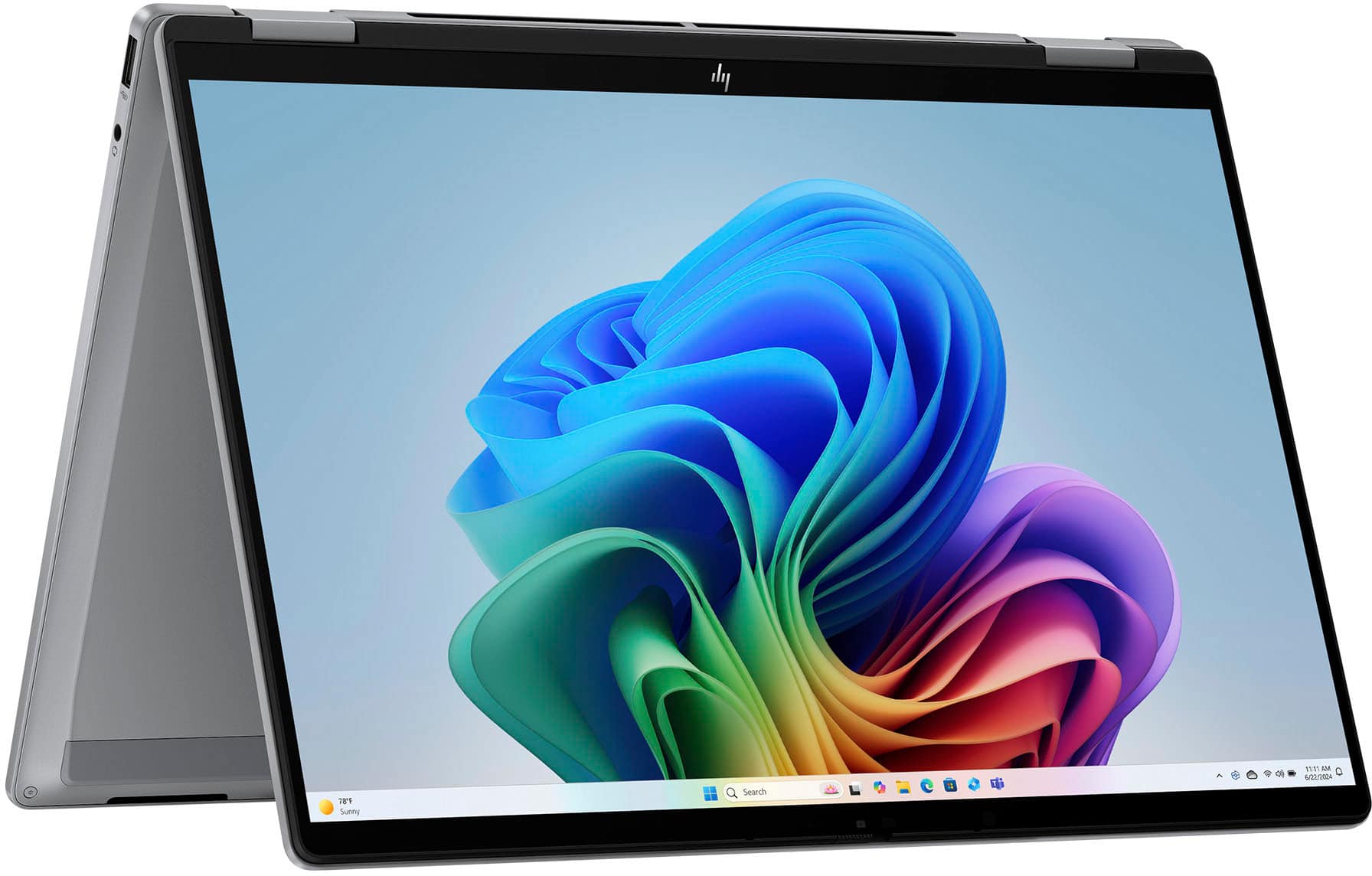
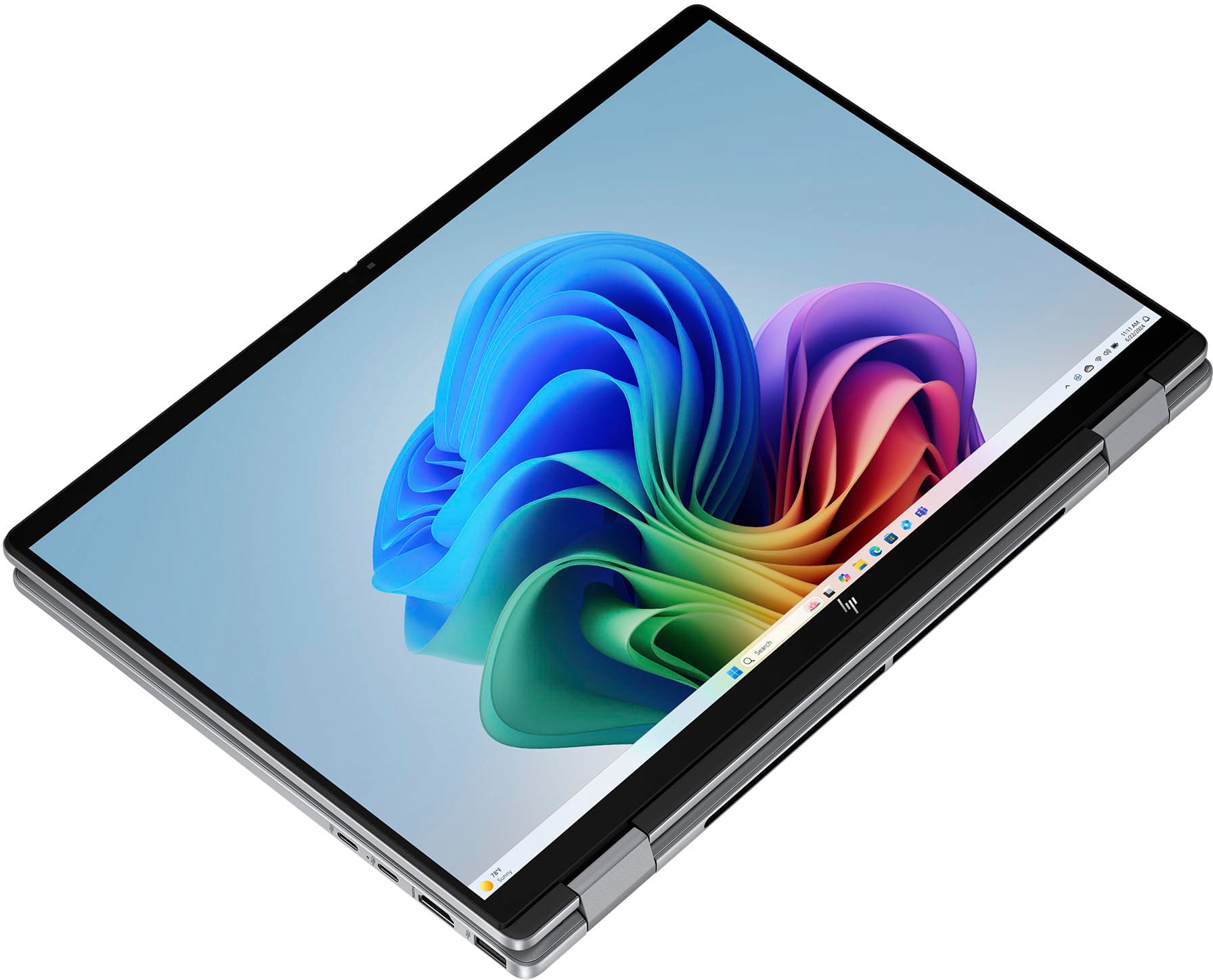
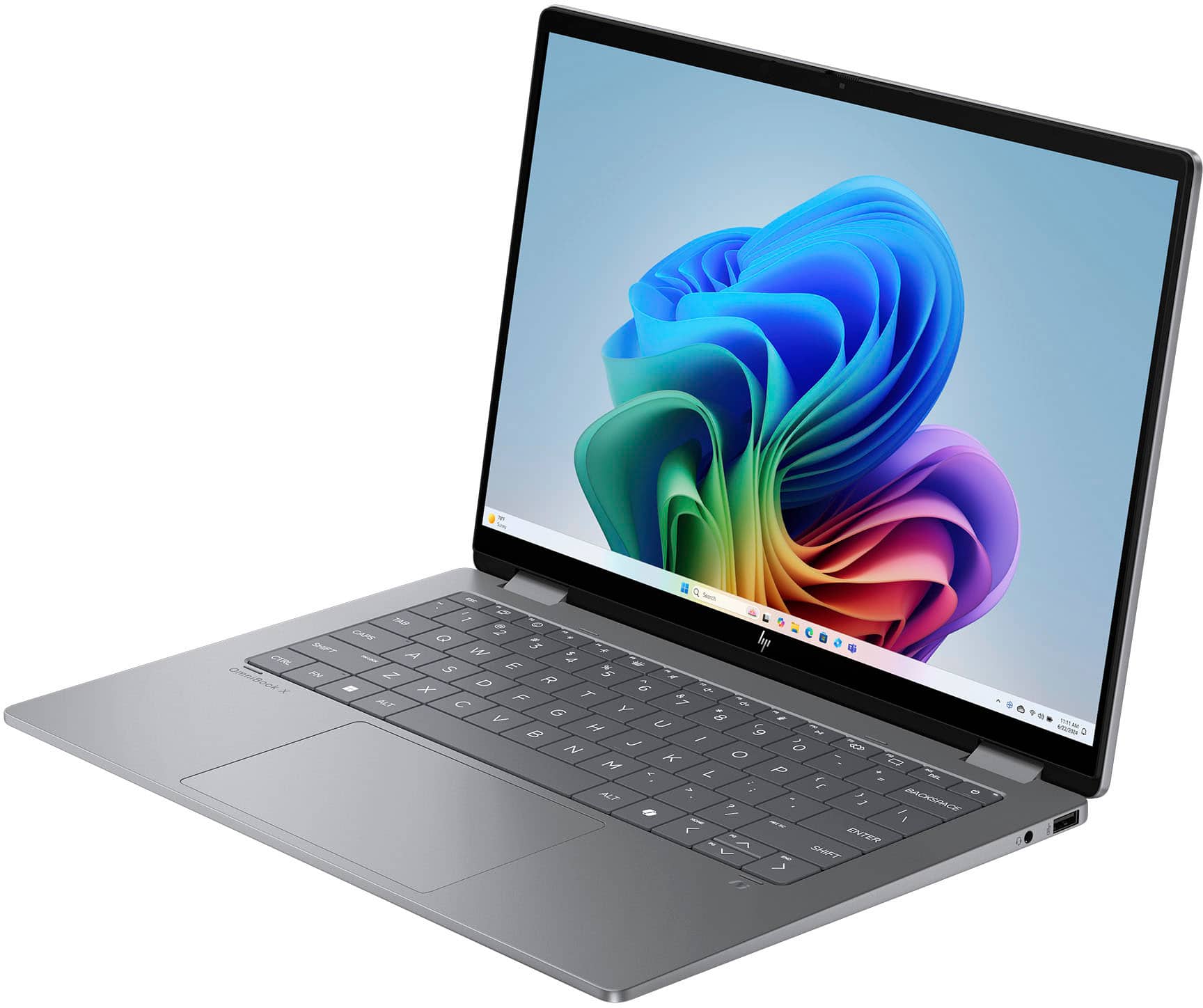
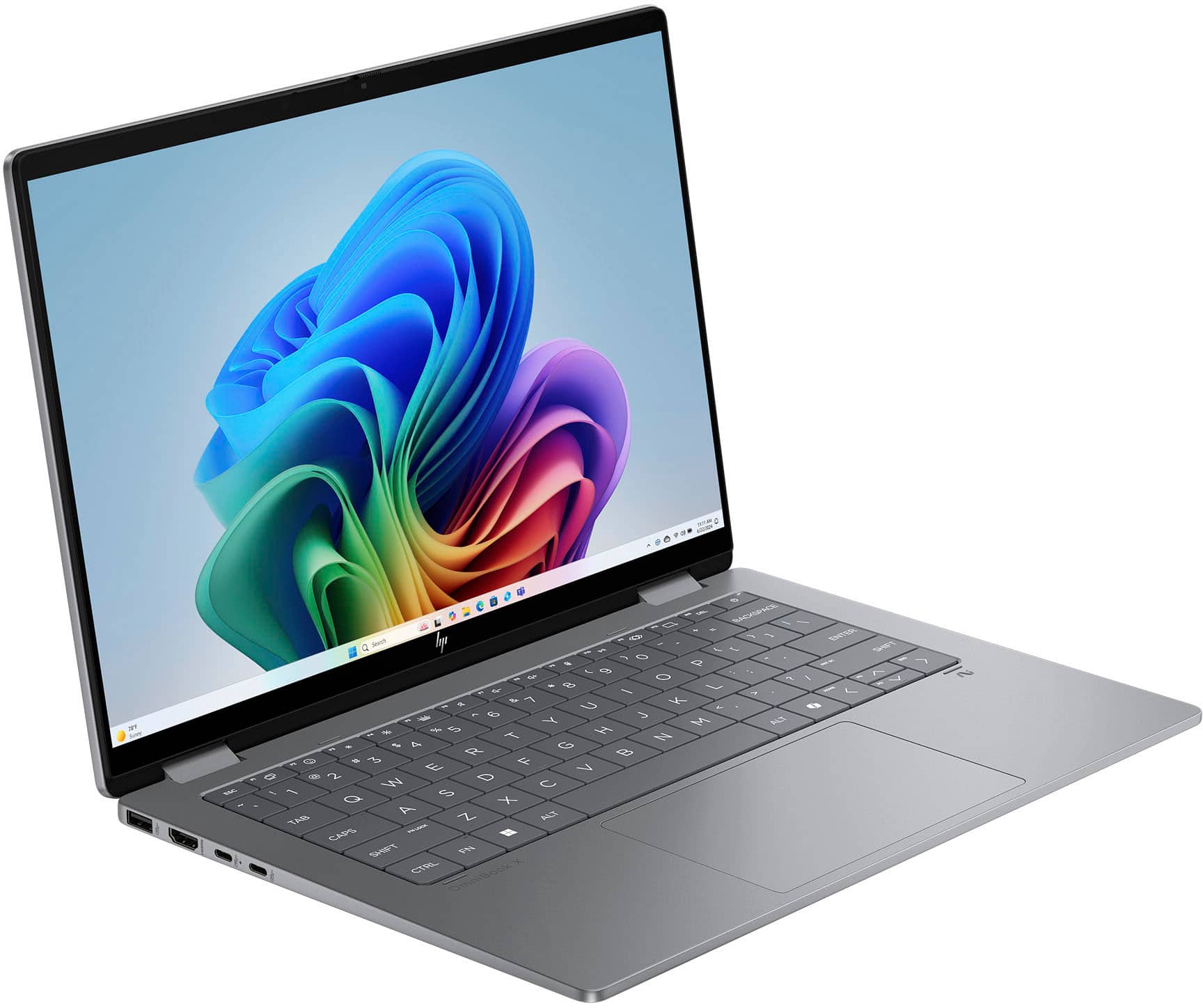
The OmniBook X Flip does have four modes of use: laptop, tent, tablet, and reverse. All four worked seamlessly. The keyboard has large keys with little space in between them, and I found myself more than once fat-fingering adjacent keys. They have a refreshing little click to them, and the travel is very low. I'm not sure how I feel about the keyboard, but at this point, it's just okay. It can be backlit, which is very nice, sometimes laptops in this price range are not.
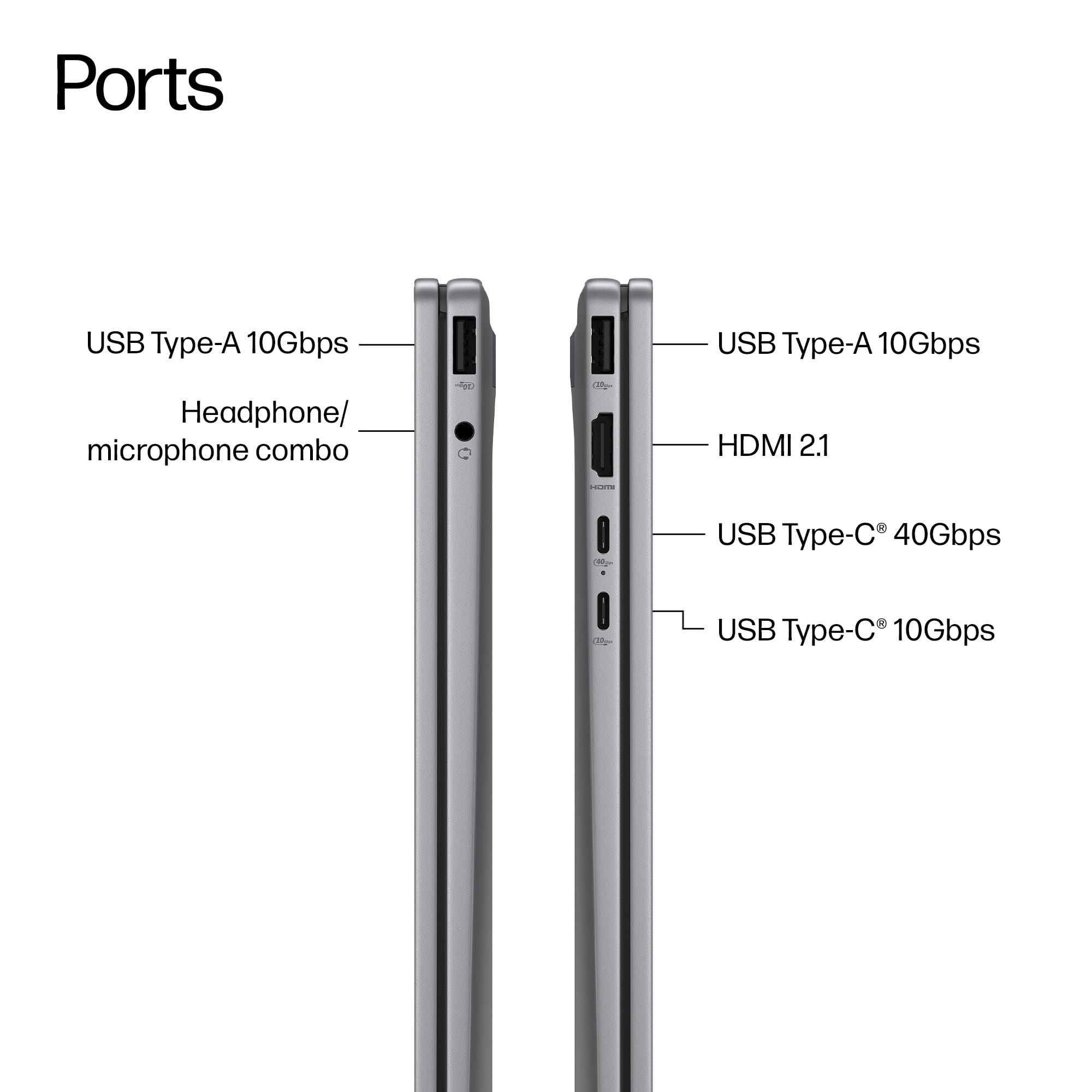
Port-wise, it's always good to see an 'old school' USB connection, 2-USB-C connections (one is used for the power supply), HDMI, and a headphone jack. I really appreciate the headphone jack inclusion. Storage is a 512 GB SSD, and RAM is 16 GB, which is great to see on a laptop at this price range.
The speakers get decently loud and sound okay at lower volumes, but you'll want to use headphones for any serious listening.
So all this together, how does it work? My opinion is the OmniBook X is perfect for the home user who multitasks and uses standard office programs, watches videos, and does some light gaming. During my use, the OmniBook X had some challenges viewing 4K content at high framerates and got bogged down pretty quick while playing anything more than Minecraft or Stardew Valley. But let's face it, the OmniBook X is not touting itself as a gaming computer or a 4K machine. In use, it ran cool, and other than a couple of times when I tried to stream 4K video or play Final Fantasy X, I didn't feel like it hung up, stuttered, or got hot. I have a test where I open dozens of tabs on the internet and access memory-intense webpages and leave them all running in the background while opening Office apps and playing music. The OmniBook X handled this test really well, which means it will work just fine for most home users.
I feel in this price range that HP has a winner. The OmniBook X with AMD's 300 Series AI processor is lightweight and powerful enough for the home office user.
This reviewer received promo considerations or sweepstakes entry for writing a review.
Best Buy tried selling me a dropped computer. Had to wait longer for another shipment. Best Buy had went downhill. I ordered an IPhone and they sent it to some random address that i dont even know where it is. They did nothing to resolve the matter. I will not be purchasing anything from here anymore. Customer Service is just the worst.
This reviewer received promo considerations or sweepstakes entry for writing a review.
Had computer for 6 1/2 WEEKS and the computer quit loading. Apparently not a hardware issue but the software, THAT CAME WITH THE COMPUTER so not covered by the warranty. DO NOT WASTE YOUR MONEY!
This reviewer received promo considerations or sweepstakes entry for writing a review.
The Omnibook X Flip is a pretty impressive ultra portable that gives a plenty of power and battery life.
Set up was no different than any other Windows based laptop. Log in, run a bunch of updates, remove programs you don't need or want. After an hour or so of setting things up (and retrying failed updates - seems to be more common with Windows lately, happens on every computer I use) you can move on to actually using it.
The power, while more than good enough for general use, can be a bit sluggish at times, especially when multitasking with a bunch of tabs in your browers and multiple programs open. More memory would help as would more diskspace so you don't keep checking your free space as you work.
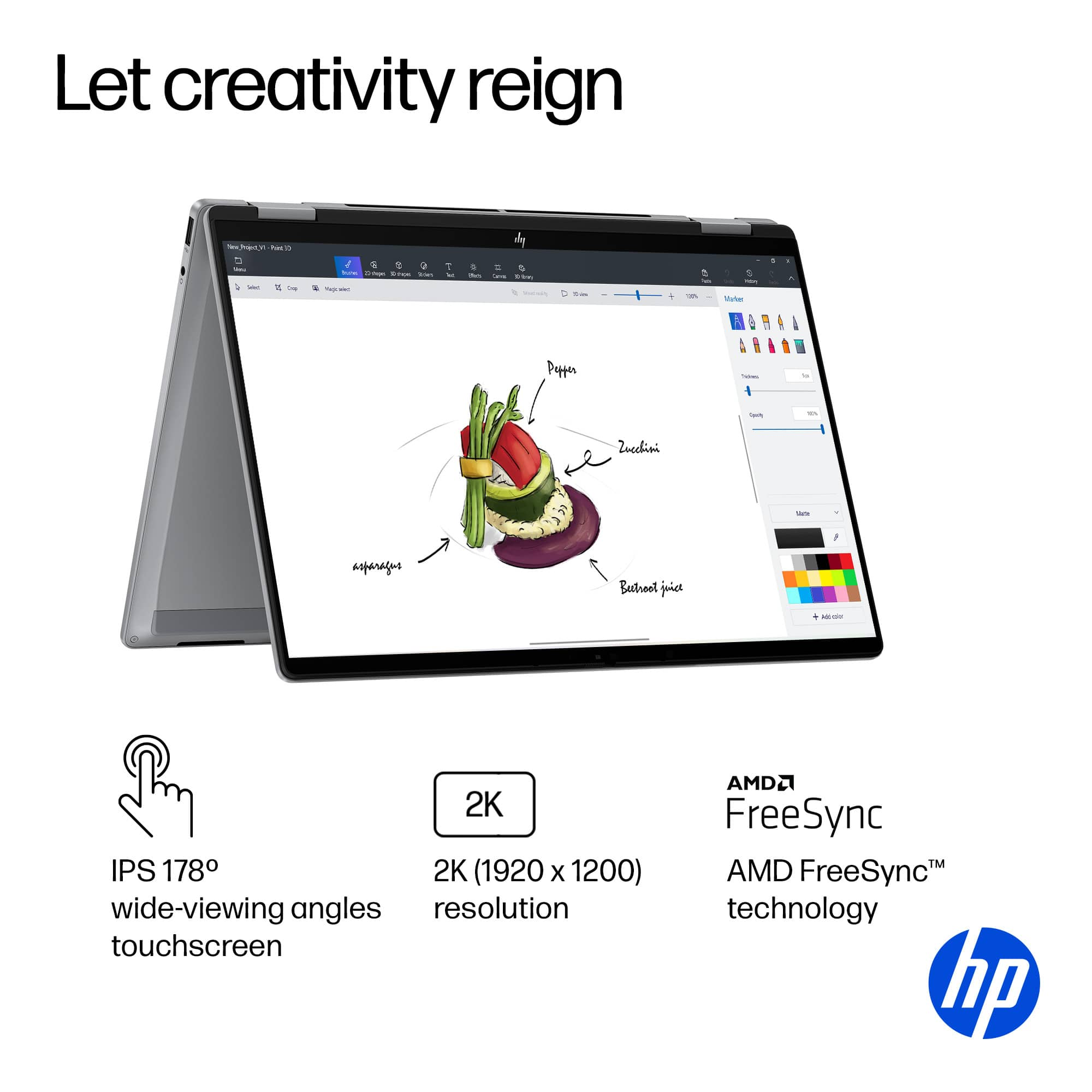
One feature that's not listed on the specs page is that the Flip supports Windows Ink. I figured they included a glass screen for a reason and whooped out my Bamboo Ink Pen and paired it. Sure enough it works and supports pressure sensitivity. Nice surprise on that part. If you do a lot of writing I suggest getting a screen protector. It's easy to get a small grit of sand on the pen and ruin your pristine screen.
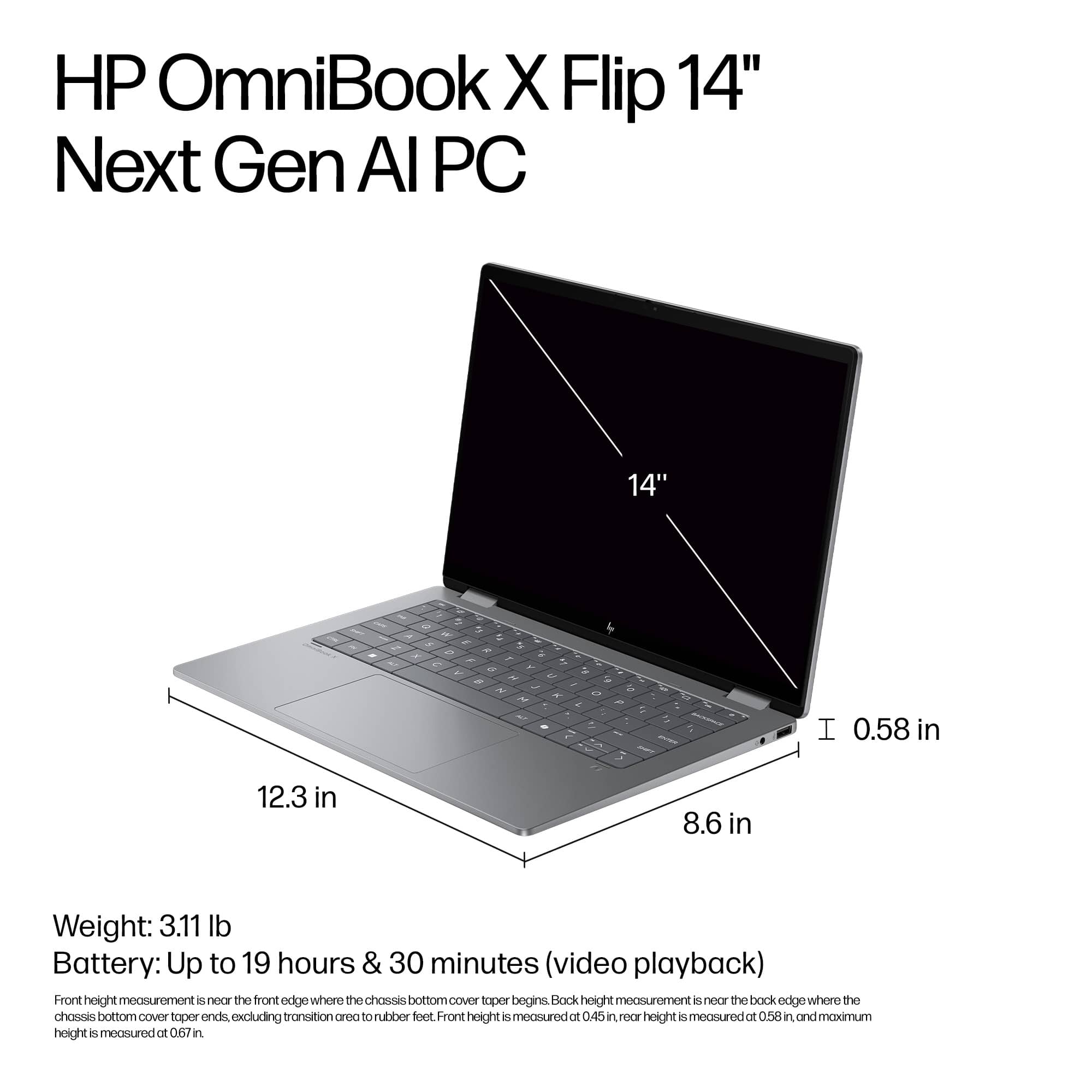
For me, 14" is a perfect size for a portable. 13 is kinda too small and 15-16" is best suited for laptops you're not gonna use as a tablet. The size gets a bit awkward, and the weight can be a bit for some people. 14" gives you plenty of real estate, a chasis that can hold a slightly bigger battery, and small enough to handle easily.
This is the perfect laptop for someone who doesn't need Ultra but wants a good laptop for school or work.
This reviewer received promo considerations or sweepstakes entry for writing a review.
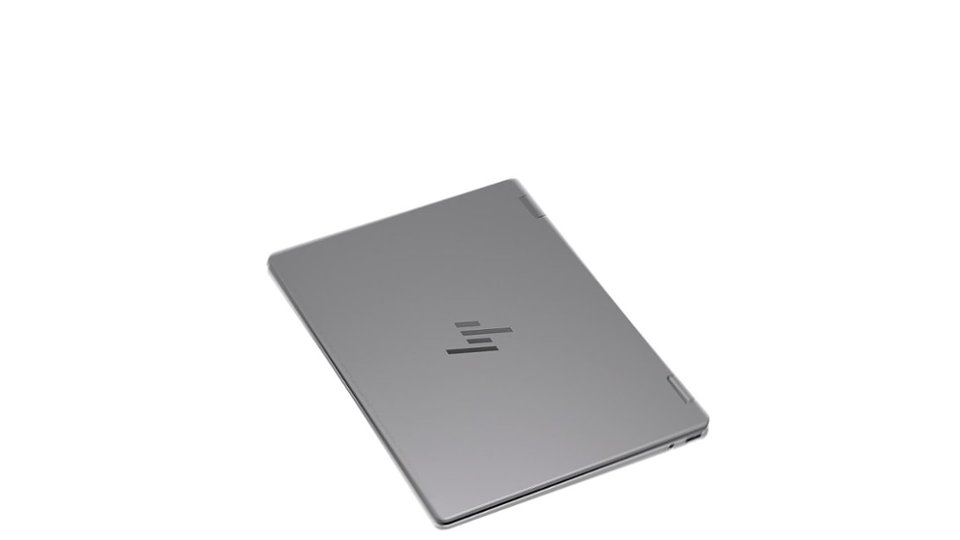
This laptop is extremely well built, yet very light, and looks and feels a lot like much more expensive unit. Its very thin, the hinges are solid, and it just feels good in the hands.
At first I didnt think the flip feature would be something I used or needed until I tried it. Being able to set the screen up at any angle makes a huge difference. Especially when viewing media. Although the screen is small it is very crisp and clear at 1920X1200.
Its plenty powerful for your daily use, but dont expect to be gaming here. And of course that isnt what this is made for. But with a Ryzen Ai 5, 512gb SSD, and 16GB of LPDDR5x ram this handles everything I need it to and then some. Tabs for days, extremely fast boot times make for a nice little workhorse that can go anywhere.
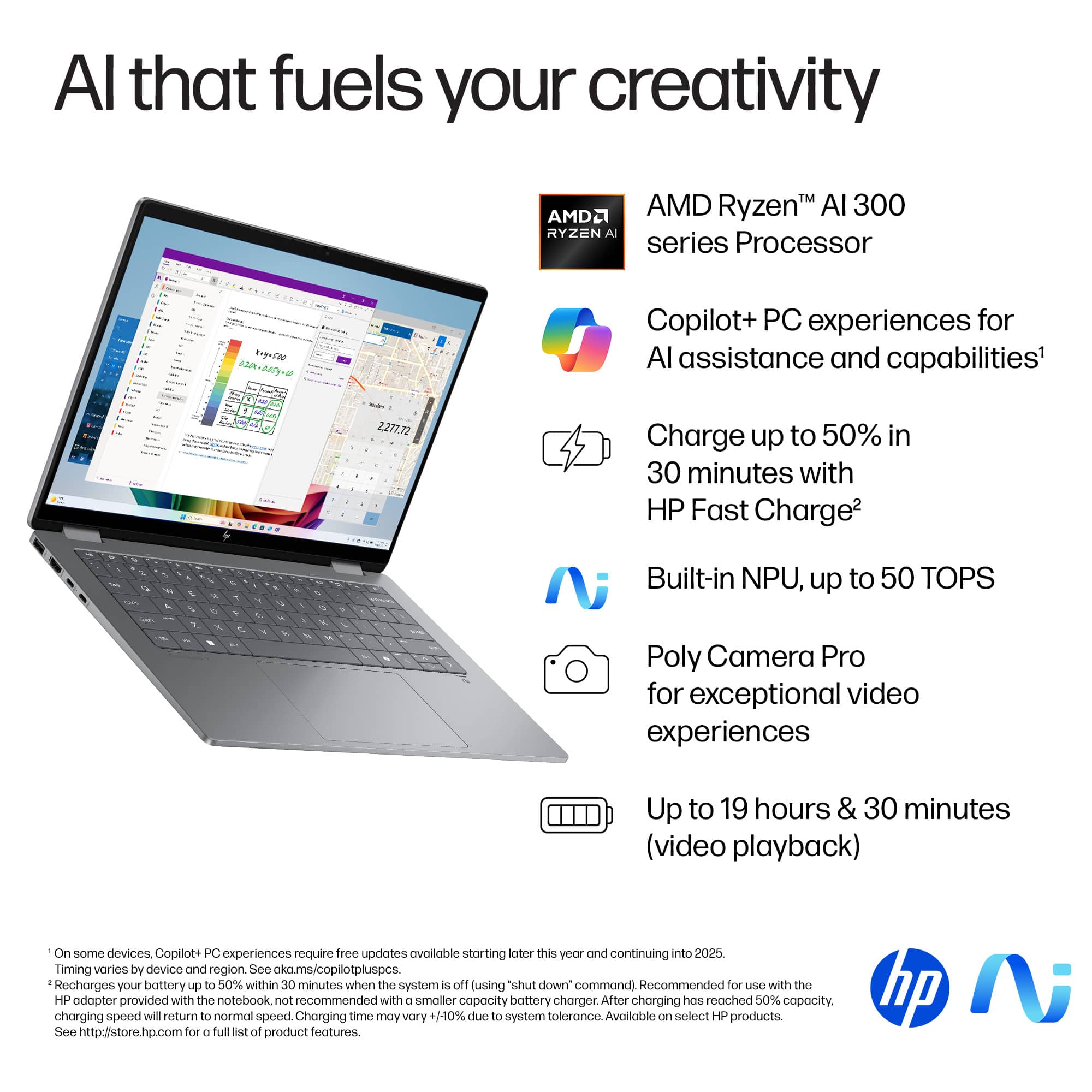
The claimed 19 hour battery life is of course under very light usage, but Ive had no problem getting through a day of average use. And it charges fairly quick as well.
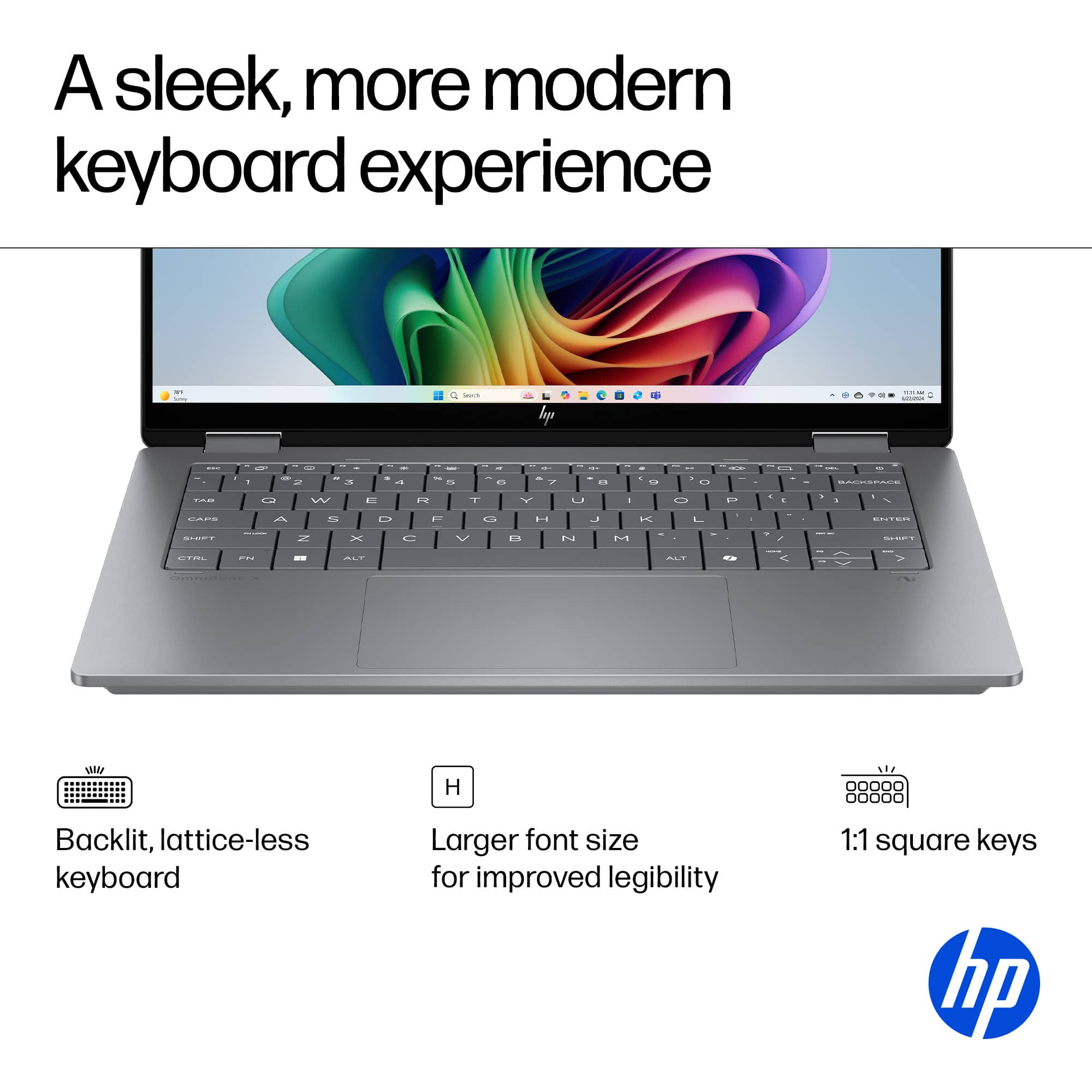
The keyboard has a great feel with good feedback, and is backlit which is always a plus. Typing away at night without the need for a light is a nice touch. (Pun intended).
Overall this is a great all around laptop with excellent performance. Well built, looks high end, great battery life, and very versatile. Very much recommended!
This reviewer received promo considerations or sweepstakes entry for writing a review.
Having owned an OmniBook previously, I was aware of what to expect. HP has throughout the years put out highly quality, capable laptops at every price point. This laptop was right inline with that philosophy.
Powered by a Ryzen Processor, this laptop was able to throw everything I could throw at it for general use (Ex: Streaming a movie while scrolling through websites). Even while doing a little light video processing, this computer was able to expediently complete other tasks at the same time.
While HP boasts an incredible amount of battery life, it goes without saying their numbers are collected in optimal conditions. However, even when streaming videos at 100% brightness I can still almost eek out ten hours. Where are you really going to be that an opportunity to charge your computer wouldn’t be available within that timeline?
The two big capabilities that this laptop boasts are the 2-in-1 folding capabilities and the AI processing. I’m not a big user of the laptop in tablet mode, but my daughter is. She likes the tactile feel of the touchscreen (as do I), but wishes that the laptop came with the optional stylus for digital arts design and the like. As for the AI, I am not a fan. Probably more so because I don’t trust the technology quite yet. The ability for it to complete medial tasks and make my work time more efficient is nice, but again, not a fan in general.
Lastly, is the physical screen and keyboard capabilities. I absolutely LOVE the size and feel of the keys. A backlit keyboard is a must, and this one performs great. The screen is completely capable for streaming and PowerPoints. The brightness is wonderful in any indoor locations. However, step outside and the screen washes out quite a bit, even at 100 %. There is a strong amount of glare as well. If you can get a screen cover that gets rid of the gloss a bit, I would recommend it. Lastly, the viewing angles for this laptop. I guess that could be good for security purposes. But if you’re trying to share anything from the screen, it makes it difficult.
This would be a five-star laptop if it weren’t for the limitations of the screen and the lack of an included stylus. However, even with those modest flaws I would recommend this laptop to friends and family.
This reviewer received promo considerations or sweepstakes entry for writing a review.
This is a great laptop overall and even though there are some minor things that I think just boil down to user preference I'd recommend it as a laptop that would be great for school, work, casual use and entertainment on the go. It's not a gaming laptop with powerful discrete graphics and that's not why you'd get this one anyway as that's not what it's built for. However, it is powerful enough to play casual light graphics games which makes it all around a good general use laptop PC.
INITIAL IMPRESSIONS: When unboxing this laptop you'll notice it's premium finish and look. It's really quite thin and light weighing a little over 3 pounds. The frame feels solid and the keyboard to me had the right feel along with the touchpad. Before turning it on, I love how this laptop looked and felt.
INITIAL SETUP/UPDATES:
The first boot up and configuration/setup only took a couple of minutes and asked only a few questions to get going after creating a user account or signing in with an existing Microsoft account. There are a lot of people that don't like this but that's more of a Microsoft thing than it is HP. That said, I do actually like it as it lets you bring your settings over from another PC or start fresh and with OneDrive it syncs you files and your account syncs passwords and sign in with Edge so it really is seamless if you use these services on your old laptop or desktop and don't want to worry about losing stuff or keeping it in sync.
Immediately, I uninstalled Mcaffee and wish HP would make that an optional thing you choose to install when you set up your machine. I tend to prefer Windows Defender, it works and is easy to use. Other antivirus software can be good if you use the other features but it's not something I need or use and I wish they'd give you a choice when you setup the computer rather than just have it pre-installed so it nags you or you have to uninstall it.
Once setup and the updates were done, which only took a few minutes I was up and going and even had Microsoft Office installed and everything synced from my other laptop. Microsoft and HP really makes this easy if you have used Microsoft Office 365 and OneDrive. Microsoft Edge remembered all of my passwords from my old machine and setup the face recognition and pin making it easy to get everything going on this one.
PERFORMANCE/CAMERA/SOUND/KEYBOARD:
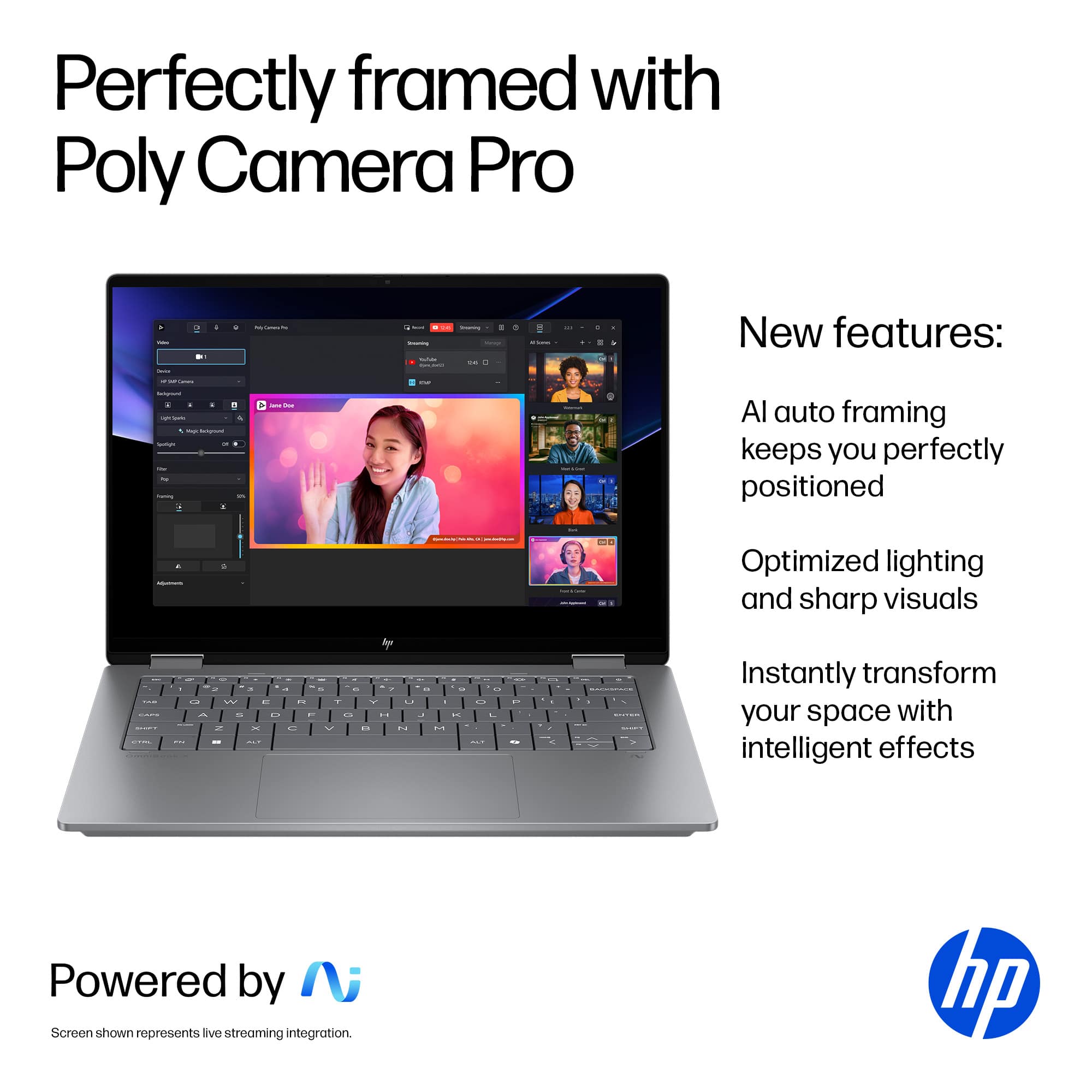
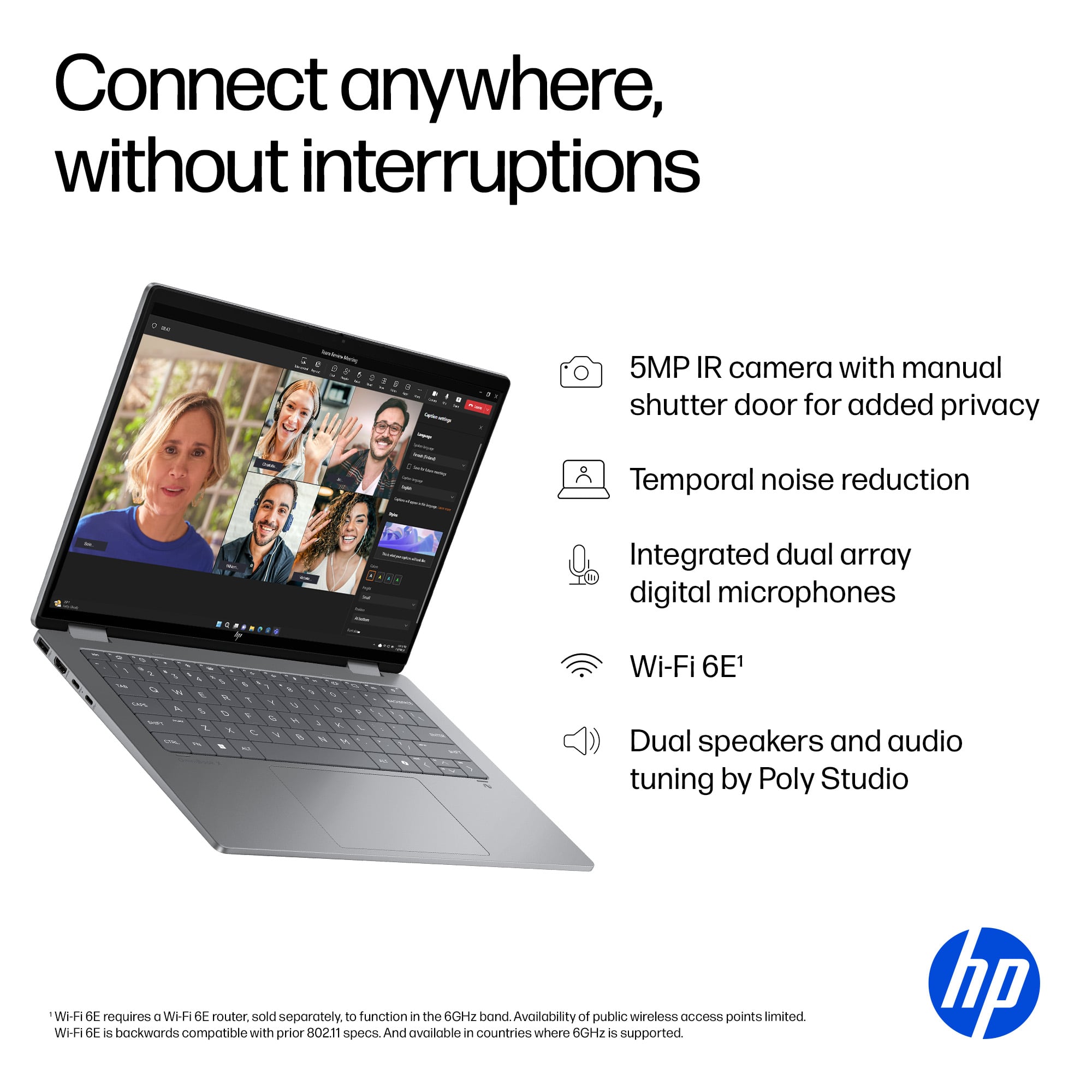
In terms of performance, it's fast and there's plenty of memory for most standard office and entertainment tasks for lots of multi-tasking. The WiFi connection is solid and performs really quite well. The webcam and microphone is definitely tuned for virtual meetings and calls and HP bundled in AI software that uses AI and HDR to make you and your environment look you best so I'd say it'd even be good for someone who does a lot of content creation or streaming on the go. The sound on this laptop is pretty solid. It's loud and crisp but I felt like the bass was a little lacking. When turned up all the way the speakers don't distort and are on par with a tablet in terms of sound and quality but do fall short of sound from other laptops in terms of bass and more rounded out sound overall. Don't let that scare you though, it does sound good but just not up with the best that's out there. As for the keyboard, the keys have a nice feel to them and they are backlit which is nice when you are using it in a darker environment.
DISPLAY:
As for the display, you'll either love or hate it. I love that it's glass and Corning Gorilla glass, which does resist scrates and looks amazing but it does have the drawback of attracting a lot of glare so in bright rooms with windows or direct bright lights you may get glare on the screen that could be super annoying. That to me it wasn't that bad but I could definitely see some people having issues with that depending on the environment and preference. Aside to that, the colors and deep blacks on this screen do look great and pop, especially in a darker room. In bright rooms, you'll definitely benefit from turning up the brightness to counter the glare but at the expense of battery life. Perhaps HP will consider a glass with a glare reduction in future versions but I'm still happy with it overall.
CONNECTIVITY:
You get WiFi, and Bluetooth and a few different ports, like a Thunderbolt port (1), USB A (1) and Type C (2) ports along with an HDMI. I would have much rather had another USB-C port and Type A port instead of the HDMI so you could use a USB-C to HDMI adapter and have more ports for general connectivity. That said, there is a enough here to do that too so that's just more a preference on my part.
AI:
Is the AI NPU worth it? I would say most definitely as a future proof tech. As more software supports it, you'll find yourself wanting or even needing this NPU hardware feature as some video and photo editing software packages even now require it in order to use certain editing features which not only are faster but really do enhance your workflow resulting in less work and the ability to do the processing locally rather than putting your data out there online in the cloud. Everyone is talking cloud AI today, but I believe it's a solid bet there'll be new suites of software in the future that specialize in using AI and NPUs on your PC locally rather than in the cloud because it's much cheaper being purpose built and doesn't require a dedicated set of cloud computers to run, and at the same time offers stronger privacy among other many other benefits and leaves the larger AI workloads (like training AI models) for the cloud for businesses and processes that need the additional power.
VERSATILITY:
I love that you can flip this laptop over, use it as a tablet and even draw or write with an optional stylus. It's all around a solid machine and one that I would expect from HP at this level. The design is refined and purpose driven with the only real issue being the glare on the display. Outside of that, it's solid and I'd recommend it.
This reviewer received promo considerations or sweepstakes entry for writing a review.
The HP Omni X flip offers great capability and Ai performance for those on the go, multi-tasking, facetiming, day to to day requirements that most face. While Ai co-pilot features are still a new design coming in to play, not all are built to the same quality. The Omnibook X Flip offers a glimpse in what a well designed Co-Pilot feature can offer.
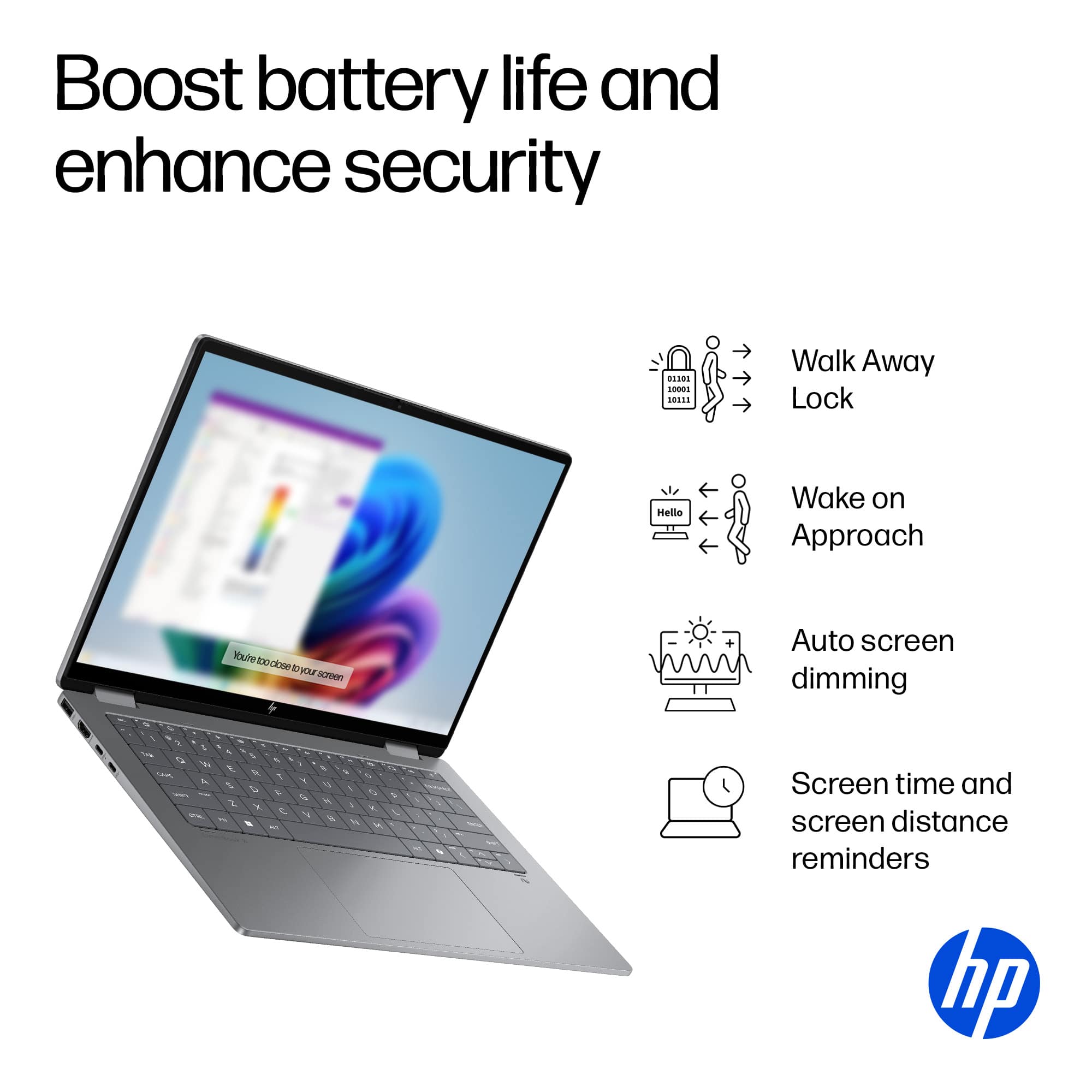
Out of the box i have to say first and foremost i was very pleasantly surprised to how well designed the chassis is. Full light weight metal with almost zero torsion or flex. A well light back keyboard with a seamless track pad that never lost place of my finger strokes. After about an hour of charge time i decided to put the battery life to the test and see how long it would last and effect performance with the Ai built processor and Co-Pilot features. This is very first laptop i have ever owned that yielded me 30 hours of normal day to day routines. During that run time i never truly noticed any performance throttling. Ya, there was the diming of the keys and monitor but my Google meet calls ever experienced any issues. All video feeds were crystal clear with no drop outs or distortion. Even when sharing my screen, cpu performance remained at a solid 30% load. While editing photos i noticed the Co-Pilot feature, which i had turned on, asked me if i wanted help cleaning up the photo. I allowed it to do its thing as most basic cell phones can do basic photo editing anyways. I honestly thought it would do a basic crop and move on but it changed quite a bit more. It cropped the person i was focusing on, cleaned up the lines and blurred out the background, while changing the lighting and color hues. Im assuming it was assuming this was the look i was going for (which i eerily was). The Omnibook also supports windows facially recognition and comes equipped with a beautifully flush window shutter for your lens. I actually didn't even know i had a privacy window at first due to it being that flush.
I tried to really focus on the Ai side to this laptop as this is a really new feature that is going to be present in pretty much everything. Im not a know it all but in my limited knowledge what a consumer needs to know is what makes a lap top a true Co-Pilot is a laptop with a NPU (neural processing unit). The basics of this feature is your now taking your computer and it no longer needs to use Ai from cloud servers but rather in a very basic sense it now has its own logic or built in Ai. Think of it as a brain for your laptop, hence the word neural. Now as far as day to day practicality here is what i noticed. It seemed like it did over ride and take control of other task i was no longer using allowing me to never notice a performance issue when not directly plugged into a power source. I like how when i get confused on what setting to go in to, it very easily guided me there and at times would perform the task i was gonna do anyways. The photo editing feature was cool for sure but still nothing stand out. I spend alot of time on Google Meet and often have to screen share for video presentations. For the most part with my other laptops i get the occasional flickering and diming of the light as the lens tries to focus and adjust. I'll get the random video stutter or when it really loads up i may even get reduced video quality that is being viewed by my other peers. With the OmniBook i never once experienced any of these issues, not once! The one difference that stood out to me the most was the lighting. I would get distracted when my camera would start to dim my video feed as it would try to adjust to environment. This annoyed so much so that it was the first improvement i noticed with the Omnibook Co-Pilot.
Overall this is the future of computers and at this price point, it is a great way to test the waters. I didn't want to touch too much on the other features as they can easily be pulled from BestBuy but rather i wanted to try to stay on point with the subject at hand which is the current use of Co-Pilot features in feature laptops and PCs. And while its not perfect or ground breaking it can definitely be felt in the way of performance. For me im excited to see how this improves as time goes on.
This reviewer received promo considerations or sweepstakes entry for writing a review.
I've been a MacBook user since my college days because ever since I tried one in college, I fell in love with the sleek, premium aluminum build. Over the years, I came to accept that Windows laptops couldn't compete with that design. But little by little things are chaging, and more Windows laptops are stepping up. Honestly, my MacBook is starting to feel outdated especially now that so many laptops come with a touchscreen. I would be lying if I said that Apple will make a touchscreen MacBook in the future because of their obsession with keeping the iPad separate. Luckily, not all companies are greedy, and this is where the HP with its OmniBook X Flip 2 in 1 is making me leave my MacBook behind.
This thing is a beauty. It looks sleek, feels premium, and perfectly blends laptop functionality with that of a tablet. When I need a laptop, it’s powerful and smooth. But when I want to chill, I just flip it over into tablet mode, and it’s perfect for reading or watching movies on the go. I freaking love it! I wish I could say a MacBook could do that, but it doesn’t.
Personally, I like to do some light gaming from time to time, so I downloaded EAFC 25, and it runs flawlessly. Honestly, this 2 in 1 laptop does everything I need it to do. I won’t go as far as to say this HP OmniBook X Flip is making me switch to Android phones, but I will say it has moved me away from thinking I need to keep using my MacBook for my productivity. That’s a first for me in over 10 years. I never thought I'd see the day, but it’s here!