Customer Ratings & Reviews





- Model:
- SMART TANK 7301/28B70A#B1H
- SKU:
- 10757520
Rating by feature
- Value
Rating 4.2 out of 5 stars
- Quality
Rating 4.3 out of 5 stars
- Ease of Use
Rating 4.1 out of 5 stars

Great Value Printer
|Posted .This reviewer received promo considerations or sweepstakes entry for writing a review.This is an awesome printer. I was very happy to know that it was packed with up to 2 years of ink supply. The ink was very easy to install and the were no messes done. The set up was also very easy. You must download the app if you want to use your phone to print images or any document but not necessary since you can always use your computer. I do have to say that the paper tray needs to be completely full to be able to print, if not it will continue to say its empty. If you have big projects or frequently use the printer for scanning, printing or copying then this printer is for you the price is worth it and again the ink supply will save you money, since you don't have to keep buying and buying through out the year.
I would recommend this to a friendDoesn't work
||Posted . Owned for 1 month when reviewed.This reviewer received promo considerations or sweepstakes entry for writing a review.Doesn't work.. i tried to install and the first print the paper was stuck in the printer..
No, I would not recommend this to a friendBrand response from HP Team
Posted .Hi, Andres.
I’m sorry that your printer has not worked like it should. Your review is brief, but it’s easy to understand why the device getting a paper jam on the first print would be a dreadful start to ownership. I want to help you out of this dilemma, so I’ll suggest some resources aimed at serving that end.
First, I recommend going through the steps to clearing and avoiding paper jams that you’ll find in this troubleshooting guide on our support site:
- support.hp.com/us-en/document/ish_4513493-4037390-16
If the problem persists, I suggest that you contact us directly at +1 800-474-6836 so we can help you assess what’s happening and find the best course of action. To expedite the process, I recommend gathering the following information before the call:
- Model number
- Serial number
- Your location
- Case number (from any previous contact with HP support)
Keith
HP Care
hp.com/support
Poor quality, not made for a small business cheap.
||Posted . Owned for 3 weeks when reviewed.This reviewer received promo considerations or sweepstakes entry for writing a review.Poor quality, have to disconnect and reset every week.
No, I would not recommend this to a friendFrustrating purchase
||Posted .This reviewer received promo considerations or sweepstakes entry for writing a review.Misleading description This unit was returned because of lack of ability to landline fax number
No, I would not recommend this to a friendInk efficient, fairly easy to set up
Posted .This reviewer received promo considerations or sweepstakes entry for writing a review.Pretty easy to set up. I love the cartridge-free option and so far seems pretty good on the ink usage, but unsure if the "2 years" will hold up. At first had some trouble staying connected but the app is useful to connect. All in all a great printer so far.
I would recommend this to a friendSolid HP Printer for color printing
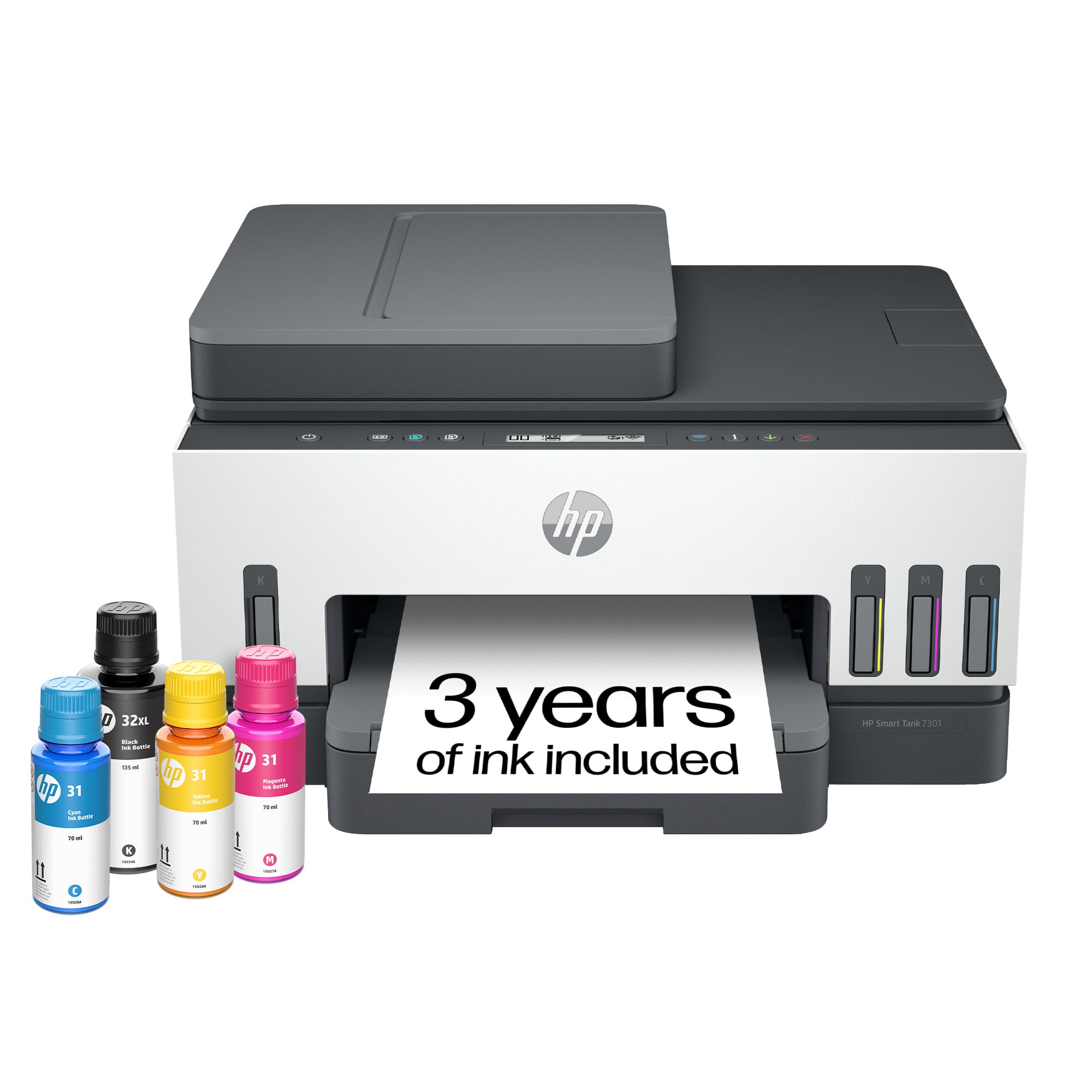
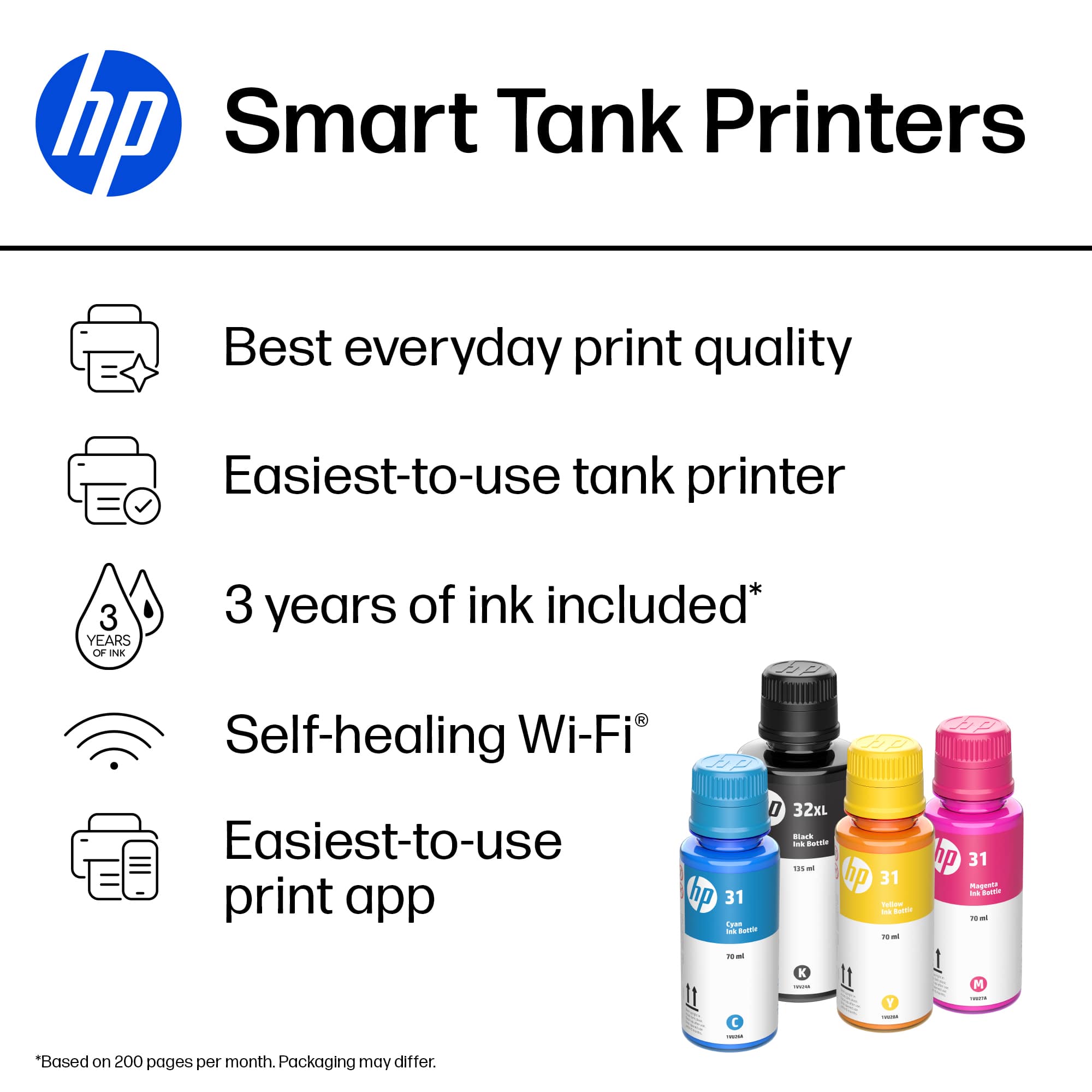
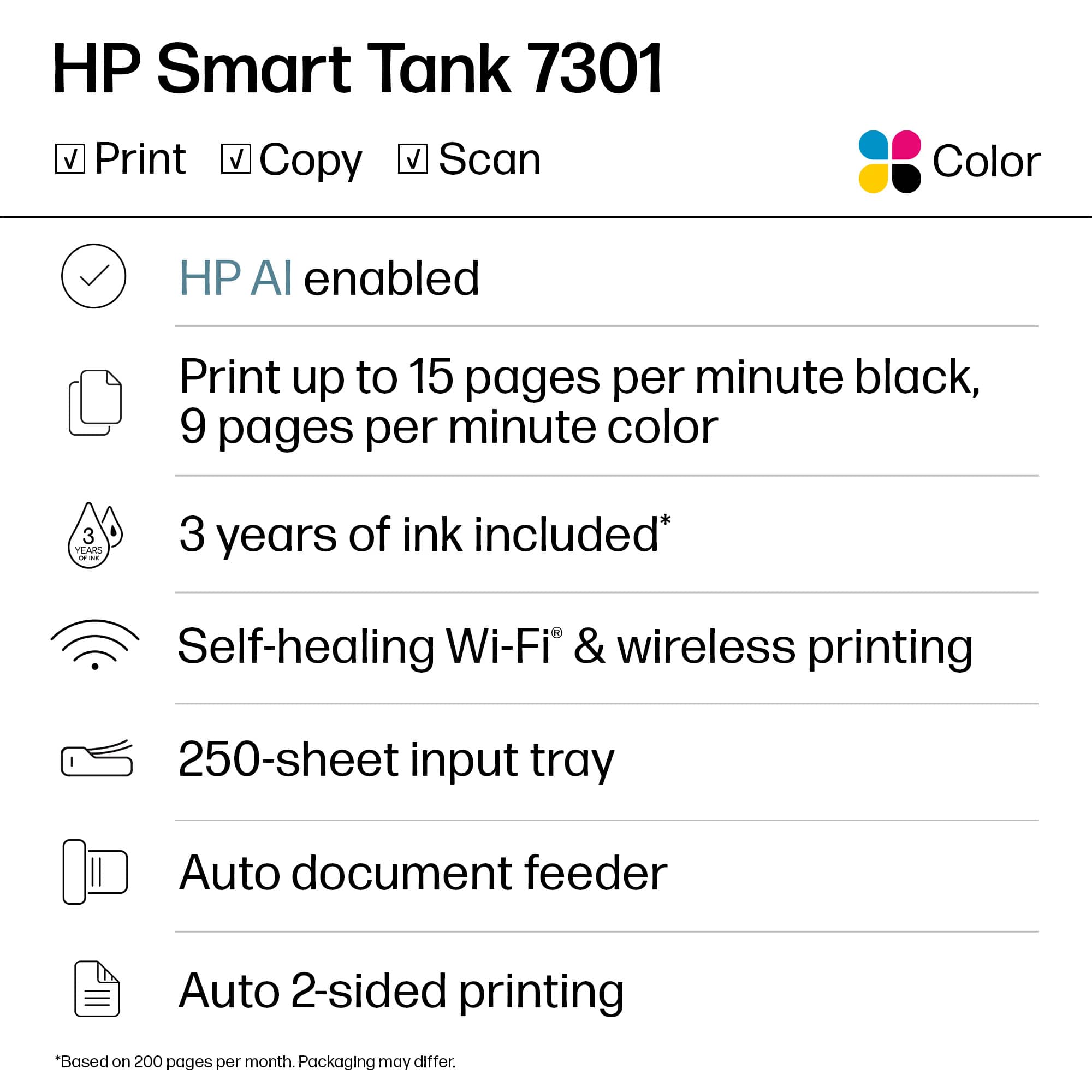
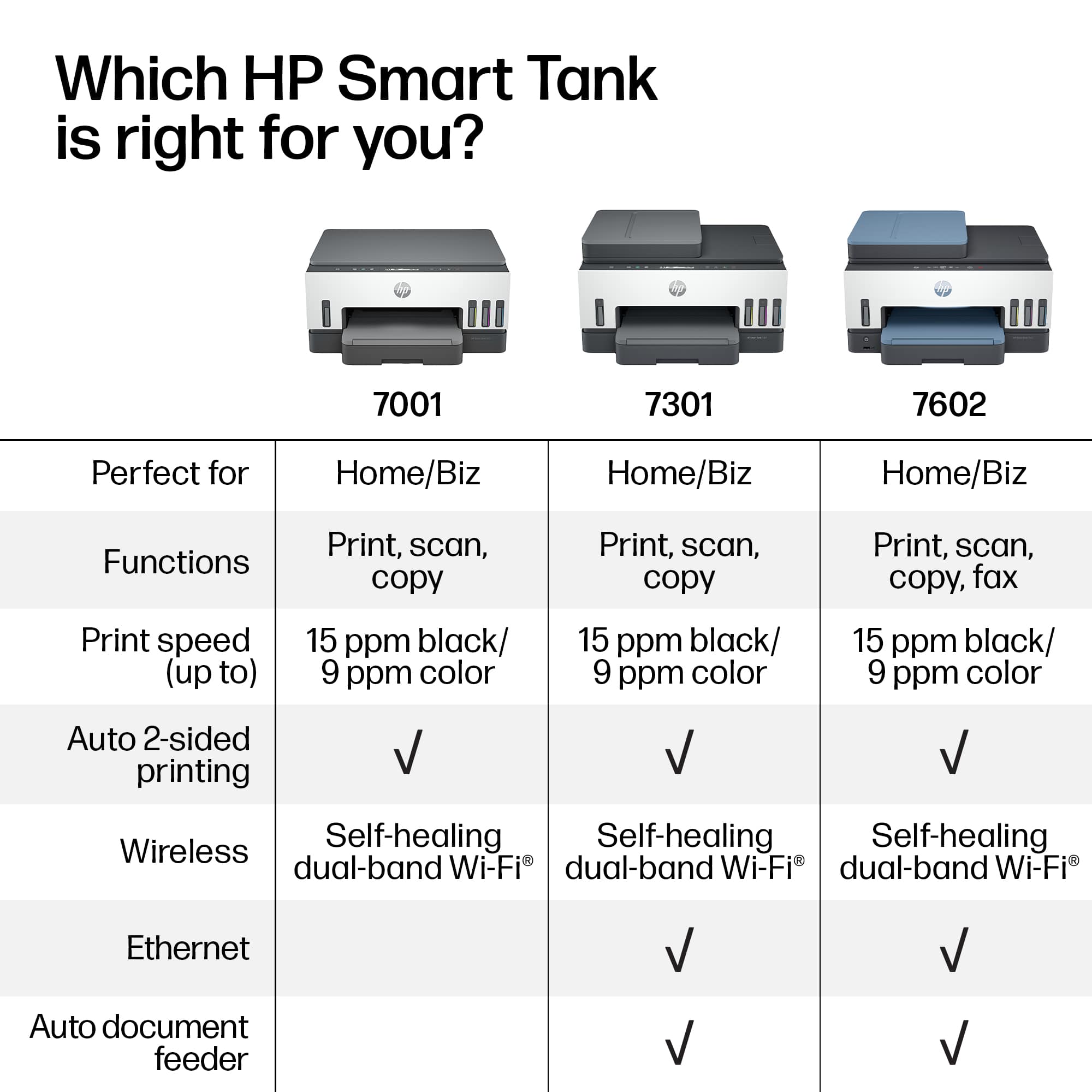
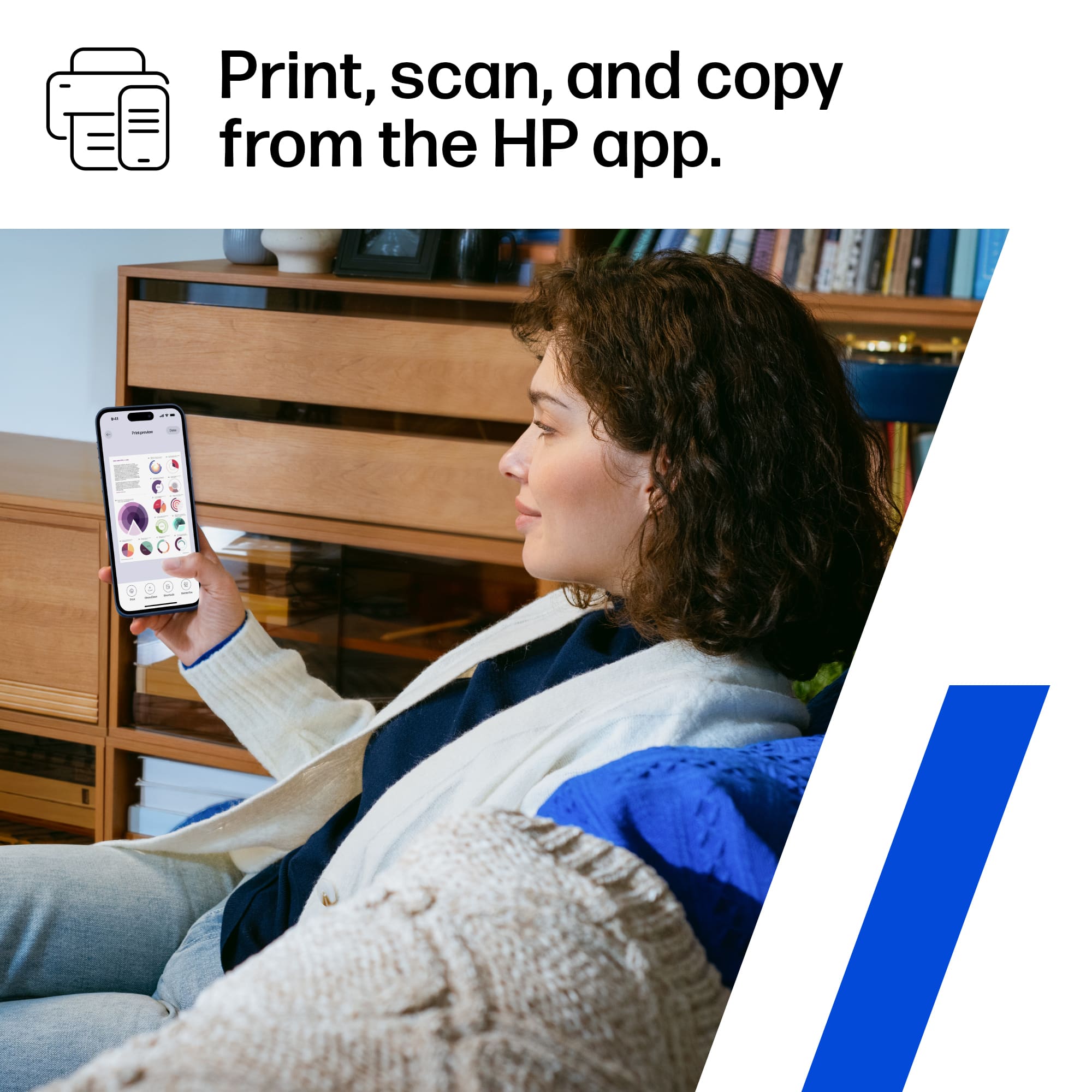
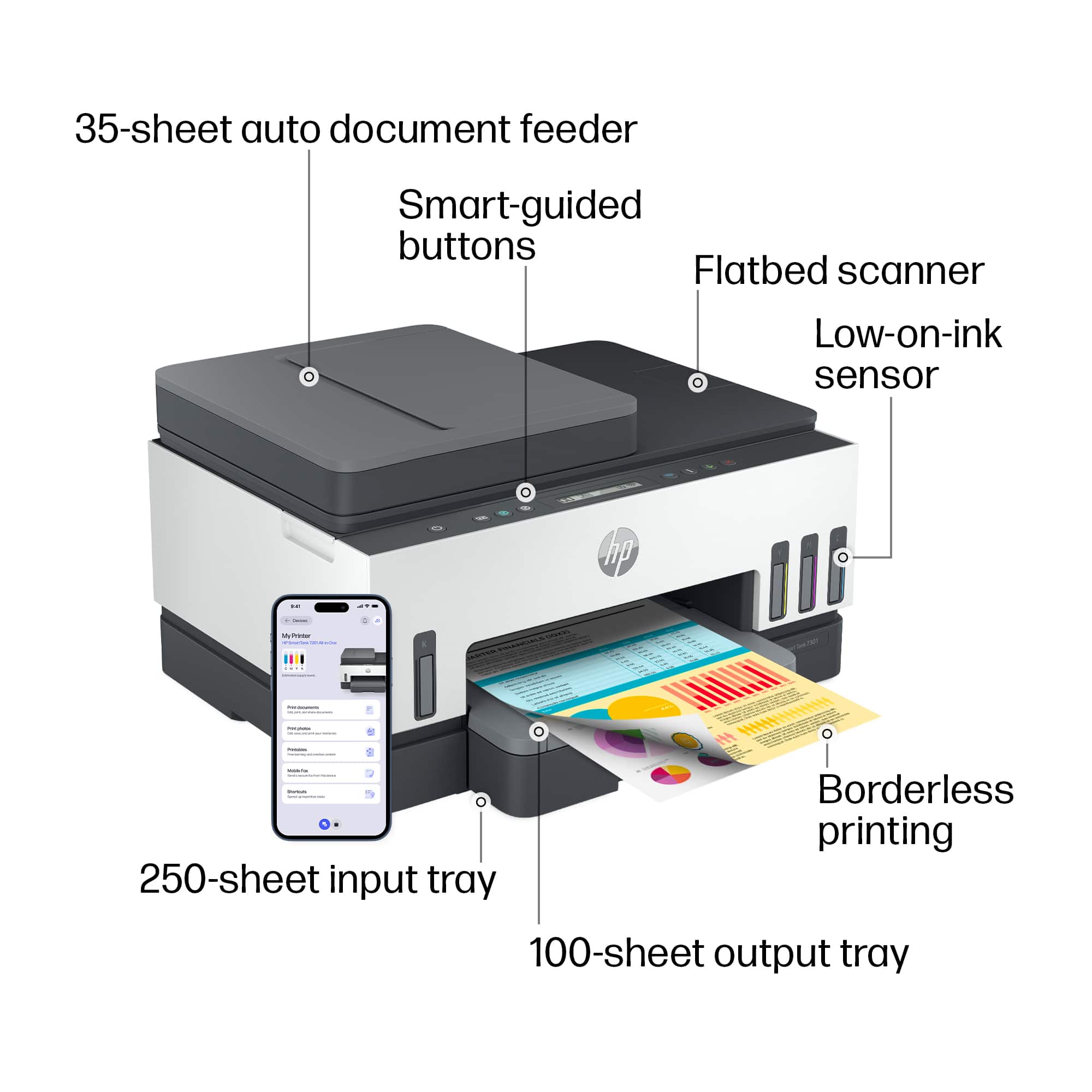
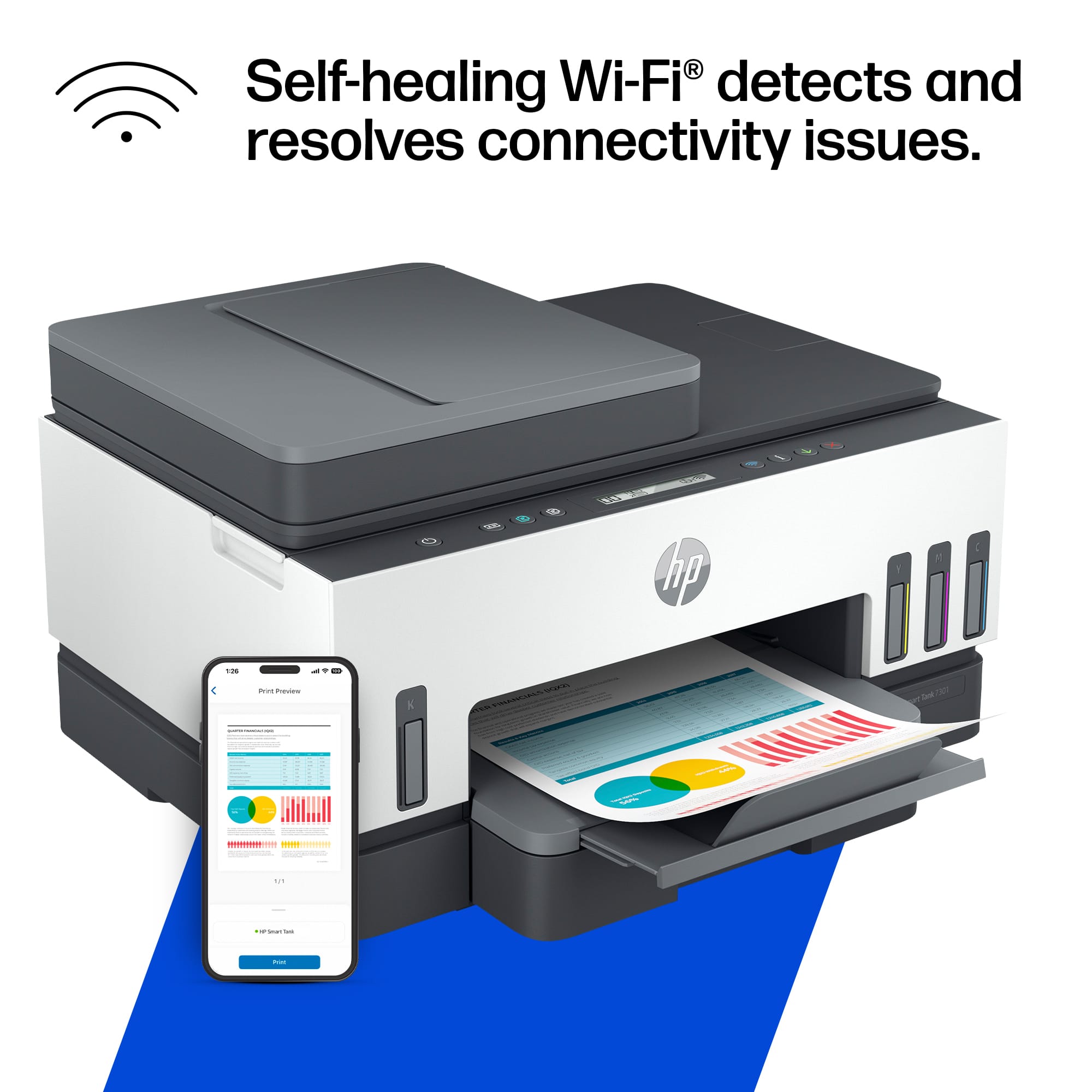
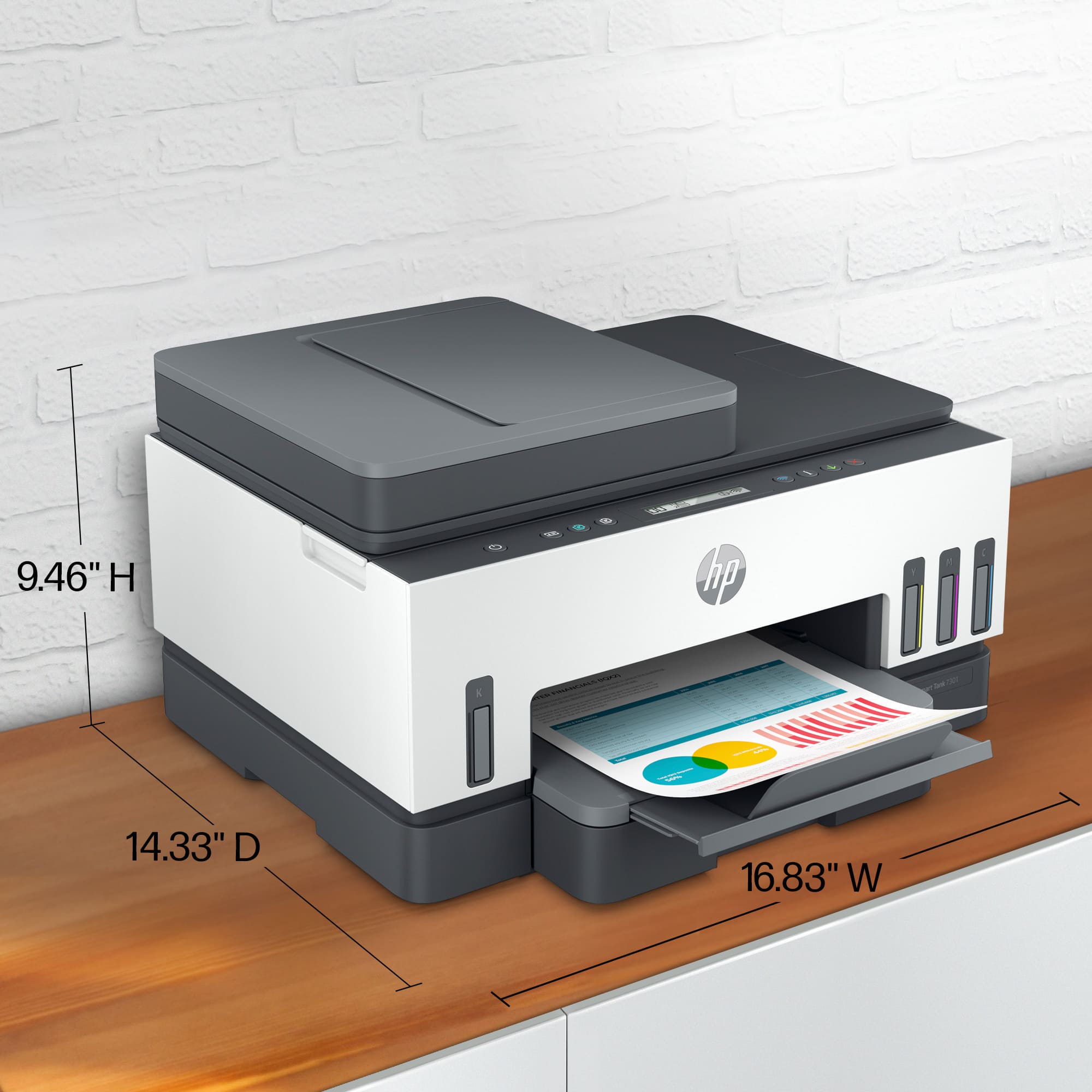
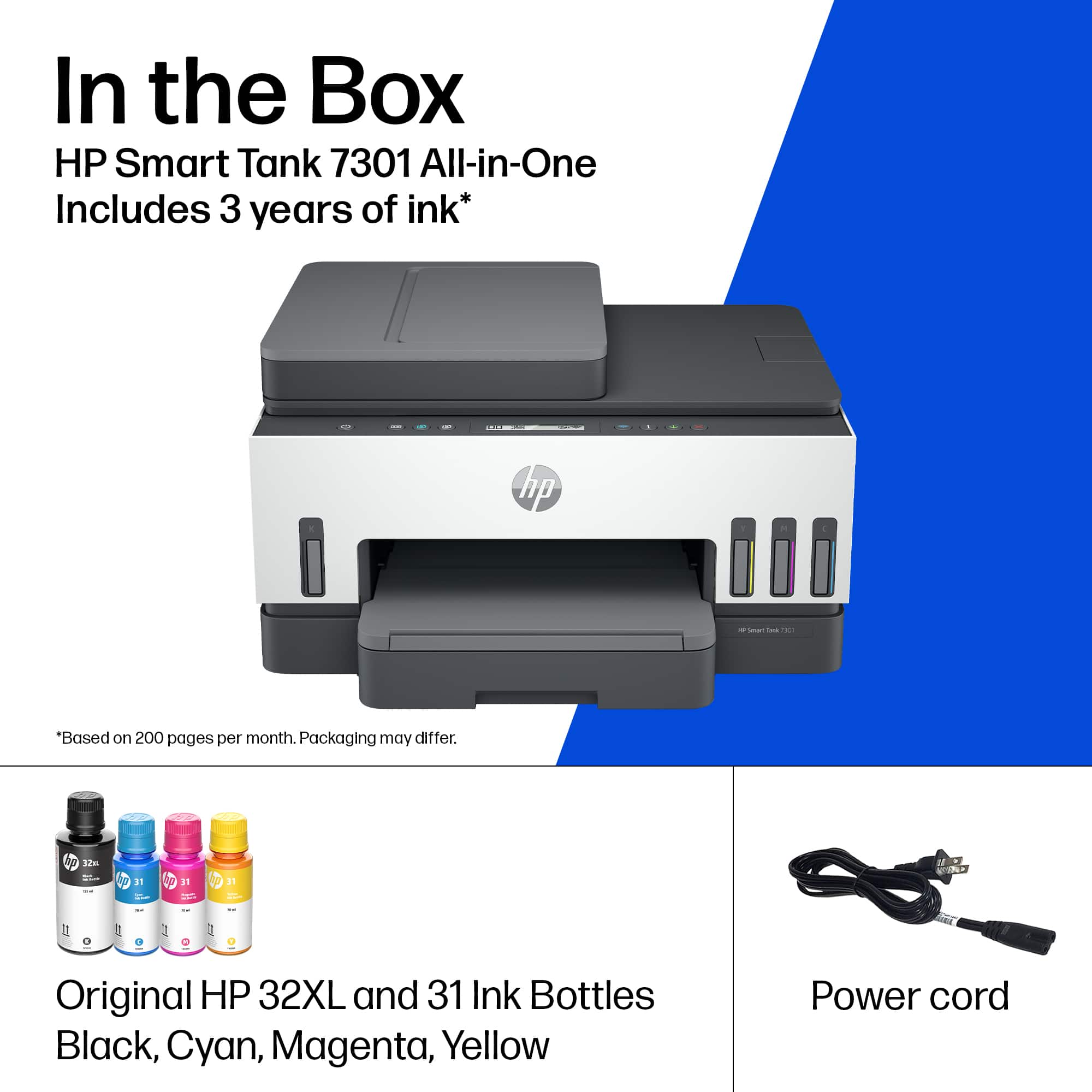
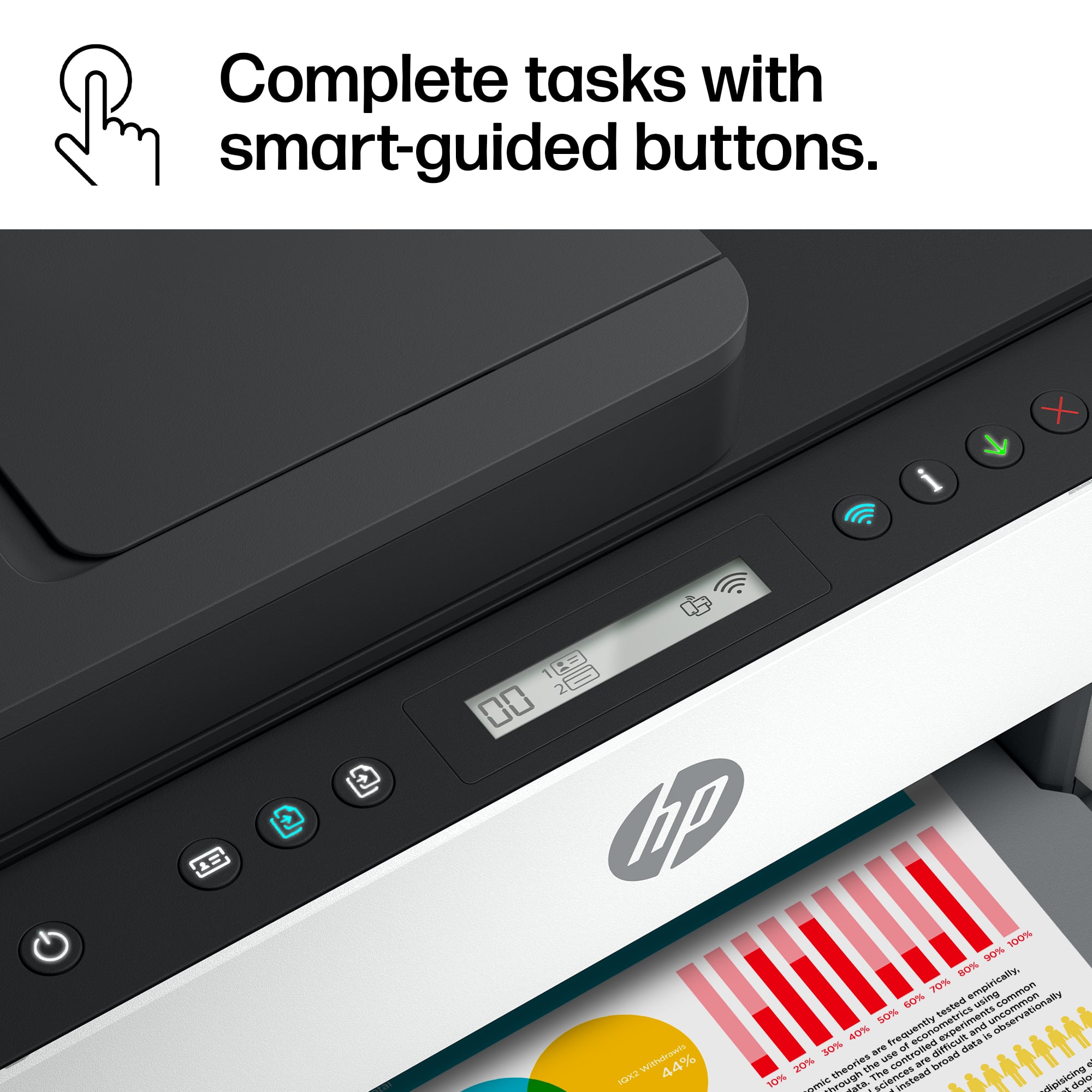
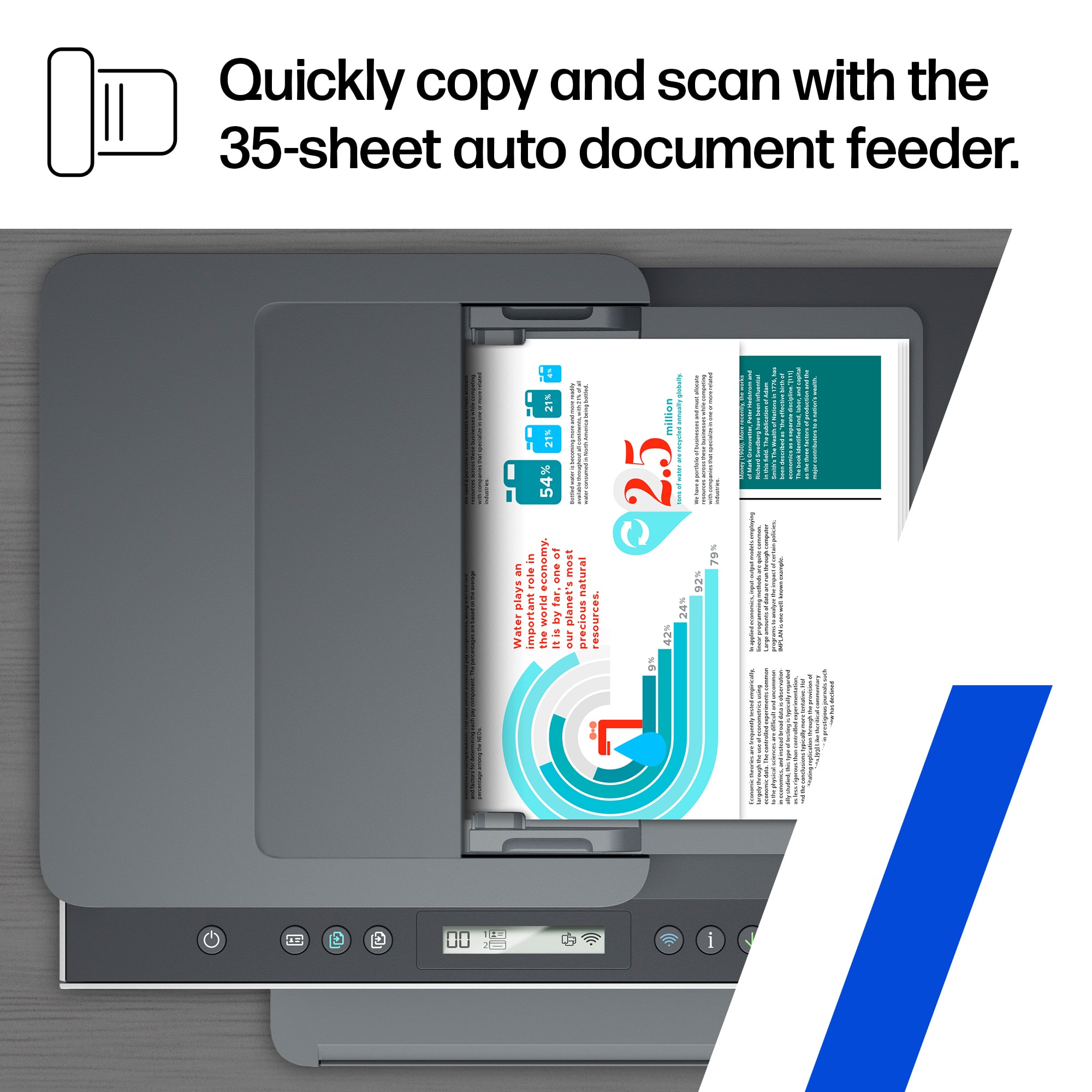
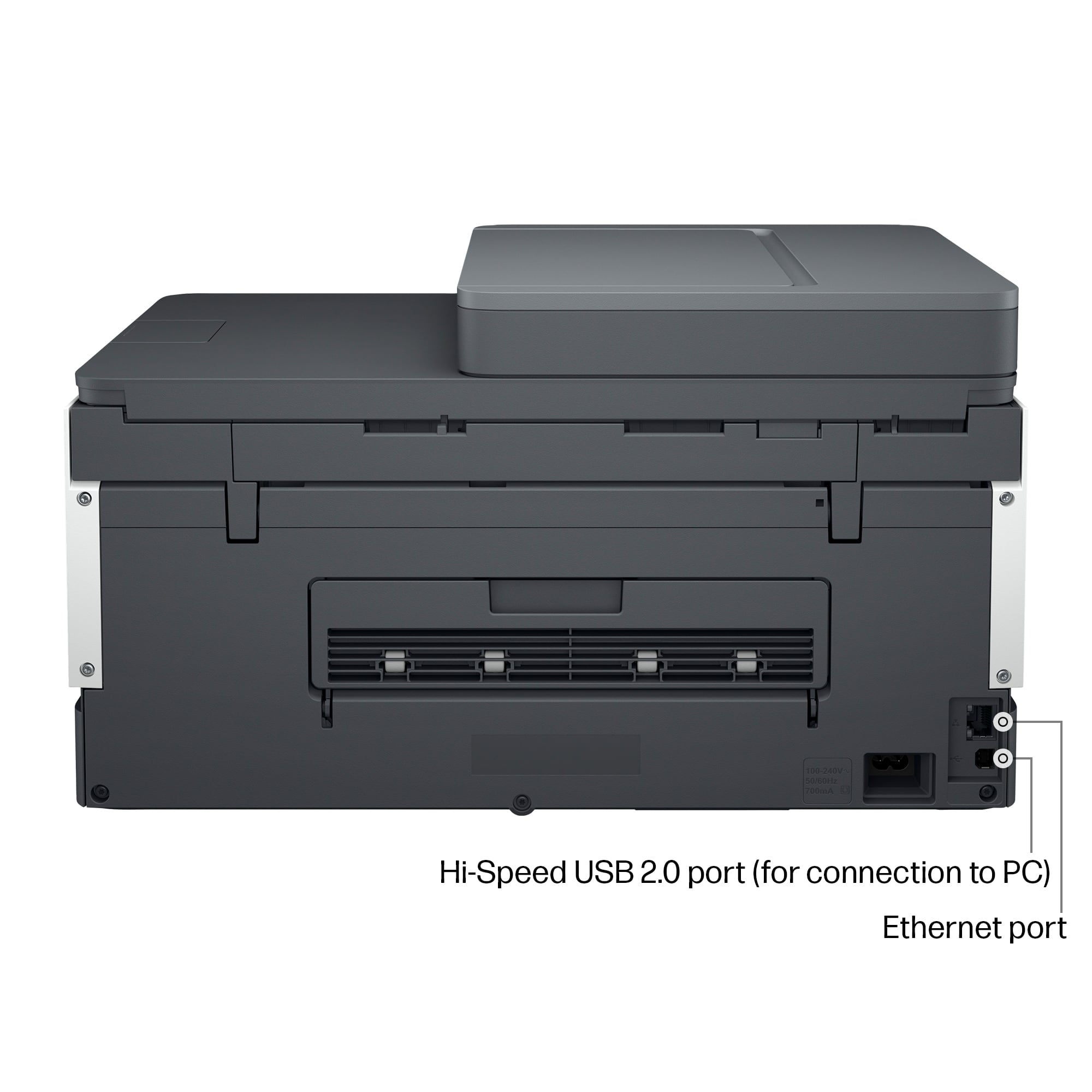
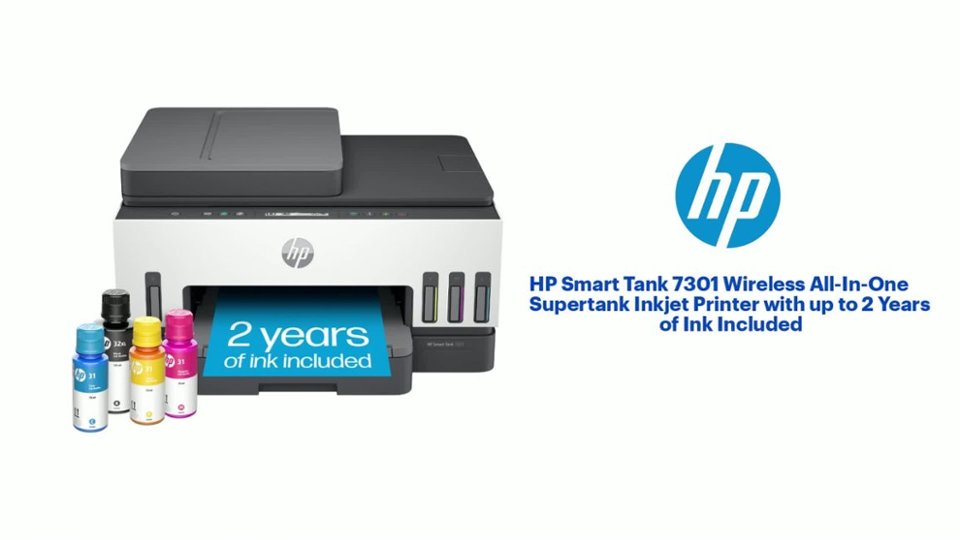
|Posted .This reviewer received promo considerations or sweepstakes entry for writing a review.The HP Smart Tank 7301 Wireless All-In-One Inkjet Printer provides a solid printing and scanning experience. Setup is quick; simply remove the tape and internal cardboard, plug it into the wall and power it up. I downloaded the HP Smart app on my Android phone, and it walked me through setting up the WiFi, filling the ink tanks, installing the printheads, loading paper, and aligning the printheads. The Smart Tank printers do require the ink tanks to be filled before the printheads are installed. This is a different startup process than non-tank printers so I highly recommend the HP Smart setup process for detailed animations that explain what you need to do. Once you see how it is done, it is very easy to fill the tank due to the spill-proof refill design. The HP Smart Tank 7301 can work on either 2.4GHz or 5GHz WiFi frequencies which I appreciate because I can have it on the frequency with the least devices. If the printer has issues with connectivity, it has the capability to automatically connect to another frequency to keep print jobs rolling. It can also connect via Bluetooth, USB 2.0, and Ethernet cord. The printer does come with HP32XL black ink, HP31 Cyan ink, HP31 Magenta ink, and HP31 Yellow ink which is enough ink to get 8000 color pages or 6000 black pages. The printer has 8 buttons facing up and a 2-line LCD display that face up near the front of the unit. I appreciated that the buttons will contextually light up depending on the job the printer is doing so that you can quickly see which buttons may be useful for that particular job. It does have ID printing which is a nice feature that will scan both sides of an ID and print them both on one side of a piece of paper. There is an auto feeder that works for both printing and scanning which holds about 35 sheets. Paper capacity is 250 sheets which is a nice amount for handling several large print jobs before needing to be refilled. The print speed was impressively fast, with color jobs running at 9 pages per minute and black/white jobs running at 15 pages per minute. With a recommended monthly printed page volume of 400 to 800 pages (same for scans), this printer easily handles the modest of work that I have for it. I think this would be a nice printer for the entire family to use or even the small home office. I appreciate that HP has committed to more environmentally friendly hardware, with 25% of the plastic on this printer coming from other recycled electronics. Overall, the HP Smart Tank 7301 is a very nice entry into the field of family or small office color printing. It is easy and intuitive to use, quick to setup, and performs flawlessly. I do recommend utilizing the HP Smart app for easy printing, scanning, and diagnostics.
I would recommend this to a friendPrint wells, but know this..
|Posted .This reviewer received promo considerations or sweepstakes entry for writing a review.Smart Tank 7301 is Hewlett-Packard's top-of-the-line large tank (called Megatank and Ecotank by their competitors). HP got on the bandwagon when the other two manufactures were making loads of money. They did not do a good job. I put it through thorough testing and I have concluded that while it print well, it has a few shortcomings that if this were the only large tank printer, it would be a great buy – but compared to its competitors, this printer should be priced about half of what it is retailed for. The printer came in a very well packed box – typical – just like any other printers out there – there is no manual but a small sheet of a folded brochure on the quick setup. It doesn't go into detail whatsoever about how to install the printheads and how to pour in the inks. I had to download the Adobe Acrobat manual to go over it so I will not make a mistake. It is not a simple printer, and I had to make sure what is installed first – the printheads, or the inks? (The answer is you have to fill the tanks with the inks first.) Unfortunately, it has to be done extremely carefully. Another brand – the tips of the bottles are clearly designed so it cannot be inserted into the wrong tank (wrong color). If you do not think it is serious, imagine putting water in your engine instead of oil. There is no way to purge the ink if the incorrect color is used. This is an oversight and some users who are not careful will make a mistake if they are in the hurry. I tried to download the full driver (it is a huge file) on HP website, and the setup program did not recognize the printer even when it was connected through the USB port. I switched to few different ports – directly connected to the computer – it still did not recognize the printer. And by the way, the link on the website of HP was broken for this particular driver. I had to go to third party which fortunately links me to HP own website but with a different URL address. Of course, I made sure it is for this particular printer, and not for an incorrect one. This is a horrible oversight for someone who want to set this up for office use (IT department). I had to download the “app” which is more like a toy and it still did not recognize the printer. I had to reboot the computer for that to happen. (I am running Windows 11 and the driver that I mentioned above was made for Windows 11.) Once it started working, the printer printed quite quickly and thankfully on duplex (both sides of the paper) at the default setting, fast enough for me to use at work. (I set this up first at home, and I took you to work because I print a lot at work.) It is a bit loud, but I didn't expect it to be quiet (and print that quickly). Another criticism that I have is that I could not see the buttons at all. Sometimes it lights up, but when I wanted to make a test copy with the automatic document feeder, I had to play around with the button. I had to look at the PDF manual since the provided setup sheet did not go into it at all. They could have invested in a small LCD screen that has messages that the user can understand. It is just a bunch of icons. I would like to be able to control the printer at the printer, and I don't want to do it via the computer. How did this thing come out of the design department is beyond me? I have Adobe Acrobat and I wanted to scan the documents to create a 10 page PDF file – it works – very slowly – and only the maximum of 300 dots per inch. And it only scans one side – meaning you have to flip the page over to the other side. It deserves a duplex (one pass) sensor. If you have a lot of documents to scan, you are going to be frustrated. Next problem the paper tray – you can fit the letter sized paper, and it will extend to accommodate a legal sized paper. I thought I was missing something to keep the papers in place – it is in there. At the end of the tray the stack of paper is made so it is "fanned" for the ease of the printer to feed it – but at the other end of the papers (toward you), the edge of the paper just sits there. I don't know how well this will work because if the papers move back just a bit, the printer will not be able to pick one sheet up at all. Another shortcoming is for something that because this much, there is no manual bypass tray. If you want to print an envelope, you have to take the whole stack of paper out and insert one envelope. How much can it cost to add that feature? Lastly, there is no maintenance tray. What that is is when the printer does the cleaning of the heads, it dumps a small amount of ink onto a sponge pad (to unclog the print heads.) When the pad is too soaked with wasted ink, it will have to be replaced. There is no way to do that here without this assembling the printer (and you are not supposed to). For something that because this much, they should make a replaceable maintenance tray. The other two brands which shall be nameless, have them for more expensive models. So this printer is okay for home use, but if you use it a lot at work, one day it will stop printing because the pads will have to be replaced and you will not be able to do it yourself. You may have to send it in. This is a major flaw and it makes it a home use only. Yes, print a few thousand pages and opps - it stops working. It is an acceptable printer and I was able to set it up wirelessly using the app. If they were no other large capacity inkjet printer in the market, it is a decent printer (with all the shortcomings that I have mentioned), but compared to the other two brands, for the same price, you just don't get enough with this. Not recommended for the price you are expected to pay because there are better choices (that do more) out there.
No, I would not recommend this to a friendGreat printer in a digital world
|Posted .This reviewer received promo considerations or sweepstakes entry for writing a review.I know ideally I should not be printing on paper any more since everything can be digital. However, I still always find myself needing a printer. From parking permits, to physically signing docs and sending them out, to digitizing my document clutter—these are still a necessity for me. Let me list out the basic things that HP has always been good at—installation and seamless integration with my PC. The HP Smart app has been so easy for my PC and phone. Putting it together is done step by step, guided—especially that I am new to ink tanks, it was made easy for me to set it up, without spilling! The bottle nozzle to the printer tank is well-made, I didn’t waste a drop. The usual connectivity setup is easy as well because the app has been very easy to use. Plus I have been a smart app user for years so the HP printer services has been very easy for me to use. So the main uses for the printer are as expected of an HP printer. Clean crisp print lines, and the print looks good even on crappy paper. Print speed is decent for home office. Scanning is quick and the document feeder takes on crumpled sheets easily! So HP does what they do best. But you know what the best thing about this printer is? I read how this HP 7301 is made from recycled materials. That is huge for me. It is bad enough that we still do business on paper— I sometimes feel guilty when I still have to print but cannot help it because business still requires it. Having the tank already makes me avoid subscribed ink cartridges. Then you have a printer that is responsibly made. It helps reduce my carbon footprint. And, speaking of footprint, given all that this one can do, it manages to be small on the desk. All the reductions done by this printer are actually pluses! This one makes me feel less guilty—it is a perfect mix of being able to comply with business needs and still be responsible and efficient.
I would recommend this to a friendGreat Printer for All
|Posted .This reviewer received promo considerations or sweepstakes entry for writing a review.Overall, the HP Smart Tank 7301 is a great printer for home office users that don’t want/require the bulk of a true laser jet printer. Unboxing the printer was easy, as are all HP printers nowadays and setting everything up was also a breeze. If you haven’t set up an HP printer lately, they’re all essentially the same thing: plug the printer in, turn it on, download the HP Smart Print application on either your computer/laptop or smartphone, and then follow the instructions to get connected. It’s really that simple, honestly. Once you’re up and running you can print/scan/copy straight from your device’s controls, as long as your printer is actively connected to your wifi and has a signal. As far as printing speeds go, this won’t blow you out of the water, but it gets the job done. I will say, from my time with the printer, the overall quality output seems to be higher than other small/home office printer lines from HP like the Envy. Using dedicated photo paper delivered quality results which I, as a professional photographer, enjoyed. I wouldn’t use this for true client work, but for prints smaller than 8x10 is a good choice. The biggest selling point of the 7301, though, are it’s ink tanks. These are supposed to deliver longevity of a toner cartridge in the form factor of an inkjet-based printer. Time will tell but we’ve printed a decent amount and I don’t think I’ve seen the tanks budge on capacity. At any rate, I’d recommend this printer to most people: it’s small, easy to set up, and can do almost everything needed for day-to-day printing for small office spaces.
I would recommend this to a friendPerfect WFH Solution
|Posted .This reviewer received promo considerations or sweepstakes entry for writing a review.Now that I am out seeing clients again, but still not going to my office very often, I needed an all in one printer and this one fit my needs perfectly. I've had other HP printers int he past, so setup was easy through the HP Smart app. Just make sure you follow the instruction and drop in ink before you start the wifi process. I hate buying ink, I find it so overpriced, so I love that this printer doesn't use cartridges. Remember when printers only came with sample size cartridges? This Smart Tank printer is so easy to refill and comes with enough ink to last a couple of year, maybe even more. My black and white prints look better than my more expensive printers at work and the colors look great as well. Prints come out super fast with amazing clarity. I love the top feeding scanner, I can easily scan multiple pages at a time and save them to PDF. I wish it had a direct scan button on the printer, but it's not a biggie. I couldn't be happier with this new addition to my work from home setup and look forward to years of printing.
I would recommend this to a friendLove the idea of ink tanks!
|Posted .This reviewer received promo considerations or sweepstakes entry for writing a review.I received this item for free from Best Buy and HP in exchange for my honest review. These offers always seem to come at the opportune time - my old printer was giving me trouble and while I don't print a whole bunch at home, I also can't print pictures, etc, at work, so I was in need of a printer. Enter this one. Set up was a breeze, you install the HP app on your phone or computer, and it runs it through there. The only hiccup I had during the process was during the alignment process, it wouldn't ever scan the paper. That being said, I didn't need to do anything to fix the alignment and everything printed fine. Once everything was set up, it was smooth sailing other than it being extremely finicky when I tested it with 5x7 photo paper, and with just one sheet of the smaller paper it kept telling me it was out of paper unless it was positioned just right (p.s., the photo quality is great on photo paper...on regular printer paper, it's a little more eh). All little things that don't really take anything away from the printer as a whole, and I would totally recommend it. I can't wait to see how long these ink tanks last versus what a cartridge would last!
I would recommend this to a friendHP Smart Tank 7301
|Posted .This reviewer received promo considerations or sweepstakes entry for writing a review.The HP smart tank 7301 wireless all in one printer was a breeze to set up. After removing the packaging material and tape I loaded the App on my phone. The app quickly found the printer and gave step by step procedures with text and pictures. The document feeder works great for copies and scanning. The print speed for black and white print outs is lightning quick. As usual there is a slight decrease in speed for color print outs. Loading the ink was quick and clean. It took the whole bottle of each color, with out any spillage. The bottle caps did get in the way, up need to orient the cap over the cap for the color for best results. Installation of the printheads is just like installing an ink cartridge, click and done. There is a large paper tray which holds the paper flat. The HP Smart Tank printing system is a must for any home or small office. The switch to get rid of the cartridge and move to bulk ink will save you the cost of this printer. I would recommend this printer to family and friends.
I would recommend this to a friendNo More Inkjet Cartridges!!
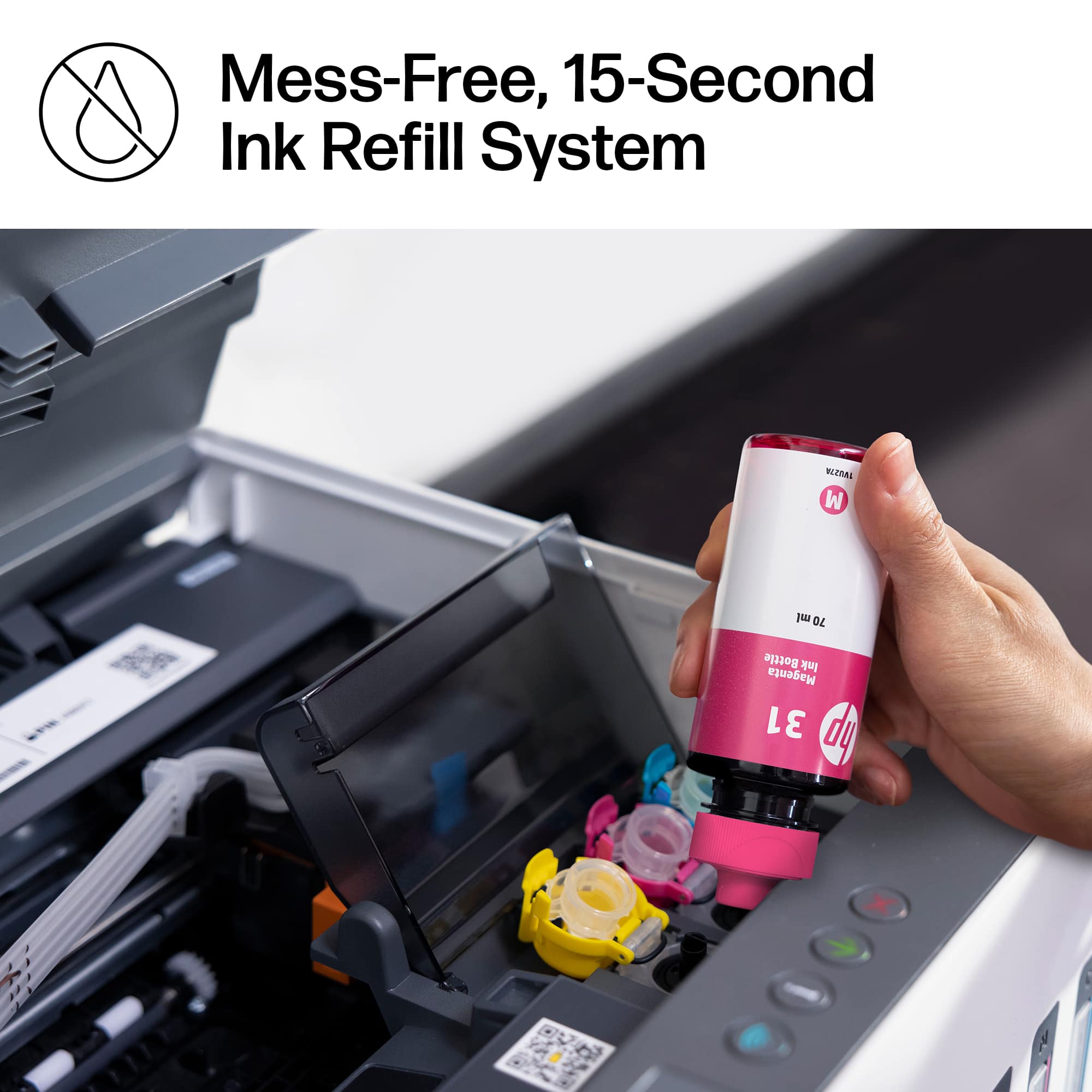
|Posted .This reviewer received promo considerations or sweepstakes entry for writing a review.A wonderful feature of this printer is the “Smart Tank” system. It’s surprising no one ever came up with this idea before. In the past when your inkjet printer was running low on ink, especially with the four-cartridge design so prevalent now, the cost of replacing the ink cartridges was crazy. I dreaded printing something and seeing a pop-up message saying something like “The Cyan Cartridge is Low.” Well now, instead of expensive ink cartridges, THIS printer is built with four ink tanks, and it comes with a bottle of ink for each color. The filling system is pretty ingenious and spill proof. You press down slightly on each bottle as you fill each tank, the ink flows in the tank without spilling a drop. I filled all 4 tanks and there wasn’t a drop of ink on my hands or on the desk. Replacing the ink bottles is much cheaper than having to purchase a separate ink cartridge for each color. Now all that economy and convenience isn’t worth much if your print quality isn’t what you wanted. After set-up, my test print paper came out sharp and clear, totally near-laser quality. Now came the real test for me. I wanted this printer mainly for photo printing. I already have a laser printer in my den, which is great for documents, not at all good for photo printing. I put in a sheet of HP Advanced Photo paper, selected the premium paper in the app software and hit “Print.” Slowly the paper advanced through the printer and the results were BEAUTIFUL. As good as I could possibly expect. I’m very happy. Now I’ll be able to print as many photos as I want, saving money on those ink cartridges (and you can easily see the ink levels on the tank windows on the front of the printer.) It’s all good. In fact the only negative I could find with this printer is the problem I had connecting it to Wi-Fi. The HP Smart app could not see it on my network. None of the included instructions really explained the proper steps to successfully connect using my computer. I’m glad my kids were out of the house so they wouldn’t hear my inappropriate language. Let me save you the trouble, here’s what finally worked for me. First remove all the packaging, on the outside and inside of the printer, being careful not to miss anything. Then BEFORE attempting the Wi-Fi connect, you need to fill all 4 tanks with the included ink bottles. At this point you install the two print heads. (I used an HP YouTube video to see how to do both.) NOW, you can start connecting to Wi-Fi by following the directions in the included “Reference Guide”. At this point your printer will ACTUALLY PRINT OUT the Wi-Fi setup instructions with all the information you need! None of it is intuitive. I had to use the WPS button on my router to finally succeed. Anyway, once your all ‘hooked up’ I think you’ll LOVE this printer. They claim it comes with enough ink for 6,000 black pages or 8,000 color pages. I can’t judge the accuracy of that statement, but it does seem it would be way more economical than the old ink cartridge system, and the print quality is as fast and good as any printer I’ve seen. I don’t think you can ask much more from a printer.
I would recommend this to a friendEasy set-up fast printing,
|Posted .This reviewer received promo considerations or sweepstakes entry for writing a review.This printer is nice, and it prints very fast. Fits in most places, size is nice and compact. I've had printers like this in the past, and they work very well over time. Just clean the heads, and they will print for a long time. Price is the only thing that might make people hesitate. I recommend it.
I would recommend this to a friendFantastic AIO Tank Printer!
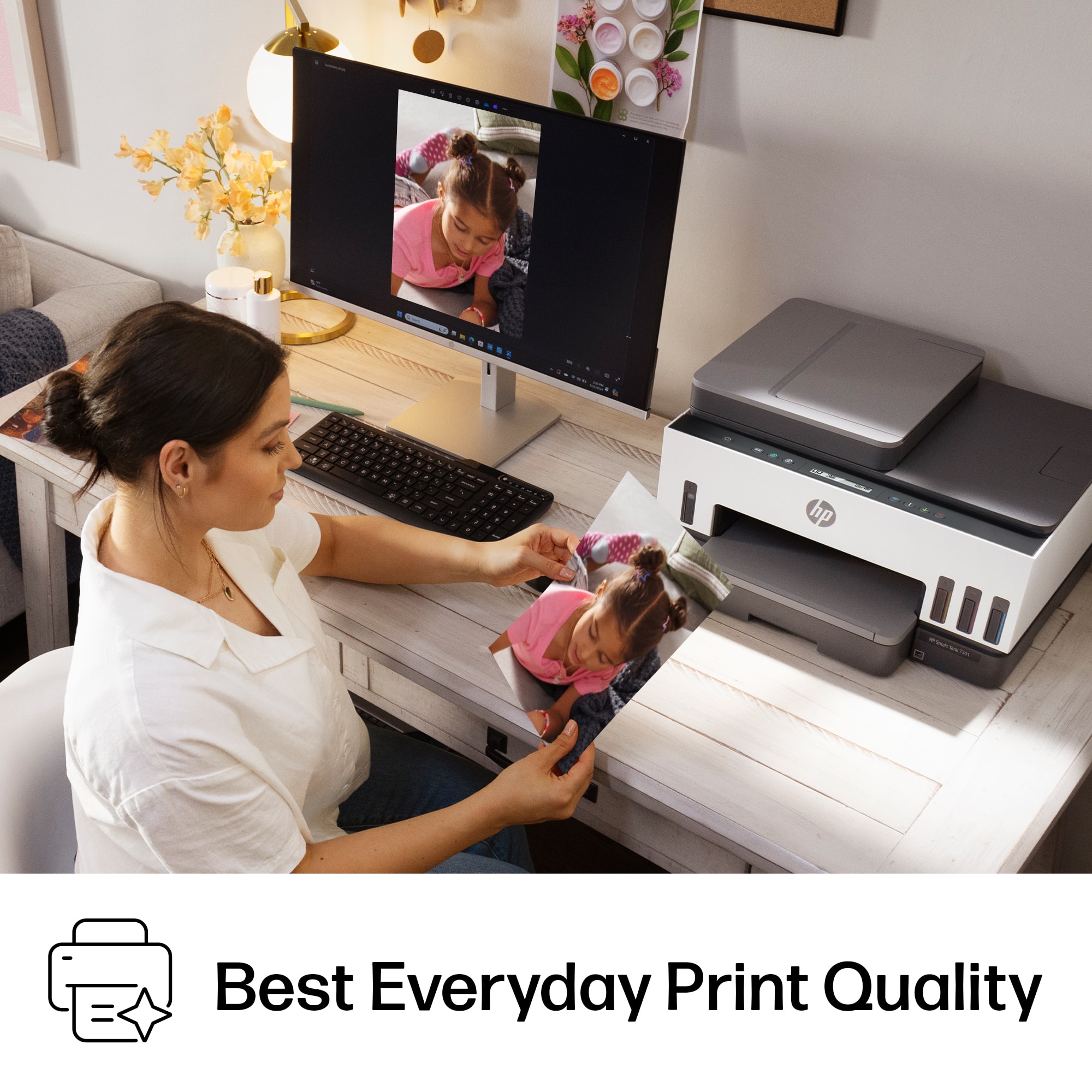
|Posted .This reviewer received promo considerations or sweepstakes entry for writing a review.HP as finally joined the game here and got in the fight for ending the war and ridiculously expensive ink cartridges! Unboxing was straight forward, the usual care was taken to protect potential moving parts, the handles on the bag the printer sits in made it easier to remove from the box. Setup was straight forward and simple. Using the Windows software installer, it guides you through the very easy setup process. One word of caution, if you don’t have super amazing aim with filling liquids into containers, you may want to wear gloves as you squeeze ink into the print heads. It’s not very hard to spill, and once you have ink on your hand, it’s difficult to easily remove. After you get the physical assembly/setup complete, the printer walks through your first couple of prints, one of which happens to be a calibration page to help fix any alignment issues in the print head. This process overall only takes about 20 minutes. A couple of major points here that make this quite an amazing printer: first the fact that you don’t need expensive ink cartridges that just continually seem to always be depleted or dried out. This printer utilizes storage tanks for the ink, and it includes all the bottles of ink you need out of the box to last you up to 2 years! The second major point that makes this unit even more flexible, is the ability to remove and clean the print head. There’s times where my home office printer could go a month or two in between printing something. This usually causes the print head or ink cartridge to dry out and become unusable. Cleaning the print head in a printer that doesn’t allow removal also wastes a ton of ink, which then makes printing those occasional jobs extremely expensive. The print quality is fantastic for this level of printer. One think I’d highly recommend is to make sure you are using specific HP paper, the prints just look better using the correct HP paper. I’ve used inkjet printers before that have 7 or more ink cartridges to try and achieve the best color results, and this printer matches their quality easily with no issues. Printing some high-quality photographs on HP Glossy Photopaper output some amazing look photos. They were colorful, crisp, accurate, and best of all, affordable to print using the ink tank method. The paper tray holds about 250 sheets of paper, and can scale down to a 3” x 5” card and up to 8.5” x 14” legal size. The ADF (auto document feeder) on to of the machine can hold a stack of about 35 pages for those bigger document scans. The printer speed is quite solid, about 4 seconds per black and white page, about 7 seconds for color pages. The time to the first page is very reasonable as well. By far the easiest way to connect up is to use the guided software setup using Wi-Fi. It allows you to place the printer wherever needed and eliminates the need for anything more than a little bit of surface space and a power outlet. Additionally, you can connect via Bluetooth, hard wired ethernet, or a USB cable. It supports Wi-Fi direct printing and AirPrint right out of the box. I do run multiple apple devices, so it’s extremely convenient to be able to print directly from my iPhone or iPad as needed. I love this printer and I’m extremely happy to have it available. You can print for ages using the included ink, and even when you need to refill, the refill bottles are inexpensive. The only improvement I could see here is adding a slightly bigger screen. While you can easily control all of the printer functions from your computer or smart phone, having the ability to interact with settings, send scans to email, etc right from the device is hindered without a nice touch screen display. Overall, I’d highly recommend this printer for anyone looking to affordably print from home, especially if you print a lot. The savings you’ll end up with by using the tanks of ink will well pay off the cost of the printer.
I would recommend this to a friendQuiet & Capable
|Posted .This reviewer received promo considerations or sweepstakes entry for writing a review.I have had quite a few HP Printers and each and every one of them has impressed. This HP Smart Tank is no different... after setup. Initial setup of this printer was a chore. It's fickle, requires use of an app, and if you wait too long or press a wrong button it causes utter chaos and the machine and app give you minimal feedback to advise you of the issues. My printer requires two complete resets and an uninstall and reinstall off the HP App to get working. All of my other HP Printers had a small touch screen and this probably would have made all the difference in setup, but regardless, I was able to get it done. The printer comes with a copious amount of ink, which is awesome. Nothing is more frustrating than running out of ink when printing a project or other important work. This printer also uses bottles in addition to cartridges, which is interesting. After setup, using the printer was a breeze! No drivers to install, no additional setup, just click print and go. Or feed a document, click scan, and go. No fuss, no problems. Side Note: This printer works REALLY well for documents. And although I know it's not the purpose of this printer, I would not use this model to print pictures. I tried it as I have been surprised by other HP printers being able to produce great quality picture prints. This printer will not. Overall, this is a great home office printer. It's quiet. It's capable. You just need to get it up and running first. Once setup is complete, you are smooth sailing for years to come.
I would recommend this to a friendGreat smart printer, without wasteful cartridges.
|Posted .This reviewer received promo considerations or sweepstakes entry for writing a review.The HP Smart Tank 7301 is a great all-in-one inkjet printer with great wireless features and makes use of individual ink tanks rather than expensive and wasteful ink cartridges. It is a great printer for anyone looking to purchase a smart printer and is ideal not only for regular home use but also for home office or small business use. The fact that the paper is loaded into a tray is great for me since I print fairly infrequently as it helps prevent dust build-up on the pages prior to printing, and the ability to load in several pages to scan is great for the times that you need to scan multiple documents or multiple pages all at once. The scanner is fairly fast with excellent quality and is much better than cheaper scanners where you have to scan each page individually on the flatbed scanner, while the HP Smart Tank 7301 does still feature a flatbed scanner for more one-off scans, the feed tray for scanning documents is great and works best for me and what I end up using it for regularly. By far the greatest and most useful feature for me of the HP Smart Tank 7301 has been its wireless connectivity, from just being able to connect over wifi to the best feature, in my opinion, the ability to print using AirPrint or with ChromeOS has been the greatest. The fact that I do not have to install an application on every device just to print out a page from my phone is the greatest thing and it's kind of shocking that it isn't more common on these kinds of devices. While I appreciate the fact that HP's application has some additional and helpful features for the printer, I am tired of having to install applications for one-off products just to be able to use basic functionality, and for a printer the ability to print from any phone or tablet documents that my friends or family may need and not having to install an application to do it is great. AirPrint and Android's similar technology have been around for a long time now and while some printers make use of this technology, most manufacturers, including HP depending on the printer, want you to download their horribly buggy applications just to be able to print documents from your phones and I think this is just a horrible experience. I personally am going to make it a priority from now on to only purchase a new printer if it features these technologies and I am glad to see it built into this printer and I hope that HP will continue this trend in other models of their printers.
I would recommend this to a friendPrinter
Posted .This reviewer received promo considerations or sweepstakes entry for writing a review.Great printer and easy to connect and the size and the color
I would recommend this to a friendHp7300
Posted .This reviewer received promo considerations or sweepstakes entry for writing a review.Excellent Printer. Great Price. Easy to use. I really enjoy this printer . I ordered online and the item was available in about 1 hour. The store closed at 8 and i arrived at 8:03 and the guy was like sure i can help . That being said i wasn’t able to go in store but he brought it out to me and verified purchase. Thanks best buy , your customer service is absolutely the best . I will always do all my shopping at best buy because they really seem to care about the customer needs .
I would recommend this to a friendA Great Buy - HP Smart Tank 7301
Posted .This reviewer received promo considerations or sweepstakes entry for writing a review.Very easy to set up once you download the HP app. Filling up the ink was a snap as well. Literally no mess at all! I have only had it for a few days but this seems to be the workhorse printer I need for my home office.
I would recommend this to a friend

















