Customer Ratings & Reviews









- Model:
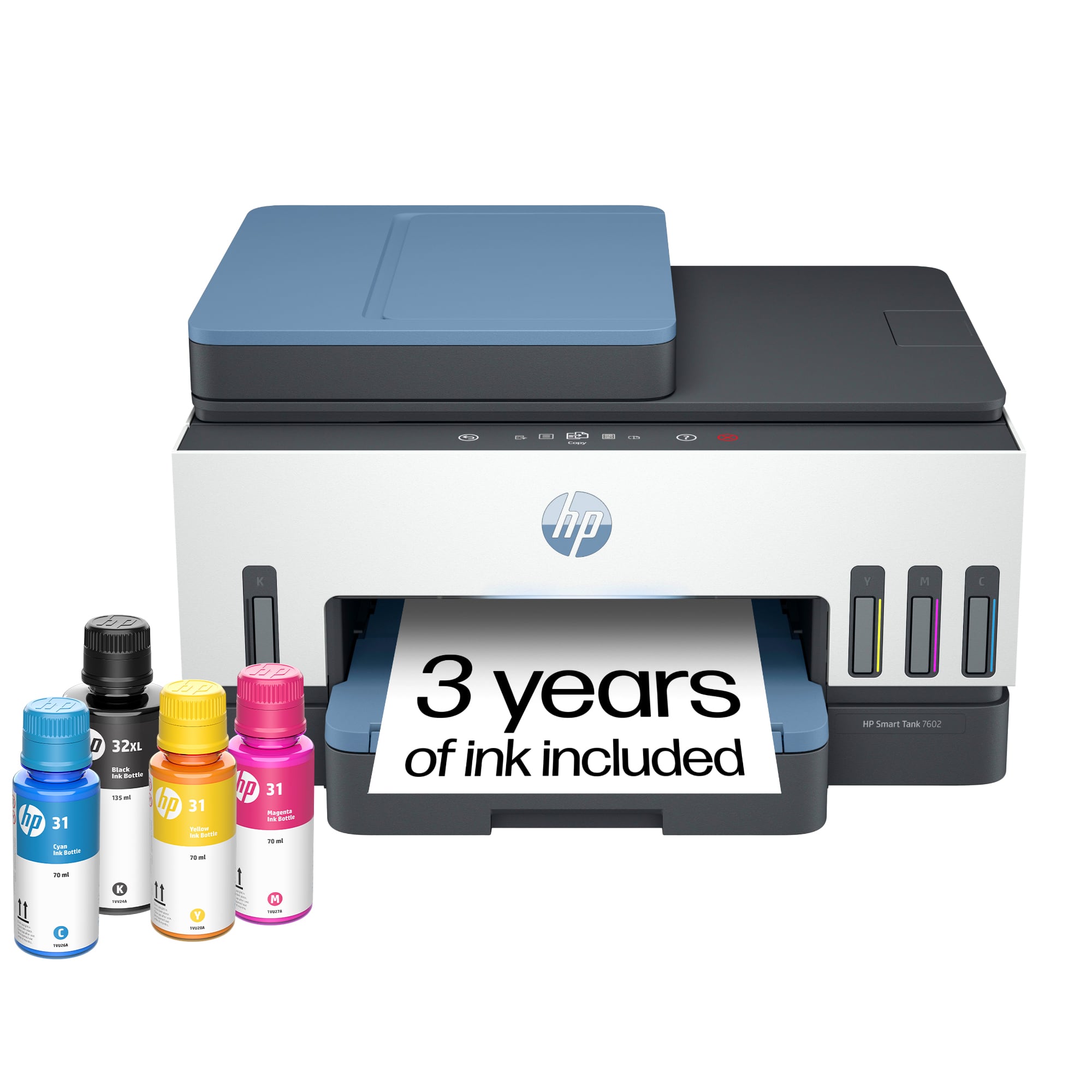
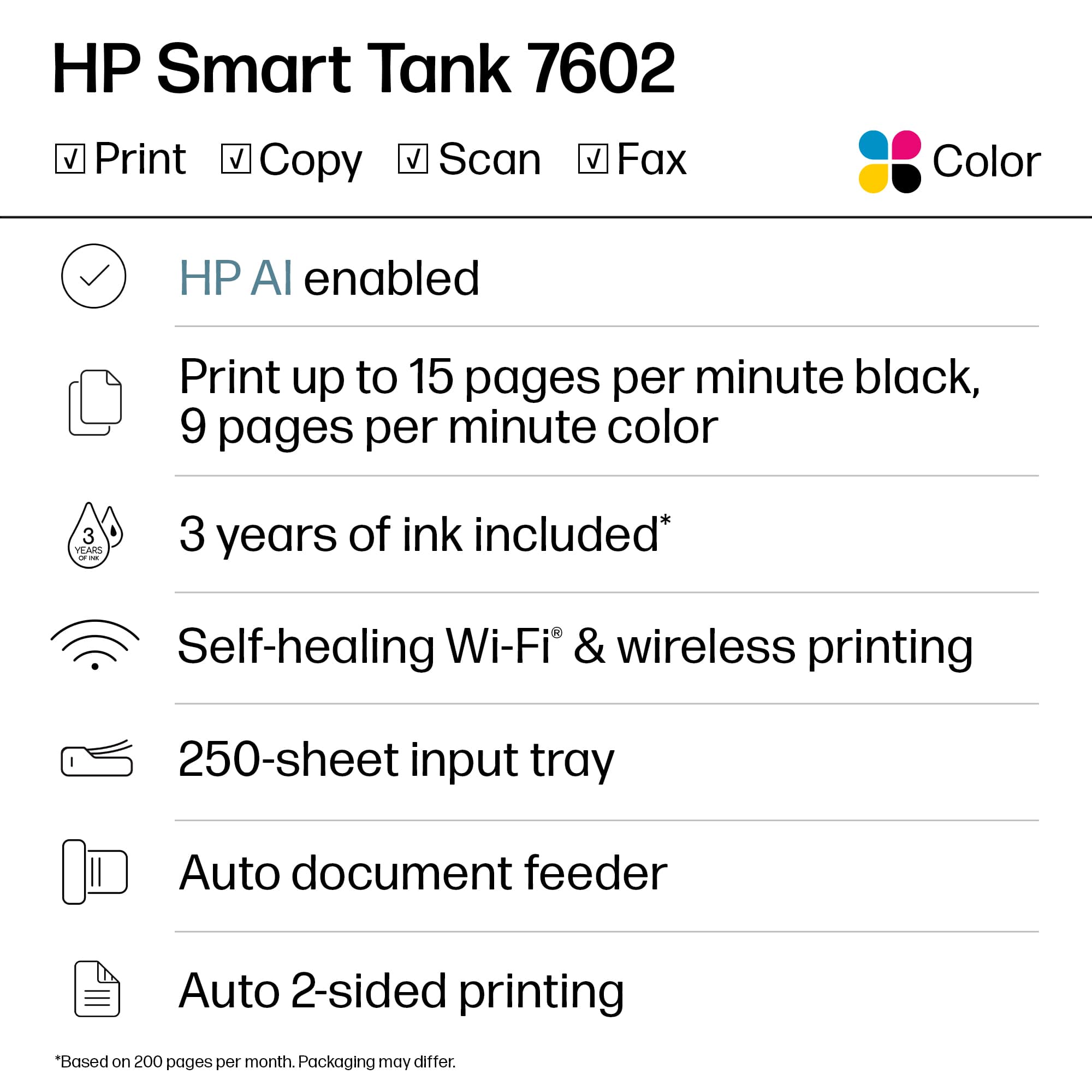
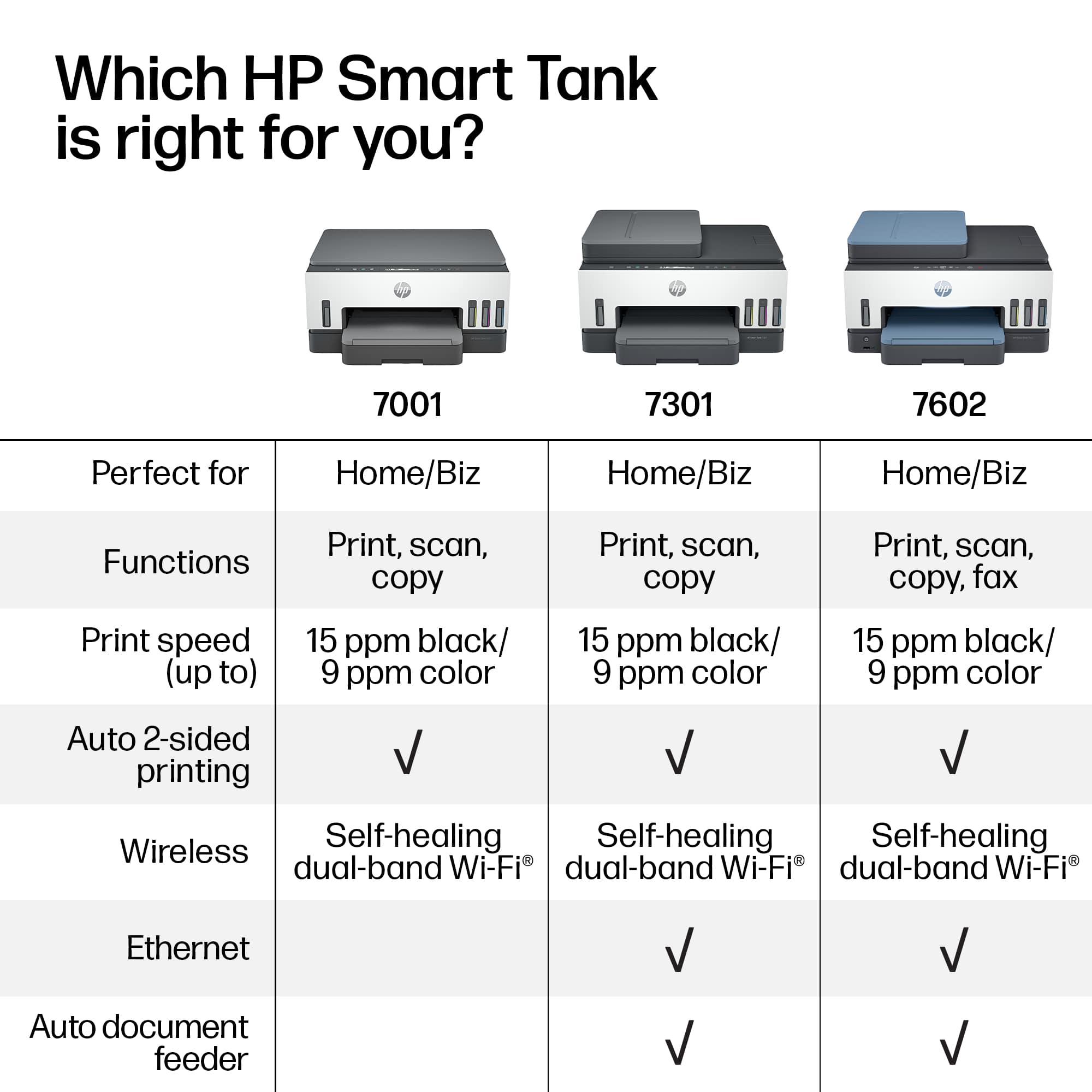
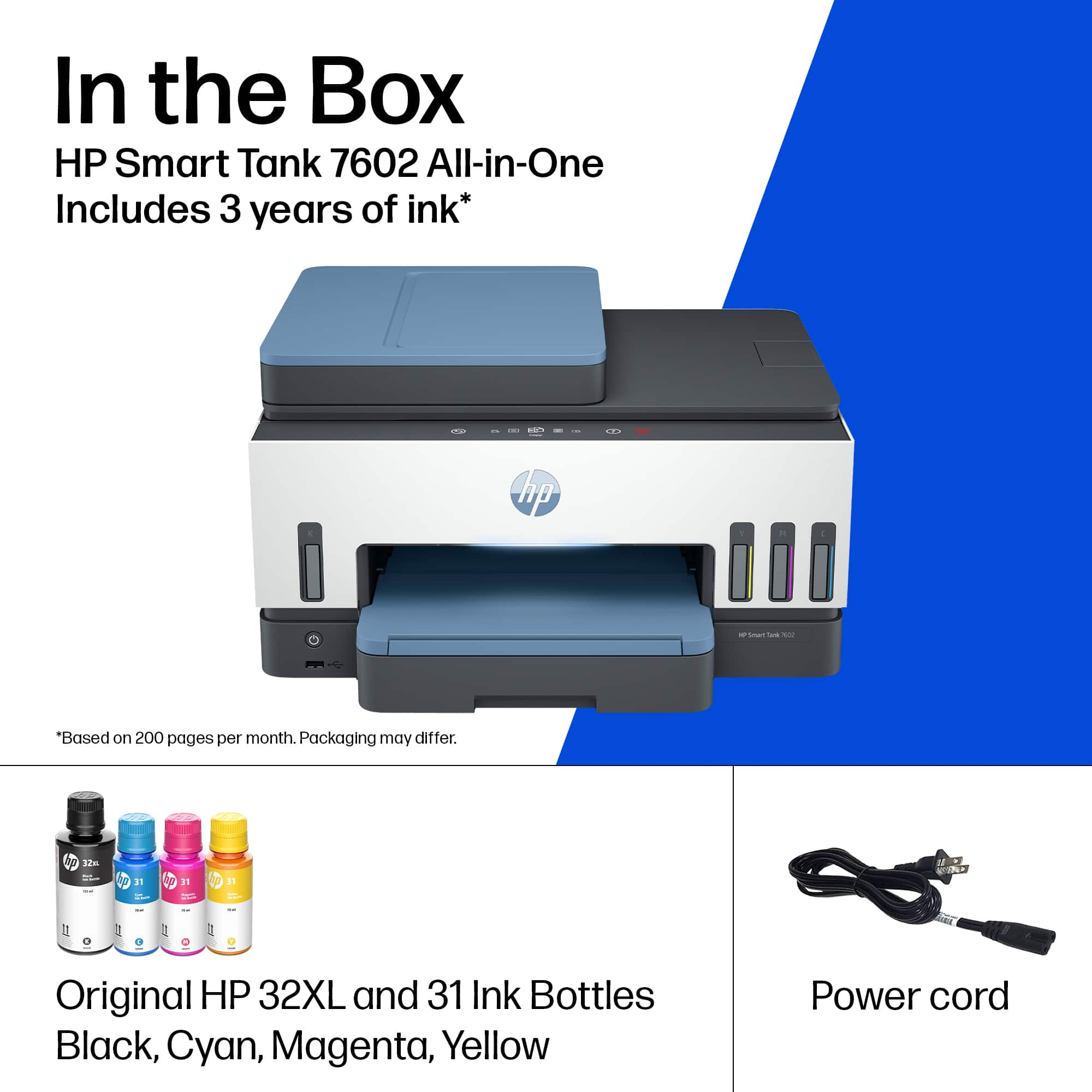
- HP SMART TANK 7602/28B98A#B1H
- SKU:
- 11232760
Rating by feature
- Value
Rating 4.4 out of 5 stars
- Quality
Rating 4.5 out of 5 stars
- Ease of Use
Rating 4.4 out of 5 stars
Problem with the printhead
||Posted . Owned for 4 months when reviewed.This reviewer received promo considerations or sweepstakes entry for writing a review.Only 3 months after I bought it, it gave me problems in the printhead. Hp support sent me new printhead but the problem continued. I've been trying to claim manufacture warranty with the HP support for 4 days and they let me off the hook. In the end the manufacture warranty is a lie. I feel ripped off.
No, I would not recommend this to a friendHP software sucks
||Posted . Owned for 3 weeks when reviewed.This reviewer received promo considerations or sweepstakes entry for writing a review.Installation was a nightmare. Failed by phone, tablet, and laptop. HP help is less than useless and online help is non-existent. I have no problem installing any other device on my network unless it is made by HP. Their software sucks, plain and simple.
No, I would not recommend this to a friendDidn’t work for me
||Posted .This reviewer received promo considerations or sweepstakes entry for writing a review.I had to return it after spending over two hours with HP product support.
No, I would not recommend this to a friendBuyer beware, HP is no longer good quality
||Posted . Owned for 3 weeks when reviewed.This reviewer received promo considerations or sweepstakes entry for writing a review.Disappointed in HP and how bad their printers have become. This is significantly slower than HP 8600, smaller, software is horrible. We had to buy one as our HP 8600 stopped printing and attempts to resolve went no where. Even internal blogs from HP indicate poor quality compared to 10 years ago.
No, I would not recommend this to a friendBrand response from HP Team
Posted .Hi there.
I’m sorry that your printer has rendered prints slowly, and that you’ve had difficulty with the software. It’s no surprise that you’re disappointed here. I want to help you resolve these problems, so I’ll suggest some resources I hope will guide you to that end.
First, I recommend that you follow a guide on our support site that covers improving print speed; it contains sections on Windows as well as Mac OS. Find that guide here:
- support.hp.com/us-en/document/ish_2817150-2408088-16
Also, updating the firmware can often help improve print speed and other performance. You can find out how to do that here:
- support.hp.com/us-en/document/c02919168
I can’t tell from your review what specific software issues you’ve encountered. For help with that – and if print speed does not adequately improve – I suggest you contact us directly so we can help you assess what’s happening and find a solution. HP+ printers such as yours come with exclusive concierge support. To call and reach live HP+ experts, visit the following URL and enter your HP+ serial number:
- hp.com/plus-help
Keith
HP Care
hp.com/support
Hot garbage
||Posted . Owned for 8 months when reviewed.This reviewer received promo considerations or sweepstakes entry for writing a review.An bad printer that's hot garbage. There's pieces of plastic in it that prevents the paper from coming fully out.
No, I would not recommend this to a friendNever buy HP anything
||Posted . Owned for 7 months when reviewed.This reviewer received promo considerations or sweepstakes entry for writing a review.This printer is a scam cannot add user without subscription
No, I would not recommend this to a friendHP Smart Tank 7602
||Posted .This reviewer received promo considerations or sweepstakes entry for writing a review.I cannot get this printer to work properly. I'm very disappointed about what it's supposed to do versus what I can get it do.
No, I would not recommend this to a friendNot happy customer
||Posted . Owned for 1 year when reviewed.This reviewer received promo considerations or sweepstakes entry for writing a review.I have purchased HP products for over 20 years. They are junk. I will never purchase any HP stuff again. They will not help me fix my problem.
No, I would not recommend this to a friendTerrible connection issues
||Posted . Owned for 1 month when reviewed.This reviewer received promo considerations or sweepstakes entry for writing a review.Most the time it wouldnt connect to wifi, or failed to be detected. Tried rebooting printer, router & modem, disconnecting & reconnecting wifi etc. Would show available to print in google docs, but in hp app would say no connection. USELESS
No, I would not recommend this to a friendDisappointed
||Posted . Owned for 1 month when reviewed.This reviewer received promo considerations or sweepstakes entry for writing a review.I purchased this printer in November and finally tried to set it up today. It was a struggle getting the power cord to stay in and after finally securing it, an error (024A493F) continued to show. I tried everything suggested and nothing worked. I'm glad I still have time to return it.
No, I would not recommend this to a friendCFO
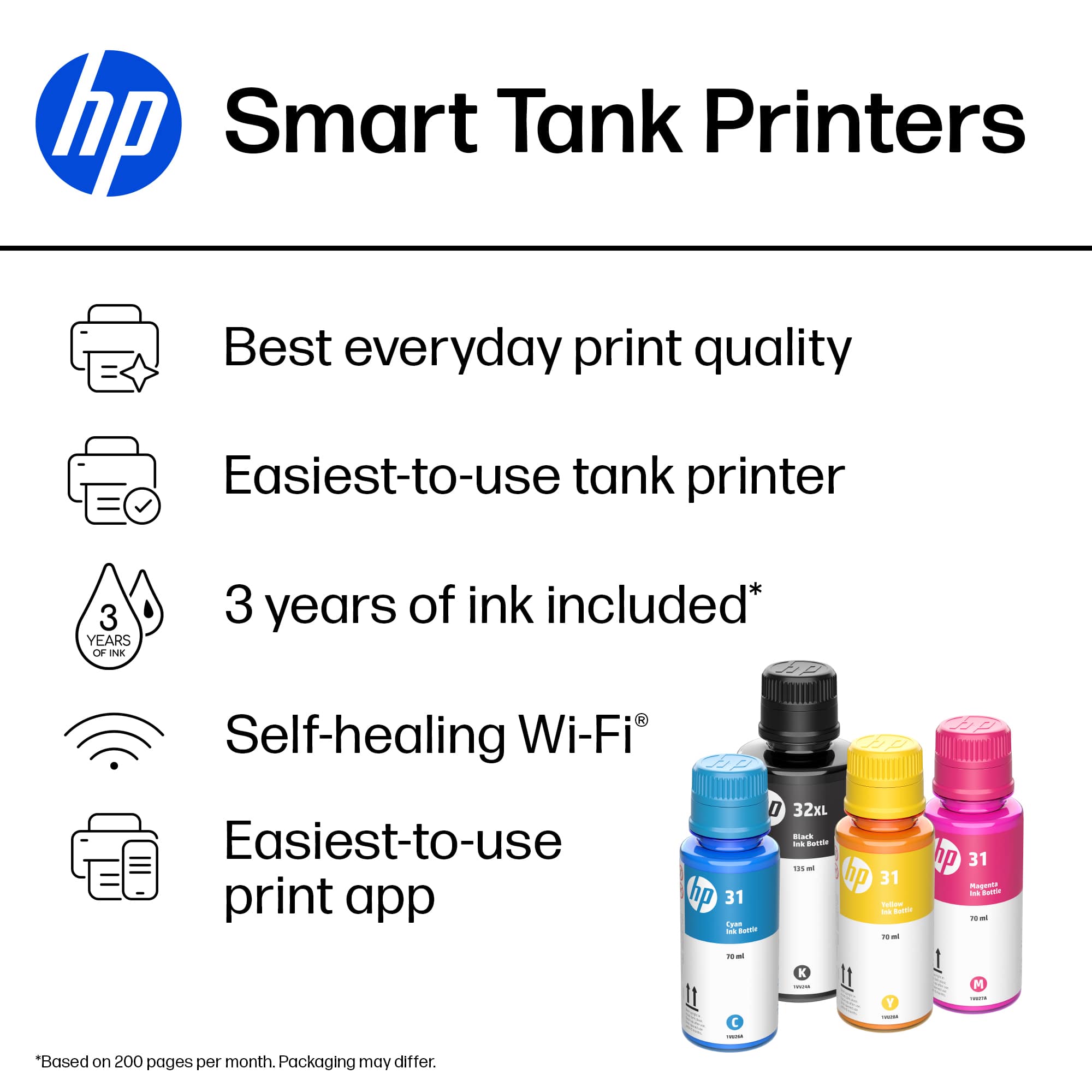
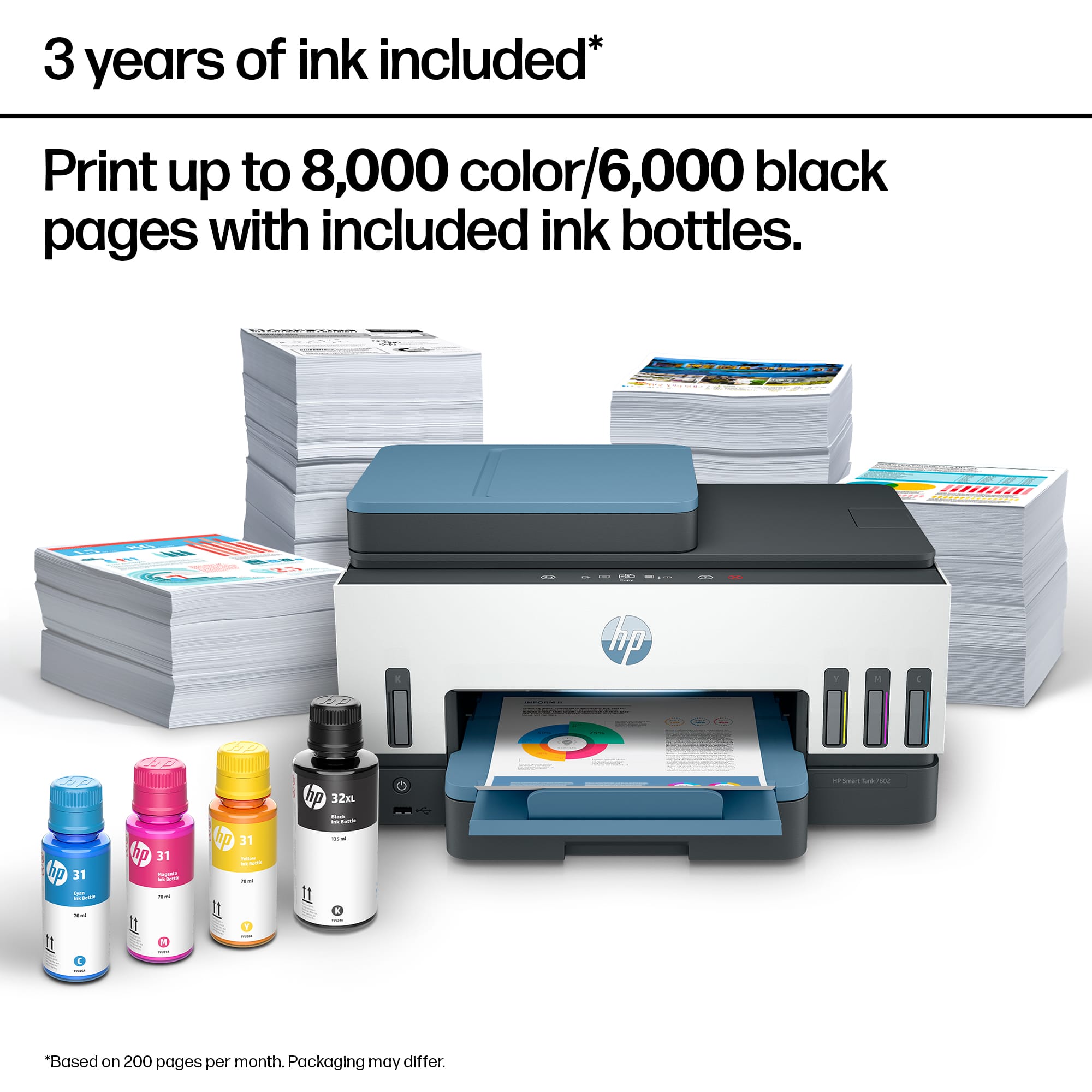
||Posted . Owned for 2 weeks when reviewed.This reviewer received promo considerations or sweepstakes entry for writing a review.After setup, could not send or receive fax. Would only process 4 or 5 sheets at a time. Based on our usage ink would definitely not last 2 years as advertised. Although I stated that these printers were to be used in a commercial setting they are not to commercial standards and should only be sold as residential.
No, I would not recommend this to a friend????
||Posted . Owned for 1 month when reviewed.This reviewer received promo considerations or sweepstakes entry for writing a review.After going thru two 7602 printers and neither working right I give this printer anywhere from a poor rating to a fair rating.
No, I would not recommend this to a friendUnspeakably disappointed in HP, this time.
||Posted . Owned for 7 months when reviewed.This reviewer received promo considerations or sweepstakes entry for writing a review.This device is impossible to set up. The instructions say to wait for the output to tell you what to do next. The output simply shows the word "verify" circling around and around and aroung... forever.
No, I would not recommend this to a friendCouldn’t get it to fax.
||Posted . Owned for 2 weeks when reviewed.This reviewer received promo considerations or sweepstakes entry for writing a review.Purchased this printer to repalce hp deskjet 6958, which I has no problem faxing. I unhooked the old printer and hooked up this one. I have spent over 15 hous on the telephone with hp tech and they never could get it to fax. I have a phone line and a separate fax line with Spectrum. I tried two printers and had to return them both.
No, I would not recommend this to a friendDisappointed
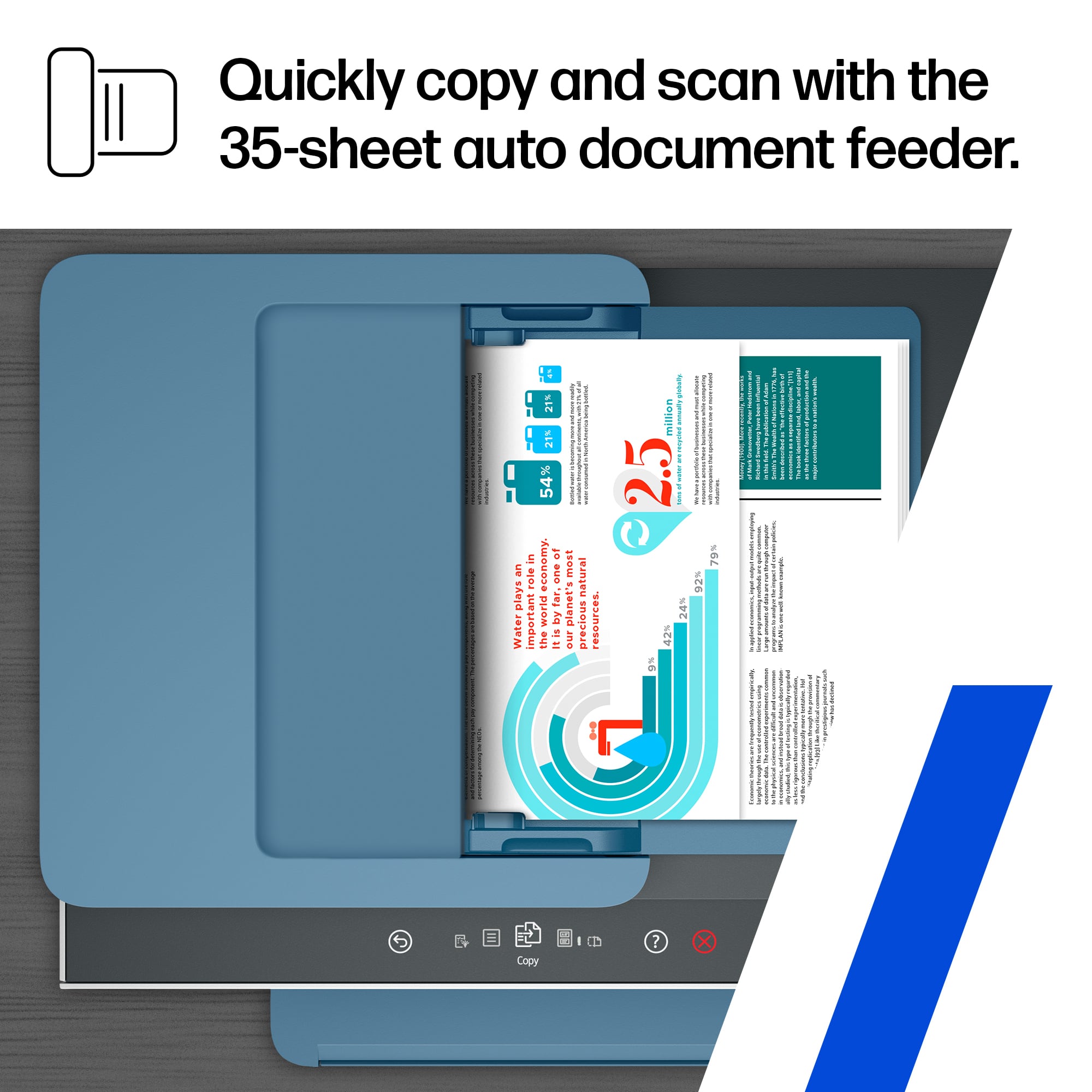
||Posted . Owned for 1 month when reviewed.This reviewer received promo considerations or sweepstakes entry for writing a review.Unable to scan documents to PDF. I have always purchased HP printers. This one disappointed. Best Buy associate lacked sufficient product knowledge.
No, I would not recommend this to a friendNo double sided scanning.
||Posted . Owned for 3 weeks when reviewed.This reviewer received promo considerations or sweepstakes entry for writing a review.Doesn’t do double sided scanning So disappointed!!
No, I would not recommend this to a friendHudge disappointment
||Posted . Owned for 3 weeks when reviewed.This reviewer received promo considerations or sweepstakes entry for writing a review.Machine does not work. Does not feed. It took HP tech 4 hour to get it set up. She was mumbling under her breath the whole time. Trying not to say something bad about the product.
No, I would not recommend this to a friendEpson ET4760
||Posted . Owned for 1 week when reviewed.This reviewer received promo considerations or sweepstakes entry for writing a review.I had the epson ET4760 which i really liked. the new printer seems to take much longer to print out a single page. more than the epson printer i used.
No, I would not recommend this to a friendPrinter had an issue
||Posted . Owned for 3 weeks when reviewed.This reviewer received promo considerations or sweepstakes entry for writing a review.The printer heads never work. This is my third printer. I'm bringing this printer back today. It just keeps saying the printer can't be found even though they're there.
No, I would not recommend this to a friendtrouble connecting a HP Smart Tank 7602 to my wi-f
||Posted . Owned for 3 weeks when reviewed.This reviewer received promo considerations or sweepstakes entry for writing a review.The printer now works fine. the installation was confusing, and caused me weeks of anguish. I tried the instructions that come with the printer and I could never connect to my local wi-f. I down loaded their app for help on installation with the same result. I was finely helped by an Apple agent.
No, I would not recommend this to a friend

















