Customer Ratings & Reviews

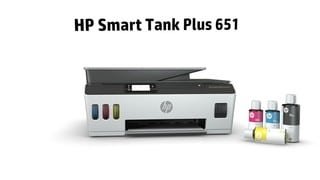
- Model:
- SMART TANK 651/7XV38A#B1H
- SKU:
- 6390495
Rating by feature
- Value
Rating 4.2 out of 5 stars
- Quality
Rating 4.3 out of 5 stars
- Ease of Use
Rating 4.2 out of 5 stars
Customers are saying
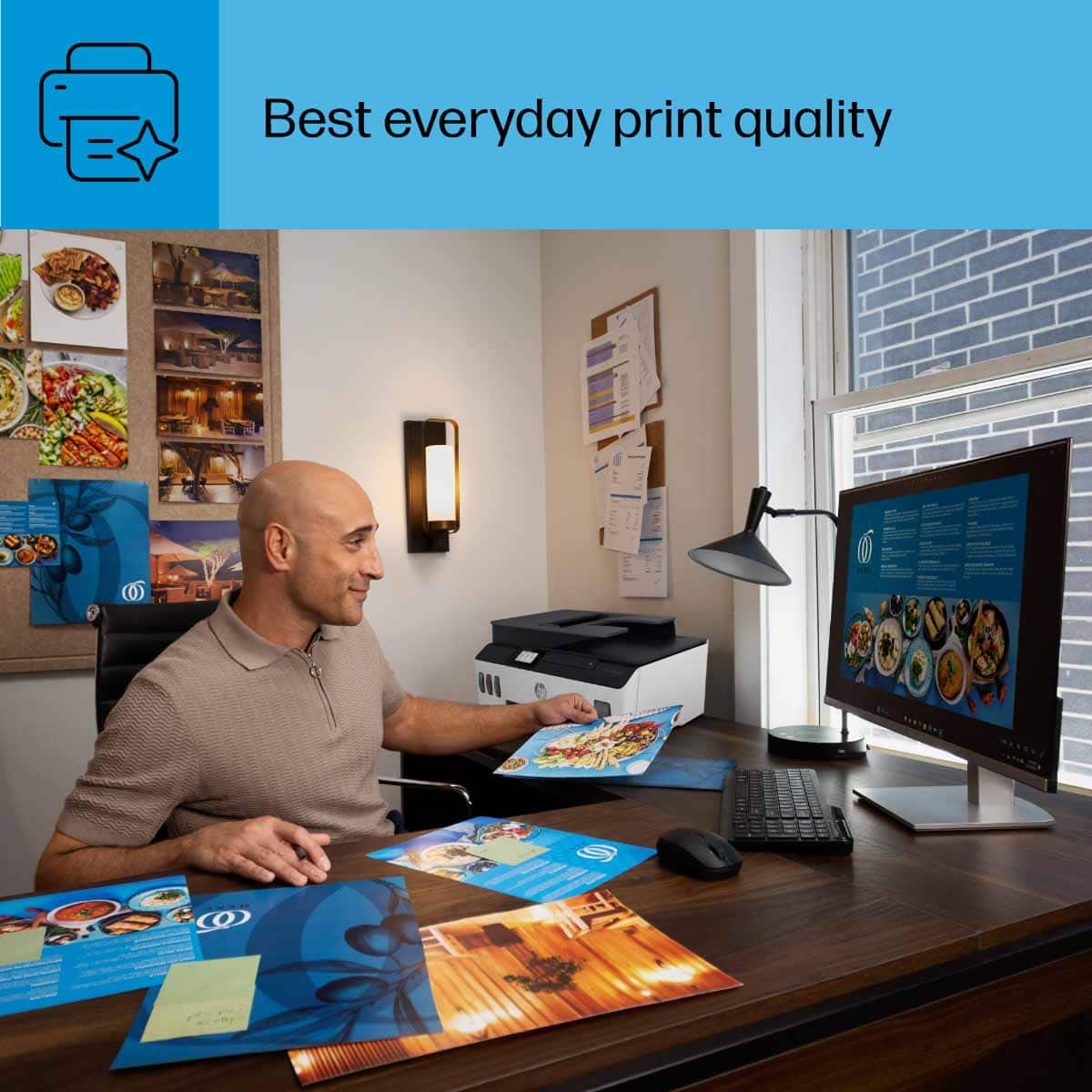
Customers highly value the Smart Tank Plus 651 printer for its excellent print quality and ease of use. Many appreciate its overall performance, finding both the printer and scanner to work well, and they also note the simple setup process. While the printer is praised for these features, some users have experienced connectivity issues, and a few consider the price to be a drawback.
This summary was generated by AI based on customer reviews.
HP651
||Posted . Owned for 1 month when reviewed.This reviewer received promo considerations or sweepstakes entry for writing a review.Looks good. Only time can tell if it is durable. My only complaint is the printing apps. The window boxes for the different options are too small for the message they are suppose to display so you can't see what they say. I would have given it a 5 if not for that. I have not used its full functionality.
I would recommend this to a friendDo not buy this printer!
||Posted . Owned for 1 month when reviewed.This reviewer received promo considerations or sweepstakes entry for writing a review.I was very interested in a tank style printer. It turns out that this is a very cheap printer for a very expensive price. I find this to be a very unreliable printer. It frequently stops printing and requires that the print cartridges be removed and reinstalled. I naively assumed that with a tank printer, I would be done with ink cartridges. The printer still uses cartridges, it just draws the ink from the tank. Before I had the printer for a full month, it stopped printing all together. I called HP Support, and they walked me through uninstalling and reinstalling the print cartridges. After failure to make progress, they sent me replacement cartridges. With new cartridges, the printer continued to fail. I returned the printer to Best Buy and exchanged it for another. I am having the same issue again. Every 20 or 30 pages, give or take, I have to remove at least one of the print cartridges and reinstall it.
No, I would not recommend this to a friend- Pros mentioned:Print quality
Great for small businesses
||Posted . Owned for 3 months when reviewed.This reviewer received promo considerations or sweepstakes entry for writing a review.Great for my small business and prints clear. Love how i don’t have to worry about replacing regularly because I print a lot of stuff with color
I would recommend this to a friend - Pros mentioned:Overall performance
Great quality
||Posted .This reviewer received promo considerations or sweepstakes entry for writing a review.I love this printer, so I had a home fire, and it was destroyed.
I would recommend this to a friend - Pros mentioned:Print quality
Good quality.
||Posted . Owned for 4 months when reviewed.This reviewer received promo considerations or sweepstakes entry for writing a review.Great quality pictures and fast printing I will buy again. Sublimation shirts.
I would recommend this to a friend - Pros mentioned:Print quality
Happy Busy Lady!
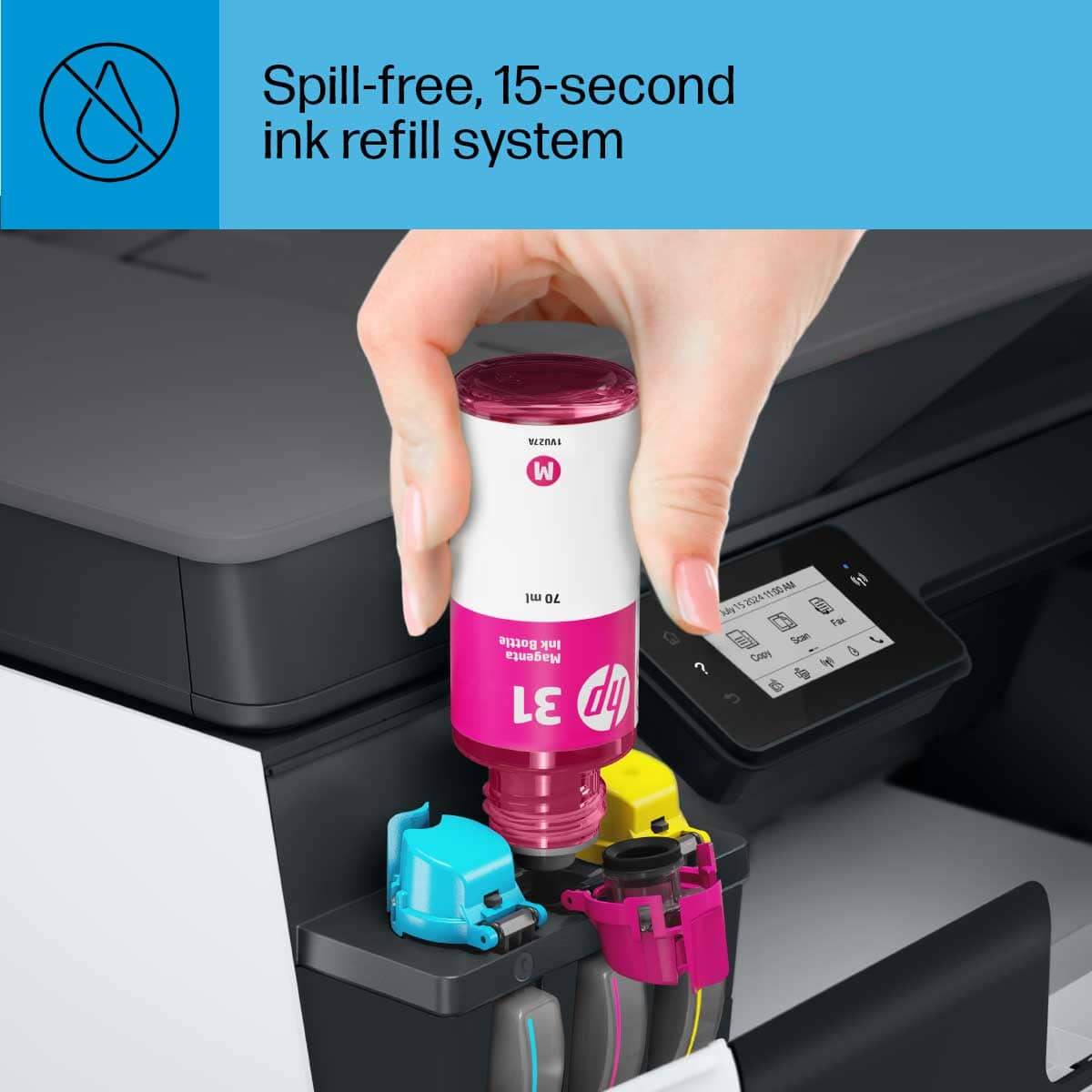
||Posted . Owned for 3 weeks when reviewed.This reviewer received promo considerations or sweepstakes entry for writing a review.My new printer is awesome! I had budget myself for a less expensive printer but once I went over what this HP printer is cable of doing to help me with all my printing projects and I crunched some numbers, I realized overall the printer was worth it! I will be saving so much money on printer ink alone plus it's super easy to fill up the ink station!
I would recommend this to a friend - Pros mentioned:Print quality
Print quality great. Speed is slow
||Posted . Owned for 3 weeks when reviewed.This reviewer received promo considerations or sweepstakes entry for writing a review.The quality of print is very good. Been trying out different paper and most have worked. The only issue is how slow it does print (I was printing a flyer so I understand it will take longer then normal). Can’t compare it to other smart tank printers.
I would recommend this to a friend - Pros mentioned:Print quality
Good job
||Posted . Owned for 2 weeks when reviewed.This reviewer received promo considerations or sweepstakes entry for writing a review.Without a doubt the best purchase I have ever made. I really like it. It is a very good printer.
I would recommend this to a friend - Pros mentioned:Print quality
Slow
||Posted . Owned for 1 month when reviewed.This reviewer received promo considerations or sweepstakes entry for writing a review.The print quality is good, but scanning documents is slow.
No, I would not recommend this to a friend HP Smart Tank 651 Plus
||Posted . Owned for 1 month when reviewed.This reviewer received promo considerations or sweepstakes entry for writing a review.If you’re in the market for a versatile and efficient printer that combines high-quality performance with cost-effective operation, the HP Smart Tank 651 Plus should be at the top of your list. After extensive use, I’m delighted to share my experience with this exceptional all-in-one printer.
I would recommend this to a friendExcellent money savings offer
||Posted . Owned for 3 weeks when reviewed.This reviewer received promo considerations or sweepstakes entry for writing a review.I bought this Hp Smart Tank Plus 651 to use it in home daily printing needs and there is no complains at all because with the ink in bottles is more economy and easy to refill. The price increased a little bit but still in a good range of price.
I would recommend this to a friendAwesome product
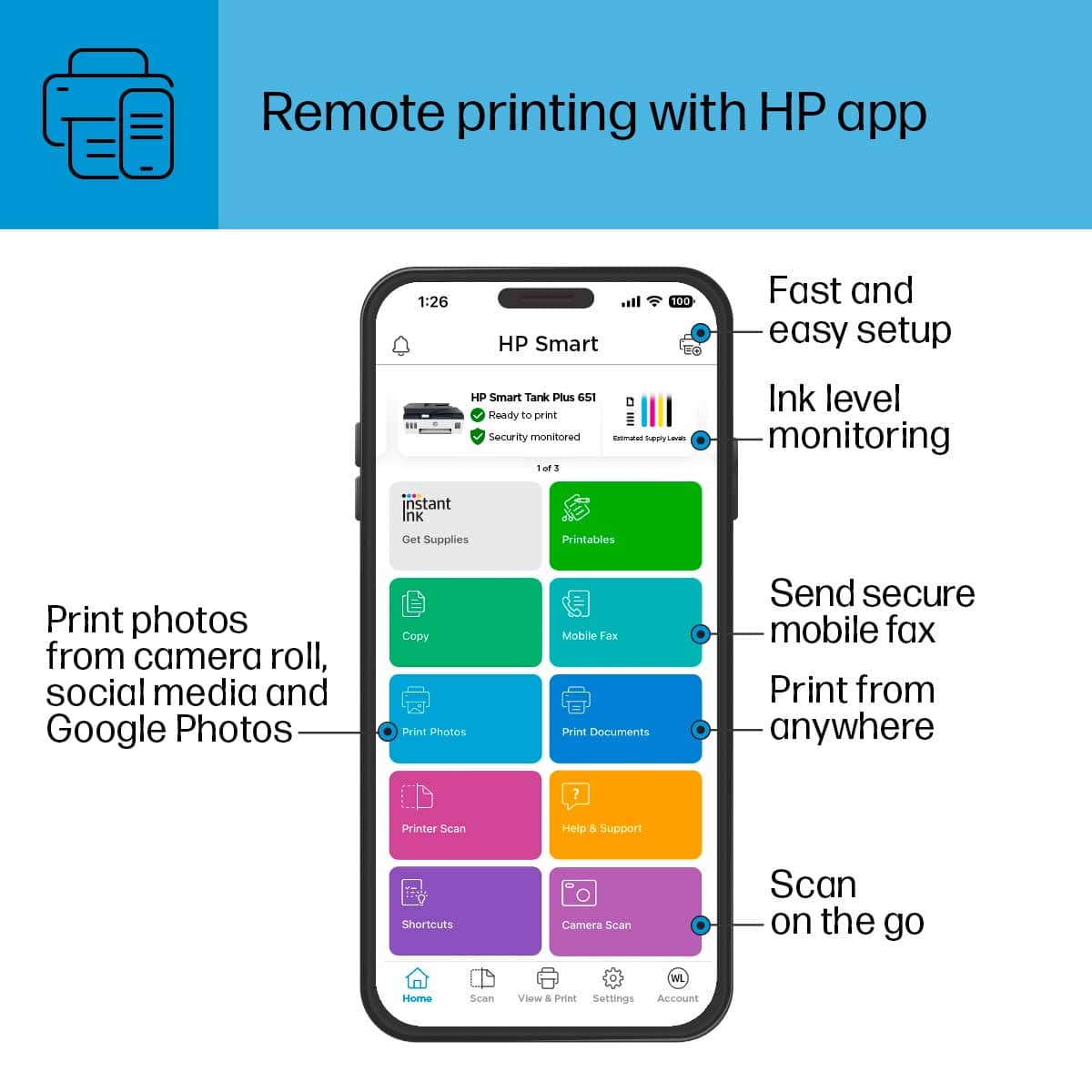
||Posted . Owned for 2 weeks when reviewed.This reviewer received promo considerations or sweepstakes entry for writing a review.Love the product. I was worried about the the app but it is easy to use. I can print and scan from multiple devices.
I would recommend this to a friendPrinter
||Posted . Owned for 1 month when reviewed.This reviewer received promo considerations or sweepstakes entry for writing a review.This printer does exactly what I want to do plus I don’t have to worry about constantly running out of ink.
I would recommend this to a friendBetter than expected
||Posted . Owned for 3 weeks when reviewed.This reviewer received promo considerations or sweepstakes entry for writing a review.Although it is expensive for its tag price in the long run your savings pay for itself on its ink. Not the best but decent print quality and lots of features like airprint and remote printing.
I would recommend this to a friend- Cons mentioned:Price
Not recommended
||Posted . Owned for less than 1 week when reviewed.This reviewer received promo considerations or sweepstakes entry for writing a review.Always Scratches in the middle when you print, for $400 up printer it is not acceptable! And also in the app, it’s always display its hp 650 not what I bought 651! Best printing software ever
No, I would not recommend this to a friendBrand response from HP Team
Posted .Hi there.
I'm sorry to hear that your printer has performed poorly. I can readily understand why the print quality issue and puzzling software display you describe would be a troublesome start to owning a new printer, so I’ll point you toward a resource and provide some information I hope will help.
I can’t tell from your review what’s causing the scratches in the center of your prints or why the model number in the app doesn’t match the printer itself, so I suggest that you contact us directly at +1 800-474-6836 so we can help you assess the situation and guide you through any applicable troubleshooting. (Please note that because of restrictions on personal movement and workplace attendance associated with the COVID-19 pandemic, wait times for agents are longer than normal. Thanks in advance for your understanding.) To expedite the process, I recommend gathering the following information before the call:
- Model number
- Serial number
- Your location
- Case number (from any previous contact with HP support
I'll also mention that HP printers have a one-year warranty from their purchase date that covers hardware as well as ink supplies, so if it comes to that, you might consider making use of it. You can verify the warranty using the following link: support.hp.com/us-en/checkwarranty
Keith
HP Care
hp.com/support
Ink cartridge that came with it is cor older model
||Posted . Owned for 3 weeks when reviewed.This reviewer received promo considerations or sweepstakes entry for writing a review.Error message saying cartridges arent a match even rhoufh the cartideges came with the all n one.
No, I would not recommend this to a friendStreaky color prints
||Posted . Owned for 1 year when reviewed.This reviewer received promo considerations or sweepstakes entry for writing a review.worked OK for a year but now it won't print in color without streaks. Cleaning print cartridges doesn't help
No, I would not recommend this to a friend- Pros mentioned:Ease of use, Noise level, Print quality
HP SmartTank Plus 651
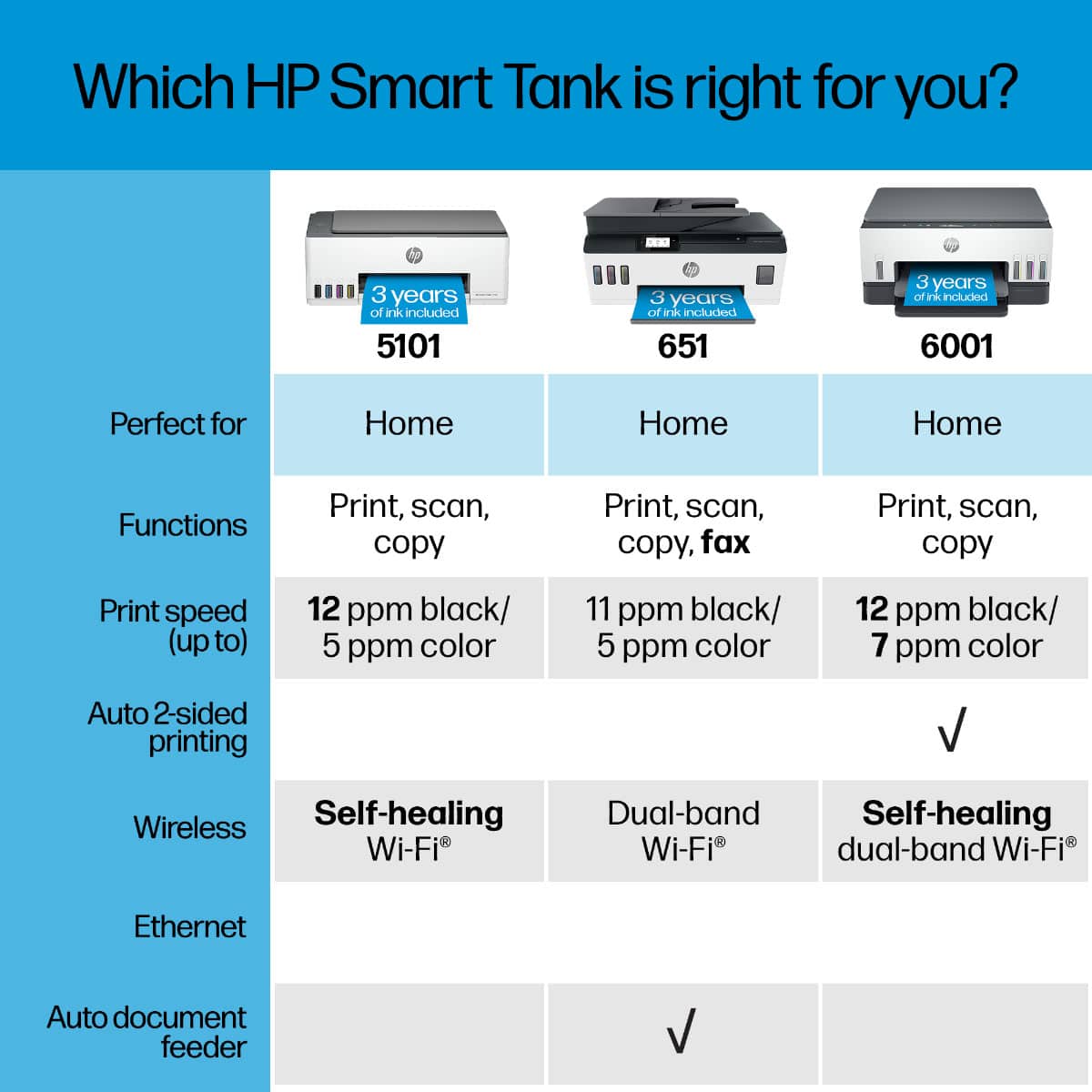
||Posted . Owned for 1 week when reviewed.This reviewer received promo considerations or sweepstakes entry for writing a review.I purchased this printer for my home based business. I print black & white, but also print in color. The set up is easy enough. The print quality is good, I like the he SmartTank feature. It’s not noisy. I would have been happy with it, but Then I realized that it doesn’t offer duplex printing, which is a must for me. I returned it.
I would recommend this to a friend - Pros mentioned:Ease of use, Noise level, Print quality
Very good print quality, ink costs will be LOW
||Posted . Owned for 3 weeks when reviewed.This reviewer received promo considerations or sweepstakes entry for writing a review.Set up was pretty straightforward and I'm not an expert at this stuff. We are using it in home office situation, wireless. Several laptops and pc send print jobs to it. It's reasonably quiet. Print quality is very good, even with pictures on standard cheap paper. Been printing freely just to see how much ink it uses....and after maybe 100 pages, the ink levels in the viewable windows have barely moved. This is going to be a Very low cost of printer ink to use....which was my motivation for getting rid of a functional but 'thirsty' HP cartridge type printer. Print speed is not slow, not zippy either, but fine for our home/office needs. Loving it so far (1 month).
I would recommend this to a friend - Pros mentioned:Print quality

Great Little Printer with LOW Operating Costs
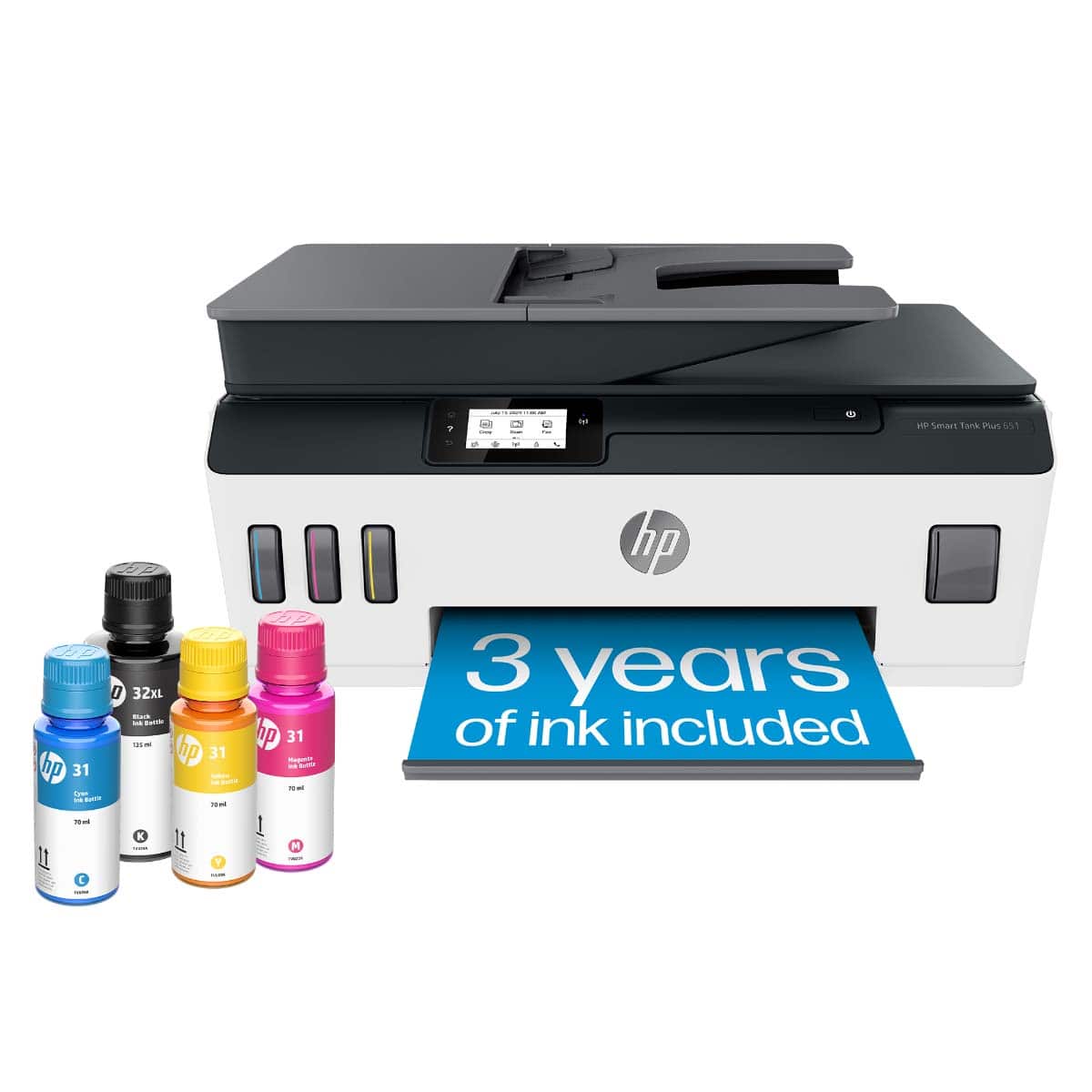
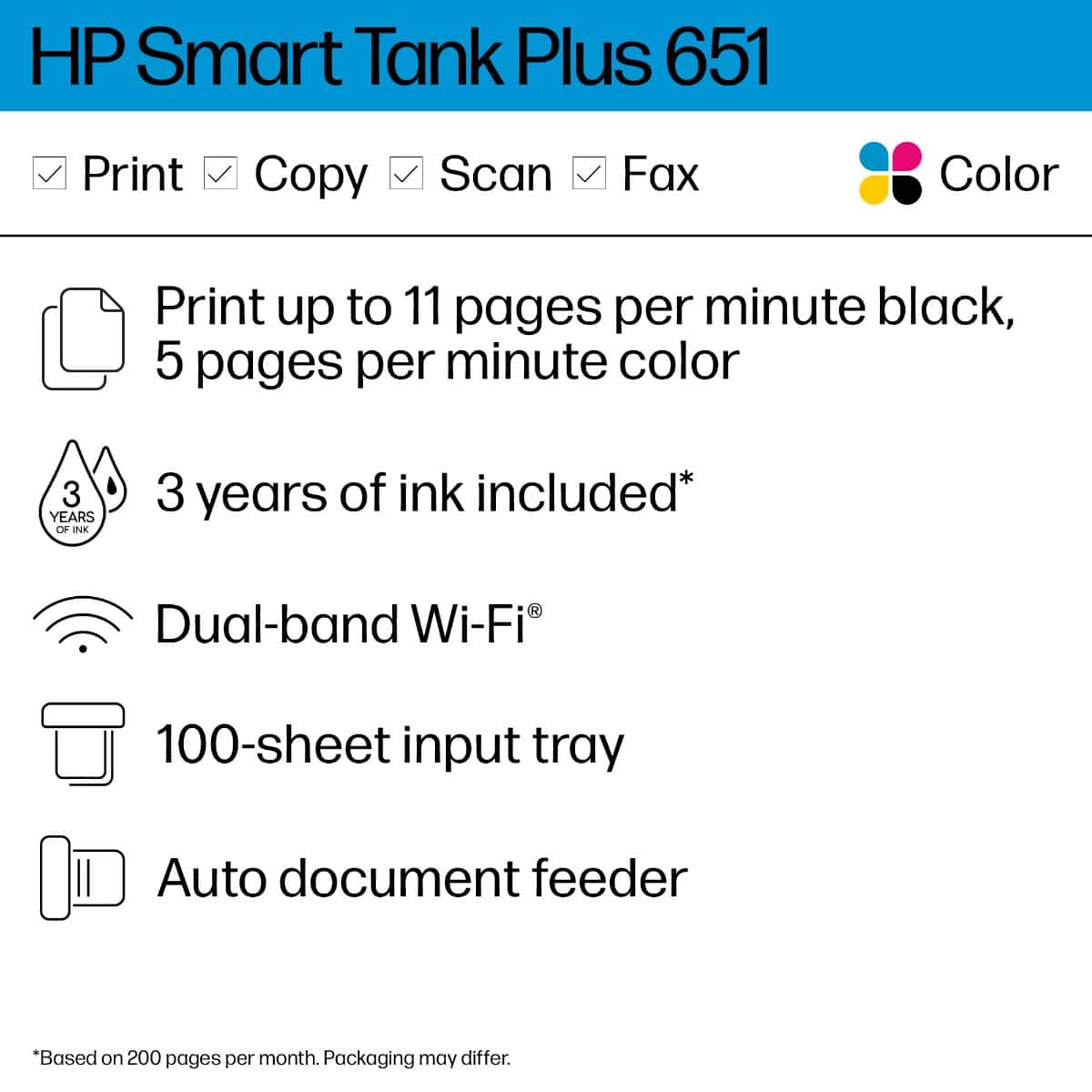
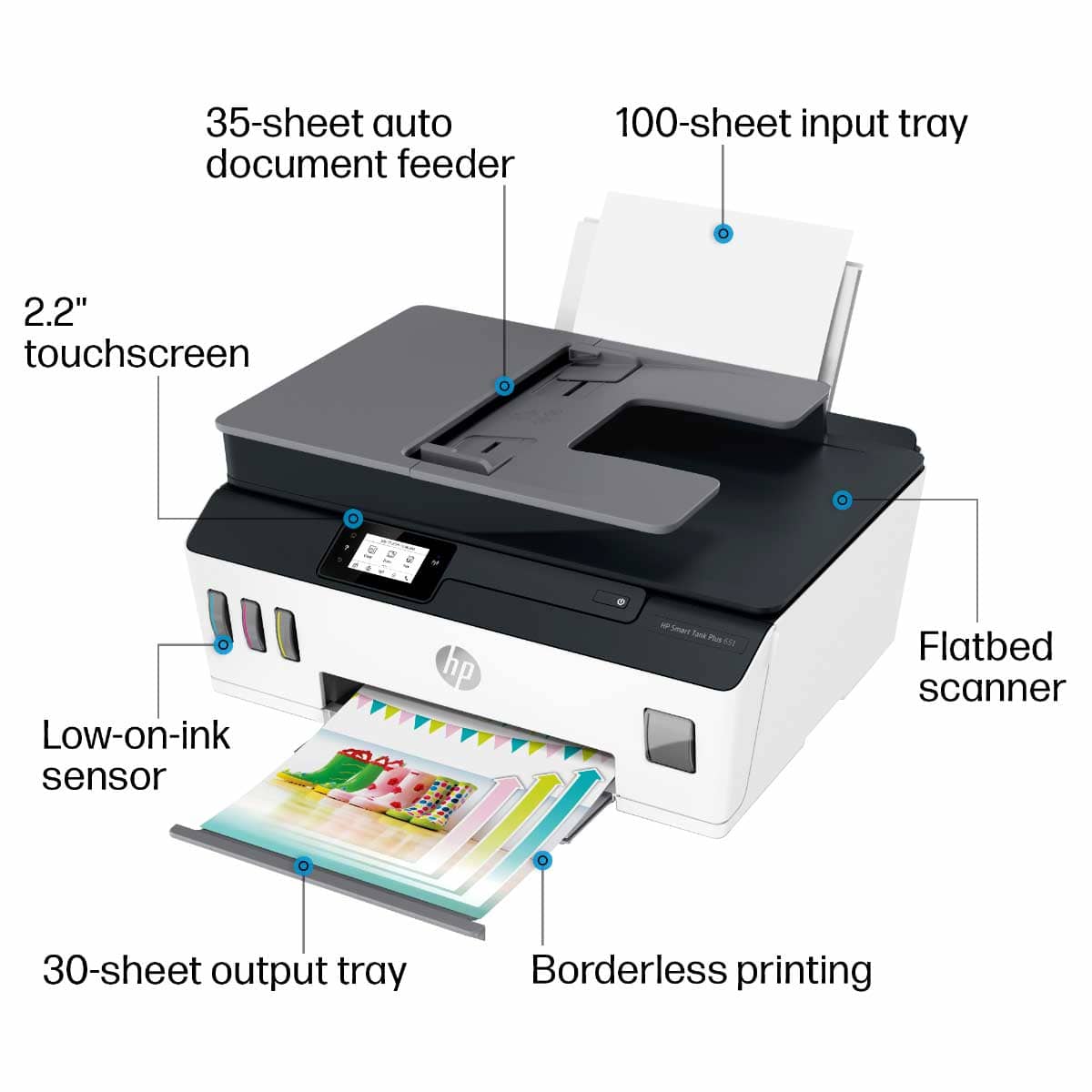
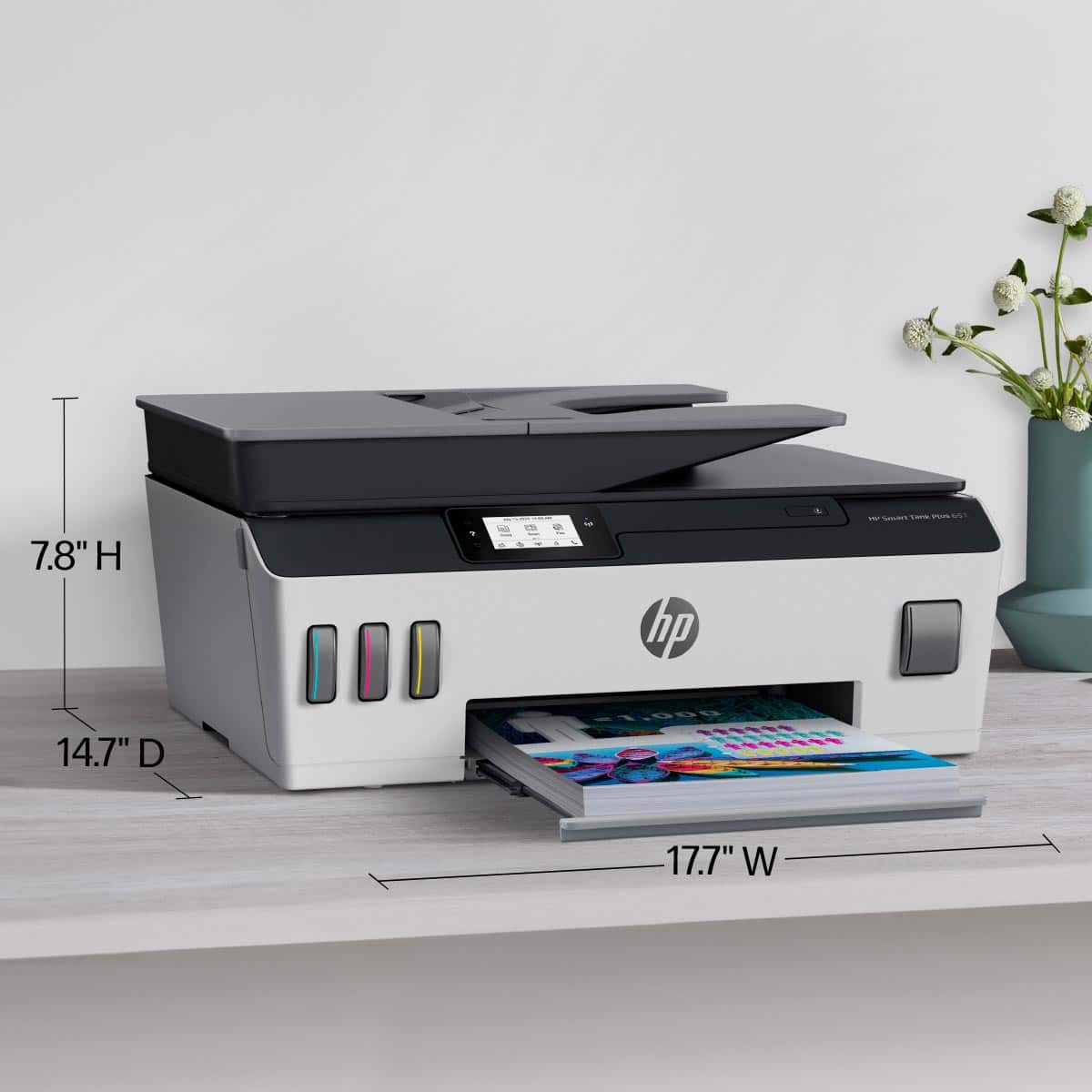
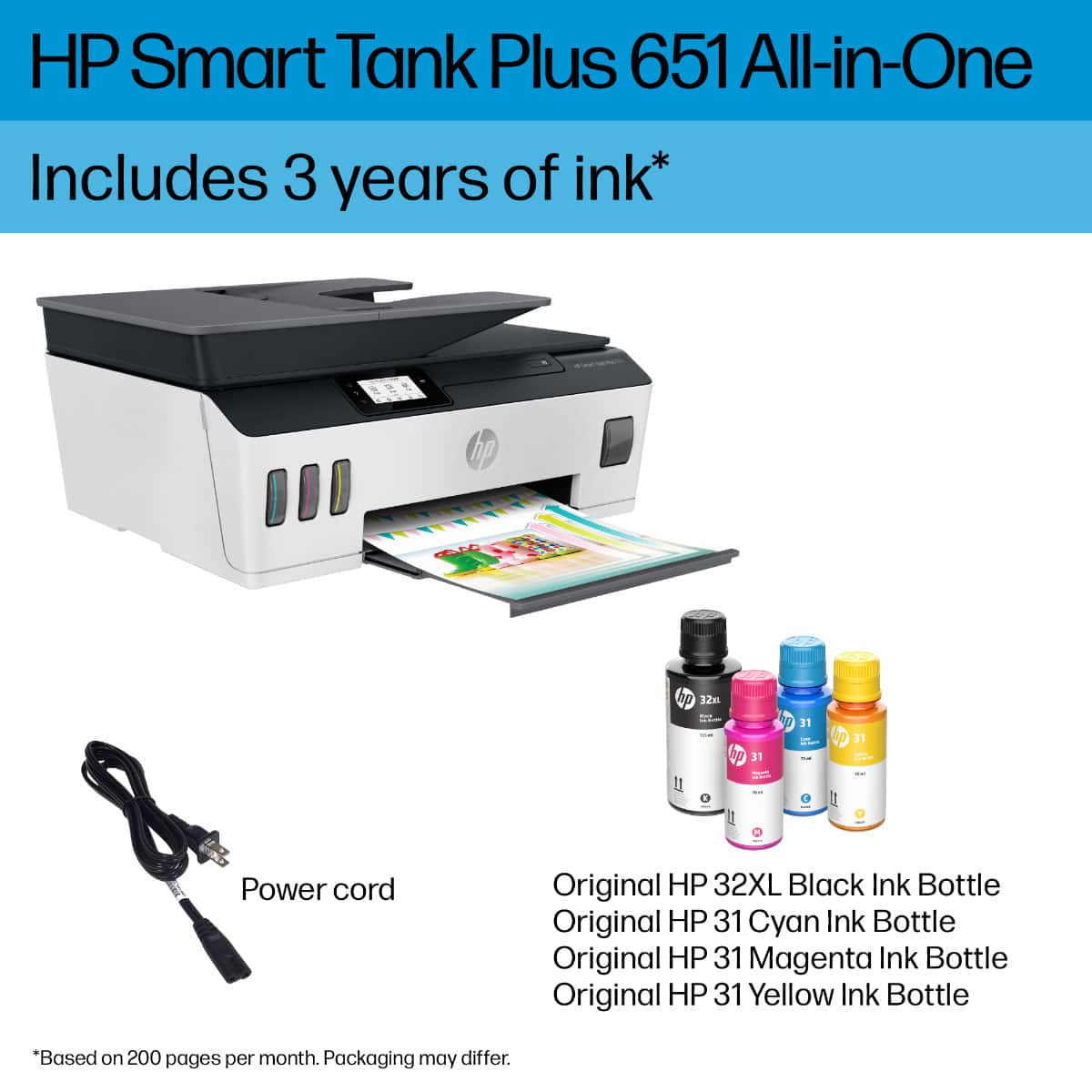
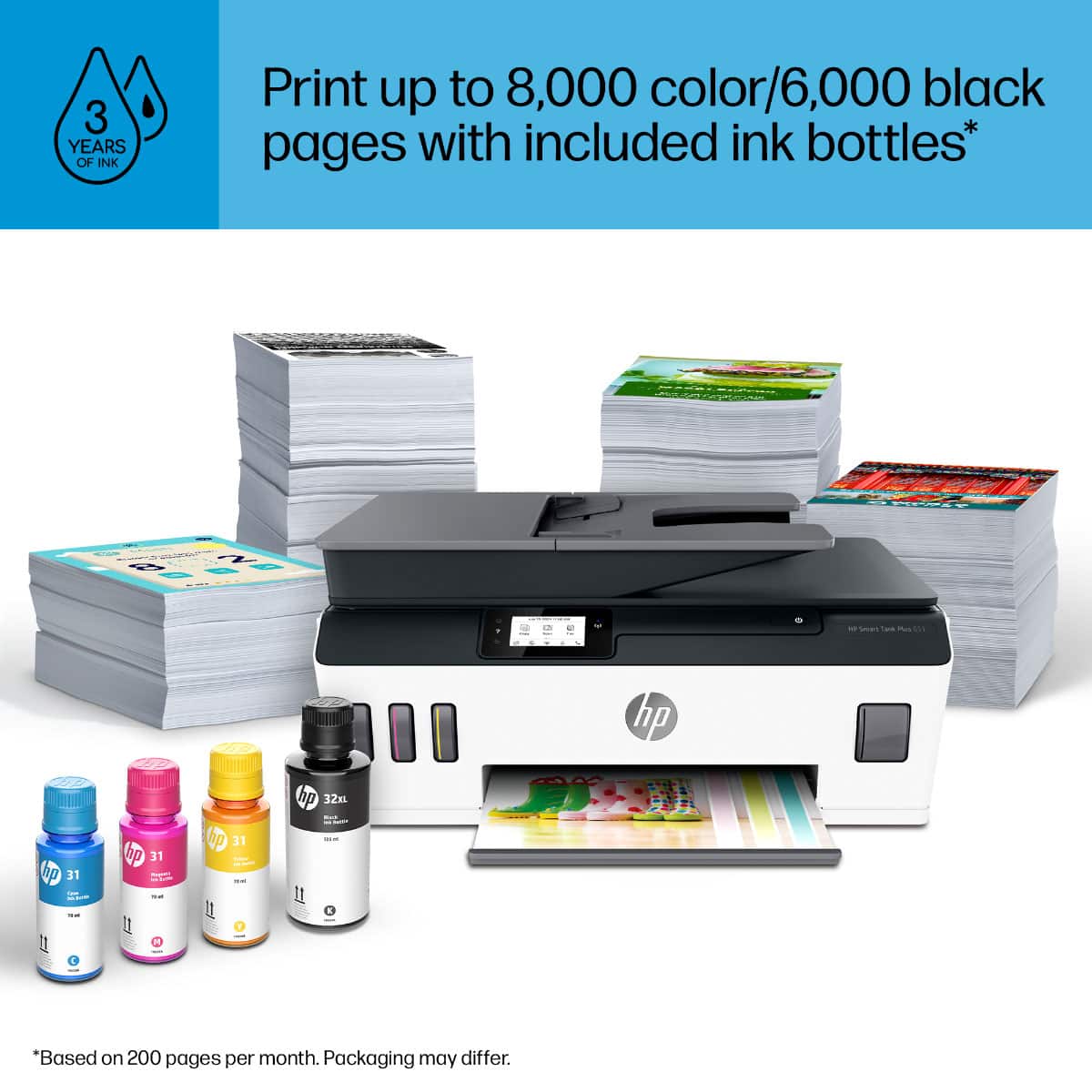
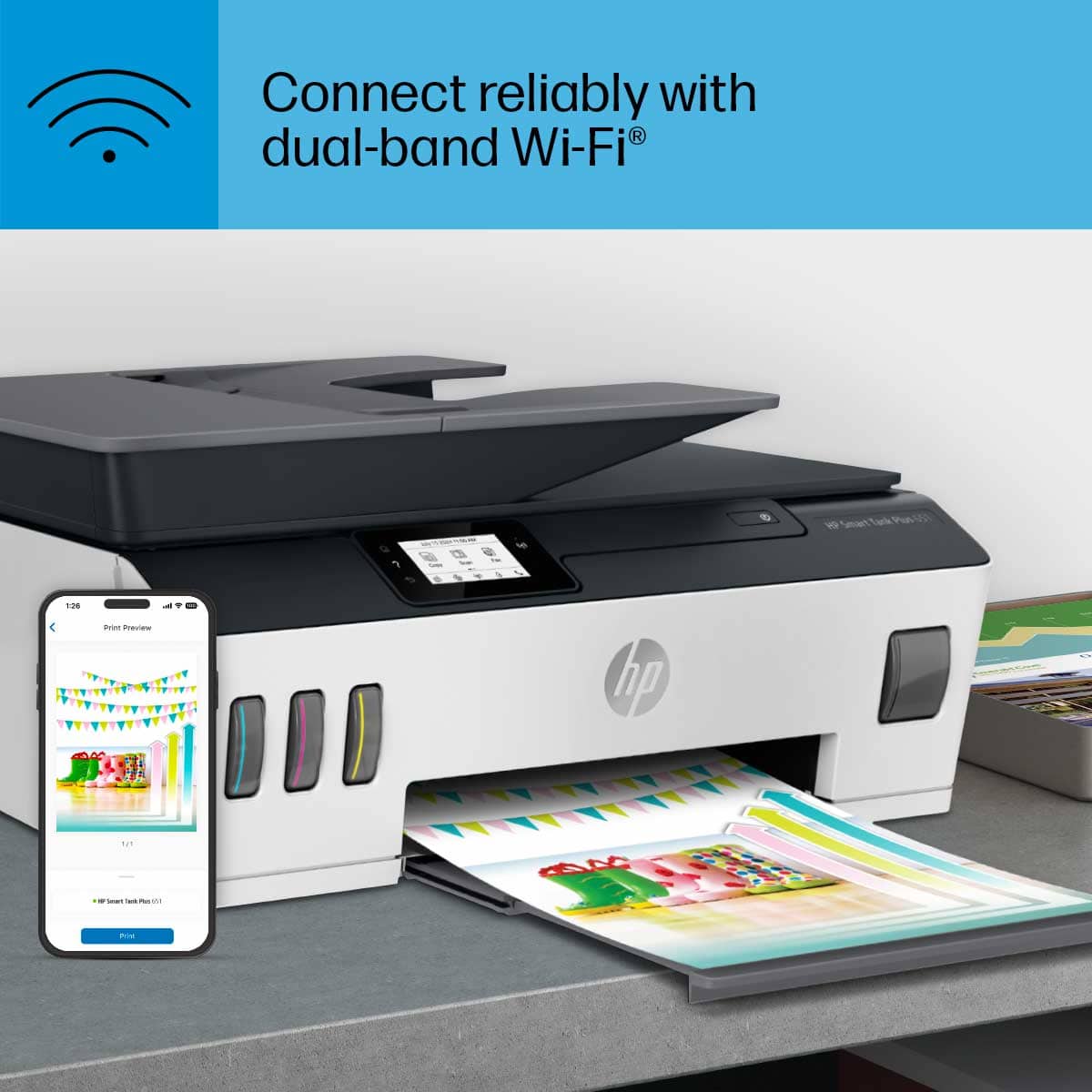
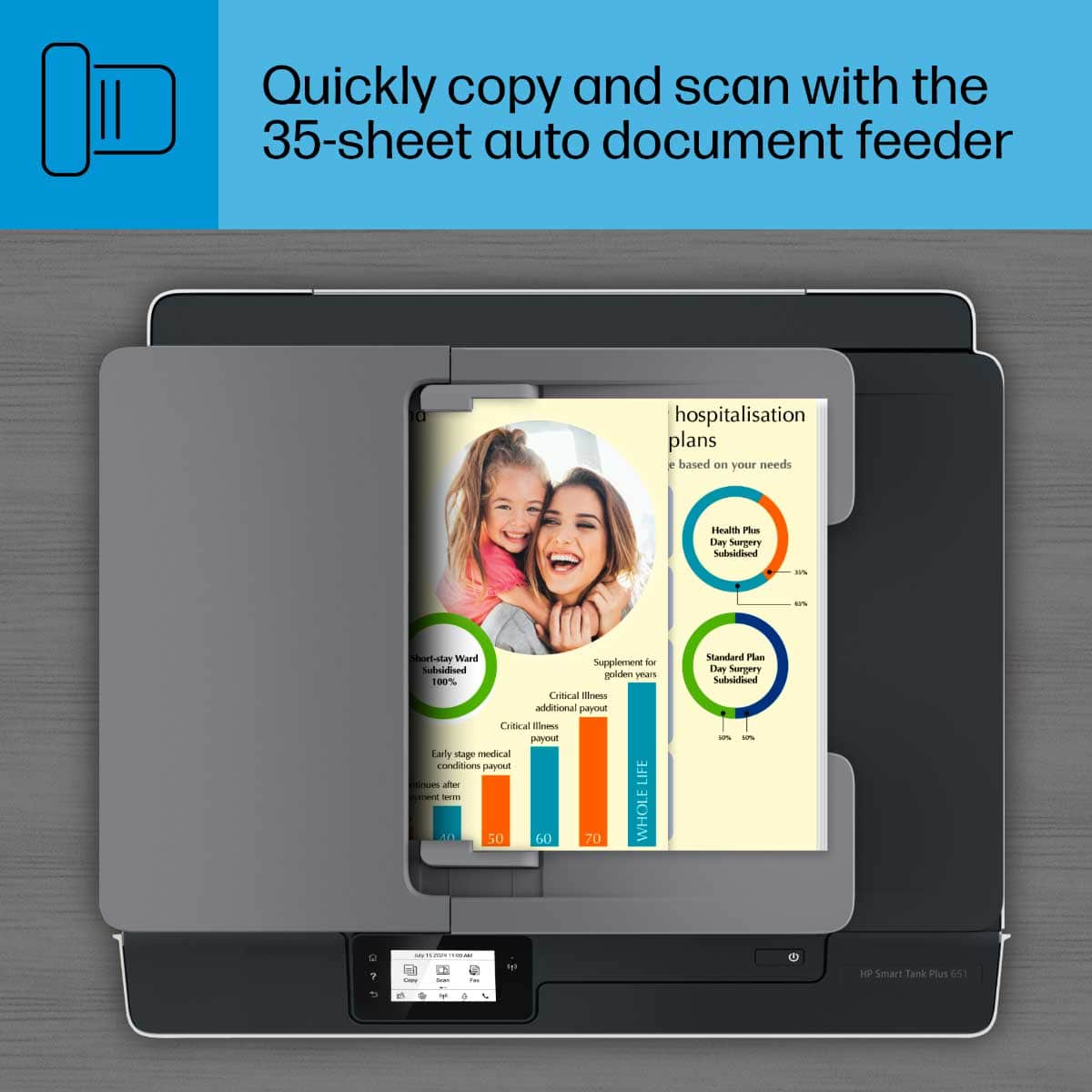
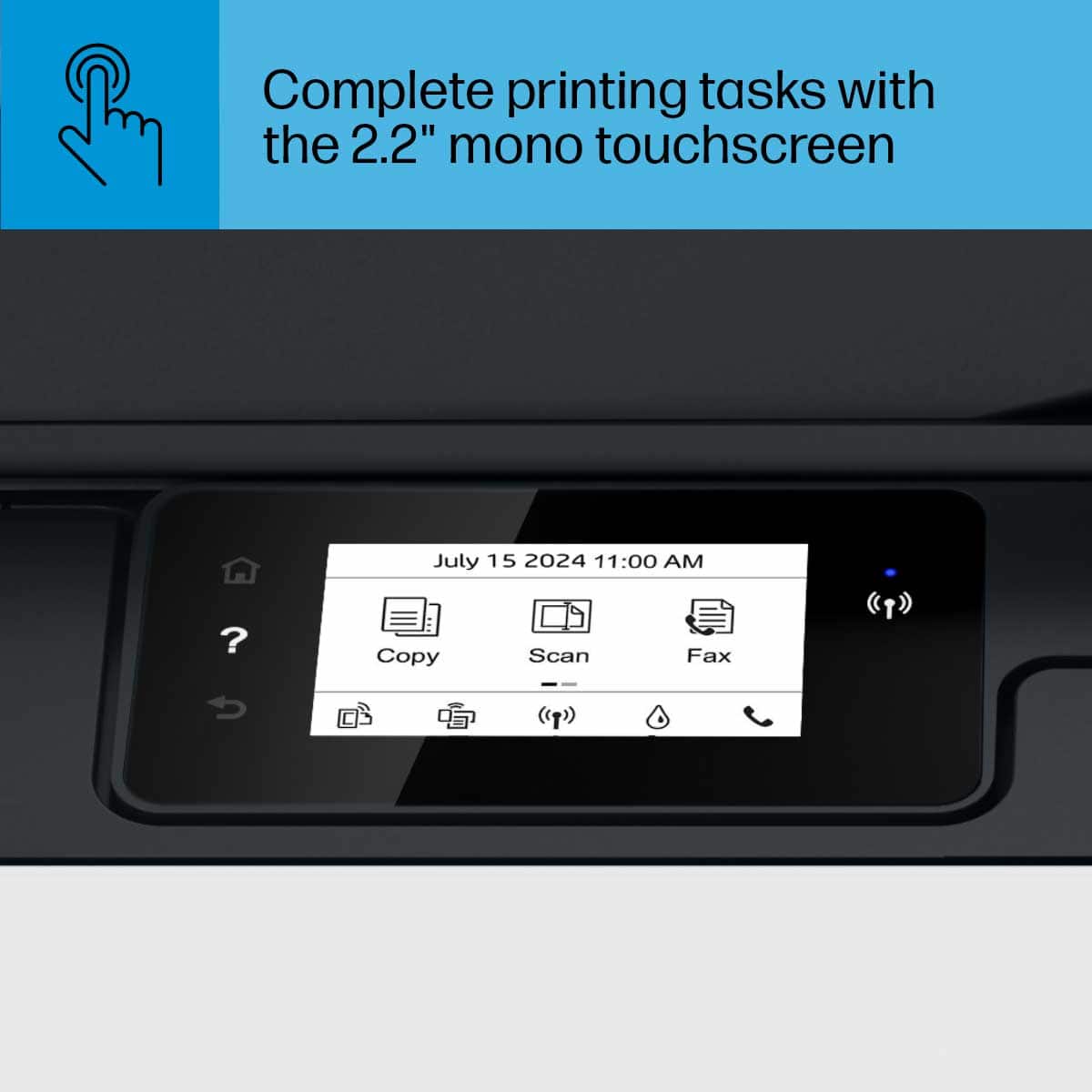
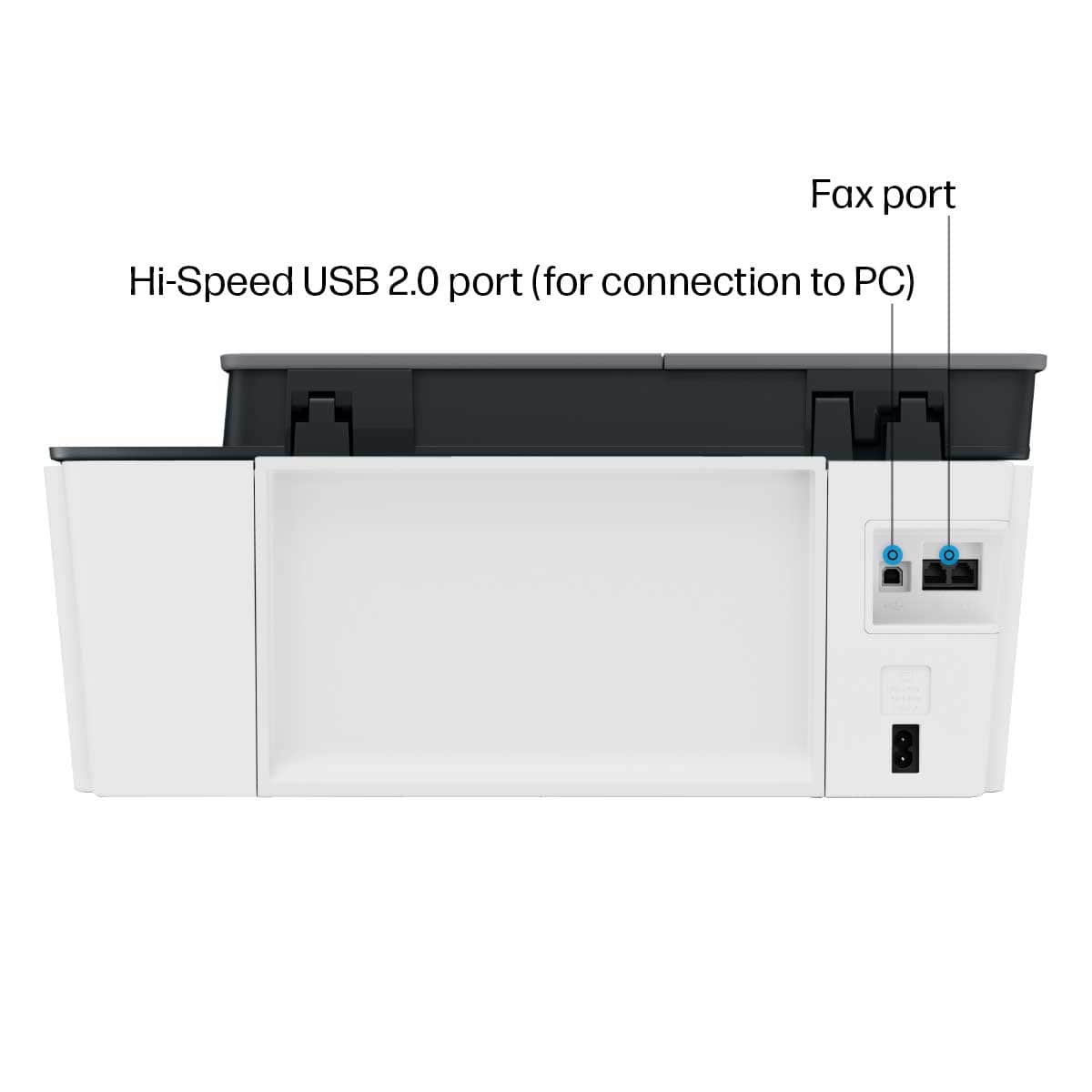
|Posted .This reviewer received promo considerations or sweepstakes entry for writing a review.The HP Smart Tank Plus 651 All-in-One is my first look at a refillable ink reservoir printer system, and I am exceptionally impressed, it’s like where have you been all these years! After receiving the 651 I went looking for a fitting place do add the printer to our network and found a spot in my kid’s room. The smaller footprint works exceptionally well in our application, a welcomed addition to our network. Perfect for the student who is hard at work. Next follow the setup in the HP pictorial quick start guide which clearly illustrates/explains everything you need to get unpacked and preparing the printer for first-time use. After filling ink reservoirs and installing two print heads (simple) - Download/install HP Smart App to PC or mobile device. Highly appreciate that you can use the app with a PC and not be tethered to a mobile or tablet. On HP Smart app scroll screen to the “Add New Printer” option and continue with set up. Joining the network was simple task using the settings on the printer’s Touch Screen. The printer does not have an Ethernet RJ-45 connection, I prefer to use a wired printer but most users today I am sure use Wi-Fi which connects simply. Setting the up the Smart Tank 651 and getting on-line took about 30 minutes, simple, easy and straight forward. All options you need are accessible through the 2.2” mono Touch Screen as well as through HP Smart App. The menus are setup intuitively on the printer, intuitive and easy to manage. All printer settings are accessible in HP Smart, personally I prefer to manage the printer through the HP Smart app. Any info you need for the printer are easily located in HP Smart, an excellent program and has been a great addition to the HP printer line. The new Smart Tank system I like, a lot. It is reducing the waste of materials and resources (planet friendly) and hopefully saves on ink expenses. Did a little comparison shopping comparing the Smart Tank HP31 70ml bottle to the HP 951XL which holds 25ml. The price I found for the Smart Tank HP31 is $17.17 where the HP 951XL for our other HP Inkjet sells for $35, this could represent a very considerable savings in expenses, if these prices hold. Good Stuff: - Color Ink bottles are 70ml each - Black Ink bottle is 125ml - Color ink wells hold 70ml - Black ink well holds 135ml - All ink wells are transparent in the front showing ink levels – great idea - Two Years ink included – “up to 6000 color pages or up to 8000 black pages” - Impressive - 35-page auto feeder - Fast Wi-Fi – dual band - USB 2.0 LE - ISO Print speed – Black 11ppm/Color 5ppm - Mobile printing compatible with Hp Smart app, HP ePrint and AirPrint - Scanning and sharing to the cloud - Sheet capacity – 100 Letter/legal with 30 sheet output tray - Small footprint - Excellent output Designed for light workloads and would fit right in many offices, homes or student dorms.
I would recommend this to a friend














