Customer Ratings & Reviews


- Model:
- NS-SP1X7
- |
- SKU:
- 5529012
Customer reviews
Rating 3.7 out of 5 stars with 2328 reviews
(2,328 customer reviews)Rating by feature
- Value3.2
Rating 3.2 out of 5 stars
- Quality3.3
Rating 3.3 out of 5 stars
- Ease of Use3.2
Rating 3.2 out of 5 stars
Customers are saying
Customers love the Wi-Fi Smart Plug for its easy setup, remote control capabilities, and compatibility with Alexa and Google Home. They appreciate the ability to schedule on/off times and use it as a timer. However, some users have experienced connectivity issues, app glitches, and compatibility issues after a few weeks of use.
This summary was generated by AI based on customer reviews.
- Pros mentioned:Easy setup
Rated 4 out of 5 stars
Pretty Smart
||Posted .This reviewer received promo considerations or sweepstakes entry for writing a review.I ordered 2 plugs and its working great and controlled by my echo
I would recommend this to a friend Rated 5 out of 5 stars
Very Reliable Smart Plug
||Posted .This reviewer received promo considerations or sweepstakes entry for writing a review.Using it on a living room lamp as a night light. Works all the time. Nice not to have to worry about it working.
I would recommend this to a friendRated 1 out of 5 stars
Just why!!!!!!
||Posted .This reviewer received promo considerations or sweepstakes entry for writing a review.I have spent the last 2 hours setting this plug up and either one of two things happen the app will connect to the plug and say "error connectong to insognia server" or it will connect to the app and then when trying to connect the Wi-Fi it will say "failed registration".......... 2 hours of this and total frustration tried uninstalling the app still failed tried connecting to it directly still failed. Tried resetting the plug multiple times and still failed. So yeah taking this back and will never buy it again.
No, I would not recommend this to a friendRated 5 out of 5 stars
2+ Years...
||Posted . Owned for 1.5 years when reviewed.This reviewer received promo considerations or sweepstakes entry for writing a review....and still works perfect! Easy to install and configure.
I would recommend this to a friendRated 5 out of 5 stars
Plug-N-Play
||Posted .This reviewer received promo considerations or sweepstakes entry for writing a review.Works Perfectly integrated with four other SA-5's and a Denon Receiver!
I would recommend this to a friend- Pros mentioned:Alexa compatible, Price, Remote control
Rated 4 out of 5 stars
Good quality for decent price
||Posted .This reviewer received promo considerations or sweepstakes entry for writing a review.I got this plug because it was supposed to work with Amazon's Alexa. At first, this plug did not work so great. It took up to 3 minutes for it to execute a command and I even had to reset it two times. One time it did not even do as commanded However, in the last two months, it seems to have improved a great deal. I haven't had to reset it or wait great amounts of time for a light to turn on. I suppose there have been improvements made to the software that it automatically downloaded (not sure). It also works well with the app that Insignia provides. I recently went on vacation and could tell when the lights were on in my apartment in Houston even when I was in California. Probably not the best switch, but it is worth the price you pay, especially now that it seems to be working better.
I would recommend this to a friend - Pros mentioned:Price, Remote control
Rated 4 out of 5 stars
Reliable if you can get past the setup
||Posted .This reviewer received promo considerations or sweepstakes entry for writing a review.I picked up 2 of these for the holidays because I thought it would be cool to be able to tell Alexa to turn on the Christmas lights and I was right. It was an immediate hit with the family, the kids especially. It was somewhat of a struggle to get them set up though. I thought that I could use the Insignia companion app on my Note 8 or my wife's S8 Plus to get these configured and oh was I wrong. I had to use a device with an older version of Android. The device I used was a Samsung Galaxy Tab A with Android Marshmallow. I had to do a Google search to figure this out. It was somewhat of a pain. After getting them connected to my wifi with the companion app, I had to do some additional setup to get them working with Alexa. Once they were completely setup though, everything worked pretty smoothly most of the time. There was the occasional hiccup where one of the devices would lose connectivity with Alexa. A simple toggling of the power would remedy that though. Overall I am pleased with the devices especially knowing that I don't need an additional hub like Wink or SmartThings. I can use the Amazon Alexa app, Echo or Fire devices with voice remote to control my lights at home or away. Pros: Small form factor. It only occupies one outlet. Has an manual toggle switch in case you loose connectivity with Alexa or Google Home. Cost compared with similar products. Can control the devices away from home using the Alexa app. Con: Was not easy to setup. Occassionally looses connection with Alexa. (I only have Amazon devices to test with and I'm not sure whether it's the device, software, home network or Alexa).
I would recommend this to a friend - Pros mentioned:Google home compatibleCons mentioned:App, Connectivity
Rated 4 out of 5 stars
Difficult to setup but works well afterwards
||Posted .This reviewer received promo considerations or sweepstakes entry for writing a review.You have to have a lot of patience to setup the smart plug. After a few resets, the wifi finally connected through the application. The device worked then; but after a while the Insignia app lost the connect with the device. Stop and restart the app and it works fine. I connected the smart plug with our Google Home and it works great. Google connected on the first attempt and has controlled the device not problem every time. For the money, it's a good plug.
I would recommend this to a friend - Pros mentioned:Easy setupCons mentioned:Connectivity
Rated 4 out of 5 stars
Good replacement for the wemo
||Posted .This reviewer received promo considerations or sweepstakes entry for writing a review.I own the wemo and this insignia wifi plug. I have had issue with both in the past. With the wemo when i first purchased it when it had an update a couple month after it stop working. Lucky for me I had purchased the protection plan and they swap it out. Now the insignia one when i first purchased it, it would not connected to my wifi for whatever reasons. This last time month alter i decided to give it another shot and it seem like there was an update to the app and now it work perfectly. Pretty easy to set up as well
I would recommend this to a friend - Cons mentioned:Connectivity
Rated 1 out of 5 stars
Insignia Connect app is deeply flawed
Posted .This reviewer received promo considerations or sweepstakes entry for writing a review.We test smart home devices for a living, so we have a lot of experience with smart plugs. If you bought the Insignia WiFi smart plug (Model: NS-SP1X7) and brought it home to install be prepared for an ordeal. When we searched for the Insignia Connect app on Google Play, we saw hundreds of bad reviews about this particular app. The smart plug itself may actually work, but the app is so bug-ridden than you'll never get consistent performance. We were intrigued by the long and frustration-laden list of complaints.....including some from Geek Squad team members who work for Best Buy. So we bought one of these plugs on sale ($19), downloaded the app onto three different Android mobile devices and tried to get the plug to work. It took a few hours just to connect the plug to the WiFi network; the app repeatedly froze. Once the plug was "connected" to the network, we then attempted to pair the plug with our Alexa devices. That took about an hour to achieve, due to the Alexa devices' inability to see the Insignia plug. We were finally able to pair the plug using a Samsung tablet. However, then the real trouble began. The smart plug would work once or twice and then Alexa would inform us that the smart plug is disabled and needed re-enabling before the command would work. (BTW, we got the same intermittent message on all three of our Alexa devices). Rather than waste more time trying to troubleshoot the problem, we contacted Amazon and went through more troubleshooting with Amazon technical support. One hour later, the Amazon techs (we used two of them) arrived at the same conclusion that we'd reached a few hours earlier: the Insignia Connect app was defective. They promised to escalate the problem but warned us that our best course of action was to return the smart plug. The moral of this sad smart plug saga is to check out the reviews before downloading an app (or buying a smart plug). The reviewers were correct; the Insignia Connect app is riddled with problems and is essentially unworkable. We've used TP-Link and Wemo smart plugs with literally no problems. However, the Insignia smart plug is unmitigated trouble and we encourage you to avoid buying it until its issues are resolved. Reviewers gave the same thumbs down on the Insignia Smart Plug with Monitor and we see no reason to doubt those reviews. Given the fact that the bad reviews were posted through 2017, it appears that Best Buy/Insignia have little interest in fixing this device and its app.
No, I would not recommend this to a friend - Pros mentioned:Price
Rated 3 out of 5 stars
Inexpensive smart plug
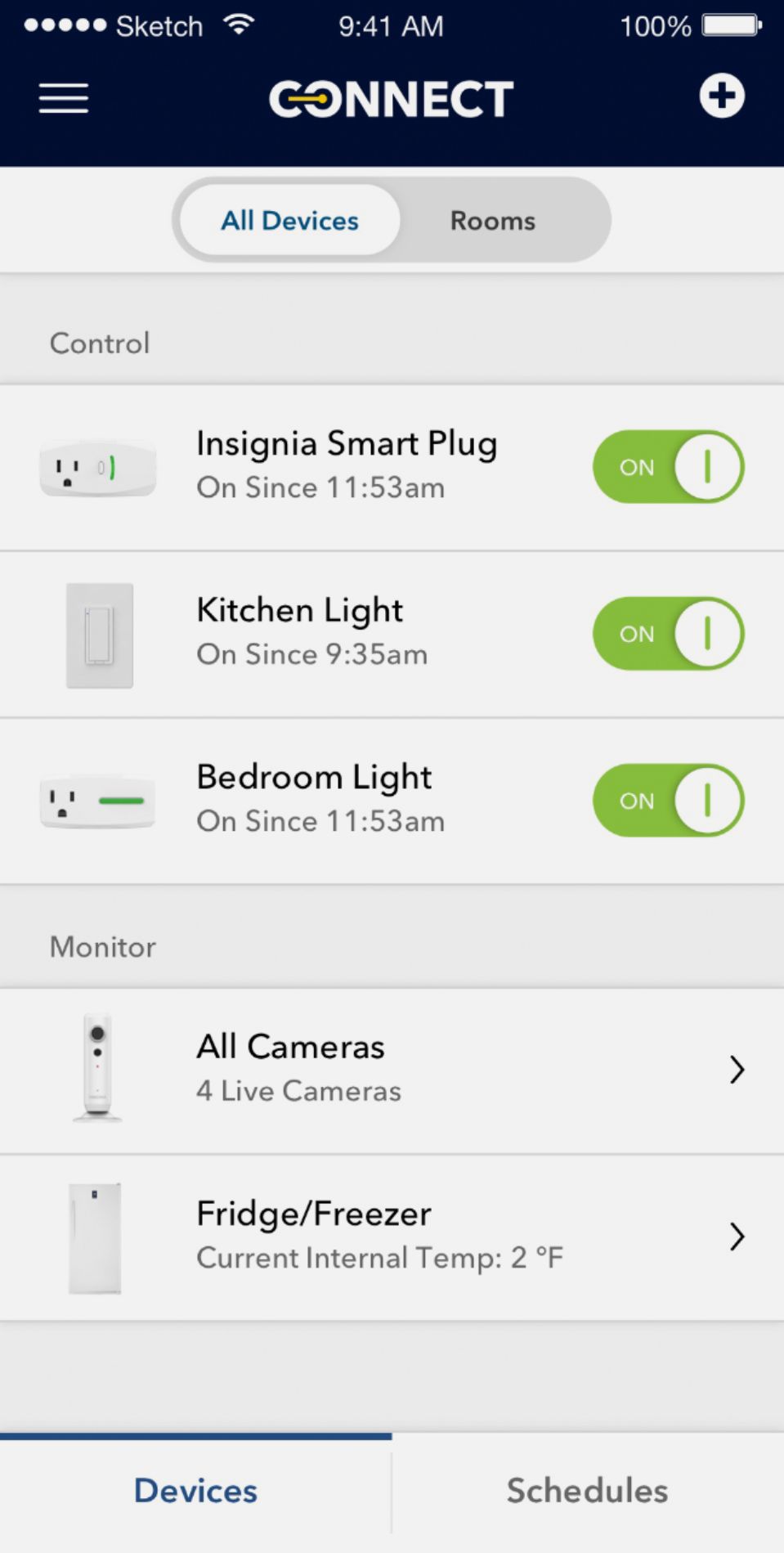
||Posted .This reviewer received promo considerations or sweepstakes entry for writing a review.I have been an experimenter in the IoT/Home Automation space for years and I thought I would take the plunge and purchase a few smart plugs instead of building my own. When I bought a pair of these, they were marked down to <$20. Relative to other smart plug products, this is on the low end of the price scale. (That also included a coupon to purchase more plus at 20% off.) Secondly, these don't require a "smart hub" to operate, so overall they are much cheaper than options that require a local hub. (There is a downside that I will get to in a minute.) Install issues ... I had a huge amount of trouble getting these configured the first time. The Insignia app for my iPhone would either not find my home network (Google Wifi) or would crash once I selected it. When unconfigured, the plugs create their own wifi access point and I was able to join that network and browse to a web page that seemed to let me configure the plug for my local wifi network, but that did make them visible to the Insignia app. After a few days of on/off attempts, I managed to get the first plug configured via the app and after that, it had no problem configuring the second one. I have no idea why it suddenly started working. In terms of operation, the insignia app on your phone or tablet can turn individual plugs on/off, or there is a button that will turn all of them off/on. There is also a scheduling tab that will allow you to set up a schedule of on/off events. In terms of operation, not having a smart hub locally means that the smart plugs are in communication with the Insignia cloud and the phone application talks to the cloud to control the plug. So, this means three things: 1. You can control the plugs from anywhere (big +++) 2. If you don't have an internet connection, you can't control the plug from the application. There is a button on the plug that can control it manually as a backup. 3. There is a lag between pushing the on/off button on the phone app and the plug actually turning on or off. This can be fairly long and I have had cases where it seemed the plug never got the command. As a home automation enthusiast, I wish there an API that I could use to control the switches locally. That would allow me to add them into my existing infrastructure. There is apparently an Alexa and Google Home integrate for these switches that would allow control using those voice interfaces, but I don't have either of those devices. Lastly, there are few standards in the IoT/Home Automation market place. You can end up with needing several applications loaded on your phone to control the gadgets from various manufacturers. It is starting to appear that you will need something like a Google Home or Amazon Alexa to work over the top of all these devices to make them work together in a coherent fashion.
I would recommend this to a friend - Pros mentioned:Remote control
Rated 4 out of 5 stars
First step to a smart home
||Posted .This reviewer received promo considerations or sweepstakes entry for writing a review.Got this to assist in turning front lights off and on in case I forgot or did not want to walk to the other side of house to turn the lights off. Although it is rather frustrating when want to turn on the light and have to go get my phone to do it (via app). Works very well for when I am coming home and want to turn on the lights from the outside before entering. Also you can run a setting to tell it when to turn on and off when you are not home or out late (make it look like you are home). Down side for me is, I have to make sure my phone has wifi turned on to get the lights to work. Although if you do not have wifi in your area the unit will still work as it creates its own hotspot. On a home wifi you can control this anyway in you place. Also works with Google Assistant with just a simple request. So I do enjoy the remote access this gives me, but would be nice to have a mic on it, in case I just want to shut it off without using my phone (clapping, snapping, or even a button to push)
I would recommend this to a friend - Pros mentioned:Easy setupCons mentioned:Connectivity
Rated 4 out of 5 stars
Best Value Wifi Outlet
||Posted .This reviewer received promo considerations or sweepstakes entry for writing a review.Easy to set up and control using the app. You can set different schedules and apply them for different days of the week and times of day to have this outlet turn on and off. Sometimes loses connectivity to the internet, but for the most part works seamlessly.
I would recommend this to a friend - Cons mentioned:App, Connectivity
Rated 2 out of 5 stars
Smart Plug, Dumb App
||Posted .This reviewer received promo considerations or sweepstakes entry for writing a review.I received an Amazon Echo for Christmas and wanted to make it more useful by adding a smart plug to control a lamp in my house. The plug was reasonably priced and shipped quickly. i plugged it in and tried to connect through the Echo first. i searched the Echo app and found Insignia connect available. I was then asked to enter my Best Buy sign in and password. i was concerned about my info and privacy being compromised. However, i entered it in anyway. The Echo was unable to find it after several attempts. So then I tried to download the app on my iPhone. I was prompted to download the newest IOS even though i was using 10+. After downloading the new IOS 11, i then downloaded the Insignia app on my phone. Again, i was asked to enter my username and password for this app to get connected. This is a concern for me because I feel this is a bit too much information to be giving for a simple smart plug. So after logging in to the app and connecting the plug to the wifi, i kept getting and error saying i needed an internet connection.After several tries, resetting the device multiple times, and losing two hours in the process, i finally was able to get them synced. So now i go to turn the plug on through the app and was unable to and kept receiving an error. As a final attempt, i went on the Alexa app on my phone and was able to connect the plug and control it with the Echo. Had it not been for this, i would have returned it for a refund. This app has major flaws and needs to be updated!!! The money i saved on this model does not equal to the loss of time and frustration i got using the app.
No, I would not recommend this to a friend - Pros mentioned:PriceCons mentioned:Compatibility
Rated 3 out of 5 stars
Not Bad, Getting Better
||Posted .This reviewer received promo considerations or sweepstakes entry for writing a review.I bought a couple of these on sale because they were so much cheaper than the other brand I already have a few of and I figured with the BB name on them they had to be acceptable. I tried to set them up using the iPhone App and it didn't work at all. It took me a little to get them to show up, then a little more to add them to the home network, and then....nothing. I couldn't add them to the app or create rooms or anything. I looked online and found that a lot of people were having trouble and I was about to return them. But I decided to try the Android app too (they don't have a PC app which I really did not like - if they do, it's not obvious where to get it) and it went much more smoothly. A little effort, but nothing too difficult and I had them up and running and connected to Alex through the Echo. Commands through Alexa go pretty well and I've only had a couple of times where it failed to link, but it has happened. My other brand I've never had it miss or drop. So, they're good for the price and it looks like IOS11 jacked up the iPhone app (like a lot of other programs) so I can only partially hold that against them. Once they're set up, they work pretty well.
I would recommend this to a friend - Pros mentioned:Alexa compatible, Easy setup
Rated 4 out of 5 stars
Works as Advertised, Very Good!
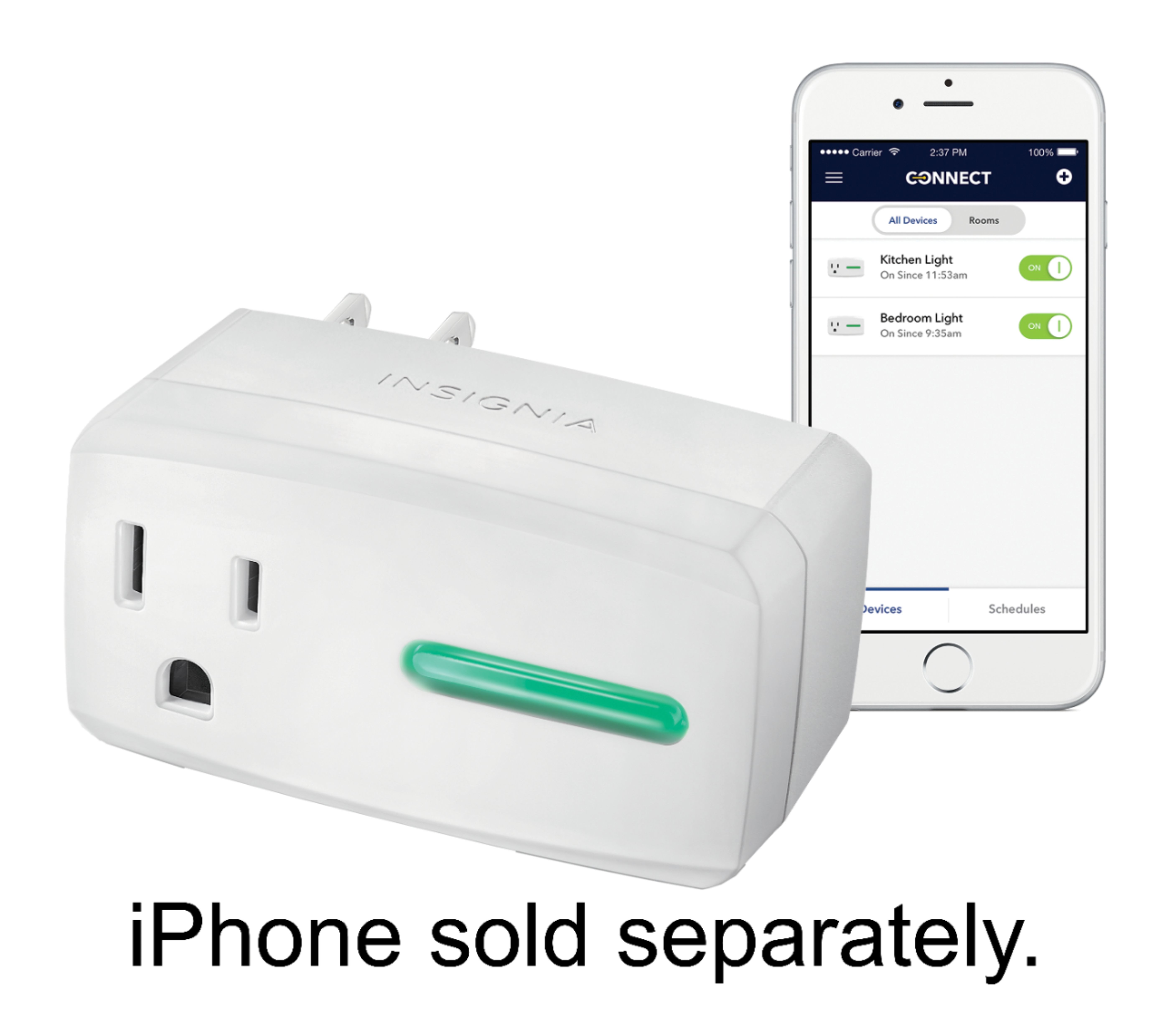
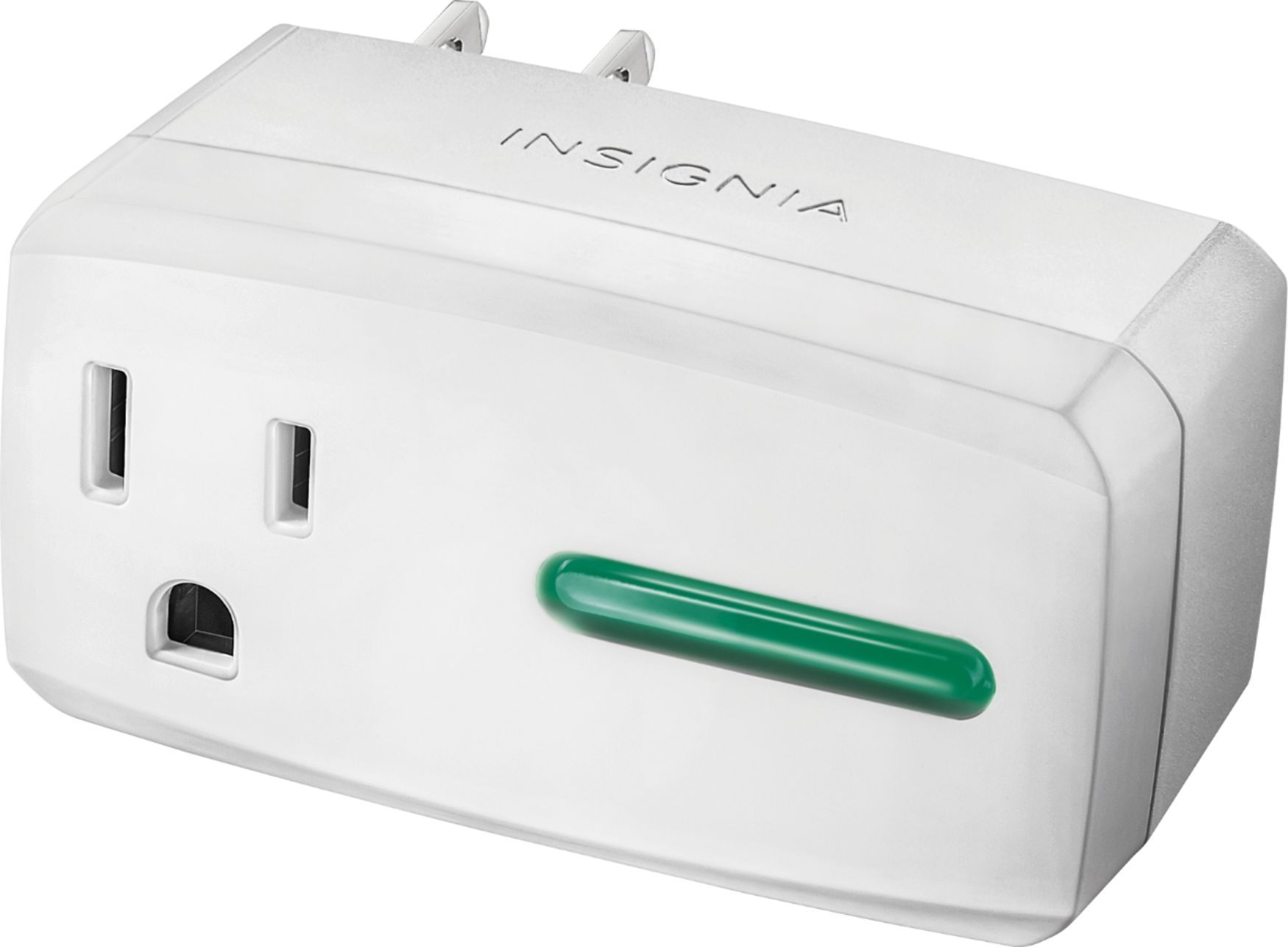
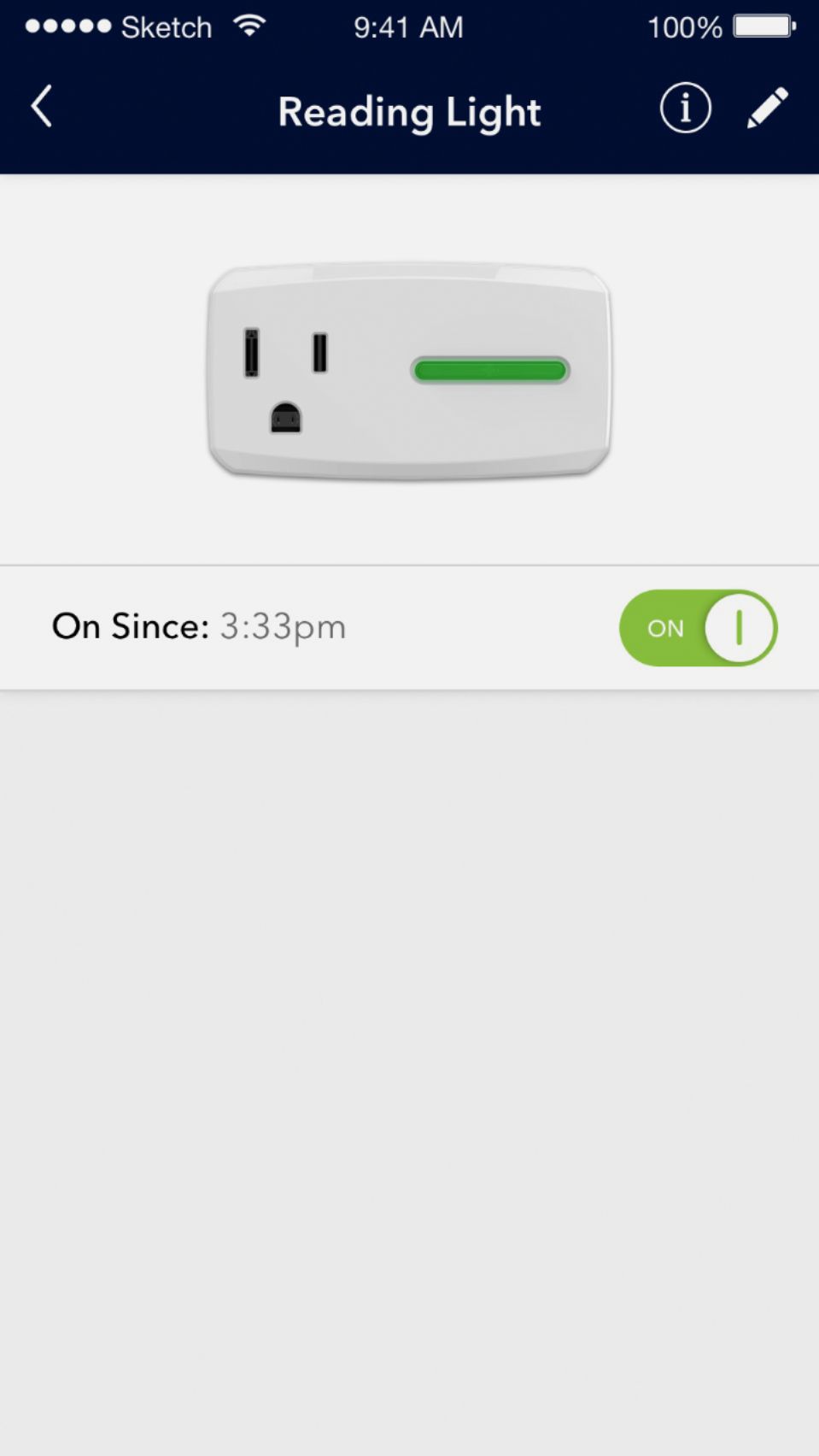
||Posted .This reviewer received promo considerations or sweepstakes entry for writing a review.The first thing I'll say is that this item is WAY overpriced; you can get excellent smart plugs for half this price on Amazon, but I paid the extra for the convenience of being able to get it same day from a local Best Buy store. Works perfectly with Amazon Alexa. This was very easy to set up and connect to Wifi. The Insignia app (which is also nice) walks you through and is "dummy" proof. It's shape and design make it so that it will leave plenty of space for the other outlet. There is a sharp bright green light on the face of the plug, lets you know when its on and operational. This Smart Plug is as good as any on the market. If not for the price it would have easily been 5-star.
I would recommend this to a friend - Cons mentioned:App
Rated 3 out of 5 stars
Not worth more than $10
||Posted .This reviewer received promo considerations or sweepstakes entry for writing a review.This smart outlet would be ideal for someone who wants to set up a device like a TV or Radio to turn on and off based on a schedule and wants to program it from a smartphone. It does that well. I operated mine not more than three feet from my WiFi router at all times I have owned it and it seemed to maintain a connection this way. I’m not at all impressed by the insignia app used to control this. It would routinely not be able to locate the smart outlet to control it, which is why I say this device is better for someone who just wants to set up a schedule and forget about it. I think $20 is too much for this outlet considering you can get a belkin wemo mini for $15 if you buy the 2 pack. The belkin wemo has a much better app, IFTTT and Homekit integration whereas this outlet doesn’t work with either of those. I also own the Insignia Smart outlet with power metering and that one is not only more reliable, it has homekit support and more features. I’d recommend that one over this one anyday.
No, I would not recommend this to a friend - Pros mentioned:Easy setupCons mentioned:App
Rated 4 out of 5 stars
Works well
||Posted .This reviewer received promo considerations or sweepstakes entry for writing a review.Easy setup through the app with an easy to use interface. I will say that sometimes the app doesn't reconnect properly when you go to use the app after recent closing out of it, toggling the on/off buttons doesn't work and produces some cryptic error. Exiting the app fully then relaunching usually fixes it. I've also had the account failed to load my profile, it seems like it fails to authenticate my account with Best Buy. Usually waiting a few minutes and trying again helps. Hopefully these issues will get addressed in upcoming patches. I have 5 of these things, overall I'm happy with them. I picked up a few recently for $15 each.
I would recommend this to a friend - Cons mentioned:App
Rated 2 out of 5 stars
Yes and no... and how about updating the firmware?
||Posted .This reviewer received promo considerations or sweepstakes entry for writing a review.First - I bought two of these on Black Friday. Worked great as I created schedules for each - one to turn off the coffee percolator (not on/off - just off), and the other to reboot some hardware overnight. I am also able to access the controls with my Samsung SmartThings hub (a key requirement). As time went on, the need for the schedules changed. When I went to change the schedules, the app could not connect. Thought I had to 're-pair' each - and after a few wasted hours of factory resetting, and connecting - I learned that you need to uninstall the app and reinstall the app. And one other thing - the firmware could use an update, as 'add device' instructs in the app has a step that says essentially - 'don't do this' when the switch connects to your network. Please update the firmware and then the app! Once I did that - the devices appeared on the app - but since I did a few factory resets, the devices were listed as 'missing'.... so I had to delete everything and start again. One nice thing, now that I know how to work with the app's shortcoming, is that once the device is programmed with a schedule, that device becomes independent of any app or server to turn it on or off. The programming is maintained within the hardware. How can I be sure? I have it rebooting my router - if it didn't store the programming in the device, it would not receive any 'signal' to turn back on, as the router is off. BUT... while testing the device's suitability for the router reboot, I scheduled a test on/off cycle in addition to the intended overnight on/off. Test went well so I went onto the app to delete the test on/off. To my surprise - the schedule stayed on the device even after deleting it. I learned the hard way as my router rebooted while I was on a VOIP call. So - again - a factory reset. Therefore - if you are ok with a once and done program - this is great. But over time, you will likely lose remote connectivity/control over the device, requiring App uninstall, reinstall. FOR THIS ONE REASON - I will not invest in additional Insignia smart home devices that use this app for programming.
No, I would not recommend this to a friend - Pros mentioned:Google home compatibleCons mentioned:Slow response
Rated 4 out of 5 stars
Over all I'm happy though 1 switch is slow
||Posted .This reviewer received promo considerations or sweepstakes entry for writing a review.I purchased several of these switches on the spur of the moment. I am just getting into creating a smart home and thought they might be useful. I connected three up over the holliday to controll: 2 lights by a sofa, the Christmas Tree lights and 2 outside spot lights. The sofa light switch is located 15 feet from the WIFI router and typically takes several seconds to respond. The other two switches are 20 feet and 30 feet away and respond instantly. I haven't had the time to troubleshoot and determine if its a switch issue. Set up was quick and painless for all three. I currently control them from my phone and GOOGLE Home.
I would recommend this to a friend