Customer Ratings & Reviews
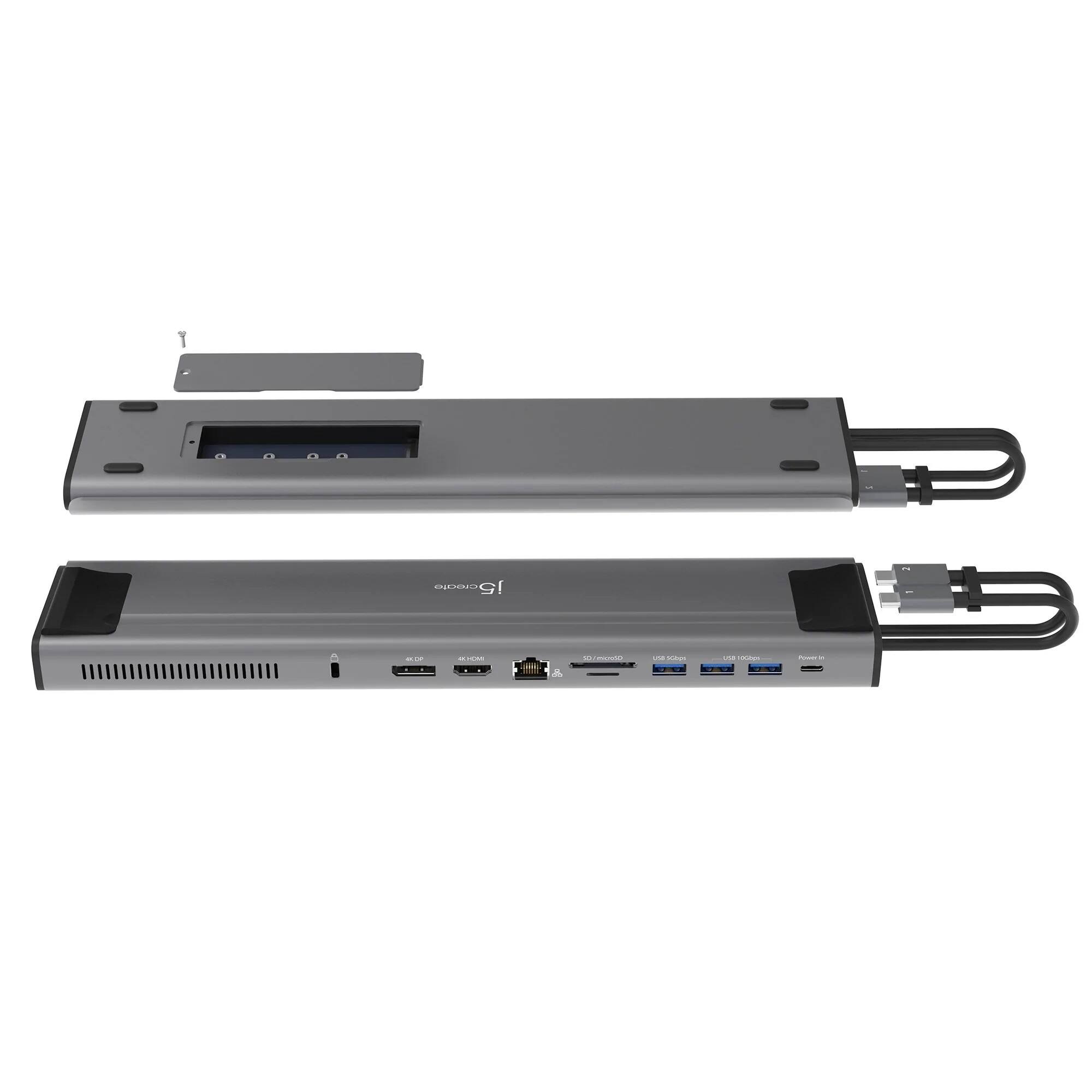
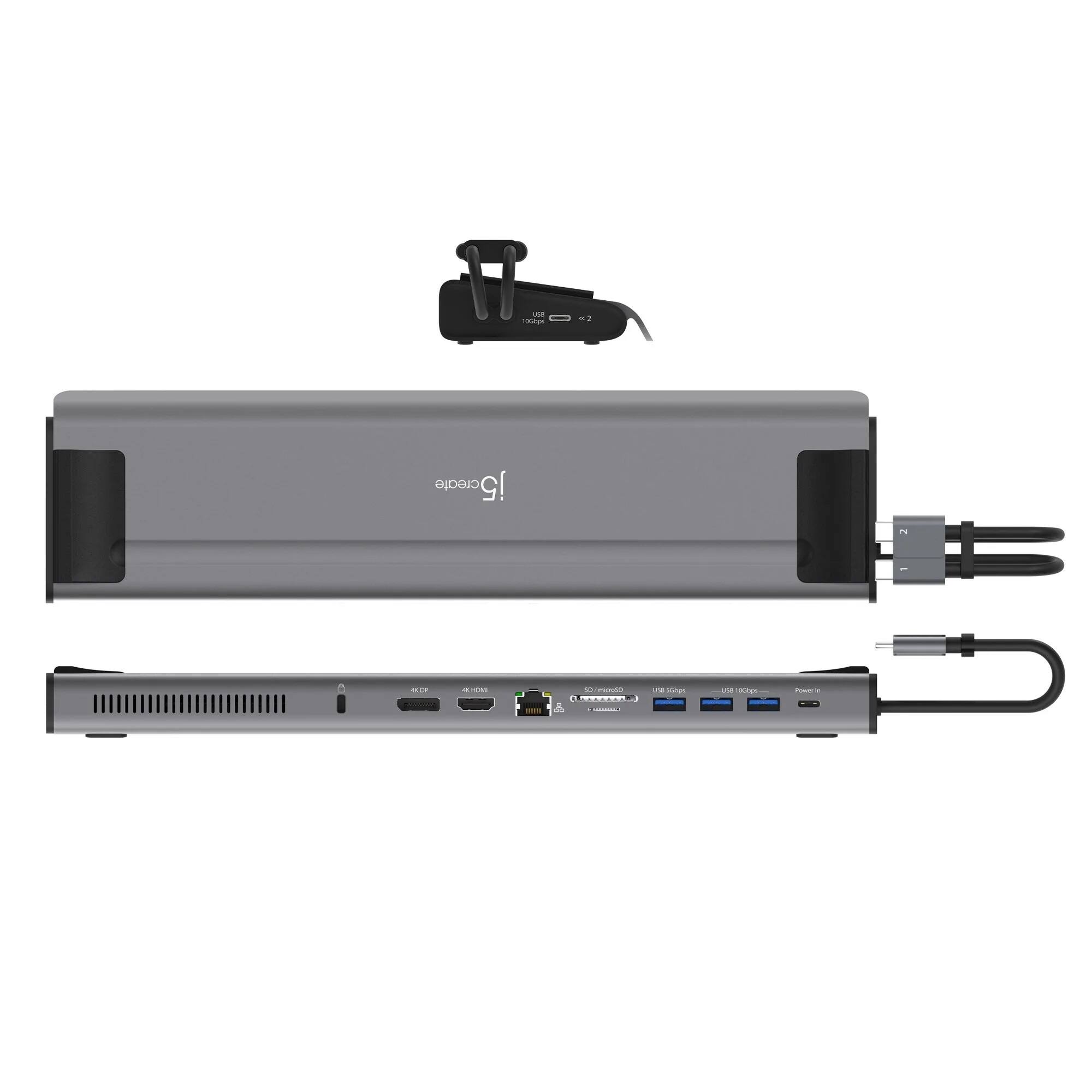
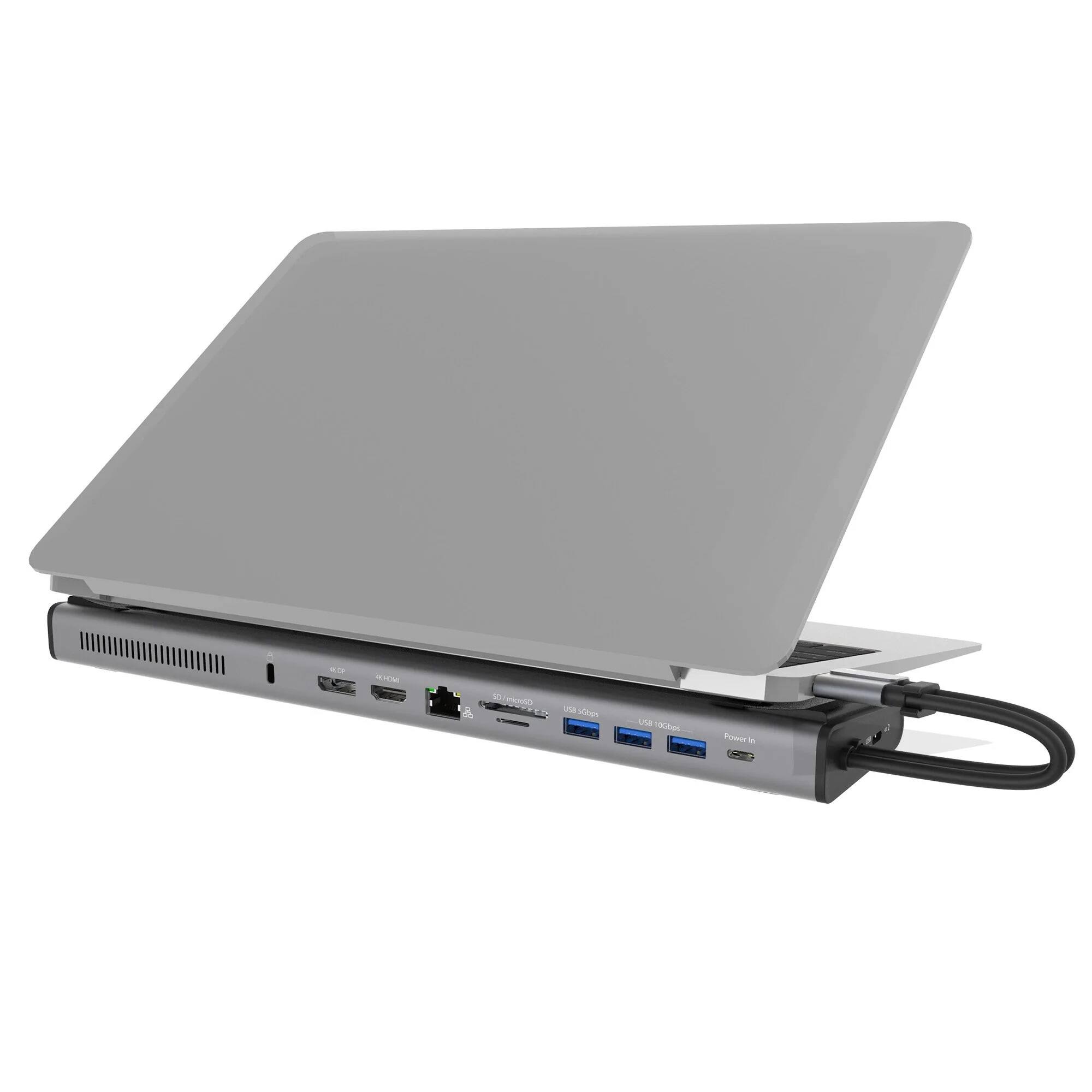
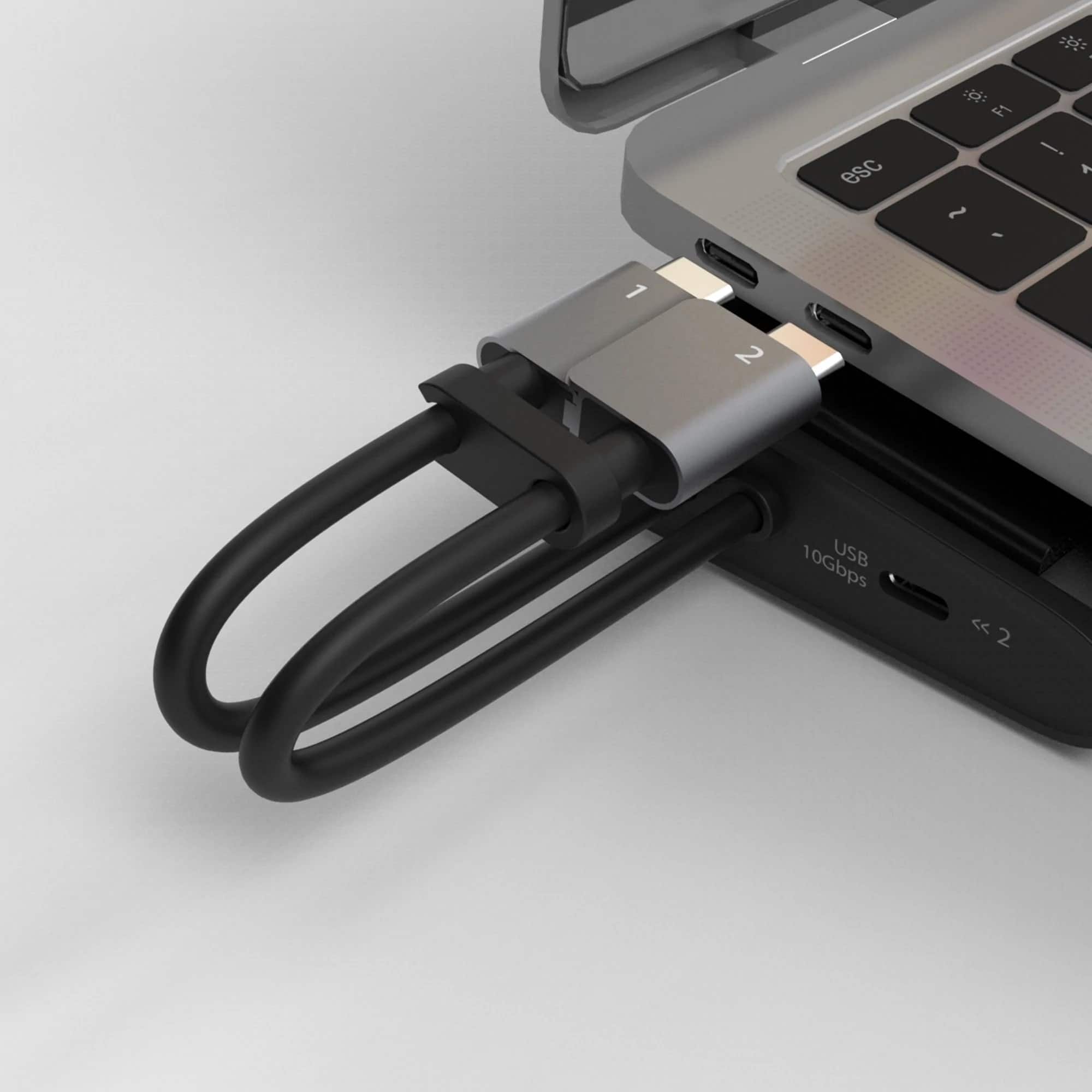
- Model:
- JCD552
- SKU:
- 6469971
Rating by feature
- Value
Rating 3.5 out of 5 stars
- Quality
Rating 3.9 out of 5 stars
- Ease of Use
Rating 4.0 out of 5 stars
Customers are saying
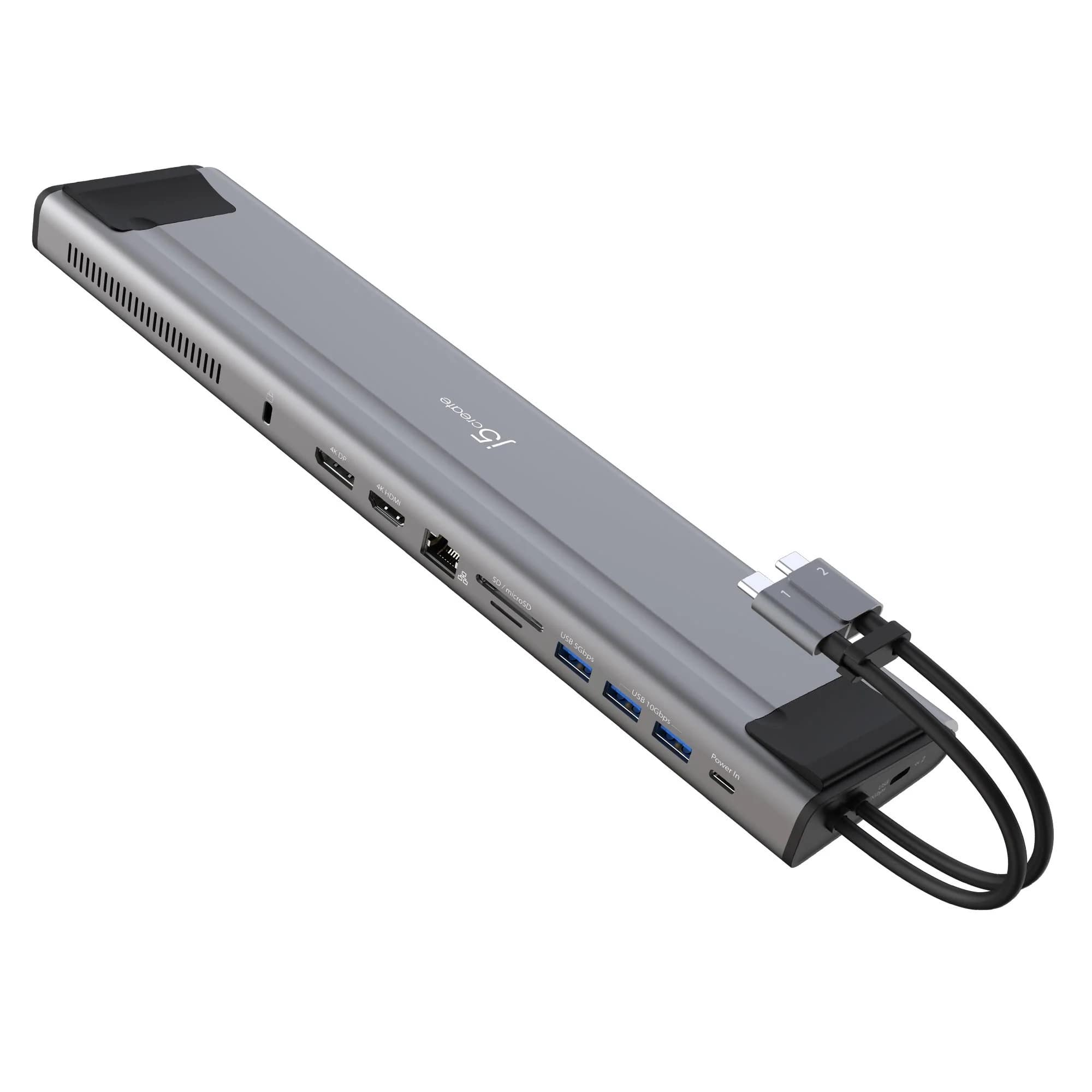
Customers frequently mention the compact size as a significant advantage. However, many users experienced issues with the USB-C ports and compatibility with certain devices, particularly Apple M1 chips and Windows machines. Problems with the display port functionality were also reported. Overall, the product's functionality appears inconsistent across different operating systems and devices.
This summary was generated by AI based on customer reviews.
- Cons mentioned:Usb-c
usb-c ports are faulty
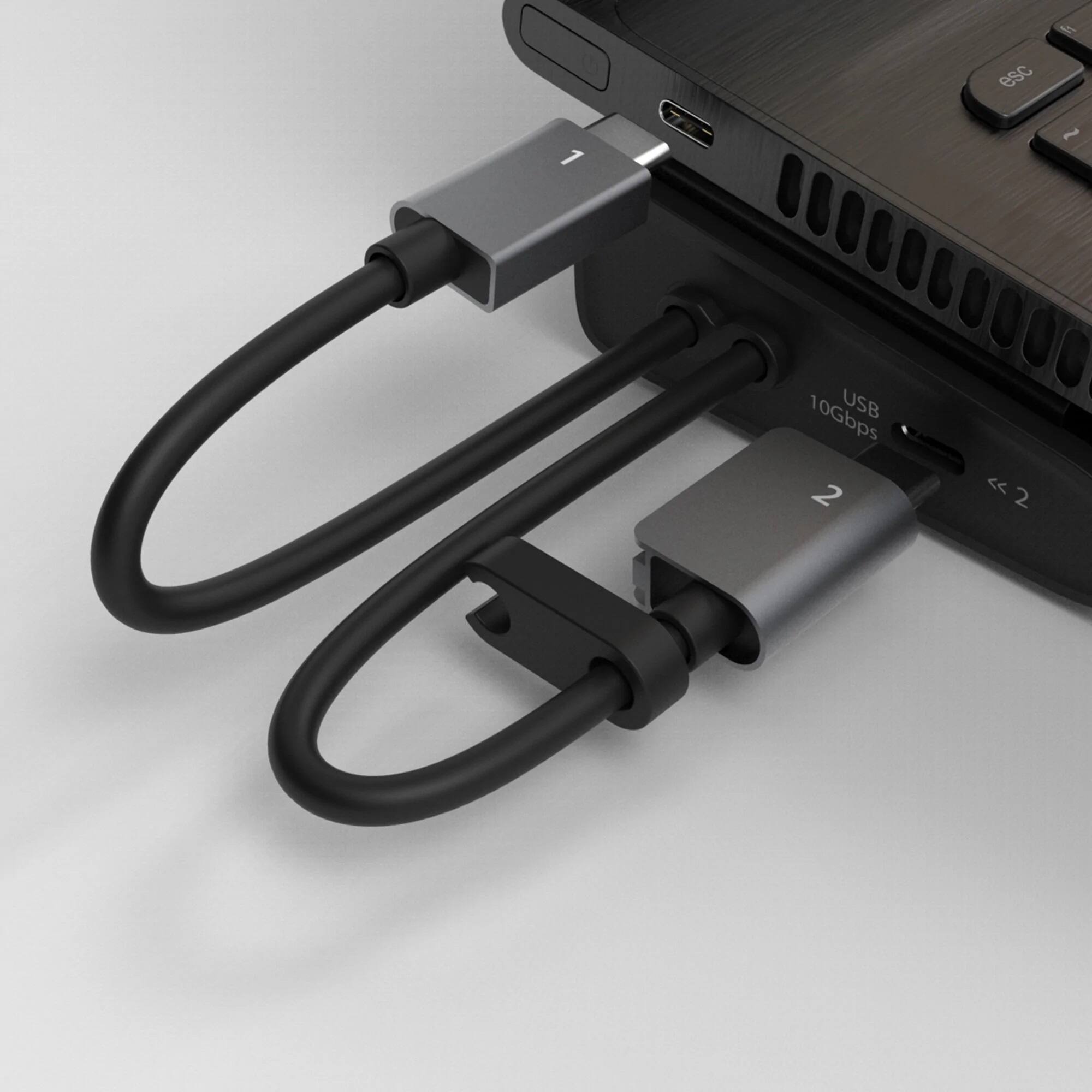
Posted .This reviewer received promo considerations or sweepstakes entry for writing a review.The USB-C ports are poor quality and you can tell when you connect your cables to the device. I can't connect my monitors through the USB-C port since this port is faulty. Also, when I have it connected for some time, it seems that some of the connections stop working until I disconnect my laptop completely and then plug it into the dock again. Maybe I got a faulty one.
No, I would not recommend this to a friendBrand response from J5create Team
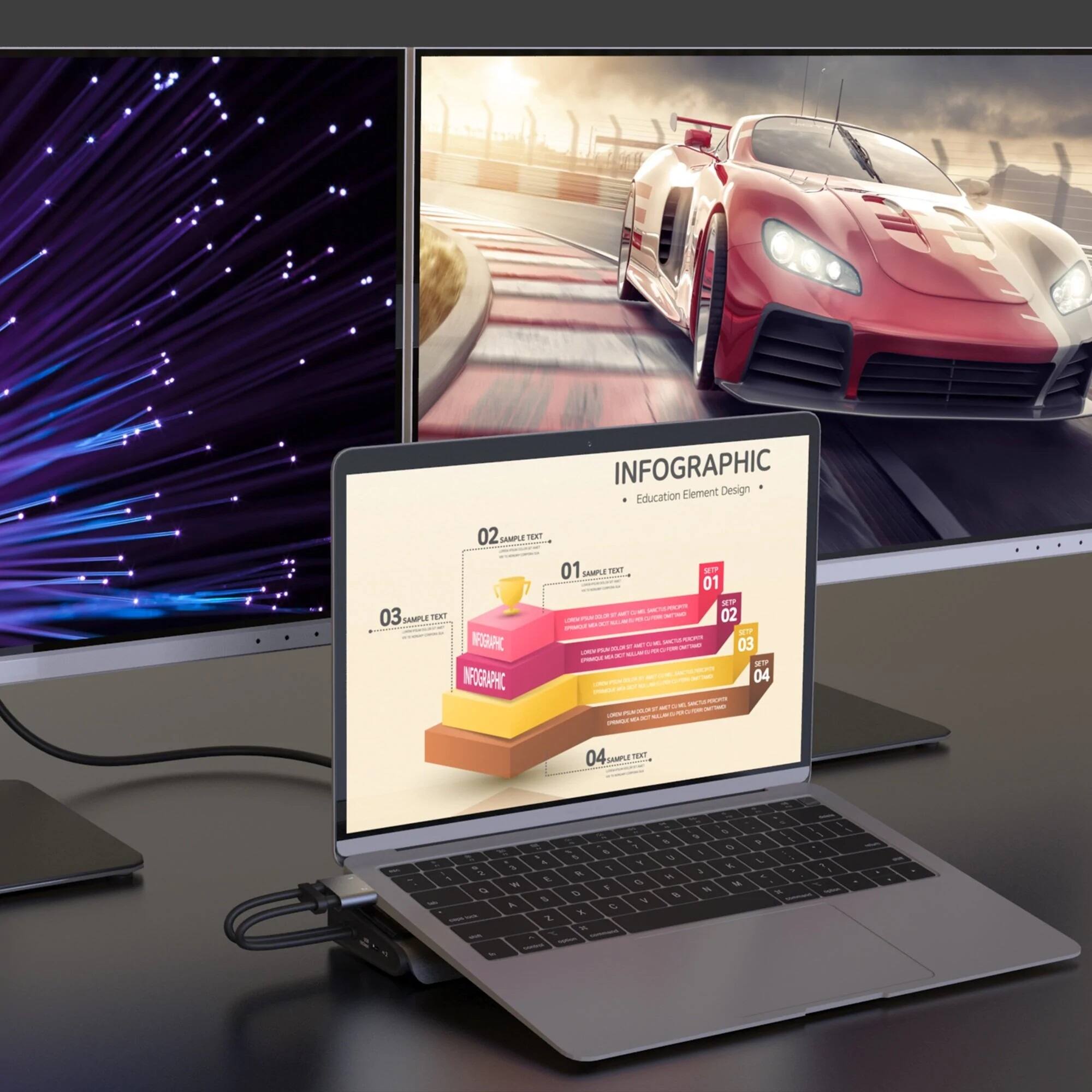
Posted .The USB-C power-in port is for pass-through charge, will not work to connect a monitor. To have dual monitors working, you will need to connect both host cables to an available USB-C/Thunderbolt 3 or 4 port on a computer. ** If you require further assistance; please contact the j5create Technical Support team and they will be glad to further assist you. Their information can be found on our website under the "Support" tab. Thank you.

- Cons mentioned:Compatibility
Doesn't work and no support
Posted .This reviewer received promo considerations or sweepstakes entry for writing a review.Tried this on my windows laptop and mac book pro. Neither worked just would say not recognized. Any attempt to reach customer support is both ignored or you get messages that the centers have been closed down. I would say hard pass on this product.
No, I would not recommend this to a friendBrand response from J5create Team
Posted .Depending what type of Windows computer you have. If it supports, DisplayPort Alt Mode and Power Delivery over USB-C, including MST. Same goes with a Mac computer. If it is a Intel or M1, M1 Pro, or M1 Max. This Docking Station is a PnP, no driver required. Please contact our Customer Service Team, so that they can get more information from you. They are available through Live Chat, Email or by Phone. Their information can be found on our website under the "Support" tab. Thank you.