Customer Ratings & Reviews
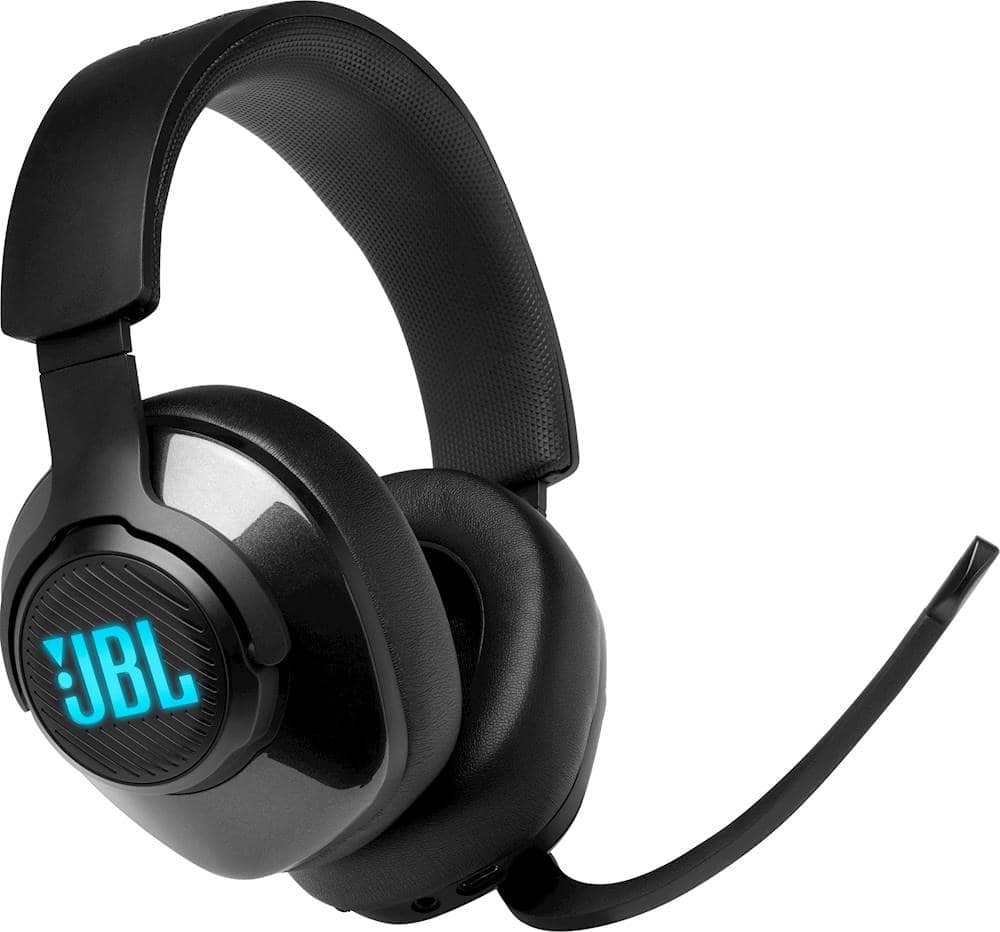
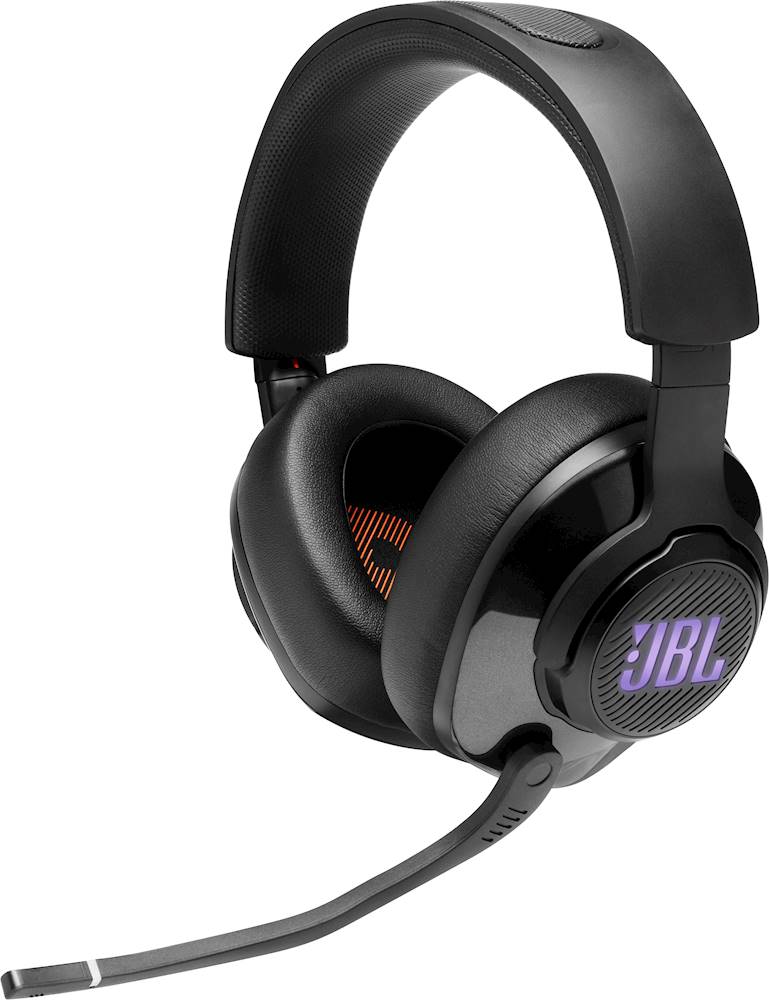
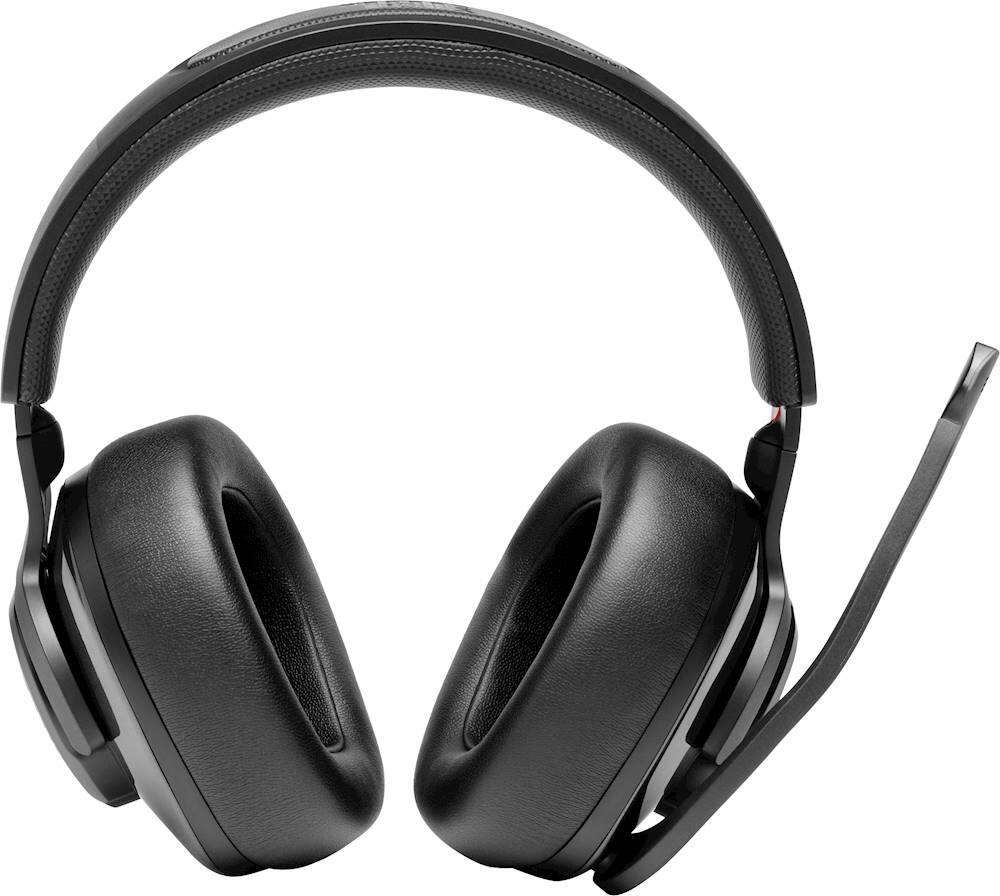
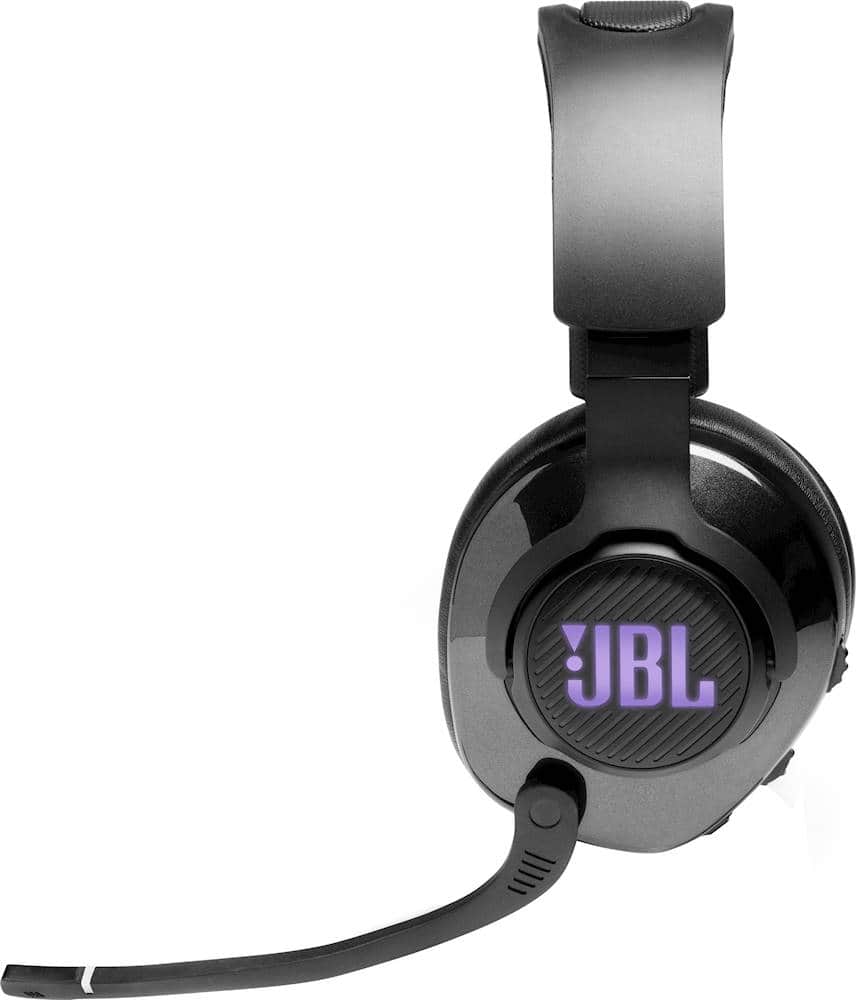
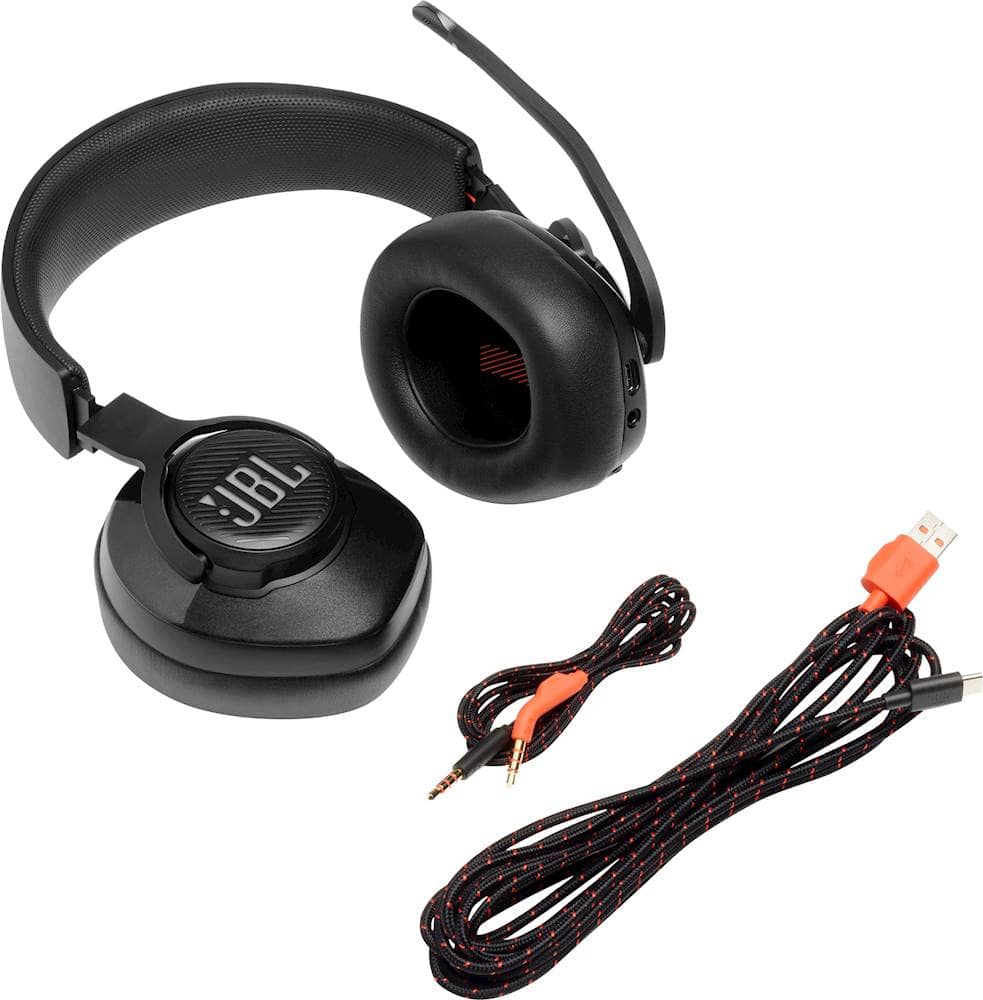
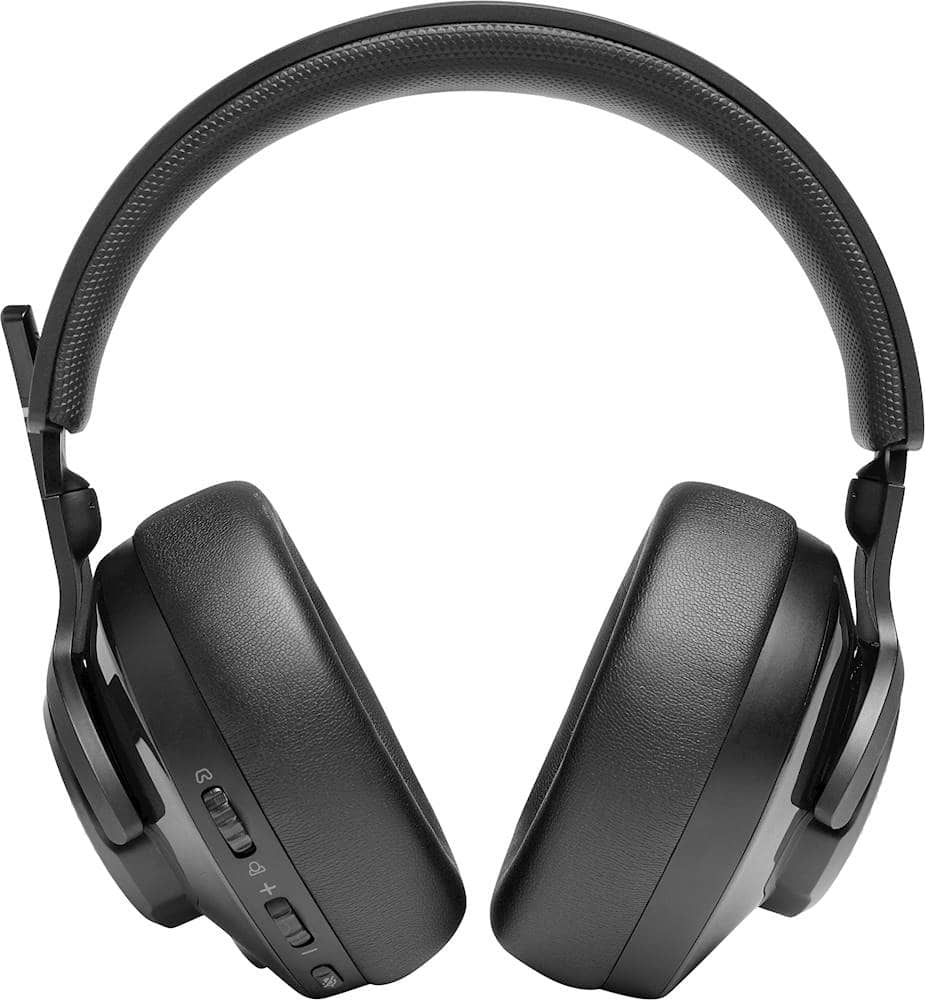
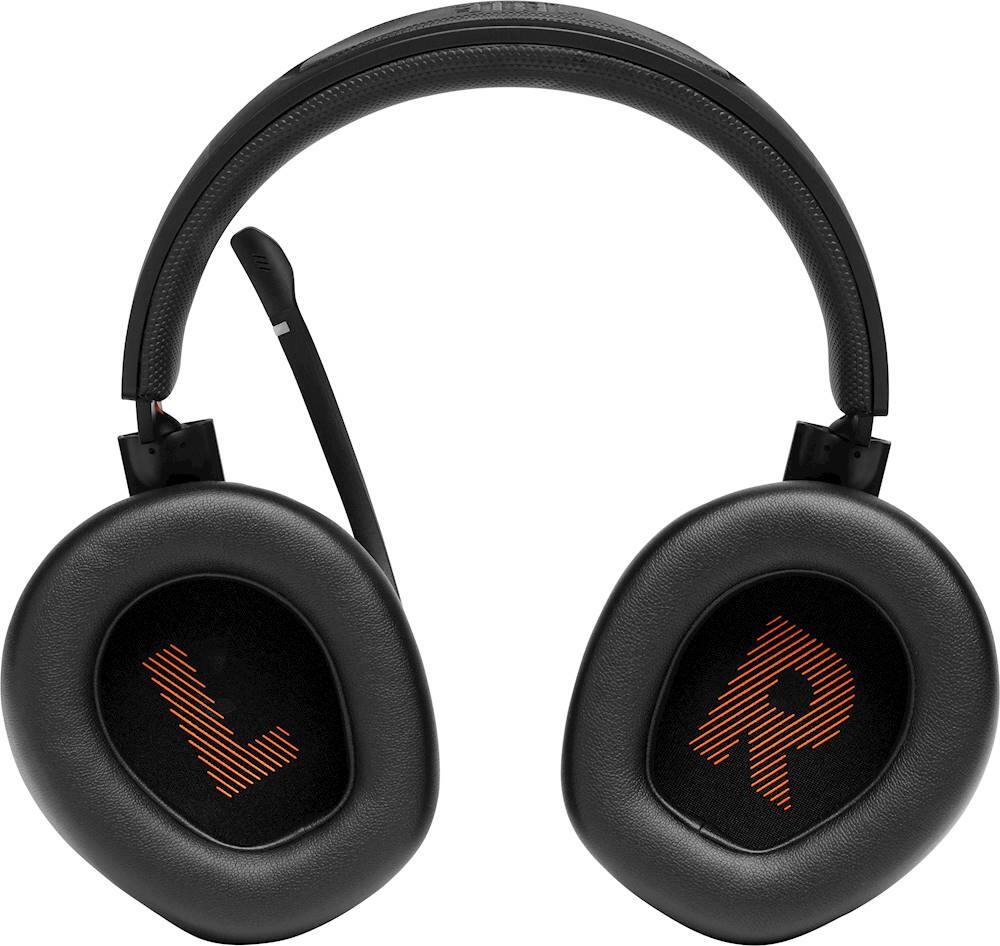
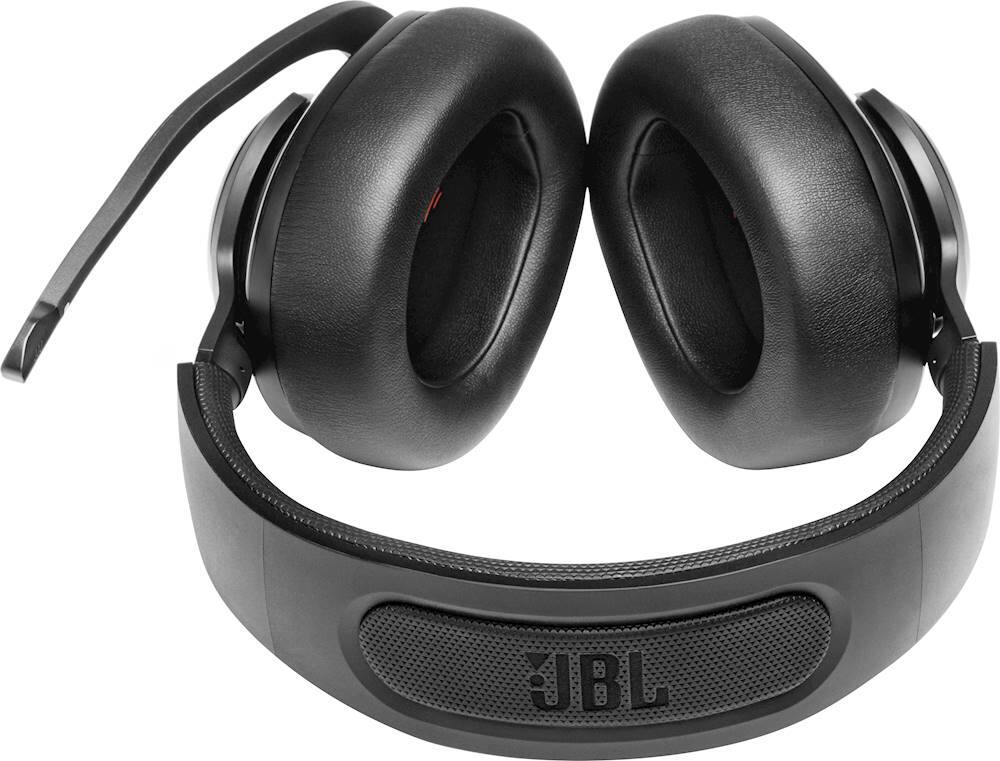

- Model:
- JBLQUANTUM400BLKAM
- SKU:
- 6408569
Rating by feature
- Value
Rating 4.2 out of 5 stars
- Quality
Rating 4.1 out of 5 stars
- Ease of Use
Rating 4.6 out of 5 stars
Customers are saying
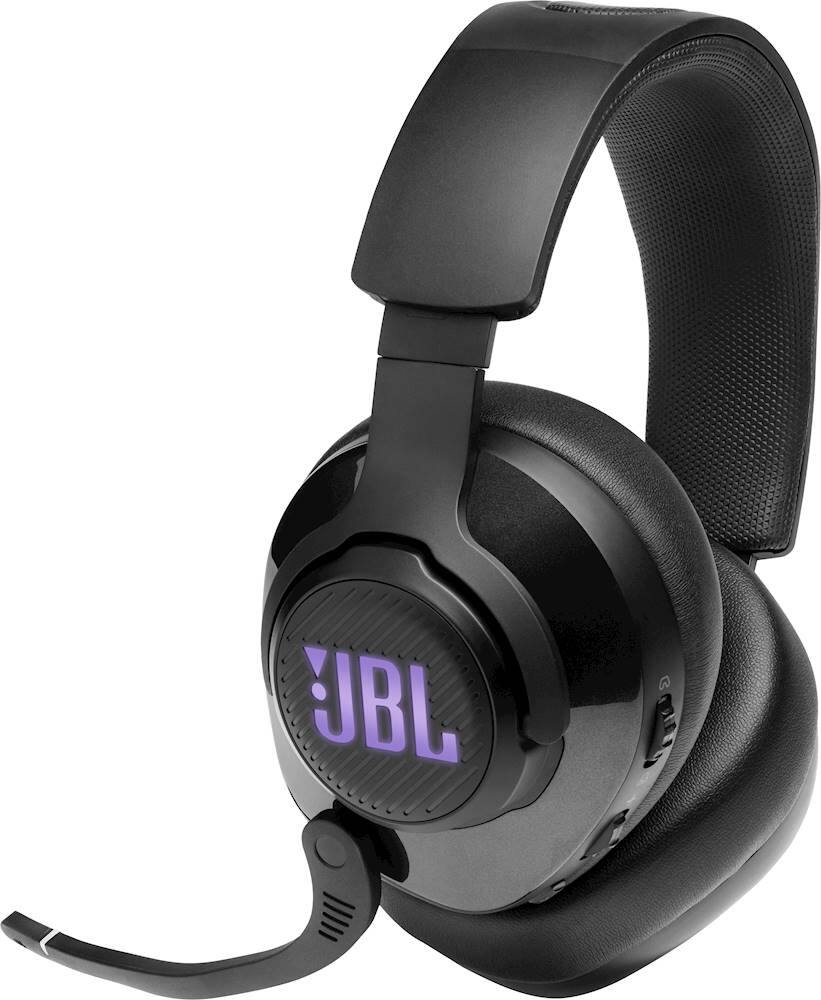
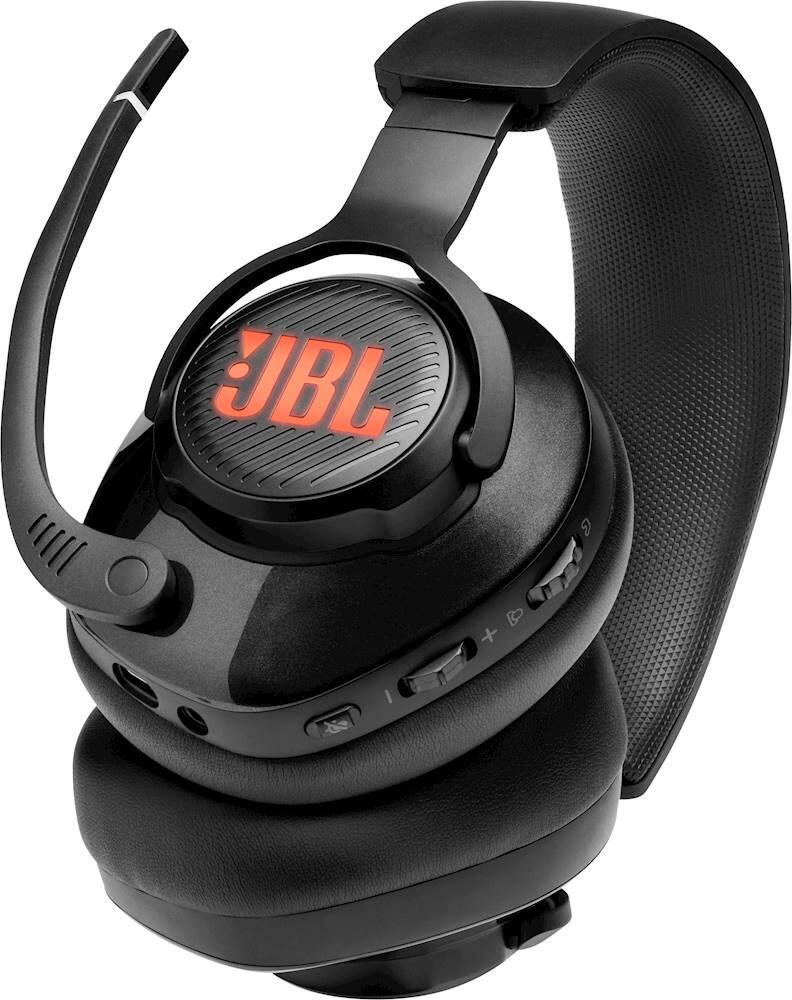
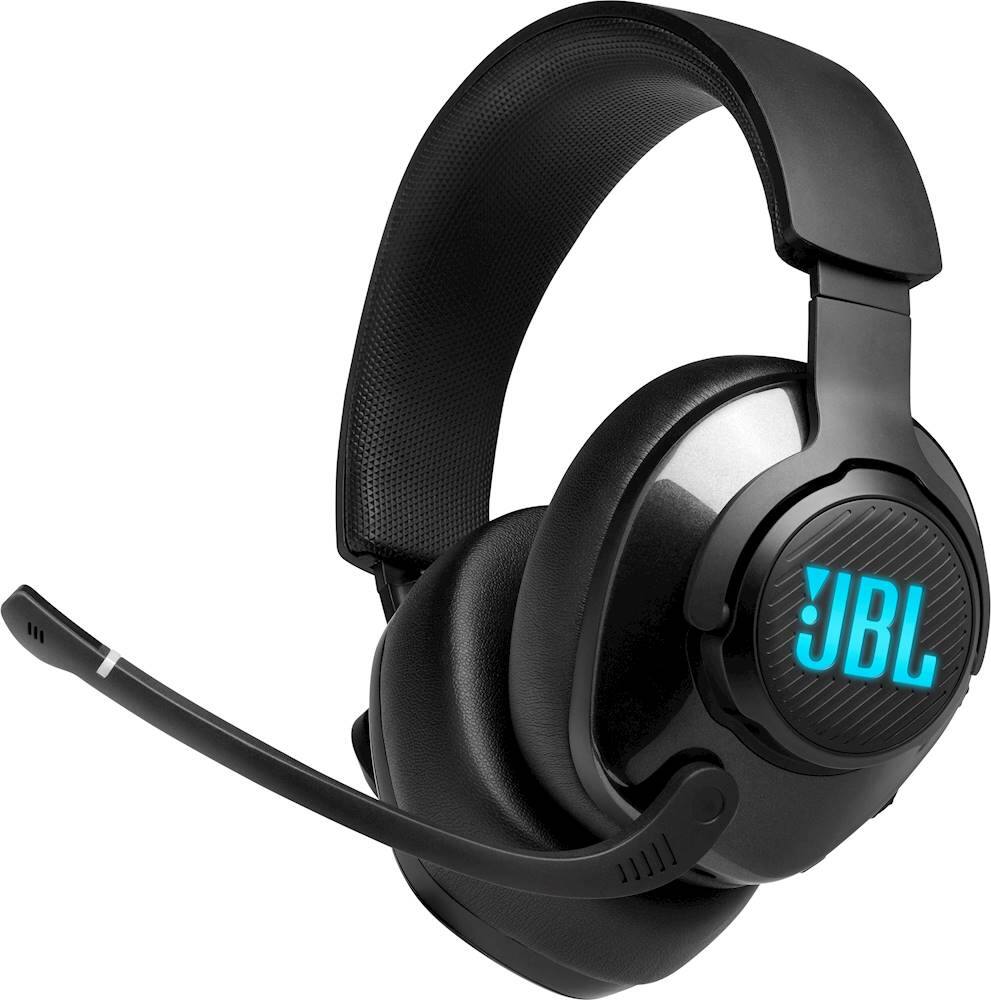
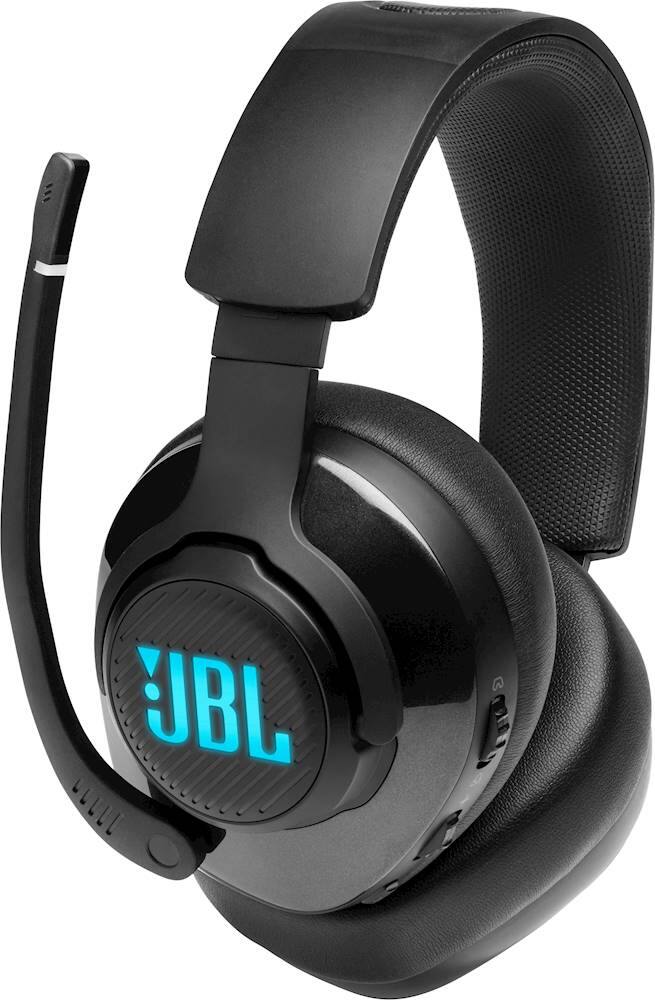
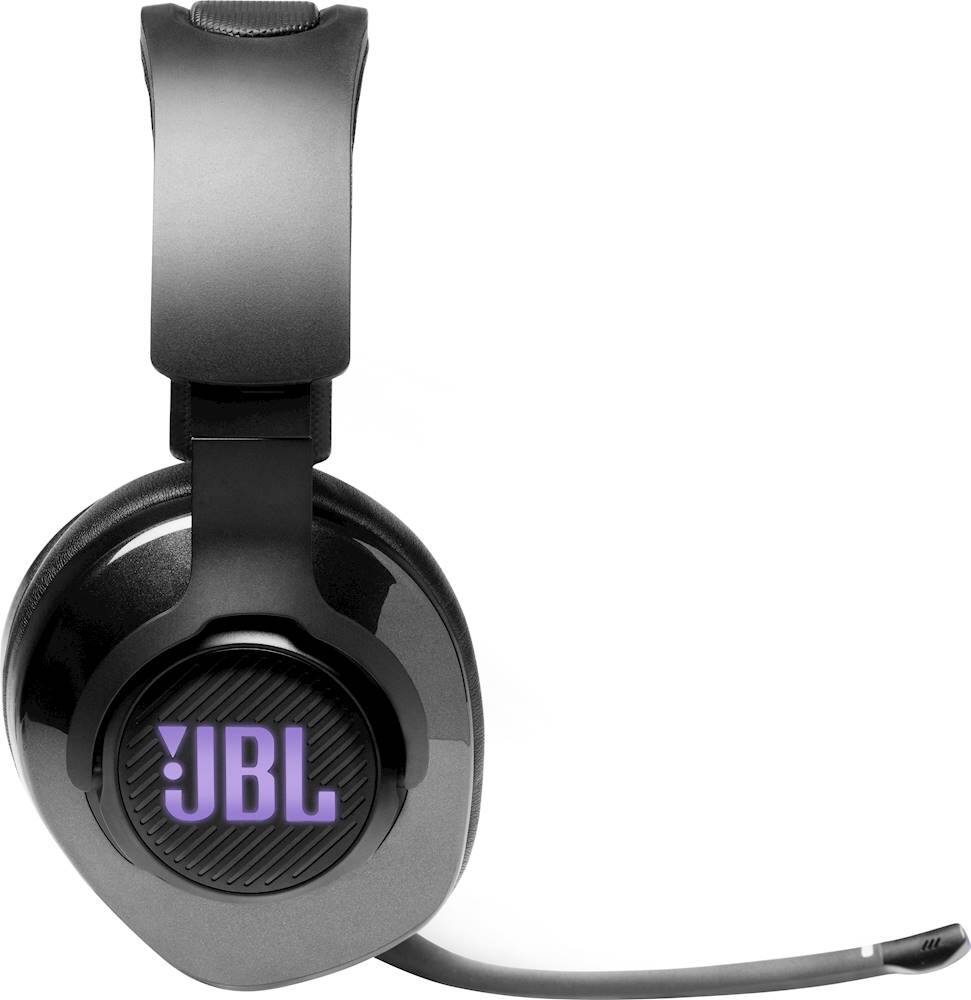
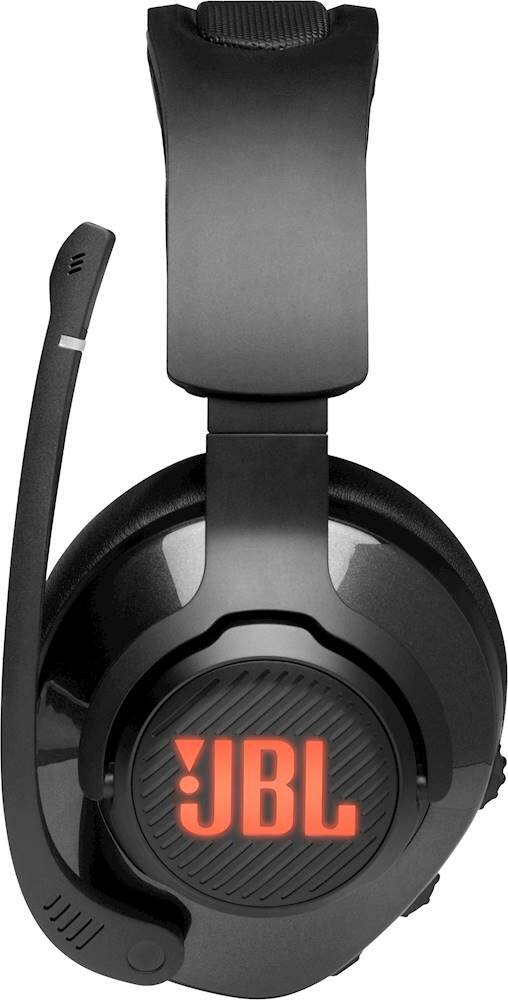
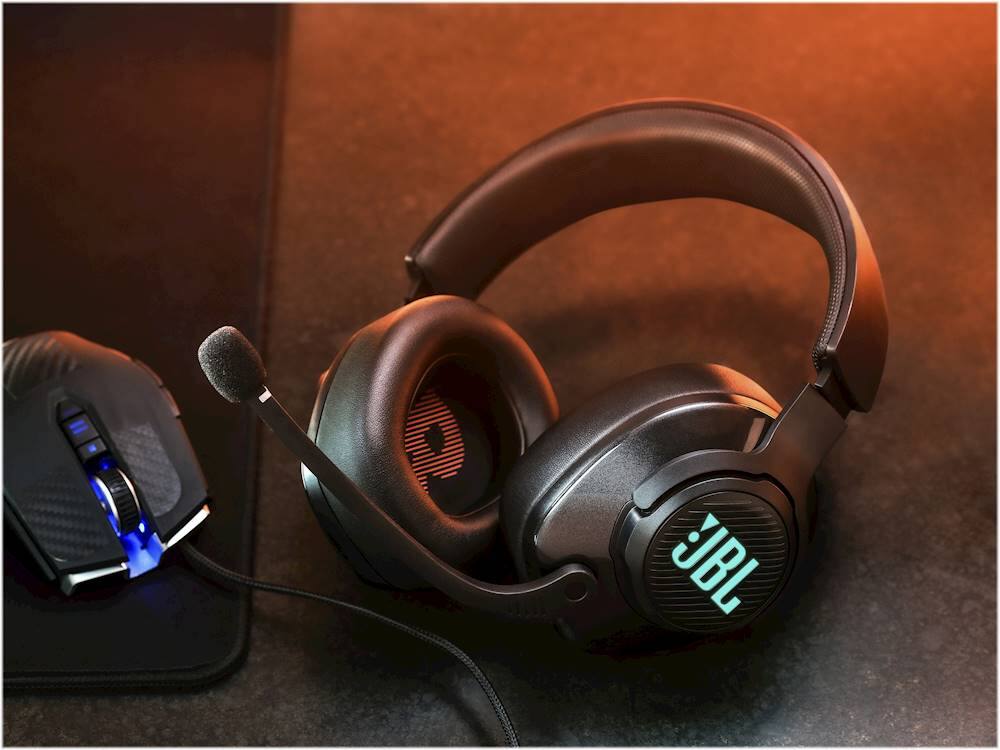
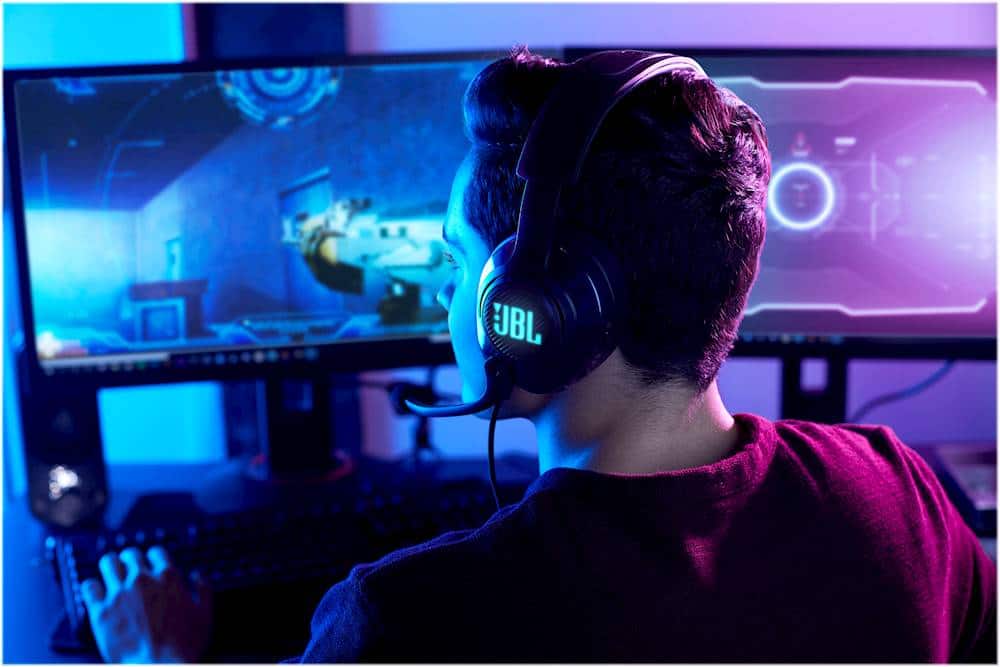
Customers commend the Quantum 400 RGB Wired Gaming Headset for its excellent sound quality and comfortable design. Users appreciate the dedicated mute button and attractive RGB lighting features. However, some customers expressed a desire for Bluetooth pairing functionality, as the headset is connection only. Overall, the headset is well-received for its audio and comfort.
This summary was generated by AI based on customer reviews.
- Pros mentioned:Mute functionality, Rgb lighting, Sound quality

Amazing mic,great software, good sound!
|Posted .This reviewer received promo considerations or sweepstakes entry for writing a review.I like this headset overall but I have 2 minor gripes! So firstly I have to say that most gamers buy gaming headsets for the sound+mic quality. Then looks and features after that. The mic part is important to me so I have to say that this budget headset gets a 10. My family say i sound super clear while playing online. The next best part about this headset is the software and customization. The quantum software is great. You have the ability to change the RGb lighting which is very bright to many different settings. Change the audio from basic stereo to simulated surround sound(which works well) and change the EQ to your liking. Now the actual sound is a bit less higher end. More of a middle area. But it’s to be expected since it’s more on the budget gamers level. But not bad sound. Build quality is pretty solid and very pleasing tho you can feel that it is not premium. Again not in its price point. Plus JBL has several other higher end headphones in the awesome quantum line up. This by no means is a bad headset I love JBL but this will be a great start if you are getting Into gaming. I personally play more now on the PC which this comes with a very nice braided type C cable and a standard 3.5mm jack. Controls are on a wheel on one side and work well. Plus there is a dedicated mute button. And a boom mic that you can switch up to mute as well. Great job by JBL there. So yes 4 stars but that’s still a great rating and I highly recommend. If not this one get some of JBL higher lever headsets. I’m sure those are amazing as well.
I would recommend this to a friend - Pros mentioned:Comfort, Sound quality
Basic yet solid performance.
|Posted .This reviewer received promo considerations or sweepstakes entry for writing a review.Just a quick note, this was used on a PS4 console and cellphone mainly with small usage on a Nintendo Switch. This is a bare minimum headset designed for gaming. You get no Bluetooth, no active noise cancelling, nor any premium materials. So why the five stars? Well, if your going to offer a just the basics in gaming headsets, you better perform well in what you do offer and I can say that this does. I have two other over the ear headphones/headsets, a Bowers and Wilkins designed for music and an older model of Sony Gold gaming headset. This JBL is by far the more comfy of the three. I can barely feel the clamping pressure anywhere but it sits securely on my head, with or without my glasses. I can definitely wear these for far longer than the others. Sound-wise, everything is great. Voices come in very clear and I can hear the full range of gaming sound effects and music. Once you find your own personal balance between chat and game audio, you'll swear your friend's voice is just another part for the game. Audio is so good on this that due to how comfortable it is, I use these for music while doing errands around the house. The only downside is that the materials aren't the best quality. The volume wheels feel particularly cheap and the faux leather feels thin and prone to tearing. On the positive, the included cables are threaded and don't feel cheap. Knowing what I know now about this headset I would chose these over the Sony Gold (the older model. I'm not sure how improved the newer model Sony Gold Playstation is) at the same price point. I get the same if not better quality audio and I can use these with other consoles or cellphones. I can deal with not having wireless (no charging required) and I am willing to sacrifice a degree of quality materials for a more comfortable fit.
I would recommend this to a friend - Pros mentioned:Rgb lighting, Sound quality
Comes to life on PC.
|Posted .This reviewer received promo considerations or sweepstakes entry for writing a review.If these only worked on PS4 or Xbox they’d be a solid 4 out of 5. But the fact they work on all platforms and mobile devices they’re a 5, especially on PC. On PC you can customize the RGB lights, EQ, surround sound mode, and more. On PS4 while you have the spatial awareness playing FPS, the bass is lacking, but on PC that’s not a problem at all. They feel relatively well made for the price, my one knock would be the mic. The sound is fine, I just wish it was flexible and removable. This could be a problem for anyone that’s rough on their headsets. The Quantum 400s are a solid entry and offer good value for the money in the gaming/mobile device headset arena.
I would recommend this to a friend - Pros mentioned:Comfort, Sound quality
An ESSENTIAL part of my gaming arsenal
|Posted .This reviewer received promo considerations or sweepstakes entry for writing a review.I absolutely love my JBL Quantum 400 headset. Not only are they comfortable, they sound amazing and have really changed the success of my gaming. Prior to using these I used a standard 2.1 speaker system with my PC for gaming. No microphone. These have been a superior upgrade for my gaming PC. Now I can play without disturbing my other family members around me, I can hear way more audio content from the game like foot steps and people running near me which gives me a huge advantage. I can also now communicate with my team mates which is a huge advantage. I know there are a lot of different brands of headsets out there and I can’t speak to the quality of sound and comfort, but what I can tell you is this, the JBL Quantum 400’s absolutely delivers. I love the features they put on the on the left ear cup as well. Its nice to have a mute button and volume wheel right at your fingertips. The raise to mute mic is also very handy. I also really like the fact that JBL did not integrate the cables permanently in to the headset and that both the USB C and regular headphone cables are removable. This makes it more aesthetically pleasing to store the headset not to mention gives you the ability to change the cables if they somehow were to get damaged. The app (JBL Quantum Engine) is great as well. Very easy to use and a nice range of features. Installation was easy, and drivers were detected automatically. You can change the color profile of the RGB JBL logo on the ear cups which is nice. You have equalizer settings as well as the ability to choose DTS or QuatumSURROUND which is what I typically use. You can also update the firmware on the headphones from the app which is essential. I did the majority of my testing with these playing Call of Duty Warzone. I typically play “Plunder” where you are on a team with other people. Being able to communicate with them via the headset really opens up a lot of opportunity and enhances game play significantly. I have noticed a large increase in the success of my rounds when my team members an I are able to communicate more effectively thanks to the JBL Quantum 400s. If you are looking to buy a headset for gaming, you absolutely cant go wrong with these.
I would recommend this to a friend - Pros mentioned:Sound quality
Gaming headphones
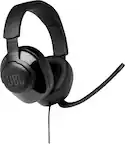
|Posted .This reviewer received promo considerations or sweepstakes entry for writing a review.JBL Quantum 400 Over ear headphones. The headphones have two plug in jacks. The 3.55 MM for game controllers and a USB C to USB A for PC’s. Both cables are supplied. These lightweight headphones are plug and play, however on your PC you can download the Quantum App and adjust the features even more. There is a slight learning curve to set up to your personal taste. Game audio-chat balance This feature adjusts the game audio and chat. You can move the chat into the background and thus bring the game audio to the foreground, or vice versa. Volume Control You can control the volume from the left earpiece. Windshield foam The foam windshield on the microphone is very useful to cut the background. Microphone LED The red LED on the microphone tells you the mute is on. If you flip the microphone up it automatically mutes. You can also mute with a button on the left earpiece. RGB Lit JBL Logo If the headphones are plugged into a PC using the USB cord the JLB logo Illuminates and changes color. This is also controlled by the App. 3.55 Audio Jack The 3.55 MM audio jack is utilized for there than PC use. Microphone The build in boom microphone also picks up what you are saying, and you can hear it in the headphones. Flat-Fold The headphones have a fold-flat feature for storage. USB C The headphones use a USB C to USB A cable. Surround Sound While immersed in game play the Surround Sound is awesome. I would recommend these headphones to friends and family.
I would recommend this to a friend - Pros mentioned:Comfort, Sound quality
JNL headphones
Posted .This reviewer received promo considerations or sweepstakes entry for writing a review.Headset works great with my sons PS5. He says it’s comfortable and the sound quality and mic are great. We are huge fans of JBL products
I would recommend this to a friend - Pros mentioned:Sound quality
Headphones
||Posted .This reviewer received promo considerations or sweepstakes entry for writing a review.These headphones are the best when I'm doing court zoom, and I can't stop using them. I wish I could get another one for free
I would recommend this to a friend - Pros mentioned:Comfort, Sound quality
Solid Headset for gaming!
||Posted .This reviewer received promo considerations or sweepstakes entry for writing a review.I recently got this gaming headset, not sure how they were since it was new from JBL, but so far they are pretty good for the price, they are not wireless but I dont mind since you don't have to worry about charging them. Comes with a 3.5mm jack audio cable and a USB type C cable. The cool thing about the headset is that there's an app if you connect them to the computer you could adjust volume settings and the color scheme of the JBL signs amongst other things so when you use them for gaming the JBL signs glow to your preference which is pretty cool. Sound quality is good, and mic is pretty good too and the ear cups are super soft and comfy. They are sturdy and not cheap, but I got the 2 year warranty just in case. Haha
I would recommend this to a friend Thank you
||Posted . Owned for 2 weeks when reviewed.This reviewer received promo considerations or sweepstakes entry for writing a review.I like this product thank you, i like the easy to use
I would recommend this to a friend- Pros mentioned:Comfort, Sound quality
Awesome mid tier headset
||Posted . Owned for 3 weeks when reviewed.This reviewer received promo considerations or sweepstakes entry for writing a review.Great headset! Big upgrade from my razor headset. The JBL Quantum 400 app with spatial sound is awesome. Less pressure on the ears. Feels like you're there.
I would recommend this to a friend - Pros mentioned:Lighting, Sound quality
Just fix the plastic…
||Posted . Owned for 1 year when reviewed.This reviewer received promo considerations or sweepstakes entry for writing a review.I loved the sound quality and the lighting. It was great on pc and fair for Xbox. The cheap plastic turning piece broke after mild use and transportation. If it used a metal, or something other than cheap plastic it would have been a 10/10 for me.
No, I would not recommend this to a friend Quantum JBL 400
||Posted . Owned for 2 weeks when reviewed.This reviewer received promo considerations or sweepstakes entry for writing a review.Very good quality for an amazing price. Came earlier than expected too.
I would recommend this to a friend- Pros mentioned:Comfort, Sound quality
So far so good.
||Posted . Owned for less than 1 week when reviewed.This reviewer received promo considerations or sweepstakes entry for writing a review.Had these about a week now. They sound great, and are very comfortable. Only complaint I would say is getting the game/voice balance right.
I would recommend this to a friend - Pros mentioned:Sound quality
GREEEEEAAAAT
||Posted . Owned for 9 months when reviewed.This reviewer received promo considerations or sweepstakes entry for writing a review.One of the best budget headsets I have used. Awesome sound quality. It's been dropped, kicked, stepped on(by a child) and is holding up great. I only wish there was a way to get the lights on the side to work while plugged into a controller.
I would recommend this to a friend - Pros mentioned:Lighting, Sound quality
Great
||Posted . Owned for 3 months when reviewed.This reviewer received promo considerations or sweepstakes entry for writing a review.Great sound loved the LED lights and that Surround sound it’s insane.
I would recommend this to a friend - Pros mentioned:Comfort, Sound quality
Good value for the price.
||Posted . Owned for 1 month when reviewed.This reviewer received promo considerations or sweepstakes entry for writing a review.Very comfortable on the ears for long periods of use. Sound is very good with out adjusting any computer sound settings.
I would recommend this to a friend - Pros mentioned:Comfort, Sound quality
Perfect for gaming
||Posted . Owned for 3 weeks when reviewed.This reviewer received promo considerations or sweepstakes entry for writing a review.These are great headphones for gaming! Great sound And. Dry comfortable.
I would recommend this to a friend Okay headset
||Posted . Owned for 1 month when reviewed.This reviewer received promo considerations or sweepstakes entry for writing a review.Good for price but I would go for a wireless just to many cords.
I would recommend this to a friend- Pros mentioned:Comfort
Nicely Made Headphones!!!
||Posted . Owned for 3 weeks when reviewed.This reviewer received promo considerations or sweepstakes entry for writing a review.This was a present to my son. He fell in love with this right away. Battery lasts a long time, the fitting is very comfortable both over the head and on the ear lobes. The charging cable is very long and durable. My son loves the lighting feature. The microphone works great, and the placing of it is perfect.
I would recommend this to a friend - Pros mentioned:Sound quality
JBL Headphones
||Posted . Owned for 3 weeks when reviewed.This reviewer received promo considerations or sweepstakes entry for writing a review.I really like the headset that I bought. And I could hear very clearly when they were connected to my laptop. And I think that are a good item for the price that I paid.
I would recommend this to a friend