Customer Ratings & Reviews
- Model:
- WLCKKP1
- SKU:
- 6488330
Rating by feature
- Value
Rating 4.8 out of 5 stars
- Quality
Rating 4.8 out of 5 stars
- Ease of Use
Rating 4.9 out of 5 stars
Customers are saying
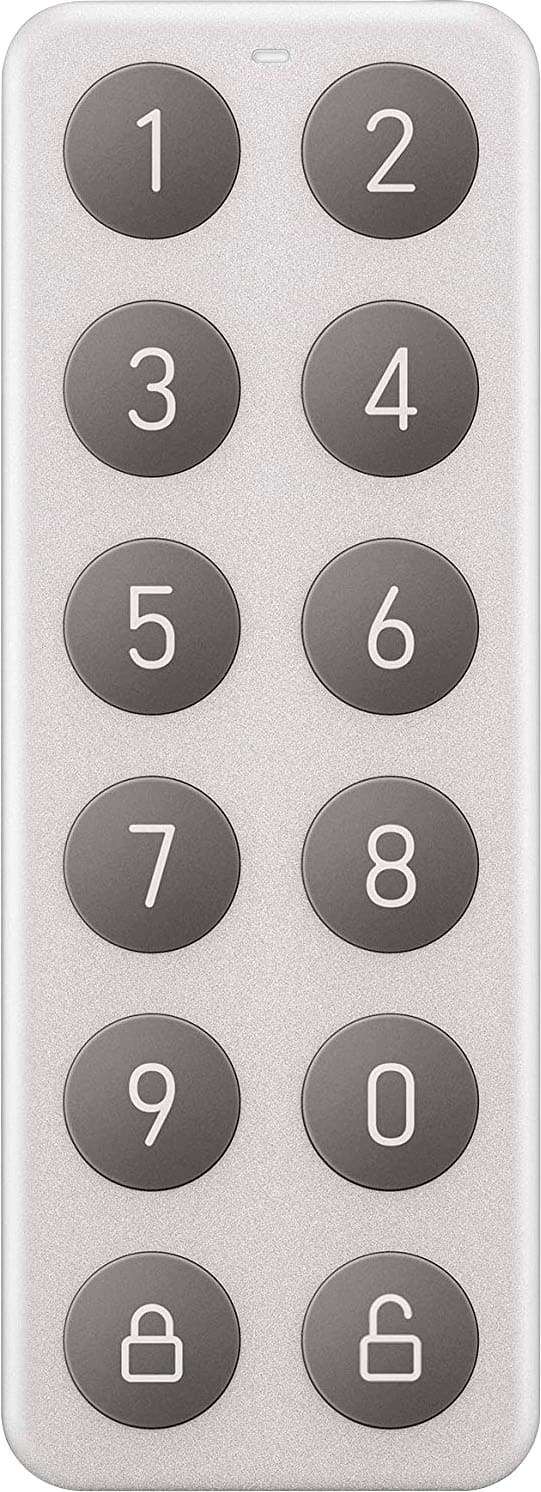
Customers appreciate the ease of use and simple installation of the Keypad for Wyze Lock. They also highlight the convenient features of the backlit keypad, including audible chimes and keyless entry. Positive feedback frequently mentions the straightforward setup process. The long battery life is another benefit frequently cited by users.
This summary was generated by AI based on customer reviews.
- Pros mentioned:Battery life, Ease of use, Keypad

Great Accessory For The WYZE Smart Lock.
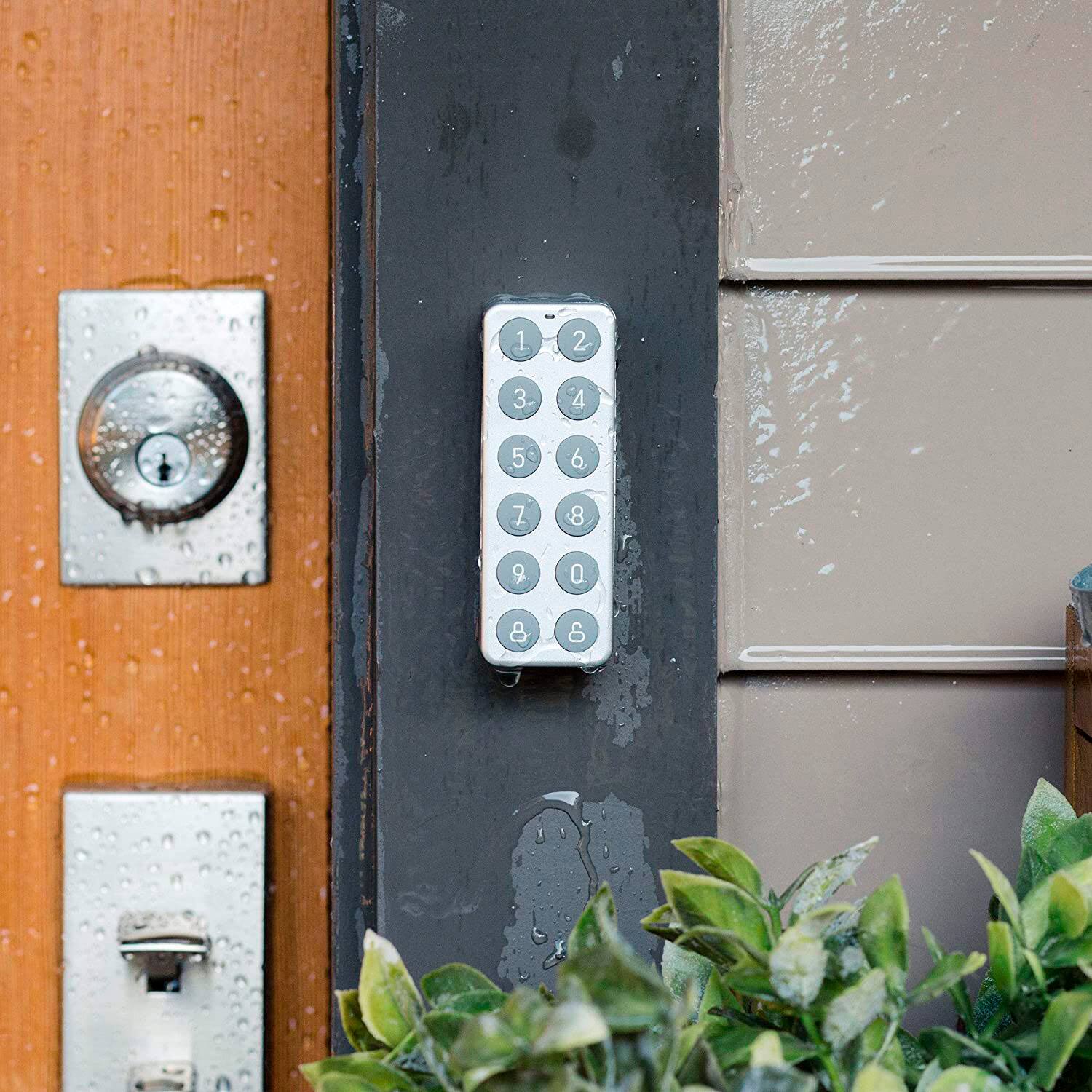
|Posted .This reviewer received promo considerations or sweepstakes entry for writing a review.This keypad is a fantastic addition for a WYZE smart lock. I've only been testing it for a few days so I can’t speak to the longevity of the four AA batteries. but I am glad that they used an easily attainable battery and not one of those fancy batteries that you can’t find anywhere. There's a lot to like about this keypad. For example, it’s weatherproof so you can use it outside. It was simple to install. It just snaps onto a backer plate that you screw on to a wall. It paired easily with the WYZE gateway, and it reliably opened and closed my lock within milliseconds. Setting a pin was also very easily performed using the WYZE app. The keypad also provided red and green visual light cues to let me know if I entered a correct or incorrect pin. The only ding I give it is that when it is dark outside it is very easy to overlook the pin pad as it only illuminates after you press a key. As I mentioned before it's a great product and I would highly recommend buying it as an accessory to a WYZE smart lock.
I would recommend this to a friend - Pros mentioned:Battery life, Installation, Keypad
Backlit keys, 4 access levels, works well
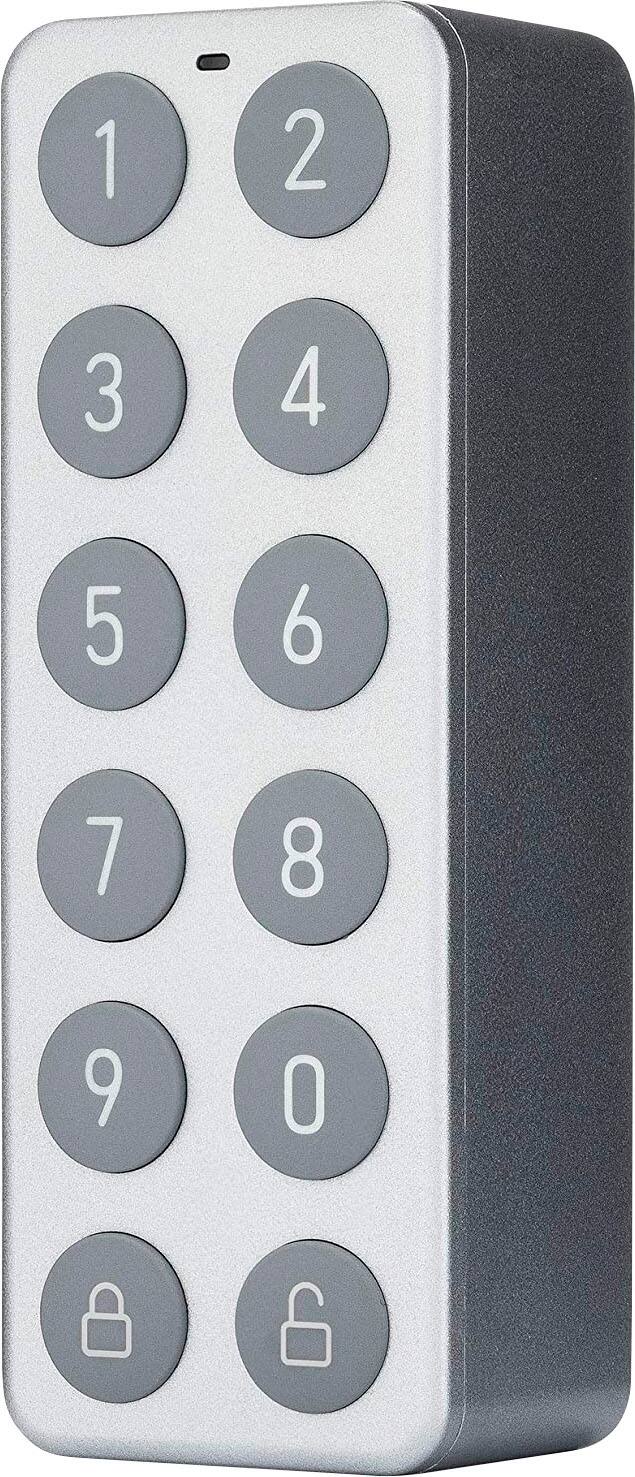
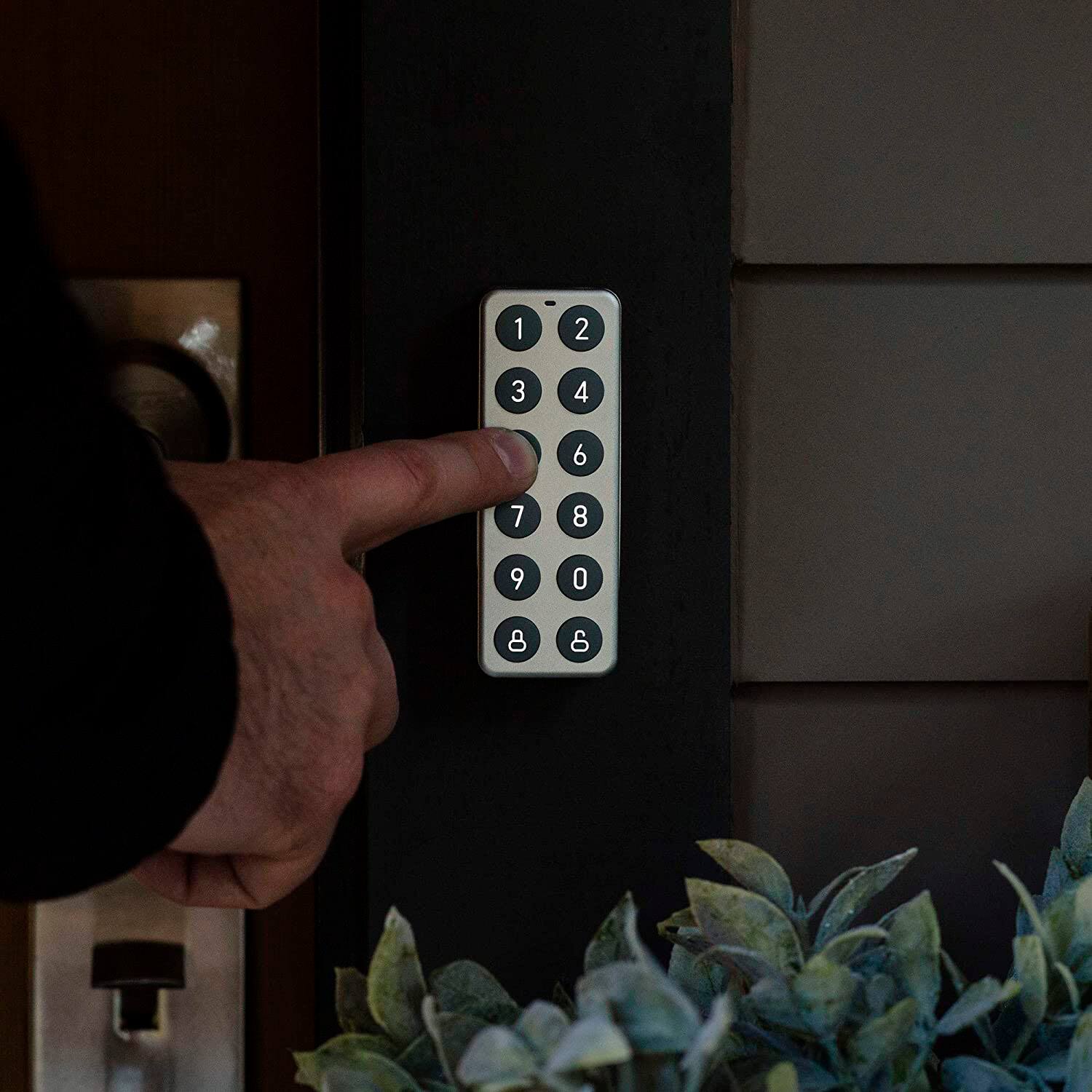
|Posted .This reviewer received promo considerations or sweepstakes entry for writing a review.This keypad add-on expands the functionality of our Wyze lock by allowing us to create and share temporary access codes with friends, family, or service people when needed. Without the keypad, the only option to share access for the Wyze lock with others is at the account level through the Wyze app which gives the recipient unrestricted lock and unlock access via a Bluetooth device or remotely over the internet. That’s fine for household members, and while you can revoke access at any time, for others you may want predefined limitations. Another benefit to using this keypad is that the user doesn’t need to have a mobile device, the Wyze app or account, nor an internet connection to unlock the door. Adding the keypad to the lock allows you to share access codes for guests with varying levels of restrictions: always, recurring, temporary, or one-time. Always means that there are no limitations on its use, and the user can unlock the door anytime with their code until the code is deleted. For recurring, you can choose one or more days of the week and a time window that will apply to all days, for example, Monday to Friday from 1-2PM for your dog walker. However, you can’t choose different time intervals on separate days, for example, 1-2PM on Mon/Wed but 2-3PM on Fridays. You’ll need to set up a different “guest” for each time window, and unfortunately you can’t duplicate existing PIN codes so each guest needs to have a unique PIN. For a temporary code, you can choose a start date/time and end date/time for when the code can be used, but again, you can only set up one access window at a time, and it must be continuous. If your guest needs access over multiple intervals, you’ll need to revise the dates and times in their settings after each period expires. The last type of access is one-time and these codes will expire after a single use and cannot be used again to unlock the door. This works well for things like indoor delivery services, however, you cannot combine this with a time restriction, for example, if you want the code to be valid only after but no later than a specific date and time. The only way would be to manually control that by only creating this type of code when it is needed and remembering to delete the code if it goes unused. One thing to note is that once a code is created, it will only be displayed once in the confirmation message and won’t be visible in the Wyze app thereafter. So if you or the guest forgets it, it will need to be reset. One bug currently in the Android app is that after creating a guest code, when you press the ‘Done’ button, it goes back to the access type selection screen, and you’ll need to back out manually, otherwise going through the steps again will result in an error. The housing of the keypad is durable, heavy-duty aluminum that matches the Wyze lock's housing. The keys on the keypad are backlit when pressed and are white when entering a code, red if an invalid code is entered, and green when a valid code is entered. There are also audible beeps that confirm valid or invalid entries. The other interesting thing is that you can “mask” your code by entering random digits before and/or after your actual code, up to 20 digits total, and the door will still unlock. This may help prevent folks who are watching you enter the code from discerning your real PIN. There’s a one-touch lock key on the keypad too so you can lock the door from the outside. The unit is weatherproof and has a rubber gasket on the battery bay door on the back to keep water, dust, and bugs out and it mounts firmly to the included metal wall mounting plate, though it does not feature any anti-theft deterrent like a security screw. Depending on the amount of usage and ambient temperature, the 2 AA batteries can last weeks or months before needing to be replaced. Overall, this keypad was quick and simple to install and pair and setup with my Wyze lock. It gives us more options and control when sharing access to the door for our guests, service people, and deliveries. An improvement would be the ability to define multiple time windows for guests upfront and time restrictions on one-time use codes, but as long as you’re aware of these limitations you can work around them.
I would recommend this to a friend - Pros mentioned:Ease of use, Keypad
Nice back up, easy to mount.
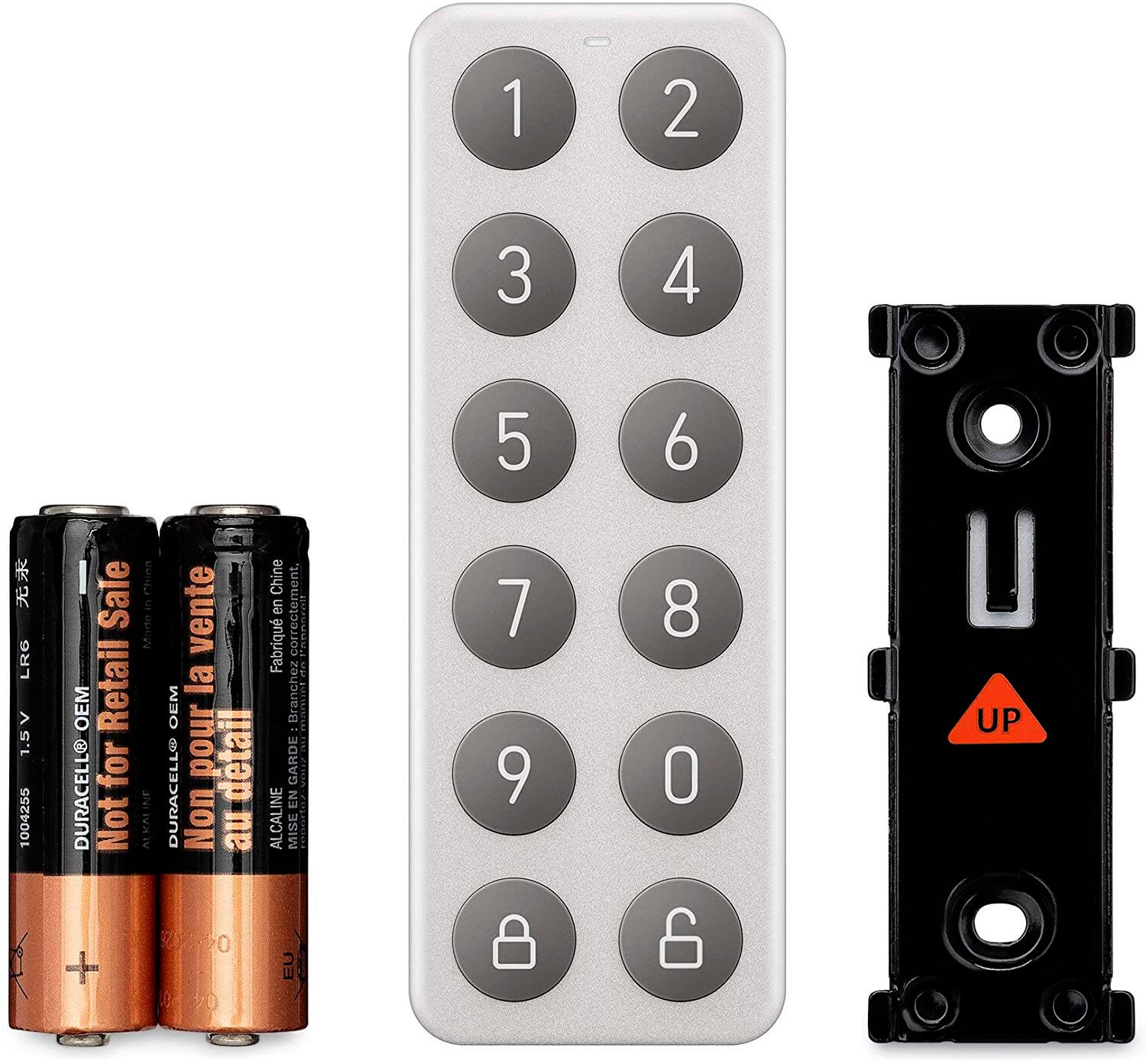
|Posted .This reviewer received promo considerations or sweepstakes entry for writing a review.Previous smart locks that I have used have only offered a key pad on the exterior side of the smart lock. I have never seen a stand alone key pad that can be used as an unlock mechanism. With that said, its pretty straight forward - it syncs with the existing smart (same brand) lock that I have and can be used for permanent and temporary unlock code assigning. The numeric keys are firm and there is no question on if I am pressing the button hard enough. Inside the box you will receive and mounting bracket and 2 AA batteries. Install is a piece of cake too as it really only requires a couple of screws. The weather of the state I live in is currently hot and there was no issue with functionality, Id assume it will hold up in the winter months too. I usually rely on the smart phone to unlock the door but this is acting as a great back up solution in case I have guests or family coming over that needs access to entry. All in all I am very satisfied with the back up approach of this key pad. I would have hoped this specific device was built into the lock it self, but it actually isn't that bad of an option after I have been using it now for a week plus. I would recommend this to anyone who would like a nice back up to the standard lock and key we been accustomed to in the past.
I would recommend this to a friend - Pros mentioned:Battery life, Installation, Keypad
Works great with Wyze Lock
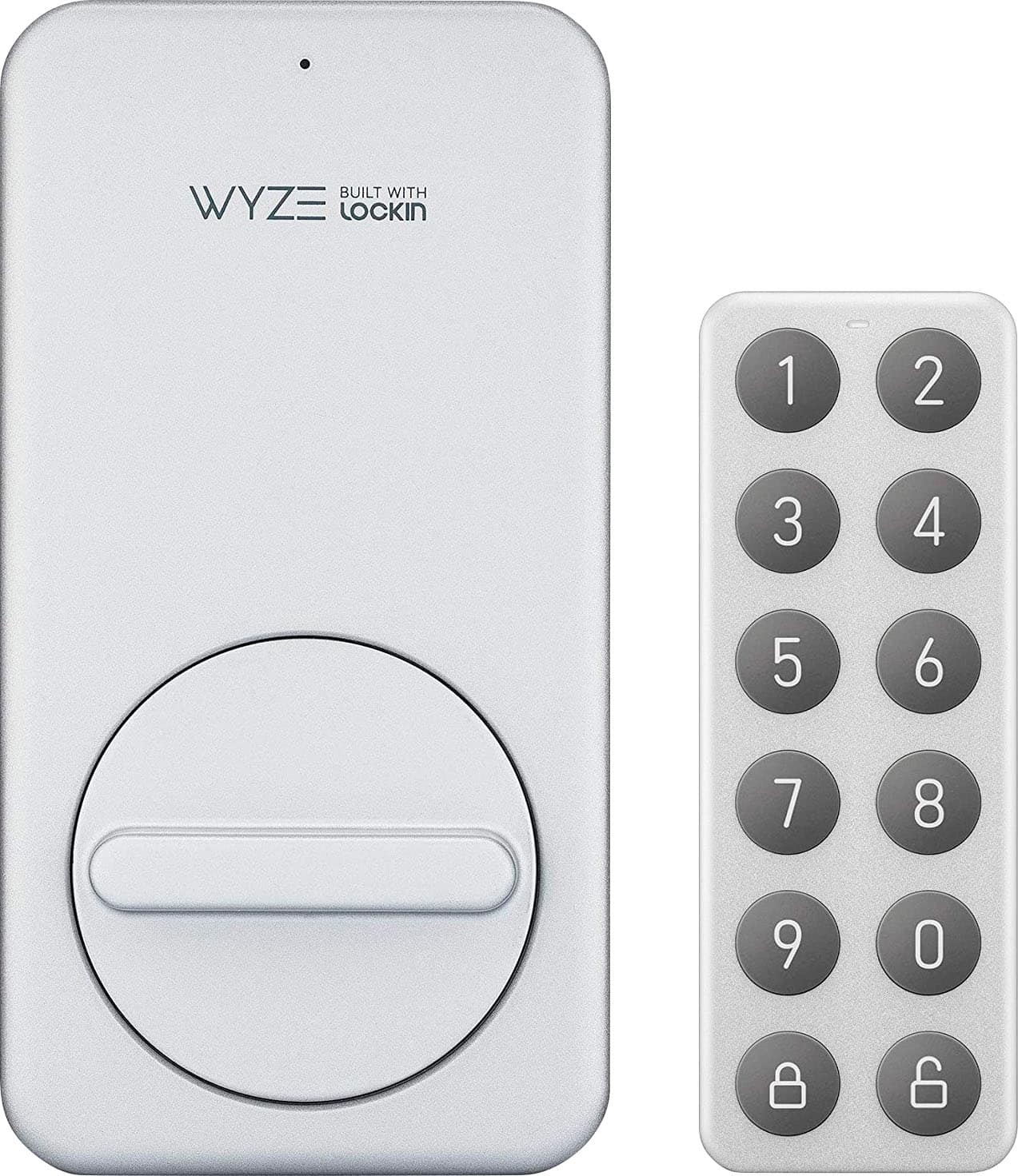
|Posted .This reviewer received promo considerations or sweepstakes entry for writing a review.The Wyze Lock takes an existing door lock and makes it smart; no need to change a lock on the front, the bolt, or keys. With this affordable device, you can unlock/lock without a key and give guest codes. The best part is that it is easy and only takes a few minutes to install. Note that Wyze lock and keypad are sold separately. The keypad casing is plastic, but it seems well made. It is mounted with a metal plate to a wall or a door with double-sided tape or screws. When pressed, the keypad numbers light up, so it works great at night. The keypad has a nice and simple design, and the box includes two Duracell batteries, a mounting plate, screws, and double-sided tape attached to the plate. Heads-up, when installing the Wyze Lock and you go outside your house, make sure you have your house key or smartphone because you might get lockout. Installation and connecting the keypad to the lock were easy with the Wize app wizard. The guide goes step by step, and if you get an issue or what to see a video, the app has a "Show me how" option, and YouTube instructions show up. The installation is broken down into simple steps. The setting in the app for the keypad had the battery lever information and the option to create and share guest codes (4-8 digit codes). What is great about having the keypad separate from the lock is that it can be placed next to the door, against the wall, and removed anytime you want. I installed my keypad near the door's frame but high up so it wouldn't be accessible to my neighbors' kids. Overall, I am satisfied I got the keypad for my Wyze Lock system.
I would recommend this to a friend - Pros mentioned:Ease of use, Installation
Good companion to the Wyze Smart Door Lock
|Posted .This reviewer received promo considerations or sweepstakes entry for writing a review.This little guy is a good addon for the Wyze door lock for an additional way of unlocking your door. Wyze makes everything super user friendly and easy to install. The box itself contains the keypad itself, mounting hardware and batteries. Everything you need to get set up. Using the Wyze app itself, you have a walkthrough on how to install and link to the door lock itself. If you are adding it separately from when you installed the door lock itself, you need to manually go into the Lock in the app, click the gear on the top right, and then Keypad settings. Then you are able to add this keypad. I had to search for this for a while because I kept going into the "Add a Device" from the main screen and couldn't find it. This could save you a headache in the future. The mounting hardware itself has an adhesive back so you can stick it anywhere for easy drilling. If need be there are also anchors included if you need to use them. Once you found a location you drill the 2 included screws into the wall and slide the keypad right onto it (after you pop in the batteries). When done, using the app will link the pad to your lock and you can set a PIN for yourself and when done you can create PINs for your others in the household. Another neat feature is also creating temporary PINs for trusted visitors. IPX5 rated so it is fine to be outside in the elements. The back that pops into the pad itself also has a plastic gasket ring to prevent anything from seeping into the battery compartment. My only grip is that its a little on the chonky side and the backlit buttons are like a soft plastic. I am just afraid of multiple uses (and it would probably have to be a lot) that the buttons would wear out and people can easily see the numbers used for the codes.
I would recommend this to a friend - Pros mentioned:Battery life, Installation
Great keypad
||Posted . Owned for 3 weeks when reviewed.This reviewer received promo considerations or sweepstakes entry for writing a review.I bought the wyze lock because i always forgot to lock the door. The lock is great, but in an apartment building its hard for the app to detect when you arrive home when the building itself is so large. I was finding myself constantly having to whip out my phone to unlock the door until i found out about this keypad. I am not allowed to screw anything into an oitside wall, so i secured the keypad with 3m tape. Set up was a breeze, i just followed the instructions on the app and it connected right away. Using the keypad is easy, you just set a code up and when you need to use it the code has to be entered as well as the “lock” or “unlock” button on the pad. Ive only had it for a month and havent experienced an issues with charging, but it does cone with included AAA batteries
I would recommend this to a friend Wyze Smart Lock Meet Convenience
|Posted .This reviewer received promo considerations or sweepstakes entry for writing a review.Wyze is slowly, but surely, offering every device possible to power your smart home in any way you can imagine. This includes smart cameras, smart lights, doorbells, scales, security systems; including smart locks! So, it’s nice to see Wyze provide the best experience possible, with a simple to install and use keypad for the Smart Lock. If you’ve purchased both the lock and the keypad (or purchased a bundle including it) the app will walk you through pairing the device with your installed lock. In the box you’ll find the keypad, with a removable backplate, a wall mount, 2 AA batteries, and some hardware for installation on your wall. The backplate has a sticker indicating the correct orientation and also includes an adhesive pad to make the wall installation easy. I found the adhesive to hold well, and allowed for easy drilling of the wall to install with the included screws. Once you’ve removed the backplate of the keypad and installed the batteries, you’ll mount the keypad by sliding it into place until you hear the click from the clip on the wall mount. Following the instructions in the Wyze app, you’ll hold the lock button to enable pairing, quickly connecting and programming a pin to engage the lock. On the keypad you’ll see ten numeric buttons from 0-9, a lock and unlock button on the bottom. The backlight is plenty bright to see the keypad at night. To engage the backlight, simply start typing your code, or tap the unlock button to have them turn on. Simply enter the PIN you entered during setup, and hit the unlock button to unlock the door. If you’ve disable the auto-lock feature, or simply want to lock the door behind you as you leave, simply press the lock button on the keypad. You’ll quickly hear the lock engage and play the audible tone confining the lock or unlock. I’d highly recommend this keypad with any of the Wyze Smart Locks you’re installing. The process in the app took maybe 2 minutes, and I was engaging the lock within a few minutes. I like the convenience the lock offers, both for my aging family members who forget to lock the door, or myself when I forget my keys. Plus, having the ease of sharing access with friends and family make this an easy recommendation.
I would recommend this to a friendSmart Lock & Keypad
|Posted .This reviewer received promo considerations or sweepstakes entry for writing a review.Duplicated from the review of the accompanying keypad: Overall, the Wyze lock and accompanying keypad is a decent, affordable, and well-made smart lock. I installed it in between my garage door and mud room, with the keypad in the garage. The lock (as you will see in the pictures) replaced an older "non-smart" lock with a keypad as this my main entry point for me to get in to my house. The setup of the lock took a couple of tries - software glitches, a little bit of difficult with the installation - but overall went pretty well. The lock and the app both work very well once everything is set up. Pros: - Good app, relatively straightforward set up - Aesthetically pleasing, especially compared to the large keypad lock I had on the door previously - QUICK ACTING! This is both a pro and con (see below) - Works with smart home assistants - Both lock and the keypad feel durable and well-made Cons: - QUICK ACTING! During setup, the lock instructs you to "teach" it, so to speak, to know when the door is fully closed so it can automatically lock upon leaving. However, since the lock is on the door to my garage, often I've found it trying to lock too quickly (and sometimes jamming up against the door frame). A setting to add additional time before auto locking would be welcomed - Keypad is not backlit until you touch a button (any button). I’d love to have motion sensing or a similar technology (Geo fencing?) to light up when it senses you are close to it. Or a separate button for lighting it up placed on the top or bottom – just something to wake it up. Overall, I'll give this 4/5 stars for the lock and keypad. For the price, I think this is definitely a smart investment if you're looking for an easy-to-use smart lock.
I would recommend this to a friend- Pros mentioned:Ease of use, Keypad
Great addition to Wyze lock!
||Posted . Owned for 11 months when reviewed.This reviewer received promo considerations or sweepstakes entry for writing a review.Keypad works great! I like the that the buttons can actually be felt, this makes it easy to know what I am pressing when entering at nights. Keypad also lights up when pressed. 1 push to lock as well. I also like that a tone plays to let me know locking was successful as I am walking away!
I would recommend this to a friend - Pros mentioned:Ease of use
Great
||Posted . Owned for 3 weeks when reviewed.This reviewer received promo considerations or sweepstakes entry for writing a review.Worked perfectly to replace our broken one, and easy to install.
I would recommend this to a friend - Pros mentioned:Ease of use
Amazing
||Posted . Owned for 2 weeks when reviewed.This reviewer received promo considerations or sweepstakes entry for writing a review.This is a great addition to the lock. I can assign codes for my son, his babysitter and other onetime or regularly scheduled guests. Its great for walking the dog and not needing to take keys or getting locked out. Was super easy to install and weve had it up for a few weeks now
I would recommend this to a friend I love it
||Posted . Owned for 3 weeks when reviewed.This reviewer received promo considerations or sweepstakes entry for writing a review.This keypad has saved me a couple of time while being locked out of my house. Its not a requirement but a great addition to have when you are not near your cell phone to remotely unlock it. I love the build quality and design.
I would recommend this to a friend- Pros mentioned:Ease of use
ALWAYS A WAY IN NOW !
||Posted . Owned for 1 week when reviewed.This reviewer received promo considerations or sweepstakes entry for writing a review.Easy to install and pair to app to work with the door lock. With the auto lock on the door never have to worry about locking myself out and so convenient to let family in when im gone to walk and feed my dog.
I would recommend this to a friend - Pros mentioned:Ease of use
A must
||Posted . Owned for 1 month when reviewed.This reviewer received promo considerations or sweepstakes entry for writing a review.The keep head is a must for the door lock you can mount it anywhere and always have access to your door lock use it every time I come home.
I would recommend this to a friend - Pros mentioned:Ease of use
Easy smart home keypad
||Posted . Owned for 1 month when reviewed.This reviewer received promo considerations or sweepstakes entry for writing a review.Easy to use key pad to use alongside Wyze smart lock. I would recommend for beginners for smart home locks.
I would recommend this to a friend - Pros mentioned:Ease of use
A perfect accessory
||Posted . Owned for 3 weeks when reviewed.This reviewer received promo considerations or sweepstakes entry for writing a review.This is a must-have device for the smart lock. It really needs to come bundled with the lock. This keypad makes things so much easier.
I would recommend this to a friend - Pros mentioned:Ease of use
Perfect add on to wyze lock
||Posted . Owned for 3 weeks when reviewed.This reviewer received promo considerations or sweepstakes entry for writing a review.Set codes for you and temporary codes for anyone else who needs access. Easy to use and set up
I would recommend this to a friend - Pros mentioned:Ease of use
Good product
||Posted . Owned for 1 month when reviewed.This reviewer received promo considerations or sweepstakes entry for writing a review.So far so good. Loving it all the way. This was a very easy setup.
I would recommend this to a friend Great addon for Wyze lock
||Posted .This reviewer received promo considerations or sweepstakes entry for writing a review.Great product. Works well and very helpful for front door
I would recommend this to a friendGreat Wyse Lock accessory
||Posted . Owned for 3 weeks when reviewed.This reviewer received promo considerations or sweepstakes entry for writing a review.It works great and gives me a super-simple way to allow access without leaving a key.
I would recommend this to a friend