SimpliSafe - Smart Lock Series 2 - Black
Customers are saying
Customers are delighted by the Smart Lock Series 2, particularly its ease of use and straightforward installation. The design is well-received, and users appreciate its overall performance and app integration. However, some customers have reported issues with deadbolt alignment.
Color
BlackHighlights
Your door is always secue
Locks when you arm your system or automatically when you set a timer.
Instant phone alerts and app control
Keep track of who's coming and going with alerts in the SimpliSafe App any time your door is locked or unlocked.
No key needed
Use the included PIN Pad, your phone or the SimpliSafe Key Fob (sold separately) to unlock the door.
Impede intruders
If the wrong PIN is entered five times, the Smart Lock will notify you.
Simple set up
Get up and running quickly with no drilling needed. Requires a single-cylinder deadbolt for installation.
Slim, refreshed design
Blends in with your door's decor.
Reliable connectivity
Stays connected to your SimpliSafe system and wireless network so your door is always protected.
- Lock/Unlock MechanismApp, Key, Key fob, KeypadPower SourceBattery-poweredInstallation TypeReplacementWireless ConnectivityWi-Fi
Reviews
Rating 4.3 out of 5 stars with 87 reviews
- Ease of use (30)
- Installation (20)
- Design (10)
- Overall Performance (10)
- Compatibility (7)
- Deadbolt Alignment (5)
- Connectivity (4)
Customer Images
The vast majority of our reviews come from verified purchases. Reviews from customers may include My Best Buy members, employees, and Tech Insider Network members (as tagged). Select reviewers may receive discounted products, promotional considerations or entries into drawings for honest, helpful reviews.

Compare similar products

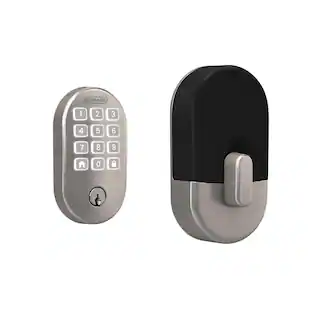
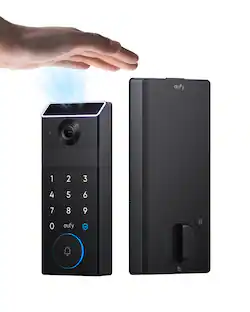
The SimpliSafe Smart Lock makes sure your door is always locked—even if you forget. It secures your door the minute you arm your system and unlocks when you disarm. You can even set a timer to keep your door locked when you need it most. You don't even need a key. Just use the PIN Pad, Key Fob or the SimpliSafe App to lock up when you're home or away. Installation is simple. There’s no drilling required. Plus, with 24/7 professional monitoring—agents will request emergency dispatch when you need it most. It’s seamless, simple and secure. (Requires the latest SimpliSafe Home Security system and a single-cylinder deadbolt.)

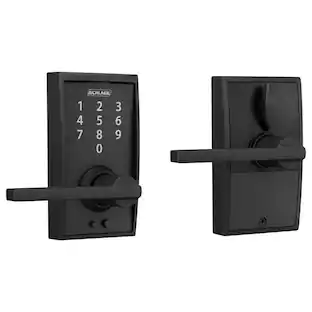
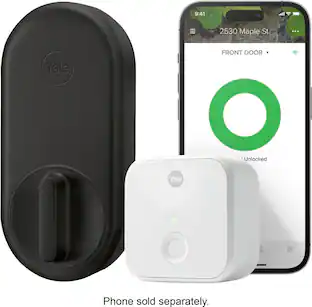
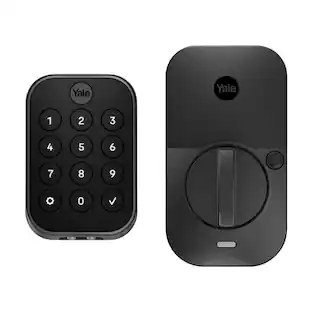
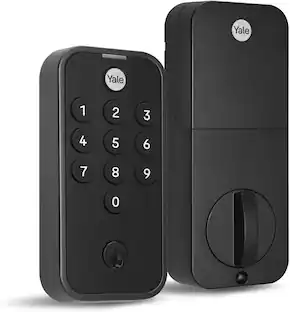
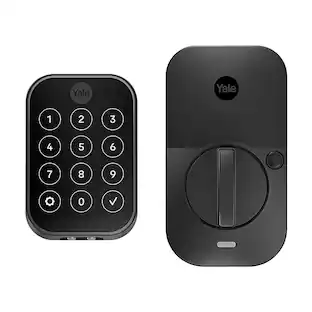
You've got enough on your plate, let Yale get the door with the Yale Assure Lock 2. With multiple ways to unlock, the ability to easily share and track entry codes and advanced Auto-Lock with DoorSense(R), this Wi-Fi smart lock gives you one less thing to worry about. With built-in Wi-Fi, you can easily check in on home, from wherever you are.

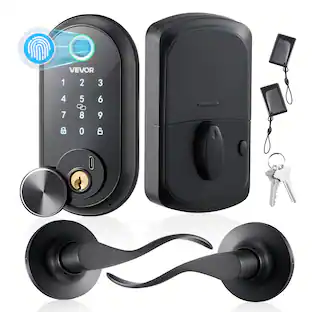
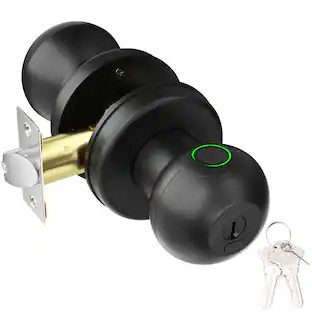
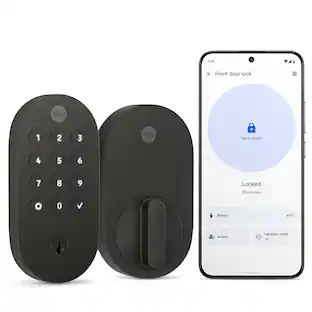
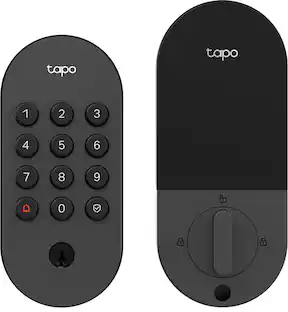
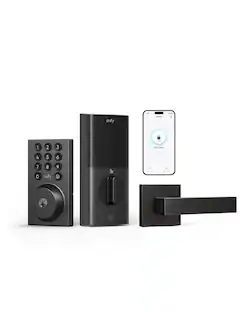
Upgrade your home security with the TP-Link Smart Door Lock — the perfect blend of convenience, control, and peace of mind. Keypad entry or the Tapo app, and manage access from anywhere with remote locking and real-time alerts. With advanced encryption, tamper detection, and auto-lock features, you get enhanced security without sacrificing ease of use. Whether you're home or away, TP-Link puts smarter, safer access at your fingertips.
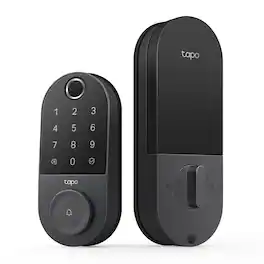
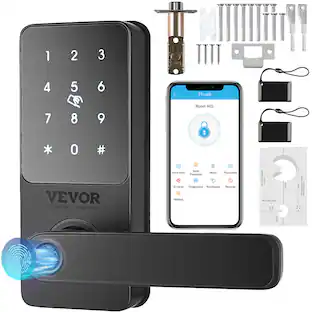
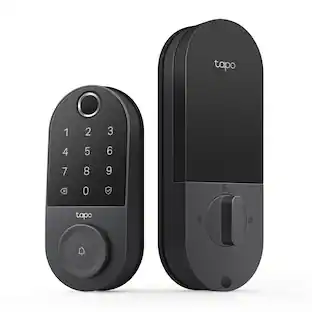
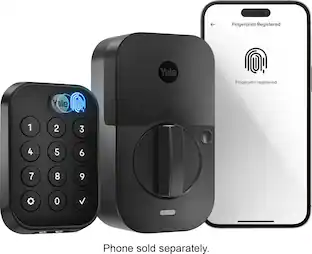
Unlock convenience and security with Tapo DL110. Its lightning-fast fingerprint sensor unlocks your door in under 1 second, and the ultra-long battery life keeps it powered for up to 1 year. Access in six different ways: by fingerprint recognition, using custom passcodes on the keypad, manage from anywhere with Wi-Fi, via close-range Bluetooth, your smart home assistant, or by using the included backup keys. Manage residents and guests with ease by creating custom permanent, one-time or scheduled passcodes. Pair with your Amazon Alexa, Google Home or Samsung SmartThings for hands-free voice operation and mangement. Security features such as auto-lock, real-time alerts for suspicious activity, and a detailed activity log give you ultimate peace of mind. Finally, the Tapo DL110 boasts a hassle-free installation with all necessary tools included so that you can take control of your front door security in no time.
| Pros for SimpliSafe - Smart Lock Series 2 - Black | |||
|---|---|---|---|
| Ease of use, Installation, Overall Performance, Design, Compatibility | Ease of use, Overall Performance, Installation, Keypad, App | There were no pros for this product— | Overall Performance, Keypad, Installation Ease, Battery Life, Fingerprint Recognition |
| Cons for SimpliSafe - Smart Lock Series 2 - Black | |||
| Connectivity, Deadbolt Alignment | Connectivity, Battery Life, Auto Lock, Calibration | There were no cons for this product— | There were no cons for this product— |
Specs
Customers often buy these together
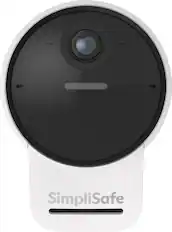
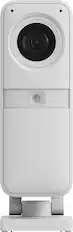
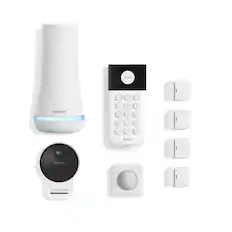
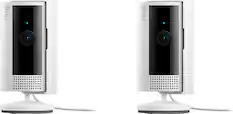
Security Camera
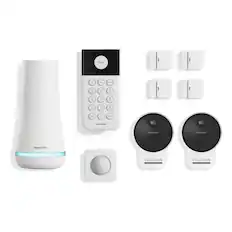
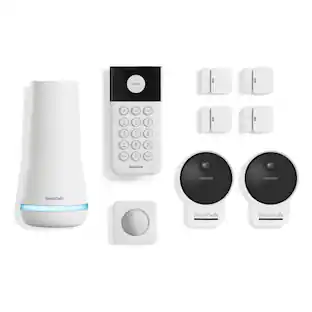
SimpliSafe - 9pc Outdoor Home Security System - White
Top Deal$269.99The price was $449.99
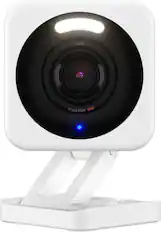
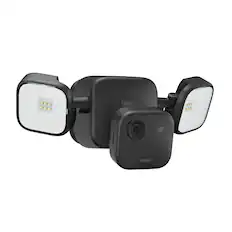


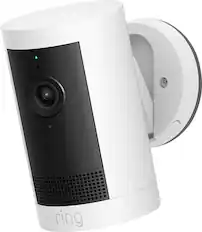
Smart Doorbell
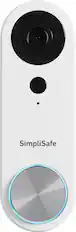
SimpliSafe - Video Doorbell Pro - Wired - White
$49.99The price was $169.99




More recommended items
 Sensors and Detectors
 Smart Thermostat
 Smart Speakers and Displays
More to consider
 $169.99The price was $259.99
 $89.99The price was $139.99
 $169.99The price was $189.99
 Top Deal$329.99The price was $399.99
Control, Comfort, Convenience Sponsored
Keep exploring
 $114.99The price was $189.98
 $25.99The price was $35.99