Customer Ratings & Reviews



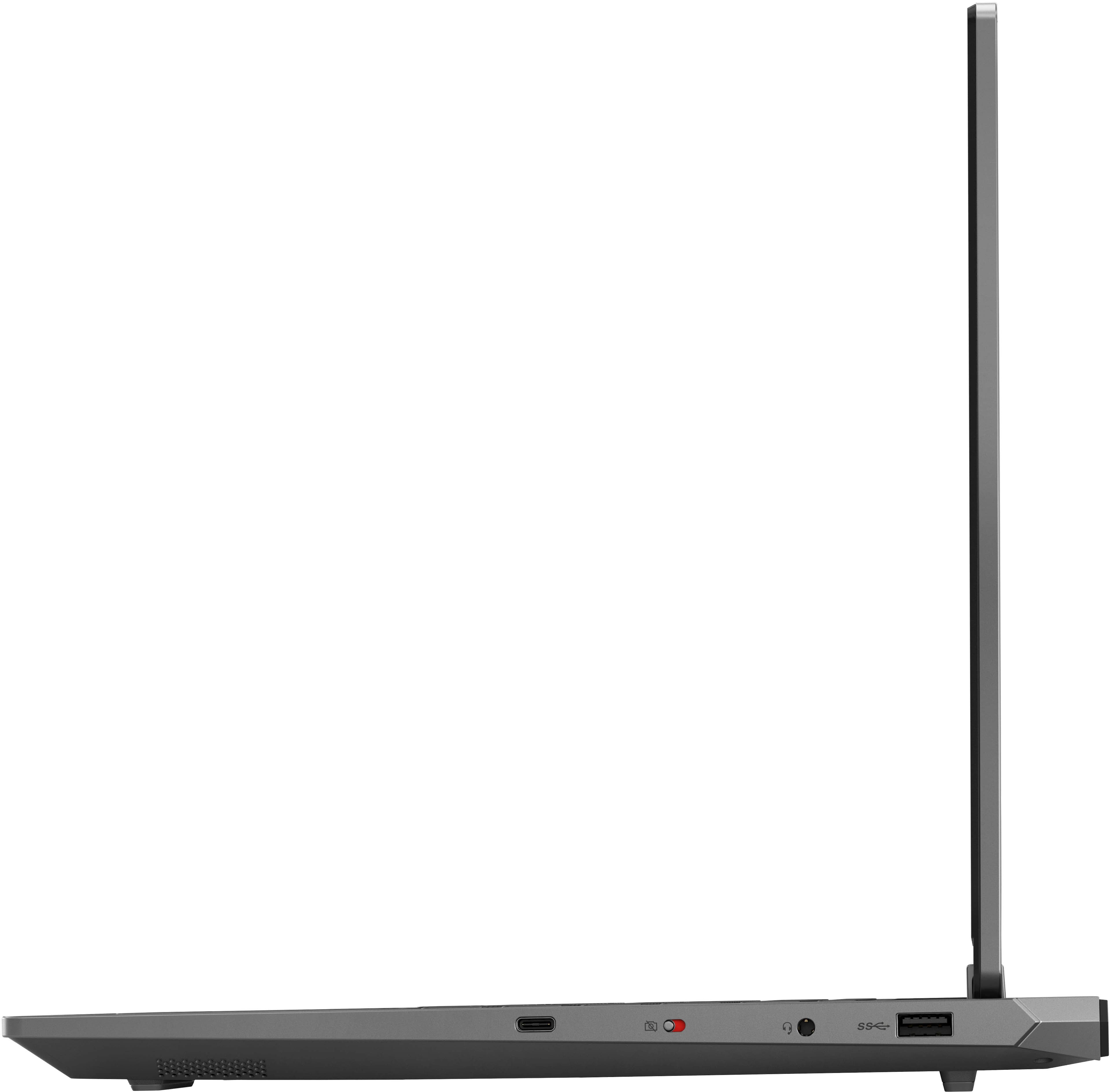


- Model:
- 83JC0001US
- SKU:
- 6578512
Rating by feature
- Battery Life
Rating 4.0 out of 5 stars
- Speed
Rating 4.6 out of 5 stars
- Display
Rating 4.7 out of 5 stars
Customers are saying
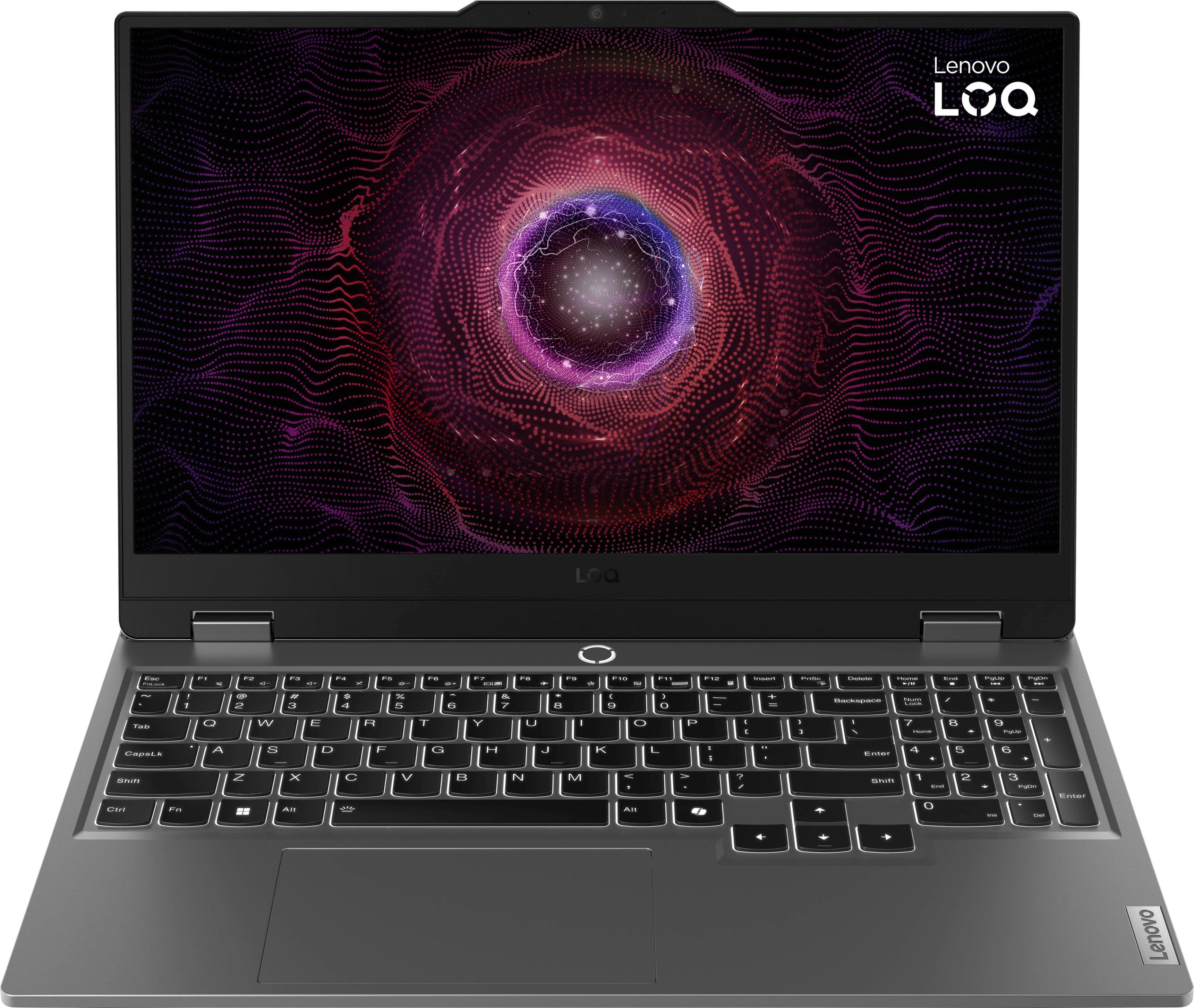
Customers love the LOQ 15.6" Gaming Laptop for its great performance, speed, and reasonable price. Many users appreciate the sufficient graphics, solid build quality, and adequate RAM. However, some customers have expressed concerns about the battery life, fan noise, and weight of the laptop. Overall, the laptop seems to be well-received, with the pros outweighing the cons for most users.
This summary was generated by AI based on customer reviews.
- Pros mentioned:Graphics, PerformanceCons mentioned:Battery life
Good laptop
||Posted . Owned for 2 weeks when reviewed.This reviewer received promo considerations or sweepstakes entry for writing a review.Overall I think it's a great laptop. It plays newer games well, some of them you may have to run the settings on low. It's not super high end but gets the job done, ram and graphics are sufficient. Just make sure you keep it cool and plugged in when playing. The battery is not the best, you'll only get about an hour depending on the game unplugged. I got it on sale, so for the price it's very good and I can live with the low battery life since it can handle everything I need it to. Would recommend on sale.
I would recommend this to a friendBrand response from Lenovo Product Expert
Posted .Hi Blossom, thanks for choosing Lenovo! If you want to squeeze out more battery life and are completing non-intensive graphics tasks, we recommend utilizing the MUX switch built into this model to turn off the GPU to greatly decrease power draw. This can be done in the Lenovo Vantage app > top right box > GPU working mode, then choosing your preferred method. Users can also take advantage of the keyboard shortcut, Fn + Q to toggle thermal modes and easily switch between prioritizing battery life or power, or even the best of both words, along with custom settings configurable in Lenovo Vantage. You could also press the Fn + R key combo to toggle to a lower refresh rate for even more power conservation. We're thrilled to hear that your LOQ 15 has been overall, and we really appreciate you sharing your experience and feedback with us.

- Pros mentioned:PerformanceCons mentioned:Battery life, Fan noise
Amazing Little Laptop
||Posted .This reviewer received promo considerations or sweepstakes entry for writing a review.Don't let the price point deter you. Just because it's on the lower side price-wise doesn't mean it doesn't work as well as those high-end gaming laptops. It does everything and then some for me! I added my performance stats for Minecraft with shaders at practically full settings for reference (it is also slightly modded). It's 60fps almost all the time. The only complaints are the fan noise, battery life, and the speakers. Thankfully, I wear headphones the majority of the time, the sounds of the video game I'm playing drown out the fan, and I don't move my laptop around. For some, those things may be an issue, so I figured I'd point that out. Otherwise, a neat little laptop with a nice display, plenty of space, and a beautiful gaming experience for cheap! Would recommend if you're looking for a beginner and budget-friendly laptop.
I would recommend this to a friendBrand response from Lenovo Product Expert
Posted .Hey Katelyn,
Thank you for choosing Lenovo and for sharing your feedback with us!
We are glad to hear that your LOQ 15 meets your needs and that your experience with it has been amazing overall. We appreciate your comments around detractors in your experience, as this will be considered with future improvements.
Please feel free to reach out to us should you have any questions.
Best,
Lenovo
- Pros mentioned:Graphics, Performance
I'm not just saying this lightly. I've spent count
||Posted . Owned for 1 week when reviewed.This reviewer received promo considerations or sweepstakes entry for writing a review.I'm not just saying this lightly. I've spent countless hours diving into different game worlds on this machine, and it's been a dream come true. The performance is top-notch, no lag, no glitches, just smooth gameplay from start to finish. Graphics-wise, it's like seeing your favorite games in HD for the first time. The visuals are stunning, every detail pops, making the whole experience incredibly immersive. And it's not just about gaming. This laptop handles everything else effortlessly too. Whether I'm working or streaming, it's always up for the task. Plus, it looks good. Sleek design, quality build - it's the kind of laptop you'll proudly show off. In a nutshell, if you're into gaming, the LOQ is a no-brainer. It's taken my gaming experience to a whole new level, and I couldn't be happier.
I would recommend this to a friendBrand response from Lenovo Product Expert
Posted .Hi, Renan. Thank you for choosing Lenovo! We are happy to hear that your experience has been awesome and that your LOQ meets your needs perfectly. We appreciate you taking the time to share your experience with us.
- Cons mentioned:Battery life, Fan noise
Amazing Laptop - Especially upgraded!
||Posted . Owned for 3 months when reviewed.This reviewer received promo considerations or sweepstakes entry for writing a review.upgradable, great for coding & gaming. Played Dragon age veilguard, dragon dogma II, apex legends, Fragpunk, aloft, Overwatch II, Marvel Rivals, Delta Force, Dark and Darker, GTFO, Neon White, Rainbow Six Seige, and Raft. I also upgraded it, it has a Extra SSD slot where i put in a 1tb M.2, and another Ram slot that is now has a 32gb ram ddr5 stick in it. The machine is a beast, con is the fans are loud, and has earned me some looks when i'm workin in class and it starts to vent, and i wish there was a better control app than lenovo vantage that is really buggy. I bought this laptop for about $513 at a $479.99 on sale. ABSOLUTE STEAL. especially when it's upgraded. handles games with ease. though without the upgraded storage gaming it get's severely annoying when my friends want to play a new game and i have to uninstall something to get that game. The battery life is lacking understandably and you need to keep it plugged in, but other wise an amazing laptop. max I've gotten out of this laptop is about an hour and some change of battery life while coding. It works great especially when it's hooked up to a monitor, or when i'm doing my game design work. I bought this laptop to replace my macbook pro 16' so far worth the buy.
I would recommend this to a friendBrand response from Lenovo Product Expert
Posted .Hey MGND,
Thanks for choosing Lenovo!
It is good to know that your experience with your LOQ 15 has been amazing, and we appreciate you taking the time to share this with us.
- Pros mentioned:PerformanceCons mentioned:Battery life
Great for my needs
||Posted .This reviewer received promo considerations or sweepstakes entry for writing a review.I purchased it on a sale. The battery life can be short when using demanding programs. That can be fixed easily by plugging in to power. Plays BF6 beta on small maps at 60fps. Other games can utilize the 144hz monitor. Speakers are alright. It has an unnoticeable light bloom towards the bottom of the screen where the hinges are. Barely an issue. Gets hot on the thighs during gaming, deserves a laptop stand or ventilation of somesort. The trackpad goes unused. I wish it had a dedicated left right click buttons. A mouse is better anyways. Outside of gaming, its a fast and easy to use browser/playback device. I used it to start my business and create,store, and send documents.
I would recommend this to a friendBrand response from Lenovo Product Expert
Posted .Hi JulianTalapia,
Thanks for choosing Lenovo and for sharing your feedback with us!
We are pleased to read that this LOQ 15 is a great fit for your needs.
Please feel free to reach out to us via the Q& A section of this product page should you have any questions or need assistance.
Best,
Lenovo
- Pros mentioned:Build quality, Graphics
Love this laptop
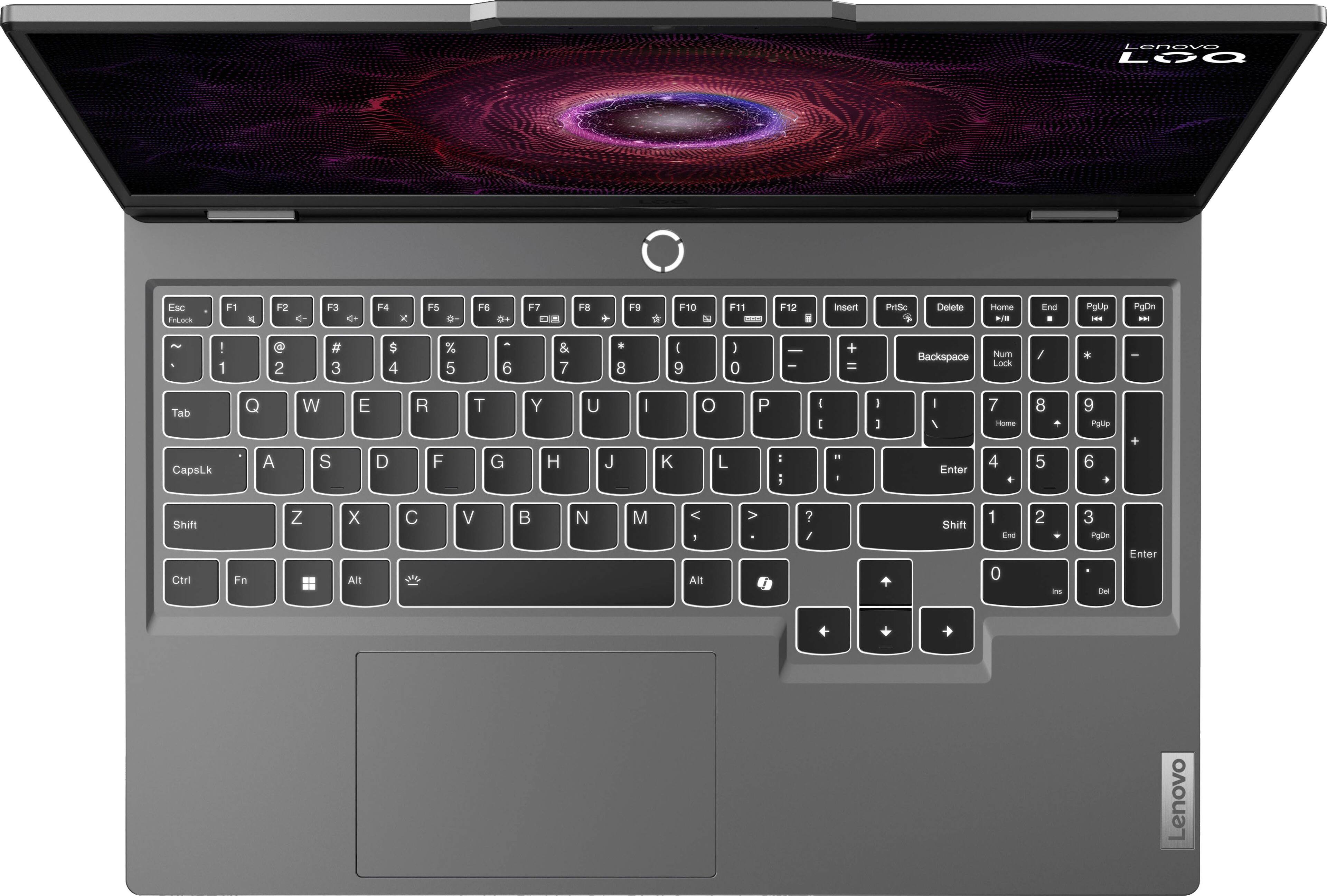
||Posted . Owned for 1 week when reviewed.This reviewer received promo considerations or sweepstakes entry for writing a review.I have this laptop for 2wks and so far I love it. I use it for work and leisure and it is perfect. I am not a gamer but certainly glad I went with this gaming laptop as it functions flawlessly and is leaps and bounds better than the hp envy I moved on from and the dell inspiron prior to that. Soft keys, great graphics, love the side number pad and its responsiveness with projects. I am a Lenovo fan now and look forward to continued use and happiness with this laptop. Would definitely recommend and buy again. Battery life with consistent use is about 4-5hrs which exceeds my previous 2 laptops.
I would recommend this to a friendBrand response from Lenovo Product Expert
Posted .Hi JoshuaY, thanks for choosing Lenovo! We're thrilled to hear that you are loving your LOQ 15 so far, and we really appreciate you sharing your experience and feedback with us.
- Pros mentioned:Build quality, Speed
Lenovo LOQ 15.6" - Great Value
||Posted . Owned for 3 weeks when reviewed.This reviewer received promo considerations or sweepstakes entry for writing a review.This laptop is my first big purchase, and I have no regrets. It is a good medium-sized laptop, on the heavier side, but still portable. I have enjoyed how the keyboard works, the functionalities that are ready to go, and the amazing support service I have received from Best Buy and Lenovo Support. It features an excellent screen size, a decent HD camera, and a powerful processor. Lenovo is a trustworthy brand known for its solid reputation, and this model is a more affordable variant of their flagship Legion series with fewer features. If you are looking for a low-cost laptop for everyday use that also supports normal gaming and video editing, this is a solid choice.
I would recommend this to a friendBrand response from Lenovo Product Expert
Posted .Hi DanielM, thanks for choosing Lenovo! We're thrilled to hear that your LOQ 15 offers great value to you, and we appreciate you sharing your experience and feedback with us.
- Pros mentioned:Build quality
Great value, decent gaming performance.
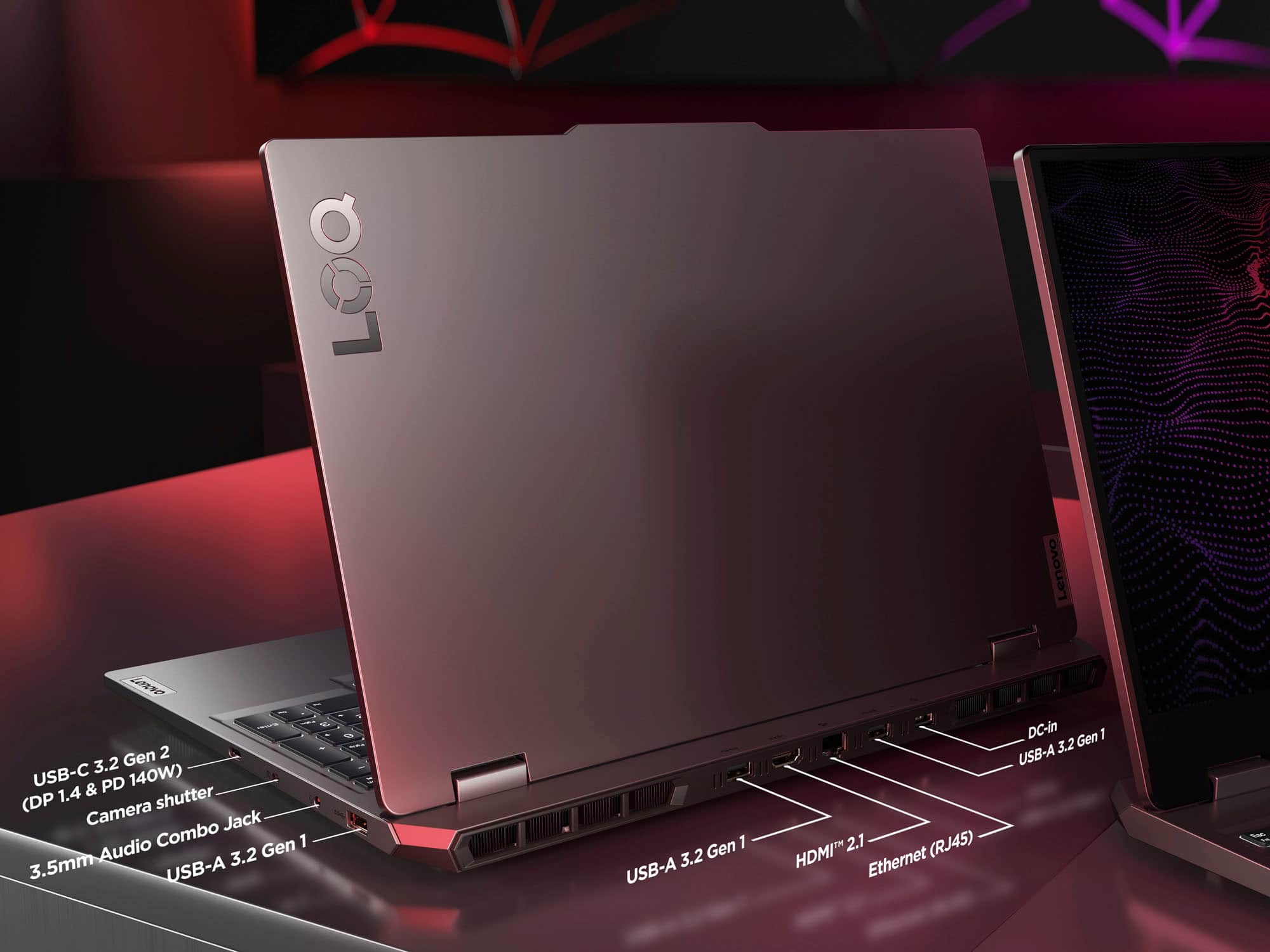
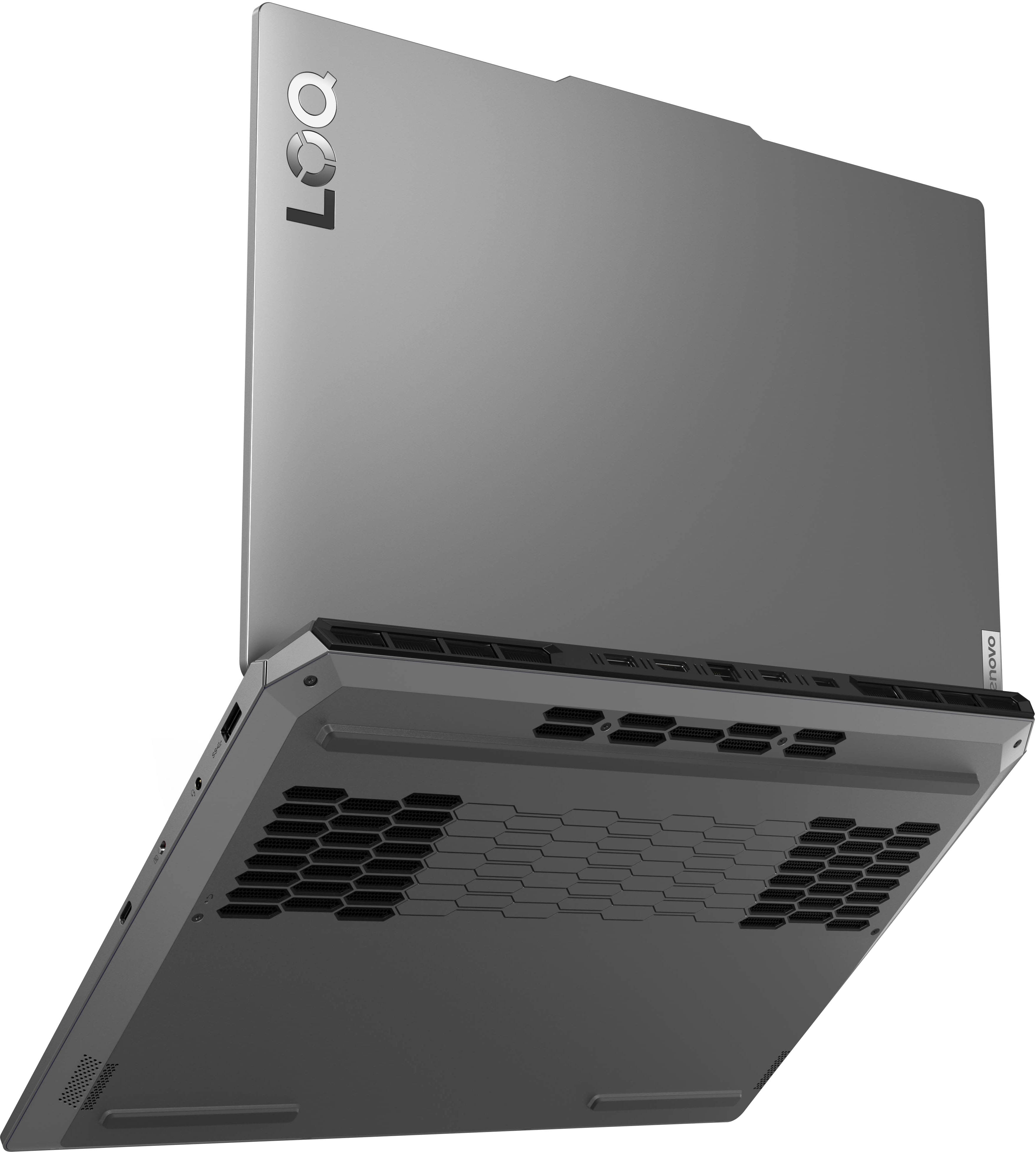
||Posted .This reviewer received promo considerations or sweepstakes entry for writing a review.Well built. Great specs for price. Would have loved more USB ports, but alas all modern laptops seem to feature less and less ports. Love the placement of most of the ports on the back side though, makes for easy cable management on a desk.
I would recommend this to a friendBrand response from Lenovo Product Expert
Posted .Hi AKsnowRida,
Thanks for choosing Lenovo and for sharing your feedback with us!
We are pleased to read that this LOQ 15 offers great value to you. We appreciate your comment regarding port selection. This has been noted, as it may be considered for future design improvements.
Please feel free to reach out to us via the Q& A section of this product page should you have any questions or need assistance.
Best,
Lenovo
- Pros mentioned:Performance
Great price, amazing laptop!
||Posted .This reviewer received promo considerations or sweepstakes entry for writing a review.excellent performance! looks amazing and plenty of ram and storage. great battery life too! not much more i could ask for from a 700$ Laptop when all i play is new world/poe/runescape! GRAB IT WHILE ITS ON SALE!
I would recommend this to a friendBrand response from Lenovo Product Expert
Posted .Hi, M187. Thank you for choosing Lenovo! We are glad to hear that your LOQ is an excellent fit for your needs, working out well for you, and we appreciate you taking the time to share your experience with us.
- Pros mentioned:Graphics
Best affordable laptop on the market!!
||Posted . Owned for 1 month when reviewed.This reviewer received promo considerations or sweepstakes entry for writing a review.Well to start things off, I did a lot a research..I looked at a lot of different laptops after wanting to convert from Xbox to a gaming PC. With not a lot of money to spend and lots of time and consideration, I finally came across this bad boy. Now let me tell you, I was kinda nervous at first because I didn’t know what to expect, but my expectations were blown out of the water. The graphics are amazing, it runs Fortnite very smoothly with very little lag. I definitely recommend this laptop to someone who may have a tight budget but it looking for a quality laptop.
I would recommend this to a friendBrand response from Lenovo Product Expert
Posted .Hi, JeremyS. Thank you for choosing Lenovo! We are glad to know that your LOQ 15 has exceeded your expectations, and we appreciate your time taken to share your experience and feedback with us.
- Pros mentioned:Build quality
You need this!!
||Posted . Owned for 2 weeks when reviewed.This reviewer received promo considerations or sweepstakes entry for writing a review.This lapop is sweet. I always bought HP. But this Lenovo LOQ is amazing! I'm shocked how solid it is. Heavy but feels sleek. It was packaged really good too. It didn't get to hot the 2 hours I used it. Charged super fast. I bought it for my son, but I might just buy me one just like it. Super impressed!
I would recommend this to a friendBrand response from Lenovo Product Expert
Posted .Hi Shayshay, thanks for choosing Lenovo!
We are pleased to hear that you are really impressed with this LOQ 15, and we hope that your son is enjoying it. We appreciate you taking the time to share this with us.
- Cons mentioned:Battery life
Good Gaming Laptop
||Posted . Owned for 1 week when reviewed.This reviewer received promo considerations or sweepstakes entry for writing a review.This is a very good gaming Laptop. I have not encountered any performance issues. Battery life is something I have no issue with because of the fact thwt its a gaming Laptop im not expecting good battery life, if theres anyone thats concered over battery life i wish you the best, but this aint it.
I would recommend this to a friendBrand response from Lenovo Product Expert
Posted .Hey ShannonkingK, thanks for choosing Lenovo! We're thrilled to hear that your LOQ 15 is working seamlessly for you. We really appreciate you sharing your experience and feedback with us.
- Pros mentioned:Performance
SUCH A GOOD LAPTOP
||Posted .This reviewer received promo considerations or sweepstakes entry for writing a review.I use this laptop for everything, school, gaming, and watching anime and movies, really good display and sound quality, worth the money def.
I would recommend this to a friend Decent laptop for price
||Posted . Owned for 2 months when reviewed.This reviewer received promo considerations or sweepstakes entry for writing a review.First, don't expect to do any high end gaming on this laptop that is not what it was designed for. This laptop is for lite gaming and other multimedia functions in which it does well. While the ram and storage are on the light side, expect to do upgrades to both if you intend to download games. Battery life is decent with life lasting 1h 30min at 80% using the balanced power mode when idling. However that time may change based on usage. The screen is clear and has rich coloring games that are run look decent. Also be aware the display is 1920 x 1080, don't expect 4k gaming on this laptop.
I would recommend this to a friend- Pros mentioned:Performance
Lenovo recommended
||Posted . Owned for 9 months when reviewed.This reviewer received promo considerations or sweepstakes entry for writing a review.Amazing laptop , recommend it for video games , for everything
I would recommend this to a friendBrand response from Lenovo Product Expert
Posted .Hi StevenR-
Thank you for choosing Lenovo and sharing your experience with us. We are excited to hear that you are enjoying the performance of the LOQ Gaming Laptop. We aim to provide excellent user experience for our products, and we are happy to hear that we met our goal.
Please reach out to us through the Q & A section of this product page if you have any questions or need assistance.
Best wishes,
Lenovo
- Pros mentioned:Performance
wahoo
||Posted . Owned for 8 months when reviewed.This reviewer received promo considerations or sweepstakes entry for writing a review.I love this laptop, it's perfect for my needs. awesome purchase
I would recommend this to a friend - Pros mentioned:Performance
Don’t tell my boss!
||Posted . Owned for 1 week when reviewed.This reviewer received promo considerations or sweepstakes entry for writing a review.Perfect affordable gaming laptop, does everything I need and more. Also very compact and discrete for gaming at the office.
I would recommend this to a friendBrand response from Lenovo Product Expert
Posted .Hey, RichB, thank you for choosing Lenovo! We are glad to hear that your LOQ 15 has been perfect for you, and we appreciate you taking the time to share your perspective with us.
- Pros mentioned:Performance
Great
||Posted . Owned for 9 months when reviewed.This reviewer received promo considerations or sweepstakes entry for writing a review.Great for gaming runs smoothly, it does have really really low audio but for games your usually with a headset anyway so it’s not a deal breaker .
I would recommend this to a friend Solid gaming laptop.
||Posted .This reviewer received promo considerations or sweepstakes entry for writing a review.We needed a higher power laptop when our old one died. My son likes to play games on a laptop over a console or tablet, and this fit the bill. Easy to set up, and games like Beam NG run great on it with no jittering or freezing.
I would recommend this to a friend- Pros mentioned:Performance
Great gaming PC
||Posted . Owned for 1 week when reviewed.This reviewer received promo considerations or sweepstakes entry for writing a review.This is a fantastic laptop. Very fast, the screen is beautiful, and it plays games like champ. I had to return it to get something more practical for school, but for gaming it’s an awesome piece of equipment.
I would recommend this to a friendBrand response from Lenovo Product Expert
Posted .Hey DaniY, although we are sorry to hear that you returned your LOQ 15, we appreciate you taking the time to share your feedback with us regardless, and hopefully your new laptop is working out well for you.