Customer Ratings & Reviews





- Model:
- ZA690000US
- SKU:
- 6410498
Rating by feature
- Value
Rating 3.4 out of 5 stars
- Quality
Rating 4.1 out of 5 stars
- Ease of Use
Rating 3.1 out of 5 stars
Customers are saying
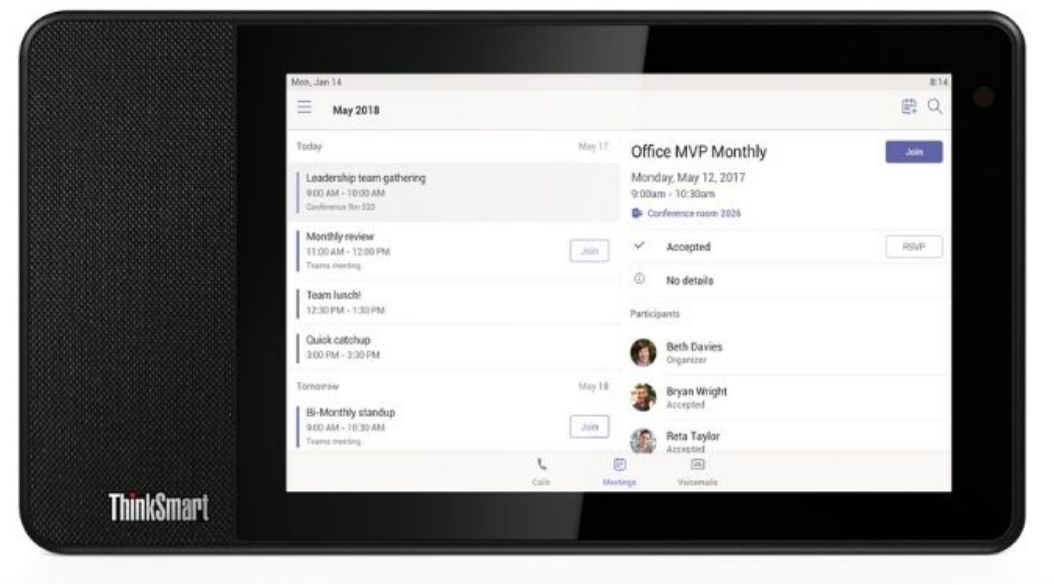
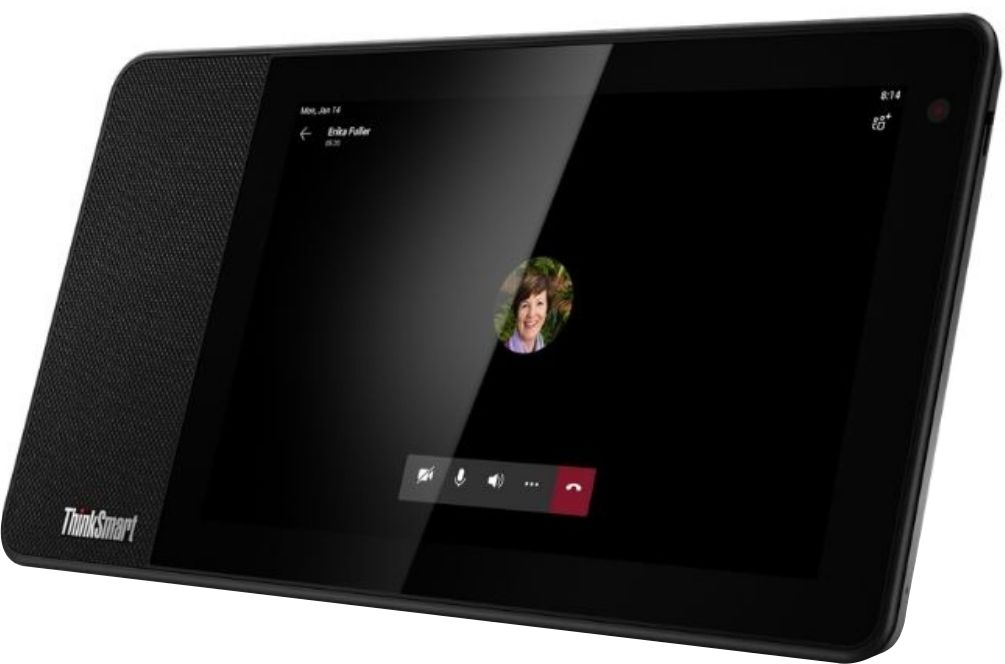
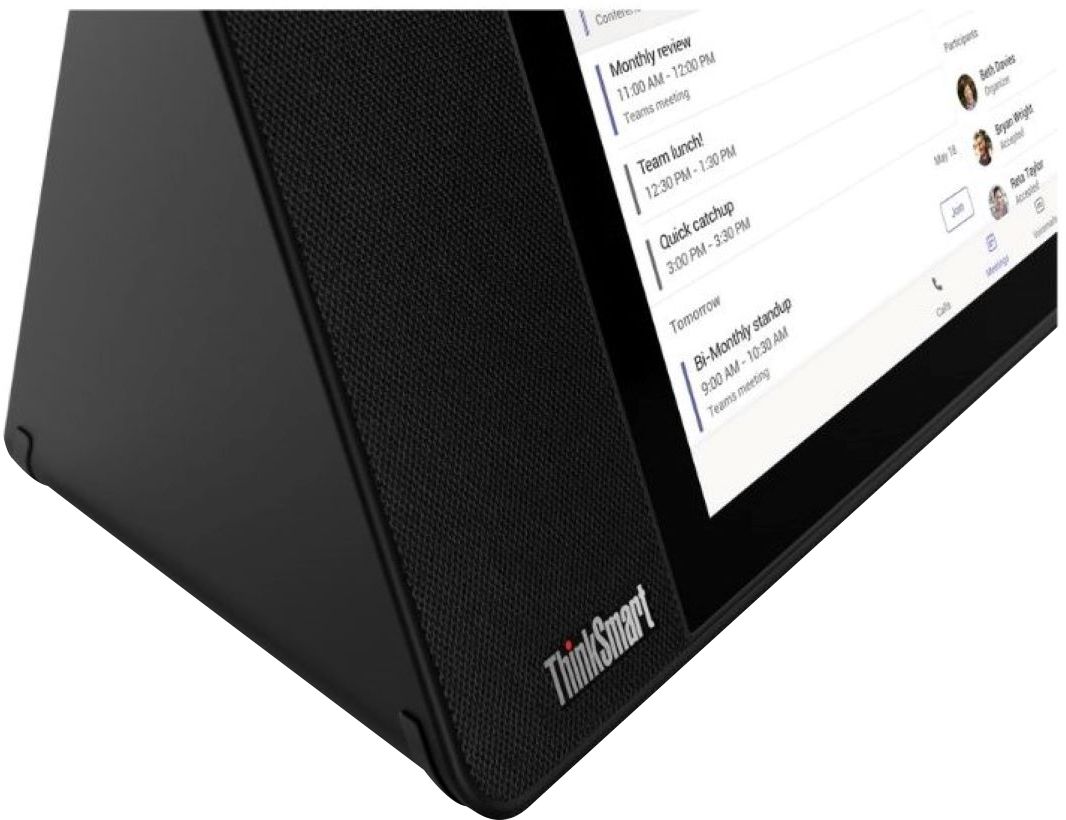
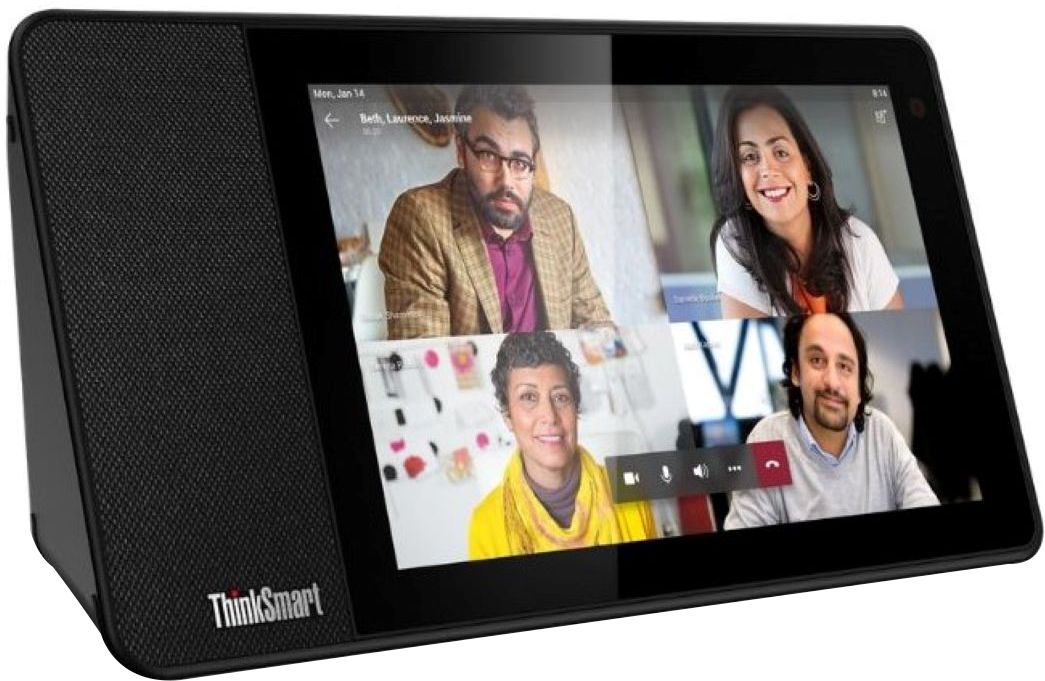
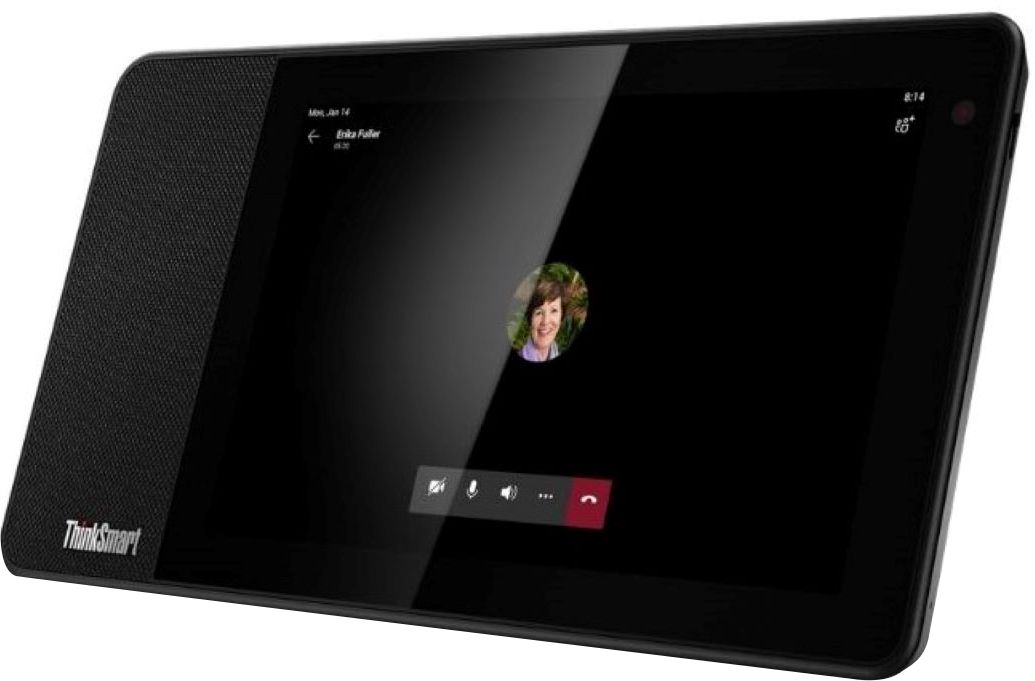
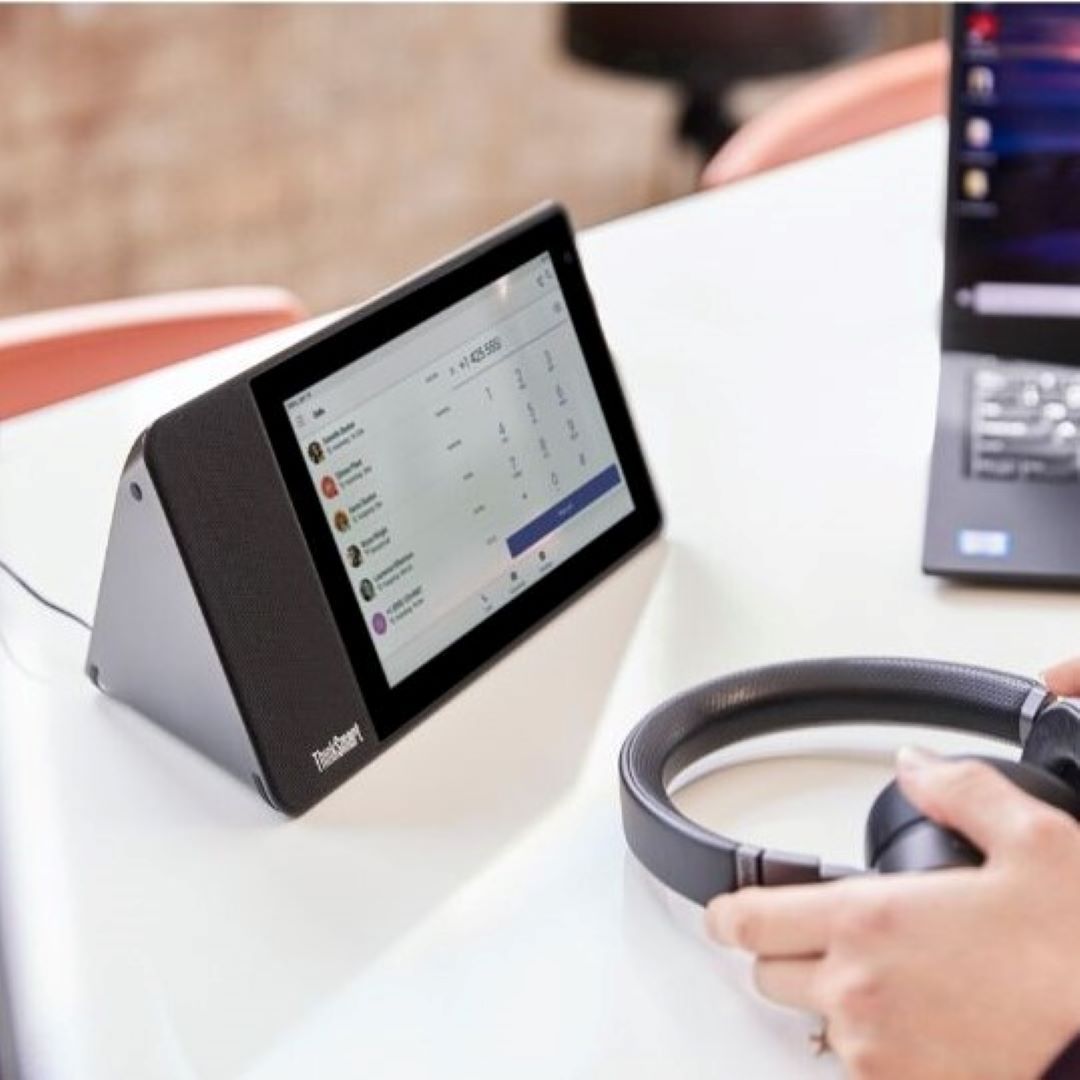
Customers are enthusiastic about the sleek design of the ThinkSmart View for Microsoft Teams. Many appreciate its attractive appearance and business features. Positive comments highlight the product's aesthetic appeal. The affordable price point is also a frequently cited advantage.
This summary was generated by AI based on customer reviews.
Fast, reliable and full of features.
||Posted . Owned for 1 month when reviewed.This reviewer received promo considerations or sweepstakes entry for writing a review.I've use this for work meetings and it works great, it is faster than my physical phone and it has many features. I love that it helps when I am running out of resources on my PC. It's also wireless so I don't to have a lot of cables in my desk. If they sell a bigger screen I would totally would get an upgrade. It comes with the default "phone" firmware, so if you want to plug it with your corporate account you may need to ask the Teams Administrator to upgrade it to a Teams Device. This is really important otherwise you won't see the Channels,Chats, etc and it would just work as phone.
I would recommend this to a friendBrand response from Lenovo Product Expert
Posted .Thank you for choosing the Lenovo ThinkSmart View for Microsoft Teams. We are pleased to hear that the ThinkSmart View is working out so well for you.

Seems to have issues with audio sensitivity.
||Posted . Owned for 1 week when reviewed.This reviewer received promo considerations or sweepstakes entry for writing a review.I really wanted to like this as it was super convenient for when I just had meeting calls not to have to use a headset or computer. However on almost every meeting I tried it on people complained that my audio was terrible or really faint. There was no obvious boost for the mike. Part of the problem is the mike is on the top and when the unit was on my desk it was pointing away from me. I gave it about a week and got so sick of having to switch back to my computer and headset in the middle of calls so I just gave up and returned it. The unit itself is really solidly made and the screen a good size. Note that it boots immediately into MS Teams and there are no other apps or utilities on the system so its pretty much a one trick pony and not particularly good at that.
No, I would not recommend this to a friendBrand response from Lenovo Product Expert
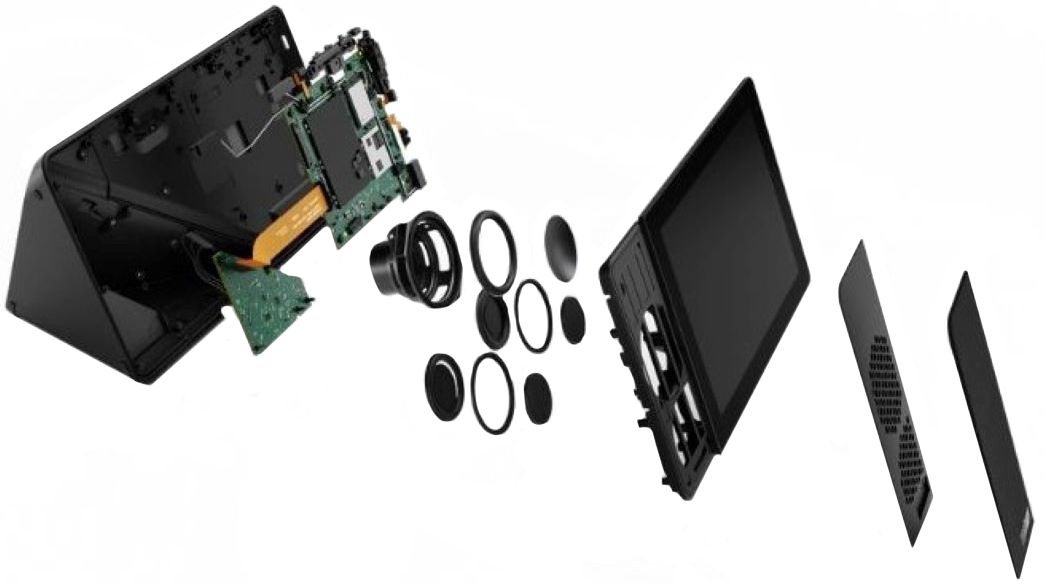
Posted .We are sorry to hear that you are having issues with the Dual Array Microphones within this Lenovo ThinkSmart View for Microsoft Teams. There are audio volume rocker controls on the ThinkSmart device, but also, be sure to check your microphone volume within the Teams APP Settings as well, as the audio volume is controlled at both the device and the APP itself. If you have questions About your Lenovo ThinkSmart Viewer for Microsoft Teams, we recommend you contact Lenovo Premier Support at: 888-278-9707.
Amazing product!
||Posted . Owned for less than 1 week when reviewed.This reviewer received promo considerations or sweepstakes entry for writing a review.If your company uses the standard Team protocol without the digital certificates, then this is an awesome product. My company provides a Thinkpad made by Lenovo so the set up and comparability was seamless. Love the OS on the unit! It is the best Teams experience I have ever used. So much more user friendly and productive. For $80 this is a steal if you use teams daily.
I would recommend this to a friendDecent MS Teams communication product
||Posted . Owned for 2 weeks when reviewed.This reviewer received promo considerations or sweepstakes entry for writing a review.The product looks good and seems to be build good. But the product has 2 short comings that doesn't make it very appealing. First, like the other reviewers said it only works on Teams and not other platforms. Second, if you company uses any type of digital certificate to authenticate the user, this product will not work as you cannot download the certificate on to the device.
No, I would not recommend this to a friendAs a product, it is a big failure!
||Posted .This reviewer received promo considerations or sweepstakes entry for writing a review.The product is for the Microsoft team only, so do not expect to use zoom, Webex or google meet, etc. It probably serves its purpose: a team meeting device, but it is a big failure as a product! How many people use team only ??? 55% of US people use Zoom, only 14% use Team, furthermore, many of us use more than one of them under different scenarios, so are we going to buy different devices for Team, Google meet, Zoom and Webex?? We need one to deal them all! That's why this device is a total failure! I will not be surprised the price will further go down to below $50 since it is useless or very limited to more than 90% of people.
No, I would not recommend this to a friend- Pros mentioned:Design
Save Your Money
||Posted . Owned for 2 months when reviewed.This reviewer received promo considerations or sweepstakes entry for writing a review.This device looks very sleek and I would have given it a 5 star review, except for one MAJOR flaw that caused me to return it and rate it 1 star. This device does not come with the latest software on it, that is required to run Microsoft Teams. The only way to update this device is for a corporate Microsoft admin (on a corporate account) to update it. You can not sign do it yourself unless you are a corporate admin on a corporate Microsoft account. Since Microsoft Teams is literally the ONLY thing this device can be used for, it is quite useless unless you are fully okay relying on a corporate admin on the corporate Microsoft account to update it for you whenever needed.
No, I would not recommend this to a friendBrand response from Lenovo Product Expert
Posted .We are sorry to hear that you are having issues with your Lenovo ThinkSmart View for Microsoft Teams. Here is a link to a YouTube Video that demonstrates the setup, features and functions of the ThinkSmart View. Administrator Password is not necessary to activate Microsoft Teams on the ThinkSmart View. Once Teams is activated, it will automatically update to the latest version: https://www.youtube.com/watch?v=qwxJ-4qGYYc. If you continue to have issues setting up your Lenovo ThinkSmart View, we recommend you contact Lenovo Tech Support for Think Products at: 877-453-6686.
Display
||Posted . Owned for 1 year when reviewed.This reviewer received promo considerations or sweepstakes entry for writing a review.Excellent product... works flawlessly. Love the way it works.
I would recommend this to a friend- Pros mentioned:Design
Nice design
||Posted . Owned for 2 months when reviewed.This reviewer received promo considerations or sweepstakes entry for writing a review.Nice looking product. A little bigger than I expected but design is nice. Check with your organization on whether they will support this device prior to purchasing though. You will need their approval/instructions on how to get past the firewall etc.
I would recommend this to a friend Essential device for any Teams for Busineaa user
||Posted . Owned for 3 weeks when reviewed.This reviewer received promo considerations or sweepstakes entry for writing a review.Please understand before buying: If Microsoft Teams is an essential tool in your daily workflow then you ABSOLUTELY will benefit from this product! With that said, many of the features now available on this device with recent Teams Updates work best when configured at the Organization level by an IT Administrator who understands working with Microsoft 365 Business Premium and Microsoft Business Voice. This is due to the fact that many of the features are managed via Microsoft Endpoint Manager (Intune). This device is treated as an Android Device Administrator type join to a Microsoft 365 Tenant. Once that is all setup I can honestly say that this thing has revolutionized my workflow. As a company, we do almost everything which includes communicating with people in other companies and even other users with Slack or even Google Workspace accounts. Being able to do all this and keep up to date on my calendar from a dedicated sceeen on my desk enables me to stay in my workflow much more effectively than rearranging my Windows everytime someone messages, calls, or reacts to something I've collaborated on within Teams. Excellent work Lenovo on future proofing this device! All new Teams features work like a breeze.
I would recommend this to a friendBrand response from Lenovo Product Expert
Posted .Thank you for choosing the Lenovo ThinkSmart View for Microsoft Teams. We are pleased to hear that the ThinkSmart View for Microsoft Teams is working out so well for you. Here is a link to a YouTube video that demonstrates the features and functions of this ThinkSmart View for Microsoft Teams: https://www.youtube.com/watch?v=IoYCjEiwFso&t=15s
Great
||Posted . Owned for 3 weeks when reviewed.This reviewer received promo considerations or sweepstakes entry for writing a review.This is great for Teams meetings but having a hard time syncing to my computer
I would recommend this to a friendBrand response from Lenovo Product Expert
Posted .Thank you for choosing the Lenovo ThinkSmart View for Microsoft Teams Device. We are sorry to hear that you are having issues synchronizing your PC to this ThinkSmart View Device. Here is a link to a short video that demonstrates the set up of the ThinkSmart View: https://support.lenovo.com/us/en/videos/vid500134. If you continue to have issues, we recommend you contact Lenovo Tech Support for Think Brand Devices at: 877-453-6686.
- Pros mentioned:Design
Lenovo Smart View
||Posted . Owned for 1 month when reviewed.This reviewer received promo considerations or sweepstakes entry for writing a review.Awesome product for the sale price of $99.99 with great Buisness features. Wish they produced one for personal use.
I would recommend this to a friendBrand response from Lenovo Product Expert
Posted .Thank you for choosing the Lenovo ThinkSmart View for Microsoft Teams. We are pleased to hear that the value and performance of the ThinkSmart View for Microsoft Teams meets your needs so well.
Limited capabilities and use
||Posted . Owned for 1 month when reviewed.This reviewer received promo considerations or sweepstakes entry for writing a review.I wanted to use the product so i do not have to use the computer, unfortunatley the sound is very low and you can raise the volume. In addition, you cannot use the device for anything other than TEAM, so this product is going back. Cannot justify its use for the limited capabilities.
No, I would not recommend this to a friendBrand response from Lenovo Product Expert
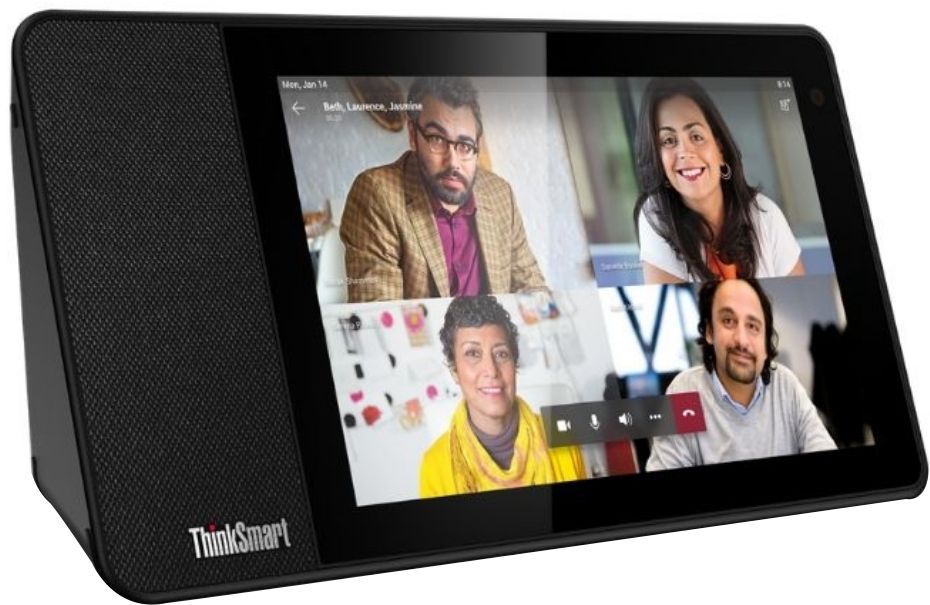
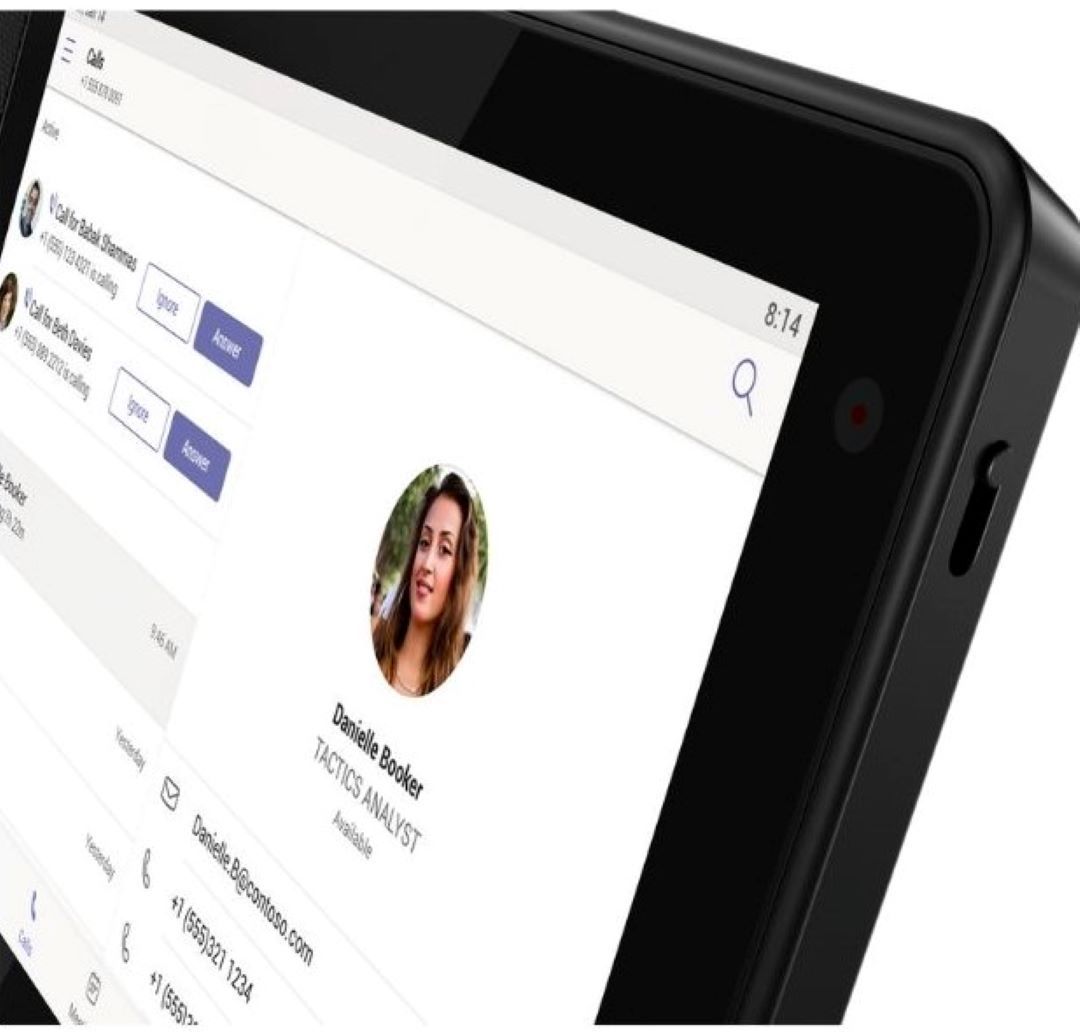
Posted .The Lenovo ThinkSmart View, model number ZA690000US, is first ever, dedicated, Microsoft Teams display. It is for those business users who use Microsoft Teams exclusively through their enterprise. ThinkSmart View acts as an administrative companion to the PC so that users can be both fully productive and collaborative at the same time. This truly innovative device features an ambient touchscreen, the familiar Cortana voice-activated smart assistant, plus expanded functionality and features thanks to updates in Microsoft Teams software.
Alexa Assist
||Posted . Owned for 1 year when reviewed.This reviewer received promo considerations or sweepstakes entry for writing a review.This is a great system to keep up with news, events, trends and music
I would recommend this to a friendLenovo Teams Device
||Posted . Owned for 1 month when reviewed.This reviewer received promo considerations or sweepstakes entry for writing a review.Love this item. You can reply to a teams meeting request, chat, be on a teams meeting and still multitask one your computer. Set up several using Office 365 business account, I don’t know if this would work for personal accounts.
I would recommend this to a friendWouldnt recommend
||Posted . Owned for 2 weeks when reviewed.This reviewer received promo considerations or sweepstakes entry for writing a review.Cannot get it setup. Followed all the steps. I click connect and it just sits there, then several minutes later it goes to the setup option again.
No, I would not recommend this to a friendBrand response from Lenovo Product Expert
Posted .We are sorry to hear that you are having difficulty setting up your Lenovo ThinkSmart View for Microsoft Teams Device. Here is a Link to a YouTube video that demonstrates the setup of this ThinkSmart View Device: https://www.youtube.com/watch?v=IoYCjEiwFso. If you continue to have issues, we recommend you contact Lenovo Tech Support for Think Products at: 877-453-6686.
Don’t see much value to it
||Posted . Owned for 1 month when reviewed.This reviewer received promo considerations or sweepstakes entry for writing a review.Not sure it was worth the money. Teams is already on my laptop. Not quite sure the as to the benefit of the having it. I
No, I would not recommend this to a friendBrand response from Lenovo Product Expert
Posted .The Lenovo ThinkSmart View for Microsoft Teams is for enterprise users who want a dedicated Microsoft Teams communication device, that will free up computers for other use.
Not for personal use
||Posted . Owned for 2 weeks when reviewed.This reviewer received promo considerations or sweepstakes entry for writing a review.I was exited to get this display. It was difficult to set up. Unable to use for personal use.
No, I would not recommend this to a friendBrand response from Lenovo Product Expert
Posted .This Lenovo ThinkSmart View for Microsoft Teams, allows you to build your remote home office or enhance executive suites and conference rooms with the ThinkSmart View from Lenovo. As the first ever Microsoft Teams display, ThinkSmart View acts as an administrative companion to the PC so that users can be both fully productive and collaborative at the same time. Here is a link to a YouTube video that demonstrates the setup, features and functions of the Lenovo ThinkSmart View for Microsoft Teams: https://www.youtube.com/watch?v=qwxJ-4qGYYc&t=30s. If you have questions about the Lenovo ThinkSmart View for Microsoft Teams, we recommend you contact Lenovo Support for Think Products at: 877-453-6686.
Quality Device, Very Well Built
||Posted . Owned for 3 months when reviewed.This reviewer received promo considerations or sweepstakes entry for writing a review.This was purchased for my WFH setup. I originally purchased the ThinkSmart to handle all my Teams Chats and Meetings without running Teams on my laptop (to save performance bandwidth). However, with constant screen sharing, I ended up deferring back to the Windows app. I now use this device to take calls outside my actual office (kitchen), and it's totally worth the cost for just that.
I would recommend this to a friendwhat a recommend only usable as a team meeting ext
||Posted .This reviewer received promo considerations or sweepstakes entry for writing a review.Was on sale for 100 and build quality seemed solid
No, I would not recommend this to a friendBrand response from Lenovo Product Expert
Posted .Your PC has limited multitasking capability—let the ThinkSmart View for Microsoft Teams handle the collaborative and administrative aspects, freeing up your PC for other tasks. The ThinkSmart View is easy to deploy and maintain, and expertly engineered for reliable, always-on usage. Plus, its intuitive touchscreen interface—with a one-touch Microsoft Teams meeting start—means no more dial-in delays. Watch your productivity soar!
Elegantly built
||Posted . Owned for 2 months when reviewed.This reviewer received promo considerations or sweepstakes entry for writing a review.Great for executives who use Teams as primary communication device. The downside of it is the inability to connect to your computing device to share screen.
I would recommend this to a friend