Customer Ratings & Reviews



- Model:
- 82BG0091US
- SKU:
- 6479683
Rating by feature
- Battery Life
Rating 4.2 out of 5 stars
- Speed
Rating 4.6 out of 5 stars
- Display
Rating 4.6 out of 5 stars
Customers are saying
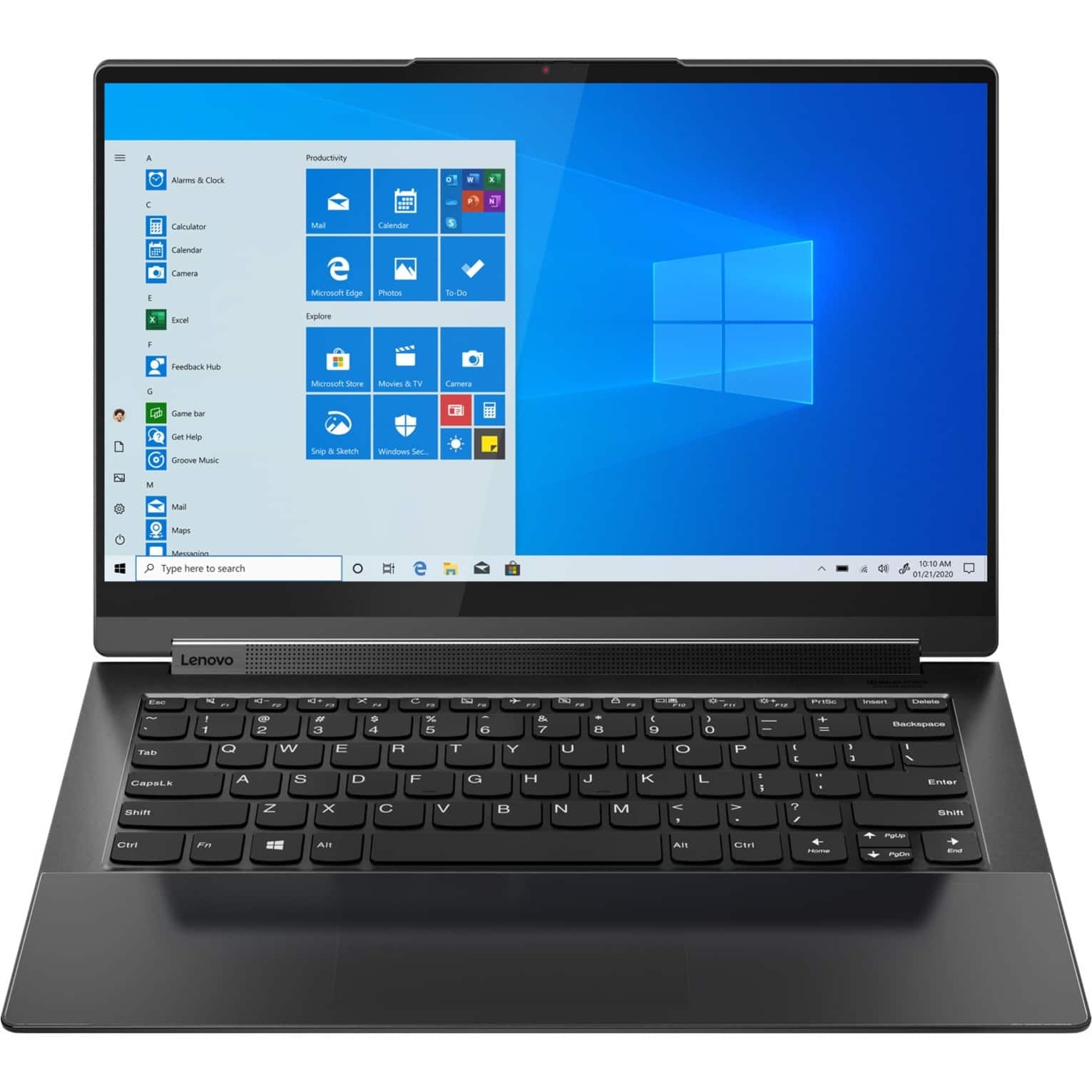
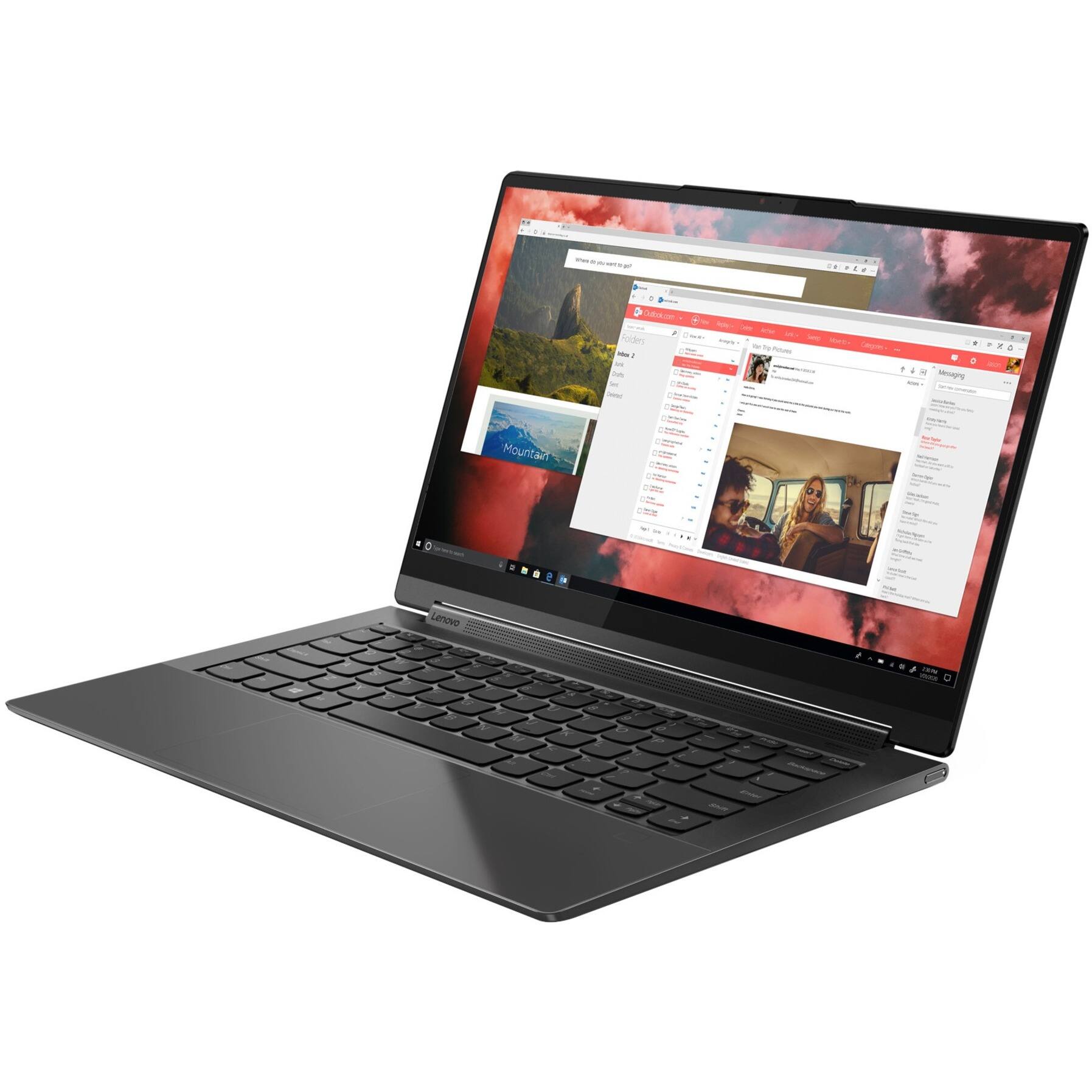
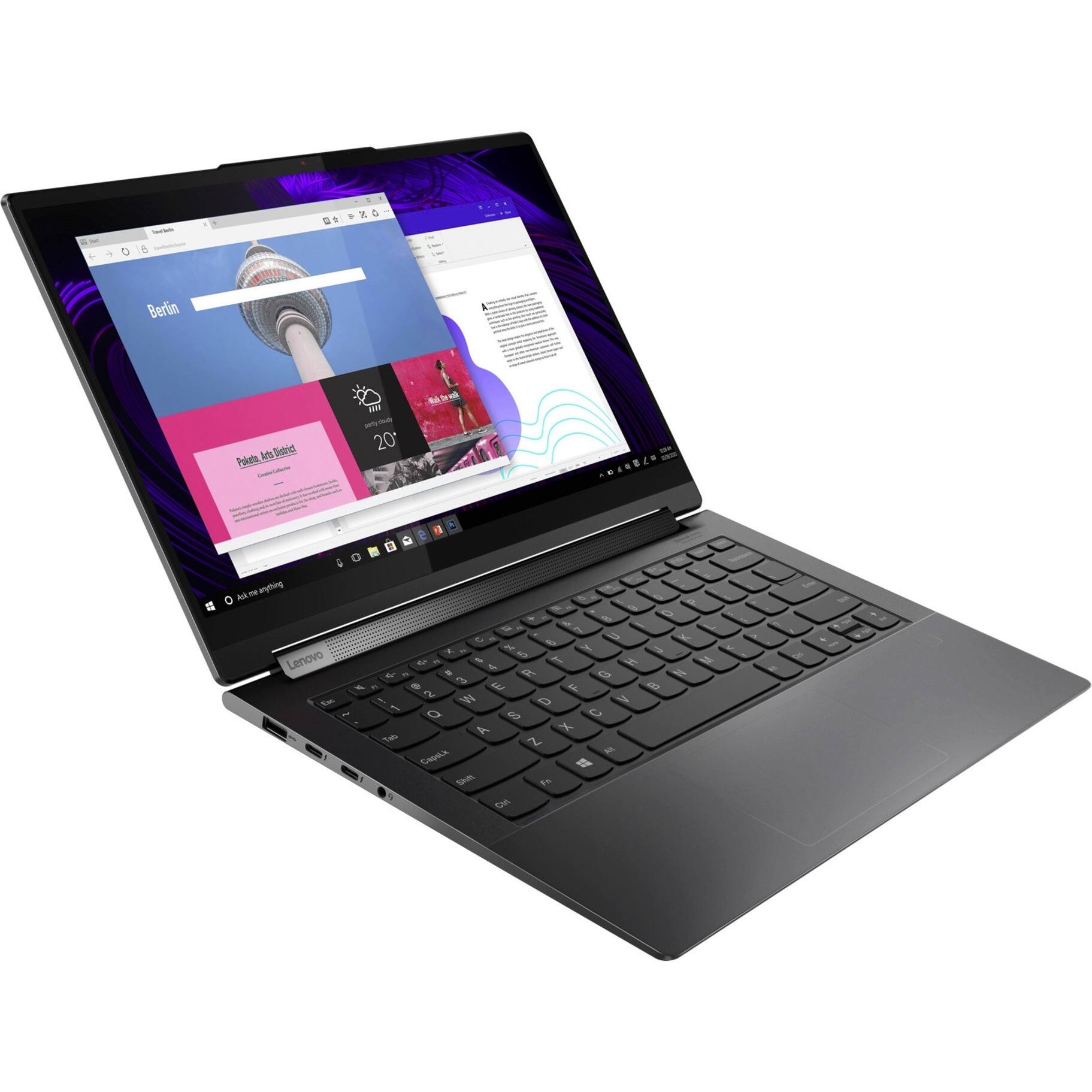
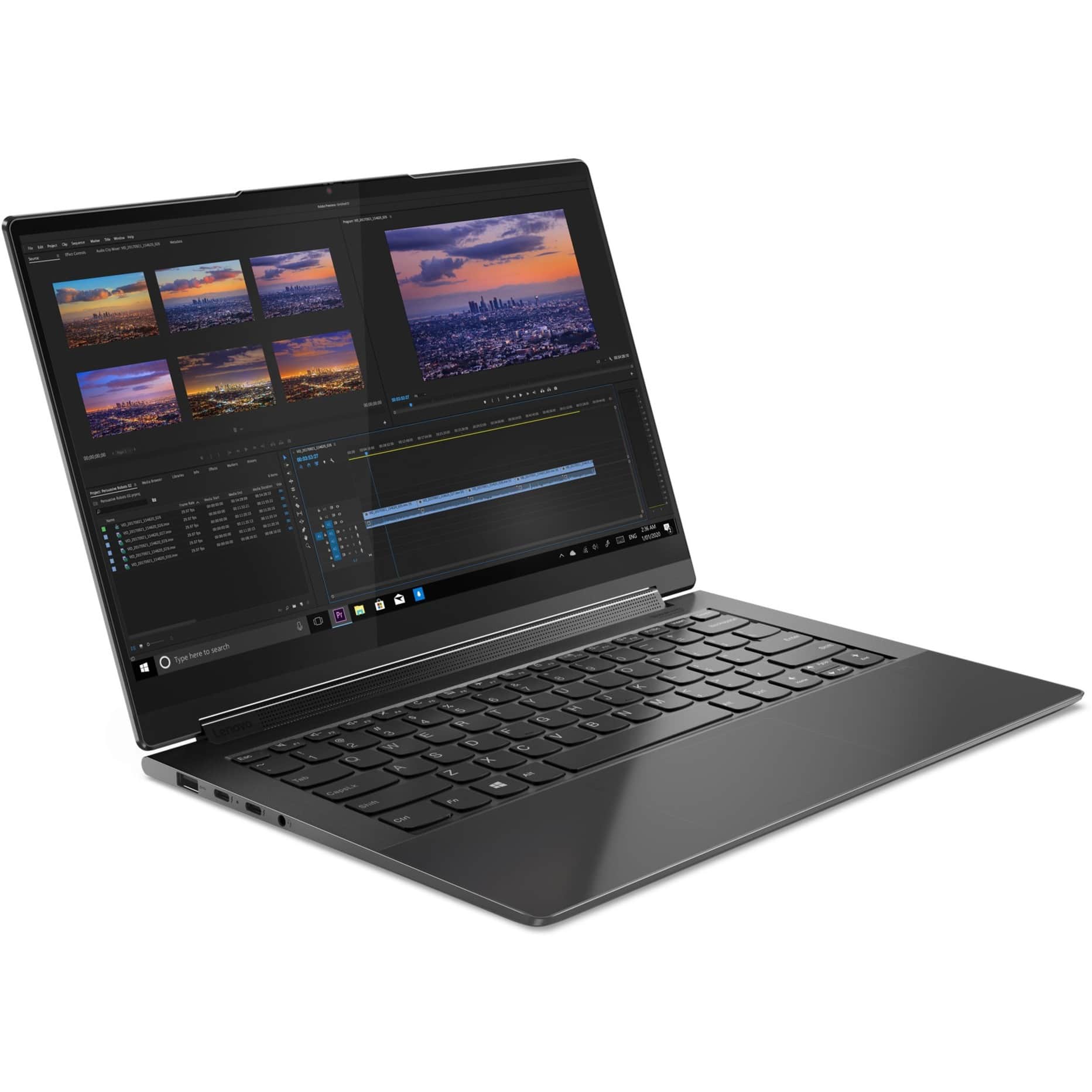
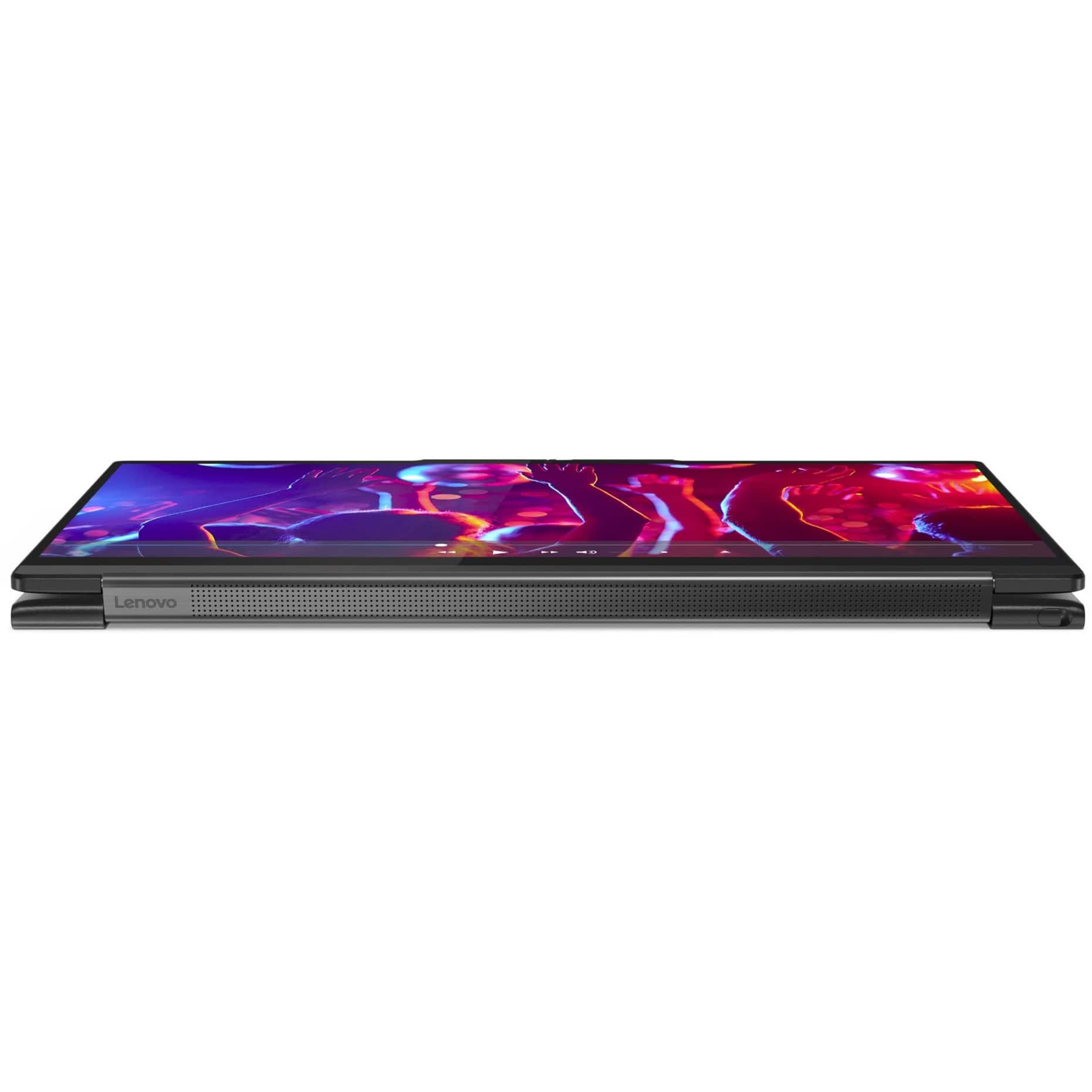
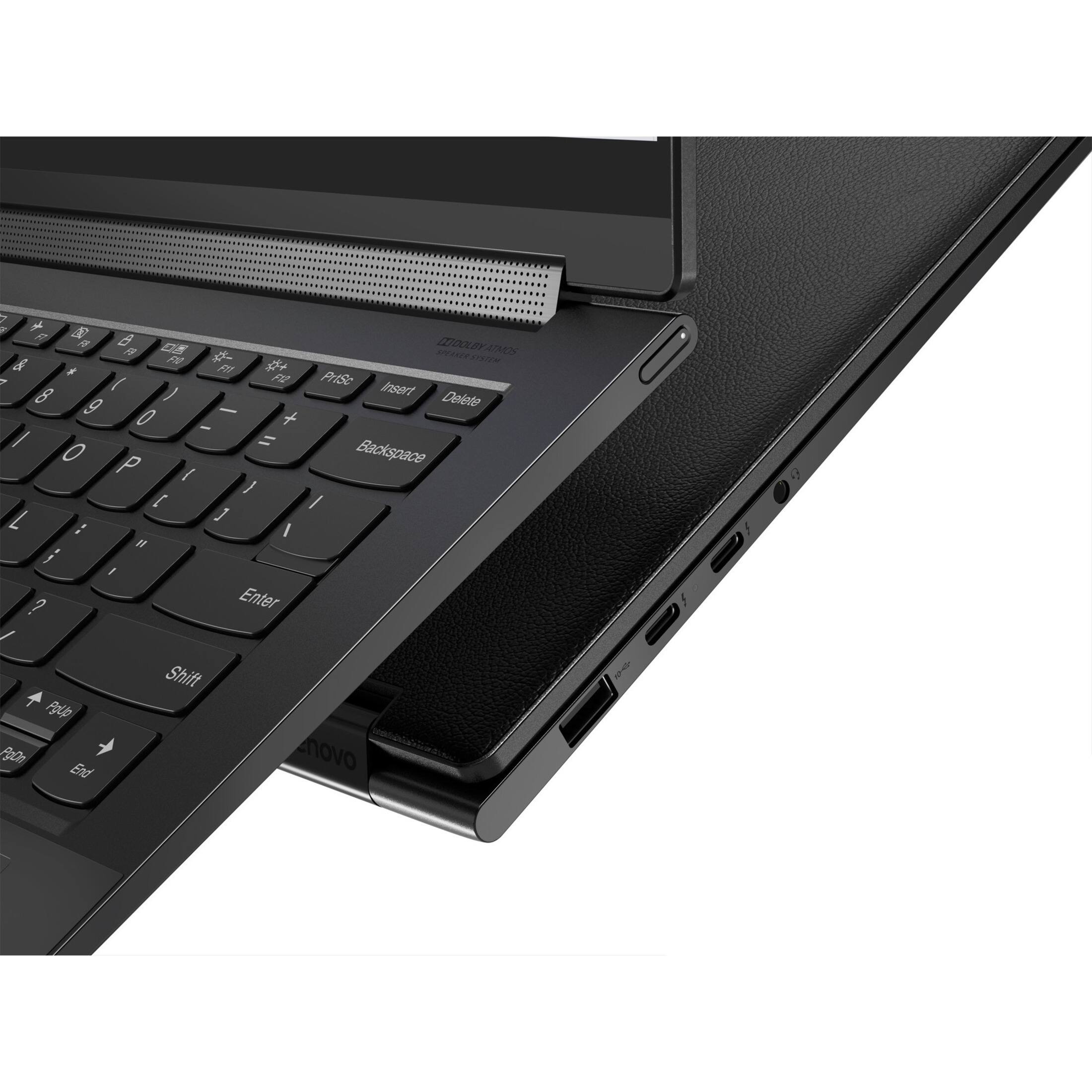
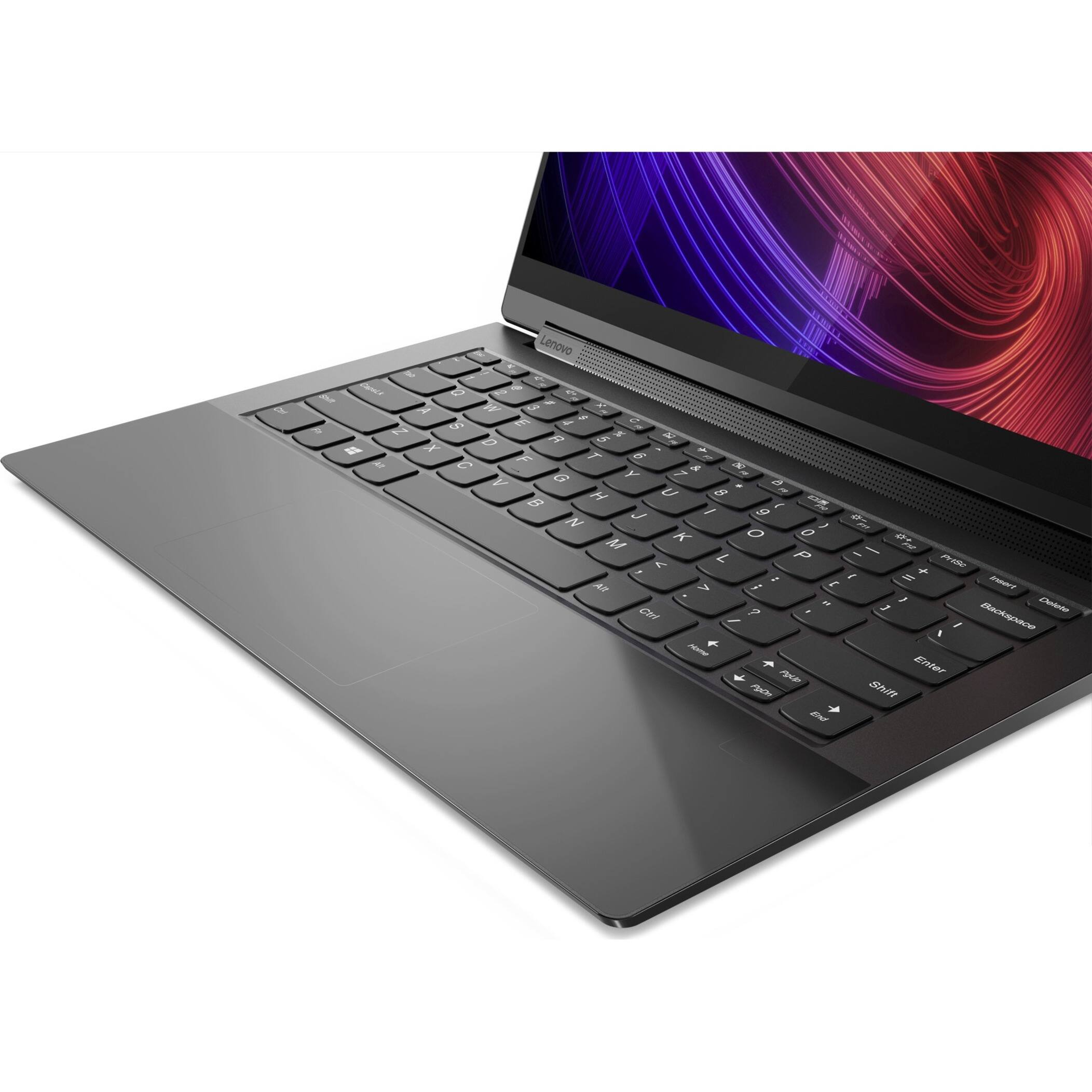
Customers enjoy the responsive touch screen, impressive sound quality, and lightweight design of the Yoga 9 14ITL5 laptop. Many appreciate its compact size and ease of use. However, some users report that the battery life could be improved and that the device may get warm during intensive use. The fast processing speed and ample RAM are also frequently praised.
This summary was generated by AI based on customer reviews.
Cat's love it and so do I!
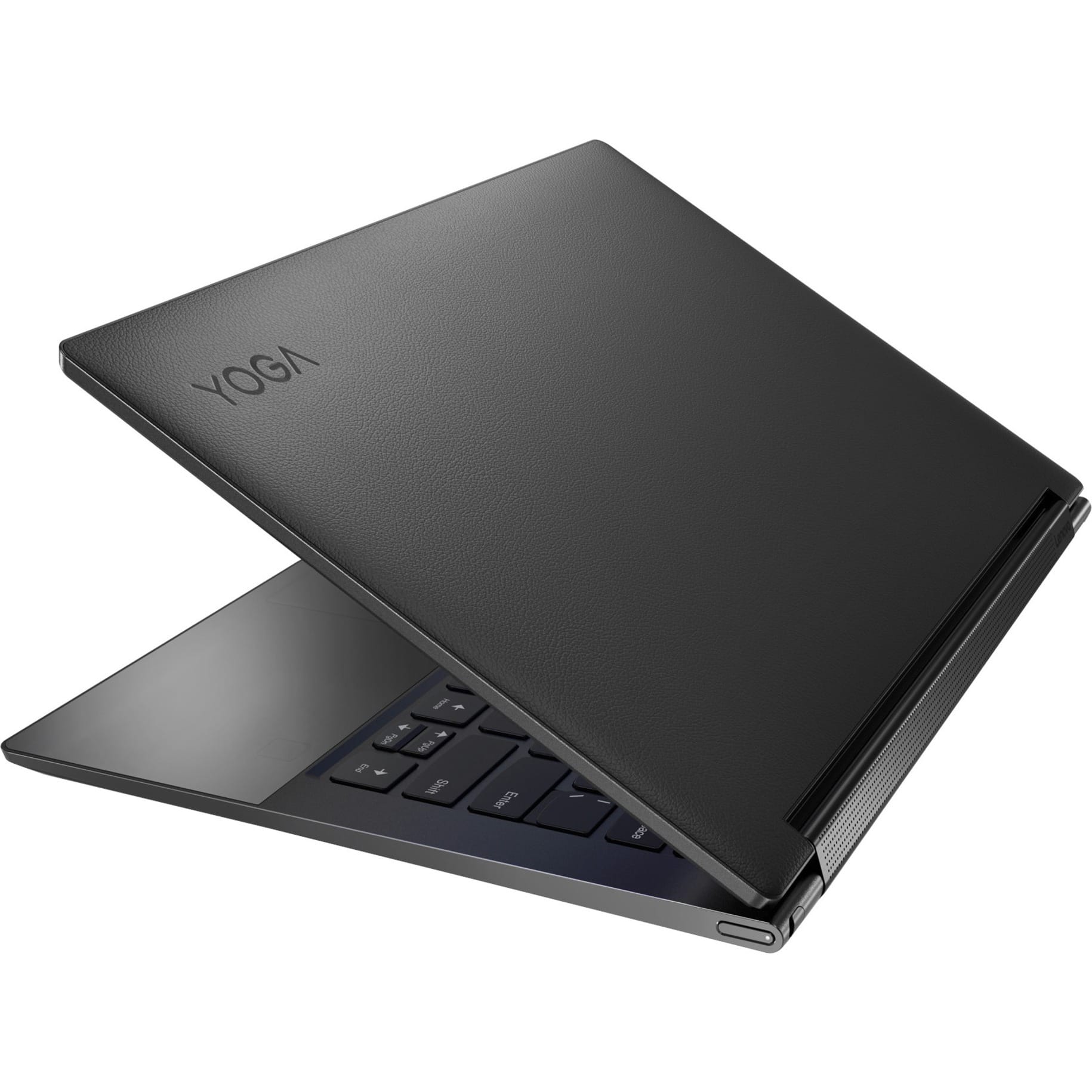
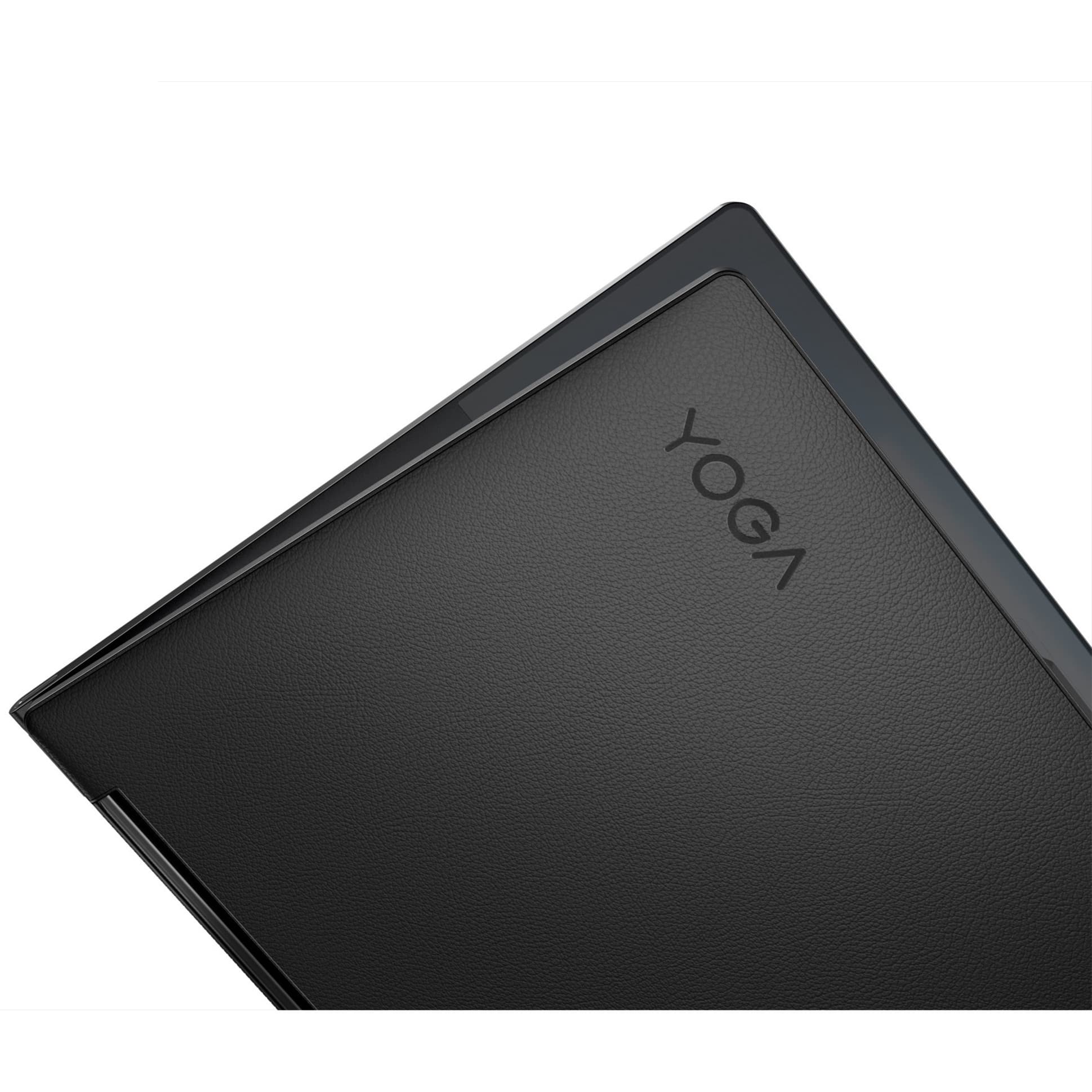
||Posted . Owned for 1 year when reviewed.This reviewer received promo considerations or sweepstakes entry for writing a review.Awesome laptop! Wish it had an HDMI port, however I realize that's probably not a huge issue for most. Also, the leather top plate is a cat magnate haha, our cat's love to sleep on it and unfortunately it shows, not the pc's fault mind you, but just something to keep in mind. ;)
I would recommend this to a friend- Pros mentioned:Speed, Touch screen
Lenovo Yoga Laptop Purchase from Best buy
||Posted . Owned for 1.5 years when reviewed.This reviewer received promo considerations or sweepstakes entry for writing a review.I purchased the Lenovo Yoga 9 14ITL5 2-in-1 14" Touch-Screen Laptop from Best Buy, and I must say, it was an excellent experience. The staff at Best Buy were incredibly knowledgeable and provided top-notch service throughout my purchase journey. The laptop itself exceeded my expectations, with its Intel Core i7 processor, 16GB of memory, and 512GB SSD providing impressive performance and speed. The touch-screen feature adds a level of convenience and versatility that I absolutely love. Overall, I couldn't be happier with my purchase from Best Buy. Their knowledgeable staff and exceptional service made the buying process smooth and enjoyable. I highly recommend Best Buy to anyone in search of quality electronics and top-notch customer service.
I would recommend this to a friend - Pros mentioned:Speed, Weight
Amazing PC!
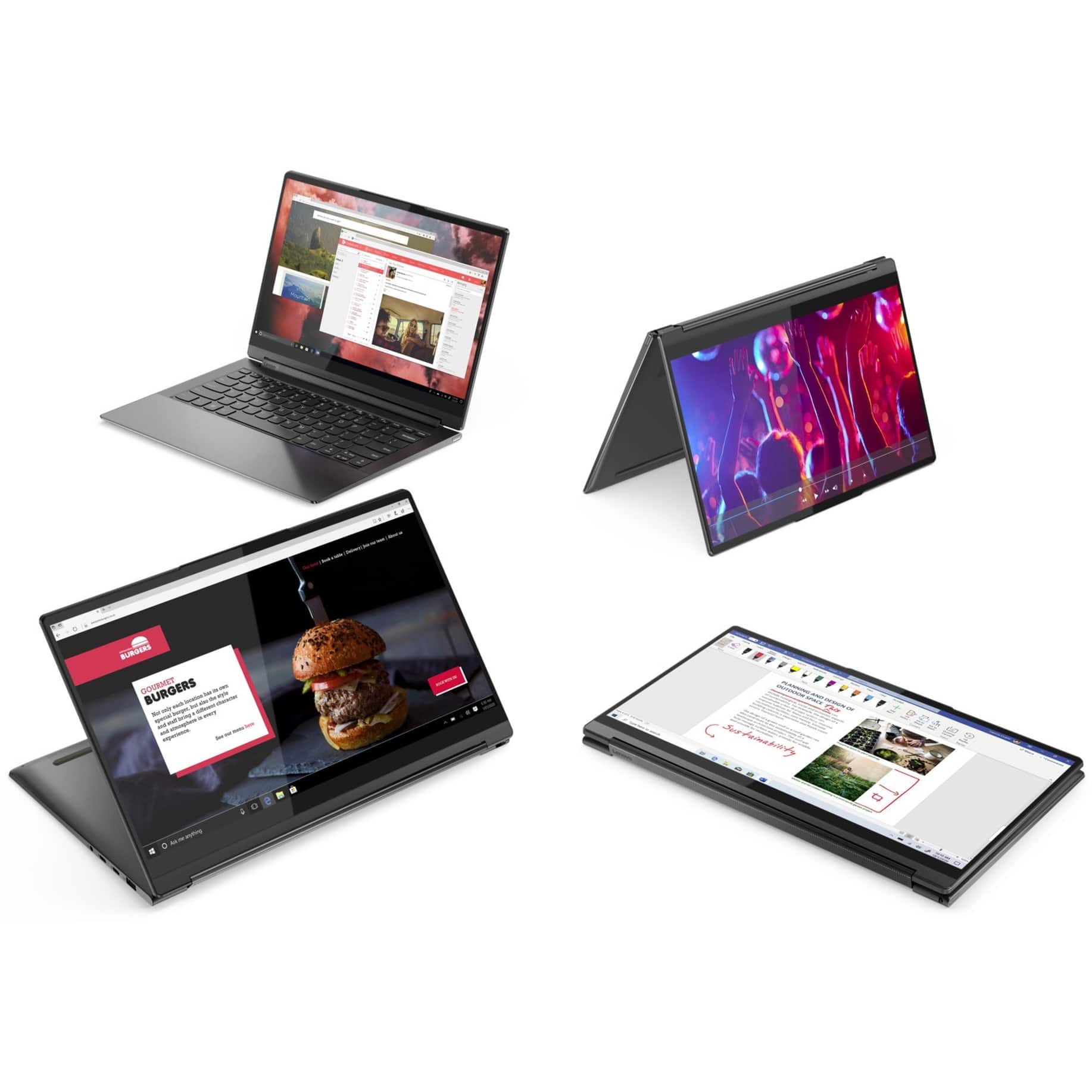
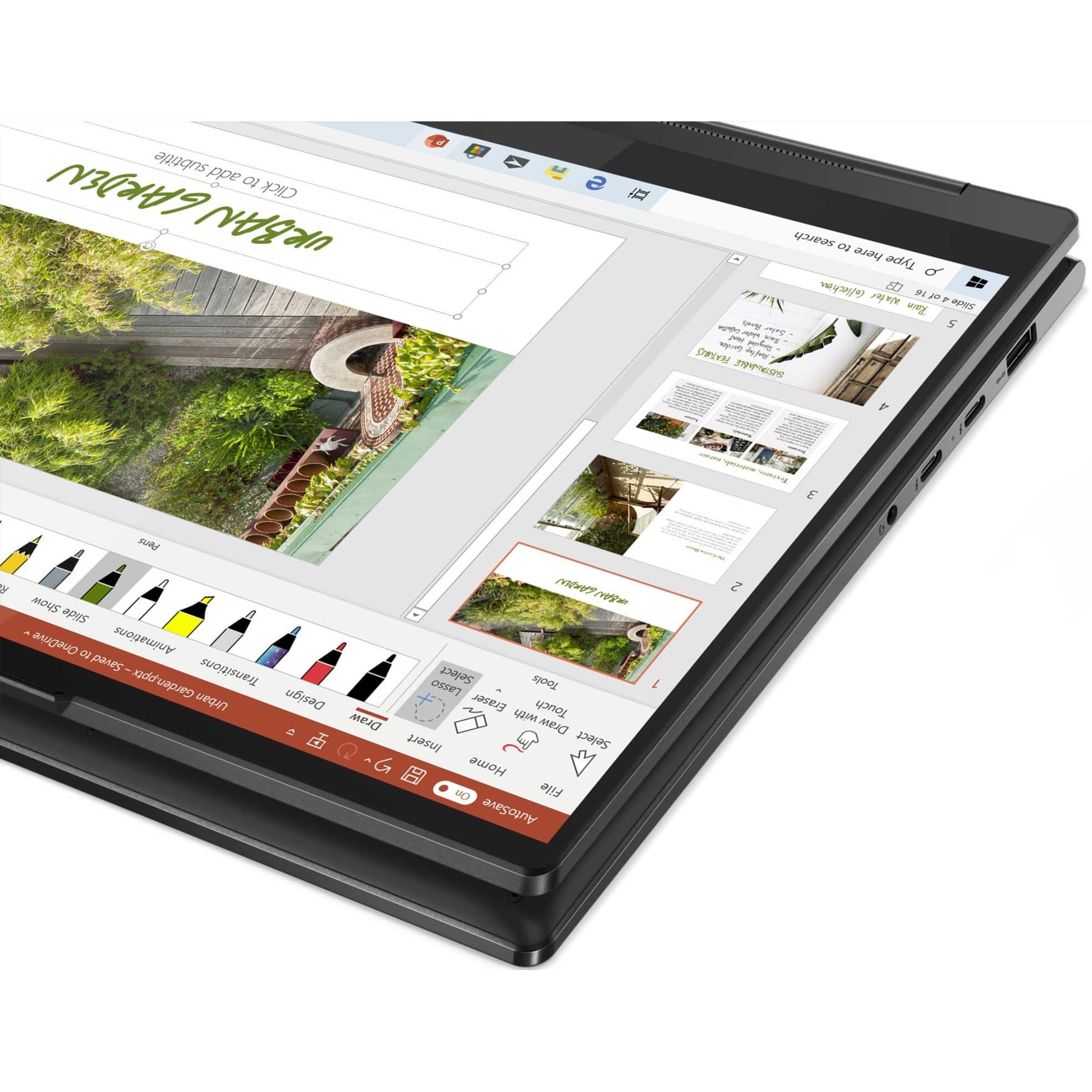
||Posted . Owned for more than 2 years when reviewed.This reviewer received promo considerations or sweepstakes entry for writing a review.I recently purchased the Lenovo Yoga 9 14ITL5, and it has been a fantastic addition to my tech lineup. The 14-inch touchscreen is vibrant and responsive, making it a pleasure to use for both work and entertainment. The Intel Core i7 processor and 16GB of memory ensure smooth multitasking, even with multiple applications running simultaneously. The 360-degree hinge is a standout feature, allowing me to easily switch between laptop and tablet modes, which is perfect for presentations and note-taking. The built-in stylus is convenient for sketching and annotating documents. Battery life is impressive, lasting me through a full workday without needing a recharge. The laptop is lightweight and sleek, making it easy to carry around. Overall, the Lenovo Yoga 9 14ITL5 offers a perfect blend of performance, versatility, and portability. It's an excellent choice for professionals and students alike.
I would recommend this to a friend - Pros mentioned:Sound quality, Speed, Touch screen
Great Lenovo Yoga 9i
||Posted .This reviewer received promo considerations or sweepstakes entry for writing a review.Good laptop…fast, fast, fast. Leather lid cover makes it super luxe. Makes short work of just about anything thrown at it. Runs fast enough with a couple dozen chrome browser tabs open and some office programs running all at once. Haven’t edited video or pics - yet. We’ll see. Beautiful screen. Oh the screen. Swooning over OLED or mini-led, but this one is still very very pretty. Sound out of that little hinge is so much bigger than expected. Trackpad a bit too sensitive, almost ‘touchy’ (home is a hybrid Mac and PC home environment so I compare and have gotten used to trackpads on MacBooks - they’re the best on any laptop - sorry Lenovo), and fingerprint ID is a little funky to figure out on initial setup. But once done works well. All in all a really good rig.
I would recommend this to a friendBrand response from Lenovo Product Expert
Posted .Thank you for choosing the Intel Evo-Certified, Lenovo Yoga 9i 14, model number 82BG0091US. This model ships with a Buttonless glass surface multi-touch touchpad, that supports Precision TouchPad (PTP). Here is a link to a YouTube video that demonstrates the features, functions and manual adjustments that can be made to this touchpad within Windows: https://www.youtube.com/watch?v=vKT_lfudIqU. This model also ships with a Touch Style Ultrasonic fingerprint reader on palm rest, with match-on-host security. Here is a link to a video that demonstrates the setup process for a fingerprint reader: https://www.youtube.com/watch?v=E_ikyE5QMIg. If you have questions about your Lenovo Yoga 9i 14, we recommend you contact Lenovo Premium Care at: 888-278-9707.

- Pros mentioned:WeightCons mentioned:Battery life
Nice for college
||Posted . Owned for 11 months when reviewed.This reviewer received promo considerations or sweepstakes entry for writing a review.Good for college. Easy to use and very light. Charge time and battery life is a bit lacking
I would recommend this to a friend - Cons mentioned:Battery life
Looks Fancy, Works Awful – Totally Overrated
||Posted . Owned for more than 2 years when reviewed.This reviewer received promo considerations or sweepstakes entry for writing a review.I thought the Lenovo Yoga 9i was supposed to be a premium laptop, but honestly it’s a total letdown. First off, the design tries too hard to look high-end but just feels awkward and cheap when you actually use it. The hinge is weird and makes it wobble a lot, especially in tablet mode. The screen? Not impressed at all. Graphics look washed out, colors are dull, and brightness is nowhere near what you'd expect for the price. And don’t even get me started on the touchscreen – it lags constantly, doesn't register touches properly, and half the time I have to keep swiping like crazy just to scroll. The whole experience feels buggy and unfinished. Battery life isn’t great either. For something this expensive, you'd expect way better. Honestly, I regret spending my money on this.
No, I would not recommend this to a friend - Pros mentioned:Size, Sound quality, Speed
Lonovo 9i Laptop review
||Posted . Owned for 1 month when reviewed.This reviewer received promo considerations or sweepstakes entry for writing a review.This computer is fast Downloading is quick The size is comfortable Display is clear Battery life above average
I would recommend this to a friend - Pros mentioned:Speed, Touch screenCons mentioned:Battery life
Almost Perfect
||Posted . Owned for 3 weeks when reviewed.This reviewer received promo considerations or sweepstakes entry for writing a review.Almost but not quite perfect: the lack of USB ports (only 1 + the Thunderbolts) is insufficient and annoying. I suppose I'll have to buy a hub. Battery life depends on how it is being used. I got used to my Chromebook battery life so although this lasts, it doesn't last as long. The speed is great and the display is awesome! Finally, for some reason I cannot get the camera to work although according to the computer it is. Most likely I'm doing something (yes, it is open) but the thought of taking it in to the store and waiting a million days for something so simple just puts me off. Otherwise, I LOVE IT!
I would recommend this to a friendBrand response from Lenovo Product Expert
Posted .Thank you for choosing the Lenovo Yoga 9i 2-in-1 14in. Touch Screen Laptop with Intel Evo Core i7. We are very pleased to hear that the specifications and features of the Lenovo Yoga 9i 2-in-1 14in. Touch Screen Laptop with Intel Evo Core i7 meet your computing needs so well.
- Pros mentioned:Touch screen, WeightCons mentioned:Heat
Amazing laptop for the money.
||Posted . Owned for 2 months when reviewed.This reviewer received promo considerations or sweepstakes entry for writing a review.This is a fantastic laptop! It is speedy as all get out, the screen is sharper than anything I've ever seen and it does 4K on the laptop! It's light as can be and the stylus is tucked into the back of the device and your PC works like a graphics tablet. One thing I will say, is it gets hot. Especially if you're cranking through a game. I bought a laptop cooler stand for it and that helps keep it cool, even on my lap it's not burning me, but it does get toasty. Make sure you keep the air vents free of obstruction!
I would recommend this to a friendBrand response from Lenovo Product Expert
Posted .Thank you for choosing the Intel Evo-Certified, Lenovo Yoga 9i 14. We are pleased to hear that the features and performance of the Yoga 9i 14 meets your computing needs so well.
- Pros mentioned:Speed, Touch screenCons mentioned:Battery life
Great 4k laptop without breaking the bank
||Posted . Owned for 1 month when reviewed.This reviewer received promo considerations or sweepstakes entry for writing a review.Beautiful laptop with the leather lid. The 4k screen is fantastic with great speakers. Computer runs super fast. Down falls are a budget level graphics card and the track pad is a little difficult to use. Also it does not last very long off the charger.
I would recommend this to a friendBrand response from Lenovo Product Expert
Posted .Thank you for choosing the Intel Evo-Certified, Lenovo Yoga 9i 14, model number 82BG0091US. This model configuration uses Integrated Intel Iris Xe Graphics Version processing, integrated within the Intel Core i7-1195G7 Processor. The Yoga 9i 14 also ships with a buttonless glass surface multi-touch touchpad which supports Precision TouchPad (PTP) features. https://www.windowscentral.com/windows-11-requires-precision-touchpads-and-thats-good-most-laptops. This Yoga 9i 14 has Intel Evo-Certified, All-Day-Battery-Life, thanks to its Integrated 60Wh, Lithium-Polymer Battery, which within this model configuration, has a battery life of up to 10 hours, depending on the work the device is performing. If you are getting substantially less battery life first, set your screen brightness at less than 100-percent - try 80-percent to start with. Then, be sure Battery Charge Threshold is turned off. This power management setting should only be used when the laptop is plugged in all the time. It will prolong overall battery life by only charging the battery to 60-percent of capacity. You can turn off Battery Charge Threshold within the Lenovo Vantage APP installed on this computer. In Vantage select Battery Settings and turn off Battery Charge Threshold, if turned on. Also check what programs are running in the background on the computer. Be sure only the programs you want running in the background are. These programs will drain the battery. Here is a link to information about how to find out what programs are running in the background on your Windows 11 computer and how to manage them for better system performance: https://websiteforstudents.com/how-to-find-what-is-running-in-windows-11/. Then, finally, be sure any software you installed is compatible with Windows 11. Incompatible software will drain the battery at a faster rate. There is no need to install Microsoft Office software. The software is already part of the operating system, you just need to activate the software with a purchased product key. If you have installed a copy of Microsoft Office, this is conflicting with the existing copy on the system and this will slow your system down. If you have installed a 3rd party anti-virus program, be sure that Windows Defender is turned off and that the trial version of McAfee Anti-Virus software is uninstalled. There can only be one anti-virus program on the system. You may need to restore your system to original factory default settings if any of the programming errors have occurred. You can do that by typing "restore" in the Cortana search window. Just click on the magnifying glass icon at the bottom of your Windows 11 Desktop. Click on "Reset This PC" Then click on "Get Started" and follow the on screen directions to restore to factory defaults. If the problem persists, we recommend you contact Lenovo Premium Care for additional help at: 888-278-9707.
- Pros mentioned:Sound quality, Speed, Touch screen
Fast, great sound, very adaptable
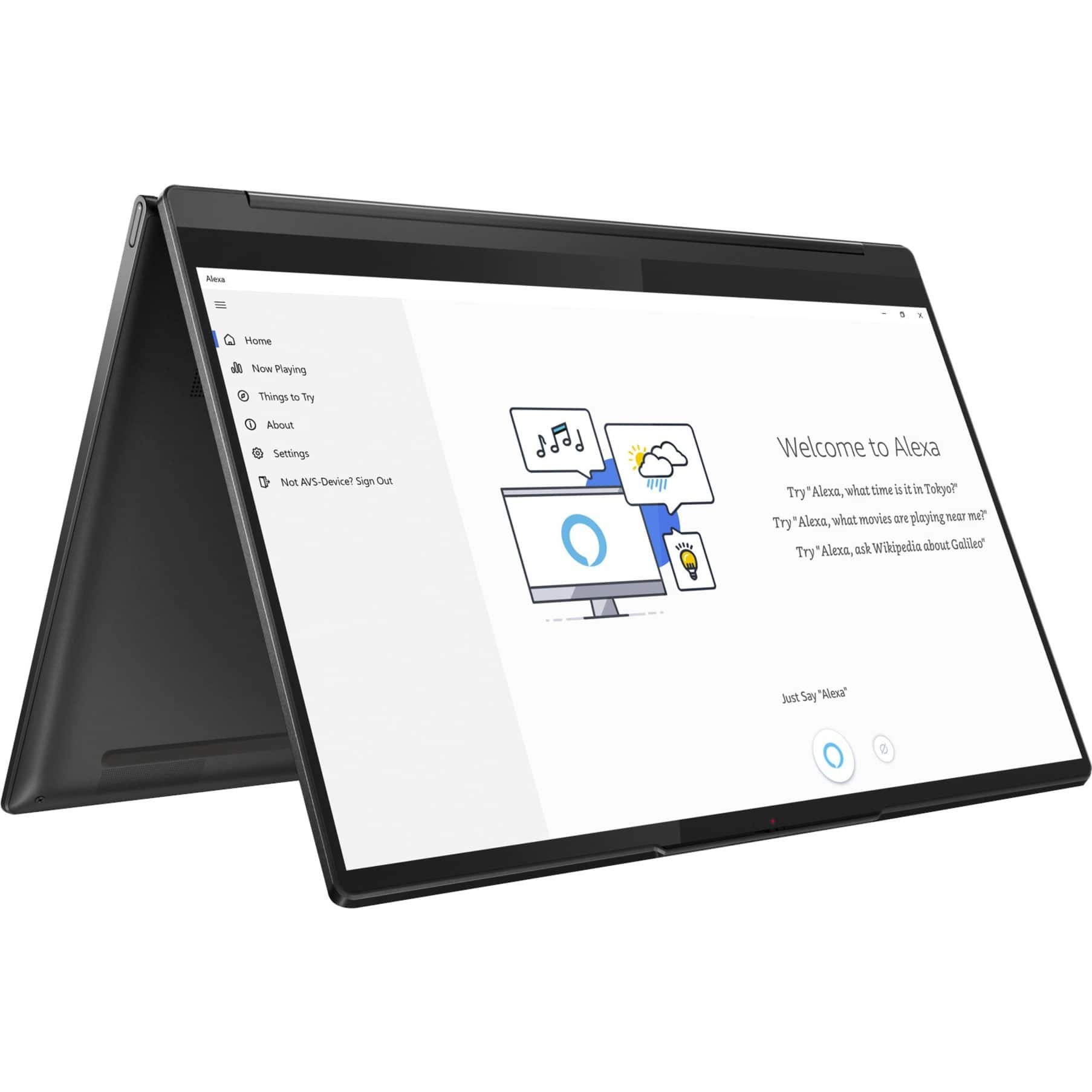
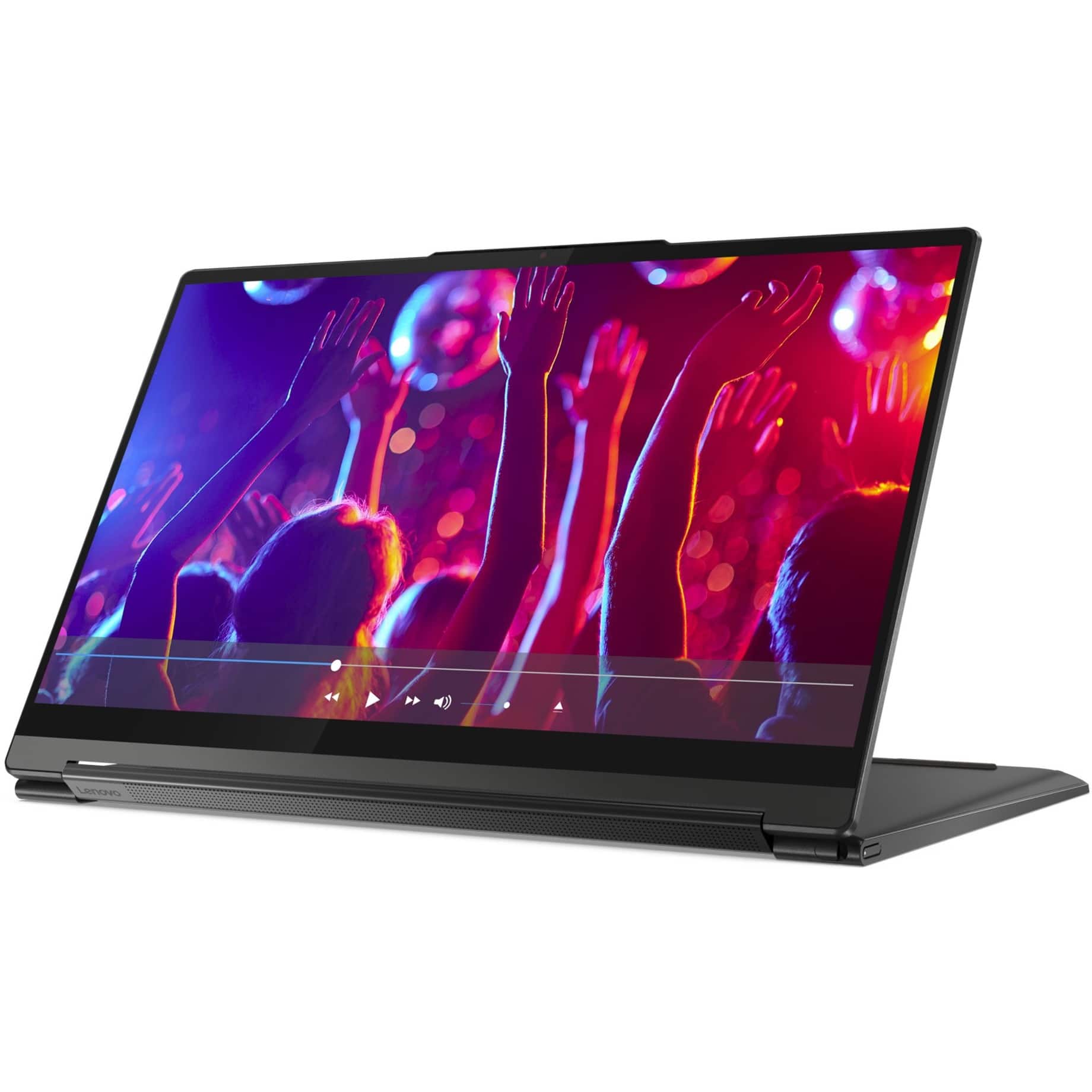
||Posted . Owned for 3 weeks when reviewed.This reviewer received promo considerations or sweepstakes entry for writing a review.Got this for my mom and the setup was easy, the touch screen works well, and it works fast! She’s very happy. It’s also really cool how you can flip the screen around and use it as it’s own stand. Mom enjoyed watching her Disney movies on it. Oh yeah, it has great sound too! Make sure to download the dolby atmos app from the microsoft store.
I would recommend this to a friendBrand response from Lenovo Product Expert
Posted .Thank you for choosing the Intel Evo-Certified, Lenovo Yoga 9i 14 for your mother. We are pleased to hear that the easy setup, features and performance of the Yoga 9i 14 meets your mother's computing needs so well.
- Pros mentioned:Touch screenCons mentioned:Battery life
Works well for what I do with it.
||Posted . Owned for 1 month when reviewed.This reviewer received promo considerations or sweepstakes entry for writing a review.I've always had desktops so this is my first laptop. It works well so far but the battery seems to drain down quickly, even with the battery saver option on. I have it plugged in with an ethernet wire to the printer and the new modem since the wireless seems to sputter in and out, but that may not be the laptop's fault. The monitor is clear and sharp for my pictures.
I would recommend this to a friendBrand response from Lenovo Product Expert
Posted .Thank you for choosing the Intel Evo-Certified, Lenovo Yoga 9i 14, model number 82BG0091US. This model ships with a Integrated 60Wh, Lithium-Polymer Battery, which within this model configuration, has a battery life of up to 10 hours, depending on the work the device is performing. If you are getting substantially less battery life, first, set your screen brightness at less than 100-percent - try 80-percent to start with. Then, be sure Battery Charge Threshold is turned off. This power management setting should only be used when the laptop is plugged in all the time. It will prolong overall battery life by only charging the battery to 60-percent of capacity. You can turn off Battery Charge Threshold within the Lenovo Vantage APP installed on this computer. In Vantage select Battery Settings and turn off Battery Charge Threshold, if turned on. Also check what programs are running in the background on the computer. Be sure only the programs you want running in the background are. These programs will drain the battery. Here is a link to information about how to find out what programs are running in the background on your Windows 11 computer and how to manage them for better system performance: https://websiteforstudents.com/how-to-find-what-is-running-in-windows-11/. Then, finally, be sure any software you installed is compatible with Windows 11. Incompatible software will drain the battery at a faster rate. There is no need to install Microsoft Office software. The software is already part of the operating system, you just need to activate the software with a purchased product key. If you have installed a copy of Microsoft Office, this is conflicting with the existing copy on the system and this will slow your system down. If you have installed a 3rd party anti-virus program, be sure that Windows Defender is turned off and that the trial version of McAfee Anti-Virus software is uninstalled. There can only be one anti-virus program on the system. You may need to restore your system to original factory default settings if any of the programming errors have occurred. You can do that by typing "restore" in the Cortana search window. Just click on the magnifying glass icon at the bottom of your Windows 11 Desktop. Click on "Reset This PC" Then click on "Get Started" and follow the on screen directions to restore to factory defaults. If the problem persists, we recommend you contact Lenovo Tech Support at: 877-453-6686.
- Pros mentioned:Speed
Fast and efficient
||Posted . Owned for more than 2 years when reviewed.This reviewer received promo considerations or sweepstakes entry for writing a review.Fast and reliable. The only thing I don't like is that it is so sensitive. You can wave your hand near something on the screen and it will change, whether you want it to or not. Have to be careful with the touch-screen.
I would recommend this to a friend - Pros mentioned:Sound quality, Touch screen
Lenovo
||Posted . Owned for 1 year when reviewed.This reviewer received promo considerations or sweepstakes entry for writing a review.Best display with a great touchpad and sound clarity
I would recommend this to a friend - Pros mentioned:Sound quality, Speed
Good but Quirkly
||Posted .This reviewer received promo considerations or sweepstakes entry for writing a review.Looks and feels like a premium laptop. The top has a very nice crinkled rubber like cover. The unit is not light, but feels good. Slightly bigger than other 14" laptops. Screen is amazing and give a whole new feeling to watching videos. Everything is super responsive. Noted that it does not seem to have face unlock, but has the script for setting it up. Also, the finger print sensor is not the most responsive and takes relocating and pressing hard to get it to respond.
I would recommend this to a friend - Pros mentioned:SpeedCons mentioned:Battery life
Loved it, until it reached close to 2 years
||Posted . Owned for 1.5 years when reviewed.This reviewer received promo considerations or sweepstakes entry for writing a review.Overall, my experience with this laptop has been outstanding. Fast, no issues, and love the stylus as I used it quite a bit for drawing on specific areas for work reports. Why only two stars? I purchased this laptop on 07/22. on 02/2024, the battery no longer holds a charge. Is this normal? I don't think so.
No, I would not recommend this to a friend - Pros mentioned:Speed, Weight
Great machine
||Posted . Owned for 1 week when reviewed.This reviewer received promo considerations or sweepstakes entry for writing a review.Bought this to replace my yoga 900. This is my 3rd yoga. Quick, slick and light. I bought the refurb from a local store and the machine had horrible WIFI/Bluetooth. Cracked the machine open, discovered the antenna was unplugged from the motherboard. Had to disassemble most of it cause the wires were buried behind the mobo. That fixed the WIFI, not for the faint of heart, but not too hard either.
I would recommend this to a friend - Pros mentioned:Sound quality, Speed, Weight
Slippery palm rest and keys ruins the experience.
||Posted . Owned for less than 1 week when reviewed.This reviewer received promo considerations or sweepstakes entry for writing a review.When my Yoga computer died after 8 years use, I went looking for a new. Picked this up and I really want to love it, but just can't. On the positive side, its fast, thin, light and the screen is awesome. However, the entire palm rest is a super-slippery glass like surface which blends with the trackpad. You literally can't keep your hands still on the rest. This combined with smooth keys and you can't type at all due to your hands and fingers sliding all over the place. I am really disappointed.
No, I would not recommend this to a friendBrand response from Lenovo Product Expert
Posted .We are sorry to hear that the features and performance of the Intel Evo-Certified, Lenovo Yoga 9i 14 does not meet your computing needs.
Lenovo
||Posted .This reviewer received promo considerations or sweepstakes entry for writing a review.Good enough for basic stuff and school work. Small so good for transport.
I would recommend this to a friend- Pros mentioned:Touch screen
Decent clearance laptop
||Posted . Owned for 7 months when reviewed.This reviewer received promo considerations or sweepstakes entry for writing a review.I bought this laptop in open box condition and I can't complain as it suites my needs. The screen in probably its best feature
I would recommend this to a friend