Customer Ratings & Reviews





- Model:
- 960-001390
- |
- SKU:
- 11525476
Customer reviews
Rating 4.7 out of 5 stars with 2347 reviews
(2,347 customer reviews)Rating by feature
- Value4.4
Rating 4.4 out of 5 stars
- Quality4.7
Rating 4.7 out of 5 stars
- Ease of Use4.7
Rating 4.7 out of 5 stars
Rated 3 out of 5 stars
Just ok for 4k
||Posted . Owned for 1 month when reviewed.This reviewer received promo considerations or sweepstakes entry for writing a review.Meh its just ok. Seems limited with zooming and quality for longer distance. You have to be right up on this thing to get the best.
This review is from Logitech - 4K Pro 4096 x 2160 Webcam with Noise-Canceling Mic - Black
No, I would not recommend this to a friend- Cons mentioned:Focus
Rated 1 out of 5 stars
NOT worth the money.
||Posted . Owned for 3 months when reviewed.This reviewer received promo considerations or sweepstakes entry for writing a review.Out of focus on one far side while focused on the rest. Not the best for any distance but works best up close. Auto focus is a mess if lots of movement in field of view. Auto-white balance freaks out in any kind of light changes like when object moves across different lighting. Software for it is lame to say the least. Very disappointed!
This review is from Logitech - 4K Pro 4096 x 2160 Webcam with Noise-Canceling Mic - Black
No, I would not recommend this to a friendBrand response from Logitech
Posted .Hi AVTech, thank you for sharing your experience with the 4k Pro webcam. I'm sorry that you experienced difficulties with the Auto-Focus as well as white balance. You can adjust the camera settings in Capture. In order for those settings to carry over into a third party platform you would want to select Capture as the video source instead of the webcam itself. I hope you are able to give it a try and see the differences. Thank you for being a Logitech customer. Kristi from Logitech
Rated 4 out of 5 stars
Works great!
||Posted .This reviewer received promo considerations or sweepstakes entry for writing a review.I am using this for creating videos...it is working great!
This review is from Logitech - 4K Pro 4096 x 2160 Webcam with Noise-Canceling Mic - Black
I would recommend this to a friendRated 2 out of 5 stars
Defective white balance issues
||Posted . Owned for 1 month when reviewed.This reviewer received promo considerations or sweepstakes entry for writing a review.This is my second return of a 4K webcam in two years. The first was due to terrible auto focus issues, the last was due to a defective white balance issue that rendered any nighttime videos a deep red hue. It is surprisingly well-reviewed online, possibly just a defective unit, but two strikes and hours of troubleshooting with drivers, firmware updates, etc.... You're out!
This review is from Logitech - 4K Pro 4096 x 2160 Webcam with Noise-Canceling Mic - Black
No, I would not recommend this to a friendBrand response from Logitech
Posted .Hi David C, Thank you for your feedback. It is greatly appreciated. Sorry for any inconvenience. If you ever need assistance, please contact Logitech Support on the website. LaShonda from Logitech
Rated 3 out of 5 stars
Egh…..
||Posted . Owned for 2 months when reviewed.This reviewer received promo considerations or sweepstakes entry for writing a review.I mean it’s alright for what it is. Nothing to tell your grandma about……
This review is from Logitech - 4K Pro 4096 x 2160 Webcam with Noise-Canceling Mic - Black
No, I would not recommend this to a friendBrand response from Logitech
Posted .We appreciate your feedback on the Logitech 4K Pro Webcam. We understand that you may have expected more from a product at this price point. We'll continue to work on improving our product offerings to meet your needs and expectations.
- Pros mentioned:Ease of use
Rated 5 out of 5 stars
Setup
||Posted . Owned for 2 weeks when reviewed.This reviewer received promo considerations or sweepstakes entry for writing a review.Very easy setup using a MacBook Pro 14 M1. The app is very useful.
This review is from Logitech - 4K Pro 4096 x 2160 Webcam with Noise-Canceling Mic - Black
I would recommend this to a friend - Pros mentioned:Image quality
Rated 5 out of 5 stars
Good webcam
||Posted . Owned for 2 weeks when reviewed.This reviewer received promo considerations or sweepstakes entry for writing a review.Good product. Would definitly reccomend. Clean and clear image
This review is from Logitech - 4K Pro 4096 x 2160 Webcam with Noise-Canceling Mic - Black
I would recommend this to a friend - Pros mentioned:Image quality
Rated 5 out of 5 stars
Great quality
||Posted . Owned for 1 year when reviewed.This reviewer received promo considerations or sweepstakes entry for writing a review.i love this, the camera’s quality is awesome for the price.
This review is from Logitech - 4K Pro 4096 x 2160 Webcam with Noise-Canceling Mic - Black
I would recommend this to a friend - Pros mentioned:Image quality
Rated 5 out of 5 stars
Logitech webcam 
||Posted . Owned for 2 weeks when reviewed.This reviewer received promo considerations or sweepstakes entry for writing a review.Love it more quality ans smooth for friendly visual for Deaf
This review is from Logitech - 4K Pro 4096 x 2160 Webcam with Noise-Canceling Mic - Black
I would recommend this to a friend - Pros mentioned:Image quality
Rated 5 out of 5 stars
Nice camera
||Posted . Owned for 2 weeks when reviewed.This reviewer received promo considerations or sweepstakes entry for writing a review.Works great out the box, clear picture for the price point.
This review is from Logitech - 4K Pro 4096 x 2160 Webcam with Noise-Canceling Mic - Black
I would recommend this to a friend Rated 3 out of 5 stars
Great potential, mediocre results
||Posted . Owned for 2 months when reviewed.This reviewer received promo considerations or sweepstakes entry for writing a review.I found the quality in Teams to be lower than the cheaper Logitech cams. Also, software on M1 Mac is not compatible.
This review is from Logitech - 4K Pro 4096 x 2160 Webcam with Noise-Canceling Mic - Black
No, I would not recommend this to a friendBrand response from Logitech
Posted .Hello, we are sorry to hear that your 4K Pro webcam is not living up to your expectations. Unfortunately, teams may be compressing your video, depending on your account type, to save bandwidth. In many cases 4k streaming may not be available. If you have any other questions or need direct assistance, you may reach us for support by opening a Technical Support ticket here: https://support.logi.com/hc/en-us/requests/new?ticket_form_id=360000621393
Rated 2 out of 5 stars
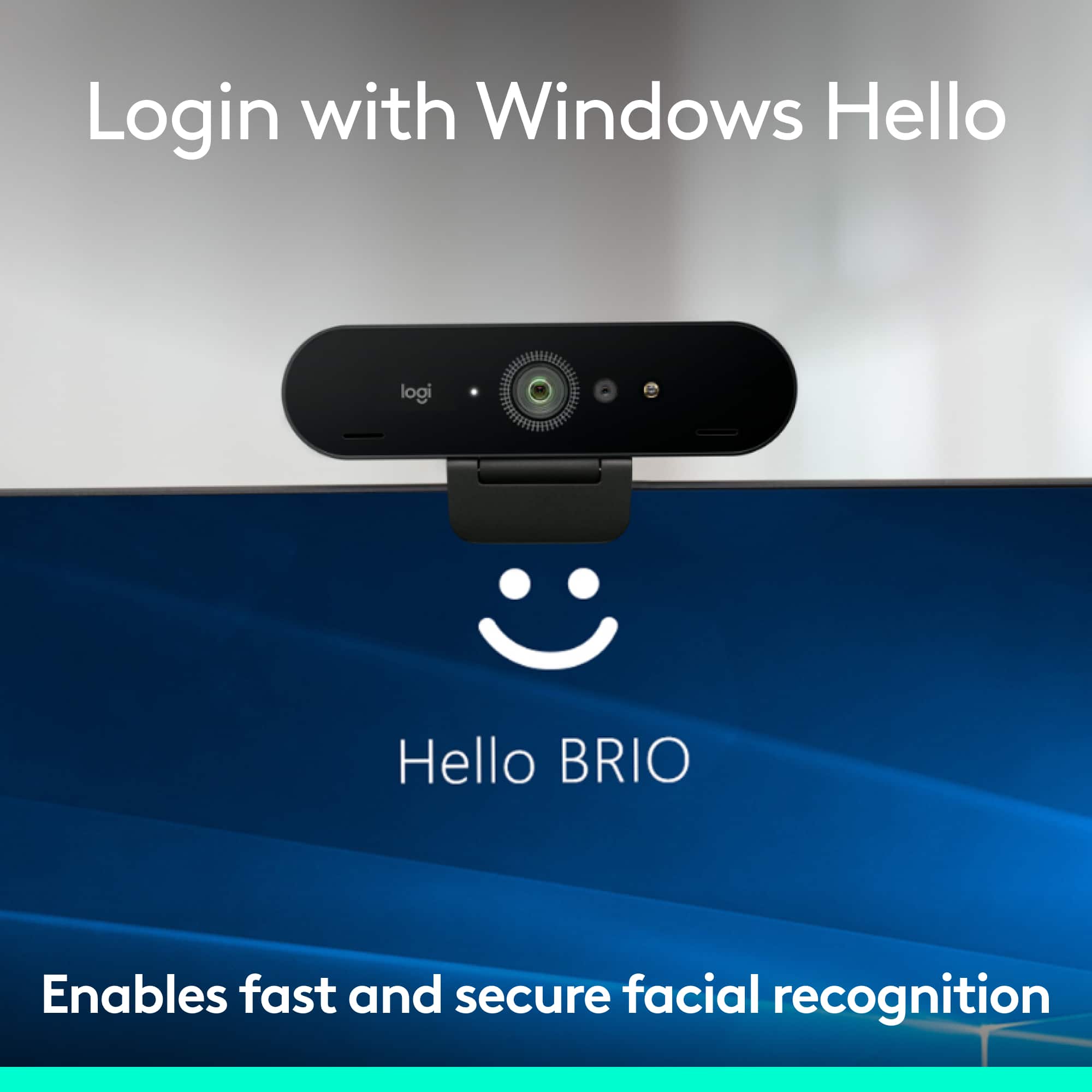
Missing Windows Hello
||Posted . Owned for 3 weeks when reviewed.This reviewer received promo considerations or sweepstakes entry for writing a review.My first impression is not that great, the camera frequently stuttered at certain resolutions and isn’t very friendly using OBS. even after testing and fixing the stuttering there is noticeable noise in the picture regardless what application or room lighting you use. And to top it off, Windows Hello is no longer natively supported with this camera using Win10. This is not worth a $180 price tag.
This review is from Logitech - 4K Pro 4096 x 2160 Webcam with Noise-Canceling Mic - Black
No, I would not recommend this to a friendBrand response from Logitech
Posted .Sorry to hear about your experience! You can try installing the Logitune software and check if this helps. Regarding Windows Hello, we will take this feedback and make sure to share it with the right team.
- Pros mentioned:Image quality
Rated 4 out of 5 stars
Good camera, but expensive
||Posted .This reviewer received promo considerations or sweepstakes entry for writing a review.It’s good, but pretty basic in terms of features. I’m not sure the extra quality is worth the price over other products. Still, a solid camera.
This review is from Logitech - 4K Pro 4096 x 2160 Webcam with Noise-Canceling Mic - Black
I would recommend this to a friend Rated 4 out of 5 stars
Great
||Posted .This reviewer received promo considerations or sweepstakes entry for writing a review.It's a great webcam to begin with . Had a great rang
This review is from Logitech - 4K Pro 4096 x 2160 Webcam with Noise-Canceling Mic - Black
I would recommend this to a friendRated 3 out of 5 stars
Decent camera
||Posted . Owned for 3 weeks when reviewed.This reviewer received promo considerations or sweepstakes entry for writing a review.A little disappointed I. The quality of the video. You do have some control over lighting and a few other things, but not any clearer than my iMac camera itself. Easy to use, but not a great 4K image I was hoping for.
This review is from Logitech - 4K Pro 4096 x 2160 Webcam with Noise-Canceling Mic - Black
No, I would not recommend this to a friendRated 3 out of 5 stars
aight
||Posted . Owned for 3 weeks when reviewed.This reviewer received promo considerations or sweepstakes entry for writing a review.Their are little lines as if it was a VHS recording from the camera quality
This review is from Logitech - 4K Pro 4096 x 2160 Webcam with Noise-Canceling Mic - Black
I would recommend this to a friendRated 3 out of 5 stars
Disappointed
||Posted . Owned for 2 weeks when reviewed.This reviewer received promo considerations or sweepstakes entry for writing a review.I was expecting a lot higher video quality with this camera. I use it with my MacBook Pro, and it does not appear to improve the resolution at all.
This review is from Logitech - 4K Pro 4096 x 2160 Webcam with Noise-Canceling Mic - Black
No, I would not recommend this to a friendRated 3 out of 5 stars
Not that good
||Posted . Owned for 5 months when reviewed.This reviewer received promo considerations or sweepstakes entry for writing a review.Not the best webcam for the price. Sometimes goes in and out and I have to trouble shot to much to keep using it. Just buy a cheaper 1080 and it will work the same
This review is from Logitech - 4K Pro 4096 x 2160 Webcam with Noise-Canceling Mic - Black
No, I would not recommend this to a friendRated 2 out of 5 stars
Not impressed
||Posted . Owned for 4 months when reviewed.This reviewer received promo considerations or sweepstakes entry for writing a review.I ended up selling this camera after trying to like it. You need ALOT of light otherwise the picture will be grainy and look awful. I was not a fan of the internal light feature it has that cannot be turned off and so whenever I was filming it would change the look of the video due to the lighting thing. I wish I could have returned it to get my money back but I was really trying to learn about it and like it and was just outside of the return window. I would suggest a different camera if you are looking for 4K.
This review is from Logitech - 4K Pro 4096 x 2160 Webcam with Noise-Canceling Mic - Black
No, I would not recommend this to a friendBrand response from Logitech
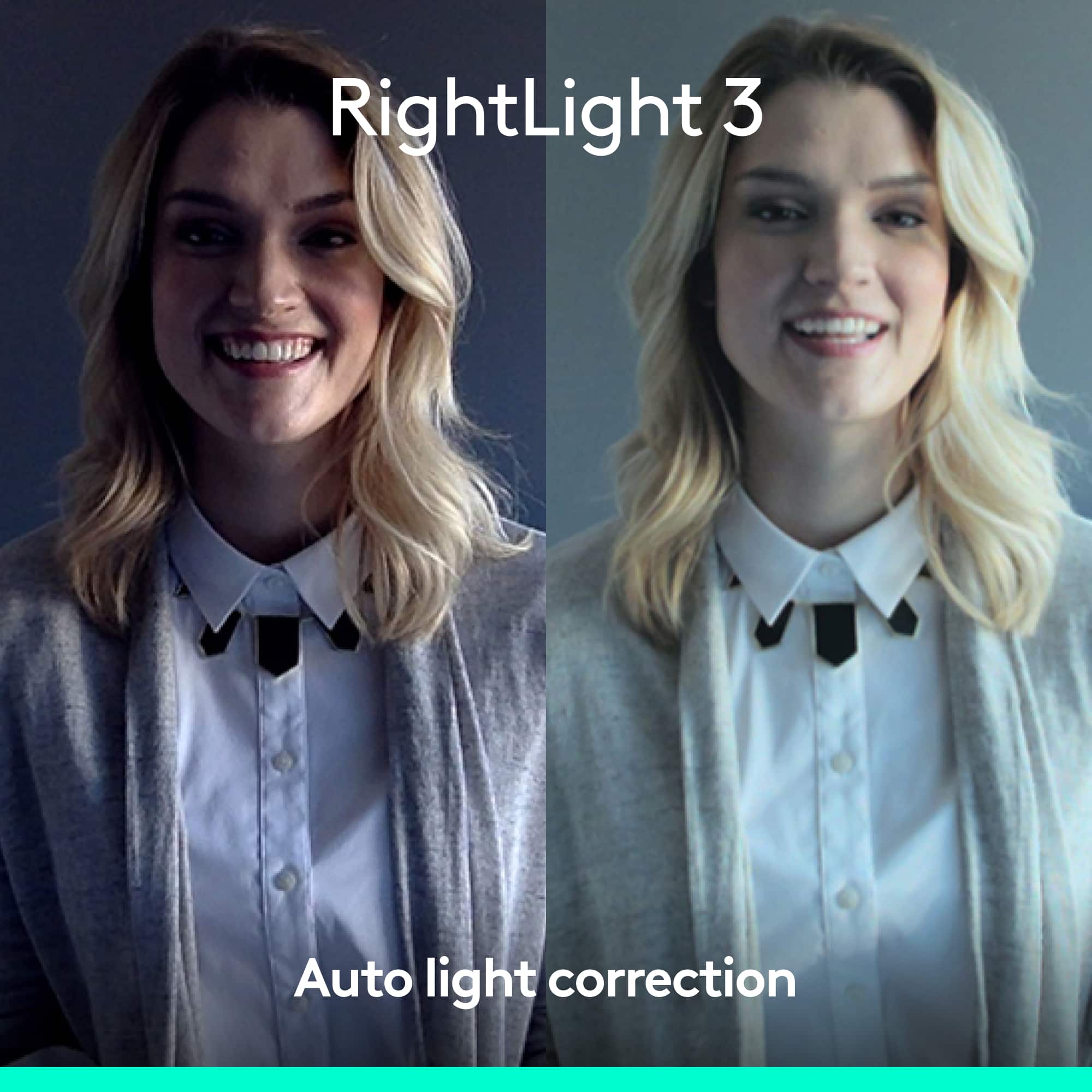
Posted .Hi JoAnna345, thank you for your feedback! Logitech BRIO with RightLight™ 3 and high dynamic range (HDR) technology adjusts to highlight the most important subject: you. Use Logitech camera settings to make adjustments. For support, please refer to; https://www.logitech.com/assets/65031/2/brio-4k-ultra-hd-webcam.pdf - Will, Logitech.
Rated 3 out of 5 stars
not a 5...
||Posted . Owned for 3 months when reviewed.This reviewer received promo considerations or sweepstakes entry for writing a review.I bought this webcam because I was sure I would love it!, but it was no clearer than my windows pc cam. My iMac camera is much better.
This review is from Logitech - 4K Pro 4096 x 2160 Webcam with Noise-Canceling Mic - Black
No, I would not recommend this to a friend
People also viewed
- $79.99$79.99The price was $99.99
- $161.99$161.99The price was $169.99
- $215.70$215.70The price was $250.55
- $619.00$619.00The price was $699.00
- $99.99$99.99The price was $119.99
- $149.00$149.00The price was $169.00