Customer Ratings & Reviews





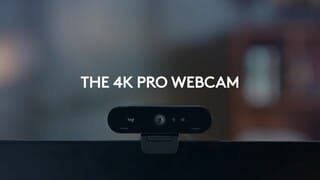
- Model:
- 960-001390
- SKU:
- 11525476
Rating by feature
- Value
Rating 4.4 out of 5 stars
- Quality
Rating 4.7 out of 5 stars
- Ease of Use
Rating 4.7 out of 5 stars
- Pros mentioned:Setup
Easy Setup
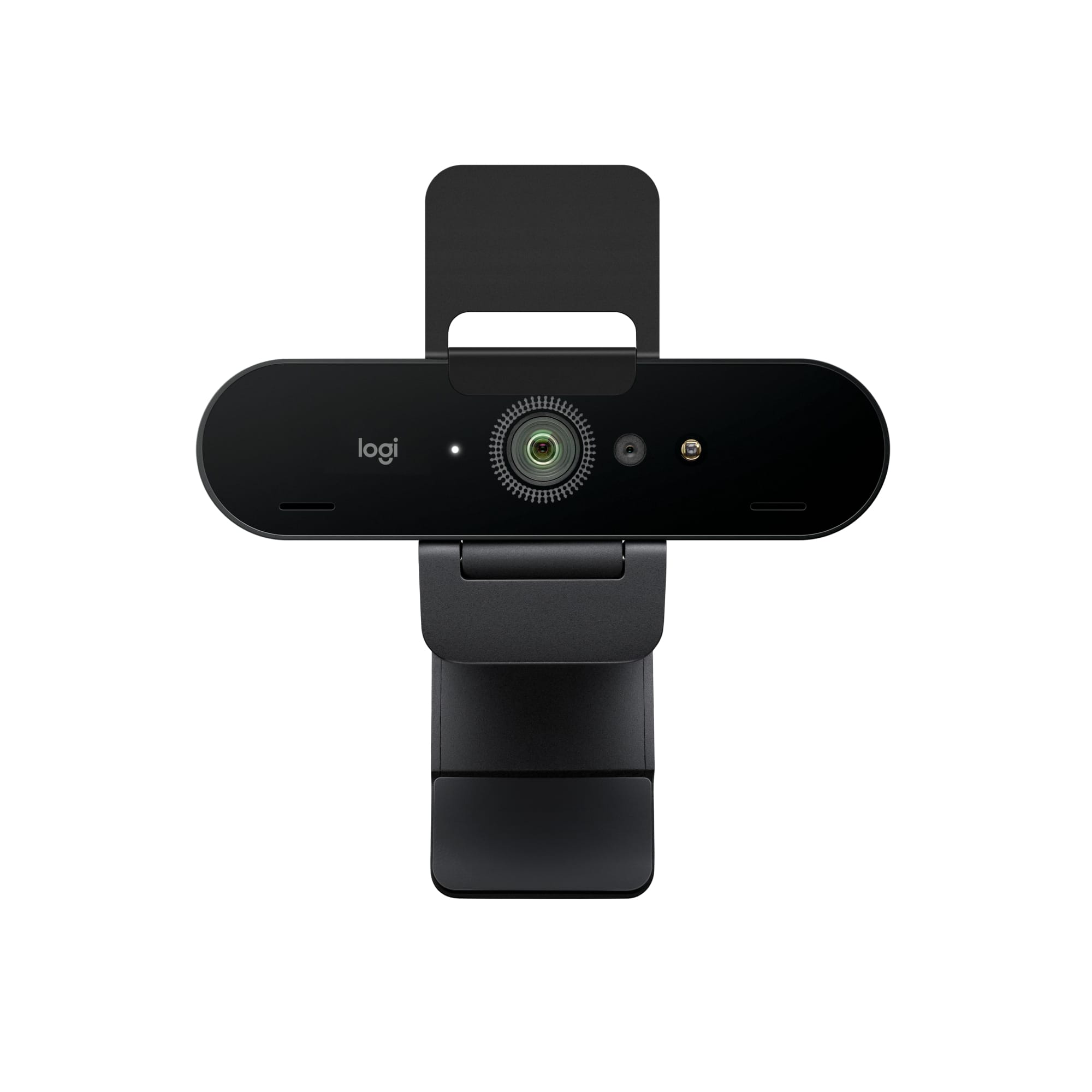
||Posted . Owned for 3 weeks when reviewed.This reviewer received promo considerations or sweepstakes entry for writing a review.Camera was smaller than I had imagined. Fits perfectly on top of my two 27" monitors. Setup was easy, just plugged it into one of my PC's USB 3.0 ports. First tried using USB 3.1 port and it didn't seem to work until I moved it to a USB 3.0 port. Found out later there was a driver issue with USB 3.1 hub chip on my Dell PC. After resolving the driver issue, the camera works fine now in the 3.1 USB port. There are software downloads available, including a firmware update, but Windows 10 doesn't need any special device drivers to support a web camera. The Pandemic made the Logitech Brio 4k Webcamera hard to find in stock at a reasonable price, BestBuy had it for MSRP, ready to ship. Everywhere else it was on back order or jacked up prices. In high demand!
I would recommend this to a friend - Pros mentioned:Image quality
Excellent Image Quality, Windows Hello Issues
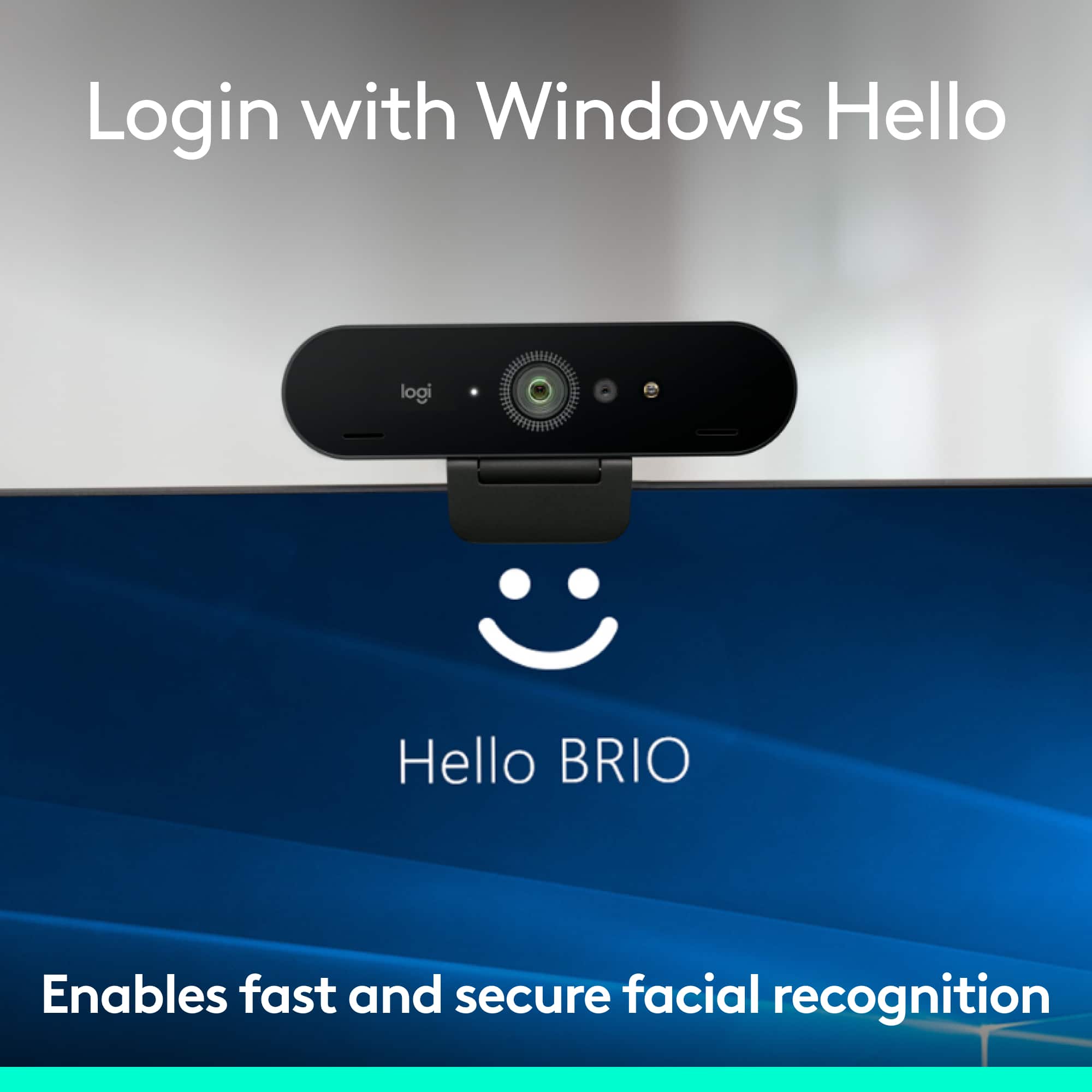
||Posted .This reviewer received promo considerations or sweepstakes entry for writing a review.Great Image Quality and the microphone picks up sound with good quality. I had bought this so I could use Windows Hello to login since I have my laptop docked to my external monitors. I have been able to get Windows Hello to work randomly with the Logitech sometimes when windows decides to use it as the default camera. This typically happens when the laptop is booted up and the lid is open, although it doesn't always happen because it often defaults to the onboard laptop cameras. I can't figure out a way to force windows to use the Logitech vs the built in camera on the laptop, even if the laptop lid is shut. The only viable solutions I found online was to disable the onboard cameras, which I don't want to do since I also want the onboard cameras to work when I undock the laptop. This is more of a Windows problem although Logitech should work with Microsoft to address this. Thus, I'm only reducing by 1 star. Logitech should make it clear that this won't really work with laptops that already have camera support Windows Hello Login.
I would recommend this to a friend Great webcam
||Posted . Owned for 2 weeks when reviewed.This reviewer received promo considerations or sweepstakes entry for writing a review.Well weighted and stays put, great visuals and nice design
I would recommend this to a friendBrand response from Logitech
Posted .Hey! We’re grateful for your thoughtful feedback. It’s encouraging to know our product is meeting your expectations. Thanks for being part of our journey.

- Pros mentioned:Field of view, Image quality
Great Camera!
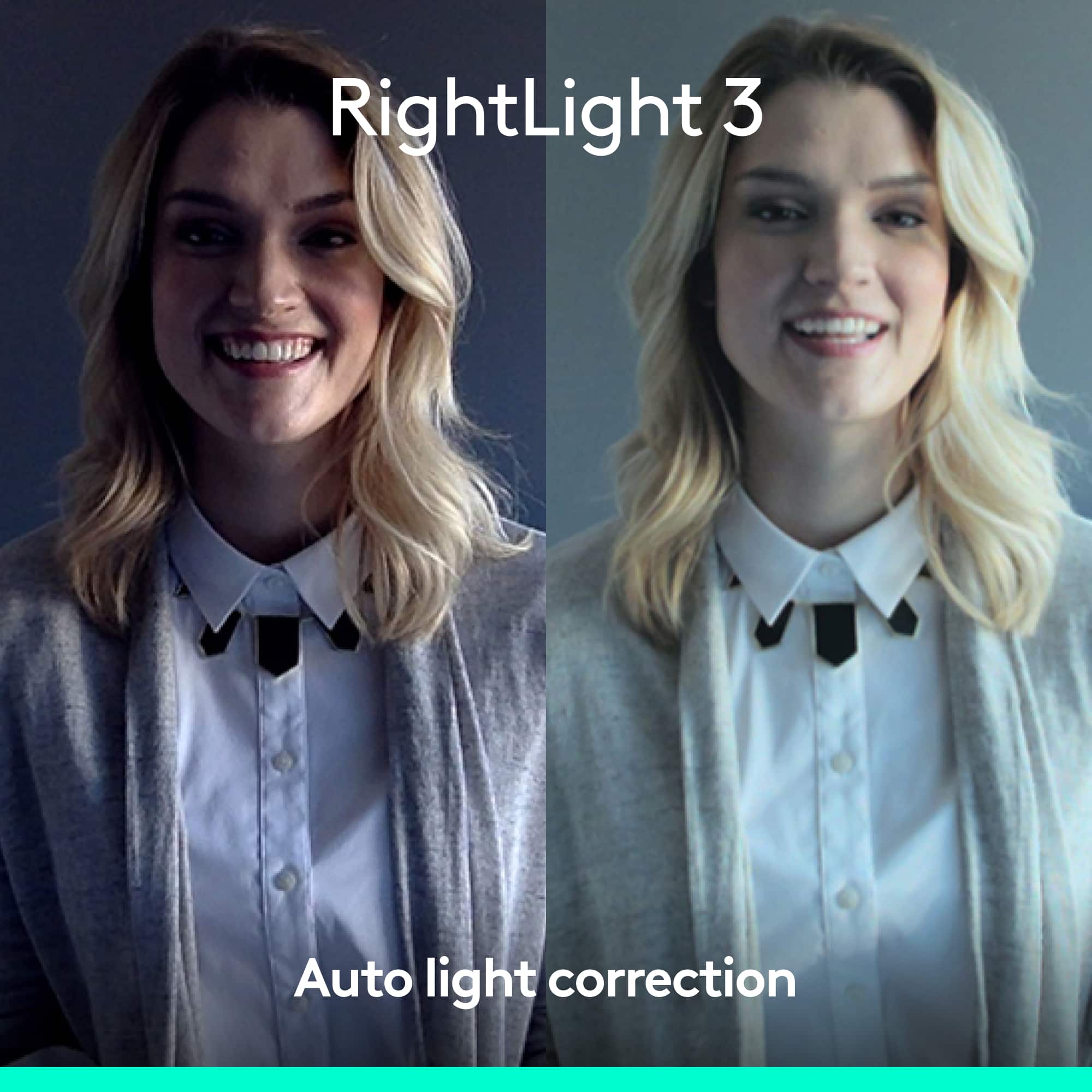
||Posted . Owned for 2 weeks when reviewed.This reviewer received promo considerations or sweepstakes entry for writing a review.Very clear picture with a wide field of view. Sound through the mic is fine/average. The camera works well in low light; in fact if I had one complaint it’s that it’s too easy to have the image look washed out or overexposed in normal light conditions. But overall I’m pleased with the purchase.
I would recommend this to a friend - Pros mentioned:Image quality
Great camera - setup easy as is use
||Posted . Owned for 3 weeks when reviewed.This reviewer received promo considerations or sweepstakes entry for writing a review.Great camera - you can change the width, zoom in/out, and other stylized settings even while you are on a call. The microphone is clear and doesn't pick up a lot of background noise. I've had one for about 2 years and just bought this for the other laptop.
I would recommend this to a friendBrand response from Logitech
Posted .We're thrilled to hear that you're so happy with the Logitech 4K Pro Webcam! It's fantastic to know that it's been such a reliable and versatile tool for you. Thank you for your continued support of Logitech.
- Pros mentioned:Image qualityCons mentioned:Focus
Overall Satisfied
||Posted . Owned for 2 weeks when reviewed.This reviewer received promo considerations or sweepstakes entry for writing a review.Good quality, loses focus occasionally but might be some degree of user error. Only complaint is that I had to lookup the software to install for adjusting parameters though (maybe overlooked this in box but didn’t see). Overall satisfied though.
I would recommend this to a friend - Pros mentioned:Image quality
A Decent Webcam.
||Posted . Owned for 1 month when reviewed.This reviewer received promo considerations or sweepstakes entry for writing a review.I think between most products you can buy, this webcam is a middle ground between spending the money on a camera and a lower quality webcam. The quality on this camera is good, but the applications to white balance, and use the webcam to a professional standard are minimal for the price. I believe for the price you could get a better camera because most other webcams have similar quality if you just increase the lighting quality in your shot. It's more about lighting and color grading than the actual device.
No, I would not recommend this to a friendBrand response from Logitech
Posted .The Logitech 4K Pro offers solid image quality but falls short of professional-grade features for its price point. While it's a step up from lower-tier webcams, optimizing lighting and color correction is crucial for achieving professional-looking results.
- Pros mentioned:Image quality
Great camera!
||Posted .This reviewer received promo considerations or sweepstakes entry for writing a review.Great image quality! Very sleek little design, couldn’t have found a better camera for the price.
I would recommend this to a friendBrand response from Logitech
Posted .That's wonderful to hear! We're thrilled that you're loving the Logitech 4K Pro Webcam and its great image quality. We're also glad you appreciate its sleek, compact design and that you feel it's an excellent value. Enjoy your clear video calls!
- Pros mentioned:Image quality
Very high quality
||Posted .This reviewer received promo considerations or sweepstakes entry for writing a review.Very good for streaming on the twitch and other platforms for video recording. Extremely high quality
I would recommend this to a friendBrand response from Logitech
Posted .That's fantastic to hear! We're thrilled that the Logitech 4K Pro Webcam is exceeding your expectations and delivering "extremely high quality" for your Twitch streams and other video recording platforms.
It's truly designed to offer a professional-grade video experience, and your feedback confirms it's hitting that mark for creators like yourself. Happy streaming!
- Pros mentioned:Field of view, Image quality
Excellent webcam
||Posted . Owned for 2 weeks when reviewed.This reviewer received promo considerations or sweepstakes entry for writing a review.Great product as a substitute of the built-in camera. I really like the clarity and the wide angle of the camera view. I can record 4K. Not all video conference software accept 4k resolution, yet.
I would recommend this to a friend - Pros mentioned:Field of view, Image quality
You can never go wrong with Logitech.
||Posted . Owned for 8 months when reviewed.This reviewer received promo considerations or sweepstakes entry for writing a review.I never had a webcam before but I am glad I went with this one because the quality is perfect and has different fields of view which comes in handy for people wanting to show more background.
I would recommend this to a friend - Pros mentioned:Image quality, Setup
Grata webcam
||Posted . Owned for 1 week when reviewed.This reviewer received promo considerations or sweepstakes entry for writing a review.It has amazing quality and easy to setup and I use all the time and recommended it to everyone.
I would recommend this to a friend - Pros mentioned:Setup
Great Webcam!
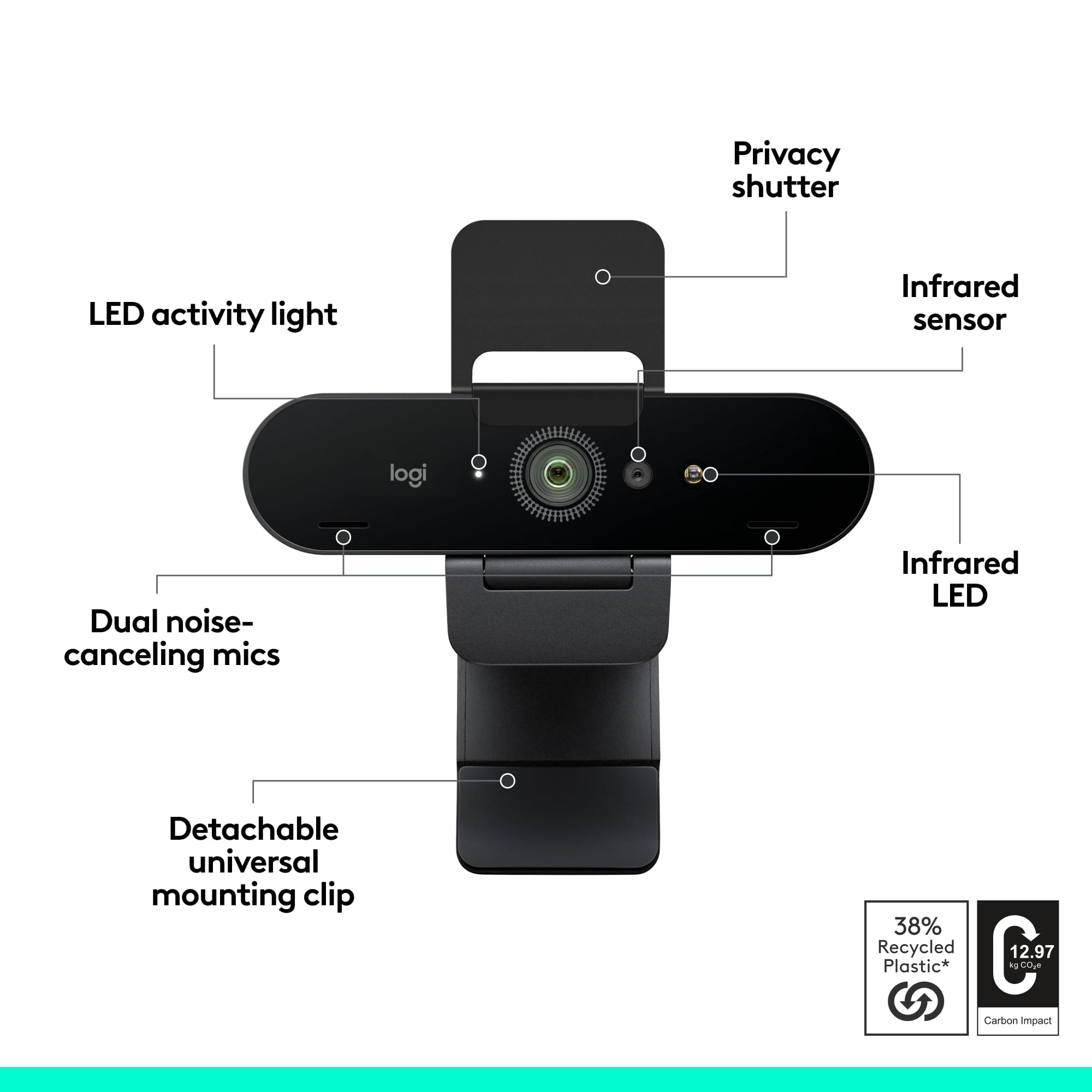
||Posted . Owned for 1 month when reviewed.This reviewer received promo considerations or sweepstakes entry for writing a review.Easy to set up and live with. Fits nicely on top of my LG monitor and has a flap door to cover the camera when not in use too. No complaints!
I would recommend this to a friendBrand response from Logitech
Posted .We're thrilled to hear you're enjoying the Logitech 4K Pro Webcam! It's fantastic that you found it easy to set up and appreciate how nicely it fits on your LG monitor, especially with the convenient privacy flap. Thanks for sharing your great feedback!
- Pros mentioned:Image quality
Expensive, but great picture quality.
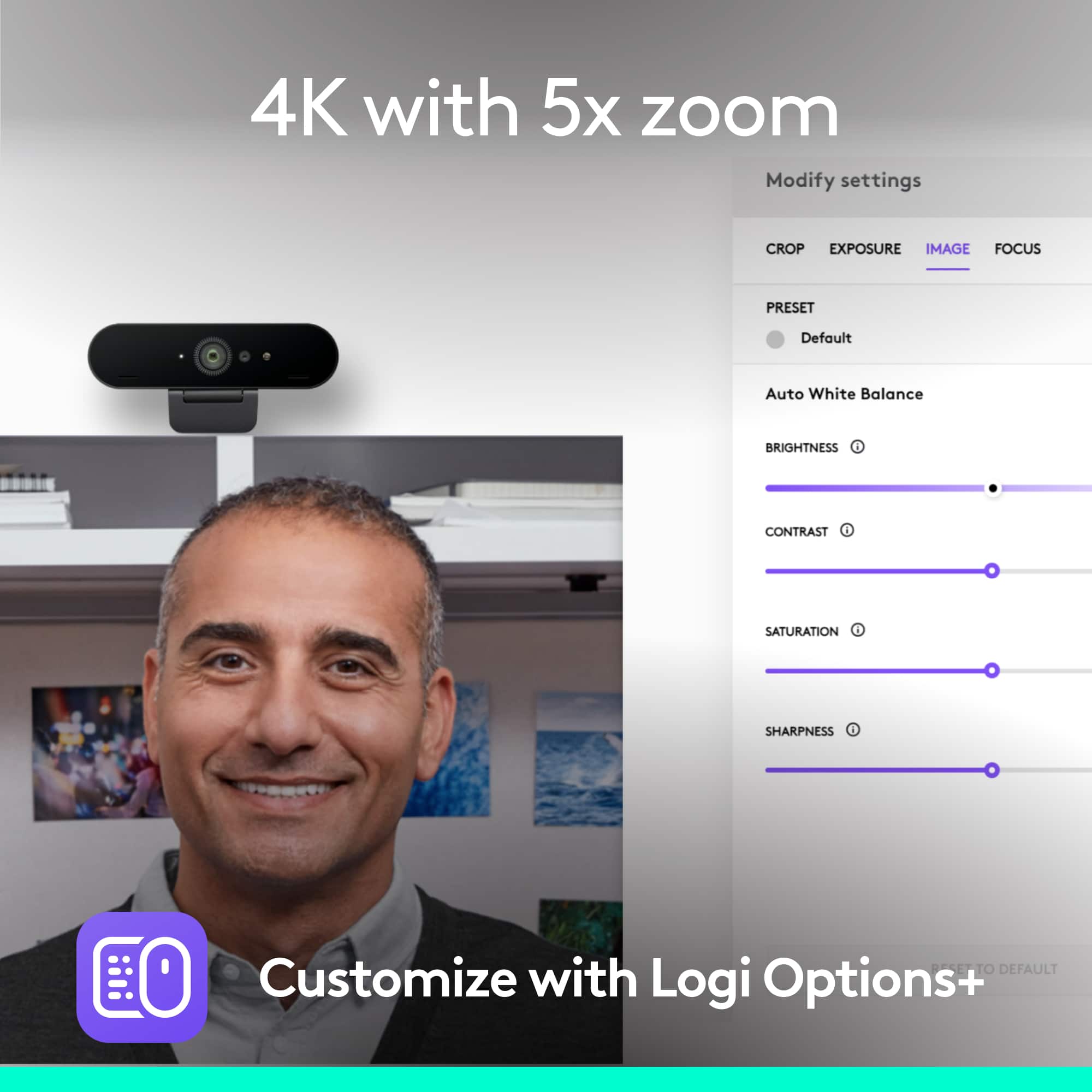
||Posted . Owned for 2 months when reviewed.This reviewer received promo considerations or sweepstakes entry for writing a review.Well it is expensive, but worth it. There are two great features compared with a $50 no name camera: 1. The picture quality is really good. It handles light flares really well and if you load up the Logitech application then you can set the zoom to 78, 90 or wide open. That is great for Zooming. 2. The thing is compatible with Windows Hello. So if you connect it to your desktop, it will recognize you and login. The setup is awfully hard but is does work. As an aside, it is a 4K camera, but most uses only need HD, so that's not the reason to get it.
I would recommend this to a friendBrand response from Logitech
Posted .Hi rich! Glad too see you're getting the best video with your 4K Pro Webcam! Hopefully Microsoft comes up with a way to make it easier to setup the webcam with Windows Hello in the future. If you're looking to record, check out the free Logitech Capture Software for all your video needs! Continue to enjoy!
- Pros mentioned:Image quality
Crystal clear
||Posted .This reviewer received promo considerations or sweepstakes entry for writing a review.Really the only product of its kind on the market, only comparable item is the Razer Stargazer. We got this camera in order to start streaming and doing YouTube videos. The picture is crystal clear and it's about as simple of a setup you could imagine on Windows 10. You can use it for facial recognition to sign on to Win10 and it only takes a matter of seconds. My only complaint is the green screen functionality has a long ways to go as far as being able to block out the background but still show your face, you can still see the background or it covers part of your face. If you actually set up a green screen though, it works perfectly, but the whole point is supposed to be able to do it without an actual green screen. To sum it up; crystal clear video, simple setup and works great within minutes.
I would recommend this to a friend - Pros mentioned:Ease of use
Good Camera with Mic
||Posted . Owned for 1 month when reviewed.This reviewer received promo considerations or sweepstakes entry for writing a review.Good device for the money. Clear and easy to use/hook up. Has the built in mic, so solves 2 needs in one device. A little clumsy to hang on my monitor, but works all the same.
I would recommend this to a friend - Cons mentioned:Focus
Logitech Brio, shimmer Logitech can't see problem
||Posted . Owned for 3 weeks when reviewed.This reviewer received promo considerations or sweepstakes entry for writing a review.Unhappy with it. Worked right out of the box, no installation issues. Picture out if focus, bit of searching, found I needed to download Logitech Capture. Did that, was able to adjust focus. For the price, I expected better focus. Video produced by camera has shimmer. Intensity varies depending on the monitor but it persists on two completely different computers, two monitors, two laptop screens and an ipad. Have tried with different resolution. Before logging ticket with Logitech, I web searched and tried the things others have tried. No success. Logged ticket with Logitech. I believe they have worked in good faith but they say they do not see the shimmer! They say three levels of tech support have viewed it and see no shimmer. About that time, a friend who has been a computer hardware professional for many years came to my house and offered to help. Actually he had heard the Brio was great and wanted to play with it. He saw the shimmer immediately, tried everything that worked in the past for him, still shimmer. For me, the shimmer is mostly in thr background which is carpet and wooden bookcases. For him, the shimmer is in his beard. For the record the autofocus was off because we both thought it was a focus problem since it seemed to be worst in areas of detail. My biggest concern is, I FIND THE VIDEO NAUSEATING and it gives me a headache to watch it. In addition, I installed a Windows update, that then broke the Logitech Capture, and I had to uninstall, reinstall that. My biggest regret is that if I had just sent it back to Best Buy, it would have been refunded with no hassle. But Logitech kept me trying things until the return period expired. I have owned a lot of Logitech gear over the years, including cameras, and never had any problems. This includes several cameras. But my dissatisfaction here is that I have a problem that Logitech can't see and both me and my friend clearly can see. And can anyone tell me how to get the plastic clip off the bottom so I can use a tripod? Does it screw off? I don't remember installing it and if it is supposed to turn, I am concerned because I am unable to turn it. It is very tight and I am afraid to force it and break it. I hope I have represented this dispassionately and honestly. This is our status at the moment. I spent what for me is a lot of money, bought a product with good reviews, have the same problem others have discussed online, and Logitech says they can't see the problem. Fyi, Best Buy, I would never have written this review had you not sent me email. I would have just never bought Logitech again but done so quietly. Why do vendors pester me for reviews?
No, I would not recommend this to a friend - Pros mentioned:Image quality
Amazing Cam!
||Posted .This reviewer received promo considerations or sweepstakes entry for writing a review.Amazing webcam for streaming / meetings / anything! Crisp picture at 4k 60 fps for the price is unbeatable! Thanks a lot!
I would recommend this to a friendBrand response from Logitech
Posted .We're delighted to hear you're loving the Logitech 4K Pro Webcam! It's fantastic to know the crisp 4K 60 fps picture is exceeding your expectations for all your streaming and meeting needs. Thank you for sharing your amazing feedback!
- Pros mentioned:Image quality
camera use
||Posted . Owned for 1 month when reviewed.This reviewer received promo considerations or sweepstakes entry for writing a review.I brought this to enhance my live sessions, this takes my videos to another level
I would recommend this to a friendBrand response from Logitech
Posted .📸 Thank you for sharing your experience with the Logitech 4K Pro! We're thrilled to hear it’s elevating your live sessions and delivering the video upgrade you were looking for. Your feedback inspires us to keep pushing the boundaries of clarity and performance!
- Pros mentioned:Ease of use, Image quality
Works great
||Posted .This reviewer received promo considerations or sweepstakes entry for writing a review.There are definitely cheaper options that are passable, but if you can afford it, this has great picture and sound, and is very easy to use with Apple computers.
I would recommend this to a friend