Customer Ratings & Reviews





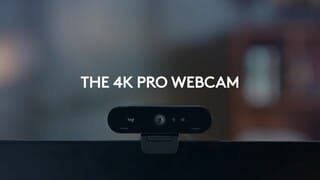
- Model:
- 960-001390
- |
- SKU:
- 11525476
Customer reviews
Rating 4.7 out of 5 stars with 2347 reviews
(2,347 customer reviews)Rating by feature
- Value4.4
Rating 4.4 out of 5 stars
- Quality4.7
Rating 4.7 out of 5 stars
- Ease of Use4.7
Rating 4.7 out of 5 stars
- Pros mentioned:Image quality
Rated 5 out of 5 stars
Awesome image quality
||Posted .This reviewer received promo considerations or sweepstakes entry for writing a review.Great quality image, autofocus and illumination works great, perfect for meetings and remote work
This review is from Logitech - 4K Pro 4096 x 2160 Webcam with Noise-Canceling Mic - Black
I would recommend this to a friend - Pros mentioned:Image quality
Rated 5 out of 5 stars
excellent camera for my son
||Posted . Owned for 3 weeks when reviewed.This reviewer received promo considerations or sweepstakes entry for writing a review.my son is doing a lot of video conferencing with his on line courses and likes all the features of the Logitech 4K pro Webcam
This review is from Logitech - 4K Pro 4096 x 2160 Webcam with Noise-Canceling Mic - Black
I would recommend this to a friend - Pros mentioned:Image quality
Rated 4 out of 5 stars
Good but Overpriced
||Posted . Owned for 3 weeks when reviewed.This reviewer received promo considerations or sweepstakes entry for writing a review.It is a nice camera but a bit overpriced as a result of the pandemic. The image quality is quite good but not razor sharp. With the current shortage I was lucky to get one.
This review is from Logitech - 4K Pro 4096 x 2160 Webcam with Noise-Canceling Mic - Black
I would recommend this to a friend - Pros mentioned:Image quality
Rated 5 out of 5 stars
Logi logi
||Posted . Owned for 2 months when reviewed.This reviewer received promo considerations or sweepstakes entry for writing a review.Love this cam everything looks crispy and the adjustments are super easy to go thru
This review is from Logitech - 4K Pro 4096 x 2160 Webcam with Noise-Canceling Mic - Black
I would recommend this to a friend - Pros mentioned:Image quality
Rated 5 out of 5 stars
Webcam
||Posted . Owned for 2 weeks when reviewed.This reviewer received promo considerations or sweepstakes entry for writing a review.Quality image specially good in low light HDR 4K and 1080p is a huge step up for older iMac.
This review is from Logitech - 4K Pro 4096 x 2160 Webcam with Noise-Canceling Mic - Black
I would recommend this to a friend - Pros mentioned:Image quality
Rated 5 out of 5 stars
Great zoom Camera
||Posted . Owned for 3 months when reviewed.This reviewer received promo considerations or sweepstakes entry for writing a review.Great picture and audio. Zero issues.even the software that controls it is well done.
This review is from Logitech - 4K Pro 4096 x 2160 Webcam with Noise-Canceling Mic - Black
I would recommend this to a friend - Pros mentioned:Image quality
Rated 2 out of 5 stars
NOT compatible with Mac M1
||Posted . Owned for 4 months when reviewed.This reviewer received promo considerations or sweepstakes entry for writing a review.This camera was a decent one when used with a Mac/Intel MacBook Pro. It still had a few issues, like occasionally not responding, and the Logi capture software being glitchy. However, it was a good 4k camera apart from the few glitches. Now I connected it to my Mac mini M1 and installed Logi Capture. It crashes every time I open it. It turns out that, despite the Mac/M1 chips being out for 11 months now, Logitech has not bothered to update it for the new hardware. Lots of people have posted about this, and contacted Logitech support, with no progress. For such an expensive camera and big organization as Logitech, this is just not acceptable. Lowering rating to two stars and now looking for another camera. (Ironically, a google search for "m1 compatible webcam" listed this in first position.... gotta love misleading google searches).
This review is from Logitech - 4K Pro 4096 x 2160 Webcam with Noise-Canceling Mic - Black
No, I would not recommend this to a friendBrand response from Logitech
Posted .Hello mcgurme! Sorry to hear you're having issues using your 4K Pro Webcam with Noise-Cancelling Mic on your Mac M1. A lot of software that were designed to work with Intel-based Mac computers might run into issues on an M1, as that technology didn't exist prior to their release. A solution to this would be to run Apple's Rosetta 2, which enables a Mac with Apple silicon to use apps built for a Mac with an Intel processor. You'll be able to finf more information here: https://support.apple.com/en-us/HT211861 Hope it helps! - Mathieu from Logitech
- Pros mentioned:Image quality
Rated 5 out of 5 stars
Quality cam
||Posted . Owned for 1 month when reviewed.This reviewer received promo considerations or sweepstakes entry for writing a review.So far so good. Logitech usually does not disappoint. Excellent quality. Very happy with this camera!
This review is from Logitech - 4K Pro 4096 x 2160 Webcam with Noise-Canceling Mic - Black
I would recommend this to a friend - Pros mentioned:Image quality
Rated 5 out of 5 stars
4K or nothing.
||Posted . Owned for 1 month when reviewed.This reviewer received promo considerations or sweepstakes entry for writing a review.Honestly this is too good and it's angers me when others have a lesser camera than me.
This review is from Logitech - 4K Pro 4096 x 2160 Webcam with Noise-Canceling Mic - Black
I would recommend this to a friend - Pros mentioned:Image quality
Rated 5 out of 5 stars
Excellent 4K webcam
||Posted . Owned for 1 week when reviewed.This reviewer received promo considerations or sweepstakes entry for writing a review.Excellent 4k webcam for professional videos - can be used on multiple operating systems
This review is from Logitech - 4K Pro 4096 x 2160 Webcam with Noise-Canceling Mic - Black
I would recommend this to a friend - Pros mentioned:Image quality
Rated 5 out of 5 stars
Well built
||Posted . Owned for 6 months when reviewed.This reviewer received promo considerations or sweepstakes entry for writing a review.Great Connectivity and view. The camera quality and build are solid.
This review is from Logitech - 4K Pro 4096 x 2160 Webcam with Noise-Canceling Mic - Black
I would recommend this to a friend - Pros mentioned:Field of view
Rated 5 out of 5 stars
Wide angle and clear
||Posted . Owned for 2 weeks when reviewed.This reviewer received promo considerations or sweepstakes entry for writing a review.I am very satisfied with this camera. The amount of space it captures is better than any other webcam on the market
This review is from Logitech - 4K Pro 4096 x 2160 Webcam with Noise-Canceling Mic - Black
I would recommend this to a friend - Pros mentioned:Image quality
Rated 5 out of 5 stars
OUTSTANDING
||Posted .This reviewer received promo considerations or sweepstakes entry for writing a review.ABSOLUTELY Love the quality of this camera! I highly recommend this product. I researched a lot of different ones and so happy I selected this one.
This review is from Logitech - 4K Pro 4096 x 2160 Webcam with Noise-Canceling Mic - Black
I would recommend this to a friend - Pros mentioned:Image quality
Rated 5 out of 5 stars
Great picture
||Posted . Owned for 2 months when reviewed.This reviewer received promo considerations or sweepstakes entry for writing a review.Wonderful camera that makes you look great. High quality and high resolution
This review is from Logitech - 4K Pro 4096 x 2160 Webcam with Noise-Canceling Mic - Black
I would recommend this to a friend - Pros mentioned:Image quality
Rated 5 out of 5 stars
Awesome!
||Posted . Owned for 1 year when reviewed.This reviewer received promo considerations or sweepstakes entry for writing a review.This is a super sharp and high quality web cam, you just can't go wrong with this unit. Highly recommended.
This review is from Logitech - 4K Pro 4096 x 2160 Webcam with Noise-Canceling Mic - Black
I would recommend this to a friend - Pros mentioned:Ease of use
Rated 5 out of 5 stars
A Smith
||Posted .This reviewer received promo considerations or sweepstakes entry for writing a review.It was easy to use and it was worth the $. I would definitely recommend this product.
This review is from Logitech - 4K Pro 4096 x 2160 Webcam with Noise-Canceling Mic - Black
I would recommend this to a friend - Pros mentioned:Image quality
Rated 4 out of 5 stars
Great cam for more serious broadcasting
||Posted . Owned for 3 weeks when reviewed.This reviewer received promo considerations or sweepstakes entry for writing a review.Excellent quality and easy to install. I love this webcam
This review is from Logitech - 4K Pro 4096 x 2160 Webcam with Noise-Canceling Mic - Black
I would recommend this to a friend Rated 5 out of 5 stars
Best monitor web camera ever.
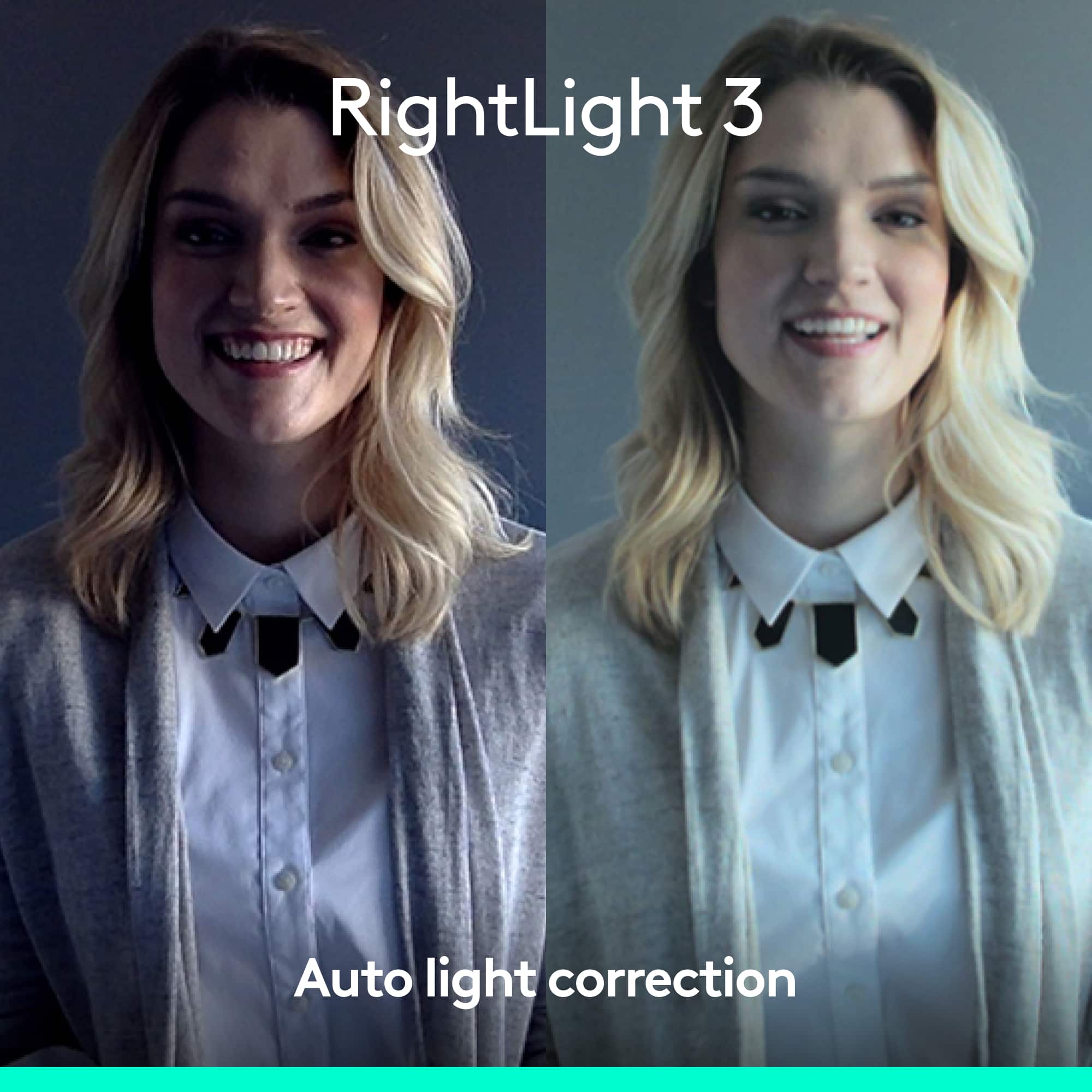
||Posted . Owned for less than 1 week when reviewed.This reviewer received promo considerations or sweepstakes entry for writing a review.By far the best WebCam I’ve ever used. Sometimes I enjoy working with the LEDs off in my office, and if I have a zoom call with my lights off, the camera makes it appear as if my room is fully lit. The microphone clarity in the options available are the best around.
This review is from Logitech - 4K Pro 4096 x 2160 Webcam with Noise-Canceling Mic - Black
I would recommend this to a friend- Pros mentioned:Image quality
Rated 5 out of 5 stars
Webcam winner
||Posted .This reviewer received promo considerations or sweepstakes entry for writing a review.Easy set up. Just plug in and it automatically connects. Great picture quality compared to my laptop camera.
This review is from Logitech - 4K Pro 4096 x 2160 Webcam with Noise-Canceling Mic - Black
I would recommend this to a friend - Pros mentioned:Image quality
Rated 5 out of 5 stars
Amazing quality
||Posted . Owned for 1 month when reviewed.This reviewer received promo considerations or sweepstakes entry for writing a review.Great product with an outstanding camera capturing quality
This review is from Logitech - 4K Pro 4096 x 2160 Webcam with Noise-Canceling Mic - Black
I would recommend this to a friendBrand response from Logitech
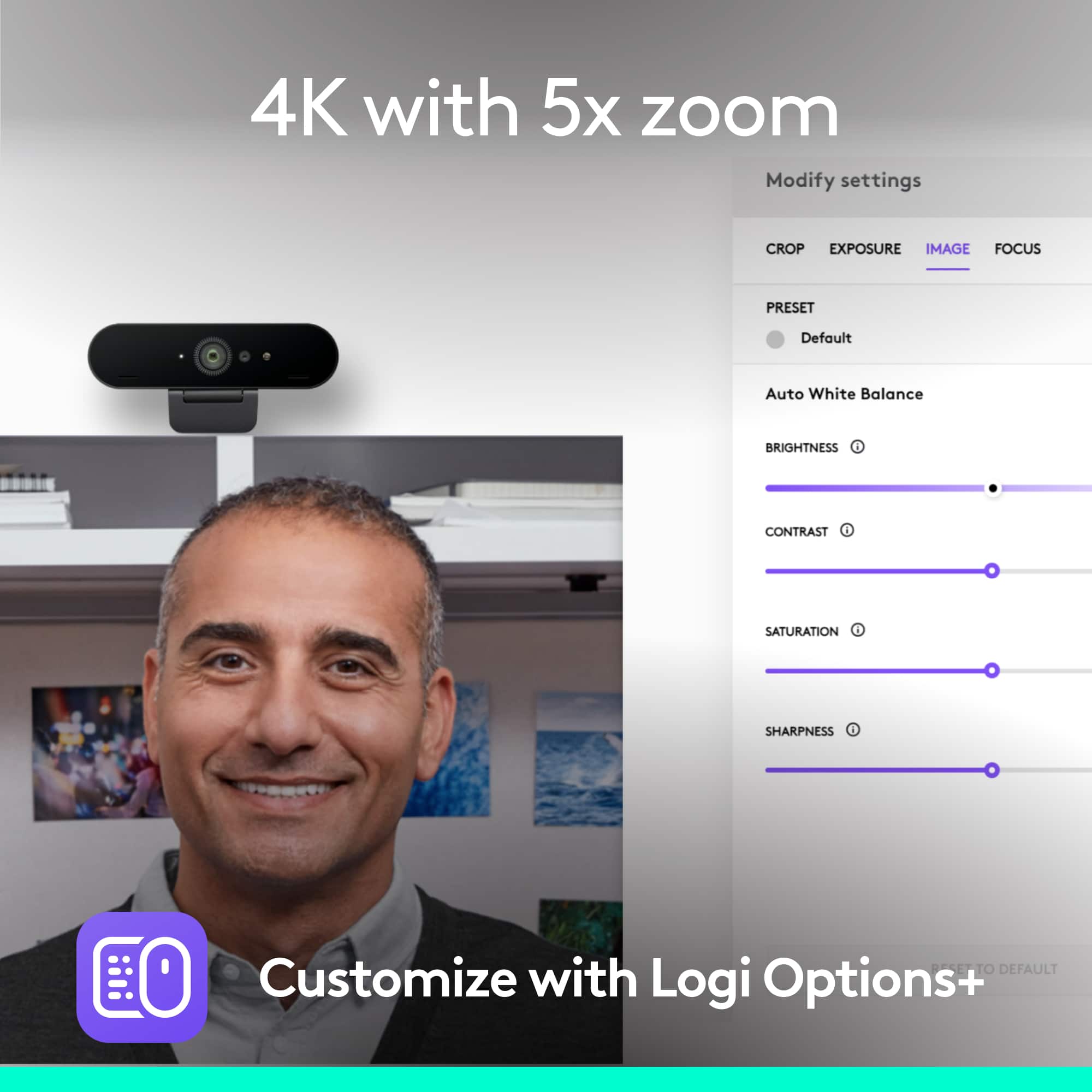
Posted .Hi Falcon21, Thank you for this rave 5-star review of the 4K Pro Webcam---your feedback is greatly appreciated. If you haven't done so already, I highly recommend using Logitech's Logi Tune software. Logi Tune simplifies personal device control and customization on select models, including Logitech 4K Pro webcam. The mini app works unobtrusively on your screen for uninterrupted video collaboration, providing zoom in/out, color presets, color adjustments, set manual focus, and enables easy download of firmware updates. Here's a link to the download: https://support.logi.com/hc/en-us/articles/4402711293335-Download-4K-Pro-Webcam. Hope that you found this helpful and that all continues to go well. Thank you for choosing Logitech. - Richard from Logitech