Customer Ratings & Reviews


- Model:
- 960-001427
- SKU:
- 10397760
Rating by feature
- Value
Rating 4.4 out of 5 stars
- Quality
Rating 4.6 out of 5 stars
- Ease of Use
Rating 4.6 out of 5 stars

Smart Framing and Full HD webcam
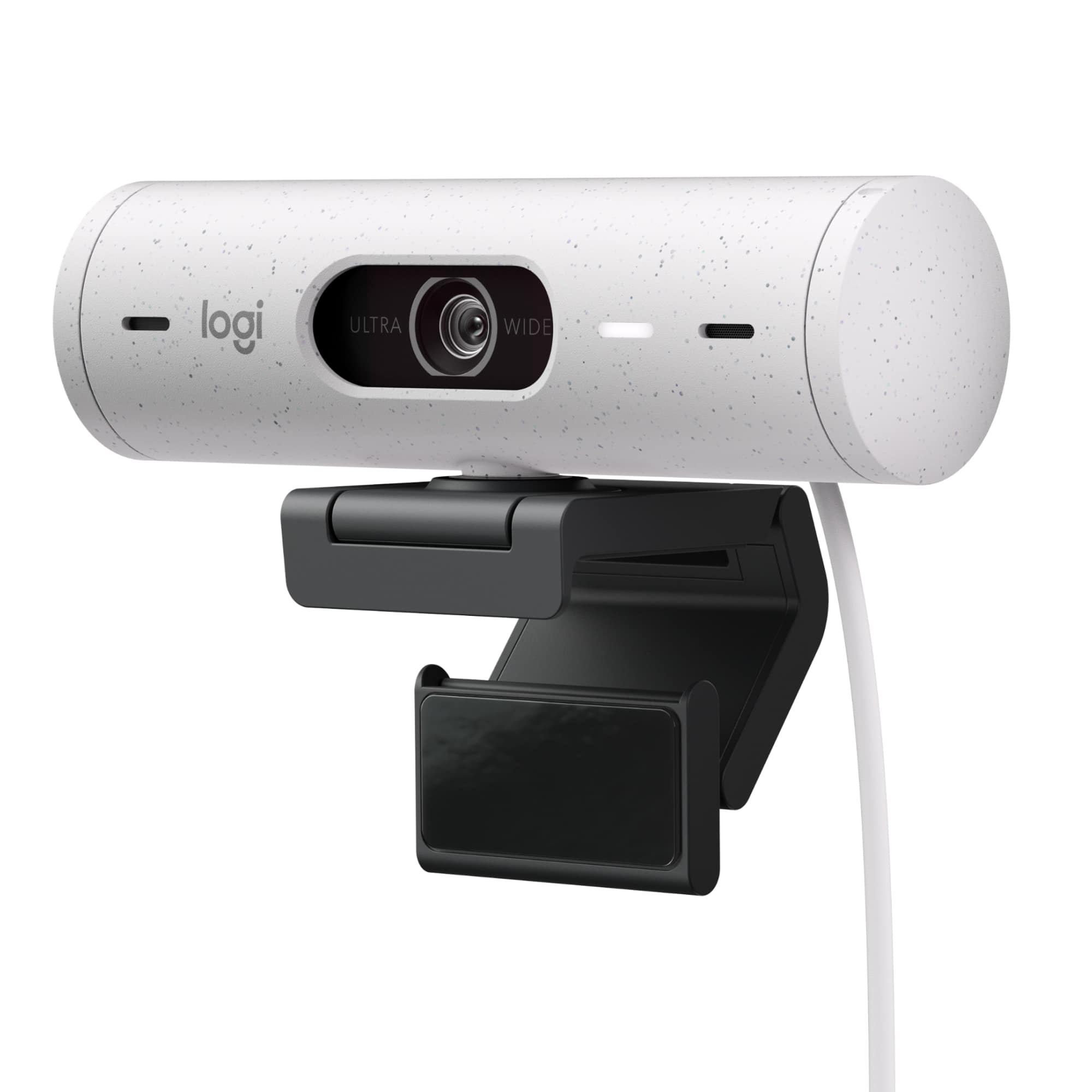
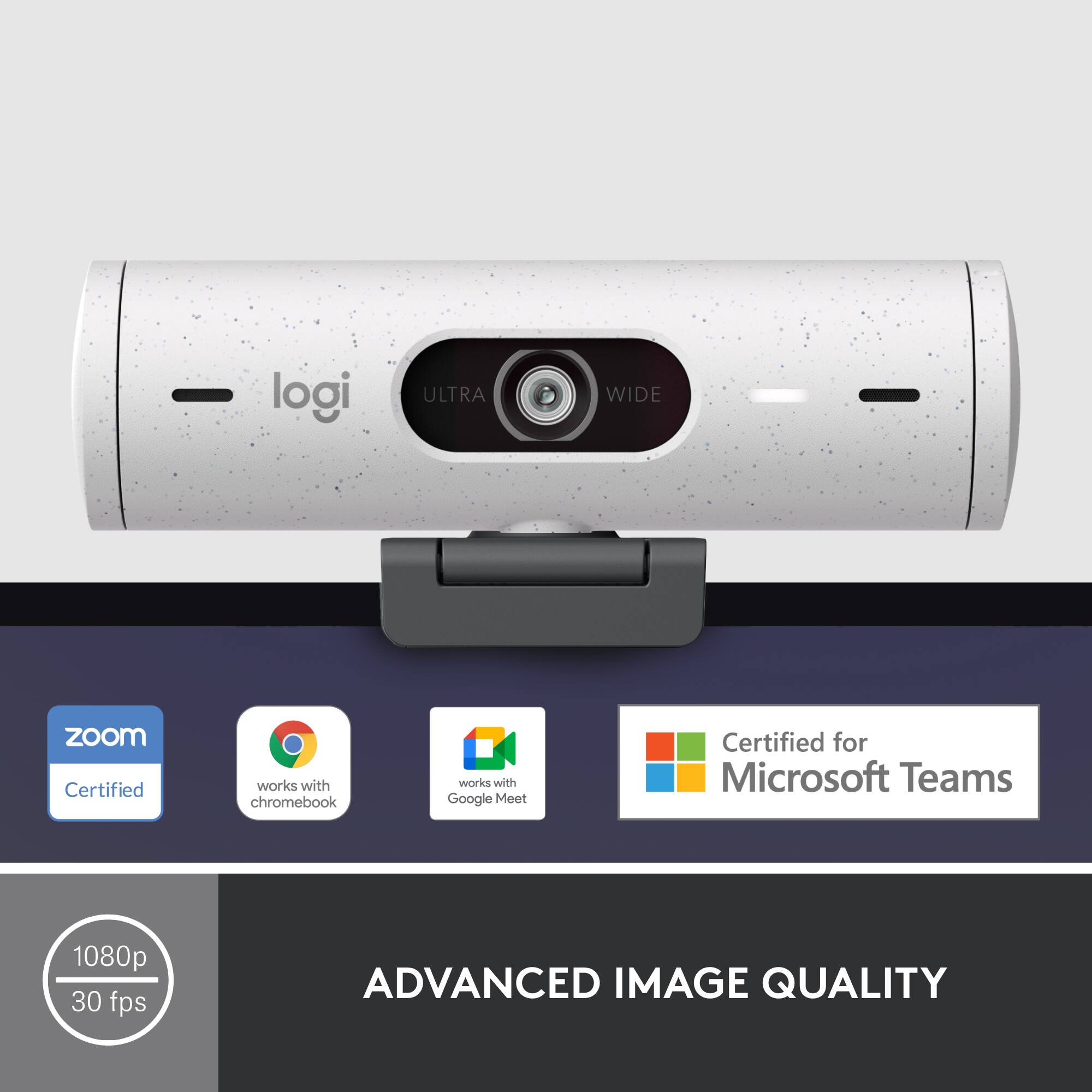
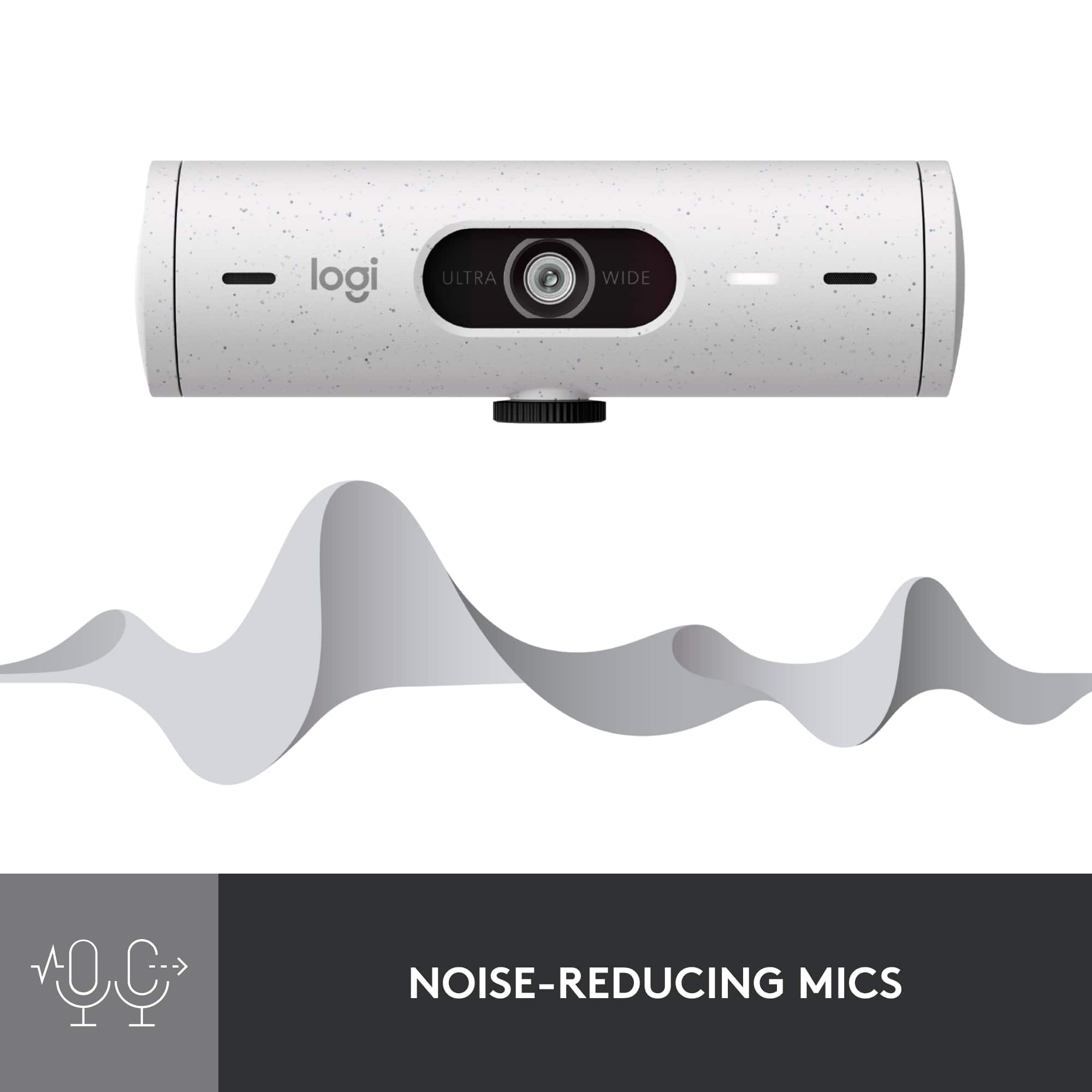
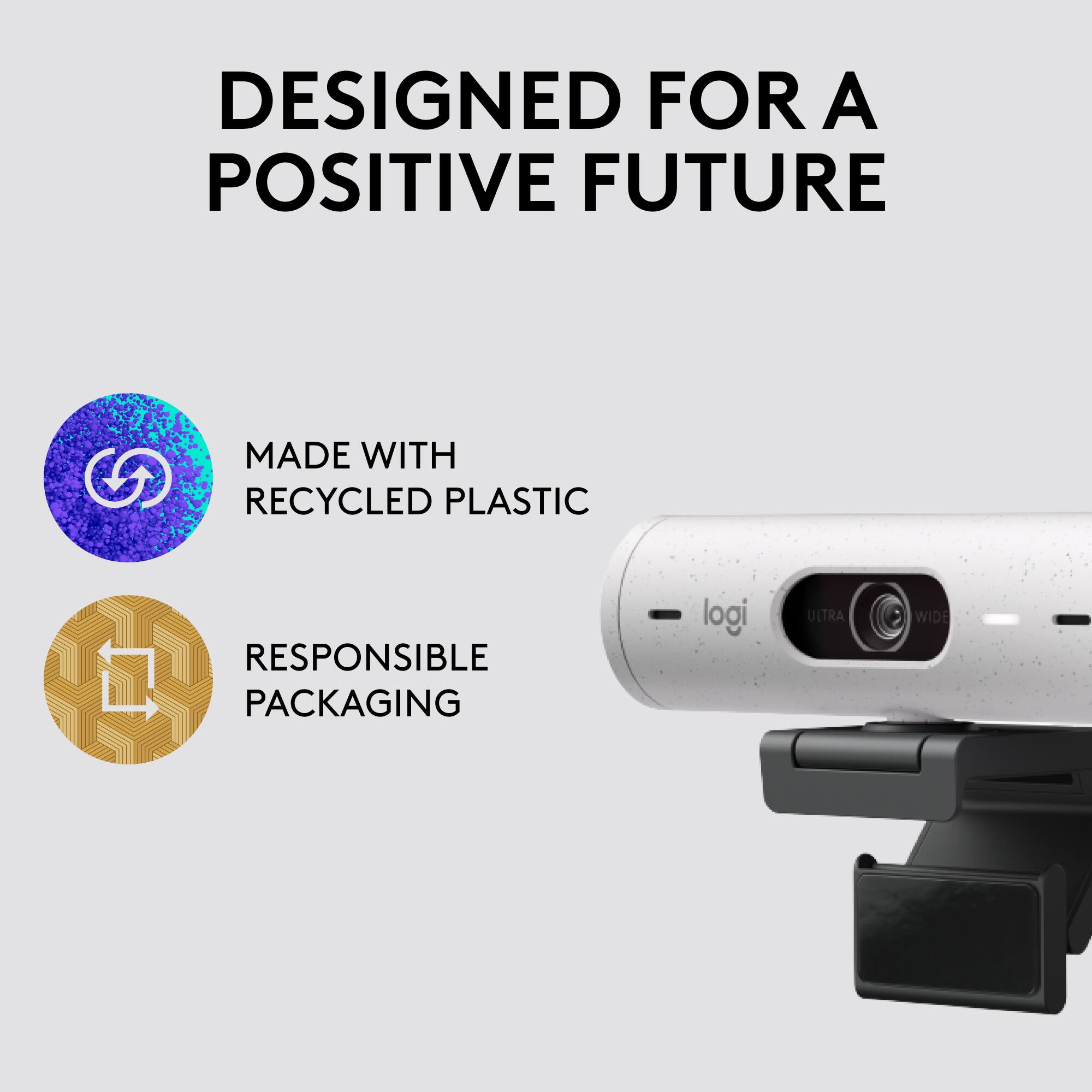
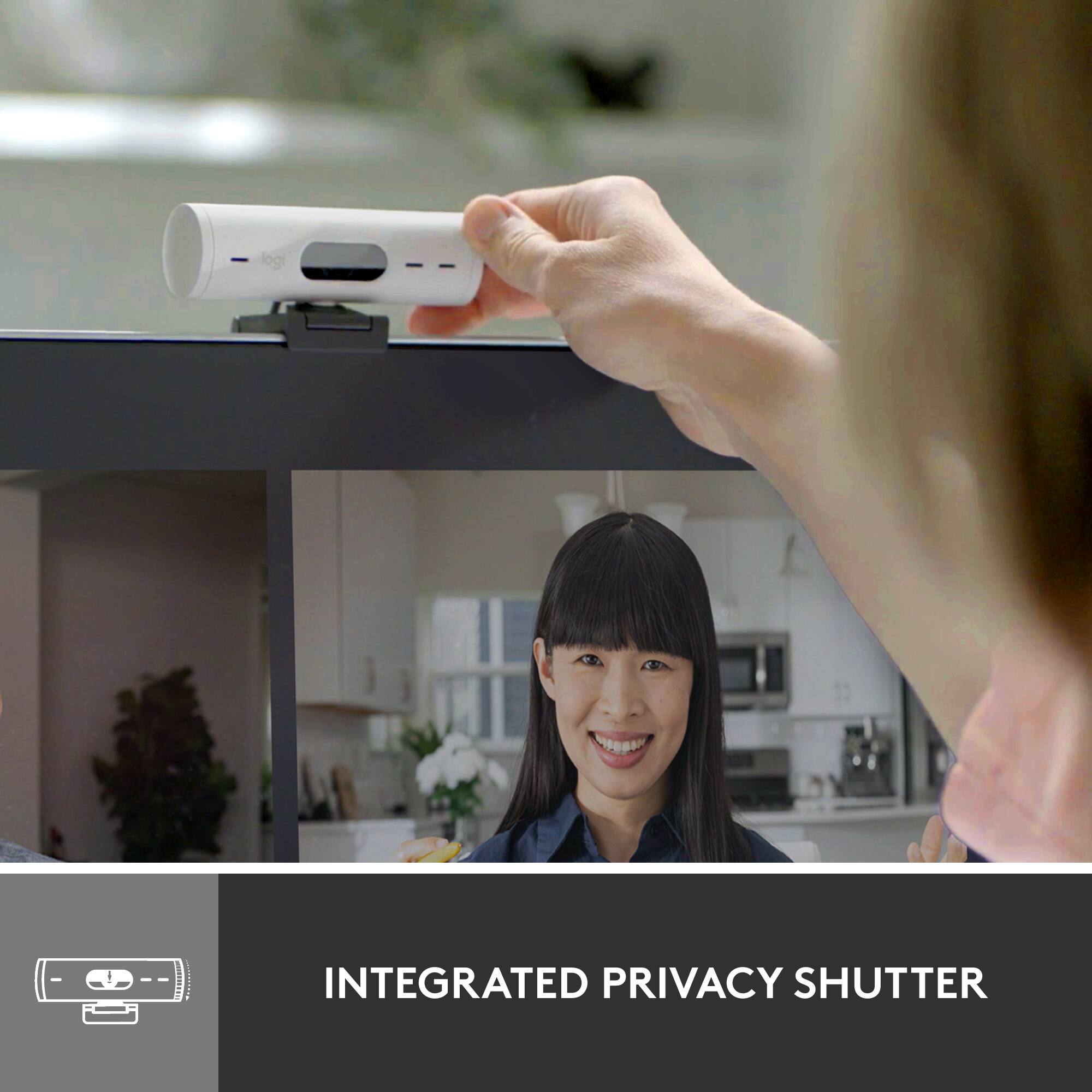
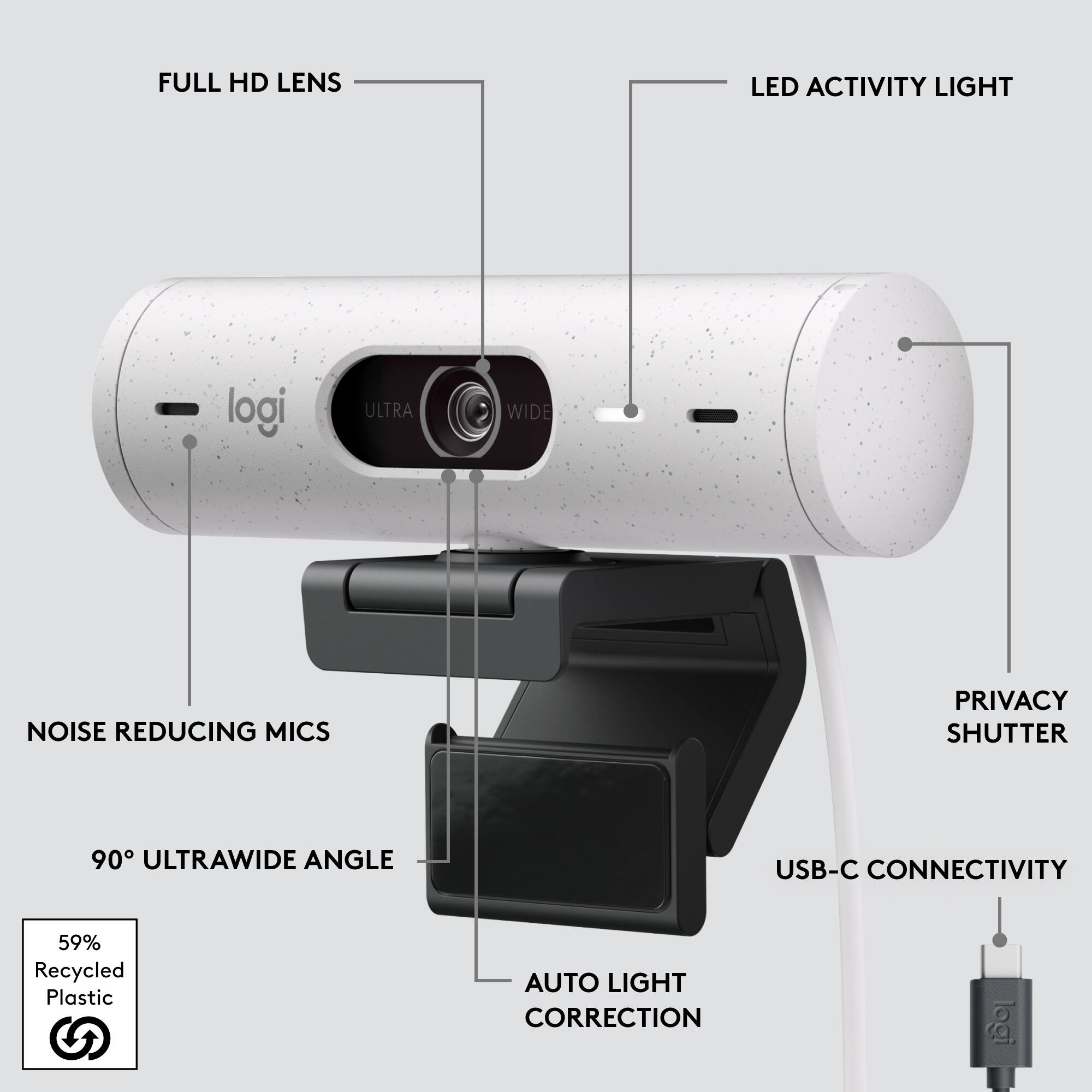
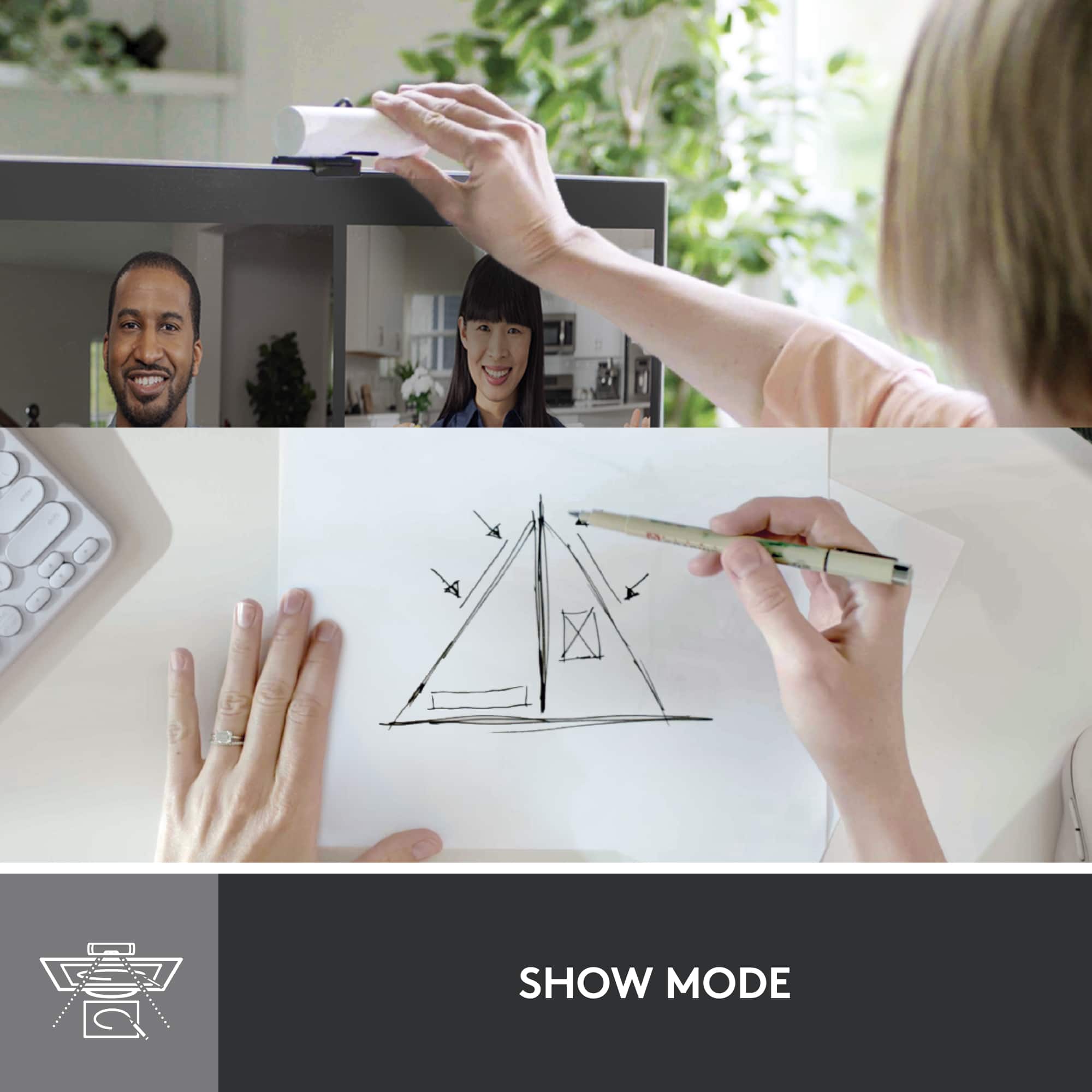
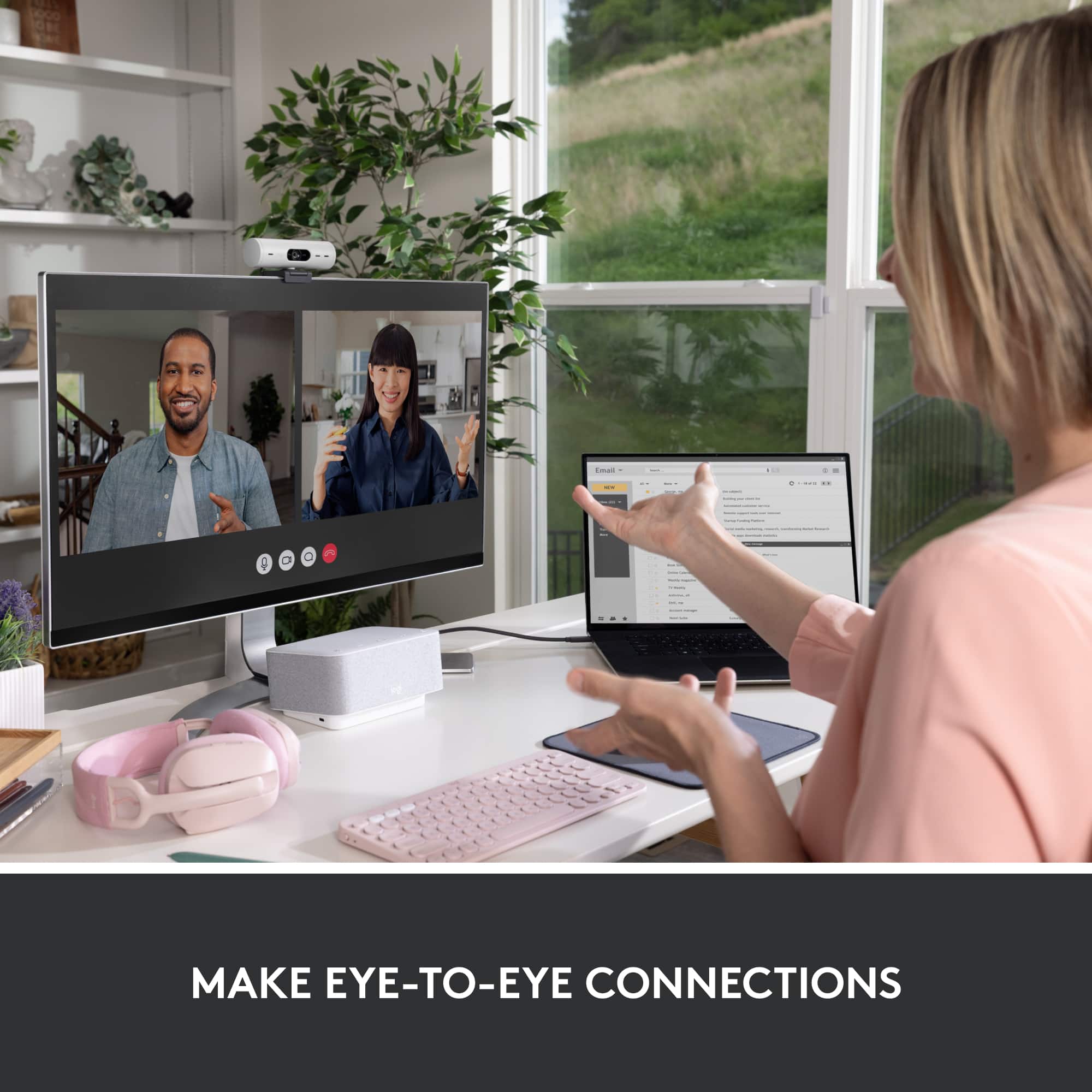
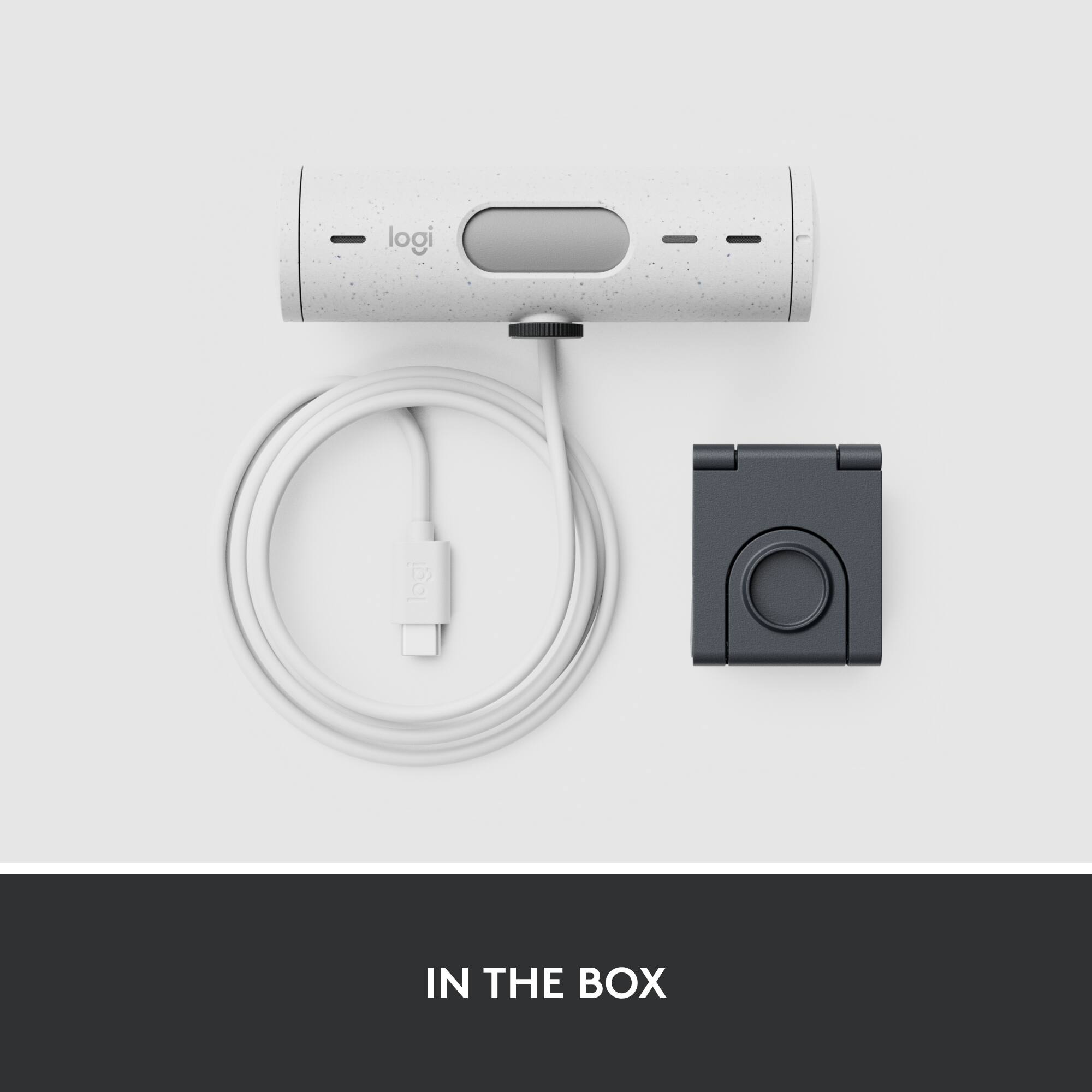
|Posted .This reviewer received promo considerations or sweepstakes entry for writing a review.In the "post covid" whatever times we live in, everyone has to endure some level of virtual call/meeting/space, and webcams are now catching up with how we use them in 2022. The Brio is a nice combination of those features and some thoughtful additions. While you DO have to install the logitech software for some of the more advanced things to work like smart framing, logitech is no stranger to this game, and their apps work well and don't seem to be too much of a resource hog on my computer. The newest style mounting points accommodate better fits on more monitor styles, and especially the minimal bezels that are being used now, and is more secure. The inclusion of a privacy cover feels more "standard" and integrated into this web cam. The added feature of being able to tilt down and show your desktop/sketches/something on the desk in front of the webcam is also an appreciated thoughtful feature. The gray speckled plastic used in the Brio is reported to be recycled, which I appreciate, but I think the white specs are them going out of their way to make sure we know it... when it just looks out of place. Switching to a USB-C plug is just one more way that Logitech has updated the Brio to be current for 2022. This webcam is working well for me, the software was easy to install and use, and the added features are worth the cost of upgrading.
I would recommend this to a friendNot flexible enough for power users
Posted .This reviewer received promo considerations or sweepstakes entry for writing a review.The camera is good but the integral cable is USB 2.0 not USB 3.0, which is annoying because I can only use 1080p/30 FPS instead of the advertised 1080/60. The device supports it but the cable does not and the cable is not removable.
No, I would not recommend this to a friendCrisp Image, Wide Field of View
Posted .This reviewer received promo considerations or sweepstakes entry for writing a review.This webcam gives pretty crisp details and seems to have a pretty good capture frame rate. I will say that the FOV is very wise, which might not be a plus for the WFH crowd.
I would recommend this to a friendBrand response from Logitech
Posted .Thanks for the detailed feedback on the Brio 500's field of view. We appreciate your input as we continually strive to enhance our products.
Great camera
Posted .This reviewer received promo considerations or sweepstakes entry for writing a review.Excellent camera with great audio. Very easy set up. Pretty much plug and play. Window 11 machines instanly recognized it. Very happy with this camera.
I would recommend this to a friendGreat webcam
Posted .This reviewer received promo considerations or sweepstakes entry for writing a review.Excellent quality and easy to setup. I purchased a couple of these and they have not let me down.
I would recommend this to a friendGood purchase works with mac
Posted .This reviewer received promo considerations or sweepstakes entry for writing a review.Good purchase. Works with my 2020 MacBook Pro m1. Can only be plugged into usb-c. Other end of cable is already connected to wire.
I would recommend this to a friendSo so
Posted .This reviewer received promo considerations or sweepstakes entry for writing a review.Was an ok webcam, not what I was really expecting.
No, I would not recommend this to a friendBrand response from Logitech
Posted .We’re sorry to hear that the Logitech - Brio 500 1920x1080p Webcam didn’t fully meet your expectations. We’ll share this with our team for improvement.

Not a good buy for me
Posted .This reviewer received promo considerations or sweepstakes entry for writing a review.Don’t like that it has a sticky pad and it doesn’t screw into a tri pod. After awhile it doesn’t stick keeps falling over.
No, I would not recommend this to a friendBrand response from Logitech
Posted .We're sorry to hear about the experience. We'd recommend you to get in touch with Logi support team and check for the best possible option in this case.
Terrible Picture Quality
Posted .This reviewer received promo considerations or sweepstakes entry for writing a review.It looks like you’re filming with an iPhone 5. Blurry, grainy, definitely not worth the price.
No, I would not recommend this to a friendBrand response from Logitech
Posted .It's surely not what we expect to deliver. Verify that the network or video conferencing service is not the cause of the video quality issues. You can test by using a video application such as the Windows 10 Camera Application and check the video quality locally. Also, make sure that the video is streaming through your BRIO 500 camera and not another camera such as your laptop camera or another attached camera.