Customer Ratings & Reviews

- Model:
- 910-005565
- SKU:
- 6333841
Rating by feature
- Value
Rating 4.5 out of 5 stars
- Quality
Rating 4.8 out of 5 stars
- Ease of Use
Rating 4.8 out of 5 stars
Customers are saying
Customers are pleased with the excellent battery life, lightweight design, and overall strong performance, along with its comfortable feel and responsive wireless connectivity. They also appreciate its quick buttons, infinite scroll wheel, and the absence of input lag. However, some customers find the price to be a drawback and mention issues with the confusing G Hub software interface and the product's size or grip.
This summary was generated by AI based on customer reviews.
- Pros mentioned:Wireless
Good mouse
||Posted . Owned for 1 month when reviewed.This reviewer received promo considerations or sweepstakes entry for writing a review.Originally had the G502 and this was great upgrade. Highly recommend
I would recommend this to a friendBrand response from Logitech
Posted .We're thrilled to hear you're enjoying the upgrade to the G502 LIGHTSPEED! The LIGHTSPEED wireless technology is a game-changer for many gamers, and it's great to see you're taking advantage of its performance. Thanks for sharing your experience!
- Pros mentioned:Battery life
Pretty pretty pretty good
||Posted . Owned for 1 month when reviewed.This reviewer received promo considerations or sweepstakes entry for writing a review.I haven’t charged this thing in 3 weeks. Sensor good. Buttons good. We’re in the future now
I would recommend this to a friend - Pros mentioned:Battery life
Logitech G502
||Posted . Owned for 2 weeks when reviewed.This reviewer received promo considerations or sweepstakes entry for writing a review.I really like the mouse the battery is great and it feels good in the hands.
I would recommend this to a friend - Pros mentioned:Overall performance
Such a great mouse.
||Posted . Owned for less than 1 week when reviewed.This reviewer received promo considerations or sweepstakes entry for writing a review.This mouse is absolutely a great mouse for gaming and for anything.
I would recommend this to a friend Great mouse
||Posted . Owned for more than 2 years when reviewed.This reviewer received promo considerations or sweepstakes entry for writing a review.i really love this mouse. I bought this to replace my old cosair wired mouse. It feels really great in the hand and the Logitech software is really easy to use. Logitech make great mice and keyboards. I highly recomend
I would recommend this to a friendMouse review
||Posted . Owned for 3 weeks when reviewed.This reviewer received promo considerations or sweepstakes entry for writing a review.Very nice mouse for gaming! The free spin wheel is cool too. The only thing I would recommend is more key binding options instead of dpi buttons.
I would recommend this to a friendBrand response from Logitech
Posted .Thanks for the review! We're glad you enjoy the G502 Lightspeed's gaming performance and the fun of the free-spinning scroll wheel. We appreciate your feedback on button customization options - it's always helpful!
Would recommend to most gamers
||Posted . Owned for more than 2 years when reviewed.This reviewer received promo considerations or sweepstakes entry for writing a review.Technical and sensitive mouse with lots of extra bells and whistles. Great for gaming. Very happy with the purchase. Would recommend.
I would recommend this to a friendBrand response from Logitech
Posted .Thank you for your feedback on the G502 Lightspeed Wireless Optical Gaming Mouse. We're delighted to hear that you're impressed with its technical features, sensitivity, and overall performance for gaming. It's great that you're happy with your purchase and would recommend it to others.
Log G502
||Posted . Owned for 2 weeks when reviewed.This reviewer received promo considerations or sweepstakes entry for writing a review.Excellent product and you get everything need in a mouse whether gaming or for regular use.
I would recommend this to a friendGreat mouse.
||Posted . Owned for 1 month when reviewed.This reviewer received promo considerations or sweepstakes entry for writing a review.Best mouse in the business. Excellent for gaming and everyday use.
I would recommend this to a friendBrand response from Logitech
Posted .We love to hear you consider the G502 the best gaming mouse. Its precision and versatility make it a great choice for both intense gaming sessions and everyday tasks. Happy clicking!
Works well for gaming/work.
||Posted . Owned for 1 month when reviewed.This reviewer received promo considerations or sweepstakes entry for writing a review.Great mouse, if you have used the G502 series you'll never go another way. .
I would recommend this to a friendWorks fine not the greatest mouse
||Posted . Owned for 2 weeks when reviewed.This reviewer received promo considerations or sweepstakes entry for writing a review.I avery good mouse. Works just fine but the Bluetooth connection is not so goood
I would recommend this to a friendGreat mouse!
||Posted . Owned for less than 1 week when reviewed.This reviewer received promo considerations or sweepstakes entry for writing a review.The only issue im having is it womt charge past 68% and its been on charge all night since its been dead
I would recommend this to a friendMouse for games
||Posted . Owned for 1 month when reviewed.This reviewer received promo considerations or sweepstakes entry for writing a review.Excellent mouse with a good shape, good for games
I would recommend this to a friendGood mouse
||Posted . Owned for 3 weeks when reviewed.This reviewer received promo considerations or sweepstakes entry for writing a review.A overall good mosue for everyday and gaming use. A little tricky to manage the site, but I manage to figure it out.
I would recommend this to a friendJust buy it
||Posted . Owned for 1 week when reviewed.This reviewer received promo considerations or sweepstakes entry for writing a review.Best upgrade if you want a great wireless gaming mouse
I would recommend this to a friend- Pros mentioned:WeightCons mentioned:Software

Great mouse, average software (buggy)
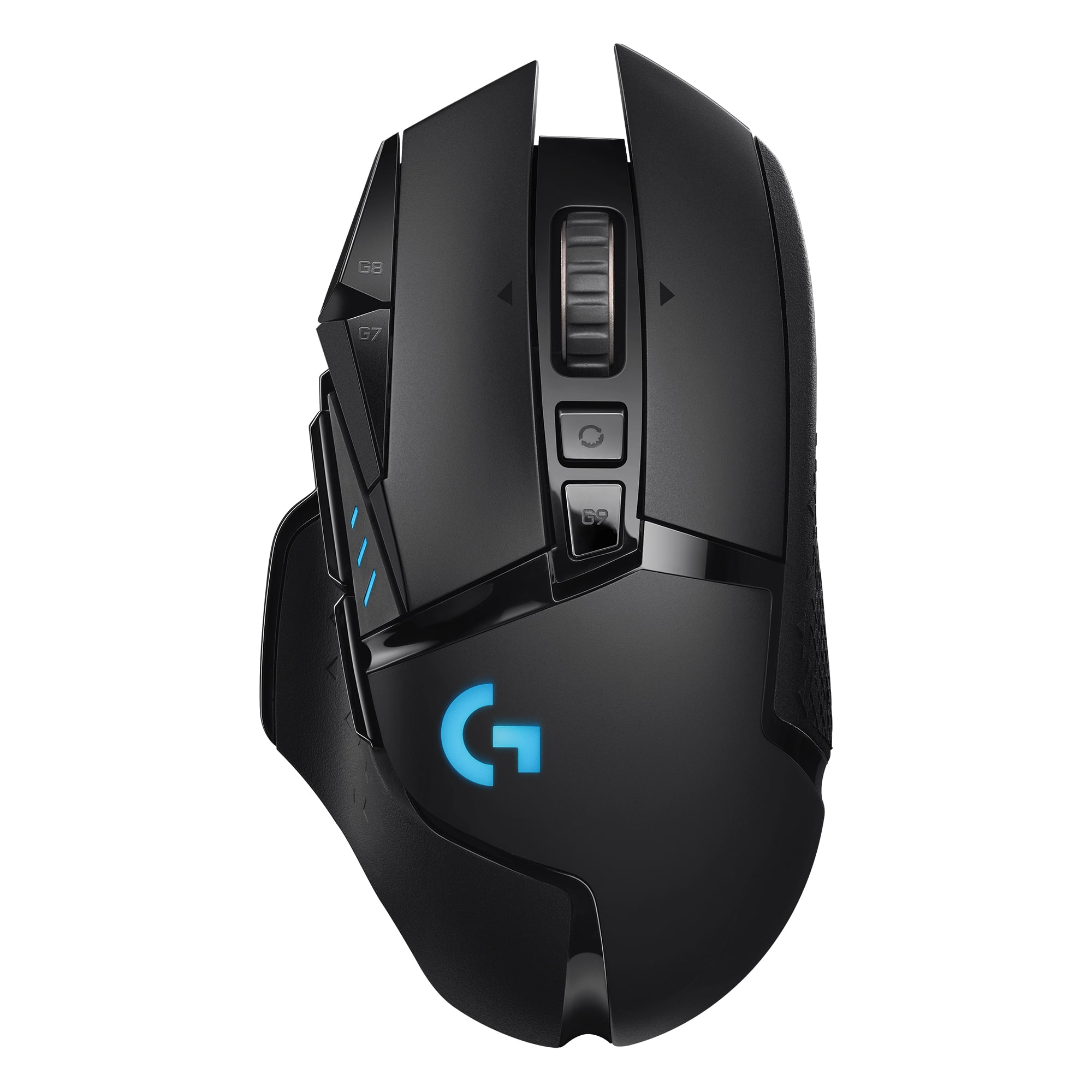
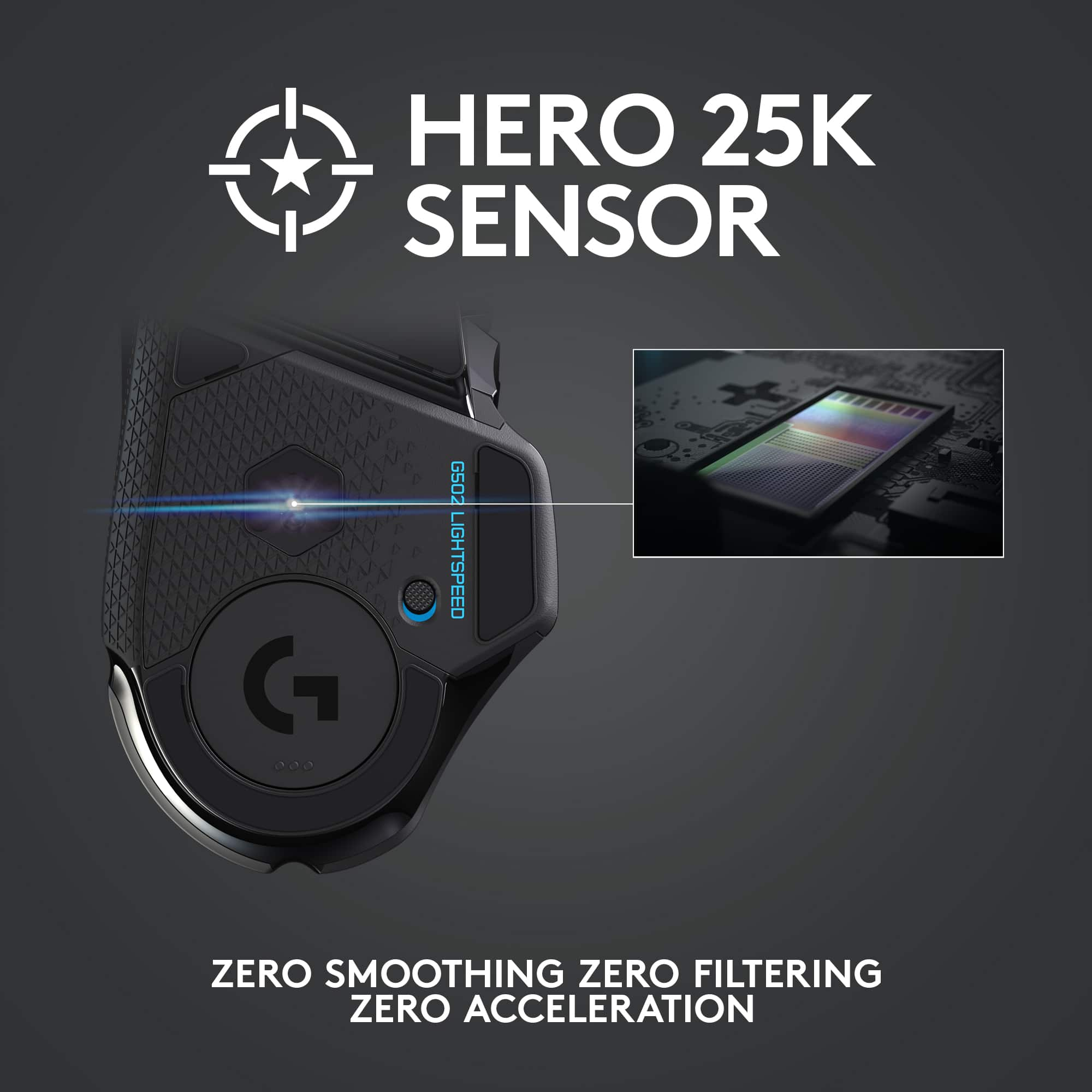
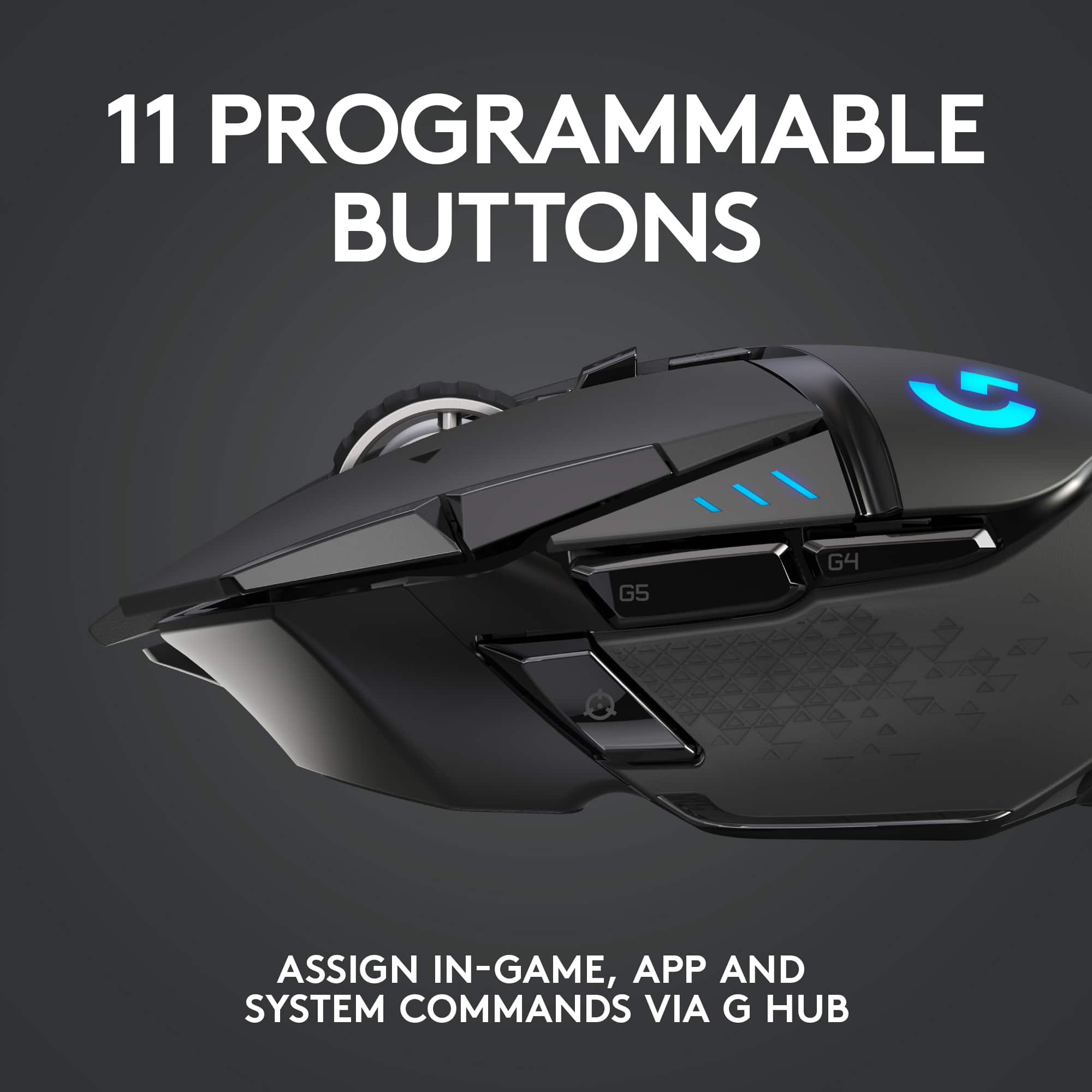
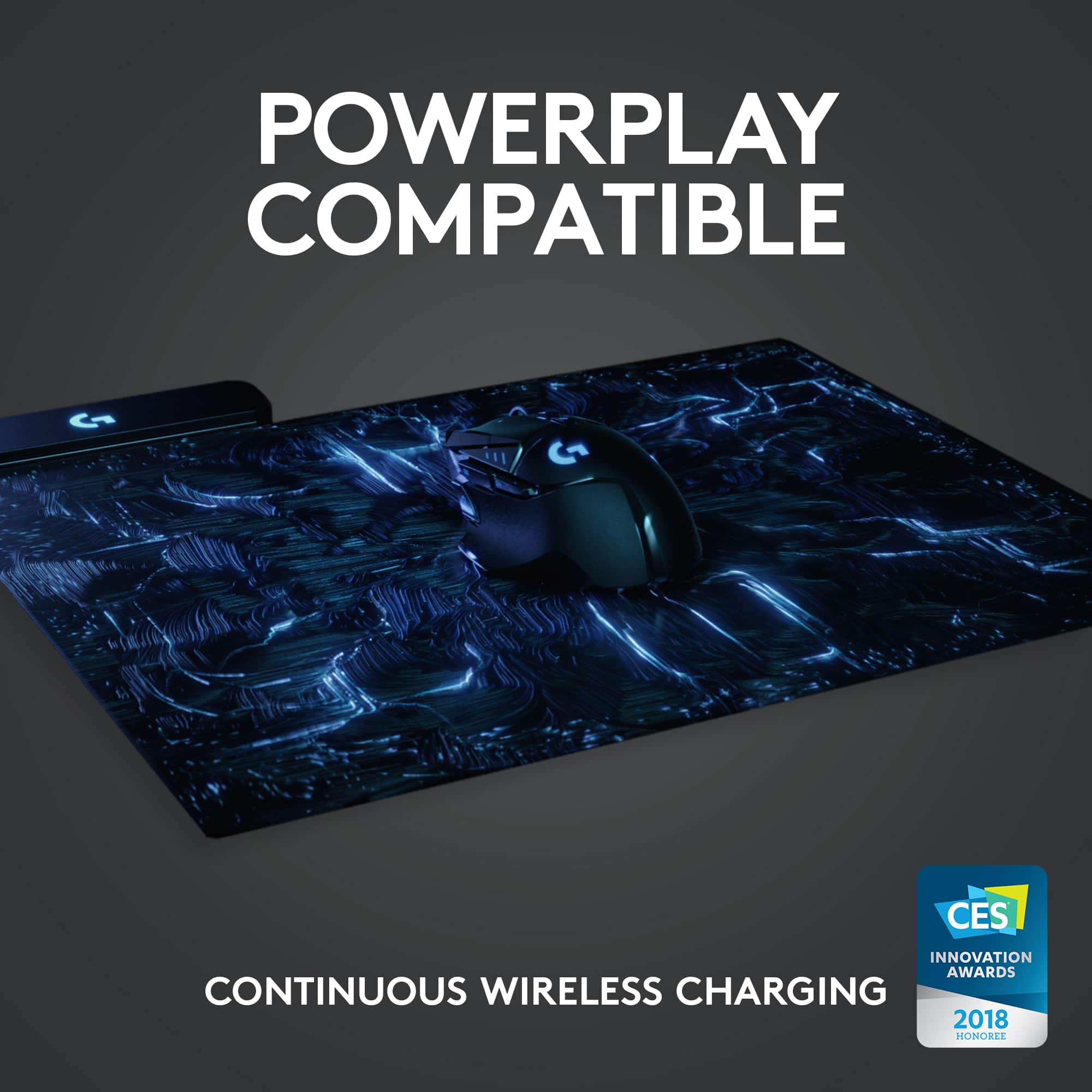
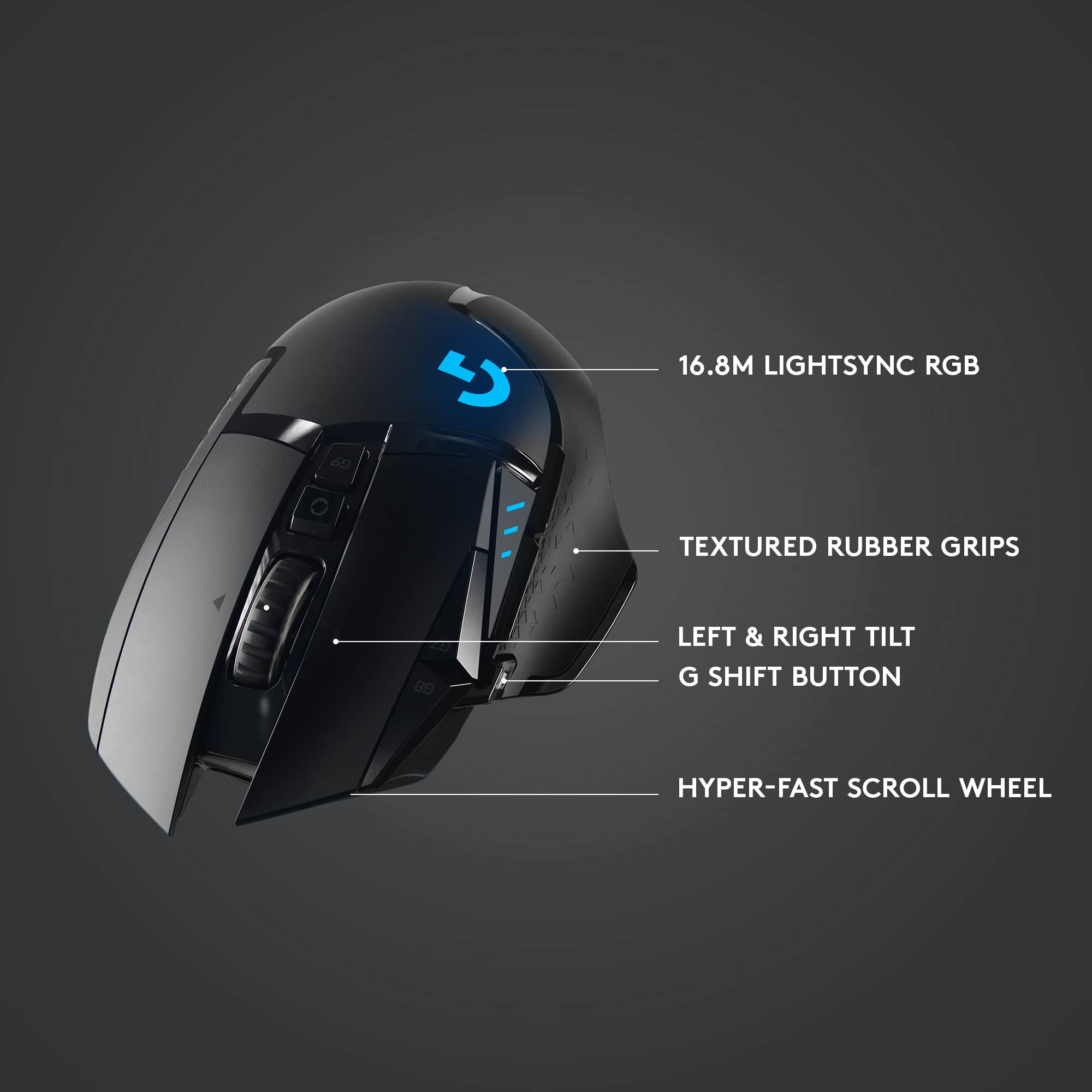
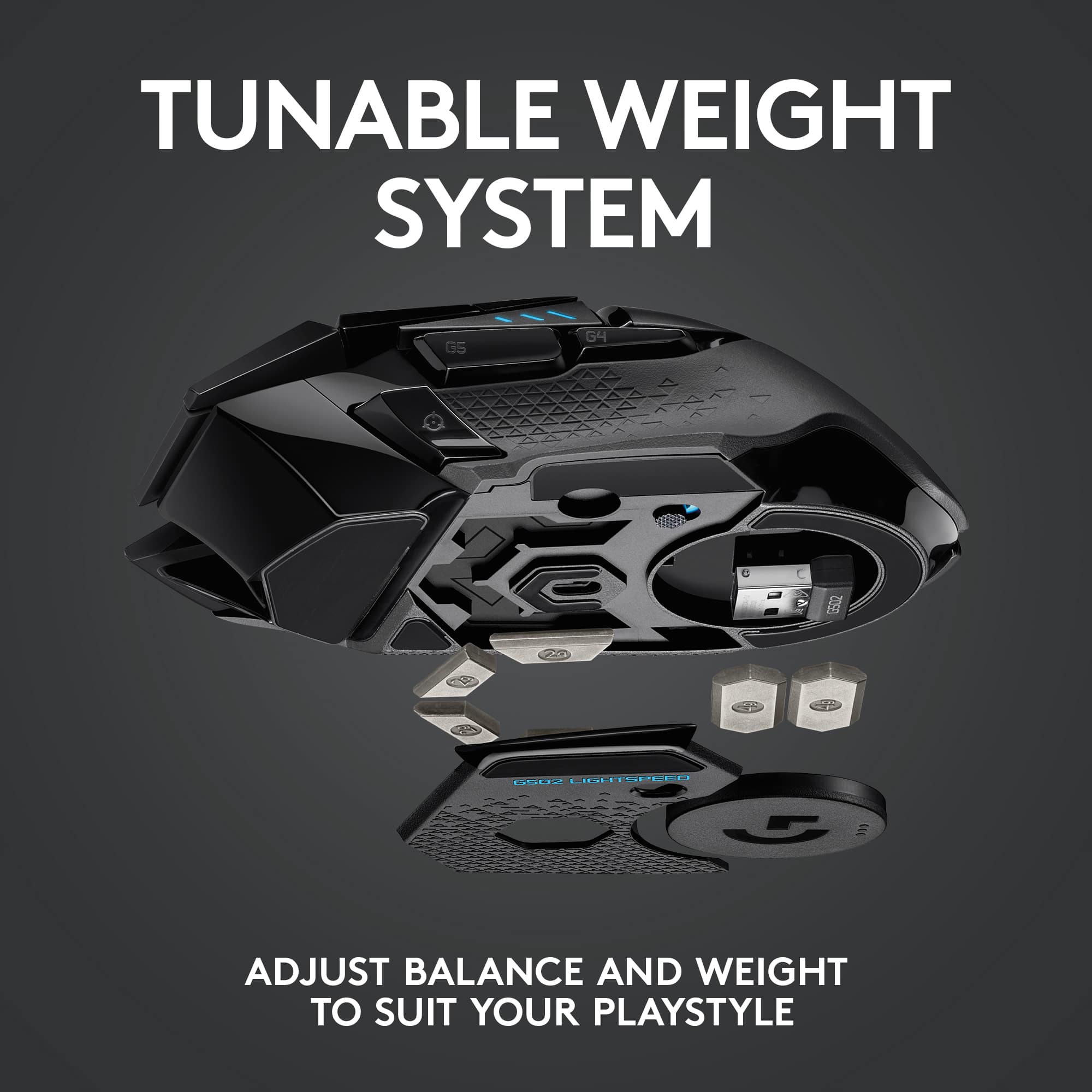
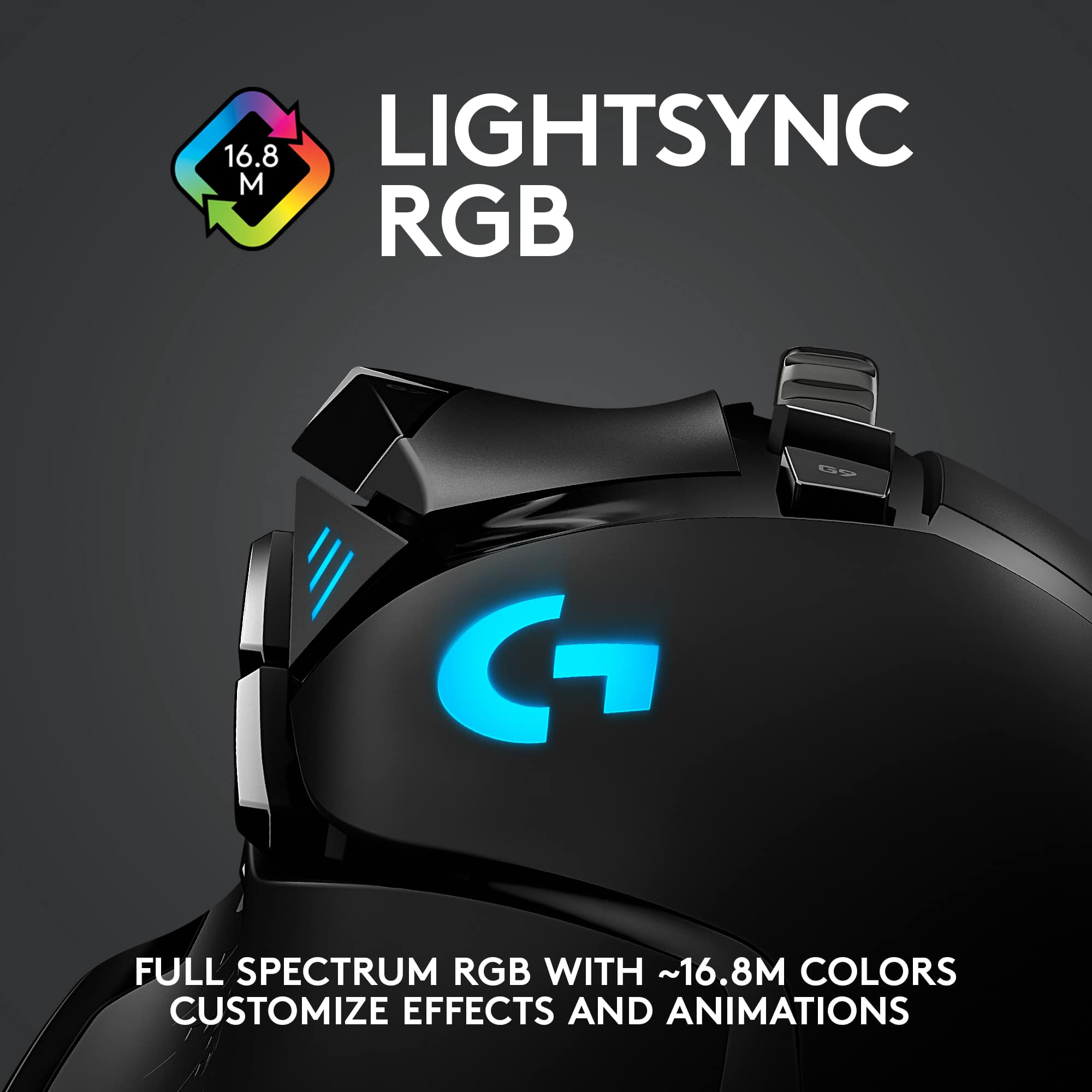
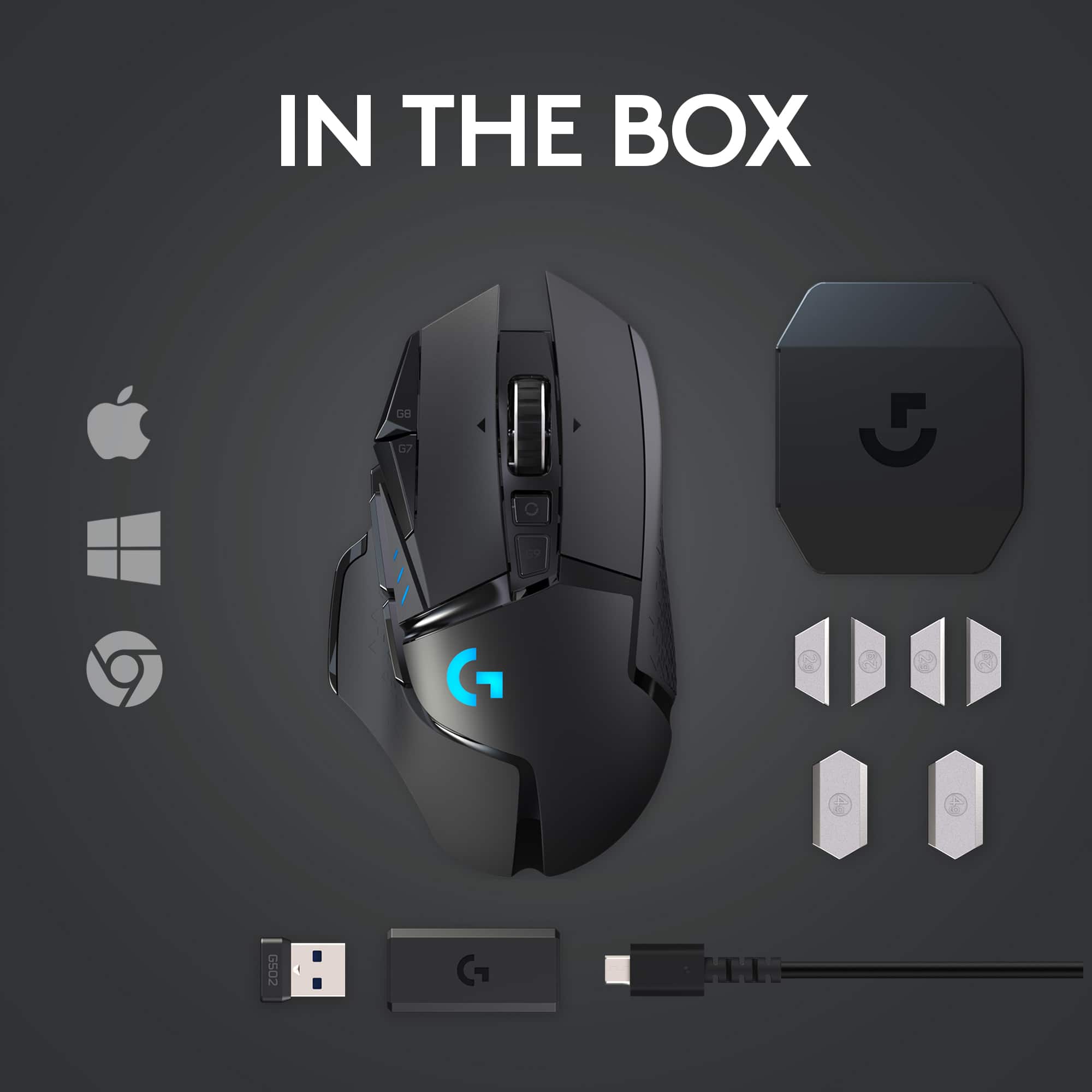
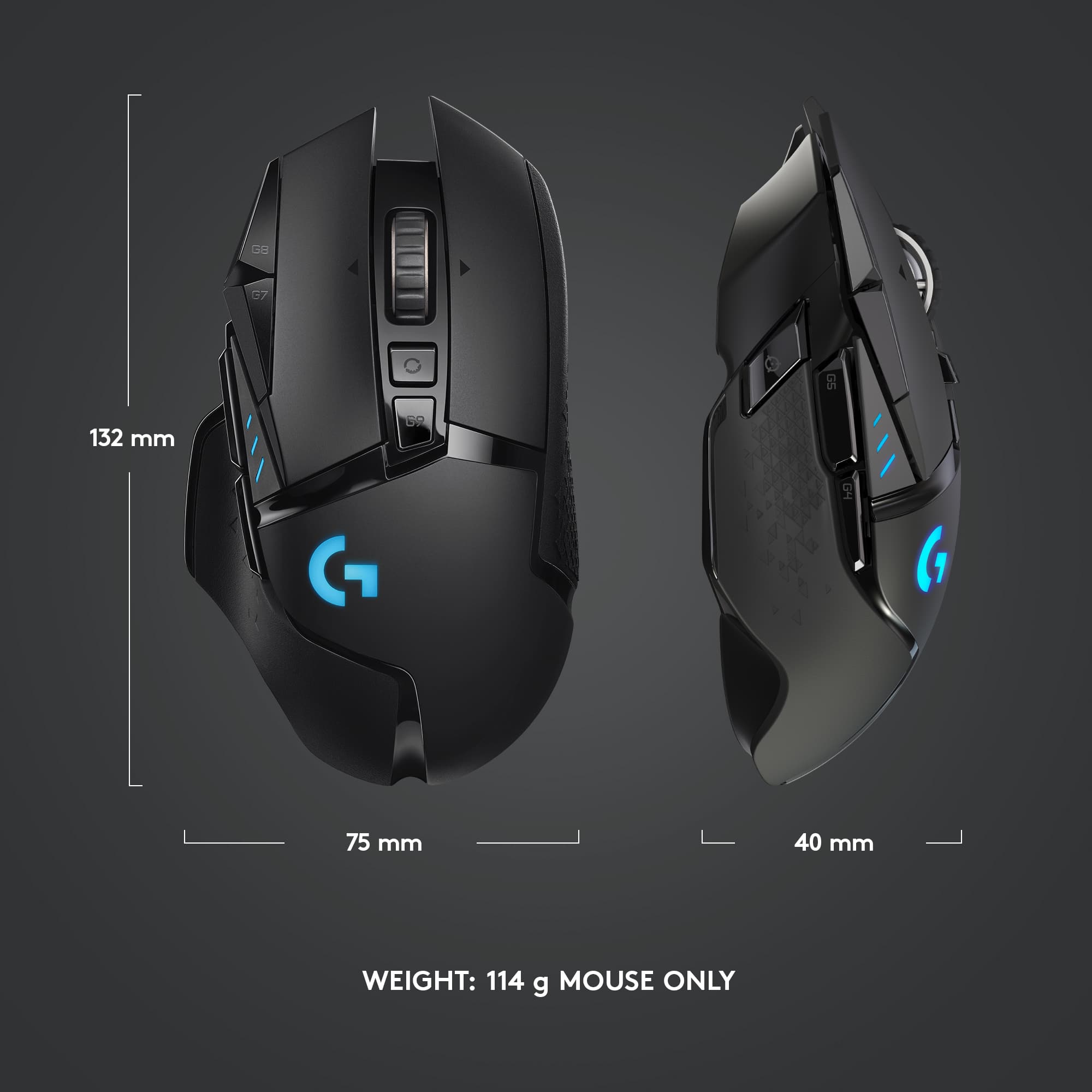
|Posted .This reviewer received promo considerations or sweepstakes entry for writing a review.I really like this mouse and the customization it offers. Unfortunately, the G Hub software is “buggy”. Searching G HUB on the Logitech community support forum shows posts from other users experiencing the same problems (and more) mentioned near the end of my review. Hardware: I really like the feel of this mouse and it looks great. There are two compartments, upper and lower, that allow you to add weights to customize the feel. The upper compartment can accept between 0 and 4 two-gram weights. The lower compartment can accept between 0 and 2 four-gram weights. If you use the optional Powerplay wireless charging pad, you lose the ability to use the lower four-gram weights. Either way, this lower compartment can be used to store the wireless receiver if you take the mouse on the road. They also include a storage case that can hold any/all of the six weights along with the wireless receiver and adapter. The wireless receiver plugs into a standard Female type A rectangular USB port. The adapter allows you to use a micro USB connection like the included braided Male Type A to Male micro USB cable. This can be handy for hard to reach USB ports. There are 11 customizable “buttons” on the mouse not counting the scrolling action of the scroll wheel. Although that can’t be reassigned, the scrolling “feel” can be modified by a button just behind the wheel. It toggles between a slower “ratcheting” and smoother free flowing scrolling action I usually prefer. Behind the button that controls the feel of the scroll wheel is a battery level button. When pressed, the three status lights on the left side of the mouse will display battery strength. If you use the optional Powerplay charging pad there is really no need to worry about battery level. Either way, you can customize this button. There are primary and secondary mouse buttons, but the scroll wheel can also be pressed down, left and right. All five “buttons” can be customized. You can quickly change the DPI tracking speeds (sensitivity) using two buttons left of the primary mouse button. I love this feature. One button shifts UP and the other shifts DOWN through the user assignable DPI speeds. Below these is another DPI Shift button in front of your thumb when pressed and held, temporarily changes the DPI speed. Handy when you are using a rifle scope in a game or need precision in a graphics app. In addition, the three status lights on the left of the mouse display which of the 5 DPI settings is in use. All three of these DPI buttons can be customized if you prefer not to use them for DPI. There are two more easy to reach buttons right above your thumb. They are not assigned by default, but you can customize them however you like. Software: Good: There are three main sections for the mouse. Lightsync, Assignments and Sensitivity (DPI). Lightsync lets you customize the light effect of the primary status bars ( \\\ ) and the Logo ( G ). These can be set individually or synchronized with each other and optionally synced with other hardware. Depending on the effect used, you can set the color, rate, brightness, lighting zone or color boost. There can be more options if you have additional hardware. Assignments can be as simple or complex as you like. You can customize Commands, Keys, Actions, Macros and System settings. Way too much to cover in this review but I’ll mention the most useful to me, Macros. Macros allow you to define custom keystrokes with no repeat, repeat while holding, toggle or sequence. Within each of these macro types you have Record Keystrokes, Text & Emojis, Action, Launch Application, System and Delay. Powerful stuff. Sensitivity (DPI) controls how the physical movement of your mouse translates into movement on screen. You can set between 1 and 5 user assigned DPI speeds on a scale from 100 to 16,000. The defaults are 400, 800, 1600, 3200 and 6400. The DPI shift speed defaults to 400. The DPI shift allows you to quickly and temporarily toggle to one speed. This must be one of the assigned DPI speeds, in other words you can’t use it to get a 6th DPI setting. Bad: While creating profiles to use with apps and games I had some of my macros disappear more than once and I needed to create them again. I wanted to start over with one app, so I had G HUB forget the app. When adding the app again it did so with no default profile which prevented me from configuring the mouse. You aren’t supposed to be able to delete the default profile, but G HUB added the app without one. I had G HUB forget the app a 2nd time and when adding it the 3rd time it added it correctly along with the default profile. Sometimes when the G HUB window opens, usually after already working within the window and then closing, it will endlessly display the “G” logo animation. I have to quit the software which fails to respond so I must force quit. This continues until I restart the computer. After using the G HUB software for a week, I lost all my profiles, macros, button assignments and lighting customization. This morning I logged into my computer to see "Backend connection problem" reported with no further explanation provided by G HUB. I unplugged the wireless receiver and plugged it in again. Turned the mouse off and on again. I closed the G HUB window and opened it again with all my profiles/macros missing. It behaved like the first launch of G HUB with tutorials -except I am still logged into my Logitech G account. Restarted the computer, no change. Everything I set up this week is gone. I love the mouse but I'm not excited about configuring profiles again. This time I’ll make sure I “share” as I go. The “share” feature allows you to upload private or publicly to your G account on a profile by profile, app by app basis. Tedious and clumsy. If you make changes to your profile you can’t just update the profile already uploaded to your G account, you must upload another copy. Multiply this by the number of apps and profiles you have. You can manually add a description and tags when you share the profile. The interface to view your uploaded profiles is lacking. Profiles with description for all apps are tiled chronologically by upload. The upload/save dates are not listed, you can’t search by tags and you can’t group by app. The tags aren’t even displayed unless you click to view a single profile. They should seriously consider adding the ability to export/import a local file. Something that allows you to save all your profiles for all your apps and all your hardware in one shot, a backup. If you need to recover from their software glitching or move everything to another computer, one import. That isn’t the case, so I’ll just have to use the “share” feature as designed and periodically delete all the old outdated profiles in my G account.
No, I would not recommend this to a friend - Pros mentioned:Wireless
Of mice and men
||Posted . Owned for 10 months when reviewed.This reviewer received promo considerations or sweepstakes entry for writing a review.I’m a big fan of the Logitech mouse and started out with the wired g502 . I upgraded to the wireless one and it’s perfect ! Also pairs nicely with the charging mouse pad.
I would recommend this to a friend Great mouse
||Posted . Owned for 1 week when reviewed.This reviewer received promo considerations or sweepstakes entry for writing a review.I really like this mouse, I just wish the battery life was a little better.
I would recommend this to a friendYES
||Posted . Owned for 1 week when reviewed.This reviewer received promo considerations or sweepstakes entry for writing a review.I bought this for my fiancé …. I absolutely regret nothing
I would recommend this to a friend- Pros mentioned:Overall performance, Weight
Best Gaming Mouse for Pro Gaming!
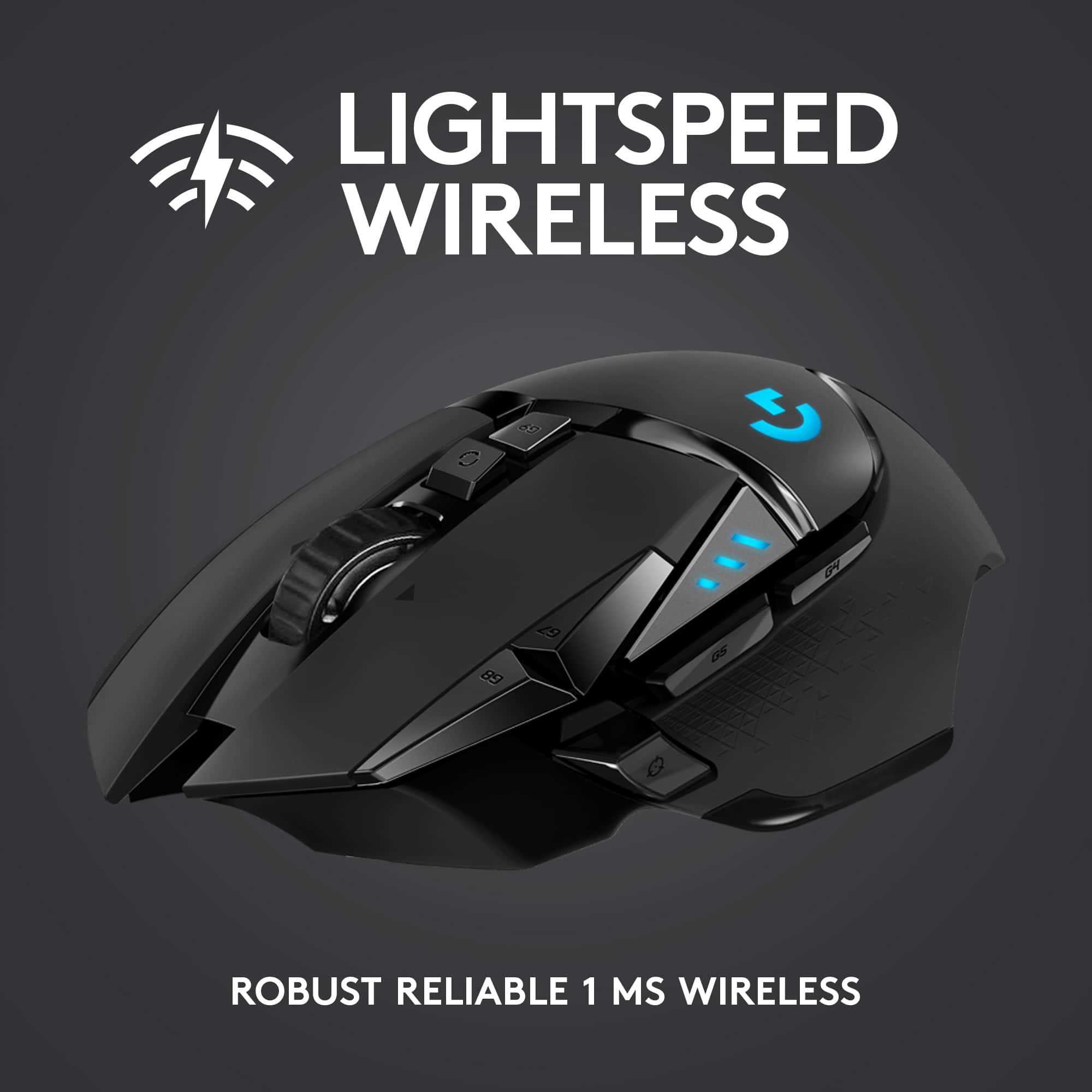
||Posted . Owned for 1 month when reviewed.This reviewer received promo considerations or sweepstakes entry for writing a review.Excellent Pro Gaming Mouse! Multiple DPI settings which are color coded. I’ve noticed that there is virtually no input delay when using this mouse. This mouse comes with weights at the bottom of the mouse. You can place as many as it comes with which is usually more than 5 I believe if you want a heavier feel to your mouse when gaming. I have had no issues using it. There is also a button on the side of the mouse (not button 4 and 5) but an additional button used to slow your cursor for more accurate shooting when playing FPS games like Call of Duty or Battlefield or if you just want to use it for graphic design on your pc software that works just as well! The G502 gaming mouse comes in two types. Wired or wireless. I prefer the wireless a lot more so you don’t have to mess with the wire banging on your monitor or getting caught up in the wires behind the desk. Your set up may be different. I always kept my set up clean with cable management but I still like not having an additional mouse wire in my way. That completely boils down to personal preference but I’d say go with the wireless version! I’ve notice no lag or delay during gaming with the G502. The ms is very responsive.
I would recommend this to a friendBrand response from Logitech
Posted .We’re thrilled to hear you’re enjoying the responsiveness, customizable weights, and wireless convenience. Thank you for sharing such a detailed review — your feedback helps us continue to refine the gaming experience.
