Customer Ratings & Reviews
![esc ! i 1 tab caps lock shift F1 2 Q A aas E4 F3 F2 $ % # 4 5 3 E R W F S D X C Z FS A 6 T G V F6 & 7 Y H B 17 * 8 U J N logi HI FI0 P9 FB ) - ( - 9 0 o P I K L > < M I P + = { [ A : I : ? I alt cmd3 2 0 3 10% 1 F12 page home up backspace ins page I delete end down } ] / enter shift ctrl fn opt^= Q I * / clear 8 9 + 7 pg up home 5 6 4 , 4 2 3 enter 1 dn pg end = 0 del ins ctrl start opt alt cmd](https://pisces.bbystatic.com/image2/BestBuy_US/images/products/6571/6571662_sd.jpg)




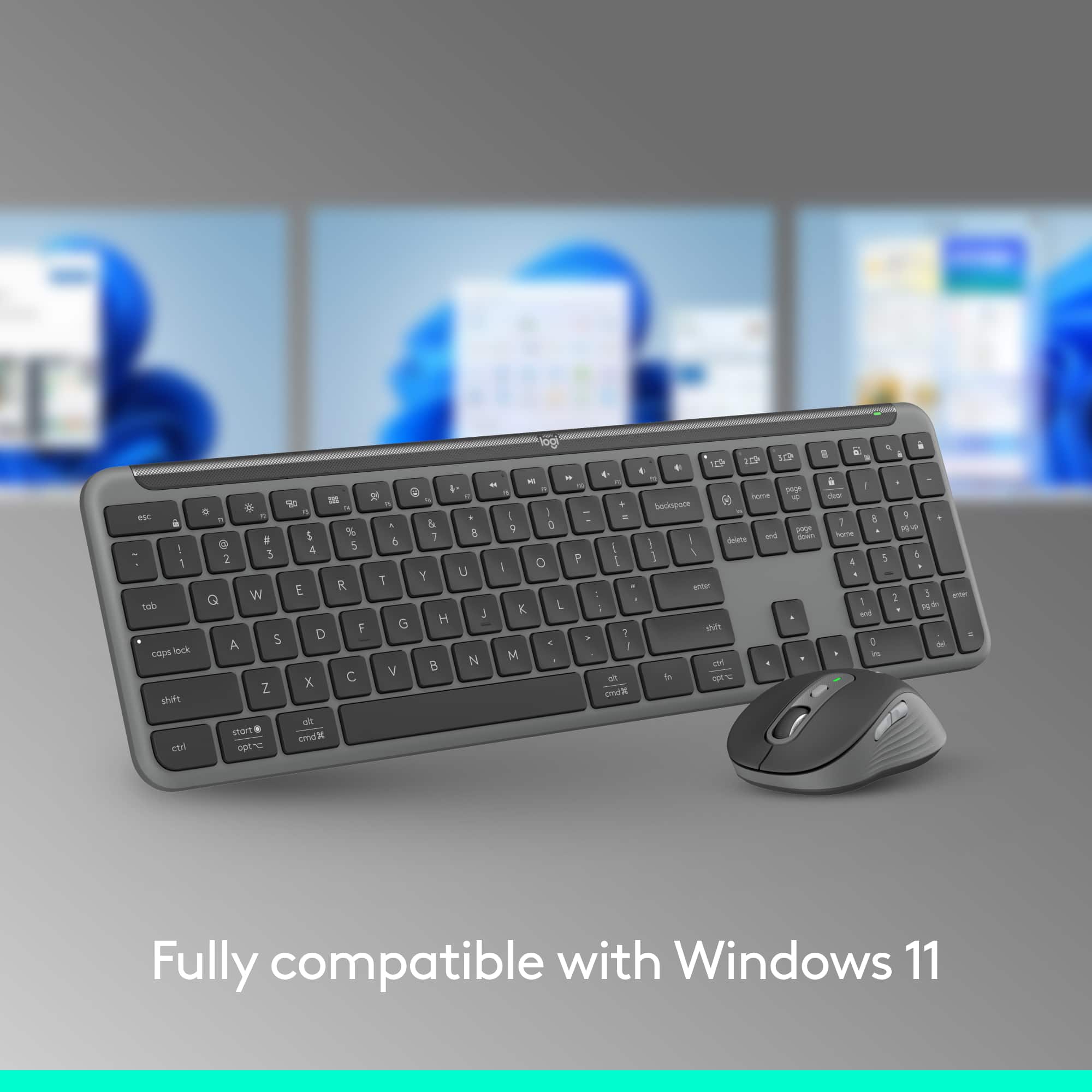
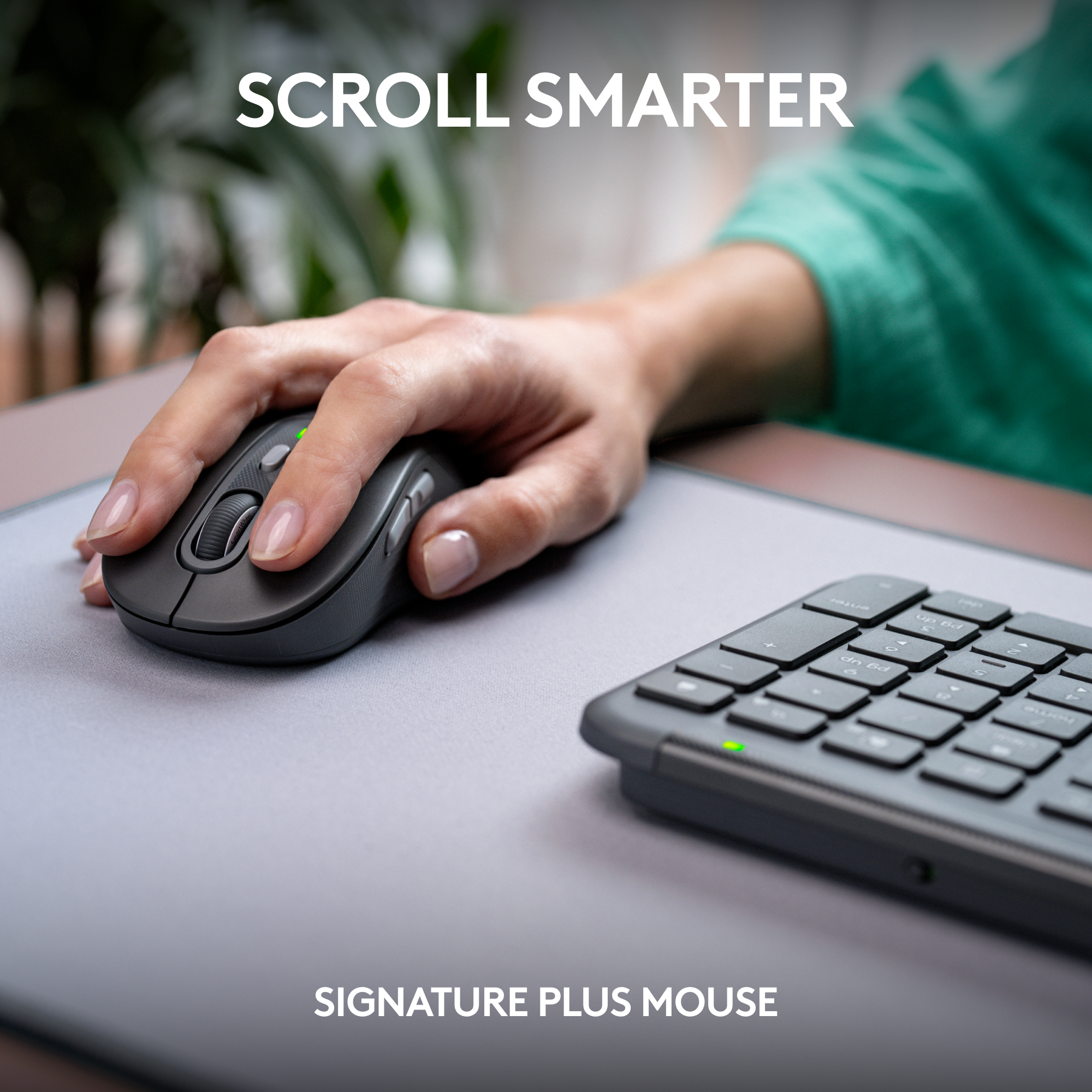
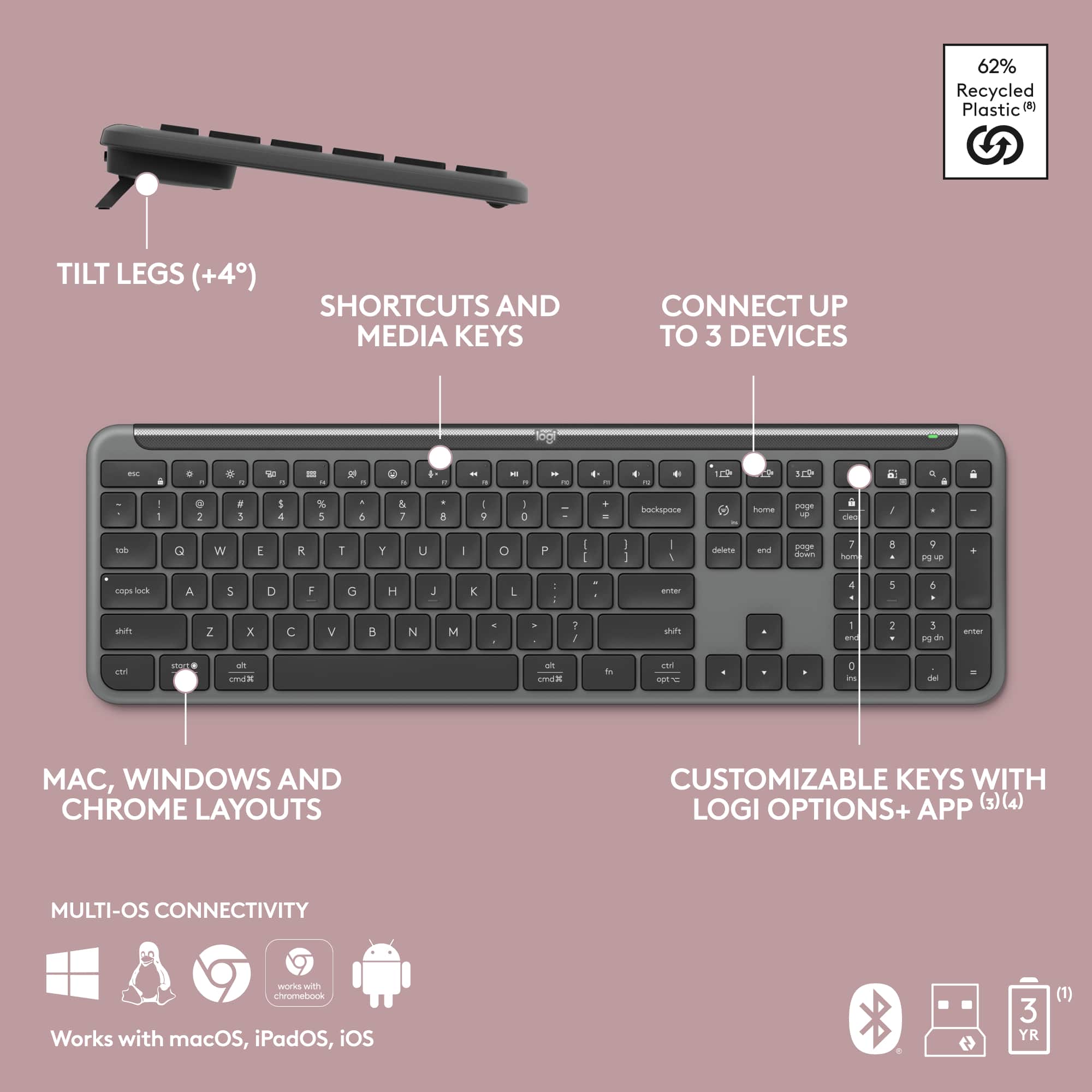
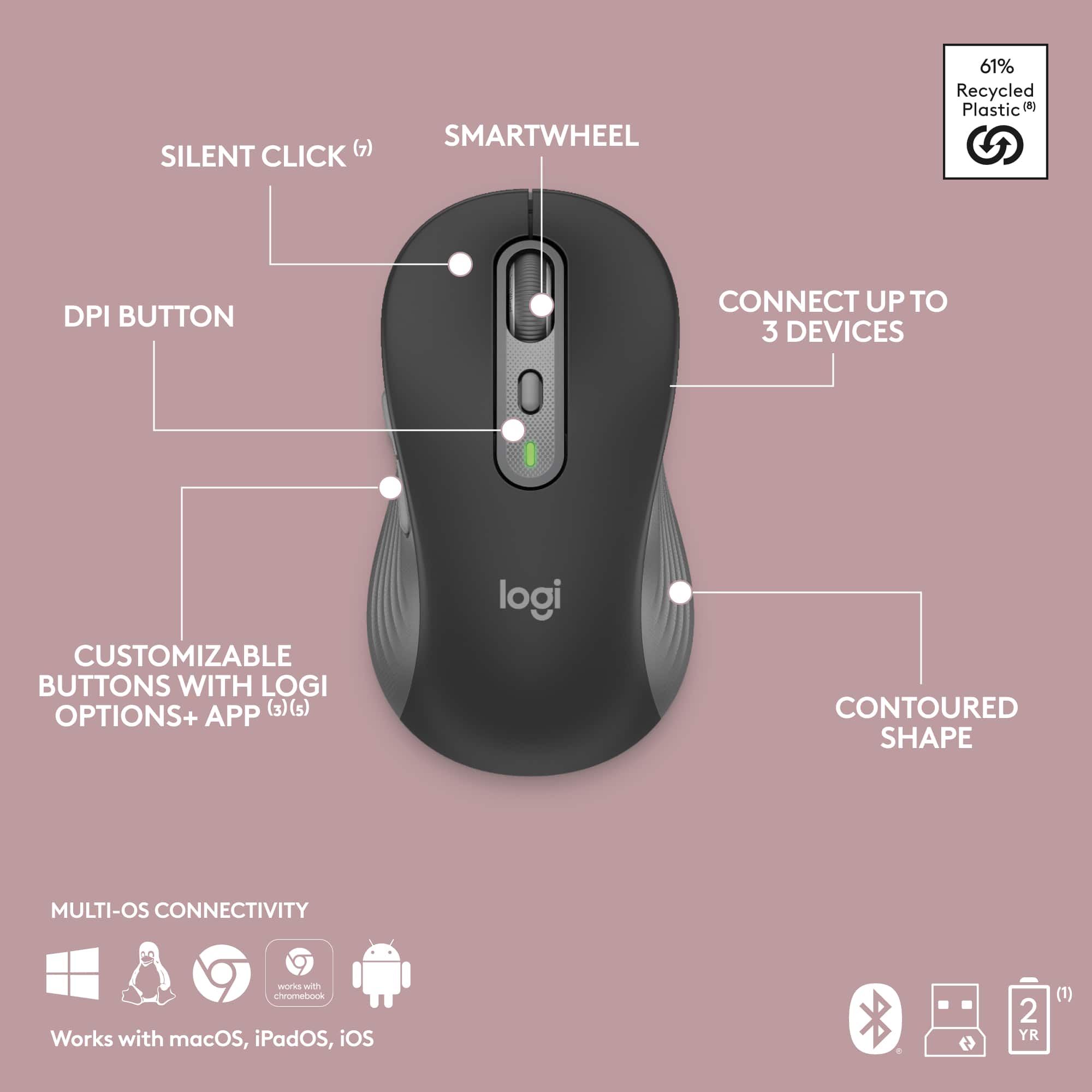

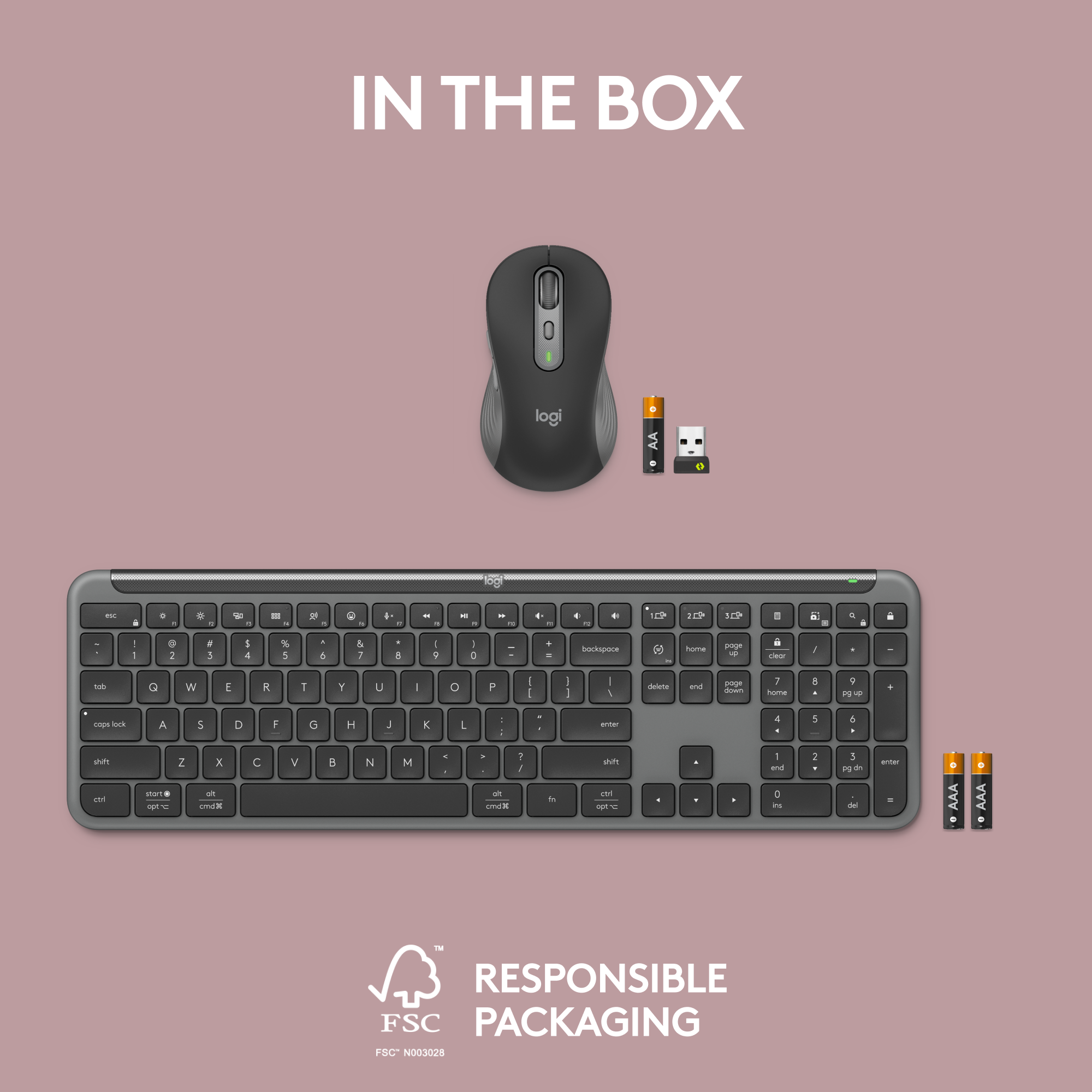


- Model:
- 920-012425
- SKU:
- 10939172
Rating by feature
- Value
Rating 4.7 out of 5 stars
- Quality
Rating 4.8 out of 5 stars
- Ease of Use
Rating 4.8 out of 5 stars
- Pros mentioned:Keyboard quality
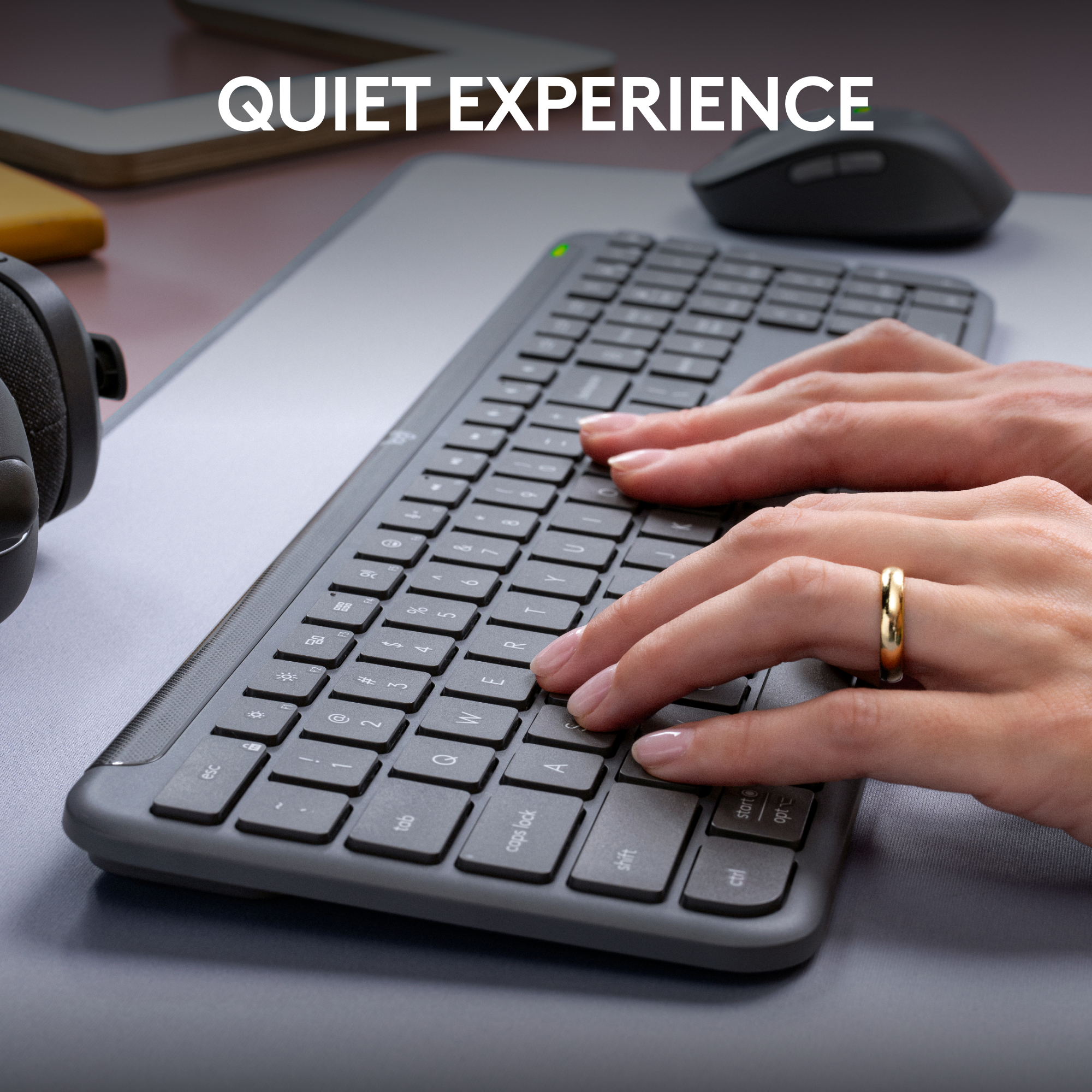
Nice and quiet
||Posted . Owned for 1 week when reviewed.This reviewer received promo considerations or sweepstakes entry for writing a review.Quite keyboard, great feeling mouse. Strong recommend.
I would recommend this to a friendBrand response from Logitech
Posted .Hi there! Thanks for the great feedback! We're glad you're enjoying the quiet typing and comfortable mouse of the MK955.
Worth the cost
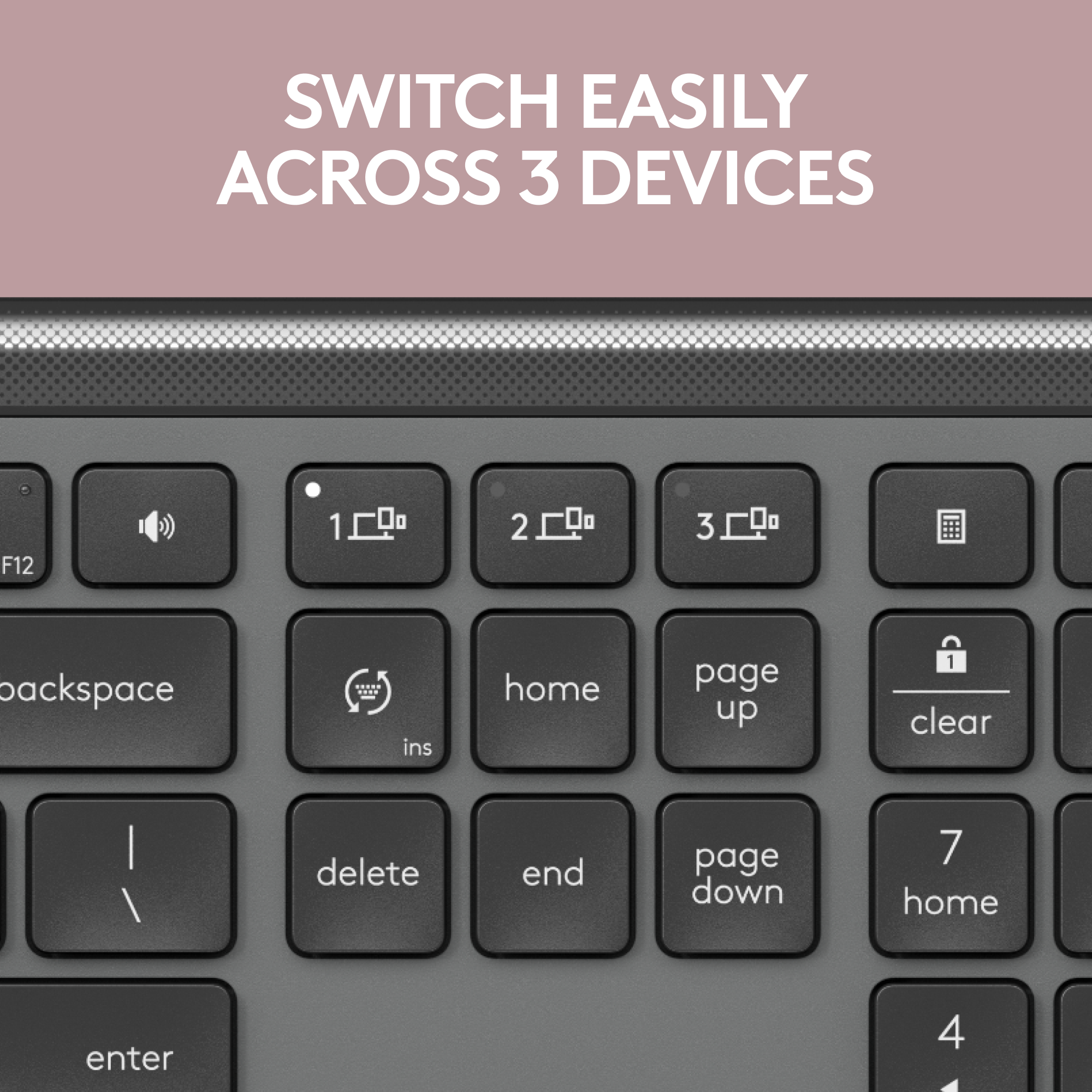
||Posted .This reviewer received promo considerations or sweepstakes entry for writing a review.So comfortable to use and works flawlessly with my Mac. I haven’t tried it with my phone or iPad yet but I’m so glad it has a multi device feature.
I would recommend this to a friendBrand response from Logitech
Posted .We're so happy to hear you're enjoying the comfort and seamless Mac compatibility of your MK955 Signature Slim Combo! It's great to know the multi-device feature is something you're looking forward to exploring with your phone and iPad. Thanks for sharing your positive experience!

Great keyboard
||Posted . Owned for 3 weeks when reviewed.This reviewer received promo considerations or sweepstakes entry for writing a review.I love the feel of the keyboard and mouse Very compatible with my computer
I would recommend this to a friendBrand response from Logitech
Posted .We’re grateful you took the time to share your thoughts. It’s wonderful to know our product is meeting your expectations.
Wireless keyboards help
||Posted . Owned for 1 month when reviewed.This reviewer received promo considerations or sweepstakes entry for writing a review.Suits my needs. Laptop keyboard not as productive. Easy to install
I would recommend this to a friendBrand response from Logitech
Posted .Thanks for sharing your experience! The MK955 Signature Slim Combo seems to be a great upgrade from a laptop keyboard—especially with its quiet typing, full-size layout, and easy setup. It’s designed to boost comfort and productivity, and it sounds like it’s doing just that for you.
- Pros mentioned:Keyboard quality
Working great so far
||Posted . Owned for 3 weeks when reviewed.This reviewer received promo considerations or sweepstakes entry for writing a review.Working great so far! comfortable keyboard and mouse
I would recommend this to a friendBrand response from Logitech
Posted .Hey there! We're thrilled to hear you're enjoying the MK955. It's always great to hear positive feedback about comfort and performance.
Very good combo.
||Posted . Owned for 3 weeks when reviewed.This reviewer received promo considerations or sweepstakes entry for writing a review.It's a very good keyboard and mouse combo. However, it was too large for my needs, so I returned it. I would recommend it as a full-size keyboard. It's also extremely quiet.
I would recommend this to a friendBrand response from Logitech
Posted .Hey! Appreciate the feedback! It's good to know the MK955 is a solid full-size and so quiet. Size matters, and it's understandable it wasn't the right fit for you.
Smooth Keyboard
||Posted . Owned for 7 months when reviewed.This reviewer received promo considerations or sweepstakes entry for writing a review.This is a very smooth and easy keyboard to type on - also very quiet to type on. I only wish it had backlighting, but I'll still give it 5 stars since that's just a preference.
I would recommend this to a friendBrand response from Logitech
Posted .Thank you for your positive feedback on the Logitech MK955 Signature. We appreciate you highlighting the smooth, quiet typing experience and understand your preference for backlighting.
Keyboard
||Posted . Owned for 1 month when reviewed.This reviewer received promo considerations or sweepstakes entry for writing a review.So far, it has worked very well. I like the easy of touch and the softness of the keys.
I would recommend this to a friendBrand response from Logitech
Posted .That's excellent to hear! We're thrilled your Logitech MK955 Keyboard and Mouse Combo is working very well for you, and that you appreciate the easy touch and softness of the keys. Enjoy your comfortable typing experience!
Met expectations!
||Posted . Owned for 1 month when reviewed.This reviewer received promo considerations or sweepstakes entry for writing a review.This keyboard was reasonably priced and met my expectations. It was difficult to find a keyboard that was low profile keys with a cord.
I would recommend this to a friendBrand response from Logitech
Posted .Thank you for your feedback! We're pleased to hear this reasonably priced keyboard met your expectations, especially in finding a low-profile wired option.
- Pros mentioned:Keyboard quality
Keyboard
||Posted . Owned for 3 weeks when reviewed.This reviewer received promo considerations or sweepstakes entry for writing a review.Great feel. Took a little getting use to the light touch of the finger click but quickly got adjusted to it and now can’t go back.
I would recommend this to a friendBrand response from Logitech
Posted .Thank you for your feedback on the MK955 Signature Slim Full-size Wireless Keyboard and Mouse Combo! We're glad to hear that you've adjusted to the light touch and are enjoying the overall feel of the keyboard.
Great keyboard for a laptop
||Posted . Owned for 3 weeks when reviewed.This reviewer received promo considerations or sweepstakes entry for writing a review.The touch response is similar to a laptop keyboard with no noise and a comfortable touch.
I would recommend this to a friendBrand response from Logitech
Posted .Thank you for your fantastic review of the Logitech MK955 Signature Slim Full-size Wireless Keyboard and Mouse Combo!
Best keys
||Posted . Owned for 2 months when reviewed.This reviewer received promo considerations or sweepstakes entry for writing a review.Great combo set. Love the ability to charge rather than replacing butteries
I would recommend this to a friendBrand response from Logitech
Posted .We're delighted to hear you love the Logitech MK955 Signature Slim Full-size Wireless Keyboard and Mouse Combo, especially the convenience of recharging! It's fantastic that you're enjoying this great set. Thanks for sharing your feedback!
Awesome multi-device keyboard!
||Posted . Owned for 1 month when reviewed.This reviewer received promo considerations or sweepstakes entry for writing a review.Love this keyboard - bought a second for my work office while the first one stays at home. The ability to press a button and type on my iPhone is FANTASTIC. That's the main reason I purchased it - aside that it looks cooler being wireless than all the other keyboards at work!
I would recommend this to a friendBrand response from Logitech
Posted .Conquering Work and Home, Keystroke by Keystroke! It sounds like you're a huge fan of the Logitech MK955, and for good reason! Your review highlights two key aspects that make it a winner for you
Keyboard
||Posted . Owned for 3 weeks when reviewed.This reviewer received promo considerations or sweepstakes entry for writing a review.Works great, easy to set up and run. Happy we decided to purchase.
I would recommend this to a friendBrand response from Logitech
Posted .That's excellent to hear! We're thrilled your Logitech MK955 Keyboard and Mouse Combo works great and was easy to set up. It sounds like a fantastic purchase for you!
Great keyboard/mouse
||Posted . Owned for 1 month when reviewed.This reviewer received promo considerations or sweepstakes entry for writing a review.Great product for the price. Would buy this again.
I would recommend this to a friendBrand response from Logitech
Posted .Thanks for the kind words! We're happy to hear the MK955 Signature Slim combo impressed you with its value and performance. Here’s to quiet clicks and smooth typing ahead!
Recommended!
||Posted . Owned for 1 month when reviewed.This reviewer received promo considerations or sweepstakes entry for writing a review.Installed and works like a charm. Love the ergonomic feel of the mouse. Recommended!
I would recommend this to a friendBrand response from Logitech
Posted .It's wonderful to hear you're enjoying the ergonomic feel and seamless performance of your MK955 combo. We're glad it's working so well for you!
Bueno, Bonito y Barato!!
||Posted . Owned for 2 months when reviewed.This reviewer received promo considerations or sweepstakes entry for writing a review.Ibwspwcially likenthe responsiveness of this product. It's decent quality for tje price point of $100. I'd recomment this product to anyone.
I would recommend this to a friendBrand response from Logitech
Posted .We appreciate your positive feedback on the Logitech MK955 Signature Slim! We're glad you're enjoying the responsiveness and overall quality of the product. Thank you for choosing Logitech!
Exceeded my expectations!
||Posted . Owned for 1 month when reviewed.This reviewer received promo considerations or sweepstakes entry for writing a review.I'm very happy and pleased with my purchase. Love logitech products.
I would recommend this to a friendBrand response from Logitech
Posted .It warms our hearts to hear you're so delighted with your Logitech MK955 combo! We truly appreciate your trust in our products and are thrilled to know it exceeded your expectations. Thanks for being a valued Logitech customer!
Great Keyboard and Mouse
||Posted . Owned for 5 months when reviewed.This reviewer received promo considerations or sweepstakes entry for writing a review.Slim and practical. Is just what I wanted. The keys feel great on the touch!
I would recommend this to a friendBrand response from Logitech
Posted .We're pleased you're finding the keys on the MK955 feel great! That's a crucial aspect of the typing experience. Thank you for your feedback on its slim and practical design.
Quality always
||Posted . Owned for 2 weeks when reviewed.This reviewer received promo considerations or sweepstakes entry for writing a review.Great combo. You will never go wrong with Best Buy. I have been shopping here for over 10years and I have never had to return an item. Thank you for always putting us customers first.
I would recommend this to a friendBrand response from Logitech
Posted .Hey there! Thanks so much for the kind words about the MK955 and your positive experience at Best Buy. We're thrilled to hear you've been a loyal customer for over 10 years and that the MK955 is a great fit for you.