Customer Ratings & Reviews
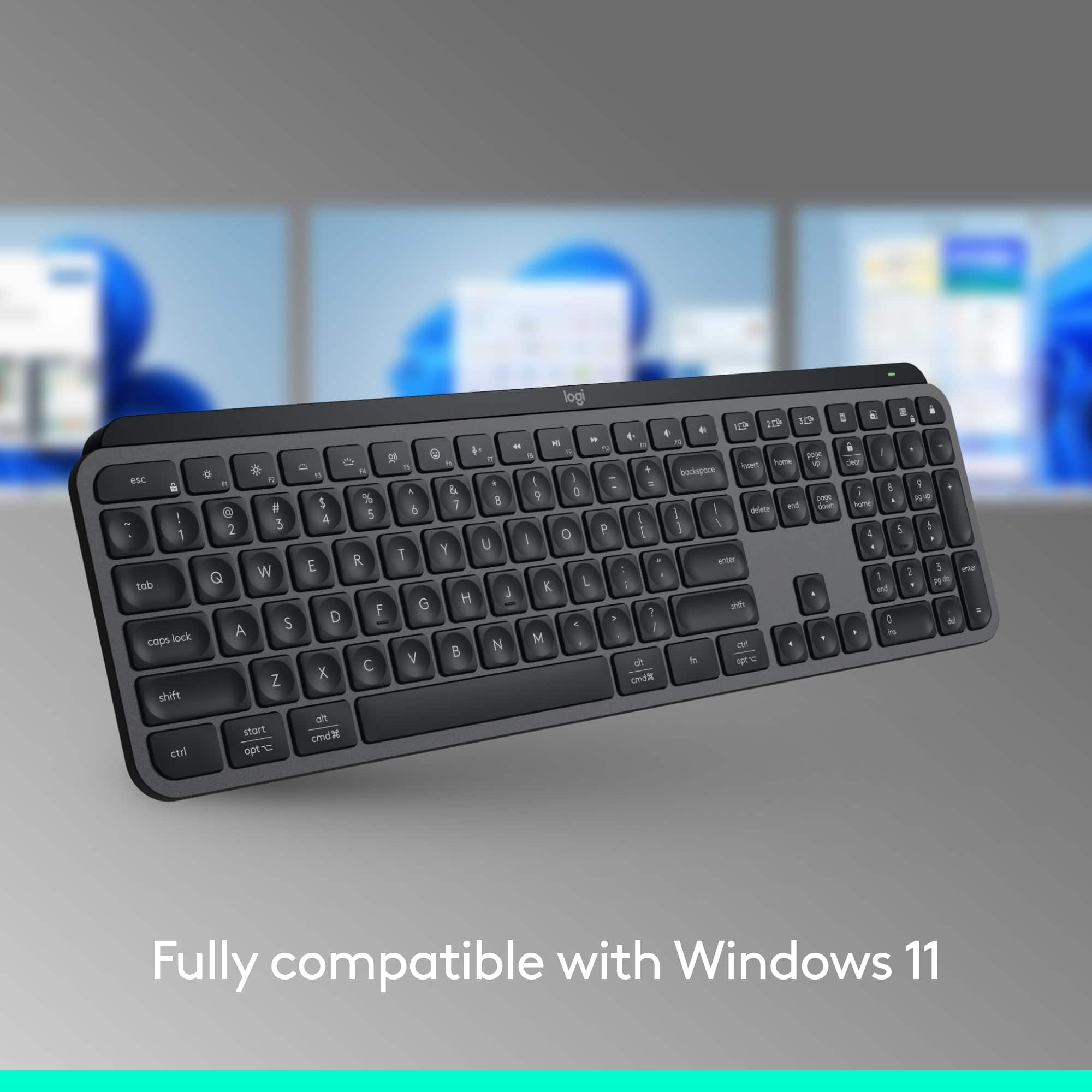
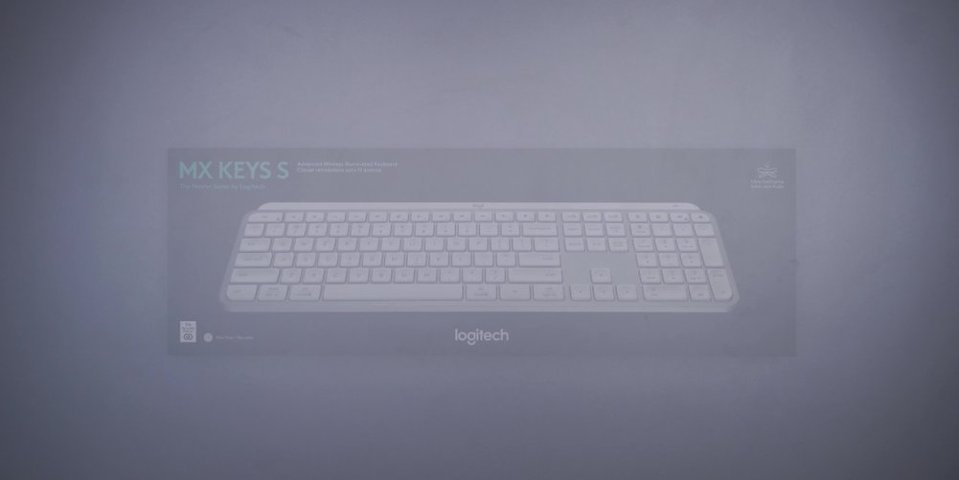
![esc ~ ! 1 tab caps lock shift ctrl F2 Fl # 2 3 Q W A S Z start opt L F3 $ 4 E D X alt cmd3 ) FS F4 A % 5 6 R T F G V C logi 44 HI & F9 FID FB F7 F6 * ) - - & 0 8 9 7 O P U I Y K L H J > < N M 1 B PM + = { [ : I ; ? I alt cmd D 2 4 300 3 1 F12 . * page I insert home up clear backspace 8 9 + 7 page A pg up end down home } I delete ] / 6 4 5 4 enter 2 3 enter 1 dn Pg end shift = 0 del ins etrl fn opt](https://pisces.bbystatic.com/image2/BestBuy_US/images/products/6539/6539505_sd.jpg)






- Model:
- 920-011406
- SKU:
- 11521897
Rating by feature
- Value
Rating 4.5 out of 5 stars
- Quality
Rating 4.8 out of 5 stars
- Ease of Use
Rating 4.7 out of 5 stars
- Pros mentioned:Keyboard quality
What a pleasure, a perfect keyboard!
||Posted . Owned for 3 weeks when reviewed.This reviewer received promo considerations or sweepstakes entry for writing a review.I have tried many different keyboards in the past two years, including mechanical with RGB light effects and a bunch of lower cost keyboards. Most of them were adequate, but there was always something with each one that made me look for yet another one! I've had several Logitech peripherals along the way and one of them was an MX Anywhere 2S mouse that I bought back when it was first introduced. That mouse was and still is one of my favorites. I use it with a desktop, two different laptops, three different smartphones and several tablets. It is relatively small and was easy to take on trips around the world before I retired. I have added a 27" iMac and a Herk Orion1 mini-PC to my bevy of computers and needed to get another mouse because I was using the 2S with everything. Same story as the keyboard, I tried several, but none felt just right. Based on the positive experience over a long time using the 2S I already knew I had to try the MX Master 3S mouse and decided to mate that with the MX Keys full-sized keyboard. After more than a half-dozen mouses & keyboards, some of which were pretty inexpensive, the Logitech solution seemed expensive. After a few months waiting for them to go on sale (which did not happen!), I finally bit the proverbial bullet and bought them both. I could not be MORE pleased with my decision. They are both "Cadillac" devices. They look, feel and work as perfectly as anything I have tried, and I have been working with computers since the mid-1970s. Over that time, I have seen and used every kind of keyboard and mouse that came along, and this combination feels great. The keyboard has a significant physical weight and stays put. The layout and keycap shapes make it a joy under your fingers. The backlighting and letters on keycaps ae perfect. My ONLY "complaint" is that the backlight goes off after a bit, so in a darkened room I sometimes have difficulty when I start typing, so I put my hand close to it to get the LEDs going. I leave it plugging in to a USB-C port so no worries about battery. Other than that, everything is roses with this thing!
I would recommend this to a friendBrand response from Logitech
Posted .Thank you for your amazing review of the Logitech MX Keys S keyboard! We're thrilled to hear that it's the best keyboard you've ever used and has exceeded your expectations. Your positive feedback means a lot to us as we continue to create exceptional products that elevate your computing experience.
Quiet Work Space
||Posted . Owned for 2 weeks when reviewed.This reviewer received promo considerations or sweepstakes entry for writing a review.Love this keyboard. i love how it can change quickly between devices with just the tap of a button. Super quiet. People forget I am in my office so I hear things I shouldn’t hear.
I would recommend this to a friendBrand response from Logitech
Posted .Thanks for your thoughtful words! We’re proud to know our product is working well for you. Your support means everything.

- Pros mentioned:Battery life
Logitech Keyboard
||Posted .This reviewer received promo considerations or sweepstakes entry for writing a review.Love this keyboard! So quiet and smooth and stays charged for a long time
I would recommend this to a friendBrand response from Logitech
Posted .That's wonderful to hear! We are delighted that you are enjoying the quiet, smooth, and long-lasting charge of your Logitech MX Keys S Keyboard. Thank you for sharing your positive experience!
- Pros mentioned:Battery life, Key feel, Keyboard quality
Excellent keyboard, quiet and soft
||Posted . Owned for 1 month when reviewed.This reviewer received promo considerations or sweepstakes entry for writing a review.Love the feel and quiet of this keyboard. All buttons I need. Easy to toggle between Mac and PC. Smooth buttons. Love the rechargeable battery and alert when to charge. Backlighting is also subtle and soft.
I would recommend this to a friend Best Quiet Low Profile Keyboard on the Market
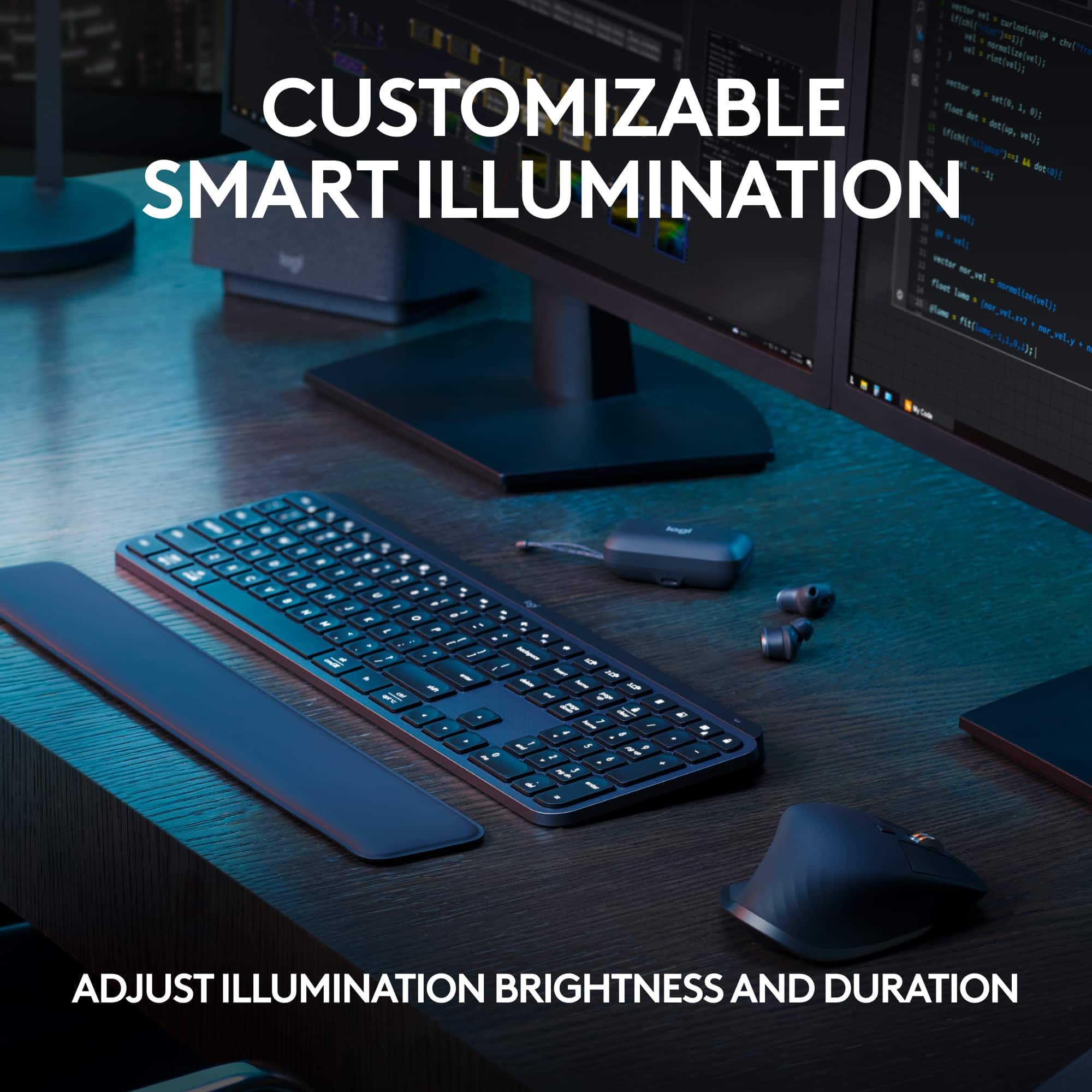
||Posted . Owned for 1 month when reviewed.This reviewer received promo considerations or sweepstakes entry for writing a review.If you like soft(quiet) satisfying keys and short cuts this is the keyboard for you. It has many shortcut keys that only require a single key instead of multiple for one command like the lock screen and snipit tool. It has an intuitive backlight sensor and will light up the keys or dim down based on brightness of the room you are in and of course you can turn brightness up or down. It is also motion activated, if you move your hand over the keyboard it will illuminate if the backlight is off. I'm a project manager and this keyboard is great for work, I take it with me to the office as well. It also has the perfect weight to it so it stays in place while typing. Pressing the keys is very satisfying if you like quiet low profile keyboards, 100% worth the money spent
I would recommend this to a friendBrand response from Logitech
Posted .This is truly fantastic feedback about your Logitech MX Keys S! It sounds like this keyboard is absolutely perfect for your needs as a project manager.
It's excellent to learn you appreciate the quiet, satisfying keys and the convenience of those single-key shortcuts for functions like the lock screen and snippet tool. The intuitive backlight sensor with its automatic adjustments and motion activation certainly adds a touch of brilliance to your workflow. Knowing it has the ideal weight to stay put while you're typing away, whether at home or in the office, and that you find the low-profile keys so satisfying, truly confirms its value. Thank you for sharing such a detailed and enthusiastic review – we're thrilled it's 100% worth the money spent for you!
- Pros mentioned:Battery life, Keyboard quality
Smooth typing and great build quality
||Posted . Owned for less than 1 week when reviewed.This reviewer received promo considerations or sweepstakes entry for writing a review.This keyboard is a pleasure to use. Typing feels smooth and quiet, and the backlighting with proximity sensor is a nice touch. It switches easily between my laptop and tablet, and the battery lasts a long time. Great choice for productivity!
I would recommend this to a friendBrand response from Logitech
Posted .Thank you for sharing your experience with the MX Keys S Universal Full-size Wireless Scissor Keyboard! We're thrilled to hear that it's a pleasure to use and has become a great choice for your productivity.
- Pros mentioned:Battery life, Connectivity
Bluetooth glory
||Posted .This reviewer received promo considerations or sweepstakes entry for writing a review.Great standard Bluetooth keyboard. Easy to setup in windows 11. Battery life has been great so far.
I would recommend this to a friendBrand response from Logitech
Posted .We’re so happy to hear that our product is working well for you. Your review helps us understand what we’re doing right and where we can grow. Thank you for being part of the Logitech community and for taking the time to share your thoughts.
- Pros mentioned:Keyboard quality
Great keyboard.
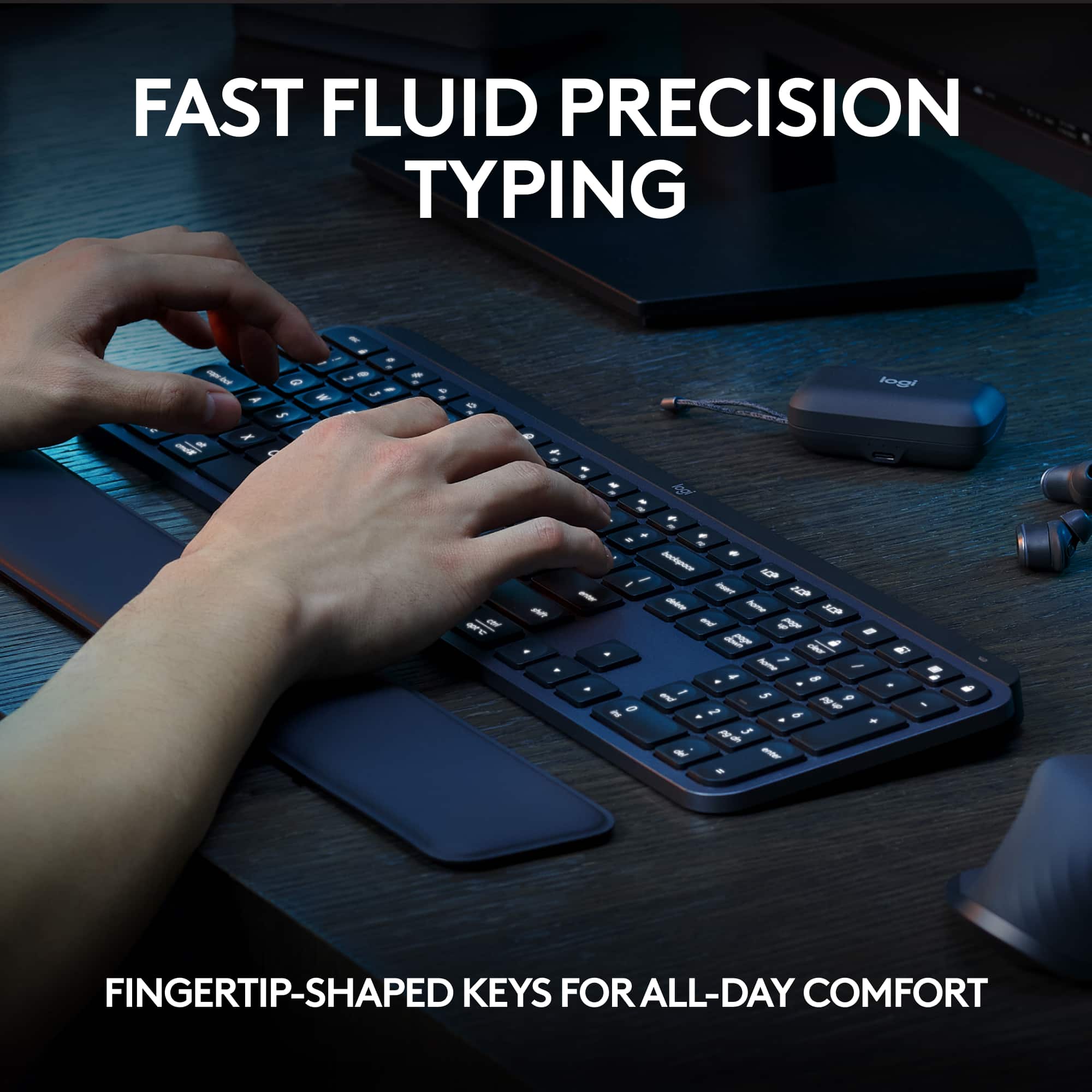
||Posted . Owned for 1 week when reviewed.This reviewer received promo considerations or sweepstakes entry for writing a review.I am very impressed with this keyboard. The key action is just what I wanted. They have a nice, light snap but not too noisy. The concave key top and backlighting definitely helps my typing accuracy. The keyboard is heavy and sits firmly in place on the rubber feet. Very well made!
I would recommend this to a friendBrand response from Logitech
Posted .We're delighted you're enjoying the MX Keys S! The precise key action, concave key tops, and backlighting were designed to enhance typing accuracy and comfort, and we're so glad they're working well for you. It's also great to hear you appreciate the keyboard's stability. Thank you for your wonderful feedback!
- Pros mentioned:Battery life, Keyboard quality
PC user with an iPad
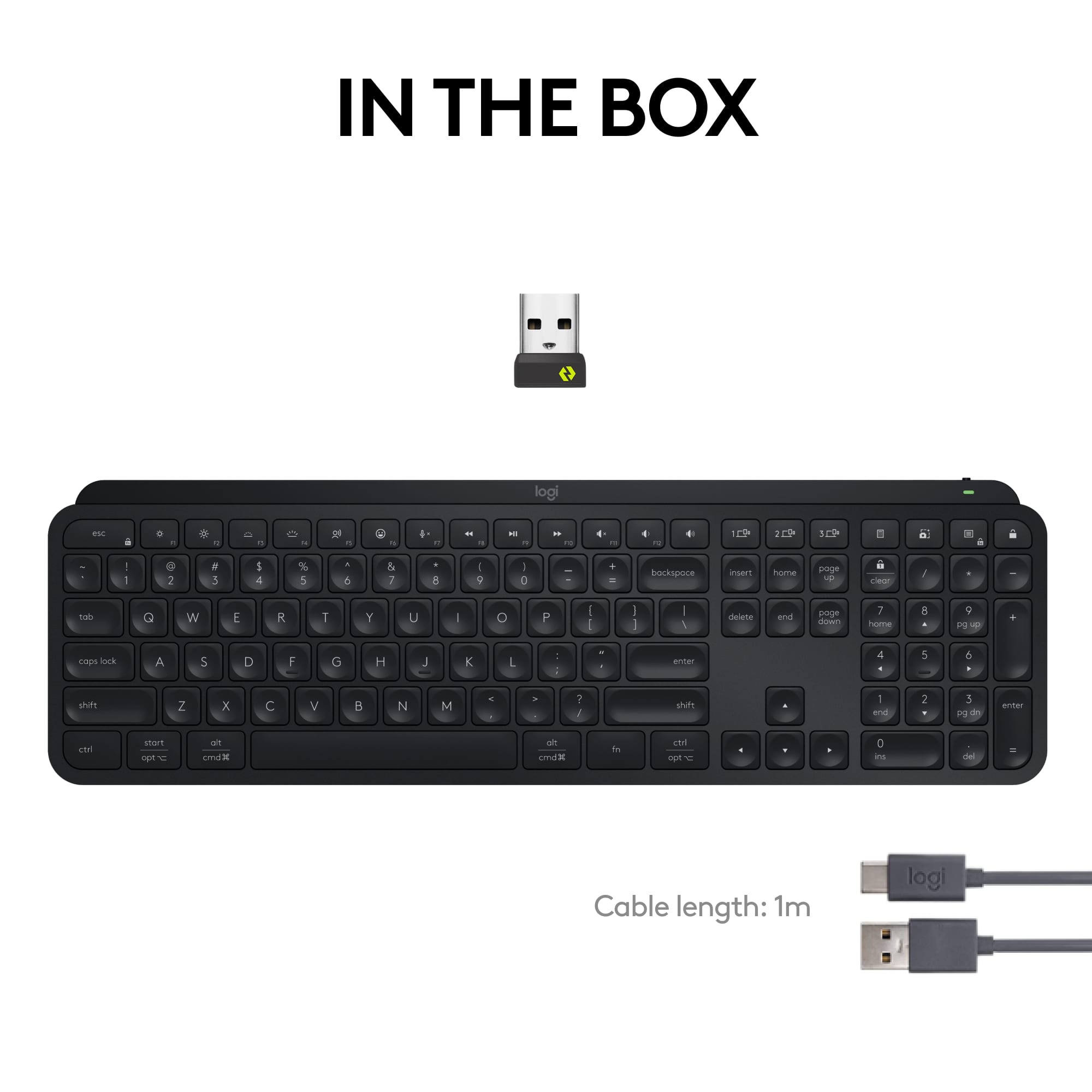
||Posted . Owned for less than 1 week when reviewed.This reviewer received promo considerations or sweepstakes entry for writing a review.I bought this for my ipad to type faster/more comfortably. What I ended up doing was ditching my mechanical keyboard and plugging the wireless reciever into my PC. The device switching is fast and easy. The typing experience is great. I hope the battery lasts a long time and is easy to replace when the time comes because this keyboard feels premium and I hope to keep it for a long time.
I would recommend this to a friendBrand response from Logitech
Posted .Thank you for your amazing review of the Logitech MX Keys S Wireless Keyboard! We're thrilled to hear that you're using it with your PC and that you appreciate its quality, performance, and ease of use. Your positive feedback means a lot to us as we continue to provide exceptional products that enhance your computing experience.
- Pros mentioned:Keyboard quality
Excellent keyboard for a 90 WPM touch typist.
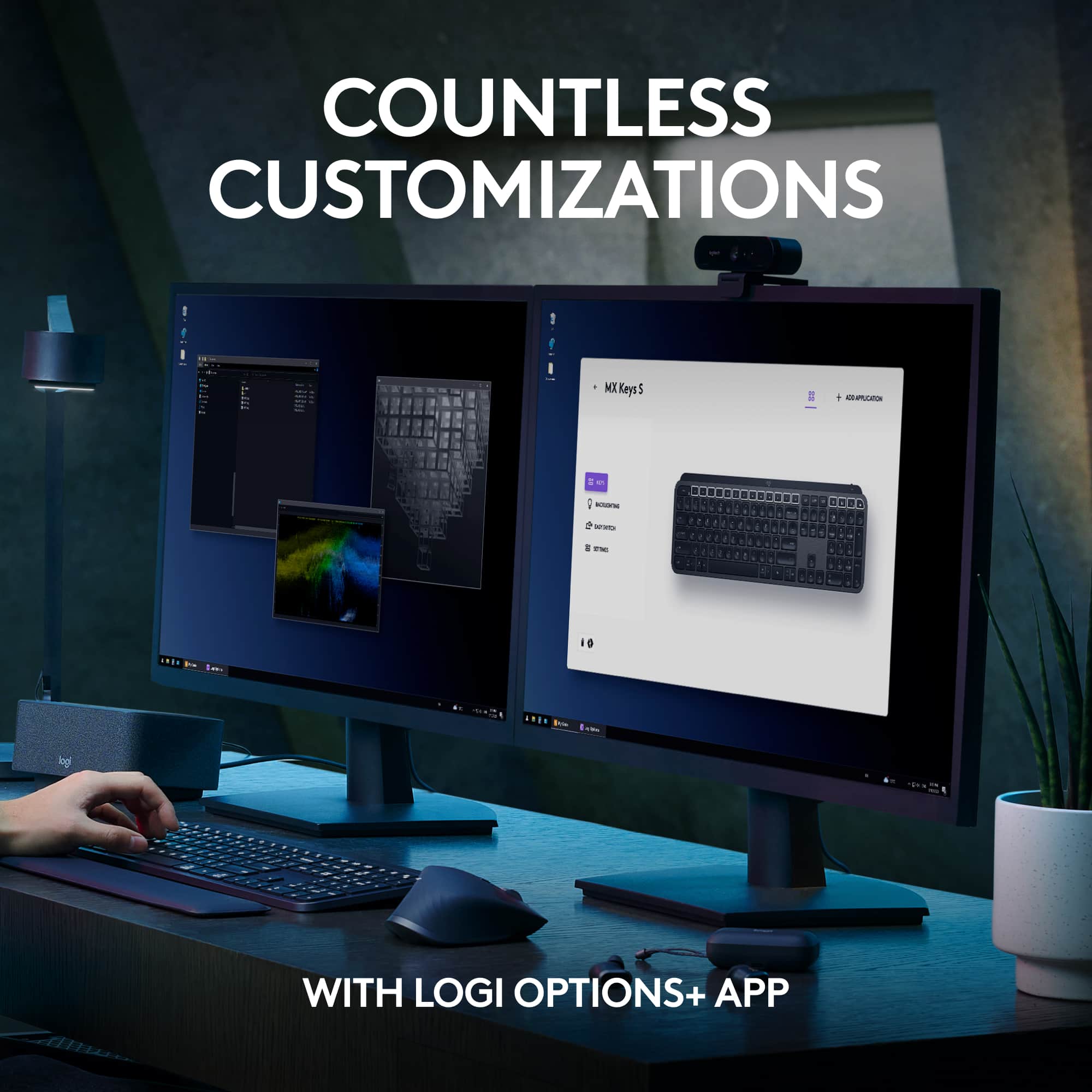
||Posted . Owned for less than 1 week when reviewed.This reviewer received promo considerations or sweepstakes entry for writing a review.I buy these keyboards because I like the feeling of the keys. This is the fourth I've purchased over the last few years. One is still in use and two failed and needed to be replaced. Several of the key caps fell off of one of them and I couldn't reattach them. Another just quit connecting. The feet tend to fall off, too, so the first thing I do with a new one is put tape over the feet. The worst thing about these keyboards and the companion mice is their connectivity. This keyboard is the first I've been able to connect without a call to customer support, but it isn't without peculiarities. It would only connect via Bluetooth. It's odd because the mouse is connected via a unifying receiver according to the Options+ software. What's odd is there isn't a receiver in the computer, so I have no idea how the mouse is connecting without one. Thus, the keyboard got it right. Even so, if the mouse can connect, why can't the keyboard connect using the same phantom receiver? I installed the receiver that came with the keyboard and it wouldn't connect with it, so I decided it had to be Bluetooth or nothing. I really think the unifying receivers would be a great idea if they were more reliable. Sadly, this newest model keyboard is no better than the first one I bought. Better documentation would help. I always find the setup horribly confusing. It would be okay if it worked, but it usually doesn't. The only real option is to blunder my way till it fails so I can tell their customer support that I tried. If only they could provide some clues about what to do when the minimalist instructions end in a frustrated contact with customer support. I haven't called about this one yet. It is working, so maybe it's best to just leave well enough alone. It's just that I'm the type of person who has difficulties with unresolved questions. How the heck is the mouse connected with nothing? Why won't the keyboard connect with that same nothing? This is not going to stop bothering me. Five stars because it fundamentally does what a keyboard should do and does it very well, and that is what's most important.
I would recommend this to a friendBrand response from Logitech
Posted .Glad you love the typing feel of the MX Keys S! For a frustration-free experience, consider contacting Logitech support about the connection quirks. They might offer solutions or a replacement. In the meantime, explore online resources for troubleshooting tips!
- Pros mentioned:Battery life, Keyboard quality
Excellent and efficient.
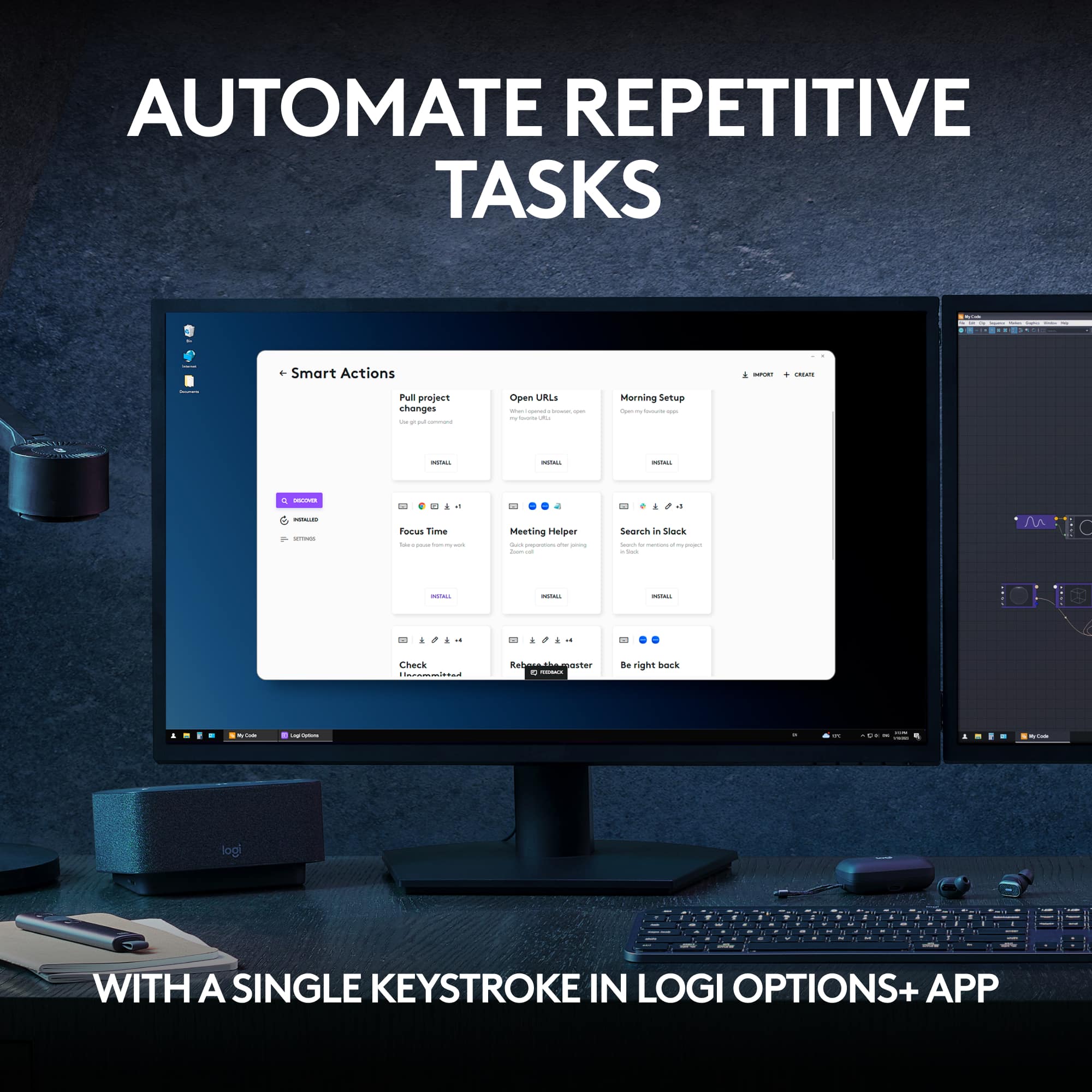
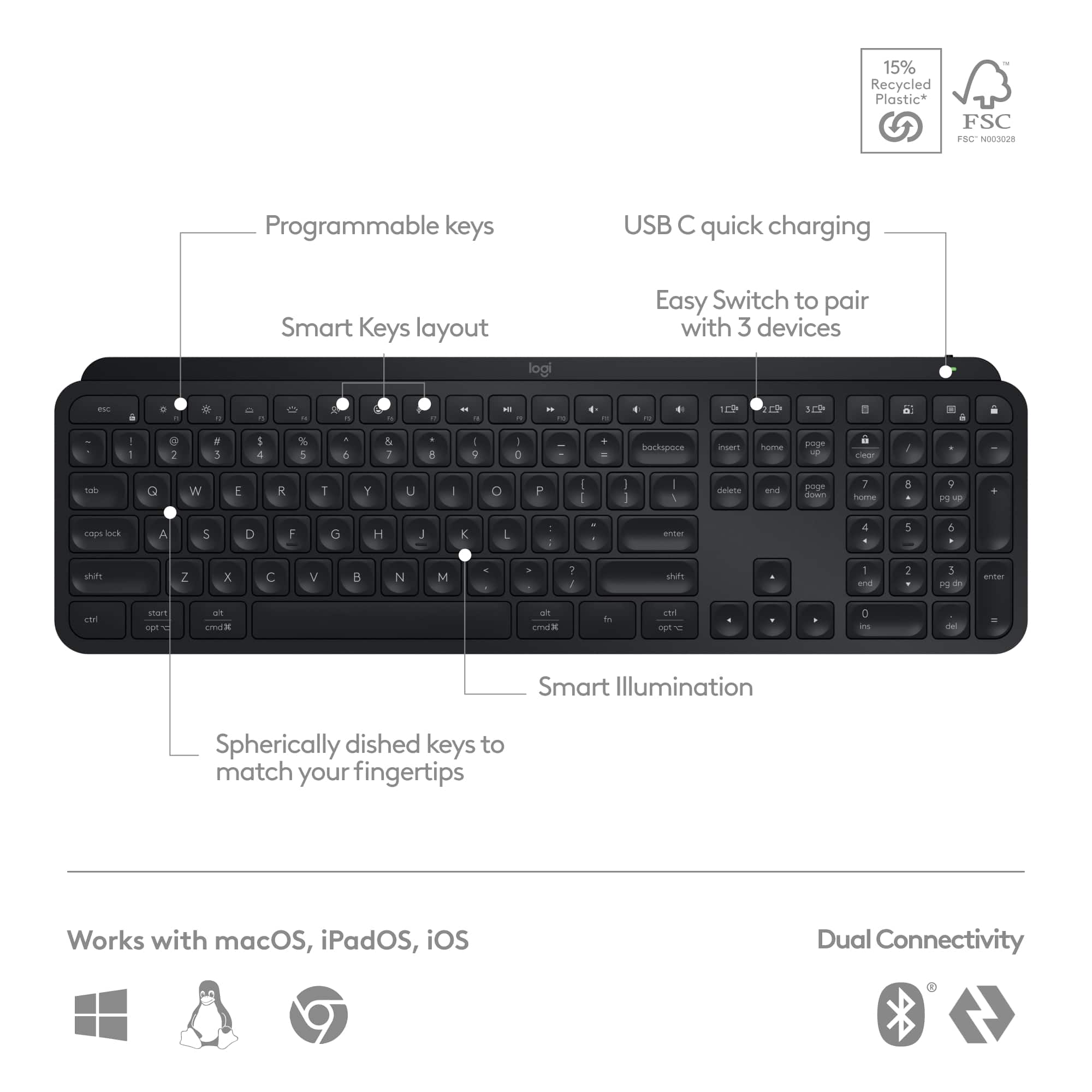
||Posted .This reviewer received promo considerations or sweepstakes entry for writing a review.Excellent keyboard. Very comfortable to type on and I love how it lights up automatically when my hands hover over. The charge lasts over a week at least - maybe 2-3. Programmable quick keys are easy to program and save time.
I would recommend this to a friendBrand response from Logitech
Posted .We're so glad to hear you're enjoying your MX Keys S! It's fantastic to know that the comfort, smart backlighting, and long-lasting battery are working well for you. We especially appreciate you highlighting the programmable quick keys – we designed them to boost productivity and it's wonderful to hear they're saving you time. Thanks for the excellent review!
- Pros mentioned:Battery life, Keyboard quality
My favorite keyboard ever
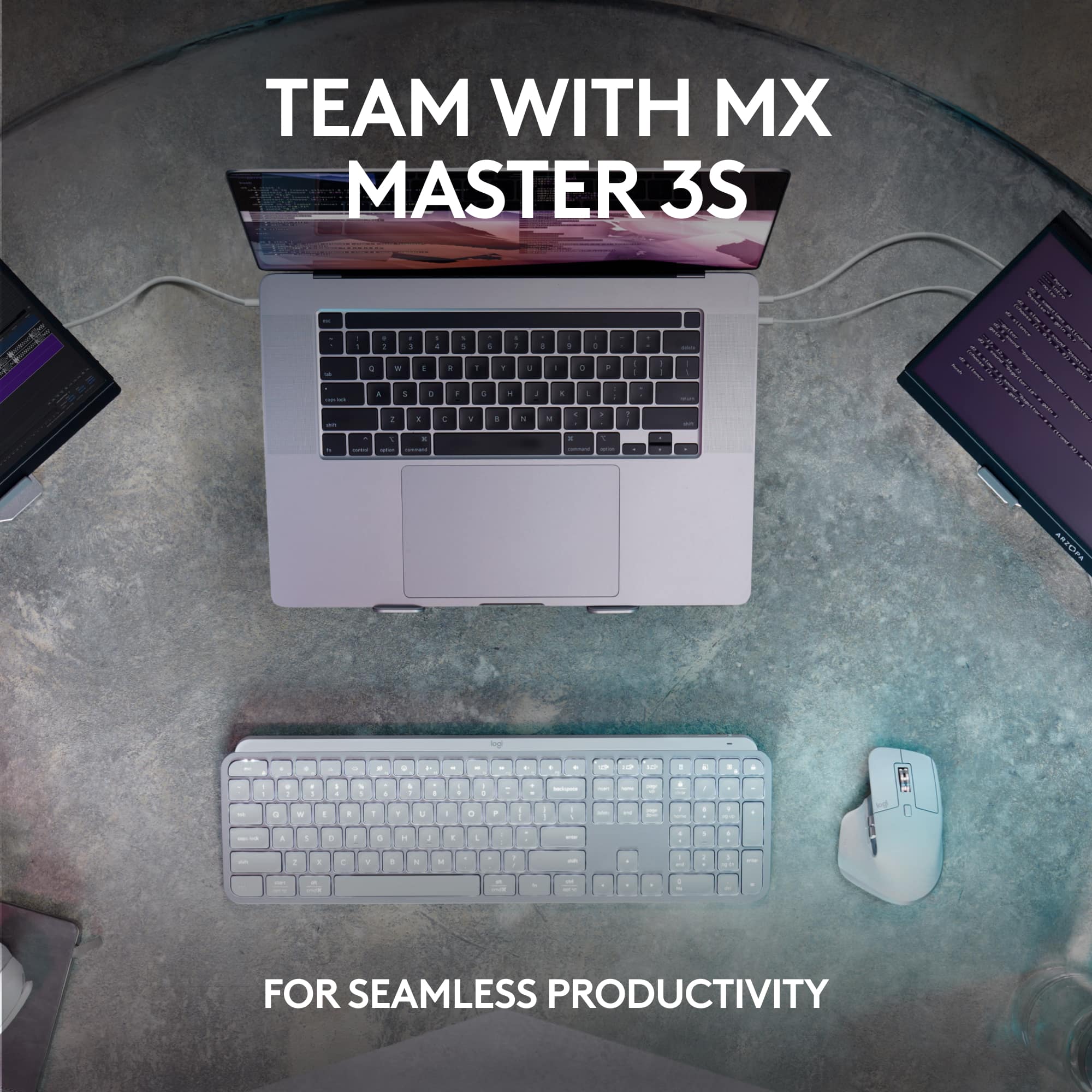
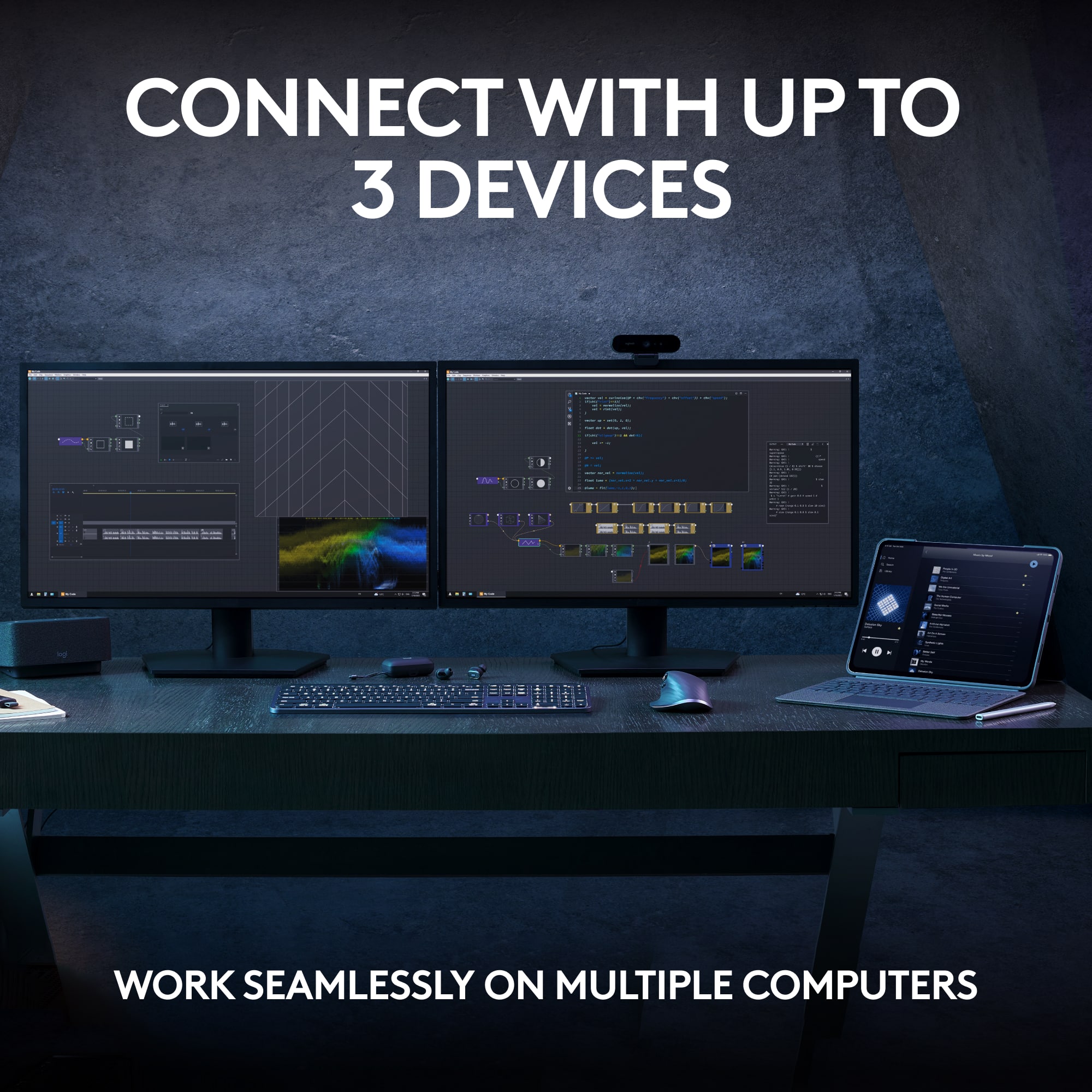
||Posted . Owned for 1 month when reviewed.This reviewer received promo considerations or sweepstakes entry for writing a review.Best keyboard I have ever used. Connect to 3 devices. Very quiet keys. Excellent battery life. A bit pricey but IMO total worth it for the performance you get. Pair it with the MX3 mouse and you have an amazing computer experience.
I would recommend this to a friendBrand response from Logitech
Posted .That's fantastic to hear the MX Keys S is your favorite keyboard ever! We're thrilled you're enjoying the ability to connect to three devices, the quiet keys, and the excellent battery life. It's wonderful to know you feel it's totally worth the investment for the performance, and that it pairs so well with the MX 3 mouse for an amazing computer experience. Thanks so much for your enthusiastic feedback!
- Pros mentioned:Connectivity, Keyboard quality
Looks great!
||Posted . Owned for 3 weeks when reviewed.This reviewer received promo considerations or sweepstakes entry for writing a review.It looks nice, it feels nice. Immediately connected to my computer through bluetooth. I did want to connect it with the dongle and that took a bit longer, but it was just as easy.
I would recommend this to a friendBrand response from Logitech
Posted .Thanks for the great feedback! We're glad to hear you're enjoying the look and feel of your MX Keys S, and that both Bluetooth and dongle connections were easy to set up. Your comments help us improve.
- Pros mentioned:Keyboard quality
Worth the money, but a bit quirky
||Posted .This reviewer received promo considerations or sweepstakes entry for writing a review.The keyboard lights up nicely. i recommend working in the dark to take advantage of the backlighting. Having limited vision, I find this to be a lifesaver. The four-star rating is that it's a little quirky. It s easy to hit the wrong button and shut off the backlighting or the keyboard itself. As I write this, the keyboard registered 10% power without warning, and the backlighting quit.
I would recommend this to a friendBrand response from Logitech
Posted .Your feedback is incredibly important to us, and we’re sorry to hear about the difficulties you’ve faced. While we aim to make our products intuitive and dependable, we know we sometimes fall short. Thank you for pointing this out—we’ll be reviewing it internally, and in the meantime, our support team is ready to help.
Excellent product
||Posted . Owned for 1 week when reviewed.This reviewer received promo considerations or sweepstakes entry for writing a review.Excellent product; the weight keeps it from moving, the keys are very comfortable, and it makes your work better.
I would recommend this to a friendBrand response from Logitech
Posted .We appreciate you taking the time to share your experience. Knowing our product is working well for you makes all the difference. Thanks for being with Logitech.
Excellent Keyboard with a Premium Feel
||Posted . Owned for 2 weeks when reviewed.This reviewer received promo considerations or sweepstakes entry for writing a review.I bought the MX Keys S to use as my main work keyboard, and it’s been excellent. The scissor keys have a really smooth feel with just the right amount of feedback, and the typing noise is very low, which makes a big difference when working around other people. The layout is comfortable, and I adjusted to it quickly. The backlighting is one of the better features. It turns on automatically as your hands get close and adjusts depending on the lighting in the room. It’s subtle but really useful throughout the day. Bluetooth has been stable, and switching between devices is fast and seamless, which is great if you move between a laptop and desktop. The build quality feels solid and premium. It has some weight to it, but that actually helps it stay put on the desk. It doesn’t slide around, and everything about it feels sturdy and well-made. Overall, it’s a very comfortable, quiet, and reliable keyboard that’s great for long workdays.
I would recommend this to a friendBrand response from Logitech
Posted .Hey! Your feedback is a valuable part of our development process. We’re glad our product is meeting your expectations. Thanks for being part of our journey.
- Pros mentioned:Battery life
Backlit keys are very nice - good battery life
||Posted . Owned for 1 year when reviewed.This reviewer received promo considerations or sweepstakes entry for writing a review.This keyboard has keys that are backlit, which is a feature I can't live without, now that I've gotten used to it! It holds a charge for a decent amount of time so I don't have to constantly recharge it. It also has a nice, sturdy build quality that is solid -- doesn't feel flimsy. I have dropped it a few times (on carpet) and it still works like a charm!
I would recommend this to a friendBrand response from Logitech
Posted .Thank you for sharing your positive experience with the MX Keys S! We're thrilled to hear that you're enjoying the backlit keys and the long battery life. We're also glad to know that you appreciate the keyboard's sturdy build quality. It's great to hear it has held up well!
- Pros mentioned:Keyboard qualityCons mentioned:Size
Great replacement
||Posted . Owned for 3 weeks when reviewed.This reviewer received promo considerations or sweepstakes entry for writing a review.This keyboard was a replacement of an older, similar keyboard (which I LOVED). I love the feel of the keys. It's slightly smaller than my original keyboard and took me a bit to get use to, but overall I am very happy with my purchase.
I would recommend this to a friendBrand response from Logitech
Posted .We're glad to hear that you're happy with your MX Keys S Advanced Full-size Wireless Scissor Keyboard, even though it took a bit of adjustment. We appreciate your loyalty to Logitech and hope you continue to enjoy your new keyboard.
- Pros mentioned:Keyboard quality
Perfect Keyboard for Seamless PC and Mac Use!
||Posted . Owned for 6 months when reviewed.This reviewer received promo considerations or sweepstakes entry for writing a review.The Logitech MX Keys S Advanced Full-size Wireless Scissor Keyboard is hands down the best keyboard I’ve ever used, especially for someone who works across both PC and Mac. The seamless switching feature is an absolute game changer. I regularly switch between my PC and Mac throughout the day, and with just the touch of a button, I can instantly jump from one device to the other without any lag or hassle. It makes multitasking across different operating systems a breeze. The typing experience is top-notch—quiet, responsive, and incredibly comfortable. The scissor keys have a satisfying feel, and the layout is intuitive, which makes my work more efficient. The backlighting adjusts automatically based on the lighting in the room, which is a thoughtful touch that I appreciate during late-night work sessions. I prefer this greatly over the Logitech mechanical which I also have. The keyboard itself is sleek and durable, with a full-size layout that includes a number pad, making it perfect for both work and play. Whether I’m working on my PC or switching to my Mac, this keyboard handles everything with ease. If you’re looking for a versatile, high-quality keyboard that can seamlessly manage multiple devices, this is the one to get!
I would recommend this to a friendBrand response from Logitech
Posted .We're thrilled to hear such an enthusiastic review of the Logitech MX Keys S Advanced! Your experience highlights the keyboard's exceptional features, especially its seamless multi-device functionality and comfortable typing experience. It's clear that the MX Keys S has become an indispensable tool for your productivity.
- Pros mentioned:Keyboard qualityCons mentioned:Size
A simple keyboard
||Posted . Owned for 3 months when reviewed.This reviewer received promo considerations or sweepstakes entry for writing a review.Ideally I might have liked something a bit bigger, but as a keyboard it does the trick. Keys light up, which is helpful when lighting is low. It takes a little getting used to switching the Function keys. Most importantly, the connection is reliable, and I don't have glitches when typing. As far as value goes...you'll have to weigh the balance between reliability, and size. The reliability works great. For the price I paid ($100), the size seems pretty small.
I would recommend this to a friendBrand response from Logitech
Posted .Hey there! Thanks for the feedback on the MX Keys S. We're glad to hear you're finding it reliable and the backlit keys are helpful! We understand that finding the perfect keyboard size is important, and appreciate you letting us know you would have preferred something a bit bigger. We will definitely consider this feedback for future designs.