Customer Ratings & Reviews
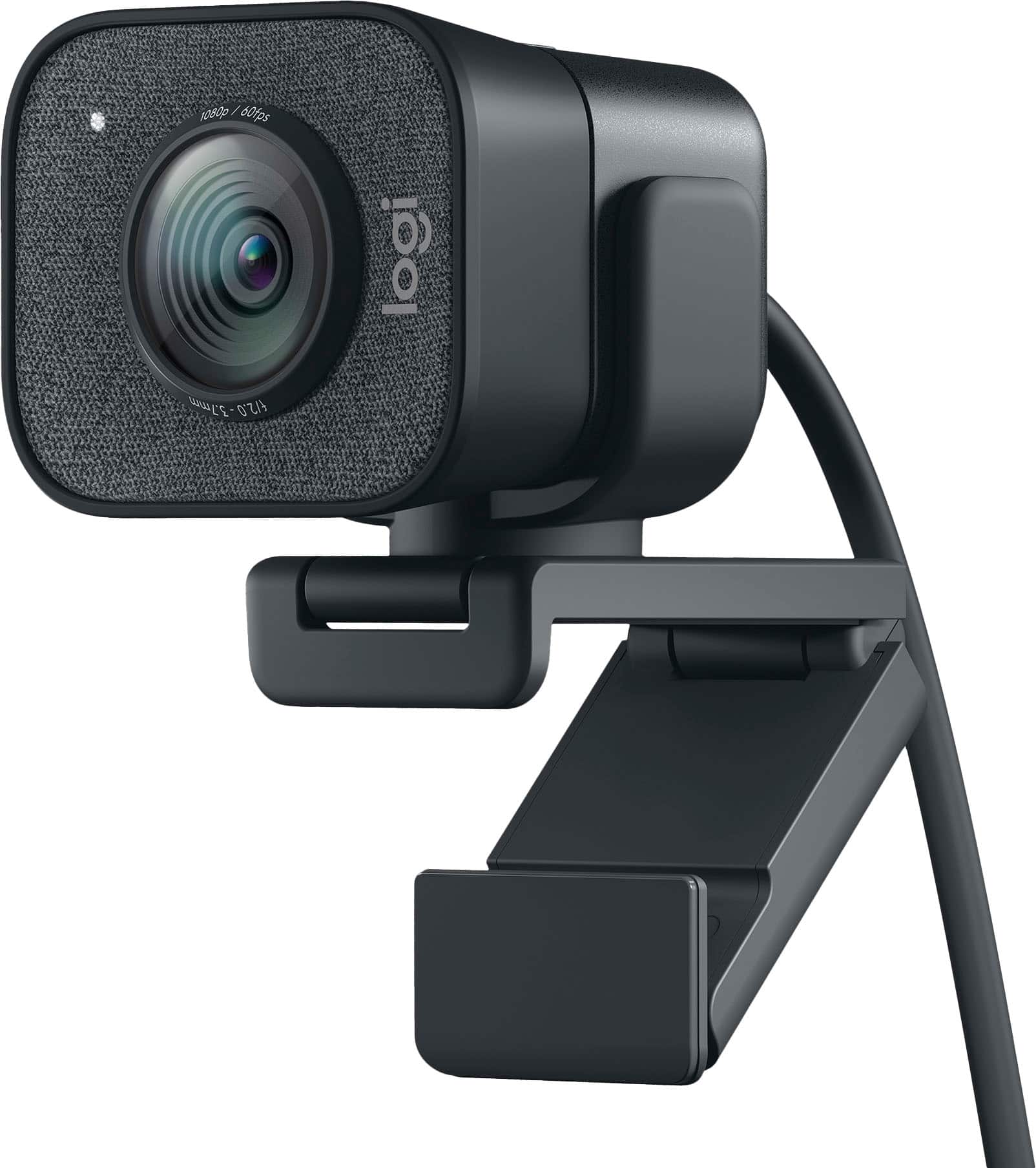
![COMPATIBILITY [TWITCH, YOUTUBE GAMING, DISCORD, STREAMLABS OBS]](https://pisces.bbystatic.com/image2/BestBuy_US/images/products/ee9315b5-1599-482f-ae74-63216a2773d3.jpg)
- Model:
- 960-001280
- SKU:
- 10845818
Rating by feature
- Value
Rating 4.2 out of 5 stars
- Quality
Rating 4.6 out of 5 stars
- Ease of Use
Rating 4.5 out of 5 stars
Good quality, steep price
||Posted . Owned for 1 month when reviewed.This reviewer received promo considerations or sweepstakes entry for writing a review.I use this camera for ms Teams. The price is a bit steep for a webcam, however, I do enjoy using the tripod for shooting small videos.
I would recommend this to a friendIt’s an ok webcam with higher price point
||Posted . Owned for 2 weeks when reviewed.This reviewer received promo considerations or sweepstakes entry for writing a review.It works well but not a huge improvement from laptop webcam quality to justify the price.
No, I would not recommend this to a friendIts good.
||Posted . Owned for 1 month when reviewed.This reviewer received promo considerations or sweepstakes entry for writing a review.It is good, but doesn't adjust to the lighting as well as I would like.
I would recommend this to a friendGreat picture quality
||Posted . Owned for 2 weeks when reviewed.This reviewer received promo considerations or sweepstakes entry for writing a review.The camera was easy to install and the tripod was a very useful accessory.
I would recommend this to a friendGood stream cam
||Posted . Owned for 3 weeks when reviewed.This reviewer received promo considerations or sweepstakes entry for writing a review.Good cam to use if u plan to start streaming for gaming
I would recommend this to a friendGreat step.
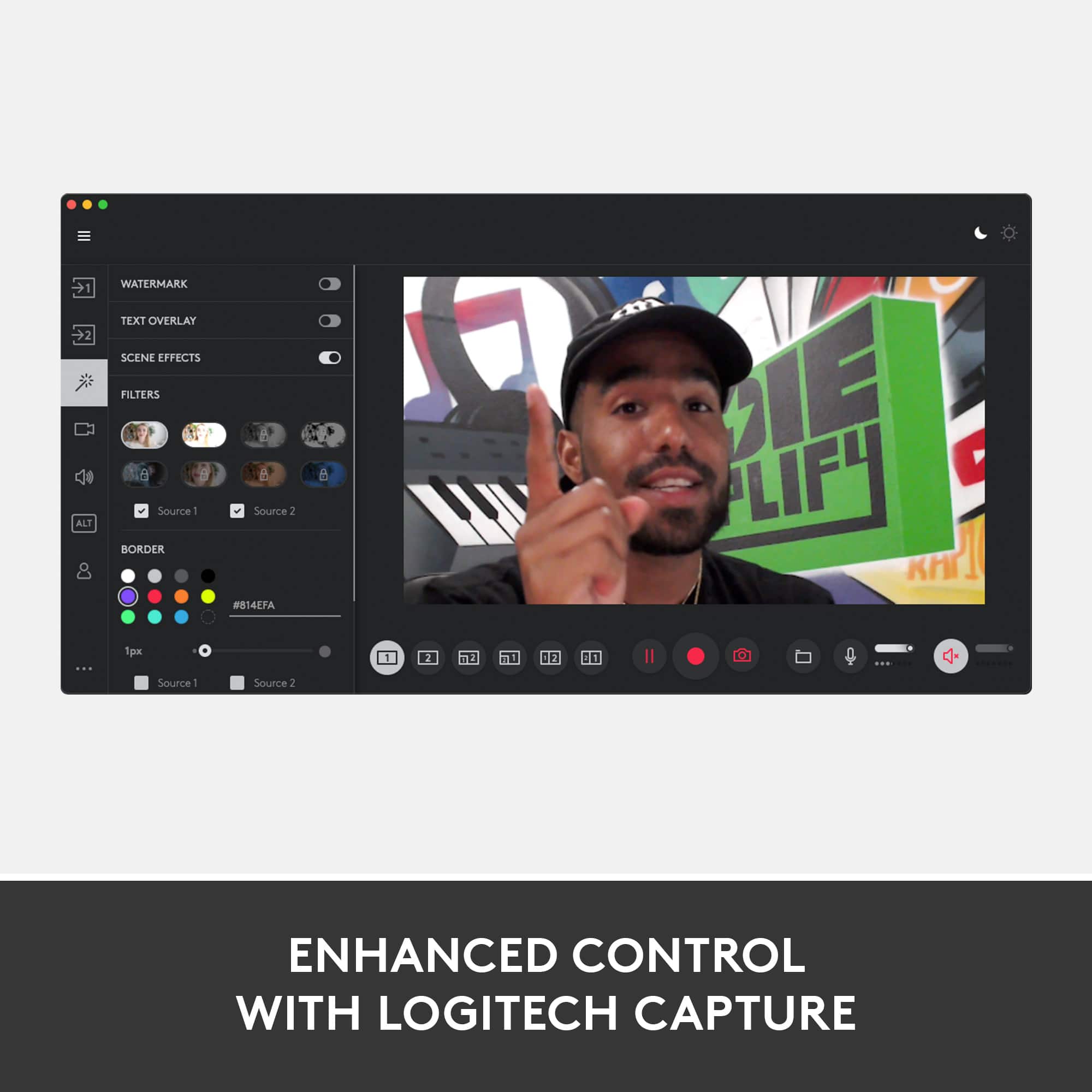
||Posted . Owned for 3 weeks when reviewed.This reviewer received promo considerations or sweepstakes entry for writing a review.Worth the extra price. Used with Logitech Capture, it's incredibly useful and flexible in controlling camera image on screen.
I would recommend this to a friendIts worth 100.00 not 160.00
||Posted . Owned for 1 week when reviewed.This reviewer received promo considerations or sweepstakes entry for writing a review.This camera isnt to me worth the money. Thats my opinion so i returned it.
No, I would not recommend this to a friendBrand response from Logitech
Posted .We understand your perspective on the StreamCam Plus's value and appreciate your honest feedback. We're sorry it didn't meet your expectations at the current price point.

It does great with different light options
||Posted . Owned for 1 week when reviewed.This reviewer received promo considerations or sweepstakes entry for writing a review.Sunlight, monitor light or low relaxing lights...it does well.
I would recommend this to a friendImage quality is so-so
||Posted . Owned for 2 months when reviewed.This reviewer received promo considerations or sweepstakes entry for writing a review.This product has excellent reviews everywhere but it is actually average when compare with Logitech BRIO or other high end webcams. One bad design is that the USB cable is not detachable. It is kind of OK "so-so" quality.
No, I would not recommend this to a friendExcellent webcam
||Posted . Owned for 1 month when reviewed.This reviewer received promo considerations or sweepstakes entry for writing a review.Great for live streams like I do for my YouTube Channel. Audio is very quiet though so I would suggest getting a good Mic too.
I would recommend this to a friendAwesome
||Posted . Owned for 1 month when reviewed.This reviewer received promo considerations or sweepstakes entry for writing a review.Excellent cam good for anything now days specially the tech
I would recommend this to a friendGreat stream cam
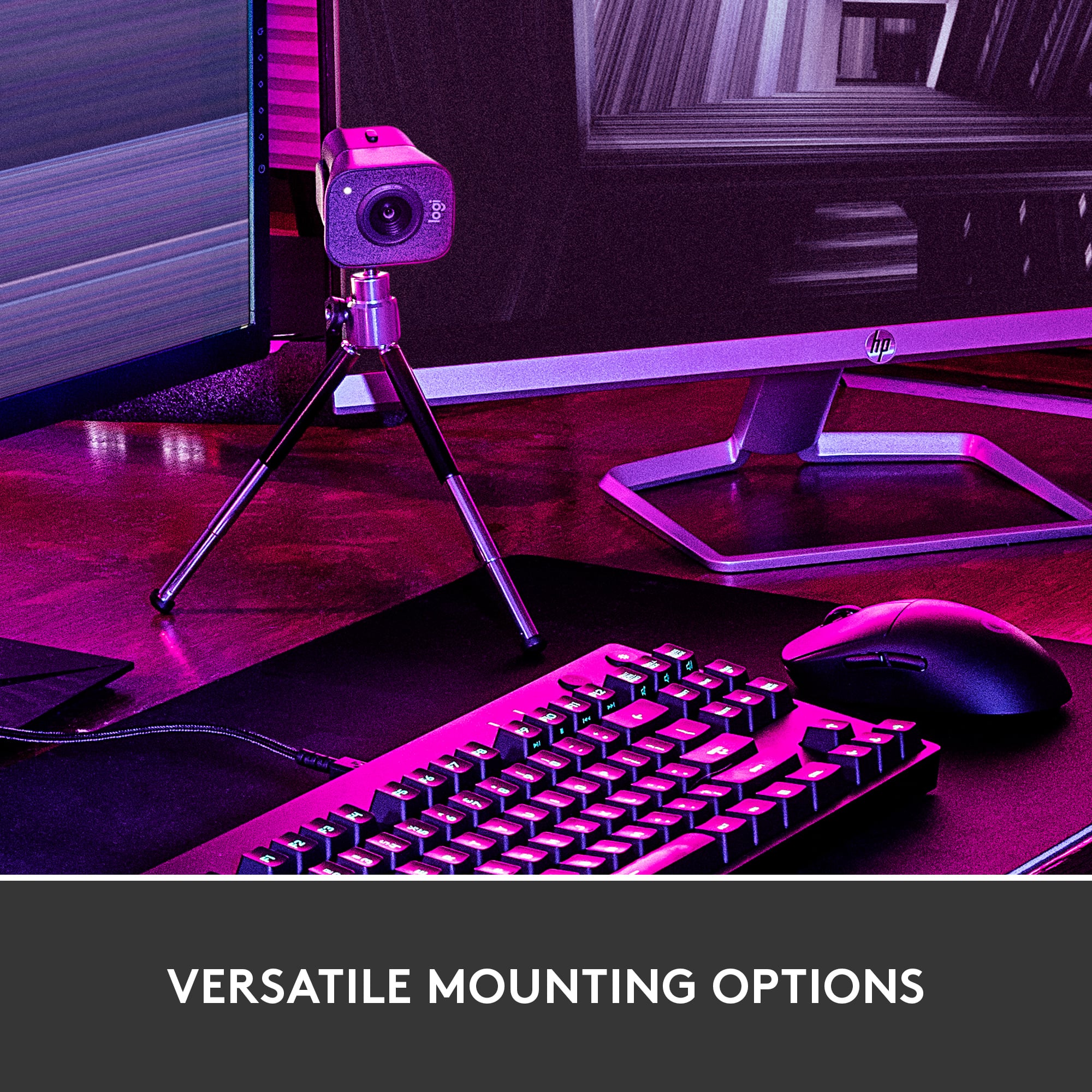
||Posted . Owned for 1 week when reviewed.This reviewer received promo considerations or sweepstakes entry for writing a review.Very happy with this upgrade! Much better clarity and perfect for streaming! Love the better mounting options.
I would recommend this to a friendstreaming camera
||Posted . Owned for 1 month when reviewed.This reviewer received promo considerations or sweepstakes entry for writing a review.very good streaming camera image is pretty good and not blurry
I would recommend this to a friendGreat product
||Posted . Owned for 3 months when reviewed.This reviewer received promo considerations or sweepstakes entry for writing a review.Great product................................... .
I would recommend this to a friendGreat value
||Posted . Owned for 1 week when reviewed.This reviewer received promo considerations or sweepstakes entry for writing a review.Did everything as advertised. Works great with obs on my Mac.
I would recommend this to a friendAmazing Purchase!
||Posted . Owned for 1 month when reviewed.This reviewer received promo considerations or sweepstakes entry for writing a review.10/10! I definitely don’t regret purchasing this item.
I would recommend this to a friendGood Product
||Posted . Owned for 6 months when reviewed.This reviewer received promo considerations or sweepstakes entry for writing a review.Perfect for live streaming on twitch. I really like it!
I would recommend this to a friendworks ok - no problems setting this up.
||Posted . Owned for 1 week when reviewed.This reviewer received promo considerations or sweepstakes entry for writing a review.works ok - probably more camera than I need. Hope to grow into it. Far better than my mobile phone for tele-conferencing.
I would recommend this to a friendAn expensive disappointment
||Posted . Owned for 3 weeks when reviewed.This reviewer received promo considerations or sweepstakes entry for writing a review.I was extremely disappointed. I could not fet the webcam to function with the device that it was intended to enhance (My Lenovo All in one), neither could the Geek Squad. I can use it on a laptop which I purchased but, according to the Geek Squad, only while using the Zoom application. This is really disappointing. The documentation included with the device is virtually worthless, e.g. no quick start info. Contacting customer support with Logitech is a multilingual morass.They instruct you to plug in and follow the prompts from their popup but no popup appeared. I am extremely disappointed with this product and with Geek Squad in this instance.
No, I would not recommend this to a friendBrand response from Logitech
Posted .Hello, thank you for your feedback! The StreamCam will only become active, when an application is using it for video feed, like Zoom. You can also use Logitech Capture software: https://support.logi.com/hc/en-us/articles/360042746714-Download-Stub-Logitech-StreamCam - For additional support, please refer to: https://support.logi.com/hc/en-us/articles/360043221373-Getting-Started-Logitech-StreamCam - Will, Logitech.
Stopped working and may have killed laptop ports.
||Posted . Owned for 2 months when reviewed.This reviewer received promo considerations or sweepstakes entry for writing a review.Was working great for both work and personal video conferencing. Unfortunately, I plugged it into my work laptop today for a meeting and my second screen went blank, and now my work laptop no longer detects USB-C devices. I can't get it to work on my personal or work computer so it appears to be fried -- hopefully my work laptop's USB-C port isn't toast since that's how it charges. I guess I'm going to have to contact Logitech to go through the warranty process since I'm about a month past the return period.
No, I would not recommend this to a friendBrand response from Logitech
Posted .Hi v03j9c3, we're sorry to see you're having some compatibility related issues with your StreamCam Webcam. If you haven't already, please unplug and plug in the USB cord to your webcam. Then restart your computer. It's possible that all the drivers didn't download properly. If you've done that and are still experiencing issues, you do have a 1-year limited warranty that can be used to have a replacement sent out to you. You can do that here: https://support.logi.com/hc/en-us/articles/360043221253-Warranty-Logitech-StreamCam. Hope that helps. -N from Logitech