Customer Ratings & Reviews
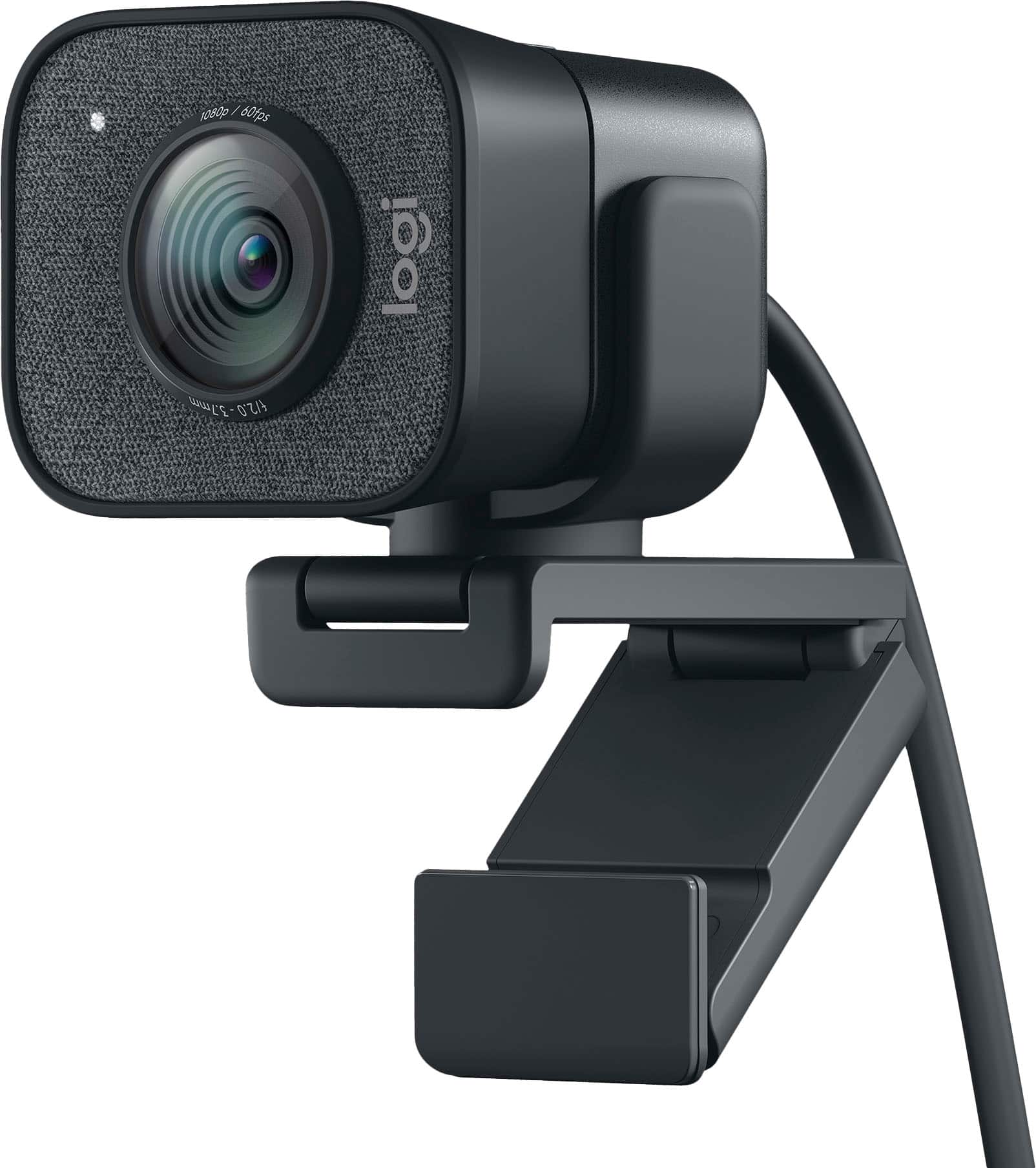
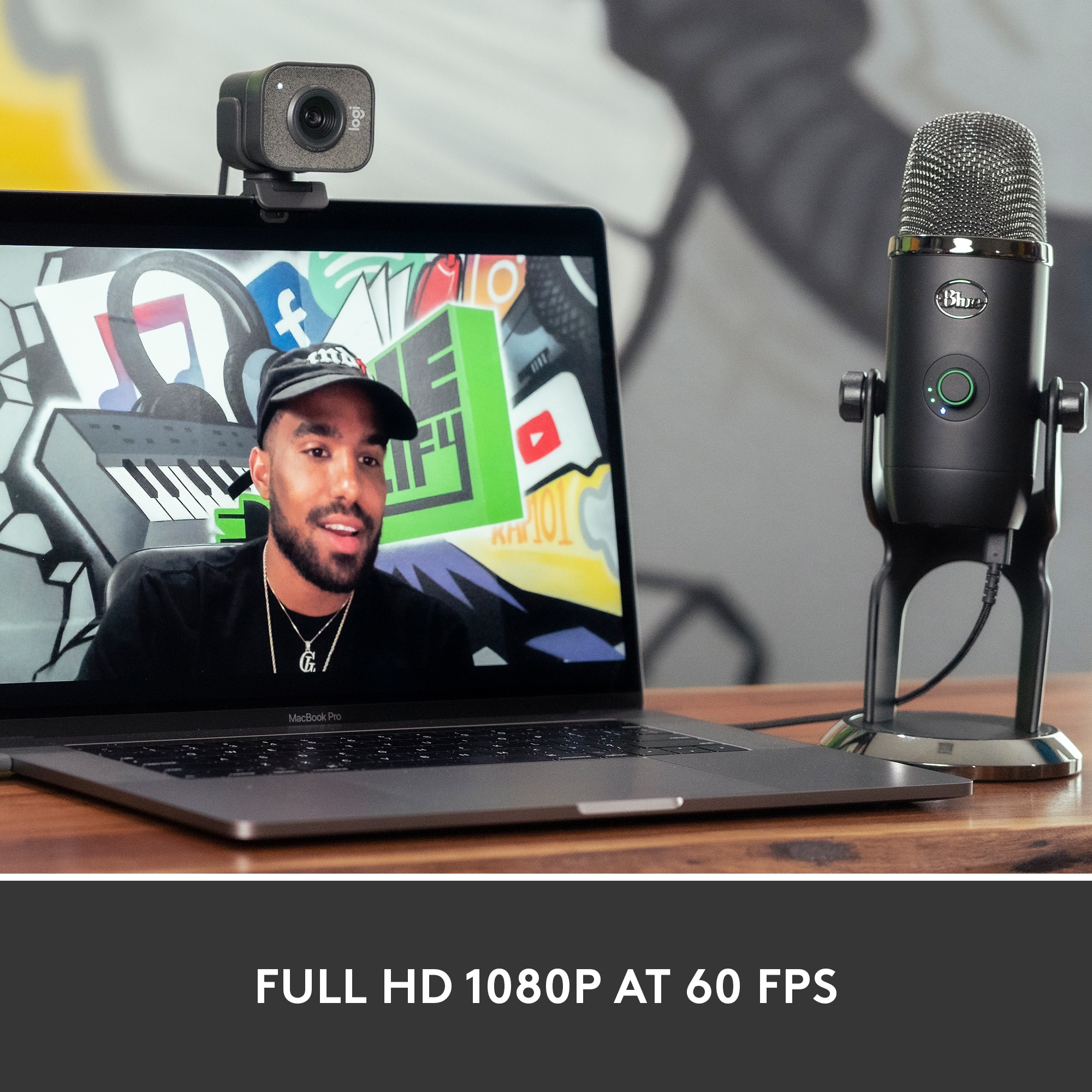
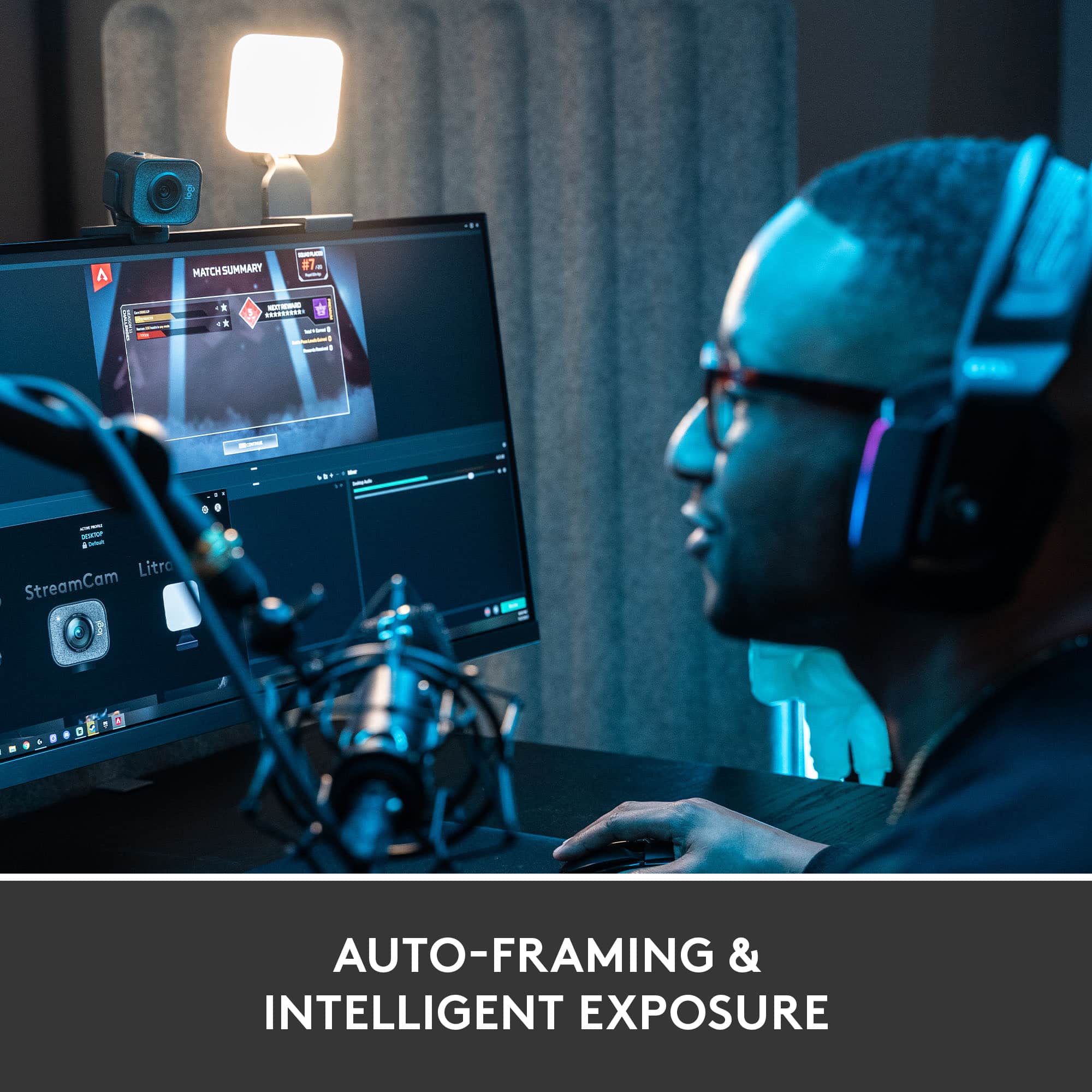
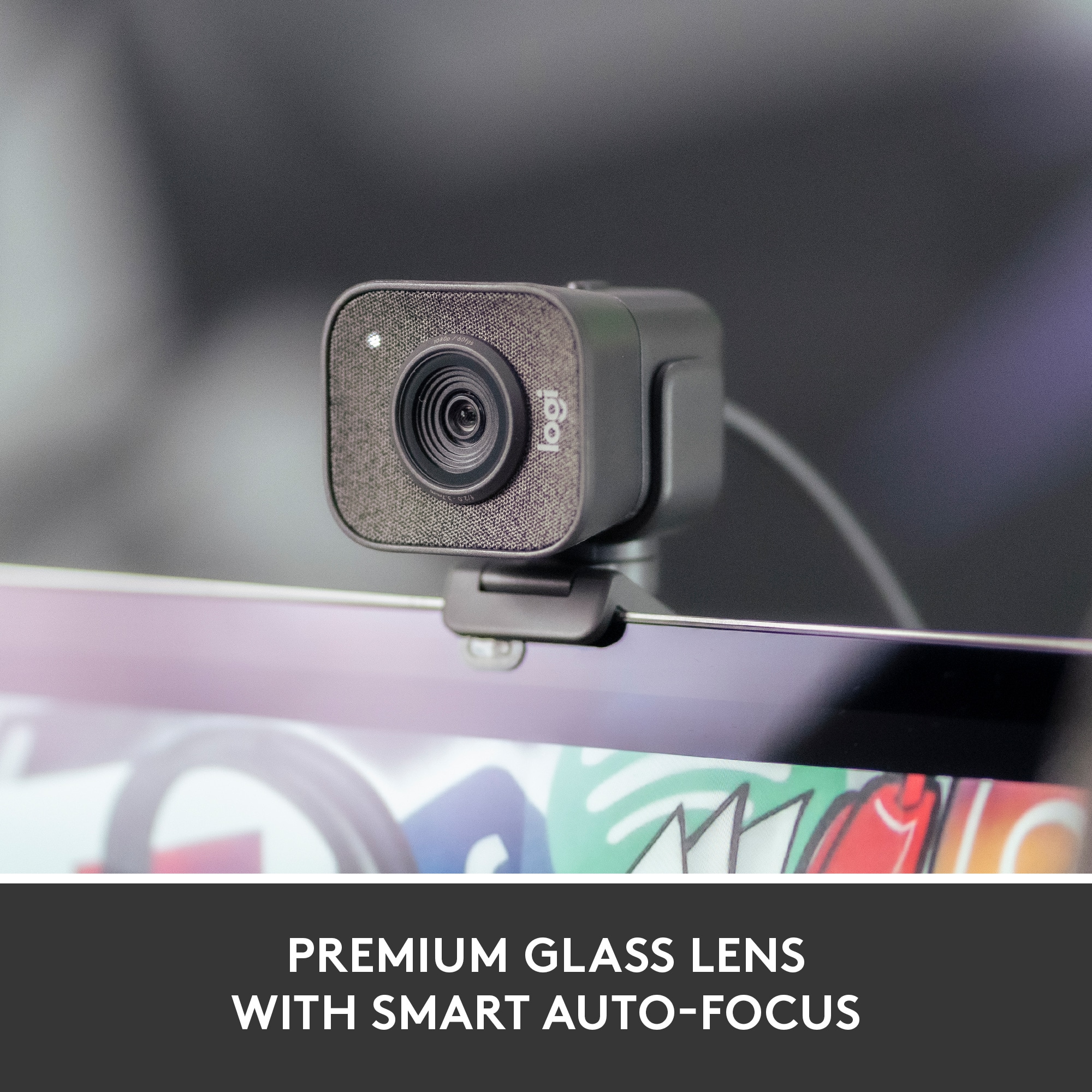
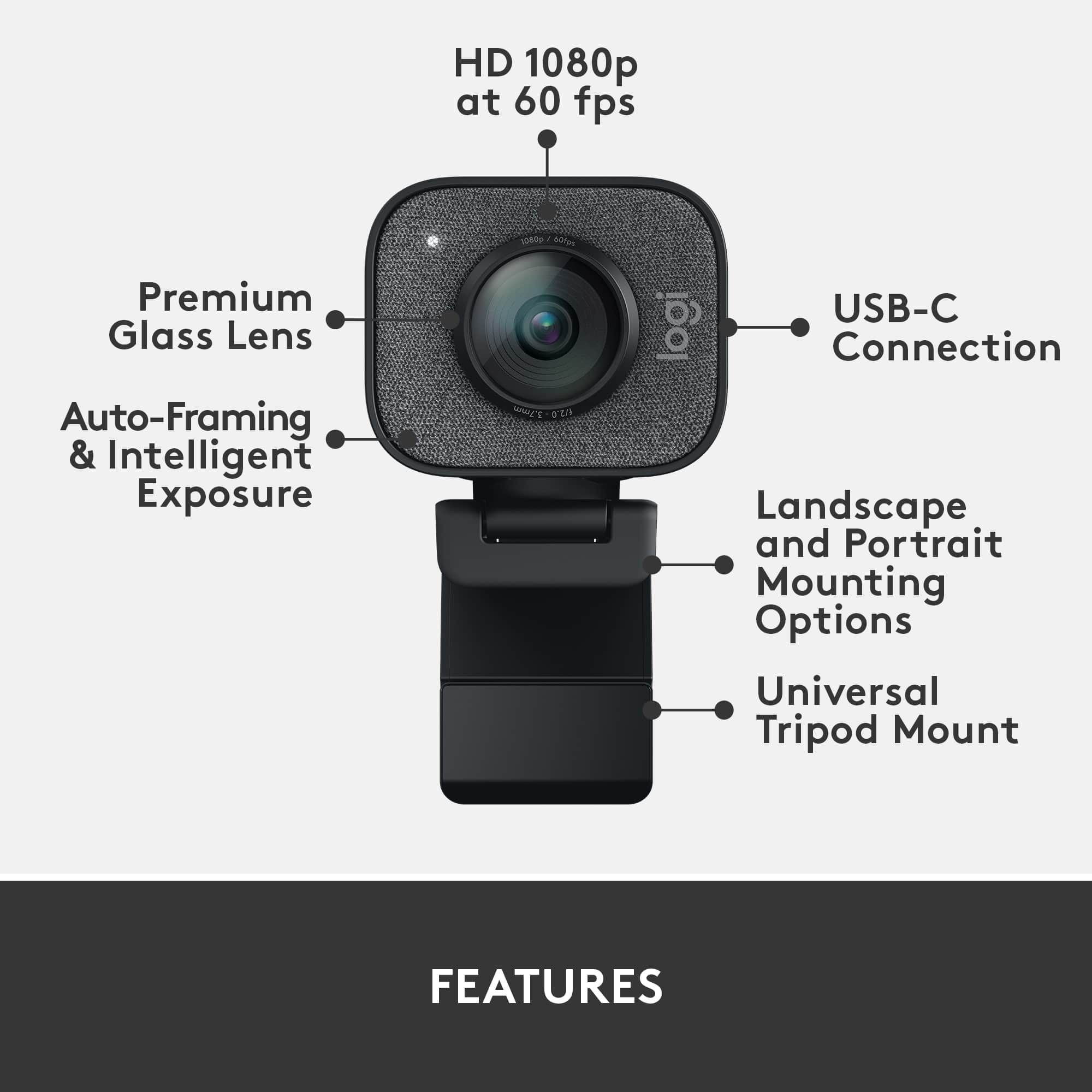
![COMPATIBILITY [TWITCH, YOUTUBE GAMING, DISCORD, STREAMLABS OBS]](https://pisces.bbystatic.com/image2/BestBuy_US/images/products/ee9315b5-1599-482f-ae74-63216a2773d3.jpg)
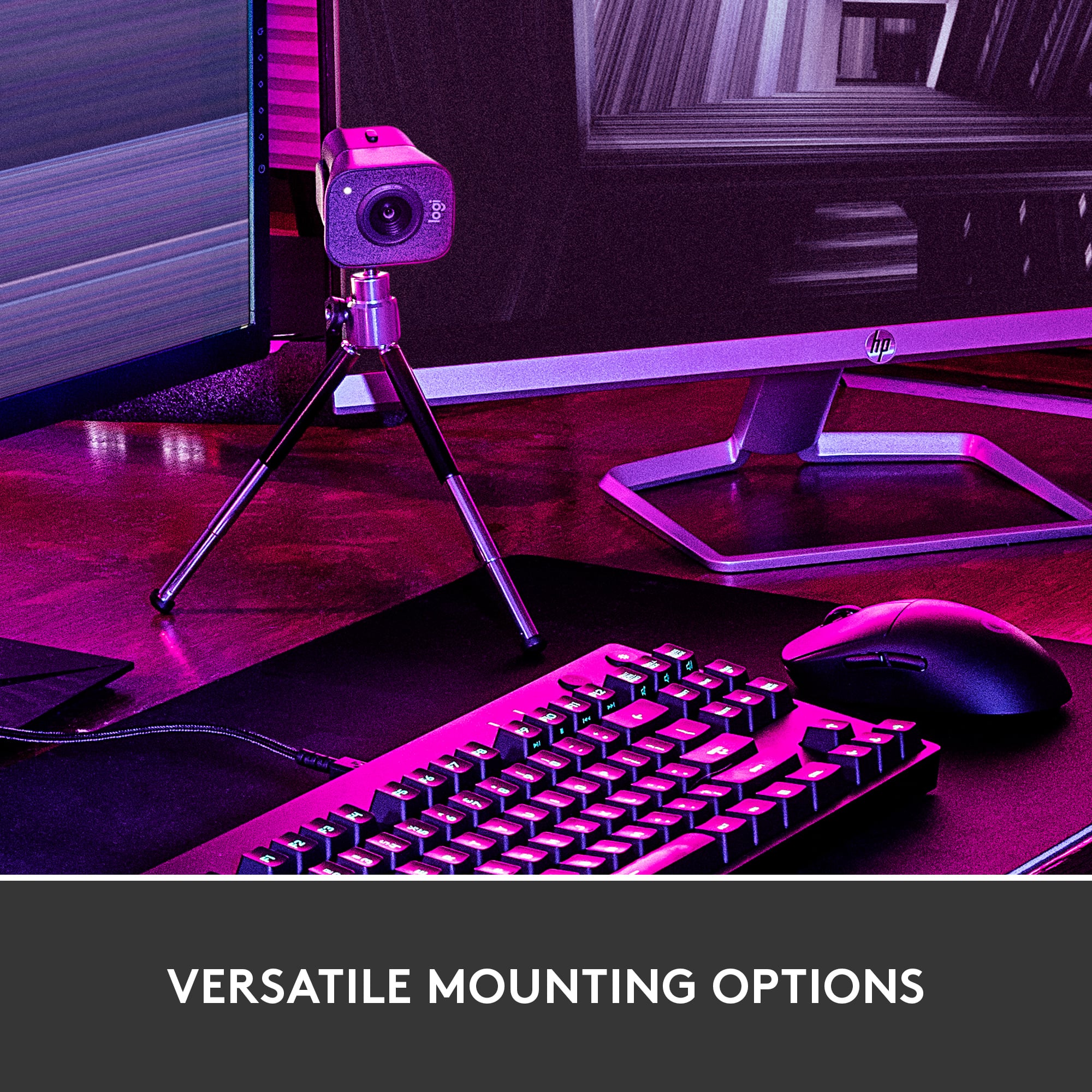
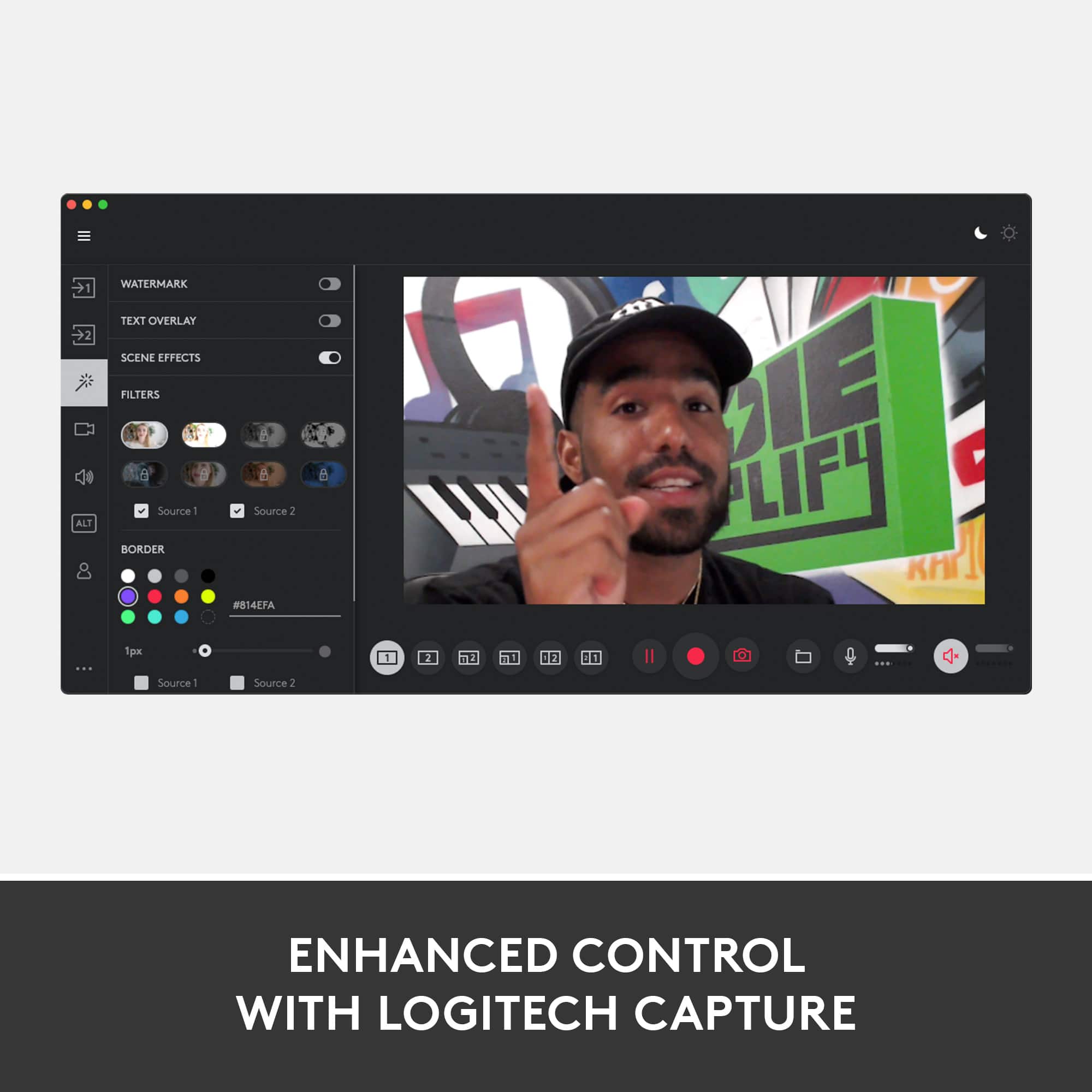
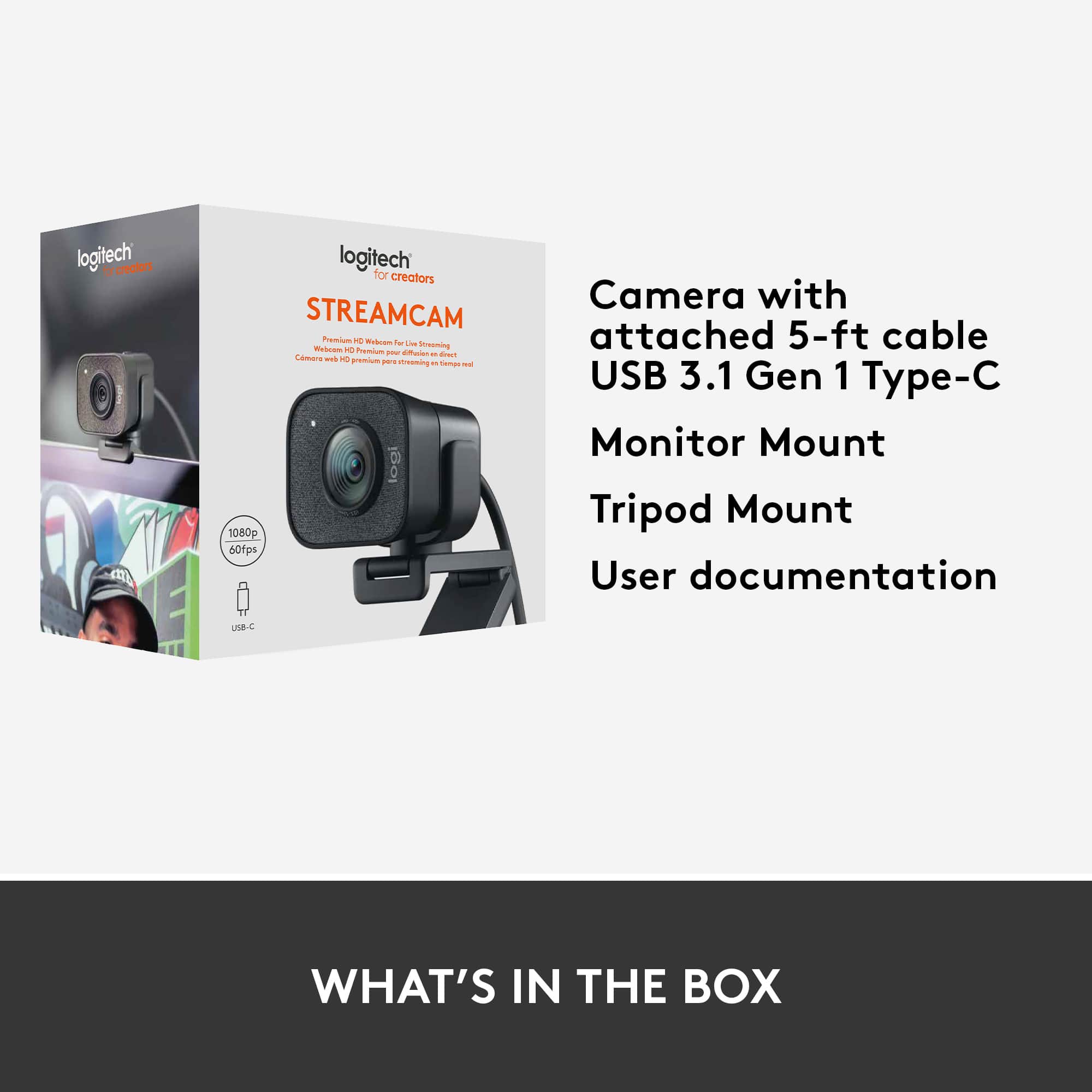
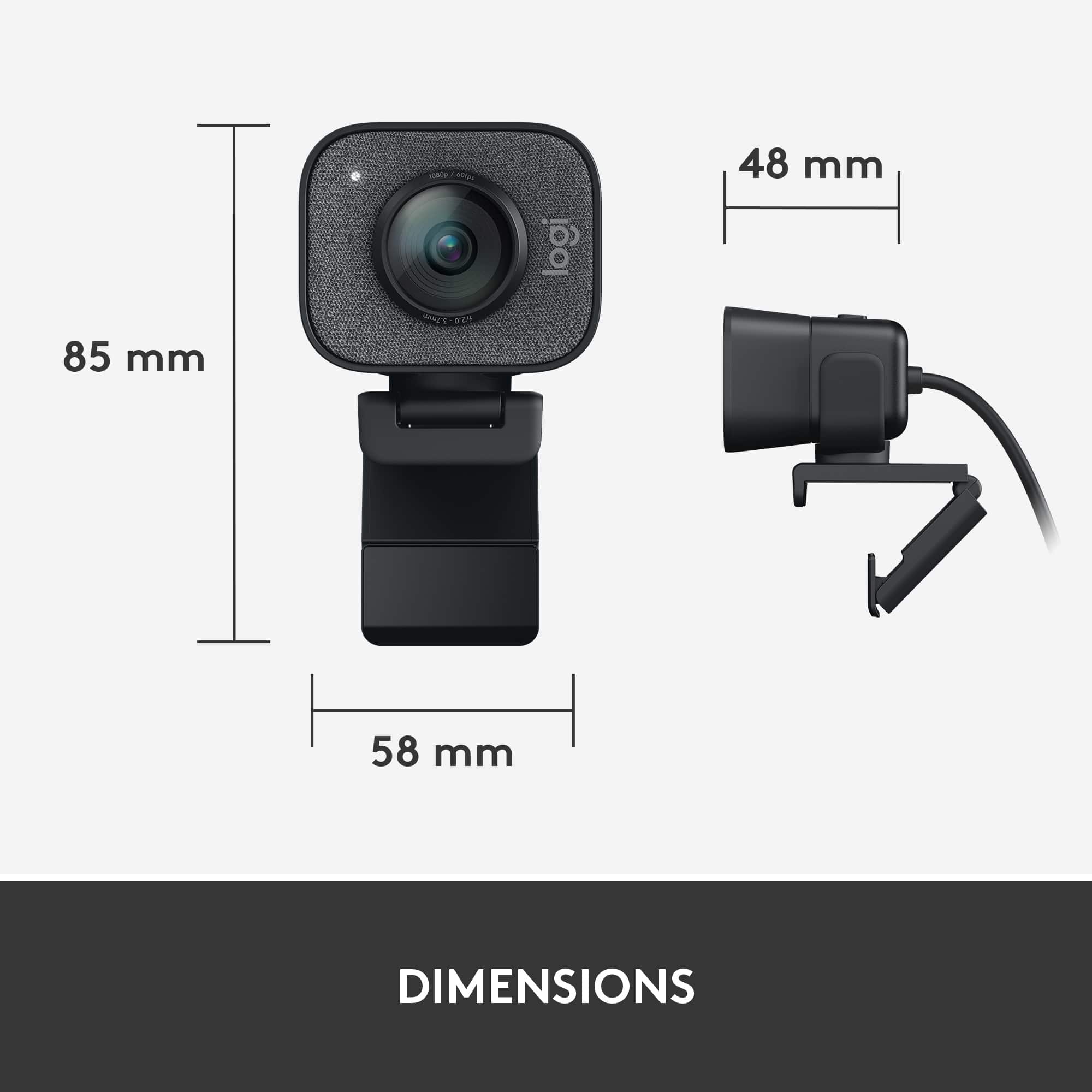
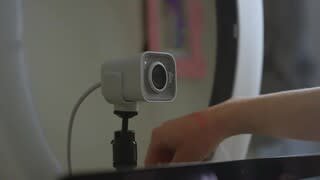
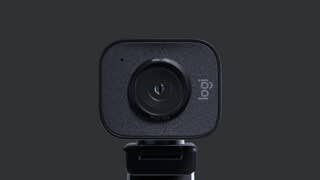
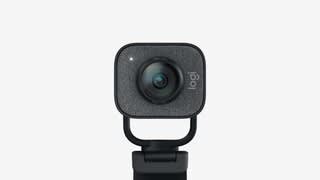
- Model:
- 960-001280
- |
- SKU:
- 10845818
Customer reviews
Rating 4.5 out of 5 stars with 902 reviews
(902 customer reviews)Rating by feature
- Value4.2
Rating 4.2 out of 5 stars
- Quality4.6
Rating 4.6 out of 5 stars
- Ease of Use4.5
Rating 4.5 out of 5 stars
Rated 5 out of 5 stars
Amazing
||Posted . Owned for 1 week when reviewed.This reviewer received promo considerations or sweepstakes entry for writing a review.Works nicely and good quality for the price point. Using it for streaming and looka really good.
This review is from Logitech - StreamCam Plus 1080 Webcam for Live Streaming and Content Creation - Graphite
I would recommend this to a friendRated 1 out of 5 stars
Don't recommend this.
||Posted . Owned for 1 month when reviewed.This reviewer received promo considerations or sweepstakes entry for writing a review.USB-C only, not very good and the cord's too short too.
This review is from Logitech - StreamCam Plus 1080 Webcam for Live Streaming and Content Creation - Graphite
No, I would not recommend this to a friendBrand response from Logitech
Posted .Hi Ryuuie, thank you for your feedback! The StreamCam Plus is designed for a standard PC setup, but you should be able to use an extension cable if needed. - Will, Logitech.
Rated 3 out of 5 stars
Okay Buy
||Posted . Owned for 1.5 years when reviewed.This reviewer received promo considerations or sweepstakes entry for writing a review.Not as good as I would have hoped for the price. It was an okay purchase but I can only recommend it if yo can catch it on sale
This review is from Logitech - StreamCam Plus 1080 Webcam for Live Streaming and Content Creation - Graphite
No, I would not recommend this to a friendRated 5 out of 5 stars
Amazing quality!
||Posted . Owned for 1 month when reviewed.This reviewer received promo considerations or sweepstakes entry for writing a review.Easy installation and set up! Great for what I need and didnt break the bank.
This review is from Logitech - StreamCam Plus 1080 Webcam for Live Streaming and Content Creation - Graphite
I would recommend this to a friendRated 2 out of 5 stars
Mediocre
||Posted . Owned for 1 month when reviewed.This reviewer received promo considerations or sweepstakes entry for writing a review.I liked the picture it could give but prefer the brio's 90° field of view being a "streaming camera" some of the stuff is much for streamers
This review is from Logitech - StreamCam Plus 1080 Webcam for Live Streaming and Content Creation - Graphite
No, I would not recommend this to a friendBrand response from Logitech
Posted .Hello Curly, thanks for this review of the StreamCam Plus webcam. I'm sorry it wasn't everything you expected it to be. Using Logitech's Capture software, the camera becomes much more versatile and all around useful for day to day use. -Weston from Logitech.
Rated 3 out of 5 stars
Ehhh
||Posted . Owned for 1 month when reviewed.This reviewer received promo considerations or sweepstakes entry for writing a review.Works as it should, but definitely limited by it's USB- C conncection. Won't work with my phone and had to get an adapter to use it on my laptop.
This review is from Logitech - StreamCam Plus 1080 Webcam for Live Streaming and Content Creation - Graphite
No, I would not recommend this to a friendRated 1 out of 5 stars
Sideways
||Posted . Owned for 1 month when reviewed.This reviewer received promo considerations or sweepstakes entry for writing a review.Tried recording in portrait but my image is sideways no matter how you move the camera. Landscape mode no problem, my image is upright. Logitech software can fix issue with portrait mode, but 3rd party software like bandicam and others will not. So I'm forced to use landscape mode for everything. I'm past the return date too, otherwise I would have returned it.
This review is from Logitech - StreamCam Plus 1080 Webcam for Live Streaming and Content Creation - Graphite
No, I would not recommend this to a friendBrand response from Logitech
Posted .Hi Mike, thank you for sharing your experience with the StreamCam Plus from Logitech. I'm sorry that the rotation feature is not working in a 3rd party software. Logitech's Capture software can be selected as a webcam source in most software. You can open Capture and assign all your settings, then allow it to continue to run. Open your 3rd party software and and where it asks for the webcam source Capture should show up allowing you to have the settings, including the rotated position of the camera, loaded into the 3rd party software. I hope this helps so that you can continue to use the StreamCam and all its features. Thank you for being a Logitech customer. Kristi from Logitech
Rated 3 out of 5 stars
Didn't come with adapter to computer
||Posted . Owned for less than 1 week when reviewed.This reviewer received promo considerations or sweepstakes entry for writing a review.I haven't been able to use it yet. Need to order and wait for an adapter to hook it up to my computer so I can teach my PreK class online due to Covid19. Frustrating!
This review is from Logitech - StreamCam Plus 1080 Webcam for Live Streaming and Content Creation - Graphite
No, I would not recommend this to a friendRated 5 out of 5 stars
Great camera
||Posted . Owned for 2 weeks when reviewed.This reviewer received promo considerations or sweepstakes entry for writing a review.Im able to do live show casings of good quality with this.
This review is from Logitech - StreamCam Plus 1080 Webcam for Live Streaming and Content Creation - Graphite
I would recommend this to a friendRated 5 out of 5 stars
Perfection
||Posted . Owned for 1 month when reviewed.This reviewer received promo considerations or sweepstakes entry for writing a review.Honestly this is the best camera on the market. Buy it now
This review is from Logitech - StreamCam Plus 1080 Webcam for Live Streaming and Content Creation - Graphite
I would recommend this to a friendRated 5 out of 5 stars
Just wow!
||Posted . Owned for 1 week when reviewed.This reviewer received promo considerations or sweepstakes entry for writing a review.Absolutely love it! Outstanding performance and quality!
This review is from Logitech - StreamCam Plus 1080 Webcam for Live Streaming and Content Creation - Graphite
I would recommend this to a friendRated 3 out of 5 stars
Great Camera, but you need a new PC to support it
||Posted . Owned for 2 months when reviewed.This reviewer received promo considerations or sweepstakes entry for writing a review.The light and camera did not work well with my Surface Pro 6. Part of this is because I only have a USB 2.0 port and had to use an adapter.
This review is from Logitech - StreamCam Plus 1080 Webcam for Live Streaming and Content Creation - Graphite
No, I would not recommend this to a friendRated 2 out of 5 stars
mine could be defective
||Posted . Owned for 1 month when reviewed.This reviewer received promo considerations or sweepstakes entry for writing a review.Purchased this camera as a gift. Apparently, I planned too far in advance because once given, the recipient found that her computer wouldn't recognize the camera, but since I'm outside of the return/exchange window, Best Buy will not allow me to return or exchange the item. Not sure whether the camera is defective or not. Just be sure to purchase and try it out immediately in case your camera, like mine, doesn't work!
This review is from Logitech - StreamCam Plus 1080 Webcam for Live Streaming and Content Creation - Graphite
No, I would not recommend this to a friendBrand response from Logitech
Posted .Hi dissappointed918, thank you for your feedback! The StreamCam Plus is compatible with Windows 10 or later, macOS 10.14 or later, 7th Gen Intel®Core™ i5 or later, USB 3.1 Gen 1 Type-C direct connection. For support, please refer to: https://support.logi.com/hc/en-us/articles/360043221373-Getting-Started-Logitech-StreamCam - Will, Logitech.
Rated 3 out of 5 stars
A bit pricey
||Posted . Owned for 1 year when reviewed.This reviewer received promo considerations or sweepstakes entry for writing a review.A bit pricey, probably better to go with a cheaper one
This review is from Logitech - StreamCam Plus 1080 Webcam for Live Streaming and Content Creation - Graphite
No, I would not recommend this to a friendBrand response from Logitech
Posted .Your feedback is important to us, and we will ensure that it reaches the appropriate team.
Rated 1 out of 5 stars
An overpriced abomination hyped during COVID times
||Posted . Owned for 3 months when reviewed.This reviewer received promo considerations or sweepstakes entry for writing a review.This is just terrible. I grabbed the during the time when it was nearly impossible to get. I bought it and kept unboxed to then see the reviews. Of course, those gullible, unprofessional, YouTube reviewers all hyped the camera so much and made (well, adjusted) its footage (video recordings) to the point where the videos coming out of this camera looked ok. Influenced by these MerketYoubers, the return period ended and I opened the camera. Not to be too lengthy, the quality is quite a "piece of work". Yes, the Logitech is sharper and offers 1080P, but the 720p "potato" camera on my MacBook Pro still looks better. Also, the UN-detachable cord of this camera is made of nearly hard plastic, which makes it difficult to arrange your working space neatly. The cord is like it's supposed to deliver 330 volts. There is just nothing good to say about this camera. Do your research and find how to use you phone either for video conferencing or recording, and you will be surprised at the quality you already have. Search for Norm from Tested on YouTube who is sharing his experience with web cameras, and make your informed decision.
This review is from Logitech - StreamCam Plus 1080 Webcam for Live Streaming and Content Creation - Graphite
No, I would not recommend this to a friendBrand response from Logitech
Posted .Hello Mike! Sorry to hear the StreamCam Plus Webcam wasn't what you had hoped it would be. The video quality you'll get from the StreamCam is indeed up to 1080p at 60fps, which is more than most webcams on the market right now. To make the most out of your webcam and customize your experience, you'll definitely want to download our free Logitech Capture software, so that way you'll be able to fine-tune the details you want to use with your webcam. Here's the link: https://www.logitech.com/en-us/product/capture. The StreamCam is a corded webcam yes, so you won't be able to detach its cable from the camera. It is designed to be attached to the top of your computer screen or to a monitor. Hope those quicks tips will help out! - Mathieu from Logitech
Rated 3 out of 5 stars
Camera
||Posted . Owned for 1.5 years when reviewed.This reviewer received promo considerations or sweepstakes entry for writing a review.Quality product. Issues are with windows 10 drivers not working
This review is from Logitech - StreamCam Plus 1080 Webcam for Live Streaming and Content Creation - Graphite
I would recommend this to a friendRated 3 out of 5 stars
Webcam
||Posted . Owned for 2 weeks when reviewed.This reviewer received promo considerations or sweepstakes entry for writing a review.It’s a nice webcam for live-streaming Facebook YouTube
This review is from Logitech - StreamCam Plus 1080 Webcam for Live Streaming and Content Creation - Graphite
I would recommend this to a friendRated 2 out of 5 stars
Issues with customer service
||Posted . Owned for 3 weeks when reviewed.This reviewer received promo considerations or sweepstakes entry for writing a review.Did not plug into my computer. I needed some advice, so i sent an email to customer service at Logitech and they never answered. Customer service is everything! Poor rating is based on that.
This review is from Logitech - StreamCam Plus 1080 Webcam for Live Streaming and Content Creation - Graphite
No, I would not recommend this to a friendRated 1 out of 5 stars
Sick of returning things!
||Posted . Owned for 3 weeks when reviewed.This reviewer received promo considerations or sweepstakes entry for writing a review.Could not get it to work with my HP computer? Went to return, picked out another, Miss priced in shelf. I ended up getting one from Amazon.
This review is from Logitech - StreamCam Plus 1080 Webcam for Live Streaming and Content Creation - Graphite
No, I would not recommend this to a friendRated 2 out of 5 stars
Not worth it
||Posted . Owned for 1 year when reviewed.This reviewer received promo considerations or sweepstakes entry for writing a review.It worked great before it was broken. It was more fragile than we anticipated
This review is from Logitech - StreamCam Plus 1080 Webcam for Live Streaming and Content Creation - Graphite
No, I would not recommend this to a friendBrand response from Logitech
Posted .Hello! We sincerely apologize for the inconvenience caused by the Logitech StreamCam Plus 1080 webcam breaking unexpectedly. We understand your frustration, especially if it felt more fragile than you expected. In order to help you effectively, please provide your information to our support team via email at [email protected] with your
- Name:
- Email Address:
- Country:
- Product Name:
- Brief description of issue: