Customer Ratings & Reviews
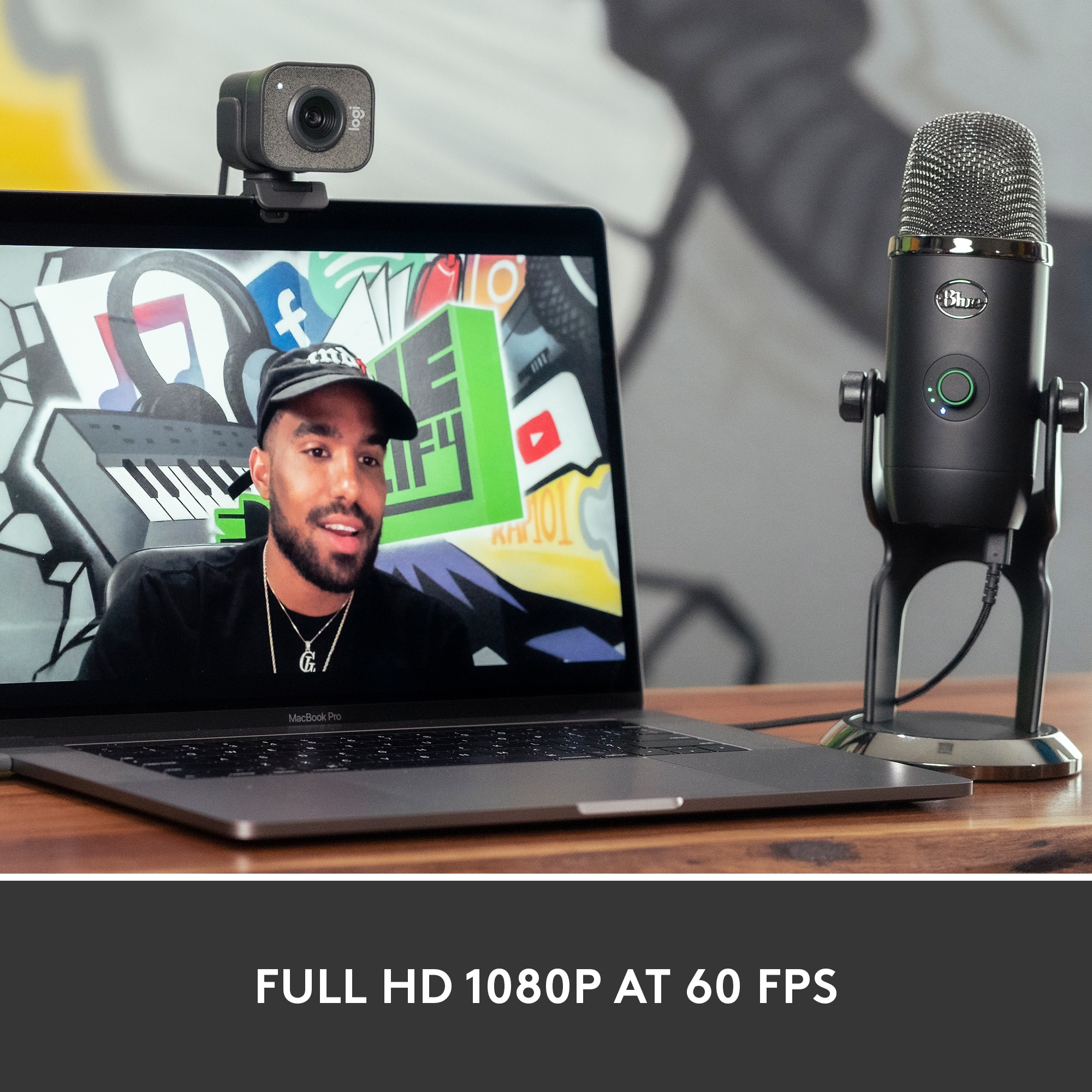
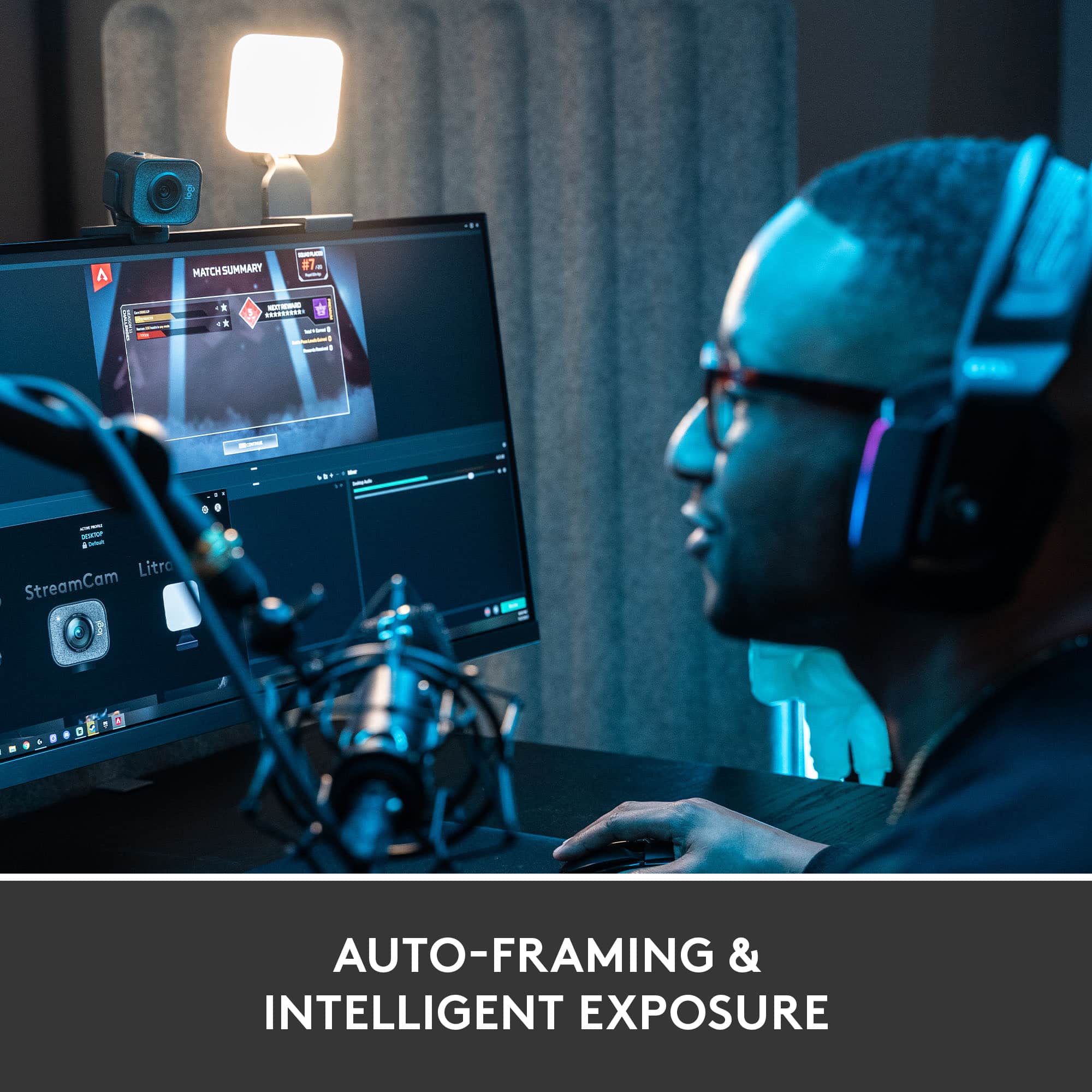
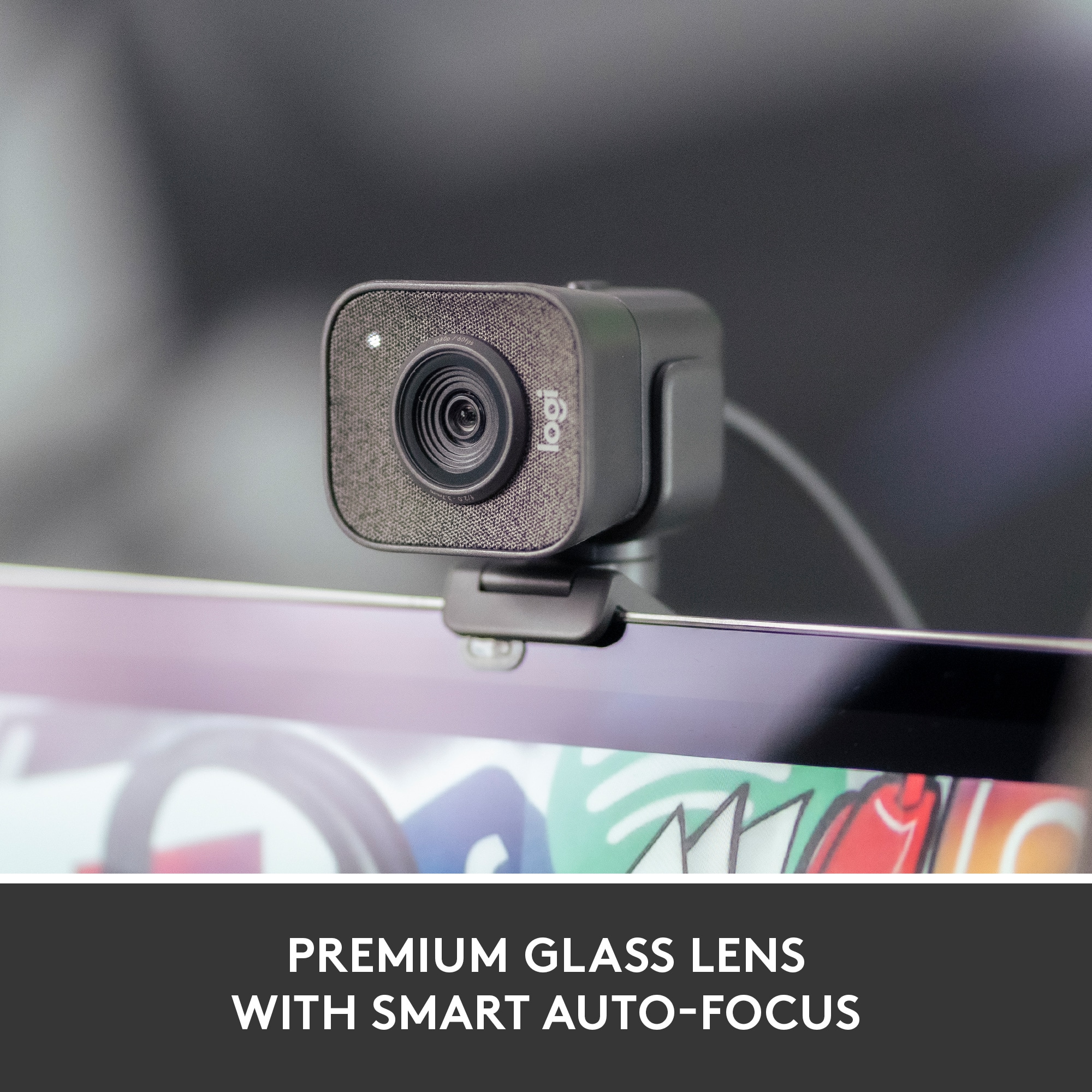
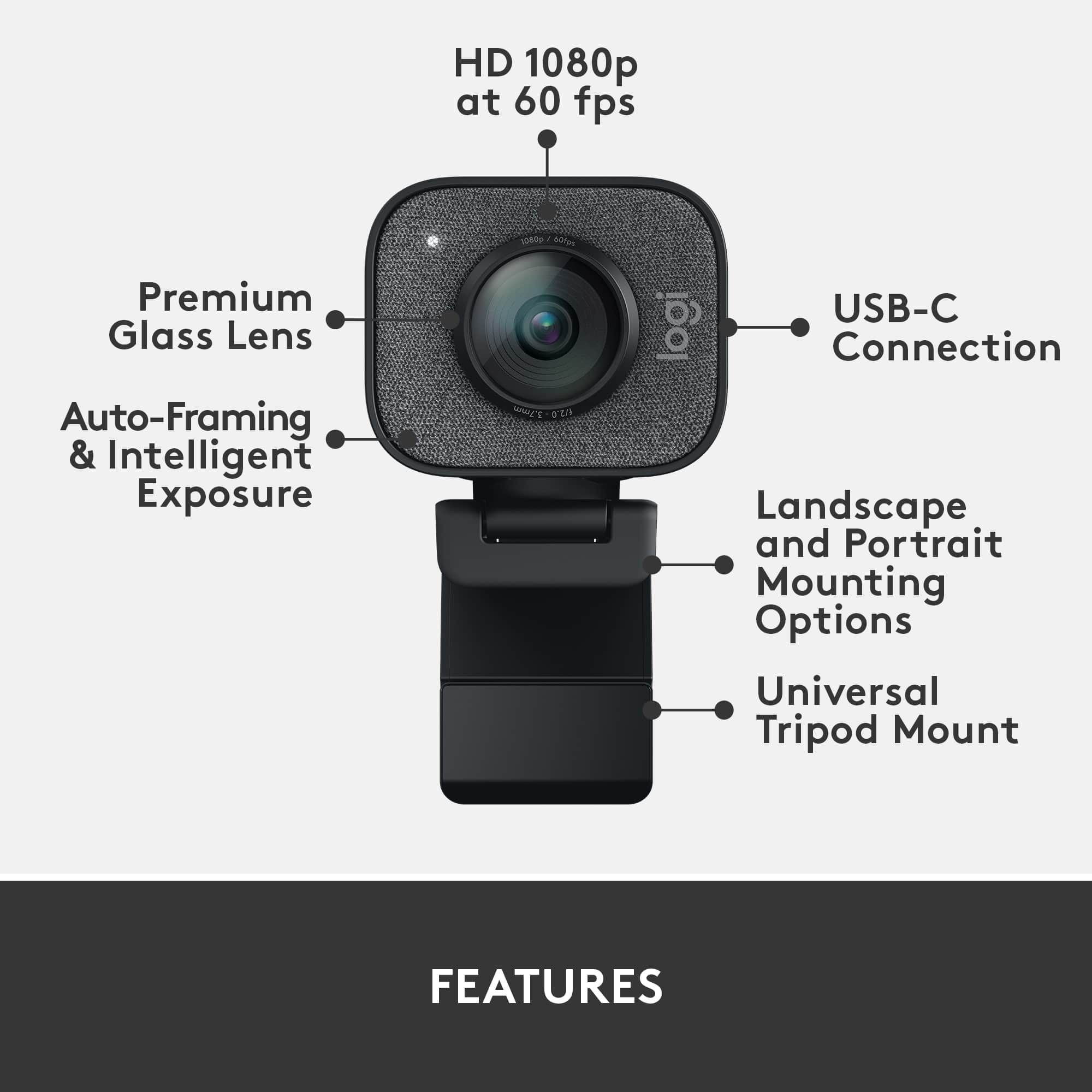
![COMPATIBILITY [TWITCH, YOUTUBE GAMING, DISCORD, STREAMLABS OBS]](https://pisces.bbystatic.com/image2/BestBuy_US/images/products/ee9315b5-1599-482f-ae74-63216a2773d3.jpg)
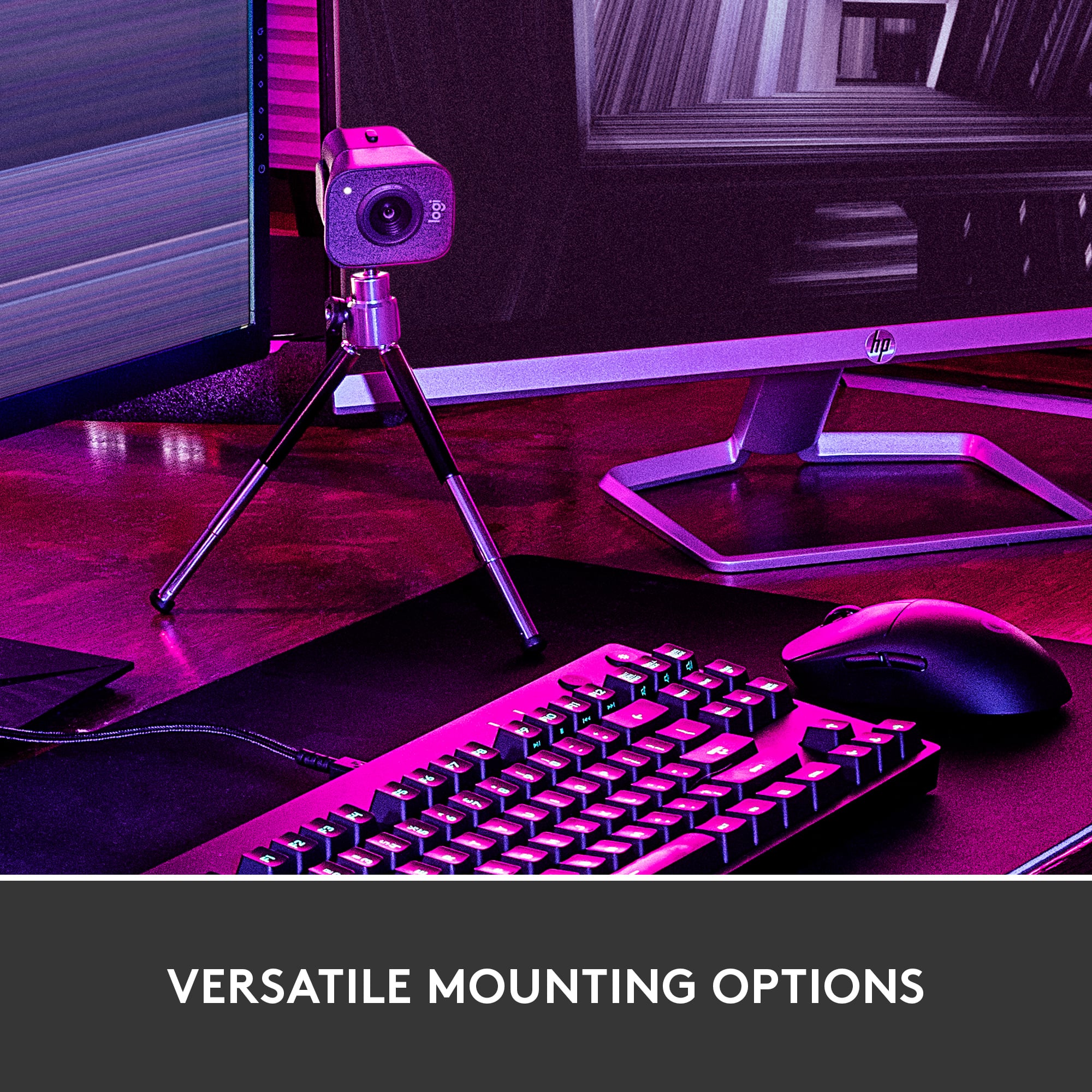
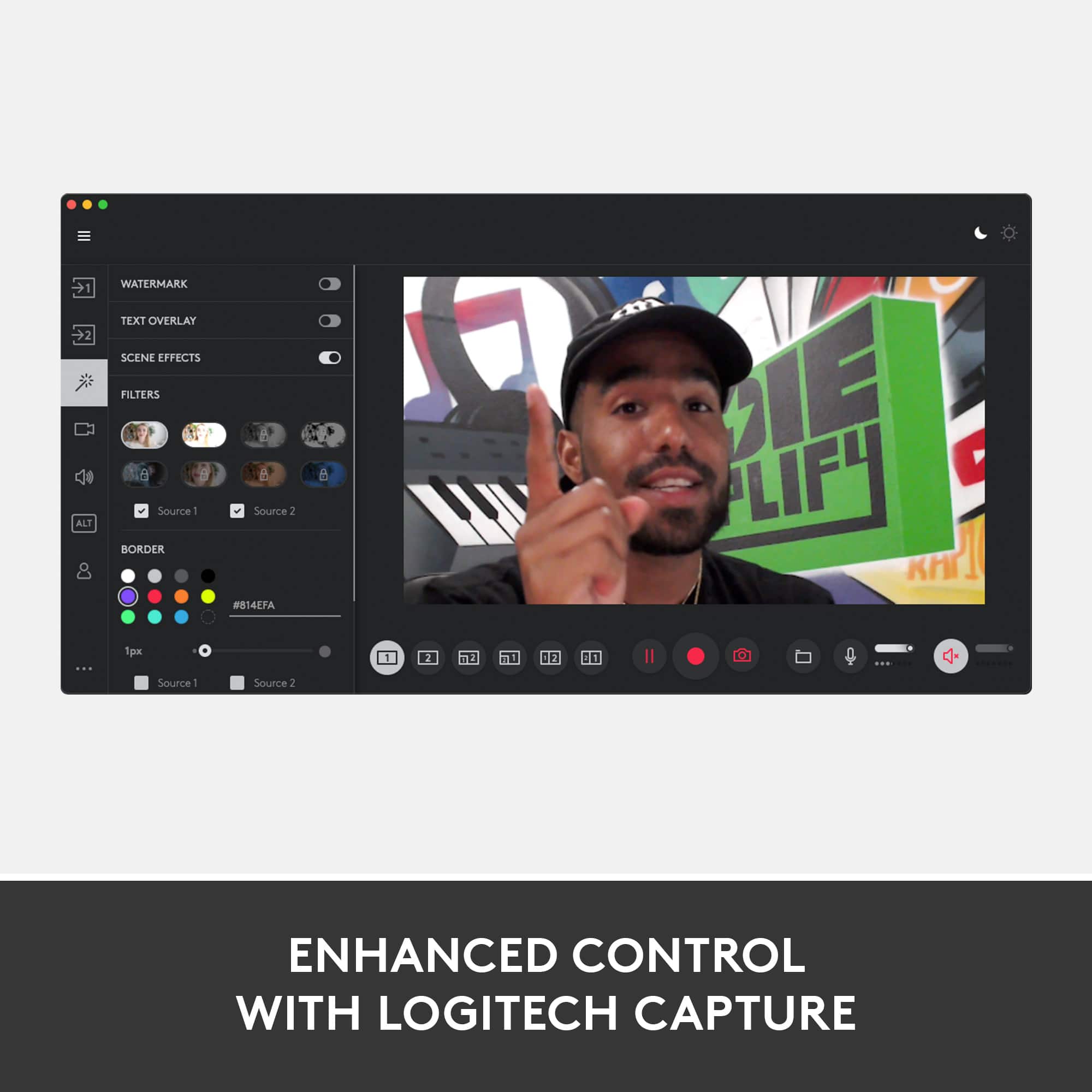
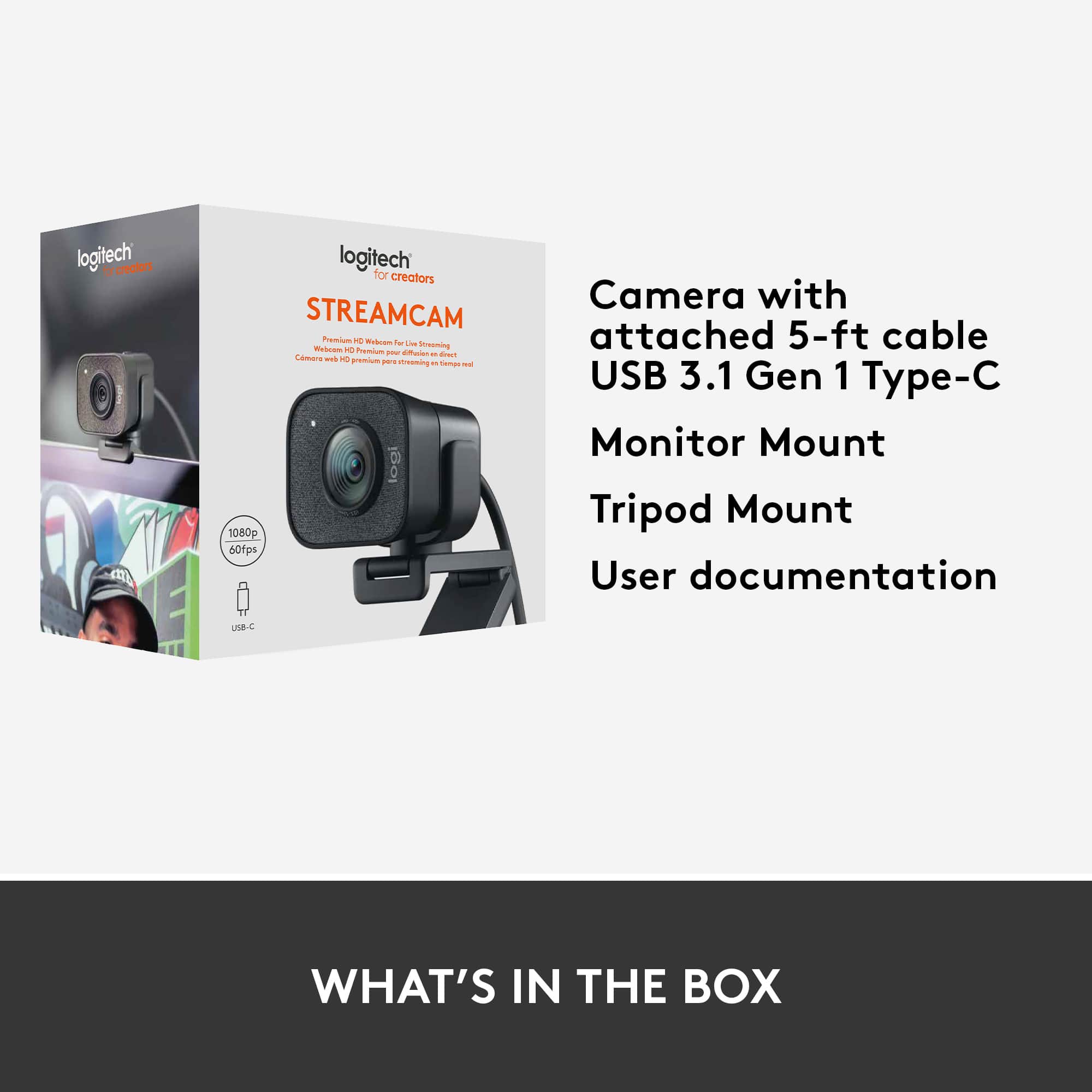
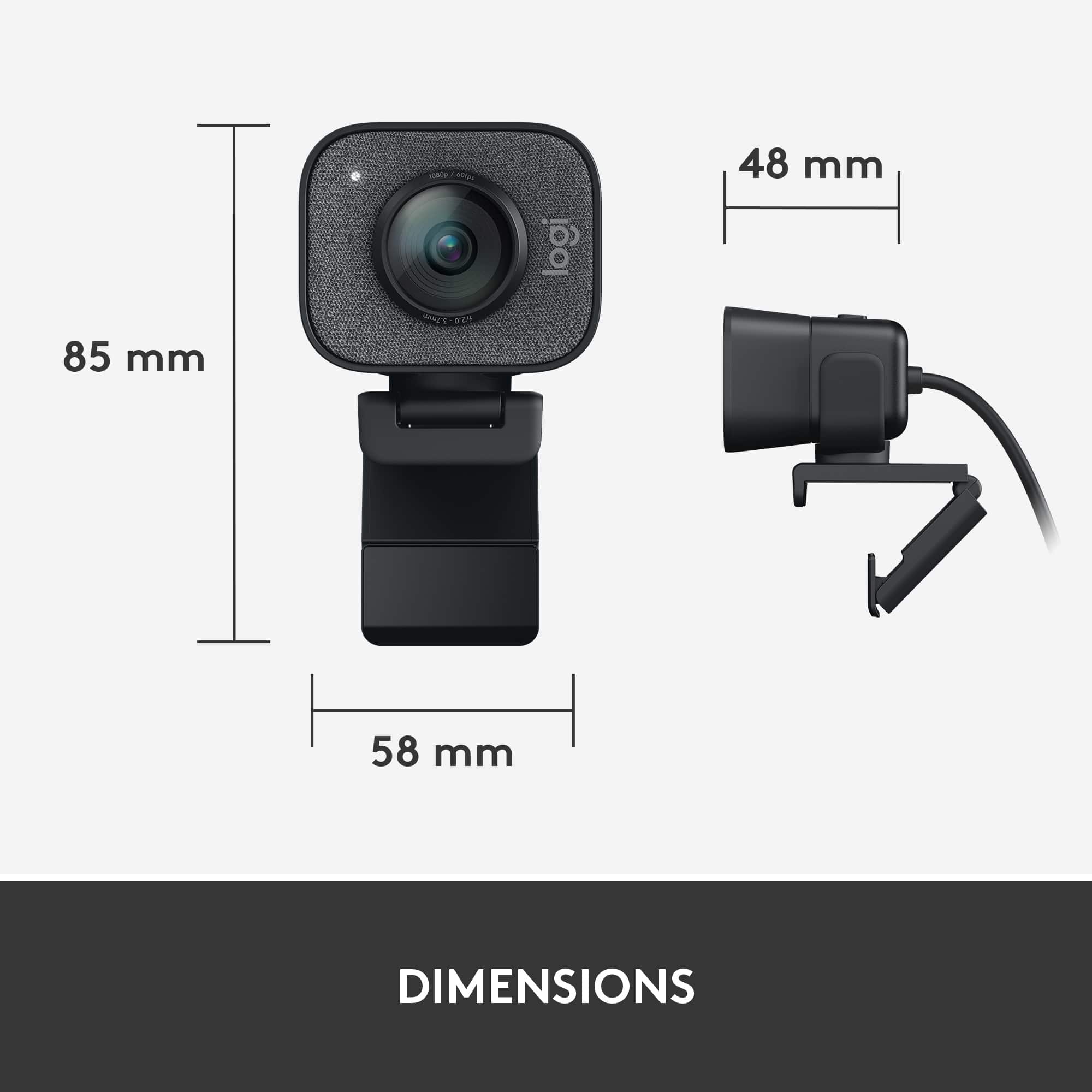
- Model:
- 960-001280
- |
- SKU:
- 10845818
Customer reviews
Rating 4.5 out of 5 stars with 902 reviews
(902 customer reviews)Rating by feature
- Value4.2
Rating 4.2 out of 5 stars
- Quality4.6
Rating 4.6 out of 5 stars
- Ease of Use4.5
Rating 4.5 out of 5 stars
Rated 1 out of 5 stars
Not A True 1080P 60 FPS Camera... Complete Garbage
||Posted . Owned for 2 months when reviewed.This reviewer received promo considerations or sweepstakes entry for writing a review.Well past the return date because I was waiting for my new PCs to show up and even on a USB 3.2 Machine there's SO MUCH motion blur that this camera can't be 60 FPS. I recall the C922 Pro in 720p 60 doing a butter smooth frame rate but it's only performing at 720p. It seems as though you have to pretty much double the res and match or purchase a product with a higher framerate in order to get the quality you want these days. Now I'm looking for a 4K 60 or 120 if they make one to get 1080p 60... Great job Logitech!
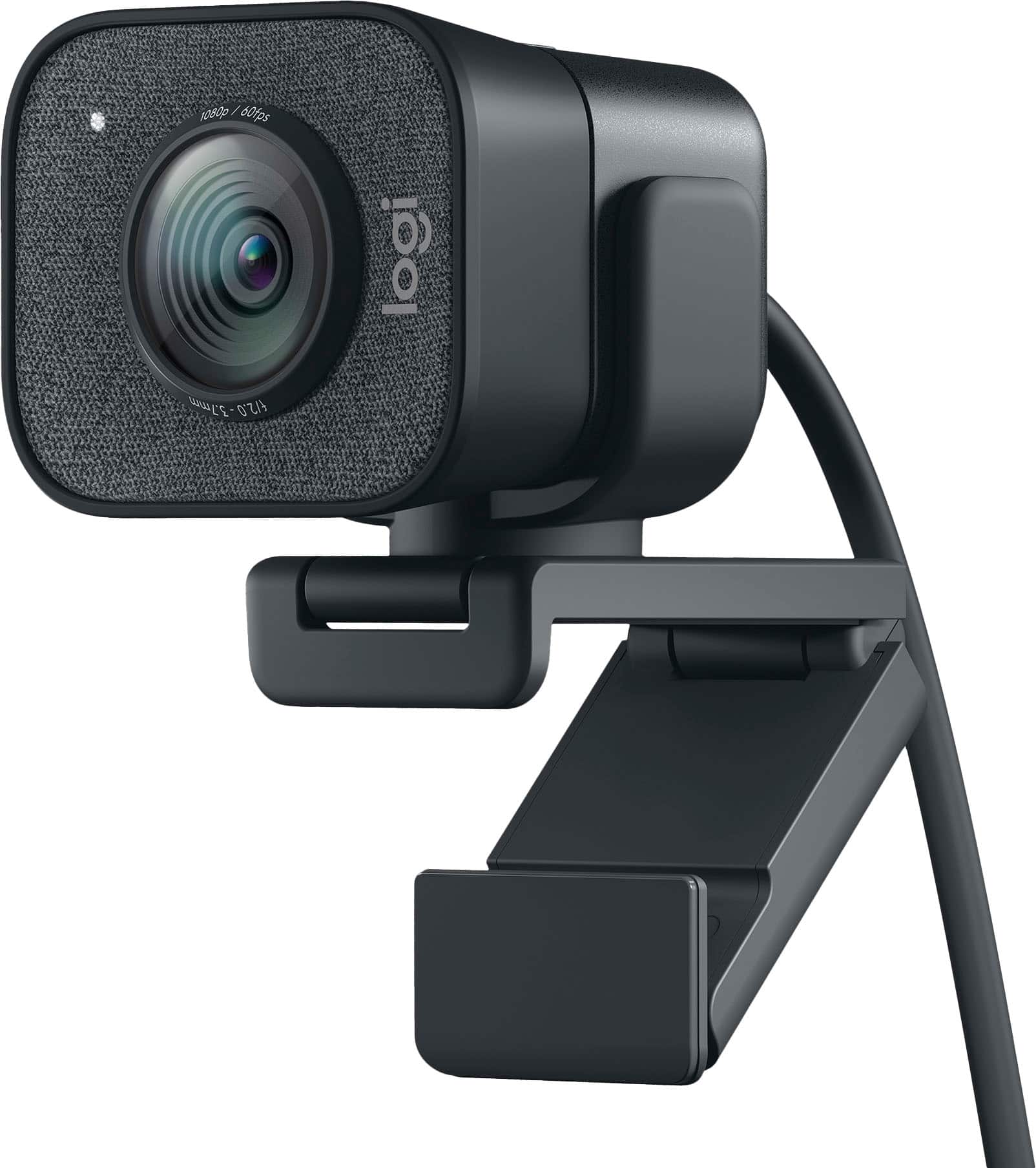
This review is from Logitech - StreamCam Plus 1080 Webcam for Live Streaming and Content Creation - Graphite
No, I would not recommend this to a friendRated 1 out of 5 stars
Constantly freezes
||Posted . Owned for 1 month when reviewed.This reviewer received promo considerations or sweepstakes entry for writing a review.The video works for about 15-90 seconds then freezes. Then I have to turn off the video and turn it back on in whatever software im using. This woukd be ok occassionally, but having video cut out every minute of a 2 hour zoom session every week is a bit much. Additionally, logitech refuses to help and wants Best Buy to handle all warranty issues even outside of their return period.
This review is from Logitech - StreamCam Plus 1080 Webcam for Live Streaming and Content Creation - Graphite
No, I would not recommend this to a friendBrand response from Logitech
Posted .Truly sorry to hear about your unpleasant experience with the StreamCam and. This is surely not what we intend to deliver. Your feedback is crucial to us as we continue to enhance our products and user experience. We'd recommend you to get in touch with the support team and explain them the situation who will assist you with the utmost dedication and care.
Rated 4 out of 5 stars
Very Adequate
||Posted . Owned for 2 weeks when reviewed.This reviewer received promo considerations or sweepstakes entry for writing a review.I liked that it got the job done when we were livestreaming a service. Would recommend if all you want is a webcam.
This review is from Logitech - StreamCam Plus 1080 Webcam for Live Streaming and Content Creation - Off-White
I would recommend this to a friendRated 1 out of 5 stars
Randomly stopped working after a year.
||Posted . Owned for 1 year when reviewed.This reviewer received promo considerations or sweepstakes entry for writing a review.Cable is poor quality and the choice to only provide a USB-C option is questionable at best. About a year into owning this and using it lightly, probably 20-30 times, the device is bricked. This must have been a faulty one because it worked great while it worked and other reviews are positive, but Logitech support is a nightmare and Best Buy hasn't been helpful. I can't recommend this product.
This review is from Logitech - StreamCam Plus 1080 Webcam for Live Streaming and Content Creation - Graphite
No, I would not recommend this to a friendBrand response from Logitech
Posted .Hello Matt,
I am sorry to hear that you can no longer operate your Logitech camera. Since this is not a typical issue, I suggest you double-check your webcam settings and the application settings for the software you use with the camera. I hope this information is helpful. Logitech appreciates your product review. - Leo from Logitech
Rated 1 out of 5 stars
DO NOT BUY!
||Posted .This reviewer received promo considerations or sweepstakes entry for writing a review.Worked for about a week then the problems started. Super bummed had to buy a better camera. Too expensive for this many issues this is a $45 camera
This review is from Logitech - StreamCam Plus 1080 Webcam for Live Streaming and Content Creation - Graphite
No, I would not recommend this to a friendBrand response from Logitech
Posted .Hello,
Thank you for choosing Logitech and for taking the time to share your experience. I am sorry that you experienced problems with your StreamCam Plus Webcam; I would like to help. If you have not already done so, please check your computer for system and driver updates. Also, please download the Logitech "Capture" software for customization and best overall experience. I have attached a link to the "Getting Started" support page for your webcam where you will find product guides, software downloads and further support. I hope you will enjoy your StreamCam Plus, please visit the Logitech website for further support.
Best regards,
John at Logitech
https://support.logi.com/hc/en-us/articles/360043221373
Rated 1 out of 5 stars
Not 1080p and terrible grip design
||Posted . Owned for 1 month when reviewed.This reviewer received promo considerations or sweepstakes entry for writing a review.No better than the $30 webcam I was trying to upgrade from because it's not actually 1080p and the white balance is always VERY off no matter how much you adjust it in their software. Worse is that the plastic bit it grips onto to be able to put it on a tripod (same with the standard one, it's the same design just a different bottom part) doesn't fit or grip. It's such a lazy and dysfunctional design that I don't know how anyone has good reviews for this.
This review is from Logitech - StreamCam Plus 1080 Webcam for Live Streaming and Content Creation - Off-White
No, I would not recommend this to a friendBrand response from Logitech
Posted .Hello Danielle,
I am sorry that you are having trouble using the StreamCam as intended. The StreamCam is 1080p @ 60SPF, so feel free to call Logitech technical support for assistance setting up your StreamCam. Logitech appreciates your product review. - Leo from Logitech
Rated 1 out of 5 stars
Returned- never a video without glitches
||Posted .This reviewer received promo considerations or sweepstakes entry for writing a review.I had to return because I got a faulty one. I optimized all of my power settings on my RazerBlade 15 to ensure I didn't have dropouts in the usb-c port, but I still had glitches. The packaging was also thin and flimsy with nothing really protecting the camera except the box itself. The cable is attached to the camera, so if you ever had issues with that, it would be toast. It was disappointing and underwhelming.
This review is from Logitech - StreamCam Plus 1080 Webcam for Live Streaming and Content Creation - Graphite
No, I would not recommend this to a friendBrand response from Logitech
Posted .Hi Sadpanda, Thank you for your feedback. Sorry for the inconvenience you had with your device. If you ever need assistance please contact Logitech Support on the website. LaShonda from Logitech
Rated 2 out of 5 stars
Not worth it
||Posted .This reviewer received promo considerations or sweepstakes entry for writing a review.I just purchased this item two weeks ago. I have only used it three times and Already the app freezes on my brand new macbook.
This review is from Logitech - StreamCam Plus 1080 Webcam for Live Streaming and Content Creation - Graphite
No, I would not recommend this to a friendBrand response from Logitech
Posted .Hi Latasha,
Thank you for your feedback. Sorry for the inconvenience you're experiencing. Be sure to download the drivers for your device from https://support.logi.com/hc/en-us/articles/360043221373. Also you can download Logitech Capture software for your StreamCam from logitech.com/product/capture to access all the features for your device. If you need further assistance please contact Logitech Support on the website. LaShonda from Logitech
Rated 5 out of 5 stars
Nice webcam
||Posted .This reviewer received promo considerations or sweepstakes entry for writing a review.Got this during black Friday and it has been a really great webcam
This review is from Logitech - StreamCam Plus 1080 Webcam for Live Streaming and Content Creation - Graphite
I would recommend this to a friendRated 5 out of 5 stars
Camera
||Posted .This reviewer received promo considerations or sweepstakes entry for writing a review.Just what my son wanted. He saw this and wanted it for college.
This review is from Logitech - StreamCam Plus 1080 Webcam for Live Streaming and Content Creation - Graphite
I would recommend this to a friendRated 5 out of 5 stars
Bang for your buck!
||Posted . Owned for 2 weeks when reviewed.This reviewer received promo considerations or sweepstakes entry for writing a review.If you need a streaming camera, this is the one for you!
This review is from Logitech - StreamCam Plus 1080 Webcam for Live Streaming and Content Creation - Graphite
I would recommend this to a friendRated 5 out of 5 stars
Great Camera
||Posted . Owned for 3 weeks when reviewed.This reviewer received promo considerations or sweepstakes entry for writing a review.Great! Camera use it everyday for zoom and teams call
This review is from Logitech - StreamCam Plus 1080 Webcam for Live Streaming and Content Creation - Graphite
I would recommend this to a friendRated 1 out of 5 stars
The cord will not plug into a standard usb
||Posted . Owned for 1 week when reviewed.This reviewer received promo considerations or sweepstakes entry for writing a review.Poor connector planning, and no adapter is included.
This review is from Logitech - StreamCam Plus 1080 Webcam for Live Streaming and Content Creation - Graphite
No, I would not recommend this to a friendBrand response from Logitech
Posted .Hello customer, I'm sorry to hear that you had some issues with the Streamcam plus webcam. The Streamcam plus was primarily designed for apple devices such as the MacBook, hence why it uses USB C instead of USB A. Your feedback is greatly appreciated. -Weston from Logitech.
Rated 1 out of 5 stars
Doesn't work with Apple M1
||Posted . Owned for 2 weeks when reviewed.This reviewer received promo considerations or sweepstakes entry for writing a review.The allure of this is the software with he flexibility is supposed to provide. Yet the software does not work with Apple M1 Mac. Thus you can't make any adjustments. None. Zip. Nada. And when you call Logi support, they have no idea.
This review is from Logitech - StreamCam Plus 1080 Webcam for Live Streaming and Content Creation - Graphite
No, I would not recommend this to a friendBrand response from Logitech
Posted .Hello AS2022, Very sorry to hear about the issue you're having with not being able to install the Logitech software to use with your StreamCam. Yes, Logitech's Capture software isn't compatible with M1 Macs at the moment, you can also use Logitech's G Hub software to make adjustments. Currently G HUB is working properly with software version 2020.12.9532 M1+maOS Big Sur 11.2.3. Hope that you found this helpful and that all is going well. Thank you for choosing Logitech. - Richard from Logitech
Rated 1 out of 5 stars
Very disappointed
||Posted . Owned for 1 month when reviewed.This reviewer received promo considerations or sweepstakes entry for writing a review.The microphone just does not work with my Mac as advertised. It will cut out in the middle of virtual meetings. Currently won't work at all until I reboot. Then it stops working again.
This review is from Logitech - StreamCam Plus 1080 Webcam for Live Streaming and Content Creation - Graphite
No, I would not recommend this to a friendRated 1 out of 5 stars
Didn't last more than 2 weeks
||Posted . Owned for 3 weeks when reviewed.This reviewer received promo considerations or sweepstakes entry for writing a review.Bought this with high hopes and only 2 weeks after purchase, it is broken. After running about 15 minutes, the video starts jerking around and looks like a scrambled TV show. I certainly hope that the warranty is good.
This review is from Logitech - StreamCam Plus 1080 Webcam for Live Streaming and Content Creation - Graphite
No, I would not recommend this to a friendBrand response from Logitech
Posted .Hello Pmpro,
Thank you for choosing Logitech, and for sharing your experience. I am sorry that you have experienced an issue with your Streamcam, I would like to help. I have attached a link to the “Getting Started” support page for your StreamCam, where we can further assist.
Best regards,
John at Logitech
https://support.logi.com/hc/en-us/articles/360043221373-Getting-Started-Logitech-StreamCam
Rated 1 out of 5 stars
Not Worth $169
||Posted . Owned for 2 weeks when reviewed.This reviewer received promo considerations or sweepstakes entry for writing a review.Absolutely not worth the price tag. I see very little noticeable difference between this camera's image quality and one half the price.
This review is from Logitech - StreamCam Plus 1080 Webcam for Live Streaming and Content Creation - Graphite
No, I would not recommend this to a friendBrand response from Logitech
Posted .Hi Nick, So sorry to hear about your disappointment with Logitech's StreamCam. With StreamCam, you can stream and record videos for YouTube, Twitch and more in full HD 1080p resolution at 60 frames per second. No matter what type of content you create, StreamCam produces sharp content with smooth motion that looks natural on screen. You can make adjustments and customize settings using Logitech's Capture or G HUB softwares---a difference that webcams at half the price don't feature. Here's a link to the downloads: https://support.logi.com/hc/en-us/articles/360042746714-Download-Stub-Logitech-StreamCam. Hope that you found this useful and that all is going well. Thank you for choosing Logitech. - Richard from Logitech
Rated 1 out of 5 stars
Doesn’t work for Mac
||Posted . Owned for 1 month when reviewed.This reviewer received promo considerations or sweepstakes entry for writing a review.Not comparable to my laptop was told it was bad experience
This review is from Logitech - StreamCam Plus 1080 Webcam for Live Streaming and Content Creation - Graphite
No, I would not recommend this to a friendBrand response from Logitech
Posted .Hey! The device works with macOS 10.14 or later.
Rated 1 out of 5 stars
Don’t buy
||Posted . Owned for 3 months when reviewed.This reviewer received promo considerations or sweepstakes entry for writing a review.Do not recommend. It would be better to go out and buy a cheap camcorder and use as a webcam. Disappointed. Returned.
This review is from Logitech - StreamCam Plus 1080 Webcam for Live Streaming and Content Creation - Graphite
No, I would not recommend this to a friendBrand response from Logitech
Posted .Hello, we are sorry to hear that the StreamCam Plus did not work properly for you. At Logitech, it is our goal to ensure you are completely satisfied with your Logitech purchase. We take pride in the products and services we offer, and want our customers to enjoy them just as much as we do. To get the most out of the StreamCam, we recommend using our free Logitech Capture software or an OBS software of your choice. There, you'll be able to maximize the resolution and FPS of the webcam. We apologize for any confusion we may have caused. Thanks for being part of the Logitech family, have a great day. -Ricky | Logitech
Rated 1 out of 5 stars
Not happy with this product.
||Posted . Owned for 1 year when reviewed.This reviewer received promo considerations or sweepstakes entry for writing a review.I cannot get it to work well with my desk top computer. I gave up and disconnected it.
This review is from Logitech - StreamCam Plus 1080 Webcam for Live Streaming and Content Creation - Graphite
No, I would not recommend this to a friendBrand response from Logitech
Posted .That sounds troublesome! Try a different USB port on your computer and make sure the camera isn't connected to a USB hub or docking station. Also, try rebooting your computer and connect the camera to a different computer to see if it works.
People also viewed
- $79.99$79.99The price was $99.99
- $215.70$215.70The price was $250.55