Customer Ratings & Reviews



- Model:
- 456699/473363
- |
- SKU:
- 7863116
Customer reviews
Rating 4.4 out of 5 stars with 593 reviews
(593 customer reviews)Rating by feature
- Value4.2
Rating 4.2 out of 5 stars
- Quality4.6
Rating 4.6 out of 5 stars
- Ease of Use4.5
Rating 4.5 out of 5 stars
Customers are saying
Customers find value in the hue Tap Remote Switch's ease of use, battery-free operation, and straightforward setup. However, some customers have reported issues with button functionality, price, and reliability, while others have expressed concerns about the design.
This summary was generated by AI based on customer reviews.
- Cons mentioned:Button functionality
Rated 4 out of 5 stars
Mostly like it but it's a little clunky
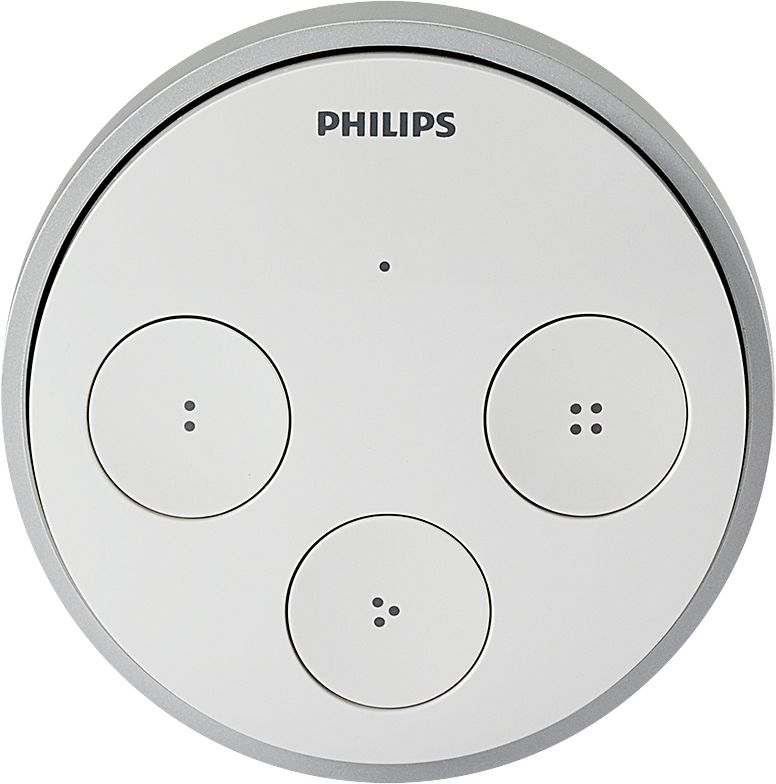
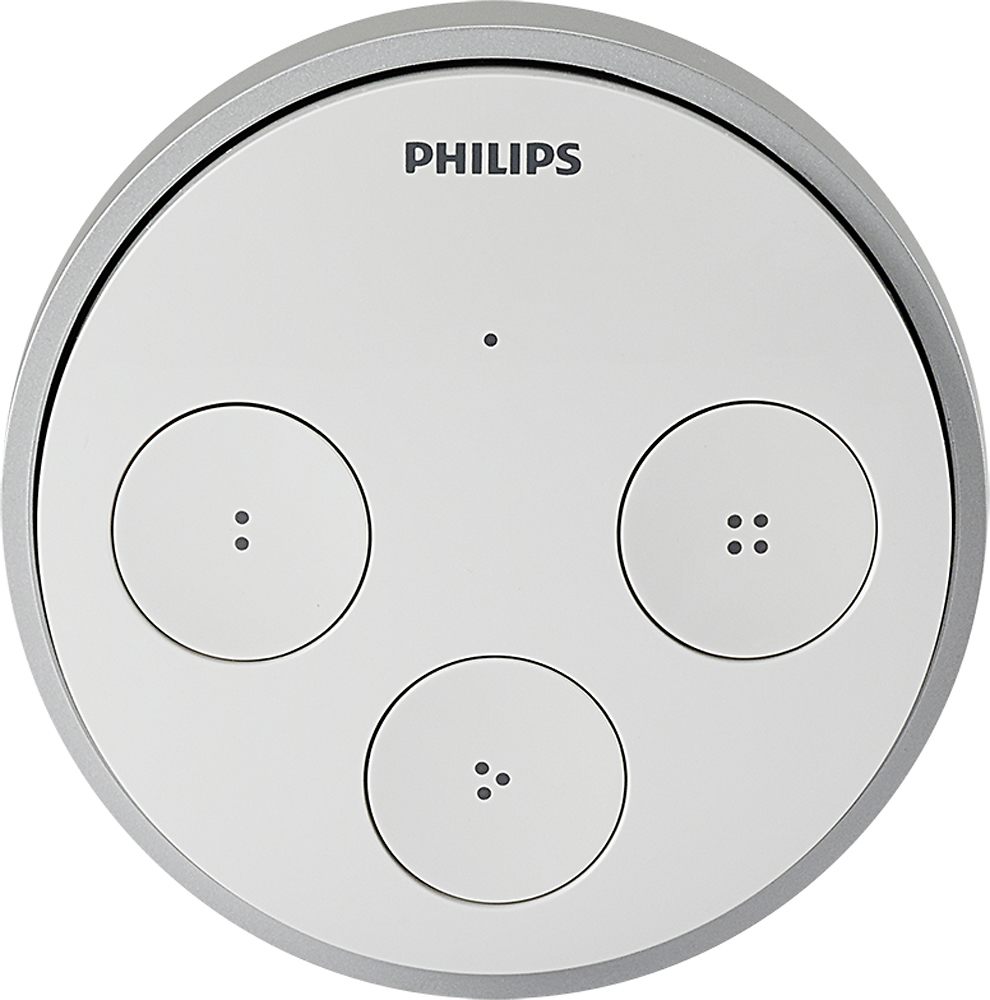
||Posted .This reviewer received promo considerations or sweepstakes entry for writing a review.I'm glad I picked this up because it is useful. The clicking of the buttons is a little clunky though. I mounted mine to the wall and if I don't press the 2,3, of 4 preset button perfectly, it registers as a click of the big 1 button. I seem to be getting the touch down because it's happening less frequently the longer I've had it. But I felt it was worth mentioning
I would recommend this to a friend - Pros mentioned:Ease of use
Rated 4 out of 5 stars
Great, but room for improvements
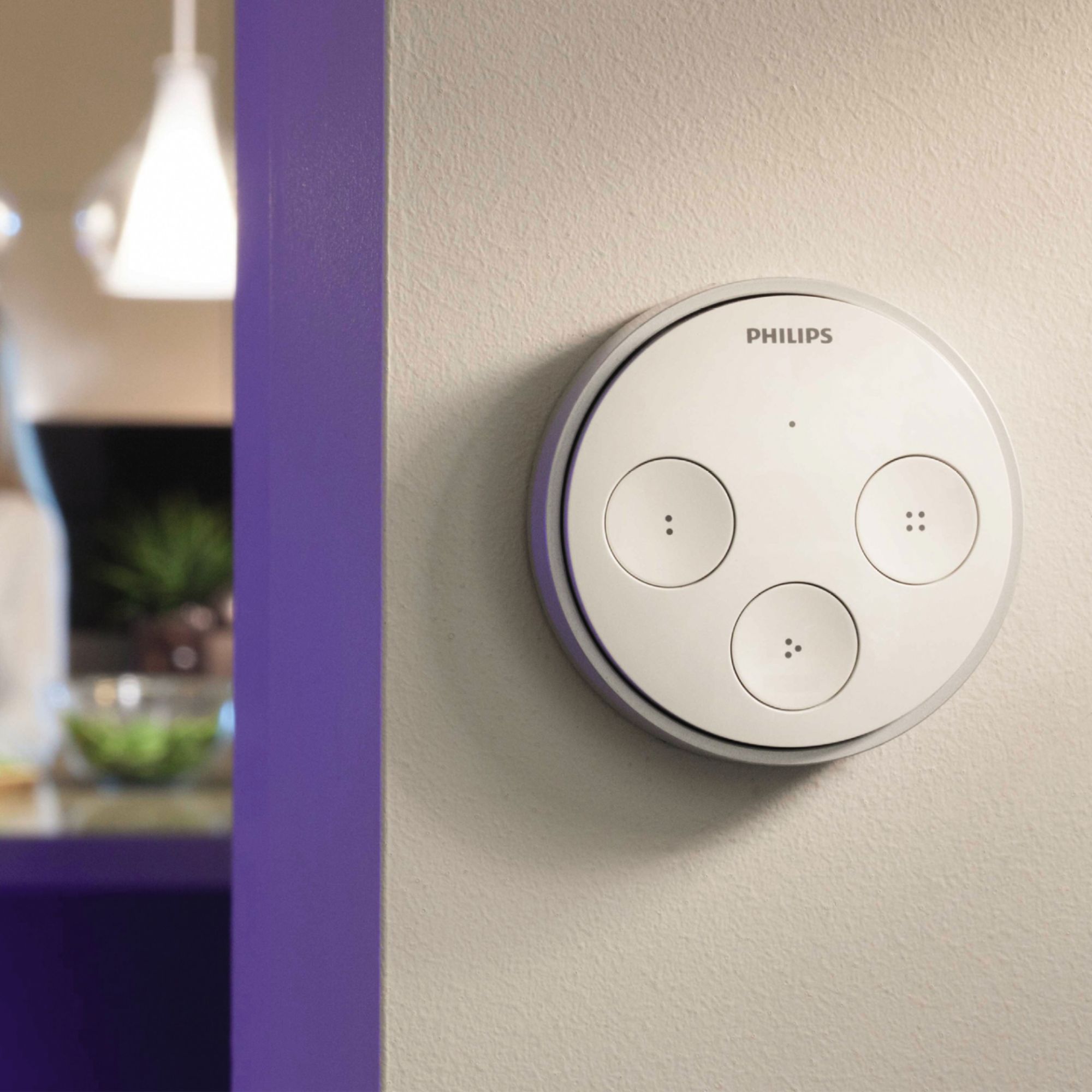
||Posted .This reviewer received promo considerations or sweepstakes entry for writing a review.I would say I am quite happy getting the hue Tap Remote Switch. I got one for the living room and one for the kitchen. I can easily dedicate one theme to each button (three themes per unit) and it also has the OFF feature by clicking in the middle of the unit. It is very easy and handy to have this switch, instead of having to open the app on my phone each time I e.g. enters the kitchen to put the lights on and then off again when leaving. I used the included double sided tape to fasten the unit to the wall. It really stays sturdy on the wall and it has been sitting there for about two months now. I though miss the ability to use more themes from time to time without having to use the app on my phone. I therefore think this unit has room for improvements. Instead of only having one theme per button, it would be nice to allow for more themes. This could be manageable by letting the user e.g. double click on a button to get another theme. Right there, we would have twice as many themes per unit. A combination by clicking more than one button at a time could also work. I wish Philips can read my comment here and hopefully make it work in the future :-) As advertised, I would give this unit five stars, but I deduct one for less options than wanted.
I would recommend this to a friend - Pros mentioned:Ease of use
Rated 5 out of 5 stars
Convenient
||Posted .This reviewer received promo considerations or sweepstakes entry for writing a review.Nice portable unit. Easy to set up, easy to program. It's nice to have a few choices if someone is using the tablet for something else.
I would recommend this to a friend Rated 5 out of 5 stars
Way faster than using the app
||Posted .This reviewer received promo considerations or sweepstakes entry for writing a review.Valuable little tool for making life easy. I have three installed in my main rooms to control 25 bulbs and strips and have set them all set up to do 3 different lighting schemes while the main button turns them all off. The app is fun and I have created dozens of "specialty" light schemes, but I would not use the lights nearly as much without the quick access the Tap buttons allow.
I would recommend this to a friend- Pros mentioned:Ease of use
Rated 5 out of 5 stars
Works Great-Easy Setup
||Posted .This reviewer received promo considerations or sweepstakes entry for writing a review.Works as advertised. Easy setup through hue app and works great
I would recommend this to a friend - Pros mentioned:Battery life, Ease of useCons mentioned:Button functionality
Rated 4 out of 5 stars
Good accessory for Hue Lights
||Posted .This reviewer received promo considerations or sweepstakes entry for writing a review.Easy to install. I like the fact it doesn't require batteries. Simple to connect to the bridge. You can assign 3 different scene views to Tap. Only minor annoyance is that sometimes it requires two attempts to turn the lights on--as it doesn't respond on the first attempt occasionally. I use it to control Hue Color Flood lights in my kitchen. I have other Hue lights throughout the house--but the kitchen lights are the ones I use the most. Hue tap is a necessity to control lights that you frequently turn on/off--since using the app is not always convenient.
I would recommend this to a friend - Pros mentioned:Ease of use
Rated 5 out of 5 stars
Works very well
Posted .This reviewer received promo considerations or sweepstakes entry for writing a review.I have my whole home set up with Hue lights. My wife wanted a simple switch for off or on and this fit the bill. We started with just a few lights and have expanded to almost the whole home including the outside lights (which work just fine even at +9 degrees.) I love the ability of the lights to set moods and even outside celebrations. The home can exhibit colors to match the seasons, Christmas, Halloween, St. Patricks, Fourth of July. We really have had fun with these lights. We have a updated router and never had a problem.
I would recommend this to a friend - Cons mentioned:Button functionality
Rated 4 out of 5 stars
Extremely useful for Hue System
||Posted .This reviewer received promo considerations or sweepstakes entry for writing a review.Without this device it would have been pretty tough to keep the hue system in our house - as much as i liked the lights - the lack of a switch sometimes made things cumbersome, being able to preset this to different settings was nice - program button one to on and a second push of button one to off - with 4 buttons i found it to be more then enough to accomplish what we needed so you didnt have to always get your phone - the only 2 issues that keep this from 5 stars -- first we placed this on the wall, buttons 1 3 and 4 are easy to push, but button 2, ( button on the right) can be hard to push, and sometimes registers as button 1 if you do not make sure you press it in the right fashion, the fact is uses kinetic energy makes it great for the lack of batters, but requires the button press to be a bit more cumbersome leading to problem we had. The second issue, is that it is not a smart device - meaning if you had button one configured for 1 push on second push off, it keeps track of itself from the perspective of if it is on press one or 2, not the light status -- meaning , if you press button 1 to turn the lights on, then turn them off with your phone, then press the button again, it will turn the already off lights off, making you have to press the button again, not a big deal, but a limitation for sure.
I would recommend this to a friend - Pros mentioned:Battery life
Rated 5 out of 5 stars
Perfect for Quick Light Switching
Posted .This reviewer received promo considerations or sweepstakes entry for writing a review.I use this in my home office / den to control the lighting scenes. The space is a 'flex' space that acts as a home office during working hours, and as a relaxation/video games/tv space in the evenings and weekends. The Hue system is perfect for me as it lets me cater my lighting to my use. The Tap lets me quickly change without unlocking my mobile phone. It's awesome it uses no batteries, which means I never have to worry about it dying on me. It does have one quirk, the 2-3-4 buttons must be pressed in a certain way. What I've learned is that the trick is to press the button closest to the center of the tap. For example, Button 2 is on the left side; putting my finger on the far right edge of Button 2 and pressing it reliably triggers the proper scene. Button 3 pressed from top of button 3, and Button 4 to the furthest left of the button. It's much smaller than you might think looking at pictures of it on the web, it is in fact a good size. Not too big to be obtrusive, not too small as to be hard to use. Other than that one quirk of learning how to press the buttons, it works perfectly.
I would recommend this to a friend - Pros mentioned:Battery life, Ease of use
Rated 5 out of 5 stars
Awesome device!
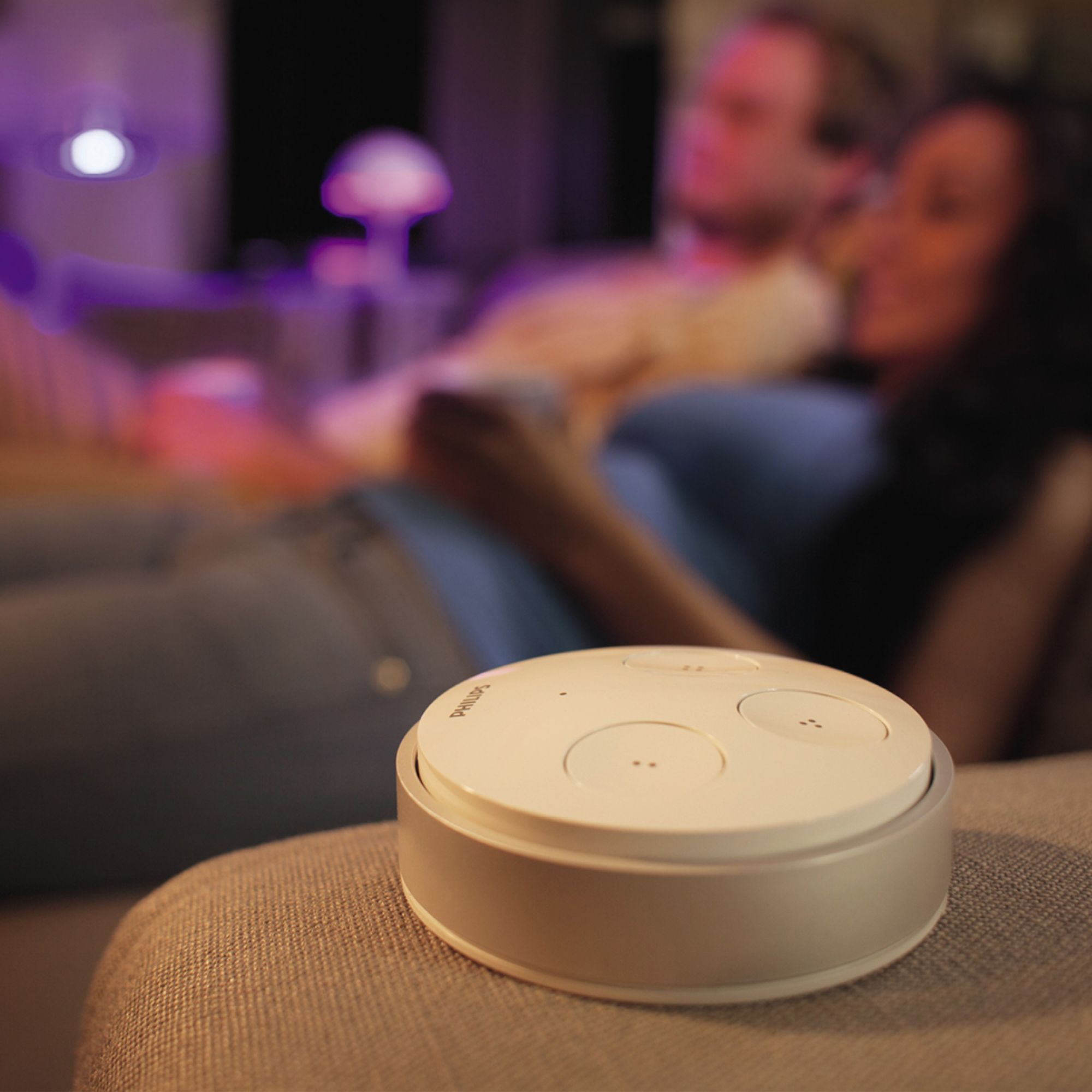
||Posted .This reviewer received promo considerations or sweepstakes entry for writing a review.I use this device to control the lights in my bedroom. The Tap itself is placed on my headboard for easy access so that i can turn on and off my Hue lights without leaving the bed. The other two buttons are used to control the colors of my Bloom lights that i have placed on the nightstands. No batteries needed, since it apparently uses the kinetic energy from pressing the Tap buttons itself to perform whatever functions you have programmed to the device.
I would recommend this to a friend - Pros mentioned:Ease of useCons mentioned:Price
Rated 5 out of 5 stars
Very convenient!
||Posted .This reviewer received promo considerations or sweepstakes entry for writing a review.I bought the Hue Tap Switch so that I wouldn't have to use my phone all the time. Pairing the switch was very easy. There have been a few occasions where I have had to re-pair the switch but it is very easy and quick to do. It would be nice if it was a little cheaper. However considering the technology involved I can understand. Thus is a must if you have a Hue system!
I would recommend this to a friend - Pros mentioned:Ease of useCons mentioned:Button functionality
Rated 5 out of 5 stars
Works as advertised
||Posted .This reviewer received promo considerations or sweepstakes entry for writing a review.This Tap controls 4 scenes very conveniently without the need of a power source. Occasionally you have to push the button twice, but I have generally been able to attribute that to user error due to the need for a firm push. The buttons are a little harder to push because of the kinetic energy that it creates and uses.
I would recommend this to a friend - Pros mentioned:Battery life, Ease of use
Rated 5 out of 5 stars
Great Hue product.
||Posted .This reviewer received promo considerations or sweepstakes entry for writing a review.I have many Hue products. This is one of my favorite. It can be put anywhere and there is no need for a battery or plug in. Great for the times I don't feel like taking out my phone to turn on some lights or change the color.
I would recommend this to a friend - Cons mentioned:Price
Rated 4 out of 5 stars
Great Innovation
||Posted .This reviewer received promo considerations or sweepstakes entry for writing a review.After buying my Hue lux lights I became dependent on my smart phone to turn on/off my lights which is very time consuming. So i ended up buying the tap. My first installation was difficult because I thought that the buttons was not responding and later returned it for a replacement. It turns out that you have to push the three buttons really hard so that the middle part also clicks. This is because there is a magnetic switch that turned the circuit board on that allows it to communicate with the bridge, therefore it does not require a battery but it is just really hard to push but it takes a little time to get used to. Also the this product is really expensive. I would defintely buy another one if they lowered the price. 59 dollars is not cheap. But overall it is a good product.
I would recommend this to a friend - Pros mentioned:Battery lifeCons mentioned:Reliability
Rated 4 out of 5 stars
Works mostly
||Posted .This reviewer received promo considerations or sweepstakes entry for writing a review.Works as intended and is a clever design that does not require any batteries (movement of the switch powers the transmitter). Occasionally you have to press the switch twice to get the action, but otherwise works as intended.
I would recommend this to a friend - Pros mentioned:Battery life, Ease of use
Rated 5 out of 5 stars
Great Item for basic usage
||Posted .This reviewer received promo considerations or sweepstakes entry for writing a review.Sometimes you want to disconnect and not touch the cell phone this allows just that. No need to surf through apps to turn the lights on just click and there on /off, Very easy set up on line and your done. No batteries well can't beat that
I would recommend this to a friend - Pros mentioned:Battery life, Ease of use
Rated 5 out of 5 stars
Excellent, unique switch.
||Posted .This reviewer received promo considerations or sweepstakes entry for writing a review.This is a very easy to install (and remove) switch to control you philips hue. You get 4 buttons to program to different scenes. Best of all it does not use a battery which mean you never have to worry about changing the battery.
I would recommend this to a friend - Pros mentioned:SetupCons mentioned:Button functionality
Rated 4 out of 5 stars
Works flawlessly except...
||Posted . Owned for 3 weeks when reviewed.This reviewer received promo considerations or sweepstakes entry for writing a review.It's a Philips Hue product made to work with Philips Hue systems, so you know it's going to work. It's super easy to set up, both physically and in the Hue app. Of all the things I've set up for Hue, this one (in the app) has been the easiest. After it's all set up, there is almost no delay when executing one of the button commands. It works! My original intention was to place this over an existing switch (take out the physical switch, hard wire the power, place this device over top the hole) but it is just a tad too big. But now the one "annoyingly fatal" flaw: it doesn't operate like you'd expect. Press a button and the programmed action should work, right? Well, first lets define what pressing one of these buttons means: it's a "two-step" process. First you press a button until you feel pressure, and then you press harder until you hear an audible "click." I watched family and friends all not understand the "hard press" instructions attached with this device. Once you understand what you have to do, it's not a problem at all, just annoying, because it seems like you have to use a direct approach to pressing a button; being off tilt on the smaller buttons doesn't always make it easy to get that second execution click.
I would recommend this to a friend - Pros mentioned:Battery life, Ease of use, Power source
Rated 5 out of 5 stars
Simple, Reliable Control of Hue Products
||Posted .This reviewer received promo considerations or sweepstakes entry for writing a review.This product is easy to configure and easy to setup with your existing Philips Hue system. You'll need a Philips Hue base and bulbs and the app setup with some Scenes in order to use. The really nice thing is this can be stuck on the all anywhere using the 3M tape and it doesn't have any batteries to change. Instead it uses the kinetic energy of you pressing the buttons to power it's signal. Super cool! Change what the buttons do whenever the mood or season suits you.
I would recommend this to a friend - Pros mentioned:Battery life, Ease of use, Setup
Rated 5 out of 5 stars
Works as Advertised
||Posted .This reviewer received promo considerations or sweepstakes entry for writing a review.The unit is made up of 2 components, a mounting frame and the button module. Mounting the unit to the wall was very easy and I like the option of either using screws or sticky tape with the frame. The best feature, imo, is that there is no need for batteries as depressing the button module creates enough charge to keep it running indefinitely. Setup was very straight forward and simple as setting up any other Hue light/accessory.
I would recommend this to a friend