Customer Ratings & Reviews




- Model:
- RC21-02280200-R3U1
- SKU:
- 6610561
Rating by feature
- Value
Rating 4.6 out of 5 stars
- Quality
Rating 4.9 out of 5 stars
- Ease of Use
Rating 4.9 out of 5 stars

Great option to get the desktop experience
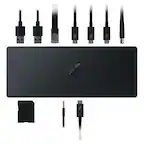
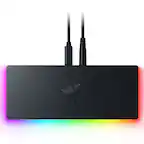
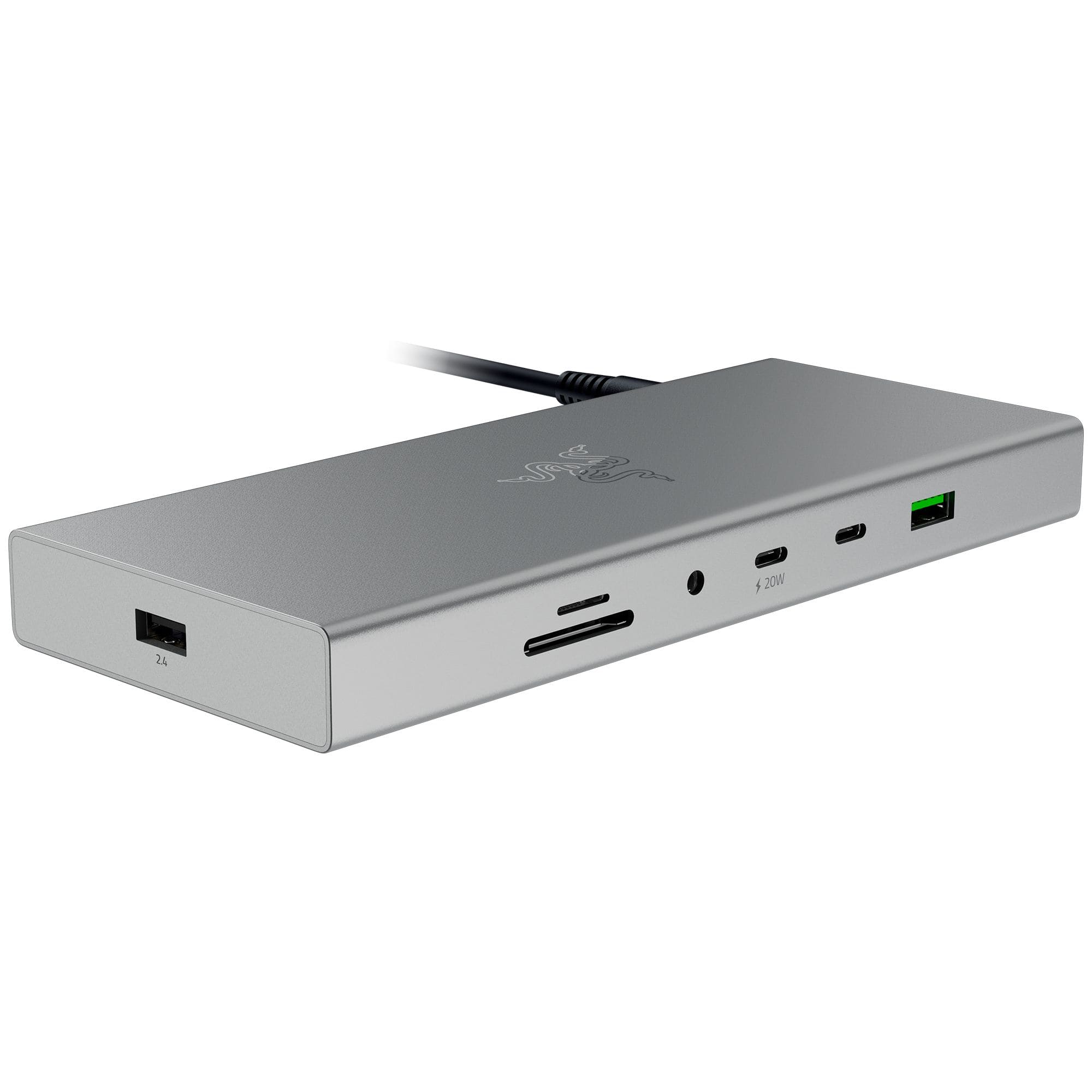
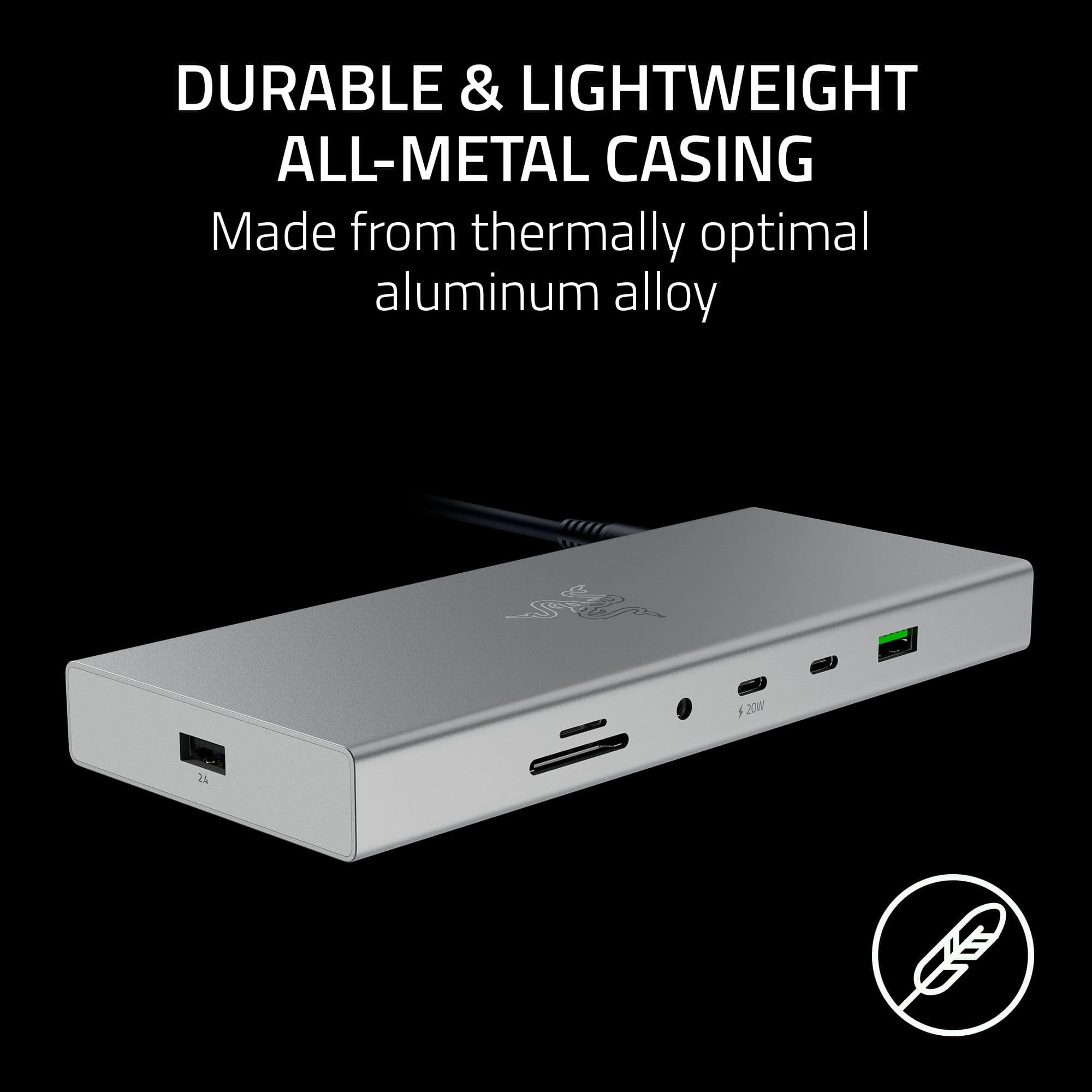
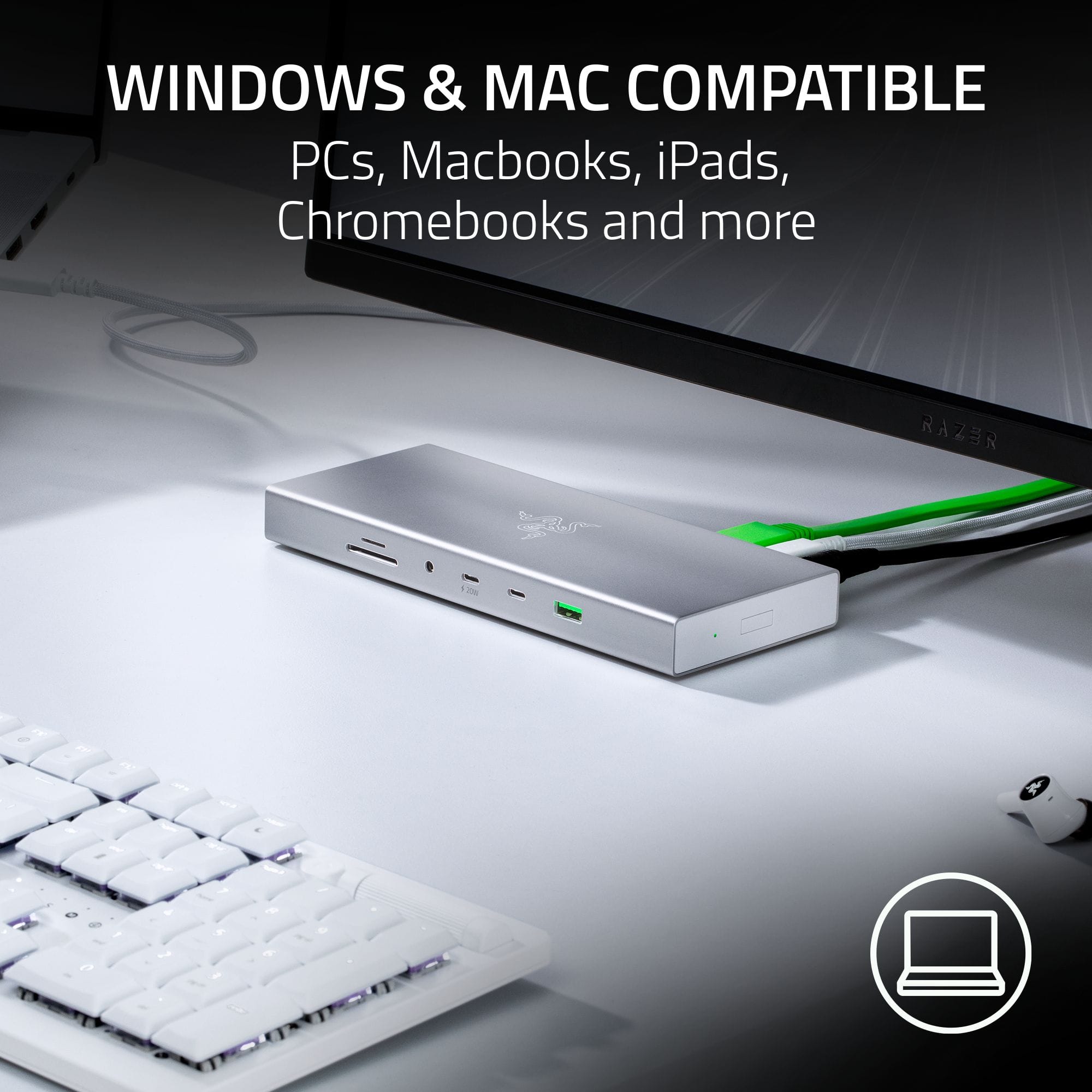
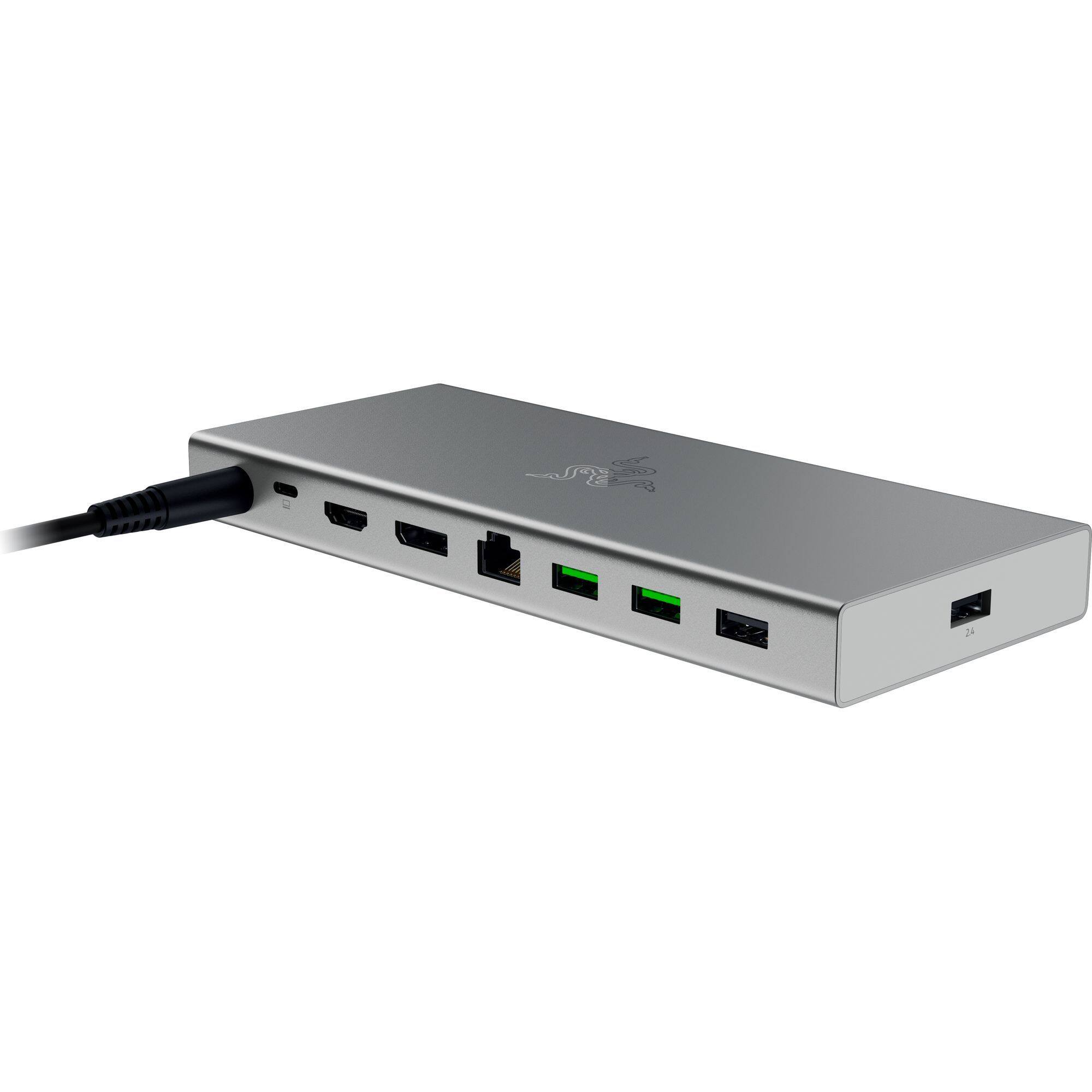
|Posted .This reviewer received promo considerations or sweepstakes entry for writing a review.As laptops continue to get larger, heavier, and more feature rich, the demand for good docking stations capable of delivering the desktop experience with one has grown at a rapid pace. The supply of good docking stations, unfortunately, has often struggled to keep up. Razer's latest offering, in a somewhat unusual turn for them, seems to be attempting to fix that with a fairly streamlined product which focuses on the fundamentals to deliver something that feels a step above what you can generally expect from such a product, but does still have some of the same limitations that come with it. The first thing that stood out to me upon opening the box was the design. Given the manufacturer I fully expected no less than 3 programmable RGB zones and some aggressive "gamer" accents, but it's actually rather unassuming. It's a simple black box with only a single pinprick of light on the power button to draw attention, built to the scale one would expect from a large power bank. When not in use it completely disappears into the shadowed space behind my monitor, and doesn't do much more to draw attention to itself when it's plugged in either. It also has something that I think may be unique out of all the docking stations I've tried: a replaceable cable connecting it to your laptop. I'd estimate the cable it came with to be about six feet, which is more than enough for my use and probably about as long as you'd want to go to make sure signal degradation doesn't become an issue. As far as performance, I'd give it high marks. There are tons of ports here, they all work, and it had no issue maintaining high resolutions or refresh rates when I tested it out on my big desk displays. That said, it did highlight a few issues with usability for me that might be worth considering. One of the big ones being that a lot of the ports are actually quite hard to locate. With no lighting or splashes of color to pick them out everything on the front of the device pretty much immediately vanished once I had it in place, and around the back there's just too much variety to navigate it by feel. I don't think this is necessarily a cause for concern, as part of the whole point of a docking station is to hook up everything you need once and then leave it for when you need it, but I can definitely see slightly older users with less than perfect vision being very frustrated by the amount of black-on-black here. The second thing to be aware of is that the power supply is limited to 180 watts - I assume mostly because that's all you can usually get through a long USB-C cable. Normally, I'd consider this to be more than enough for a docking station but because it is a Razer product I have to assume that a lot of the people buying it will be using it on a gaming laptop - and gaming laptops still tend to work best when getting fed something in the 200-250 watt range. If that's you, the good news is that there's nothing stopping you from plugging in your normal AC adapter and just running off that during heavy gaming sessions. And, for the record, I found that 180 watts was "good enough" for sessions lasting a few hours providing the battery already had some charge in it at the start. But we're still short of the dream of plugging in a single cable and being good for the rest of the day. Overall despite the minor annoyances, this is still a very easy recommendation for me. Most docking stations are still rather underwhelming, and this one definitely is not. So long as you're aware of the friction points going in, I think you're likely to be very pleased.
I would recommend this to a friendA Sleek, High-Quality Docking Station!
|Posted .This reviewer received promo considerations or sweepstakes entry for writing a review.This Razer USB 4 docking station with 14 ports is a great dock for those whose current setup includes a laptop and maybe other devices. A dock like this may also be primarily used by those who work from home. Regardless of the situation, if you have a laptop with many items plugged into it, you are in luck. This dock will support all your peripherals, displays, USB flash drives, etc. freeing up those precious USB ports from your laptop. In the box, you get a sleek-looking dock, a 180W power adapter, a power cable, a USB-C to USB-C cable, and a quick start guide. I love the design choice of going with the all-metal casing. I work from home several days a week and my current dock that I use for work is mostly plastic and doesn’t look as nearly impressive as this Razer one does. The metal casing is great for heat dissipation too but it does get slightly warm while in use. As someone who has used a variety of docking stations in the past, I like how many ports this Razer one has. I have yet to use a docking station with this many ports available! I especially love how both microSD and SD card slots are included. One minor downside is that this docking station only supports up to two monitors. This docking station is all plug-and-play. I am using a dual-display setup with my primary display being 4K 160Hz and the second one being 2K 240Hz. The dock only supports up to 120Hz so the display’s maximum refresh rates don’t matter but if you are planning to game with this dock, the 120Hz refresh rate should still offer some pretty smooth gameplay. Also, if you have wireless peripherals that connect to a 2.4G wireless receiver, there is a dedicated port for that receiver on the dock. If you are worried about latency. I have not experienced any so far! If you have a desktop PC and were wondering if you could use this dock with the desktop PC as a USB hub, the answer is, it depends. The answer is not clear on Razer’s website, but I have done some research and testing. If your desktop PC has a Thunderbolt Type-C port, the dock should be able to work with your PC perfectly as a USB hub. Most desktop PCs do not have thunderbolt ports since these are usually on laptops due to the versatility (power delivery, high-speed data transfers, etc.) these ports can provide for laptops. Nevertheless, having a dock of this caliber as a USB hub is something a small number of people would want, this likely does not apply to you. Overall, this is an excellent docking station. Docking stations are at the expensive end and I have used more expensive ones that have fewer features. Kudos to Razer for creating a docking station that is sleek, packed with ports, and so far, reliable! If you are looking for a docking station for your work or gaming laptop, do give this one a shot!
I would recommend this to a friendWorks flawlessly
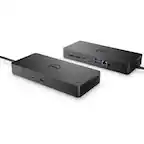
|Posted .This reviewer received promo considerations or sweepstakes entry for writing a review.The box says, “One connection, dual displays, countless ports.” There are, in fact, 14 ports but they definitely have a point: That’s a lot of ports packed into a small dock! It’s a fairly expensive dock, but after using it for a week I think it’s totally worth it. I work remotely and my company provides a Dell laptop with a Dell dock, both of which I’ve used for a couple of years now. I also use a personal Samsung 55” Odyssey Ark monitor with it. With the Dell dock, I’ve lived with an annoying problem: Many times, after I take a break then come back and wake up the computer, the screen goes into a resolution mode that’s equivalent to the tiny screen on the laptop. I can fix it by either undocking and redocking or turning the monitor off then back on. But either way, the momentary resolution change causes all my apps to resize and cram themselves into a corner and I have to take time to rearrange my desktop again. Since I’ve been using the Razer dock, I’ve not had a single instance of this problem. Life has been good! In addition to the monitor, I have quite a few other things plugged into the dock. In the USB ports, I have a camera, LED lamp, wireless keyboard dongle, mouse, and a microphone. I don’t use them very often, but having the SD card slots is a nice bonus since my laptop doesn’t have those slots. With everything plugged in and running, the dock runs warm to the touch, but I wouldn’t say it’s hot. Given its small size, I expected it to be hotter to the touch. I plan to just leave this in place on my desk 99% of the time (it IS a dock after all), but it would easily fit in my backpack for traveling. Even with the power brick, it’s not too bulky. The Razer dock and power are still significantly smaller than the Dell ones that came with my corporate PC. I’m really happy with this dock and have recommended it to some of my colleagues. Sometimes it’s worth paying a little extra to make life easier in the long run. The Razer dock is worth it to me.
I would recommend this to a friend