Customer Ratings & Reviews
- Model:
- B0B6GJBKRK
- SKU:
- 11064836
Rating by feature
- Value
Rating 4.8 out of 5 stars
- Quality
Rating 4.8 out of 5 stars
- Ease of Use
Rating 4.8 out of 5 stars
Very good and convenient to set up
||Posted . Owned for 1 month when reviewed.This reviewer received promo considerations or sweepstakes entry for writing a review.This product is great and is a good buy. It does swiveling and is a great product for hideaway camera
I would recommend this to a friendRing Camera
||Posted . Owned for 9 months when reviewed.This reviewer received promo considerations or sweepstakes entry for writing a review.Works well. Wish it had the ability to rotate from the app.
I would recommend this to a friendFlimsy
||Posted . Owned for 1 month when reviewed.This reviewer received promo considerations or sweepstakes entry for writing a review.I wish audio or 2 way talk worked better. You can barely hear anything it’s more of a phone call audio than a speaker one. Camera quality is good but could be better. Pay for what you get.
No, I would not recommend this to a friendBrand response from Ring
Posted .Hi RosaR.
Thank you for taking the time to share your experience with us. We understand how important it is for you to have clear audio from your Ring Indoor Cam (2nd Gen.) so that you can effectively monitor your home. The features and technology provided by the Ring Indoor Cam (2nd Gen.) are incredibly valuable and help provide you with peace of mind about your home security.
We want to ensure your device is working as intended by providing you with solutions to resolve the concern you mentioned in your review.
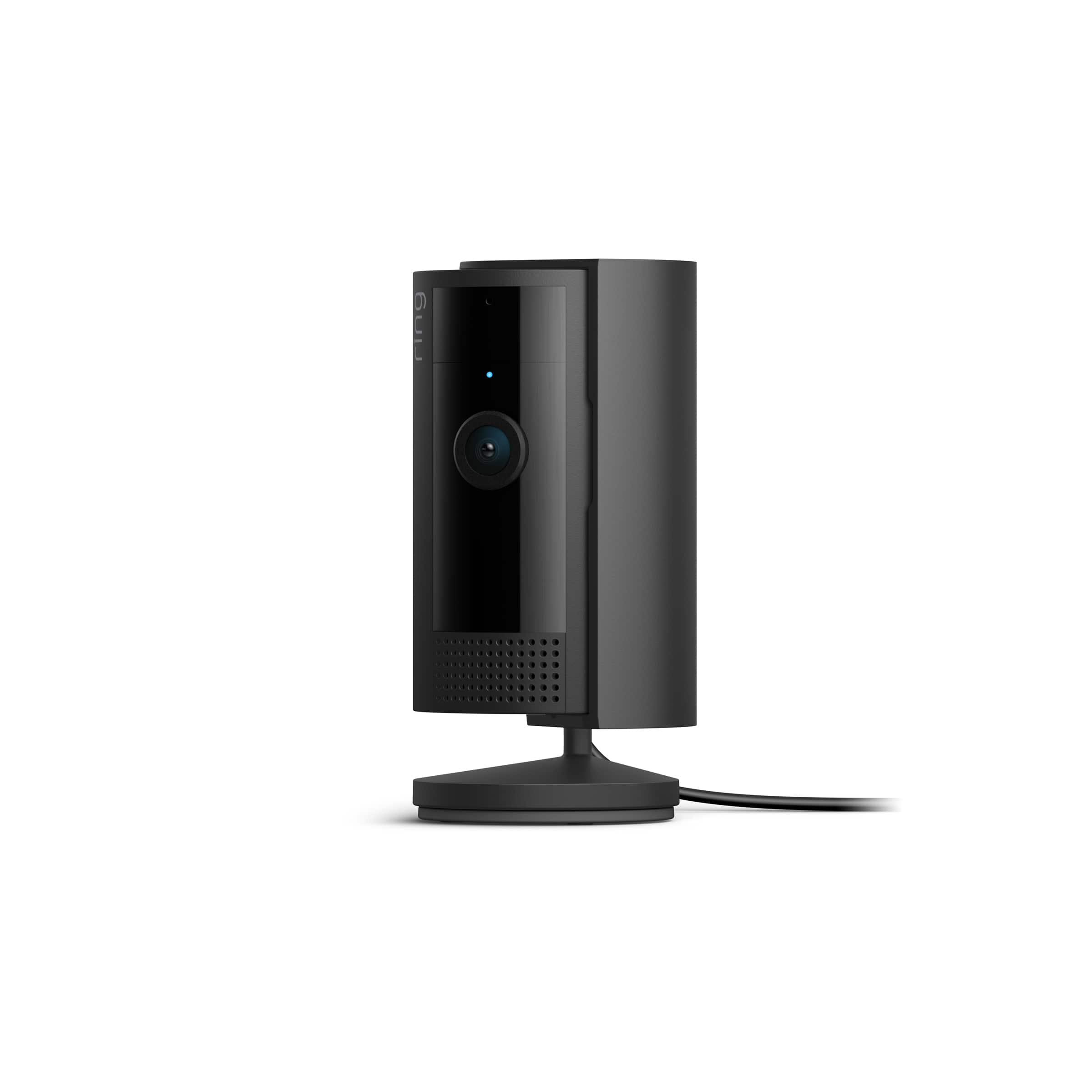
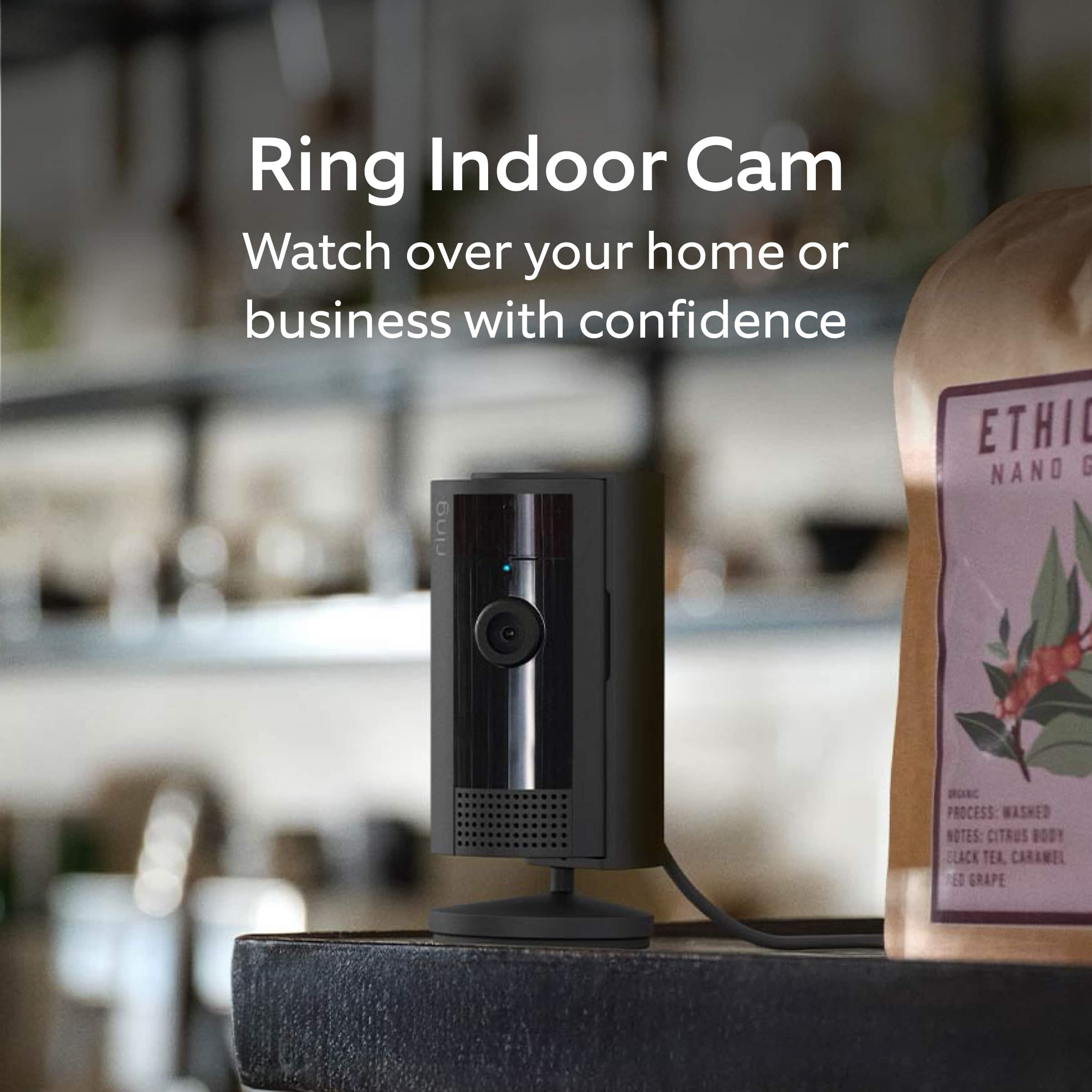
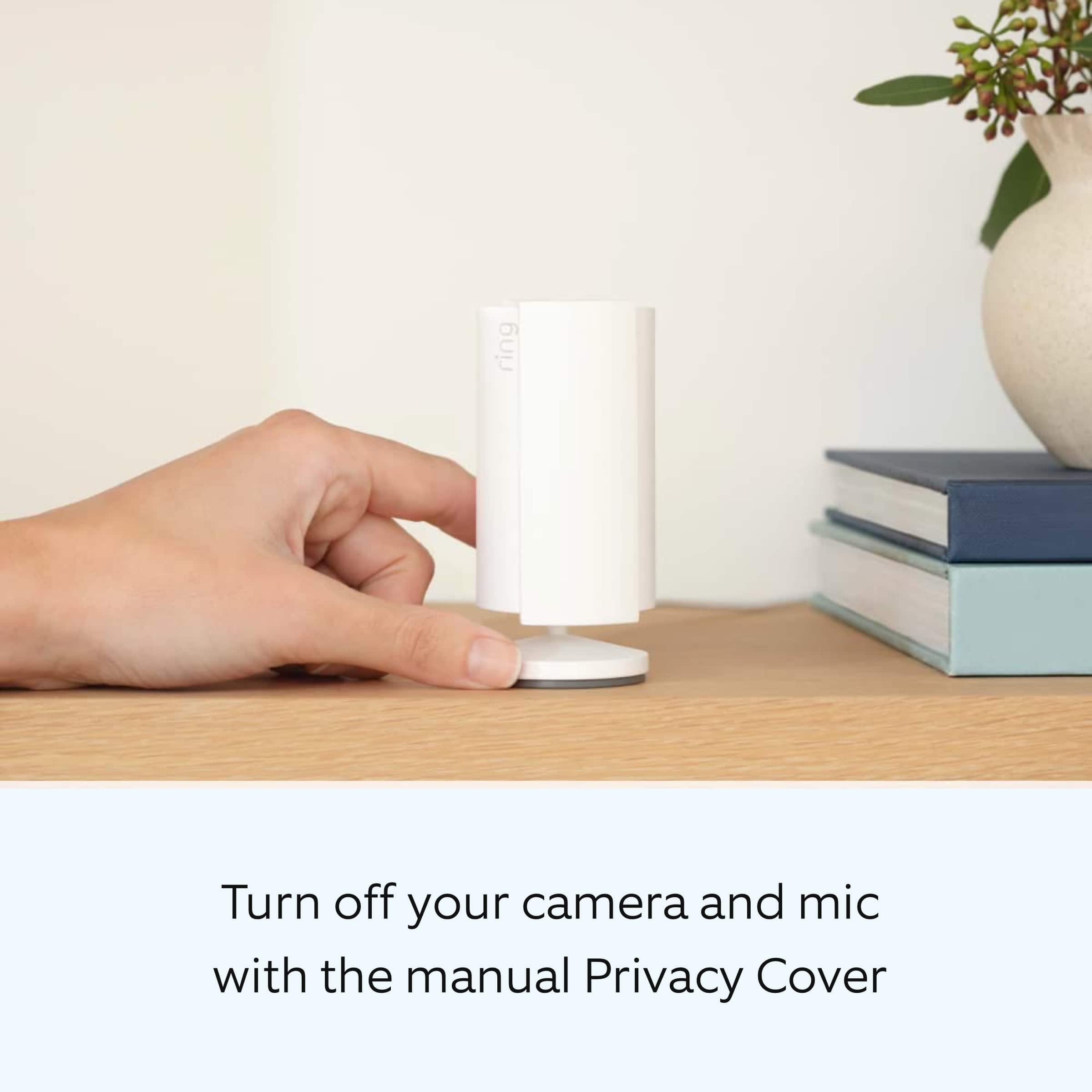
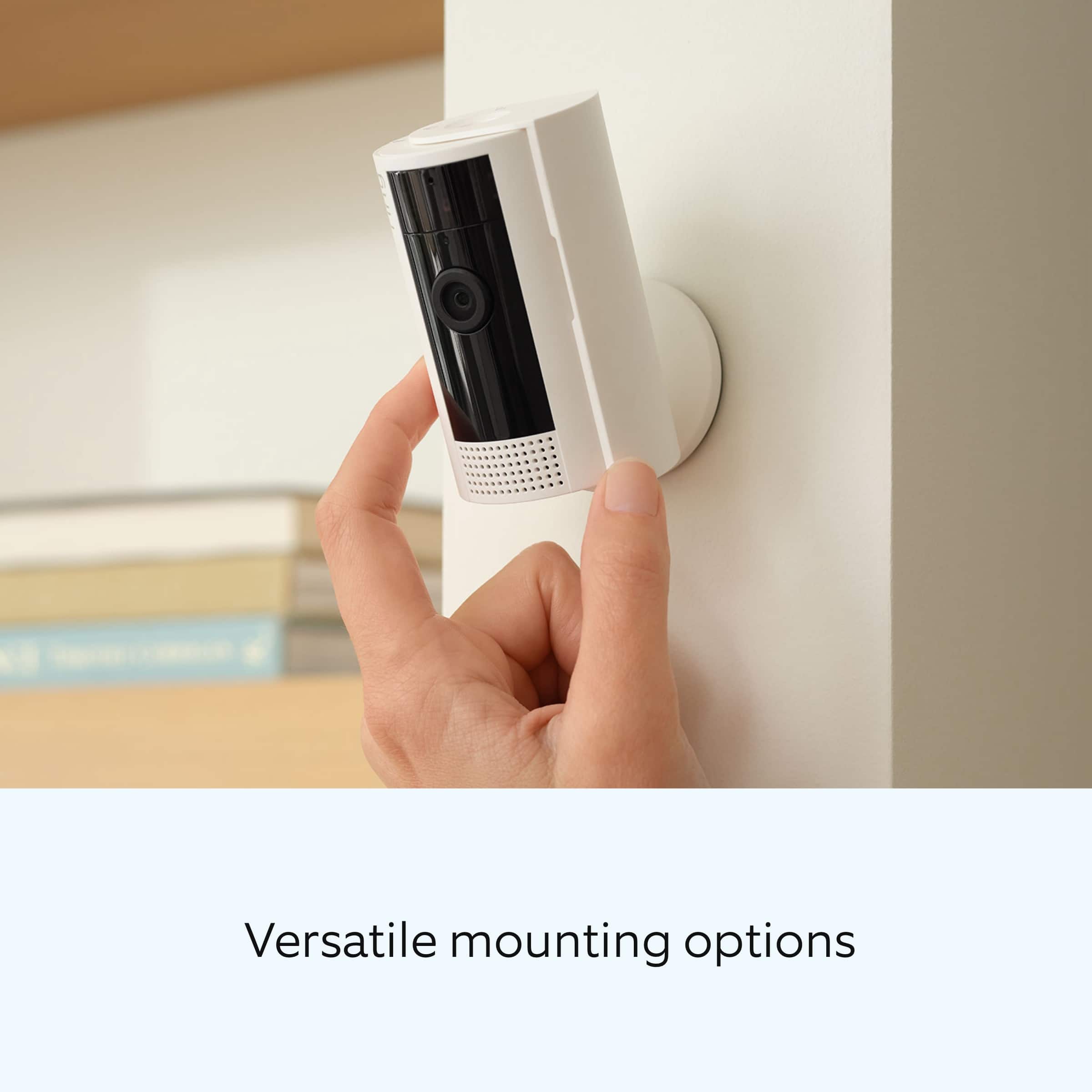
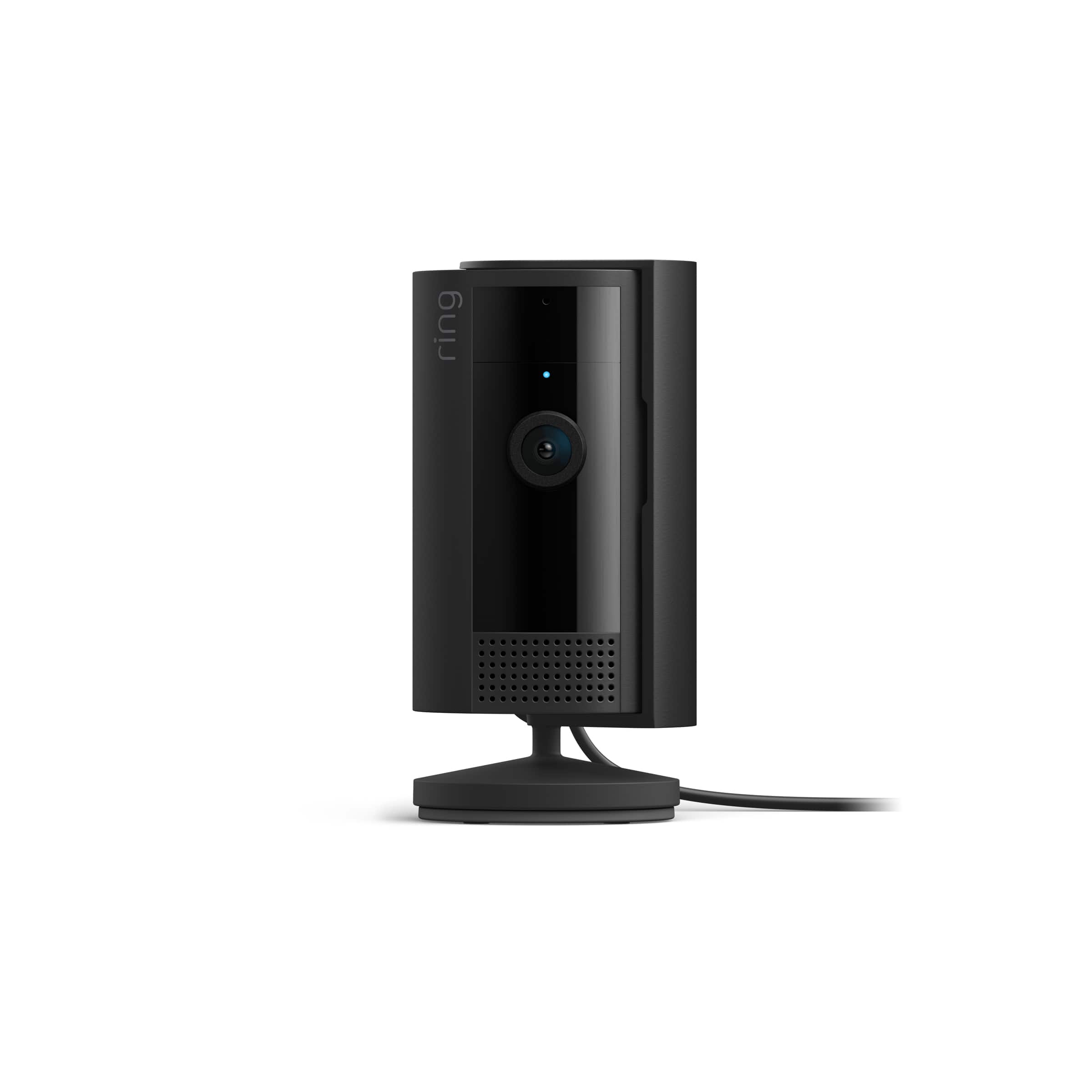
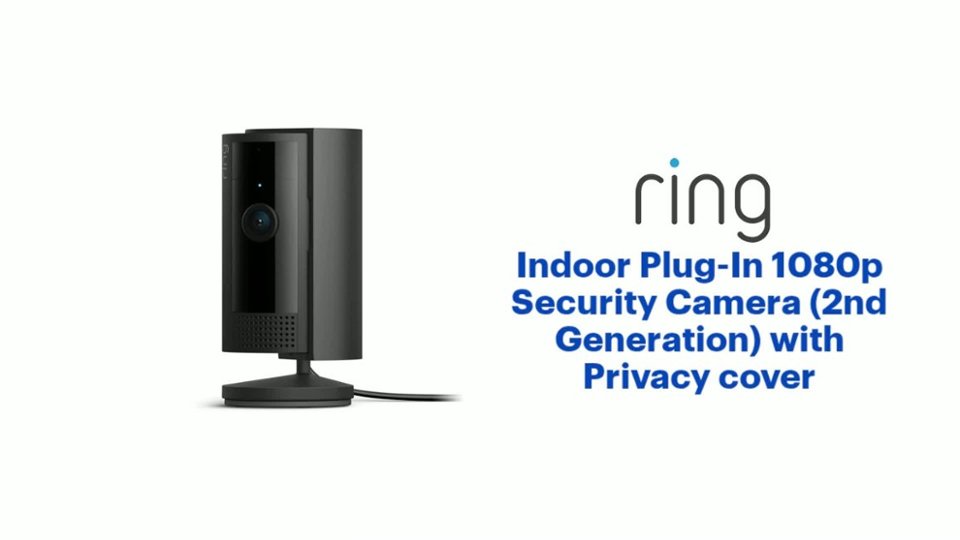
It sounds like the device is not performing as expected. Indoor Cam (2nd Gen.) is a small, lightweight security camera with flexible mounting options specifically designed to be used indoors. Indoor Cam features 1080p HD video recording, two-way audio with noise cancellation, a wide viewing angle, a built in siren, and a removable privacy cover.
We are happy to share some tips with you to help you troubleshoot why your Ring device may be experiencing warped sound or no audio. Make sure the external volume is up on your mobile device (on the device where you're viewing your Ring videos or Live View). If your phone or tablet has poor service or internet, it could be affecting Live View or your video downloads. Try turning Bluetooth off, then open Live View or view a recorded Ring video.
Poor wifi can often cause Ring device issues, including capturing audio. We recommend following these steps in the Ring app:
Tap the top menu (☰), then Devices.
Choose your Doorbell or Camera device.
Tap the Device Settings tile.
Tap Device Health. Under the Network section, you'll see your device's Signal Strength. If your Signal Strength (RSSI) is amber or red, your Ring device likely has a poor connection to your location's wifi.
Try moving your wifi router closer to your Ring device.
Open Live View in the Ring app and see if your Ring device's microphone is enabled.
Open the Ring app.
Tap the top menu (☰), then Devices. Choose your Doorbell or Camera device. Tap the Live View button. Check to make sure the microphone icon is enabled.
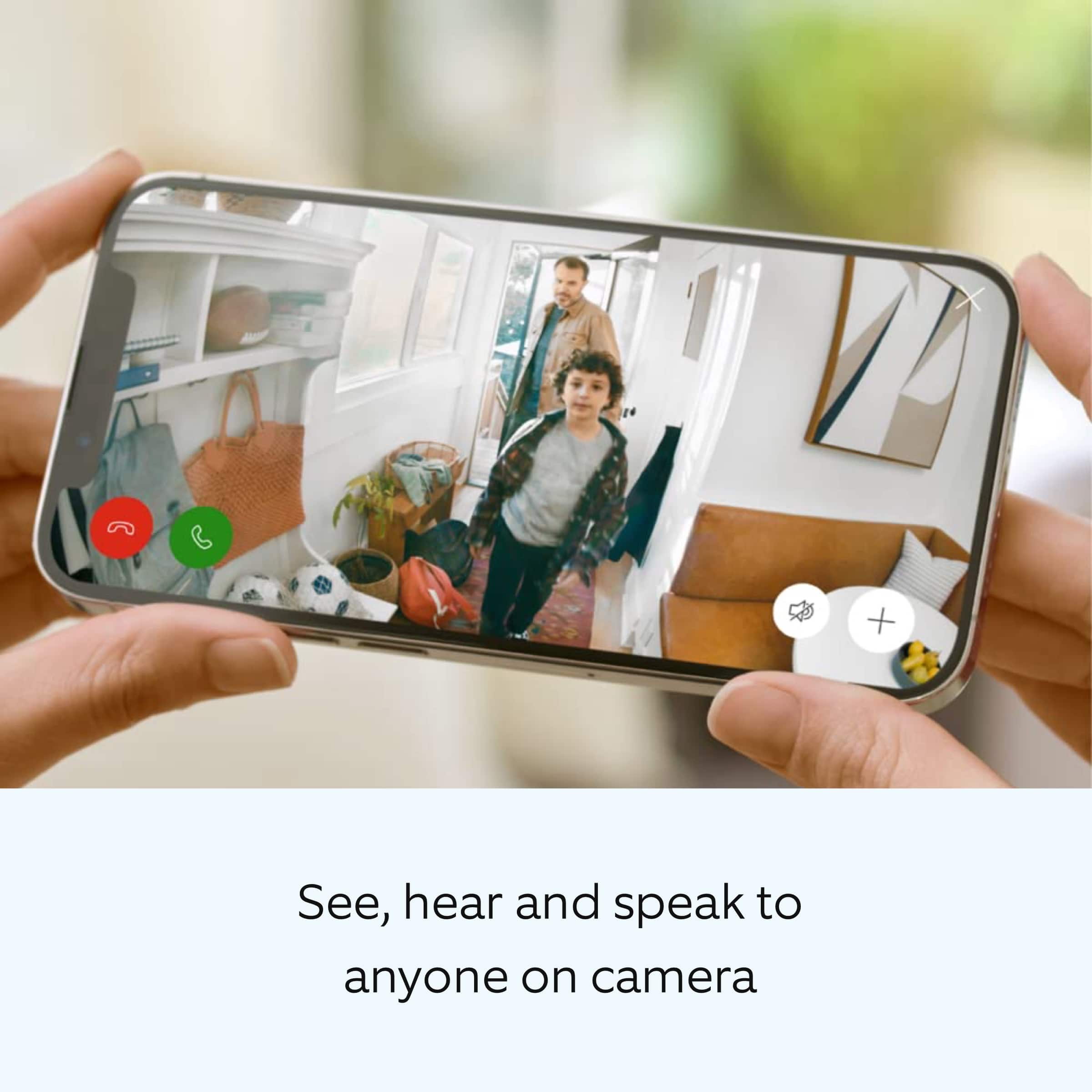
You can also press the green phone icon. If you have a Ring Protect subscription, you can view the recording to see what the audio sounds like.
Check your audio privacy settings You may have your audio settings turned off for privacy reasons.
Open the Ring app.
Tap the top menu (☰), then Devices.
Choose your Doorbell or Camera device.
Tap the Device Settings tile.
Tap Privacy Settings.
Make sure Audio Streaming and Recording is enabled.
We invite you to reach out to our Community if any additional information is needed regarding your Ring Indoor Cam (2nd Gen.) The Ring Community is our first peer-to-peer community forum, giving our customers the ability to help one another by sharing their feedback and experiences with each other.
Thank you,
Melissa from Ring.
Ring for your loved one
||Posted . Owned for 3 weeks when reviewed.This reviewer received promo considerations or sweepstakes entry for writing a review.Awesome way to keep track of your loved ones and communicate with them as they get older and forget how to do things
I would recommend this to a friendRing Camera
||Posted . Owned for 3 weeks when reviewed.This reviewer received promo considerations or sweepstakes entry for writing a review.Very affordable camera compatible with my Ring system
I would recommend this to a friendBoss
||Posted . Owned for 1 month when reviewed.This reviewer received promo considerations or sweepstakes entry for writing a review.Love it...it gave me peace of mind while away on vacation so I could fully enjoy myself...love it
I would recommend this to a friendRing Camera
||Posted . Owned for 3 weeks when reviewed.This reviewer received promo considerations or sweepstakes entry for writing a review.This camera works as expected. This is the second camera of this model I purchased. I am very pleased with this performance.
I would recommend this to a friendLove it!
||Posted . Owned for 8 months when reviewed.This reviewer received promo considerations or sweepstakes entry for writing a review.We got this the same time as we got the doorbell and in tandem we feel it does what we need!
I would recommend this to a friendWorks fine. Lacks anything new.
||Posted . Owned for 3 weeks when reviewed.This reviewer received promo considerations or sweepstakes entry for writing a review.Same as the previous version. Ring keeps adding gimmicks such as the cover the make up for the lack of innovation. Don’t get me wrong, the camera works fine. In this day and age one would expect more updated items. 4k should be the minimum. Instead we get a cover.
I would recommend this to a friendMonitoring a home across the country.
||Posted . Owned for 3 weeks when reviewed.This reviewer received promo considerations or sweepstakes entry for writing a review.I am executor of estate in CA and live in MO. I set up ring cameras and can now monitor the home remotely as it is being prepared to sell.
I would recommend this to a friendPine Lake
||Posted . Owned for 1 month when reviewed.This reviewer received promo considerations or sweepstakes entry for writing a review.I have the cordless type. I love the clarity of the recording.I have them in 6 places in my home, and the Door Bell! Very happy !!
I would recommend this to a friendInside camera
||Posted . Owned for 3 weeks when reviewed.This reviewer received promo considerations or sweepstakes entry for writing a review.These inside cameras picks up motions from a good distance the price was amazing
I would recommend this to a friendGood item
||Posted . Owned for 3 weeks when reviewed.This reviewer received promo considerations or sweepstakes entry for writing a review.All is well very good item and customer service. Best Buy is a right place to buy
I would recommend this to a friendRing camera
||Posted . Owned for 1 month when reviewed.This reviewer received promo considerations or sweepstakes entry for writing a review.Awesome camera with speaker capabilities. Can communicate with my mom who is bedridden through this camera.
I would recommend this to a friendcamera
||Posted . Owned for 1.5 years when reviewed.This reviewer received promo considerations or sweepstakes entry for writing a review.good product makes a good nanny or dog camera indoor use only
I would recommend this to a friendBrand response from Ring
Posted .Hi Locks.
We appreciate you taking the time to share your experience with us. We are pleased to read that you are enjoying your new Ring Indoor Cam (2nd Gen)! At Ring, we believe in keeping people close to what’s important. That is why we are driven to create products that help you protect what matters most at home and empower you to connect with your visitors from wherever you are. Together, we’ll make neighborhoods safer!
Ring Community was launched to help deliver the most current news and educational information to our neighbors. This online forum is divided into four categories: Product Boards, Ring Updates, Tips and Tricks, and a Moderators’ Corner. The Product Boards are where you can begin new topics with your questions or feedback; there is also a search option that helps you find topics that have already been posted by other neighbors. We invite you to visit our Ring Community today.
Thank you,
Miyuki from Ring.
Camera
||Posted . Owned for 2 weeks when reviewed.This reviewer received promo considerations or sweepstakes entry for writing a review.Camera wasn’t what I expected when purchasing it. When it first arrived it took a while to even charge after I charged it the camera didn’t turn on. That was the only thing I didn’t like. I had to return it.
I would recommend this to a friendBrand response from Ring
Posted .Hi Damaris.
Thank you for taking the time to share your experience with us. We understand how important it is for your Ring Indoor Cam (2nd Gen.) to function consistently and reliably, so you are alerted to any wanted or unwanted activity in or around your home. The features and technology provided by the Ring Indoor Cam (2nd Gen.) are incredibly valuable and help provide you with peace of mind about your home security. We are eager to address the issue you raised in your review and provide you with a resolution today.
It sounds like the device is not performing as intended. The Ring Indoor Cam (2nd Gen.) is a small, lightweight security camera with flexible mounting options specifically designed to be used indoors. The Ring Indoor Cam (2nd Gen.) features 1080p HD video recording, two-way audio with noise cancellation, a wide viewing angle, a built-in siren, a power cable/adapter, and an included removable privacy cover. A tone will sound when the cover is secured and active. If your Ring Indoor Cam (2nd Gen.) isn’t working after you plug it in, we recommend following these steps: Try another outlet in case the one you’re using is faulty or associated with a light switch. Make sure the micro-USB cord is securely attached to the port. Press the reboot button or use the reboot feature in the Ring app if the camera is out of reach. If the device remains unresponsive, press and hold the setup button on top of the camera for 10 seconds. Allow a full 60 seconds for the camera to power back on after the reset is complete.
If you still have the device in your possession, we invite you to reach out to our community for more information. The Ring Community is our first peer-to-peer community forum, giving our customers the ability to help one another by sharing their feedback and experiences with each other.
Thank you,
Melissa from Ring.
Ausie Shepard
||Posted . Owned for 3 weeks when reviewed.This reviewer received promo considerations or sweepstakes entry for writing a review.Great little camera to watch the dog if we have to leave her for a little while
I would recommend this to a friendRin Camera
||Posted . Owned for 3 weeks when reviewed.This reviewer received promo considerations or sweepstakes entry for writing a review.Ring camera is an additional camera to Ring camera on front door. Great alarm system
I would recommend this to a friendRing camera
||Posted . Owned for 1 month when reviewed.This reviewer received promo considerations or sweepstakes entry for writing a review.Easy to install, works well with the other Ring equipment. Overall very happy with this product!
I would recommend this to a friendGood
||Posted . Owned for 3 months when reviewed.This reviewer received promo considerations or sweepstakes entry for writing a review.Works good with the ring app. Handles well in the arizona heat. No idea how it handles in weather below 30 degrees
I would recommend this to a friend