Customer Ratings & Reviews
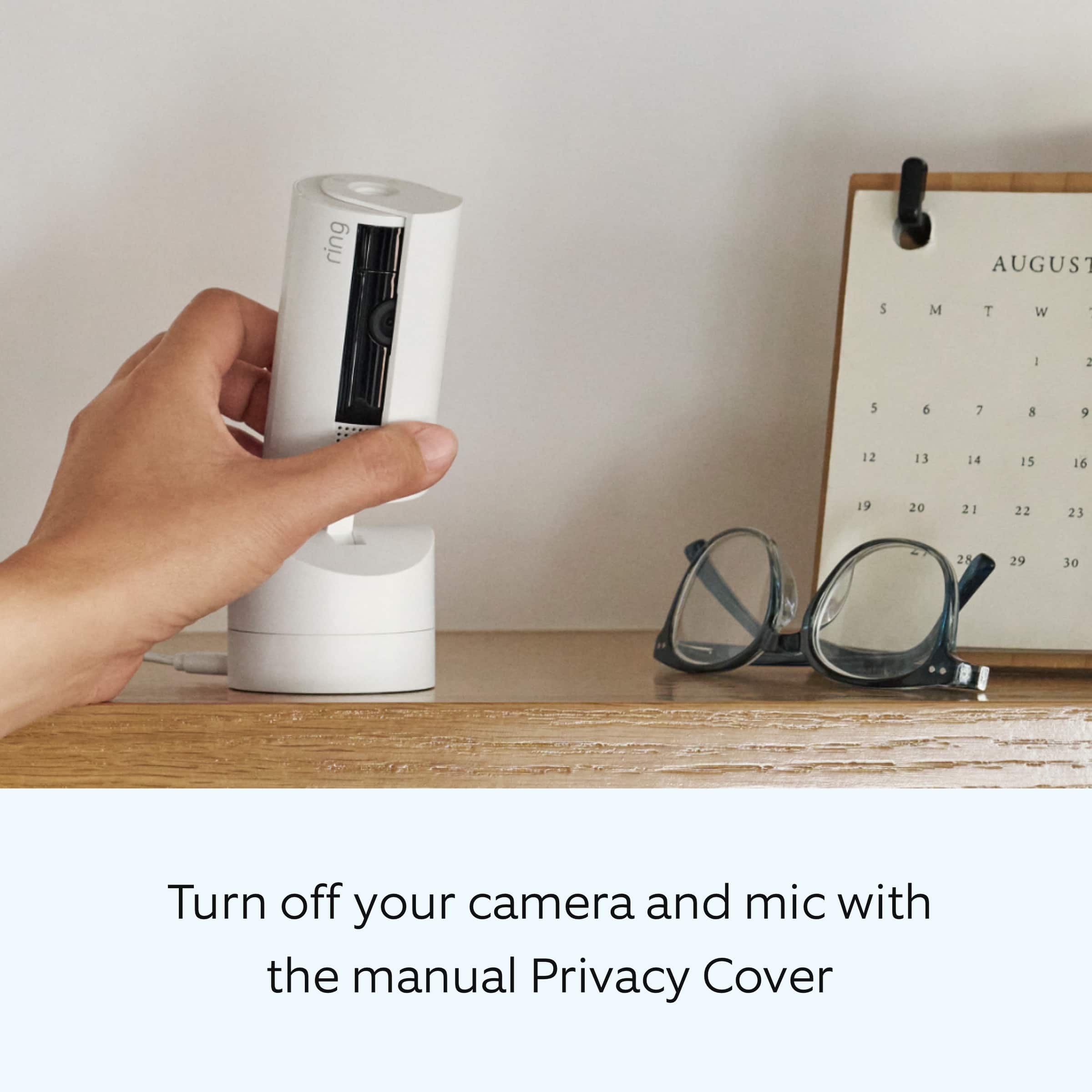
- Model:
- B0CG2WNRHF
- SKU:
- 6580179
Rating by feature
- Value
Rating 4.8 out of 5 stars
- Quality
Rating 4.8 out of 5 stars
- Ease of Use
Rating 4.8 out of 5 stars
Customers are saying
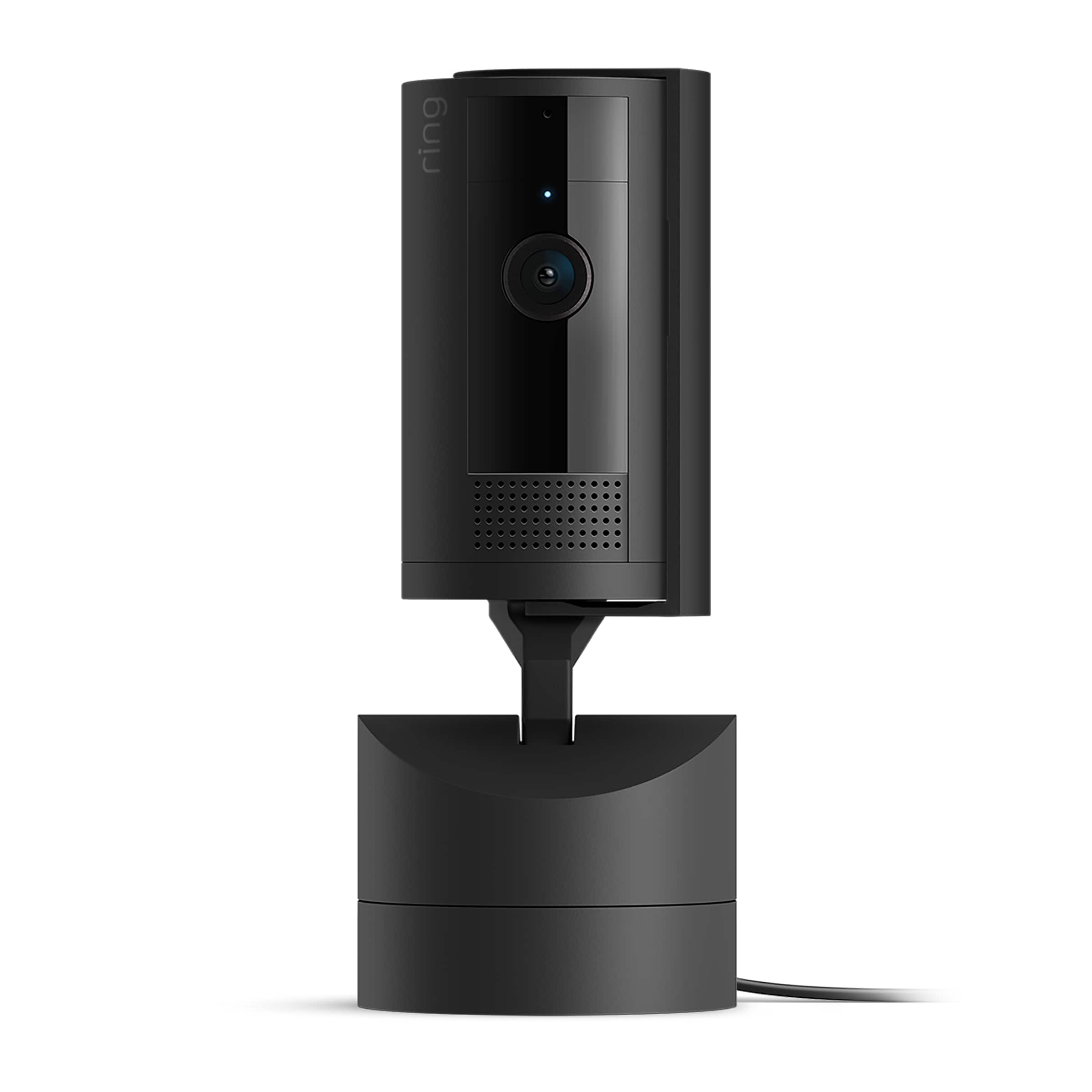
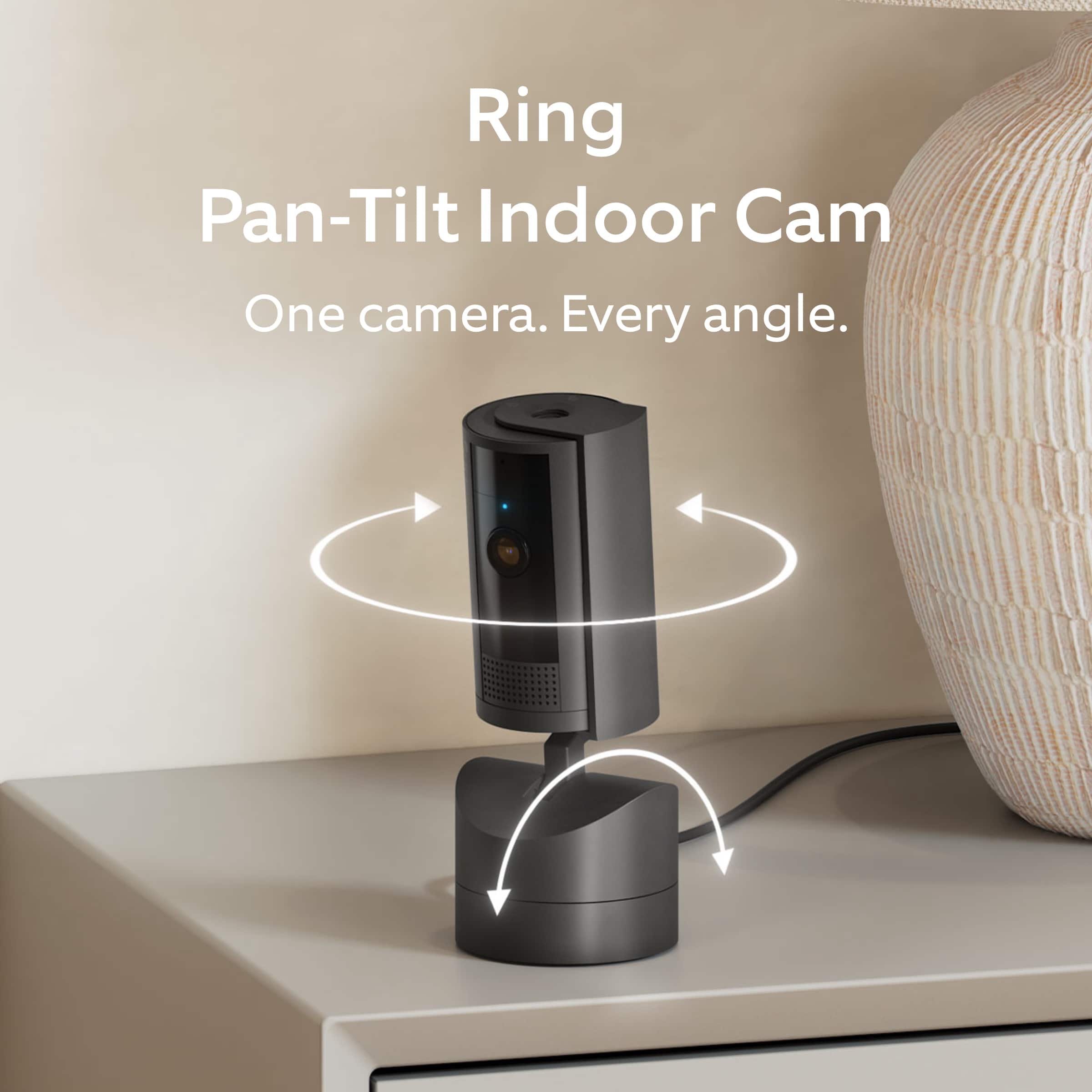
Customers commend the Pan-Tilt Indoor Security Cam for its clear video quality, overall performance, and ease of use. The pan and tilt feature and coverage are also well-received. While some users desire automatic pan/tilt movement tracking, the camera is generally praised for its functionality.
This summary was generated by AI based on customer reviews.
- Pros mentioned:Ease of use
Ring Camera
||Posted . Owned for less than 1 week when reviewed.This reviewer received promo considerations or sweepstakes entry for writing a review.The camera does a good job for it's price. Basic and easy to use.
I would recommend this to a friend - Pros mentioned:Overall performance
Great camera choice
||Posted . Owned for 1 week when reviewed.This reviewer received promo considerations or sweepstakes entry for writing a review.Love this camera! Exactly what we were looking for!
I would recommend this to a friend - Pros mentioned:Pan and tilt
Ring - Pan-Tile Indoor Security Cam
||Posted . Owned for 1 week when reviewed.This reviewer received promo considerations or sweepstakes entry for writing a review.Great camera for providing full 360 view of a space. We love it!
I would recommend this to a friend love!
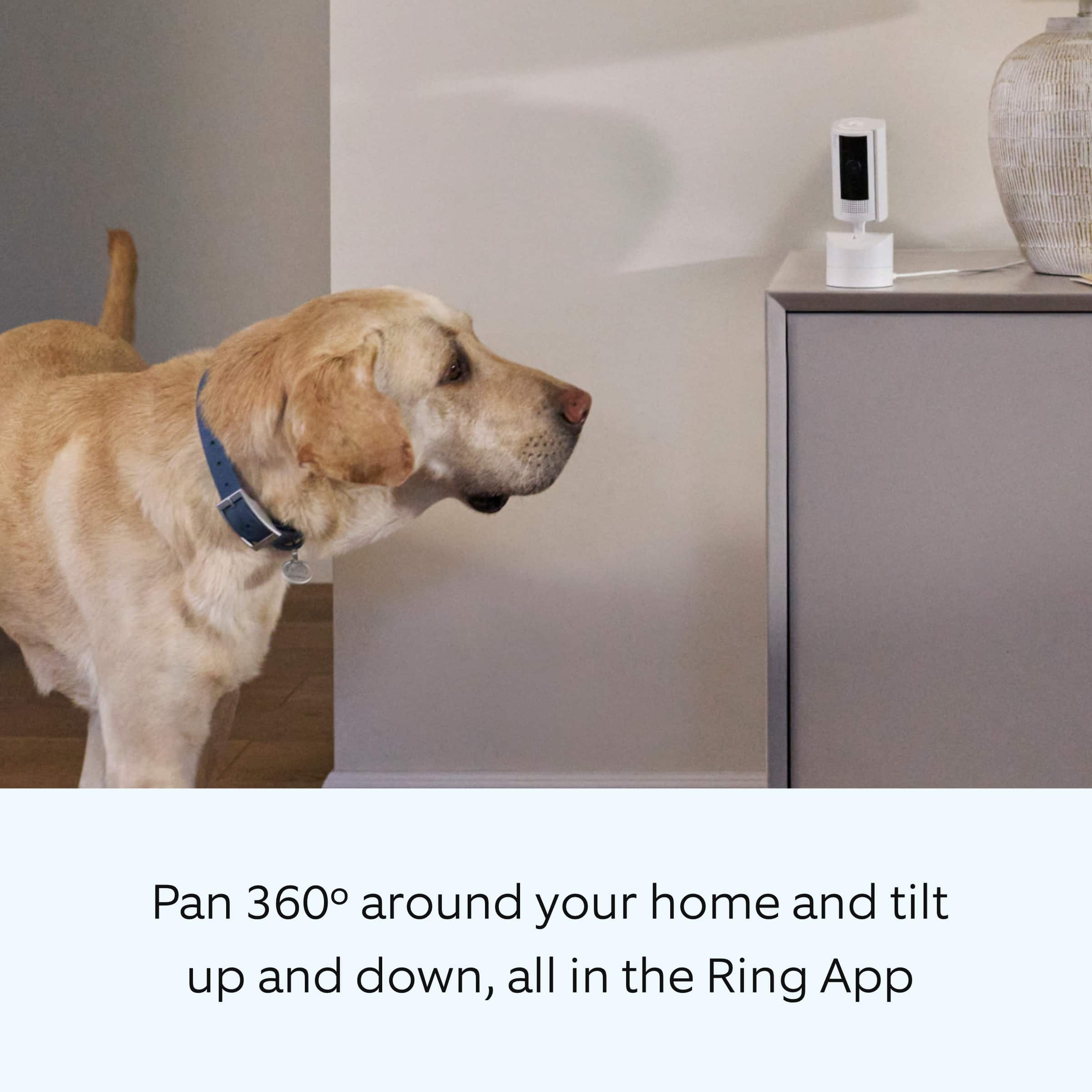
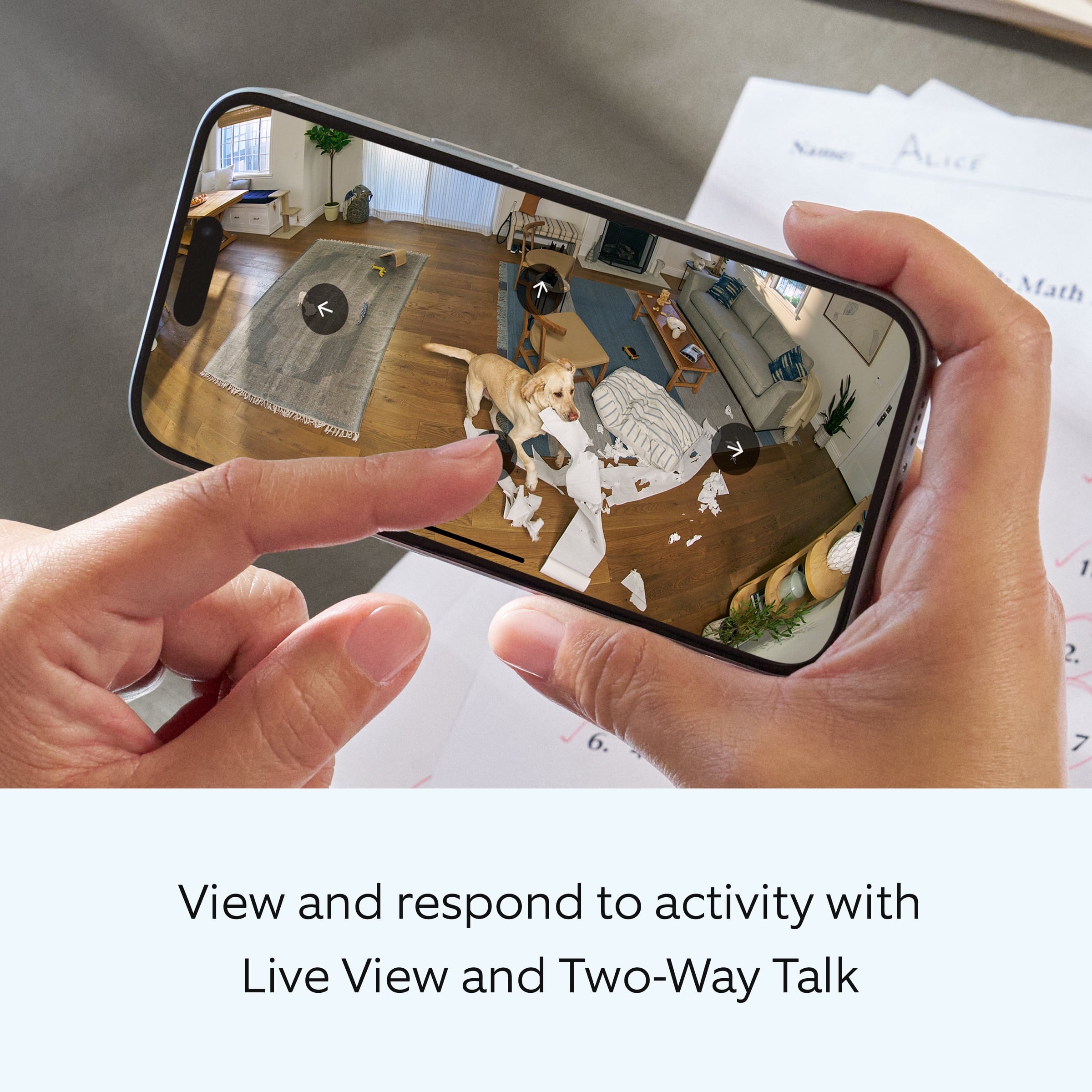
||Posted . Owned for 6 months when reviewed.This reviewer received promo considerations or sweepstakes entry for writing a review.I have several other Ring stick up cams and love them. this one is even better bc it pans and tilts. I put it in my living room to watch my dogs when i’m away
I would recommend this to a friend- Pros mentioned:Pan and tilt
Ring camera
||Posted . Owned for 1 week when reviewed.This reviewer received promo considerations or sweepstakes entry for writing a review.Perfect with being able to move it! Exactly what I needed !
I would recommend this to a friend - Pros mentioned:Video quality
Great quality
||Posted . Owned for less than 1 week when reviewed.This reviewer received promo considerations or sweepstakes entry for writing a review.I really like this camera. The quality is great as well.
I would recommend this to a friend Good Camera
||Posted . Owned for 3 weeks when reviewed.This reviewer received promo considerations or sweepstakes entry for writing a review.My Opinion: Excellent: customizable as to settings, really sensitive, clear display, shows up well online. You can adjust as to field of view, sensitivity, etc.
I would recommend this to a friendApple always good
||Posted . Owned for 1 month when reviewed.This reviewer received promo considerations or sweepstakes entry for writing a review.Found normal baby monitor to be more appropriate for our specific needs.
I would recommend this to a friend- Pros mentioned:Pan and tilt
indoor ring cam pan tilt
||Posted . Owned for 1 week when reviewed.This reviewer received promo considerations or sweepstakes entry for writing a review.A best purchase ever. It can can turn 360 degrees.
I would recommend this to a friend Great room
||Posted . Owned for 3 weeks when reviewed.This reviewer received promo considerations or sweepstakes entry for writing a review.Very pleased with the camera. It scans over a large area giving great coverage.
I would recommend this to a friendRing camera
||Posted . Owned for 1 year when reviewed.This reviewer received promo considerations or sweepstakes entry for writing a review.Great product and very easy to use the camera it’s very good
I would recommend this to a friendBrand response from Ring
Posted .Hi JoseV.
We appreciate you taking the time to share your experience with us. We are pleased to read that you are enjoying your new Ring Pan-Tilt Indoor Cam! At Ring, we believe in keeping people close to what’s important. That is why we are driven to create products that help you protect what matters most at home and empower you to connect with your visitors from wherever you are. Together, we’ll make neighborhoods safer!
Ring Community was launched to help deliver the most current news and educational information to our neighbors. This online forum is divided into four categories: Product Boards, Ring Updates, Tips and Tricks, and a Moderators’ Corner. The Product Boards are where you can begin new topics with your questions or feedback; there is also a search option that helps you find topics that have already been posted by other neighbors. We invite you to visit our Ring Community today.
All the best,
Miyuki from Ring.
Perfect for our need.
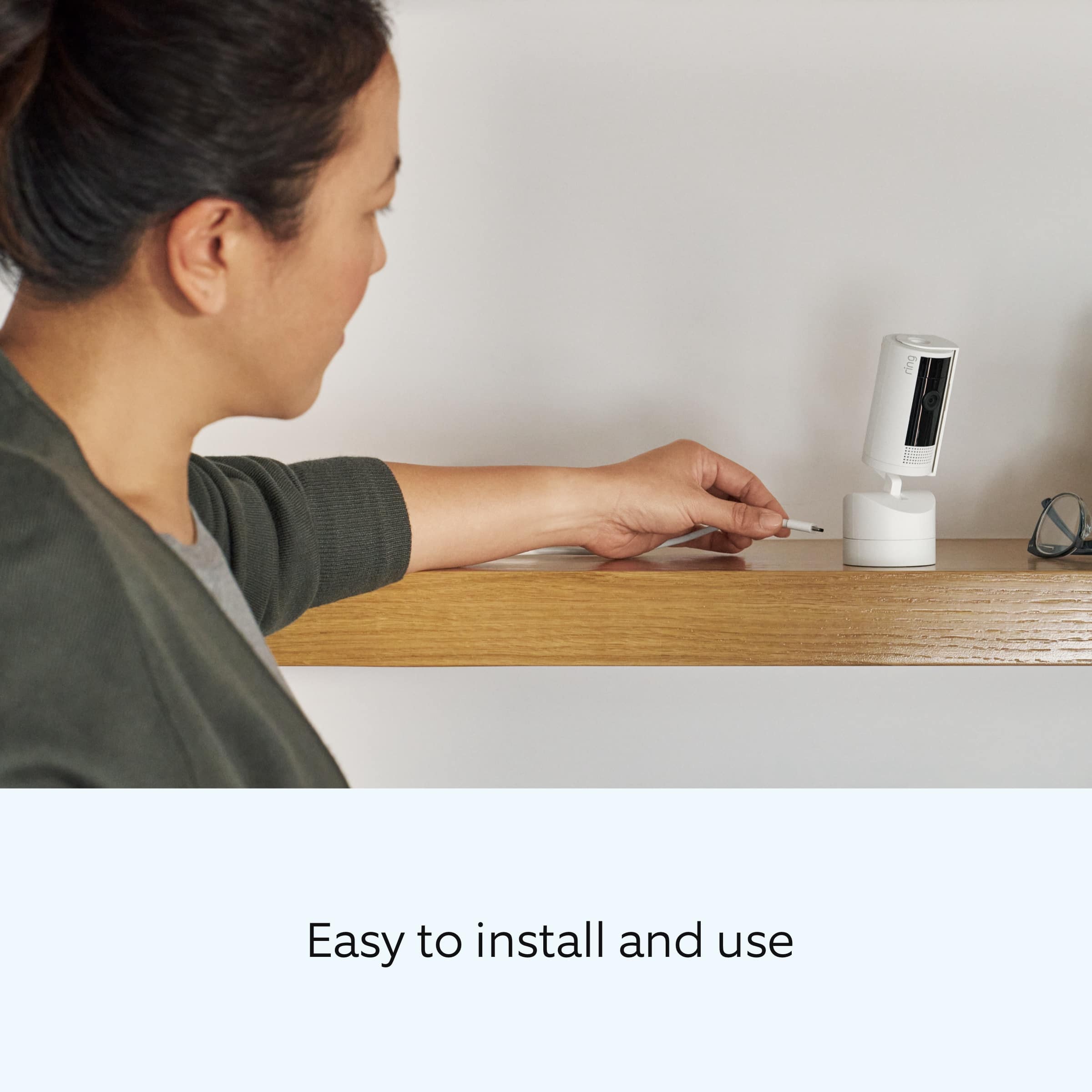
||Posted . Owned for 3 weeks when reviewed.This reviewer received promo considerations or sweepstakes entry for writing a review.This camera is so easy to install and use. I love that it has a pan feature and you can set it to use with a window.
I would recommend this to a friendGeeat for hidden places
||Posted . Owned for 2 weeks when reviewed.This reviewer received promo considerations or sweepstakes entry for writing a review.I got these to check in on my parents when service providers are in my parents home. They are tucked away and work perfectly and provide security and piece of mind
I would recommend this to a friendHuge upgrade
||Posted .This reviewer received promo considerations or sweepstakes entry for writing a review.The picture on this device is-‘axing and I love the range of panning….you can see the entire room.
I would recommend this to a friendRing Pan Tilt Indoor Security Camera
||Posted . Owned for 3 months when reviewed.This reviewer received promo considerations or sweepstakes entry for writing a review.Extremely happy with this ring security camera ! Gives you the safety and security needed !
I would recommend this to a friendRing camera
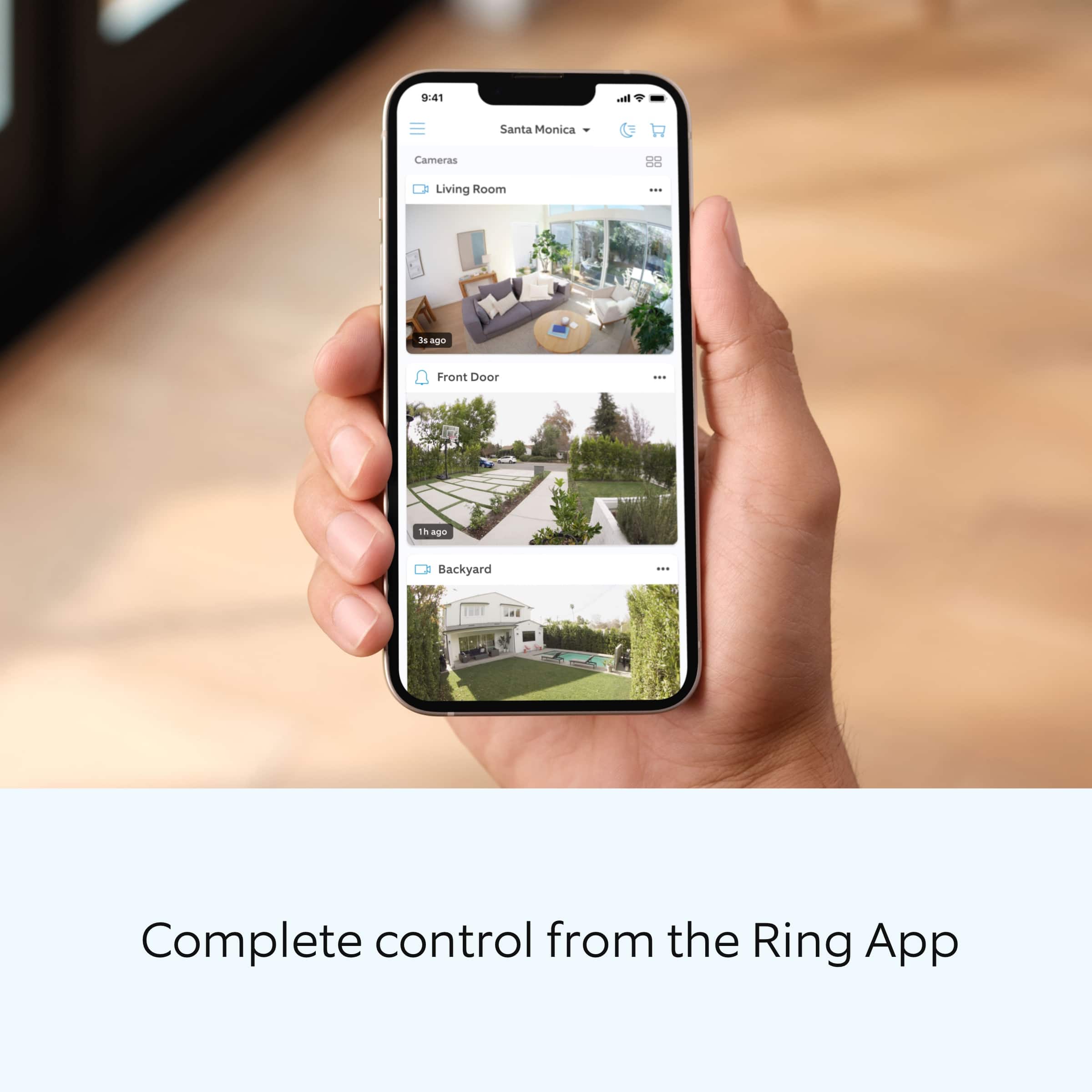
||Posted . Owned for 1 month when reviewed.This reviewer received promo considerations or sweepstakes entry for writing a review.This camera is amazing and easy to set up easy to set up on your phone so you can see and hear everything that’s going on. I just love this security camera.
I would recommend this to a friend- Pros mentioned:Video quality
Decent Value for the money.
||Posted . Owned for 1 month when reviewed.This reviewer received promo considerations or sweepstakes entry for writing a review.Good product. The clarity of the images are decent, not super clear but you can def make out the persons face. The audio / 2 way talk is spotty and needs to be better.
I would recommend this to a friendBrand response from Ring
Posted .Hi MathrynE.
Thank you for taking the time to share your experience with us. We understand how important it is for your Ring Pan-Tilt Indoor Cam to record clear and concise videos so that you can effectively monitor your home. The features and technology provided by the Ring Pan-Tilt Indoor Cam are incredibly valuable and help provide you with peace of mind about your home security. We want to ensure that your device is working as intended by providing you with solutions to resolve the concern you mentioned in your review.
It sounds like the device is not performing as expected in regards to audio. Poor wifi can often cause Ring device issues, including capturing audio. We recommend following these steps in the Ring app: Tap the top menu (☰), then Devices. Choose your Ring Floodlight Cam. Tap "Device Health." Under the "Network" section, you'll see your device's "Signal Strength." If your "Signal Strength" (RSSI) is amber or red, your Ring device likely has a poor connection to your location's wifi. Moving your Wi-Fi router closer to your Ring device may improve its connection. If your Wi-Fi connection is strong and you're still experiencing audio issues, reboot your Ring camera by following these steps: Open the Ring app. Tap the top menu (☰), then "Devices." Choose your Ring device. Tap the "Device Settings" tile. Tap "Device Health." Scroll down and tap "Reboot This Device." Wait a few minutes for your device to reboot.
If any additional information is needed regarding your Ring Pan-Tilt Indoor Cam, please reach out to our community. Ring Community is our first peer-to-peer community forum, giving our customers the ability to help one another and share their feedback and experiences directly with Ring. Join the Ring Community today!
Thank you,
Miyuki from Ring.
- Pros mentioned:Pan and tilt
RING 360 Camera
||Posted . Owned for less than 1 week when reviewed.This reviewer received promo considerations or sweepstakes entry for writing a review.This camera is easy to install and ready to use. I like the feature that it can rotate 360 degree .
I would recommend this to a friend Great indoor camera
||Posted . Owned for 3 weeks when reviewed.This reviewer received promo considerations or sweepstakes entry for writing a review.Works great! I can move it around and scan the entire room right from my phone!
I would recommend this to a friendPicture Good, Audio Not
||Posted . Owned for 3 weeks when reviewed.This reviewer received promo considerations or sweepstakes entry for writing a review.Bought this to keep an eye on my cats while on vacation and it worked very well. The only problem was the horrible feedback crackling when speaking. Don't know how to fix this but at least I got to watch them.
I would recommend this to a friendBrand response from Ring
Posted .Hi Bert1814.
Thank you for taking the time to share your experience with us. We understand how important it is for your Ring Pan-Tilt Indoor Cam to record clear and concise videos so that you can effectively monitor your home. The features and technology provided by the Ring Pan-Tilt Indoor Cam are incredibly valuable and help provide you with peace of mind about your home security. We want to ensure that your device is working as intended by providing you with solutions to resolve the concern you mentioned in your review.
It sounds like the device is not performing as expected in regards to audio. Poor wifi can often cause Ring device issues, including capturing audio. We recommend following these steps in the Ring app: Tap the top menu (☰), then Devices. Choose your Ring Floodlight Cam. Tap "Device Health." Under the "Network" section, you'll see your device's "Signal Strength." If your "Signal Strength" (RSSI) is amber or red, your Ring device likely has a poor connection to your location's wifi. Moving your Wi-Fi router closer to your Ring device may improve its connection. If your Wi-Fi connection is strong and you're still experiencing audio issues, reboot your Ring camera by following these steps: Open the Ring app. Tap the top menu (☰), then "Devices." Choose your Ring device. Tap the "Device Settings" tile. Tap "Device Health." Scroll down and tap "Reboot This Device." Wait a few minutes for your device to reboot.
If any additional information is needed regarding your Ring Pan-Tilt Indoor Cam, please reach out to our community. Ring Community is our first peer-to-peer community forum, giving our customers the ability to help one another and share their feedback and experiences directly with Ring. Join the Ring Community today!
Thank you,
Miyuki from Ring.