Customer Ratings & Reviews

- Model:
- B0CG2VS5FD
- |
- SKU:
- 11911768
Customer reviews
Rating 4.8 out of 5 stars with 511 reviews
(511 customer reviews)Rating by feature
- Value4.8
Rating 4.8 out of 5 stars
- Quality4.8
Rating 4.8 out of 5 stars
- Ease of Use4.8
Rating 4.8 out of 5 stars
Rated 5 out of 5 stars
Perfect performance and price
||Posted . Owned for 1 week when reviewed.This reviewer received promo considerations or sweepstakes entry for writing a review.Perfect upgrade from the simple indoor camera. I've used this to replace two of those so we can keep an eye on our pets when gone. Picture quality is great and I literally don't have any complaints. It does exactly what I need it to and got it for a great price.
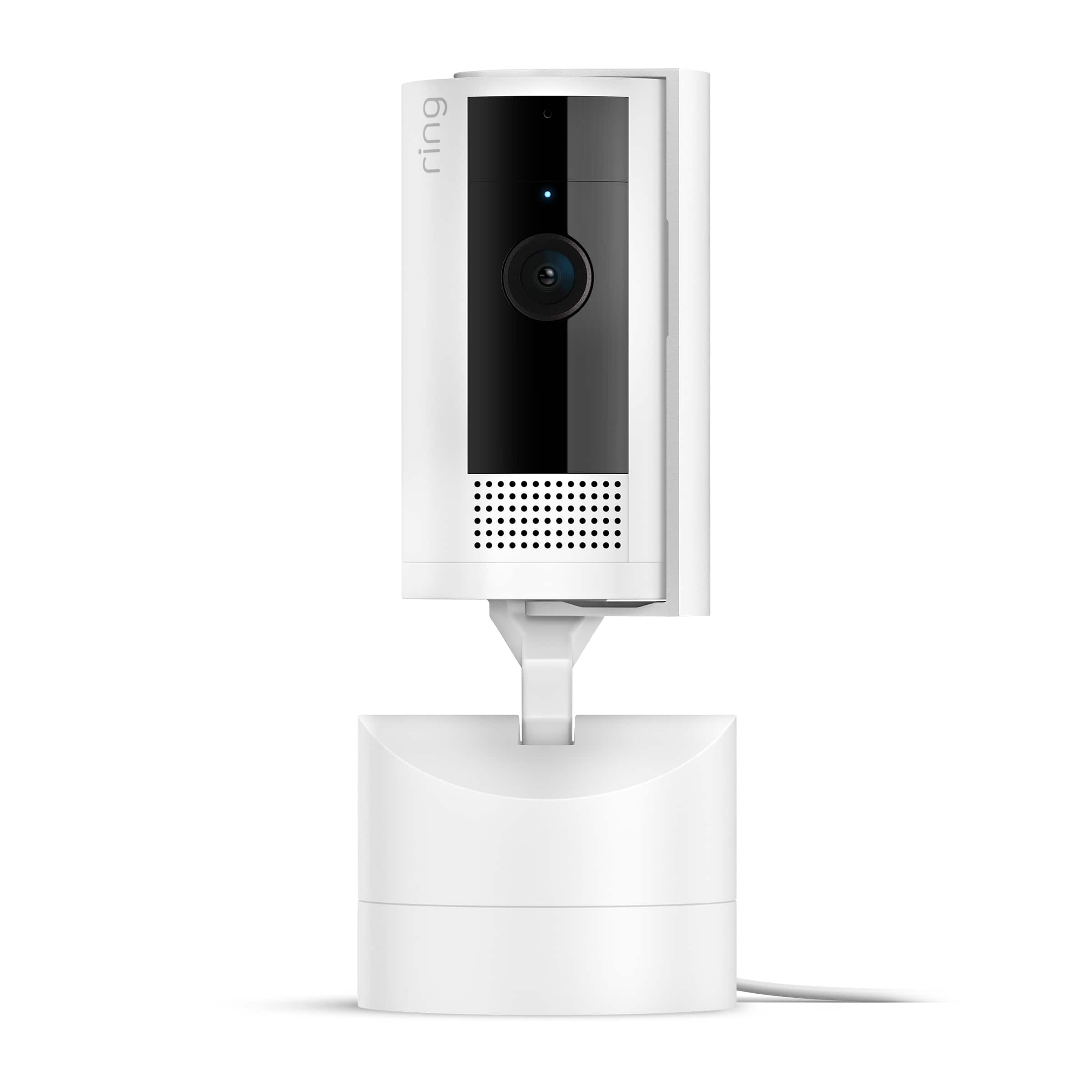
This review is from Ring - Pan-Tilt Indoor Security Cam with 360° Horizontal Pan Coverage, Live View & Two-Way Talk, and HD Video - White
I would recommend this to a friendRated 5 out of 5 stars
Indoor Ring camera with swivel and tilt base.
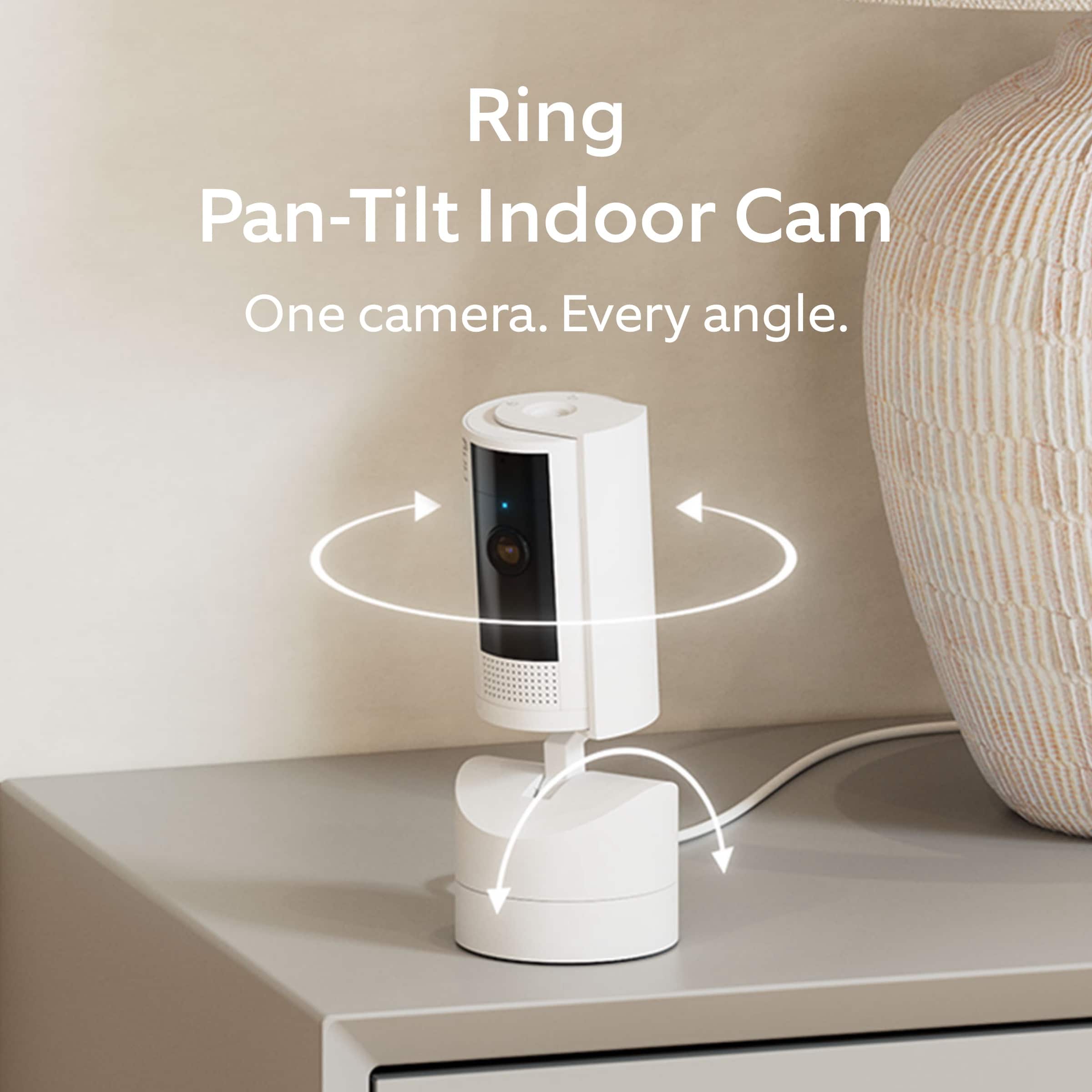
||Posted . Owned for 1 month when reviewed.This reviewer received promo considerations or sweepstakes entry for writing a review.Excellent video quality and sound quality. The ability to pan around the room, makes this a step up from my previous Ring cameras.
This review is from Ring - Pan-Tilt Indoor Security Cam with 360° Horizontal Pan Coverage, Live View & Two-Way Talk, and HD Video - White
I would recommend this to a friendRated 5 out of 5 stars
Ring Pan-Tilt Security Camera
||Posted . Owned for 3 weeks when reviewed.This reviewer received promo considerations or sweepstakes entry for writing a review.Easy to set up and use. Its part of my Ring subscription now.
This review is from Ring - Pan-Tilt Indoor Security Cam with 360° Horizontal Pan Coverage, Live View & Two-Way Talk, and HD Video - Black
I would recommend this to a friendRated 5 out of 5 stars
Great Purchase!
||Posted .This reviewer received promo considerations or sweepstakes entry for writing a review.The tilting feature is a great addition helps cover a larger area and great value for my money
This review is from Ring - Pan-Tilt Indoor Security Cam with 360° Horizontal Pan Coverage, Live View & Two-Way Talk, and HD Video - White
I would recommend this to a friendRated 5 out of 5 stars
verry good
||Posted . Owned for less than 1 week when reviewed.This reviewer received promo considerations or sweepstakes entry for writing a review.very good camera, and the price is excelent the best one
I would recommend this to a friendRated 5 out of 5 stars
Security Cam
||Posted .This reviewer received promo considerations or sweepstakes entry for writing a review.i have been very satisfied with this purchase.....
This review is from Ring - Pan-Tilt Indoor Security Cam with 360° Horizontal Pan Coverage, Live View & Two-Way Talk, and HD Video - Black
I would recommend this to a friendRated 5 out of 5 stars
just buy it
||Posted . Owned for less than 1 week when reviewed.This reviewer received promo considerations or sweepstakes entry for writing a review.I mean it's a ring camera. We bought it for the dogs while we are at work and I love it. I like that we can pan it from the app. It comes with everything you need unlike the out door camera where you have to buy things separately. good price great quality
This review is from Ring - Pan-Tilt Indoor Security Cam with 360° Horizontal Pan Coverage, Live View & Two-Way Talk, and HD Video - Black
I would recommend this to a friendRated 5 out of 5 stars
Works Great
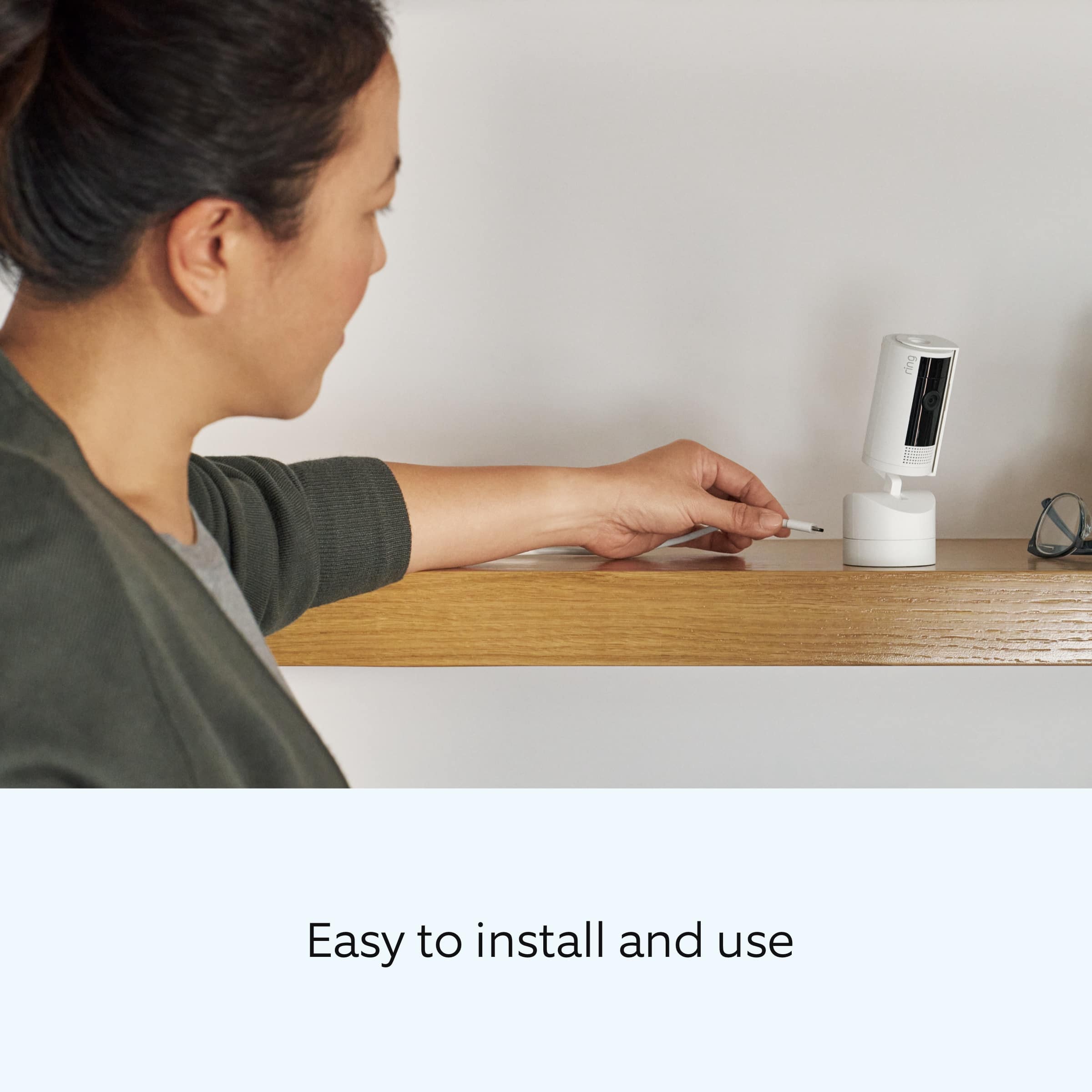
||Posted . Owned for 3 weeks when reviewed.This reviewer received promo considerations or sweepstakes entry for writing a review.Simple set up, allows you to move the camera around, decent quality video.
This review is from Ring - Pan-Tilt Indoor Security Cam with 360° Horizontal Pan Coverage, Live View & Two-Way Talk, and HD Video - Black
I would recommend this to a friendRated 5 out of 5 stars
Ring Indoor camera
||Posted . Owned for 1 week when reviewed.This reviewer received promo considerations or sweepstakes entry for writing a review.Excellent product!! Very easy to set up! Highly recommend
This review is from Ring - Pan-Tilt Indoor Security Cam with 360° Horizontal Pan Coverage, Live View & Two-Way Talk, and HD Video - White
I would recommend this to a friendRated 5 out of 5 stars
We enjoy the privacy cover
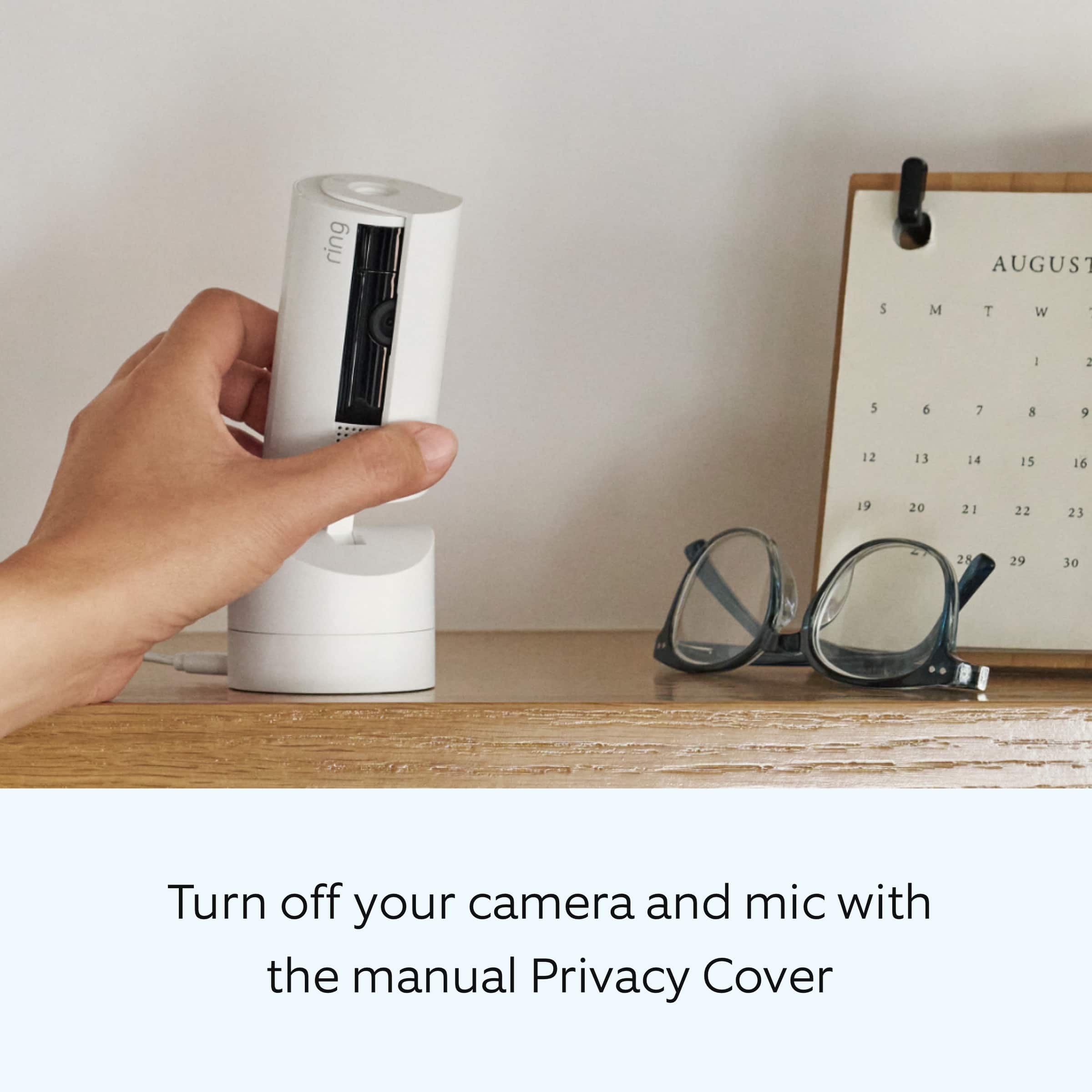
||Posted . Owned for 1 week when reviewed.This reviewer received promo considerations or sweepstakes entry for writing a review.We have cameras all over the house and this one in particular is for my sons room he likes that during the day he can have privacy but at night is when we open the cover and it has good range and night vision
This review is from Ring - Pan-Tilt Indoor Security Cam with 360° Horizontal Pan Coverage, Live View & Two-Way Talk, and HD Video - White
I would recommend this to a friendRated 5 out of 5 stars
Great camera!
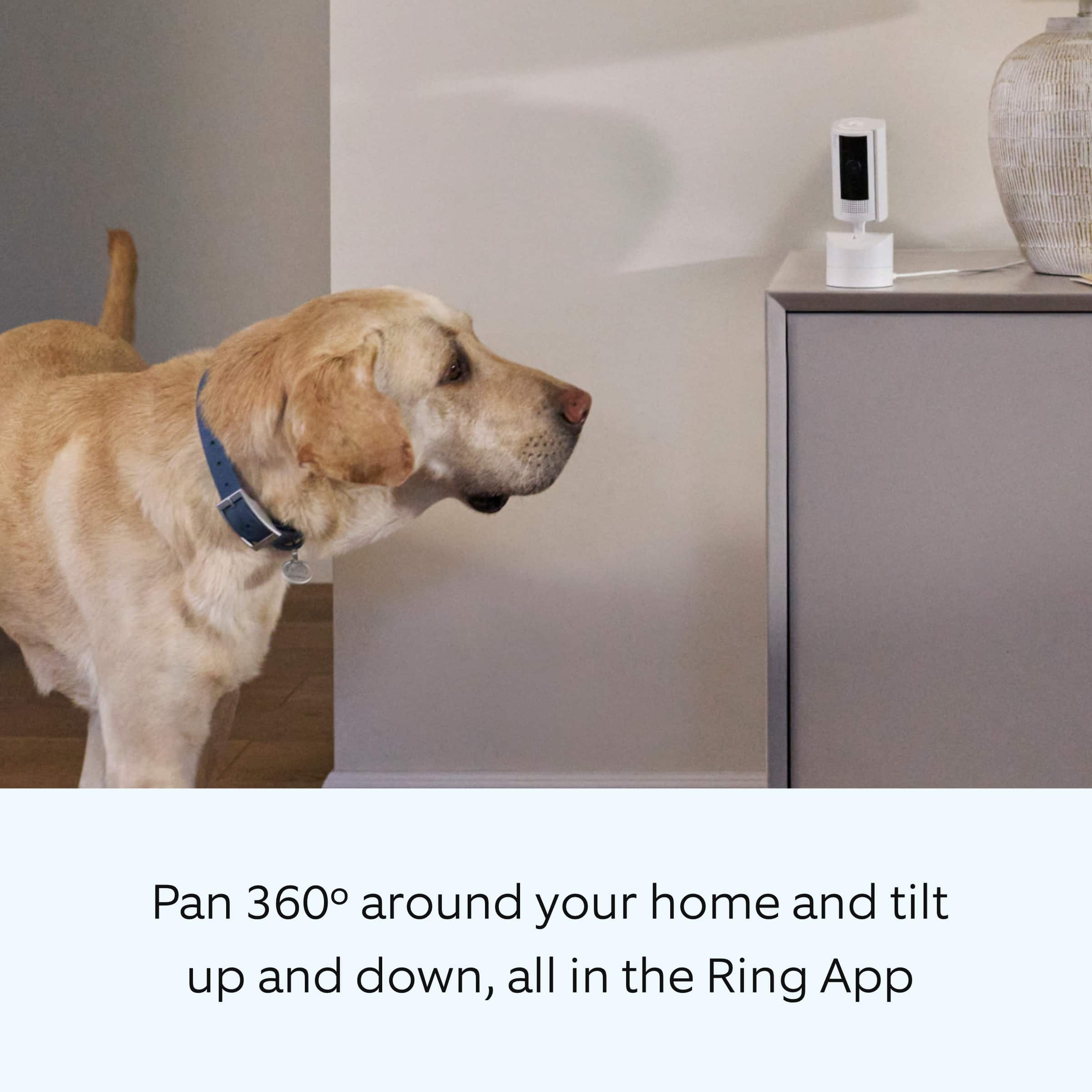
||Posted . Owned for less than 1 week when reviewed.This reviewer received promo considerations or sweepstakes entry for writing a review.Camera is outstanding. You can see more by moving your camera around from your phone. Picture quality is great including night!
This review is from Ring - Pan-Tilt Indoor Security Cam with 360° Horizontal Pan Coverage, Live View & Two-Way Talk, and HD Video - Black
I would recommend this to a friendRated 5 out of 5 stars
best camera security option
||Posted . Owned for 8 months when reviewed.This reviewer received promo considerations or sweepstakes entry for writing a review.best option for home security. Would recommend for anyone wanting a cheap option for home security.
This review is from Ring - Pan-Tilt Indoor Security Cam with 360° Horizontal Pan Coverage, Live View & Two-Way Talk, and HD Video - Black
I would recommend this to a friendRated 5 out of 5 stars
Better than any other Nanny Cam
||Posted . Owned for less than 1 week when reviewed.This reviewer received promo considerations or sweepstakes entry for writing a review.Replaced the old "Camera" in grandkids room. Video quality is amazing and the rotate option gives access to the entire room during nap and playtime
This review is from Ring - Pan-Tilt Indoor Security Cam with 360° Horizontal Pan Coverage, Live View & Two-Way Talk, and HD Video - White
I would recommend this to a friendRated 4 out of 5 stars
customer
||Posted . Owned for 1 week when reviewed.This reviewer received promo considerations or sweepstakes entry for writing a review.This product worked well and was easy to set up! Images are clear and sharp even at night
This review is from Ring - Pan-Tilt Indoor Security Cam with 360° Horizontal Pan Coverage, Live View & Two-Way Talk, and HD Video - White
I would recommend this to a friendRated 5 out of 5 stars
Love this camera
||Posted . Owned for 3 weeks when reviewed.This reviewer received promo considerations or sweepstakes entry for writing a review.Great camera response time is amazing highly recommend night vision works great as well
This review is from Ring - Pan-Tilt Indoor Security Cam with 360° Horizontal Pan Coverage, Live View & Two-Way Talk, and HD Video - White
I would recommend this to a friendRated 5 out of 5 stars
Works great.
||Posted . Owned for 3 weeks when reviewed.This reviewer received promo considerations or sweepstakes entry for writing a review.Works as desired. I have many of these inside and outside my house and love them.
This review is from Ring - Pan-Tilt Indoor Security Cam with 360° Horizontal Pan Coverage, Live View & Two-Way Talk, and HD Video - Black
I would recommend this to a friendRated 5 out of 5 stars
Works great.
||Posted . Owned for 3 weeks when reviewed.This reviewer received promo considerations or sweepstakes entry for writing a review.Works as desired. I have many of these inside and outside my house and love them.
This review is from Ring - Pan-Tilt Indoor Security Cam with 360° Horizontal Pan Coverage, Live View & Two-Way Talk, and HD Video - White
I would recommend this to a friendRated 5 out of 5 stars
Easy Breezy Set Up!
||Posted . Owned for 3 weeks when reviewed.This reviewer received promo considerations or sweepstakes entry for writing a review.Simple set up! Does the job. Love it. Should have invested in one long ago!
This review is from Ring - Pan-Tilt Indoor Security Cam with 360° Horizontal Pan Coverage, Live View & Two-Way Talk, and HD Video - White
I would recommend this to a friendRated 5 out of 5 stars
Awesome camera for nursery
||Posted . Owned for 3 weeks when reviewed.This reviewer received promo considerations or sweepstakes entry for writing a review.There is so many baby cameras that have a large cost for nurseries that does not do half of what this camera does.
This review is from Ring - Pan-Tilt Indoor Security Cam with 360° Horizontal Pan Coverage, Live View & Two-Way Talk, and HD Video - Black
I would recommend this to a friendRated 5 out of 5 stars
Keep an eye on pets while gone
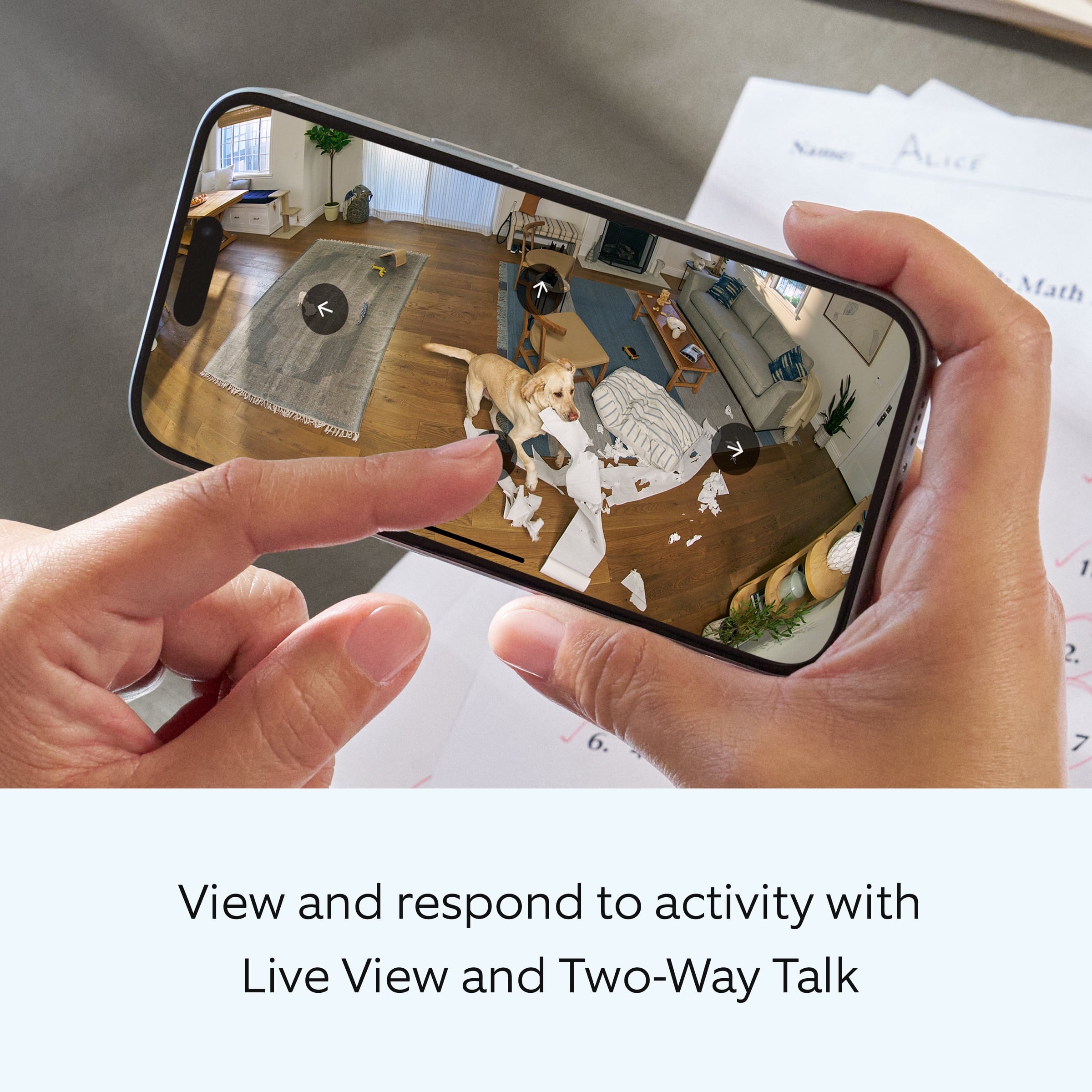
||Posted . Owned for 3 weeks when reviewed.This reviewer received promo considerations or sweepstakes entry for writing a review.Installed in family room to keep an eye on dog when I’m not home. Easy to navigate and also look in on kitchen and dining room. Planning on getting another one for loft.
This review is from Ring - Pan-Tilt Indoor Security Cam with 360° Horizontal Pan Coverage, Live View & Two-Way Talk, and HD Video - White
I would recommend this to a friend