Customer Ratings & Reviews
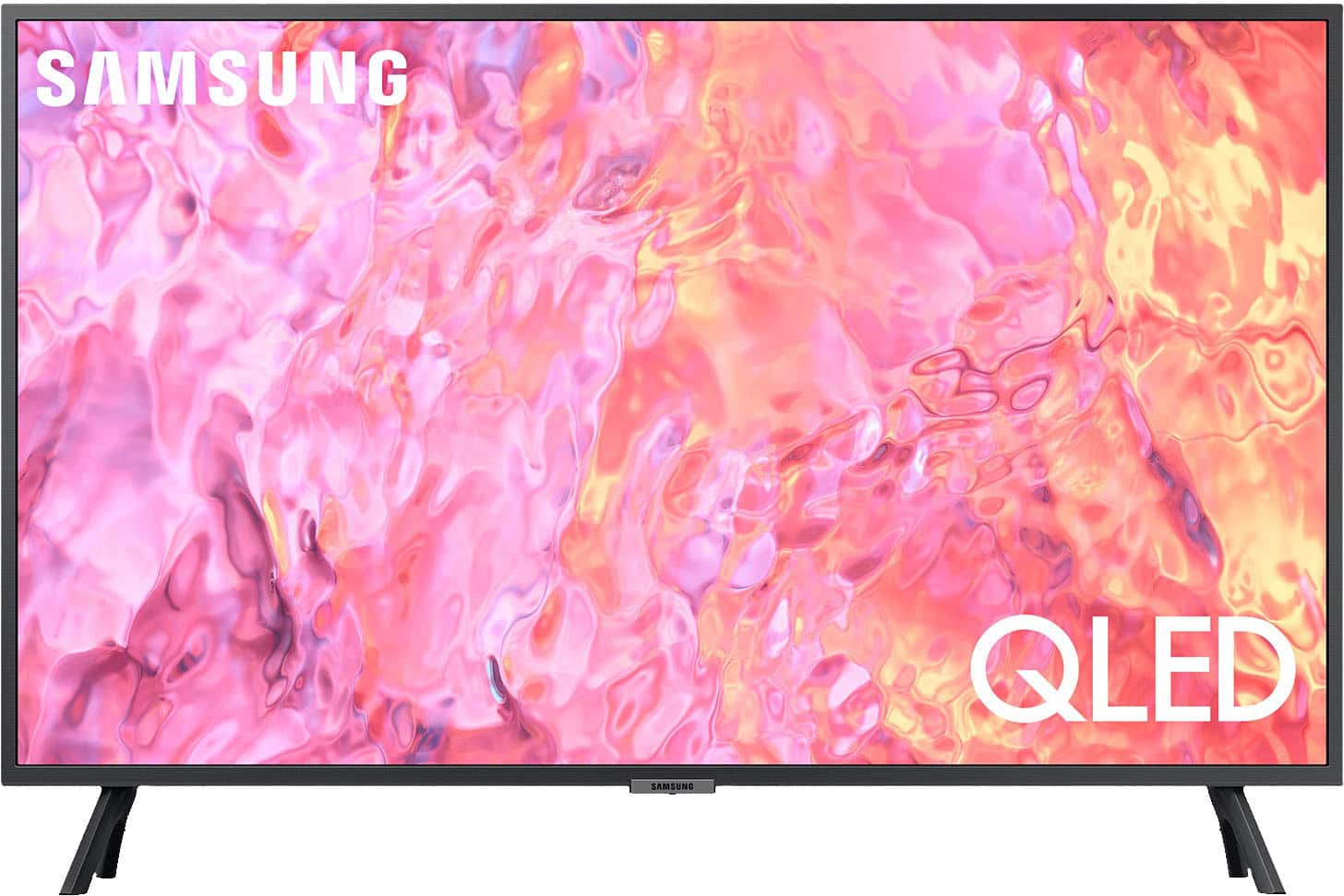
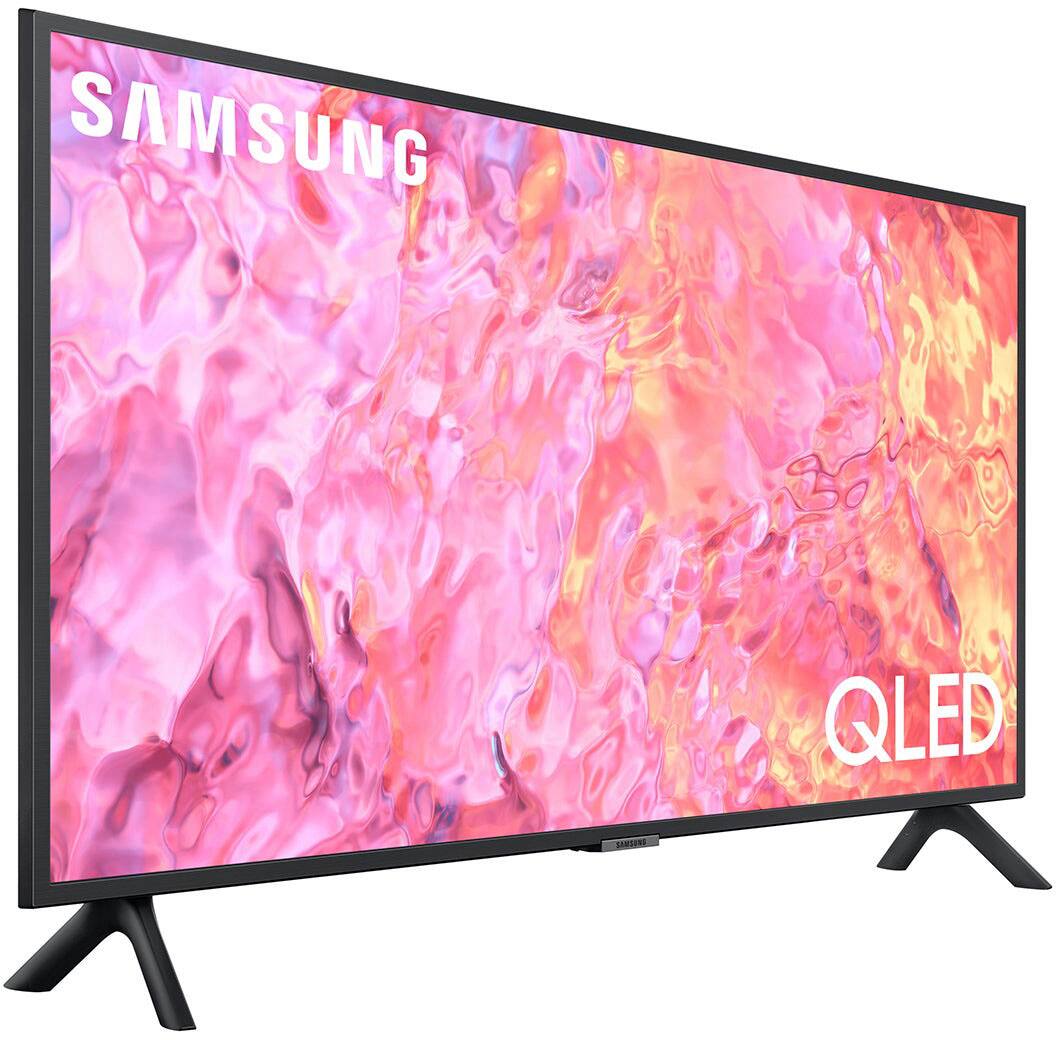
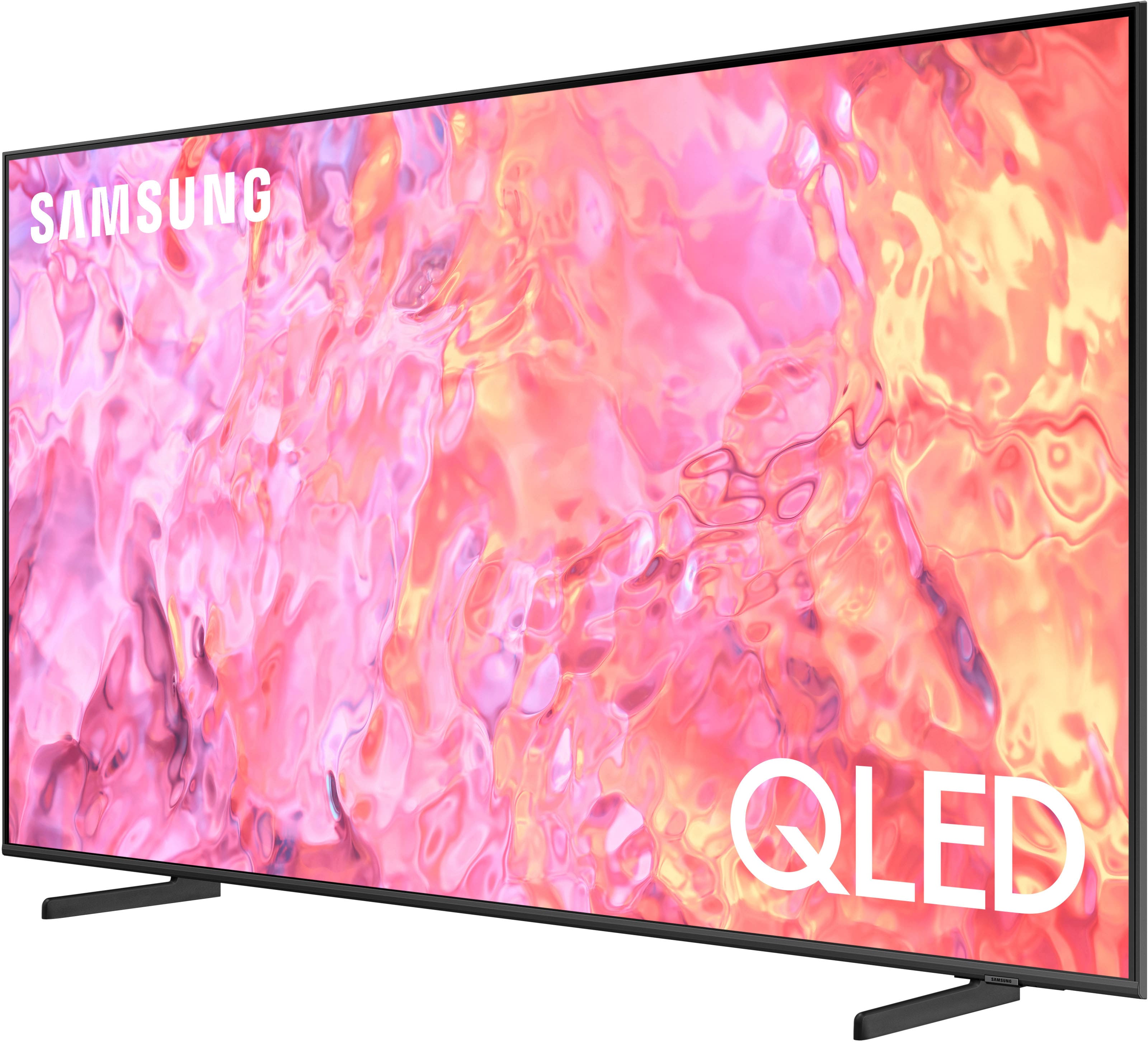
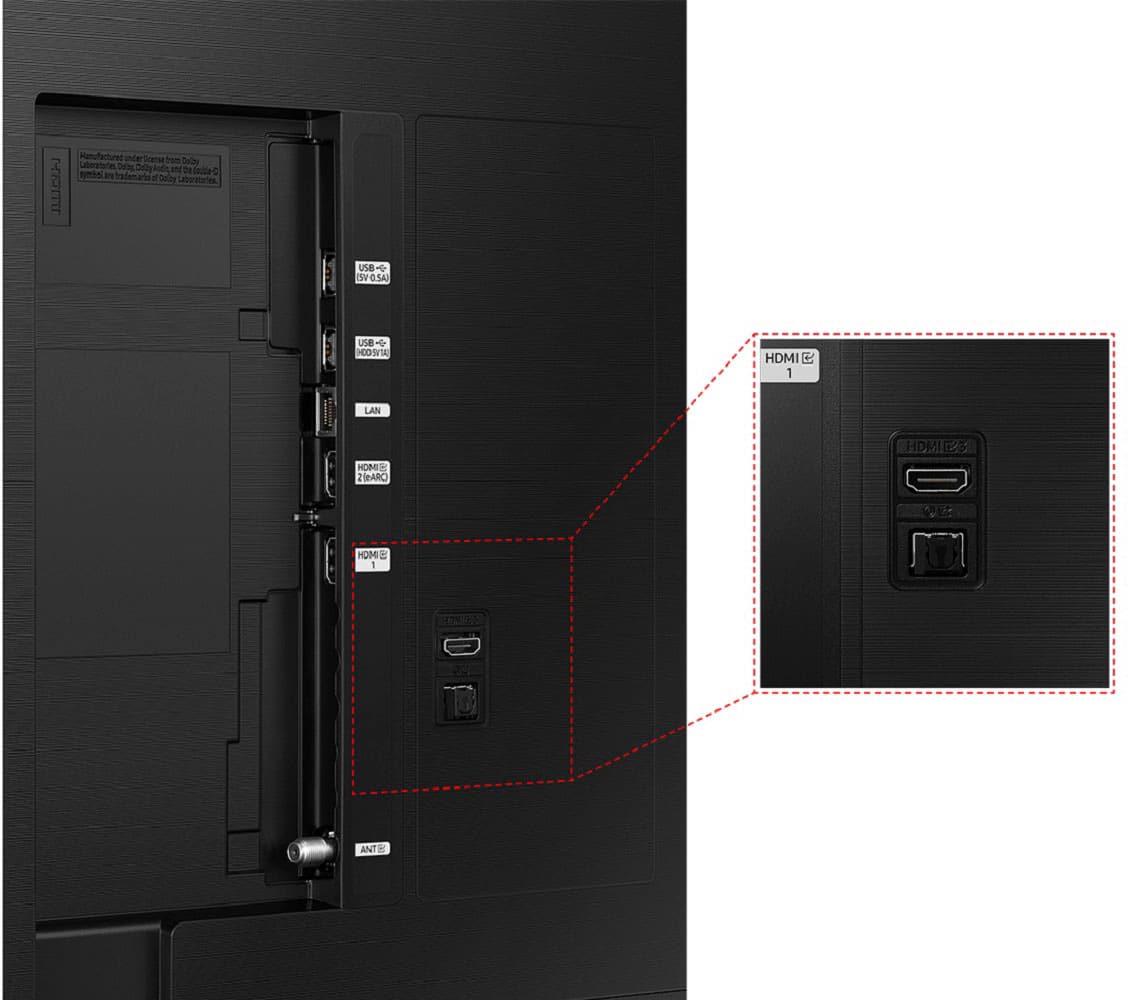
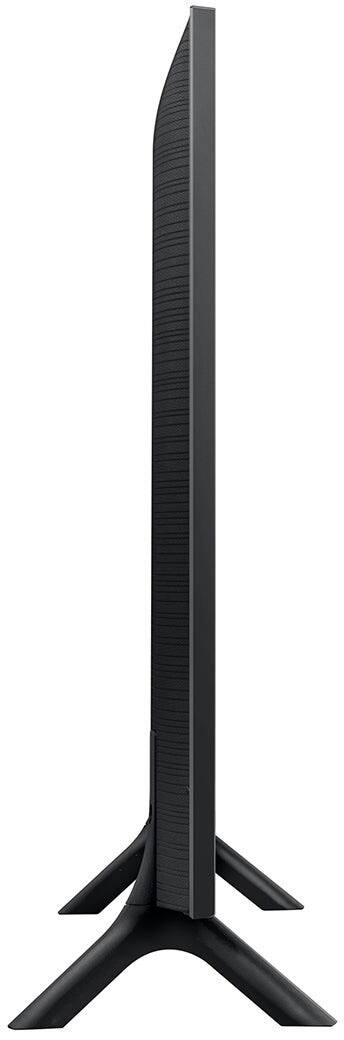




- Model:
- QN32Q60CAFXZA
- SKU:
- 6537415
Rating by feature
- Picture Quality
Rating 4.8 out of 5 stars
- Sound Quality
Rating 4.5 out of 5 stars
- Brightness
Rating 4.8 out of 5 stars
Customers are saying
Customers commend the 32" Class Q60C QLED 4K UHD Smart Tizen TV for its exceptional picture quality, easy setup process, and compact size that fits perfectly in smaller spaces. While the smart TV features and vibrant colors receive positive feedback, some users express concerns about the limited viewing angles and the small and complex remote control.
This summary was generated by AI based on customer reviews.
excellent
||Posted . Owned for 6 months when reviewed.This reviewer received promo considerations or sweepstakes entry for writing a review.excellent investmentexcellent investment excellent investment
I would recommend this to a friendVery Happy with Best Buy!
||Posted . Owned for 1 month when reviewed.This reviewer received promo considerations or sweepstakes entry for writing a review.Excellent features. Great definition and (color needs adjusting)
I would recommend this to a friendcant go wrong with this one
||Posted . Owned for 3 weeks when reviewed.This reviewer received promo considerations or sweepstakes entry for writing a review.the best there is its only 32-in tv but that is what i needed
I would recommend this to a friendGreat Samsung TV
||Posted . Owned for 1 month when reviewed.This reviewer received promo considerations or sweepstakes entry for writing a review.Outstanding television image, and very easy to set up.
I would recommend this to a friendBedroom upgrade
||Posted . Owned for 3 weeks when reviewed.This reviewer received promo considerations or sweepstakes entry for writing a review.This TV is great. It waa just what we were looking for.
I would recommend this to a friendRetired
||Posted . Owned for 1 month when reviewed.This reviewer received promo considerations or sweepstakes entry for writing a review.Easy from start to finish. Great product and service.
I would recommend this to a friendAstronomical
||Posted . Owned for 2 months when reviewed.This reviewer received promo considerations or sweepstakes entry for writing a review.This tv is amazing looks and runs alot better than my old tcl tv.
I would recommend this to a friendGood purchase
||Posted . Owned for 1 month when reviewed.This reviewer received promo considerations or sweepstakes entry for writing a review.It was expensive, but it was a better quality than the other tvs I viewed.
I would recommend this to a friendreview
||Posted . Owned for 1 month when reviewed.This reviewer received promo considerations or sweepstakes entry for writing a review.excellent product we purchased. We are happy with our purchase.
I would recommend this to a friendExceptional Features in all aspects!
||Posted . Owned for 1 month when reviewed.This reviewer received promo considerations or sweepstakes entry for writing a review.I still cannot believe I got such a fabulous4K tv for the price.
I would recommend this to a friendtv
||Posted . Owned for 1 month when reviewed.This reviewer received promo considerations or sweepstakes entry for writing a review.it's the best quality, woth beat sound system, thanks
I would recommend this to a friendOK
||Posted . Owned for 3 weeks when reviewed.This reviewer received promo considerations or sweepstakes entry for writing a review.Good product for the price. I did expect a sharper image for a QLED set
I would recommend this to a friendIt’s okay
||Posted . Owned for 1 month when reviewed.This reviewer received promo considerations or sweepstakes entry for writing a review.Lacks the deep colors.always has a whiteness to the screen
No, I would not recommend this to a friendviewing angle
||Posted . Owned for 3 weeks when reviewed.This reviewer received promo considerations or sweepstakes entry for writing a review.Picture viewing off center is bad other than that it is a good TV
I would recommend this to a friend4k gaming/PC monitor
||Posted . Owned for 1 month when reviewed.This reviewer received promo considerations or sweepstakes entry for writing a review.Using it as a PC monitor. Great for that and PS5 4k gaming.
I would recommend this to a friend- Cons mentioned:Remote control
Mediocore at best.
||Posted . Owned for 2 weeks when reviewed.This reviewer received promo considerations or sweepstakes entry for writing a review.The remote is a nightmare to use due to the deletion of numbers and multiple other keys. Picture quality is far inferior to a Sony 42 inch A90K
No, I would not recommend this to a friendBrand response from Samsung
Posted .Hi Big AI,
Thank you for your feedback on the Q60C TV; we are sorry to hear that you are not satisfied with your TV's remote and picture quality. I have a few recommendations that may improve your experience.
First, please know that many of the buttons on your remote have multiple functions. For example, you can push the Volume button UP/DOWN to adjust the volume, and to MUTE the sound; you need to PRESS it in. If that same button is pressed for longer than 1 second, the Accessibility Shortcuts appear. Pressing the RETURN button (looks like a curved, backward-facing arrow) returns you to the previous menu; pressing it while watching a program will take you back to the previous channel.
Next, to ensure you’ve got the latest image quality updates, please confirm that your TV is up to date with the latest firmware version. You can check by going to Home > Menu > Settings > Support > Software Update.
If the picture you’re seeing is still not to your liking after updating firmware, there are several picture settings you may want to try adjusting. Go to Home > left direction button > Settings > All Settings > Picture > Picture Mode and select the mode that best fits your usage:
1. Standard: Is the default mode suitable for general viewing environments
2. Dynamic: Makes the picture brighter and clearer in bright viewing environments
3. Eco: Provided to save energy
4. Movie: Suitable for watching TV or movies in a dark room
5. Filmmaker Mode: Provides source content just as the creators intended. If the image is defined as Filmmaker Mode, it’ll automatically switch to Filmmaker Mode while watching.
You can also fine-tune your picture with expert settings such as brightness, contrast, sharpness, and more (All Settings > Picture > Expert Settings).
For further assistance with settings adjustments, please contact Samsung Customer Support at 1-800-SAMSUNG, 8 AM - 12 AM EST, seven days a week. Our LiveChat agents are also available by clicking on the ‘Support’ link on our website.
~ Samsung Advisor
nice tv
||Posted . Owned for 1 month when reviewed.This reviewer received promo considerations or sweepstakes entry for writing a review.nice tv for the price easy to set up but some sound issues
I would recommend this to a friendPicture quality
||Posted . Owned for 3 weeks when reviewed.This reviewer received promo considerations or sweepstakes entry for writing a review.Picture is on the light side and is difficult to adjust.
I would recommend this to a friendTwo remotes needed and not user friendy
||Posted . Owned for less than 1 week when reviewed.This reviewer received promo considerations or sweepstakes entry for writing a review.It takes both remotes, the Comcast and the Samsung remotes. You can turn it on with both remote, but then you have to use the Samsung remote to select the the sound bar if it is on BlueTooth you are using. You have to select the app wit the Samsung remote that brings up Comcast if it is there, if not you have to go to input to select what ever HDMI port it is on. The software on this TV is not user friendly to just bring up Comcast. You want to use the two remotes if you want to get the full uses for this TV.
No, I would not recommend this to a friendBrand response from Samsung
Posted .bunns,
We appreciate you sharing your experience, but you should not have to use two remotes to control your Q60C TV. Please give us the opportunity to assist you in setting up the Universal Remote function, as this allows you to use a single remote with this TV.
Please reach Samsung Support at 1-800-SAMSUNG, 8AM - 12AM EST, 7 days a week. Our LiveChat agents are also available by clicking on the ‘Support’ link on our website.
We look forward to hearing from you.
~ Samsung Specialist
viewer
||Posted . Owned for 1 month when reviewed.This reviewer received promo considerations or sweepstakes entry for writing a review.The controller that accompanies the tv set is too small.
I would recommend this to a friend