Customer Ratings & Reviews
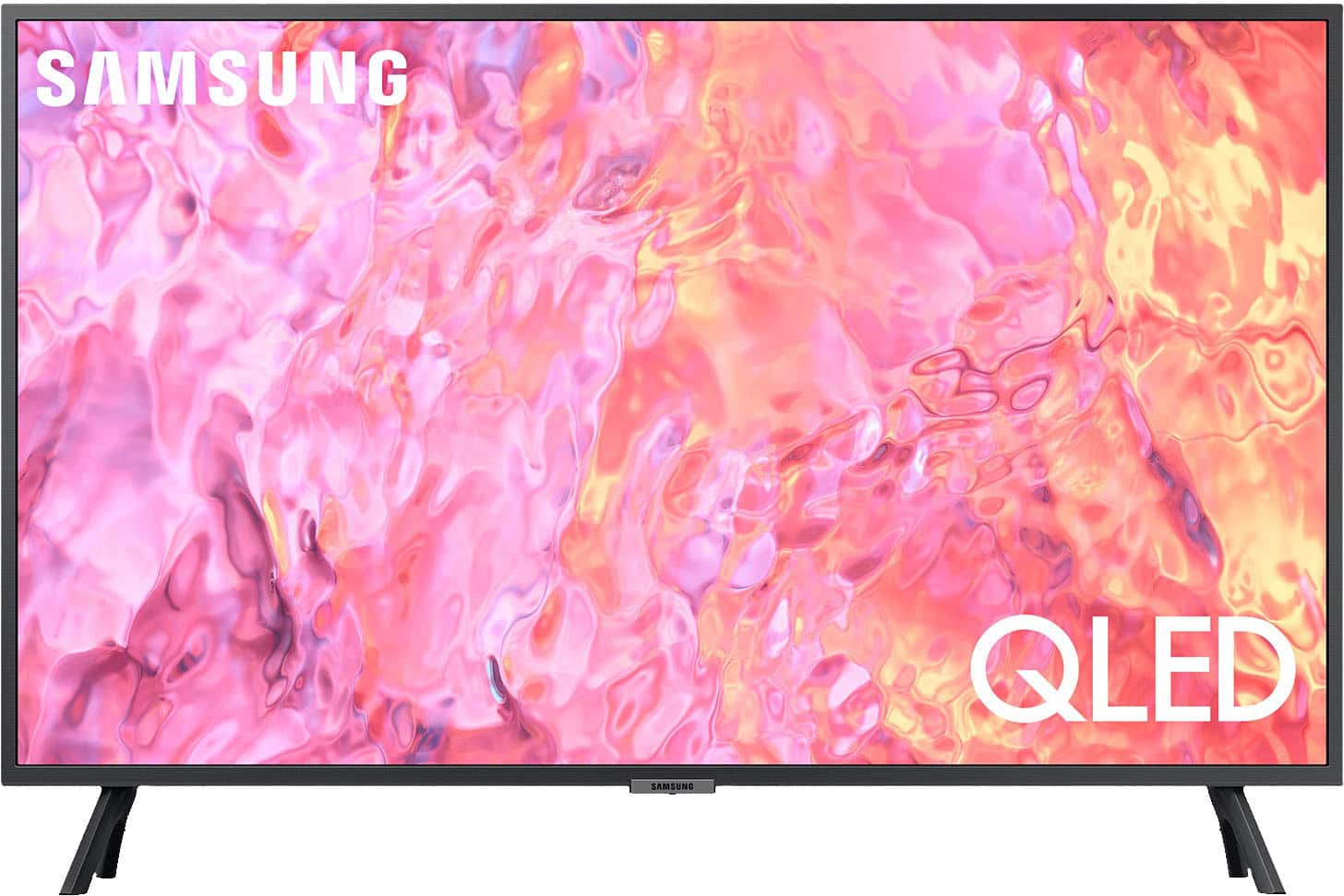
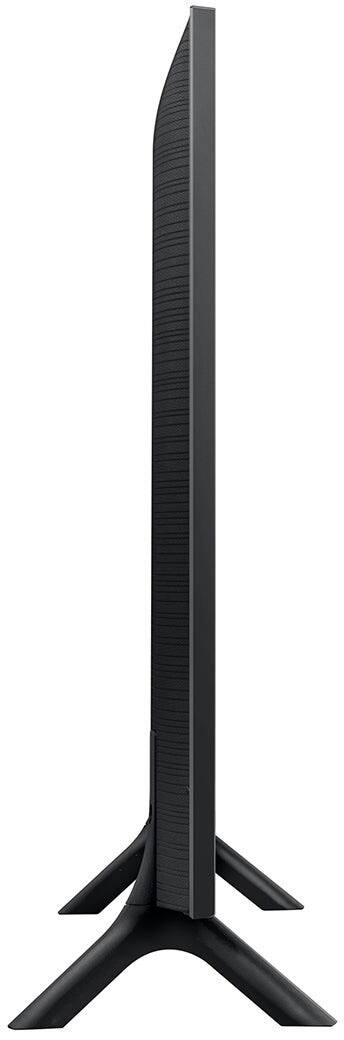




- Model:
- QN32Q60CAFXZA
- SKU:
- 6537415
Rating by feature
- Picture Quality
Rating 4.8 out of 5 stars
- Sound Quality
Rating 4.5 out of 5 stars
- Brightness
Rating 4.8 out of 5 stars
Customers are saying
Customers commend the 32" Class Q60C QLED 4K UHD Smart Tizen TV for its exceptional picture quality, easy setup process, and compact size that fits perfectly in smaller spaces. While the smart TV features and vibrant colors receive positive feedback, some users express concerns about the limited viewing angles and the small and complex remote control.
This summary was generated by AI based on customer reviews.
NEVER BUY FROM BESTBUY AGAIN
||Posted . Owned for 2 months when reviewed.This reviewer received promo considerations or sweepstakes entry for writing a review.When calling about a return customer service reps. will lie just to get people off of the phone and back into a retail store. I'll NEVER BUY FROM BESTBUY AGAIN
No, I would not recommend this to a friendBrand response from Samsung
Posted .Randall,
Please know you are leaving a review for the Q60C TV, not the service provided by Best Buy. Please follow up directly with Best Buy for further assistance. We hope your issue is resolved in a timely manner.
Should you have questions regarding Samsung TVs, please contact Samsung Support at 1-800-SAMSUNG, 8AM - 12AM EST, 7 days a week. Our LiveChat agents are also available by clicking on the ‘Support’ link on our website.
~ Samsung Specialist
Washed out picture
||Posted . Owned for 3 weeks when reviewed.This reviewer received promo considerations or sweepstakes entry for writing a review.Wahsed out picture. Do not understand how this tv gets any good reviews. It may be the best of the worst but that is how bad 32" tvs have become
No, I would not recommend this to a friendBrand response from Samsung
Posted .JrDal,
Thank you for sharing your thoughts on the picture quality of your Q60C TV. To ensure you’ve got the latest image quality updates, please confirm that your TV is up to date with the latest firmware version. You can check by going to: Home > Menu > Settings > Support > Software Update.
If the picture you’re seeing is still not to your liking after updating firmware, there are several picture settings you may want to try adjusting.
Go to Home > left direction button > Settings > All Settings > Picture > Picture Mode
...and select the mode that best fits your usage:
1. Standard: Is the default mode suitable for general viewing environments
2. Dynamic: Makes the picture brighter and clearer in bright viewing environments
3. Eco: Provided to save energy
4. Movie: Suitable for watching TV or movies in a dark room
5. Filmmaker Mode: Provides source content just as the creators intended. If the image is defined as Filmmaker Mode, it’ll automatically switch to Filmmaker Mode while watching.
You can also fine-tune your picture with expert settings such as brightness, contrast, sharpness and more (All Settings > Picture > Expert Settings).
For further assistance with settings adjustments, please contact Samsung Customer Support at 1-800-SAMSUNG, 8AM - 12AM EST, 7 days a week. Or visit us on the Samsung website and click on the ‘Support’ link for:
• LiveChat
• Manuals, Software, & Warranty Info
~ Samsung Specialist
Would not recommend!
||Posted .This reviewer received promo considerations or sweepstakes entry for writing a review.Picture is horrible! Adjusting the brightness does not help!
No, I would not recommend this to a friendBrand response from Samsung
Posted .Hi Bonnie,
Thank you for sharing your thoughts on the picture quality of your Q60C TV. To ensure you’ve got the latest image quality updates, please confirm that your TV is up to date with the latest firmware version. You can check by going to: Home > Menu > Settings > Support > Software Update.
If the picture you’re seeing is still not to your liking after updating firmware, there are several picture settings you may want to try adjusting.
Go to Home > Menu > Settings > All Settings > Picture > Picture Mode
...and select the mode that best fits your usage:
1. Standard: Is the default mode suitable for general viewing environments
2. Dynamic: Makes the picture brighter and clearer in bright viewing environments
3. Eco: Provided to save energy
4. Movie: Suitable for watching TV or movies in a dark room
5. Filmmaker Mode: Provides source content just as the creators intended. If the image is defined as Filmmaker Mode, it’ll automatically switch to Filmmaker Mode while watching.
Intelligent Mode enables the TV to recognize and analyze the surroundings, noise, content, and your usage patterns to provide the best viewing experience. You can enable Intelligent Mode by going to Menu > Settings > All Settings > General & Privacy > Intelligent Mode Settings > Intelligent Mode.
If adjusting image settings does not improve your picture, please contact Samsung Customer Support at 1-800-SAMSUNG, 8AM - 12AM EST, 7 days a week. Or visit us on the Samsung website and click on the ‘Support’ link for:
• LiveChat
• Manuals, Software, & Warranty Info
~ Samsung Specialist
- Pros mentioned:Picture qualityCons mentioned:Remote control
Nice picture
Posted .This reviewer received promo considerations or sweepstakes entry for writing a review.Love the Samsung TV but the remote is awful...very small and difficult to use especially since we didn't get the instructions with the purchase. But the picture is great and we have it hung on the wall for my Mom in her memory care facility.
I would recommend this to a friend - Pros mentioned:Ease of use, Picture quality
We love our Samsung TV
Posted .This reviewer received promo considerations or sweepstakes entry for writing a review.This is a great TV. The picture is excellent, it is easy to operate, and it was very easy to program. We are very happy with this purchase.
I would recommend this to a friend - Pros mentioned:Ease of use, Picture quality
Great smart TV
Posted .This reviewer received promo considerations or sweepstakes entry for writing a review.Great picture, easy instructions. Perfect for my kitchen. Easy to download apps and a very easy remote control.
I would recommend this to a friend - Pros mentioned:Color, Picture quality
Wonderful TV
Posted .This reviewer received promo considerations or sweepstakes entry for writing a review.Crisp picture. Beautiful colors. Simple set-up with Roku and to the tv mount.
I would recommend this to a friend - Pros mentioned:Color, Picture quality
TV
Posted .This reviewer received promo considerations or sweepstakes entry for writing a review.Love it great pic and sound perfect size color modern slanted stand
I would recommend this to a friend - Pros mentioned:Picture quality
Great tv in its class
Posted .This reviewer received promo considerations or sweepstakes entry for writing a review.Needed a replacement tv for the bedroom. Hard to find a good one in the 32 in size. Samsung fits the bill and I love the Samsung TV app. Only complaint is it no longer comes with pedestal stand. Had to order that. Great picture and sound
I would recommend this to a friend - Pros mentioned:Picture quality
Great picture and contrast
Posted .This reviewer received promo considerations or sweepstakes entry for writing a review.Great budget buy in 32 inches. Easy remote for settings and streaming. Clear picture and sound. Little difference between the 60 and 80
I would recommend this to a friend - Pros mentioned:Picture quality
Clear Beauty
Posted .This reviewer received promo considerations or sweepstakes entry for writing a review.Perfectly simply. I use this television as a monitor for my PC. I can waste a day exploring on Google maps and love every minute of it!
I would recommend this to a friend - Pros mentioned:Picture quality
Great TV….
Posted .This reviewer received promo considerations or sweepstakes entry for writing a review.It was tough to find a smaller TV that offered both high-end picture quality and technology. This one does…
I would recommend this to a friend Samsung tv
Posted .This reviewer received promo considerations or sweepstakes entry for writing a review.Very satisfied. Perfect for a small sunroom. Looks great.
I would recommend this to a friend- Pros mentioned:Picture quality
Great tv
Posted .This reviewer received promo considerations or sweepstakes entry for writing a review.Third Samsung i have purchased. Picture quality is great and fits nicely in my rv.
I would recommend this to a friend - Pros mentioned:Picture quality
Samsung Q60C QLED 4K
Posted .This reviewer received promo considerations or sweepstakes entry for writing a review.Great for small room, excellent picture, great sound and fast delivery
I would recommend this to a friend - Pros mentioned:Smart tv
Great Television
Posted .This reviewer received promo considerations or sweepstakes entry for writing a review.This is a great television and major upgrade from my last Samsung
I would recommend this to a friend - Pros mentioned:Picture quality
The Qled experience of excellence
Posted .This reviewer received promo considerations or sweepstakes entry for writing a review.Excellent, watching 4k movies in brilliant clarity
I would recommend this to a friend Me
Posted .This reviewer received promo considerations or sweepstakes entry for writing a review.TV was a good purchase for me, but when I called to find out about getting someone to my house to help me with the settings, they gave me a 800 number to call and when I called them, I got a guy from India!!! I get someone from My City to help me with my TV??
I would recommend this to a friendSolid 32” 4K tv
Posted .This reviewer received promo considerations or sweepstakes entry for writing a review.Only tv in the 32” size with 4K resolution. Decent performance considering it edge lit. Definitely some blooming that occurs but the smaller size is more forgiving compared to larger sizes. Smart interface has all the usual built in apps available, just a bit laggy at times.
I would recommend this to a friendGood, but perhaps not great
Posted .This reviewer received promo considerations or sweepstakes entry for writing a review.Overall, the se tis fine - although it took a call to customer support to get the picture where it needed to be, and we're not sure the picture is any better than our previous Samsung (which was more than 10 years old). Also seemed a bit expensive.
I would recommend this to a friend