Customer Ratings & Reviews
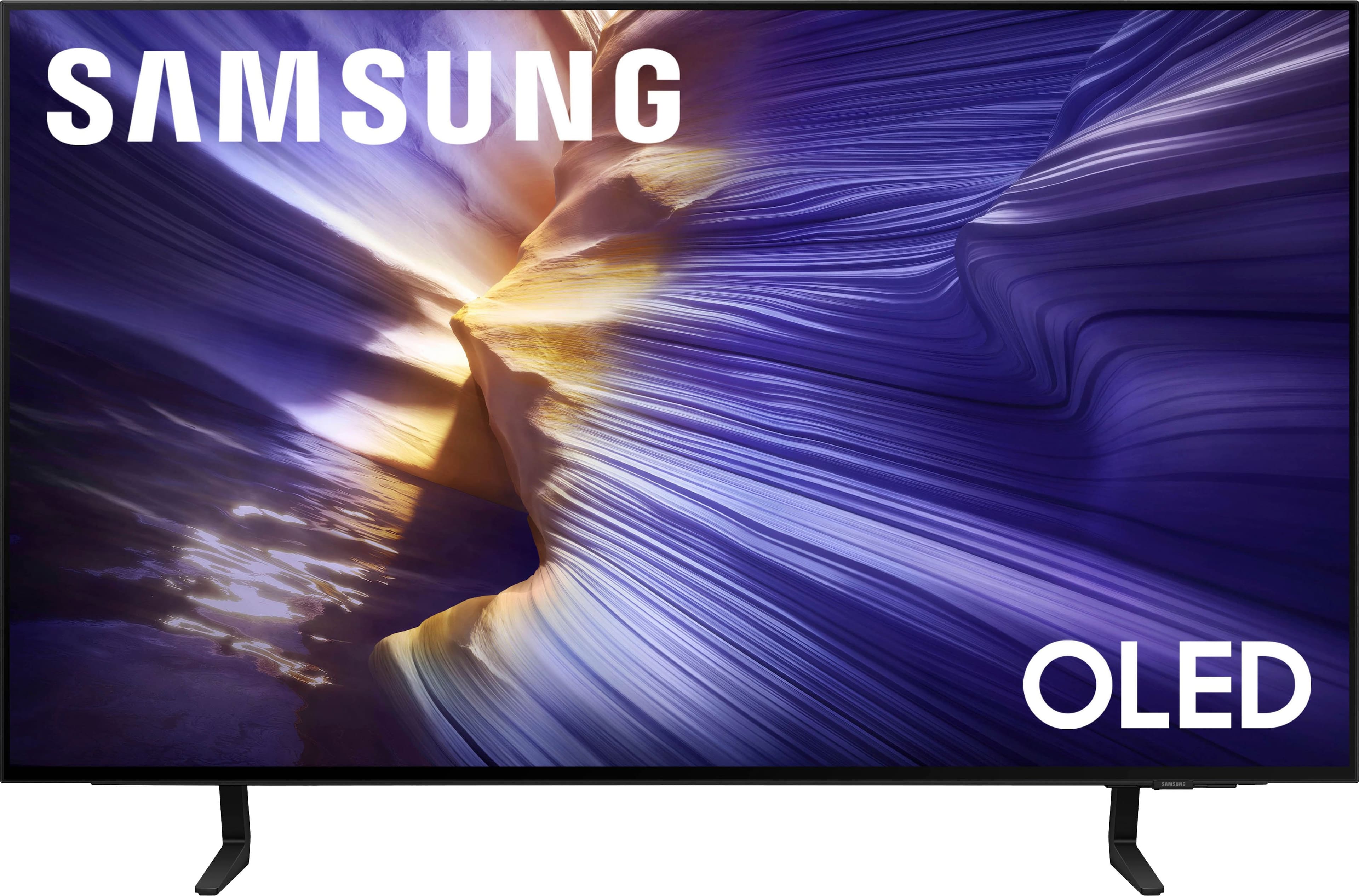
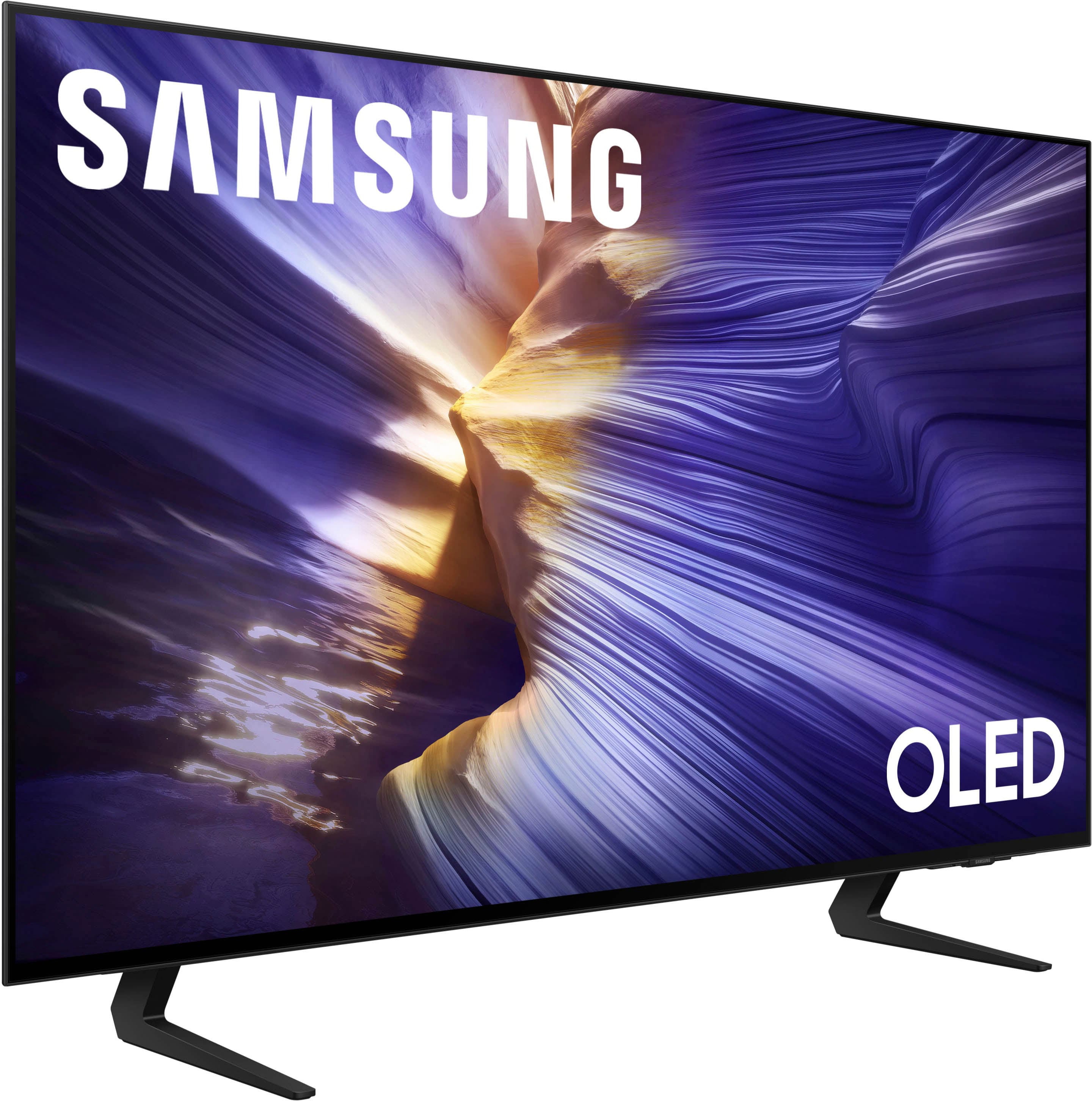
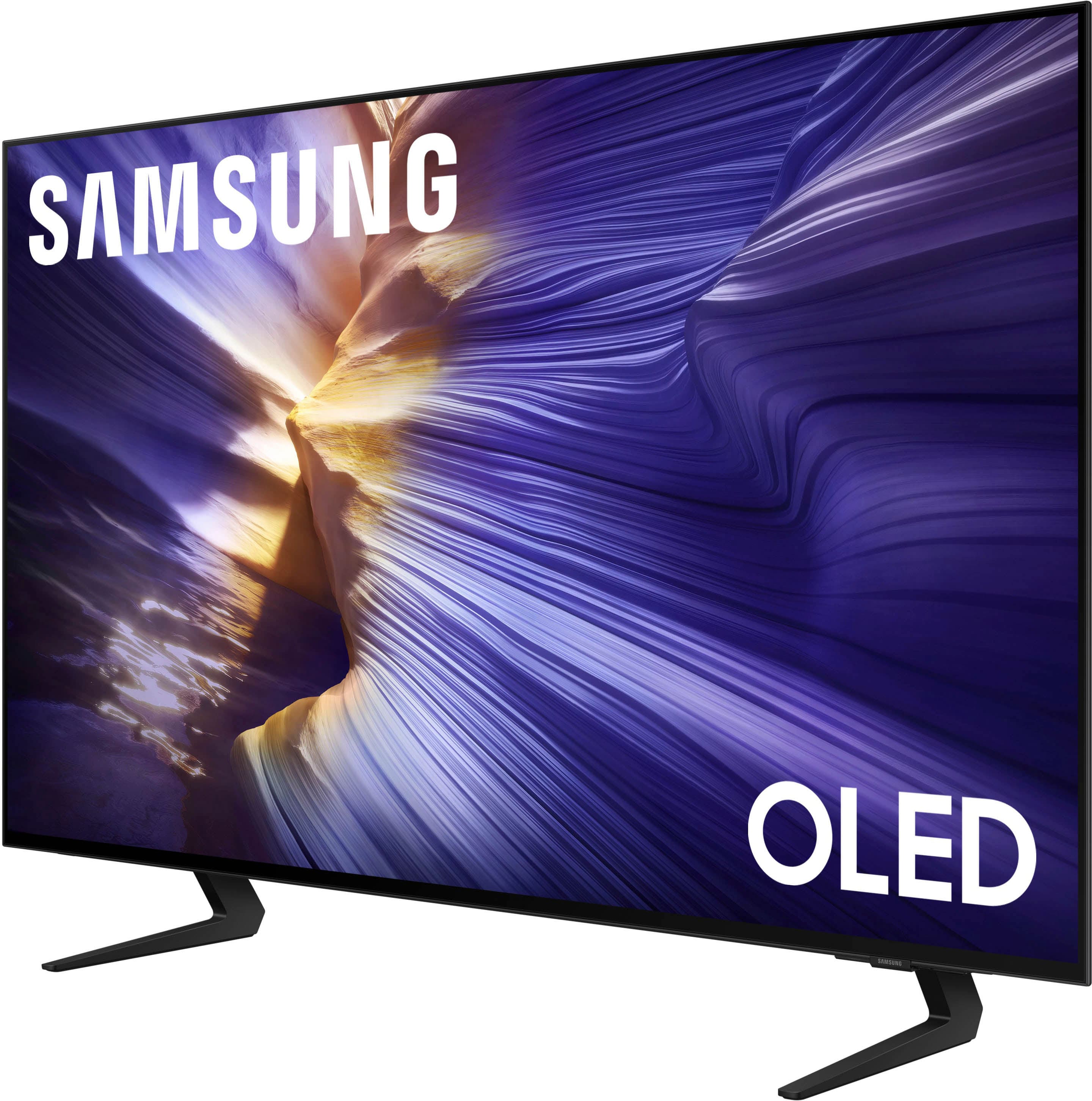
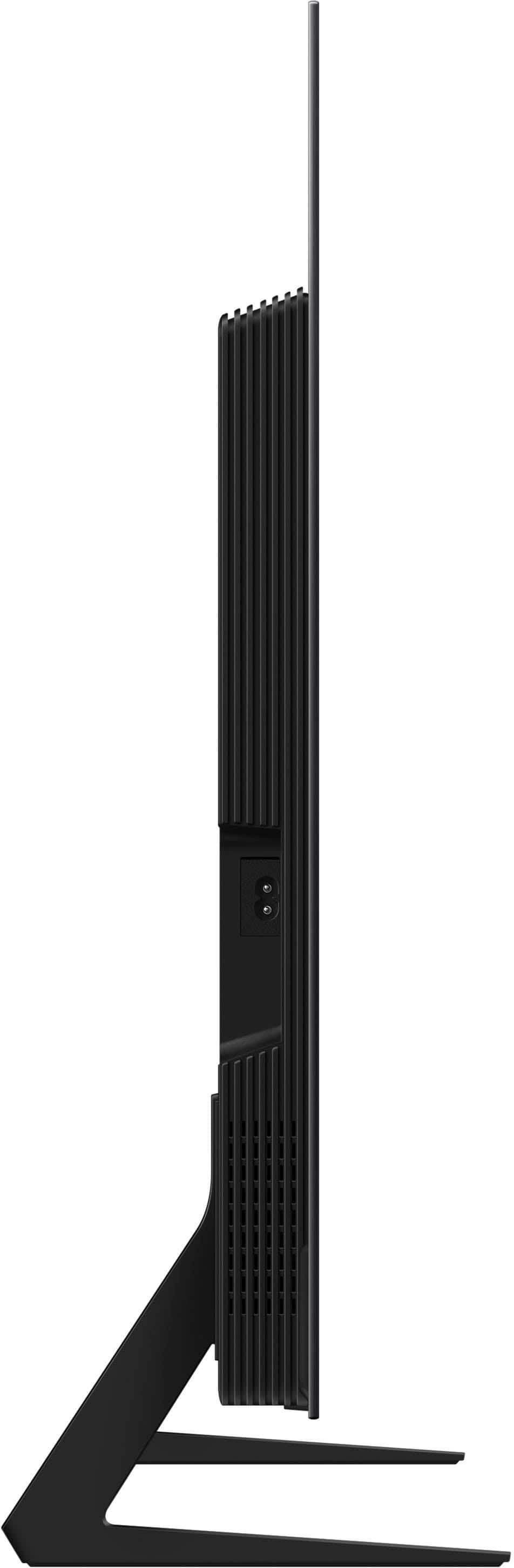
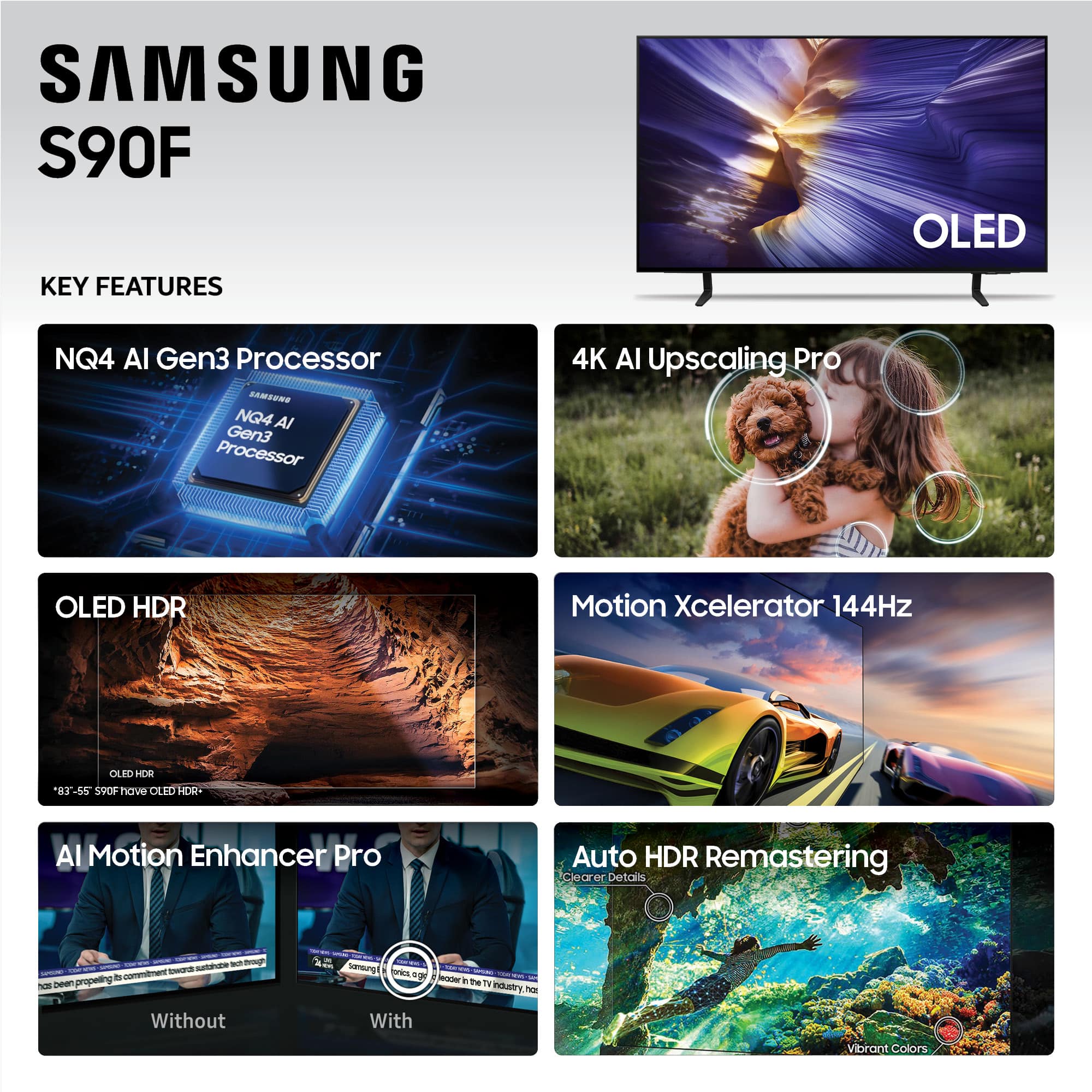
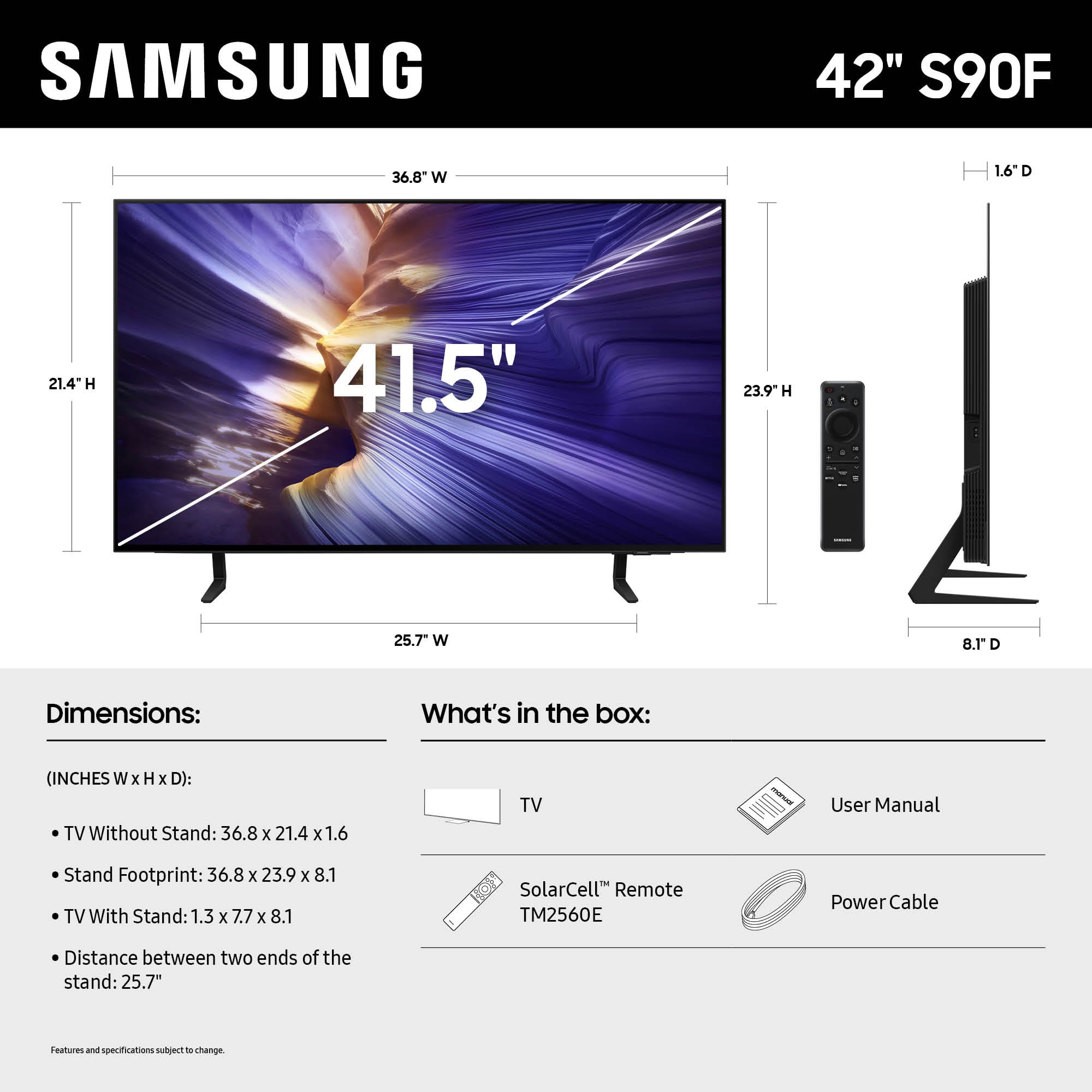








- Model:
- QN42S90FAEXZA
- SKU:
- 10304915
Rating by feature
- Picture Quality
Rating 4.7 out of 5 stars
- Sound Quality
Rating 4.6 out of 5 stars
- Brightness
Rating 4.6 out of 5 stars
Don't hesitate to buy this TV!
||Posted . Owned for 3 weeks when reviewed.This reviewer received promo considerations or sweepstakes entry for writing a review.Boy oh boy, this TV is a hidden gem! We've always thought that Samsung products are top quality, and this one didn't let us down. We weren't sure that all of the hype about the OLED was valid, but once we got it set up, we had a beautiful, flawless screen! This explains why it's a favorite of gamers. You will pay more for the OLED. Is it worth it? Yep, it is!
I would recommend this to a friendOutstanding OLED Picture Quality
||Posted . Owned for 2 weeks when reviewed.This reviewer received promo considerations or sweepstakes entry for writing a review.samsung-42-class-s90f-series-oled-4k-uhd-samsungvision-ai-smart-tizen-tv-2025: OLED 4K picture quality is OUTSTANDING. What a wonderful difference from regular 4K HD. Used You-Tube for a tutorial on the operation of the remote, VERY helpful.
I would recommend this to a friendWow just wow
||Posted .This reviewer received promo considerations or sweepstakes entry for writing a review.Great product had it for a month now and have had no problems with it besides one time occurrence where the screen came on and it was green but besides that one time its been a great television
I would recommend this to a friendSAMSUNG S 90F 42"
||Posted . Owned for 3 weeks when reviewed.This reviewer received promo considerations or sweepstakes entry for writing a review.Excellent quality of picture , remote is very good
I would recommend this to a friendBedroom TV
||Posted .This reviewer received promo considerations or sweepstakes entry for writing a review.Very good picture quality. The colors are vivid and sharp. This TV has a BOSE soundbar.
I would recommend this to a friendGreat TV
||Posted .This reviewer received promo considerations or sweepstakes entry for writing a review.Picture quality great. Sound better than any other I’ve ever owned. Good purchase.
I would recommend this to a friendSamsung oled s90f
||Posted .This reviewer received promo considerations or sweepstakes entry for writing a review.Excellent picture, no glare . Easy to set up . I would recommend this item 100%
I would recommend this to a friendTerrible software
||Posted .This reviewer received promo considerations or sweepstakes entry for writing a review.Great picture, very quirky software. Had lg smart tv before this one. Picture wasn't as good but software was easy.
No, I would not recommend this to a friendBrand response from Samsung
Posted .Hi Lawrence,
Thank you for your feedback on the S90F software. We recommend that you make sure your TV is up to date with the latest software by going to Settings > Support > Software Update. From there, you can also enable Auto Update for added convenience.
For improved app performance, we recommend running Device Care, which can help by clearing memory and closing background apps. To access it: Settings > Support > Device Care.
If you have any questions or need help, we’re always here. Call 1-800-SAMSUNG from 8AM - 12AM EST, seven days a week, or connect with a LiveChat agent anytime by selecting ‘Support’ on our website.
~ Samsung Advisor
The best
||Posted . Owned for 2 weeks when reviewed.This reviewer received promo considerations or sweepstakes entry for writing a review.One of the best t.v. I've ever owned in my life. I would recommend to everyone in the world to get one picture look 100 sounds 100 cant go wrong with this t v
I would recommend this to a friendSamsung 42" S90F TV
||Posted . Owned for 3 weeks when reviewed.This reviewer received promo considerations or sweepstakes entry for writing a review.amazing 4k native and upscaled picture quality. motion is very smooth.
I would recommend this to a friendSuccess with my first OLED
||Posted . Owned for 2 weeks when reviewed.This reviewer received promo considerations or sweepstakes entry for writing a review.This is now my favorite toy bought this year. The setup is so easy compared to the last tv I bought. The picture is clear, the sound good, no need for sound bars.
I would recommend this to a friendPICTURE QUALITY!!
||Posted . Owned for 3 weeks when reviewed.This reviewer received promo considerations or sweepstakes entry for writing a review.THE PICTURE QUALITY IS THE BEST I HAVE SEEN!! SO HAPPY WITH THIS PURCHASE WORTH EVERY CENT!!
I would recommend this to a friendOutstanding Resolution TV
||Posted . Owned for 3 weeks when reviewed.This reviewer received promo considerations or sweepstakes entry for writing a review.Great product and great service at the store! This product was highly recommended for what I was looking for - best resolution for console gaming!
I would recommend this to a friendExcellence Choice
||Posted .This reviewer received promo considerations or sweepstakes entry for writing a review.Our best smart TV so far. Easy setup and picture is super. No complaints whatsoever.
I would recommend this to a friendBest TV I've ever owned.
||Posted . Owned for 2 weeks when reviewed.This reviewer received promo considerations or sweepstakes entry for writing a review.Best TV I've ever owned. I use an Apple TV and a Sonos soundbar to "amp up" the sound.
I would recommend this to a friendAmazing tv
||Posted . Owned for less than 1 week when reviewed.This reviewer received promo considerations or sweepstakes entry for writing a review.Loved this tv and how it enhances and makes everything so vibrant
I would recommend this to a friendAmazing tv
||Posted . Owned for 2 months when reviewed.This reviewer received promo considerations or sweepstakes entry for writing a review.Fantastic oled tv. Beyond clear and gaming is beautiful.
I would recommend this to a friendBest buy
||Posted . Owned for 1 month when reviewed.This reviewer received promo considerations or sweepstakes entry for writing a review.Awesome picture quality is unmatched. Smart feature is great.
I would recommend this to a friendBest Experience
||Posted . Owned for 1 month when reviewed.This reviewer received promo considerations or sweepstakes entry for writing a review.My buying experience could not have been better. The sales rep was knowledgeable courteoud and we were in the and out in no time with a product that fit our needs.
I would recommend this to a friendUpgraded all my tvs.
||Posted . Owned for 1 month when reviewed.This reviewer received promo considerations or sweepstakes entry for writing a review.The guy was very knowledgeable on tvs and I love the tv he helped me pick
I would recommend this to a friend