Customer Ratings & Reviews
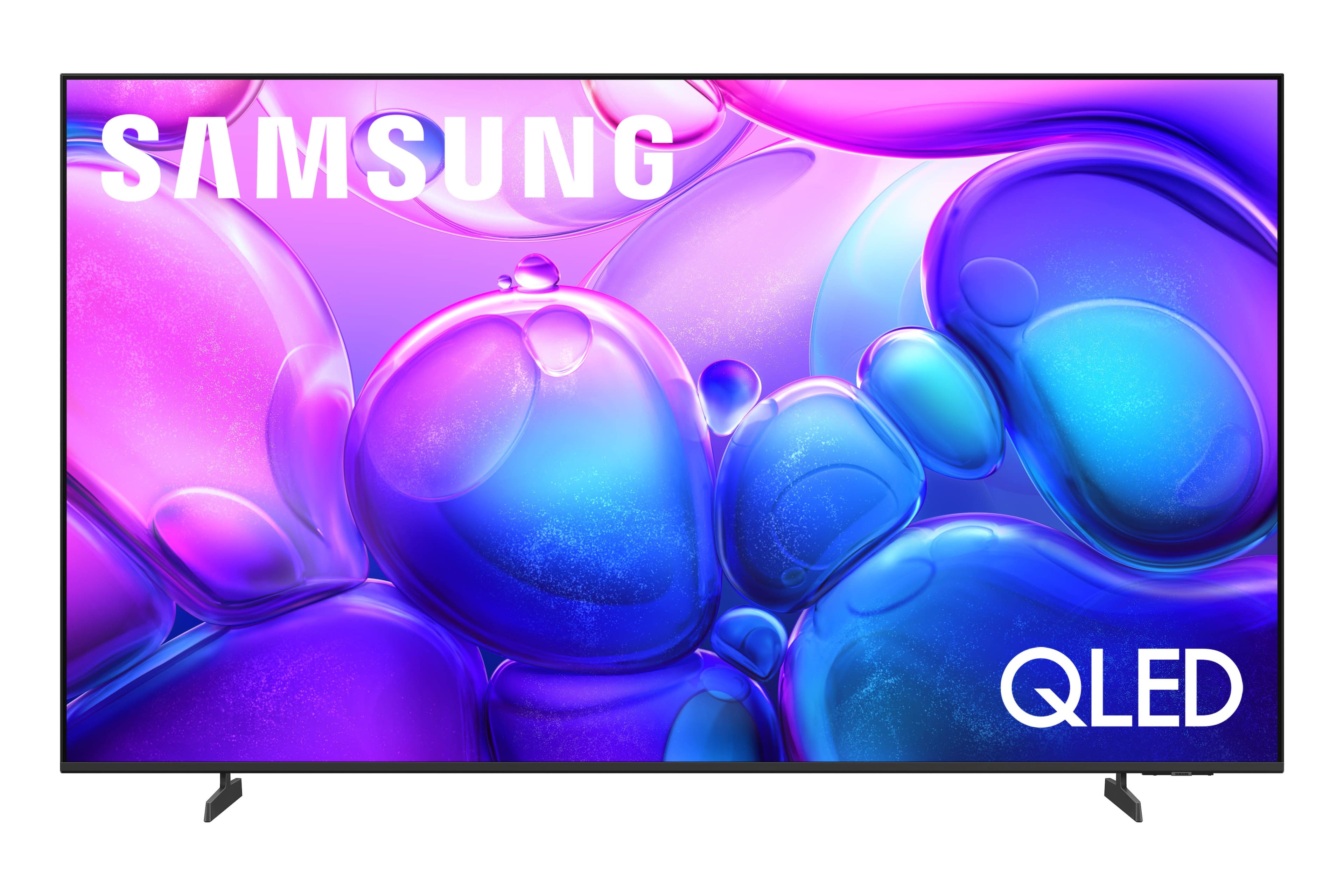
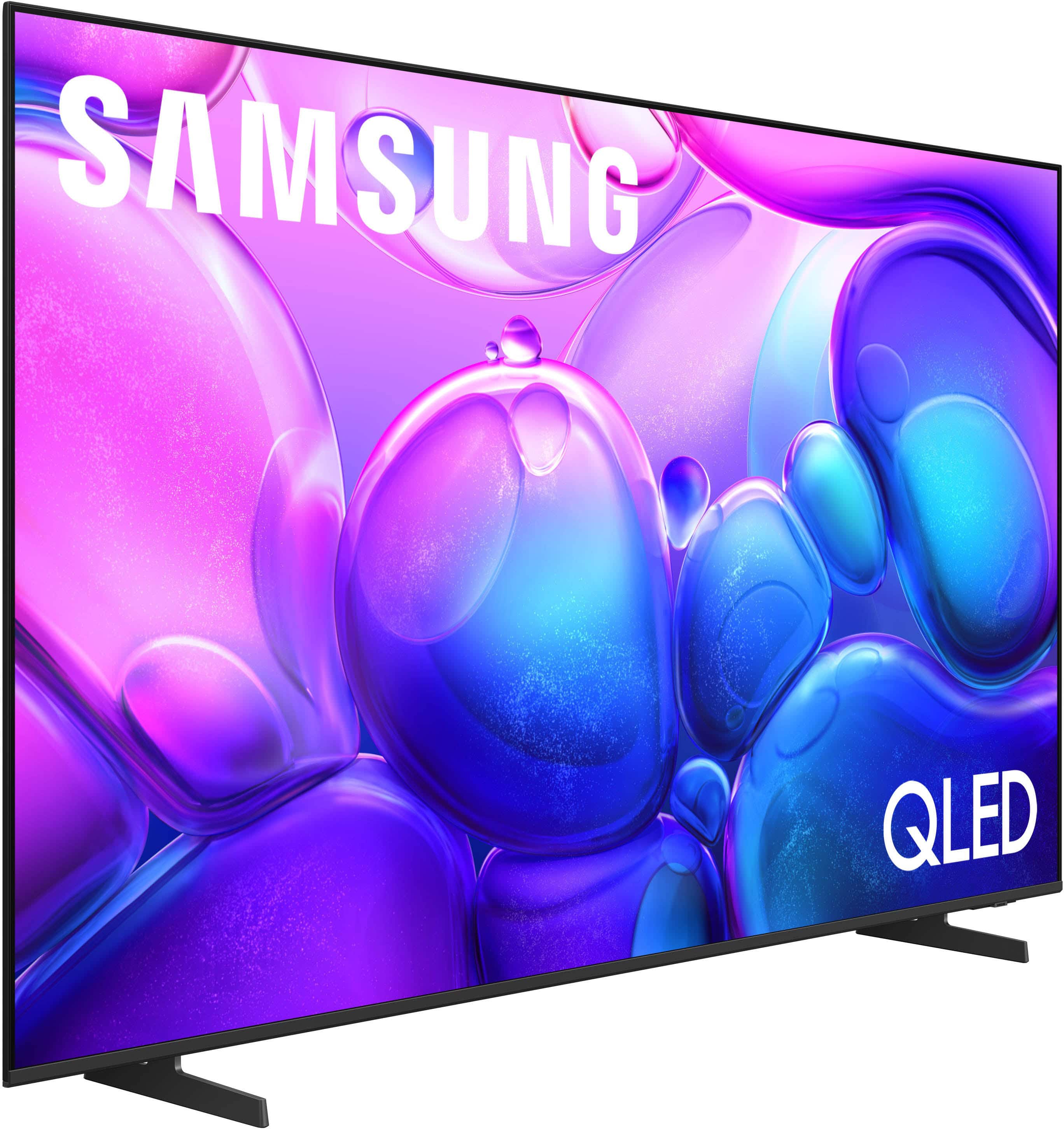



- Model:
- QN65Q6FAAFXZA
- SKU:
- 10761683
Rating by feature
- Picture Quality
Rating 4.8 out of 5 stars
- Sound Quality
Rating 4.6 out of 5 stars
- Brightness
Rating 4.8 out of 5 stars
Fantastic Picture Quality and Smart Performance!
||Posted . Owned for 3 weeks when reviewed.This reviewer received promo considerations or sweepstakes entry for writing a review.I’m really impressed with the Samsung Q6F 65”. The picture quality is bright and colorful, and Vision AI makes everything look sharp. Streaming is smooth, gaming feels responsive, and the design looks premium. Sound is clear enough for daily use. Great value for a smart, feature-rich TV!
I would recommend this to a friendSamsung is the best when it comes to TVs
||Posted . Owned for 3 weeks when reviewed.This reviewer received promo considerations or sweepstakes entry for writing a review.Love it great TV very impressive for the price I recommended to anyone that’s interested in buying a TV
I would recommend this to a friendBig is good!
||Posted . Owned for 3 weeks when reviewed.This reviewer received promo considerations or sweepstakes entry for writing a review.So far, the TV is great and we are enjoying the bigger screen.
I would recommend this to a friendPlease pick us
||Posted . Owned for 3 weeks when reviewed.This reviewer received promo considerations or sweepstakes entry for writing a review.Great TV. We love it! No more cable box. Smart tv. Super happy with it.
I would recommend this to a friendBright Room TV
||Posted . Owned for 3 weeks when reviewed.This reviewer received promo considerations or sweepstakes entry for writing a review.This TV is perfect for bright rooms. This is 65inch QLED.
I would recommend this to a friendSamsung 65" TV
||Posted . Owned for 3 weeks when reviewed.This reviewer received promo considerations or sweepstakes entry for writing a review.Daughter and I carried it up 3 flights of stairs. Thin and light weight. Easy to setup. Great picture quality and true to life colors. Perfect for the living room. Couldn't beat the price.
I would recommend this to a friendSamsung
||Posted . Owned for 3 weeks when reviewed.This reviewer received promo considerations or sweepstakes entry for writing a review.Excellent TV nice picture I will get other one for next time thank you.
I would recommend this to a friendGeek Squad warranty works!
||Posted . Owned for 3 weeks when reviewed.This reviewer received promo considerations or sweepstakes entry for writing a review.The delivery/install techs were top notch! New TV picture is crisp with great colors.
I would recommend this to a friendNew TV
||Posted . Owned for 3 weeks when reviewed.This reviewer received promo considerations or sweepstakes entry for writing a review.The experience was good even though I had a bummed TV from the get-go had to drive 10 hours to get a broken TV and then do to bad weather and then had to return it driving over 6 hours to return it because you guys don’t deliver up where we’re at which kind of sucks better than that. It was a good experience.
I would recommend this to a friendSamsung tv
||Posted . Owned for 2 weeks when reviewed.This reviewer received promo considerations or sweepstakes entry for writing a review.Samsung always makes great tvs. Picture quality is very good. Only buy Samsung tvs
I would recommend this to a friendAwesome TV
||Posted . Owned for 1 month when reviewed.This reviewer received promo considerations or sweepstakes entry for writing a review.Great TV at a great price!!! Crystal clear picture and easy set up with current Harmony universal remote.
I would recommend this to a friendSolid Upgrade
||Posted . Owned for 2 weeks when reviewed.This reviewer received promo considerations or sweepstakes entry for writing a review.This TV is great for the price point. Definitely an upgrade from my previous TV and perfect in my space.
I would recommend this to a friendAmazing product
||Posted . Owned for 1 week when reviewed.This reviewer received promo considerations or sweepstakes entry for writing a review.Exception and functional tv at an affordable cost. Pairs well with other Samsung products on the SmartThings app
I would recommend this to a friendQLED is in fact all it’s cracked up to be!
||Posted . Owned for 3 months when reviewed.This reviewer received promo considerations or sweepstakes entry for writing a review.Such an upgrade from our last TV! Worth the investment!
I would recommend this to a friendFinished Basement!!
||Posted . Owned for 2 weeks when reviewed.This reviewer received promo considerations or sweepstakes entry for writing a review.Wonderful purchase for our newly finished basement
I would recommend this to a friendMust buy!!!
||Posted .This reviewer received promo considerations or sweepstakes entry for writing a review.I love it I been a Samsung lover since my first one in 2016 and they still to this day nvr disappoint
I would recommend this to a friendHooking up issue
||Posted . Owned for 2 weeks when reviewed.This reviewer received promo considerations or sweepstakes entry for writing a review.Having trouble with hook up-surround sound, Starwood, dvd blue ray
I would recommend this to a friendDefective Item - store will not return
||Posted .This reviewer received promo considerations or sweepstakes entry for writing a review.Defective product has a big blobbed corner and the store will not accept the return.
No, I would not recommend this to a friendBrand response from Samsung
Posted .DaisyA,
We appreciate your review. So we can better understand the issues you’re experiencing and provide you with troubleshooting assistance, please reach out to Samsung Customer Support at 1-800-SAMSUNG, available daily from 8AM - 12AM EST. You can also chat with a LiveChat agent by clicking the ‘Support’ link on our website for:
• Live Chat
• Manuals, Software, & Warranty Info
• Creating a Service ticket
~ Samsung Specialist
The wrong TV
||Posted . Owned for 2 weeks when reviewed.This reviewer received promo considerations or sweepstakes entry for writing a review.The color on this TV is very bad. Discolored image. I wish I can return it .
No, I would not recommend this to a friendBrand response from Samsung
Posted .DrissaT,
We appreciate your feedback on the picture quality of Samsung’s Q6F TV. If the image doesn’t quite match your preferences, there are several adjustments you can make to better suit your viewing environment and content type.
First, please ensure your TV is running the latest firmware, as updates may include important picture quality enhancements. Go to: Home > Left directional button > Settings > Support > Software Update > Update Now
To explore picture mode options, navigate to: Home > Left directional button > Settings > All Settings > Picture > Picture Mode. Options include:
• Standard – Ideal for general viewing
• Dynamic – Brighter and more vibrant for well-lit spaces
• Eco – Optimized for energy efficiency
• Movie – Best for viewing in low light
• Filmmaker Mode – Preserves the content creator’s intent and disables motion smoothing for supported content
You can further customize your image by going to: Settings > All Settings > Picture > Expert Settings, where you can adjust Brightness, Contrast, Color Tone, Sharpness, Contrast Enhancer and more.
If you’d like help finding the best picture settings for your preferences, please don’t hesitate to contact Samsung Support at 1-800-SAMSUNG, available 8AM – 12AM EST, 7 days a week. You can also LiveChat with an agent or explore additional resources on our website by clicking the ‘Support’ link.
~ Samsung Specialist
Major upgrade from UN7900!
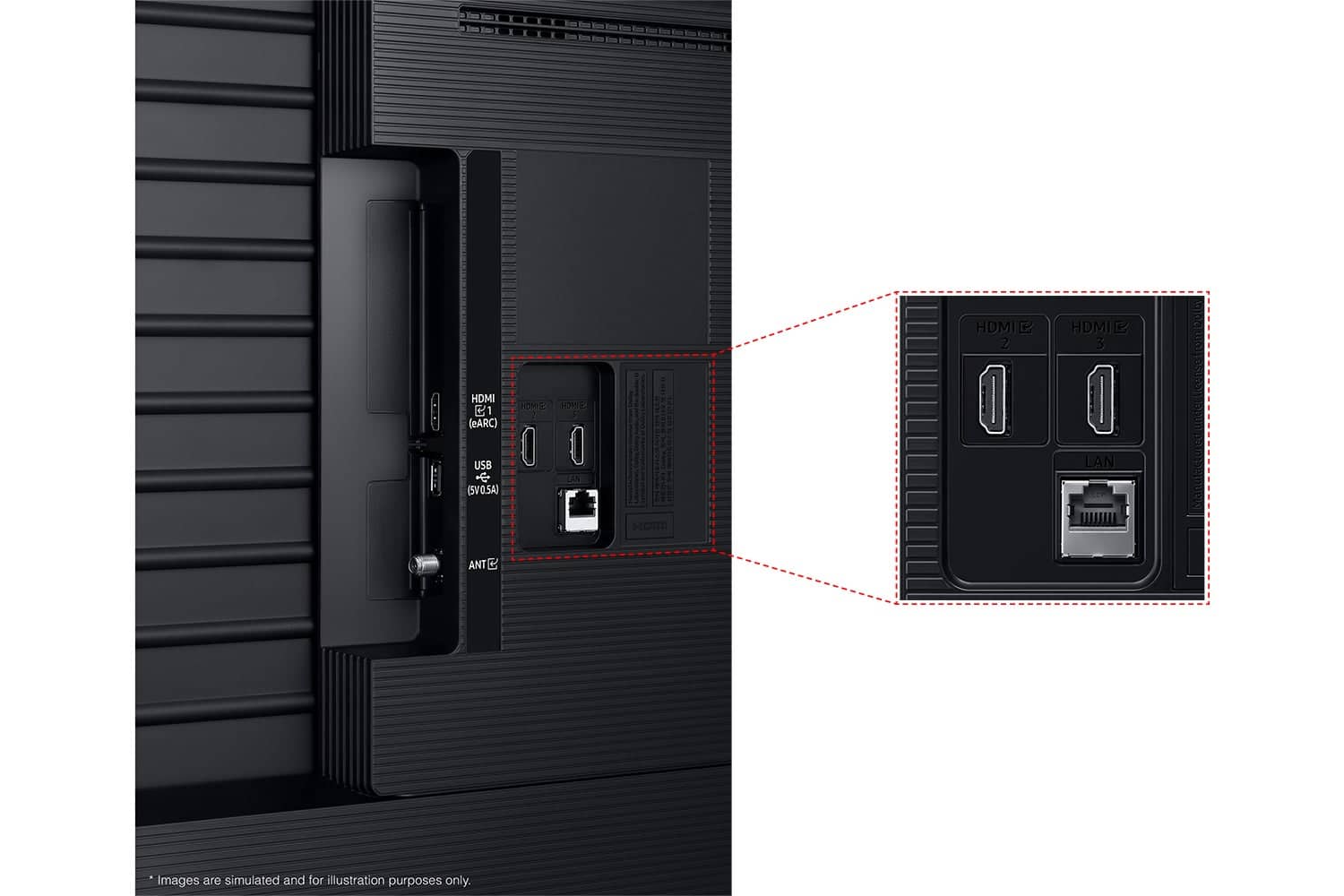
||Posted . Owned for 1 month when reviewed.This reviewer received promo considerations or sweepstakes entry for writing a review.I upgraded from a tv around 7 years old, and this has been an amazing upgrade that leaves not only myself, my family, and my guests impressed. Very happy with the picture quality and relative ease of use. One change I'd like to see is more than 2 HDMI ports. I generally only use 2 devices, but would like the option for a 3rd. Otherwise the largest concern I have with the TV is the lack of optical output, so I have to run my streaming device through my soundbar in order to achieve functionality. Minor in the grand scheme when compared to the overall quality of the unit!
I would recommend this to a friend