Customer Ratings & Reviews
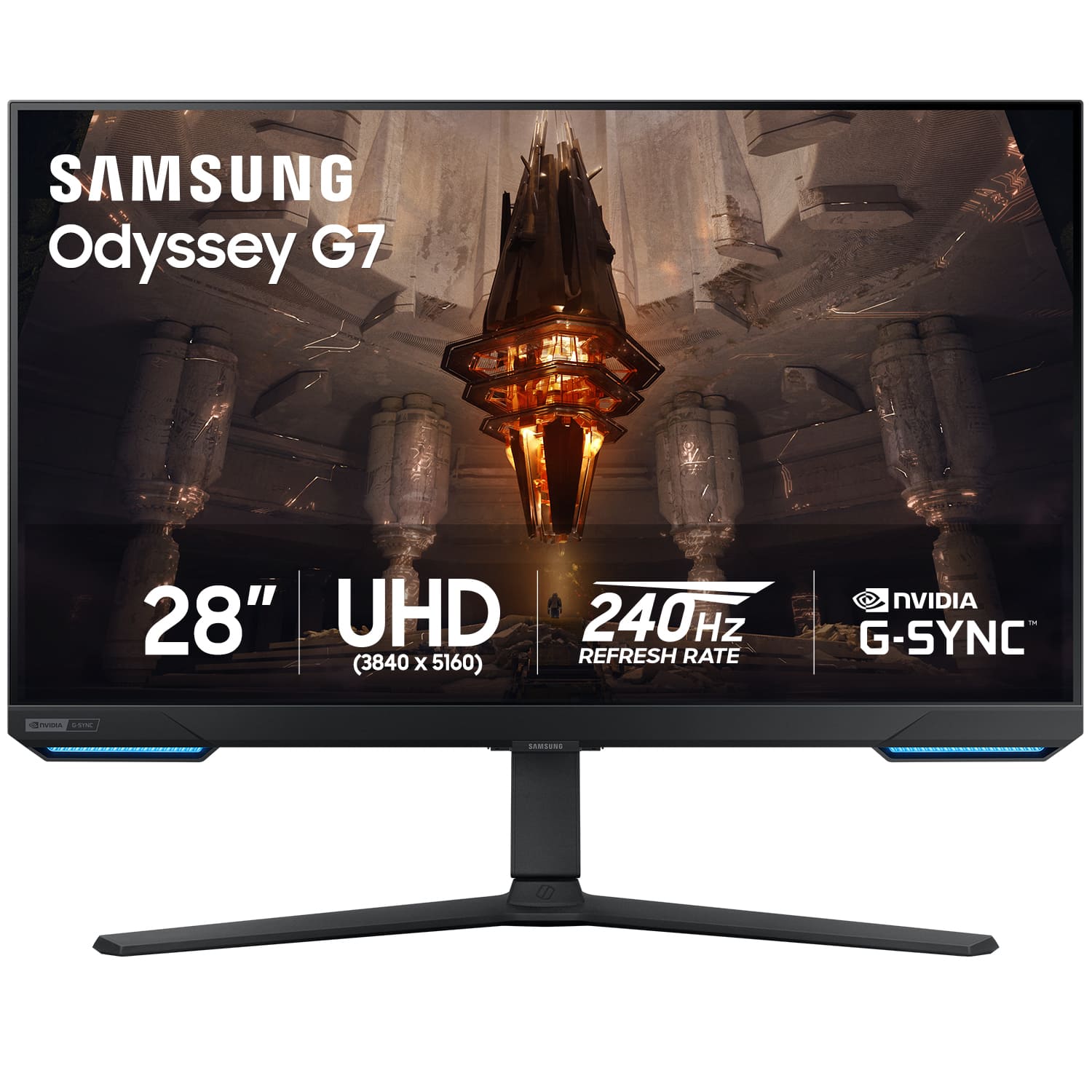
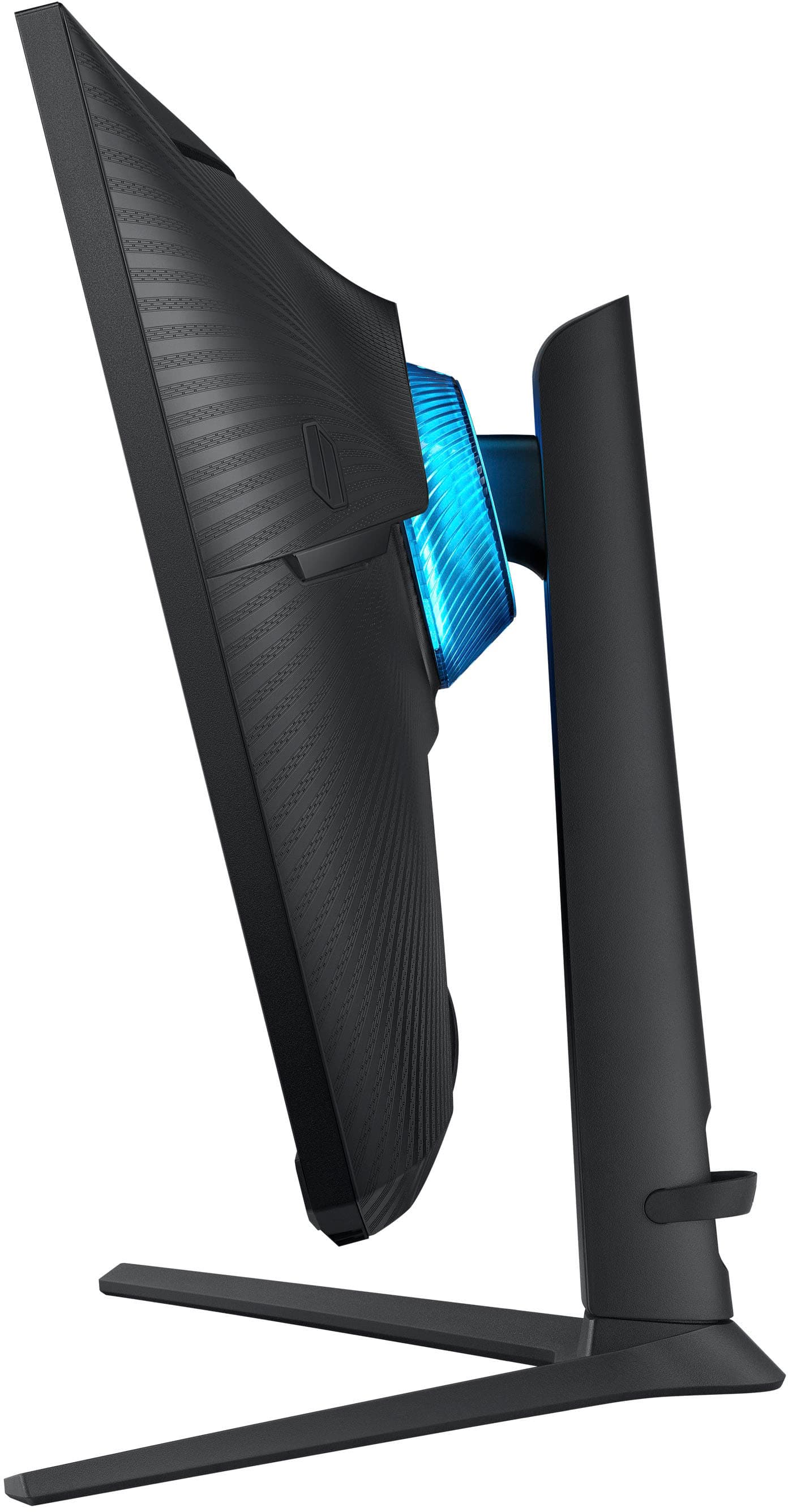
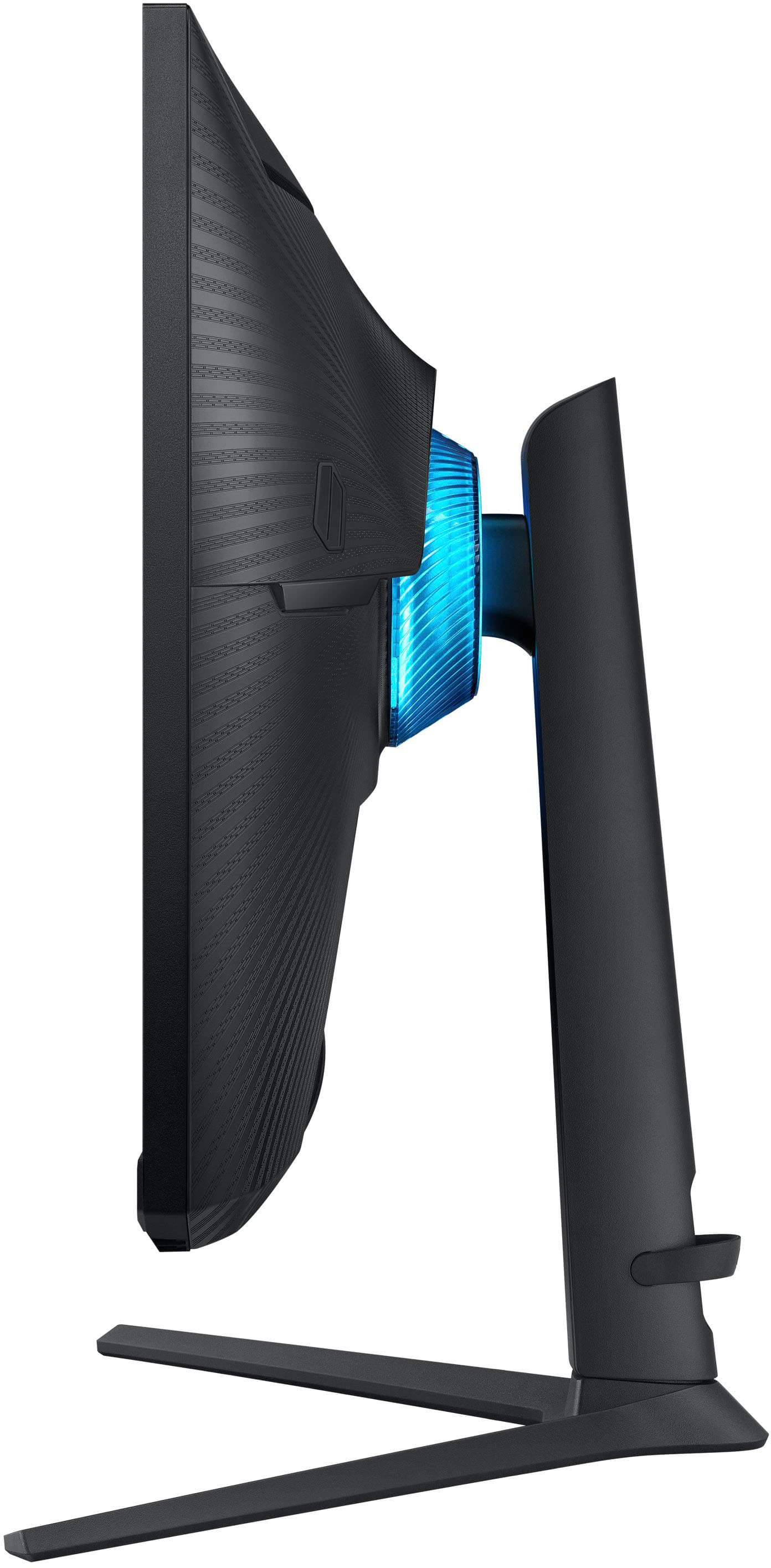

- Model:
- LS28BG702ENXGO
- SKU:
- 6519254
Rating by feature
- Display Quality
Rating 4.6 out of 5 stars
- Ease of Use
Rating 4.3 out of 5 stars
- Features
Rating 4.5 out of 5 stars
Customers are saying
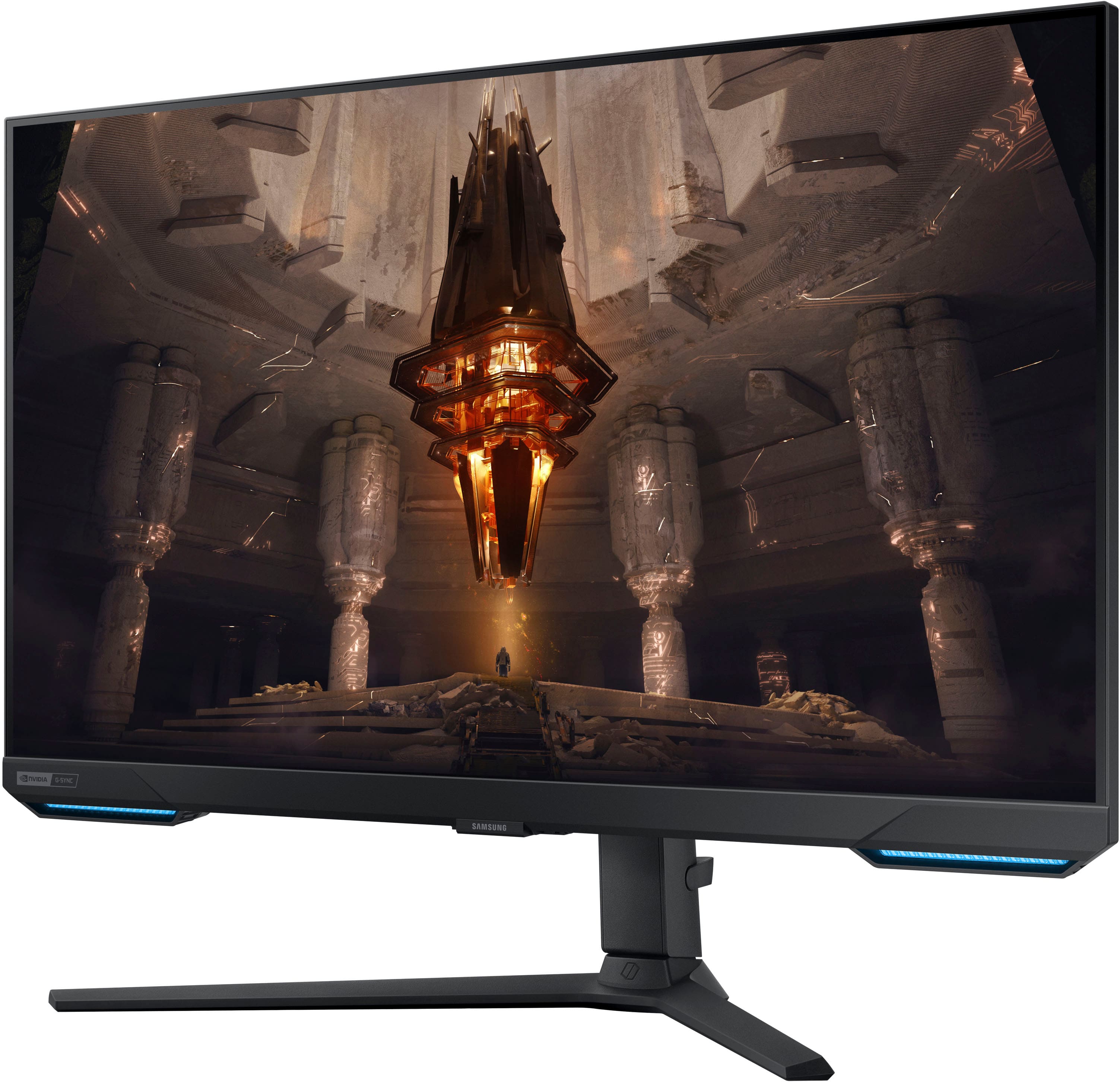
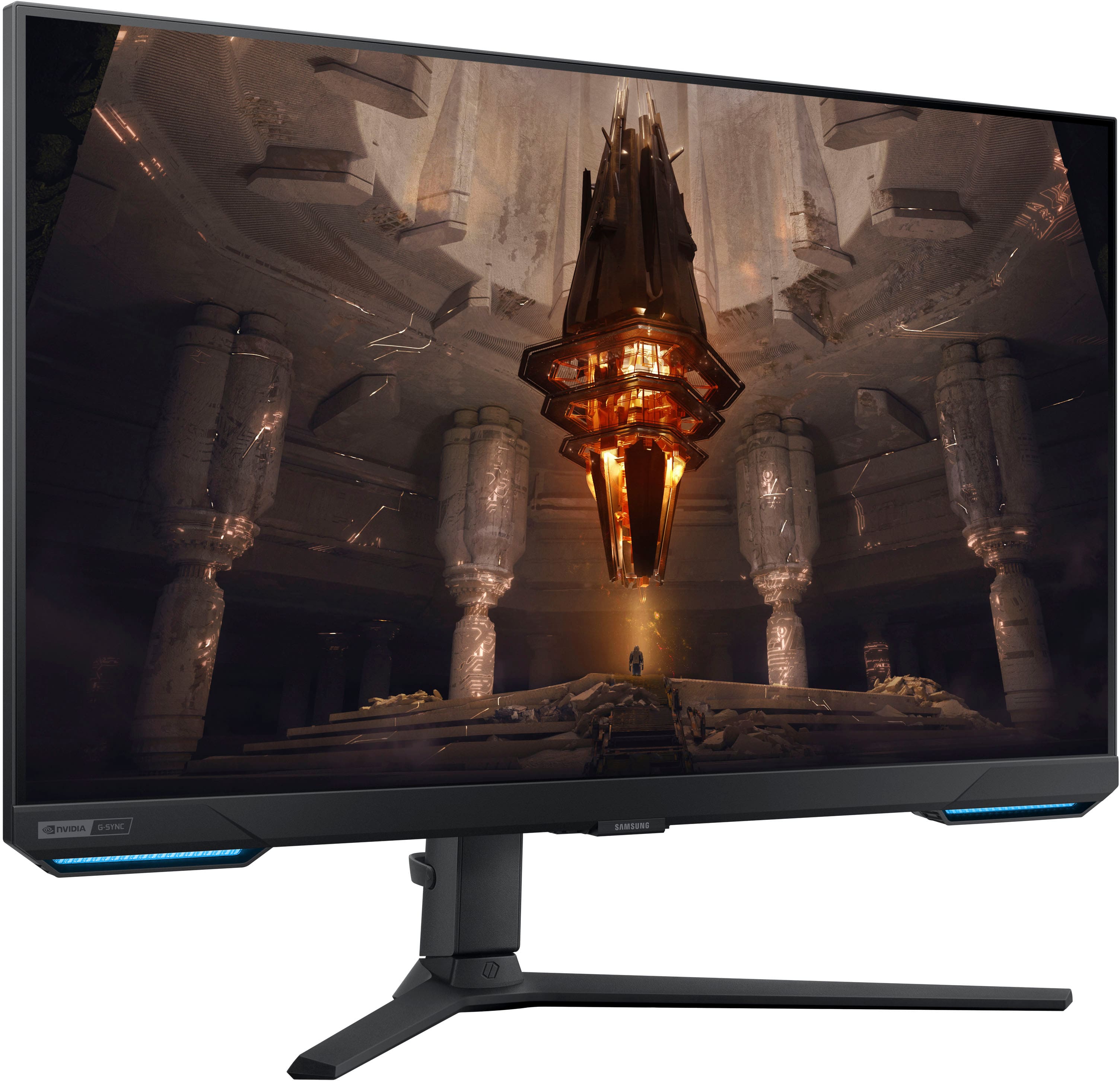
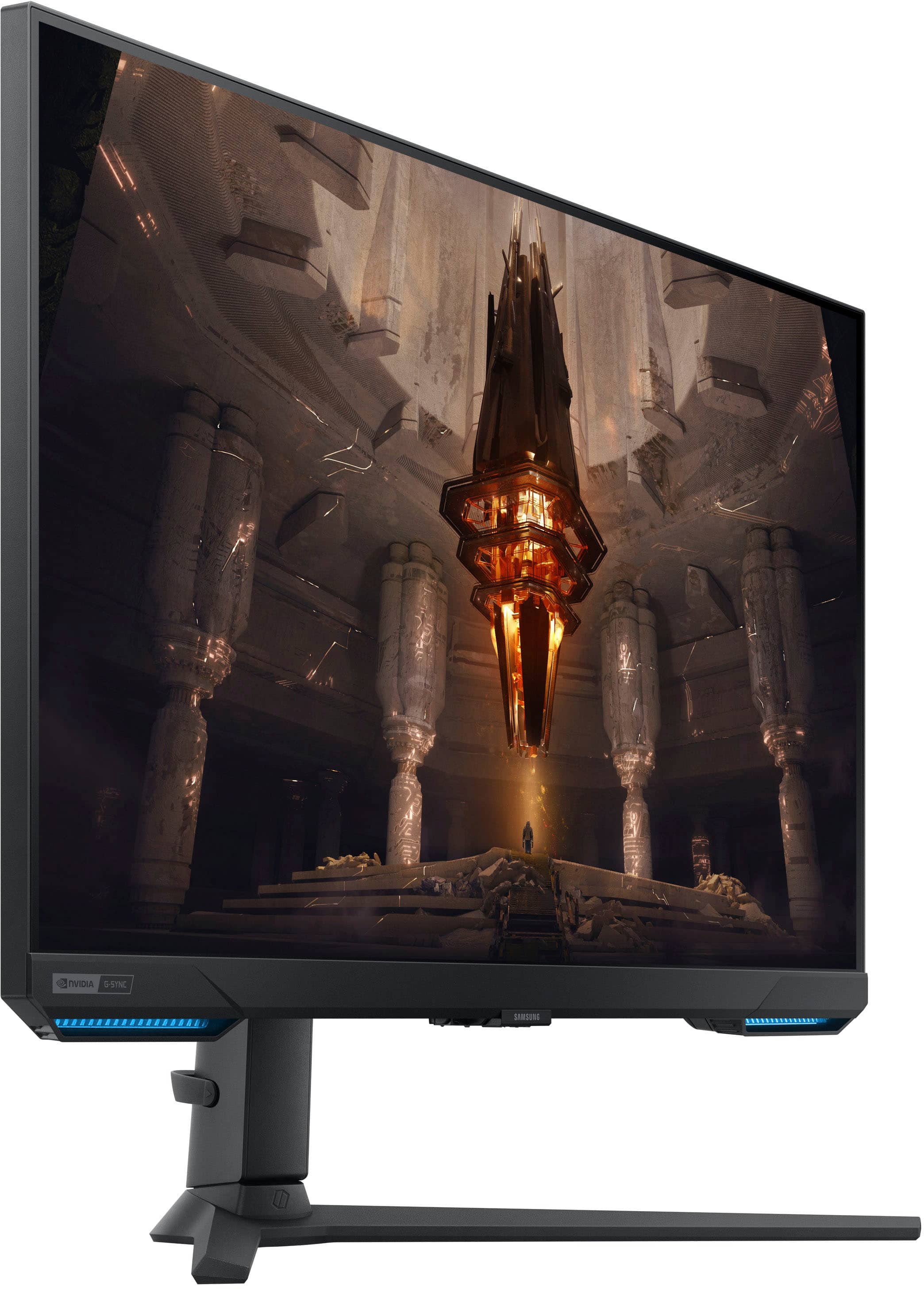
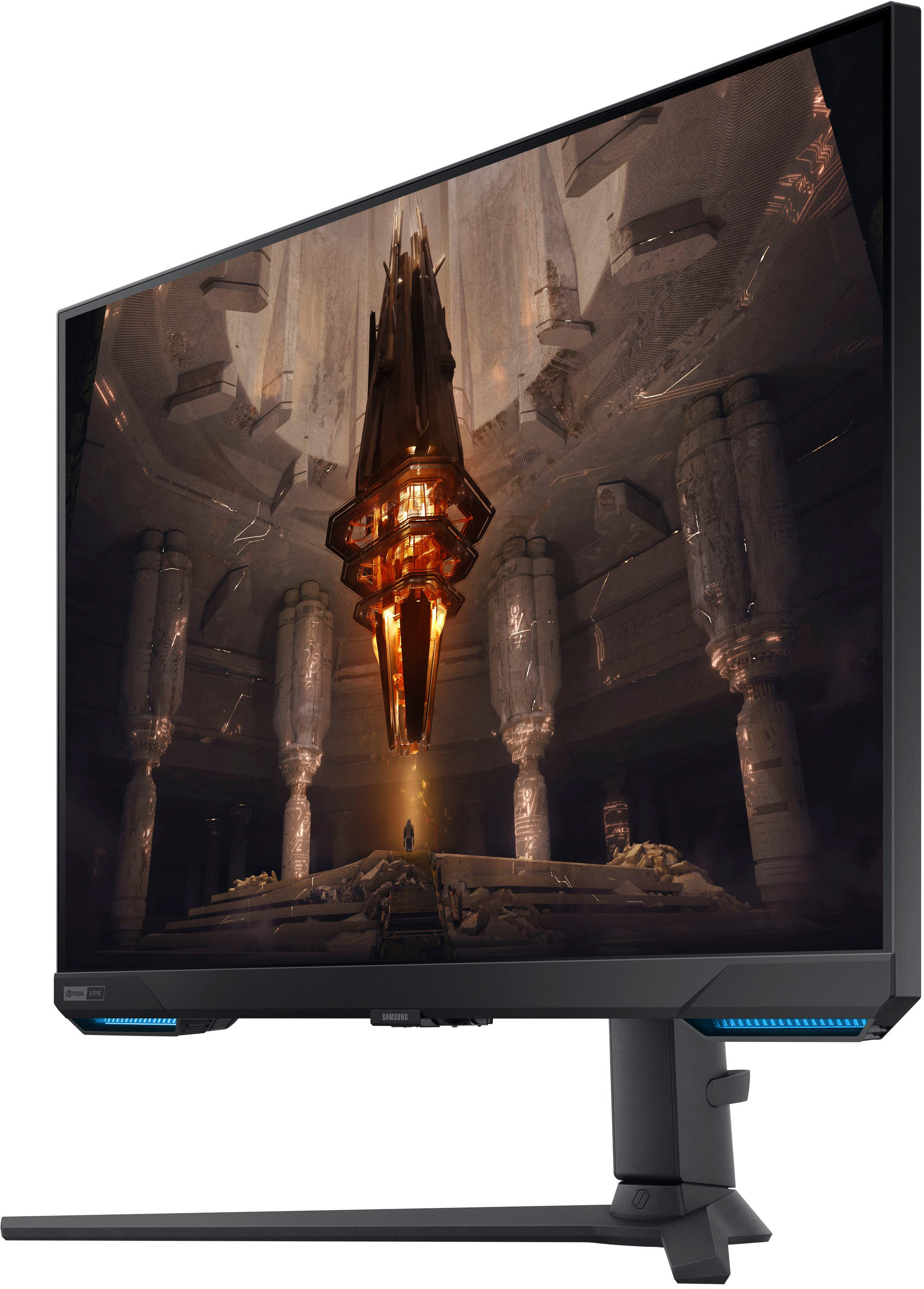
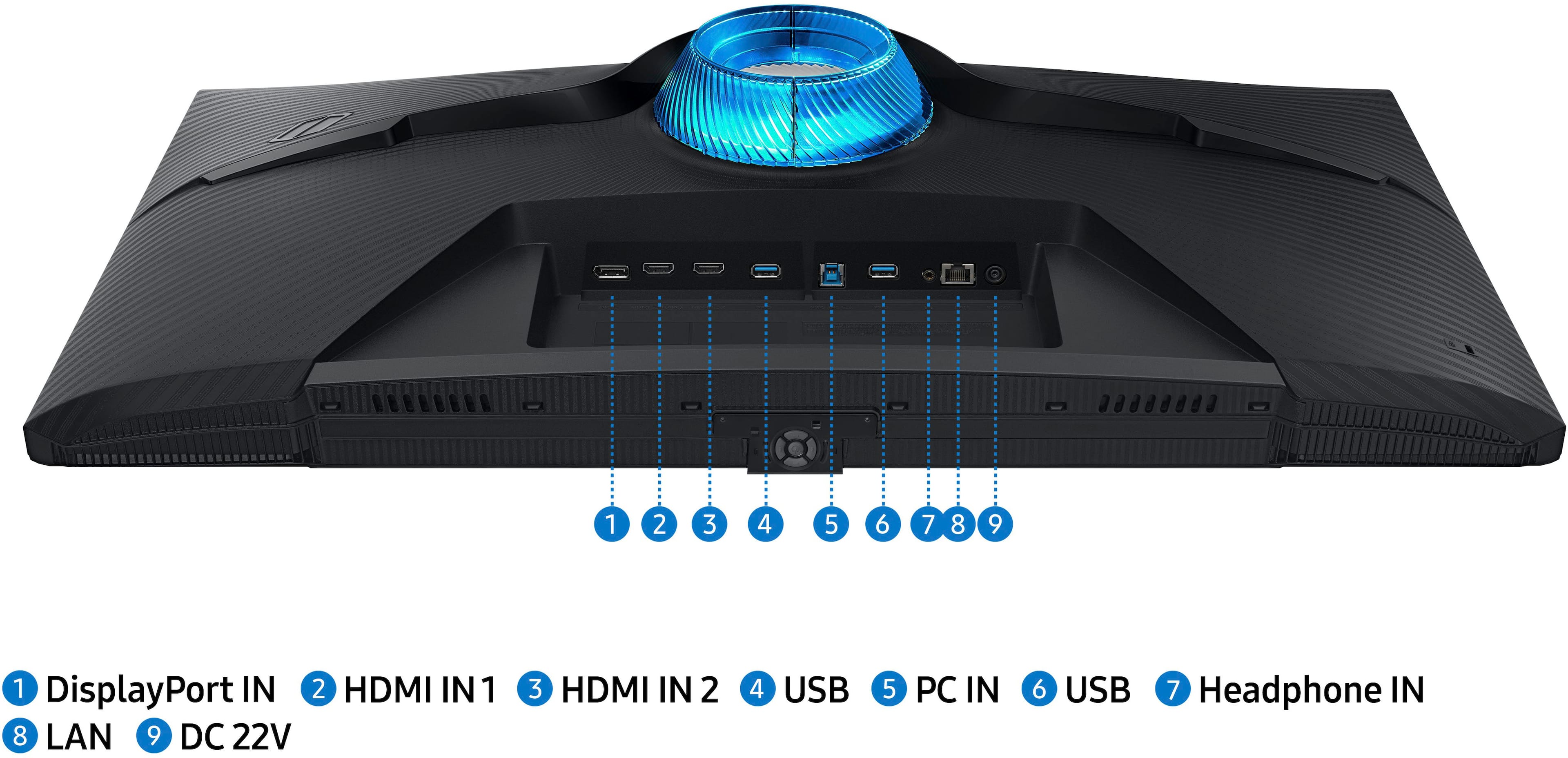
Customers express satisfaction with the Odyssey G7 monitor's picture quality, refresh rate, and color accuracy, frequently praising its vibrant visuals and smooth gameplay. Many also appreciate the built-in speakers and smart TV functionality. However, some users reported issues with the display port connection and HDR functionality, suggesting potential improvements in these areas. A few customers also mentioned concerns about the price and occasional flickering.
This summary was generated by AI based on customer reviews.
Good monitor for the money
||Posted . Owned for 1 month when reviewed.This reviewer received promo considerations or sweepstakes entry for writing a review.This is a very nice monitor for my simulation and general use requirements. Still playing with the settings but the picture is clear and sharp. Excellent for the price but not the best for hard-core gaming.
I would recommend this to a friendMind blown
||Posted . Owned for 1 week when reviewed.This reviewer received promo considerations or sweepstakes entry for writing a review.Ive been gaming for a couple of decades now and about half on a pc. All of my past monitors have been 1080p i didnt know anything else then my eyes were open to 1440 and 4k. My gosh the games ive been playing forever feel like new cause now its so beautiful. If you have the chance to get a new monitor this is a great buy.
I would recommend this to a friendgood price
||Posted . Owned for 7 months when reviewed.This reviewer received promo considerations or sweepstakes entry for writing a review.bansmsladhhduwkslaMmNzzb z. vbaamamsskdndndndndsns
I would recommend this to a friendOdyssey G7
||Posted . Owned for 1 month when reviewed.This reviewer received promo considerations or sweepstakes entry for writing a review.Ordered the Samsung Odyssey g7 looking for an upgrade to my old monitor. Picture quality is excellent and the features make it an awesome purchase!
I would recommend this to a friendPerfect for gamers
||Posted .This reviewer received promo considerations or sweepstakes entry for writing a review.Love it. Perfect for gaming. Beautiful picture. Great buy
I would recommend this to a friendSolid
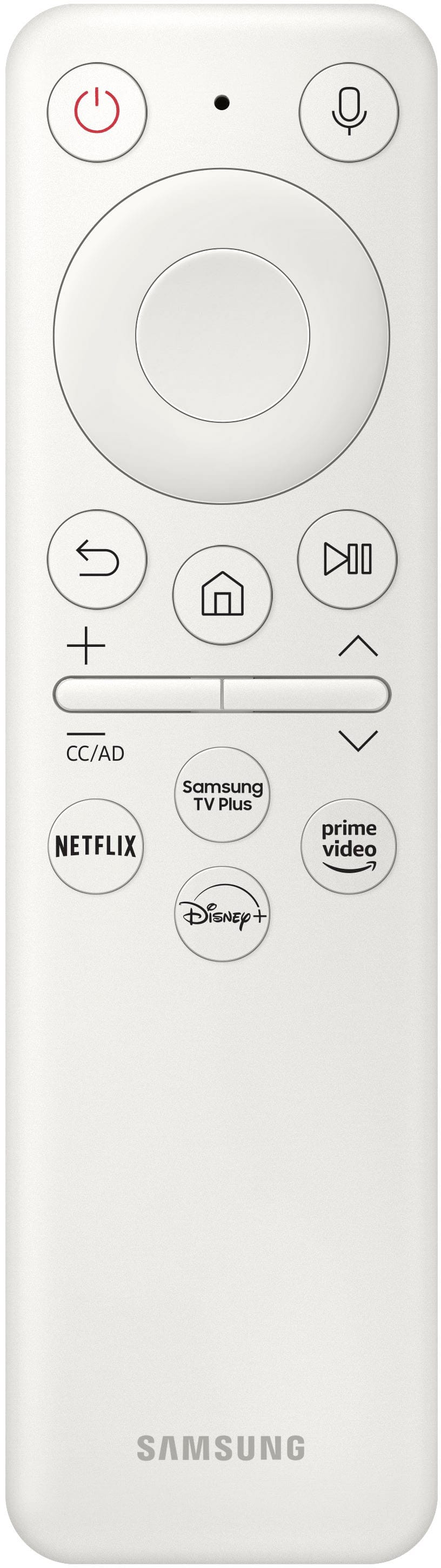
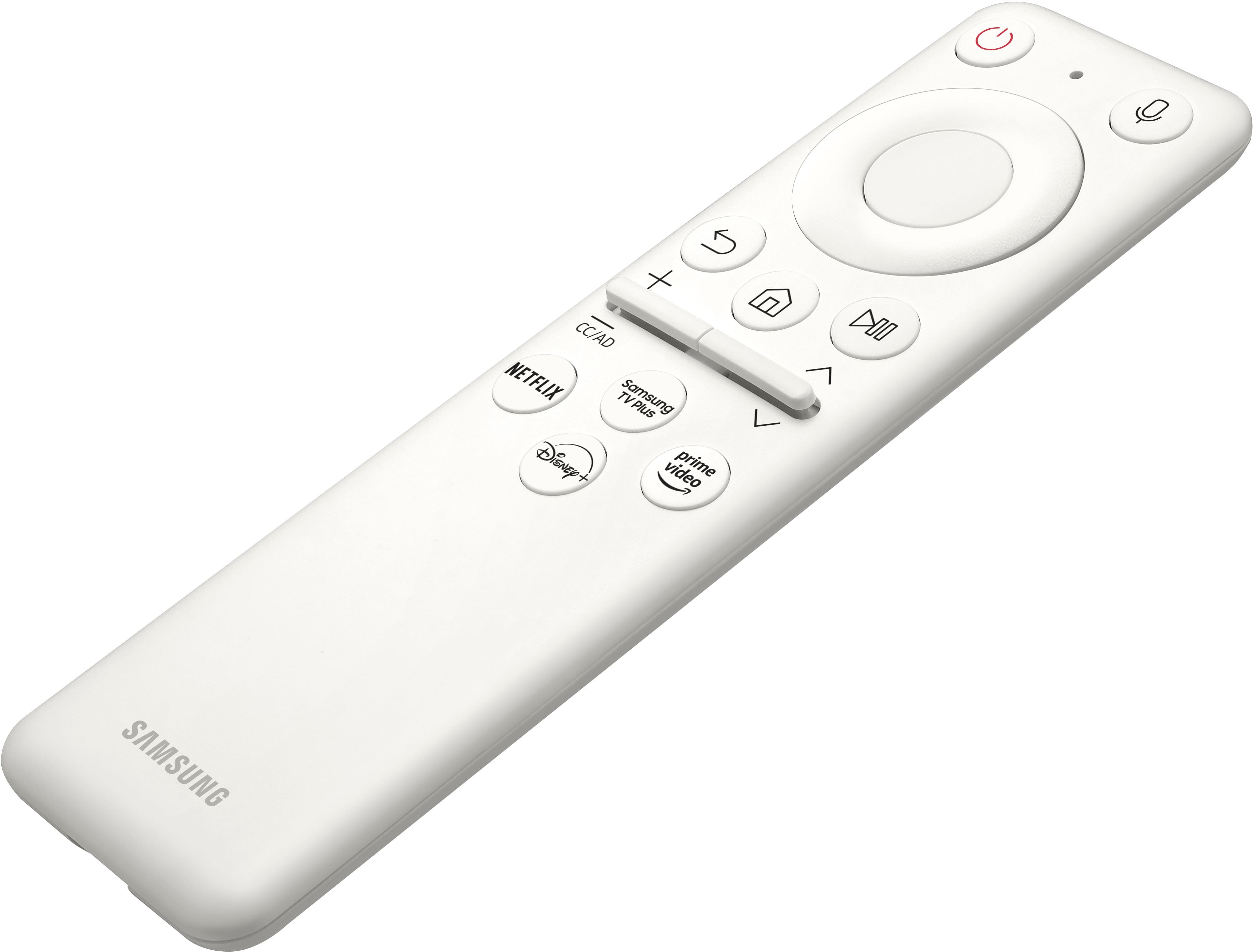
||Posted . Owned for 1 month when reviewed.This reviewer received promo considerations or sweepstakes entry for writing a review.Does the job, and looks nice. The remote works with all samsungs so be careful what's picking up that signal! I've had one or two instances where it will turn on by itself, other than that its been good. The smart app for internet is garbage though, I did try that. Mostly use this for Video games and entertainment.
I would recommend this to a friend- Pros mentioned:Picture quality
If you want a smart "TV"...
||Posted . Owned for 3 weeks when reviewed.This reviewer received promo considerations or sweepstakes entry for writing a review.If you want a smart "TV" this is ok. I wanted a monitor. With this product you need to create a Samsung account, etc. Not for me. Visually, it seems ok. Remote is a nice touch.
No, I would not recommend this to a friendBrand response from Samsung
Posted .Thank you for your purchase and review of the 28" Odyssey G7 gaming monitor. We are sorry to hear that your monitor did not meet your expectations. Your overall feedback is important to us and have documented your concerns. Samsung is committed to providing the best possible product experience, quality, and value, and we are always here to help with any of your questions or concerns. If there is anything else we can do to assist you and improve your product experience, please contact Samsung Customer Support via: 1-800-SAMSUNG, available 8AM - 12AM EST (Mon-Fri) / 9AM - 11PM EST (Sat-Sun).

Good 4K monitor
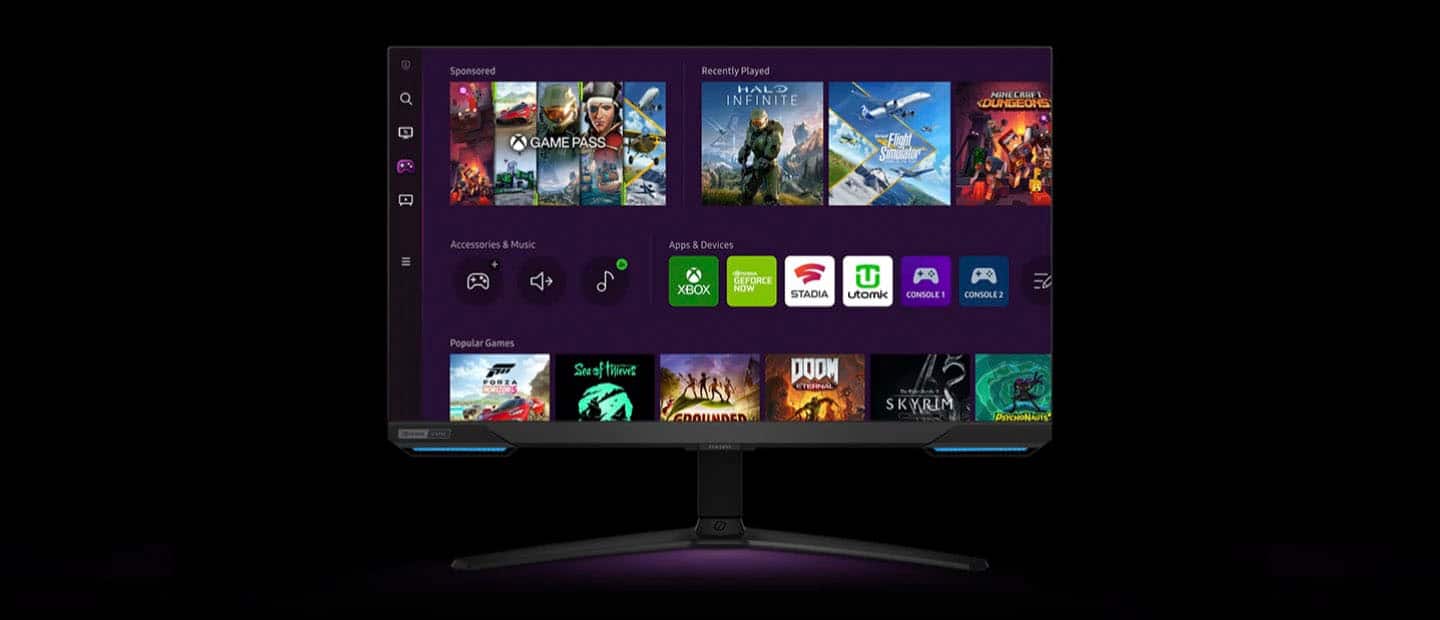
||Posted . Owned for 2 weeks when reviewed.This reviewer received promo considerations or sweepstakes entry for writing a review.It’s a good monitor for PC gaming at 4K, but the Samsung UI / software can definitely make the set up and connecting slower. It feels like also like a TV because of the Smart TV-like UI and the ability to connect to YouTube or Netflix directly.
No, I would not recommend this to a friend- Pros mentioned:Picture quality
G7
||Posted . Owned for 3 weeks when reviewed.This reviewer received promo considerations or sweepstakes entry for writing a review.Nice display. Quite an overkill for my needs, but for the sale price I couldn't pass it up.
I would recommend this to a friend - Pros mentioned:Refresh rate
Nice monitor
||Posted . Owned for 3 weeks when reviewed.This reviewer received promo considerations or sweepstakes entry for writing a review.I LOVE THE EXTREME REFRESH RATE! Super fast and the resolution/fps is. Chefs kiss
I would recommend this to a friend Good, but not outstanding.
||Posted .This reviewer received promo considerations or sweepstakes entry for writing a review.It is an okay monitor. It is nice to have built in speakers and 4K, but I did not have a use for the smart TV features. It is a good monitor, but not outstanding in any way.
I would recommend this to a friendGreat quality, bad bloatware
||Posted . Owned for 3 weeks when reviewed.This reviewer received promo considerations or sweepstakes entry for writing a review.Quality is second to none. The main issue I have is woth how intrusive it is. "Gaming overlay" likes to stay up for 10 seconds. It likes to default to "samsung tv" for input, and i have to change back to pc vis the remote. And about 75% of the buttons on the remote take it out of being a monitor and to all of samsungs smartv functions. I ended up taking it out of gaming mode, and disconnected from wifi to help somewhat, but still intrusive
I would recommend this to a friendBrand response from Samsung
Posted .Thank you for bringing this issue to our attention as Samsung is committed to providing the best possible product experience, quality, and value. Samsung greatly values our customers’ feedback and we utilize your concerns and opinions in our relentless efforts towards delivering world-class products. We are very sorry to hear this product didn't meet your expectations and hope to have you back as a customer again. If there is anything we can do to assist you and improve your product experience, please don't hesitate to contact Samsung Customer Support via: 1-800-SAMSUNG, available 8AM - 12AM EST (Mon-Fri) / 9AM - 11PM EST (Sat-Sun)
gaming monitor
||Posted .This reviewer received promo considerations or sweepstakes entry for writing a review.Excellent picture quality and performance seems to work well with gaming. Interface is a bit slow and clunky for my liking. Got it used so worth it at a discount
I would recommend this to a friendbest 1440p for the price
||Posted . Owned for 1 week when reviewed.This reviewer received promo considerations or sweepstakes entry for writing a review.works great for Apex Legends, if you’re on the fence about upgrading from a 1080p, but are questioning yourself over 1440p over 4k this is NOT A BAD choice I HIGHLY recommend this. for the money, you can’t beat the quality and performance for 1440p
I would recommend this to a friendWorth every penny
||Posted . Owned for 10 months when reviewed.This reviewer received promo considerations or sweepstakes entry for writing a review.Great monitor. Def an upgrade from what I was using. Also enjoy being able to watch tv when not gaming. I highly recommend
I would recommend this to a friendReview
||Posted .This reviewer received promo considerations or sweepstakes entry for writing a review.Good quality picture but I much prefer a curved monitor
I would recommend this to a friendQuality monitor.
||Posted . Owned for 3 weeks when reviewed.This reviewer received promo considerations or sweepstakes entry for writing a review.I have the older version of this. It was a nice surprise that this version came with the remote and has slightly better brightness in my opinion. Overall quality monitor
I would recommend this to a friendLooks good but user interface ruins it.
||Posted . Owned for 8 months when reviewed.This reviewer received promo considerations or sweepstakes entry for writing a review.I really want to love this monitor. I normally only get samsung. However, the UI is just so bad. Everytime I have to adjust settings it makes it a pain in the butt. It really wants you to buy the remote to go with it because half of the time the phone app doesn't work and you have to factory reset everything to get it working again. I use it for my pc and ps5 and both do look good but swapping between the two takes way more time. It makes you go to the homepage which they set up like its a smart tv. Then you have to scroll down until you find the correct input. Now it doesn't seem bad but I have a large desk so I have to lean over and use the dedicated buttons and if I hit the wrong one you have to start over or it will just randomly launch the TV app. IF I WANTED A TV I WOULD HAVE JUST BOUGHT ONE. In the end it looks good but the user experience is so annoying that I will probably be getting something else later on down the line when I have more money.
No, I would not recommend this to a friendBrand response from Samsung
Posted .Thank you for your review. Samsung is committed to providing the best possible product experience, quality, and value. Samsung greatly values our customers’ feedback and we utilize your concerns and opinions in our relentless efforts towards delivering world-class products. We are very sorry to hear this product didn't meet your expectations and hope to have you back as a customer again. If there is anything we can do to assist you and improve your product experience, please don't hesitate to contact Samsung Customer Support via: 1-800-SAMSUNG, available 8AM - 12AM EST (Mon-Fri) / 9AM - 11PM EST (Sat-Sun)
Good monitor
||Posted . Owned for 3 weeks when reviewed.This reviewer received promo considerations or sweepstakes entry for writing a review.I bought this for a second monitor and my current dell laptop AMD with the 3050 Nvidia has some issues with this monitor. Like the other people's reviews, it's constantly flashing, trying to adapt to the video card. I had to turn off game mode and it is more stable now. I also have an HP Omen intel laptop with a 2070 Nvidia, and the monitor works flawlessly. No flashing at all. The monitor works as advertised and has no issues. So its either a 3050 issue or a AMD issue. When i play a game on the dell, and i switich the game mode back, it seems to work ok. At first, i felt like i wasted my money but then when the HP omen worked well with it, i'm loving it. Overall great monitor, just be aware the flashing issues. Additionally, i tried out the xbox game pass cloud app that it is installed on the monitor, and it works very well.
I would recommend this to a friendLove it!!
||Posted . Owned for 1 month when reviewed.This reviewer received promo considerations or sweepstakes entry for writing a review.This is a great 4k smart gaming monitor that can do streaming services as well as a cloud gaming services!
I would recommend this to a friend