Customer Ratings & Reviews

- Model:
- ST-UCM1HM
- SKU:
- 6481383
Rating by feature
- Value
Rating 3.6 out of 5 stars
- Quality
Rating 4.0 out of 5 stars
- Ease of Use
Rating 4.0 out of 5 stars
Customers are saying
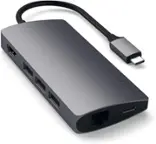
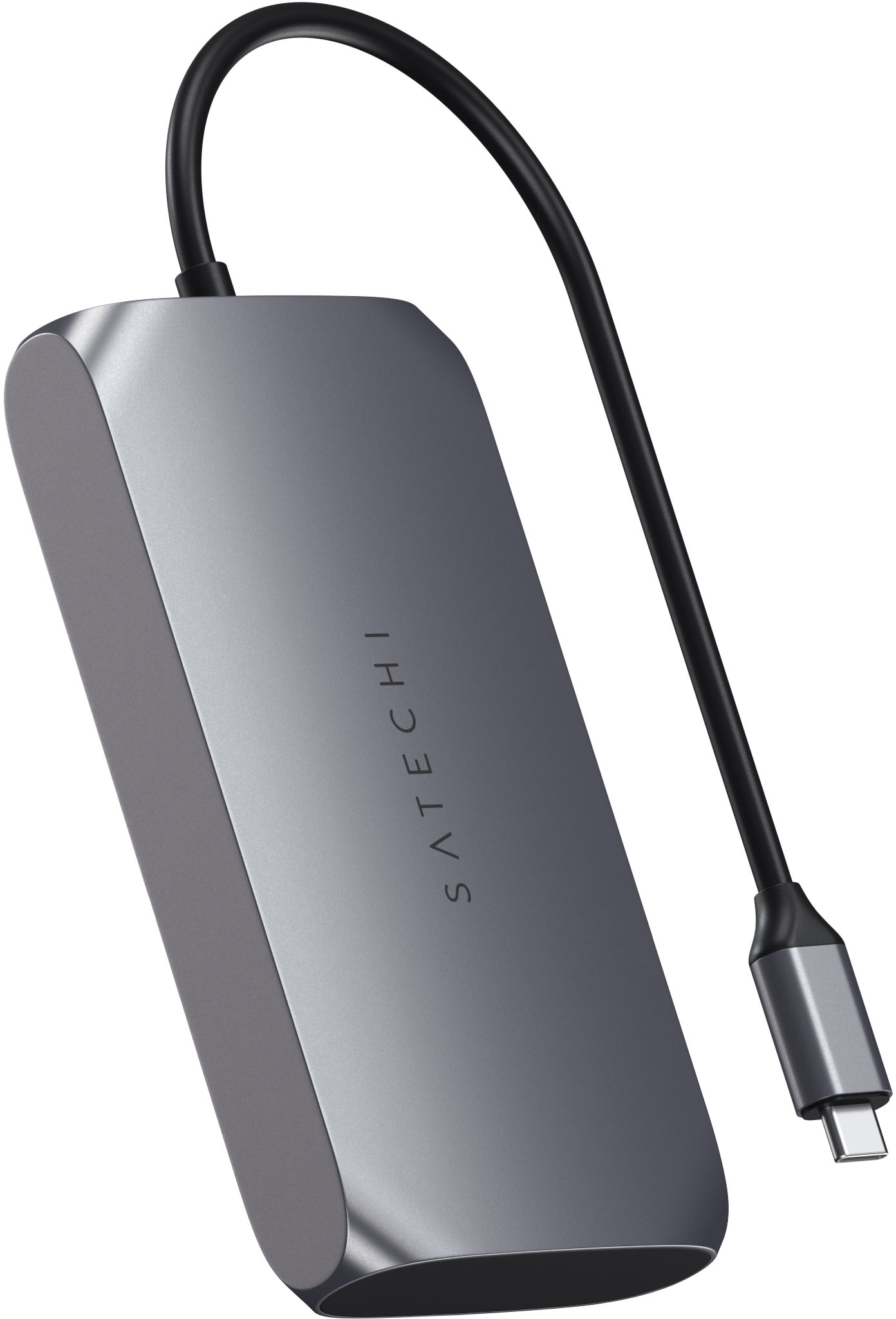
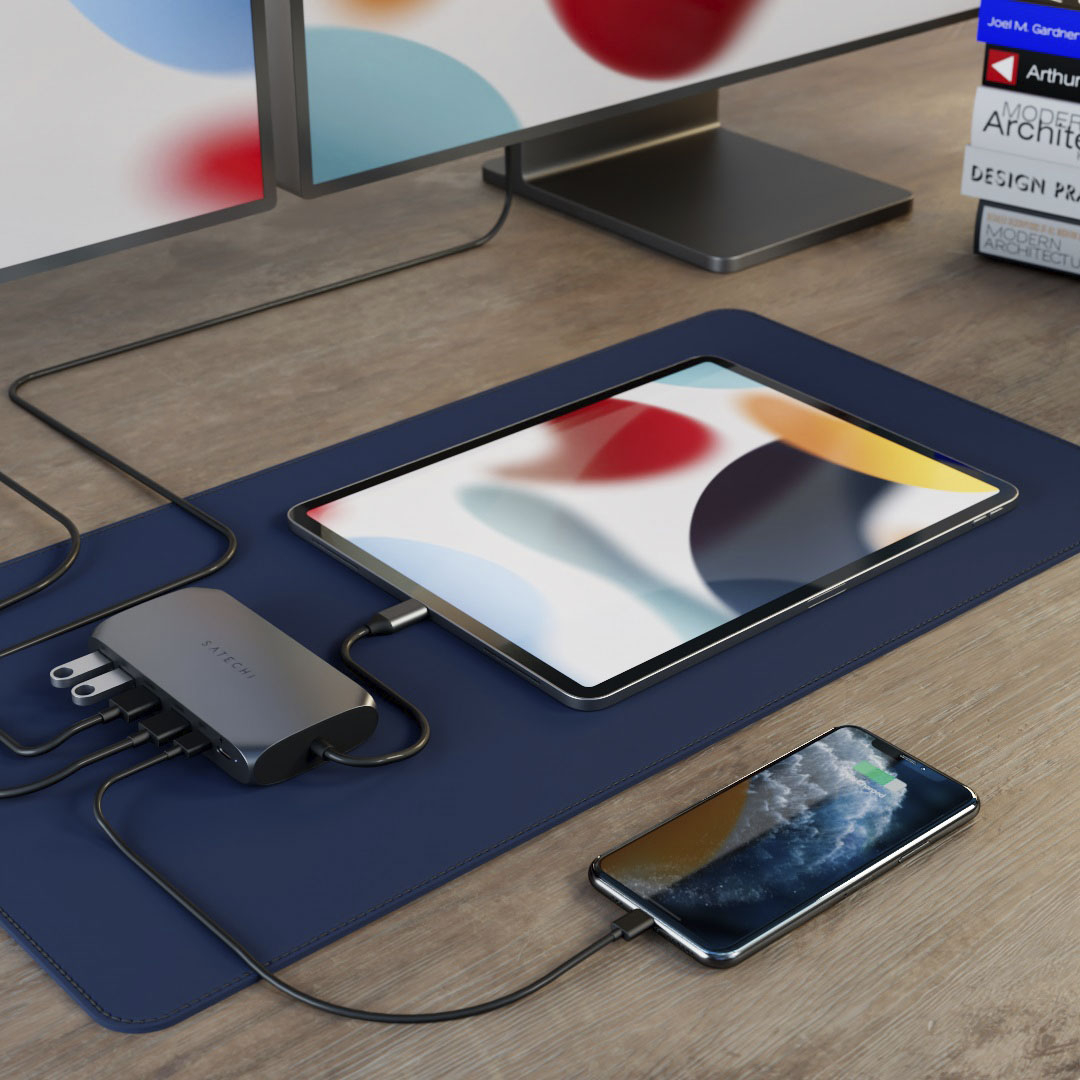
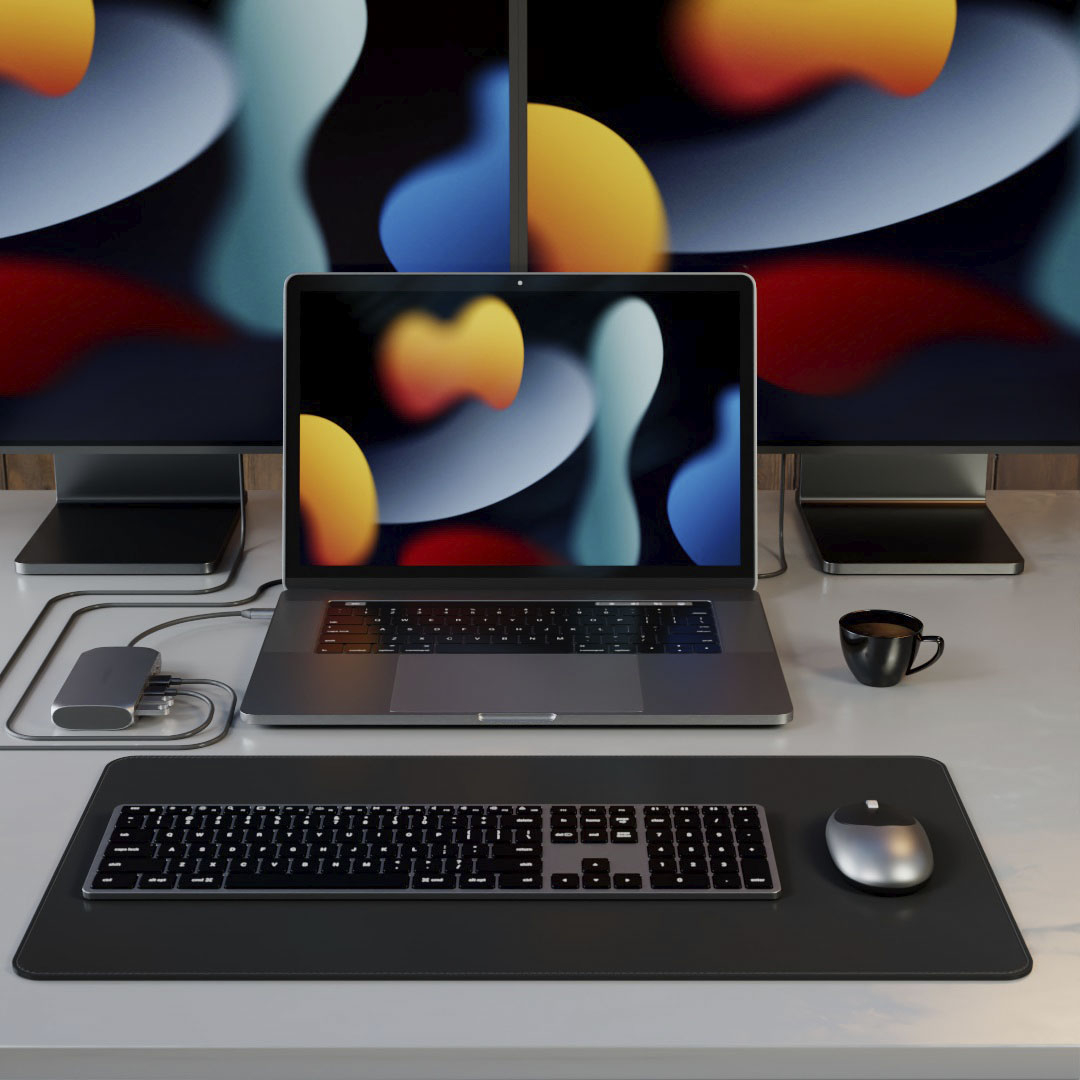
Customers recognize the USB-C Multimedia Adapter's dual 4K HDMI ports as a significant advantage, praising its compatibility with various devices and ease of use. However, some users experienced the adapter running warm, and others found the price to be a drawback. Concerns were also raised regarding the refresh rate limitations on one of the HDMI ports.
This summary was generated by AI based on customer reviews.
- Pros mentioned:Hdmi
great to use for multiple screen
||Posted . Owned for 1 month when reviewed.This reviewer received promo considerations or sweepstakes entry for writing a review.great product for the m1 macbook pro. we use this in church. great for multiple screen.
I would recommend this to a friend - Pros mentioned:Hdmi
Great quality. Used as a docking station.
||Posted . Owned for 1 week when reviewed.This reviewer received promo considerations or sweepstakes entry for writing a review.Works great. High quality. Worth it for the dual hdmi and dual usb-c ports
I would recommend this to a friend - Pros mentioned:Hdmi
Works well
||Posted . Owned for 2 months when reviewed.This reviewer received promo considerations or sweepstakes entry for writing a review.Works for what is needed. Hooks up to several medias. Good value for the price.
I would recommend this to a friend - Cons mentioned:Refresh rate
Not that great for multi display
||Posted . Owned for 1 week when reviewed.This reviewer received promo considerations or sweepstakes entry for writing a review.The software magic being done to fake two displays to work on your M1 mac isn't able to handle a high refresh rate. There is a noticeable amount of lag. I'll keep it though. I still need a hub with power passthrough.
No, I would not recommend this to a friend - Pros mentioned:Compatibility
Great product.
||Posted . Owned for 2 months when reviewed.This reviewer received promo considerations or sweepstakes entry for writing a review.It does exactly what is described by manufacturer and it does it well.
I would recommend this to a friend - Cons mentioned:Heat
A regret that sits with me daily.
||Posted . Owned for 4 months when reviewed.This reviewer received promo considerations or sweepstakes entry for writing a review.An awful experience with the device, along with the manufacturer's individual customer service. One of the HDMI ports decided to randomly die one day, rendering the purchase of this device useless. The software is impossible to find, and to get properly functional. The metal encasing creates a EXCESSIVE amount of heat, and it's an awkward fit on any desk. (This was used with a laptop running Windows 10, which I can tell it was *NOT* made for.) An overall regretful experience, and a cash throwaway.
No, I would not recommend this to a friend - Pros mentioned:Hdmi
2nd monitor hookup
||Posted . Owned for 3 weeks when reviewed.This reviewer received promo considerations or sweepstakes entry for writing a review.needed this to add 2nd monitor to laptop and it works perfect
I would recommend this to a friend - Pros mentioned:Ease of use
Great product
||Posted . Owned for 1 month when reviewed.This reviewer received promo considerations or sweepstakes entry for writing a review.Great product gets job done easy to use easy to setup
I would recommend this to a friend Multimedia adapter
||Posted . Owned for 8 months when reviewed.This reviewer received promo considerations or sweepstakes entry for writing a review.Made my iPad even more of a powerful platform. Very easy to use plug and play.
I would recommend this to a friend- Pros mentioned:Compatibility
Adapter
||Posted .This reviewer received promo considerations or sweepstakes entry for writing a review.So far works as it should be, no complaints here.!
I would recommend this to a friend Port
||Posted . Owned for 1 month when reviewed.This reviewer received promo considerations or sweepstakes entry for writing a review.Very good product Would like more ports Would like more guidance on what connects with power
I would recommend this to a friend- Pros mentioned:Hdmi
Great product
||Posted . Owned for 2 months when reviewed.This reviewer received promo considerations or sweepstakes entry for writing a review.Works great to connect my Macbook Air M1 to two monitors
I would recommend this to a friend - Pros mentioned:HdmiCons mentioned:Price, Refresh rate

30Hz makes no sense
|Posted .This reviewer received promo considerations or sweepstakes entry for writing a review.This multi-port adapter for M1 Macs is a bit of a conundrum for me. I was excited to see a display adapter that could push multiple monitors, not realizing that one of the HDMI ports supports 30Hz max, and the other supports 60Hz max. That’s 100% on me—but it does beg the question, “who is the target audience for this product?” The marketing is strange…it is “intended” for M1 Macs but doesn’t seem to have anything unique that requires an M1 Mac. Still, beyond a couple of HDMI ports, it has a USB-C with power delivery port, another USB-C port, and two USB-A ports. No ethernet, no card readers. It’s just a weird product. It does support two external monitors—and it does a barely acceptable job at that. It touts the ability to support two 4K external monitors, which is does, but one of those at a maximum refresh of 30Hz. It’s fine if you know what you’re getting into—but using external monitors side by side at different refresh rates is not an acceptable user experience. This dongle also costs $150, which is extreme for the limited I/O provided by it. As I connected my M1 Macbook Air, I wondered—who is it that needs two external monitors along with their laptop? Is that a big market segment? I also connected it to my M1 Mac Mini, which worked fine, but as the mini already supports multiple display outputs this is redundant (and the experience is not as good). Maybe it’s the “one cord to rule them all” crowd who want to use a laptop on the go then dock it at home with their multimonitor setup. But again, that 30Hz refresh rate is a killer for the user experience.
No, I would not recommend this to a friend Nice
||Posted . Owned for less than 1 week when reviewed.This reviewer received promo considerations or sweepstakes entry for writing a review.This item is a keeper, couldn’t find anything cheaper, better.
I would recommend this to a friend- Cons mentioned:Refresh rate
Did not work as expected
||Posted . Owned for 2 weeks when reviewed.This reviewer received promo considerations or sweepstakes entry for writing a review.I purchased this so I can extend my display across two monitors. Unfortunately, only one of the HDMI port (60 Hz) worked with the monitor correctly. I had to adjust the refresh rate on the second monitor to match the rate on the second HDMI port (30 Hz), and the images were choppy. Ended up returning the item.
No, I would not recommend this to a friend - Cons mentioned:Heat
Don't do it.
||Posted . Owned for 4 months when reviewed.This reviewer received promo considerations or sweepstakes entry for writing a review.Don't waste your money. Ever since I've had this, my monitors have flickered on and off. Then today I realized one of the HDMI ports are no longer working. I just bought this in March of 2022. It also gets hot. Look elsewhere.
No, I would not recommend this to a friend Avoid this product
||Posted . Owned for 3 weeks when reviewed.This reviewer received promo considerations or sweepstakes entry for writing a review.This product was absolutely useless. Nothing on it worked as I had hopped. One of the HDMI ports would not function at all, my wireless keyboard/mouse USB connector when used in the docking station causes lag and intermittent keys not working at all, and my power cable for my laptop won’t consistently charge when hooked up to the docking station. My goal was a simple one cable connection when bringing my work computer home to my home office and have it work with my keyboard, mouse, duel monitors, and charger but instead the only thing that works within this docking station is ONE hdmi cable so I spent $100+ to accomplish almost nothing. I still need to plug the charger, second HDMI, and keyboard directly into my laptop. If my laptop had two HDMI ports then this would be totally useless. I would return it if Best Buy’s return period wasn’t so short these days. I didn’t try using it until a couple weeks after I bought it so by then it was too late.
No, I would not recommend this to a friendGood ish
||Posted . Owned for 1 month when reviewed.This reviewer received promo considerations or sweepstakes entry for writing a review.Says you can run 2 displays and extension not copy but doesnt work
I would recommend this to a friendAn OK Option for Mobility
||Posted . Owned for 1 month when reviewed.This reviewer received promo considerations or sweepstakes entry for writing a review.Useful only for very light weight travel with minimal external connectivity needs.
No, I would not recommend this to a friend- Pros mentioned:Compatibility, HdmiCons mentioned:Heat
Good USB-C Adapter
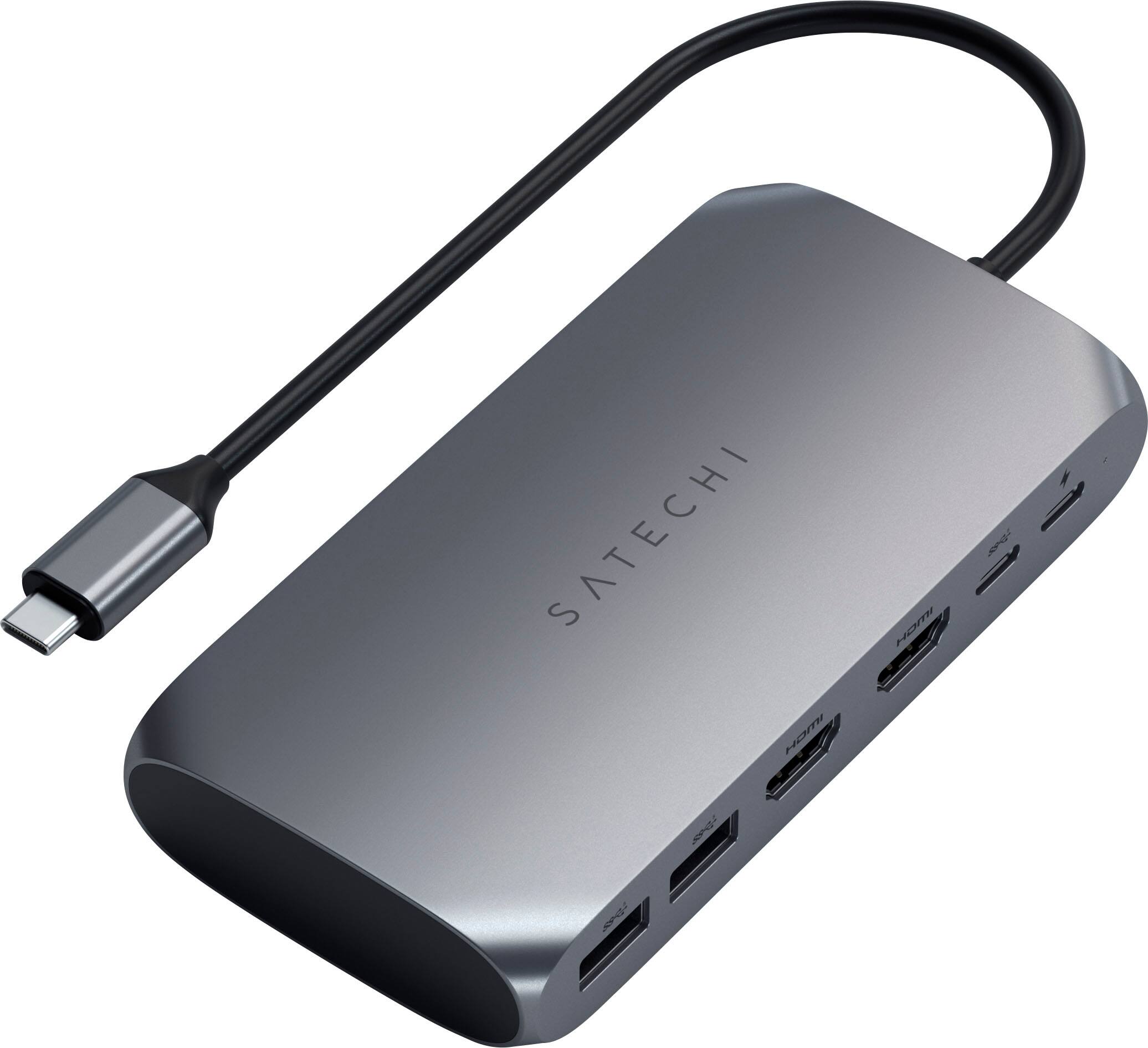
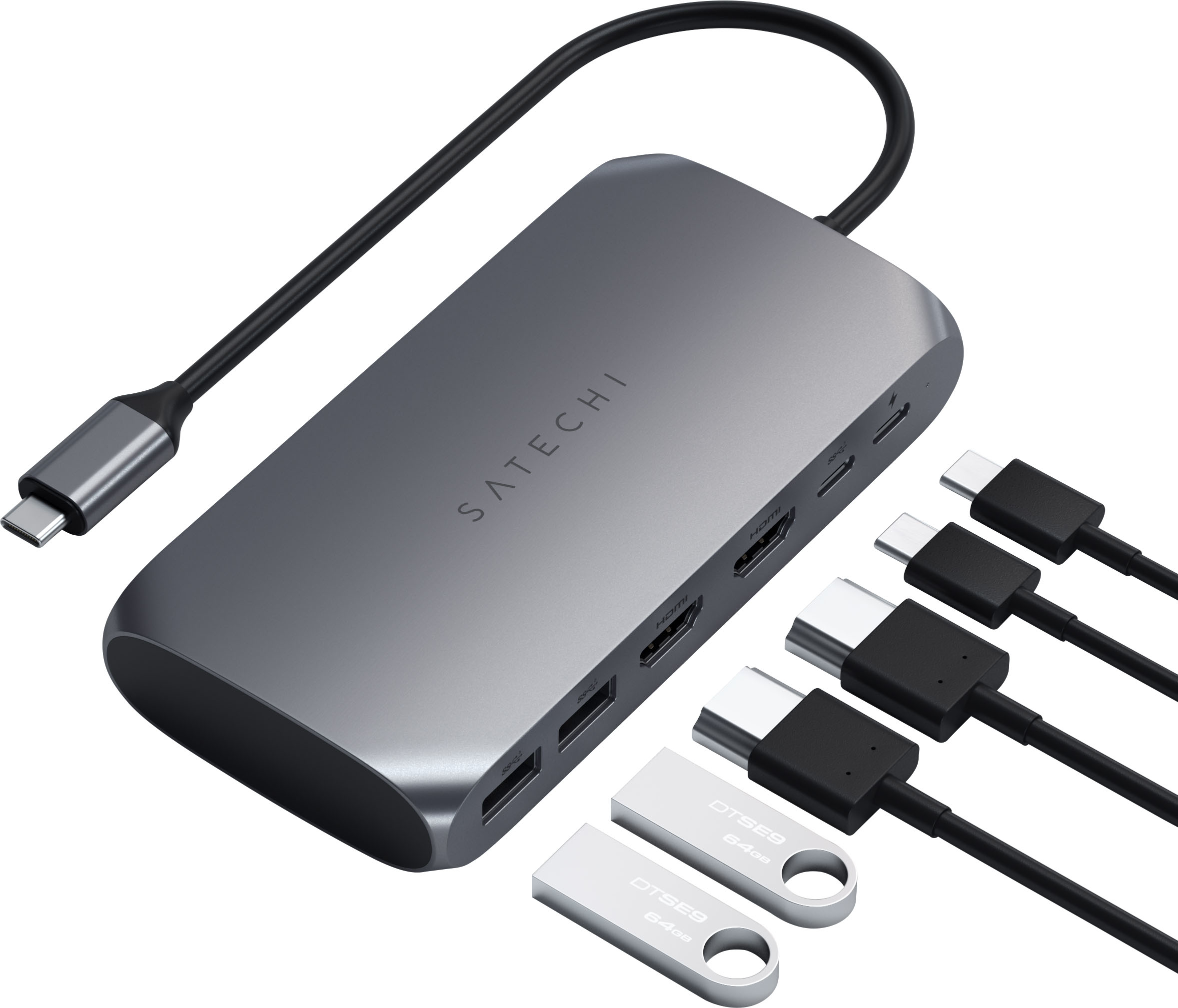
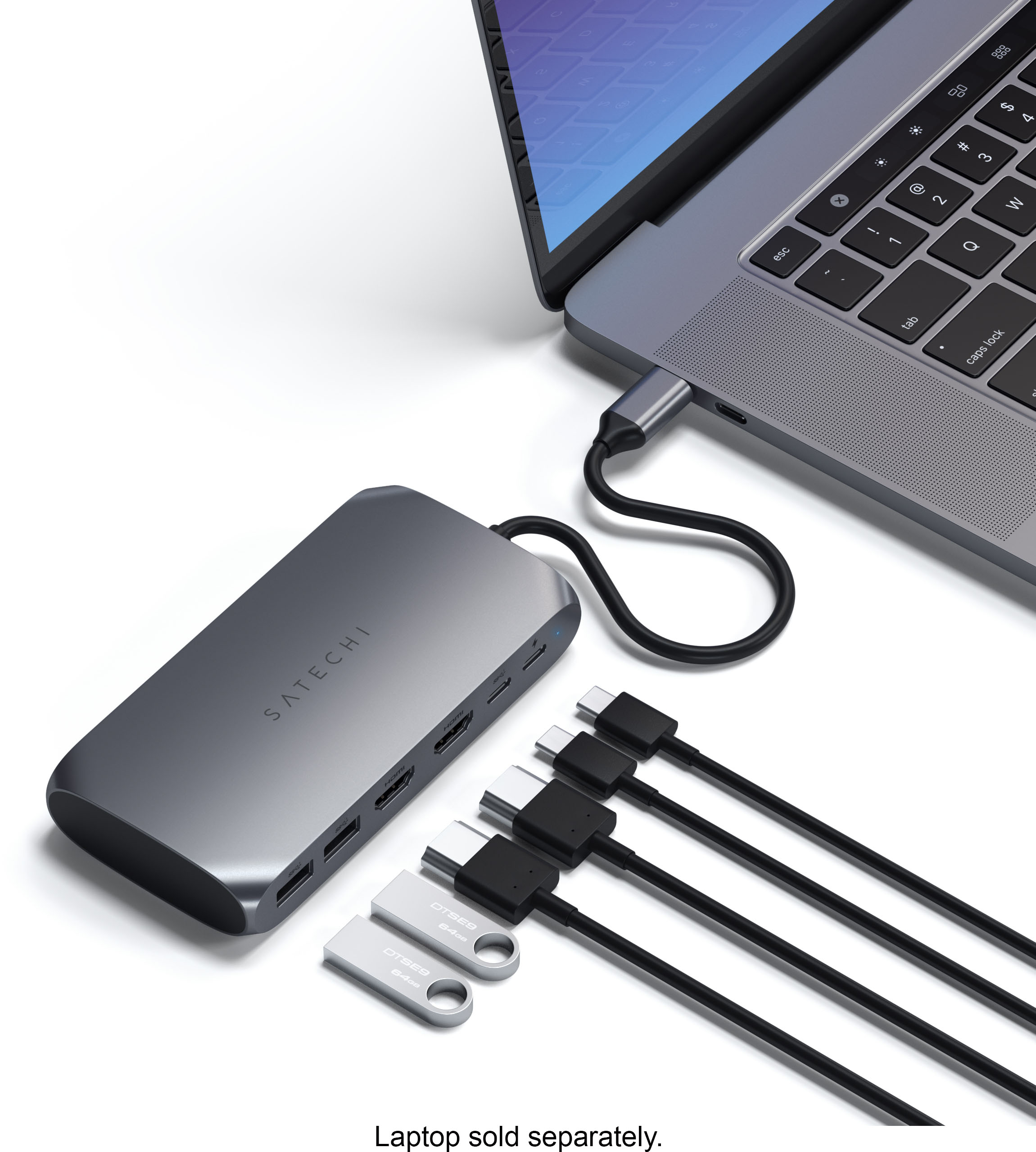
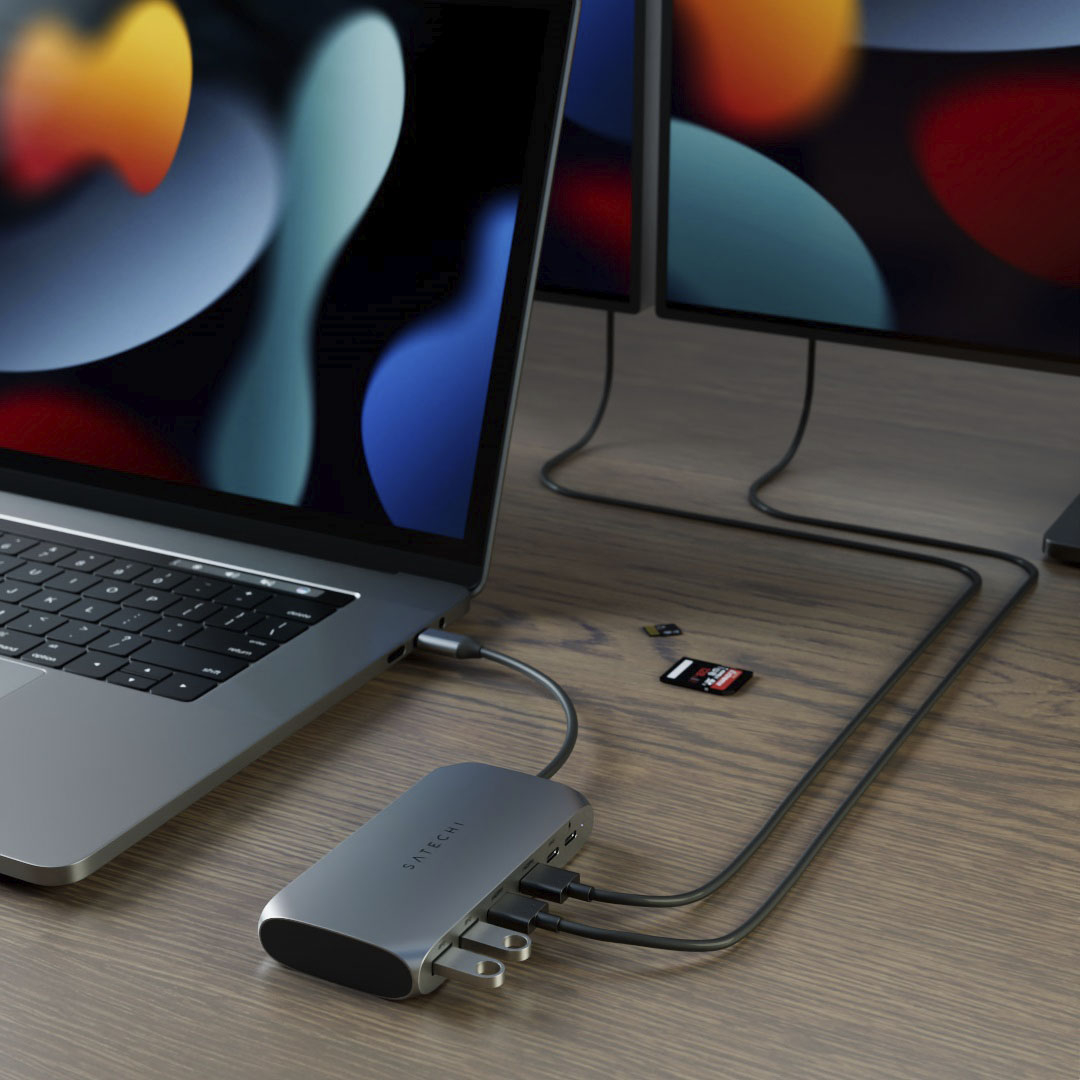
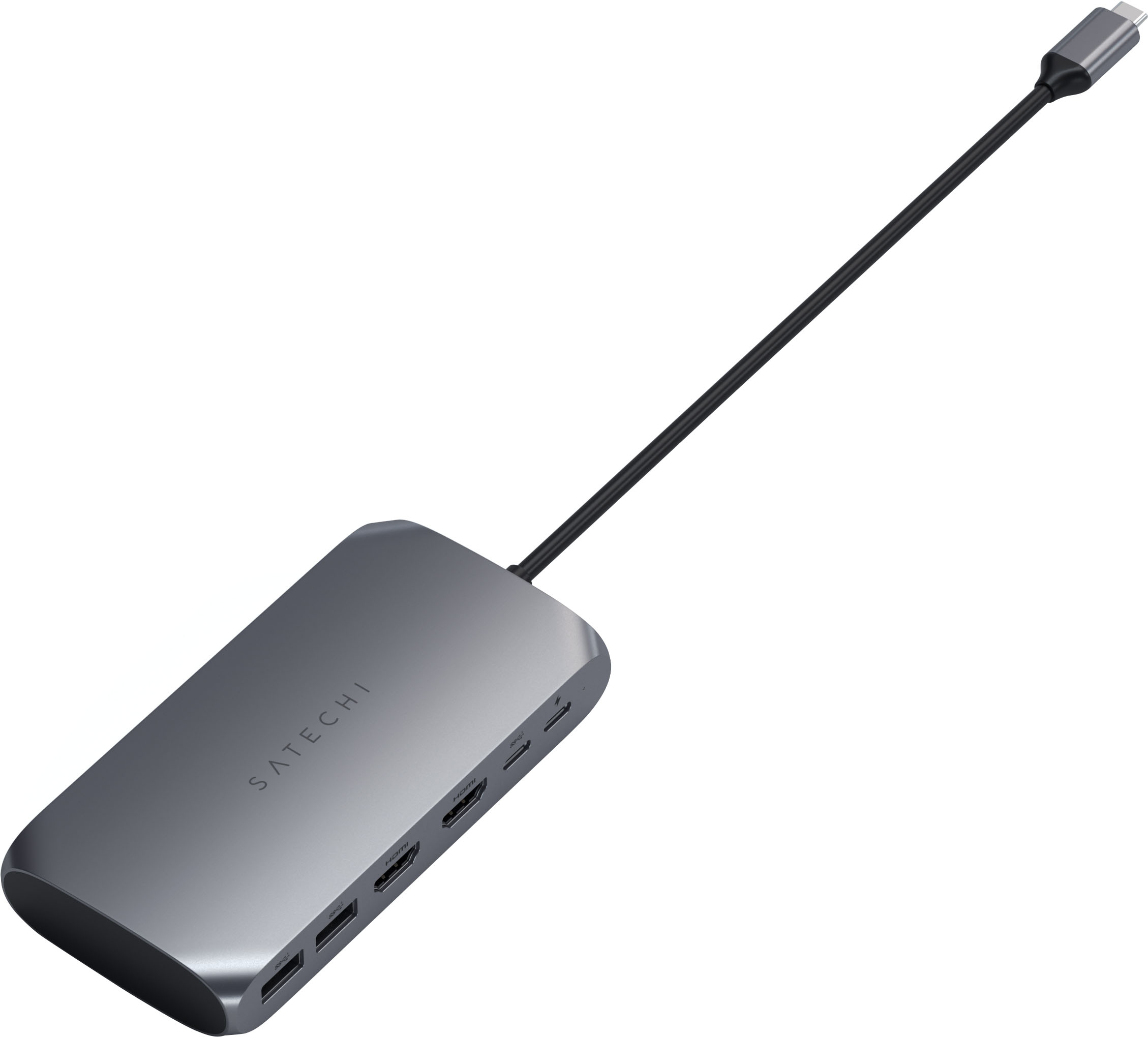
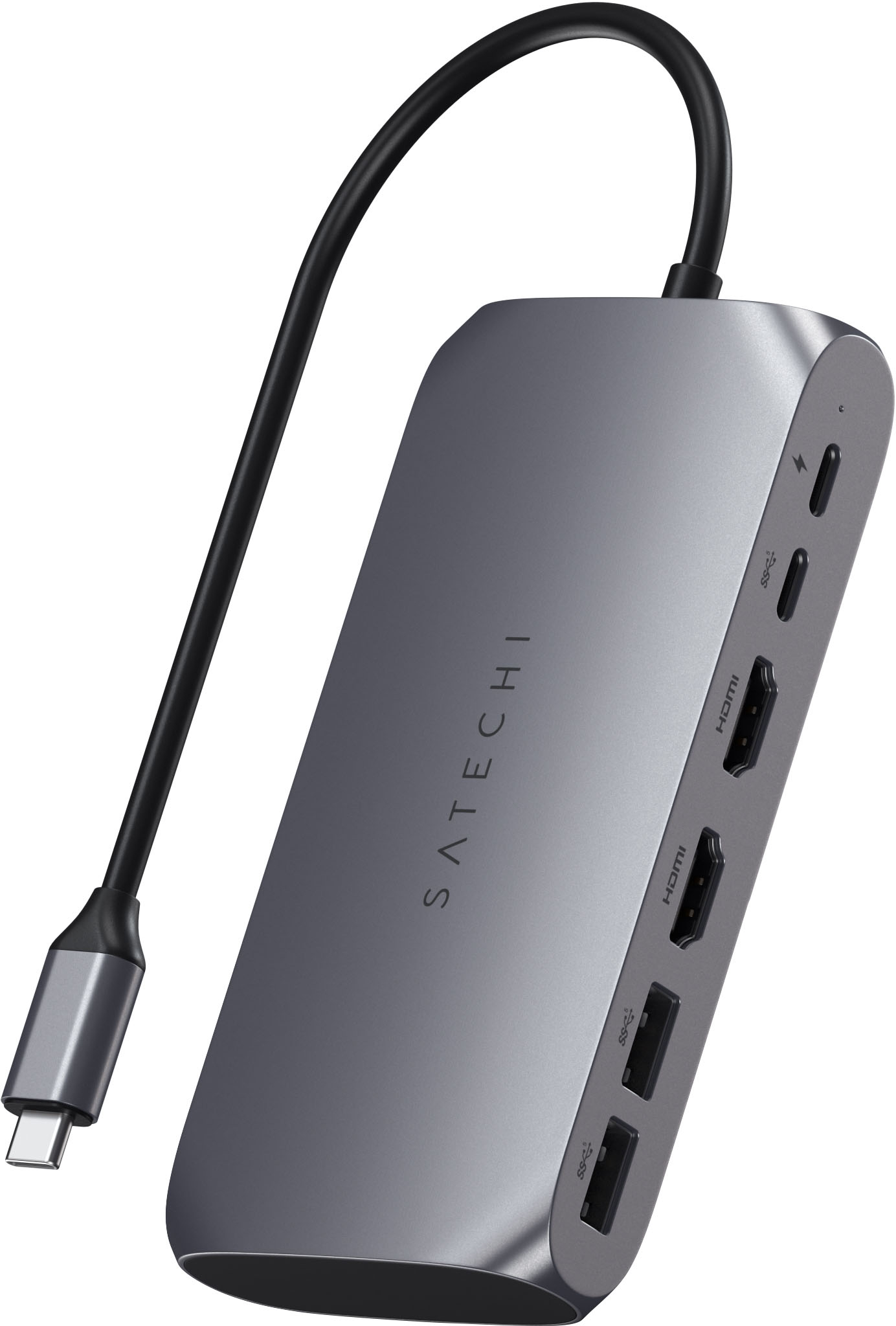
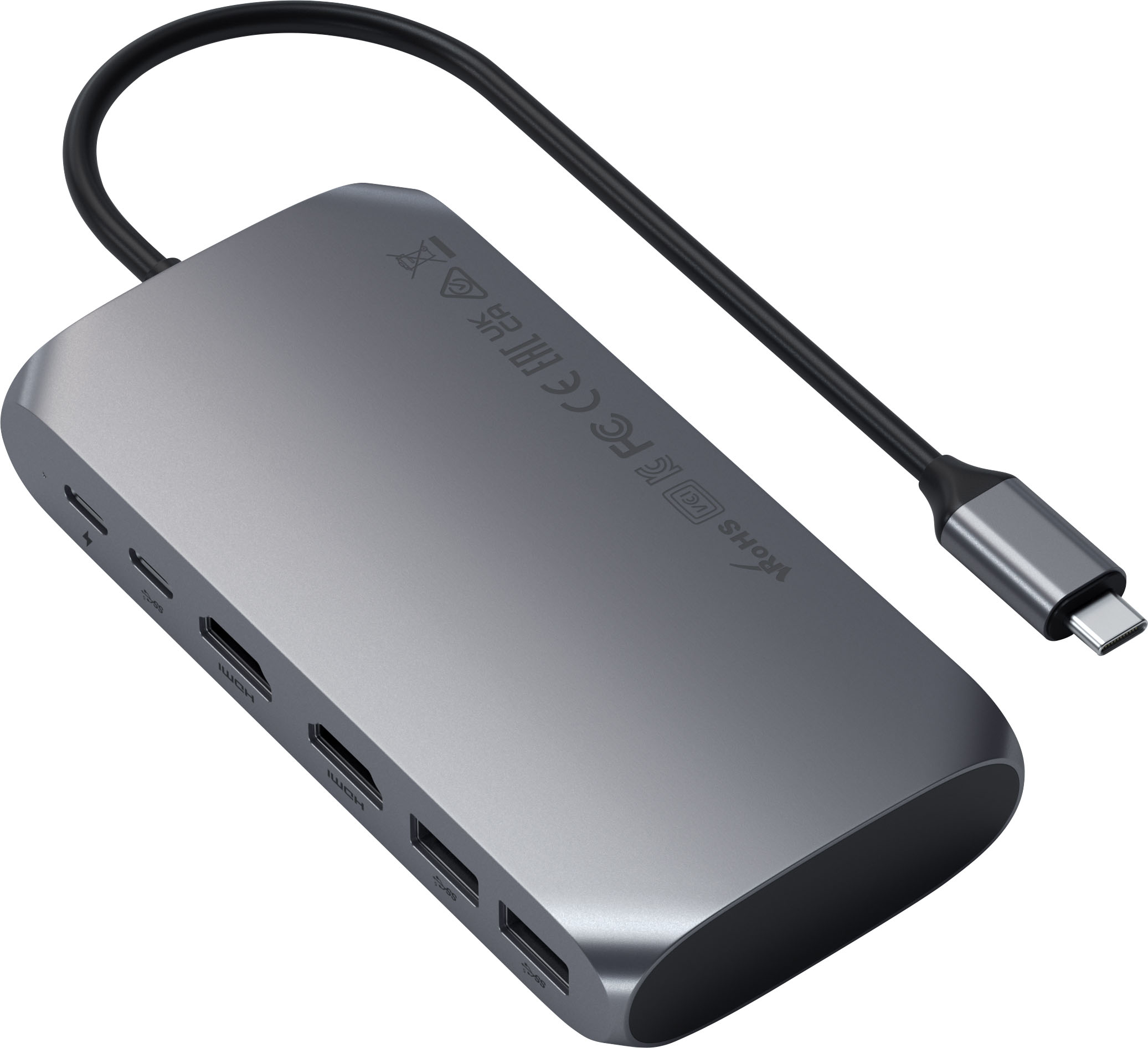
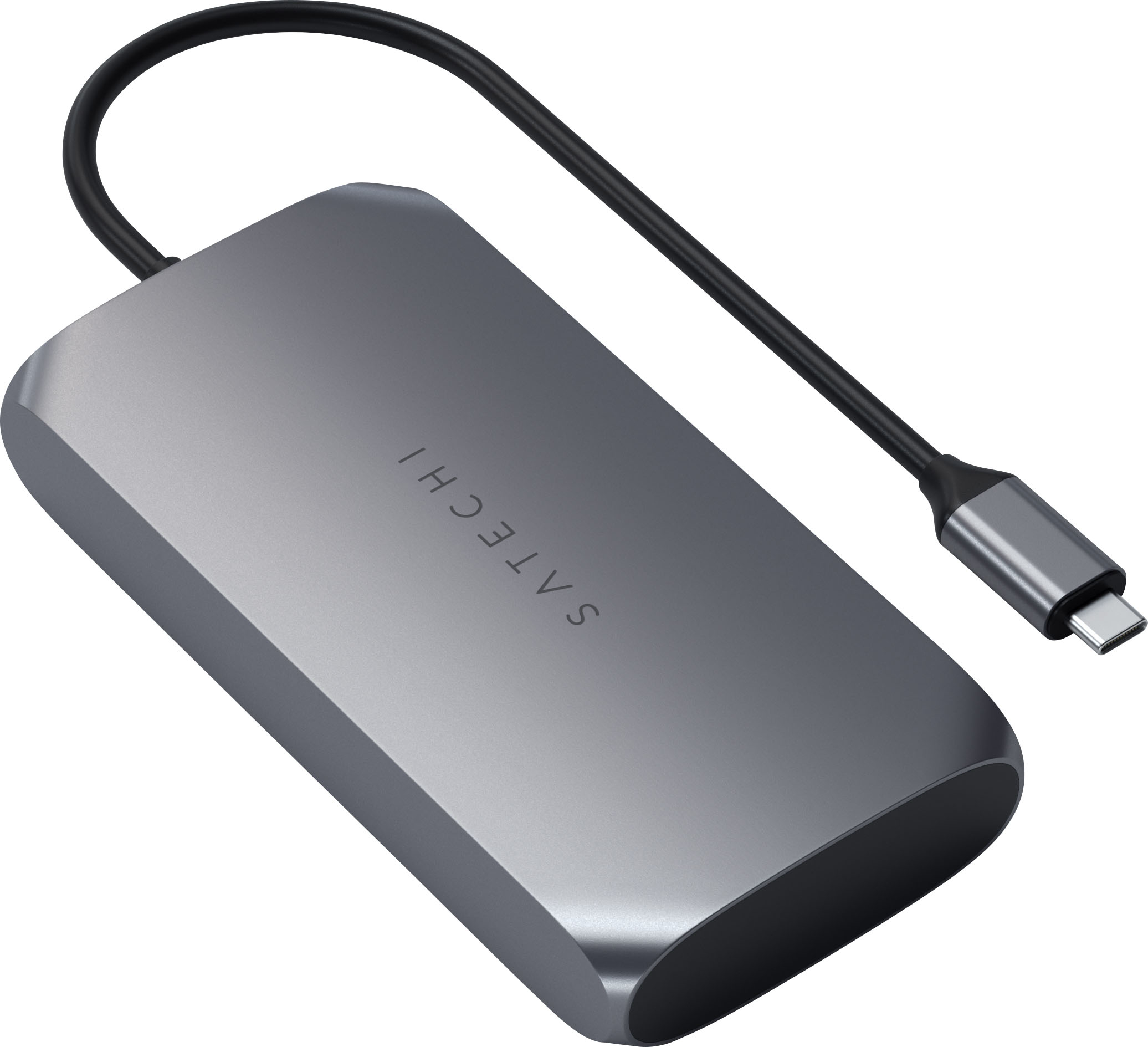
|Posted .This reviewer received promo considerations or sweepstakes entry for writing a review.This USB-C adapter has two HDMI ports, two USB 3.0, and two USB-C ports (one dedicated to power pass-thru). It works well and provides the flexibility I need for my two monitors as well as a USB keyboard and external hard drive. It gets a little warm when charging but nothing out of the ordinary in comparison to others I have used previously. In order to use two HDMI-connected monitors, it has you load their proprietary software called InstantView which asked me to allow it to record my screen. At first, I did not understand why but in order for it to mirror properly from the main screen to one of the ones you are extending to, this is necessary. Once connected, my screens worked well and were very crisp.
I would recommend this to a friend