Customer Ratings & Reviews
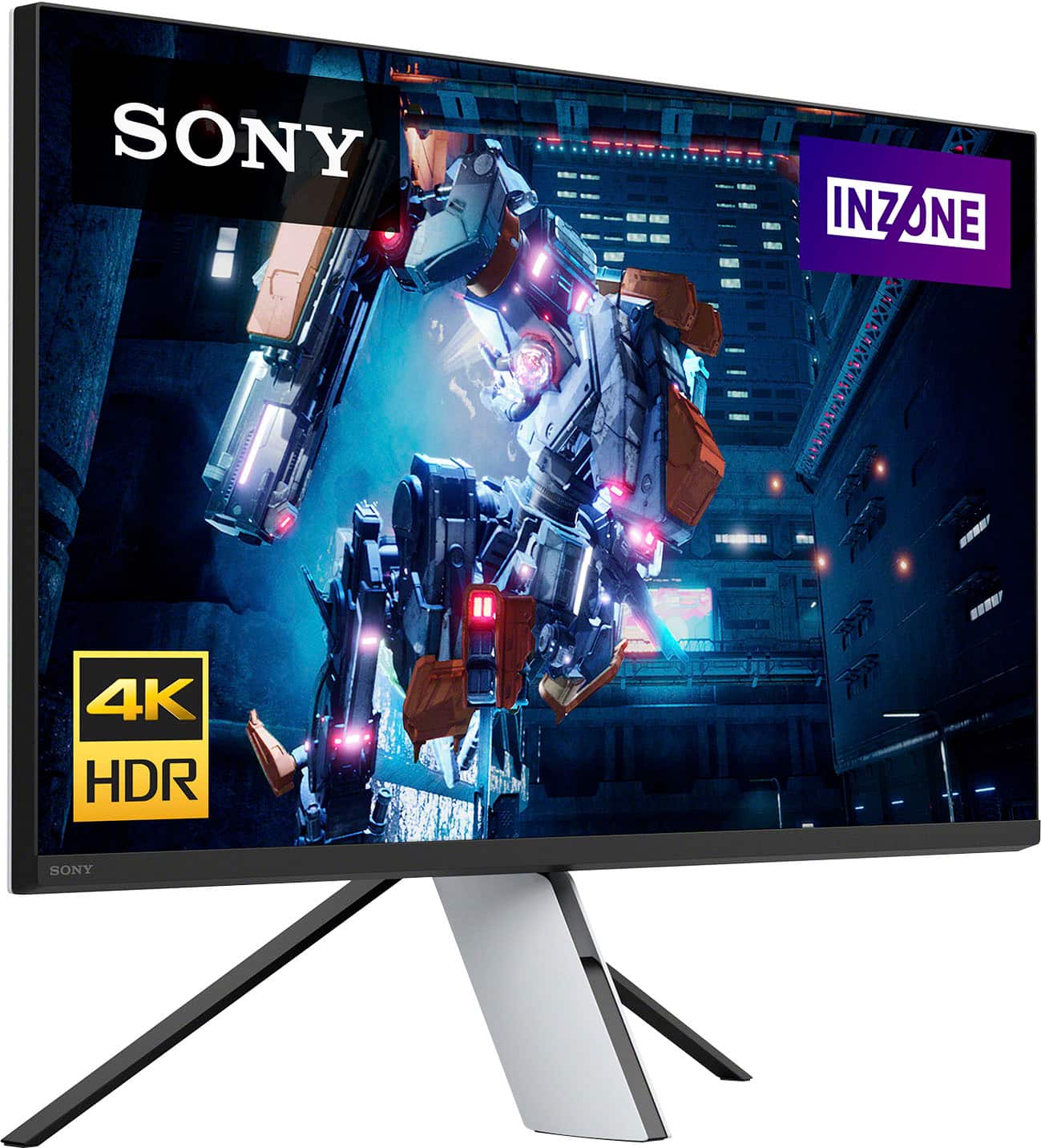
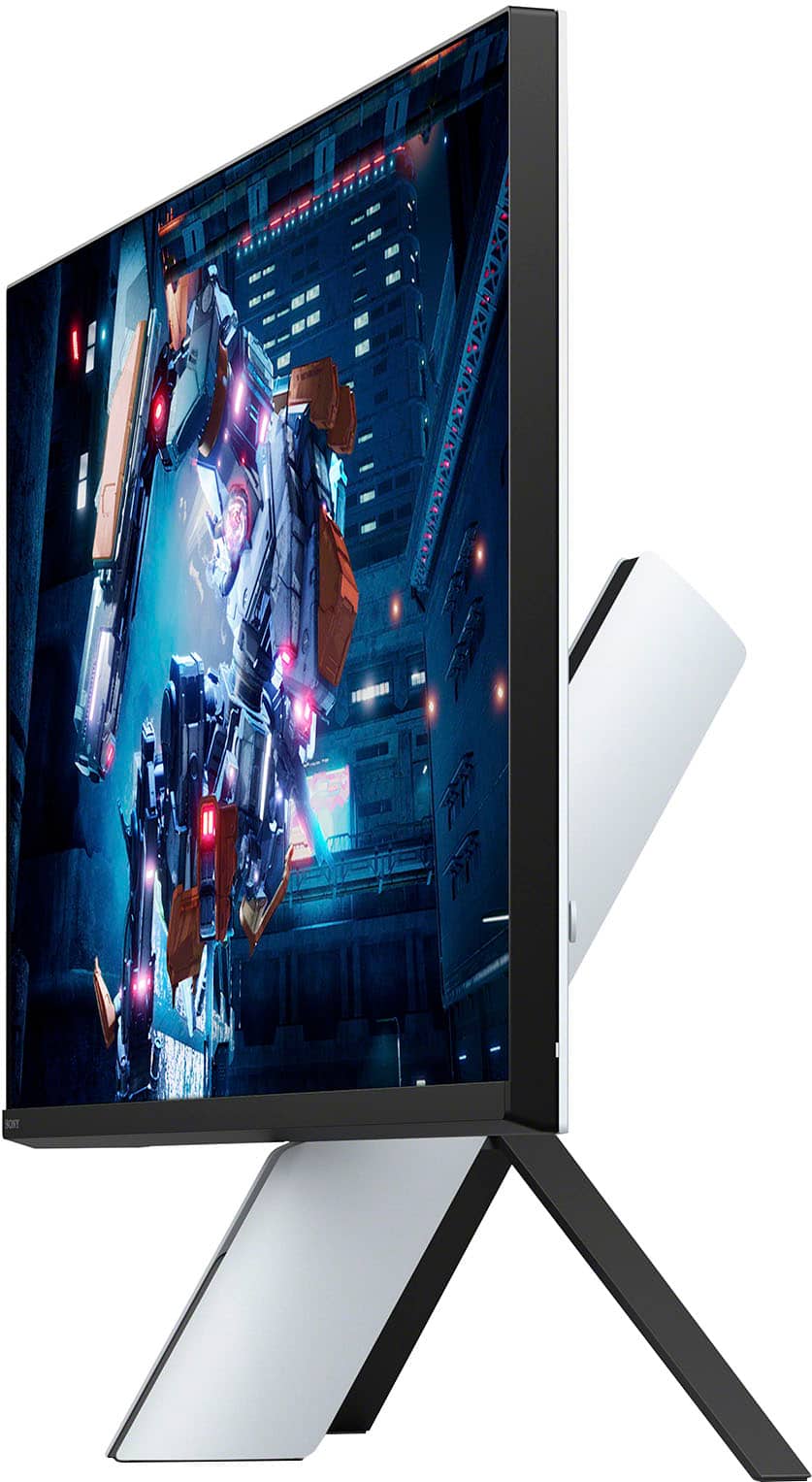

- Model:
- SDMU27M90
- SKU:
- 10562650
Rating by feature
- Display Quality
Rating 4.5 out of 5 stars
- Ease of Use
Rating 4.3 out of 5 stars
- Features
Rating 4.4 out of 5 stars
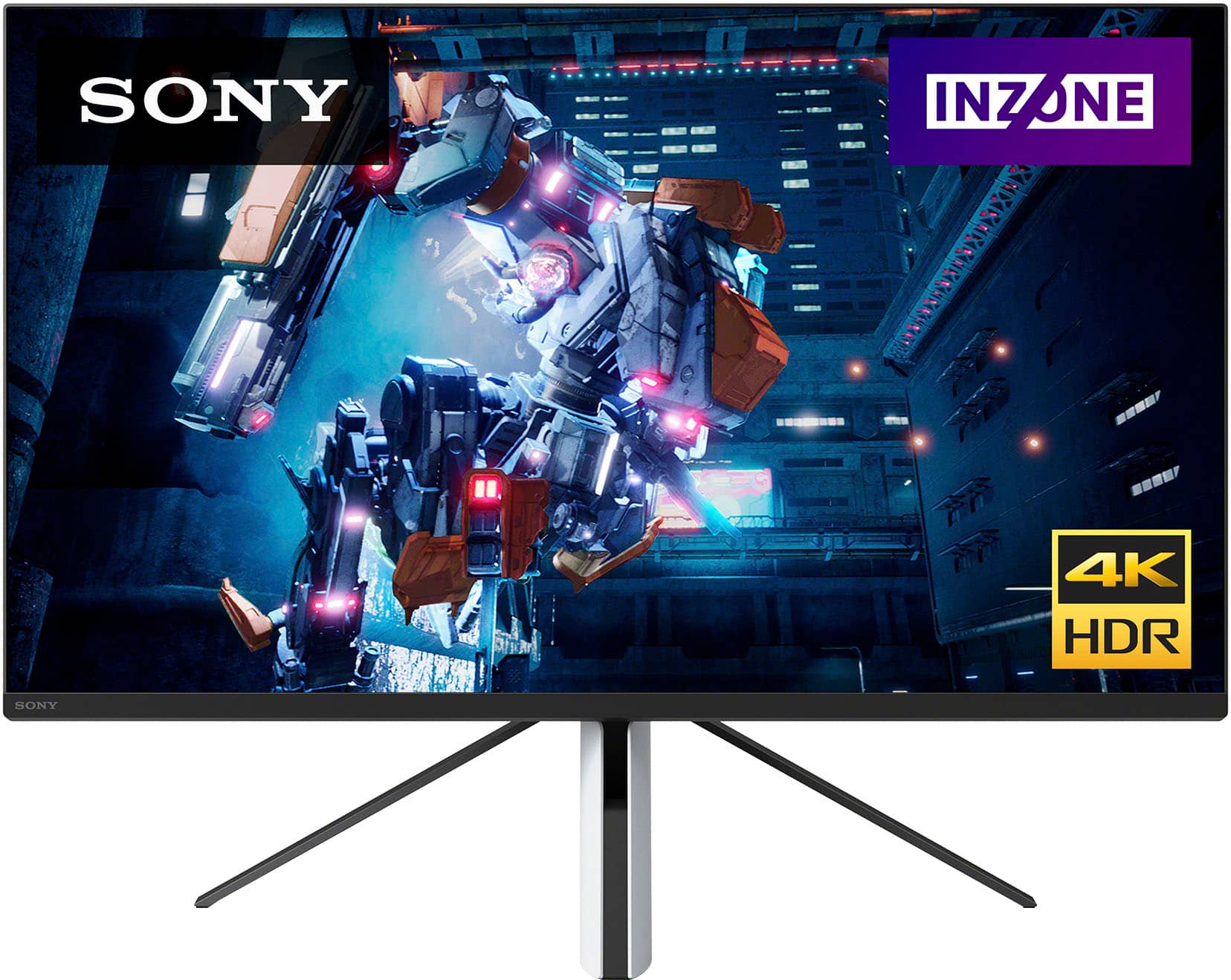
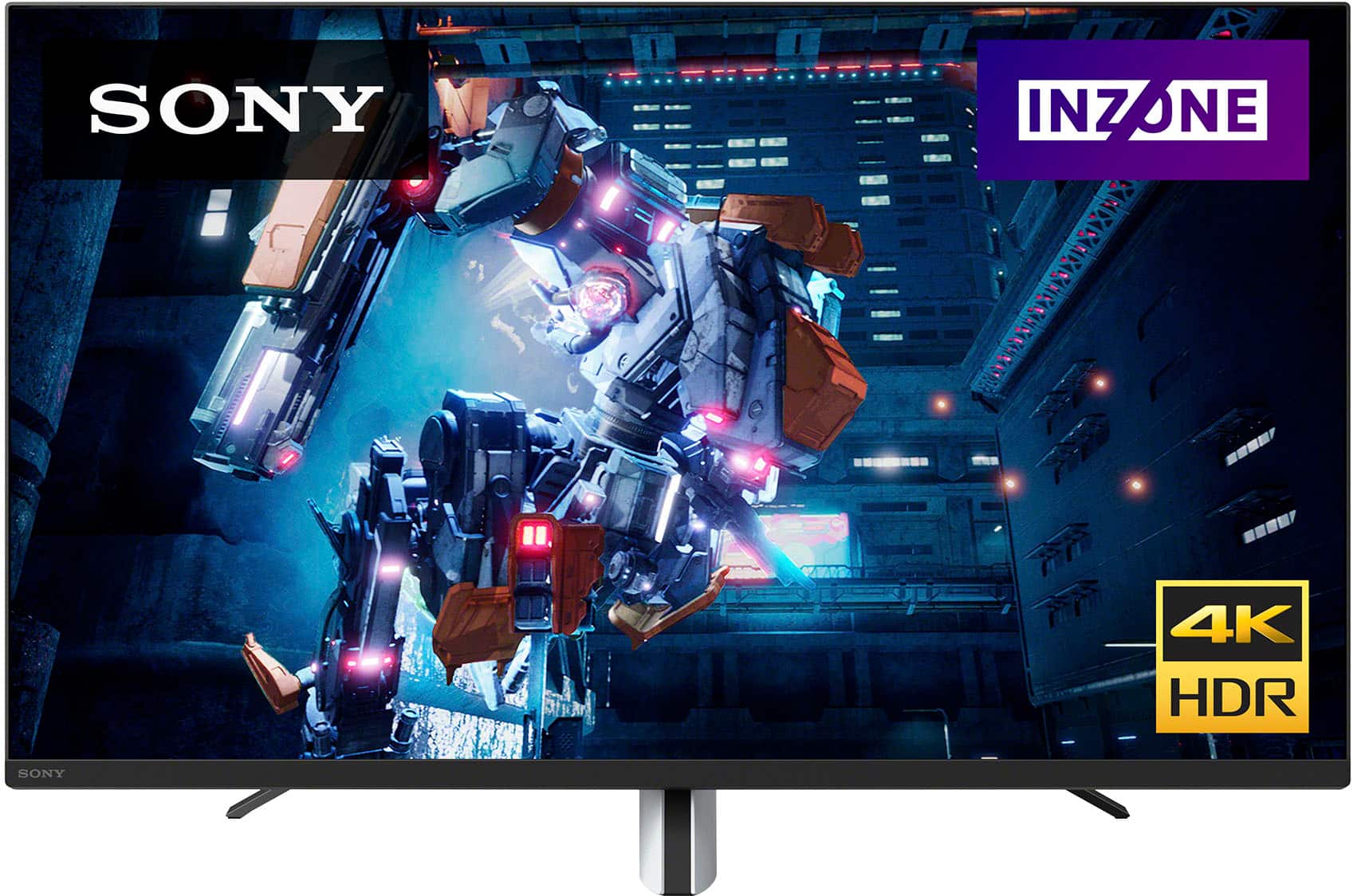
Sony inzone m9
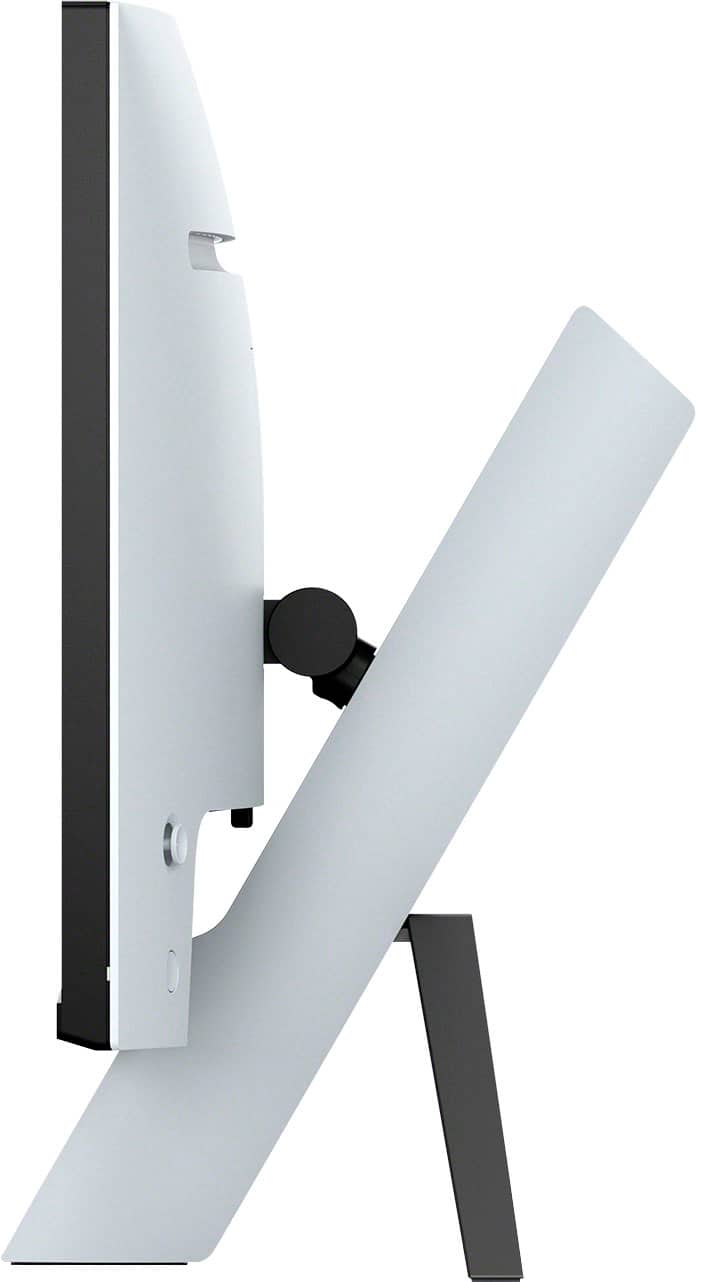
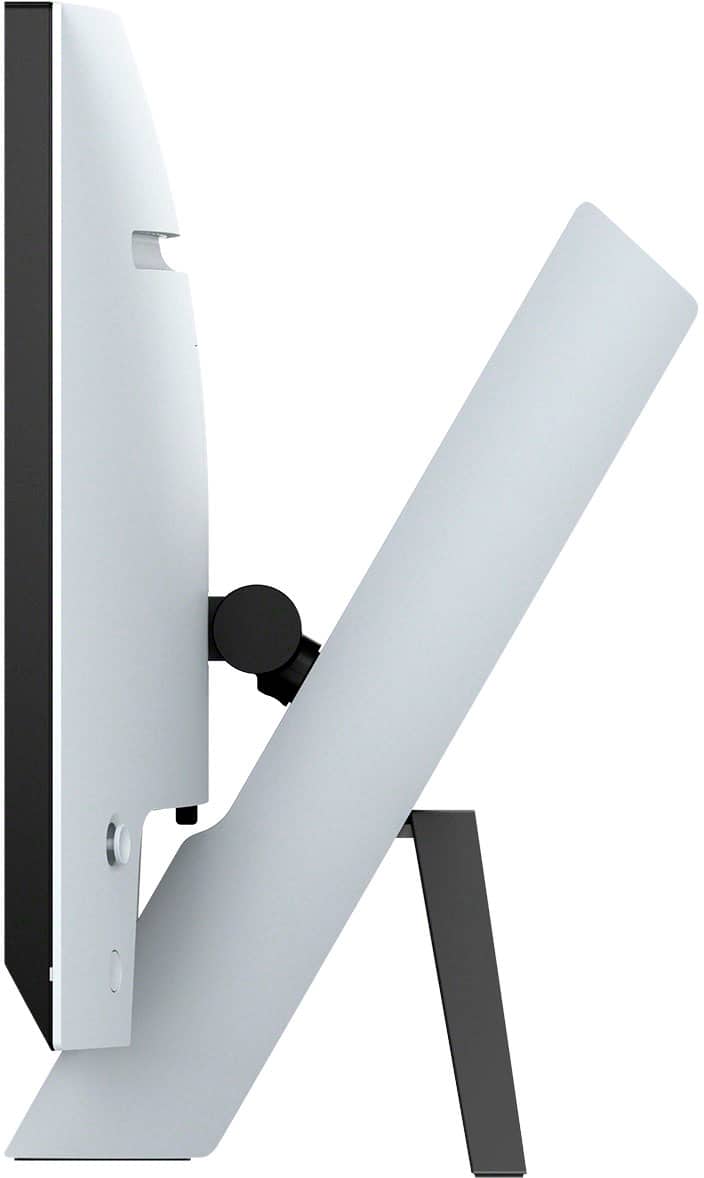
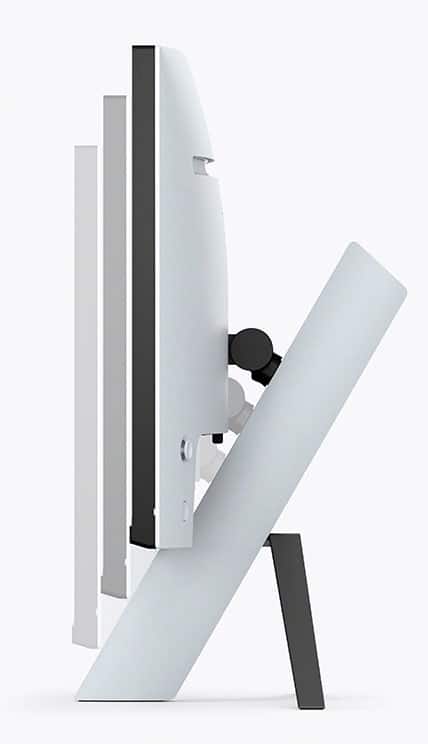
||Posted . Owned for 2 months when reviewed.This reviewer received promo considerations or sweepstakes entry for writing a review.No dead pixels, good enough color profile, good enough hdr. The erogmincs could be better recommend vesa mounting
No, I would not recommend this to a friendBrand response from SonyListens
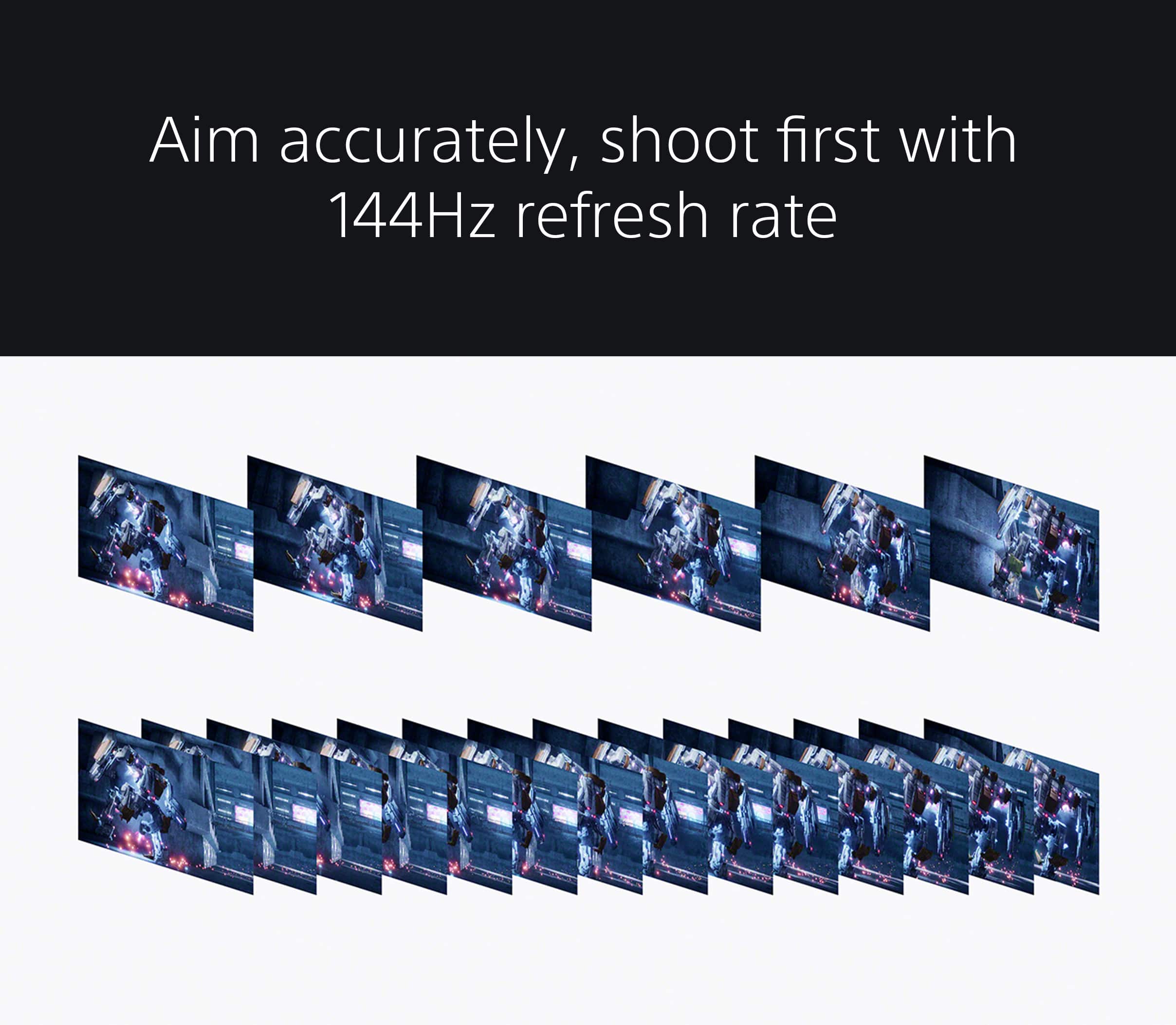
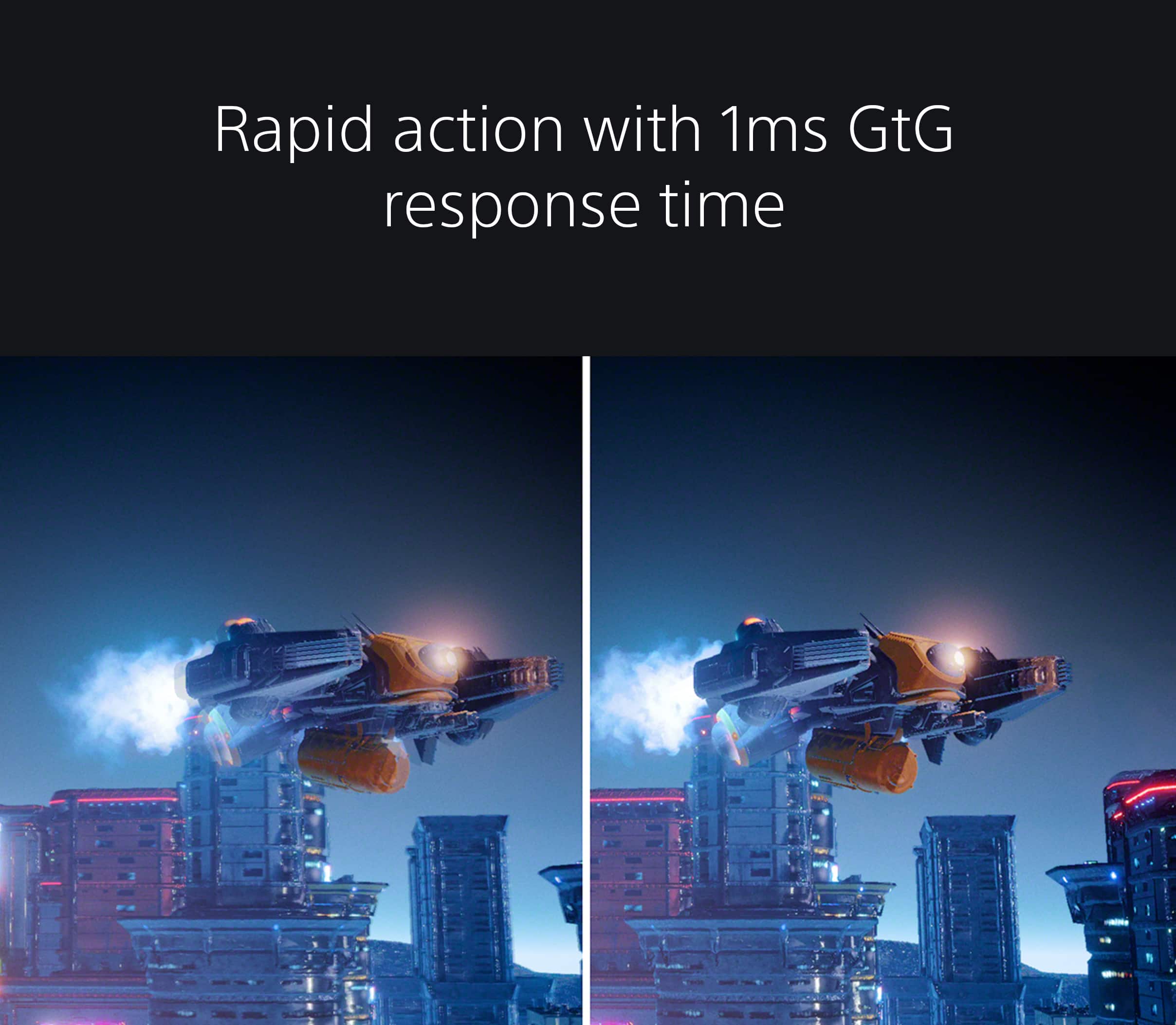
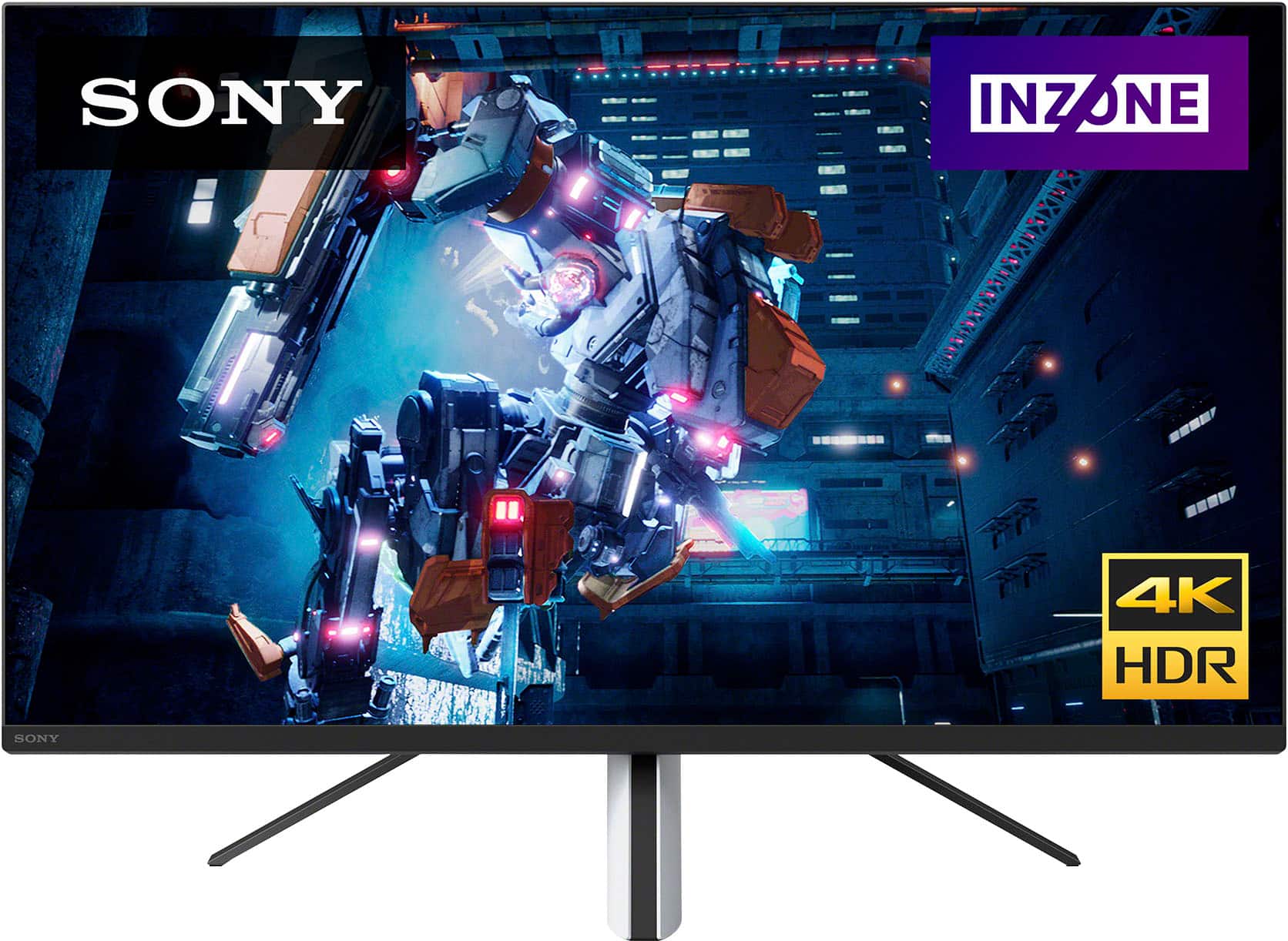
Posted .Thanks for the review, RyanB!Explore gaming worlds full of brilliant depth and detail. Our 27" INZONE M9 gaming monitor with 4K HDR, Full Array Local Dimming, IPS and over 95% DCI-P3 coverage fills scenes with supreme contrast and color. You’ll react faster too with a 144 Hz refresh rate and IPS 1 ms GtG.We also appreciate your feedback regarding ergonomics. This will help us improve in the future. Thank you for choosing Sony! -Craig

Great monitor, eh software
||Posted . Owned for 2 months when reviewed.This reviewer received promo considerations or sweepstakes entry for writing a review.Looks fantastic, doesn’t seem to like displayport much. Sofware needs some help but overall a fantastic monitor.
I would recommend this to a friendBrand response from SonyListens
Posted .Hi TH96,
Thanks for sharing your review and experience with the INZONE M9. We appreciate your feedback about the DisplayPort and software of the monitor. For optimum performance, make sure that the software version of the monitor is up-to-date. Please refer to these links for more information:
https://www.sony.com/electronics/support/monitors-inzone-m9-series/sdm-u27m90/software/00284042
https://helpguide.sony.net/tv/u27m90/v1/en/contents/TP1000670514.html
It is also recommended to use the latest version of a DisplayPort cable. Sometimes cables are the easiest cause for concern and fix most issues.
You may also find this link helpful:
https://www.sony.com/electronics/support/televisions-projectors-monitors/sdm-u27m90/articles/00279504
Hope this helps. In case you need further assistance, please email us at [email protected] with the following details:
Name:
Username:
Model Number:
Issue:
Telephone Number:
Or contact our product support team via phone call or chat through this link:
https://us.esupport.sony.com/support/s/service?language=en_US.
Sincerely,
-Ralph
Nice Graphics and FPS
||Posted . Owned for 1 month when reviewed.This reviewer received promo considerations or sweepstakes entry for writing a review.Good Looking Graphics. ..
I would recommend this to a friendBrand response from SonyListens
Posted .Hi AbrahamO, We're glad that you are enjoying the picture quality. Our 27 in INZONE M9 gaming monitor with 4K HDR, Full Array Local Dimming, IPS and over 95% DCI-P3 coverage fills scenes with supreme contrast and color. You’ll react faster too with a 144 Hz refresh rate and IPS 1 ms GtG. Thanks for choosing Sony! Erin
PS5 Best Monitor
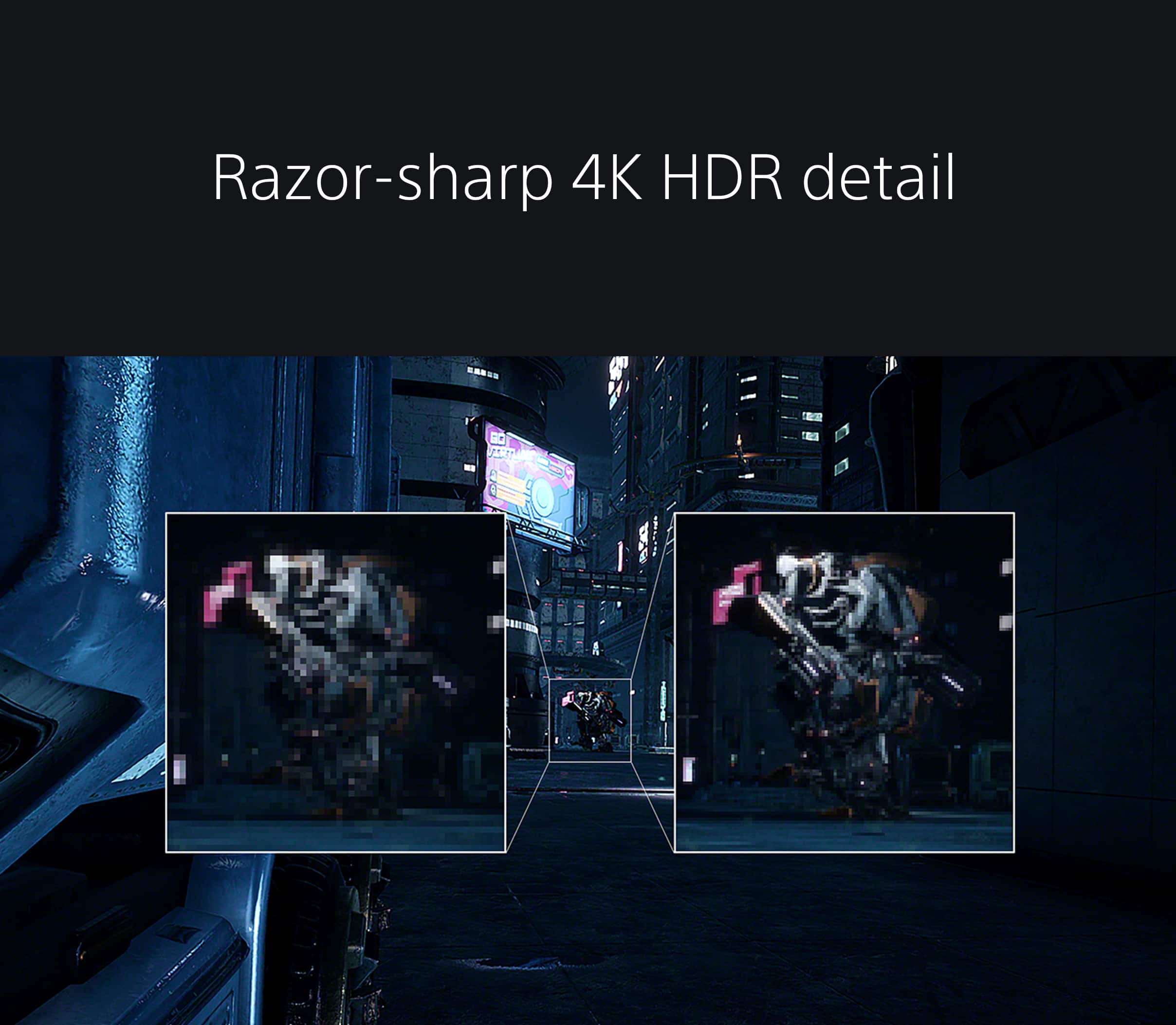
||Posted . Owned for 1 week when reviewed.This reviewer received promo considerations or sweepstakes entry for writing a review.I have purchased several monitors to pair with my PS5. This INZONE M9 checks all the boxes. HDMI 2.1 was one feature I could not find in a monitor without spending a lot of money. The Picture is crystal clear and shows every detail.
I would recommend this to a friendBrand response from SonyListens
Posted .Hi Withe12,
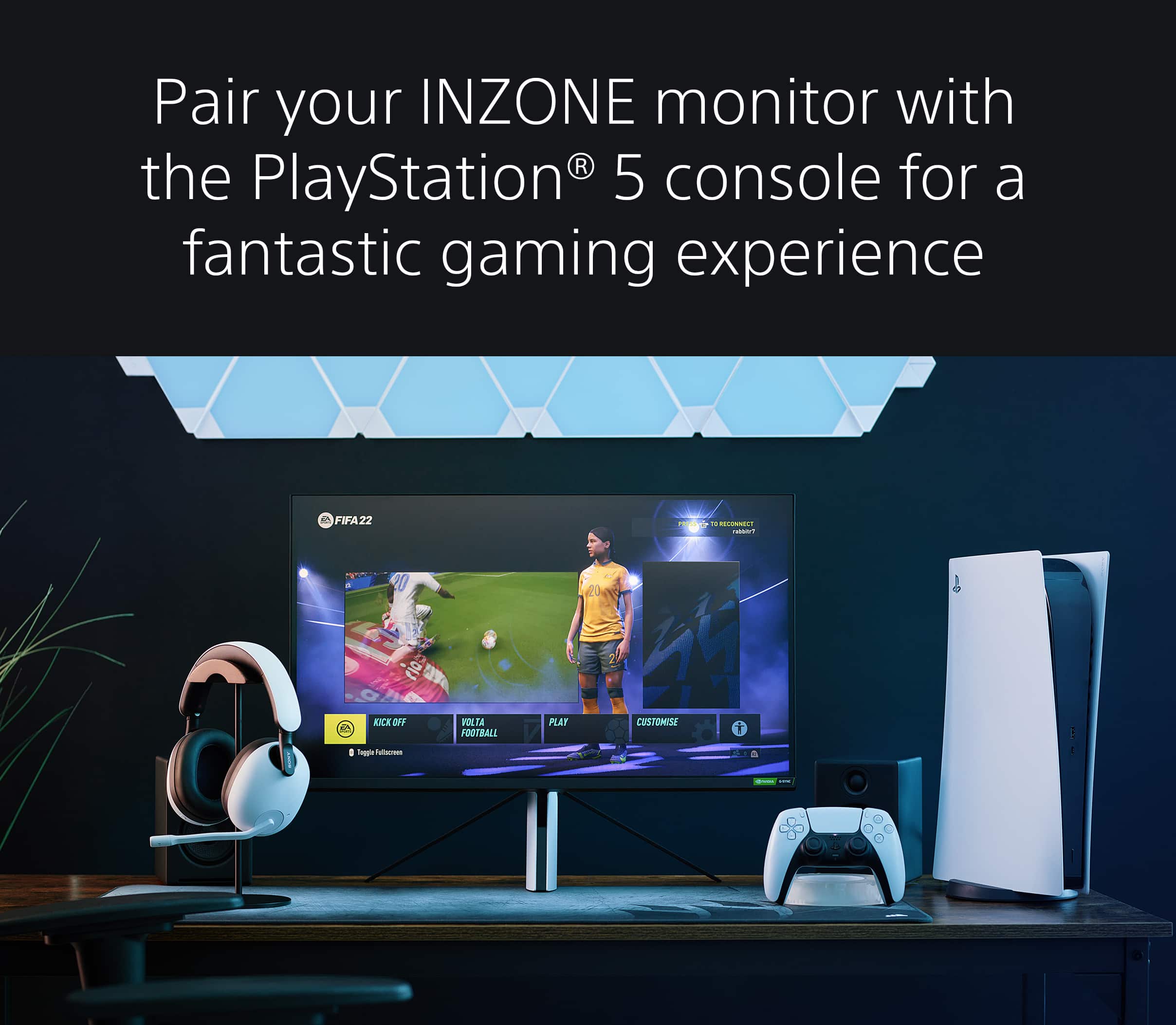
Thank you for the 5-star rating! We're very happy to hear you're having an enjoyable gaming experience and it works perfectly with your PS5. Good to know that you like the flawless crystal-clear 4K HDR picture quality and HDMI 2.1 features of your new INZONE M9 monitor. This monitor is Perfect for PlayStation 5, when pairing the two you will gain Auto Genre Picture mode an Auto HDR Tone Mapping. Explore gaming worlds full of brilliant depth and detail. Our 27 in INZONE M9 gaming monitor with 4K HDR, Full Array Local Dimming, IPS and over 95% DCI-P3 coverage fills scenes with supreme contrast and color. You’ll react faster too with a 144 Hz refresh rate and IPS 1 ms GtG.
Thank you for your awesome feedback and offering a fantastic rating on the product!
-Jess
Inzone M9
||Posted . Owned for 2 weeks when reviewed.This reviewer received promo considerations or sweepstakes entry for writing a review.My only gripe is the “searching for input” that happens every time you start up a game on consoles.
I would recommend this to a friendBrand response from SonyListens
Posted .Hi Dirge, We're sorry to hear about the issue you're having. If the picture mutes and displays a Scanning for Signal message when you change the video signal, please follow the steps below:
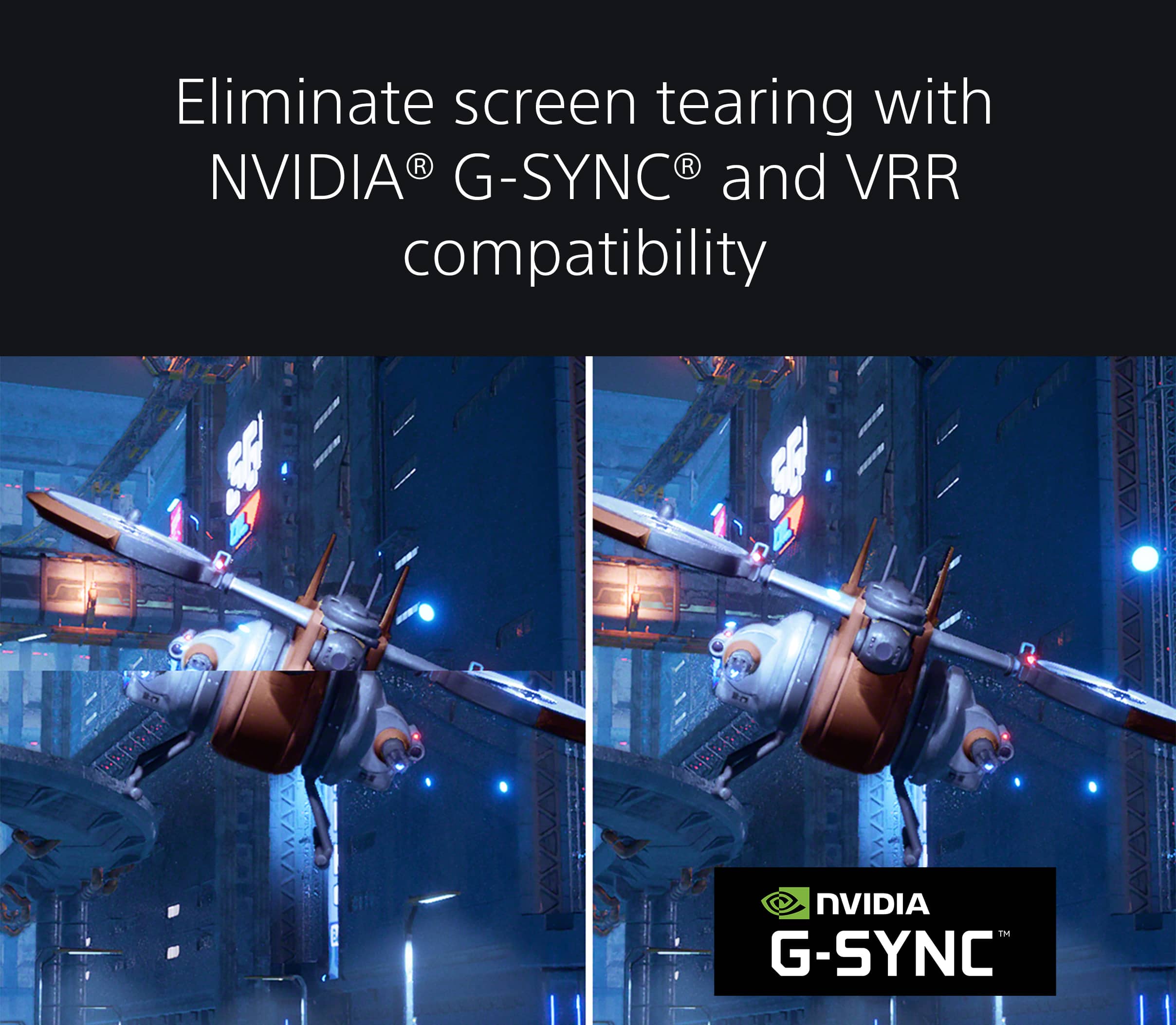
This happens when the Variable Refresh Rate (VRR) signal changes from the source device (from Off to On or On to Off). Depending on the VRR signal, it may take some time to adjust the signal frequency when switching. Please wait a moment until the picture refreshes.
Note: Disable the VRR function on your source device to minimize the time the picture is muted
We would like to know more about this issue so we can better assist you. For now, please make sure that the firmware version is up to date. Refer to this link for more details: https://www.sony.com/electronics/support/televisions-projectors-monitors/sdm-u27m90/software/00284042
email us at [email protected] with the following details for further assistance:
Name:
Username:
Model Number:
Issue:
Telephone Number:
Explore gaming worlds full of brilliant depth and detail. Our 27 in INZONE M9 gaming monitor with 4K HDR, Full Array Local Dimming, IPS and over 95% DCI-P3 coverage fills scenes with supreme contrast and color. You’ll react faster too with a 144 Hz refresh rate and IPS 1 ms GtG. Thanks for choosing Sony! -Sam
Its good
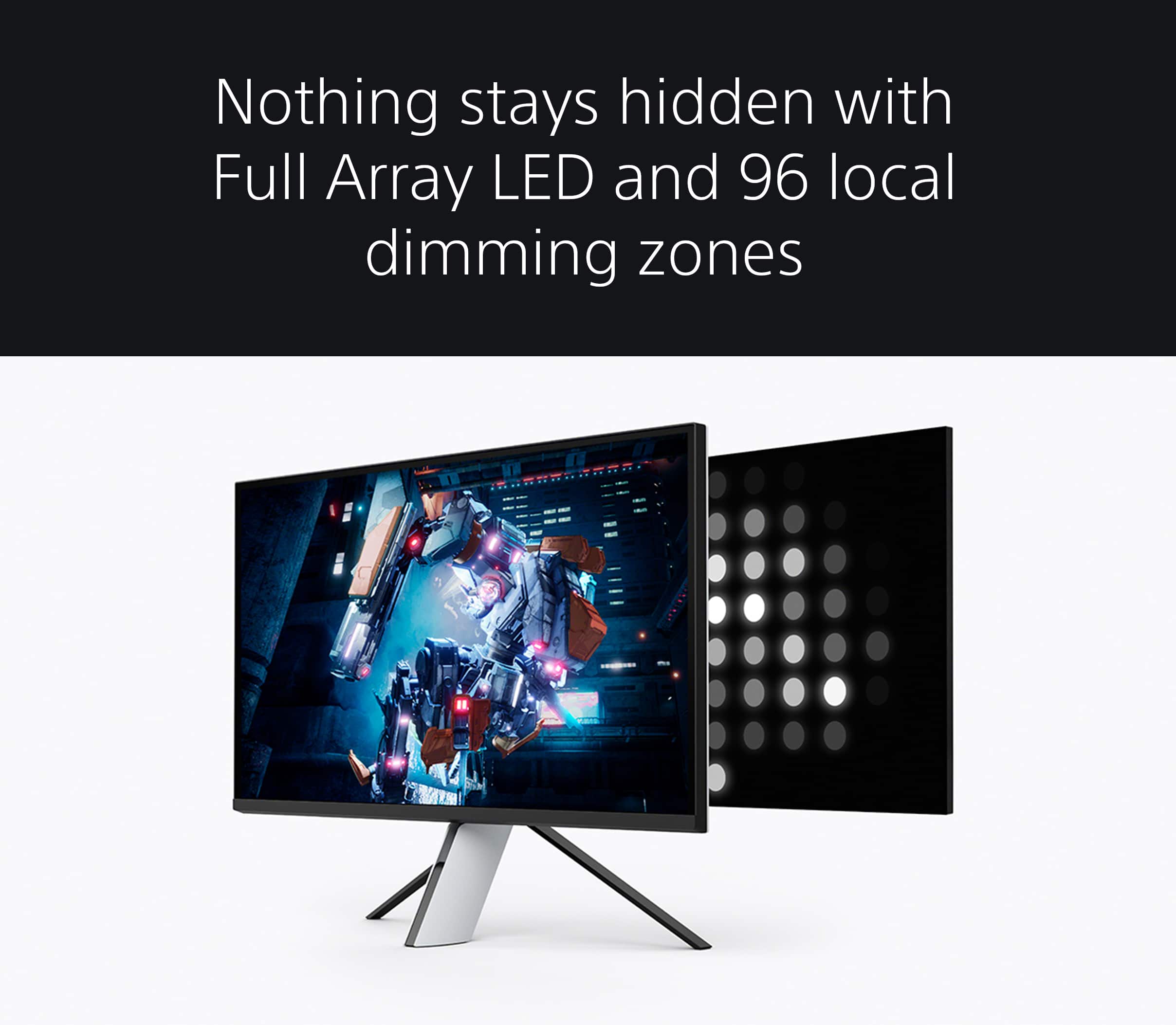
||Posted . Owned for 1 week when reviewed.This reviewer received promo considerations or sweepstakes entry for writing a review.Its good the color is great although only 96 Dimming zones it it works great i find this to be better used for consoles
I would recommend this to a friendBrand response from SonyListens
Posted .Hi EliteDJ,
Thanks for sharing your review and experience with the INZONE M9. We're glad that you are enjoying the picture quality of the gaming monitor. Explore gaming worlds full of brilliant depth and detail. Our 27 in INZONE M9 gaming monitor with 4K HDR, Full Array Local Dimming, IPS and over 95% DCI-P3 coverage fills scenes with supreme contrast and color. You’ll react faster too with a 144 Hz refresh rate and IPS 1 ms GtG. Thanks for choosing Sony!
-Ralph
Good buy only on sale can recommend
||Posted . Owned for 1 week when reviewed.This reviewer received promo considerations or sweepstakes entry for writing a review.Works buttery smooth on PS5 instantly recognizes my console and sets its up automatically HDR VRR ALLM. 4K res good for watching. Sound sure not great its a monitor. My biggest con is the design and material quality it literally feels cheap for a premium priced monitor.
I would recommend this to a friendBrand response from SonyListens
Posted .Hi Washer, Thanks for sharing your feedback. It's good to hear that your new Sony INZONE M9 works great with your PS5 without any issue. We take all user input seriously and will make sure your comments reach the appropriate person, especially with regard to your other concerns. Should you need further assistance, you can email us at [email protected]. Thank you for choosing Sony! Vincent
It was great until it wasn’t…
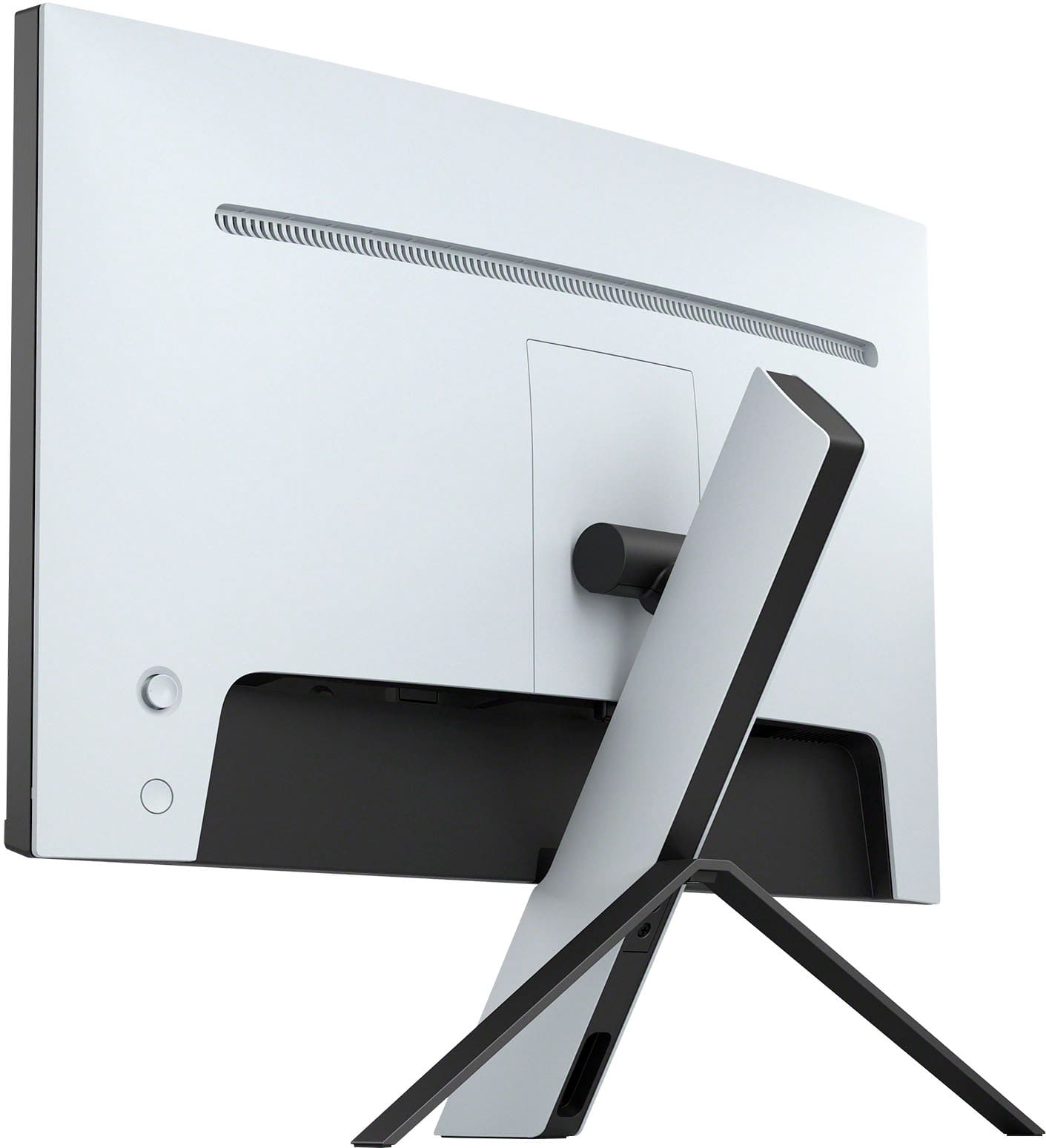
||Posted . Owned for 1 month when reviewed.This reviewer received promo considerations or sweepstakes entry for writing a review.When I bought this monitor, I knew I was going to encounter problems because of the reviews I read, but not like this. I purchased it on 29 October of this year. Today is 5 December and it’s already broken. Like defective. The screen lights up but you can’t see anything, not even the menu. So for that I’ll give it a 3. The pros… beautiful graphics (when it was working), didn’t experience any lag. The cons… overpriced. speakers suck badly. Sony could have did way better, as it is marketed for the ps5 itself (great graphics, crappy sound). The joystick button in the back is flemsy and literally popped out, I had to push it back in. The fact that the ps5 remote doesn’t support this monitor is weird. And of course because the picture went out literally a month after purchasing it. Will be returning this thing for an actual tv at this point. It’s the same price.
No, I would not recommend this to a friendBrand response from SonyListens
Posted .Hi Curlyxo,
We're glad that you like the picture quality of the gaming monitor. We appreciate your review about the sound quality, joystick design, and remote function of the monitor. It's also unfortunate that the picture on the monitor is no longer working. Your feedback is extremely important to us and is very much appreciated.
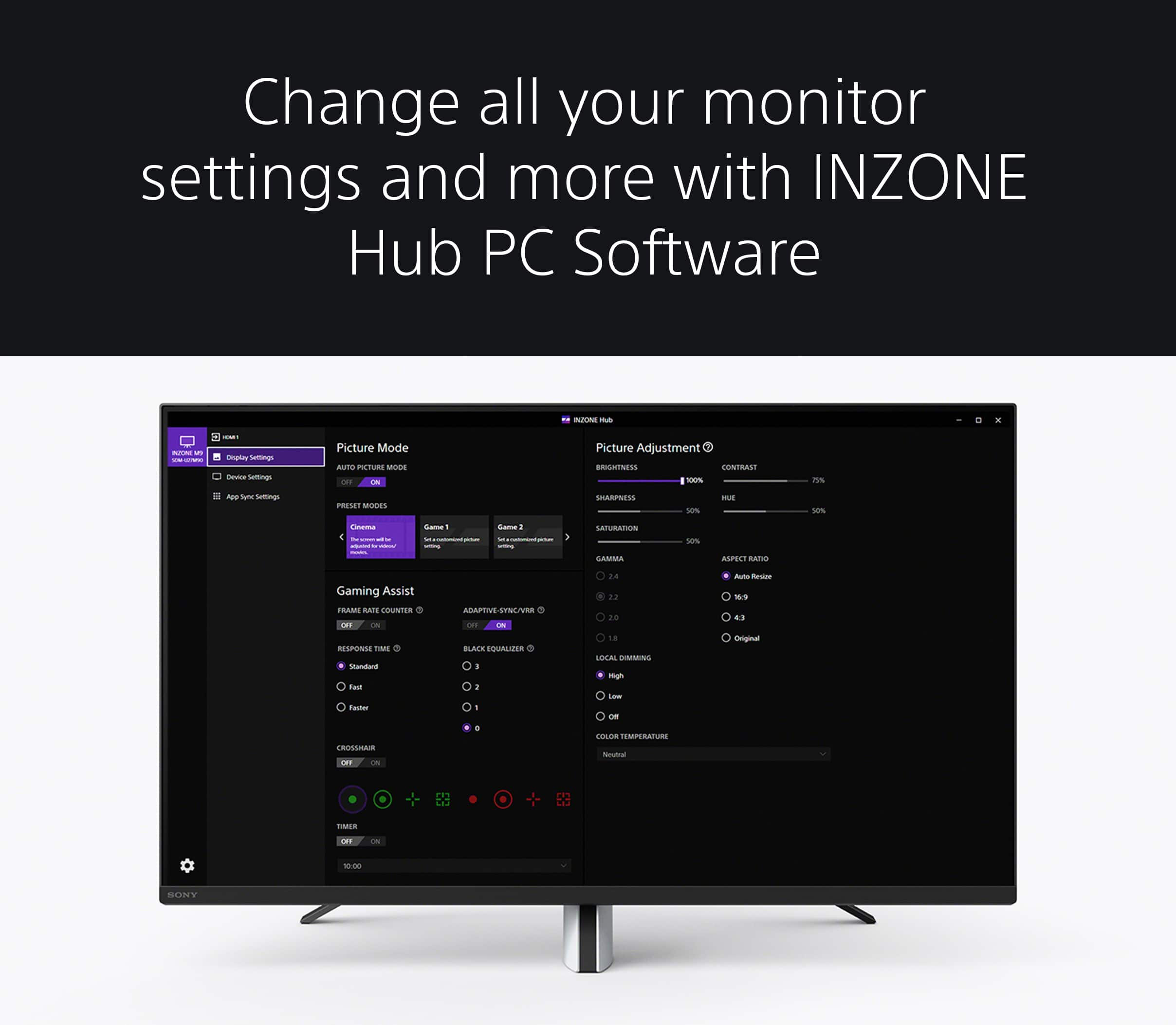
With the INZONE Hub software, you can personalize experiences by customizing a wide range of operations, including a variety of sound and picture settings. To take your sound experience to the next level, you may also consider using our Sony INZONE gaming headsets.
The monitor does not have a built-in IR sensor to work with Sony remotes. However, you can use the INZONE Hub software to switch every setting available on the monitor within the software to seamlessly adjust settings and gaming assist features without having to toggle the physical buttons on the monitor.
Additional information about the monitor is available on this link:
https://www.sony.com/electronics/support/televisions-projectors-monitors/sdm-u27m90/articles/00279504
Regarding the no picture issue, please refer to the troubleshooting steps on this link to help resolve the issue:
https://www.sony.com/electronics/support/televisions-projectors-monitors/sdm-u27m90/articles/00283117
The monitor comes with a 1-year manufacturer's limited warranty. If still not resolved, please email us at [email protected] with the following details:
Name:
Username:
Model Number:
Issue:
Telephone Number:
Or contact our product support team via phone call or chat through this link:
https://us.esupport.sony.com/support/s/support-contact?language=en_US&cpint=spt-subfooter_contactsupport
Regards,
-Ralph
OG Monitor
||Posted .This reviewer received promo considerations or sweepstakes entry for writing a review.Amazing monitor Top of its game ………………………………………..
I would recommend this to a friendBrand response from SonyListens
Posted .Hi AppleWatch, we're glad you like our gaming monitor! Explore gaming worlds full of brilliant depth and detail. Our 27 in INZONE M9 gaming monitor with 4K HDR, Full Array Local Dimming, IPS and over 95% DCI-P3 coverage fills scenes with supreme contrast and color. You’ll react faster too with a 144 Hz refresh rate and IPS 1 ms GtG. Thanks for choosing Sony! ~Earl
Sony Monitor
||Posted .This reviewer received promo considerations or sweepstakes entry for writing a review.It’s a reallllllllllllllllllllly good monitor thanks
I would recommend this to a friendBrand response from SonyListens
Posted .Hi Codey, Thanks for sharing your 5-star review and impressive experience with your new INZONE M9 monitor. We're truly happy to hear you are enjoying everything about this gaming monitor, especially the excellent picture and amazing performance. Explore gaming worlds full of brilliant depth and detail. Our 27 in INZONE M9 gaming monitor with 4K HDR, Full Array Local Dimming, IPS and over 95% DCI-P3 coverage fills scenes with supreme contrast and colour. You’ll react faster too with a 144 Hz refresh rate and IPS 1 ms GtG. Thank you for your feedback and offering a fantastic rating on the product! -Jess
Great Monitor!
||Posted . Owned for 2 weeks when reviewed.This reviewer received promo considerations or sweepstakes entry for writing a review.Big upgrade for my new PC. Spiderman Remastered looks amazing. No dead pixels (bought in store). Agree with other reviewers that the speakers are pretty meh, but I mostly use a headset so doesn't bother me too much. Will eventually look into getting some speakers.
I would recommend this to a friendBrand response from SonyListens
Posted .Hi whizzy,
Thank you for the 5-star rating! We're glad you like your new INZONE M9 gaming monitor. Explore gaming worlds full of brilliant depth and detail. Our 27" INZONE M9 gaming monitor with 4K HDR, Full Array Local Dimming, IPS and over 95% DCI-P3 coverage fills scenes with supreme contrast and color. You’ll react faster too with a 144 Hz refresh rate and IPS 1 ms GtG. Thank you for choosing Sony! - Kris
I like it
||Posted . Owned for 1 week when reviewed.This reviewer received promo considerations or sweepstakes entry for writing a review.Works great easy to use and works well for consoles
I would recommend this to a friendBrand response from SonyListens
Posted .Hi Erik,
Awesome! We're glad that you are enjoying the user-friendly functions of the monitor and how it works well with your gaming consoles. Explore gaming worlds full of brilliant depth and detail. Our 27" INZONE M9 gaming monitor with 4K HDR, Full Array Local Dimming, IPS and over 95% DCI-P3 coverage fills scenes with supreme contrast and color. You’ll react faster too with a 144 Hz refresh rate and IPS 1 ms GtG. Thanks for choosing Sony!
-Ralph
Wait till for a sale
||Posted . Owned for 3 weeks when reviewed.This reviewer received promo considerations or sweepstakes entry for writing a review.It’s an okay monitor, not blow your socks off,definitely not worth $900 plus tax.
No, I would not recommend this to a friendBrand response from SonyListens
Posted .Hi Lmp1988, Thanks for the feedback.Explore gaming worlds full of brilliant depth and detail. Our 27" INZONE M9 gaming monitor with 4K HDR, Full Array Local Dimming, IPS and over 95% DCI-P3 coverage fills scenes with supreme contrast and color. You’ll react faster too with a 144 Hz refresh rate and IPS 1 ms GtG. Thanks for choosing Sony! -Craig
Scanning, Flickering, 1440p Issues, And More
||Posted . Owned for less than 1 week when reviewed.This reviewer received promo considerations or sweepstakes entry for writing a review.I’m a big TV guy when it comes to this kind of stuff. I personally own a C2, Q80, QNED, NANO, and even an old E7. All had their benfits and all are great displays. So it made since that I would want this gaming monitor as i would to like play PC games in HDR primarily 1440p but 4k is totally fine too. Anyway, I will say this M9 looks fantastic and the blacks are very impressive. However, when using HDR my monitor will keep scanning for signal/input like when watching a HDR YouTube video. Not every game had thjs issue and after even updating it seemed like it was better but still impossible to deal with. Didnt matter that I also bought a far superior cable. Which by the way Im using a Displayport Cable as i wanted 144 and Gysnc in HDR 1440p. This dont work and so i went back to 4k and the problem slightly improved and i thought i was in the right direction. Ultimately I was wrong again as HDR seemed to be the issue here as playing games especially those not HDR would casue my monitor to flicker or just keep goijg back snd forth with scanning for signal/input. Super annoying and disappointing. So, I’ve had this monitor for about 3 days and I’ve not been able to enjoy it. I wish I could because it looks fantastic. I tried disabling HDR and the scanning for signal continued just in worst picitire quality . I tried HDMI also didnt work and looked worse on PC. Ive seem people blame Sony, Windows, and Nvidia and I think its all 3 really at this point. HDR at 144 in 1440p - 4K isn’t possible on this monitor at even the Window home screen let alone a game like Dead Space, Minecraft, or even SDH to HDR upscaled games. Monitor is sinply terrible and I plan on returing it and using my original Dell 1440p monitors without HDR or whatever Sony is trying to do here. If you are interested in gettijg into this I dojt think this monitor is it and quite honestly dont suprise me.as Sony has also been this way in terms of showing urgency getting the issue fixed. Again though could be a combination of all of it from Nvidia to Window. I simply cant recommend the M9 and honestly I’ll probably never give Sony another go when it comes to monitors. Very disappointing and will be returning.
No, I would not recommend this to a friendBrand response from SonyListens
Posted .Hi SupremeSethTC, While we're glad you like the picture, we regret to hear that you are experiencing flickering issues with your gaming monitor when VRR is enabled. For optimum performance, make sure that the software version of the monitor is up-to-date. You may refer to this link for more information: https://helpguide.sony.net/tv/u27m90/v1/en/contents/TP1000670514.html (Version M009)
The screen may flicker depending on the game and graphics mode used (particularly fidelity mode). You can perform these troubleshooting steps:
1. If there are multiple graphics modes in a game, select a different mode.
2. Alternatively, you can turn off Enable 120 Hz Output in the PS5 console’s system settings by going to Settings → Screen and Video → Enable 120 Hz Output → Off.
3. If the issue still occurs, turn off VRR on PS5 by going to Settings → Screen and Video → VRR → Off.
Additional information and troubleshooting steps are also available on this link: https://www.sony.com/electronics/support/televisions-projectors-monitors/sdm-u27m90/articles/00279504
I hope this helps, but if you're unable to resolve the issue or you need further assistance, please don’t hesitate to email the below information to [email protected].
Full Name:
Best Buy Username:
Telephone Number:
Issue:
Sony Monitor Model Number:
Additional Information regarding your experience with the INZONE M9 (SDMU27M90).
Regards,
Carl
Sony Inzone M9
||Posted . Owned for 1 week when reviewed.This reviewer received promo considerations or sweepstakes entry for writing a review.I bought this monitor as an open box item and it was less than $600. So I couldn't pass it up. So far it's been awesome. Great with a PS5 and I use it as my daily driver monitor. Had to do some tweaking to get the picture where I wanted it but now it's downright amazing.
I would recommend this to a friendBrand response from SonyListens
Posted .Hi Gator,
Thank you for the 5-star rating! We're glad to hear that you like the gaming monitor for your PlayStation 5. Explore gaming worlds full of brilliant depth and detail. Our 27 in INZONE M9 gaming monitor with 4K HDR, Full Array Local Dimming, IPS and over 95% DCI-P3 coverage fills scenes with supreme contrast and color. You’ll react faster too with a 144 Hz refresh rate and IPS 1 ms GtG. Thank you for choosing Sony!
-David
Good monitor
||Posted . Owned for 1 month when reviewed.This reviewer received promo considerations or sweepstakes entry for writing a review.Overall it is a good monitor for its price point. Cant go wrong.
I would recommend this to a friendBrand response from SonyListens
Posted .Hello Dannywillkill,
That's awesome! We're glad that you like the over-all quality and price point of your new Sony INZONE M9 monitor. Explore gaming worlds full of brilliant depth and detail. Our 27" INZONE M9 gaming monitor with 4K HDR, Full Array Local Dimming, IPS and over 95% DCI-P3 coverage fills scenes with supreme contrast and color. You’ll react faster too with a 144 Hz refresh rate and IPS 1 ms GtG. Thank you for choosing Sony! - Marco
Loving it.
||Posted . Owned for 1 week when reviewed.This reviewer received promo considerations or sweepstakes entry for writing a review.Im loving it so far. Only gripe is i dont like the time it takes to read the signal when cycling through the sources but maybe i need to update it first, we shall see. Cant rrally give much of a review since ive only been on if for like 2 hours but so far so good.
I would recommend this to a friendBrand response from SonyListens
Posted .Hi Free, thanks for choosing and purchasing our product. We're glad you are enjoying your new gaming monitor. We're sorry to hear that you have an issue with your SONY unit. You can find this link helpful in your issue:
https://www.sony.com/electronics/support/televisions-projectors-monitors/sdm-u27m90/articles/00279504
Please make sure to update the firmware of your SONY unit to the latest one. You can follow this link for more details:
https://www.sony.com/electronics/support/televisions-projectors-monitors/sdm-u27m90/downloads
If you require any additional support in regards to this product, please email us at [email protected] with the following details: Name: Username: Model Number: Issue: Telephone Number:
Explore gaming worlds full of brilliant depth and detail. Our 27" INZONE M9 gaming monitor with 4K HDR, Full Array Local Dimming, IPS and over 95% DCI-P3 coverage fills scenes with supreme contrast and color. You’ll react faster too with a 144 Hz refresh rate and IPS 1 ms GtG. Thank you for choosing SONY! ~Earl
Great picture but only good value.
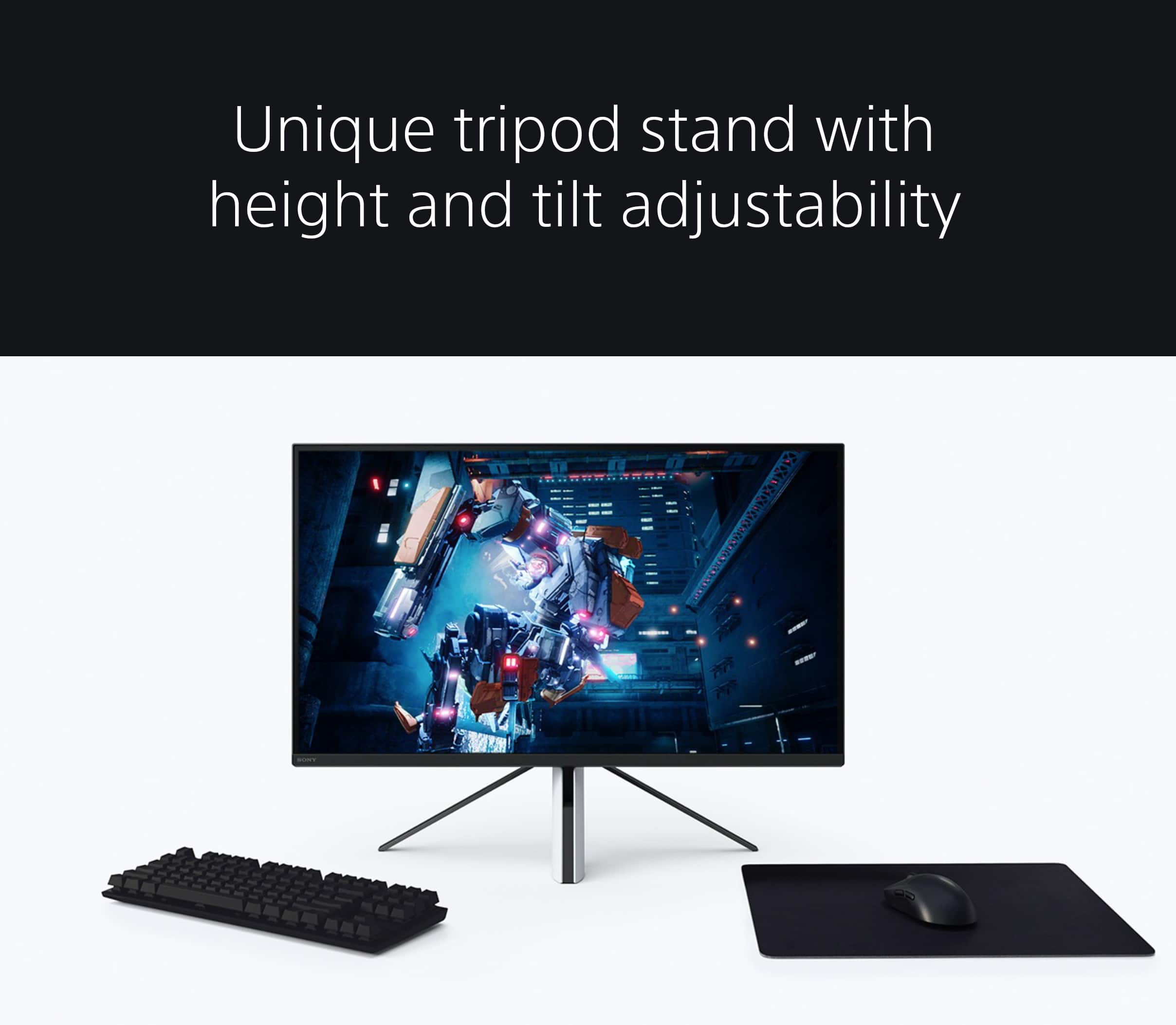
||Posted . Owned for 1 week when reviewed.This reviewer received promo considerations or sweepstakes entry for writing a review.Quality picture but not the best stand and still a bit overpriced in my opinion. But it does work great….
I would recommend this to a friendGreat quality
||Posted . Owned for less than 1 week when reviewed.This reviewer received promo considerations or sweepstakes entry for writing a review.Video quality is amazing, aside from loosing connections at time all else is great.
I would recommend this to a friendBrand response from SonyListens
Posted .Hi Mercer,
We're glad that you like the picture quality of the INZONE M9. It's unfortunate that you are experiencing connection or signal issues with the monitor. For optimum performance, make sure that the software version of the monitor is up-to-date. Please refer to these links for more information:
https://www.sony.com/electronics/support/monitors-inzone-m9-series/sdm-u27m90/software/00284042
https://helpguide.sony.net/tv/u27m90/v1/en/contents/TP1000670514.html
Make sure that all connections are secured. It is also recommended to use a High Speed HDMI cable or the latest version of a display port cable. Sometimes cables are the easiest cause for concern and fix most issues.
If you have multiple devices connected to the monitor, you can disable the auto input search to manually select a specific input. For more information, please refer to this link:
https://helpguide.sony.net/tv/u27m90/v1/en/contents/TP1000668884.html
You may also find these links helpful:
https://www.sony.com/electronics/support/televisions-projectors-monitors/sdm-u27m90/articles/00283117
https://www.sony.com/electronics/support/televisions-projectors-monitors/sdm-u27m90/articles/00279504
Hope this helps. In case you need further assistance, please email us at [email protected] with the following details:
Name:
Username:
Model Number:
Issue:
Telephone Number:
Or contact our product support team via phone call or chat through this link:
https://us.esupport.sony.com/support/s/service?language=en_US.
Sincerely,
-Ralph
I have never been let down so bad.
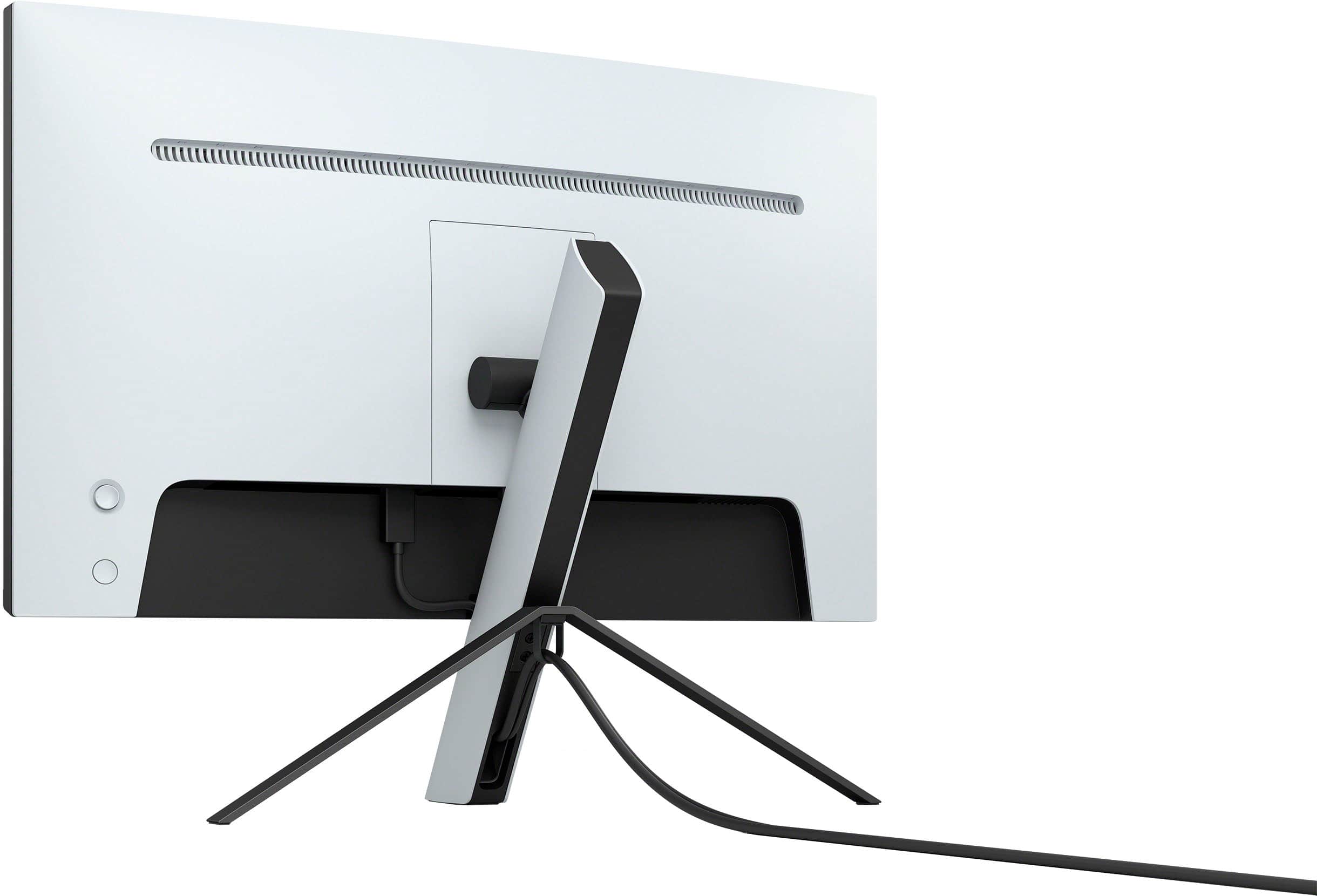
||Posted . Owned for less than 1 week when reviewed.This reviewer received promo considerations or sweepstakes entry for writing a review.I am so upset with this purchase as I was so excited to get this monitor being an actual brand match for the PS5 and boy what a miss! I set up the monitor and its been an hour and I havent figured out how to set the monitor in FPS, remove ECO Mode, or adjust the brightness. My PS5 has turned off like 3 times in the middle of all of this becuase its like freaking out. The "detecting source" takes like 5 seconds to actually show your screen. So its back to PS4 times with the game loads. 4K video setting your cant enjoy becuase the screen is dark and dull. I mean why do I feel like I need a masters degree to figure out how to work this monitor? if it works at all? ALSO the stand is a very poor design, the power adapter is the size of the Sega Game Gear. I mean man wow i waited a week for this to come out with the launch, and I am heart broken.
No, I would not recommend this to a friendBrand response from SonyListens
Posted .Hi Anthony,
Thank you for sharing your feedback and experience with your INZONE M9 gaming monitor. We are very sorry to hear you are having trouble configuring your settings to your preference. The INZONE M9’s Preset picture modes are designed to optimize picture quality for specific use cases. Standard, FPS and Cinema preset modes are tuned for overall balanced performance, optimized for FPS games, and for enjoying cinematic content like streaming movies or videos, respectively. For more customized performance, we recommend using Game 1 or Game 2 and turning off HDR to ensure your customized settings are not overridden.
If your PS5 is unexpectedly turning off, there is a feature called ‘Control for HDMI’ that allows your INZONE M9 monitor and PS5 to be synced via HDMI. In doing so, if you power down 1 device the other will do the same. If you powered down the monitor during your configuration, this may have been the reason for your PS5 turning off unexpectedly. If you prefer, you can simply turn this feature off by going into the Settings, then “Input”, then switching “Control for HDMI” to Off.
That’s odd! Sorry to hear you were not getting a bright and vibrant picture when using the screen at 4K resolution. This should not be the case and is not standard performance as the M9 monitor boasts DisplayHDR 600 certification, meaning the picture will reproduce vivid colors, rich contrast and high peak brightness of 600 nits.
We’d love to speak to you and learn more about your experience with your INZONE M9 gaming monitor. Your feedback is very important to us and we hope we can help you resolve any issues or obstacles you may have. You can reach us at [email protected] or go to https://www.sony.com/electronics/support/televisions-projectors-monitors/sdm-u27m90?cpint=rvi to check out our FAQ and Help Guide. Thank you again for your honest feedback!
Regards,
-Ralph