Customer Ratings & Reviews

- Model:
- SDMU27M90
- SKU:
- 10562650
Rating by feature
- Display Quality
Rating 4.5 out of 5 stars
- Ease of Use
Rating 4.3 out of 5 stars
- Features
Rating 4.4 out of 5 stars
So close to being good.
||Posted . Owned for 3 months when reviewed.This reviewer received promo considerations or sweepstakes entry for writing a review.I wanted to love this monitor so much, but it actually performed worse than a 13 year old LCD monitor in certain scenarios. I.E. any dark areas. I took advantage of Black Friday sales and returned this monitor for a 42" LG C2, which is wayyyy better for a very similar price.
No, I would not recommend this to a friendBrand response from SonyListens
Posted .Hi SpiderGuy,
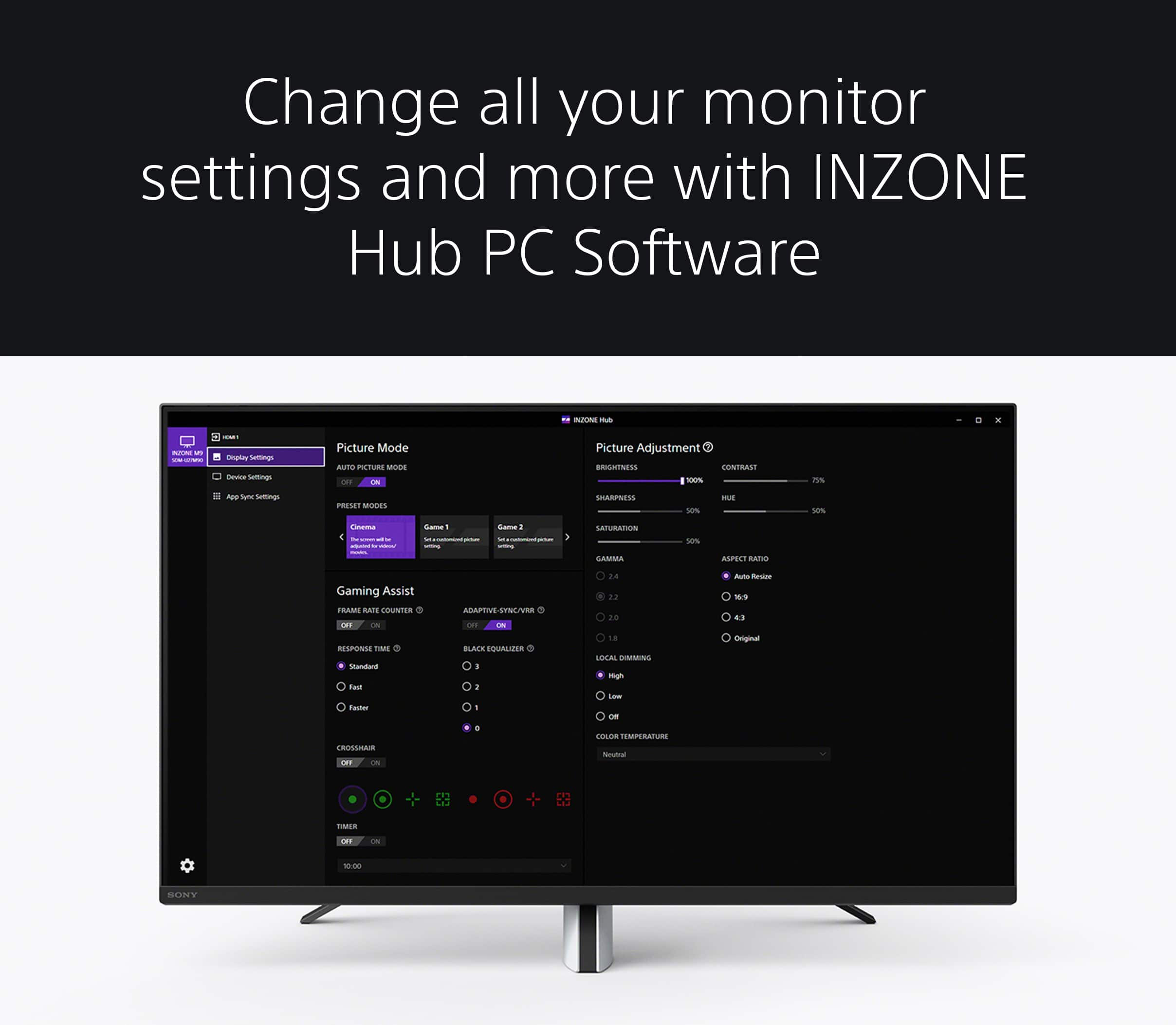
We regret to hear that you were not satisfied with the INZONE M9. Your feedback is extremely important to us and is very much appreciated. For optimum performance, it is recommended to install the latest software version of the monitor and use a High Speed HDMI cable or the latest version of a display port cable. Additionally, you can use the INZONE Hub software. With this app, you can personalize experiences by customizing a wide range of operations, including a variety of sound and picture settings. Thanks again for sharing your review and we hope you will consider Sony for your future purchases.
-Ralph
Have two - both with issues.
||Posted . Owned for 2 months when reviewed.This reviewer received promo considerations or sweepstakes entry for writing a review.I bought two of the for our ps5s. Signal flickers in and out on one, it’s infrequent but happens. Also when signal comes back, it will have washed out colors until a refresh. It also made a weird buzzing noise but restarting it fixed that. Second one just died on us tonight. So less than 60 days in. Unexpectedly just gives a black screen. No troubleshootingnworked - cable swaps, swapped to working ps5…will need to claim warranty. I’ll stick with the lg monitors. Wish this monitor was as good as Sonys tvs and audio. Boo.
No, I would not recommend this to a friendBrand response from SonyListens
Posted .Hi Okplyr,
We are sorry to hear about the issues you are having. This is usually not the case for our Inzone Monitors nor the experience we want you to have. Thank you for the feedback of what temporary problems you were having. For the flickering issue, let's try to isolate and resolve this issue by following the troubleshooting steps below:
If there are multiple graphics modes in a game, select a different mode.
Alternatively, you can turn off Enable 120 Hz Output in the PS5™ console’s system settings by going to Settings → Screen and Video → Enable 120 Hz Output → Off.
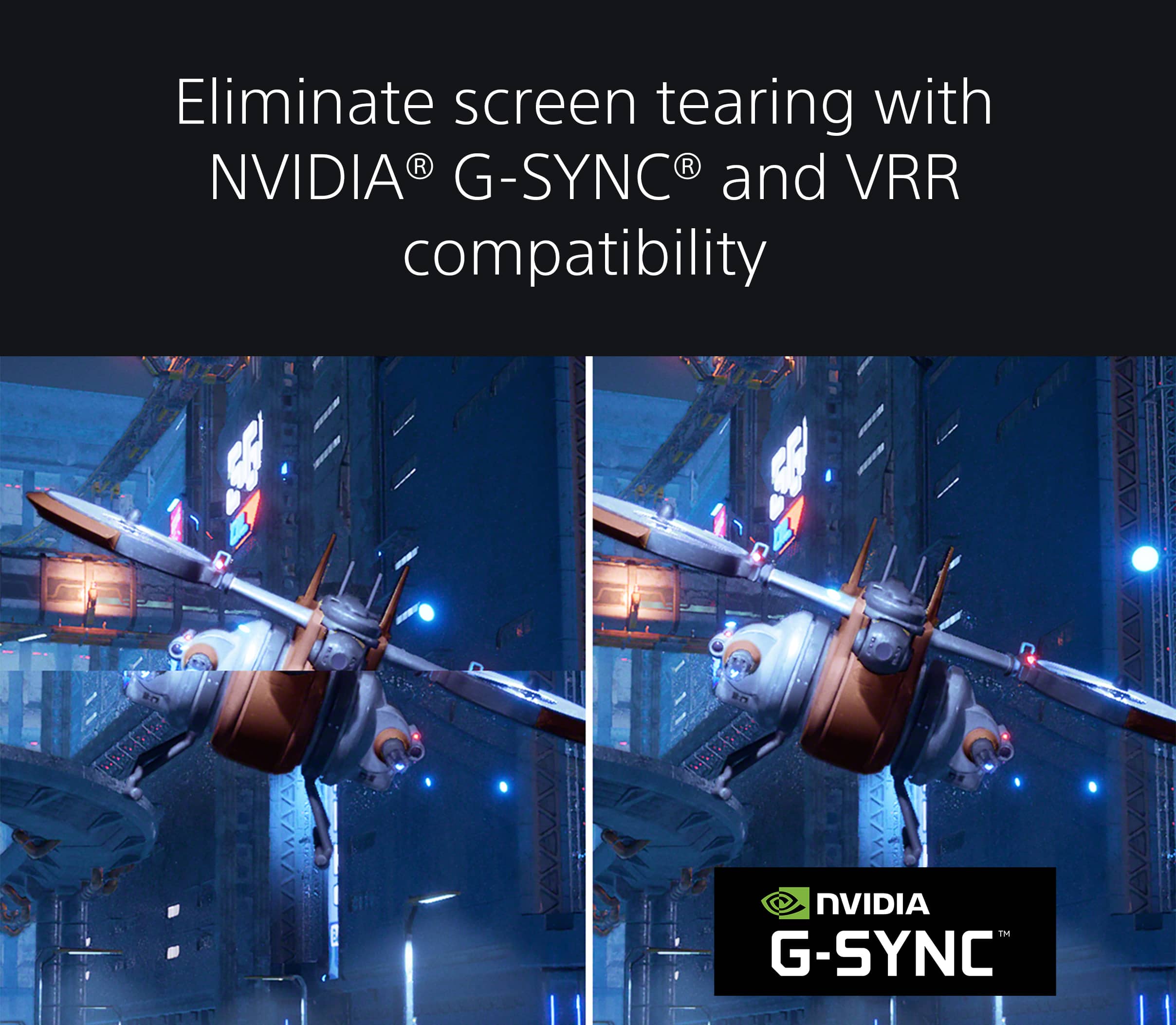
If the issue still occurs, turn off VRR on PS5 by going to Settings → Screen and Video → VRR → Off.
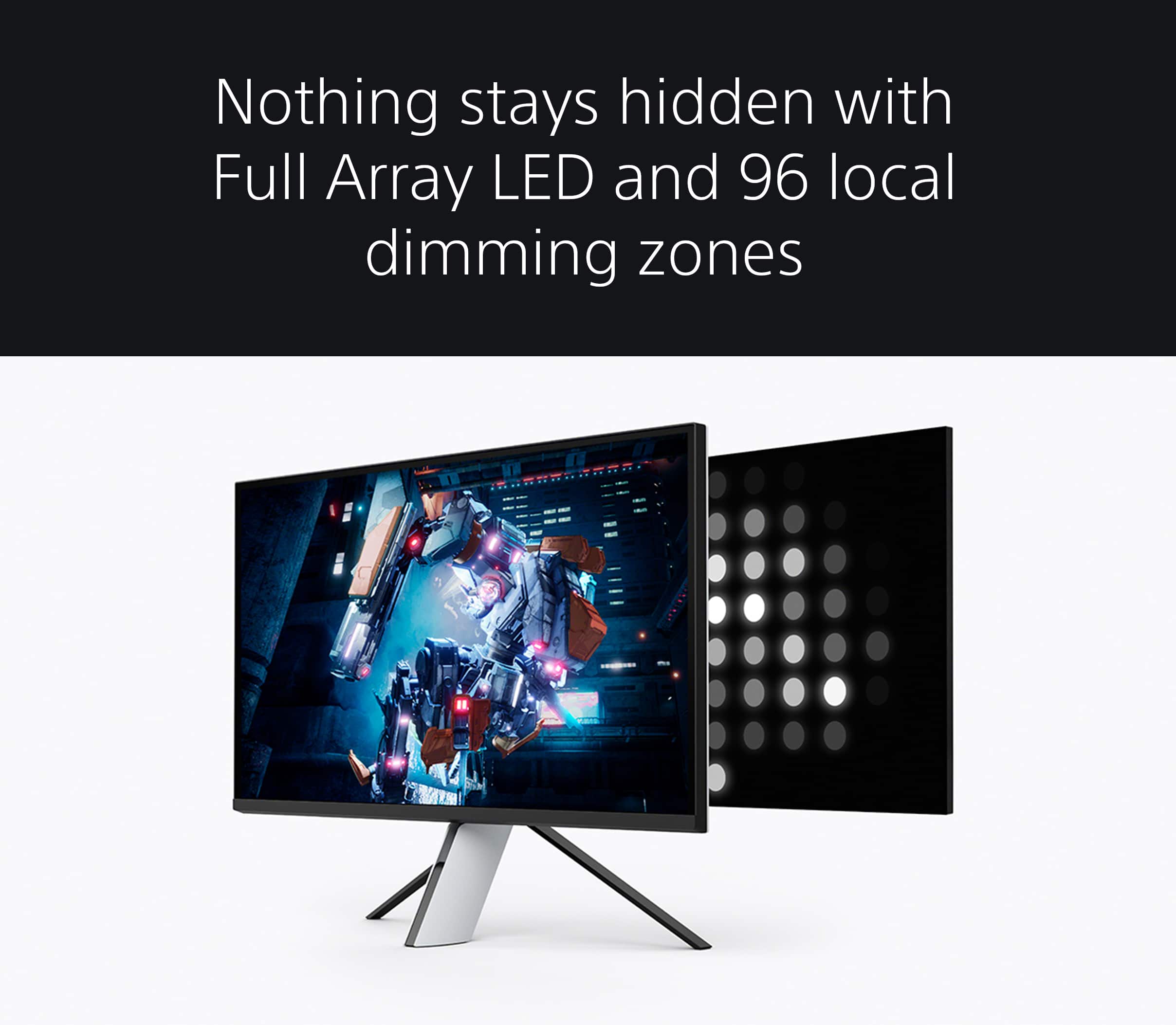
Please check that the Local dimming is set to Low or Off. This setting may cause the whole screen to look washed out.
For black screen issue, this may be an indication that there is a loose connection or an incorrect setting. Please follow the troubleshooting steps on the link below to resolve the issue.
https://www.sony.com/electronics/support/televisions-projectors-monitors/sdm-u27m90/articles/00031837
If you are unable to resolve your concern and need further assistance, please email us at [email protected] with the following details:
Name:
Username:
Model Number:
Issue:
Telephone Number:
Or contact our product support team via phone call or chat through this link: https://us.esupport.sony.com/support/s/service?language=en_US.
Sincerely,
Sam
Avoid sony
||Posted . Owned for 9 months when reviewed.This reviewer received promo considerations or sweepstakes entry for writing a review.Do not buy I purchased one because I’ve always enjoyed Sony products I got dead pixels and they told me it was a pressure spot with no explanation and would not repair or replace I would really buy any other monitor but Best Buy did awesome so this review is for the product not the store
No, I would not recommend this to a friendGood display, terrible software
||Posted . Owned for 11 months when reviewed.This reviewer received promo considerations or sweepstakes entry for writing a review.Takes a long time to refind connection when switching between games and it struggles to switch between multiple hdmi inputs
No, I would not recommend this to a friendBrand response from SonyListens
Posted .Hi MarleyW,
We regret to hear that you are having issues with your Sony INZONE M9 gaming monitor. This is definitely not the customer experience we want you to have. Please make sure to update the firmware of your monitor to improve its performance and resolve any possible software-related issues: https://www.sony.com/electronics/support/televisions-projectors-monitors/sdm-u27m90/downloads. Make sure the cable is connected securely. You can also unplug the cable and plug it back again: https://helpguide.sony.net/tv/u27m90/v1/en/contents/TP1000668878.html. We can also reset the settings of the monitor to the factory default to further isolate the issue.
We take all user input seriously and will make sure your comments reach the appropriate person. If you are still having the same issue, you can email us at [email protected] with the following details:
Name:
Best Buy Username:
Model Number:
Issue:
Telephone Number:
Sincerely,
Vincent

Top Notch 4K Monitor
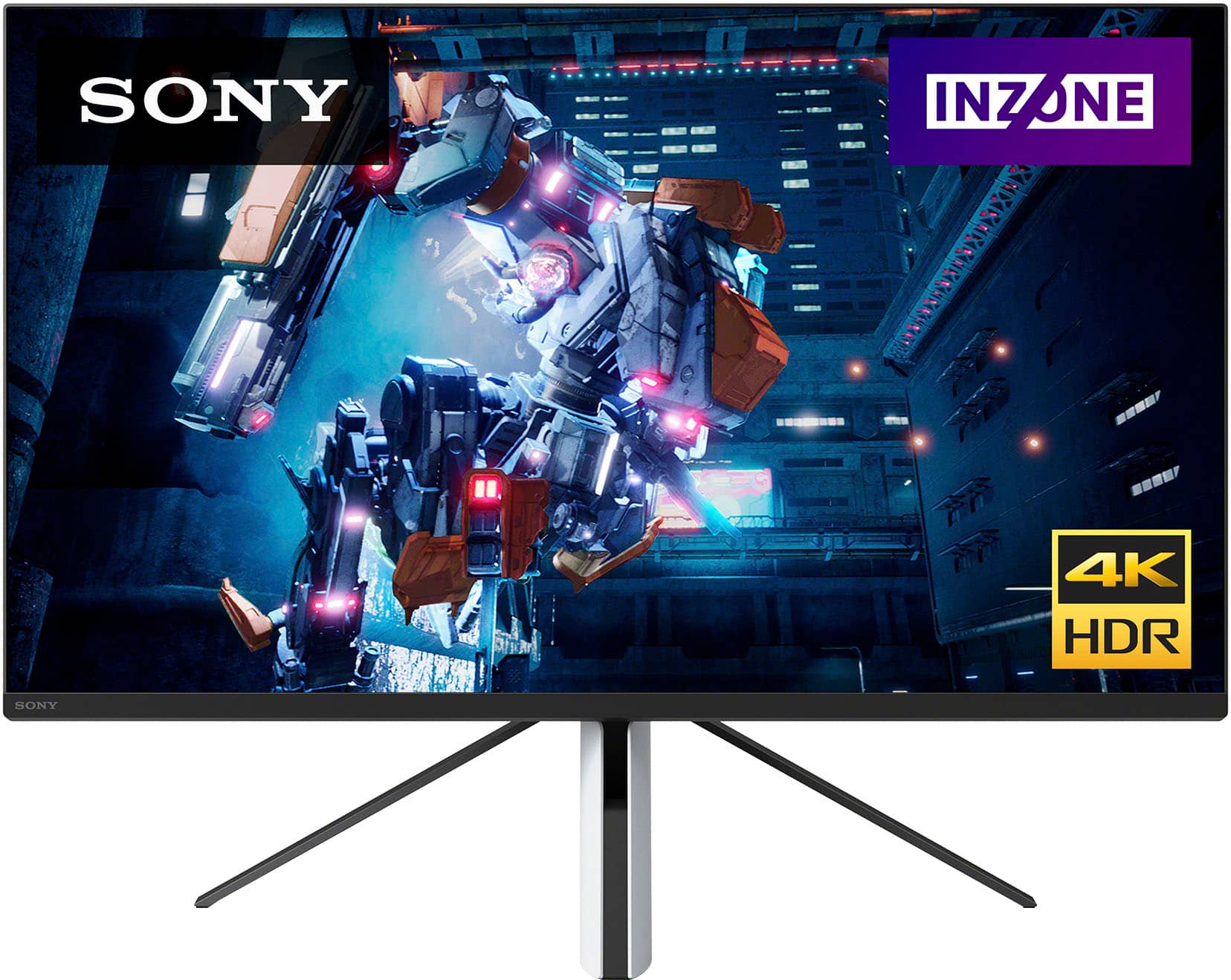
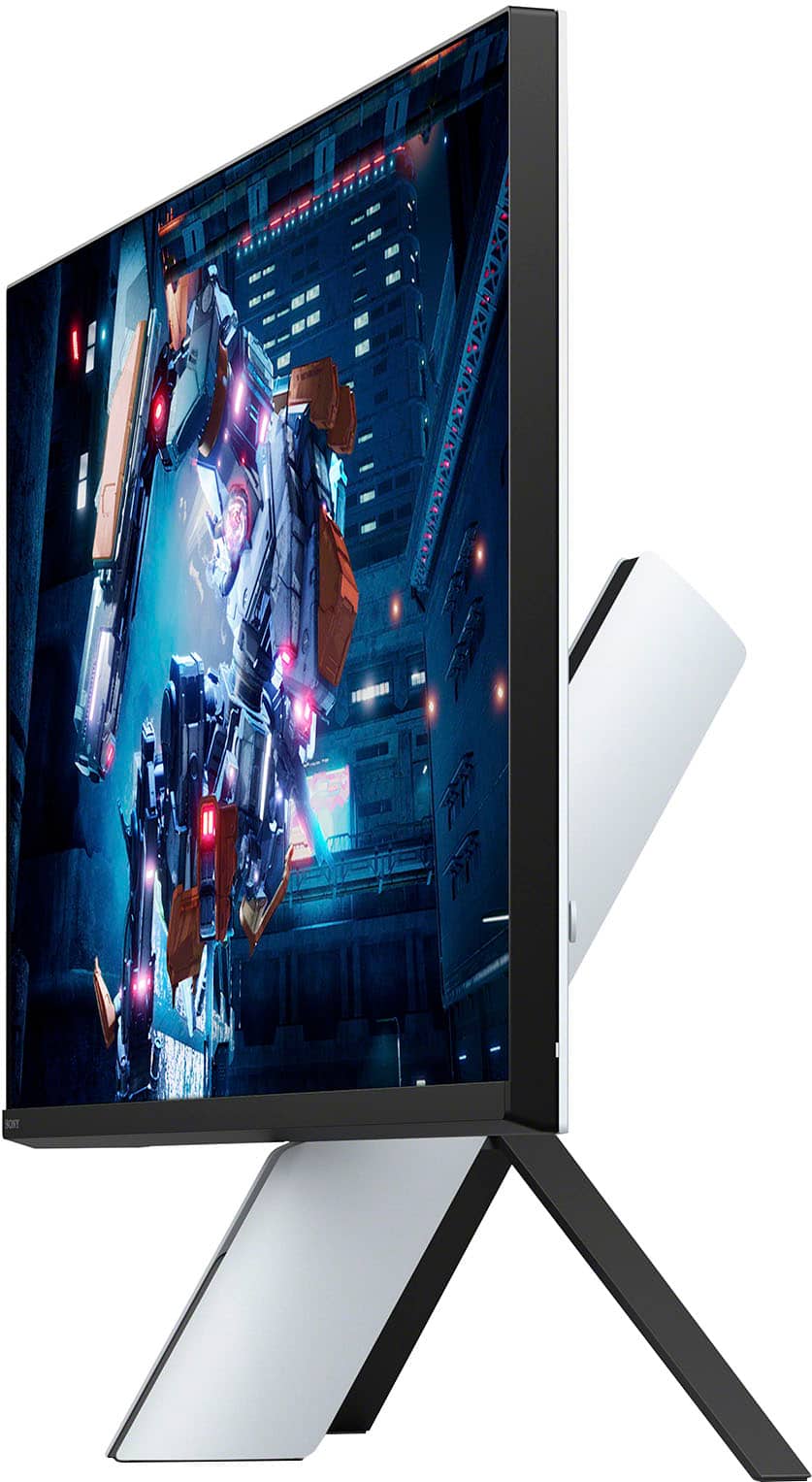
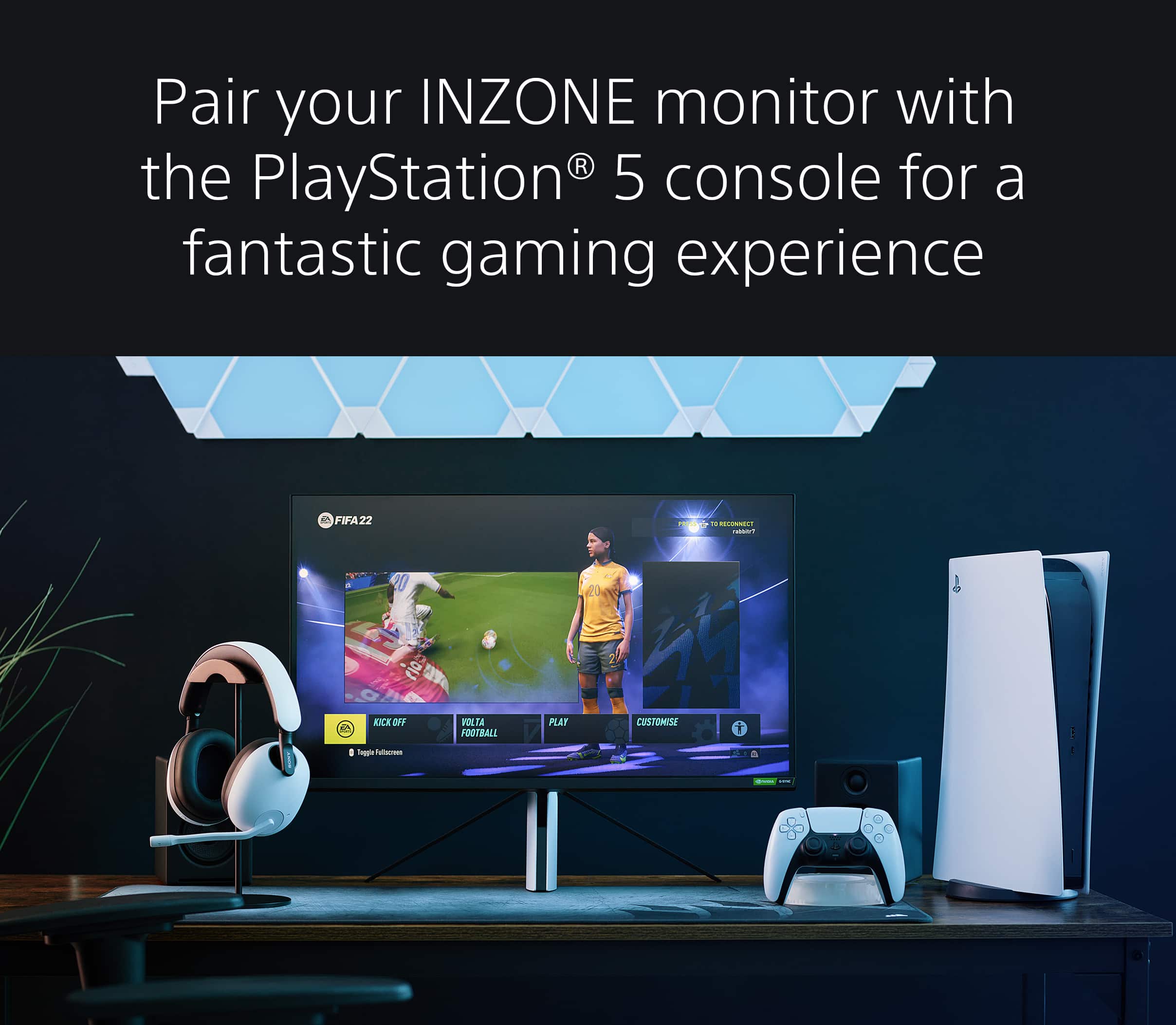
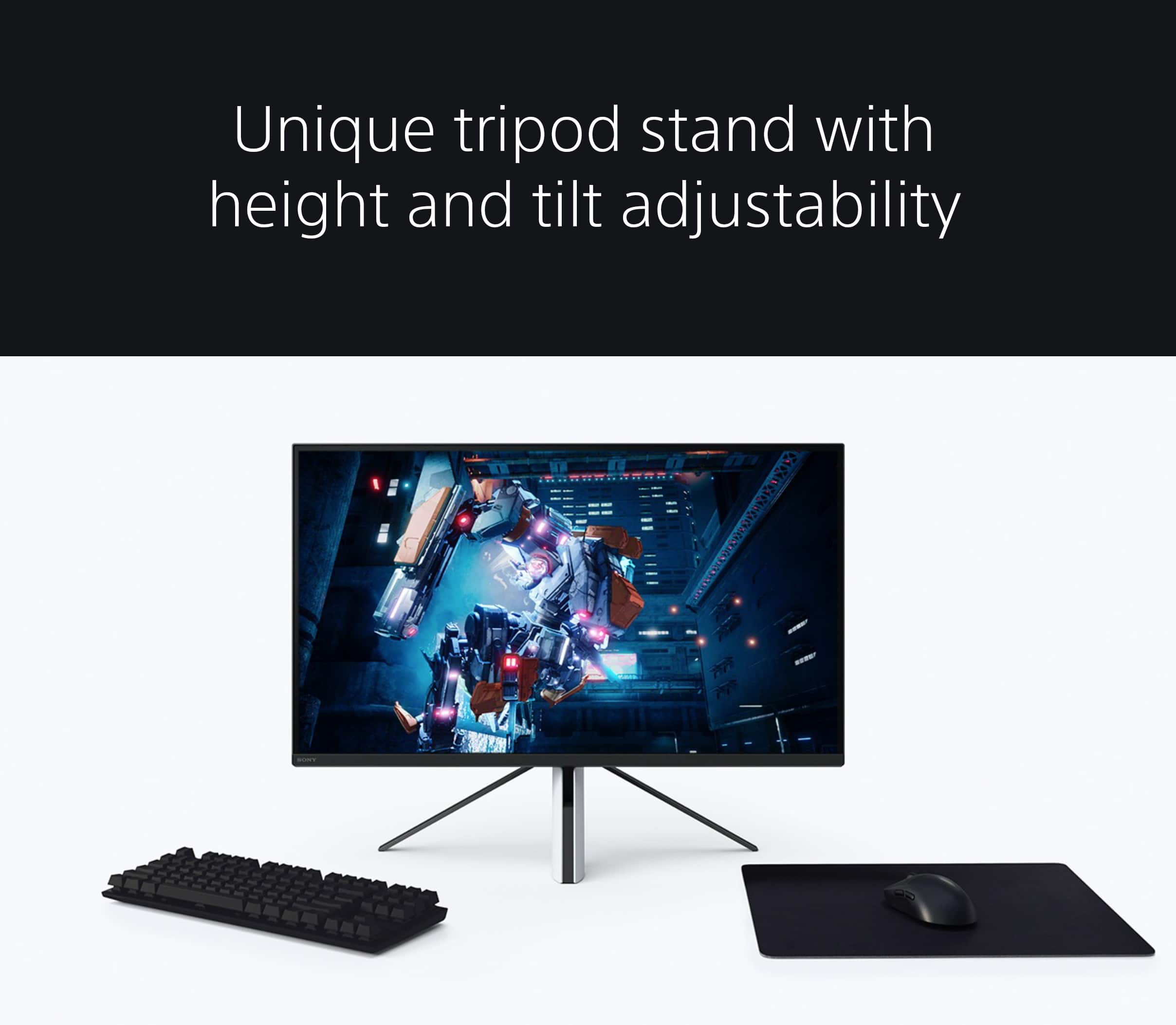
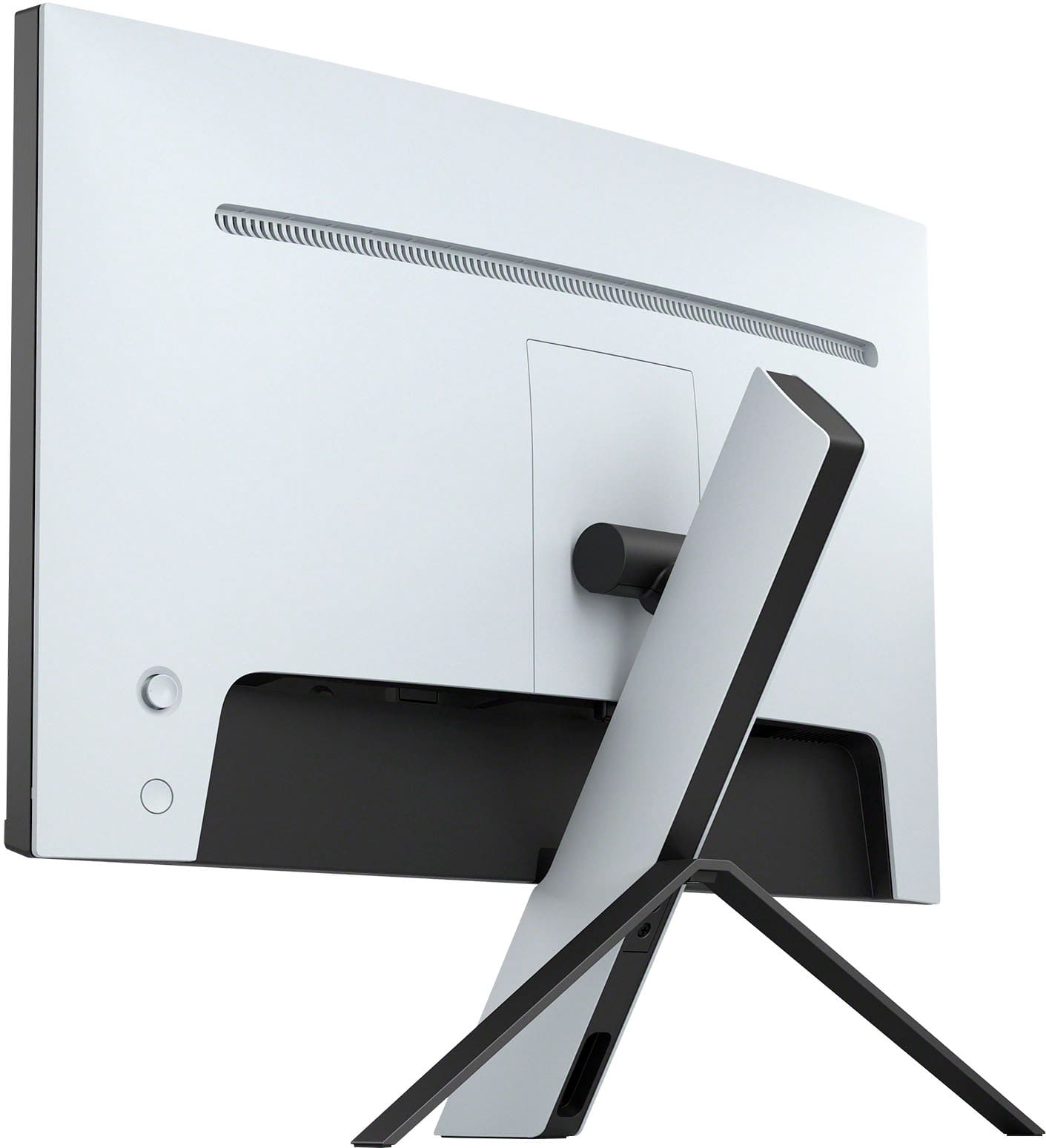
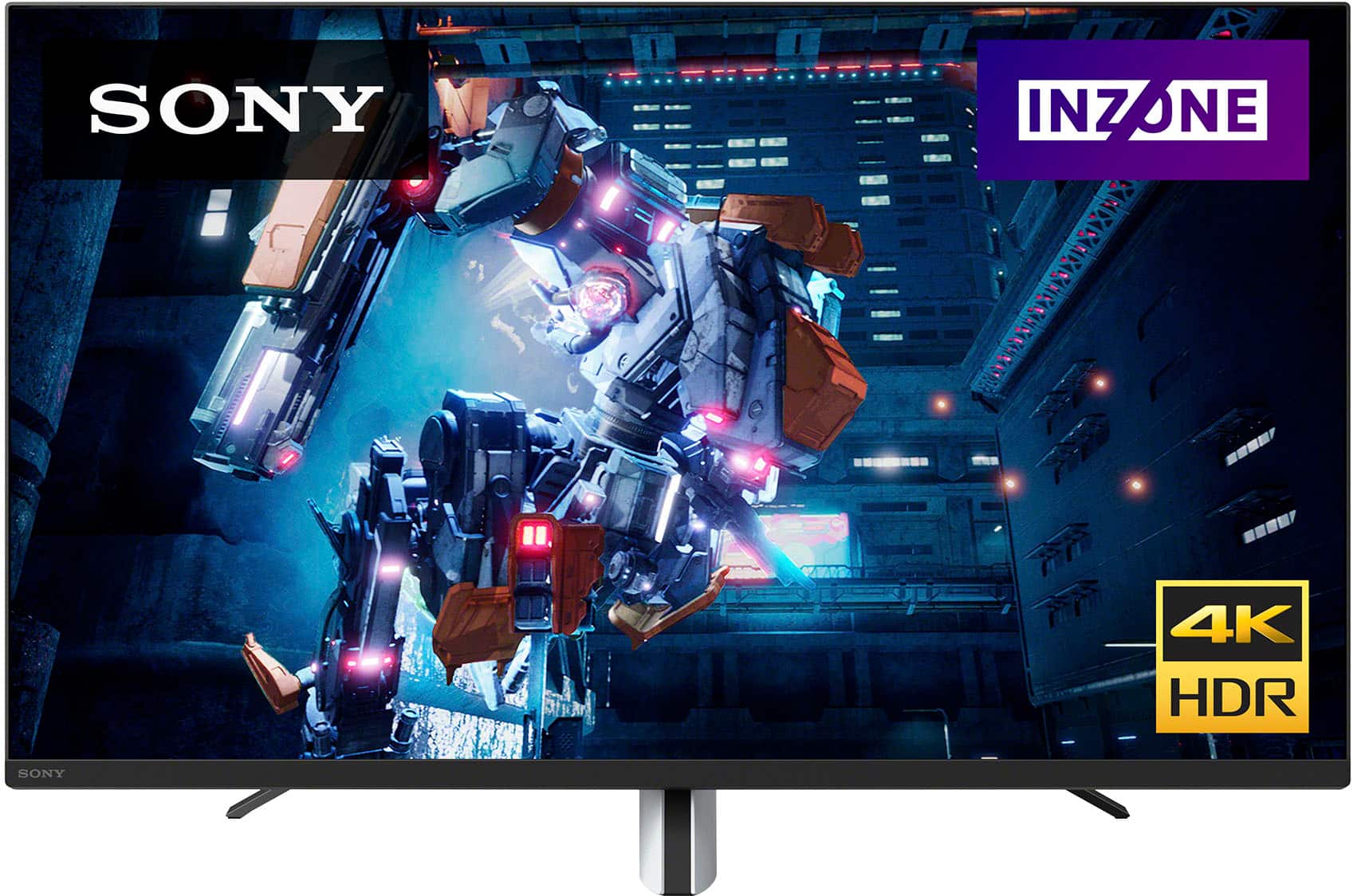
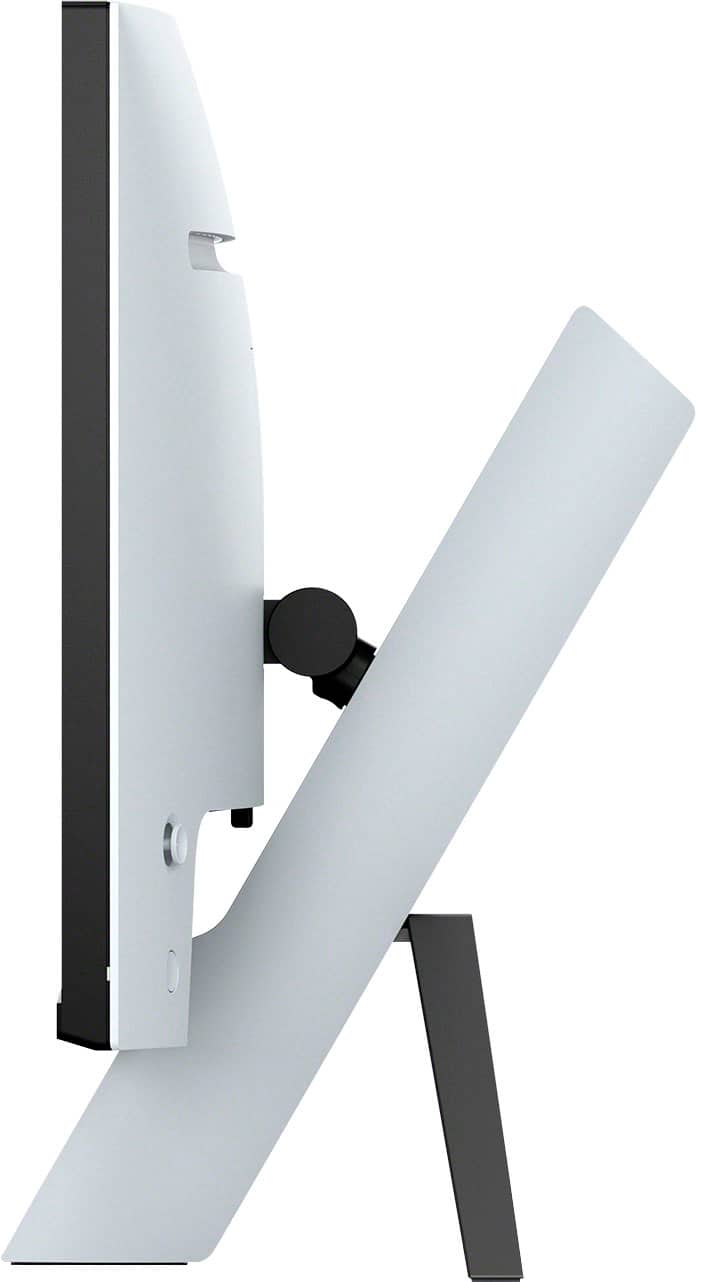
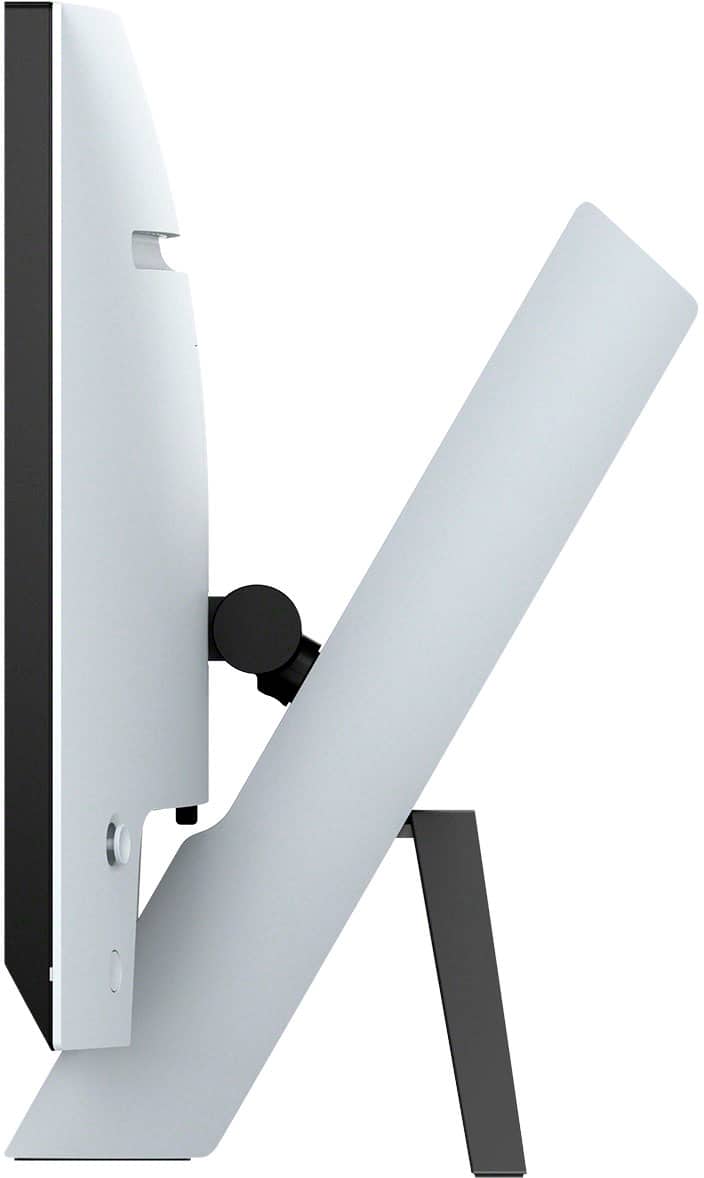
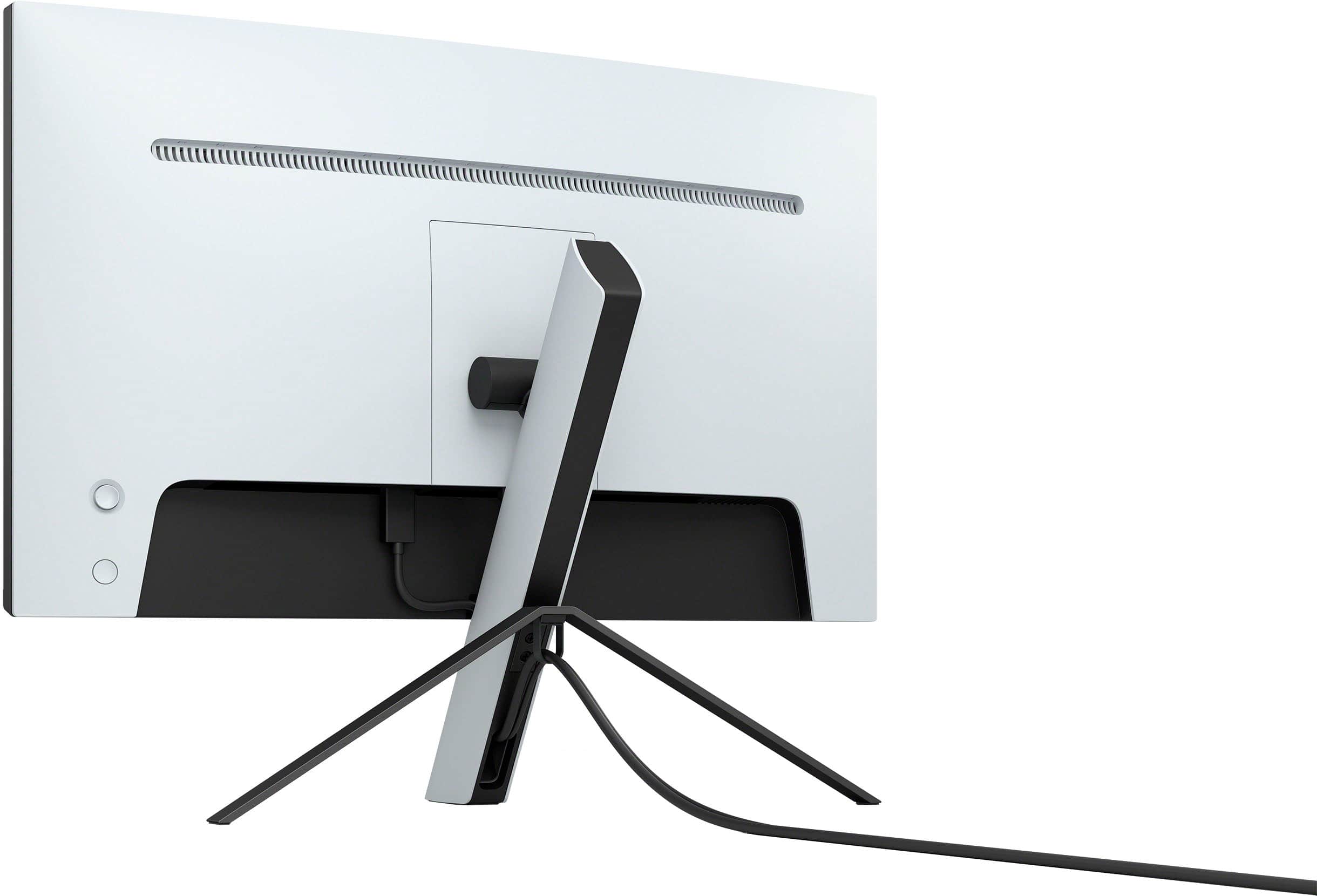
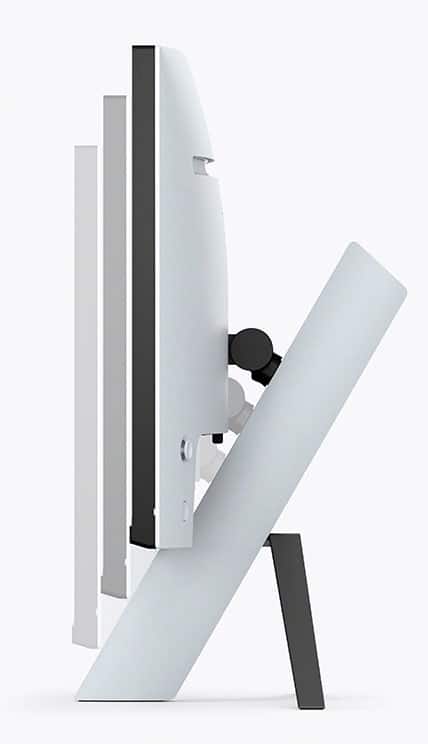
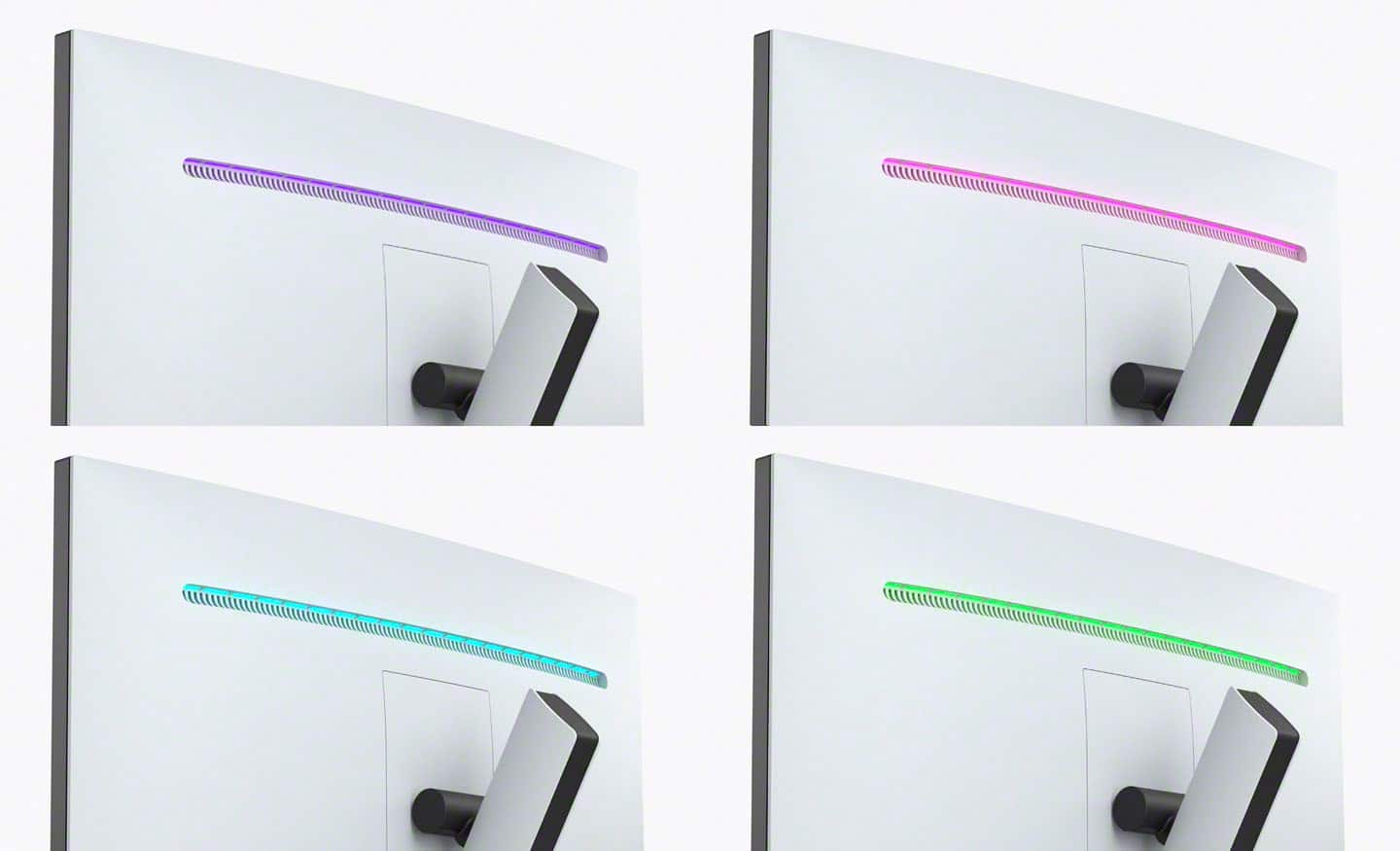
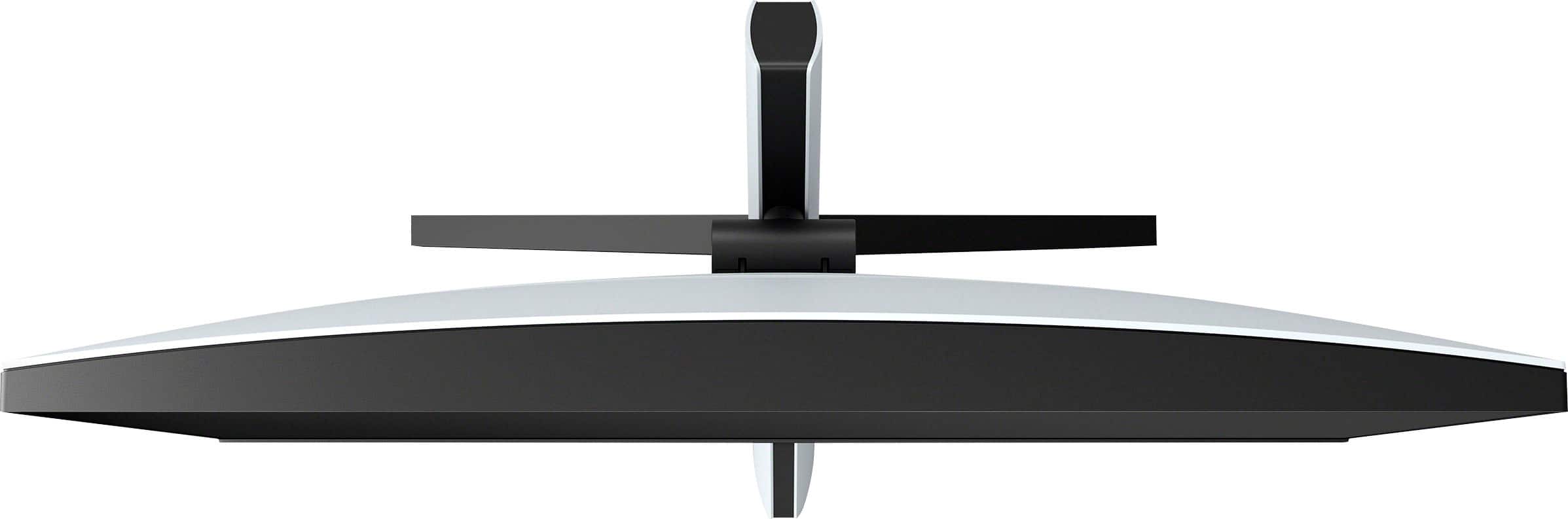
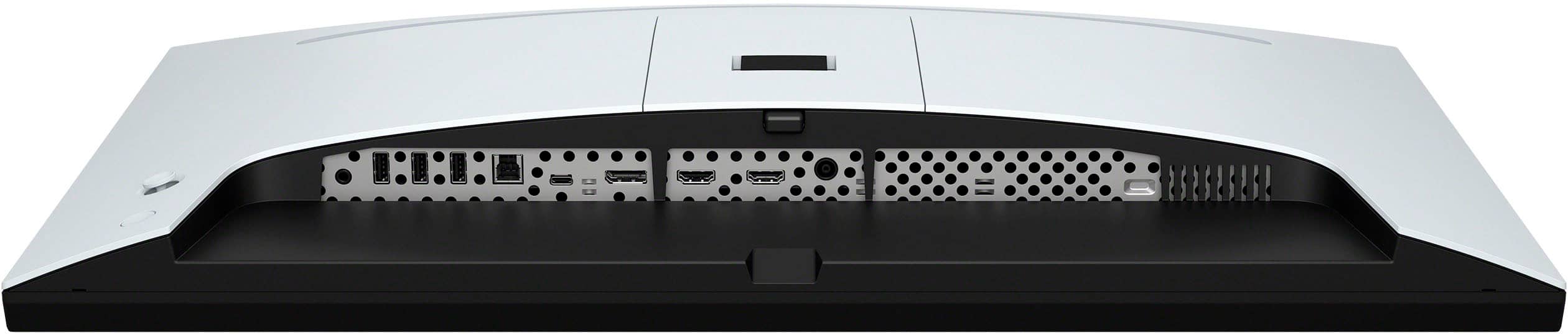
|Posted .This reviewer received promo considerations or sweepstakes entry for writing a review.Sonys first outing for gaming focused monitors in 2022 is a head scratcher. Why haven't they done this before?! Specifically the Inzone M9 is coming for a top spot in the scene with surprisingly outstanding performance. You'll have the best of both worlds thanks to the intentional catering to your shiny new PS5 or PC. This beauty pairs nicely due to its white and black asthetic which mirrors that of the PS5 and you shouldn't have too much trouble integrating it in your setup. One thing I'm not too keen on is the tripod stand which doesn't feel very reliable due to the hefty weight of the screen and back panel combined. Also, the height of which you can extend is lower than I'd like so most of the time I'm looking slightly down but that's just a little nit pick. With that out of the way, we move on to the good stuff. First and foremost, as a monitor you'll be pleasantly surprised by the sheer quality over most other monitors on the market. Sleek and deep color tones with the added HDR10 make it one of the best looking screens out there. At 27 inches and 4k resolution, your games and media will look outstanding. As an example when booting up Apex Legends everything felt so much more vibrant and detailed than on my previous monitor. HDR makes a huge difference. The benefit from hi-res AND high frames means you'll never look back, provided your rig is beefy enough. Peak brightness averaged around 700 nits, which isn't the best but isn't bad either. The usual preset settings you'd come to expect are all present, allowing for quick switches whether you're watching, streaming video or playing a demanding game. On the audio side, this is the first monitor that I've owned with built in speakers so I was pleased right away. In all honesty, the sound quality is something to be desired, with higher volumes becoming drowned out, more so when music is playing or loud explosions happen on screen. This isn't really much of an issue tho when running a gaming headset which is my preferred play style. However, the build overall is still one of the best on the market when taking into account the 4k HDR and higher than average refresh rate. It has plenty of various outputs so you can have several of your preferred periferrals connected simultaneously via HDMI 2.1, DP and more. One of my favorite parts is the Inzone software (separate download) which allows full control over all settings right from a click of a mouse. No more having to reach behind the unit and change a specific setting. The M9 has secured it's spot as my primary display panel for my PC setup and I'm very happy with it.
I would recommend this to a friendBrand response from SonyListens
Posted .Hi TechGeek28, We truly appreciate you taking the time to share this wonderful feedback! We're glad to hear that it pairs seamlessly and aesthetically with your PS5, and good to know you like the ease of setup, deep colors, HDR10 support, outstanding picture quality, great sounding built-in speakers, multiple port selection, Inzone app, and overall performance of your new Sony Inzone M9 gaming monitor. We also appreciate your feedback about the stand. The monitor stand must be installed properly to achieve the correct stability for the monitor.
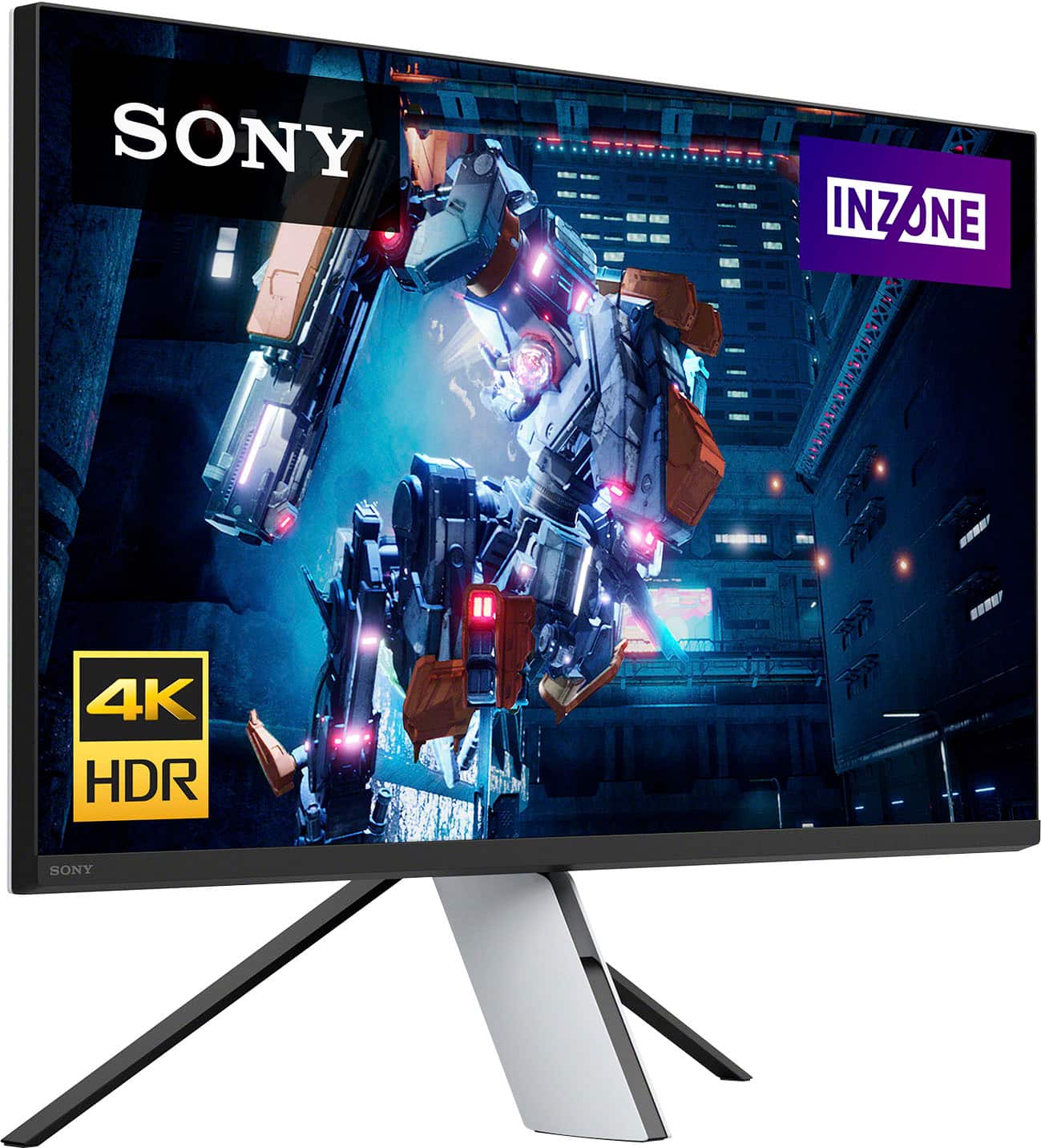
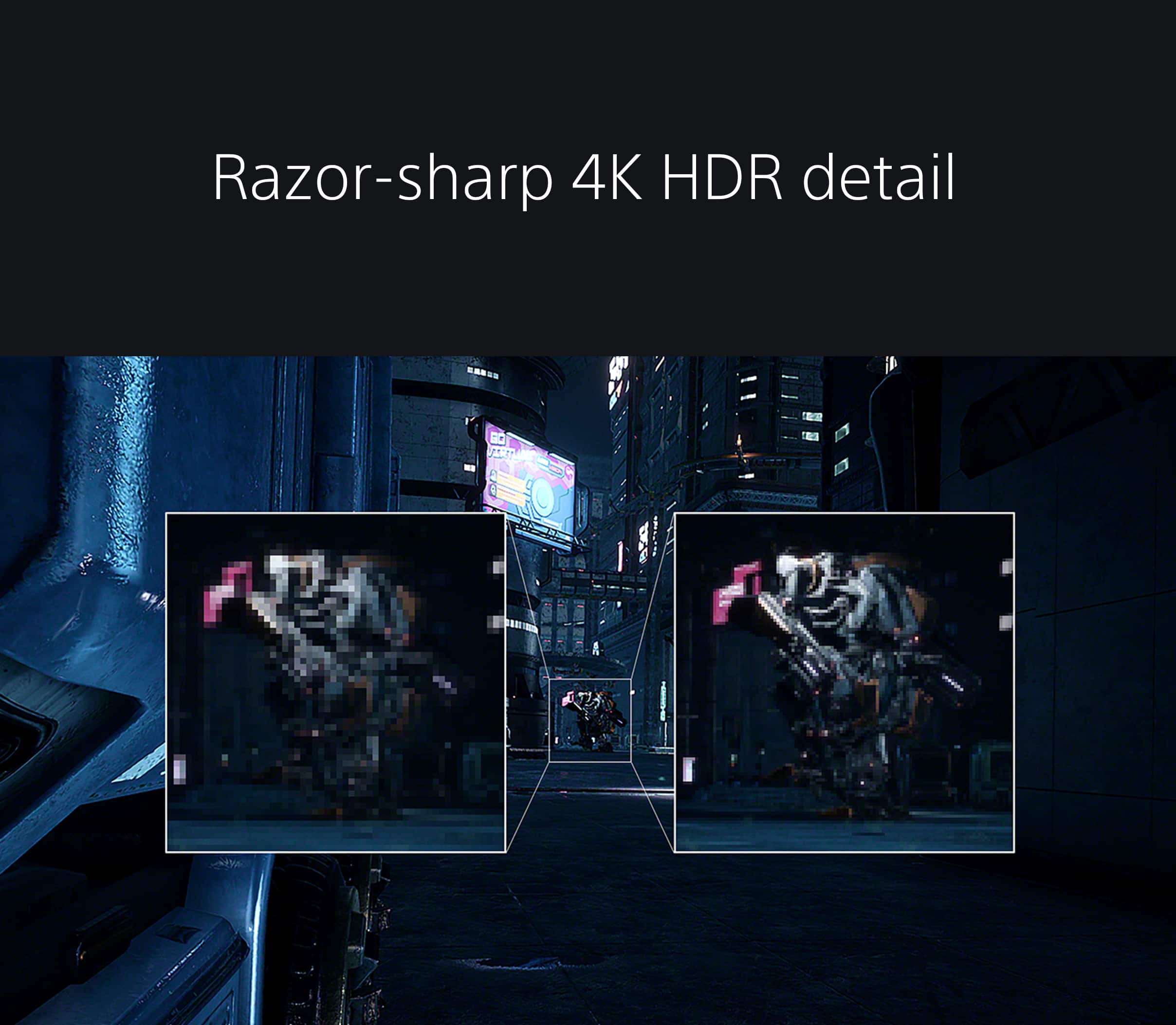
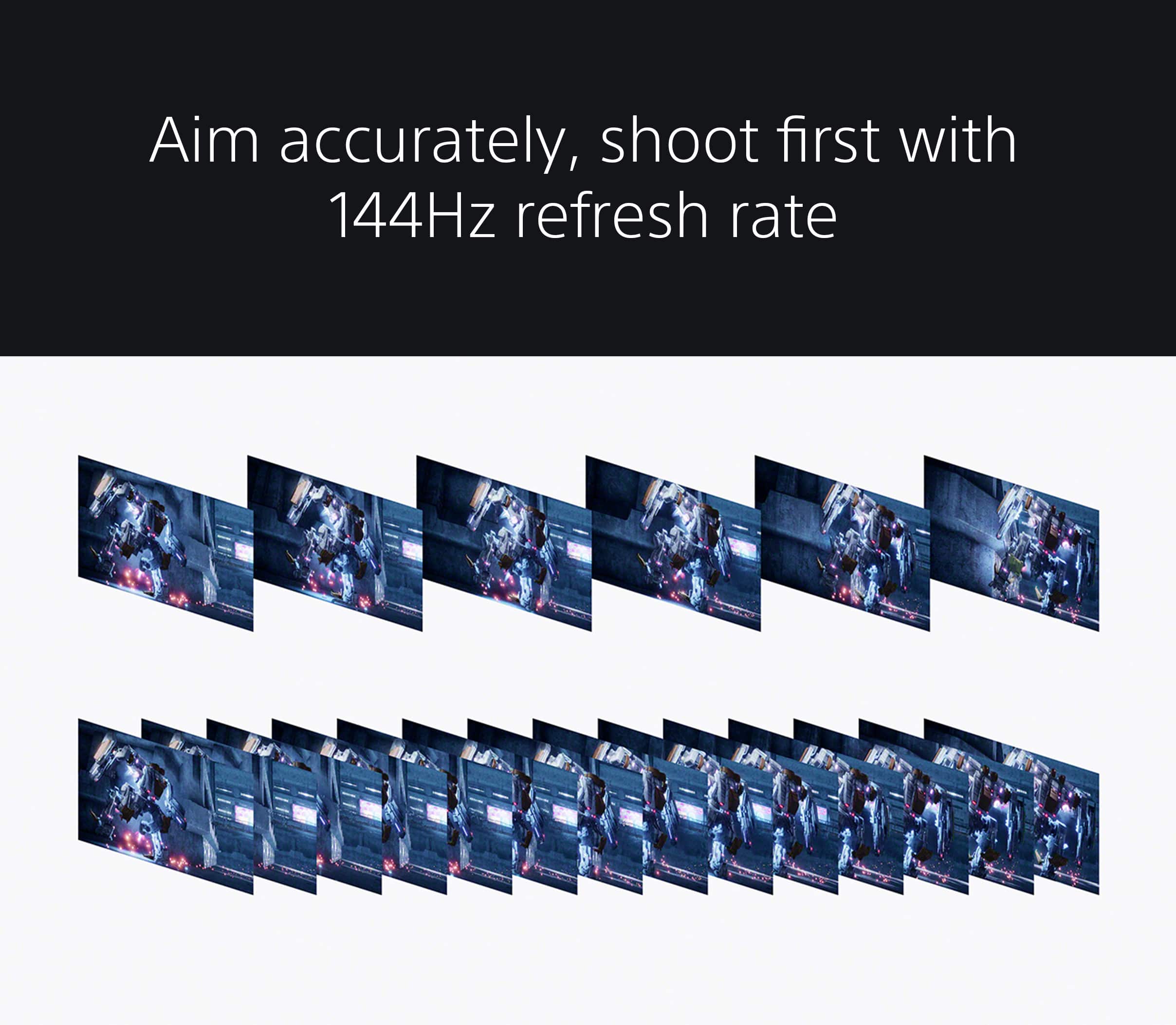
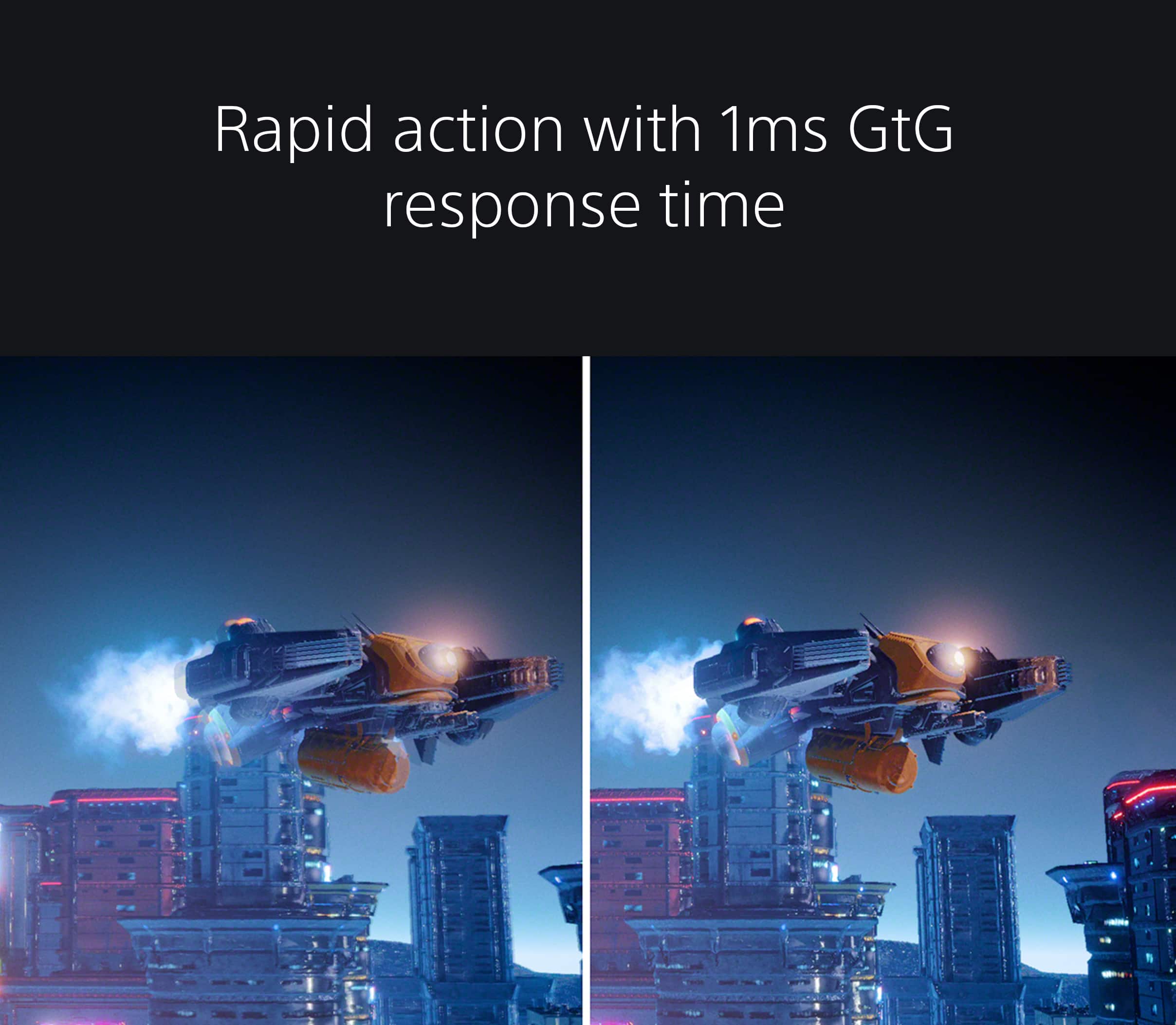
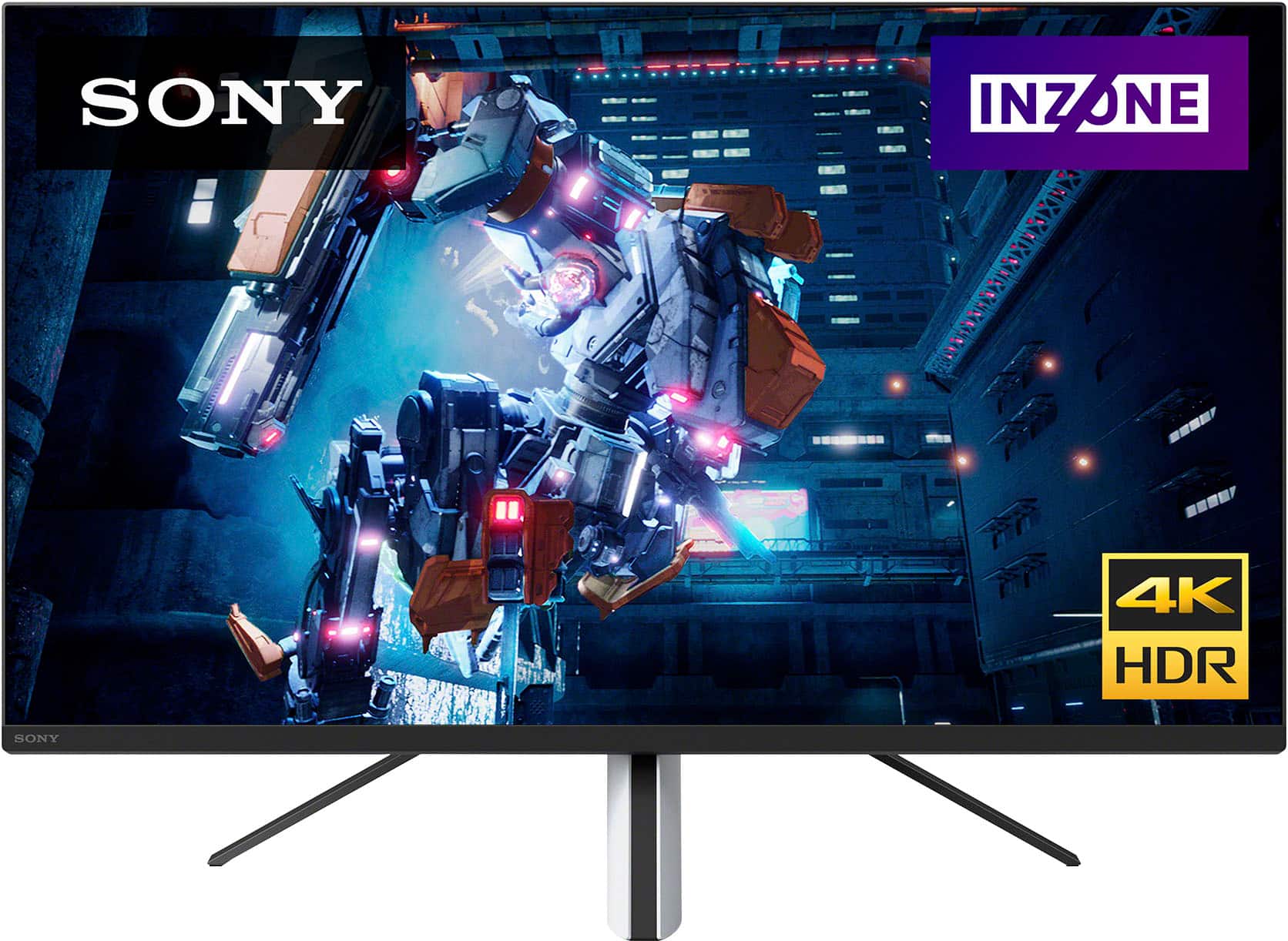
Explore gaming worlds full of brilliant depth and detail. Our 27 in INZONE M9 gaming monitor with 4K HDR, Full Array Local Dimming, IPS and over 95% DCI-P3 coverage fills scenes with supreme contrast and color. You’ll react faster too with a 144 Hz refresh rate and IPS 1 ms GtG. Thanks for choosing Sony! -Sam
Not worth the price
||Posted . Owned for 1 year when reviewed.This reviewer received promo considerations or sweepstakes entry for writing a review.Not worth it, the quality is good but you can buy similar for less
No, I would not recommend this to a friendGreat PS5 Companion
||Posted . Owned for 2 weeks when reviewed.This reviewer received promo considerations or sweepstakes entry for writing a review.I caught this monitor on sale, and it checks every box. It looks great, fits the PS5 aesthetic, and performs very well, whether you like fps games, sports games, or otherwise. I highly recommend it. I was on the fence after reading of some of the other users reviews, as it seems Sony may have a bit of QC issues with this product. But, if you you get the unit i did, you will be very pleased, as I haven’t experienced any of the issues people have mentioned. Overall, great monitor.
I would recommend this to a friendBrand response from SonyListens
Posted .Hi atrain1528,
Thank you for such a great review and recommendation! We are very glad we were able to give you a great deal. Nice to know your enjoyable viewing and gaming experience with your new INZONE monitor. Our 27 in INZONE M9 gaming monitor with 4K HDR, Full Array Local Dimming, IPS and over 95% DCI-P3 coverage fills scenes with supreme contrast and color. You’ll react faster too with a 144 Hz refresh rate and IPS 1 ms GtG. Thanks for choosing Sony! - Kris
Wouldn’t buy again
||Posted . Owned for 1 month when reviewed.This reviewer received promo considerations or sweepstakes entry for writing a review.Has input issues with recent NVIDIA drivers, issues with input scanning, issues with Display port 1.4, the list goes on, save your money for something else…
No, I would not recommend this to a friendBrand response from SonyListens
Posted .Hi Michael,
We regret to hear that you are not satisfied with the INZONE M9. Your feedback is extremely important to us and is very much appreciated. For optimum performance, make sure that the software version of the monitor is up-to-date. Please refer to these links for more information:
https://www.sony.com/electronics/support/monitors-inzone-m9-series/sdm-u27m90/software/00284042
https://helpguide.sony.net/tv/u27m90/v1/en/contents/TP1000670514.html
Make sure to also use a High Speed HDMI cable or the latest version of a display port cable. Sometimes cables are the easiest cause for concern and fix most issues.
If you have multiple devices connected to the monitor, you can disable the auto input search to manually select a specific input. For more information, please refer to this link:
https://helpguide.sony.net/tv/u27m90/v1/en/contents/TP1000668884.html
Additional information about the gaming monitor can be found on this link:
https://www.sony.com/electronics/support/televisions-projectors-monitors/sdm-u27m90/articles/00279504
If you are unable to resolve your concern or you need further assistance, please email us at [email protected] with the following details:
Name:
Username:
Model Number:
Issue:
Telephone Number:
Or contact our product support team via phone call or chat through this link: https://us.esupport.sony.com/support/s/support-contact?language=en_US
Sincerely,
-Ralph
Unreliable in dual monitor setup
||Posted . Owned for less than 1 week when reviewed.This reviewer received promo considerations or sweepstakes entry for writing a review.I wanted to use this in a dual monitor, 2 computer setup. First, the Displayport 1.4 implementation on this monitor doesnt appear to wake from sleep reliably. Turning the monitor off for a minute and then back on worked - but thats not an acceptable solution. Also, the 'KVM' on this monitor isn't really KVM. All in all, just not a great value at all - Was super disappointed.
No, I would not recommend this to a friendBrand response from SonyListens
Posted .Hi CharlesP,
Thank you for reaching out to us. We're sorry to hear the trouble that you are experiencing with your INZONE M9 monitor. Allow us to help make this a better experience.
The INZONE M9 can support dual monitor use with a 2 device setup through Displayport 1.4 and HDMI 2.1. Please ensure that the monitor is updated to the latest firmware as it addresses an issue with KVM switch transition: Firmware update to Version M010
https://www.sony.com/electronics/support/monitors-inzone-m9-series/sdm-u27m90/software/00284042
To properly set up KVM switch and allow for switching between keyboard, video and mouse on a 2 device set up, please follow steps here: https://helpguide.sony.net/tv/u27m90/v1/en/contents/TP1000668895.html
May we contact you to help? If so, please email the below information to [email protected]:
Name:
Best Buy Username:
Telephone Number:
Model Number:
Issue:
We are sorry for the inconvenience and hope to speak to you to resolve this matter. We appreciate you and thanks again for shopping Sony. - Kris
So sad about Sony Izone
||Posted . Owned for less than 1 week when reviewed.This reviewer received promo considerations or sweepstakes entry for writing a review.My best advice I can give to anyone considering this monitor is to read every review you can from real purchasers and not to believe any reviews from professional paid reviewers. I own 3 Sony tv's, a Sony home theater system, 2 PS5's, 2 PS4 pros, a PS3, and a PSP. Up until I encountered the new Sony Inzone series, I had never returned a Sony product. I have returned both the Inzone H9 headsets and the Inzone M9 monitor the day after I got them. I have never been so disappointed with Sony products as I was with the Inzone series. Just can't put it any plainer than that.
No, I would not recommend this to a friendBrand response from SonyListens
Posted .Hi WalterJ,
We deeply regret to hear that you were not satisfied with the performance of your INZONE M9 monitor. Your feedback is extremely important to us and is very much appreciated. We also sincerely appreciate that you have enjoyed so many Sony products over the years. If you are up for it, we would be interested to hear more detailed information about your experience to help us improve our INZONE products and customer experience. Despite your current experience, we hope you will consider Sony for your future purchases.
If you wish to provide additional information or need assistance with any of your Sony devices, please briefly email the below information to [email protected].
Full Name:
Best Buy Username:
Telephone Number:
Sony Model Number:
Issue:
Sincerely,
-Ralph
Sony Social Support
Do not buy.... sony needs to address this problem.
||Posted . Owned for 3 weeks when reviewed.This reviewer received promo considerations or sweepstakes entry for writing a review.Seems great at first.... then it wants to cut off and say "searching for signal" while im gaming. Im using a ps5 ...... also it will turn off and then right back on and the color will look washed out until i power it off and back on.... im gonna see if i can get my money back.
No, I would not recommend this to a friendBrand response from SonyListens
Posted .Hi MarcS,
Thank you for the review and we do apologize for the inconvenience. This is definitely not the news that we would like to hear. You may find the troubleshooting steps in this article helpful on how to resolve your issue.
https://www.sony.com/electronics/support/articles/00283117
We also recommend updating the software of your monitor. It improves general performance of the monitor and it can provide fixes to any performance issues that may occur.
https://www.sony.com/electronics/support/monitors-inzone-m9-series/sdm-u27m90/software/00284042
If the troubleshooting steps don't resolve the issue, please email the below information to [email protected]. Apologies if you disclosed some of this information in your review and to customer service, we just want to ensure that we have your accurate details at the time of communication.
Full Name:
Best Buy Username:
Telephone Number:
Model Number:
Additional Information regarding your experience with the
We are sorry for the inconvenience and hope to speak to you to resolve this matter.
Regards,
David
Highly recommend
||Posted . Owned for 1 week when reviewed.This reviewer received promo considerations or sweepstakes entry for writing a review.Fantastic image and color quality, i highly recommend this monitor.
I would recommend this to a friendBrand response from SonyListens
Posted .Hi BRand,
Perfect! We're thrilled that you are enjoying the picture quality of the INZONE M9. Explore gaming worlds full of brilliant depth and detail. Our 27 in INZONE M9 gaming monitor with 4K HDR, Full Array Local Dimming, IPS and over 95% DCI-P3 coverage fills scenes with supreme contrast and color. You’ll react faster too with a 144 Hz refresh rate and IPS 1 ms GtG. Thanks for choosing Sony!
-Ralph
Great picture quality with actual HDR
|Posted .This reviewer received promo considerations or sweepstakes entry for writing a review.Sony has really made a great monitor with the Inzone M9. 4K resolution, 144Hz, HDMI 2.1 and true HDR for under a thousand place the M9 in a great market spot. The picture quality is top notch and the panel has no problems keeping up with quick motion while gaming. While gaming in HDR, highlights are properly bright and stand out nicely against backgrounds. While torture testing with small highlights on black backgrounds you can see the limitations of the local dimming zones but in practical usage I do not notice any distracting blooming. For the best motion handling I reccomended using the 'fast' response setting as that removed the ghosting I saw with the factory defaults without introducing overshoot. Speaking of settings I really like that Sony has a software suite to control the monitor without having to use the on board buttons. With most of the good stuff listed above, there are a few negatives. Firstly there is the stand, I can appreciate the asthetic Sony was going for in trying to match the PS5, but in concentrating on form they missed the mark on function. The stand is sturdy enough but lacking in usable adjustability. The height adjustment affects how close you are to monitor as well since it slides on an angled rail. This design also prevents any rotation and limits tilt. It's usable but not awesome and takes up more desk space than needed. I chose to mount my monitor and came across another issue, the vesa mounting holes are recessed into the back of the monitor with very little clearance. I was able to get around this with individual spacers and longer screws but it's still something to note for how far it sits away from the mounting surface. The other minor let down is speakers. These things are beyond tinny sounding with no mids or bass to speak of. I wasn't expecting amazing sound quality, but given that this is advertised as a companion for the PS5 as well as PC, I was hoping for something more than greeting card quality. Also, while my particular monitor has not exhibited any of the problems others have experienced with their panels QC may be a concern for some. In short, the Inzone M9 is a decent value proposition offering great HDR picture quality and HDMI 2.1 connectivity. The stand design is less than ideal but still functional and you'll want to make sure you use external audio.
I would recommend this to a friendBrand response from SonyListens
Posted .Hi Sean,
Thank you for sharing an in-depth review and your enjoyable experience with your INZONE M9 gaming monitor. We're glad to hear your satisfaction with the amazing picture quality, 4K function, support for 144Hz, software, HDMI 2.1 and HDR features of the unit. We also appreciate your review about the stand design and sound quality. With the INZONE Hub software, you can personalize experiences by customizing a wide range of operations, including a variety of sound and picture settings. You can also assign specific picture mode and sound profiles of the headset to individual computer applications and games. For more information, please refer to this link: https://www.sony.com/electronics/support/televisions-projectors-monitors/sdm-u27m90/downloads
Should you need further assistance, feel free to contact us by sending an email to [email protected] with the following:
Name:
Best Buy Username:
Telephone Number:
Model Number:
Issue:
Get into the zone and explore worlds of brilliant detail. Our INZONE M9 gaming monitor with 4K HDR, Full Array Local Dimming, IPS and over 95% DCI-P3 coverage fills scenes with supreme contrast and color. You’ll react faster too with a 144Hz refresh rate and IPS 1ms GtG (Grey to Grey). Thank you for choosing Sony! - Kris
Not worth the money
||Posted . Owned for 2 months when reviewed.This reviewer received promo considerations or sweepstakes entry for writing a review.This monitor has the longest refresh from 120 hz to 60hz so if you can imagine using the ps5 button to go to your screen to invite friends it takes a while. HDR is blegh and not even worth calling hdr for this price point you might as well save up for an oled
No, I would not recommend this to a friendBrand response from SonyListens
Posted .Hi DavidV, We are sorry to hear that the Inzone M9 did not meet all of your expectations. We would like to ensure that you get the best experience out of the Inzone M9. May we contact you to help? If so, please email the below information to [email protected]
Apologies if you disclosed some of this information in your review and to customer service, we just want to ensure that we have your accurate details at the time of communication.
Full Name:
Username:
Telephone Number:
Model Number:
Issue:
Regards,
Carl
Decent performing, but not steller.
||Posted . Owned for 2 weeks when reviewed.This reviewer received promo considerations or sweepstakes entry for writing a review.I like the monitor, performs decently enough. Colors were pretty off when i got it, but was able to calibrate fortunately. It looks good - HDR is ok, but nothing like my LG C2. It’s got a lot of issues with switching modes. It gets there, but takes forever and flashes annoyingly. I’m using a VESA arm from Dell, thats been fantastic. Overall, I think its adequate but should cost less for what it is.
No, I would not recommend this to a friendBrand response from SonyListens
Posted .Hi Laez, Thank you for your honest review. We are glad to hear that you are enjoying your new Inzone M9. Explore gaming worlds full of brilliant depth and detail. Our 27 in INZONE M9 gaming monitor with 4K HDR, Full Array Local Dimming, IPS and over 95% DCI-P3 coverage fills scenes with supreme contrast and colour. You’ll react faster too with a 144 Hz refresh rate and IPS 1 ms GtG. Thank you for choosing Sony! -Carl
Terrible
||Posted . Owned for less than 1 week when reviewed.This reviewer received promo considerations or sweepstakes entry for writing a review.My unit did not have dead pixels or similar, but instead has an issue where once my PC goes to sleep, it will no longer be recognized. It happens with DP and HDMI. Only option is to pull the power from the monitor to get it working again.
No, I would not recommend this to a friendBrand response from SonyListens
Posted .Hi Drew,
We regret to hear that you are having an issue with the gaming monitor. Please ensure the INZONE M9 is updated to the latest firmware which is available by accessing the INZONE Hub. There will be a notification to update the monitor to the latest firmware:
https://www.sony.com/electronics/support/televisions-projectors-monitors/sdm-u27m90/downloads
If the monitor doesn’t recognize a source it will go into standby mode. This can be adjusted in the settings via the built-in display and buttons or easily within the INZONE Hub.
If still not resolved or you need further assistance, please email the below information to [email protected].
Full Name:
Best Buy Username:
Telephone Number:
Sony Monitor Model Number:
Issue:
Additional Information regarding your experience with the INZONE M9 (SDMU27M90).
Sincerely,
-Ralph
Sony Social Support
Missing stand
||Posted . Owned for 1 month when reviewed.This reviewer received promo considerations or sweepstakes entry for writing a review.Bought as open box excellent condition. The monitor itself was fine but was missing the stand.
I would recommend this to a friendBrand response from SonyListens
Posted .Hi NathanielK,
Sorry to hear that the open box did not include the stand. If you could find a wall mount or stand that supports (100mm x 100mm VESA), that would be one solution. Second option would be to see if retail would take it back and purchase a new in the box version.
-Ralph
Return as soon as possible
||Posted . Owned for 1 month when reviewed.This reviewer received promo considerations or sweepstakes entry for writing a review.Very disappointed with products so called capabilities. The screen will flicker and the colors are off, kind of as if the brightness is messed up. Speakers sound like a tin can. For the price would have expected what was offered. Took it back and would not recommend for anyone if Sony can’t figure out the color or brightness issues.
No, I would not recommend this to a friendBrand response from SonyListens
Posted .Hi Travisf, we're sorry to hear that you had returned your SONY unit. This is not the experience we want you to have. It is recommended to check this link when adjusting the image quality such as brightness and contrast
https://helpguide.sony.net/tv/u27m90/v1/en/contents/TP1000669961.html
It it also recommended to follow this link for picture issues:
https://www.sony.com/electronics/support/televisions-projectors-monitors/sdm-u27m90/articles/00283117
We have our Support team that is always happy to assist. You may email us anytime at [email protected] with the following details: Name: Username: Model Number: Issue: Telephone Number:
We hope you consider SONY again in the future. ~Earl
Not great
||Posted . Owned for 3 weeks when reviewed.This reviewer received promo considerations or sweepstakes entry for writing a review.For the cost it’s not flawless. “Searching for signal” takes forever and kicks in and out while playing a game. Then sometimes comes back half screen, needing to restart the monitor to fix it. All while using the proper supplied hdmi cables that came with the PS5.
No, I would not recommend this to a friendBrand response from SonyListens
Posted .Hi Tyler,
Thank you for choosing and purchasing our INZONE M9 4K HDR 144Hz Gaming Monitor. This is definitely not the news that we would like to hear. Please allow us to help you and turn this into a better experience. When [Auto select] is set to [Off], the input is not selected automatically. Also, when [Control for HDMI] is set to [On], the input of that device is automatically selected when turned on or operated.
More details: https://helpguide.sony.net/tv/u27m90/v1/en/contents/TP1000668884.html
Do you have the right type of HDMI cable needed to transfer audio/video signals between your monitor and your PlayStation 5? We recommend premium High-Speed (HDMI 2.0 to 2.0b) or Ultra High-Speed (HDMI 2.1a) which provides the best signal transfer capability. The cable has a bandwidth of 48Gbps, transfers resolutions up to 8K at 60Hz or 4K at 120Hz.
Note: When using High-Speed or Ultra High-Speed cables, the video output of the device may need to be set properly.
We also recommend updating the software of your monitor to the latest firmware using INZONE hub application. A firmware update improves the functionality and features of your device. It can provide fixes to any performance issues that may occur.
https://www.sony.com/electronics/support/monitors-inzone-m9-series/sdm-u27m90/software/00284042
For further assistance, please email the below information to [email protected]. Apologies if you disclosed some of this information in your review and to customer service, we just want to ensure that we have your accurate details at the time of communication.
Full Name:
Best Buy Username:
Telephone Number:
Model Number:
Additional Information regarding your experience with the SDMU27M90
We are sorry for the inconvenience and hope to speak to you to resolve this matter.
Regards,
David
Sony Inzone M9 monitor
||Posted . Owned for 3 months when reviewed.This reviewer received promo considerations or sweepstakes entry for writing a review.The Monitor is such high quality and it shipped so fast to my location which is rare in my area. The dimming zones are soo good when it coming with hdr 600, color accuracy is very good in sdr mode
I would recommend this to a friendBrand response from SonyListens
Posted .Hi Skywalkerluke, Thank you for sharing such an excellent shopping experience. It is amazing to hear that you are satisfied with your purchase. We're also extremely pleased to hear you appreciate the lighting features and superb picture quality, especially the Full Array Local Dimming, and DisplayHDR 600 certification that gives you stunning HDR, with great contrast, and peak brightness reaching up to 600 nits. Explore gaming worlds full of brilliant depth and detail. Our 27 in INZONE M9 gaming monitor with 4K HDR, Full Array Local Dimming, IPS and over 95% DCI-P3 coverage fills scenes with supreme contrast and color. You’ll react faster too with a 144 Hz refresh rate and IPS 1 ms GtG. Thank you so much for choosing Sony! -Jess