Customer Ratings & Reviews

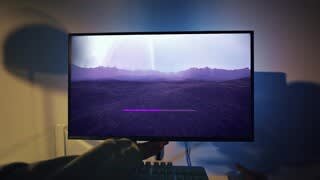
- Model:
- SDMU27M90
- SKU:
- 10562650
Rating by feature
- Display Quality
Rating 4.5 out of 5 stars
- Ease of Use
Rating 4.3 out of 5 stars
- Features
Rating 4.4 out of 5 stars

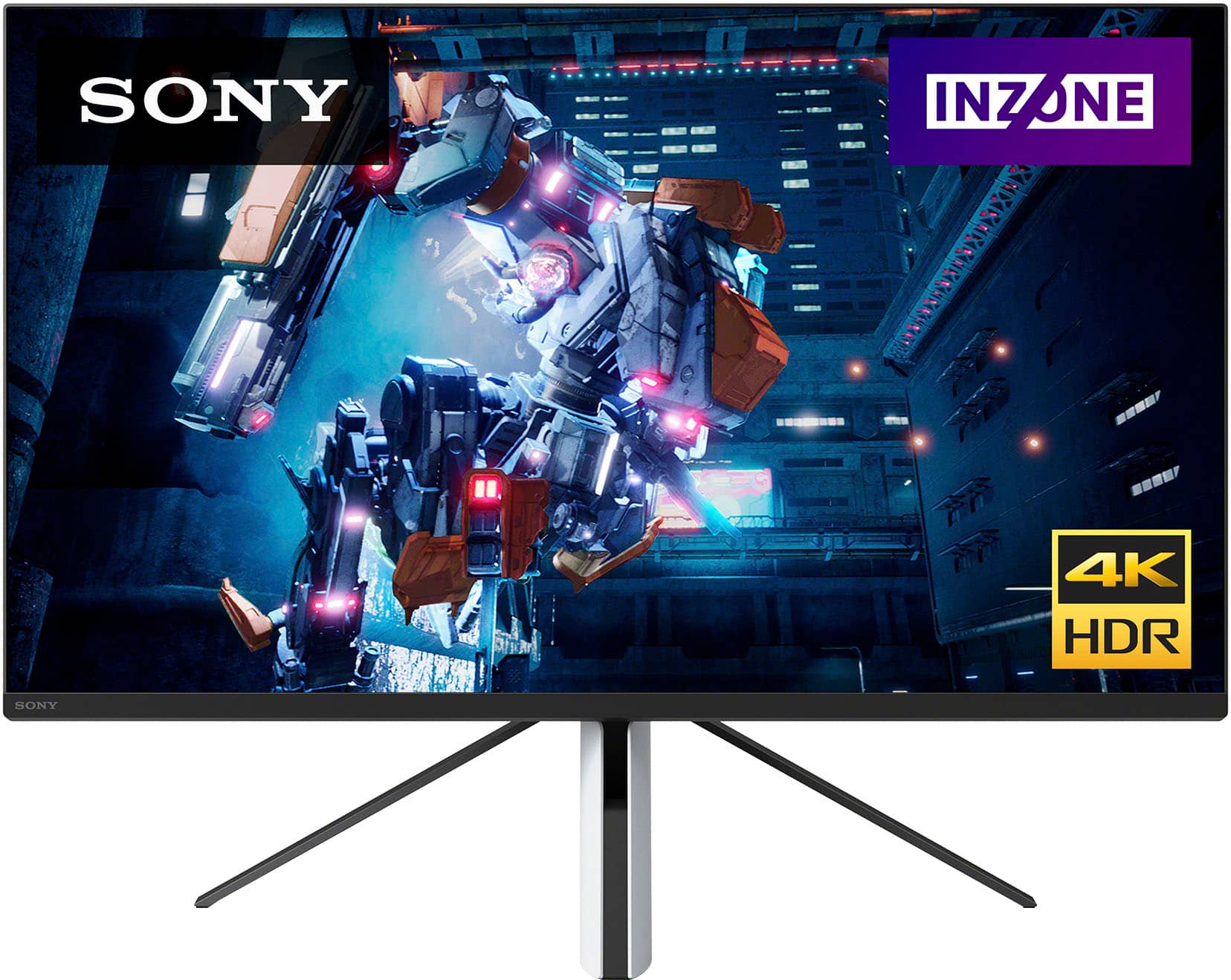
Sony's newest gaming monitor
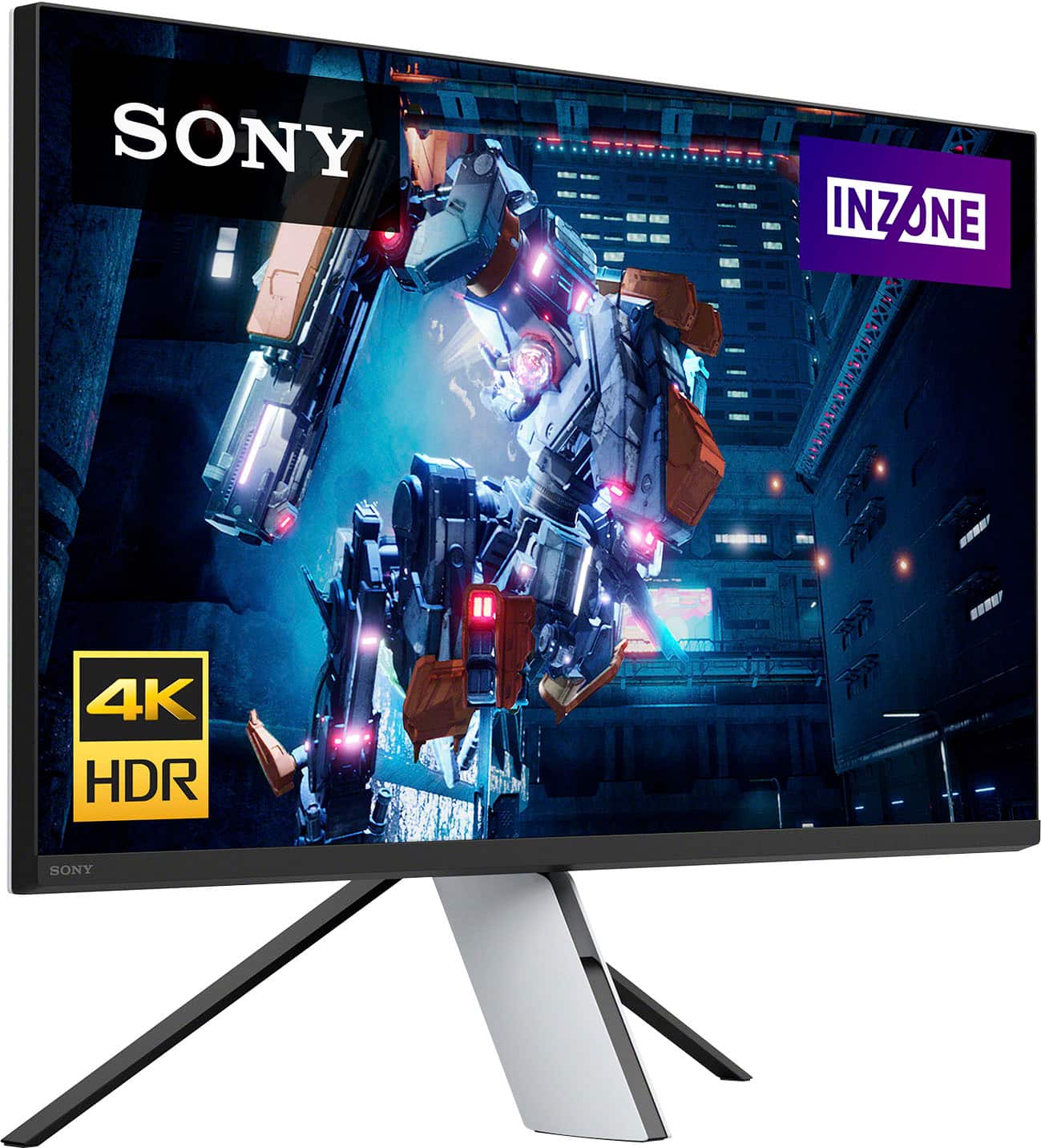
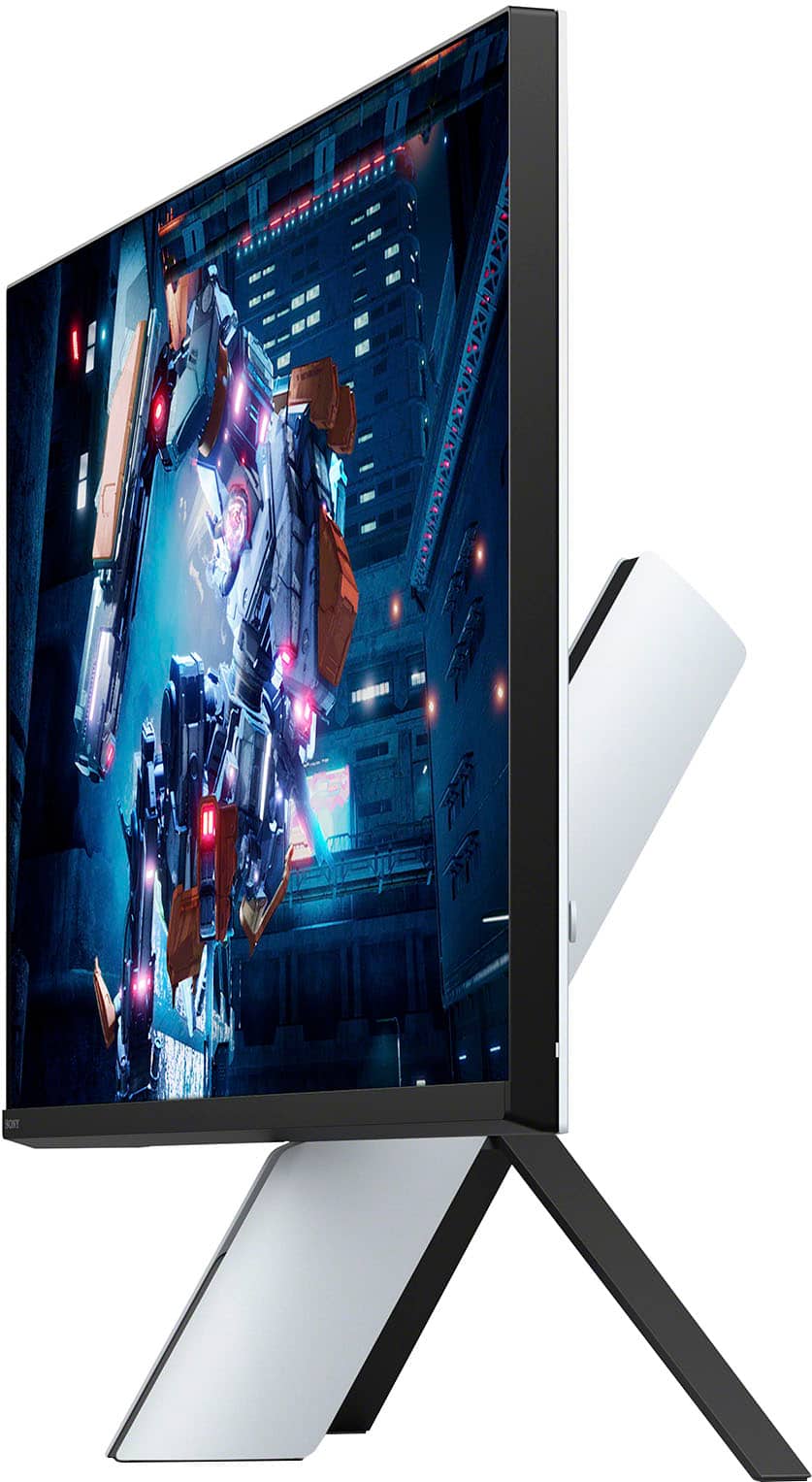
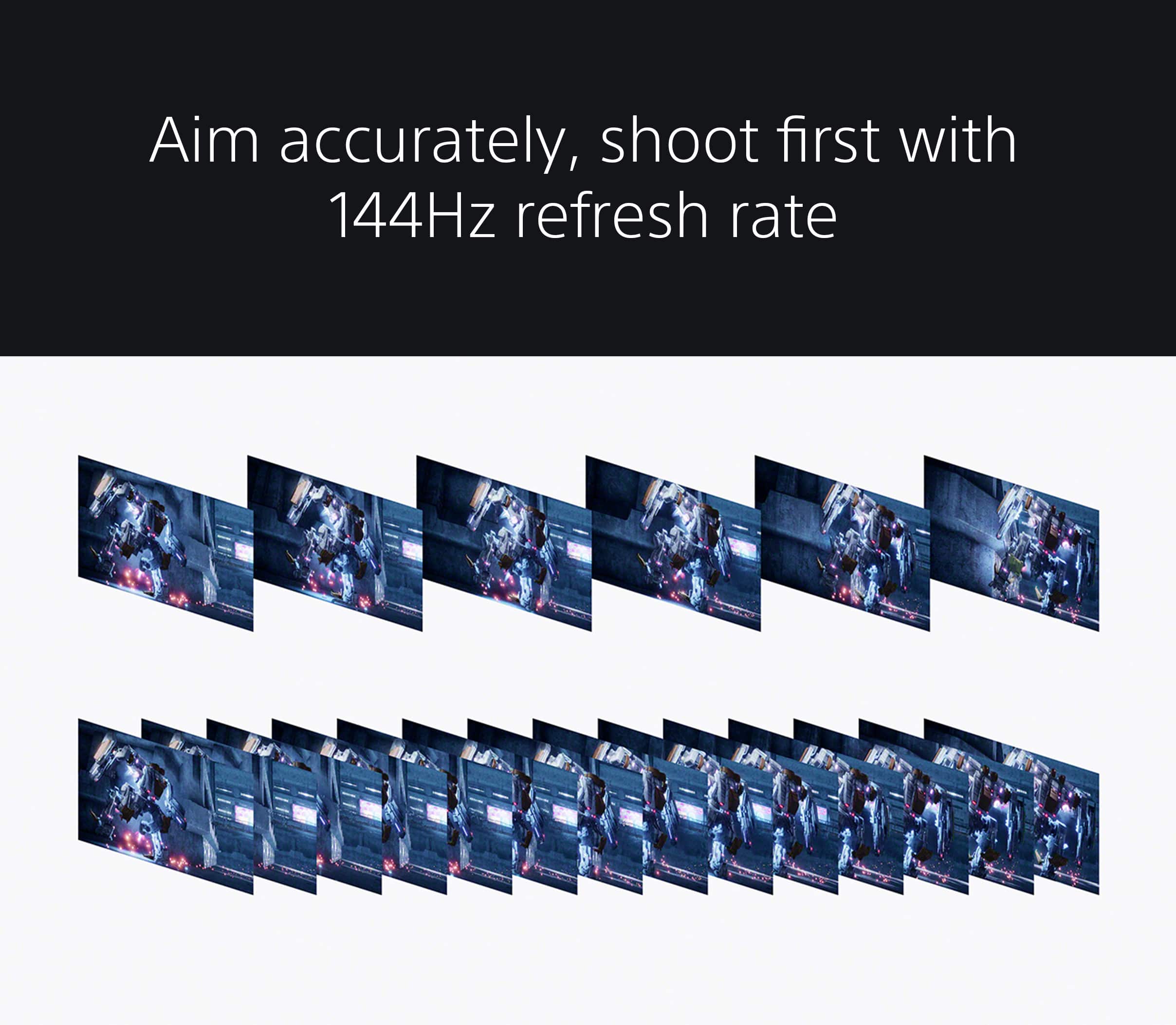
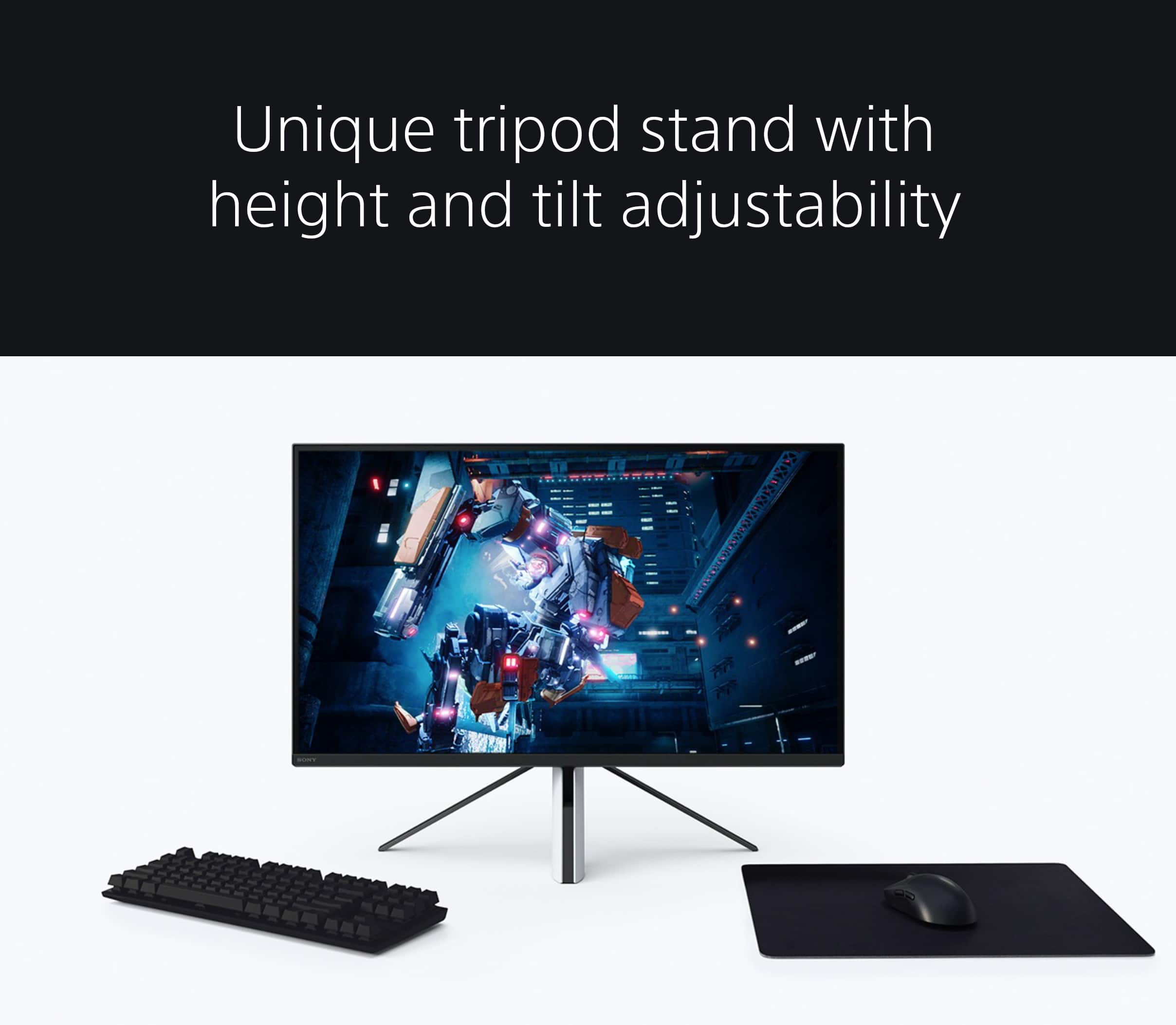
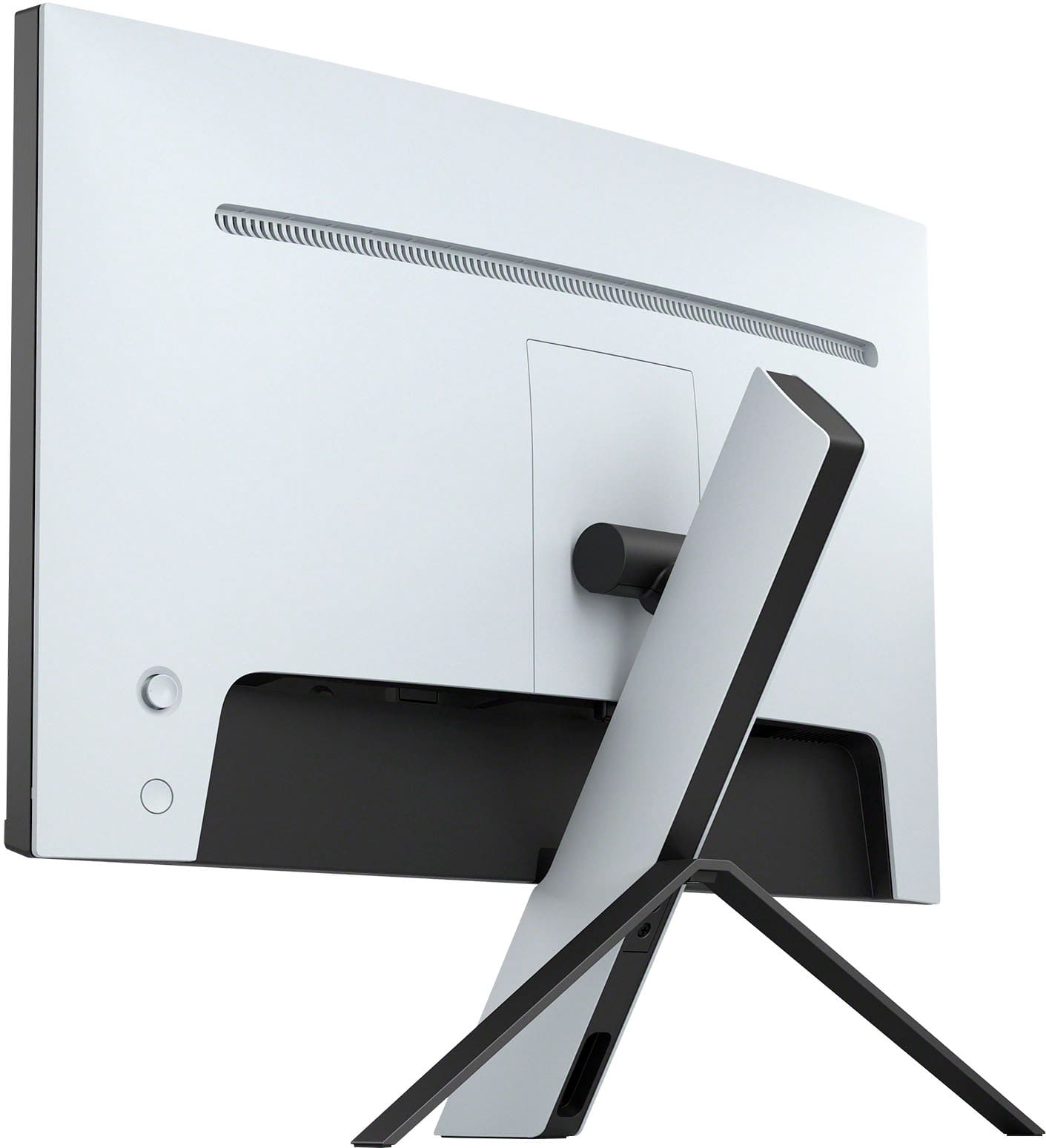
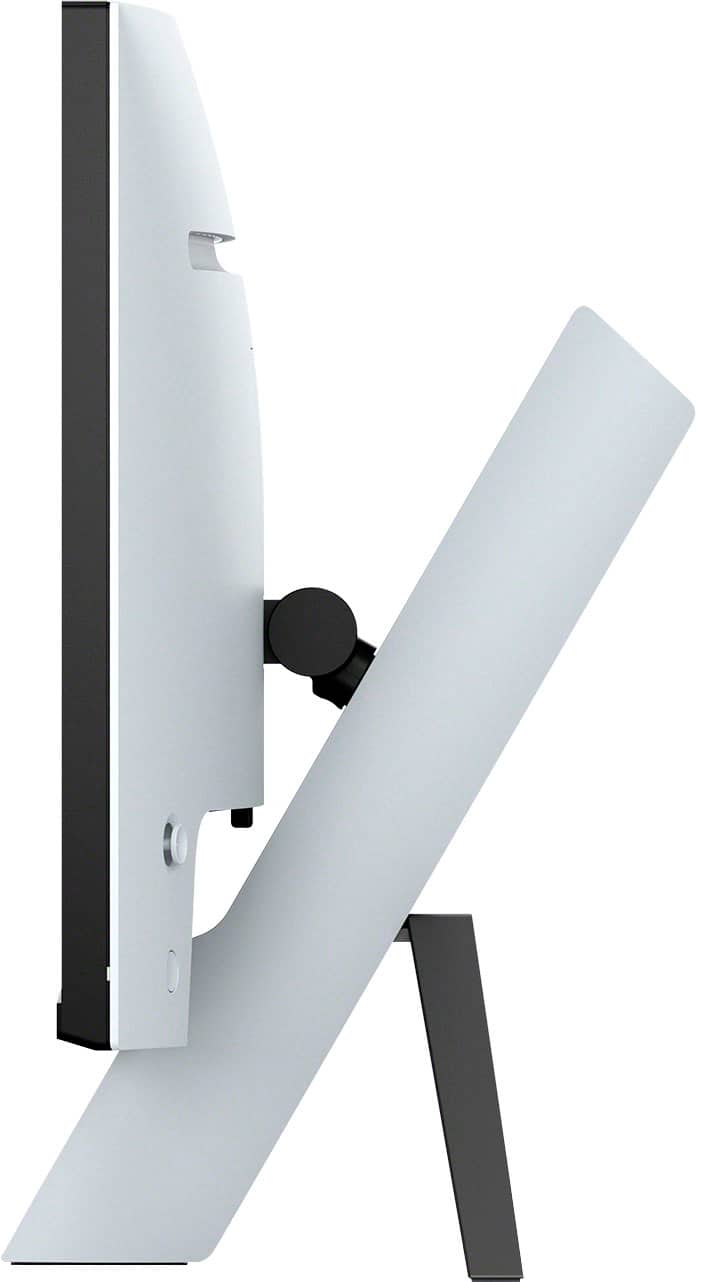
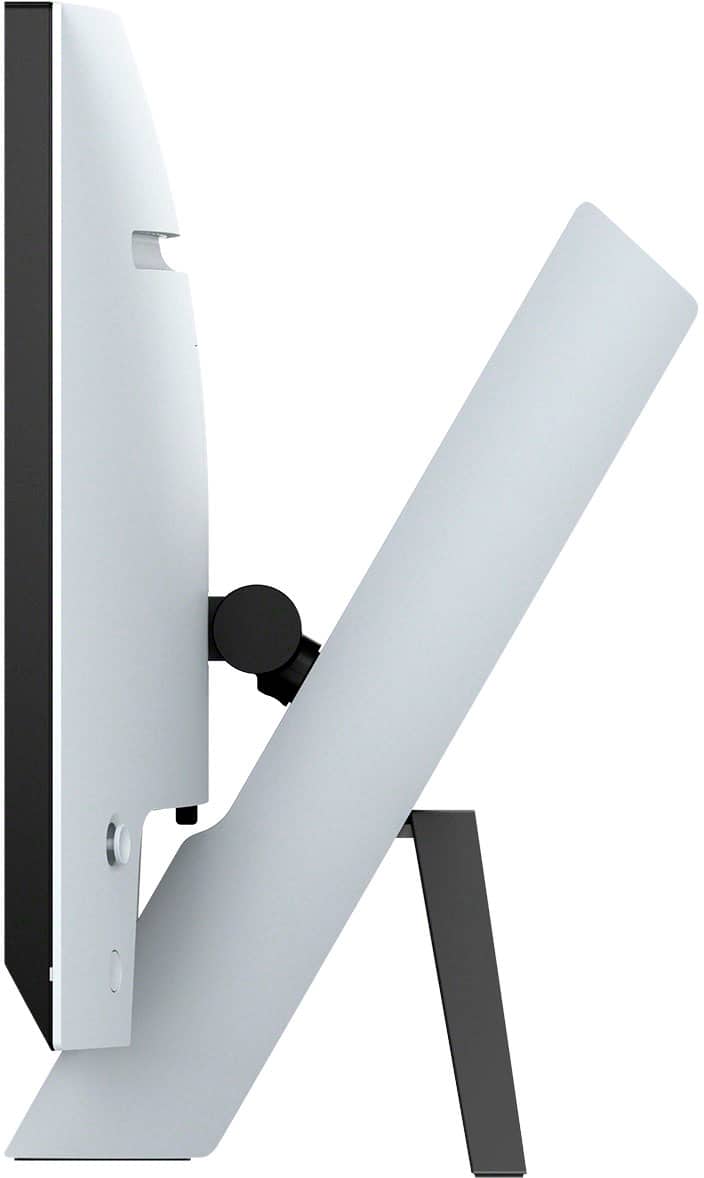
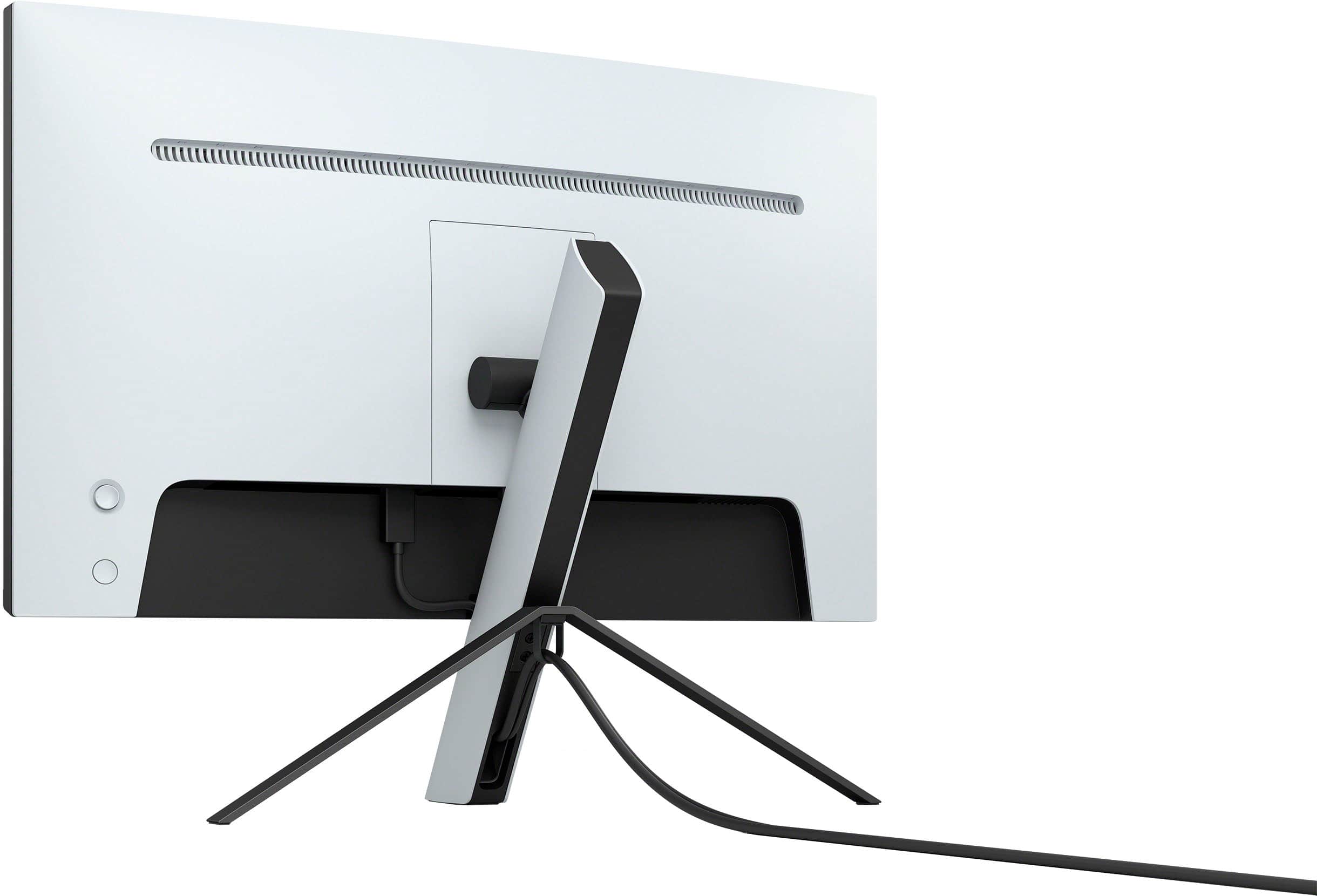
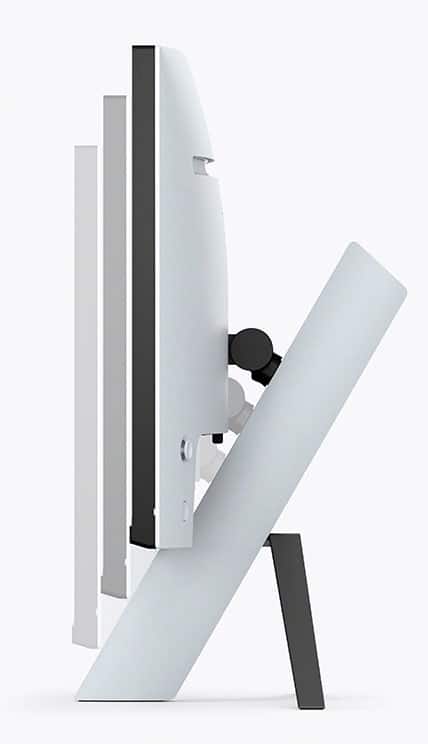
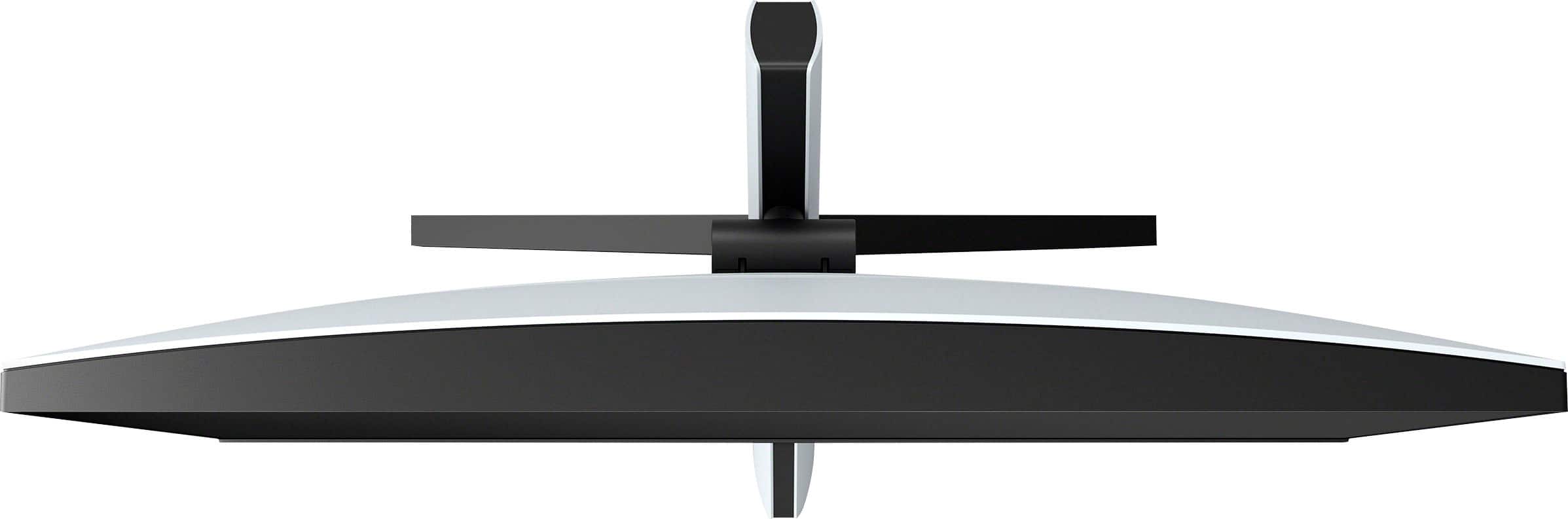
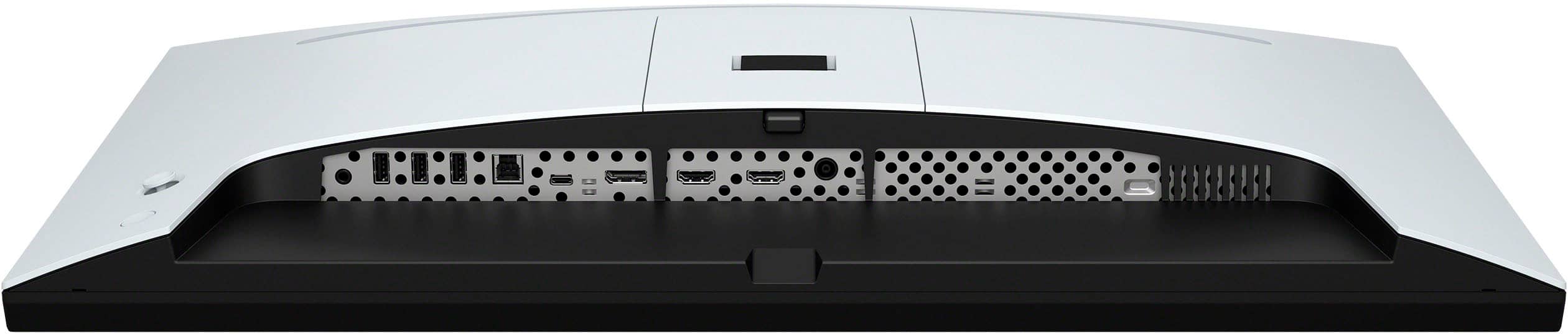
|Posted .This reviewer received promo considerations or sweepstakes entry for writing a review.The Sony inzone monitor at first glance is gorgeous. Let's go through the unpacking first. It was a bit odd to have to screw in the mount. I had to hunt down a screwdriver. Something I've not had to do for a monitor in I can't remember when. I fastened the base bracket to the stand then attached the stand to the monitor. Monitor goes up and down and angle tilts, but it doesn't swivel at all. I was a bit disappointed to see that no cables came with the monitor. I reached for the HDMI that I had from my previously plugged in monitor and tried to plug it into this one. It was impossible to do so without laying it down on it's display or it's top edge to get to the ports. I would love for future monitors to make those ports easier to see and access without having to put a monitor on its head to plug in a cable. Now moving on to the actual display. Once it was plugged in and turned on... It's beautiful! The display is crisp, and clear. The colors are brilliant and bright. Motion is smooth and clean. There's no blur that my eyes can see when playing Elden Ring. The 144hz refresh rate isn't something I could test. I have HDMI so that's up to 120hz. Still at 120, it's smooth and clear. Speakers are surpisingly not great. I don't choose monitors for their speakers though. This is a great monitor even though its quite pricey.
I would recommend this to a friendBrand response from SonyListens
Posted .Hi mskelbel,
Thanks for sharing your review and experience with the INZONE M9. We're glad that you are enjoying the picture quality of the gaming monitor. We also appreciate your review about the design, having supplied cables, and sound quality of the monitor.
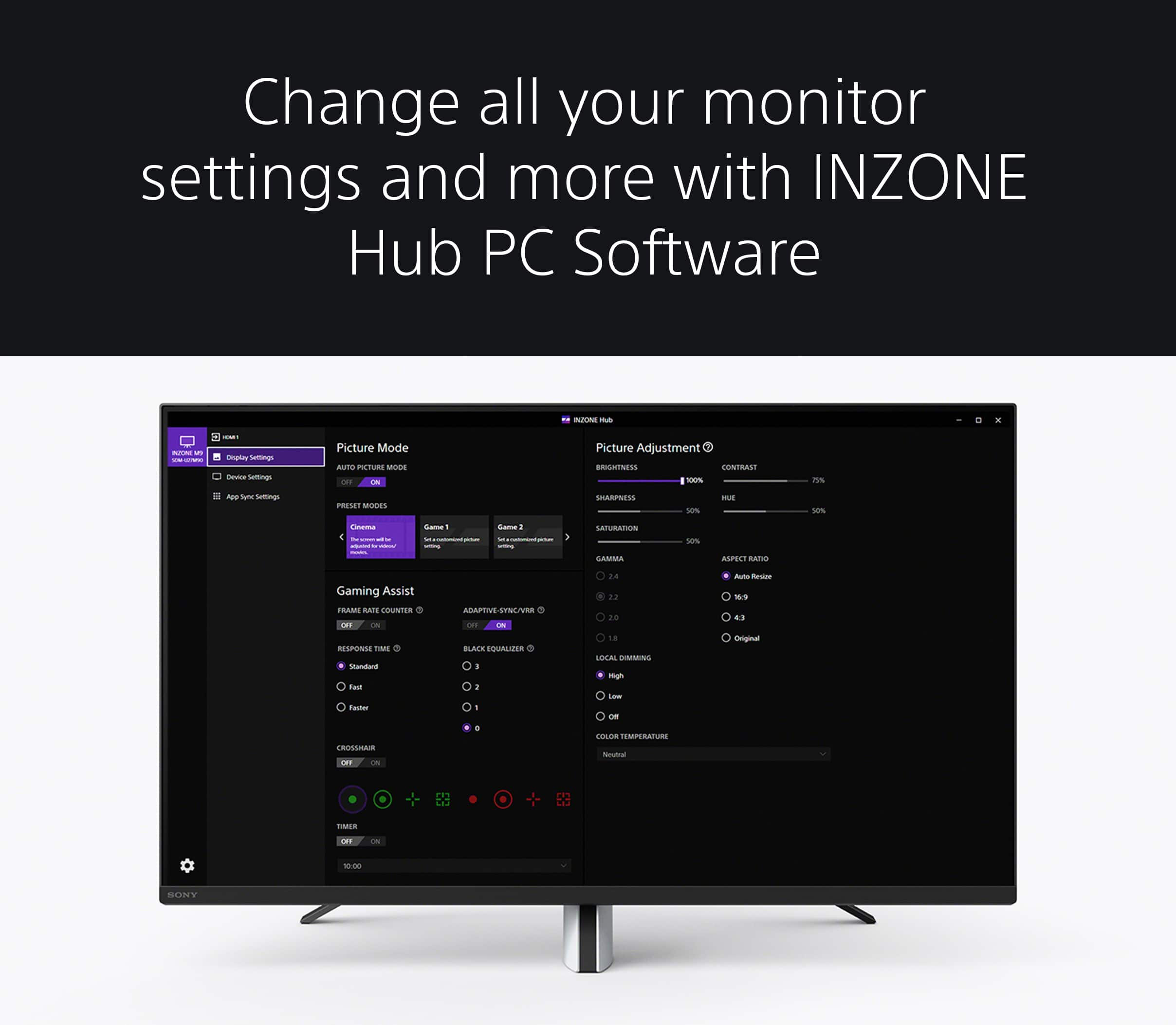
Regarding the sound quality, you can use the INZONE Hub software. With this app, you can personalize experiences by customizing a wide range of operations, including a variety of sound and picture settings. Please refer to this link:
https://www.sony.com/electronics/support/televisions-projectors-monitors/sdm-u27m90/downloads
Additional information about the INZONE M9 can be found on this link:
https://www.sony.com/electronics/support/televisions-projectors-monitors/sdm-u27m90/articles/00279504
Hope this helps. If there is anything we can do to assist or support you further, please don’t hesitate to reach out to us at [email protected].
Full Name:
Best Buy Username:
Telephone Number:
Sony Monitor Model Number:
Issue/Concern:
Additional Information regarding your experience with the INZONE M9.
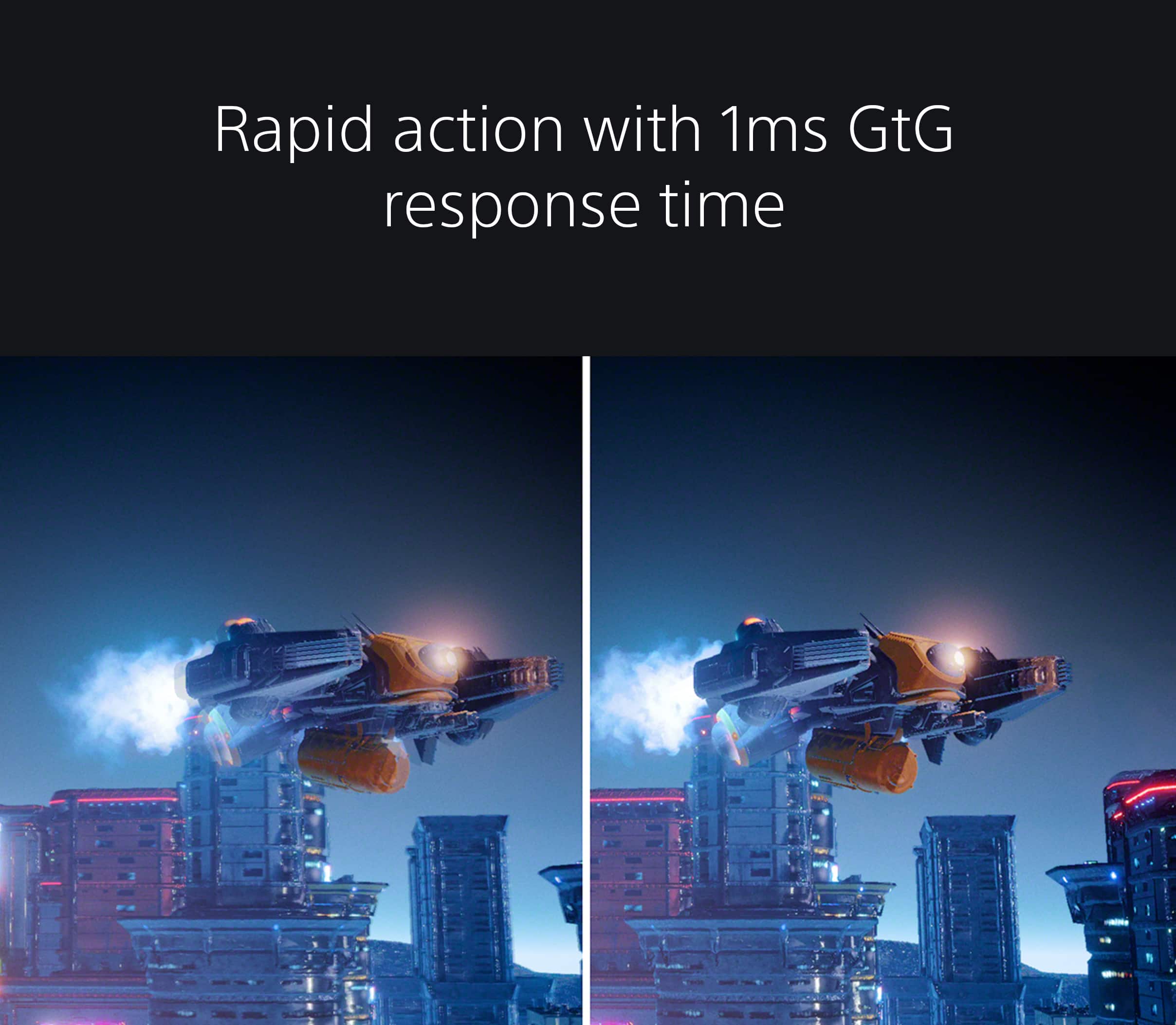
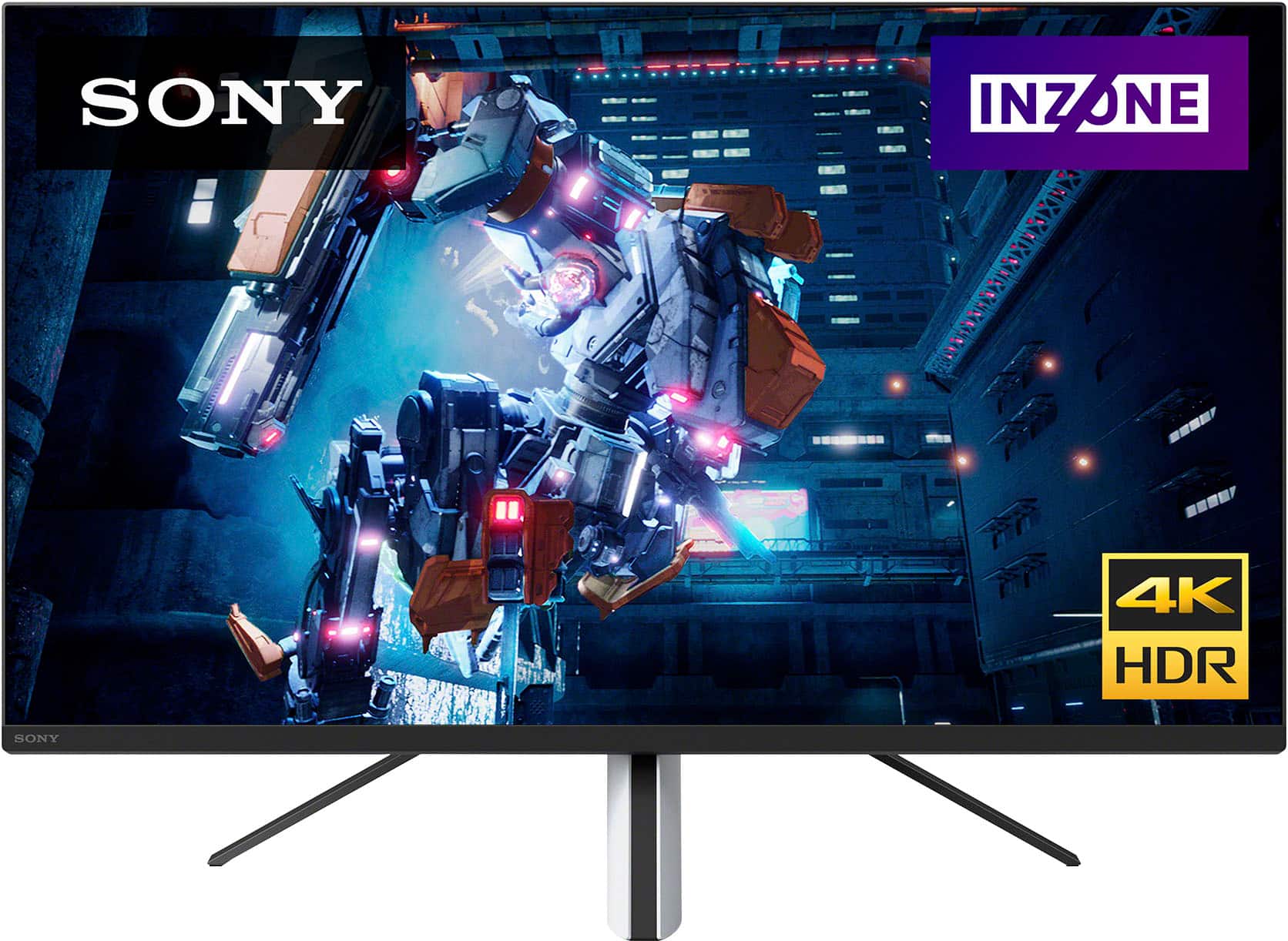
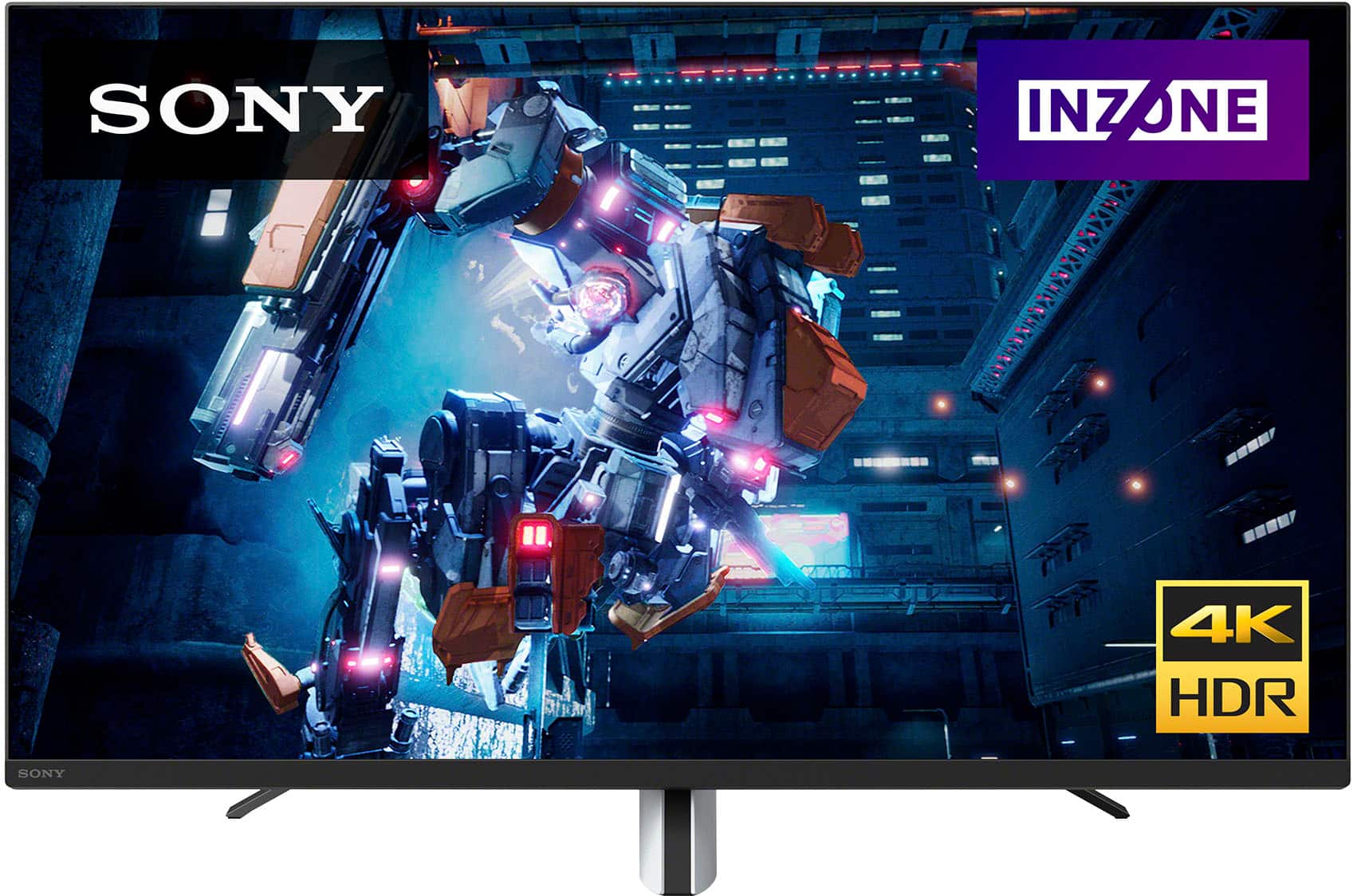
Explore gaming worlds full of brilliant depth and detail. Our 27" INZONE M9 gaming monitor with 4K HDR, Full Array Local Dimming, IPS and over 95% DCI-P3 coverage fills scenes with supreme contrast and color. You’ll react faster too with a 144 Hz refresh rate and IPS 1 ms GtG. Thanks for choosing Sony!
-Ralph
5 STARS IF ONLY…
Posted .This reviewer received promo considerations or sweepstakes entry for writing a review.This was my first monitor. Im strictly a ps5 player but I wanted to get off my TV and use the full capabilities of my system. I absolutely love the monitor my only problem is it needs to be 32” for someone like myself leaving tvs alone… Thats the only reason im upgrading to the AW3225QF…
I would recommend this to a friendBrand response from SonyListens
Posted .Hi Deeking, Congratulations on getting your new gaming monitor! It's wonderful to hear that you love the amazing 4K visuals and overall performance of your Sony INZONE M9. We'll have your feedback noted as we always strive to make this a better experience. Thanks for choosing Sony! -Jess
Sony inzone
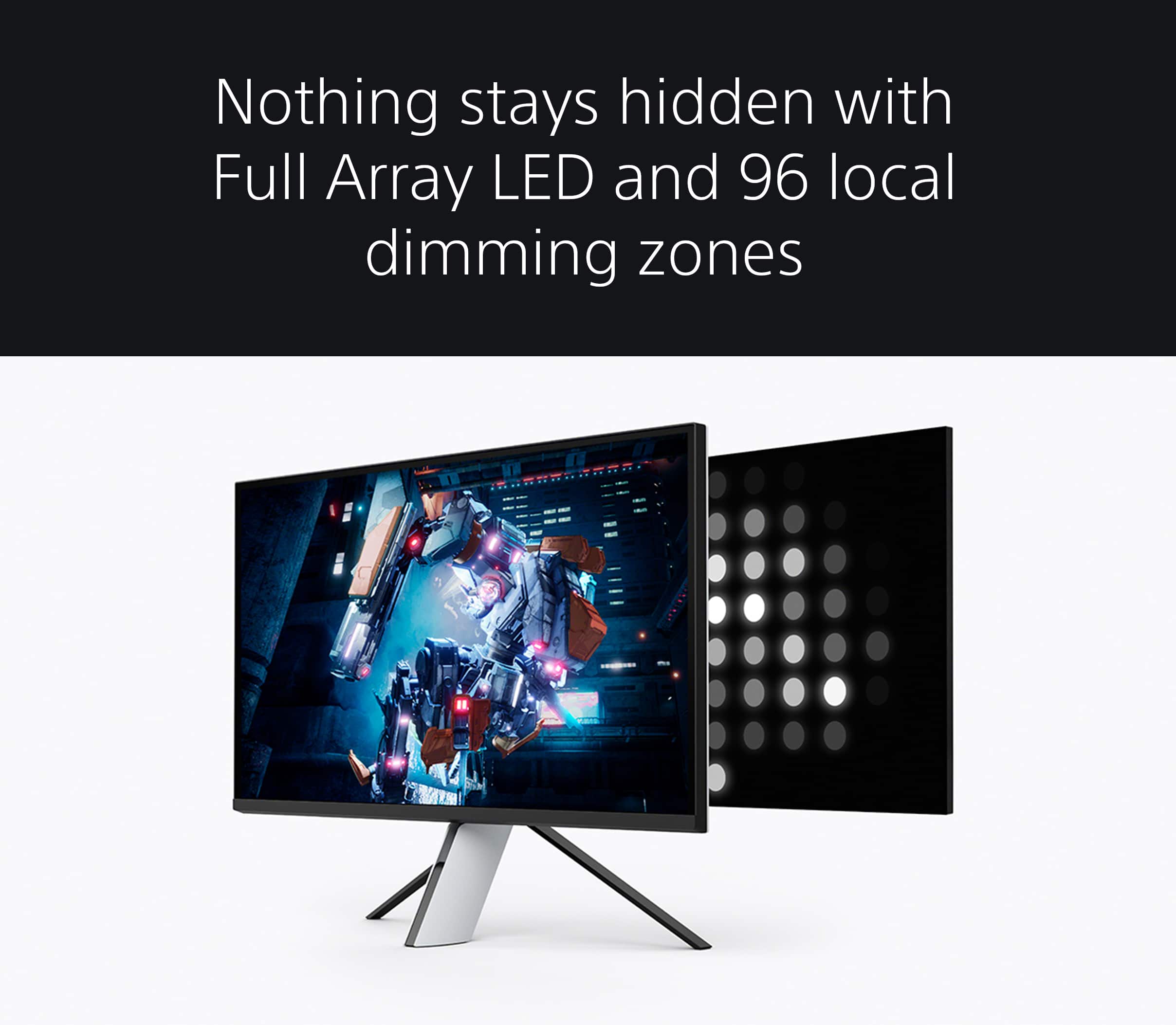
Posted .This reviewer received promo considerations or sweepstakes entry for writing a review.Not sure what these bad reviews are about. At 900 this a great monitor. Its not perfect by any means. Rest assure you’re getting your money’s worth. I had both the sony m9 inzone and the Ultragear 32gq950. The only thing that was better on the lg was that it was 32 inches. Other than that the m9 is the better choice. 96 dimming zones is enough said. The hdr is great for this price point. The ultragear was 1300. Even at a 1000. The m9 is the better choice.the look and the stand are great too. Looks great.Lot of knit picking to me going on
I would recommend this to a friendBrand response from SonyListens
Posted .Hi avidgamer,
You made the right choice with the Sony INZONE M9! We're glad that you like the design and picture quality of the gaming monitor. We also appreciate your review about the size of the screen. Explore gaming worlds full of brilliant depth and detail. Our 27" INZONE M9 gaming monitor with 4K HDR, Full Array Local Dimming, IPS and over 95% DCI-P3 coverage fills scenes with supreme contrast and color. You’ll react faster too with a 144 Hz refresh rate and IPS 1 ms GtG. Thanks for choosing Sony!
-Ralph
Harryover1
Posted .This reviewer received promo considerations or sweepstakes entry for writing a review.Prefect. Prefect size for my needs. Perfect picture, perfect options in the usage of the monitor. I haven't had a chance to update drivers and other items but this monitor, otherwise is great. However the price...… not so good for the pocket.
I would recommend this to a friendBrand response from SonyListens
Posted .Hi harryover1,
You made the right choice with the INZONE M9! We're thrilled that you are enjoying the size and picture quality of the gaming monitor. Explore gaming worlds full of brilliant depth and detail. Our 27 in INZONE M9 gaming monitor with 4K HDR, Full Array Local Dimming, IPS and over 95% DCI-P3 coverage fills scenes with supreme contrast and color. You’ll react faster too with a 144 Hz refresh rate and IPS 1 ms GtG. Thanks for choosing Sony!
-Ralph
Great with a PS5
Posted .This reviewer received promo considerations or sweepstakes entry for writing a review.I got this one to replace my 2 weeks old Samsung G7 that started flickering and not working properly after a buying it. I’m so happy with this purchase. I was not expecting anything off the speakers and neither should anyone looking to buy a monitor for gaming. Please do not critize something that most monitos don’t even have. The picture quality and colors are amazing. The settings whitin the unit are pretty cool and easy to navigate. I don’t mind the price tag as it goes toe to toe with other monitors with the same specs and in most cases experts recommends this one over most of them. I went with my guts and after reviewing critics and experts online and I am a happy customer. It’s sad to see so many people here giving it 2-3 stars because of the stand and not being able to move the screen besides up and down. That is more of a lack of research or unawareness. It’s on the description but I guess people don’t pay attention or read. Will recommend to more people.
I would recommend this to a friendBrand response from SonyListens
Posted .Fantastic! You've made a great choice, Choyo! Thank you for purchasing our INZONE M9 and for sharing your wonderful experience. We are so happy to know that you are satisfied with the amazing picture color & quality of this Gaming Monitor and enjoying its superb performance.
Get into the zone and explore worlds of brilliant detail. Our INZONE M9 gaming monitor with 4K HDR, Full Array Local Dimming, IPS and over 95% DCI-P3 coverage fills scenes with supreme contrast and color. You’ll react faster too with a 144Hz refresh rate and IPS 1ms GtG (Grey to Grey).
Thank you for recommending our INZONE M9 and for choosing Sony!
- Romeo
Laziness and glitchy signal detection tank this
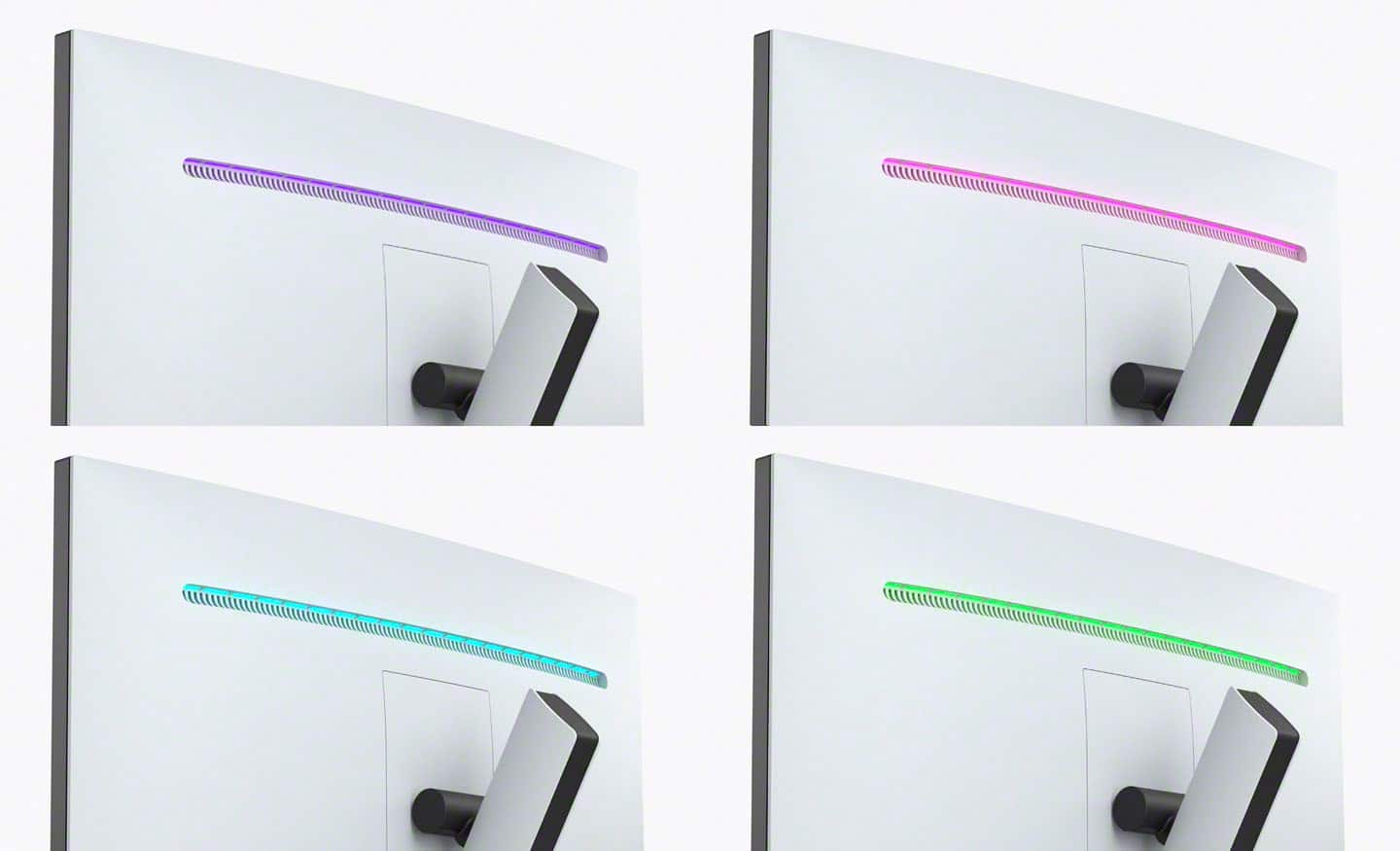
Posted .This reviewer received promo considerations or sweepstakes entry for writing a review.On paper this monitor is great, and when it's behaving the picture and response times are actually quite good. In practice it's a complete mess and frankly feels like Sony was just exceptionally lazy. It has a downstream USB connections: great! But it doesn't come with any of the cables you need to actually connect downstream to your PC. Hope you have a USB-A to USB-B or -C cable lying around! And no, not that old printer cable that's been sitting in your attic for 20 years. It's 4k HDR 600: great! But it struggles to find a signal constantly, and when it rescans it takes *forever*. Be prepared for your display signal to drop during loading screens, when you hit ALT+TAB, and possibly just because! Waking from sleep may or may not work either, unless you're willing to reboot your computer. That's not an inconvenience, right? It has an RGB light bar across the back: neat! You can choose from about 8 static colors. Don't have a color you want? Oh well! I would genuinely recommend any other monitor you can find unless you - for some inexplicable reason - want to fight with your monitor constantly. I like Sony products. I have 3 DualSense controllers so I can use them for all my gaming across PC, PS5, and my Switch. But this monitor is bad and Sony should feel bad.
No, I would not recommend this to a friendBrand response from SonyListens
Posted .Hi Carter, We are sorry to hear about the trouble you've experienced with the Sony Inzone M9 monitor. We would like to apologize for any inconvenience this may have caused you.
We take all customer feedback seriously and will be sure to forward your comments to the appropriate teams for review. In the meantime, we would like to help resolve any issues you may be experiencing with the monitor.
Regarding the USB downstream connections, we apologize for any confusion or inconvenience caused by the lack of included cables. We do recommend checking the specifications and requirements for your particular setup and purchasing the necessary cables accordingly.
As for the signal issues and slow scanning, please make sure that the Inzone M9 has the latest software update as this will help improve the overall performance of the monitor (version M009).
To check on the software updates, please use this link: https://www.sony.com/electronics/support/monitors-inzone-m9-series/sdm-u27m90/software/00284042
Should you need further assistance, please contact us for help. Please email the below information to [email protected]
Apologies if you disclosed some of this information in your review and to customer service, we just want to ensure that we have your accurate details at the time of communication.
Full Name:
Best Buy Username:
Telephone Number:
Model Number:
Issue:
Regards,
Carl
I tried...I really tried
Posted .This reviewer received promo considerations or sweepstakes entry for writing a review.I had bought one of these monitors as an upgrade from the 2K unit that I had (which was still working when I retired it). The intention was to have a few new creature comforts: HDR, higher refresh rate, better contrast ratio, and 4K. This monitor fit the bill. I installed it, didn't use the stand and it fit perfectly on my VESA mount. Editing video in DaVinci Resolve and additionally, a gaming PC was its future with me. I was not a fan of the local dimming (Medium and High were so obvious to me due to the black segments I typically have on screen) and I was already leaning towards returning it. Gaming on Forza Horizon 5 wasn't bad, however once again, Local Dimming kind of made it hard to ignore plus its HDR was a bit washed out on flashes but apart from that, it was very acceptable. The Final Straw: I ordered a brand new 50' Fiber Optic DisplayPort 1.4 cable to allow this monitor to work its 144Hz refresh rate and 4K. Issue is that it wasn't talking well to my RTX 2070. I was able to switch between HDMI 2.0 and see that the card saw the DisplayPort connection and I was able to adjust refresh rate and resolution to get it to work. The process had to be done step by step (Switch to 60Hz, Apply settings, 120Hz, Apply, 144Hz, Apply) Once it was set, I turned off/disconnected the HDMI cable (via the Display Assistant in NVidia) and then the monitor would hang on to the signal. Once I restarted my computer, it was gone...Black Screen... To me: this seemed like it was being very complicated and upon further research, this isn't uncommon with this panel. I knew this before I bought it just to give it a chance. I had to renegotiate signal via the HDMI to DisplayPort method again and it was fine. I can't deal with this. A good indication was if I did just switch over to 144Hz, the screen would go black, then I'd hit the Menu toggle on its backside and then I'd have the Input menu and the screen would be flickering trying to sync. I returned my panel and exchanged it for a Samsung G8. I didn't want to get this panel first initially because its larger and curved. I really wanted a nice 27' panel with decent local dimming. I haven't received the G8 yet but given that its got better reviews, DisplayPort seems to behave (according to testers) and the HDR and Contrast Ratio score higher. I tried, Sony... I really tried.
No, I would not recommend this to a friendBrand response from SonyListens
Posted .Hi James, we're sorry to hear that you had returned your SONY unit. You can adjust the local dimming from low to high according to the image and increase screen contrast. It is recommended to follow this link:
https://helpguide.sony.net/tv/u27m90/v1/en/contents/TP1000669961.html?search=local%20dimming
If there's nothing displayed on the screen, it is advisable to follow this link:
https://helpguide.sony.net/tv/u27m90/v1/en/contents/TP1000668898.html
We have our Support team that is always happy to assist. You can email us anytime at [email protected] with the following details: Name: Username: Model Number: Issue: Telephone Number:
We hope you consider SONY again. ~Earl
Simply Sony
Posted .This reviewer received promo considerations or sweepstakes entry for writing a review.Great monitor works perfect for both PC and PS5 gaming. Only concern was the stand might be more flexible.
I would recommend this to a friendBrand response from SonyListens
Posted .Hi Prasanth, Awesome! We're glad it works perfectly for both of your PC and PS5. The monitor stand must be installed properly to achieve the correct stability for the monitor. Make sure to also place the monitor on an even and stable surface. If you need further assistance, please contact our product support team via phone call or chat through this link: https://us.esupport.sony.com/support/s/service?language=en_US.
Explore gaming worlds full of brilliant depth and detail. Our 27 in INZONE M9 gaming monitor with 4K HDR, Full Array Local Dimming, IPS and over 95% DCI-P3 coverage fills scenes with supreme contrast and color. You’ll react faster too with a 144 Hz refresh rate and IPS 1 ms GtG. Thanks for choosing Sony! -Sam
Amazing picture quality for more than just the PS5
|Posted .This reviewer received promo considerations or sweepstakes entry for writing a review.As soon as this box arrived at the house I was so exited to get this up and running. This is where my first disappointment happened. In the box you get obviously the Monitor, AC power adapter, AC power cord, booklets, a sticker and a calibration report, sounds great, right? Well as you can see you don't get any HDMI cables or any Display Port Cables. I'm not sure what that's all about as at this price it should come with both so you can game right out of the box. Overall the picture quality is really good but not great, I found some uniformity issues which I didn't expect but overall its a sharp picture if a little washed out at times. You do get some darkness in the corners also at times. I didn't notice it a lot but once i had seen this i was aware and always had to look for it. The stand isn't the best but it gets the job down allowing you to move the monitor up and down but it wont let you turn the monitor, not a deal breaker for me but could be for some. The monitor has USB passthrough but for some reason they limited it to a lowly 15w. While its better than nothing i did expect better at this price. Overall its a decent monitor, its good for your PS5 and has app support to quick change settings, it also works with the XBox Series X and S as well as PC. Would i recommend it? If you had to have a 27" 4K monitor with FALD it would be an option but for most people you will find better out there
No, I would not recommend this to a friendBrand response from SonyListens
Posted .Hi EnglishD,
Thank you for sharing your experience on using the INZONE M9 monitor. We really appreciate your feedback about the DisplayPort and HDMI cables that are not supplied in the package. Cables to connect the devices and the monitor are not supplied as the required cable type, version, or length depends on the user's environment. The user should purchase appropriate cables separately.
We're glad that you like the overall picture quality, USB power supply, and stand function which features height and tilt adjustments. We understand your concern about some display uniformity issues. If you set the Local dimming to Low or Off, this may cause the whole screen to look washed out. You may also try turning off Auto picture mode to resolve the issue.
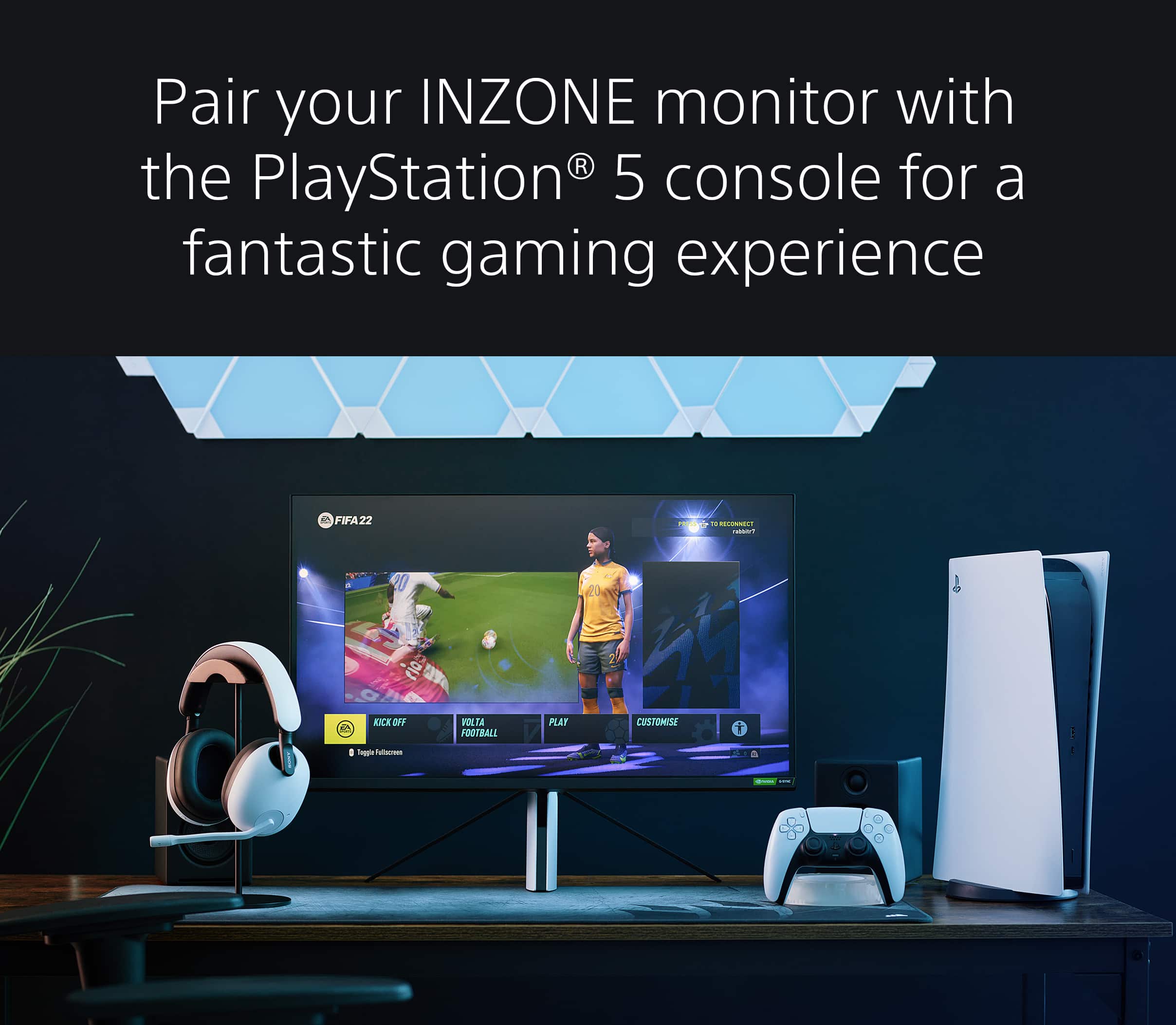
Explore gaming worlds full of brilliant depth and detail. This monitor is Perfect for PlayStation 5, when pairing the two you will gain Auto Genre Picture mode and Auto HDR Tone Mapping. Our 27 in INZONE M9 gaming monitor with 4K HDR, Full Array Local Dimming, IPS and over 95% DCI-P3 coverage fills scenes with supreme contrast and colour. You’ll react faster too with a 144 Hz refresh rate and IPS 1 ms GtG.
Thank you so much for purchasing our INZONE M9 monitor and for sharing your feedback!
-Jess
Avoid
Posted .This reviewer received promo considerations or sweepstakes entry for writing a review.Great screen and picture, completely ruined by the worst firmware I’ve ever seen on any monitor. This monitor has serious issues connecting to mac, PC, game system, you name it. I tried DP, usb C, and HDMI, all have the same issue with the firmware “handshake”process. I did IT work in the field for five years and have seen thousands of monitors, this is the most baffling monitor I’ve ever dealt with. Do not buy. Sony used to make quality products, what happened with them to release something like this?
No, I would not recommend this to a friendSony Gaming Monitor
Posted .This reviewer received promo considerations or sweepstakes entry for writing a review.Great picture, goes great with my PS5 and one of the only displays with HDMI 2.1 which is hard to find
I would recommend this to a friendBrand response from SonyListens
Posted .Hello CoryD, We are happy that you now have a great 4K gaming monitor for your PS5. Thank you for choosing Sony! Vincent
Bad audio jack
Posted .This reviewer received promo considerations or sweepstakes entry for writing a review.I was excited for this gaming monitor. When i opened it up, i was disappointed at how big it was. Color was decent. I do like the fact that it sync with the PS5. Built in speaker is a joke, which i knew ahead of time. I always use my own speakers/headphones anyways. When I plugged in my speakers, I noticed the audio was choppy and rattled. I thought my speakers were blown bit i tested it and it sounded fine with other source. I returned right away and swapped out for the LG 32GQ950. Buyers beware of the technical issues with the first batch. Sony, im disappointed.
No, I would not recommend this to a friendBrand response from SonyListens
Posted .Hi Chauncy,
We deeply regret to hear that you didn't have a great experience with the INZONE M9 monitor. Your feedback is extremely important to us and is very much appreciated. When using the headphone jack for external speakers, it is recommended that the jack be secured and connected properly. The INZONE M9 also features the INZONE Hub software which allows you to personalize experiences by customizing a wide range of operations, including a variety of sound and picture settings. You can also assign specific picture mode and sound profiles of the headset to individual computer applications and games. Help guides and manuals are also available on our support website. With these steps, you may have had a better experience with the gaming monitor. Thanks again for sharing your review and we hope you will consider Sony for your future purchases.
Regards,
-Ralph
inzone or bust
Posted .This reviewer received promo considerations or sweepstakes entry for writing a review.the best monitor in the world, unreal graphics and response time
I would recommend this to a friendBrand response from SonyListens
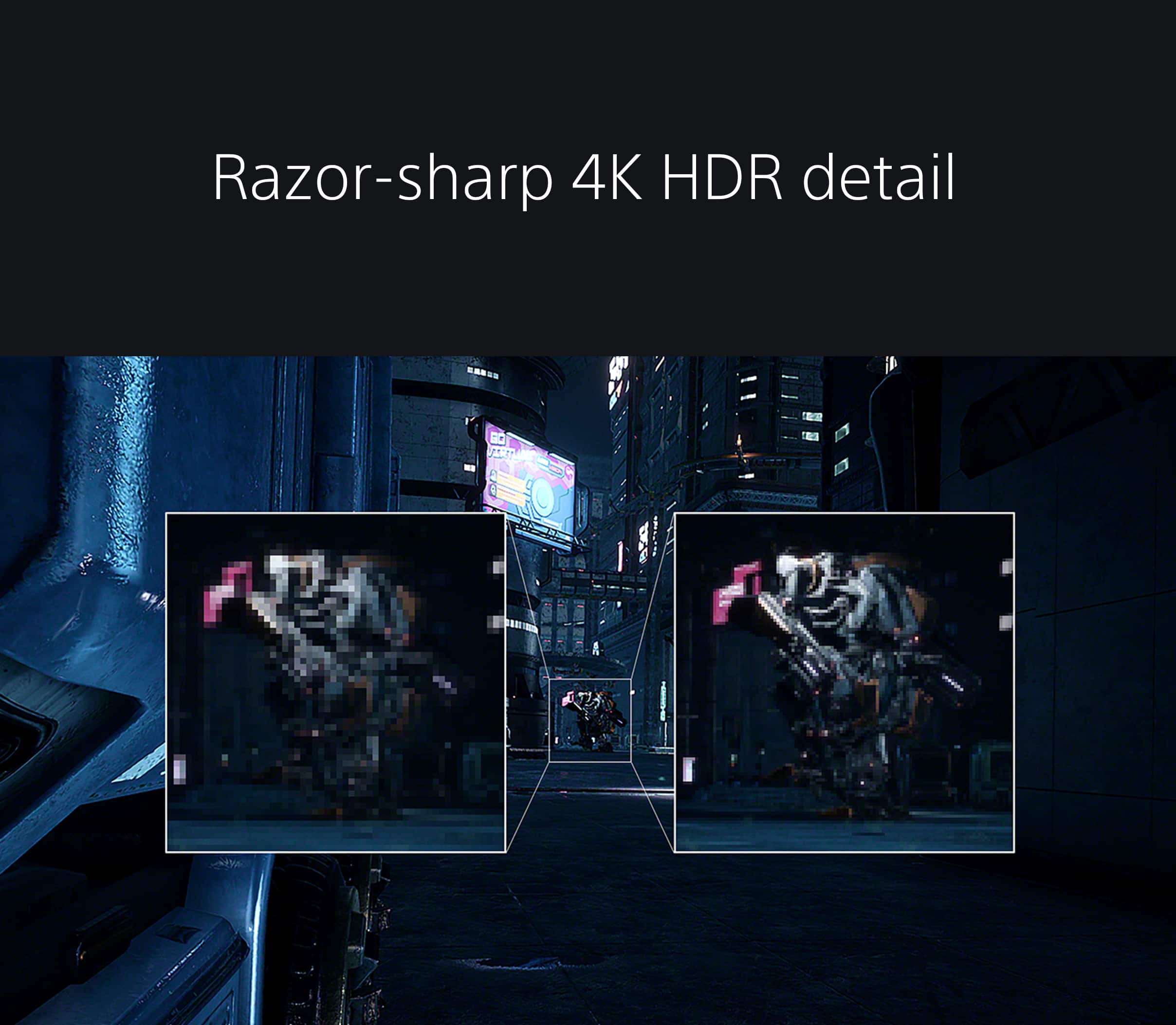
Posted .Hi user913778, We are thrilled you now have the best gaming monitor in the world. Our INZONE M9 has four times the pixels of full HD monitors and you will enjoy crystal-clear detailed images with 4K resolution. You will also see enhanced contrast with more detail in shadows and highlights from precisely controlled Full Array Local Dimming backlighting technology. Thank you for your purchase. Enjoy your games! Vincent
Dah's Gaming
Posted .This reviewer received promo considerations or sweepstakes entry for writing a review.Great for Gaming!!! Love the graphics and picture quality..
I would recommend this to a friendBrand response from SonyListens
Posted .Hi Dahs1,
Amazing! We're glad that you are enjoying the picture quality of the INZONE M9. Explore gaming worlds full of brilliant depth and detail. Our 27" INZONE M9 gaming monitor with 4K HDR, Full Array Local Dimming, IPS and over 95% DCI-P3 coverage fills scenes with supreme contrast and color. You’ll react faster too with a 144 Hz refresh rate and IPS 1 ms GtG. Thank you for choosing Sony!
-Ralph
$1000 Peice of junk
Posted .This reviewer received promo considerations or sweepstakes entry for writing a review.Flickers, USB’s dont work, and it randomly looses color while gaming. I have seen other reviews complaining of the same problem. The only reason I am giving it two stars is because when it does work the picture is good.
No, I would not recommend this to a friendBrand response from SonyListens
Posted .Hi James,
Thanks for reaching out to us with your concern. We regret to hear you're not having the best experience with the INZONE M9 and you're having some display issues with your gaming monitor. We'd love to troubleshoot this and make this a better experience for you.
The screen may flicker depending on the game and graphics mode used (particularly fidelity mode). In the meantime, try the following troubleshooting steps on this link to troubleshoot and resolve the issue: https://www.sony.com/electronics/support/televisions-projectors-monitors/sdm-u27m90/articles/00279504
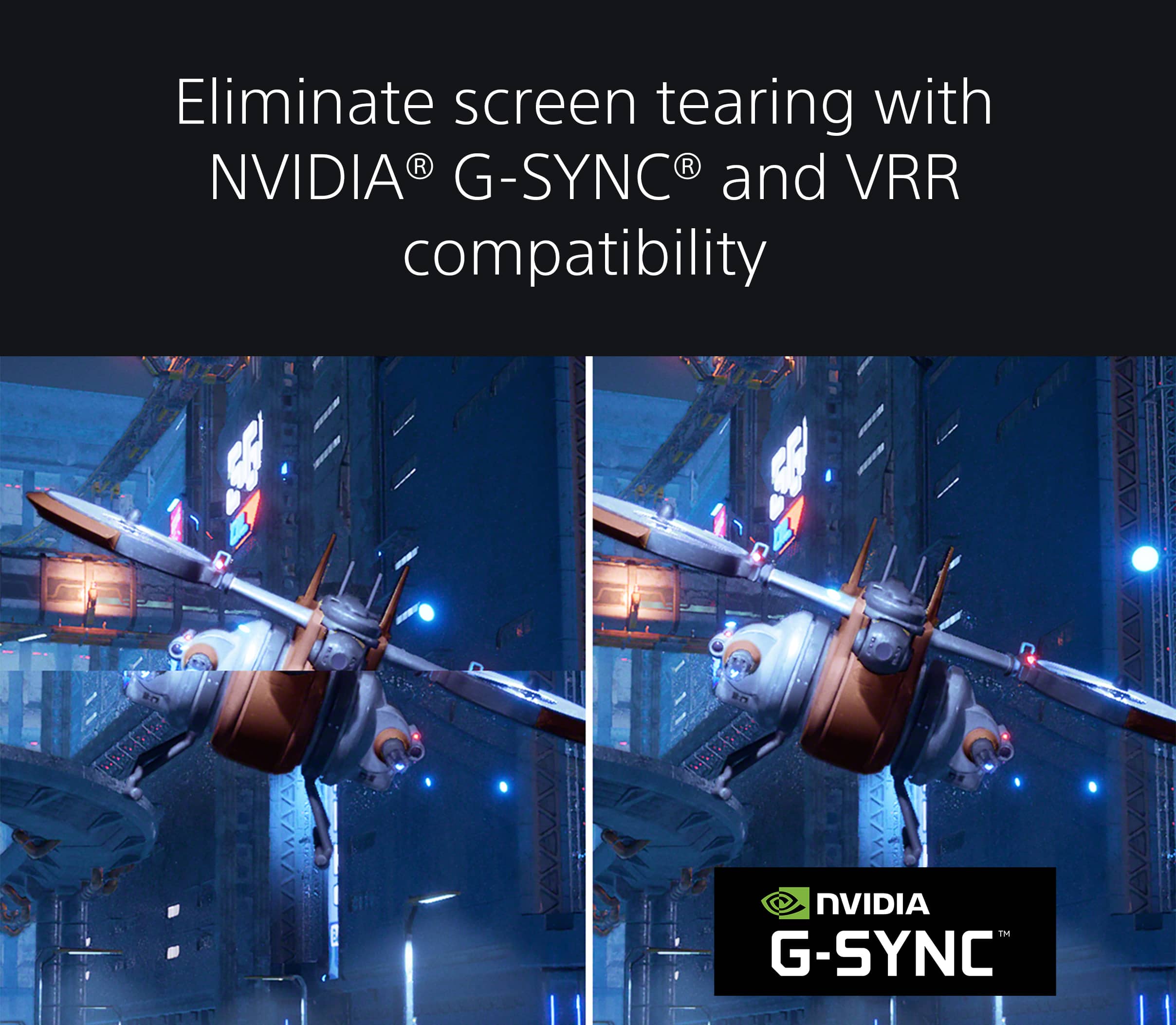
Also, please update the PS5 System firmware, and then enable the PS5 VRR (Variable Refresh Rate) again. If this occurs, perform these troubleshooting steps:
1. If there are multiple graphics modes in a game, select a different mode.
2. Alternatively, you can turn off Enable 120 Hz Output in the PS5™ console’s system settings by going to Settings → Screen and Video → Enable 120 Hz Output → Off.
3. If the issue still occurs, turn off VRR on the PS5 by going to Settings → Screen and Video → VRR → Off.
For more details on using the KVM switch (Auto switch function) and USB hub, please refer to this help guide link: https://helpguide.sony.net/tv/u27m90/v1/en/contents/TP1000668895.html
Sony's commitment to customer satisfaction is our top priority. Please note we have a customer hotline that is happy to assist you and help troubleshoot any concerns you have, and your gaming monitor has a 1-year warranty from the date of purchase.
Please reach out to us directly to provide additional information to troubleshoot further.
For us to better assist you, please email us at [email protected] with the following details:
Name:
Best Buy Username:
Model Number:
Issue:
Telephone Number:
We are sorry for the inconvenience and hope to speak to you to resolve this matter.
Sincerely,
Jess
Excellent product
Posted .This reviewer received promo considerations or sweepstakes entry for writing a review.Excellent product, I like the design that match with my PS5.
I would recommend this to a friendBrand response from SonyListens
Posted .That's awesome, ChristianH! We're glad that you like the design of your new Gaming monitor. Our 27" INZONE M9 gaming monitor with 4K HDR, Full Array Local Dimming, IPS and over 95% DCI-P3 coverage fills scenes with supreme contrast and color. You’ll react faster too with a 144 Hz refresh rate and IPS 1 ms GtG. Thank you for choosing Sony! -Craig
Nice features, but not worth $900
Posted .This reviewer received promo considerations or sweepstakes entry for writing a review.Seems very expensive considering you can get a TV by the same company almost 2x the screen size for $200 less.
No, I would not recommend this to a friendBrand response from SonyListens
Posted .Hi Charlie,
We regret to hear that you are not satisfied with the performance of the INZONE M9. We would like to know more about your review and turn your experience around. Please email the below information to [email protected].
Full Name:
Best Buy Username:
Telephone Number:
Sony Monitor Model Number:
Issue:
Additional Information regarding your experience with the INZONE M9 (SDMU27M90).
Sincerely,
-Ralph
Sony Social Support
Screen protector
Posted .This reviewer received promo considerations or sweepstakes entry for writing a review.Does anybody know if it has a screen protector on it it seems like it does cause i seen some air bubbles but dont want to take it off and it messes up the screen
I would recommend this to a friendLooks great
Posted .This reviewer received promo considerations or sweepstakes entry for writing a review.I just need to get it first. Im interested to see if sony makes an updated one.
I would recommend this to a friendBrand response from SonyListens
Posted .Hi JayT,
You made the right choice with the INZONE M9! Explore gaming worlds full of brilliant depth and detail. Our 27" INZONE M9 gaming monitor with 4K HDR, Full Array Local Dimming, IPS and over 95% DCI-P3 coverage fills scenes with supreme contrast and color. You’ll react faster too with a 144 Hz refresh rate and IPS 1 ms GtG.
For the latest news and updates, please refer to our official website:
https://electronics.sony.com/
Thank you for choosing Sony!
-Ralph
Best PS5 Monitor out there
Posted .This reviewer received promo considerations or sweepstakes entry for writing a review.Looks amazing, me and my girlfriend both got one each and we've been loving gaming on them ever since, amazing quality and graphics
I would recommend this to a friendBrand response from SonyListens
Posted .Hi DelierP, we're glad you are enjoying your new gaming monitor! Thanks for choosing Sony! ~Earl