Customer Ratings & Reviews

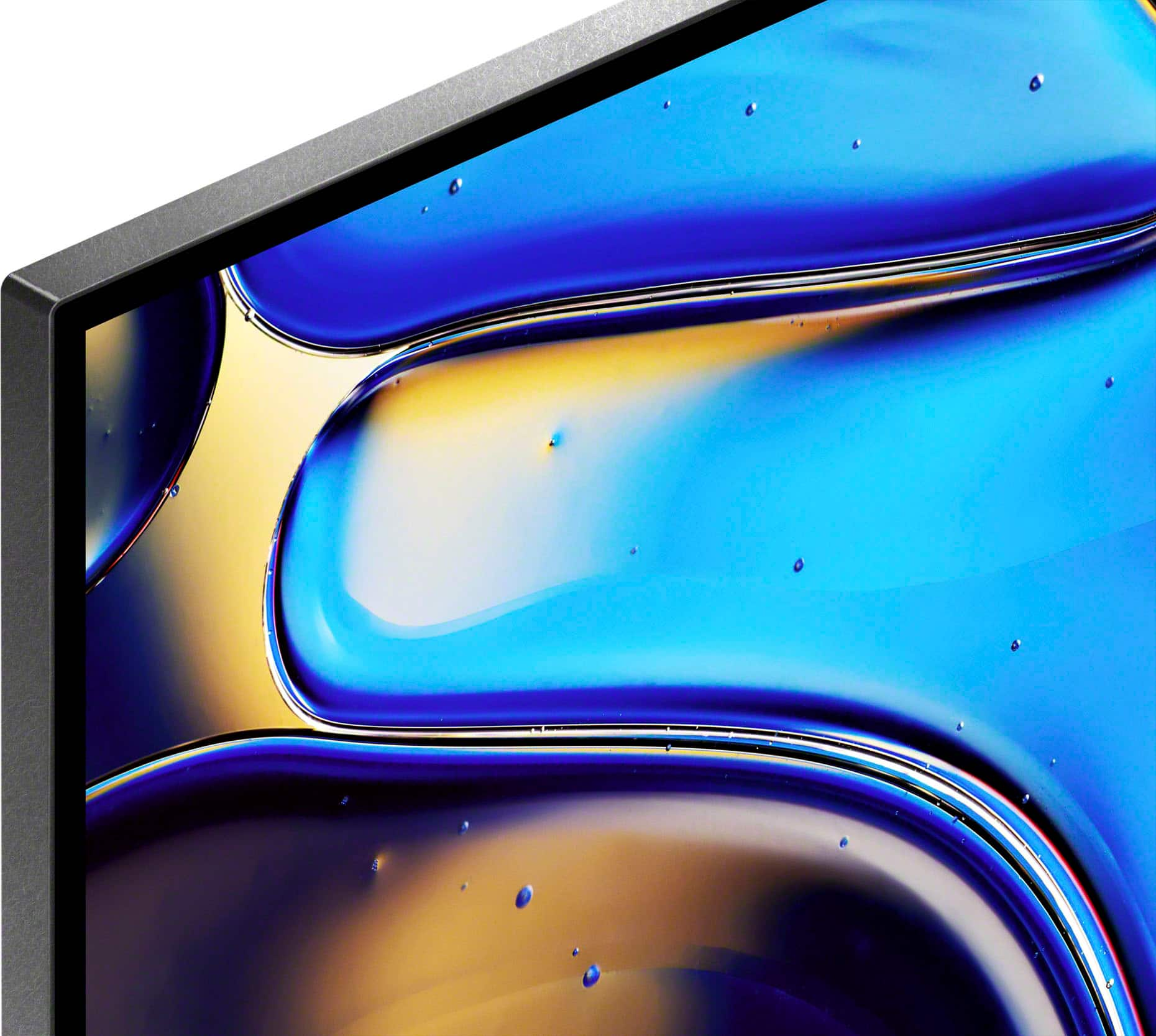
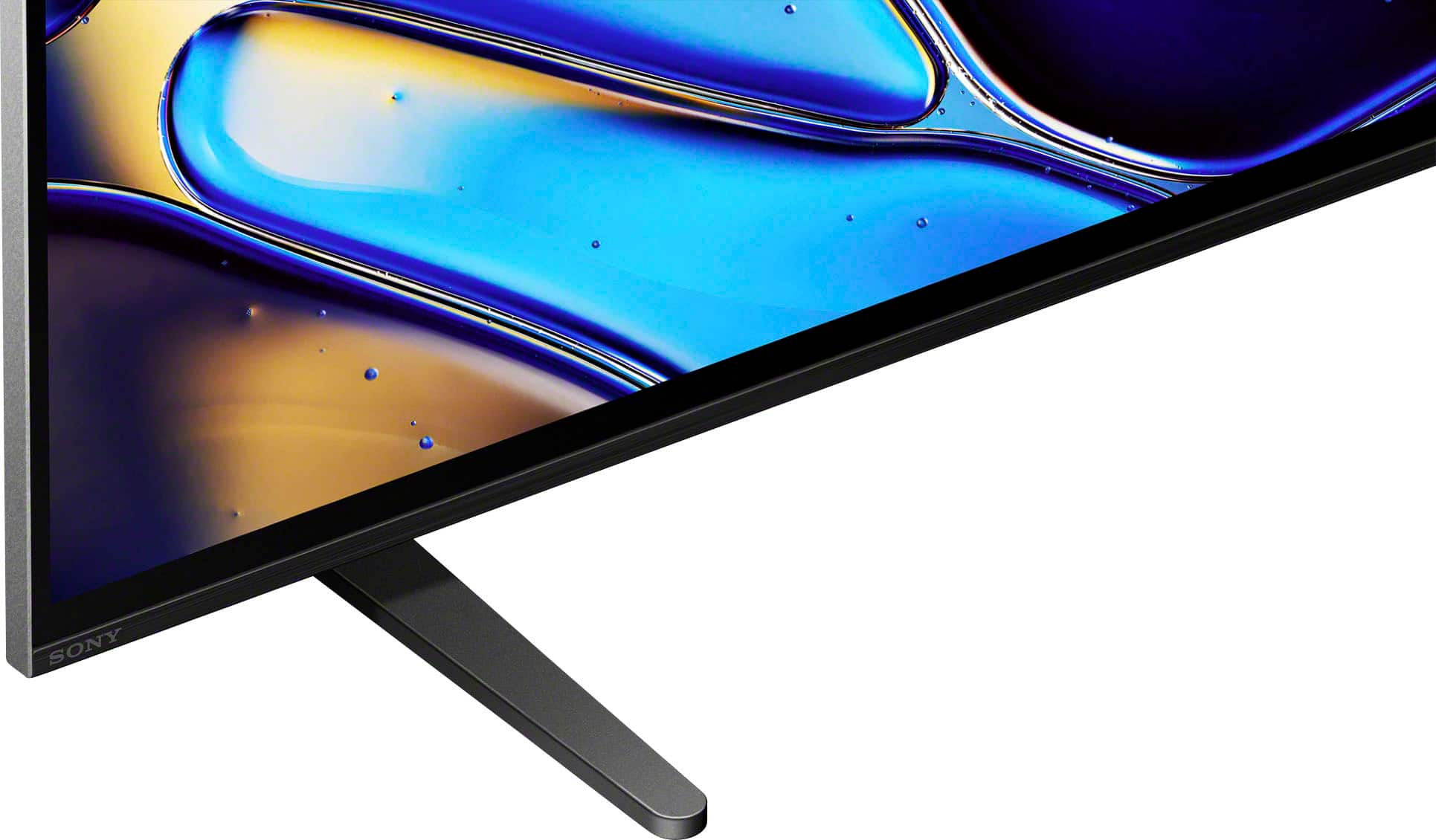
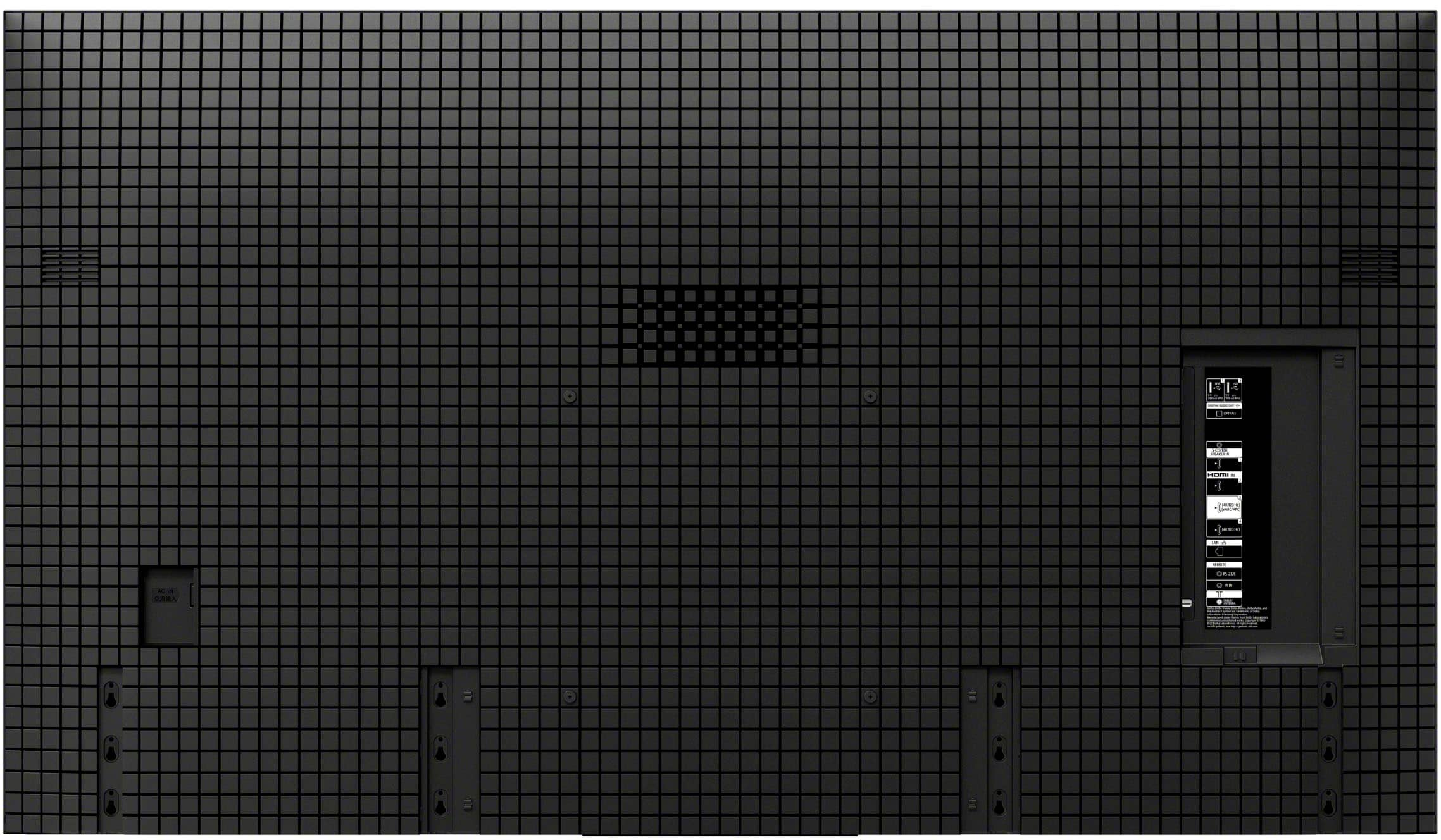
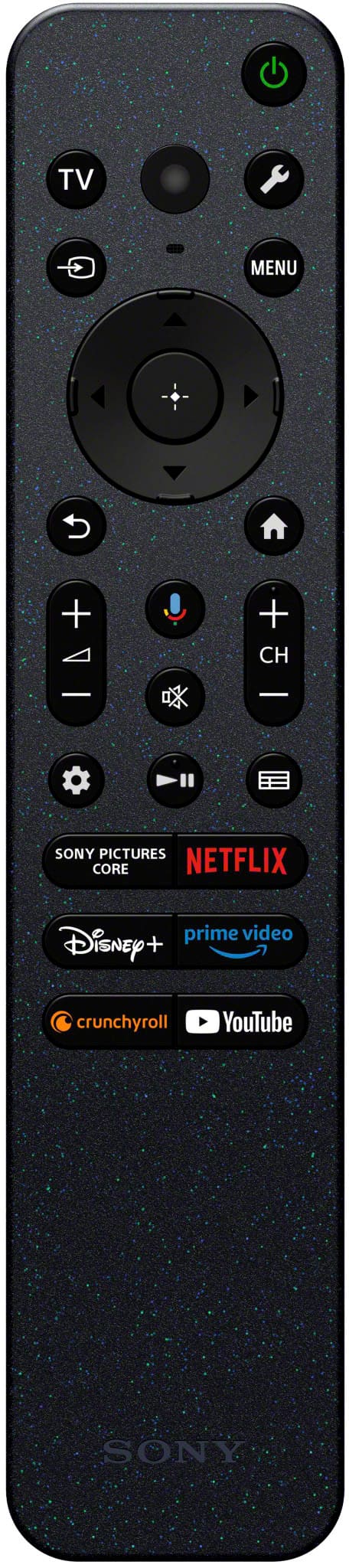








- Model:
- K55XR80
- SKU:
- 6578569
Rating by feature
- Picture Quality
Rating 4.9 out of 5 stars
- Sound Quality
Rating 4.6 out of 5 stars
- Brightness
Rating 4.8 out of 5 stars
Customers are saying
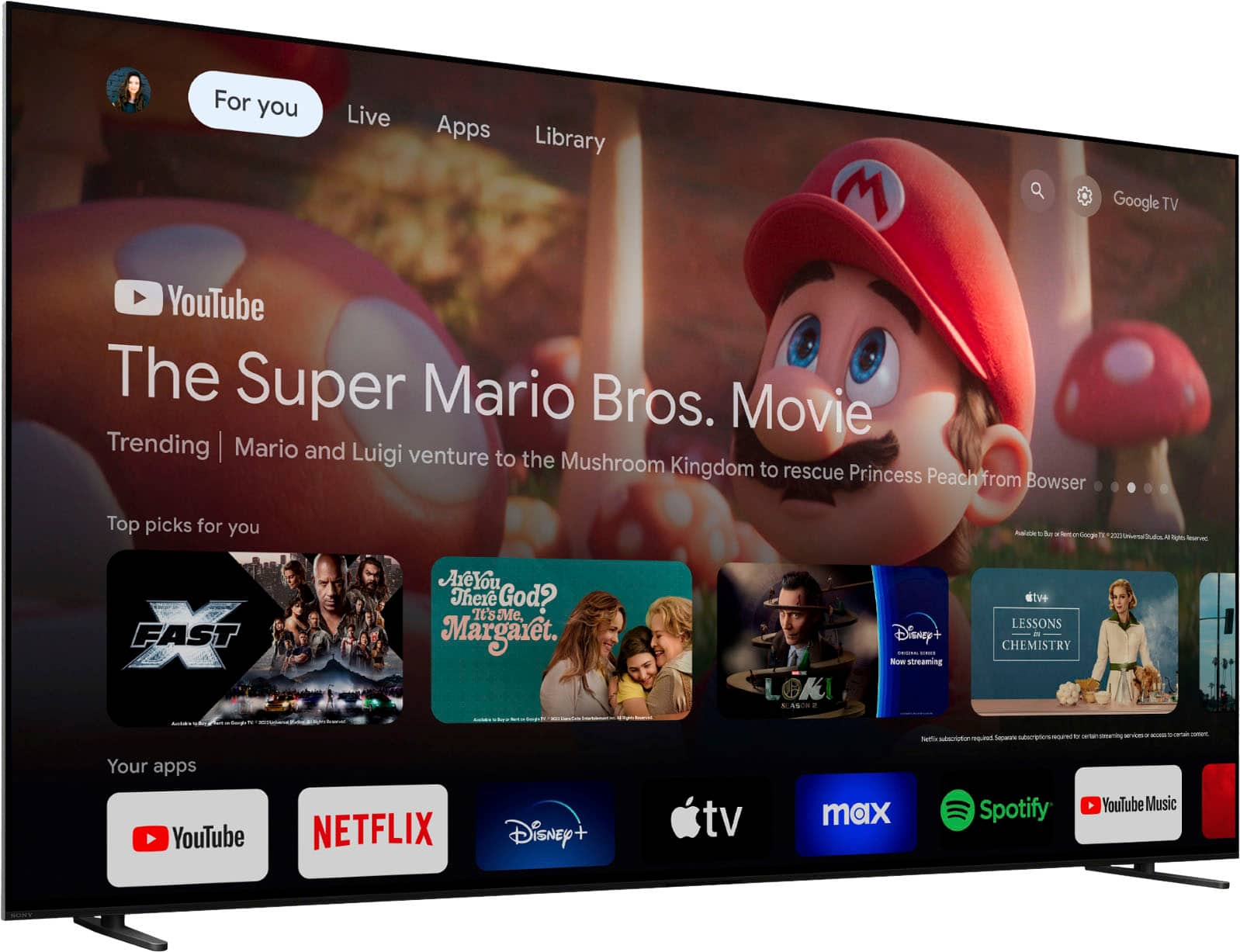
Customers are positive about the superb picture quality and tremendous detail of the 55" Class BRAVIA 8 OLED 4K UHD Smart Google TV (2024). Many users also appreciate the vibrant colors and brilliant contrast. The TV is also praised for its ease of use and great OLED quality. However, some customers feel the remote and software could use some updating.
This summary was generated by AI based on customer reviews.
homeowner
||Posted . Owned for 2 weeks when reviewed.This reviewer received promo considerations or sweepstakes entry for writing a review.Wonderful and informative service from all staff including the installers
I would recommend this to a friend- Pros mentioned:Picture quality
Don’t tv
||Posted . Owned for 1 week when reviewed.This reviewer received promo considerations or sweepstakes entry for writing a review.Great tv professionally installed by Best Buy geek squad
I would recommend this to a friendBrand response from SonyListens
Posted .Hi RichardB, Excellent service! We're also glad that you like the TV. Thank you for choosing Sony. Erin

- Pros mentioned:Picture quality
Great Sony TV
||Posted . Owned for less than 1 week when reviewed.This reviewer received promo considerations or sweepstakes entry for writing a review.Picture Quality Awesome and Sound is also Great!!!!
I would recommend this to a friendBrand response from SonyListens
Posted .Hi RobertS, Amazing! We're delighted to hear you like the awesome picture and great sound quality of your new Sony BRAVIA 8. Thanks for choosing Sony! -Sam
Went back to a Samsung
||Posted . Owned for 1 month when reviewed.This reviewer received promo considerations or sweepstakes entry for writing a review.I had a Sony for double the price of this Samsung. I wasn’t blown away by Sony so I went back to a Samsung television that was actually bigger than what I had and less money.Good size good price
I would recommend this to a friend- Pros mentioned:Picture quality
Sony oled
||Posted . Owned for 2 weeks when reviewed.This reviewer received promo considerations or sweepstakes entry for writing a review.Better picture then my old led tv much more clearer
I would recommend this to a friendBrand response from SonyListens
Posted .Hi Kimmy, Fantastic! We're thrilled to hear that you find the picture quality of your K55XR80 much clearer compared to your old LED TV. Your feedback is greatly appreciated and helps us continue to improve our products. Enjoy your viewing experience and thanks for choosing Sony! - Romeo
- Pros mentioned:Picture quality
Great TV.
||Posted . Owned for 2 weeks when reviewed.This reviewer received promo considerations or sweepstakes entry for writing a review.Beautiful clear picture! Just the right size. Easy to use.
I would recommend this to a friendBrand response from SonyListens
Posted .Hi SandraB,
Thank you for the 5-star rating! We're glad to hear that you like the clear picture quality and size of the TV. Thank you for choosing Sony!
-David
Bravely Bravia
||Posted . Owned for 1 month when reviewed.This reviewer received promo considerations or sweepstakes entry for writing a review.Awesome service. Tv quality is outstanding. Highly recommend
I would recommend this to a friendBrand response from SonyListens
Posted .Hi MikeQ, Thank you for the positive review! We're glad you like the outstanding quality of your new Bravia 8 OLED TV. Thanks for choosing Sony! -Sam
Open Box nightmare
||Posted . Owned for 1 week when reviewed.This reviewer received promo considerations or sweepstakes entry for writing a review.Beware open box at Best Buy. This was listed as an Excellent condition product online, ordered for delivery and came with no power cord, remote or manual. Best Buy expected me to purchase these separately. I returned it. Sales associates in the stores have told me since that Open Box is a HUGE gamble. Best advice, only buy Open box if you're actually in the store and can find out the contents.
No, I would not recommend this to a friend- Pros mentioned:Picture quality
Nice tv.
||Posted . Owned for 1 week when reviewed.This reviewer received promo considerations or sweepstakes entry for writing a review.Great tv, neat picture. Latest tv technology on the market
I would recommend this to a friendBrand response from SonyListens
Posted .Hi DanielF, Awesome! We're very happy to hear that you are enjoying your Bravia 8. Our team works hard to incorporate the latest technology to provide you with a stunning picture quality. Enjoy your viewing experience! -Sam
- Pros mentioned:Picture quality
Nice
||Posted . Owned for 1 week when reviewed.This reviewer received promo considerations or sweepstakes entry for writing a review.Excellent picture quality, pretty good sound quality
I would recommend this to a friendBrand response from SonyListens
Posted .Hi MikeT, Thank you for the positive review! We're glad you like the excellent picture and sound quality of your Sony BRAVIA 8. Thanks for choosing Sony! -Sam
- Pros mentioned:Picture quality
Terrible Sound Setup
||Posted . Owned for less than 1 week when reviewed.This reviewer received promo considerations or sweepstakes entry for writing a review.The picture is outstanding but unfortunately the audio set up is terrible. Trying to pair a bluetooth device and sound won't synch. When I go to settings and manually sync, it holds only until the tv is turned off. The entire process has to be done every time the tv is turned back on. I finally got frustrated and just used the tv speakers and then they were out of sync with the picture. Too much work. Returning and purchasing an LG again which didn't have these issues
No, I would not recommend this to a friendBrand response from SonyListens
Posted .Hi ScottK,
We sincerely apologize for the difficulties you've encountered with the audio setup on your BRAVIA 8. We understand how frustrating it can be when sound doesn’t sync correctly with Bluetooth devices, or when the TV speakers are out of alignment with the visuals. This is far from the experience we intended for you. If you still have your unit, we encourage you to follow the troubleshooting steps below so we can help identify and resolve the audio issue:
To resolve the Bluetooth syncing issue, we suggest verifying the settings to confirm that your TV and Bluetooth device are correctly paired. If the manual sync settings do not remain effective after the TV is powered off, it may be beneficial to look for any available firmware updates for your TV that could potentially fix this problem.
https://www.sony.com/electronics/support/televisions-projectors-oled-tvs-android-/k-55xr80/downloads
Regarding the audio being out of sync with the picture when using the TV speakers, please refer to the following links:
https://www.sony.com/electronics/support/articles/00026069
https://helpguide.sony.net/tv/lusltn1/v1/en-003/08-01_01.html
I hope this helps.
If the problem persists or you may need more information, please email the following details to socialsupport@am.sony.com so we can better assist you. Apologies if you disclosed some of this information in your review and to customer service, we just want to ensure that we have your accurate details at the time of communication.
Full Name:
Username:
Telephone Number:
Model Number:
Issue/Concern:
We truly appreciate you being a valued Sony customer. We apologize for any inconvenience you've experienced and would love the opportunity to speak with you directly to resolve this issue.
Thank you for allowing us to assist you.
Sincerely,
Romeo
Sony Social Support
- Pros mentioned:Picture quality
Love it
||Posted . Owned for 1 week when reviewed.This reviewer received promo considerations or sweepstakes entry for writing a review.Love it best tv i have make me happy best pictures i see so far
I would recommend this to a friendBrand response from SonyListens
Posted .Hi Maxmadopp, You've made an amazing choice! We're glad you love the amazing picture quality this unit delivers. Thanks for choosing Sony! -Sam
Bravia 8 55" OLED 4K Smart TV
||Posted . Owned for 1 month when reviewed.This reviewer received promo considerations or sweepstakes entry for writing a review.The setup was simple by using the QR code provide with he installation instruction. The directions on which components to attach to each input was amazing
I would recommend this to a friendBrand response from SonyListens
Posted .Hi RezaS,
That's wonderful to hear! We're so glad the setup process for your 55" BRAVIA 8 OLED was simple and intuitive, especially with the QR code and clear instructions for component attachment. We put a lot of effort into making the initial experience as smooth as possible, so it's fantastic to know it made a positive difference for you.
Thanks for choosing Sony.
-Eliab
Smarter!!
||Posted . Owned for 3 weeks when reviewed.This reviewer received promo considerations or sweepstakes entry for writing a review.Replaced 20 year old Sony Bravia that was not “smart”. Great to have that technology.
I would recommend this to a friendBrand response from SonyListens
Posted .Hello RussellA,
Thank you for choosing Sony!
We’re honored to hear that upgrading to the K55XR80 has brought the benefits of smart technology to your viewing experience after many years. Your continued trust in Sony as you embrace the latest innovations means a great deal to us.
Best regards,
-Fred
- Pros mentioned:Picture quality
Beautiful Picture, Horrible Device
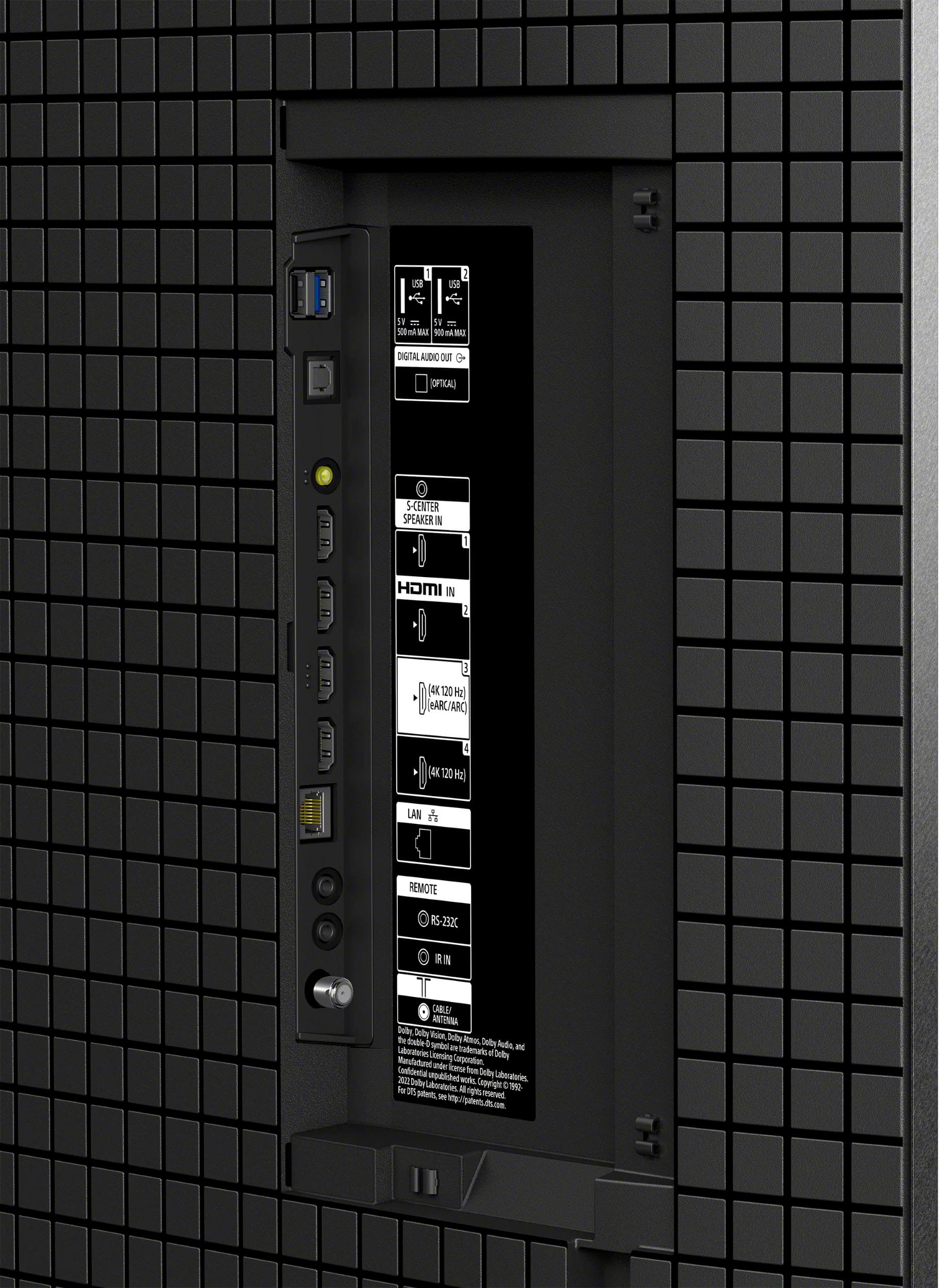
||Posted . Owned for 1 month when reviewed.This reviewer received promo considerations or sweepstakes entry for writing a review.Love Sony, but I cannot reccomend this product. Sad because the picture is beautiful, love the OLED and 2.1HDMI & Dolby Vision. But it constantly doesn’t even turn on! It forces me to unplug and plug it back in 2x a week. I bought it not even a month ago, and wish I had gone with an LG or something that works as advertised. Aldeady had to factory reset the TV, but still the same issues of not turning on when hitting the power button continue. Will probably be returning it since I have 60 Days. Very disappointing. It’s acting like my old Bravia which didn’t have these issues until 5 years in.
No, I would not recommend this to a friendBrand response from SonyListens
Posted .Hi TomG,
We are sorry to hear that you are experiencing issues with your Sony K55XR80. If you still have the TV, we would like to ensure that you get the best experience out of the K55XR80 TV.
To troubleshoot the issue where the K55XR80 TV does not turn on and requires you to unplug and replug it, follow these steps.
Unplug the TV power cord from the wall outlet (or from the back of the TV if the power cord is detachable), wait for two minutes, and then plug it back in. Ensure the power cord is securely connected. Using the remote control, press and hold the POWER button until the menu appears, then select "Restart."
Alternatively, navigate through the TV menu: Quick Settings → Settings → System → Restart → Restart.
Turn off the TV and disconnect all external devices such as USB drives, hard drives, and HDMI-connected devices. Turn the TV back on to see if the issue persists. If the TV works fine without the external devices, reconnect each device one at a time to identify if a particular device is causing the issue.
Also, please verify that the wall outlet is functioning by connecting another device. If the TV was connected to a power strip or surge protector, try connecting it directly to the wall outlet to rule out issues with the power strip.
Ensure your TV's firmware is up to date. This can be done through the TV settings menu. You can also check for the latest software update on this link: https://www.sony.com/electronics/support/oled-tvs-android-bravia-8-xr80-/k-55xr80/software/00346878
Should you need further assistance or if the troubleshooting steps did not resolve the issue, please contact us for help at socialsupport@am.sony.com with the following:
Name:
Username:
Model Number:
Issue:
Telephone Number:
Regards,
Carl
- Pros mentioned:Picture quality
W0W
||Posted . Owned for 1 week when reviewed.This reviewer received promo considerations or sweepstakes entry for writing a review.very clear tv ,Sony is best ! Geek Squad is best to set up.
I would recommend this to a friendBrand response from SonyListens
Posted .Hi hyper, Awesome! We're glad you like the picture clarity of your Sony Bravia 8 and good to know you had a great experience with the Geek Squad. Thanks for choosing Sony! -Sam
- Pros mentioned:Picture quality
Sony tv 55 inch
||Posted . Owned for 1 week when reviewed.This reviewer received promo considerations or sweepstakes entry for writing a review.Great purchase and very pleased with the overall experience
I would recommend this to a friendBrand response from SonyListens
Posted .Hi MikeL, Thank you for the awesome review! Good to hear that you're very pleased with your overall experience with the Sony Bravia 8. Thanks for choosing Sony! -Sam
Helpful salesman
||Posted . Owned for 3 weeks when reviewed.This reviewer received promo considerations or sweepstakes entry for writing a review.The salesman was extremely knowledgeable and helpful in helping me to understand the difference between the Sony models available in 55". I have bought Sony for years but it has been awhile since I bought the last TV and the technology has changed dramatically.
I would recommend this to a friendBrand response from SonyListens
Posted .Hi Phoenix, Thank you for your 5-star review! We're thrilled to hear that the BestBuy salesman was able to provide you with the knowledge and assistance you needed to understand the differences between the Sony models available in 55". We appreciate your loyalty to Sony over the years and understand that technology has evolved significantly since your last purchase. Thanks for choosing Sony! -Sam
- Pros mentioned:Picture quality
Bravia 8 OLED
||Posted . Owned for 3 weeks when reviewed.This reviewer received promo considerations or sweepstakes entry for writing a review.Not the very BEST but a very, very good 55" oled tv.
I would recommend this to a friendBrand response from SonyListens
Posted .Hi ricksan, Fantastic! We're delighted to hear you're satisfied with your purchase. Thank you for choosing Sony! -Sam
- Pros mentioned:Picture quality
Sony 8
||Posted . Owned for 1 month when reviewed.This reviewer received promo considerations or sweepstakes entry for writing a review.Overpriced but overall good TV! Good colorful picture
No, I would not recommend this to a friendBrand response from SonyListens
Posted .Hi Mich,
Thank you for the review and we're glad to hear that you like the color picture quality of the TV. Thank you for choosing Sony!
-David